Online garden planner free: Design Your Dream Garden Easily
Discover the online garden planner free tool to visualize, plan, and create your ideal garden with practical tips and expert guidance.
That blank patch of dirt in your backyard can feel daunting. It's easy to get stuck, but you don't need to hire an expensive landscape designer to create a beautiful outdoor space. A free online garden planner is your new secret weapon, ditching the old-school graph paper and guesswork for a powerful, visual approach you can manage right from your computer.
Turn Your Yard from Blank Canvas to Dream Garden

Turning an empty yard into a garden you love is one of the most satisfying projects you can undertake. But the process can feel complicated. Where should the patio go? What plants will survive in that scorching sunny spot? And how many bags of mulch will you actually need?
This is where digital tools completely change the game. Instead of just imagining how things might look, these platforms let you build a realistic, to-scale model of your yard, helping you map out your vision and catch potential problems before you spend a single dollar.
Why Digital Planning Is a Game Changer
Using an online garden planner free of charge has become a go-to first step for many homeowners. In fact, the global market for these apps is booming, reflecting a major shift in how we approach DIY landscaping.
The real magic of planning online is the freedom to experiment without risk. You can drag a virtual tree to a new spot, shrink a garden bed, or swap out pathway materials with a few clicks. It lets you get the design just right before you ever pick up a shovel.
In this guide, we'll walk you through the process, breaking it down into simple, creative steps. We’ll cover everything from getting your measurements right to picking the perfect plants.
The key benefits include:
- Visualize Your Ideas: View your design in 2D or even 3D.
- Catch Mistakes Early: Spot issues with spacing, sunlight, or traffic flow.
- Budget with Confidence: Get a real list of what you need, from soil to pavers.
- Build with a Plan: Start your project with clear, solid instructions.
Key Features in a Free Online Garden Planner
When you're choosing a free tool, knowing which features matter is essential. Some planners are simple, while others offer advanced options. Here’s a rundown of what to look for.
| Feature | Why It Matters for Your Project |
|---|---|
| Grid & Scale Tools | Ensures your plan is accurate. This is crucial for figuring out how many pavers you need or if that shed will truly fit. |
| Plant Library | A good library with filters for sun, water needs, and size helps you choose plants that will actually thrive in your yard. |
| Object Library | Lets you add patios, fences, furniture, and other non-plant items to create a complete picture of the space. |
| 2D/3D Views | A 2D top-down view is great for layout, but a 3D view helps you visualize how it will feel to be in the garden. |
| Save & Print Options | You'll want to save your progress and print out your final plan to reference while you're working outside. |
Having these core features will make the process smoother and provide a much more useful final plan.
Creating Your Digital Base Map
Every great garden design starts with a solid foundation—not in the dirt, but on your screen. Before you dream about lush flower beds or a new patio, you need an accurate map of your yard. Think of it as your digital canvas, ensuring every element you plan will fit in the real world.
This first step is your best defense against common headaches, like a path that's too narrow or a new tree that blocks all the light to your kitchen. Getting this base map right is the most critical part of using an online garden planner free of charge.
Measuring and Mapping Your Space
Grab a tape measure and a notepad. Accuracy is key, especially for hardscaping areas like patios or retaining walls. Start by measuring the main boundaries of your project area.
- Property Lines: Get the basic perimeter of your yard.
- Existing Structures: Jot down the dimensions of your house, garage, and deck.
- Permanent Features: Pinpoint large trees, utility boxes, or significant slopes.
Once you have these numbers, you can plug them into your online planner. Most tools have a simple grid where you can draw shapes and lines to scale, turning your rough sketch into a clean, digital map.
Documenting Site Conditions
With the physical layout mapped, the next layer is the environment. These details drive plant choices and layout decisions, ensuring your garden thrives. You can learn more in our complete guide on how to plan a garden layout.
The most important condition to track is sunlight. Observe your yard throughout the day to identify areas of full sun (6+ hours), partial shade, and full shade. Most planners let you add notes or color-code these zones.
Also, note other site-specific quirks:
- Slopes and Drainage: Where does water collect after rain?
- Existing Utilities: Mark any known underground lines.
- Soil Quality: Do you have sand, clay, or rich loam?
- Views: Identify good views to frame and bad ones to hide.
Layering this information onto your map builds a comprehensive blueprint for all the creative decisions ahead.
Designing Layouts and Choosing Plant Palettes
With your digital map ready, the real fun begins. You get to be an artist, using your online garden planner free of charge to play with the flow and feel of your space. It's a test drive for your garden ideas, no shovel required.
This is your chance to drag and drop the big pieces. Wonder if a circular patio looks better than a square one? Sketch both and see. This visual trial and error saves you from expensive mistakes later. The online garden design market is growing rapidly, with a projected value of USD 11.81 billion by 2033, showing that homeowners are embracing DIY design. You can review the full market research to see this trend.
It all starts with that solid base map. 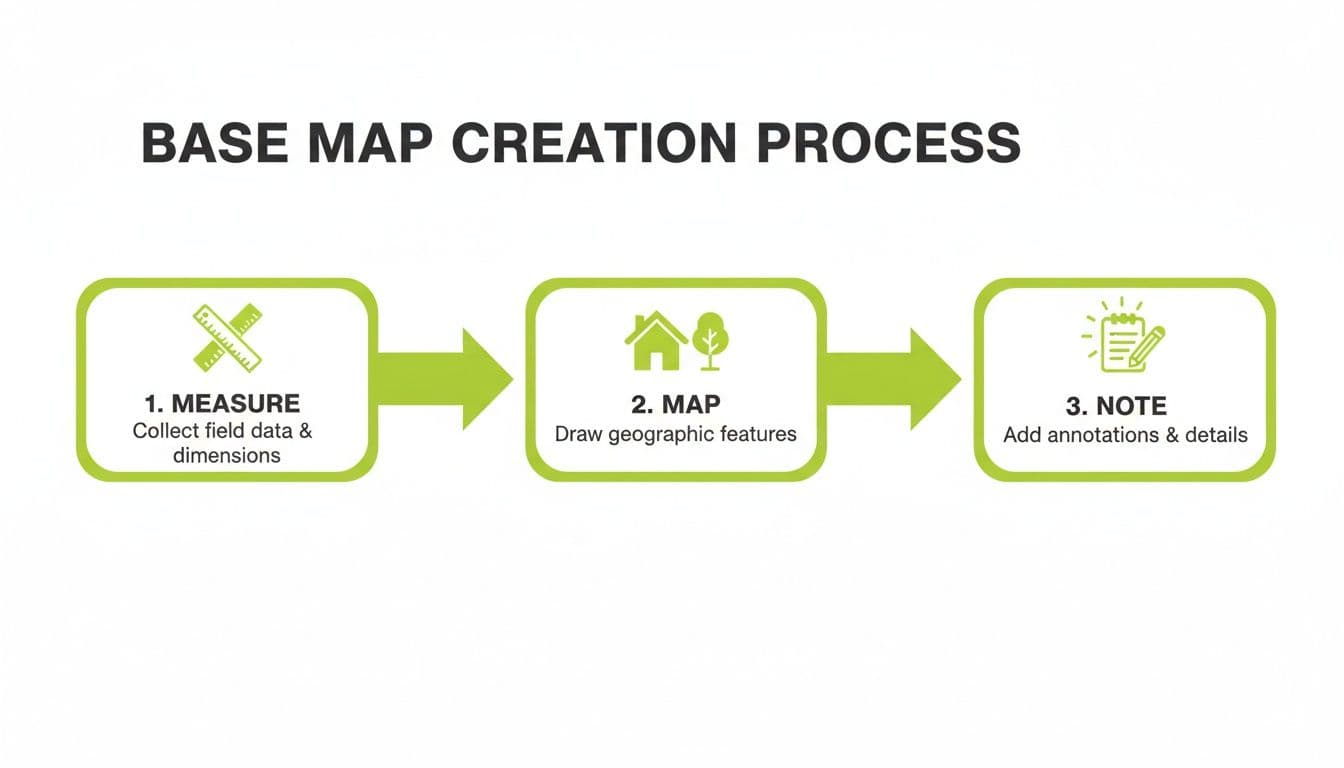
Building Your Plant Palette
Once the "bones" of your garden—paths, patios, and hardscaping—are in place, it's time for plants. A good online planner features a smart plant library that helps you make the right choices for your yard.
Filter plants based on the conditions you noted on your map:
- Sun Exposure: Find plants happy in that hot spot or shady corner.
- Water Needs: Pick drought-tolerant plants or ones that like wet feet.
- Mature Size: See how big a plant will get in 5-10 years, preventing future problems.
- Bloom Time: Plan for year-round interest, not just a burst of color in May.
Bringing a Vision to Life
Let's say you want a low-maintenance pollinator garden. Using the planner, you’d draw the garden bed's shape. Then, you'd filter the plant library for native, drought-tolerant plants that attract bees and butterflies, like Coneflower, Black-Eyed Susans, and Sedum.
You can then drag these plants onto your digital bed, arranging them until it looks right. The planner will tell you exactly how many of each plant you need, turning a vague idea into a precise shopping list and an actionable plan.
Turning Your Digital Design into a Real-World Budget
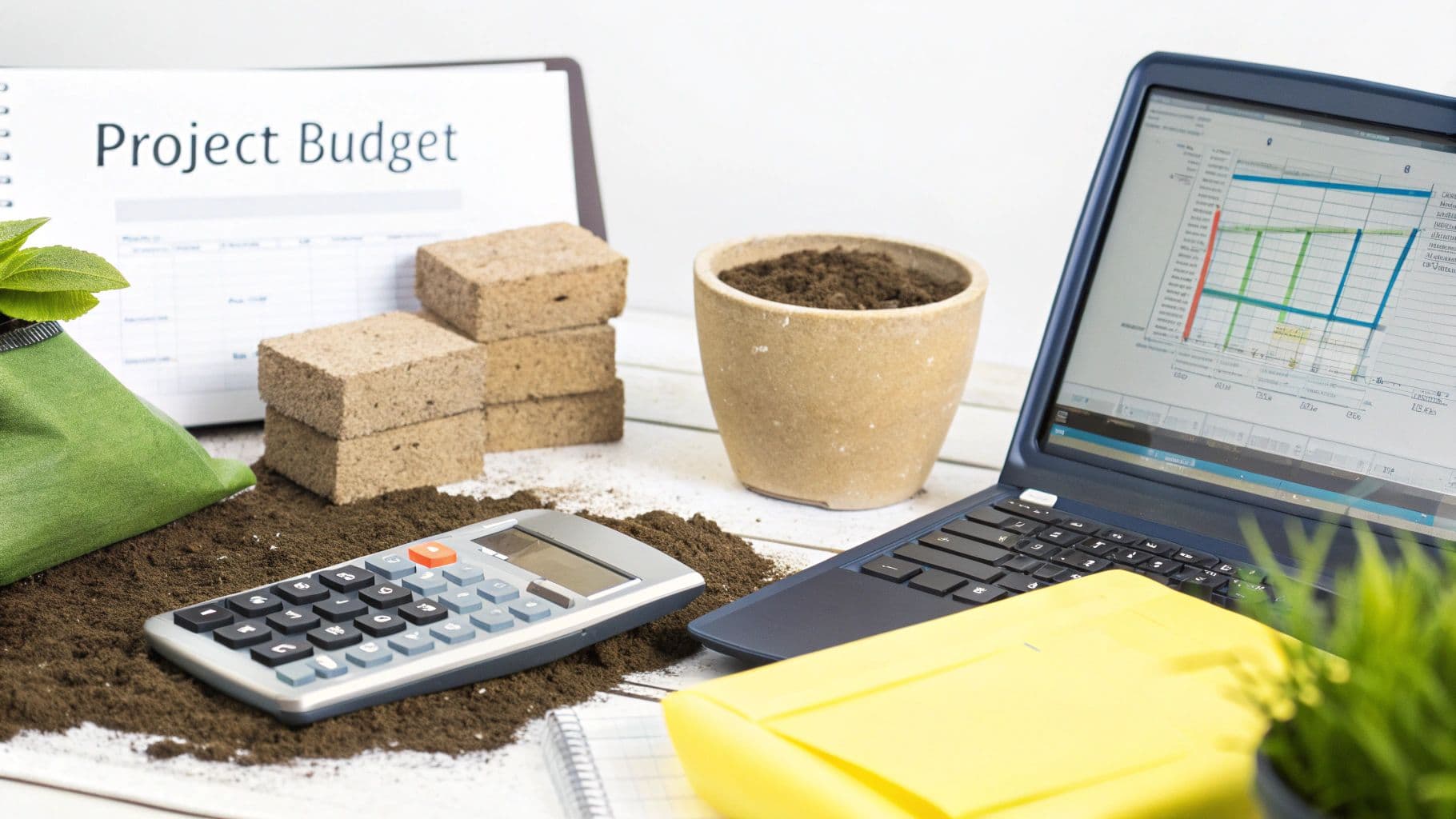
A beautiful plan is one thing, but bringing it to life requires a solid budget. This is where your free online garden planner becomes a financial roadmap, connecting your digital vision to real-world costs. Instead of guessing how many bags of mulch or plants you need, the plan gives you concrete numbers.
From Pixels to Price Tags
Everything you need to create a shopping list is in your digital design. Free planners come with measurement tools that simplify material estimates. For a new flower bed, your plan will tell you its exact square footage, which is crucial for figuring out how much compost, topsoil, and mulch to buy. For a patio, you can count the exact number of pavers needed or use an online paver calculator to confirm your estimate.
The plant list is just as powerful, telling you exactly how many of each plant you need to achieve your designed look. No more overspending at the nursery.
Your online plan is more than a picture; it’s a detailed schematic. Use it to break a large project into a manageable list of materials and quantities.
Building a Simple Budget
With your quantities determined, you can start assigning costs. A basic spreadsheet is all you need. Create columns for the item, quantity, cost per unit, and a running total.
Organize your budget into categories:
- Hardscaping: Pavers, gravel, edging.
- Soil & Amendments: Compost, topsoil.
- Plants: Trees, shrubs, perennials.
- Mulch: Bark, wood chips.
- Tools & Rentals: Any specialty tools needed.
Seeing the costs laid out helps you make smart trade-offs. If the total is too high, you can adjust. Maybe opt for smaller plants that will fill in over time, or phase the project, building the patio this year and the garden beds next spring. Breaking the project into phases is an excellent strategy for achieving a big dream on a realistic budget.
When to Elevate Your Design with AI
Using a free online garden planner is fantastic for getting the bones of your project right. You can map out logistics, test layouts, and create a solid, buildable plan. In this stage, you’re the architect. When you’d rather see a finished look than draw one, an AI-powered garden planner can turn a photo of your space into planted concepts.
But what happens when you hit a creative wall or can't decide on the right feel for the space? This is the perfect moment to bring in an AI-powered design tool. It’s not about discarding your hard work; it's about adding a layer of professional-grade inspiration.
Breaking Through a Creative Block
Staring at a perfect base plan can be paralyzing if a cohesive vision isn't forming. This is where an AI landscape design tool shines. Instead of dragging and dropping individual plants, AI works differently. You upload a photo of your yard, pick a style like "Modern" or "Tropical," and the algorithm generates a complete, photorealistic redesign.
Think of AI as your creative co-pilot. It can generate dozens of distinct visual concepts quickly, helping you discover styles you might not have considered.
This process is a game-changer for overcoming indecision. You can instantly see your backyard transformed, helping you commit to a style with confidence.
The Perfect Partnership for DIY Design
The best approach is to see the free planner and the AI tool as two connected stages. The free online garden planner is for the foundational "how"—making sure everything fits, estimating materials, and creating the blueprint. The AI tool is for the inspirational "what"—nailing down your aesthetic and exploring creative avenues.
When you use them together, you get the best of both worlds: a design that's as practical as it is beautiful.
Common Questions About Free Garden Planners
Jumping into a digital design tool can feel like a big step, but it's more straightforward than you might think. Let's clear up a few common questions.
Are "Free" Online Garden Planners Actually Free?
Yes, for the most part. Many of the best online garden planners offer incredibly capable free versions that are more than enough for the average homeowner. Essential features like 2D layout tools, a solid plant library, and accurate measuring are usually included at no cost. Some platforms offer paid "premium" tiers with advanced features like photorealistic 3D views or a larger plant database, but the free version almost always gets the job done for a personal project.
Can I Use These Tools to Plan a Vegetable Garden?
Absolutely. These planners are fantastic for laying out a vegetable patch. The ability to draw raised beds to scale takes the guesswork out of spacing. It’s also great for strategic planning like companion planting, crop rotation, and succession planting to ensure a continuous harvest from a small space.
How Accurate Do My Measurements Really Need to Be?
The more accurate, the better. For permanent hardscaping—like a patio or walkway—you’ll want to be precise, down to the inch. Materials like pavers and lumber are expensive, so correct measurements prevent costly ordering mistakes. For garden beds and plant placement, you have a bit more wiggle room. Accuracy is critical for the "bones" of your garden but more forgiving for the "skin."
What's the Real Difference Between a Free Planner and an AI Tool?
A free online garden planner is a manual tool. You are the designer, drawing every line and placing every plant. It's essentially smart digital graph paper. An AI design tool is an idea generator. You provide a photo and a style preference, and the AI produces fully-formed, photorealistic design concepts. Use a free planner for hands-on layout and logistics. Use an AI tool when you're stuck and need a spark of professional-level inspiration.
What Are the Best Free Garden Planner Apps?
GARDENA myGarden is the easiest free 2D planner for beds and irrigation runs. GrowVeg's planner has a free trial and is the strongest option for vegetable beds, and Planner5D's free tier covers a basic 3D layout. All of them are manual planners, so you do the designing. If you'd rather see finished concepts on a photo of your own garden, that's an AI tool's job, not a planner's.
Ready to skip the guesswork and see your dream garden come to life? With OutdoorBrite, you can transform a simple photo of your yard into stunning, photorealistic designs in seconds. Try it today and discover the perfect style for your space at https://www.outdoorbrite.com.