7 best landscape design software for Mac (2026)
A lot of landscape CAD software is Windows-only, which leaves Mac owners guessing. We compared 7 landscape design tools that actually work on a Mac in 2026, sorted by what each one is for, with verified pricing and an honest note on which are native Mac apps and which run in a browser.
Shopping for landscape design software on a Mac is harder than it should be. A lot of the heavy landscape CAD tools were built for Windows first, so you find a promising program, get to the system requirements, and learn the desktop app does not run on macOS at all. Others run on a Mac but ask you to learn real CAD before you can draw a single bed. And a growing group never installs anything: they run in Safari or Chrome, so any Mac handles them.
This guide sorts that out. Below are 7 landscape design tools that work on a Mac in 2026, with verified pricing and a plain note on each: native Mac app, or web app you open in a browser. Two are true macOS-native CAD programs (SketchUp and Vectorworks). The rest run in a browser, so they work the same on a MacBook Air as on a Mac Studio. Pick by how you want to work: a quick photo redesign, a measured 3D model, or a designer who does it for you.
Best landscape design software for Mac: a brief overview
- OutdoorBrite, best overall: upload a photo of your yard, pick a style, and get realistic AI concepts in under a minute, all in a Mac browser with nothing to install.
- SketchUp, best for 3D modeling on Mac: a native macOS 3D modeler with a landscape plugin ecosystem, strong if you want to build a model yourself.
- Planner5D, best for 3D home and yard layout: draw your space to scale in 2D and 3D, in a browser or a Mac app, with a gentle learning curve.
- Vectorworks Landmark, best for pro landscape CAD: the native Mac CAD tool serious landscape architects use for full documented plans.
- Home Outside, best for simple web-based design: a browser tool from landscape designers for arranging a yard without CAD.
- Yardzen, best for a human-designed plan: real designers turn your photos into a build-ready plan, all handled online.
- ShrubHub, best for an affordable online design service: a designer builds you a custom 3D plan for a flat fee, well under a studio.
| Software | Key strength | Pricing | Platforms |
|---|---|---|---|
| OutdoorBrite | Realistic AI concepts from your own photo, fast | From $29/mo (no free plan) | Web (any Mac browser) |
| SketchUp | Native Mac 3D modeling with landscape plugins | Go $129/yr, Pro $399/yr, Studio $819/yr | Native Mac app (Pro); Studio modeler is Windows-only |
| Planner5D | DIY 3D layout, measured to scale | Free tier; Premium $4.99/mo yearly | Web + Mac app, iOS, Android |
| Vectorworks Landmark | Pro landscape CAD and documentation | $128/mo or $1,530/yr; perpetual $3,715 | Native Mac app (and Windows) |
| Home Outside | Simple drag-and-drop yard design, no CAD | App and online design service | Web (any Mac browser) |
| Yardzen | Human-designed, build-ready plan | From $995 per project | Web |
| ShrubHub | Affordable online design service | From $197 per yard (sale) | Web |
1. OutdoorBrite, best overall
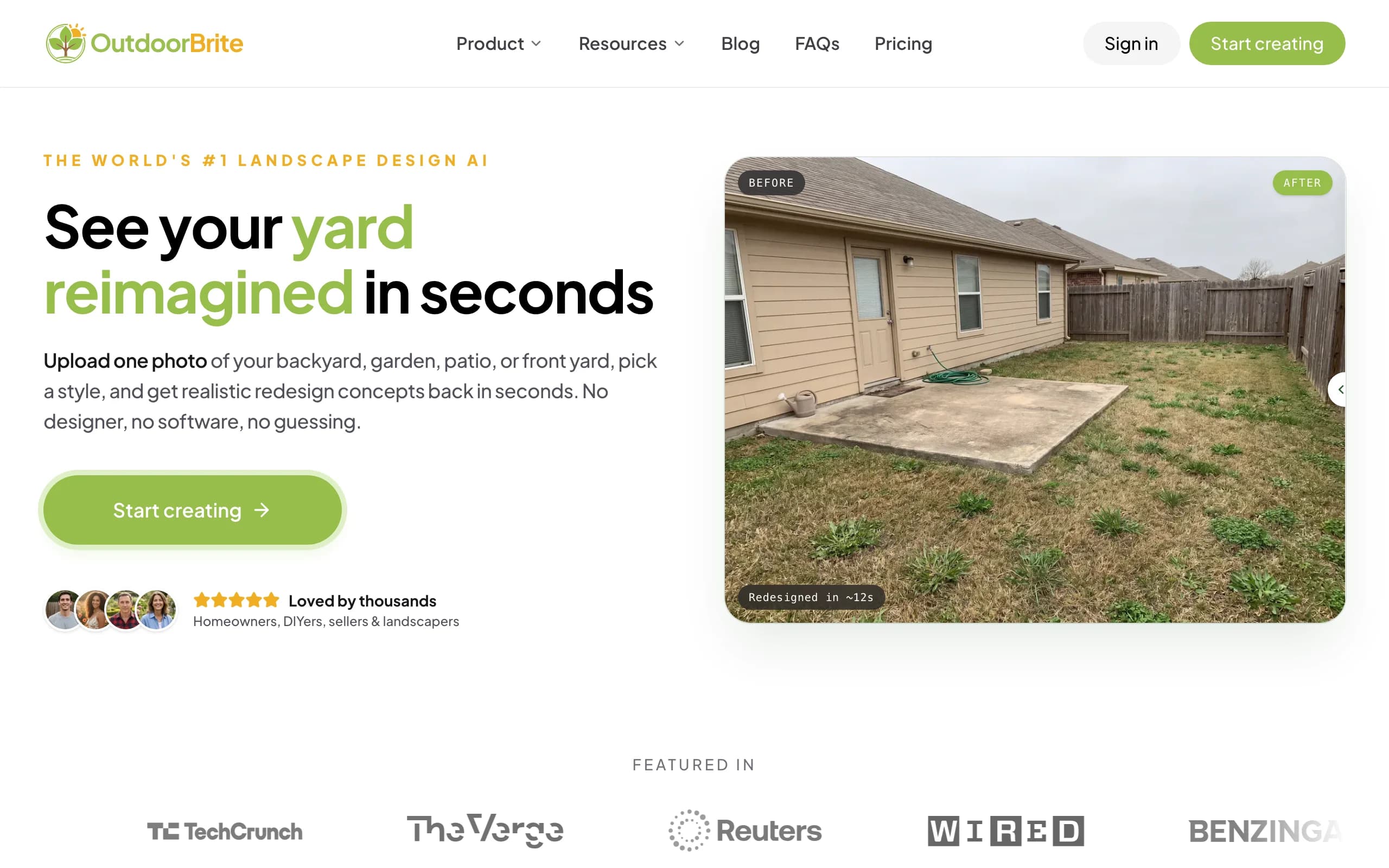
OutdoorBrite is a web-based landscape design tool that runs in any Mac browser, Safari or Chrome, with nothing to download or install. You open it, upload a photo of your yard, pick a style (modern, cottage, desert or xeriscape, tropical, Mediterranean), describe what you want in plain words, and it generates realistic concepts in under a minute. You get multiple concepts per upload, so you compare real options on your actual yard instead of staring at a saved photo of someone else's. An in-app AI editor lets you refine a concept after the fact: swap a material, change the planting, push the layout one way or the other.
It is the best pick for most Mac owners who want a realistic redesign without learning CAD. SketchUp and Vectorworks can produce a precise model, but you have to build it. OutdoorBrite skips that. The same flow handles backyards, gardens, patios, decks, fences, pergolas, pools, and front yards, and plant choices are aware of your climate and hardiness zone, so the greenery in a concept is something that could grow where you live. You can save and share designs, and paid plans include full commercial rights, which matters if you are a landscaper using the render as your on-site pitch. To see the broader picture, the landscape design app and AI landscape design pages cover how the tool works across the whole yard.
Key features
- Runs in any Mac browser, nothing to install or update
- Photo-to-design AI: upload your yard, get realistic concepts in under a minute
- Style presets plus a plain-language prompt to direct the look
- Multiple concepts per upload, with an in-app AI editor to refine
- Climate and hardiness-zone-aware plant choices
- Works for backyards, gardens, patios, decks, pergolas, pools, front yards
- Save, share, and full commercial rights on paid plans
Best for
- Mac owners who want a realistic redesign without learning CAD
- DIY users who will take the concept to a plant and materials list
- Landscapers and contractors using the render as a closing tool on-site
Pricing
- Paid-only, no free plan and no free trial. 1 credit = 1 design or 1 AI edit.
- Starter $29/mo ($23/mo billed yearly): 25 redesigns/mo, HD output.
- Plus $49/mo ($39/mo yearly): 100 redesigns/mo, sharp 2K output. Most popular.
- Pro $149/mo ($119/mo yearly): 200 redesigns/mo, 4K output, agency and commercial rights. Annual billing saves about 20%; top-up packs never expire.
Pros
- No install: works on any Mac, old or new, through the browser
- Realistic results on your actual yard photo, not a generic template
- Fast enough to compare several styles in one sitting
- Editor lets you refine instead of restarting from scratch
Cons
- No free tier to test before you commit
- Web app, not a native Mac program, so it needs an internet connection
2. SketchUp, best for 3D modeling on Mac
SketchUp is the most popular 3D modeler that runs native on macOS, and it has a long history in landscape and hardscape design. With SketchUp Pro you install a real Mac desktop app and build a 3D model of a yard from the ground up: terrain, decks, pergolas, retaining walls, planting. A large plugin ecosystem adds landscape-specific tools, plant libraries, and rendering, which is why a lot of designers reach for it. The catch is that it models geometry, not your actual photo, so you are building a scene rather than restyling a picture of your yard.
It earns its place if you want control over the exact 3D form and you are willing to learn the tool. SketchUp has a friendlier learning curve than full CAD, but it is still a modeling program, not a one-click render. One Mac-specific note: the cheaper SketchUp Go runs in the browser and on iPad, Pro gives you the cross-platform Mac desktop app, but the top Studio tier's main modeler is Windows-only, so Mac users do not get Studio's desktop modeling. For most Mac landscape work, Pro is the version that matters.

Key features
- Native macOS 3D desktop modeler on the Pro plan
- Build terrain, hardscape, structures, and planting in 3D
- Large plugin ecosystem for landscape tools and rendering
- 2D documentation through the LayOut companion app
- Web and iPad versions on the Go plan
Best for
- Mac users who want full control over a 3D model
- Designers comfortable learning a modeling tool
- Hardscape and structure-heavy projects (decks, pergolas, walls)
Pricing
- Go $129/year: web and iPad only, no Mac desktop app.
- Pro $399/year: the native Mac desktop modeler plus LayOut. Monthly billing also available.
- Studio $819/year: adds rendering and scan tools, but its main modeler is Windows-only, so Mac users gain less here.
Pros
- True native Mac app on Pro
- Mature plugin ecosystem for landscape work
- Precise 3D control over every element
Cons
- You build the model yourself, with a real learning curve
- Studio's desktop modeling is Windows-only, so Mac users are limited to Pro
3. Planner5D, best for 3D home and yard layout
Planner5D is a general home and outdoor design app that works well for yards when you care about layout and measurements. You draw your space to scale, then arrange furniture, surfaces, plants, and structures in a 2D plan you can flip to 3D. It runs in a Mac browser and also has a downloadable Mac app, so it covers both ways of working, and the learning curve is gentle next to SketchUp or Vectorworks. It is less about photoreal AI on your real photo and more about getting proportions and arrangement right before you order pavers or a pergola.
It is a good middle ground for a Mac owner who wants a measured model without committing to CAD. The free tier lets you try the editor, and Premium is cheap on annual billing. Two things to know: the visual output is 3D-model rendering rather than a photoreal restyle of your actual yard, and the iOS app pricing tends to run higher than the web prices, so subscribe in the Mac browser if you can.
Key features
- Draw your yard to scale in 2D, view in 3D
- Furniture, surface, plant, and structure layout
- Large object catalog for arranging the space
- Runs in a Mac browser and as a downloadable Mac app
Best for
- DIYers who want accurate measurements and layout
- People planning placement before buying materials
- Mac owners who prefer a model-based plan to an AI render
Pricing
- Free plan with limited features.
- Premium: $4.99/mo billed annually ($59.99/year), or higher month-to-month.
- Professional: $33.33/mo ($399.99/year). iOS app pricing runs higher than web.
Pros
- Works in the browser and as a Mac app
- Strong for measured, to-scale layout
- Affordable Premium tier on annual billing
Cons
- 3D-model output, not photoreal AI on your own photo
- iOS pricing is higher than the web prices
4. Vectorworks Landmark, best for pro landscape CAD
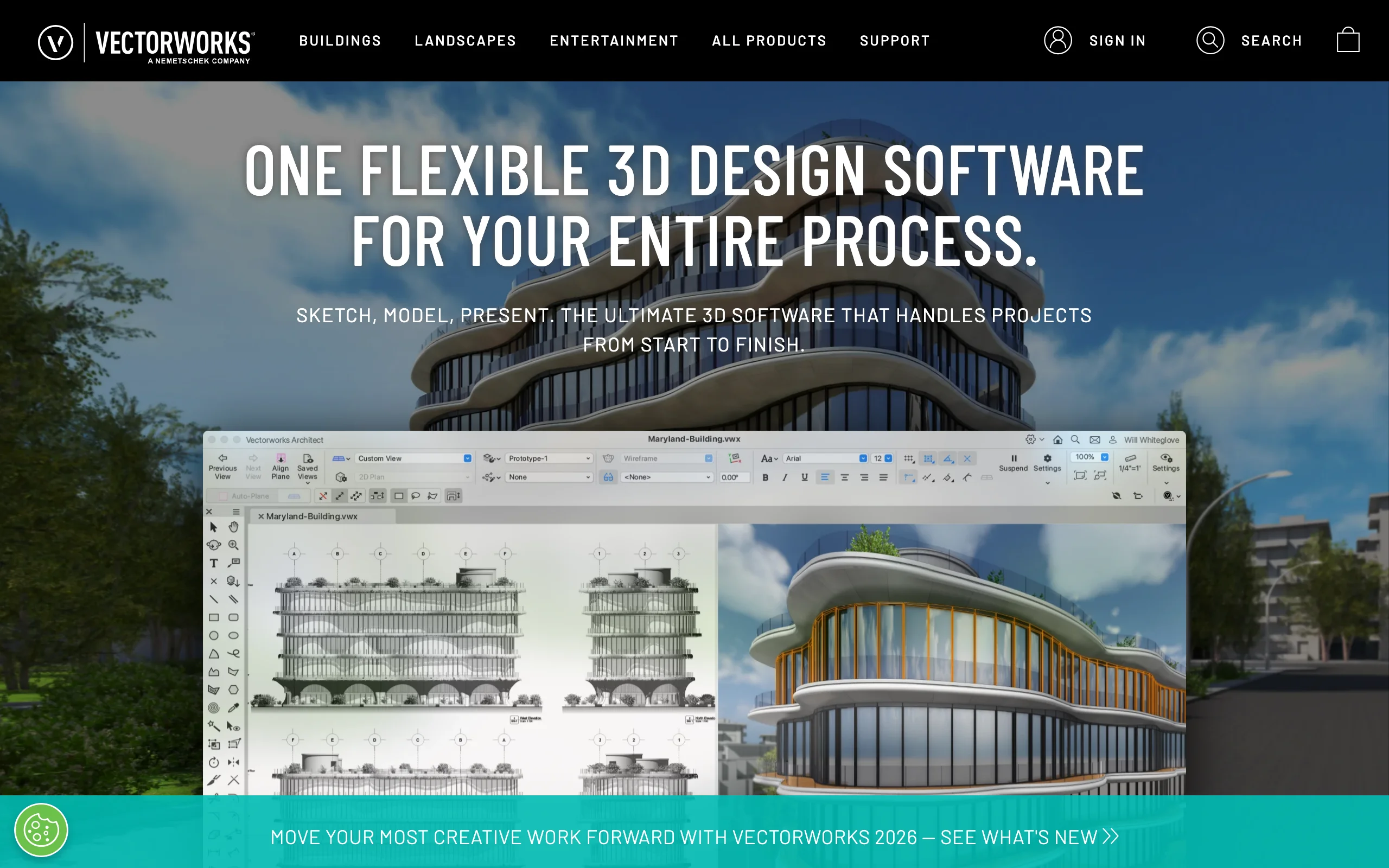
Vectorworks Landmark is the professional landscape CAD program, and unlike a lot of CAD software it is genuinely native on macOS. It is what many landscape architects and design-build firms use to produce full documented plans: site modeling, planting plans with plant databases, irrigation, hardscape, grading, and construction drawings. It is built for the part of the job where a render is not enough and you need real, to-scale, buildable documentation. If your work ends in permit sets and contractor drawings, this is the tier of tool that does it on a Mac.
That power comes with the steepest learning curve and the highest price on this list. Vectorworks is a deep CAD platform, so plan on a real ramp-up, and the cost reflects professional software, not a homeowner app. For a homeowner who just wants to see a yard redesigned, it is far more than you need. For a working designer who wants native Mac CAD, it is the standard.
Key features
- Native macOS landscape CAD, built for full documentation
- Site modeling, grading, and planting plans with plant databases
- Hardscape, irrigation, and construction drawings
- 2D and 3D in one professional platform
Best for
- Landscape architects and design-build firms on a Mac
- Projects that end in permit-ready, documented plans
- Pros who need CAD precision, not a quick render
Pricing
- Subscription: about $128/mo, or roughly $1,530/year. Discounts run periodically.
- Perpetual license: about $3,715 one time.
- Same software on Mac and Windows; the license installs on up to two machines.
Pros
- True native Mac CAD, rare at this level
- Full documentation, planting, and grading in one tool
- The professional standard for landscape architecture
Cons
- The steepest learning curve here
- Priced for professionals, well beyond a homeowner's needs
5. Home Outside, best for simple web-based design
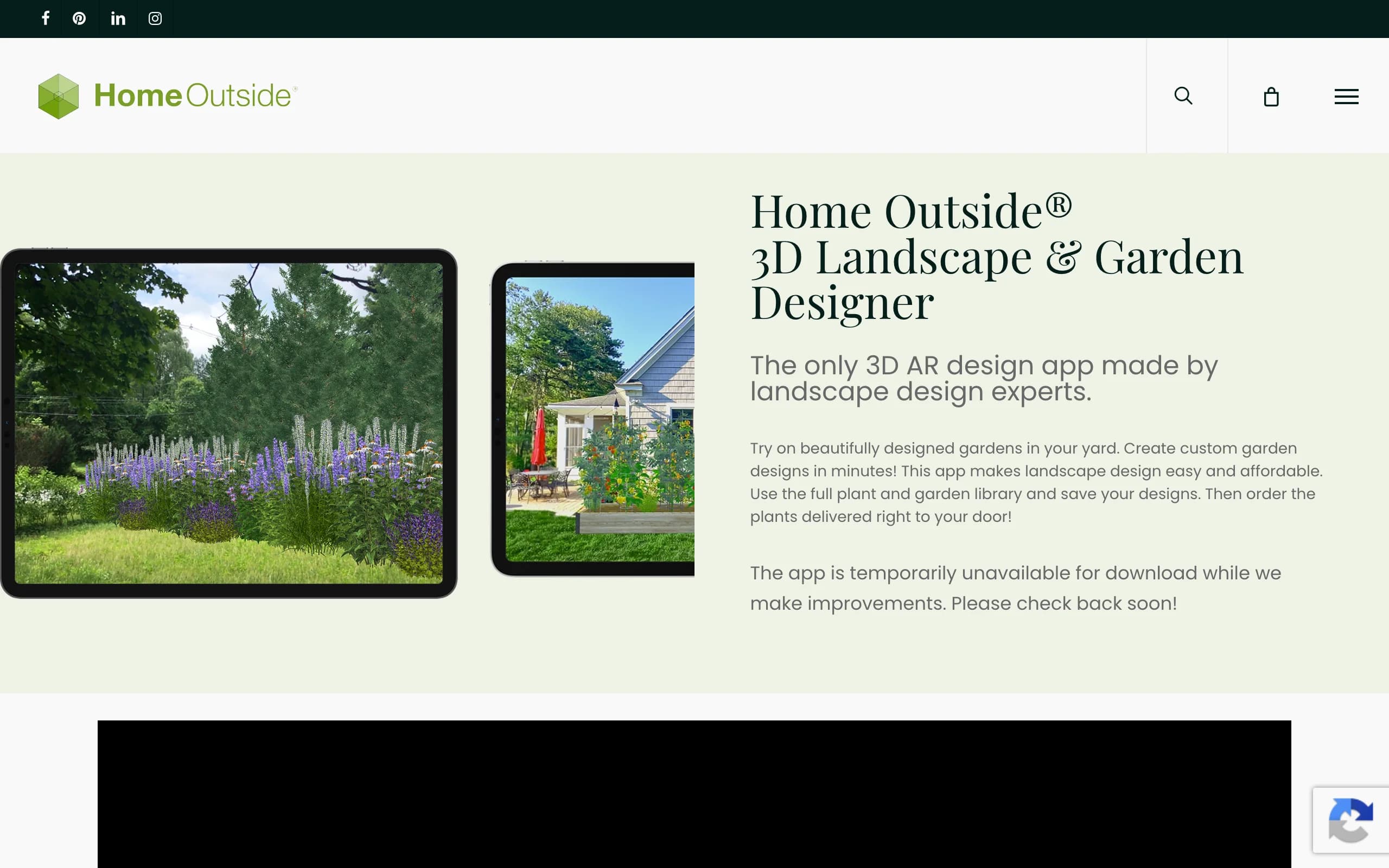
Update (July 2026): Home Outside now focuses on an in-store design service for garden centers and no longer sells its consumer design plans on its own site. The notes below describe the consumer app as it worked; check availability before you plan around it.
Home Outside comes from a team of landscape designers and is built around simple, drag-and-drop yard design rather than CAD. You arrange a layout by tapping and dragging hundreds of elements, beds, paths, trees, structures, onto a plan, group fixed items like the house and driveway, and play with versions using layers. It runs in a browser, so any Mac handles it, and there is also an online design service where their team builds a plan for you and a newer AI designer option. The appeal is that you get designer-built elements and plant libraries without learning a modeling tool.
It is a good fit for a homeowner who wants more control than a finished service but does not want to climb the CAD curve. The trade-off is depth: it is a planning and arrangement tool, not a photoreal restyle of your actual yard or a full construction document. Plant coverage is also zone-limited in places, so check that your area is supported. As a low-effort way to lay out a yard on a Mac, it is approachable.
Key features
- Drag-and-drop yard layout with hundreds of elements
- Grouping and layers to manage versions
- Designer-curated plant and element libraries
- An online design service and an AI designer option
Best for
- Homeowners who want simple control without CAD
- People who like arranging a plan by hand
- Mac owners who want a browser tool, not an install
Pricing
- A design app plus an online design service from the Home Outside team.
- Pricing varies by option; the app and the full-service plan are separate.
- Check current availability and zone coverage before you start.
Pros
- Simple, approachable, no CAD to learn
- Designer-built elements and plant libraries
- Runs in a Mac browser
Cons
- A layout tool, not a photoreal restyle of your own photo
- Plant coverage is zone-limited in places
6. Yardzen, best for a human-designed plan
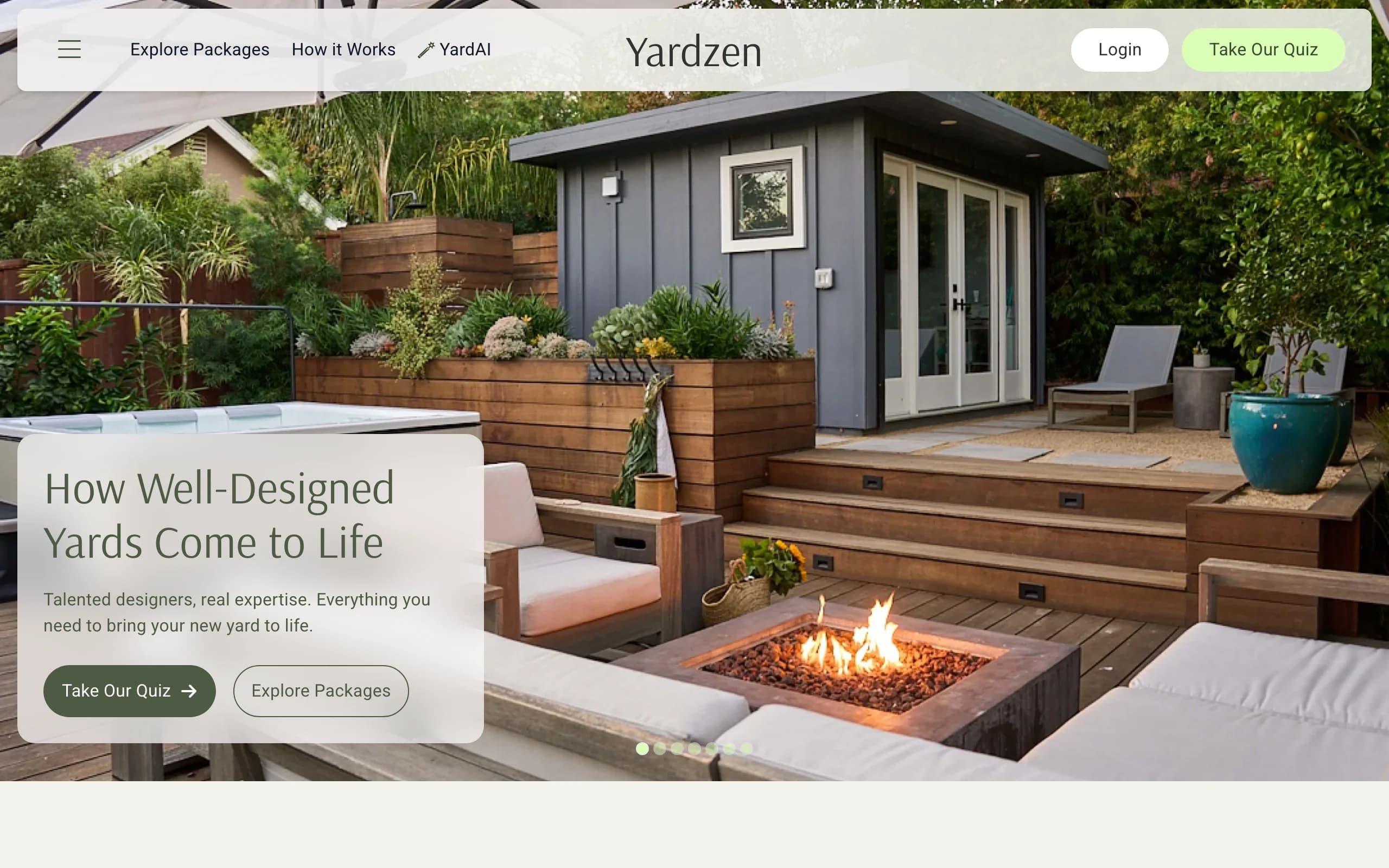
Yardzen is not software you drive. It is an online design service where real designers build you a custom plan from photos and a questionnaire about your space, budget, and taste. Because the whole thing happens online, it works fine from a Mac: you upload photos in a browser and get back 2D and 3D renders, plant and material lists, and, depending on the package, a cost advisor and a path to hiring vetted local contractors. The trade-off is time and money: this is a multi-week project with a designer in the loop, not a same-day render you make yourself.
That makes Yardzen a good fit when you are past the inspiration phase and want a build-ready document you can hand to a crew. The plant and material lists are the real value, since they turn a pretty render into something a contractor can quote and build. If you just want to try a few looks quickly on your Mac, it is overkill, and the price reflects a human service rather than software.
Key features
- Custom plan from real designers based on your photos and goals
- 2D and 3D renders of the proposed design
- Plant and material lists you can hand to a contractor
- Cost advisor and contractor matching on higher tiers
Best for
- Homeowners ready to build who want a professional, documented plan
- Larger yard projects where a designer earns their fee
- People who would rather hand off the work than drive a tool
Pricing
- Project-based, one-time fees, not a subscription. No free design tier.
- Packages: Essential $995, Classic $1,395, Signature $1,995, Premium $3,495.
- Higher tiers add revisions, a cost advisor, and full-property scope.
Pros
- A real designer and a build-ready plan, beyond a picture
- Plant and material lists make quoting and building concrete
- Runs entirely online, so any Mac works
Cons
- Expensive next to software, and a multi-week turnaround
- You cannot quickly self-test several looks on your own
7. ShrubHub, best for an affordable online design service
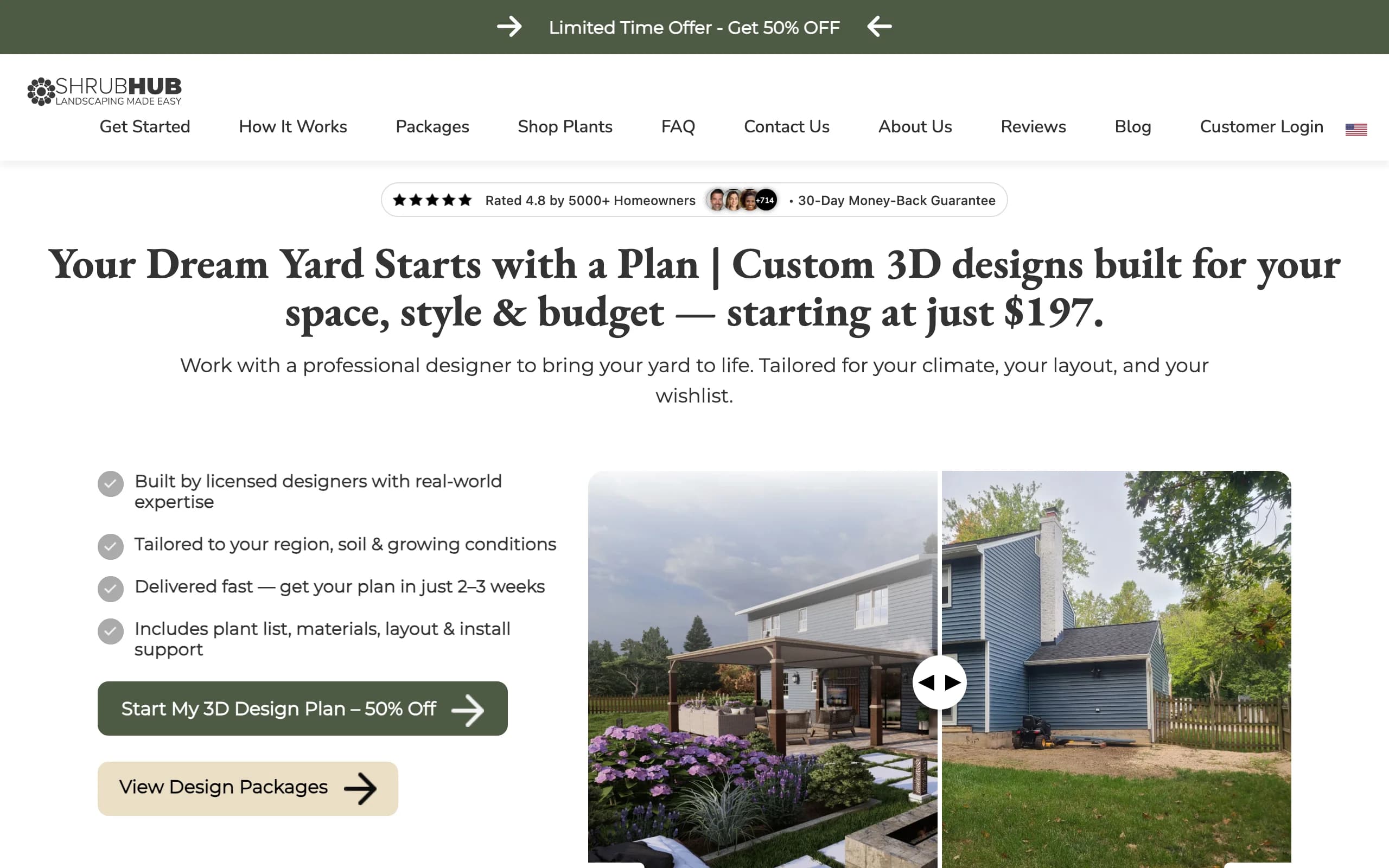
ShrubHub is the budget-friendly version of the human design service, and it runs entirely online, so a Mac is all you need. You share photos and goals, a designer builds you a custom 3D plan, and you get a plant and material shopping list plus a connection to local contractors. It covers the same ground as a premium studio at a fraction of the cost, with unlimited revisions until you are happy and a money-back guarantee.
The value is the price-to-service ratio: a real 3D plan and a shopping list for a few hundred dollars, often under sale pricing, instead of thousands. The catch is the same as any service: a turnaround of a couple of weeks, and you depend on a designer rather than generating concepts yourself. If you want a documented plan from your Mac without Yardzen's price, ShrubHub is the obvious middle ground.
Key features
- Custom 3D plan built by a designer
- Plant and material shopping list
- Unlimited revisions until you approve
- Contractor connections and a money-back guarantee
Best for
- Homeowners who want a designed plan on a tight budget
- People who would rather hand off than DIY, but cannot justify a premium studio
- DIFM buyers heading straight to hiring labor
Pricing
- Flat per-yard fees, frequently on sale. No free design tier.
- Sale pricing: Front Yard $197, Back Yard $237, Both Yards $297, Premium $997.
- Regular prices run higher ($594 to $1,994); packages start at $297 off-sale.
Pros
- Far cheaper than a traditional studio for a real plan
- Unlimited revisions and a money-back guarantee
- Online from end to end, so any Mac works
Cons
- Multi-week turnaround, not instant
- You do not drive the design or self-test quick looks
How to choose the best landscape design software for your Mac
1) Native Mac app or web app
This is the first fork. SketchUp Pro and Vectorworks Landmark are true native macOS programs you install and run offline, which suits pros who want precision and do not mind a download. Everything else here, OutdoorBrite, Planner5D (which also has a Mac app), Home Outside, Yardzen, and ShrubHub, runs in a Mac browser, so it works the same on any Mac and needs no install or updates. If you want zero setup and a tool that runs on an older MacBook, lean web. If you need offline CAD precision, lean native.
2) How much you want to learn
Be honest about the learning curve. Vectorworks is deep professional CAD with the steepest ramp-up, and SketchUp, while friendlier, is still a modeling program you have to learn. If you do not want to learn a tool at all, an AI tool like OutdoorBrite gives you a realistic redesign from a photo in minutes, and the design services (Yardzen, ShrubHub) have a designer do the work. Planner5D and Home Outside sit in the middle: more hands-on than AI, gentler than CAD.
3) Do it yourself or hand it off
Decide who does the work. If you want to drive it and end up with a plant and materials list to build from, OutdoorBrite or a layout tool like Planner5D or Home Outside fits. If you would rather hand it off and get a documented plan, the services win: ShrubHub for budget, Yardzen for a premium designer and contractor matching. And if you are a landscaper, you want a render fast enough to show a client on-site, which is where OutdoorBrite's speed and commercial rights, or Vectorworks for formal documentation, earn their place.
4) Price and how often you will use it
Match the pricing model to your use. A flat-fee service (Yardzen, ShrubHub) makes sense for one big project you design once. A subscription (OutdoorBrite, Planner5D, SketchUp) makes sense if you iterate across several looks or several yards. Pro CAD (Vectorworks) is a real investment that only pays off for working designers. With AI tools, do the math: OutdoorBrite's Plus plan gives 100 redesigns a month, which is a lot of comparing. And remember a free tier usually caps saves, resolution, or features.
FAQ
Is there free landscape design software for Mac? There is free to start with, more than fully free for serious work. Planner5D has a free tier you can use in a Mac browser or app, and Home Outside has a free way to try its layout tool. SketchUp Go and the desktop apps are paid, and the design services (Yardzen, ShrubHub) charge per project. Free tiers usually cap how many designs you can save, the output resolution, or the feature set, so they are best for testing rather than finishing a full project. For more, see our guide to the best free landscape design software.
Does OutdoorBrite work on Mac? Yes. OutdoorBrite is browser-based, so it runs on any Mac in Safari or Chrome with nothing to download or install. You open it, upload a photo of your yard, and generate redesign concepts the same way on a MacBook Air, an iMac, or a Mac Studio. Because it is a web app, you do need an internet connection, but you skip installs, updates, and system-requirement worries entirely.
What is the best landscape design software for Mac beginners? For a beginner who wants a realistic result without learning a tool, OutdoorBrite is the easiest path: upload a photo, pick a style, get concepts. If you want a measured layout you build yourself but still gentle, Planner5D or Home Outside work in a Mac browser. Save SketchUp and Vectorworks for when you are ready to learn a modeling or CAD program, since both reward the time but ask for it up front.
What is the best landscape design software for Mac professionals? For pros, Vectorworks Landmark is the native Mac CAD standard for full documented plans, planting schedules, and construction drawings. SketchUp Pro is the lighter native option when you want 3D modeling and a big plugin ecosystem without full CAD. Landscapers who sell jobs on-site also use OutdoorBrite to produce a fast, realistic render a client can react to, with commercial rights on paid plans.
Which landscape CAD software is native on Mac, and which is Windows-only? SketchUp Pro and Vectorworks Landmark both run native on macOS. The thing to watch is SketchUp's top Studio tier: its main modeler is Windows-only, so Mac users effectively top out at Pro for desktop modeling. A lot of other landscape CAD programs are Windows-only with no Mac version at all, which is exactly why the web-based tools here are useful, since they sidestep the platform question.
Do I need to install anything to design my yard on a Mac? Not unless you want native CAD. OutdoorBrite, Home Outside, Yardzen, and ShrubHub run entirely in a Mac browser, and Planner5D works in a browser too (it also offers a Mac app). Only SketchUp Pro and Vectorworks ask you to install a desktop program. If you want the lightest setup, the browser tools work on any Mac, old or new.
Can AI design my yard from a photo on a Mac? Yes. OutdoorBrite takes a single photo of your yard and returns realistic restyled concepts, usually in under a minute, all in a Mac browser. The closer your photo matches real conditions (good light, a clear view of the space), the more usable the result. You can compare modern, cottage, desert, and tropical looks on your own yard, then refine a concept in the AI editor before you commit to a direction. See how it works on the AI landscape design app page.
Is a Mac good enough to run landscape design software? For browser tools, any Mac is fine, since the work happens in the cloud. For native CAD like Vectorworks or SketchUp Pro, check the system requirements: both support recent macOS versions, but heavy 3D modeling and rendering benefit from more RAM and a faster chip. A current Apple-silicon Mac handles all of these comfortably; an older Intel Mac is better suited to the web-based options.
For more on picking a tool that fits your yard and budget, see our guide to the best free landscape design software, or start designing at outdoorbrite.com.