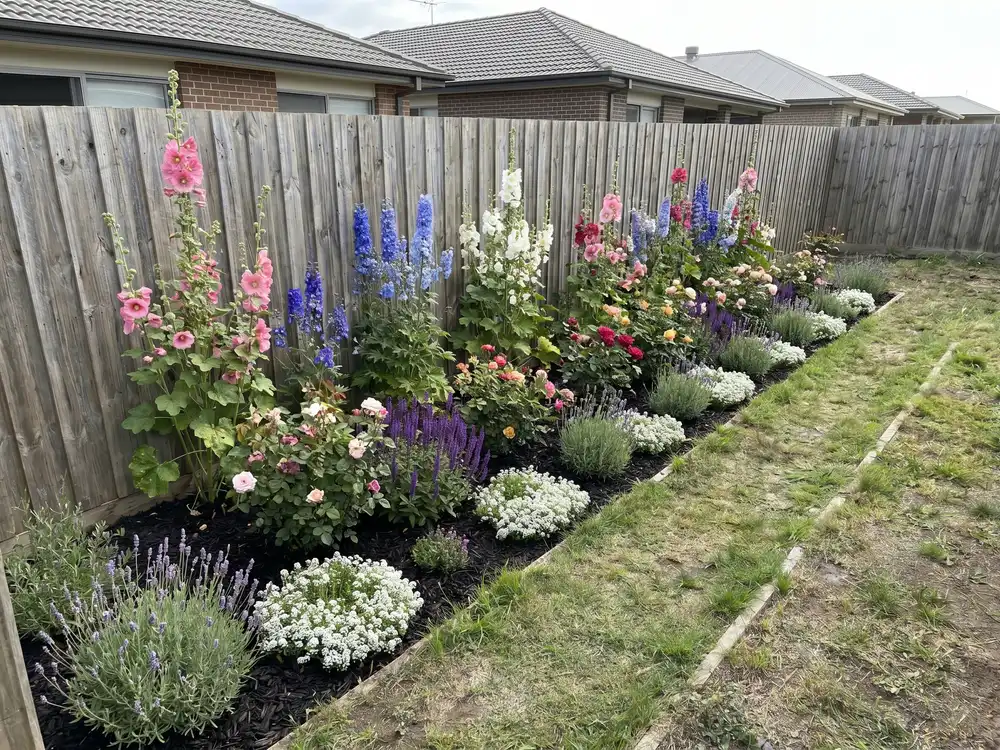
“I had a long empty border and no idea what to plant. I took one photo and got a layout I could shop for.”
Homeowner
First flower bed
Most flower bed design apps make you draw the bed first. This one starts from a photo of your border. Pick a style on your phone and get planted concepts back in seconds.


Homeowners, gardeners, DIYers & landscapers
Featured in






The quickest path from a photo to a bed you can plant.
It runs in the browser on your phone, right next to the bed. No download, no setup before you see a result.
Skip the drag-and-drop planner. Upload a photo and the app lays out the bed for you.
From photo to a planted concept faster than most planners take to load a blank template.
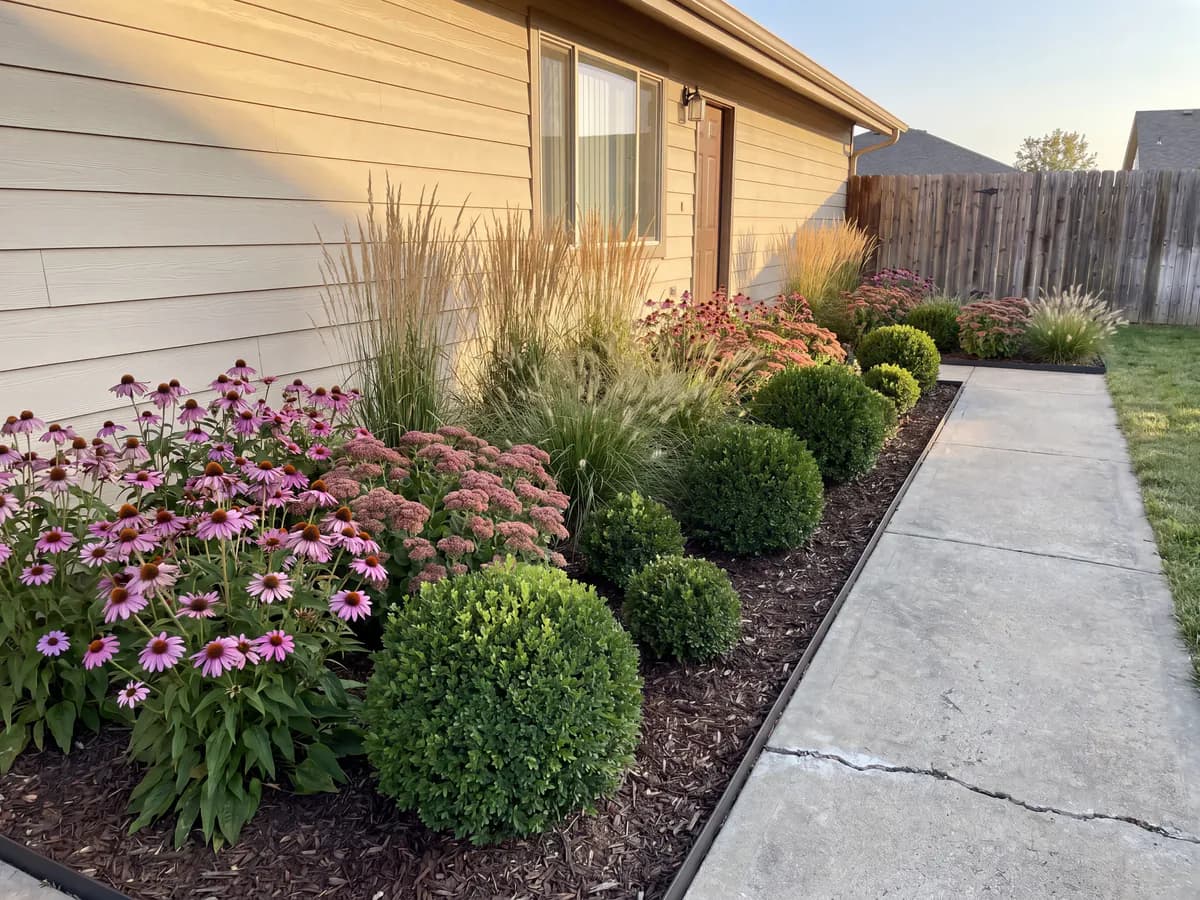
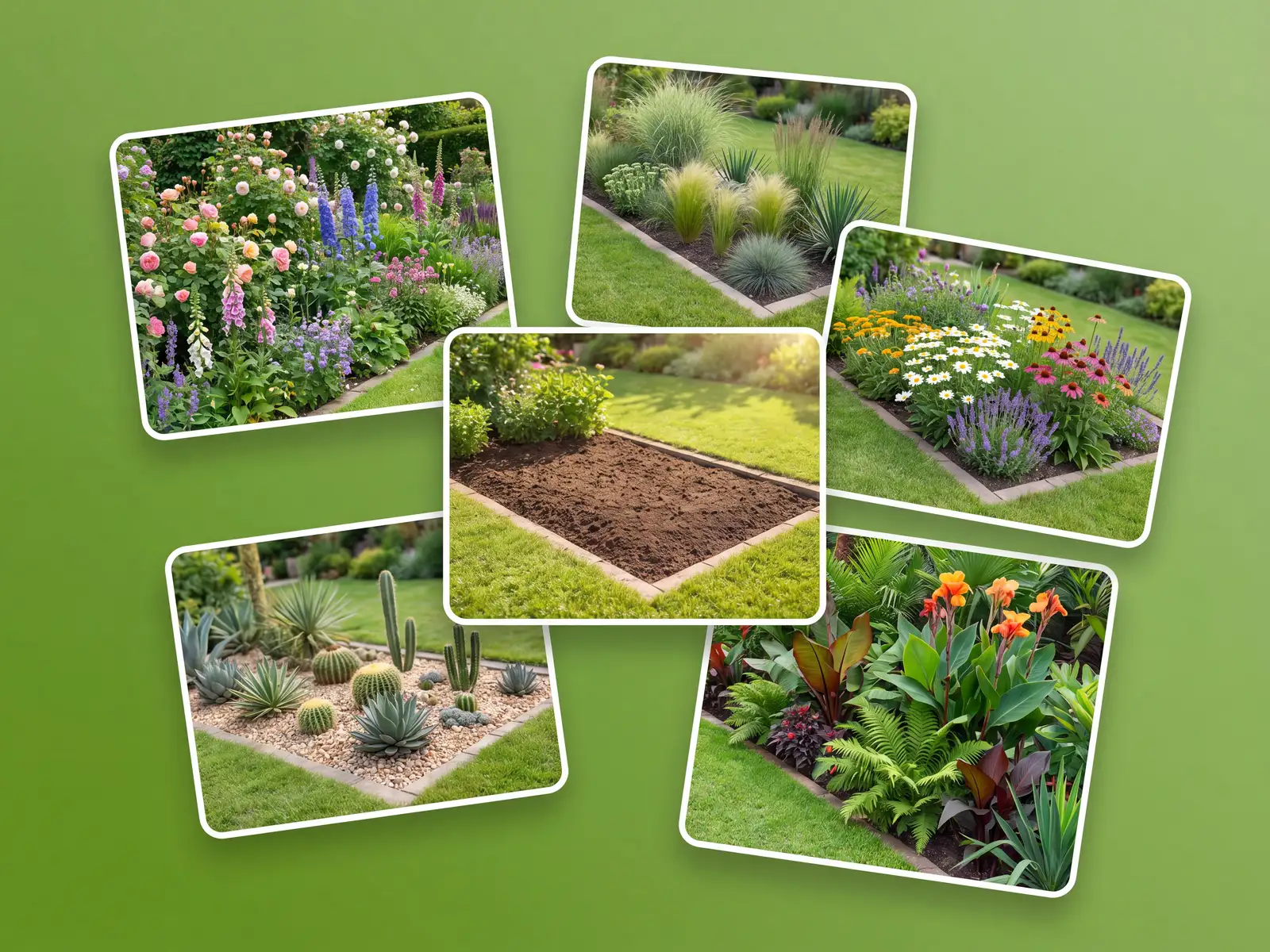
Cottage, modern, pollinator, desert, and tropical, applied to a photo of your actual bed.
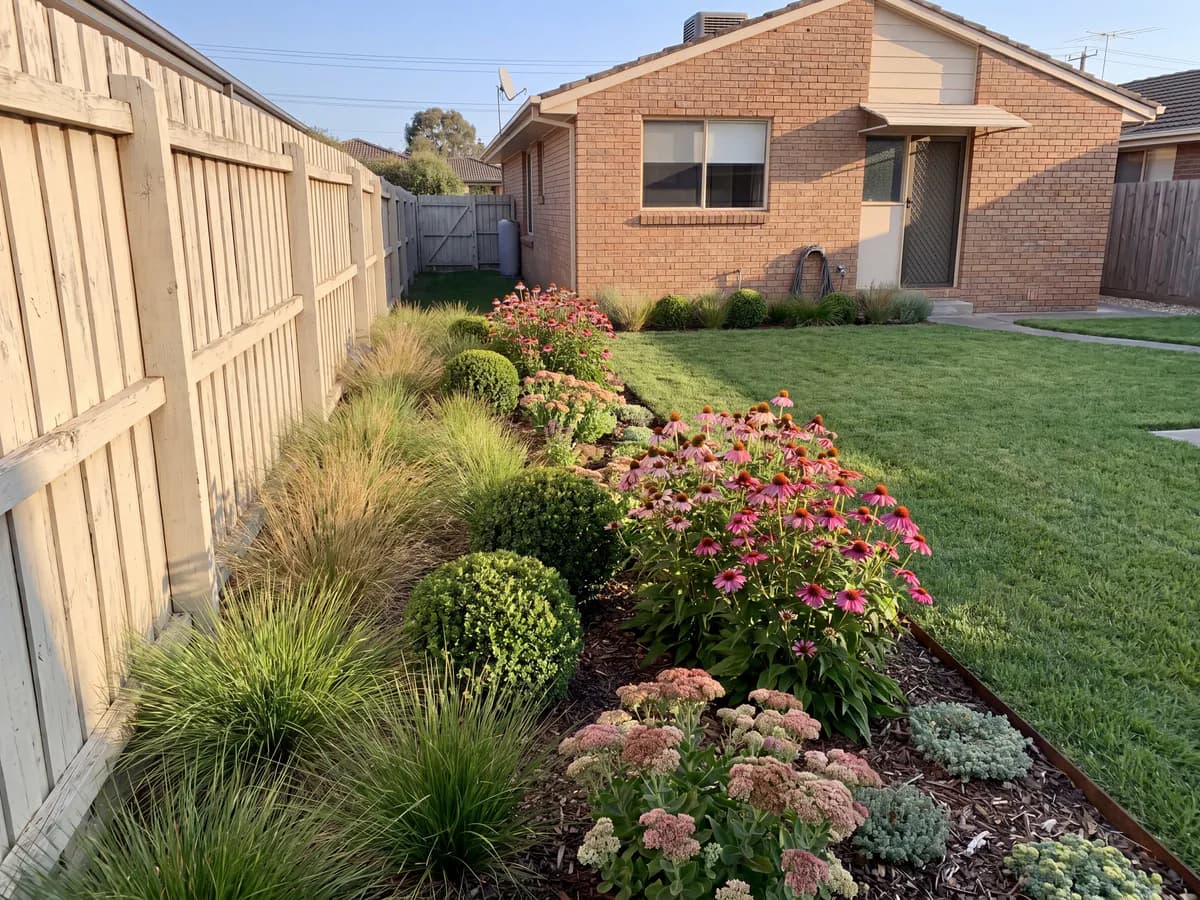
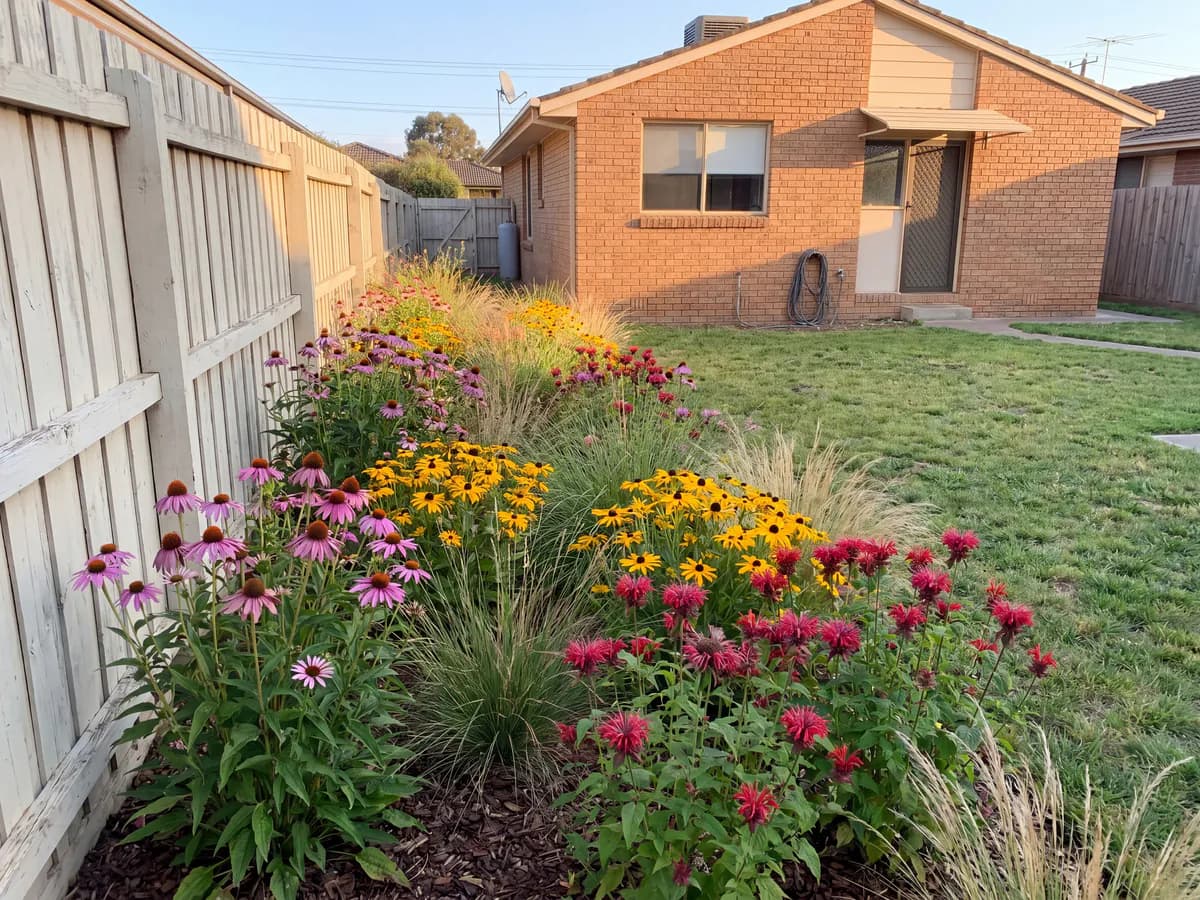
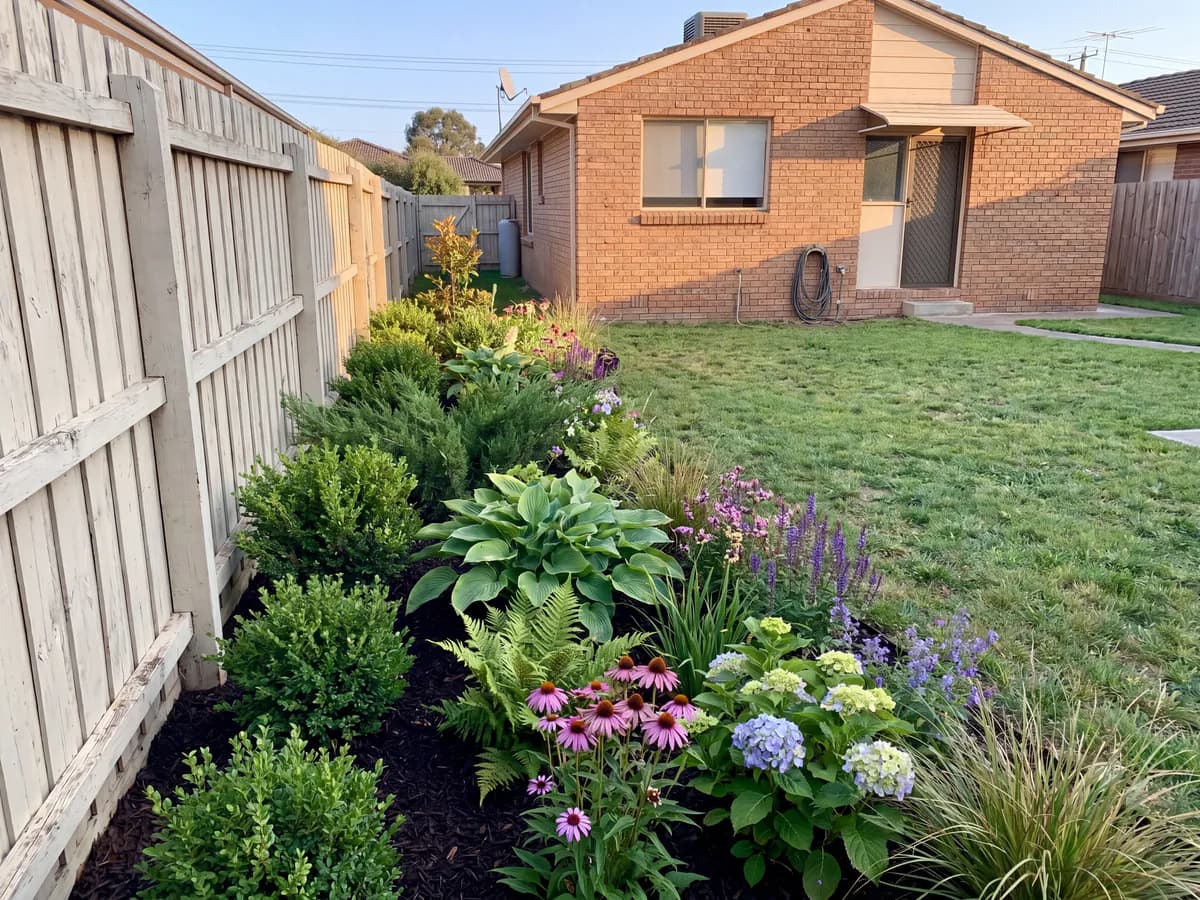
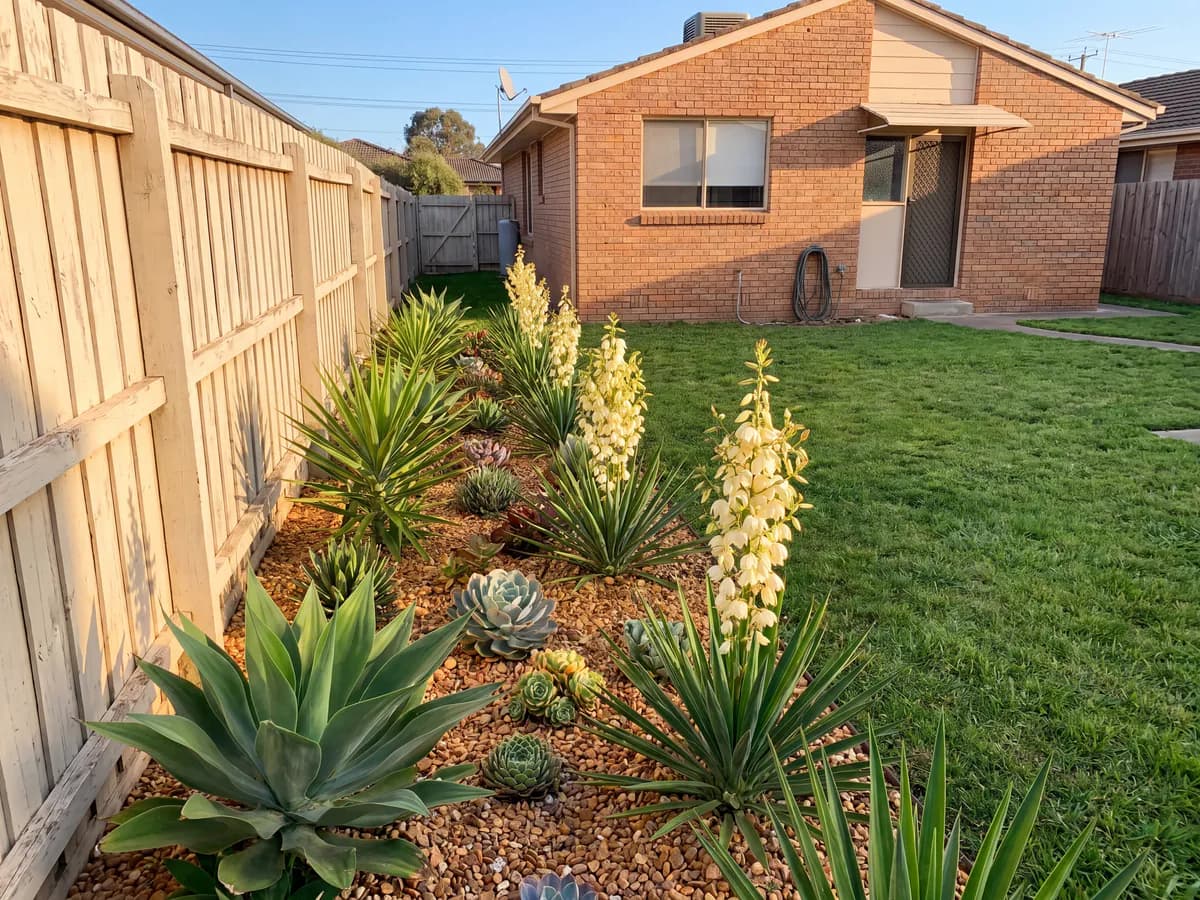
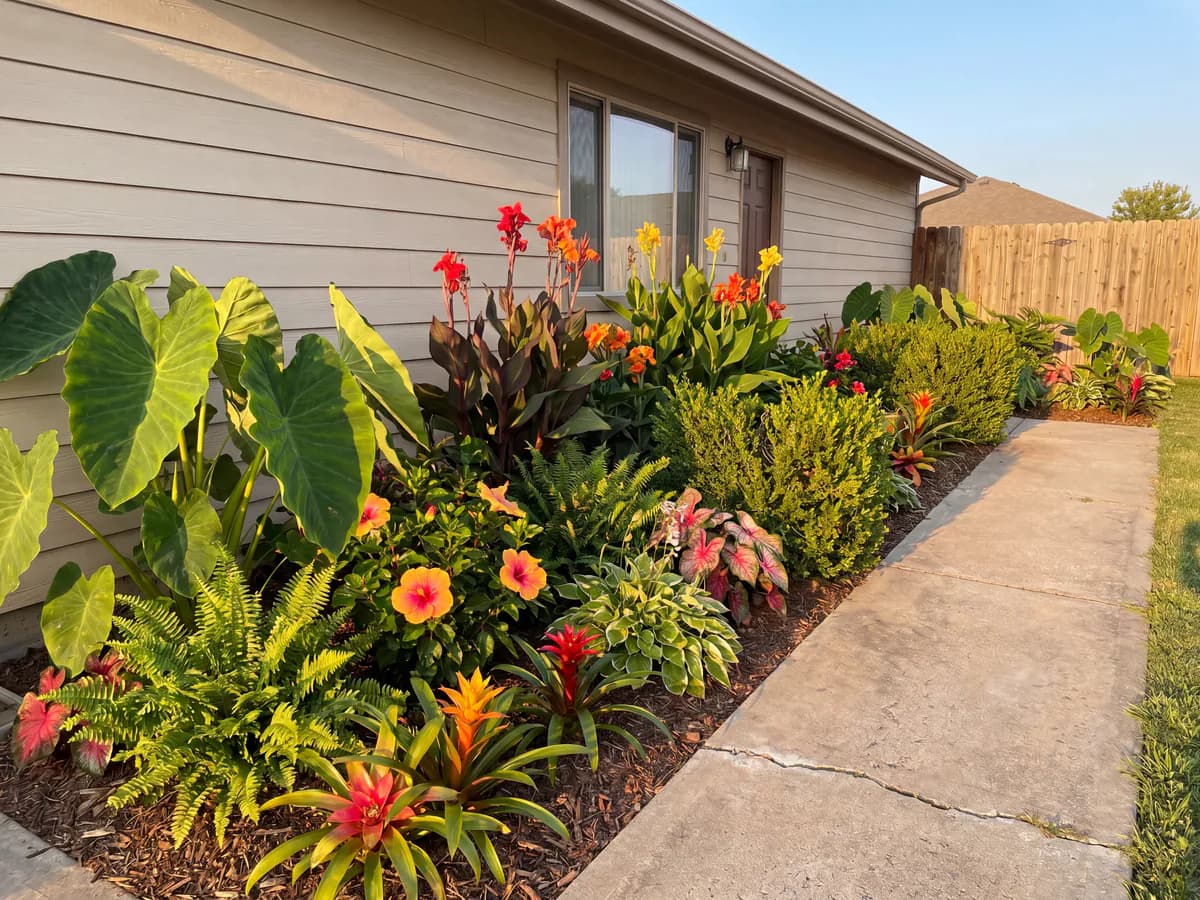
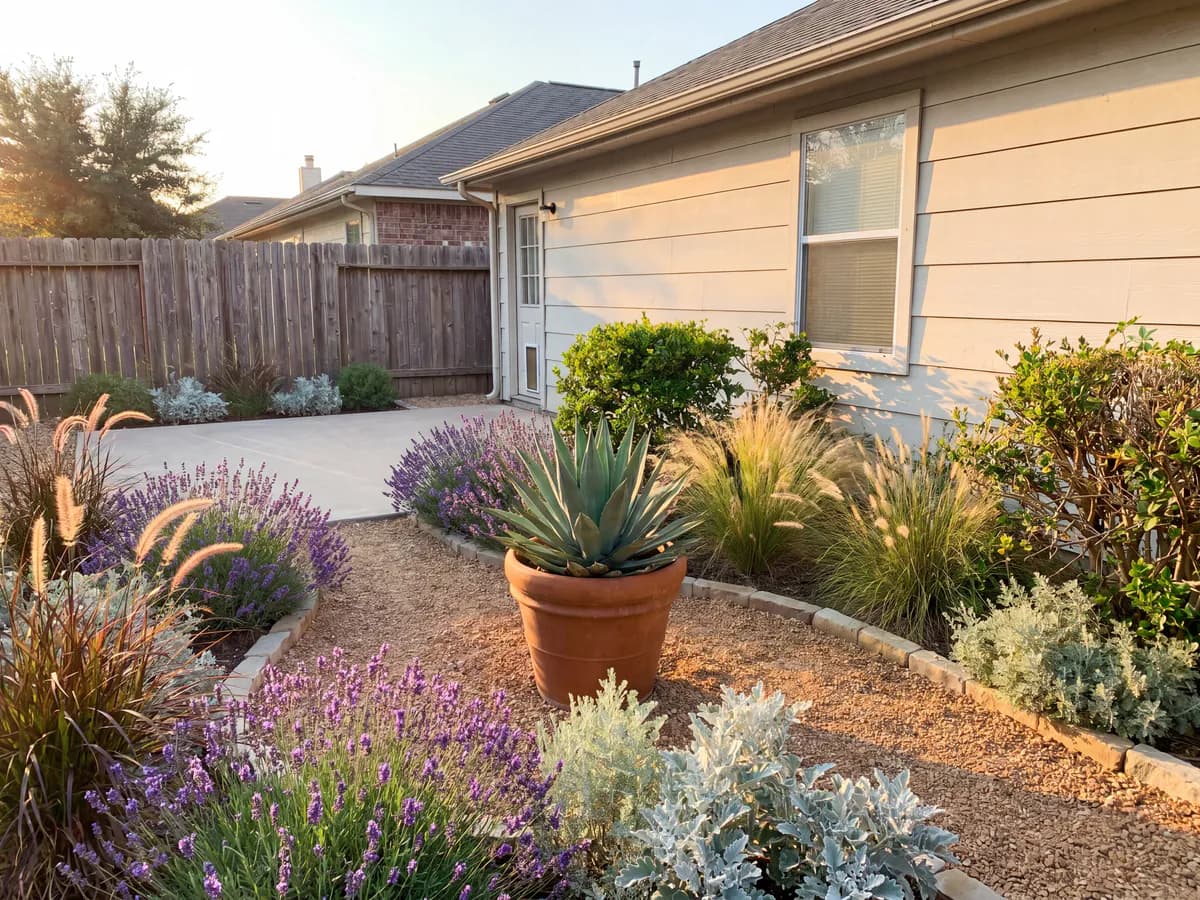
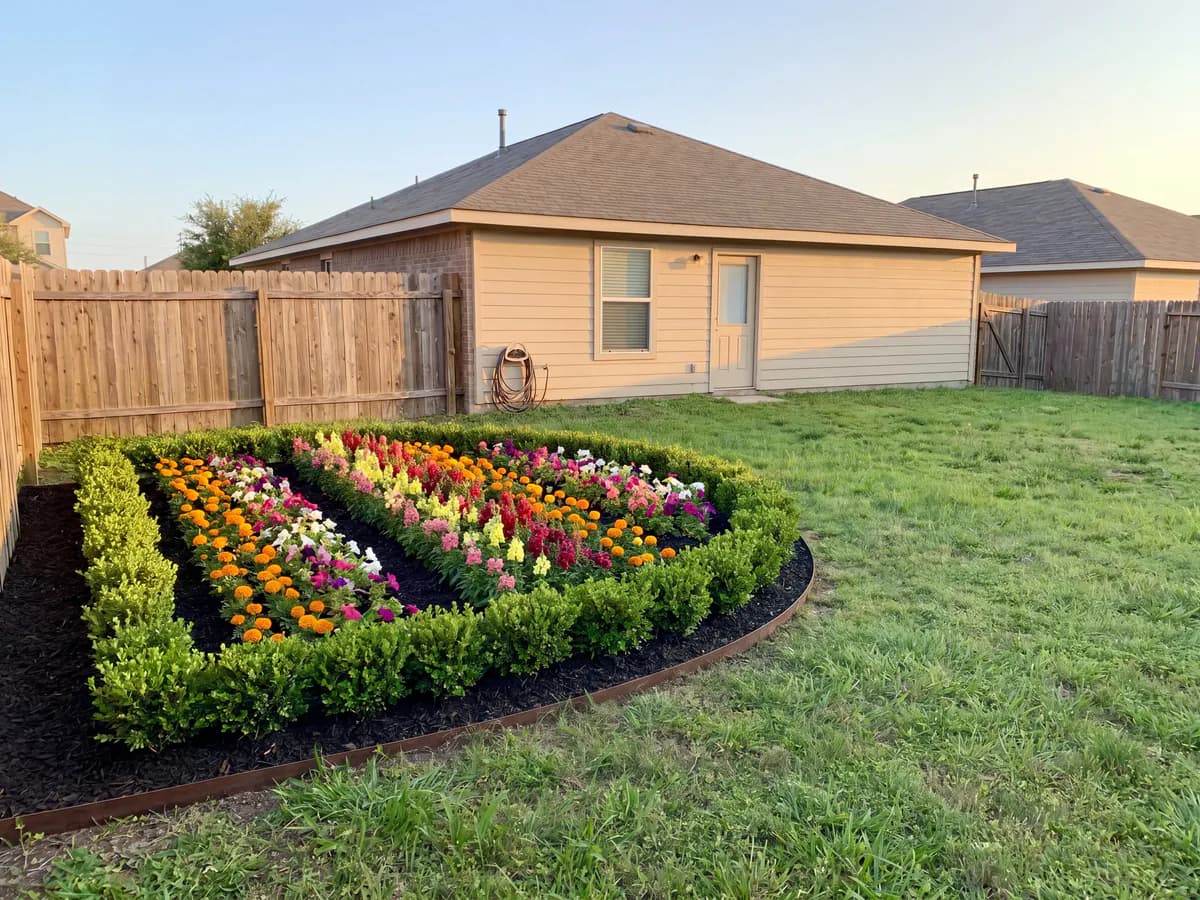
Three steps in the garden, no manual to read.
On a phone, right beside the bed. There is nothing to install or set up first.
A photo of the border, then cottage, modern, pollinator, desert, or tropical.
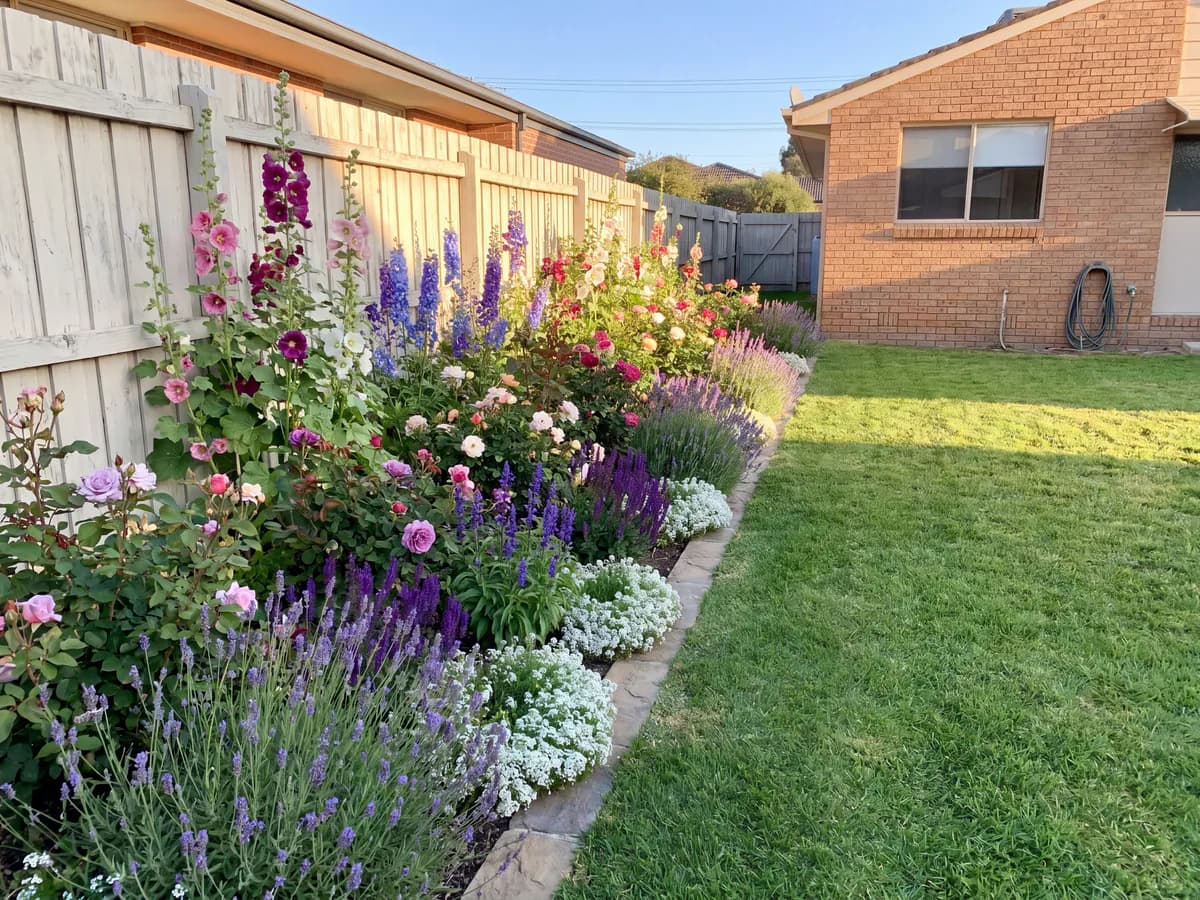
Realistic concepts of your real bed in seconds. Save them or generate more.
Where most garden planners slow the planting down.
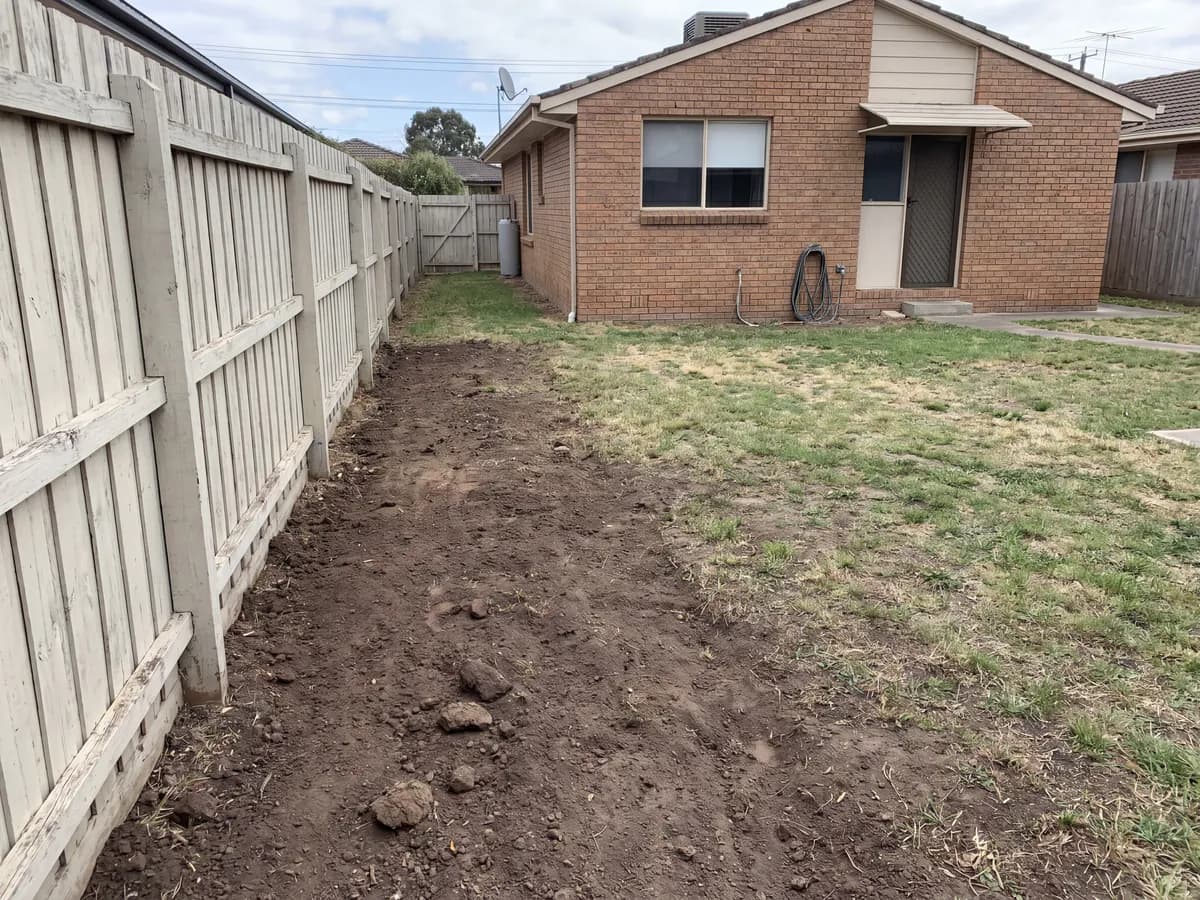
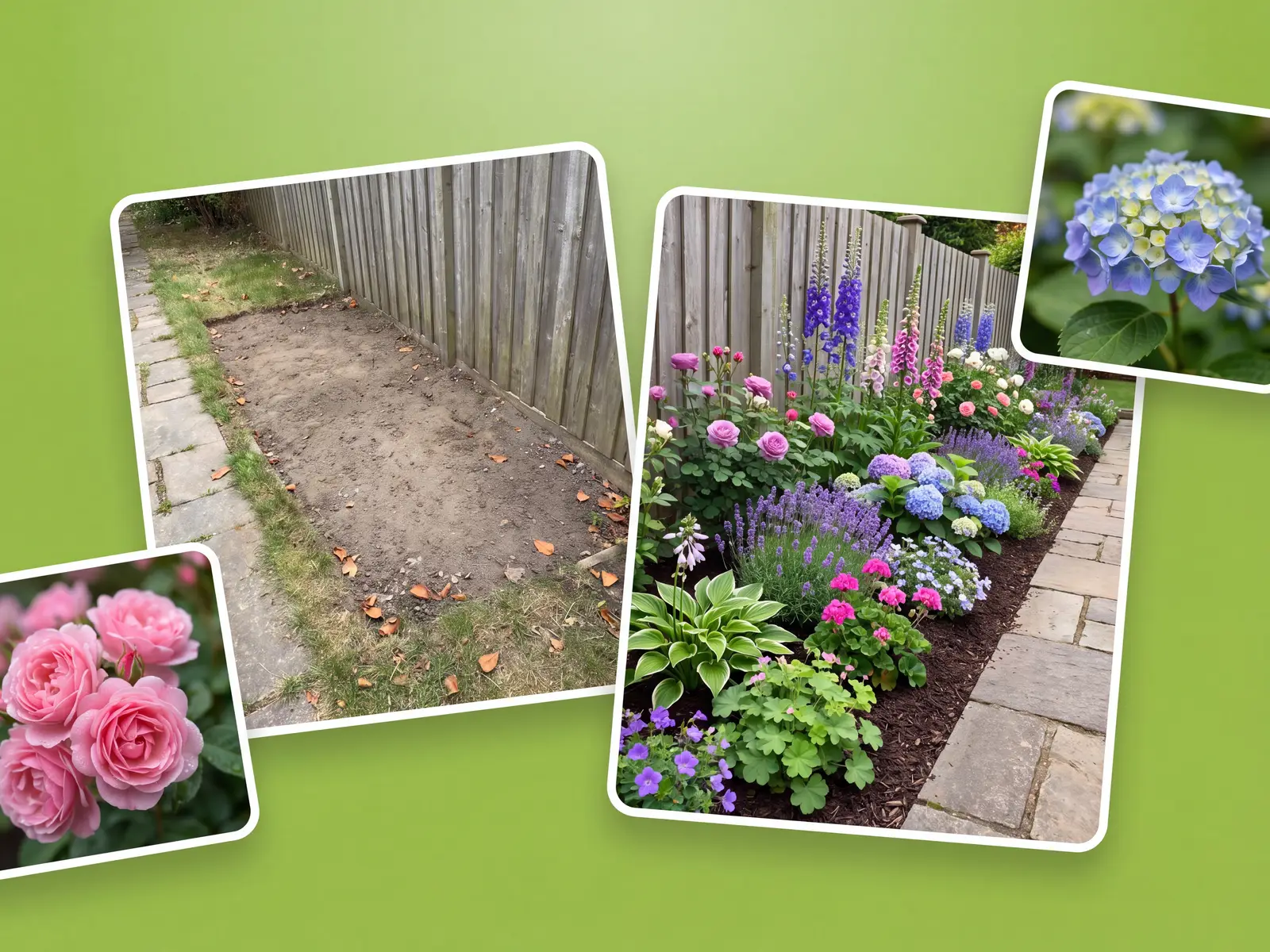
Other planners make you rebuild the bed on a grid before you see anything. This one works from the photo, so the layout keeps your path, lawn, and fence.
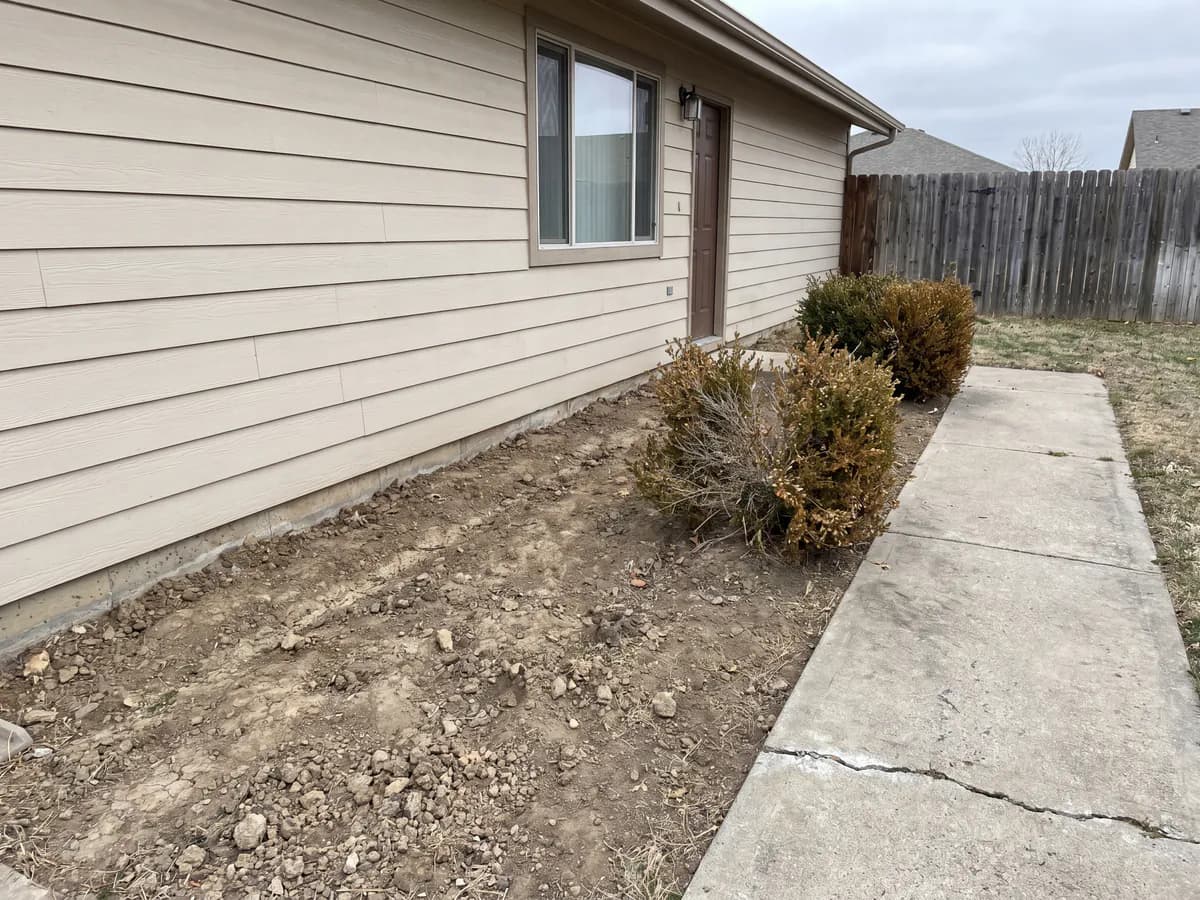
Foundation beds, island beds, raised borders, and curved edges each get their own focus, instead of one generic canvas.
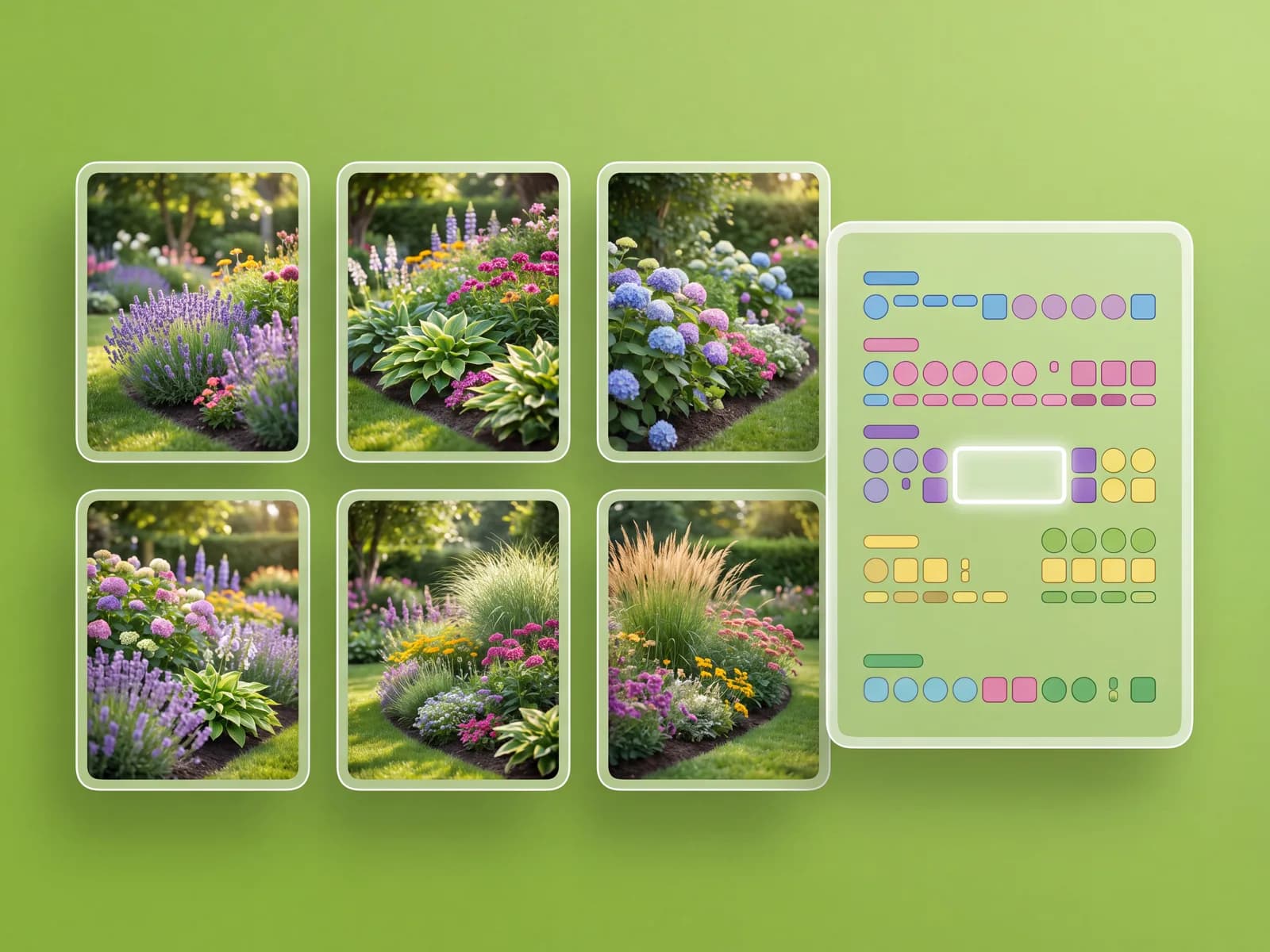
Keep concepts together, compare styles side by side, and send the favorite to a partner or a landscaper.
Dozens of planting styles for any bed, ready in under a minute.
From first-time gardeners to landscaping crews.
“I had a long empty border and no idea what to plant. I took one photo and got a layout I could shop for.”
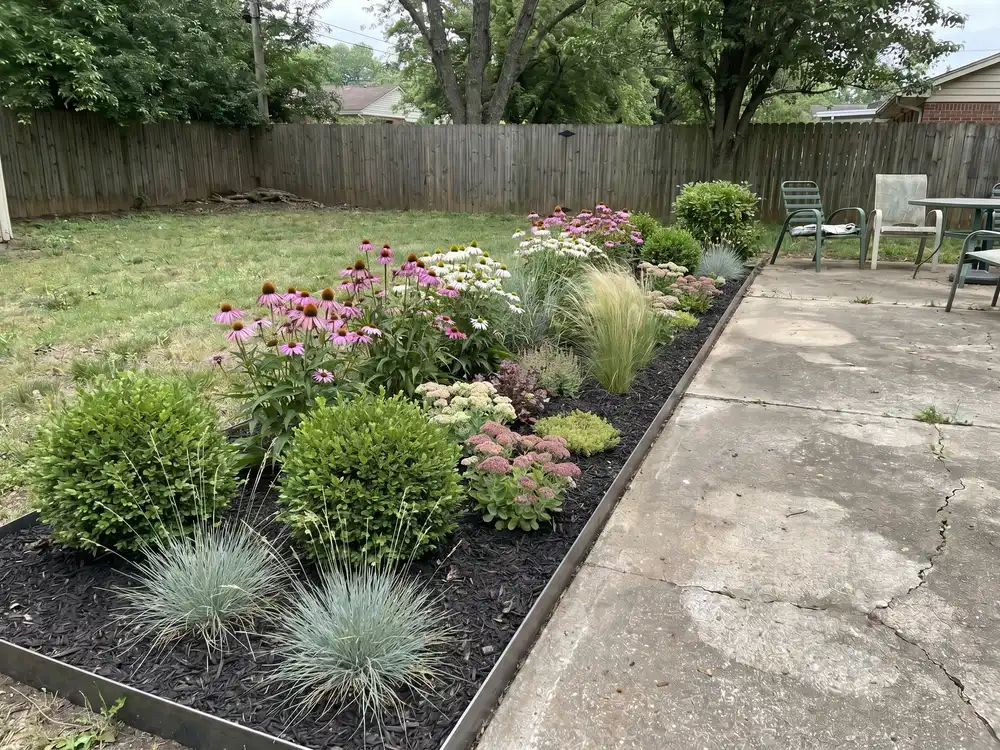
“On site, I open the app on my phone and show the client a planted border before I leave.”
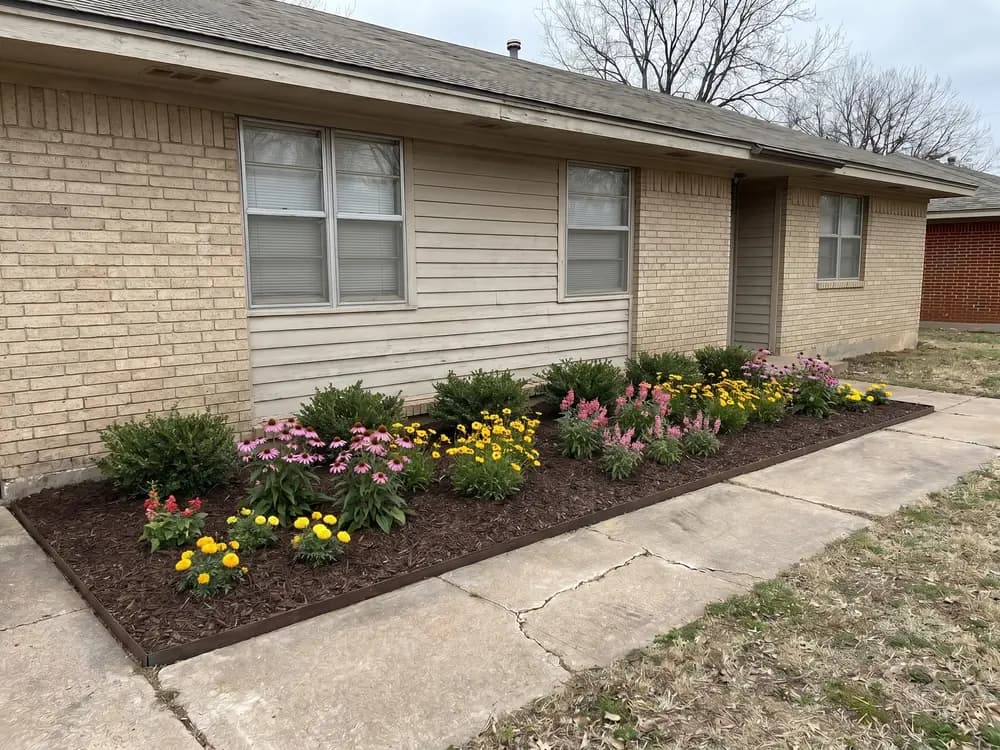
“No grid to draw, no install. I planned the front beds from the garden, phone in hand.”
For landscapers and designers generating client borders at volume, with team access.
How designing a bed in this app compares with a designer, garden software, or guessing.
| Feature |  | Landscape designer | Design software | Guessing |
|---|---|---|---|---|
| Getting to a design | ||||
| See it on your actual bed | ||||
| First design in under a minute | ||||
| No skills or software to learn | ||||
| Try many planting styles cheaply | ||||
| Cost & commitment | ||||
| Typical cost to start | $ | $$$$ | $$ | Free |
| Time to a usable concept | ~1 min | 1-3 weeks | Hours | — |
| Locked into one direction | ||||
| Confidence | ||||
| Decide before you plant | ||||
| Share concepts with a pro | ||||
Short answers before you start.
No. It runs in the browser on a phone or computer. There is nothing to download or set up.
No. That is the point. You upload a photo and the app lays out the bed, so it keeps your real border, path, and fence.
Yes. OutdoorBrite is a flower bed planner that starts from one photo of your border instead of a blank grid. Upload it, pick a style, and get planted concepts in seconds.
The concepts show beds planted in the style you pick, so you get a layout and plant ideas to shop from. Check your climate zone and sun before you buy, since the right plants vary by region.
Borders, foundation beds, island beds, raised beds, and curved edges, each with its own focus rather than one generic canvas.
They are built on your photo, so they keep your real layout. Treat them as concepts to plant from or take to a landscaper, not construction drawings.
Yes. OutdoorBrite uses AI to redesign your bed from a single photo. Upload your border, pick a style, and get realistic concepts in seconds.
OutdoorBrite is a paid product, with no free tier. Plans cost a fraction of hiring a designer and scale with how many designs you generate and the resolution you need.
One app for every bed and border.
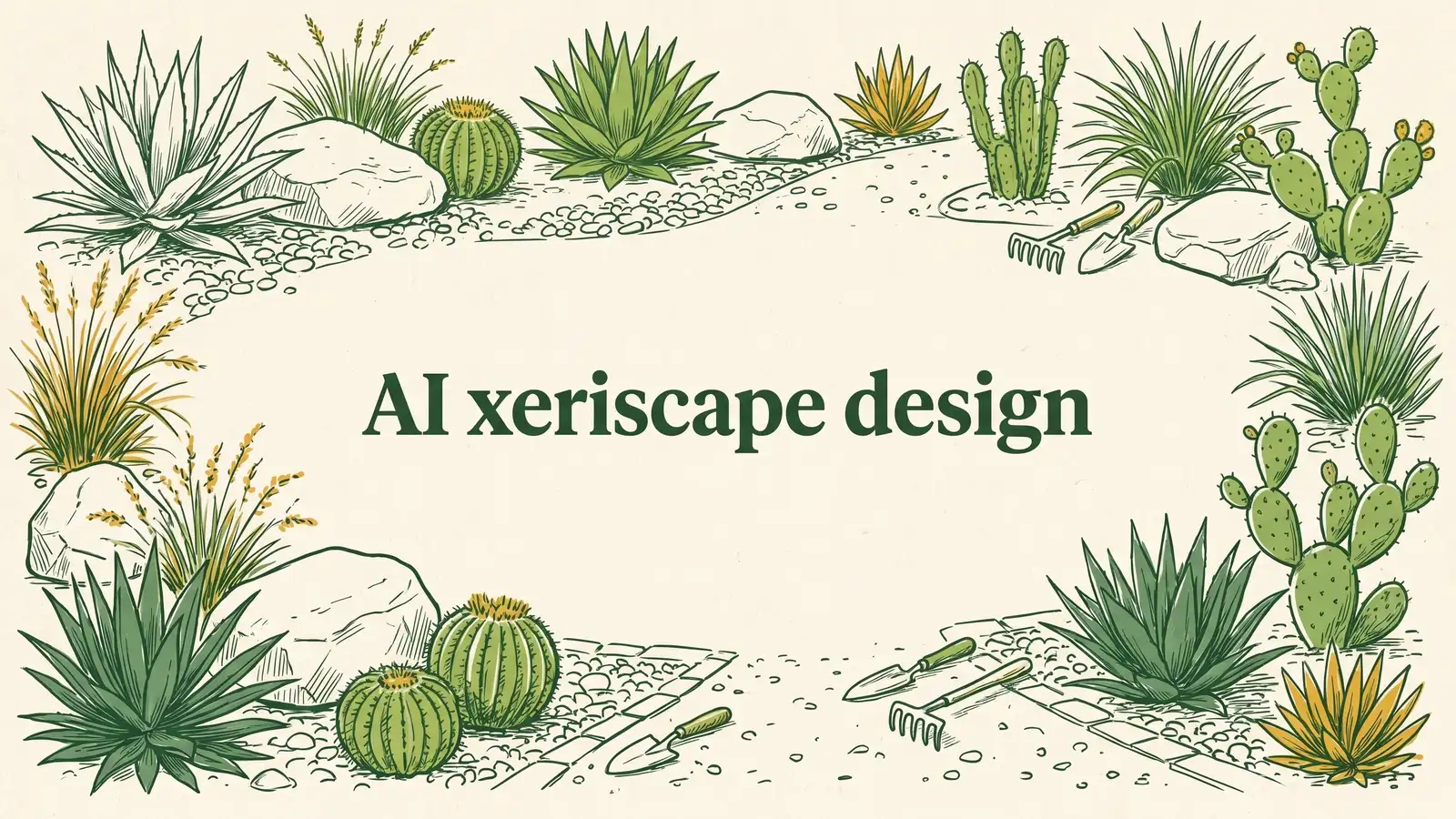
A low-water yard that still looks planted, before you rip the lawn.
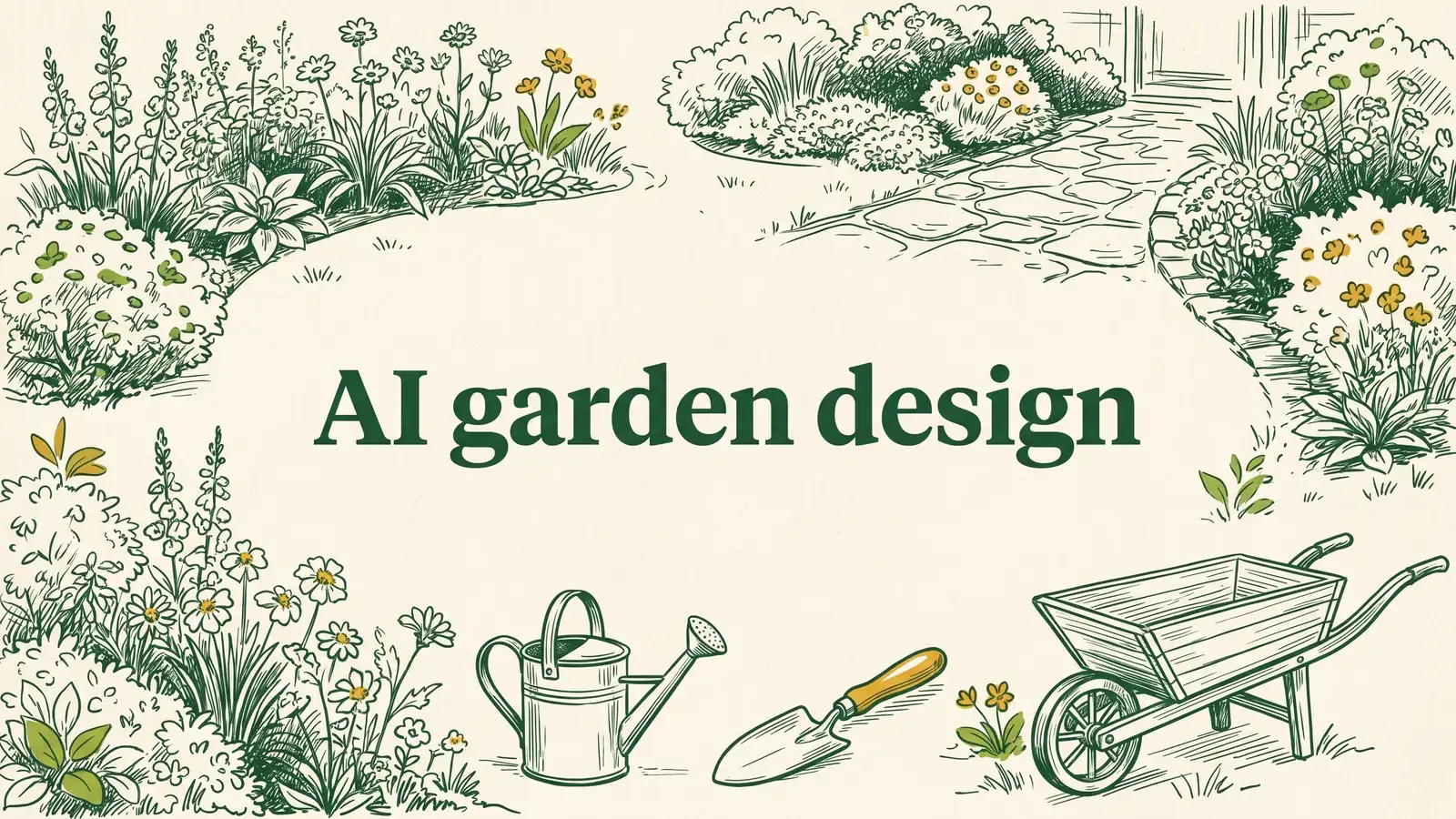
Garden beds and planting plans by style, cottage to xeriscape.
Your AI garden designer: redesign beds and borders from one photo.
Your AI garden planner: lay out beds and planting from one photo.
See your tired garden made over on your own photo, before you spend on plants or labor.
Try beds, paths, and planting styles on a photo of your real garden.
One photo of your border. A style you pick. Planted concepts in seconds. Nothing to install.