Best Planner 5D alternatives for landscape design (2026)
Planner 5D is a capable 2D/3D modeler with a real free tier, but the manual drag-and-drop core takes time and its AI photo redesign sits behind paid Premium. Here are the best Planner 5D alternatives for 2026, compared on price, platform, and what you walk away with.
Planner 5D does something most yard apps skip: it gives you a real, editable 2D and 3D model of your space, a 10,000-plus-item catalog to furnish it, and cost estimates once you've built it. For an outdoor project, you can draw a garden, lay out a deck, and render the result in 3D. That depth is the reason people reach for it, and it's also why some of them start hunting for Planner 5D alternatives.
The catch is the workflow. Planner 5D's core is a manual drag-and-drop modeler, so you place every wall, plant, and paver yourself. That gives you control, but it also means a real learning curve and real time before you see a finished yard. The fast path, an AI Design Generator that redesigns an uploaded photo of your exterior, sits behind the paid Premium tier. If you want a styled redesign of your actual yard in under a minute rather than an afternoon of modeling, a different tool fits better.
This guide compares the most useful Planner 5D alternatives, including our own AI landscape design tool, on speed, price, platform, and what you end up holding at the finish.
Best Planner 5D alternatives: a quick overview
- OutdoorBrite: Best overall for fast photo-to-design. Upload one photo, compare several styles on your own yard, and get realistic concepts in under a minute, no modeling.
- iScape: Best for mobile on-site sketching. Place plants and hardscape over a photo on your phone, with AR on iPhone.
- Yardzen: Best for a full done-for-you plan. A real designer delivers build-ready CAD files and contractor matching.
- DreamzAR: Best for an AR walk-through on your phone. AI redesign plus a 3D model you can step into on iOS.
| Tool | Key strength | Pricing | Platforms |
|---|---|---|---|
| OutdoorBrite | Multiple styles on your photo in under a minute, climate-aware plants | From $29/mo (no free plan) | Web |
| Planner 5D | Editable 2D/3D model, big catalog, cost estimates | Free tier; Premium from $4.99/mo; Pro $33.33/mo | Web, iOS, Android, Windows, macOS, visionOS |
| iScape | Manual drag-and-drop design with AR | Free tier; Pro $29.99/mo ($299.99/yr) | iOS (limited Android) |
| Yardzen | Human designer, build-ready plan + contractor matching | From $295 per project | Web (free iOS app) |
| DreamzAR | AI redesign plus AR 3D walk-through | From $19.99/mo | iOS, Android, Web |
What is Planner 5D?
Planner 5D is self-serve home design software. You draw a floor plan or an outdoor space, decorate it from a catalog of more than 10,000 items, and render realistic 3D images of the result. On the outdoor side it has a dedicated garden planner plus landscape, backyard, and deck tools, an AI Design Generator that takes a photo of your exterior and returns redesign visuals, and a Smart Wizard that auto-suggests layouts. It runs on web, iOS, Android, Windows, macOS, and visionOS.
There's a genuine free plan with unlimited projects and roughly 5,000 catalog items on the web app (the mobile app's free catalog is smaller). Paid Premium starts at $4.99 a month (or $59.99 a year), and Professional is $33.33 a month ($399.99 a year), which adds 4K renders and CAD export. The strength is real: it actually does outdoor design, gives you an editable model, and produces cost estimates you can plan a budget around. The limitation is the time cost. The center of gravity is interiors, the landscape design tools are shallower on plant and climate depth, and the manual modeler is slow next to a one-photo redesign. The fast AI photo-to-design path is locked behind Premium.
1. OutdoorBrite, best overall for fast photo-to-design
OutdoorBrite is an AI landscape design product built around turning one photo of your yard into realistic redesign concepts. You upload a photo of your backyard, garden, or patio, pick a style like modern, cottage, or desert/xeriscape, and describe what you want. It returns realistic concepts in under a minute, so you can picture the finished yard before spending a dollar. That's the opposite of Planner 5D's build-it-yourself model: no walls to place, no catalog to dig through, no learning curve.
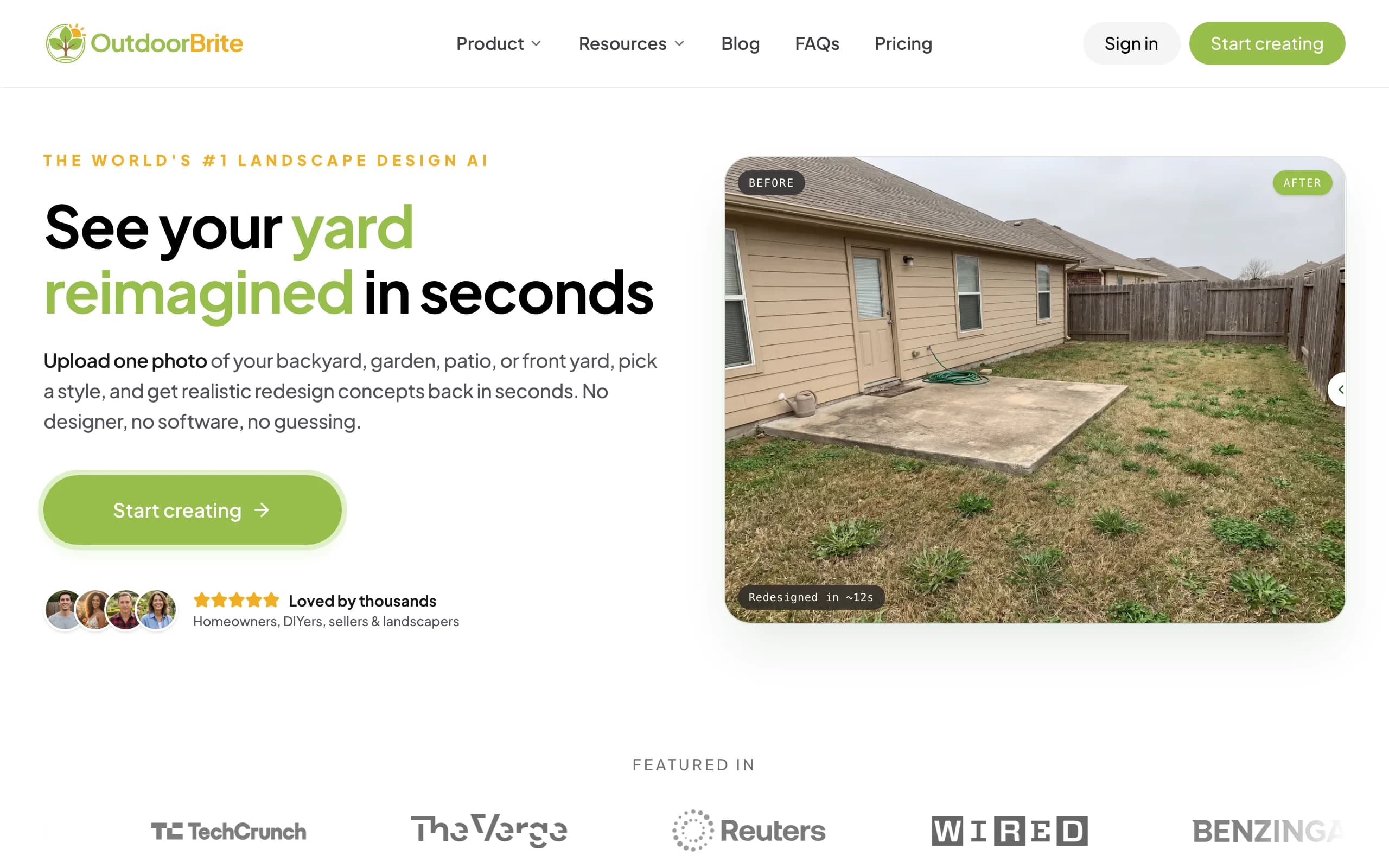
It lets you compare several concrete styles on your own space, then refine a favorite in the in-app AI editor, with plant choices matched to your climate and hardiness zone. Beyond landscaping, it covers backyards, gardens, patios, decks, fences, pergolas, pools, and front yards, plus project calculators and a landscaping glossary, all in one place. Where Planner 5D gives you an editable model and a cost estimate after the work, OutdoorBrite gives you a styled result first, then a plant direction you can shop from. If you want to start from your actual yard rather than a blank canvas, that's the trade you're making with this backyard design tool.
Key features
- Photo-to-design for backyards, gardens, patios, decks, and more
- Compare multiple style presets on one photo
- In-app AI editor for refinements
- Climate and hardiness-zone-aware plant choices
- Project calculators and a landscaping glossary
Best for
- Homeowners who want a redesign of their real yard, not a model to build
- People comparing several styles before committing
- DIYers who want a plant direction to act on
Pricing
- Paid only, no free plan. From $29/month (Starter, 25 redesigns, HD), $49/month (Plus, 100 redesigns, 2K), $149/month (Pro, 200 redesigns, 4K)
- Annual billing saves about 20%. Metered by redesign credits, stated plainly, never called "unlimited"
Pros
- Realistic redesign of your photo in under a minute, no modeling
- Compare styles side by side on the same yard
- Plant choices respect your climate and zone
Cons
- No free tier for casual browsing
- Web-based, with no native mobile app yet, and a tricky angle or harsh lighting can need a re-render
2. Planner 5D, best for an editable 3D model
Planner 5D is the tool you're comparing against, and for hands-on modeling it earns its place. You get a real 2D and 3D model you can keep editing, a catalog north of 10,000 items, 360 walkthroughs, cost estimates, and CAD export on the higher tiers. For someone who wants to lay out a deck precisely, place a paver patio, and get a budget number, that depth is hard to match in a one-photo app.
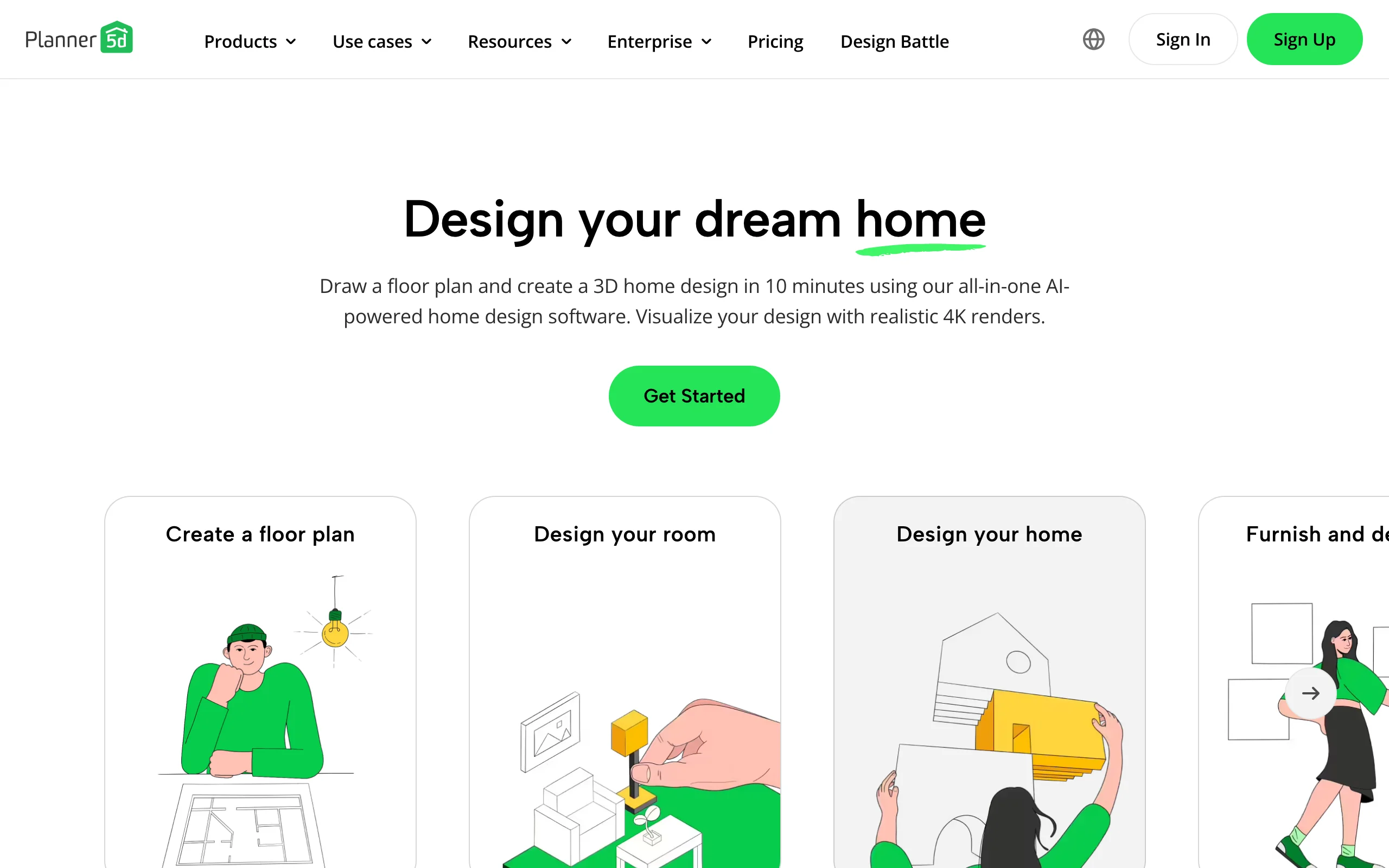
Two things send people looking. The manual modeler takes time and patience, which is the opposite of a fast redesign, and the AI Design Generator plus the floor-plan-photo-to-3D feature sit behind paid Premium, so the quick path isn't in the free plan. It's also a generalist with interiors at its center, so the softscape side, the plant and climate detail outdoor projects lean on, runs shallower than a yard-specific tool. If you enjoy building the model and want cost estimates, it's a strong fit.
Key features
- Editable 2D and 3D model of your space
- 10,000-plus item catalog
- AI Design Generator and Smart Wizard (Premium)
- Cost estimates, 360 walkthroughs, 4K renders and CAD export on higher tiers
Best for
- People who want to build and edit a precise model
- Projects that need a budget estimate and CAD export
Pricing
- Free plan (unlimited projects, about 5,000 catalog items)
- Premium from $4.99/month ($59.99/year); Professional $33.33/month ($399.99/year)
Pros
- Genuinely does outdoor design, with an editable model
- Real free tier and broad cross-platform support
- Cost estimates and CAD export
Cons
- Manual modeling has a learning curve and takes real time
- Fast AI photo-to-design is locked behind Premium
3. iScape, best for mobile on-site sketching
If you want to sketch ideas while standing in the yard, iScape moves the work to your phone. You place plants, hardscape, and furniture onto a photo of your space, and on iPhone you can drop 3D objects in augmented reality on the real ground in front of you. It's a closer match for Planner 5D's manual, place-it-yourself feel, just mobile-first and outdoor-only.
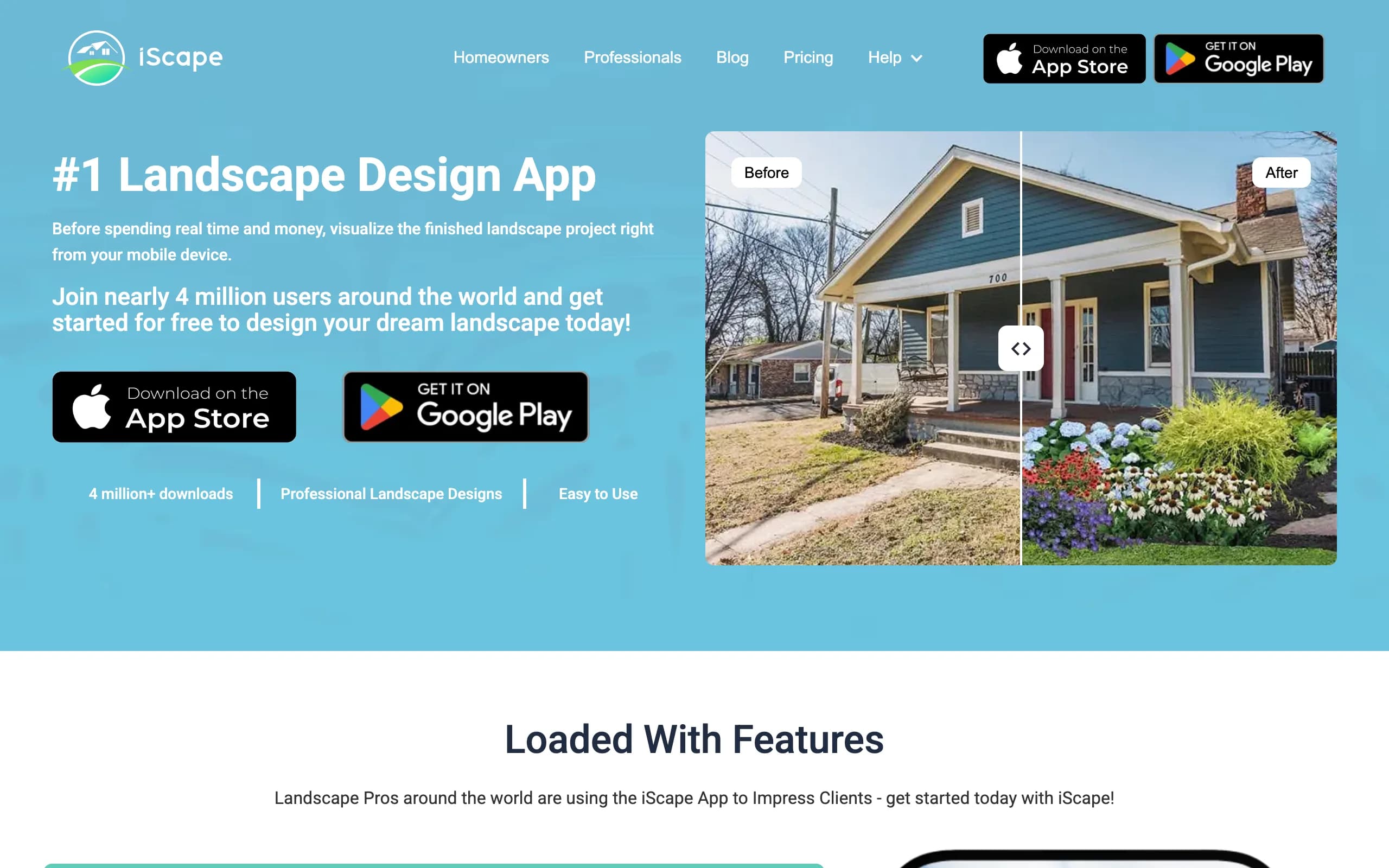
The trade-offs are real. The 3D AR is iOS-only, Android support is limited, and full access is a paid Pro subscription at $29.99 a month, or $299.99 a year. iScape is manual rather than AI-generated, so you do the composing yourself. For on-site sketching and AR placement, it's one of the better mobile options.
Key features
- Drag-and-drop design over your photo
- 3D AR placement on iPhone
- Plant and product library
- Shareable design exports
Best for
- People sketching in the yard on a phone
- iPhone users who want AR placement
Pricing
- Free tier (limited)
- Pro $29.99/month or $299.99/year
Pros
- Mobile-first with real AR on iOS
- Manual control over placement
Cons
- 3D AR is iOS-only, Android limited
- Manual, not instant AI generation
4. Yardzen, best for a full done-for-you plan
If neither modeling nor sketching is how you want to spend your time, Yardzen takes the design off your plate. A real landscape designer produces the plan, and you get build-ready CAD files, 3D renders, plant and materials lists, and contractor matching. There's no model to build and nothing to place yourself, just a finished plan from a professional.
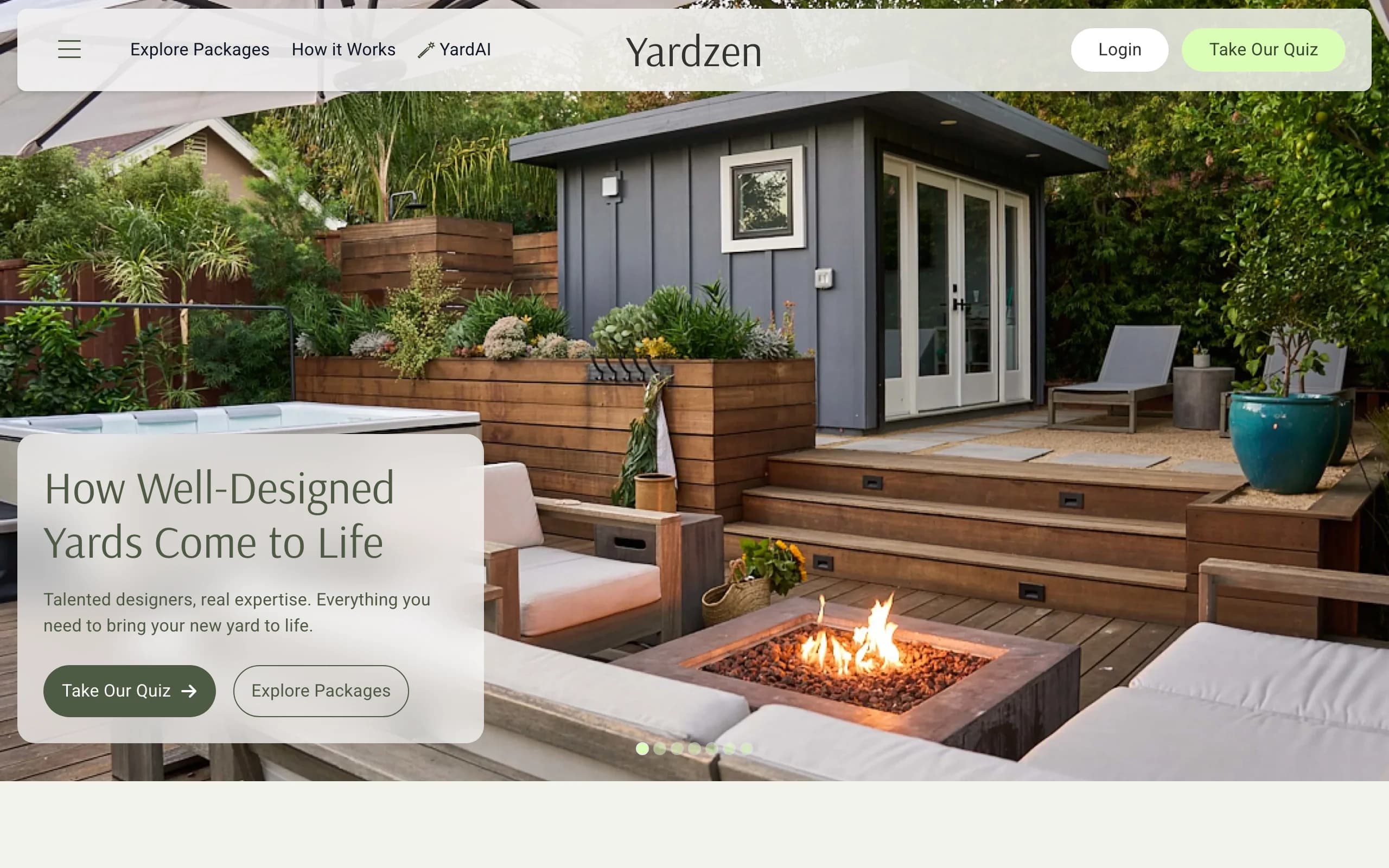
It's the priciest and slowest option here, from $295 to $3,495 and about two to three weeks, because humans do the work. Planner 5D and the apps above hand you a tool, Yardzen hands you a deliverable. For a serious renovation where you want expert judgment and something a crew can install, that's the trade.
Key features
- Custom plan from a real designer
- 2D CAD plans, 3D renders, plant and materials lists
- Contractor matching
Best for
- Homeowners who want it fully done for them
- Larger projects that justify the fee
Pricing
- From $295 to $3,495 per project
- No free design tier
Pros
- Build-ready plan, no DIY
- Contractor handoff included
Cons
- Expensive and slow versus apps
- Overkill for a quick exploration
5. DreamzAR, best for an AR walk-through
DreamzAR pairs an AI photo redesign with an augmented-reality mode that lets you walk through a 3D version of your yard on your phone. Snap a photo, pick a style, get a result in 30 to 90 seconds, then step into it in AR. It's a faster route to a 3D view than building a model in Planner 5D, with a different headline feature.
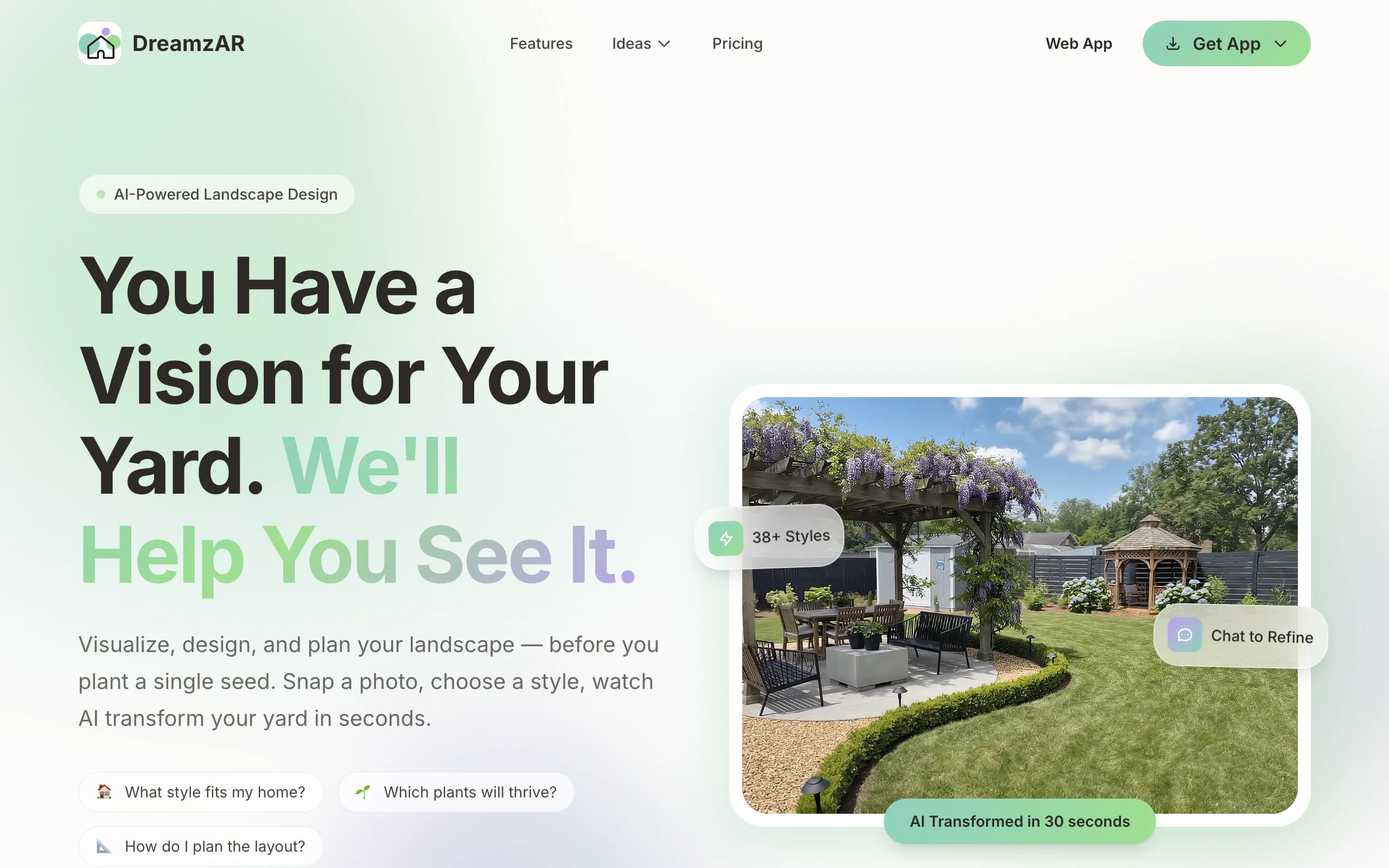
Two caveats matter. The 3D AR mode, the marquee feature, is iOS-only, so Android and web users pay the same $19.99 a month for the smaller half of the product. And the marketing promises "unlimited AI designs" while DreamzAR's own FAQ describes metered monthly generations that reset each cycle, so plan around an allowance, not truly unlimited use. On an iPhone, with eyes open, it's a capable app.
Key features
- AI photo redesign with chat refinement
- AR 3D walk-through (iOS)
- 2D editor with a large plant and object library
- High-resolution exports
Best for
- iPhone users who'll use AR
- DIYers who want auto-design plus an AR view
Pricing
- Free to download with a limited trial (in-app purchases)
- $19.99/month or $199/year
Pros
- AI redesign plus a real AR mode
- Fast results, 30 to 90 seconds
Cons
- Best feature (3D AR) is iOS-only
- "Unlimited" is actually metered
How to choose the best Planner 5D alternative
Drive it yourself or hand it off?
Planner 5D is a build-it-yourself modeler, and that's the question to answer first. If you like placing every element and want a precise editable model, Planner 5D or iScape suit you. If you'd rather upload a photo and get a styled result without modeling, OutdoorBrite is the fast route. If you want zero DIY, Yardzen hands you a finished plan.
How much time and money do you have?
Planner 5D's free tier is generous, but the time cost of modeling is real. A $29-a-month tool like OutdoorBrite buys speed and several styles to compare in minutes. DreamzAR runs $19.99 a month for AI plus AR. At the other end, Yardzen costs hundreds to thousands and takes weeks, but a designer does the work. Match the spend to how fast you need to decide.
What do you walk away with?
Ask what you're holding at the end. Planner 5D gives you an editable model, cost estimates, and CAD export. OutdoorBrite gives a realistic redesign of your real yard plus a climate-aware plant direction to shop from. Yardzen gives a build-ready plan and a contractor. DreamzAR and iScape give a render or AR view. If you need installable documents, lean toward Planner 5D or Yardzen.
Which device are you on?
iScape's AR and DreamzAR's AR are iOS-only, so check that before you pay. Planner 5D runs almost everywhere, including Windows, macOS, and Android. OutdoorBrite runs in any browser, so it works the same on Android, iPhone, or a laptop. Don't pay for a feature your device can't run.
FAQ
What is Planner 5D? Planner 5D is self-serve home design software. You draw a 2D floor plan or outdoor space, decorate it from a catalog of more than 10,000 items, and render realistic 3D images. For yards it has a garden planner, landscape and deck tools, an AI Design Generator that redesigns a photo of your exterior, and a Smart Wizard that auto-suggests layouts. It runs on web, iOS, Android, Windows, macOS, and visionOS.
Is Planner 5D free, and how much does it cost? There's a real free plan with unlimited projects and roughly 5,000 catalog items on the web app. Paid Premium starts at $4.99 a month (or $59.99 a year), and Professional is $33.33 a month ($399.99 a year), which adds 4K renders and CAD export. The AI Design Generator and floor-plan-photo-to-3D feature are gated behind paid Premium.
What is the best alternative to Planner 5D? For a fast redesign of your actual yard without building a model, OutdoorBrite is the strongest pick. If you want to stay hands-on but go mobile and outdoor-only, iScape fits. If you'd rather a professional handle the whole plan, Yardzen is the done-for-you option.
Can OutdoorBrite redesign my yard from a photo? Yes. You upload a photo, pick a style, and get realistic concepts in under a minute, in any browser. It covers backyards, gardens, patios, decks, pergolas, pools, and front yards, with plant choices matched to your climate, though it doesn't give you an editable CAD model the way Planner 5D does.
Is Planner 5D or OutdoorBrite better for a quick yard redesign? For speed, OutdoorBrite, because it turns one photo into styled concepts in under a minute with no modeling. Planner 5D's manual modeler takes longer, and its fast AI photo redesign is behind paid Premium. If you instead want a precise editable model and a cost estimate, Planner 5D wins. You can read more in our roundup of landscape design software for homeowners.
Does Planner 5D have AI design? Yes. Planner 5D has an AI Design Generator that takes an uploaded photo of your exterior plus your style and material choices and returns redesign visuals, along with a Smart Wizard for auto-suggested layouts. Both the AI Design Generator and the floor-plan-photo-to-3D feature require the paid Premium tier rather than the free plan.
Is there a free alternative to Planner 5D for landscape design? Planner 5D itself has a free tier, and iScape offers a limited free option. If you want to compare free tools side by side, our guide to the best free landscape design software is a good start. OutdoorBrite is paid only, so it's the pick when you want a fast, climate-aware result rather than free browsing.