8 best free landscape design software for 2026
Want to design your yard without paying for software? We compared the best free and free-tier landscape design programs for 2026, and named the one paid AI pick worth the upgrade.
Free landscape design software lets you map your yard, place plants, lay out hardscape, and see a plan before you spend a cent on materials or a designer. You can test ideas, fix proportions, and avoid expensive mistakes, all without committing. This guide compares the best free and free-tier landscape design programs you can use today.
One honest note up front. The tool we rank first, OutdoorBrite, is not free. It is paid only, with no free plan, no trial, and no free credits. We still put it at the top because it turns a photo of your own yard into realistic redesigns in under a minute, which is the thing free software can't really do. Everything below OutdoorBrite is genuinely free or has a real free tier, so if you only want to spend nothing, start at number two and you'll still find seven solid options.
For each program you'll get what it does well, where it falls short, what it costs, and who it fits, plus a short framework at the end to help you pick.
Best free landscape design software: a brief overview
- OutdoorBrite, best overall (paid, no free plan): upload a photo of your yard, pick a style, and get realistic redesign concepts in under a minute, with plant choices matched to your climate.
- SketchUp Free, best free 3D modeling (free): a browser-based 3D modeler for precise hardscape and structures, free for personal projects.
- Planner5D, best free 2D/3D layout (free tier): draw your yard to scale and flip between 2D and 3D, with a free plan that covers most home projects.
- HomeByMe, best free photoreal renders (free starter): drag in real products and generate a few photorealistic renders for free.
- Sweet Home 3D, best free open-source desktop (free): a 2D-plan-to-3D modeler that runs on Windows, Mac, and Linux, free from the official site.
- DreamPlan, best free offline desktop (free for home use): terrain sculpting and full property layout that works entirely offline.
- GARDENA myGarden, best free for irrigation (free): a no-signup 2D planner with an automatic sprinkler-system designer and parts list.
- Realtime Landscaping Architect, best pro free trial (free trial): a professional-grade Windows tool you can test fully before buying.
| Software | Key strength | Pricing | Platforms |
|---|---|---|---|
| OutdoorBrite | Realistic AI concepts from your own photo | From $29/mo (no free plan) | Web (mobile-first) |
| SketchUp Free | Free browser 3D modeling | Free (personal); Go $19.99/mo | Web |
| Planner5D | Free 2D/3D layout, measured to scale | Free tier; Premium $4.99/mo yearly | Web, iOS, Android, Windows, Mac |
| HomeByMe | Free photoreal renders from a real-product catalog | Free starter + paid credits | Web |
| Sweet Home 3D | Free open-source 2D-to-3D modeler | Free desktop (optional paid bundles) | Windows, Mac, Linux, Web |
| DreamPlan | Offline terrain sculpting and property layout | Free (non-commercial); paid commercial | Windows, macOS |
| GARDENA myGarden | Free 2D layout with sprinkler planning | Free | Web (no signup) |
| Realtime Landscaping Architect | Pro-grade 3D toolset, free trial | Free trial; paid license | Windows |
1. OutdoorBrite, best overall
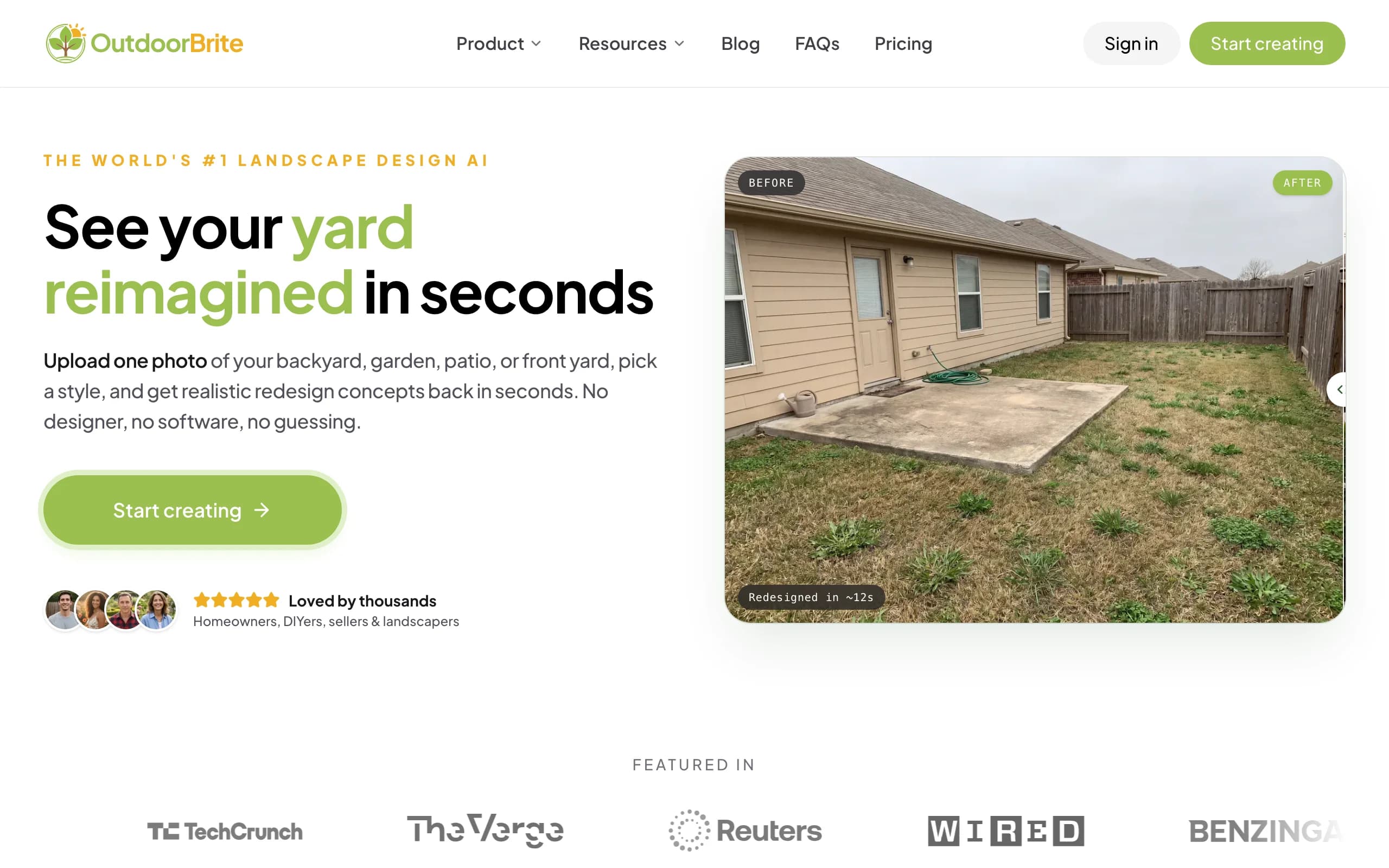
OutdoorBrite is an AI landscape design product built around one job: showing you what your own yard could look like, fast. You upload a photo of the space, pick a style (modern, cottage, desert or xeriscape, tropical, Mediterranean), describe what you want in plain words, and it generates realistic concepts in under a minute. You get several concepts per upload, so you're comparing real options on your real yard instead of building a model from scratch. An in-app AI editor lets you refine a concept afterward: swap a plant, change a material, push the layout one way or the other.
Here is the honest part, since this is a roundup of free software. OutdoorBrite has no free plan, no trial, and no free credits. You pay from the first design. We still rank it first because the result is the closest you'll get to seeing your finished yard before you build it, and plant choices are matched to your climate and hardiness zone, so the greenery in a concept could actually grow where you live. That is what separates a photo-based landscape design AI from a generic model or restyle. It runs in the browser and is mobile-friendly, so there's no desktop install and nothing to learn, which is also why it fits the "I just want to see it" reader better than a modeler. If your budget is strictly zero, skip to SketchUp Free below; if you want the most realistic result and can pay for it, this is the one.
Key features
- Photo-to-design AI: upload your yard, get realistic concepts in under a minute
- Style presets plus a plain-language prompt to direct the look
- Multiple concepts per upload, with an in-app AI editor to refine
- Plant choices matched to your climate and hardiness zone
- Works for backyards, gardens, patios, decks, fences, pergolas, pools, and front yards
- Save and share designs; web-based, so nothing to install
Best for
- Homeowners who want to see a redesign on their own photo before spending
- DIYers who'll take the concept to a plant and materials list
- Landscapers who want a realistic render to show a client
Pricing
- Paid only, no free plan and no trial. 1 credit = 1 design or 1 AI edit.
- Starter $29/mo ($23/mo billed yearly): 25 redesigns/mo, HD output.
- Plus $49/mo ($39/mo yearly): 100 redesigns/mo, sharp 2K output. Most popular.
- Pro $149/mo ($119/mo yearly): 200 redesigns/mo, 4K output, commercial rights.
Pros
- The most realistic result of anything here, on your actual photo
- No learning curve and no install
- Plant suggestions respect your hardiness zone
Cons
- No free plan, so it doesn't fit a strictly zero-budget reader
- Less precise than a CAD-style modeler for exact measurements
2. SketchUp Free, best free 3D modeling
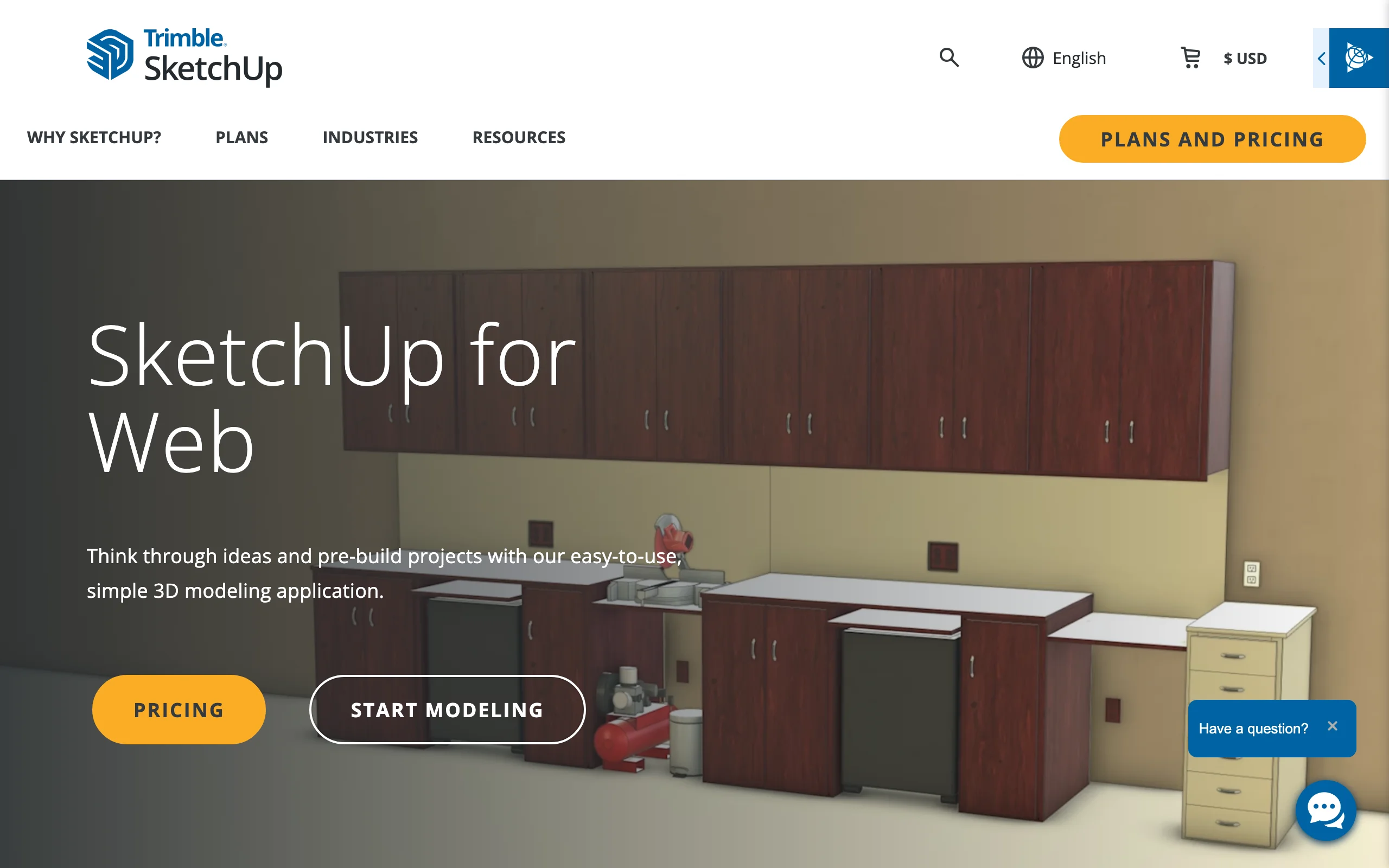
SketchUp Free is the browser version of the well-known 3D modeler, and it's genuinely free for personal projects with no subscription. It excels at three-dimensional massing: blocking out the size and scale of patios, decks, pergolas, and raised beds with the push-pull interface that made SketchUp popular. It runs in your browser, gives you cloud storage, and connects to the 3D Warehouse, a huge library of pre-made models you can import to populate a design quickly.
The trade-off is a steeper learning curve than a simple yard styler, and the free version is for personal, non-commercial use only, without professional export options. It also doesn't carry plant-specific data like hardiness zones. For understanding spatial relationships and modeling custom hardscape accurately, though, it's one of the strongest free options. If you're tackling a first major build, our guide to DIY landscaping design pairs well with it.
Key features
- Browser-based 3D modeling, no install
- Free for personal, non-commercial projects
- Push-pull massing for decks, patios, pergolas, and beds
- 3D Warehouse access for pre-made furniture and plant models
Best for
- DIYers comfortable learning a real 3D modeling tool
- Modeling custom hardscape and structures to exact size
- People who want free 3D modeling without a subscription
Pricing
- SketchUp Free: $0 for personal, non-commercial use (web only).
- Go: $19.99/mo or $129/year, adds iPad and more storage.
- Pro: $99.99/mo or $399/year, adds the desktop app and extensions.
Pros
- A real, capable 3D modeler at no cost
- Huge model library through the 3D Warehouse
- Precise control over structures and massing
Cons
- Steeper learning curve than a drag-and-drop planner
- Personal-use only on the free tier, with no plant-zone data
3. Planner5D, best free 2D/3D layout
Planner5D is the easy entry point for measured layout. You draw a 2D plan of your yard and instantly view it in 3D, arranging pools, pathways, beds, and outdoor furniture with a simple drag-and-drop interface. The free plan gives you unlimited projects and about half the object catalog, which is enough for a typical home yard, and projects sync across web, desktop, and mobile so you can switch devices mid-design.
The free tier caps catalog access and high-resolution photorealistic rendering, and like other model-based tools it produces a 3D model rather than AI on your actual photo. But for fast, accurate layout with a gentle learning curve, it's hard to beat for free. It's a good place to get proportions and placement right before committing to a more complex program.
Key features
- Draw your yard to scale in 2D, view in 3D
- Free plan with unlimited projects and about half the catalog
- Cloud sync across web, desktop, and mobile
- Large object library for beds, paving, furniture, and structures
Best for
- Beginners who want a simple 2D/3D layout for free
- DIYers planning placement before buying materials
- Anyone who prefers a model-based plan to an AI render
Pricing
- Free plan: unlimited projects, about 50% of the catalog.
- Premium: $4.99/mo billed annually ($59.99/year), higher month-to-month.
- Professional: $49.99/mo ($399.99/year), adds AI generation and 4K renders.
Pros
- Genuinely useful free tier for measured layout
- Cross-platform with cloud sync
- Gentle learning curve
Cons
- Free tier caps catalog and render quality
- 3D-model output, not photoreal AI on your own photo
4. HomeByMe, best free photoreal renders
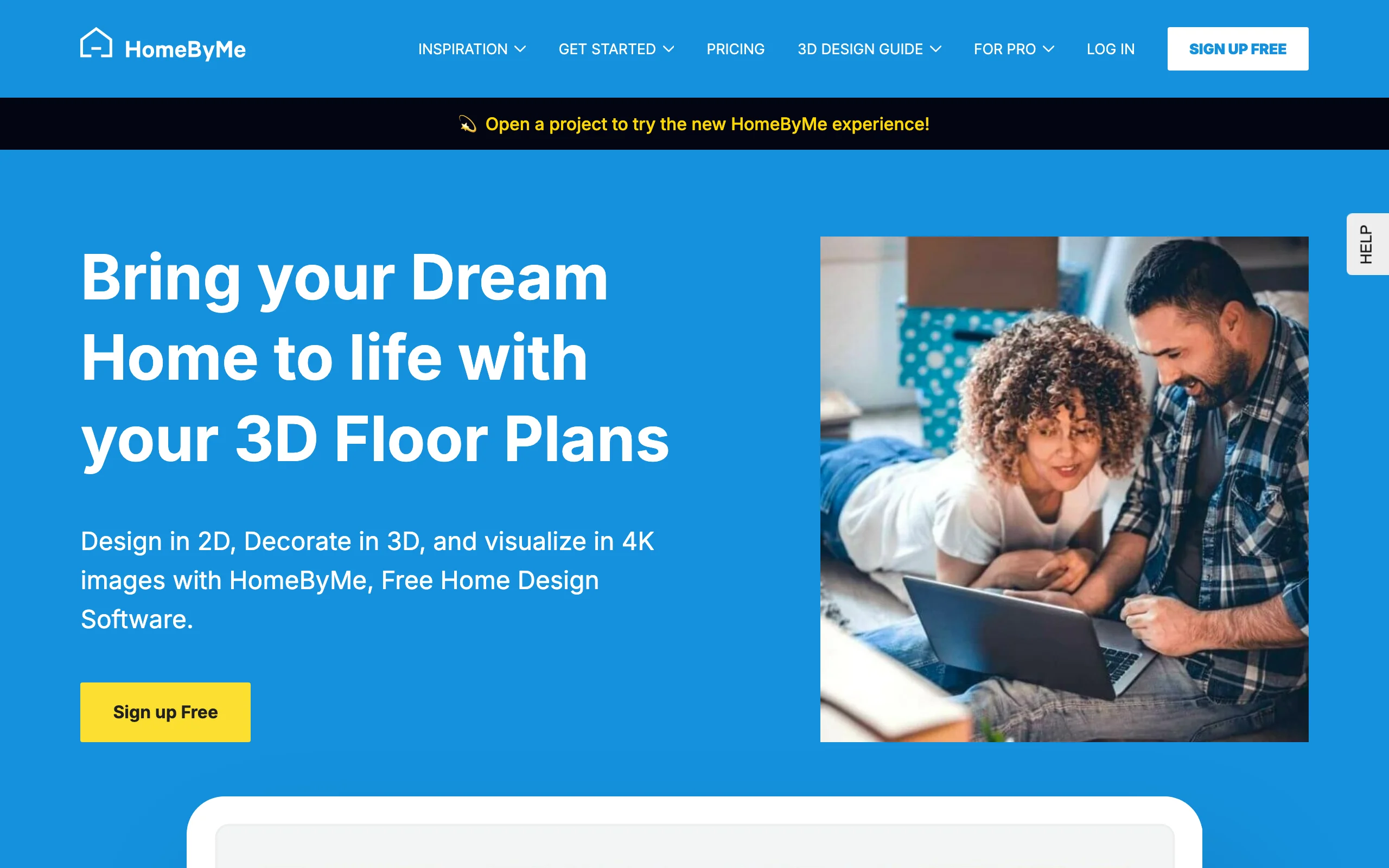
HomeByMe is a consumer 3D design platform that stands out for the quality of its renders. You drag real-world products into a 2D or 3D plan and generate photorealistic images of patios, terraces, and outdoor furniture layouts. The freemium model gives new users a starter allowance of projects and a few free render credits, which is a real taste of professional-grade visualization without paying up front.
It sits between simple 2D planners and complex 3D modelers: easier than SketchUp, more polished than a basic drag-and-drop tool. The catch is the credit model, where additional projects and high-quality renders are purchased à la carte once the free allowance runs out, and it isn't built for species-specific planting plans or major terrain changes. For aesthetic visualization of a finished look, it's one of the best free starting points.
Key features
- Photorealistic renders from a real-product catalog
- Free starter allowance of projects and render credits
- 2D plan with 3D visualization
- Strong for furniture, materials, and finishes
Best for
- People whose main goal is a beautiful, realistic preview
- Patio, terrace, and outdoor-living visualization
- Users who want photoreal output without learning CAD
Pricing
- Free starter tier with a cap on projects and renders.
- Additional projects and HD renders purchased à la carte (credits/plans).
- Web-based.
Pros
- Free render allowance for quick, realistic visuals
- Approachable interface with strong output
- Large real-product catalog
Cons
- Free renders are capped; more cost credits
- Not built for detailed planting or terrain work
5. Sweet Home 3D, best free open-source desktop
Sweet Home 3D started as an interior tool and grew into a capable option for yards and patios. You draw a 2D floor plan of your home and outdoor space and the software generates a live 3D preview, which is great for understanding how a patio relates to the interior or how a garden frames a window. The free desktop version runs on Windows, Mac, and Linux, and a web version exists too.
Its real strength is extensibility: you can import free 3D models and textures from outside sites to add specific pavers, fences, furniture, or basic plant models. It isn't built for detailed planting schemes or sloped terrain, and the versions on the Mac and Microsoft app stores are often paid bundles with extra models, while the official site download is free. For foundational, cross-platform planning at no cost, it's a reliable choice.

Key features
- 2D plan with an automatic live 3D view
- Free desktop version for Windows, Mac, and Linux
- Importable free models and textures for customization
- Good for outdoor-living layouts tied to the house
Best for
- Cross-platform DIYers who want free desktop software
- Planning patios and beds in relation to the home
- Tinkerers who like importing their own models
Pricing
- Free desktop version from the official site.
- App-store versions may be paid bundles with extra models.
- Windows, Mac, Linux, and web.
Pros
- Free, open-source, and cross-platform
- Extensible with external model libraries
- Simple 2D-to-3D workflow
Cons
- Not suited to detailed planting or sloped terrain
- App-store versions can be paid, which causes confusion
6. DreamPlan, best free offline desktop
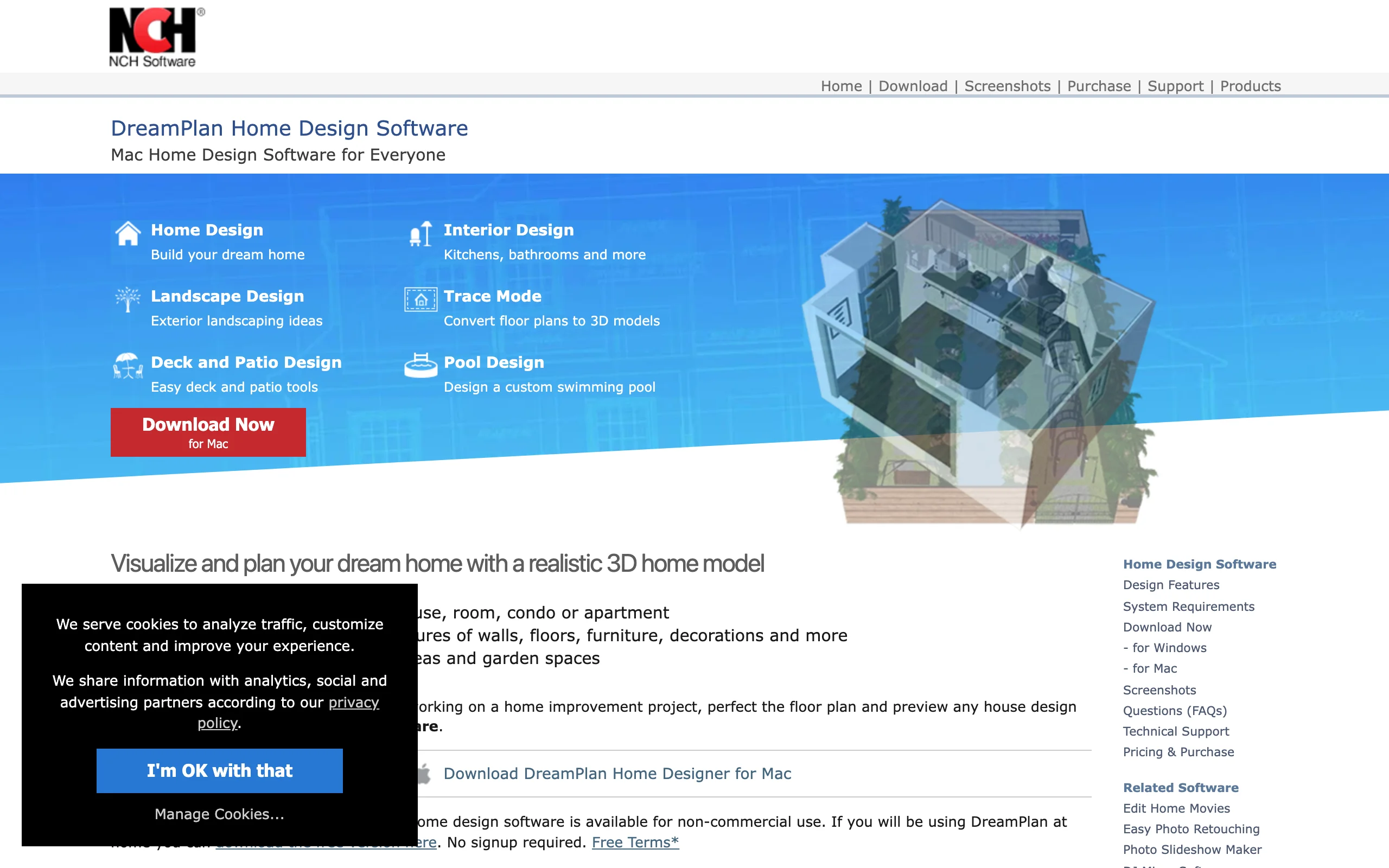
DreamPlan from NCH Software is a downloadable desktop app covering both interior and exterior design. For yards, its strengths are terrain sculpting and grading, letting you reshape land, add slopes, or level areas for a patio with precision. It runs entirely offline, so it's reliable regardless of your internet connection, and it has dedicated tools for pools, decks, and fencing plus a plant and tree library.
You can switch between 2D blueprint, 3D rendered, and hybrid views to see how elevation changes affect the design. The interface looks dated next to newer web apps, and the free license is for non-commercial home use only, with paid licenses required for commercial work. For homeowners who need to tackle grading or plan a full property offline, though, its focused toolset earns its place.
Key features
- Terrain sculpting and grading tools
- Dedicated pool, deck, and fence tools plus a plant library
- 2D, 3D, and hybrid views
- Works fully offline
Best for
- Homeowners who need to grade or reshape terrain
- People who want to design without an internet connection
- DIYers planning a full property layout
Pricing
- Free for non-commercial home use.
- Paid license required for commercial use.
- Windows and macOS.
Pros
- Strong terrain sculpting for a free tool
- Reliable offline performance
- Covers home and garden in one app
Cons
- Interface feels dated next to web apps
- No cloud collaboration
7. GARDENA myGarden, best free for irrigation
GARDENA myGarden is a completely free, browser-based planner that pairs simple 2D garden layout with an integrated automatic sprinkler-system designer. You sketch your property, add grass, beds, and hardscape, then let the irrigation planner suggest where to place sprinklers and pipes, and it generates a shopping list of the GARDENA parts you'd need. You can start designing immediately without creating an account.
The visual output is a basic 2D schematic rather than a photoreal render, and the catalog is brand-centric, built around GARDENA products. But for planning efficient watering zones and turning that plan into a parts list, nothing else here is as focused. If irrigation is your priority, it's an excellent no-cost starting point that goes from concept straight to a buyable list.

Key features
- Free 2D garden layout, no signup required
- Automatic sprinkler and irrigation planner
- Generates a parts and shopping list
- Pre-made templates to start from
Best for
- Gardeners focused on irrigation and watering zones
- Beginners who want a fast, no-account 2D planner
- Anyone who wants a plan that becomes a parts list
Pricing
- Completely free.
- Web-based, no download or sign-up to start.
Pros
- 100% free with no hidden features
- Irrigation planning is unmatched among free tools
- Very easy to pick up
Cons
- Basic 2D output, not photorealistic
- Catalog is GARDENA-branded
8. Realtime Landscaping Architect, best pro free trial
Realtime Landscaping Architect by Idea Spectrum is professional-grade software you can test through a fully functional free trial. It's purpose-built for detailed outdoor design: work from a photo overlay, a 2D plan, or a full 3D model, with dedicated tools for multi-level decks, retaining walls, ponds, and swimming pools. The trial lets you run the entire professional workflow, from concept to a 3D walkthrough, before you commit.
The honest framing is that this is a trial, not free software: the trial places watermarks on output and includes a smaller object library, and the full version is a Windows-only paid license. For homeowners considering a significant investment, or anyone who suspects they need more power than a basic planner offers, it's an excellent way to test a high-end tool at no upfront cost.

Key features
- Photo overlay, 2D plan, and full 3D modeling
- Dedicated tools for decks, retaining walls, ponds, and pools
- 3D walkthroughs and a large pro plant library
- Fully functional free trial
Best for
- People evaluating a professional toolset
- Complex hardscapes like pools and water features
- DIYers who suspect a basic planner won't be enough
Pricing
- Free trial with watermarks and a limited library.
- Full version: paid one-time license.
- Windows only.
Pros
- Pro-grade toolset to test for free
- Strong 3D walkthroughs and detailed hardscape tools
- No upfront cost to evaluate
Cons
- Trial only; the full version is a paid Windows license
- No Mac or web version
How to choose the best free landscape design software for your needs
1) Decide how you want to design
Pick the workflow that suits you. If you want a finished-looking result with no learning curve, an AI tool that restyles your photo (OutdoorBrite) is fastest, and HomeByMe is the free option closest to a polished render. If you want precise structures and measurements, a modeler (SketchUp Free, Sweet Home 3D, Realtime Landscaping) is the right home. If you want a quick, accurate layout, Planner5D splits the difference. There's no single best answer, only the one that matches how you like to work.
2) Free vs paid: what you actually give up
Free software is genuinely useful, but every free tier holds something back. The common limits: renders are capped (HomeByMe), the catalog is reduced (Planner5D), the program is personal-use only (SketchUp Free), or it's really a watermarked trial (Realtime Landscaping). The bigger trade is realism and climate fit. Free programs render a model or a generic scene; they rarely match plants to your hardiness zone. That's the line OutdoorBrite's paid plan buys you: a realistic concept on your own photo with zone-aware plant choices. If you only need a layout, free is plenty. If you want a result you'd trust enough to build from, that's usually where you pay.
3) Desktop, web, or your phone
Match the tool to where you'll work. Desktop programs (DreamPlan, Sweet Home 3D, Realtime Landscaping) give you the biggest canvas and work offline, but several are Windows-first. Browser tools (SketchUp Free, Planner5D, HomeByMe, GARDENA myGarden) need no install and run on most machines. If you'd rather design from the phone you photographed the yard with, a mobile-friendly web tool like OutdoorBrite or a dedicated landscape design app fits better than a desktop CAD program. Check platform support before you commit.
FAQ
What is the best free landscape design software? For free, measured layout, Planner5D is the strongest all-rounder, and SketchUp Free is the pick for precise 3D structures. HomeByMe is the best free way to get a photoreal render, and GARDENA myGarden is unmatched for free irrigation planning. The best paid tool overall is OutdoorBrite, because it gives the most realistic result from your own photo, but it has no free plan.
Is there genuinely free landscape design software? Yes. SketchUp Free (personal use), Planner5D's free tier, Sweet Home 3D, DreamPlan for home use, and GARDENA myGarden are all free, and HomeByMe gives free starter renders. Free versions usually cap saving, catalog access, resolution, or commercial use, so they're best for planning rather than producing a final, build-ready document.
Is OutdoorBrite free? No. OutdoorBrite is paid only, with no free plan, no trial, and no free credits. Plans start at $29/mo. We rank it first because it produces the most realistic landscape concepts from a photo of your space, with plant choices matched to your hardiness zone, but if your budget is strictly zero, the other seven programs here are free or have a real free tier.
Can free software design my yard from a photo? Mostly no. Free programs are model-based: you build a 3D scene or 2D plan from scratch. Generating a realistic redesign directly from a photo of your yard is what OutdoorBrite does as a paid product. HomeByMe gets close on render quality but still works from a built model, not your actual photo.
What is the best free landscape design software for beginners? Planner5D is the gentlest place to start, with simple drag-and-drop layout and an instant 3D view. GARDENA myGarden is even simpler if irrigation is your focus. If you'd rather skip the learning curve and just see a finished look, an AI tool like OutdoorBrite turns a photo into realistic concepts, though it's a paid product.
Does free landscape design software suggest plants that survive my climate? Most don't. Free model-based tools place generic plants without checking your zone. OutdoorBrite matches plant choices to your climate and hardiness zone as part of the paid product, so the greenery in a concept could realistically grow where you live. With any free program, check plant suggestions against your local conditions before buying.
Is free landscape design software good enough to plan a real yard? For laying out beds, paths, and structures and getting proportions right, yes. SketchUp Free, Planner5D, and Sweet Home 3D are accurate enough to plan from, and Realtime Landscaping's trial handles complex hardscape. Where free software falls short is photorealism and climate fit, so for the build you'll want to pair a free layout with a plant list checked against your zone, or use a tool like OutdoorBrite that handles both.
Can free landscape design software produce a 3D view? Yes. SketchUp Free, Planner5D, Sweet Home 3D, DreamPlan, and Realtime Landscaping all build a 3D model you can rotate and view, and HomeByMe generates photoreal renders. The free modelers are about accuracy and structure; for a photoreal result on your actual yard, an AI tool is the better fit.
For a free-focused comparison of garden tools specifically, see our guide to free garden design software, or start designing at outdoorbrite.com.