Best Home Design 3D alternatives for garden design (2026)
Home Design 3D lets you model a yard object by object for $3.99, but there is no AI and no photo-to-design. If you would rather upload a photo and get realistic concepts in a minute, here are the alternatives worth your time.
Home Design 3D does one thing well: it lets you build a precise 3D model of a home or yard, down to exact dimensions. Its Outdoor and Garden edition is the part gardeners care about. You draw the plot to scale, then drag in fences, trees, flowers, a pool, furniture, even a greenhouse, and view the result in 2D, 3D, or AR. For $3.99 once, with no subscription, it is hard to argue with the price. People still go looking for Home Design 3D alternatives, and the reason is almost always the same.
There is no AI and no photo-to-design. You build every scene yourself, object by object, which takes real time and a bit of a learning curve. The output is a stylized model, not a photorealistic render of your actual yard. And the plant library is limited, with no localized plant lists or hardiness-zone guidance to tell you what will actually survive where you live. If you would rather upload a photo and see your own space redesigned in a minute, a manual modeler is the wrong tool.
This guide compares the realistic Home Design 3D alternatives, including OutdoorBrite, which we make, on how much building you do yourself, what you walk away with, and what each one costs.
Best Home Design 3D alternatives: a quick overview
- OutdoorBrite: Best overall for AI photo redesign. Upload a photo of your yard and compare several realistic styles in under a minute, no manual building.
- Home Design 3D: Best for precise DIY 3D modeling. Draw to exact dimensions and place every object yourself, cheaply.
- iScape: Best for mobile on-site sketching. Drag-and-drop plus AR on a phone, useful while you stand in the yard.
- Yardzen: Best for a full done-for-you plan. A real designer delivers a build-ready package with plant and materials lists.
- DreamzAR: Best for AR on your phone. AI photo redesign plus a 3D walk-through you can stand inside.
| Tool | Key strength | Pricing | Platforms |
|---|---|---|---|
| OutdoorBrite | Realistic AI redesign of your photo, climate-aware plants | From $29/mo (no free plan) | Web |
| Home Design 3D | Precise manual 3D garden modeling with AR | Outdoor app $3.99 one-time | iOS, Android, PC, Mac |
| iScape | Manual drag-and-drop design with AR | Free tier; Pro from $29.99/mo | iOS (limited Android) |
| Yardzen | Human designer, build-ready plan + contractor matching | From $295 per project | Web |
| DreamzAR | AI redesign plus AR 3D walk-through | From $19.99/mo | iOS, Android, Web |
What is Home Design 3D?
Home Design 3D is a manual design app for homes and gardens. The Outdoor and Garden edition is built for yards: you set the plot dimensions, then place fences, trees, flowers, pools, furniture, and structures yourself, switching between a 2D floor plan and a 3D view with aerial and ground angles. There is an AR mode, and you can export your project to the community, email, Dropbox, or iCloud. It runs on iOS, including Apple Vision, plus Android, PC, and Mac.
Pricing is its strongest card. The Outdoor and Garden app is $3.99 once on iOS, with no subscription. The flagship Home Design 3D app for interiors is sold separately per platform and has a limited free mobile tier with paid upgrades, now sold mainly as subscription plans. The honest strength is the dimension-accurate modeling: if you want a scale plan you control, few apps this cheap match it. The honest limitation is that everything is manual. There is no AI, no photo-to-design, and the result is a stylized 3D model rather than a realistic picture of your real yard.
1. OutdoorBrite, best overall for AI photo redesign
OutdoorBrite is an AI garden planner built around turning one photo of your yard into realistic redesign concepts. You upload a photo of your garden, pick a style like modern, cottage, or desert/xeriscape, and describe what you want. It returns realistic concepts in under a minute, so you can picture the finished space before spending a dollar. That is the opposite of Home Design 3D's build-it-yourself workflow: no plot to draw, no objects to place by hand.
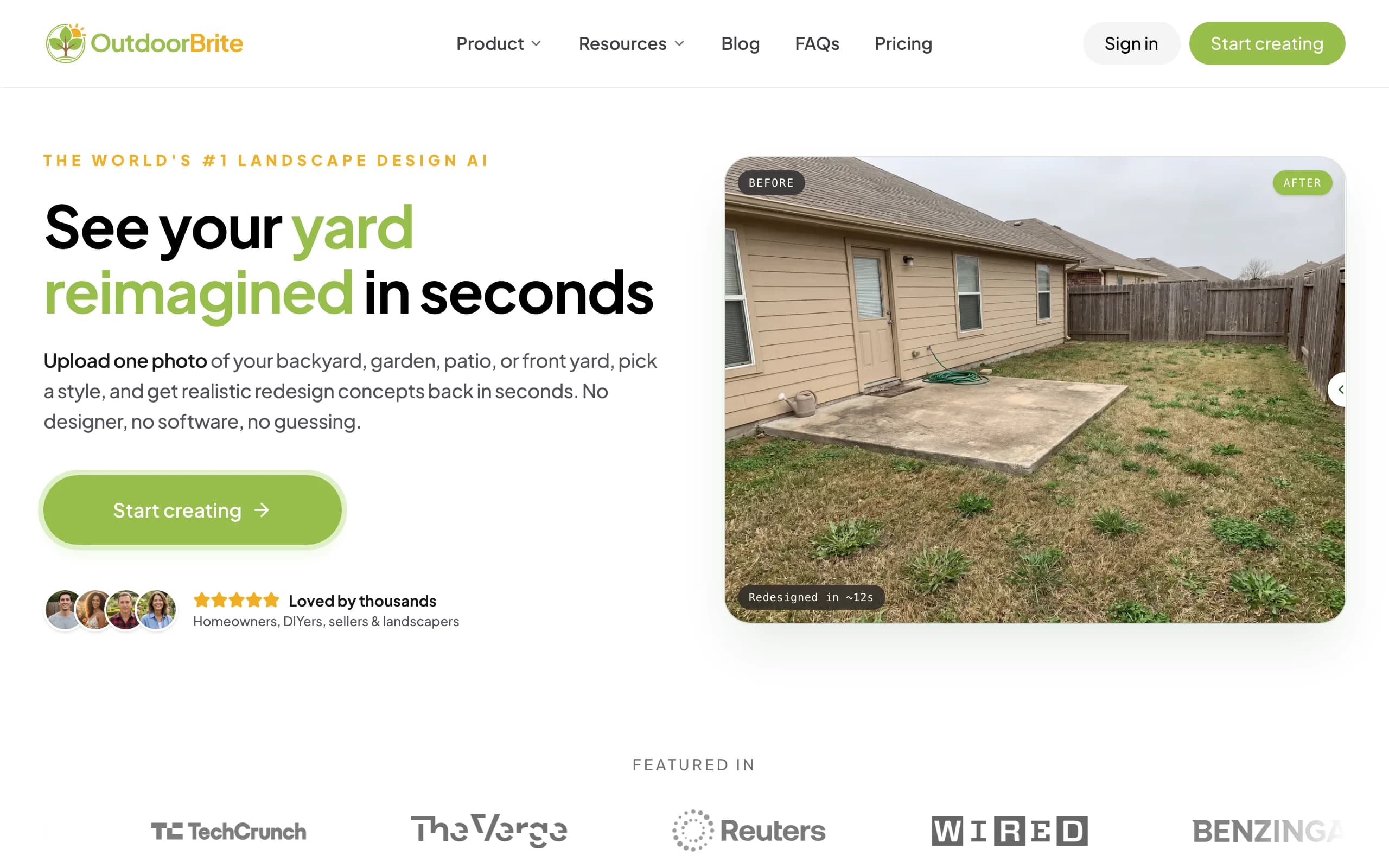
It lets you compare several concrete styles on your own space, then refine a favorite in the in-app AI editor, with plant choices matched to your climate and hardiness zone. That last part fills a real gap, since Home Design 3D's stylized models do not tell you what survives where you live. Beyond gardens, it covers backyards, patios, decks, fences, pergolas, pools, and front yards, plus project calculators and a landscaping glossary in one place. If you are sketching a layout from scratch, our guide on how to plan a garden layout pairs well with it.
Key features
- Photo-to-design for gardens, backyards, patios, and more
- Compare multiple style presets on one photo
- In-app AI editor for refinements
- Plant choices matched to your climate and hardiness zone
- Runs in any browser, no app to install
Best for
- Homeowners who want a realistic render of their own yard, not a generic model
- People who would rather not build a scene by hand
- DIYers who want a climate-aware plant direction to act on
Pricing
- Paid only, no free plan. From $29/month (Starter, 25 redesigns, HD), $49/month (Plus, 100 redesigns, 2K), $149/month (Pro, 200 redesigns, 4K)
- Annual billing saves about 20 percent
- Metered by redesign credits, stated plainly, never called "unlimited"
Pros
- Realistic concepts from your actual photo in under a minute
- Compare several styles side by side, then edit a favorite
- Plant picks respect your hardiness zone
Cons
- No free tier for casual browsing
- Web-based only, with no native mobile app yet
- A tricky angle or harsh lighting can need a second render
2. Home Design 3D, best for precise DIY 3D modeling
Home Design 3D is the tool you are comparing against, and for a certain job it is genuinely good. If you want to lay out a yard to exact dimensions and control where every fence panel, tree, and paver goes, the Outdoor and Garden edition gives you that. You draw the plot, drag in objects from the catalog, and check the result in 2D, 3D, or AR. At $3.99 once, with no subscription, it is one of the cheapest ways to get a scale model you own.
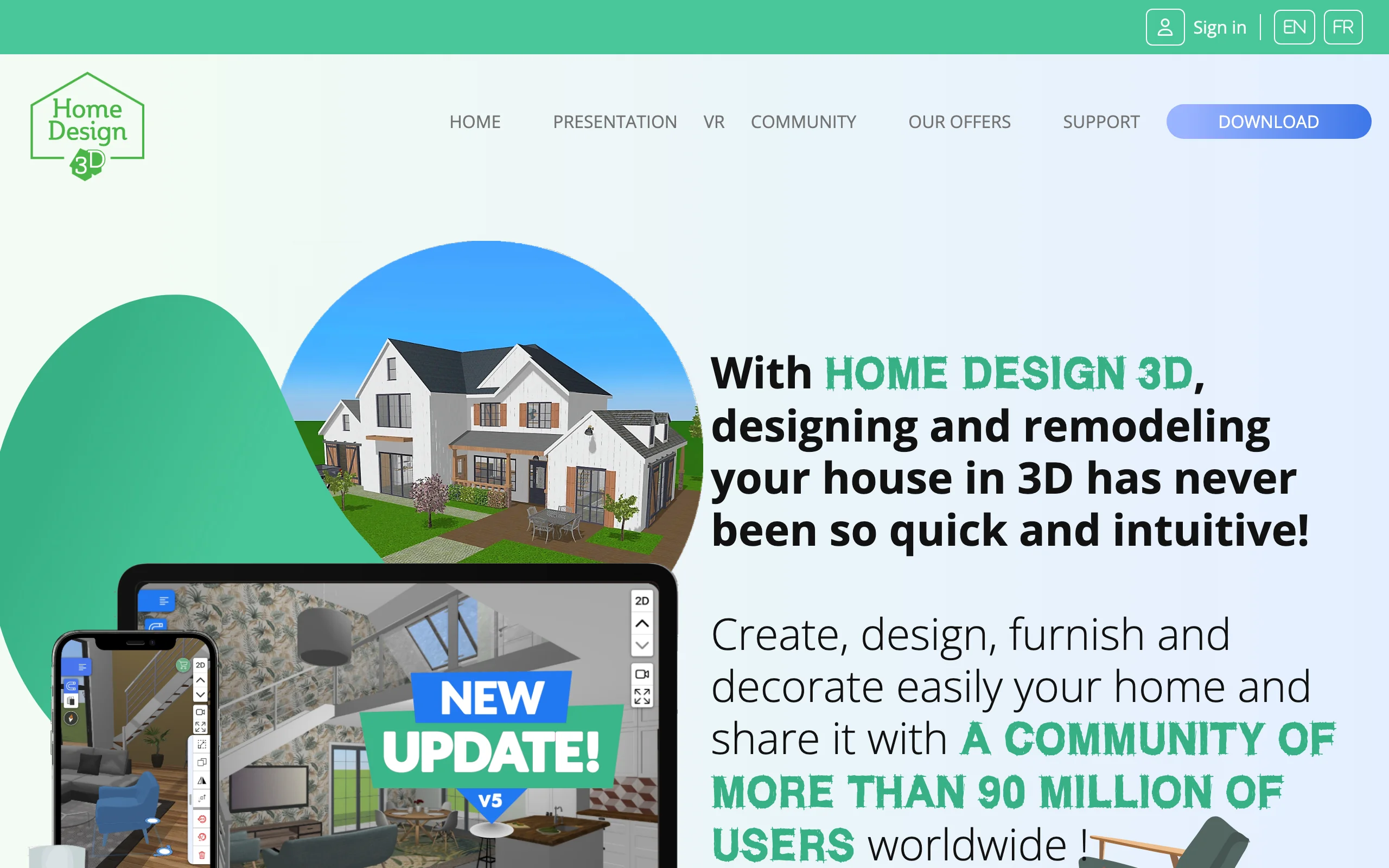
The catch is the work. You build everything by hand, which takes time and a bit of practice, and the result is a stylized scene rather than a realistic image of your actual garden. The plant variety is limited, and there is no localized plant list or hardiness-zone guidance, so the model looks like a yard without telling you whether those trees would live in yours. There is also no AI and no photo-to-design, so it cannot take a picture of your space and redesign it. If precise manual control is what you want and you do not mind the learning curve, it earns its low price.
Key features
- Dedicated Outdoor and Garden edition for yards
- Draw the plot to exact dimensions
- Drag-and-drop fences, trees, flowers, pools, furniture, greenhouses
- 2D, 3D aerial and ground views, plus AR
- Export to community, email, Dropbox, or iCloud
Best for
- People who want a dimension-accurate scale model they control
- Cross-platform users on iOS, Android, PC, or Mac
- Anyone who prefers a one-time purchase over a subscription
Pricing
- Outdoor and Garden app: $3.99 one-time on iOS
- Flagship Home Design 3D (interiors) sold separately per platform, with a limited free mobile tier and paid subscription upgrades
Pros
- Very cheap one-time price, no subscription
- Precise dimension-accurate modeling with AR
- Mature and available across four platforms
Cons
- No AI and no photo-to-design, you build every scene by hand
- Real learning curve and time cost
- Stylized model, not a realistic render of your real yard
- Limited plant variety, no hardiness-zone guidance
3. iScape, best for mobile on-site sketching
iScape is a self-serve mobile app for designing a yard on your phone. You drag and drop plants and hardscape onto a photo or a blank canvas, and on iOS you can use AR to preview elements in place while you stand in the garden. That on-site angle is its strength: it is handy for trying a quick idea where you are, rather than at a desk. It overlaps with Home Design 3D's manual approach, but leans more on photo-based placement and AR than on a full scale model.
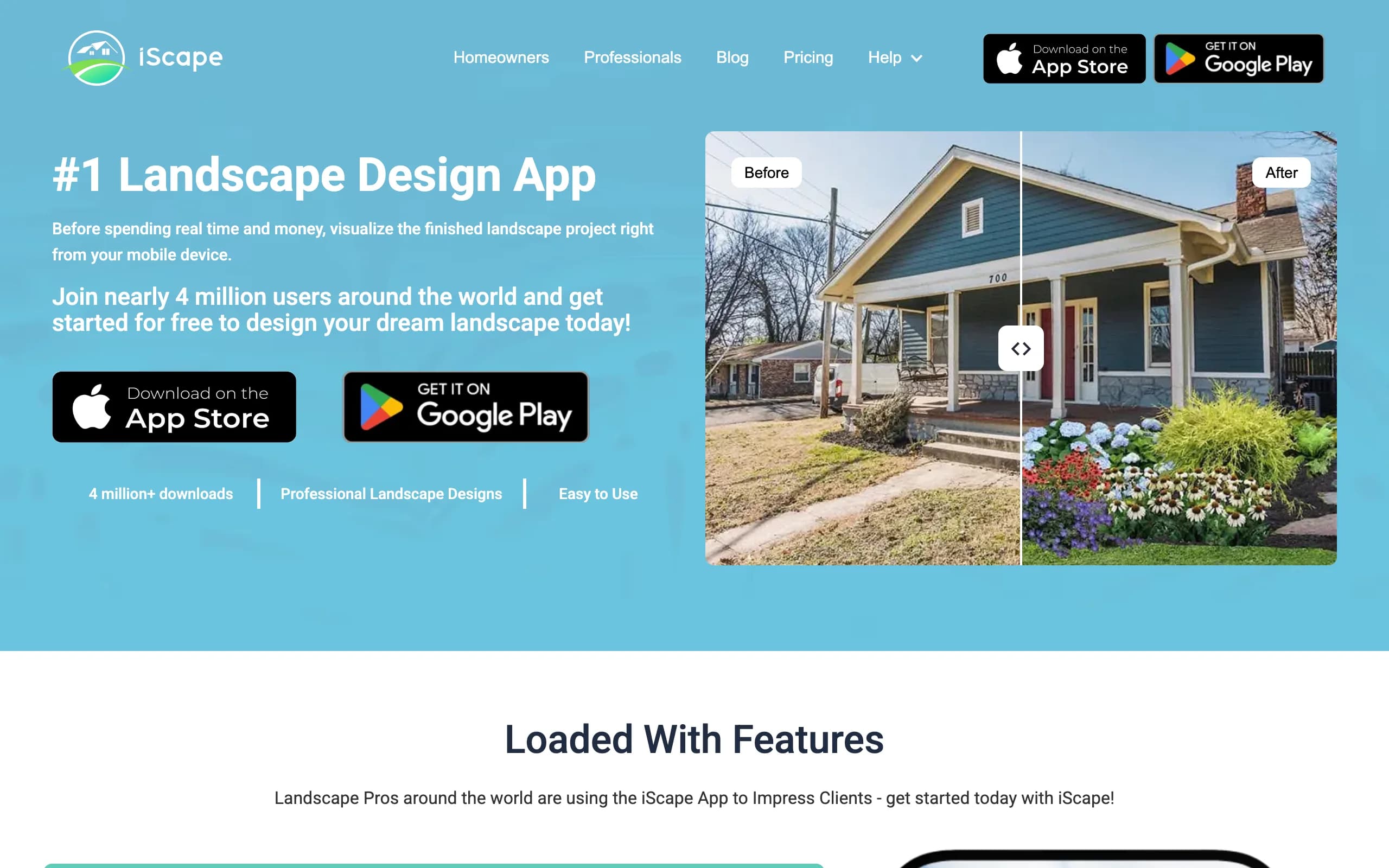
It is still a hands-on tool. You place elements yourself rather than getting an AI redesign of your space, so plan on doing the design work. There is a free tier to start, with the Pro plan at $29.99 a month, and it is built mainly for iOS with limited Android support. If you want to sketch and preview outdoors on a phone, it does that well.
Key features
- Drag-and-drop landscape design on mobile
- Photo-based design plus AR preview
- Plant and hardscape library
- Project sharing
Best for
- Sketching and previewing on-site, phone in hand
- iOS users who want AR placement
- DIYers comfortable doing the layout themselves
Pricing
- Free tier; Pro plan at $29.99/month or $299.99/year
- Verify current pricing in the App Store before buying
Pros
- AR preview on iOS
- Free tier to test the workflow
- Good for quick on-site ideas
Cons
- Manual design, no AI redesign of your photo
- Limited Android support
- Mobile-first, less suited to detailed desktop work
4. Yardzen, best for a full done-for-you plan
Yardzen takes the opposite approach to Home Design 3D. Instead of building it yourself, you hand the project to a real designer who delivers a build-ready plan. You share photos and notes about your yard, and the team returns a design with plant and materials lists, plus the option to match you with a contractor to build it. If you would rather not touch a modeling app at all, this is the hand-off.
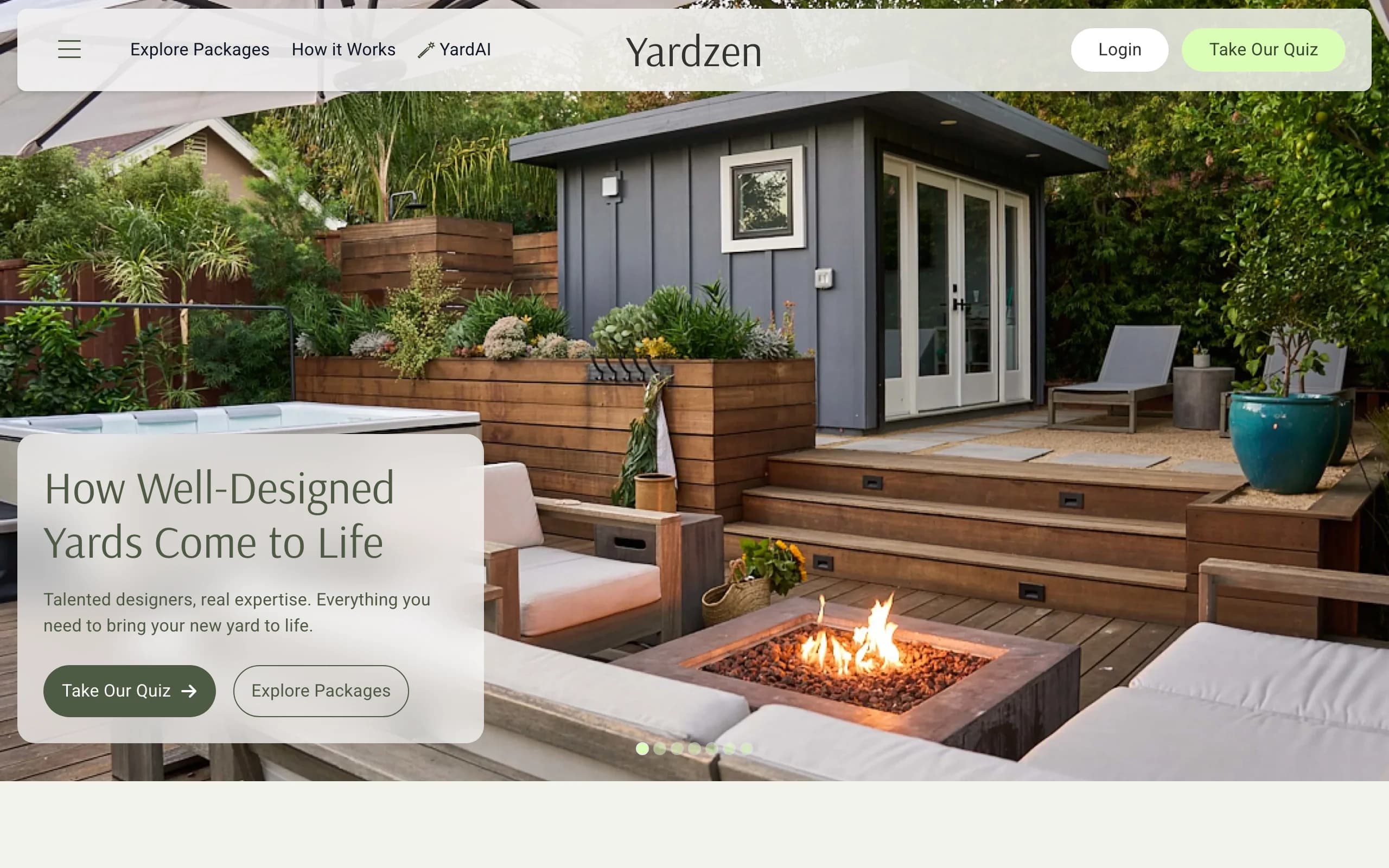
The trade-offs are cost and time. Projects start at $295 for small spaces and run up to about $3,495 for larger packages, and turnaround is roughly two to three weeks rather than a minute. You get a human-quality, landscape design plan you can build from, which a pergola or water feature project benefits from. It is web-based. For early concepts, an AI tool is faster and cheaper; for a final buildable plan, Yardzen is the stronger fit.
Key features
- Real designer creates a custom plan
- Build-ready design with plant and materials lists
- Contractor matching to execute the build
- Style quiz and inspiration tools
Best for
- Homeowners who want a professional to do the whole design
- Bigger projects headed to a contractor
- People who value a build-ready plan over speed
Pricing
- From $295 per project, up to about $3,495 for larger packages
- Turnaround roughly two to three weeks
Pros
- A real designer, not a self-serve app
- Build-ready output with plant and materials lists
- Contractor matching to get it built
Cons
- Much pricier than an app
- Two to three week wait, not minutes
- Overkill for quick concept exploration
5. DreamzAR, best for AR on your phone
DreamzAR pairs an AI photo redesign with an augmented-reality mode that lets you walk through a 3D version of your yard on your phone. You snap a photo, pick a style, get a result in 30 to 90 seconds, then step into it in AR. That combination of fast AI and a walk-through you can stand inside is something Home Design 3D's manual modeler does not offer.
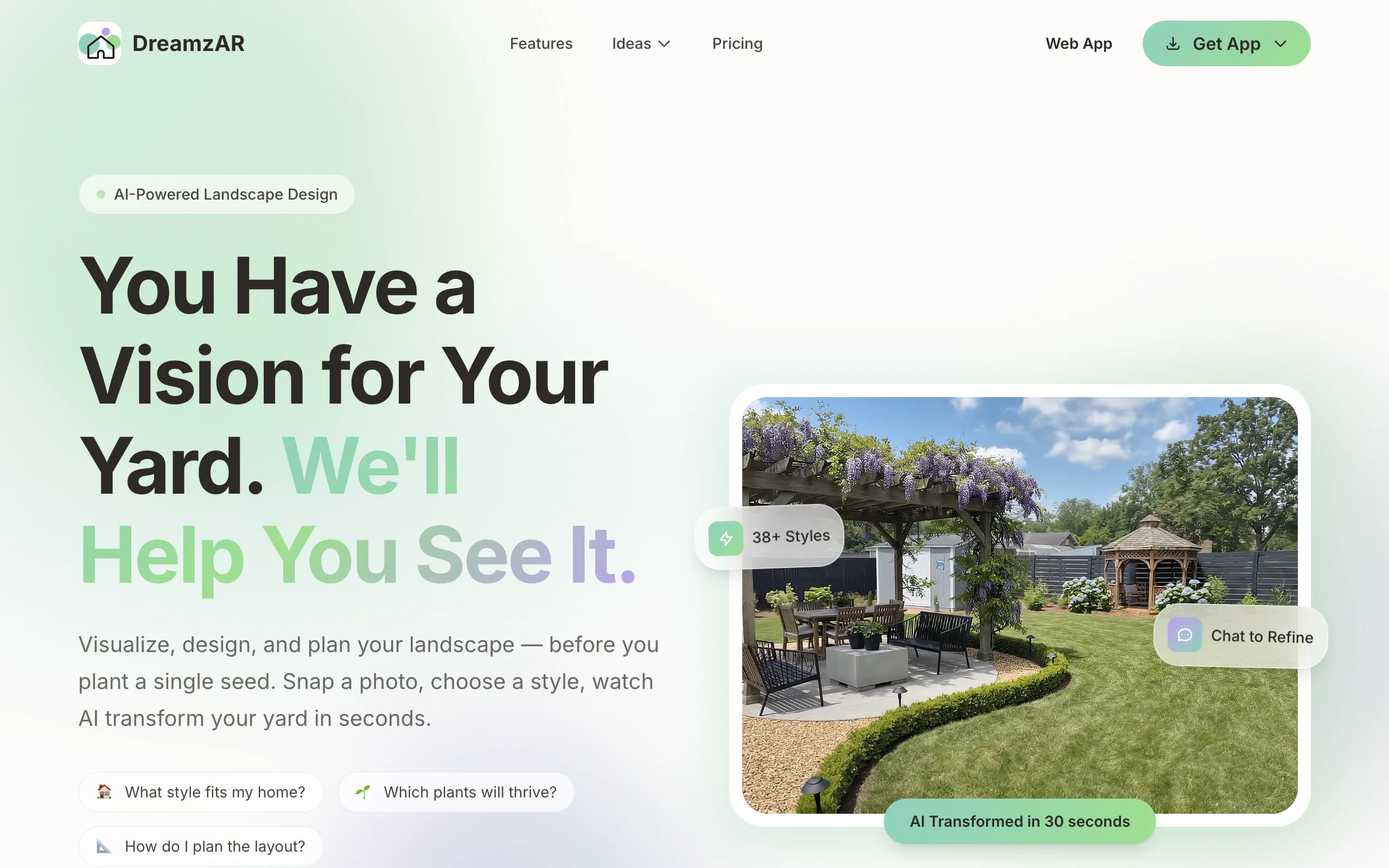
Two caveats are worth knowing. The 3D AR mode, the headline feature, is iOS-only, so Android and web users pay the same price for a smaller product. And the marketing promises "unlimited AI designs" while DreamzAR's own FAQ describes metered monthly generations that reset each cycle, so plan around an allowance, not truly unlimited use. Pricing is $19.99 a month or $199 a year. On an iPhone, with eyes open about the limits, it is a capable app.
Key features
- AI photo redesign in 30 to 90 seconds
- AR 3D walk-through on iOS
- 2D editor with a large plant and object library
- Style presets
Best for
- iPhone users who want an AR walk-through
- DIY homeowners who want AI plus AR in one app
Pricing
- From $19.99/month or $199/year
- Free to download and look around first
- Note: marketed as "unlimited" but the FAQ describes metered monthly generations
Pros
- AI redesign and AR in one tool
- Fast results
- Large object library
Cons
- Best feature, AR, is iOS-only
- "Unlimited" claim does not match the metered FAQ
- Android and web get a lesser experience at the same price
How to choose the best Home Design 3D alternative
Do you want to build it yourself or get a redesign
Home Design 3D and iScape put the work in your hands: you place every object. That is the right call when you want exact control over a scale layout. If you would rather upload a photo and get realistic concepts back, OutdoorBrite does the design and lets you compare styles on your own yard. DreamzAR also redesigns from a photo, with an AR walk-through added on iOS.
Budget and timeline
For the lowest cost, Home Design 3D's $3.99 one-time app is hard to beat, as long as you have time to learn it. For fast AI concepts on a subscription, OutdoorBrite starts at $29 a month and returns results in under a minute. If you want a person to design the whole thing and you can wait two to three weeks, Yardzen starts at $295 for small spaces. Match the spend to whether you want speed, control, or a finished plan.
What you walk away with
Home Design 3D leaves you a stylized 3D model you built. OutdoorBrite gives you realistic concepts of your real yard plus climate-aware plant choices you can act on. Yardzen hands you a build-ready plan with plant and materials lists and a contractor connection. Decide whether you need a picture to picture the space, a plan to build from, or a model to tinker with.
Device and platform
Home Design 3D is the most cross-platform here, running on iOS, Android, PC, and Mac. iScape and DreamzAR lean iOS, with their AR features limited there. OutdoorBrite runs in any browser, so it works the same on a phone, tablet, or laptop, with no app to install. If you design across devices, web access matters. You can design your yard with AI from whatever screen is closest.
FAQ
What is Home Design 3D?
Home Design 3D is a manual design app for homes and gardens. Its Outdoor and Garden edition lets you draw a yard to exact dimensions and drag in fences, trees, flowers, pools, and furniture, then view the result in 2D, 3D, or AR. You build the scene yourself, and there is no AI or photo-to-design.
Is Home Design 3D free or how much does it cost?
The Outdoor and Garden app is $3.99 once on iOS, with no subscription. The flagship Home Design 3D interior app is sold separately per platform and has a limited free mobile tier with paid subscription upgrades. Exact prices vary by platform and were not always clearly published, so check the store before buying.
What is the best alternative to Home Design 3D?
It depends on what you want. For AI photo redesign without manual building, OutdoorBrite is the strongest pick. For on-site sketching on a phone, iScape works well. For a full done-for-you plan, Yardzen delivers a build-ready package. For AR on an iPhone, DreamzAR adds a walk-through.
Can OutdoorBrite redesign my yard from a photo?
Yes. You upload a photo of your garden, patio, or backyard, pick a style, and OutdoorBrite returns realistic concepts in under a minute. You can compare several styles, refine a favorite in the AI editor, and get plant choices matched to your hardiness zone, all in the browser.
Does Home Design 3D use AI?
No. Home Design 3D is a manual modeling app with no AI and no photo-to-design. You assemble each scene object by object. If you want AI to redesign a photo of your own yard, OutdoorBrite or DreamzAR handle that instead.
Is Home Design 3D or OutdoorBrite better for fast styles?
OutdoorBrite is faster for comparing styles, since it returns realistic concepts from your photo in under a minute and lets you switch presets like modern or cottage on the same space. Home Design 3D can produce different looks too, but you build each one by hand, which takes longer.
Is Home Design 3D good for Android?
Yes, Home Design 3D runs on Android as well as iOS, PC, and Mac, which makes it one of the more cross-platform options here. By contrast, iScape and DreamzAR keep their AR features on iOS. OutdoorBrite sidesteps the platform question by running in any browser.
Which Home Design 3D alternative is cheapest?
Home Design 3D itself is the cheapest at $3.99 once for the Outdoor and Garden app. Among the alternatives, iScape has a free tier with a Pro plan at $29.99 a month. OutdoorBrite starts at $29 a month and trades the higher price for AI redesign of your actual photo, with no manual building.