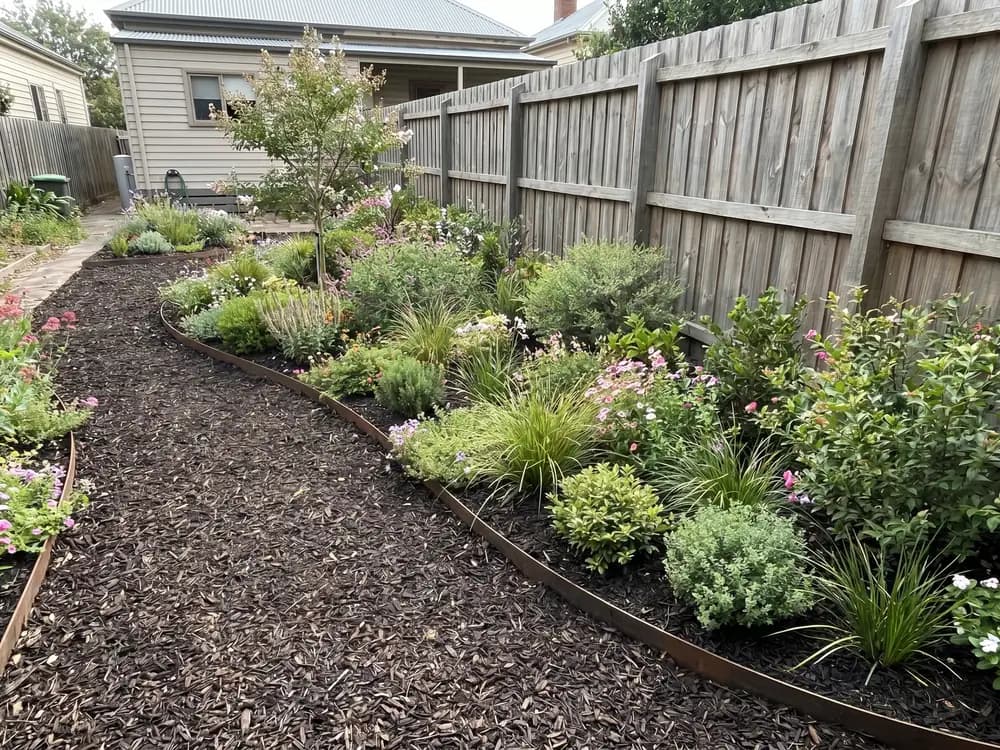
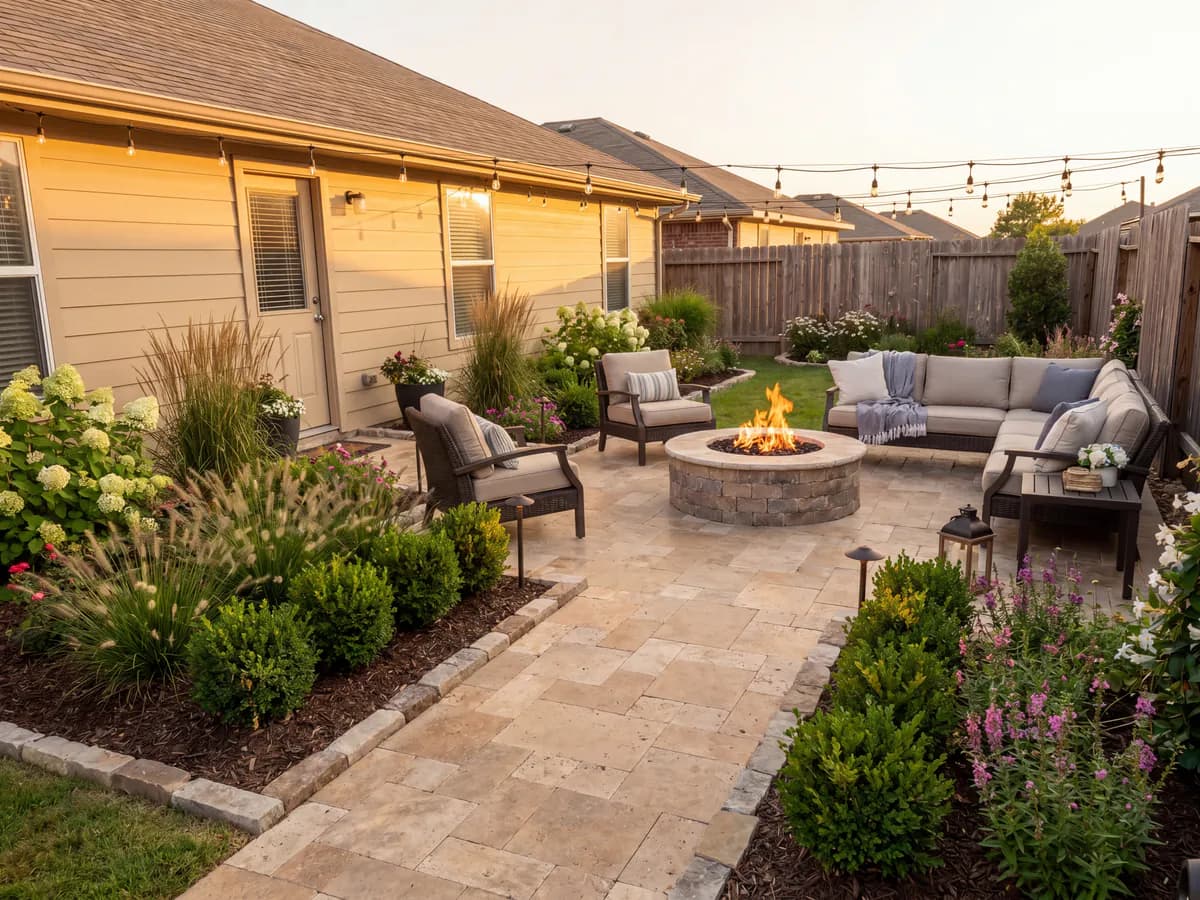
“I inherited tired beds and never knew what to plant. Seeing a cottage garden on my own photo gave me a real list to shop from.”
Homeowner
First garden
Upload a photo of your garden and your AI garden designer redesigns it in seconds. Try a cottage border, a low-water bed, or a tropical corner, then compare them side by side.


Homeowners, DIYers, sellers & landscapers
Featured in






A planting mistake takes a whole season to show.
Bed shapes and planting that suit the style, so the whole garden reads as one design instead of a shopping list.
Plants are cheap one by one and pricey by the bed. Try a scheme on screen before the nursery run.
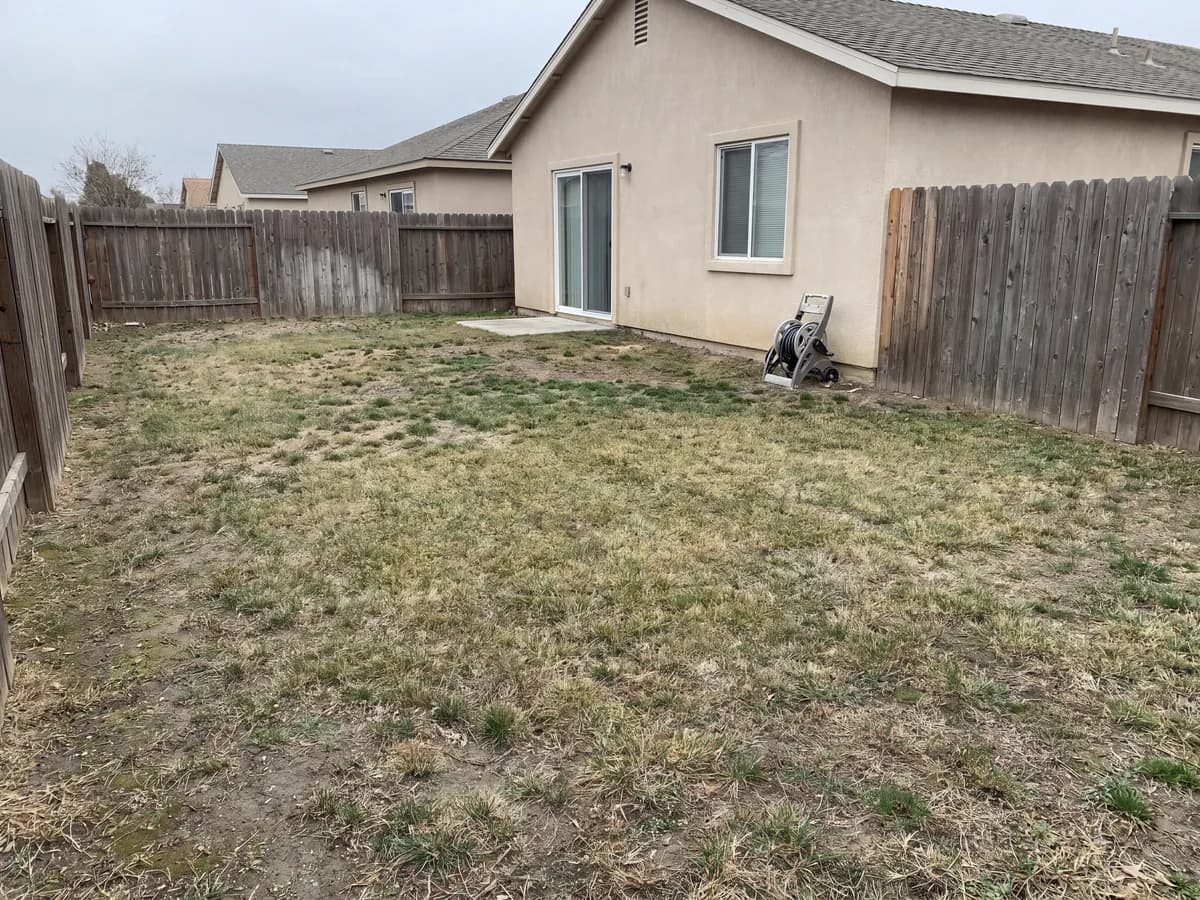
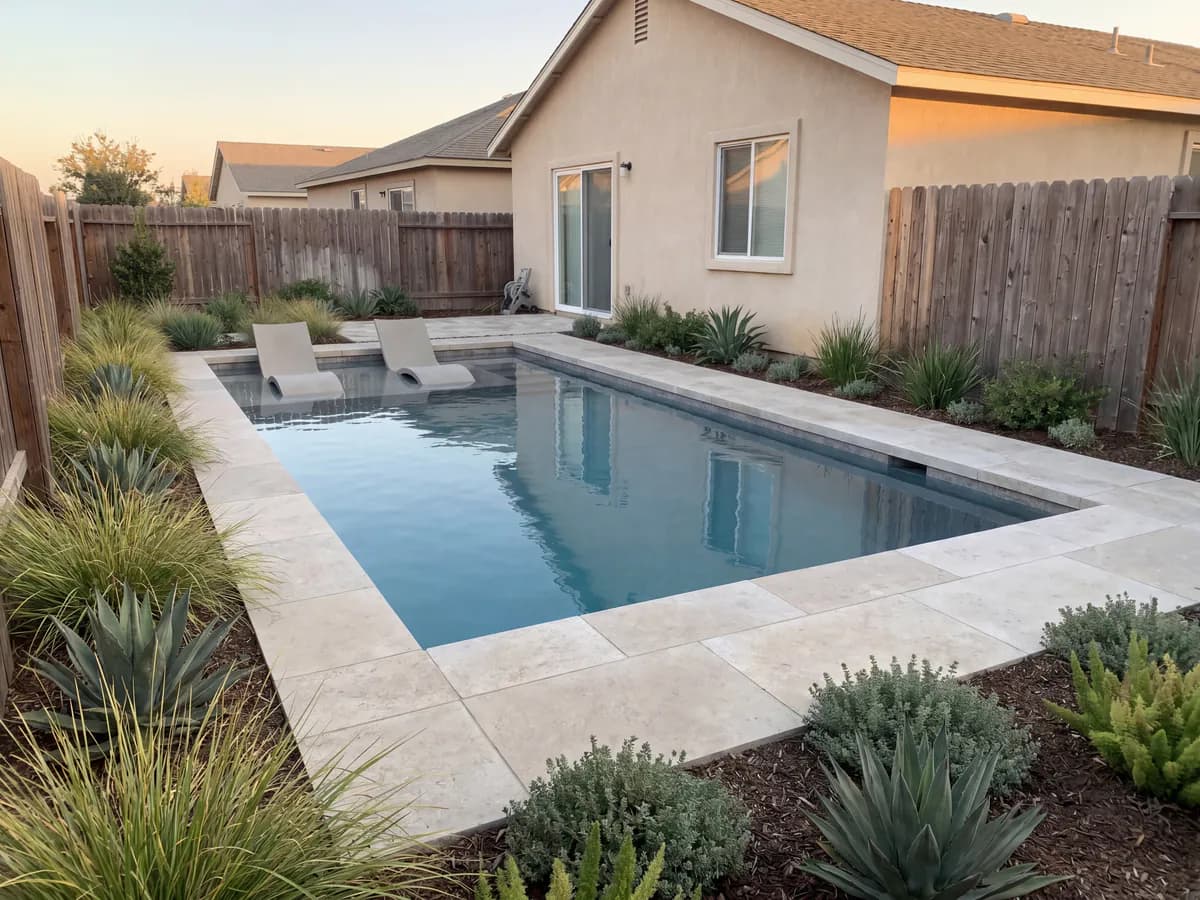
Shoot the beds, pick a style, and get a redesigned garden back in seconds.
Cottage, xeriscape, Mediterranean, tropical, and more, applied to a photo of your actual garden, not a stock yard.
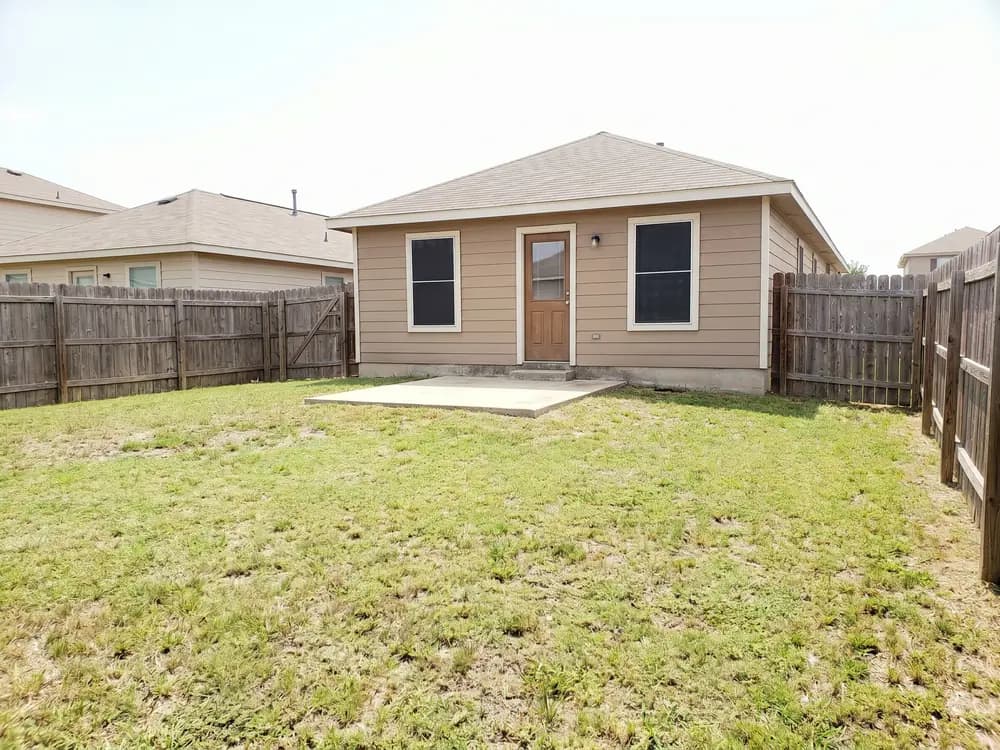
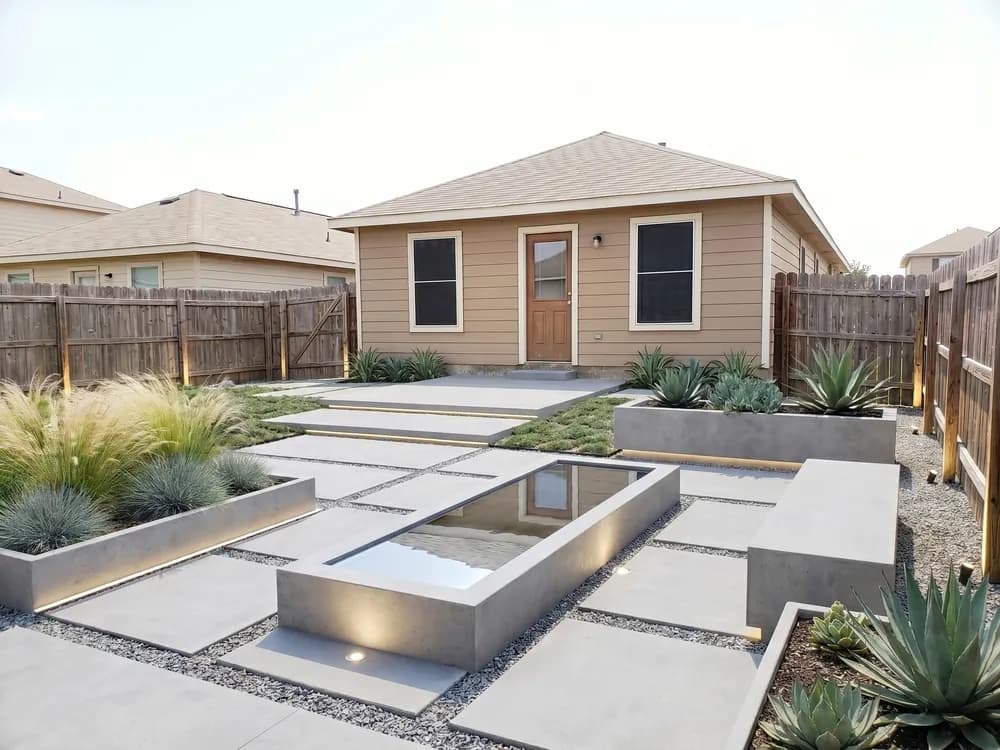
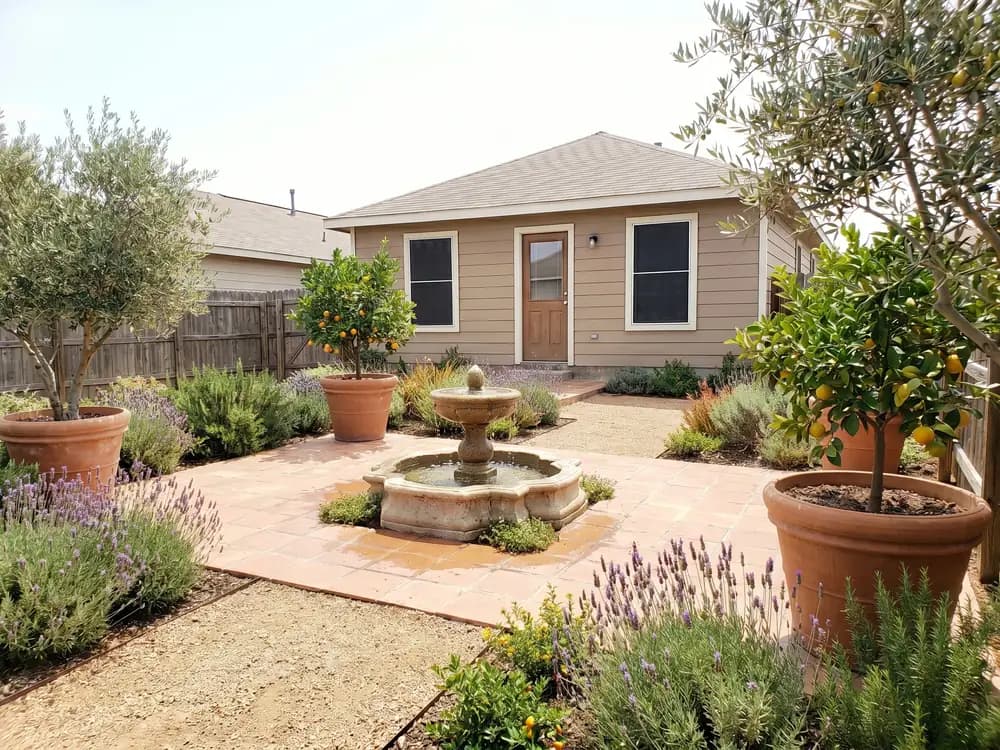
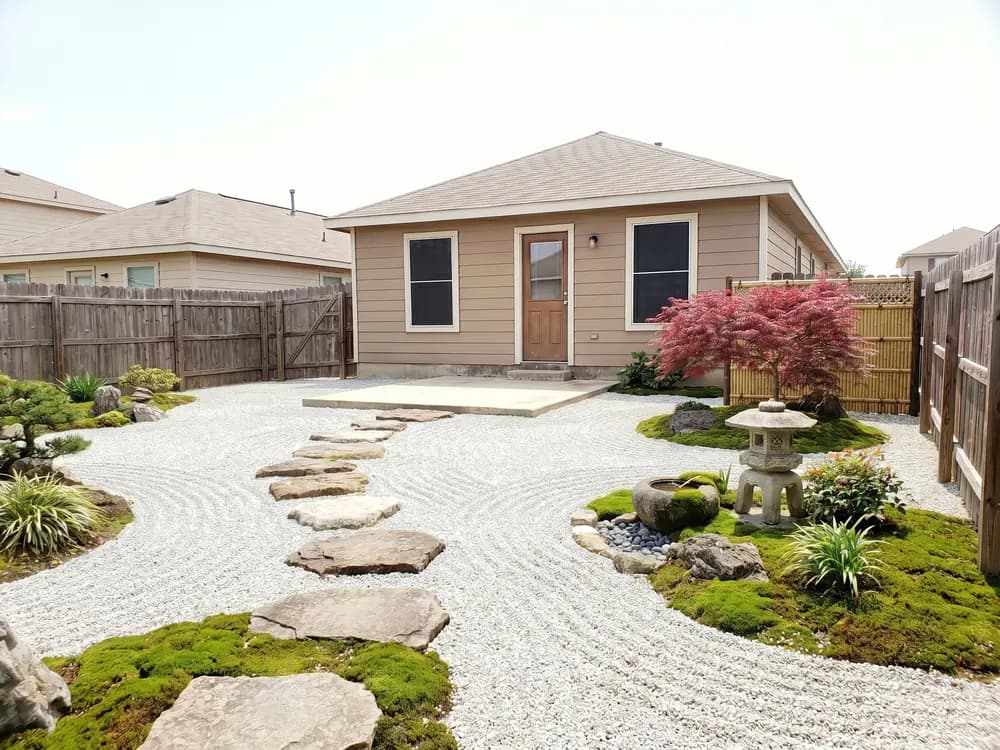
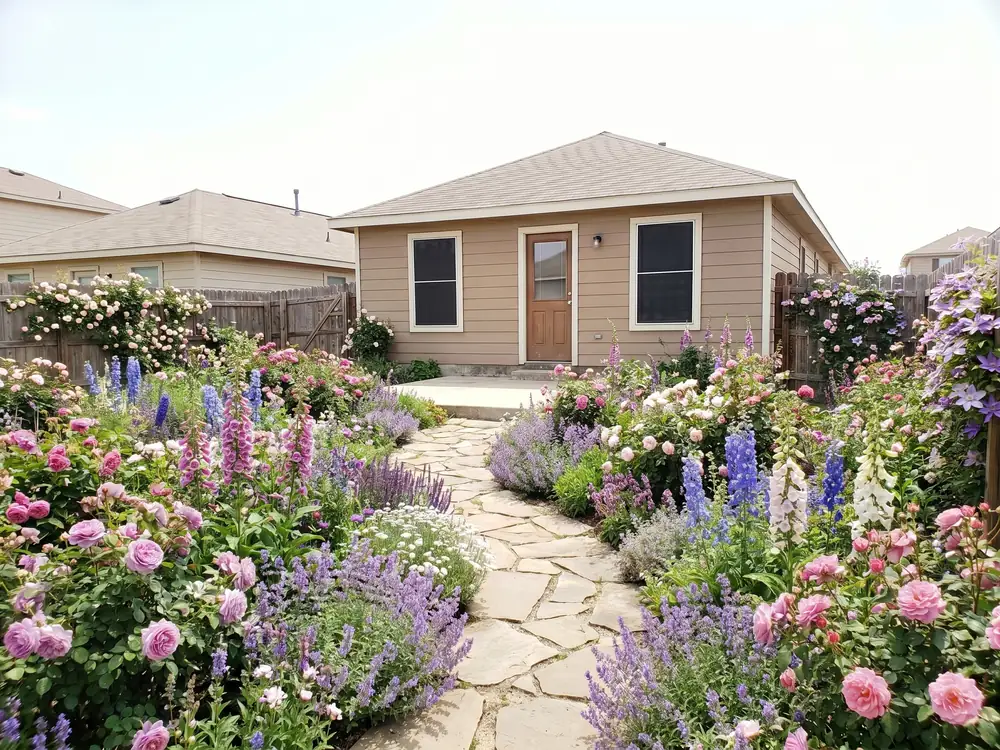
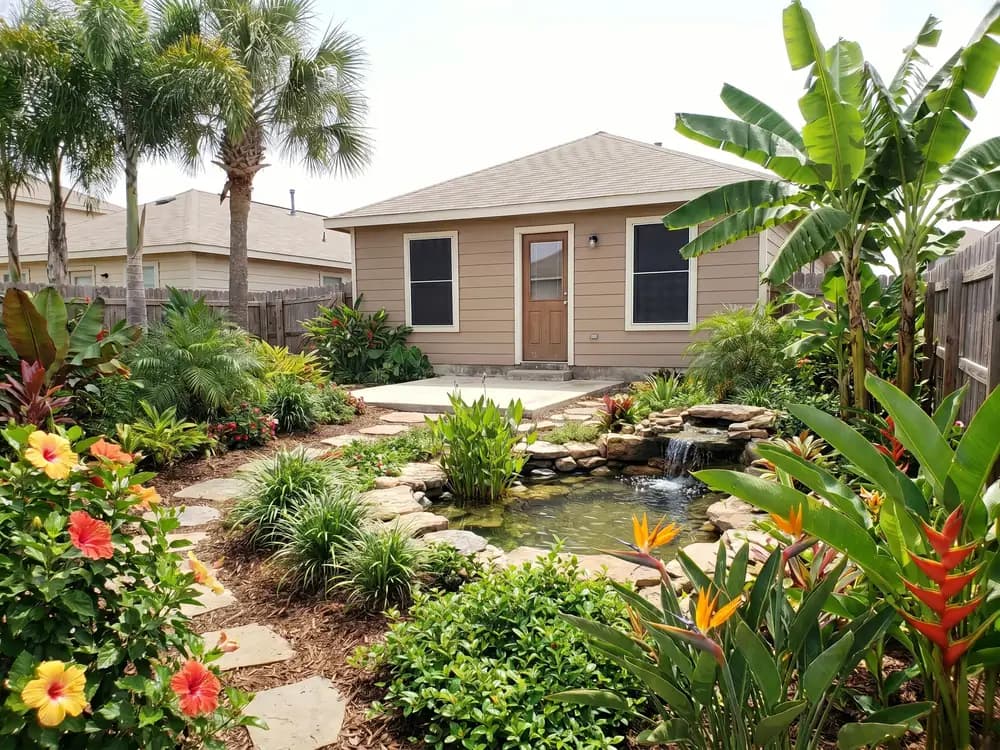
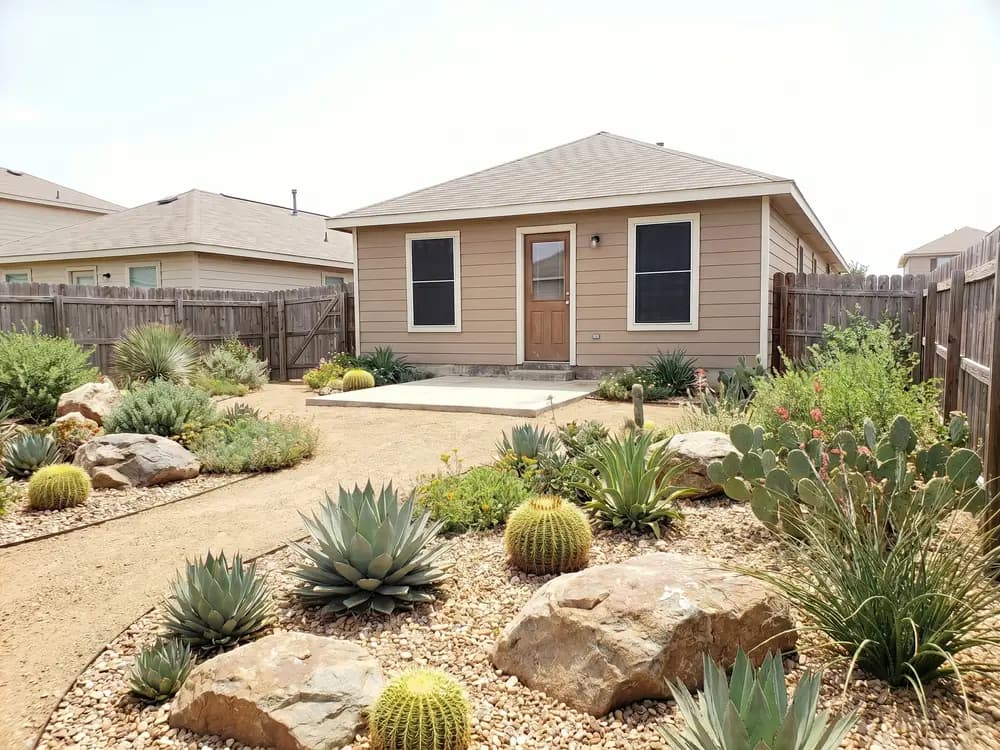
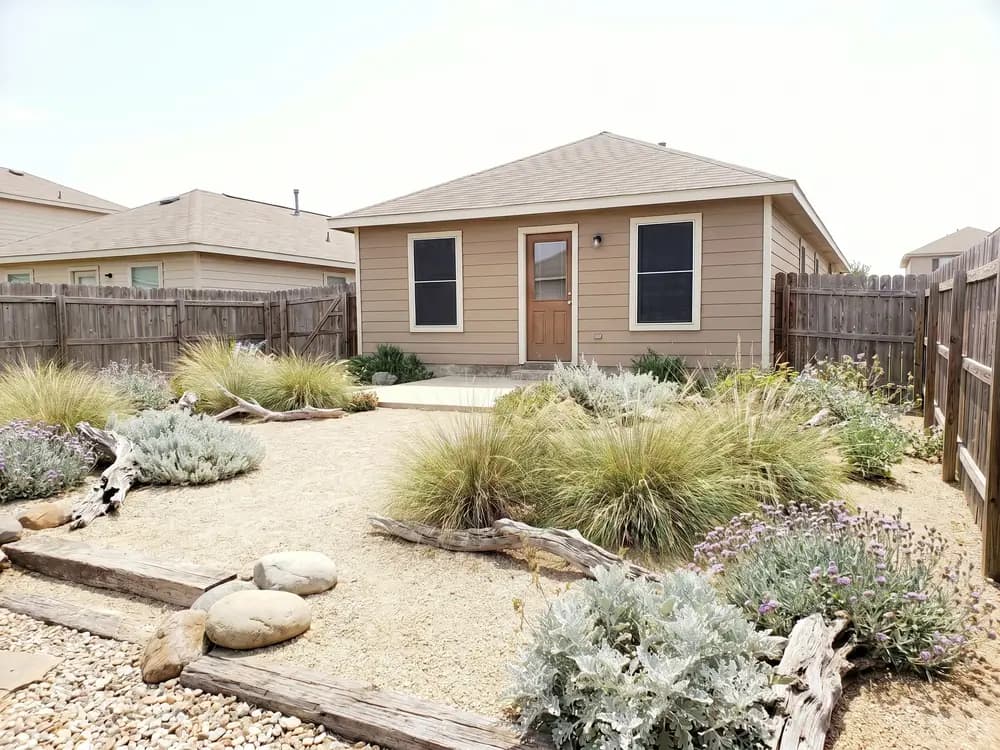
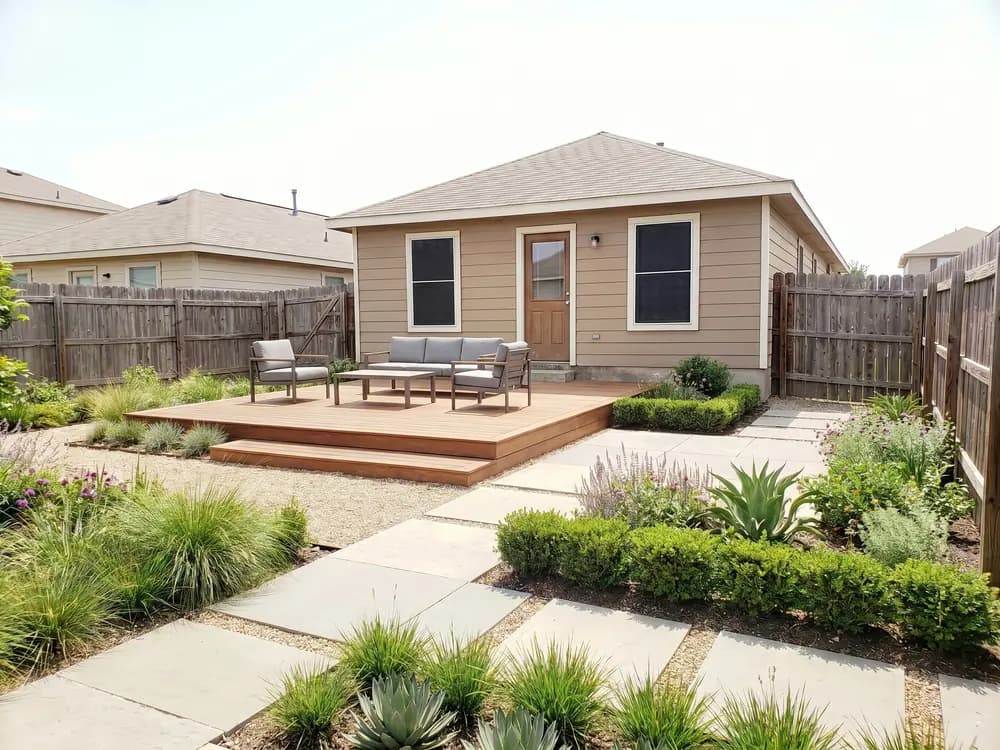
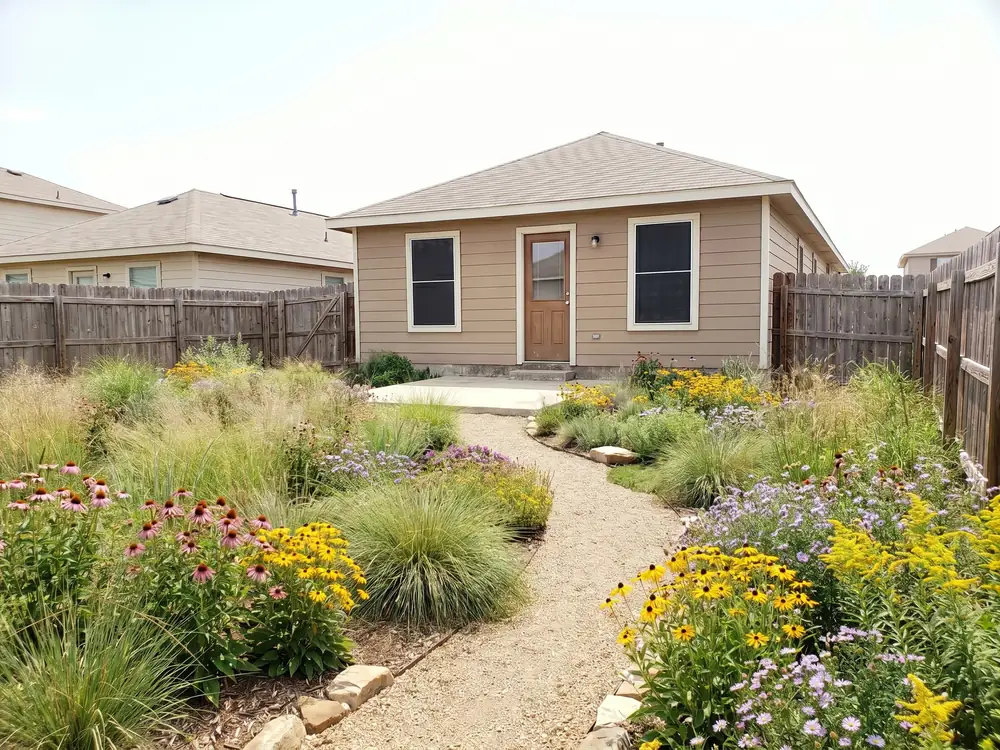
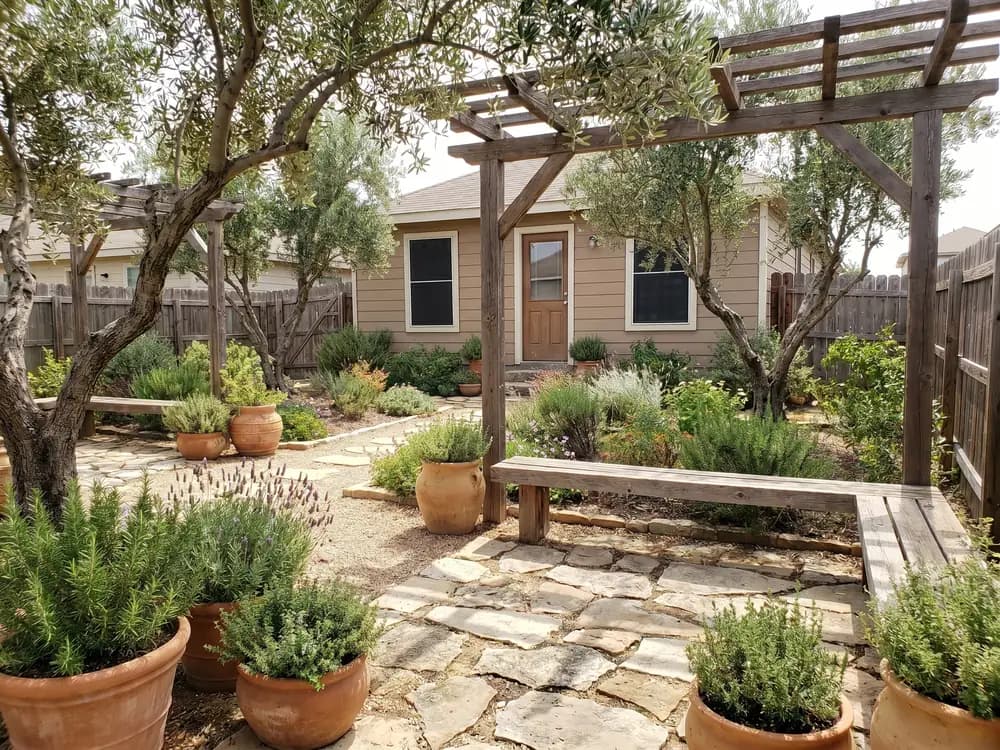
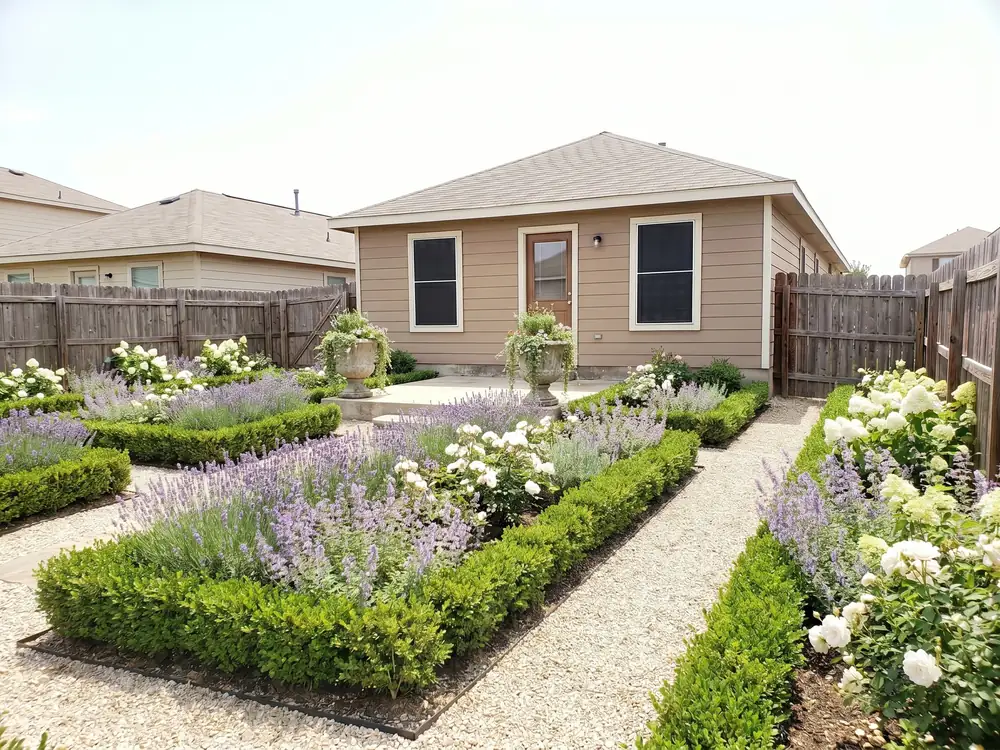
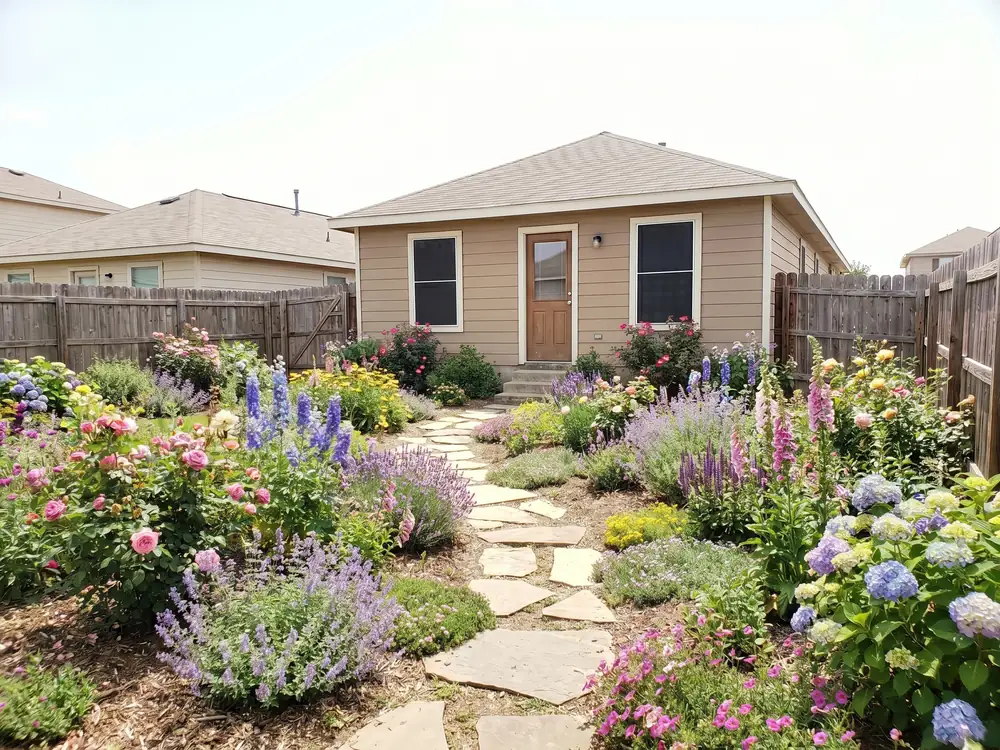
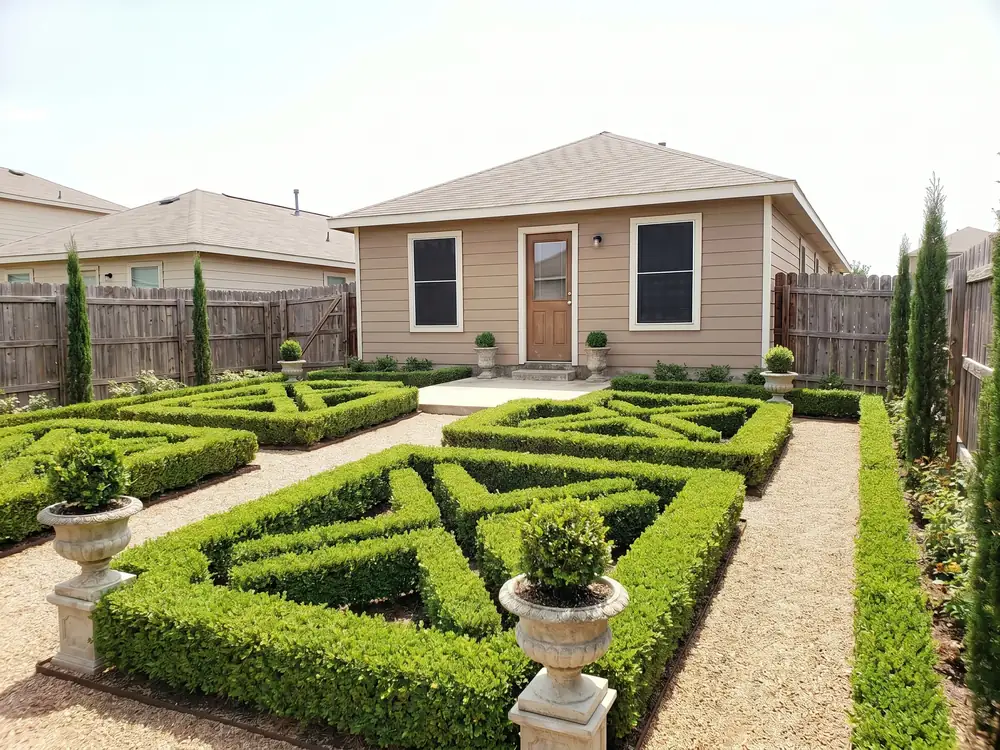
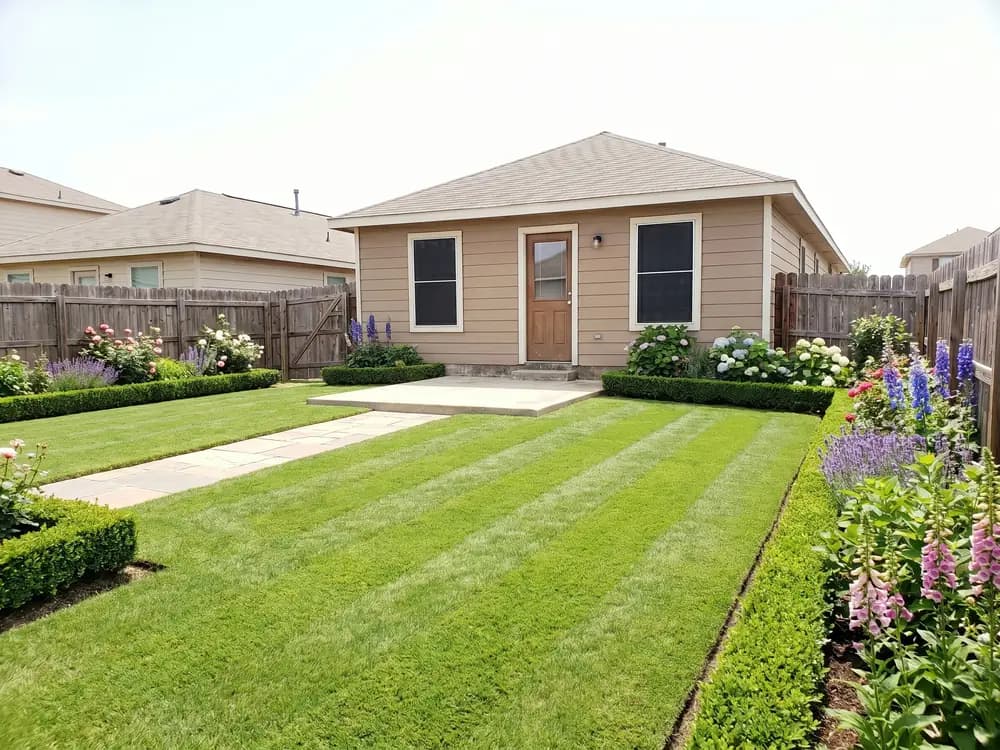
One photo of the beds you want to change is enough.
Shoot the beds and borders you want to change, with the house or fence in frame for context.
Cottage, xeriscape, Mediterranean, or tropical. Each one swaps the plants, not just the colors.
See the garden redesigned in that style, with bed layouts you can take to a nursery.
What a garden redesign actually has to get right.
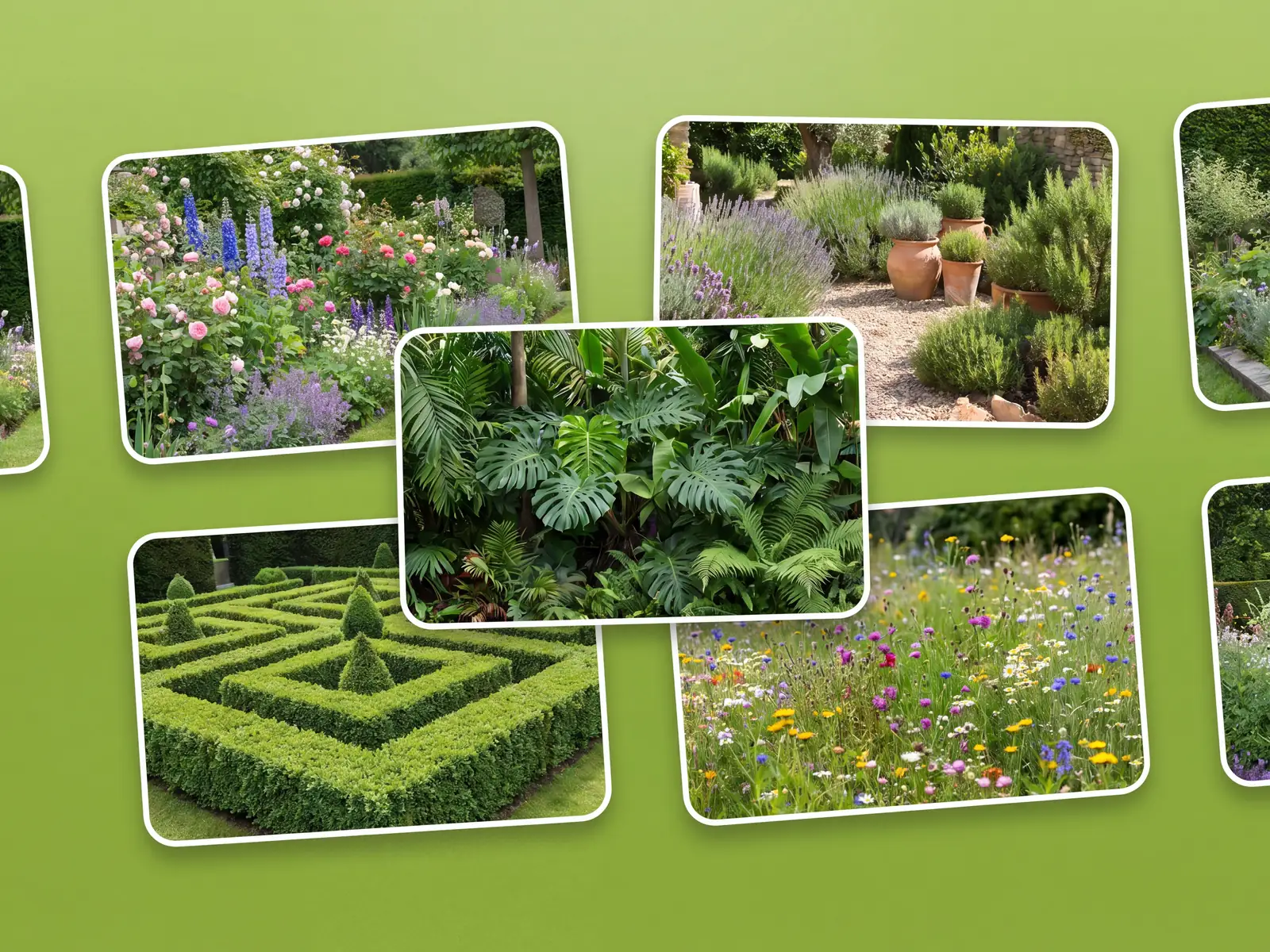
Each style proposes plants that belong together, so a cottage border reads like cottage and a xeriscape bed looks dry by design, not by accident. You compare looks on the same photo before you commit to one.
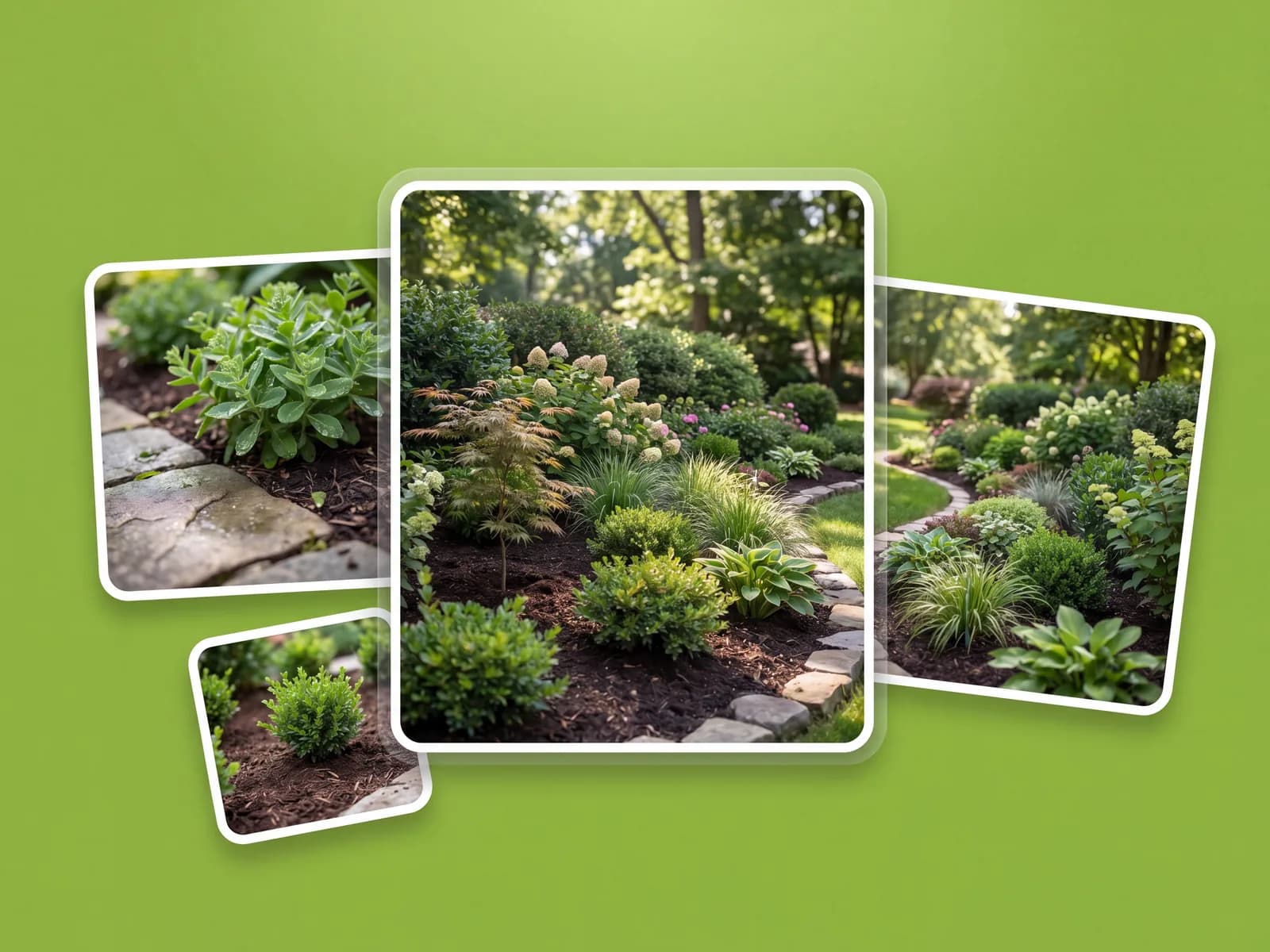
Ask for drought-tolerant or low-maintenance and the design shifts: tougher plants, less lawn, more mulch and structure. The plan keeps your beds and boundaries, so it still looks like your garden.
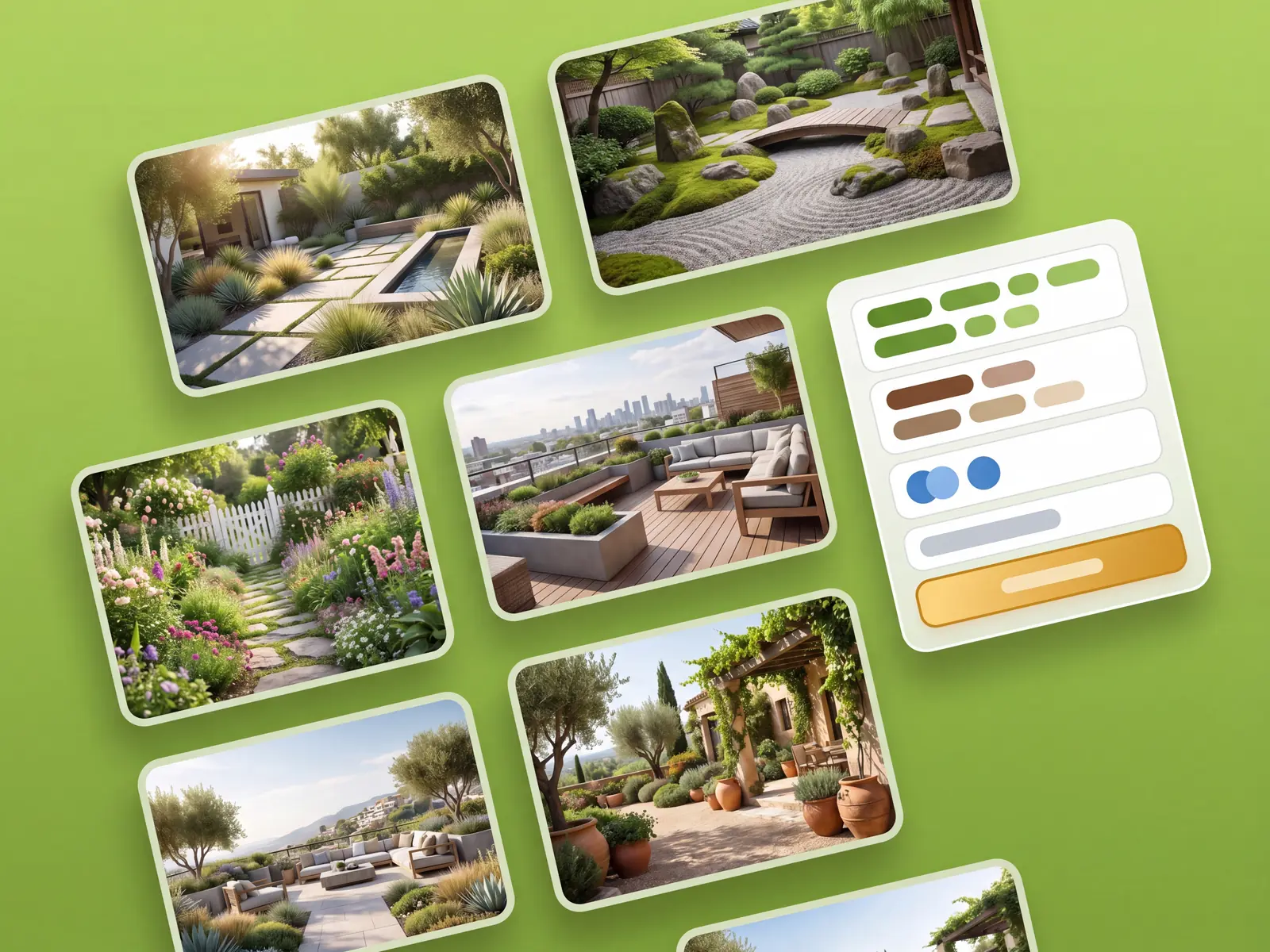
You get bed and border shapes alongside the planting, so there's a real plan to dig to, not a species list. Save each version, compare it against your original photo, and share the one you like with a landscaper.
Dozens of design styles for any outdoor space, ready in under a minute.
Real garden projects, from first beds to full borders.
“I inherited tired beds and never knew what to plant. Seeing a cottage garden on my own photo gave me a real list to shop from.”
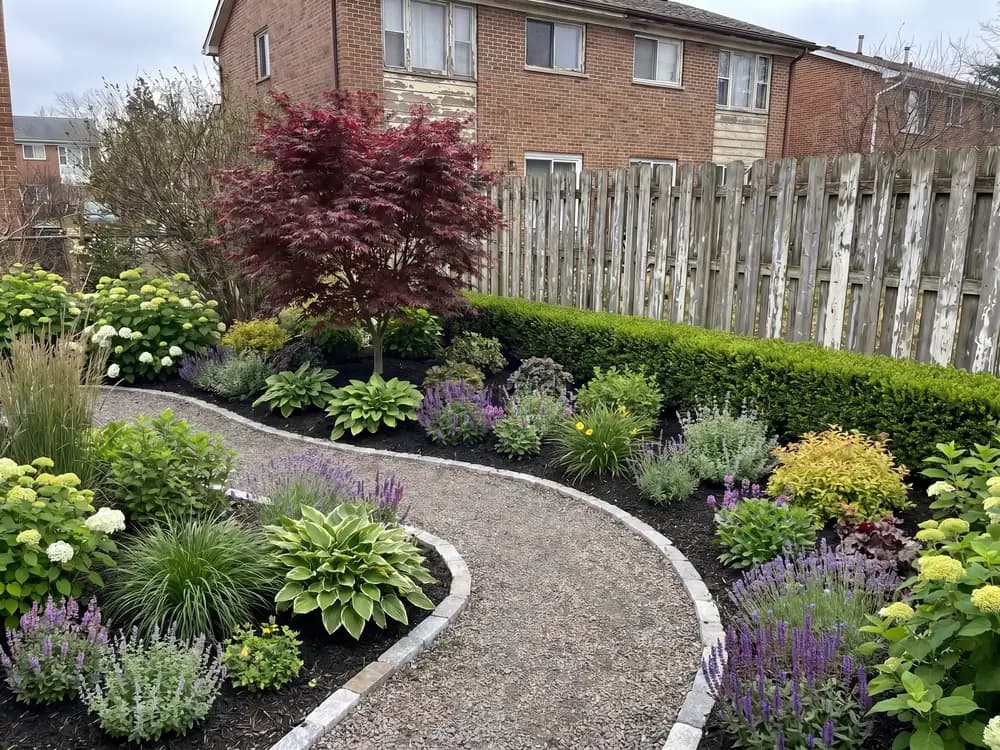
“I send a client a garden design on their own photo before we price a job, and the endless back-and-forth over the look really drops.”
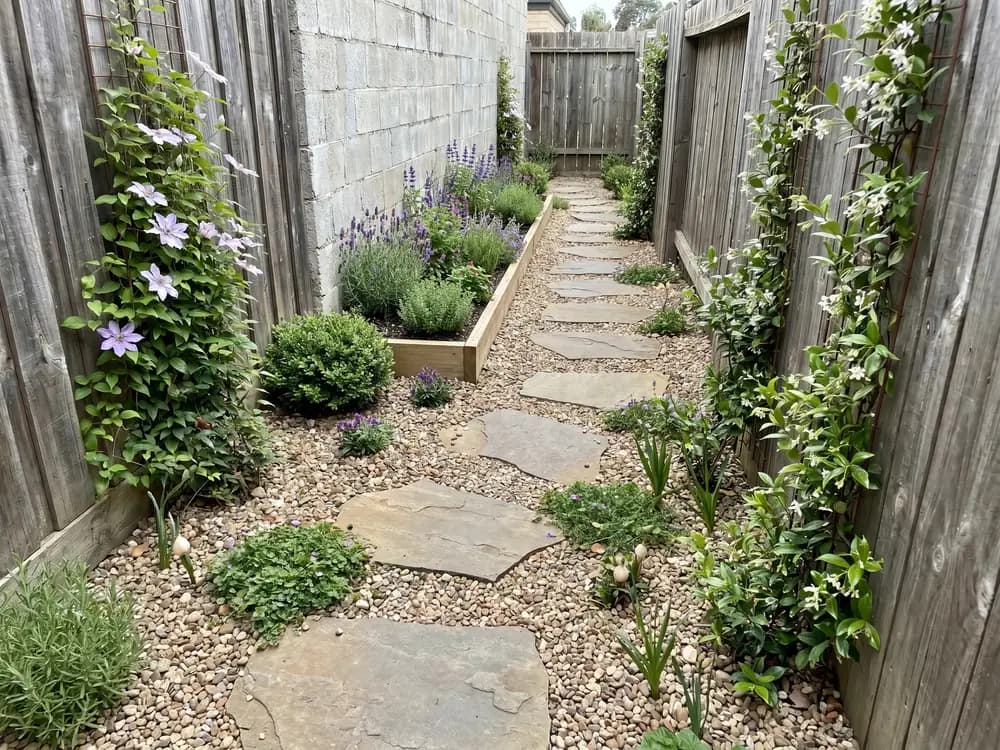
“We went low-water in the front beds this spring, and comparing two xeriscape gardens on the photo made the swap an easy call.”
The usual ways to plan a garden, and where each one leaves you.
| Feature |  | Landscape designer | Design software | Guessing |
|---|---|---|---|---|
| Getting to a design | ||||
| See it on your actual garden | ||||
| First design in under a minute | ||||
| No skills or software to learn | ||||
| Try many styles cheaply | ||||
| Cost & commitment | ||||
| Typical cost to start | $ | $$$$ | $$ | Free |
| Time to a usable design | ~1 min | 1-3 weeks | Hours | — |
| Locked into one direction | ||||
| Confidence | ||||
| Decide before you spend | ||||
| Share concepts with a pro | ||||
Short answers before you upload.
It proposes plants that fit the style and the look. Check final choices against your climate zone before you buy.
No. It runs in your browser on a phone or laptop, so you upload a photo and start designing with nothing to install.
Yes. Ask for xeriscape or low-maintenance and the design shifts to tougher plants, less lawn, and more structure.
Both. You get bed and border shapes plus the planting, so there's an actual plan to dig to.
Upload a photo of your garden and pick a style. The designer builds realistic planting and layout concepts on your real beds in under a minute.
OutdoorBrite is a paid product, with no free tier. Plans cost a fraction of hiring a designer and scale with how many designs you generate and the resolution you need.
Practical tools for planning a garden, built around your own photo.
Your AI garden planner: lay out beds and planting from one photo.
See your tired garden made over on your own photo, before you spend on plants or labor.
Try beds, paths, and planting styles on a photo of your real garden.
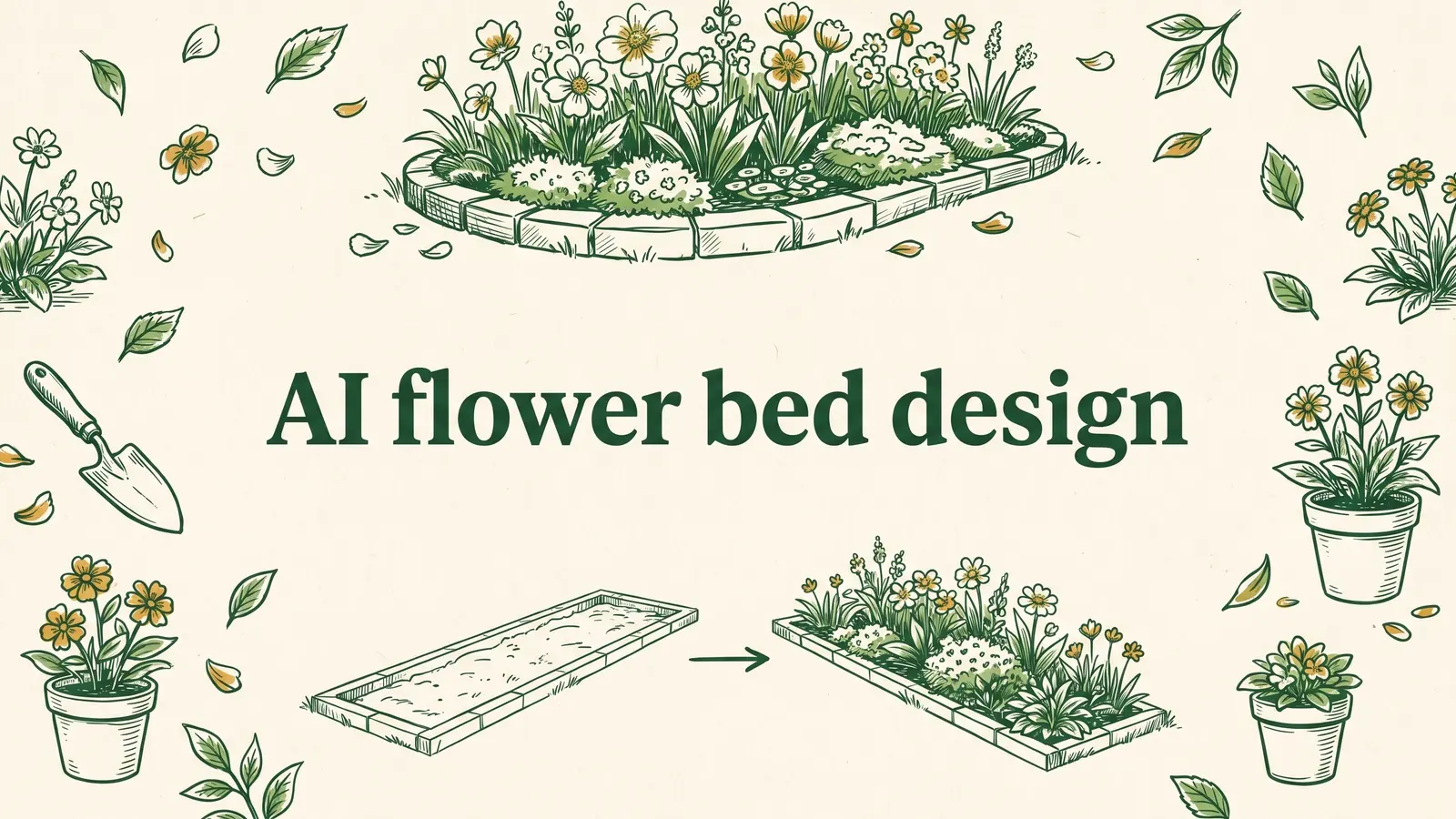
Replant your bed from a photo. Compare styles side by side.
Photo-first, browser-based. No drawing, no install.
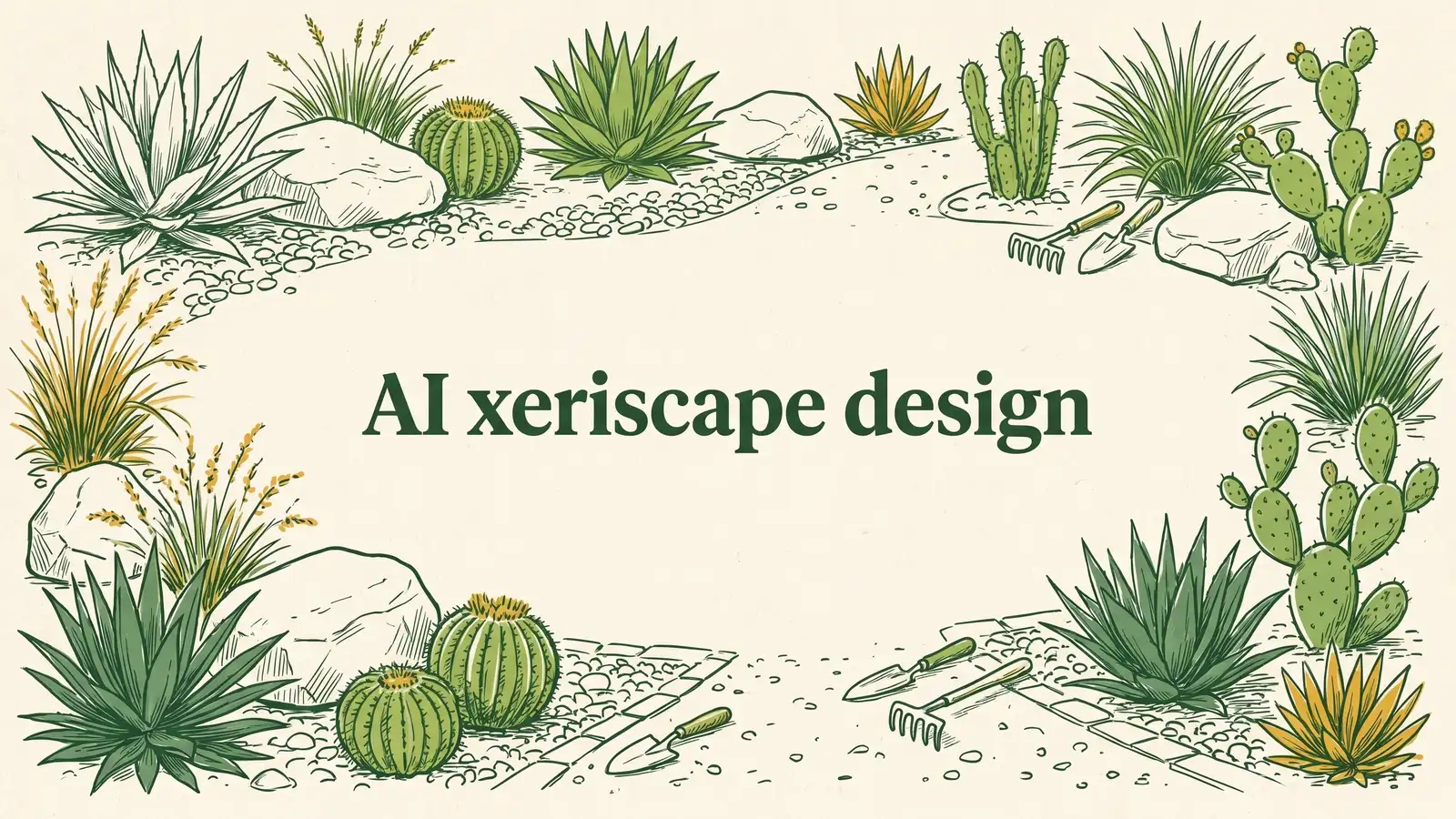
A low-water yard that still looks planted, before you rip the lawn.