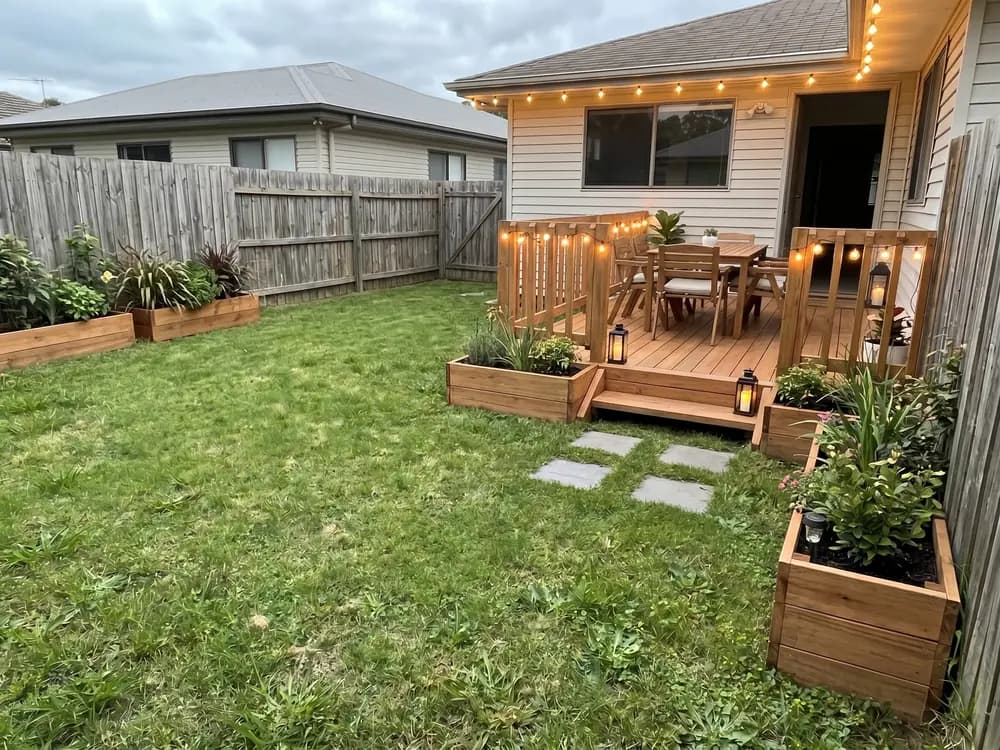
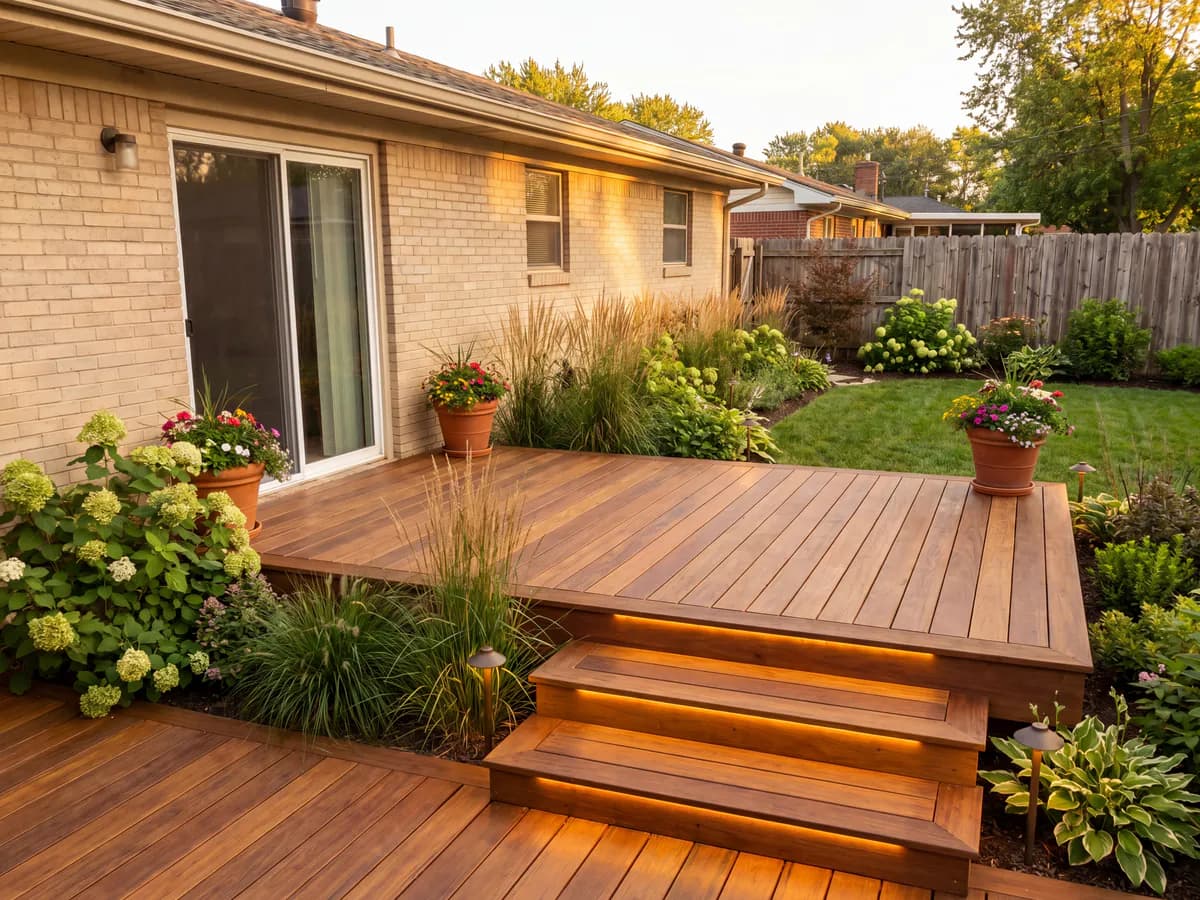
“I couldn't picture composite against wood on the back of our house. Seeing both on my own photo made the choice obvious in minutes.”
Homeowner
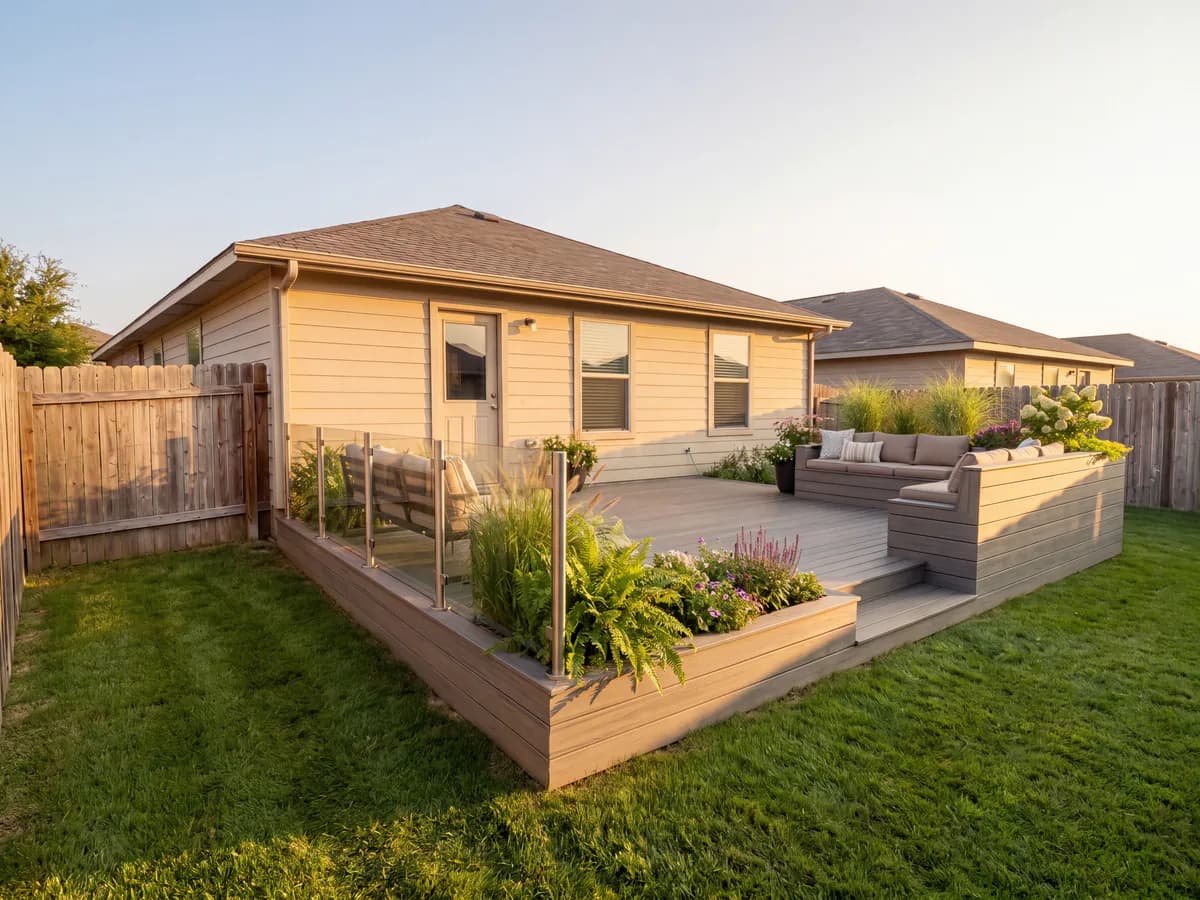
New composite deck
Upload a photo of your yard or old deck and your patio deck designer lays out a new one in seconds. Compare composite, multi-level, or a covered deck, then see them on your real house side by side.


Homeowners, DIYers, sellers & contractors
Featured in






A deck is a big build. Better to see it before you frame it.
Boards, railings, and levels placed on your actual house, so you can judge the look before a single footing goes in.
Decks are not cheap by the square foot. Test the size, boards, and railing on screen before you order materials.
Shoot the yard, pick a deck style, and get a redesigned deck back in seconds.
Modern, multi-level, wraparound, covered, composite, and more, designed on a photo of your actual house, not a stock yard.
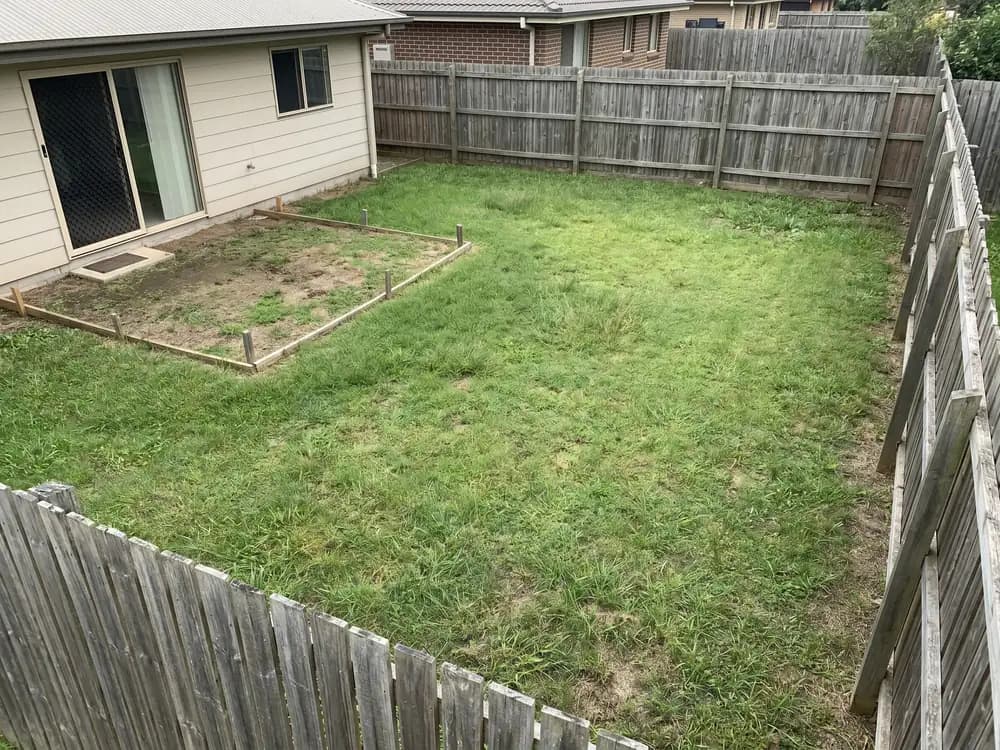
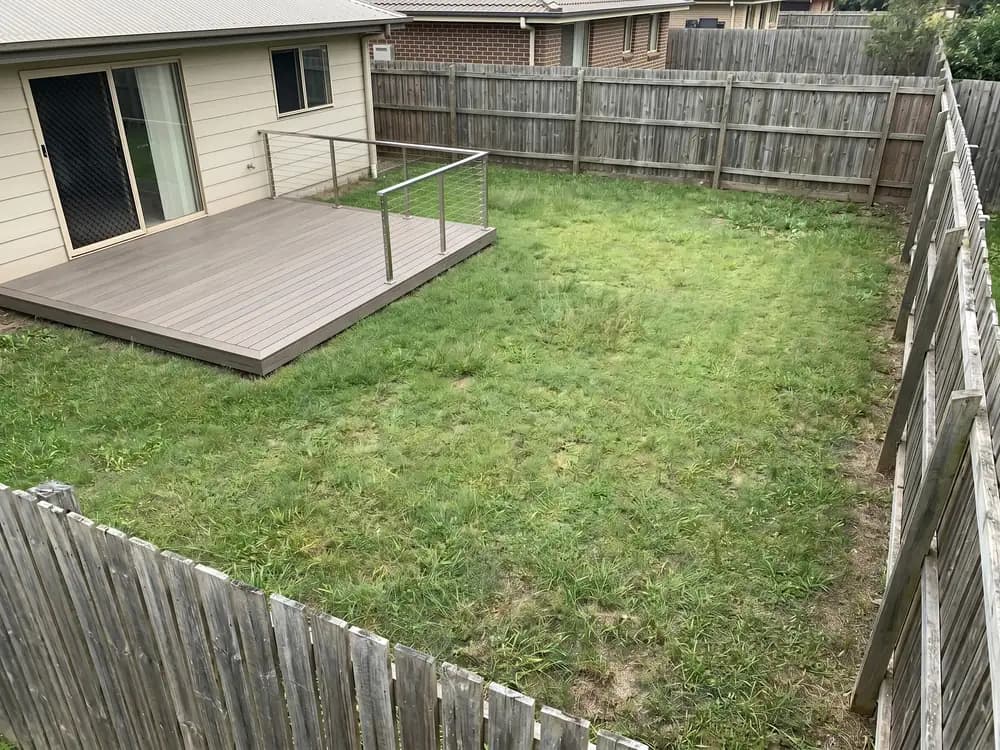
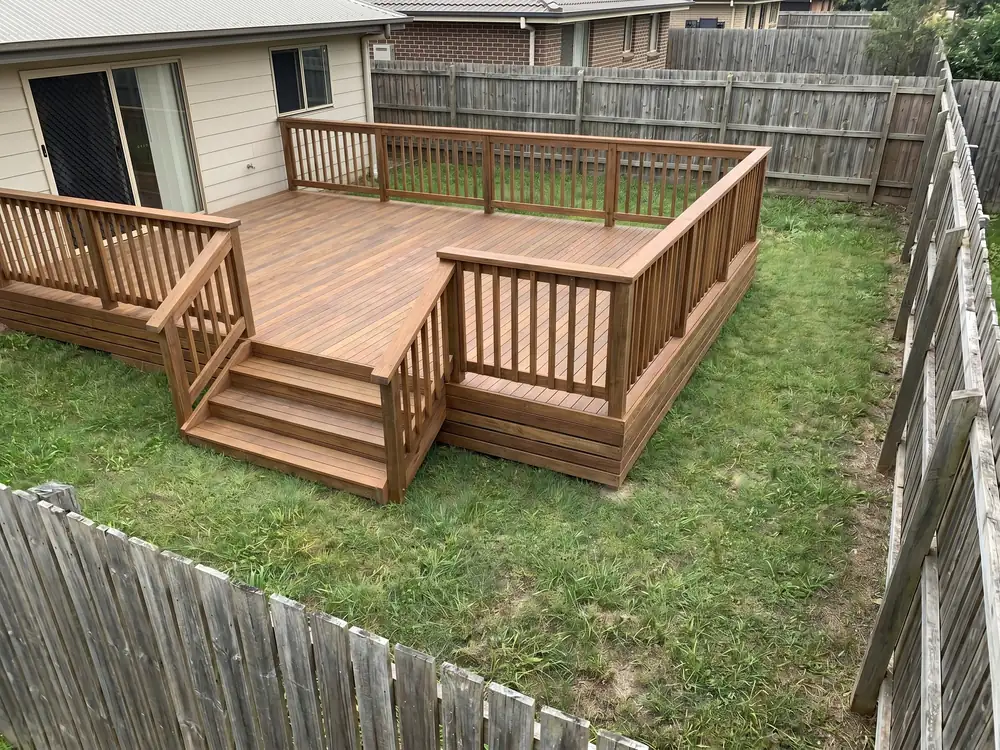
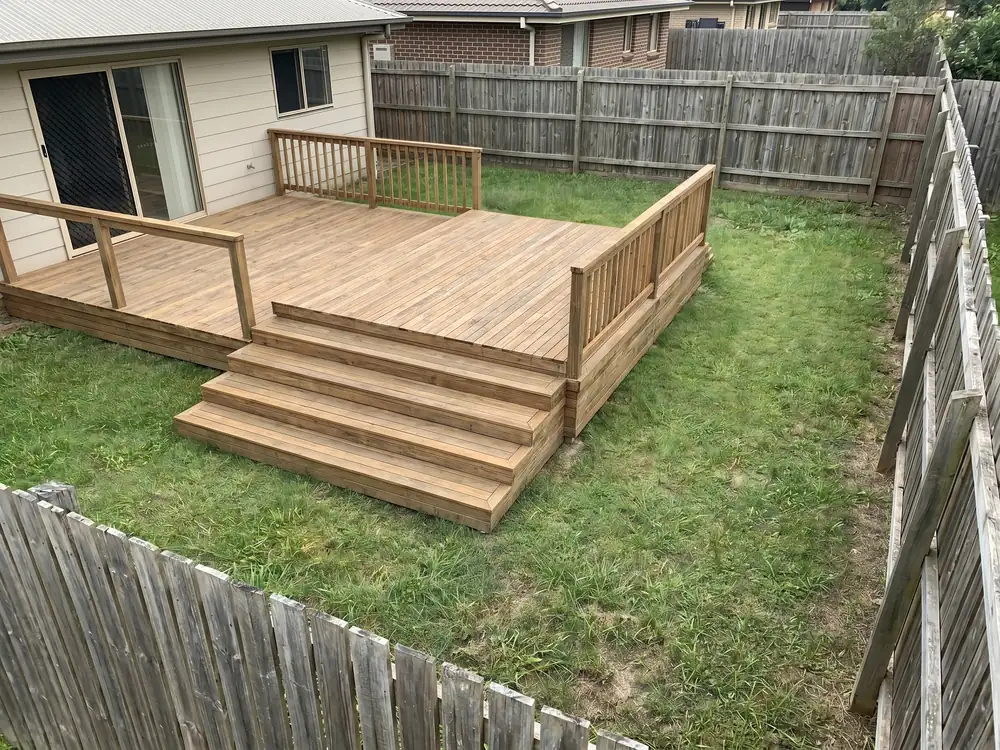
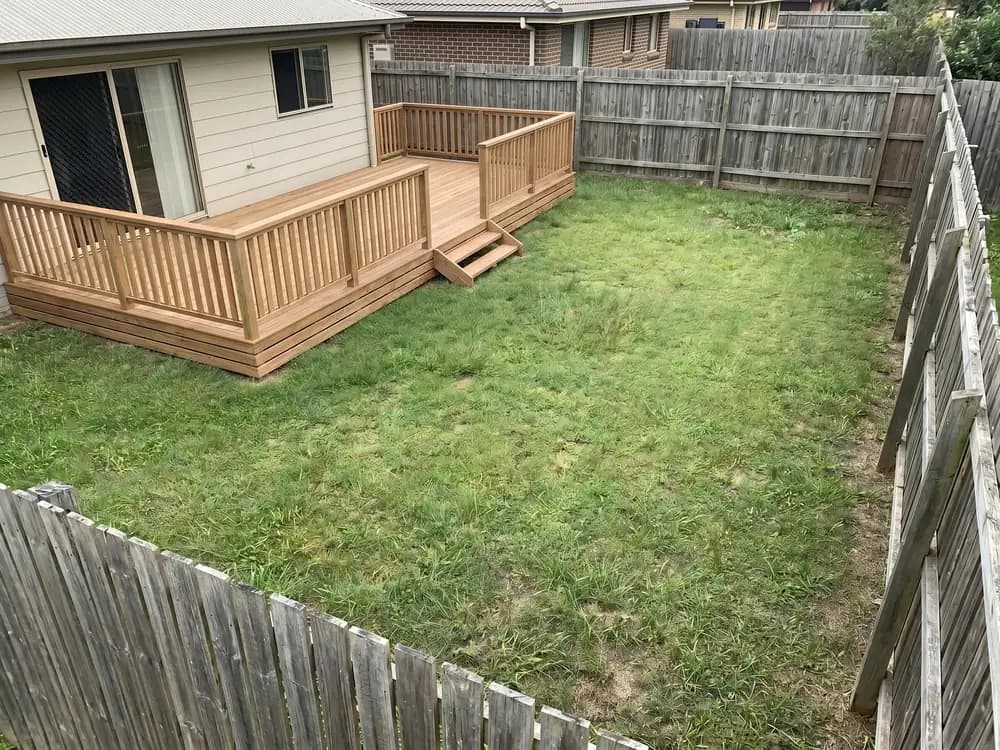
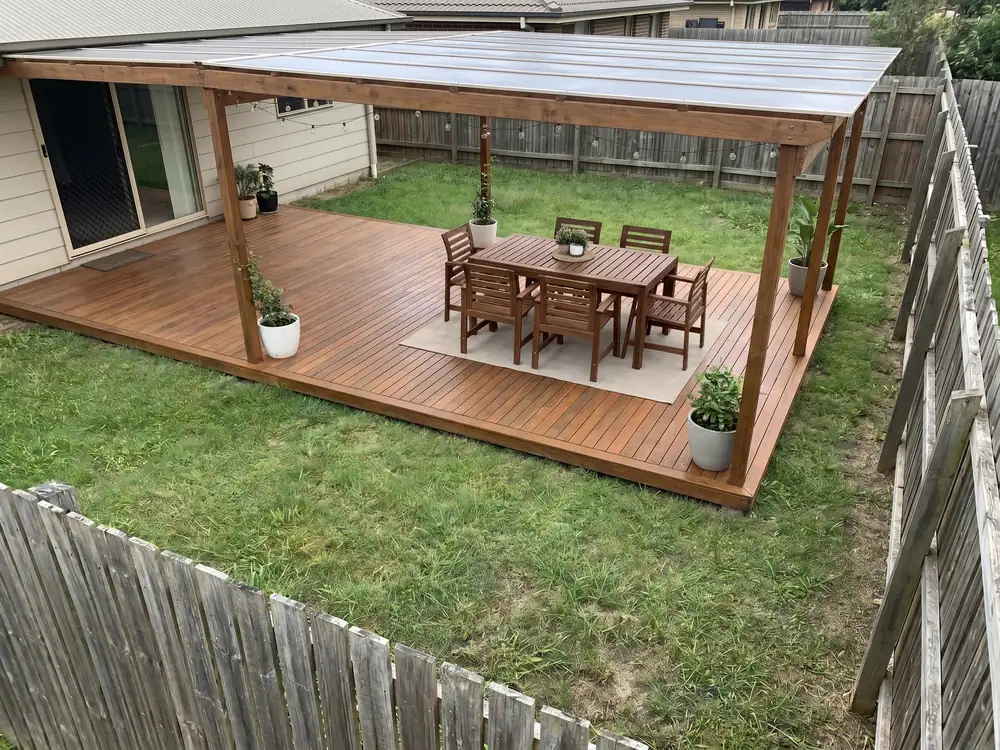
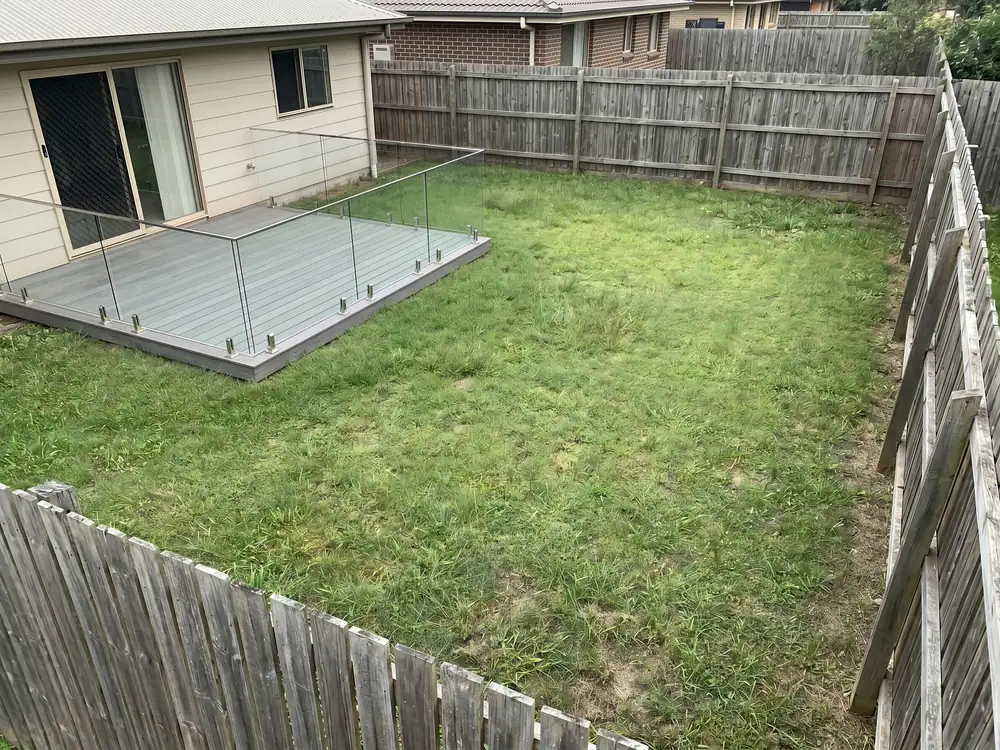
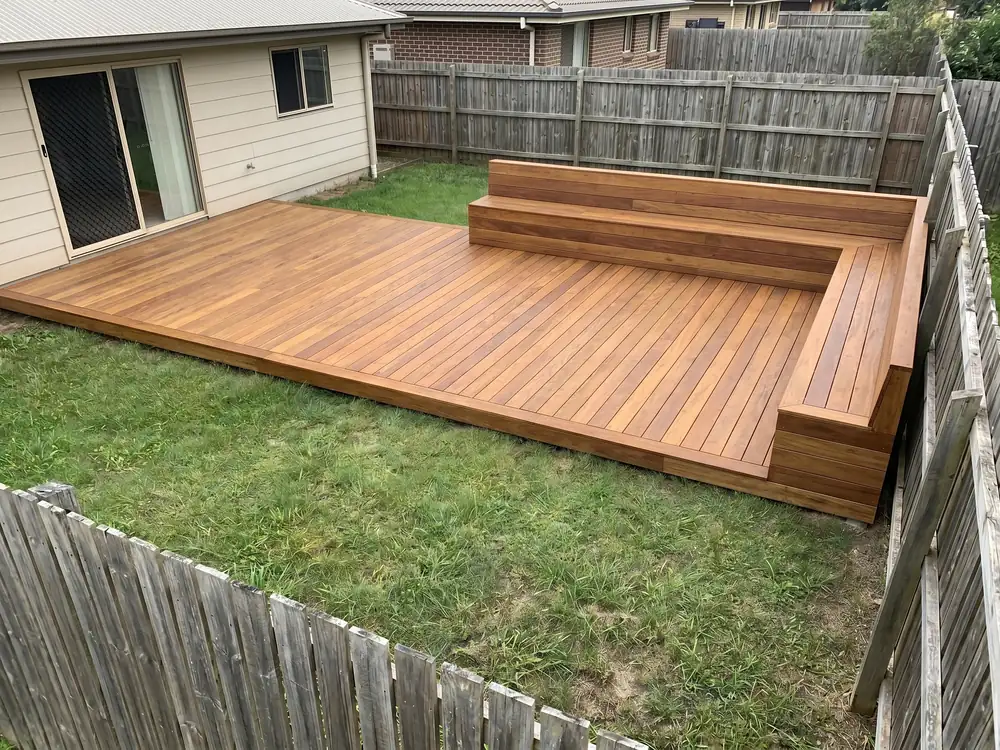
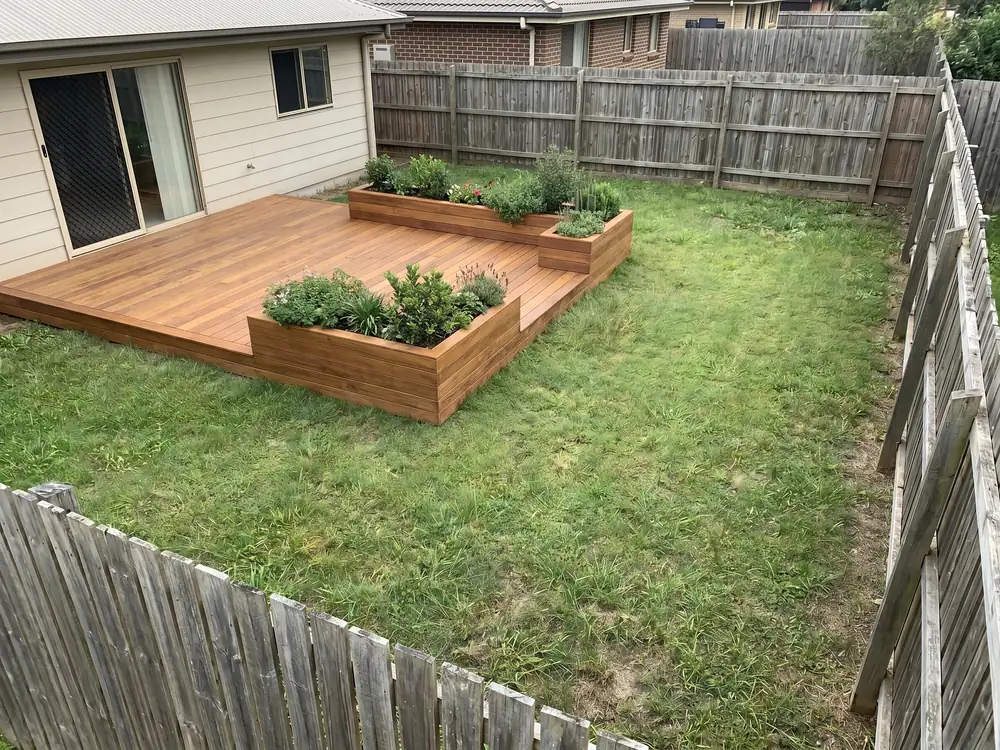
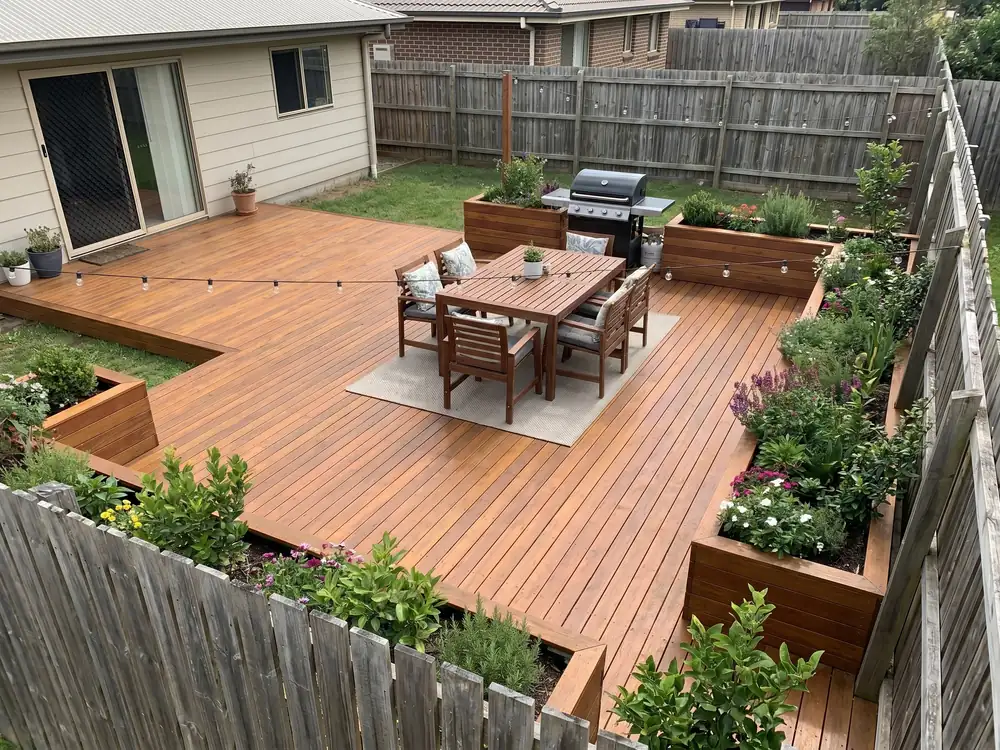
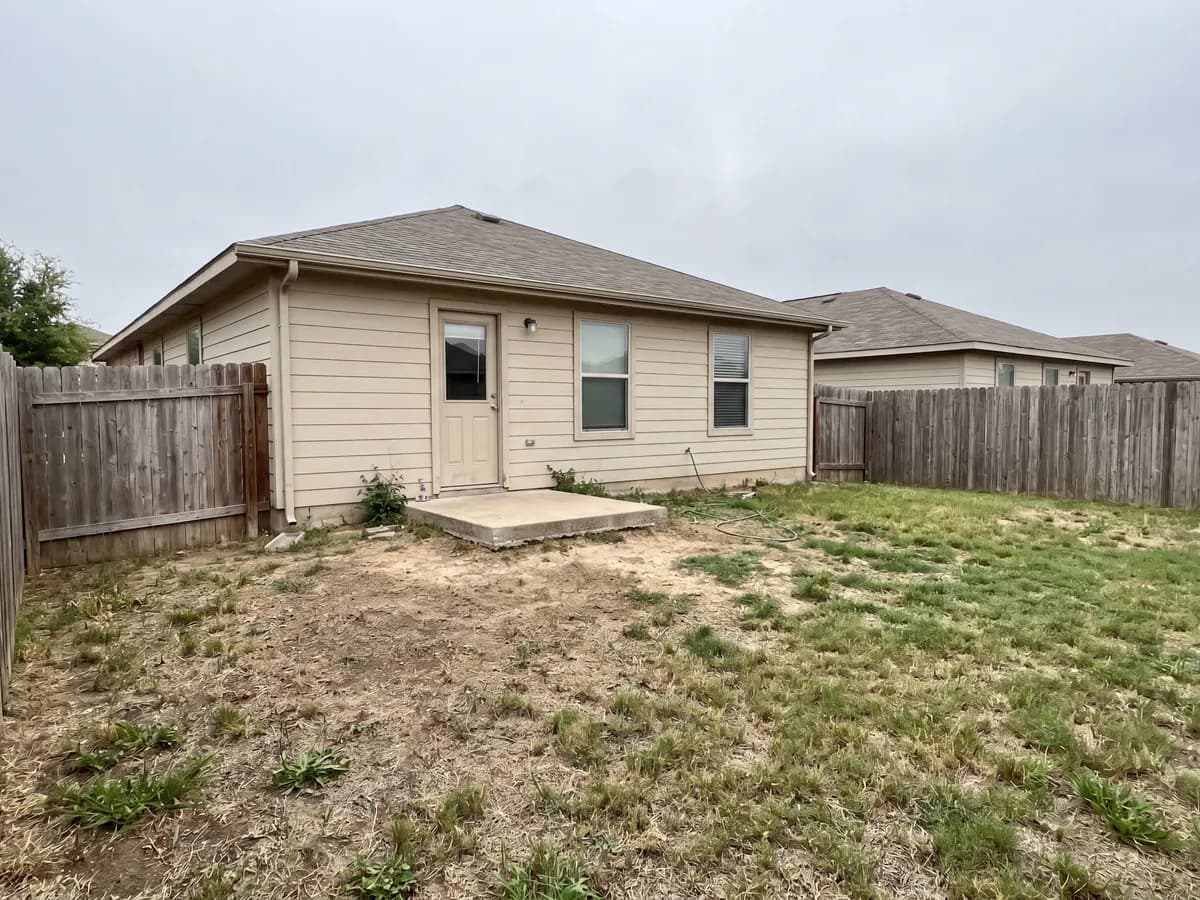
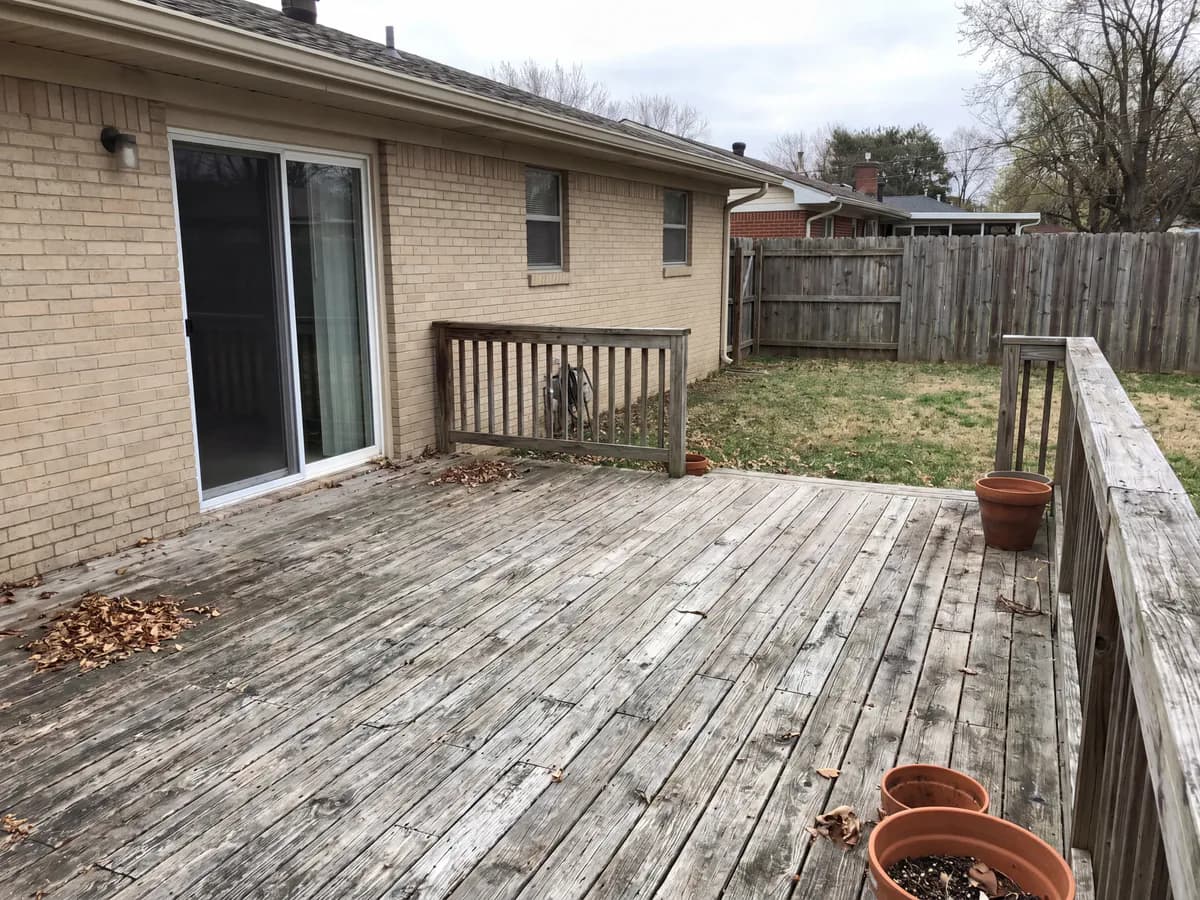
One photo of the yard or old deck you want to change is enough.
Shoot the yard or the old deck, with the back of the house in frame for context.
Composite or wood, single-level or multi-level, open or covered. Each one changes the boards and the look.
See the new deck on your real house, with a layout you can take to a contractor.
What designing a deck actually has to get right.
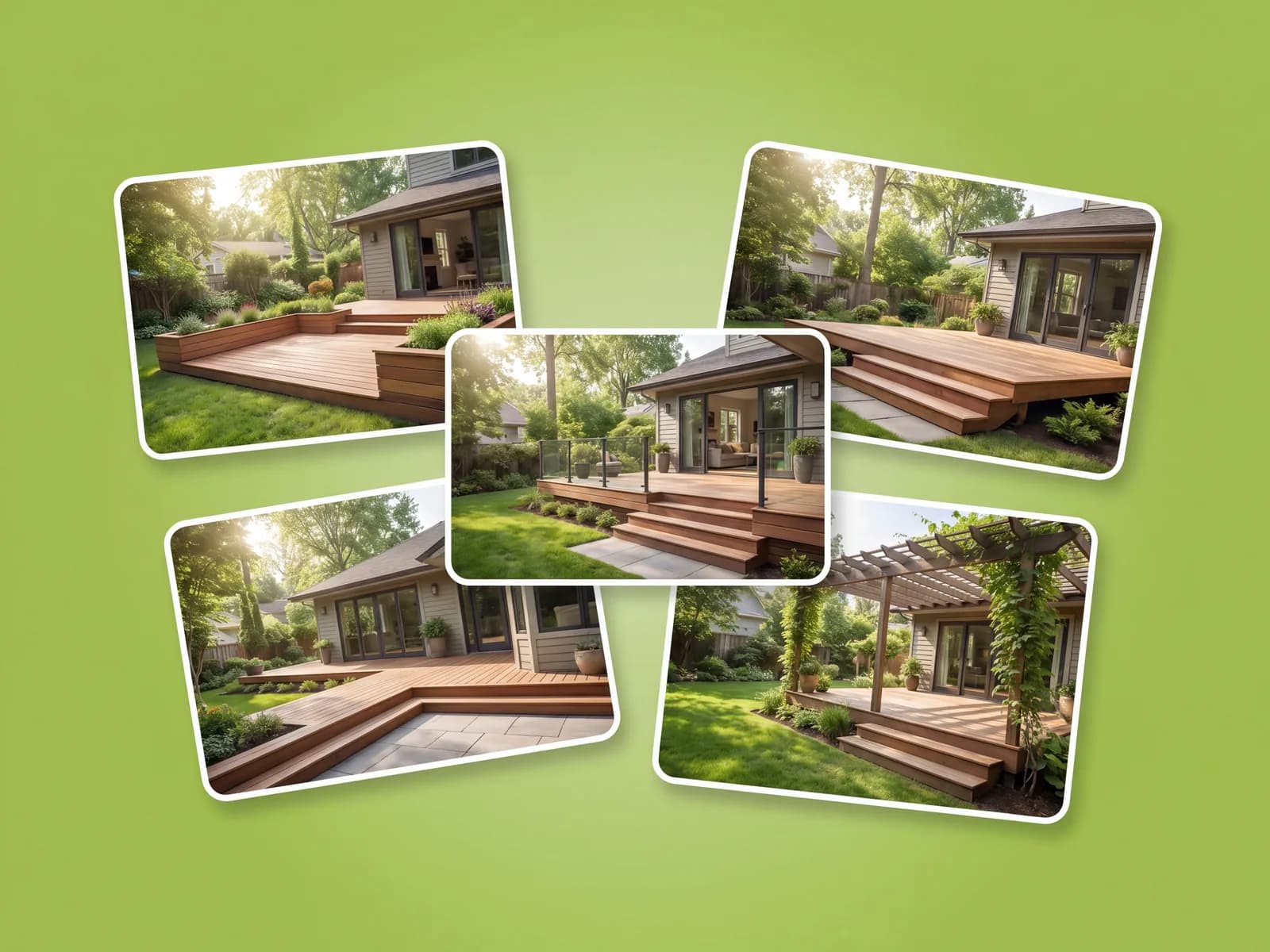
Composite reads like composite and timber like timber, on your own house, so you judge the deck instead of guessing from a sample board. Compare a few on the same photo before you commit.
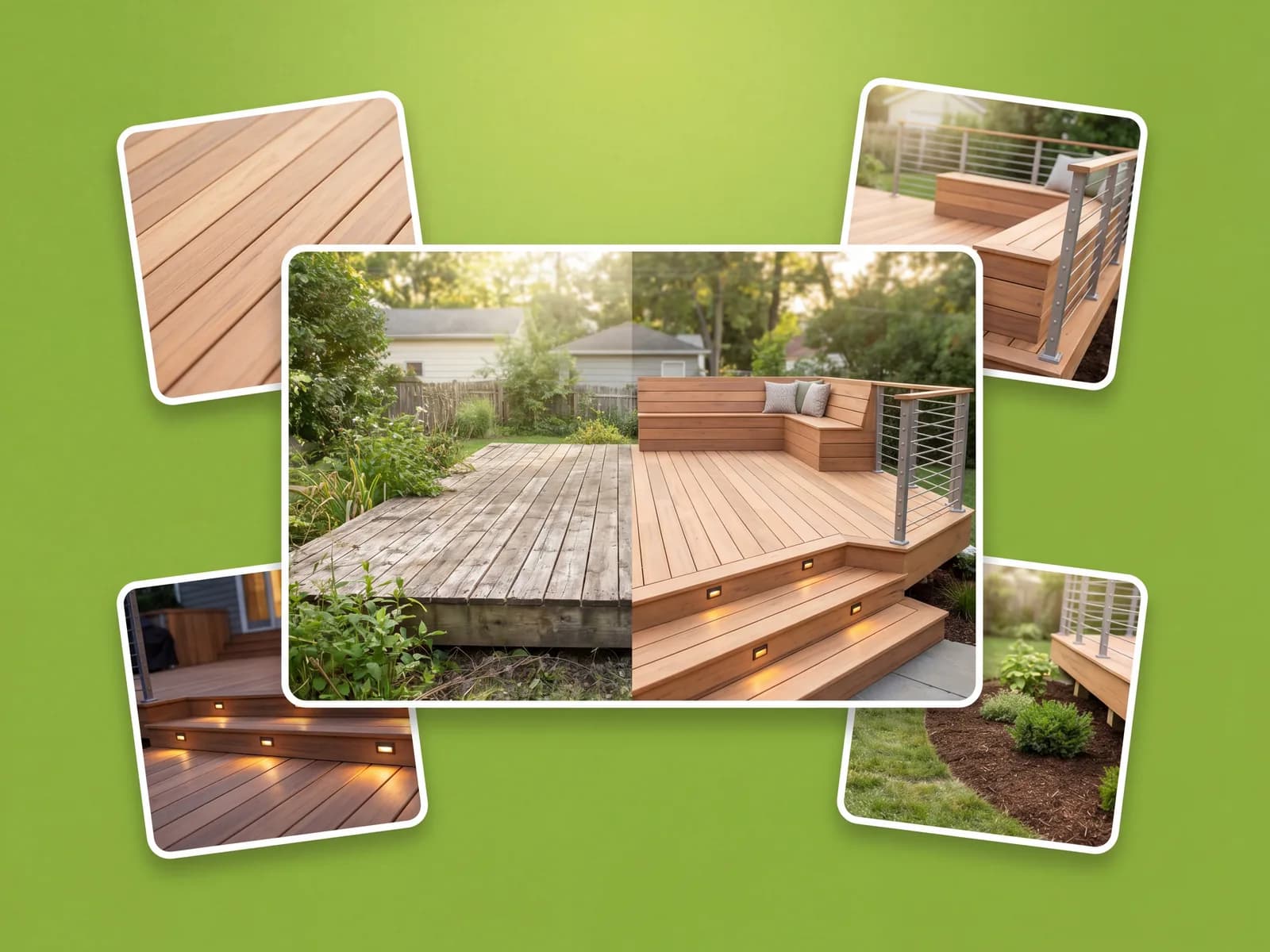
The design keeps your house, the grade, and the surroundings, then builds the deck and railings on top, so it still reads as your home and not a render.
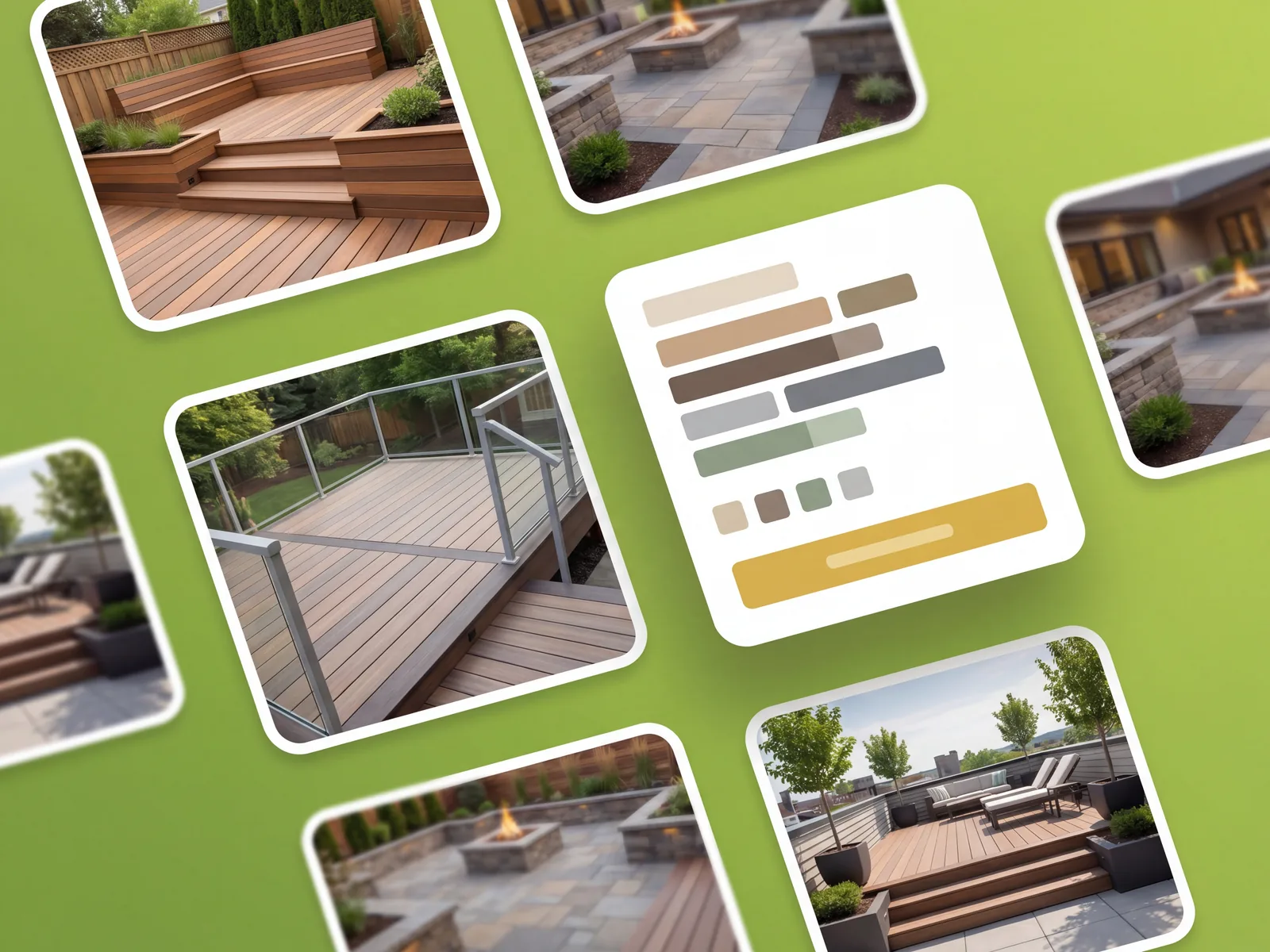
You get a deck you can save, compare against the original photo, and hand to a contractor for a quote. There's no clunky 3D software to learn first.
Dozens of deck styles for any outdoor space, ready in under a minute.
Real deck projects, from first idea to a contractor quote.
“I couldn't picture composite against wood on the back of our house. Seeing both on my own photo made the choice obvious in minutes.”
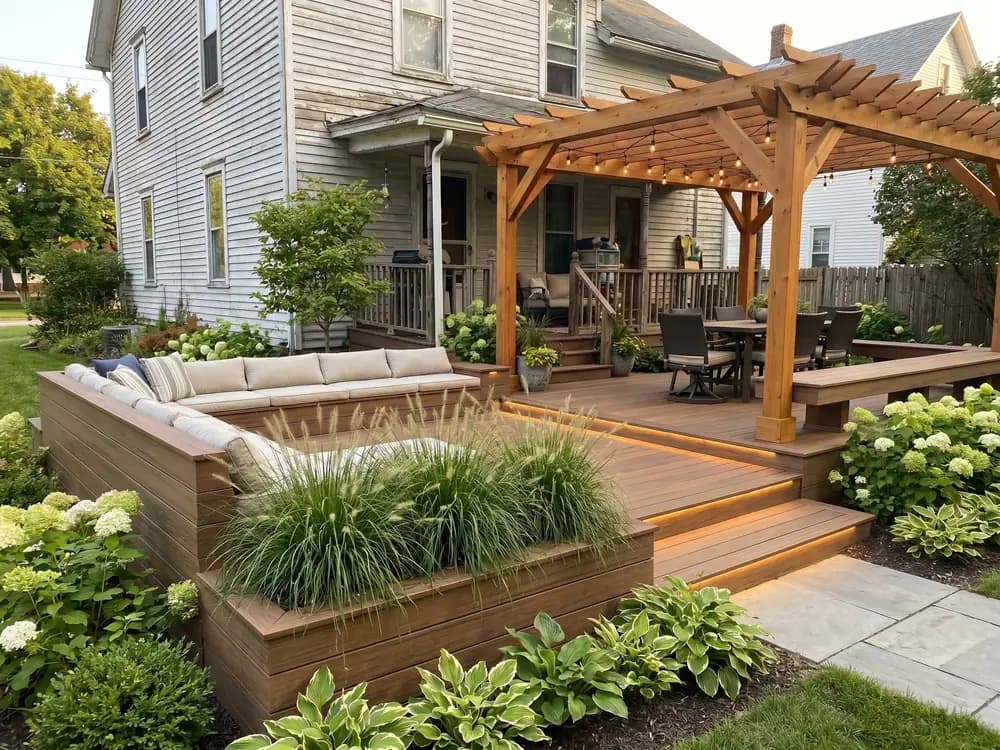
“I show a deck design on the client's own house before I quote, and the design back-and-forth that used to drag on is mostly gone now.”
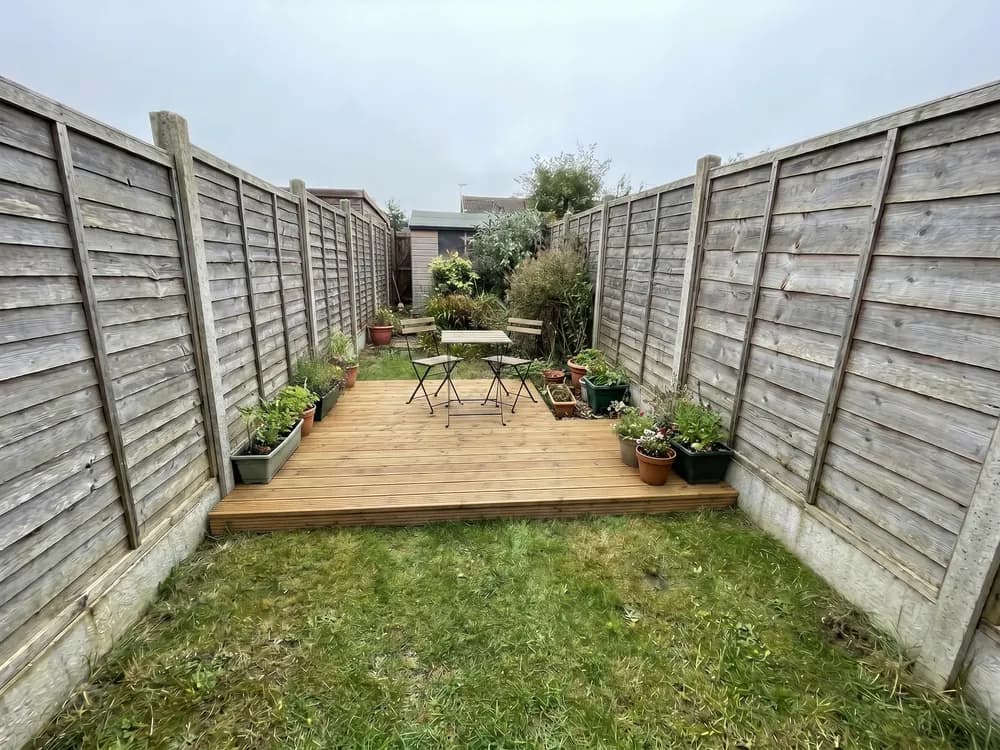
“I planned a two-level deck on a photo first, took it to two contractors, and got real quotes off the same design without redrawing.”
For contractors and designers generating client deck designs at volume, with team access.
The usual ways to plan a deck, and where each one leaves you.
| Feature |  | Landscape designer | Design software | Guessing |
|---|---|---|---|---|
| Getting to a design | ||||
| See it on your actual house | ||||
| First design in under a minute | ||||
| No 3D software to learn | ||||
| Try many styles cheaply | ||||
| Cost & commitment | ||||
| Typical cost to start | $ | $$$$ | $$ | Free |
| Time to a usable design | ~1 min | 1-3 weeks | Hours | — |
| Locked into one direction | ||||
| Confidence | ||||
| Decide before you spend | ||||
| Share the design with a pro | ||||
Short answers before you upload.
No. The deck designer runs in your browser on a phone or laptop, so you upload a photo and start with nothing to install.
Yes. A raised deck, a ground-level patio deck, or a deck off an existing patio, upload a photo and design it on your real space.
Yes. Try composite and timber boards, single and multi-level layouts, open and covered decks on your own house, then compare them before you build.
Yes. It keeps your house, the grade, and the surroundings, and builds the deck, railings, and steps on top.
Upload a photo of your yard or old deck and pick a style. The designer lays out a realistic deck on your real house in under a minute.
OutdoorBrite is a paid product, with no free tier. Plans cost a fraction of hiring a designer and scale with how many designs you generate and the resolution you need.
Practical tools for planning a deck, built around your own photo.
A new deck on your actual house. Boards, railings, and levels.
See full paver patterns and colors on your own patio, path, or driveway.
Patio pavers, pergolas, and outdoor kitchens. Try materials first.
Your patio designer: redesign your patio and compare materials from one photo.
Photograph your patio and compare styles and surfaces from your phone.

Drop a pool into your real yard, then test shapes and decking.