AI landscape design
The whole-yard tool. Redesign any space from a single photo.
Tools
We turn one photo of your yard into realistic redesign concepts you can picture and act on, no designer or software needed. Here are the most common ways people use OutdoorBrite:
8 tools
Redesign the full space in one go. These tools work from a single photo of your backyard, front yard, or whole lot and return complete concepts you can compare side by side.
The whole-yard tool. Redesign any space from a single photo.
Pool, deck, and fire-pit layouts on your real backyard.
Front-yard curb appeal: entry path, driveway, and planting.
One AI for the backyard, patio, garden, and front yard, from a single photo.
Photo-first, browser-based. No drawing, no install.

Design-suite results from one yard photo. No CAD, no install, no learning curve.
One backyard photo in, realistic redesign concepts out, ready to plan from.
Tried ChatGPT for your yard? Get concepts that keep your real house and layout.
8 tools
For beds, borders, and planting plans. Covers everything from a full garden makeover to a single flower bed, including water-wise xeriscape layouts.
Garden beds and planting plans by style, cottage to xeriscape.
Your AI garden designer: redesign beds and borders from one photo.
Your AI garden planner: lay out beds and planting from one photo.
See your tired garden made over on your own photo, before you spend on plants or labor.
Try beds, paths, and planting styles on a photo of your real garden.
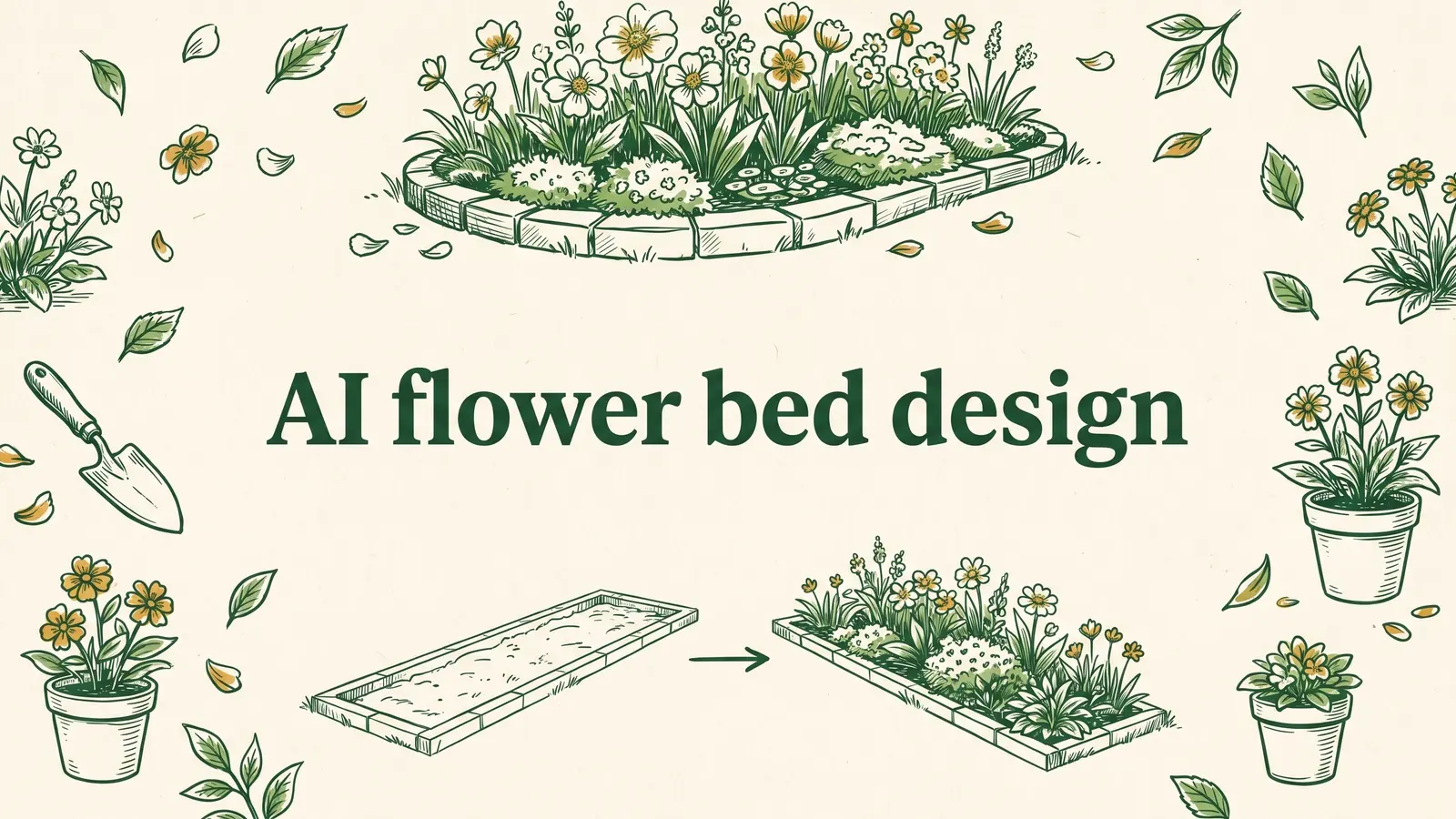
Replant your bed from a photo. Compare styles side by side.
Photo-first, browser-based. No drawing, no install.
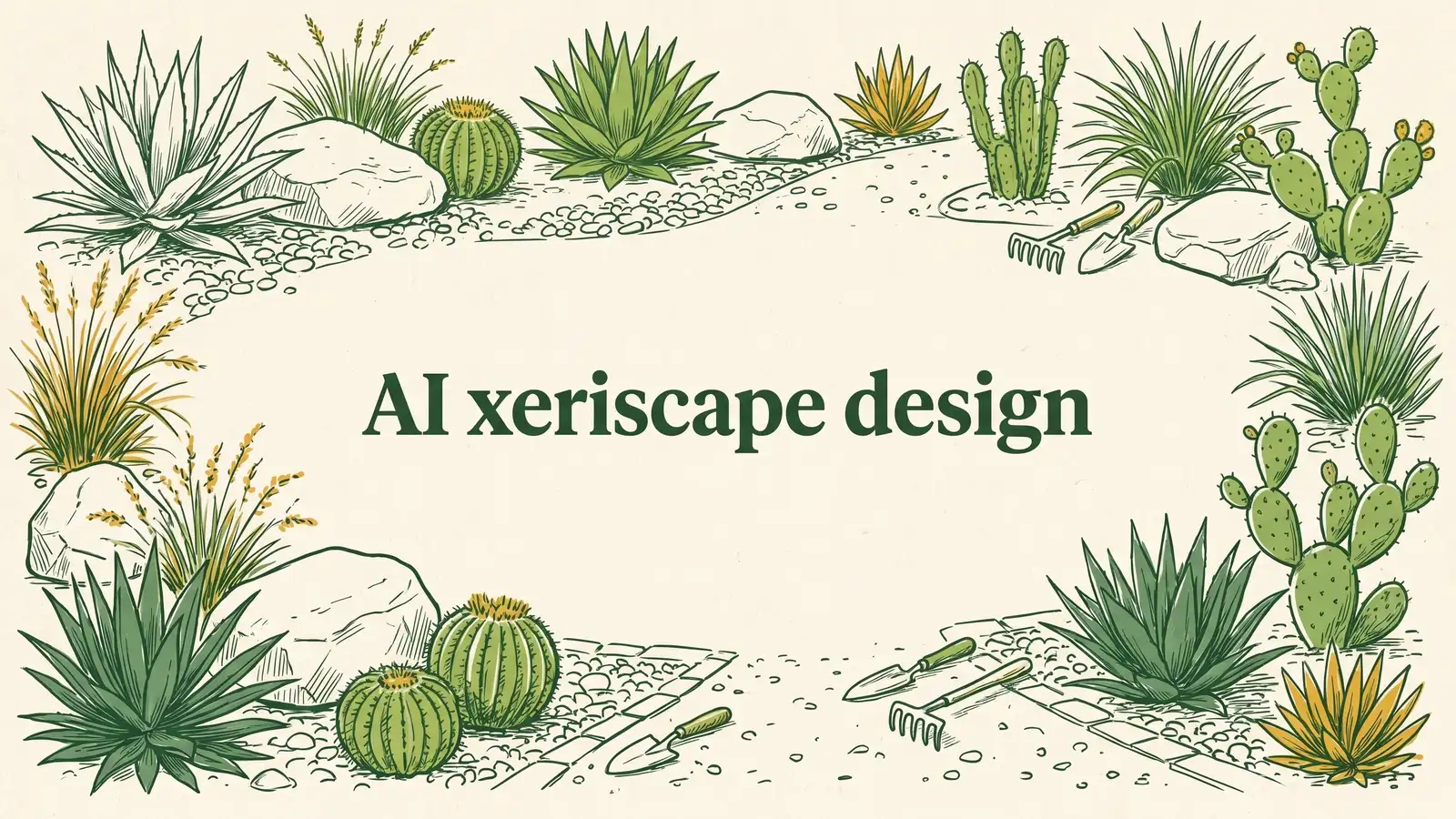
A low-water yard that still looks planted, before you rip the lawn.
6 tools
Design the surfaces you live on. See pavers, decking, and furniture layouts rendered on a photo of your own patio or deck area.
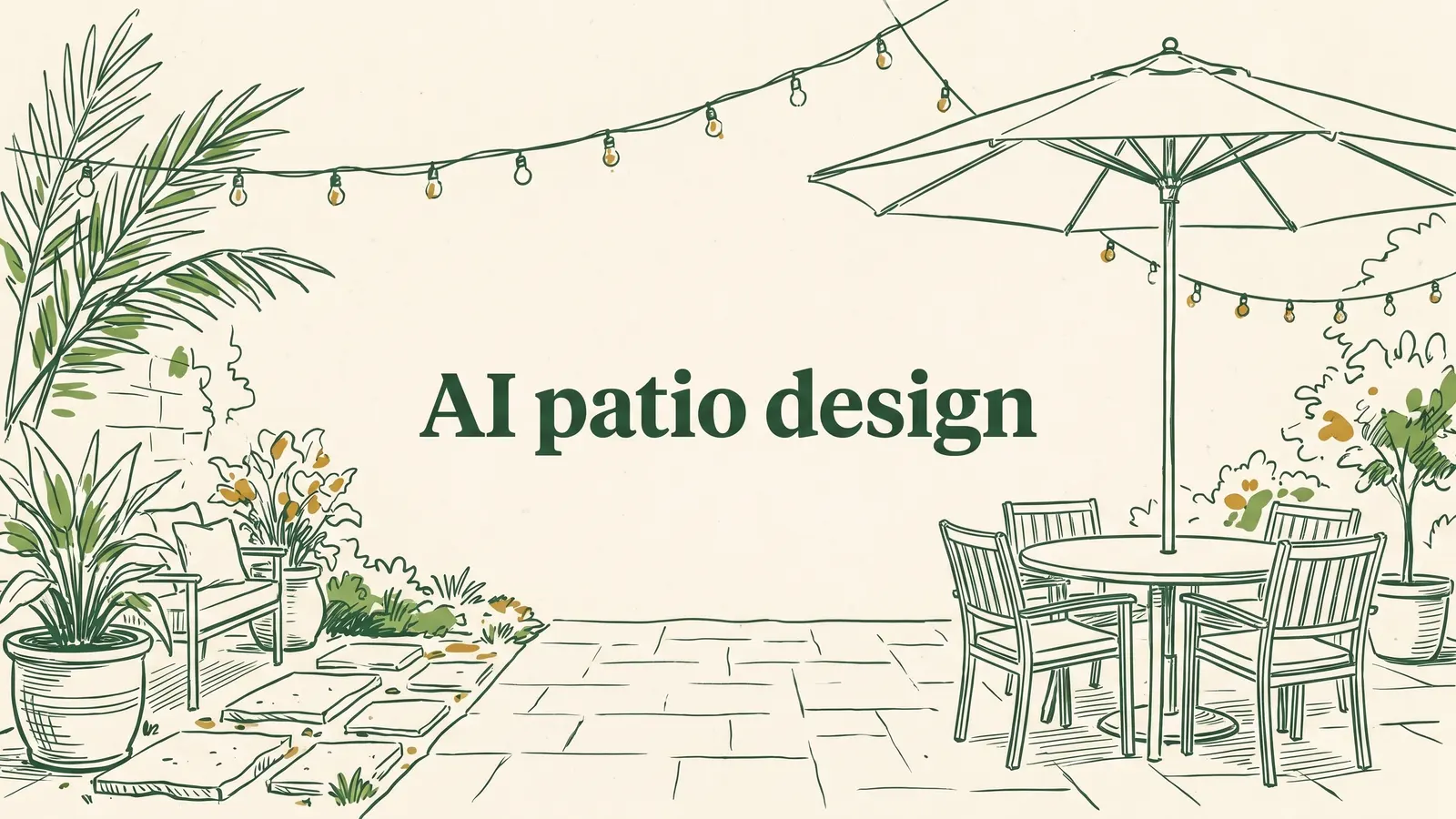
Patio pavers, pergolas, and outdoor kitchens. Try materials first.
Your patio designer: redesign your patio and compare materials from one photo.
A new deck on your actual house. Boards, railings, and levels.
Your patio deck designer: design a new deck on your real house from one photo.
Photograph your patio and compare styles and surfaces from your phone.
See full paver patterns and colors on your own patio, path, or driveway.
4 tools
See a structure on your property before you build it. Pergolas, gazebos, fences, and retaining walls, drawn at realistic scale on your photo.
Add a pergola to your patio and weigh sizes, roofs, and materials.
Place a gazebo in your yard and find the right size and spot.
Picture a fence on your property line before you get a quote.
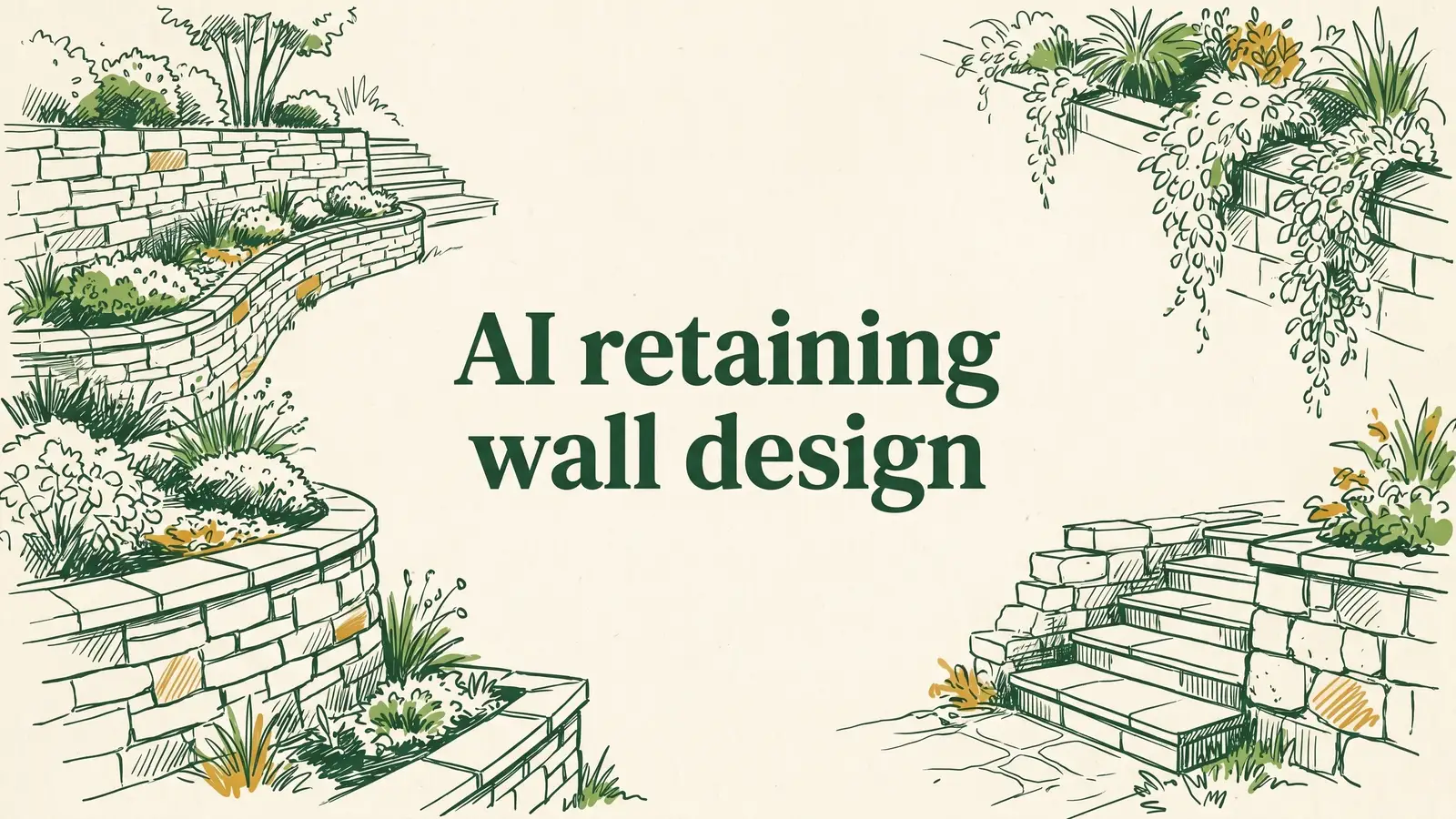
Terrace your slope on screen first: block, stone, or timber.
4 tools
The big-ticket projects. Preview a pool shape, a fire pit corner, or an outdoor kitchen in your yard before you commit the budget.

Drop a pool into your real yard, then test shapes and decking.
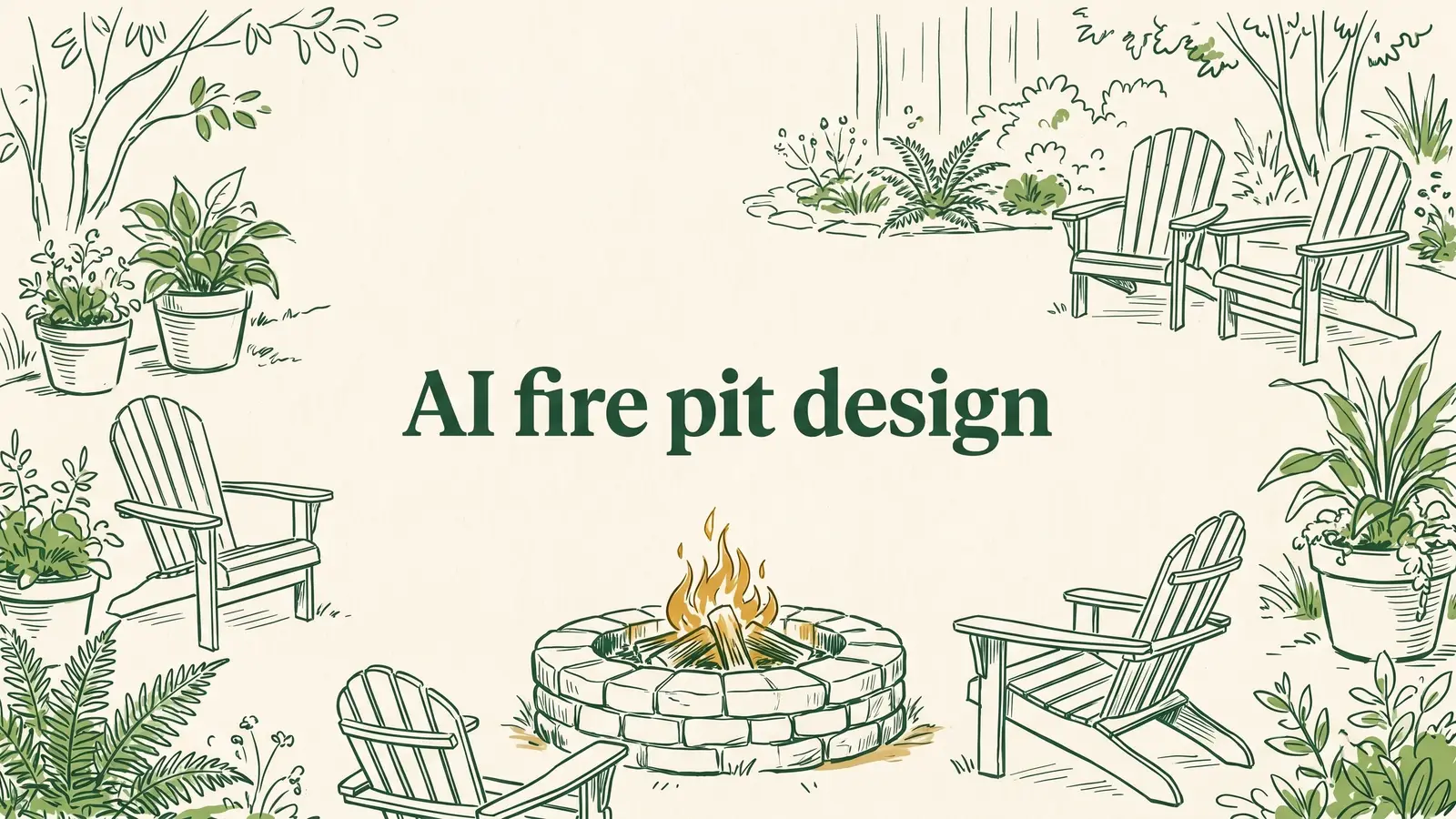
Add a fire pit to your yard and weigh styles, seating, and materials.
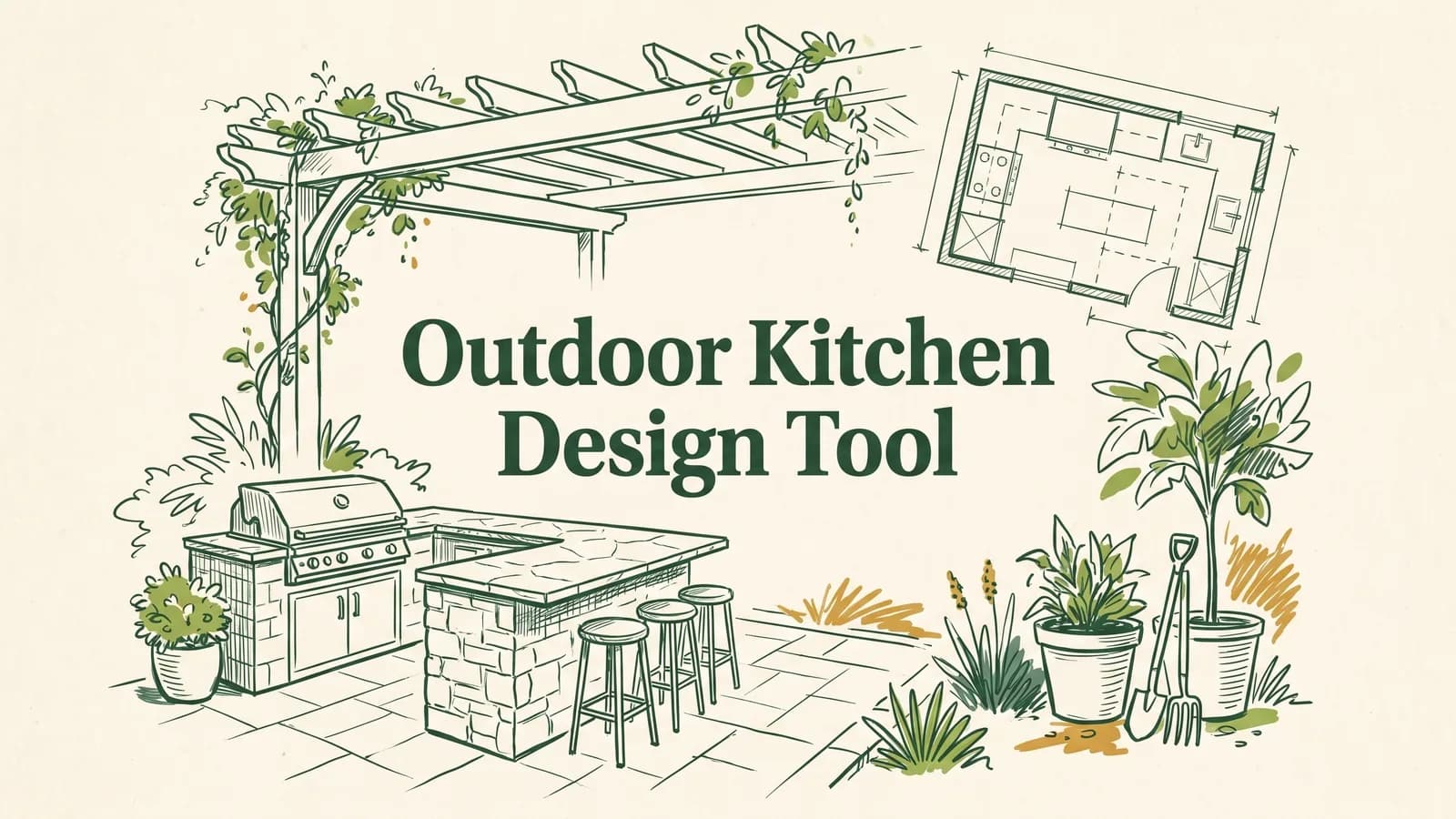
Design a built-in outdoor kitchen on your real patio from one photo.
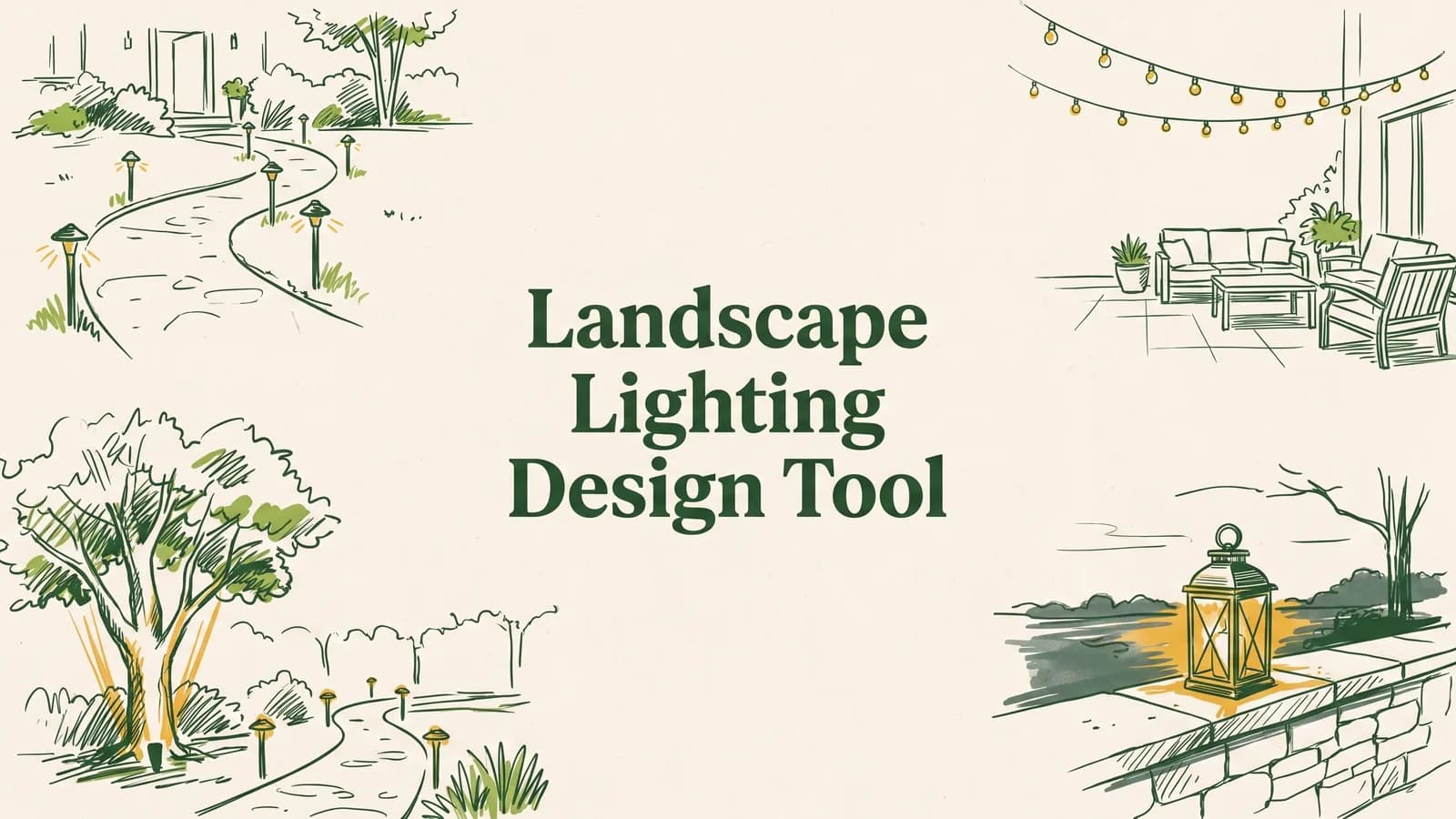
Turn a daytime yard photo into an evening concept with the lighting in place.
Short answers before you pick one.
Each tool redesigns one kind of outdoor space from a photo: backyard, garden, patio, pool, deck, front yard, or a xeriscape. Same idea, tuned to that space.
Start with the space you care about most. If you want the whole yard, use AI landscape design. For one area, pick the matching tool. You can use several.
No. Every tool runs in the browser on a phone or computer. You upload a photo and pick a style.
They are built on your own photo, so they keep your layout and house. Treat them as concepts to take to a contractor, not construction drawings.
Yes. You can create a design and see the quality first. Paid plans add more designs and higher resolution.
Upload one photo and see your yard finished, in seconds. Compare real styles on your own space, then build the one you love. No designer, no software.