7 best landscape design apps for Android (2026)
Want to redesign your yard from your Android phone? We compared 7 landscape design apps on realism, price, and Google Play availability, so you can pick the right one and start laying out your space today. A few are native Play Store apps; one is web-based and runs right in your Android browser.
Most of us plan a yard from the same place: standing at the back door, phone in hand, trying to picture what the space could become. That is where an Android app helps. You photograph the yard you are already looking at, then turn that photo into a real design you can react to instead of one you have to imagine.
The catch is that "landscape design app for Android" covers very different things. Some are AI tools that restyle your photo in seconds, some are 3D planners you build to scale, and some place plants in augmented reality on your lawn. One of the best picks for realistic photo redesigns runs in your Android browser rather than from the Play Store. This guide compares 7 of them, with verified 2026 pricing and honest notes on which are native apps and which are web-based, so you can match a tool to how you want to work.
Best landscape design apps for Android: a brief overview
- OutdoorBrite, best overall: upload your yard photo, pick a style, and get realistic AI concepts in under a minute. Web-based, so it runs in Chrome on any Android phone or tablet with nothing to install.
- Planner5D, best for DIY 3D layout: a native Android app to draw your yard to scale and arrange plants, surfaces, and structures in 2D and 3D.
- DreamzAR, best for AR on your lawn: a native Android app that drops 3D plants and hardscape onto your yard and lets you walk the design in augmented reality.
- Home Design 3D Outdoor & Garden, best for offline 3D modeling: a native Android app for building a garden in 3D from scratch, one element at a time.
- PRO Landscape Home, best for plant-on-photo design: a native Android app that places plants and hardscape onto a photo of your house, with a climate-zone plant search.
- REimagine Home, best for a quick free AI restyle: a web tool with no native Android app that restyles an exterior photo from your Android browser.
- ShrubHub, best for a hands-off design service: an online service, not an app, where a designer builds your 3D plan from your phone's browser.
| App | Key strength | Pricing | Platforms |
|---|---|---|---|
| OutdoorBrite | Realistic AI concepts from your own photo, fast | From $29/mo (no free plan) | Web (any Android browser) |
| Planner5D | DIY 3D layout, measured to scale | Free tier; Premium $4.99/mo yearly | Android (Google Play), iOS, web |
| DreamzAR | AR design and walk-through on your lawn | $19.99/mo ($16.60/mo yearly) | Android (Google Play), iOS, web |
| Home Design 3D Outdoor & Garden | Offline 3D garden modeling | Free; full version about $5 (one-time) | Android (Google Play), iOS, desktop |
| PRO Landscape Home | Place plants on a photo of your house | Free; image library $14.99 (one-time) | Android (Google Play), iOS |
| REimagine Home | Quick AI exterior restyle | Free tier; from $14/mo | Web (any Android browser), no native app |
| ShrubHub | Hands-off online design service | From $197 per yard (sale) | Web (any Android browser), no native app |
1. OutdoorBrite, best overall
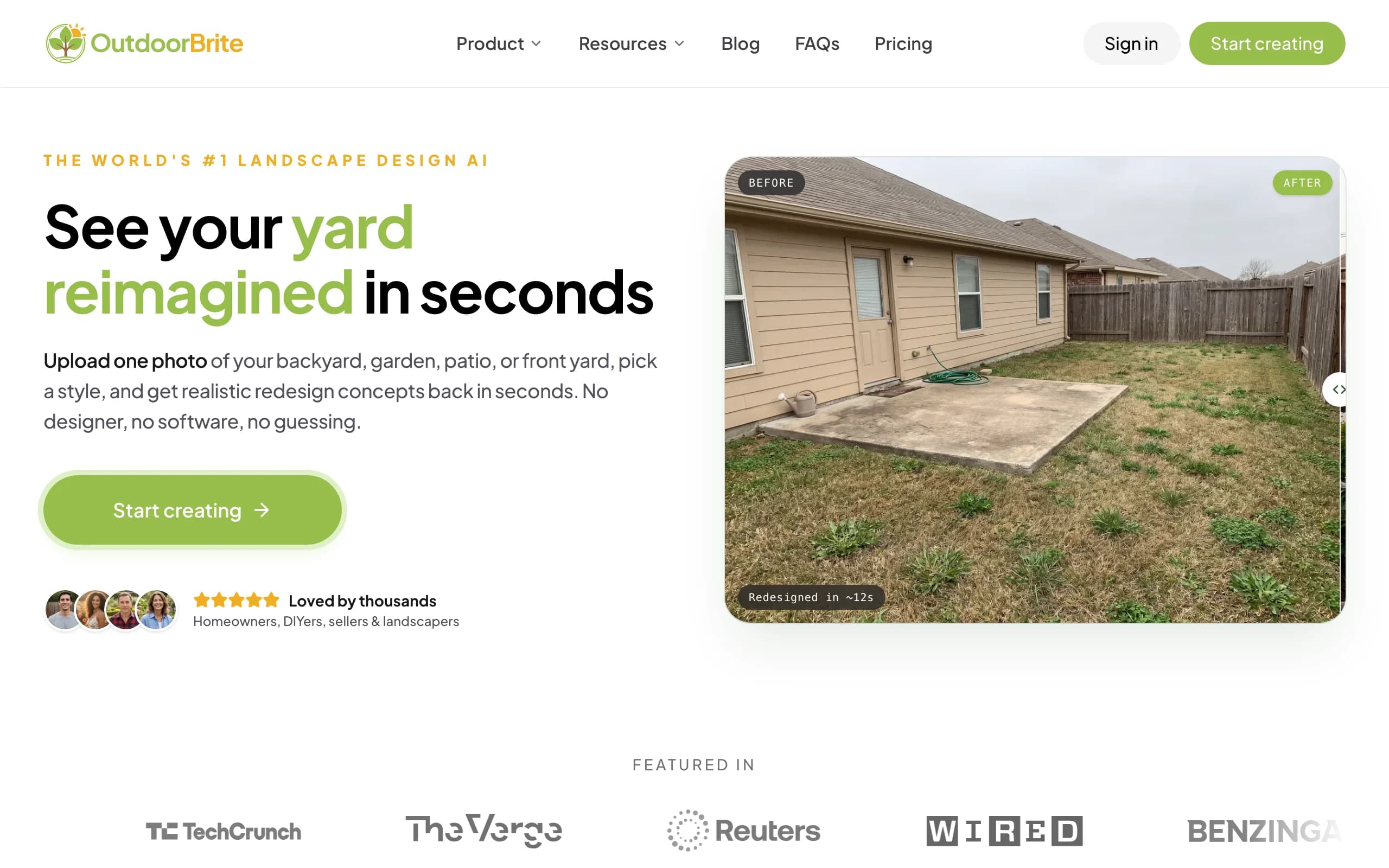
OutdoorBrite is built around one job: showing you what your own yard could look like, fast. You upload a photo of the space, pick a style (modern, cottage, desert or xeriscape, tropical, Mediterranean), describe what you want in plain words, and it generates realistic concepts in under a minute. You get multiple concepts per upload, so you are comparing real options on your real yard instead of staring at a saved photo of someone else's. An in-app AI editor lets you refine a concept after the fact: swap a material, change the planting, push the layout one way or the other.
Here is the honest part for Android users. OutdoorBrite is web-based, so there is no app to install from Google Play. You open it in Chrome (or any browser) on your Android phone or tablet, sign in, and start designing. For most people that is a feature, not a limit: nothing to download, nothing to update, and the same project opens on your phone, tablet, and laptop. The same flow handles backyards, gardens, decks, pergolas, pools, and front yards, and plant choices are aware of your climate and hardiness zone, so the greenery in a concept could grow where you live. If you want the broader picture, the AI landscape design app and AI backyard design pages cover the rest of the space, and you can see the photo-to-design idea in this look at free AI landscape design.
Key features
- Photo-to-design AI: upload your yard, get realistic concepts in under a minute
- Runs in any Android browser, nothing to install from Google Play
- Style presets plus a plain-language prompt to direct the look
- Multiple concepts per upload, with an in-app AI editor to refine
- Climate and hardiness-zone-aware plant choices
- Works for backyards, gardens, decks, pergolas, pools, front and back yards
- Save, share, and full commercial rights on paid plans
Best for
- Homeowners who want to see a redesign on their own photo before spending
- Android users who would rather skip a download and design in the browser
- Landscapers and contractors using the render as a closing tool on-site
Pricing
- Paid-only, no free plan and no free trial. 1 credit = 1 design or 1 AI edit.
- Starter $29/mo ($23/mo billed yearly): 25 redesigns/mo, HD output.
- Plus $49/mo ($39/mo yearly): 100 redesigns/mo, sharp 2K output. Most popular.
- Pro $149/mo ($119/mo yearly): 200 redesigns/mo, 4K output, agency and commercial rights. Annual billing saves about 20%; top-up packs never expire.
Pros
- Realistic results on your actual yard photo, not a generic template
- No install or update cycle: it works in the browser you already have
- Fast enough to compare several styles in one sitting
- Plant suggestions respect your zone
Cons
- No native Google Play app, so you design in the browser rather than a downloaded app
- No free tier to test before you commit
2. Planner5D, best for DIY 3D layout
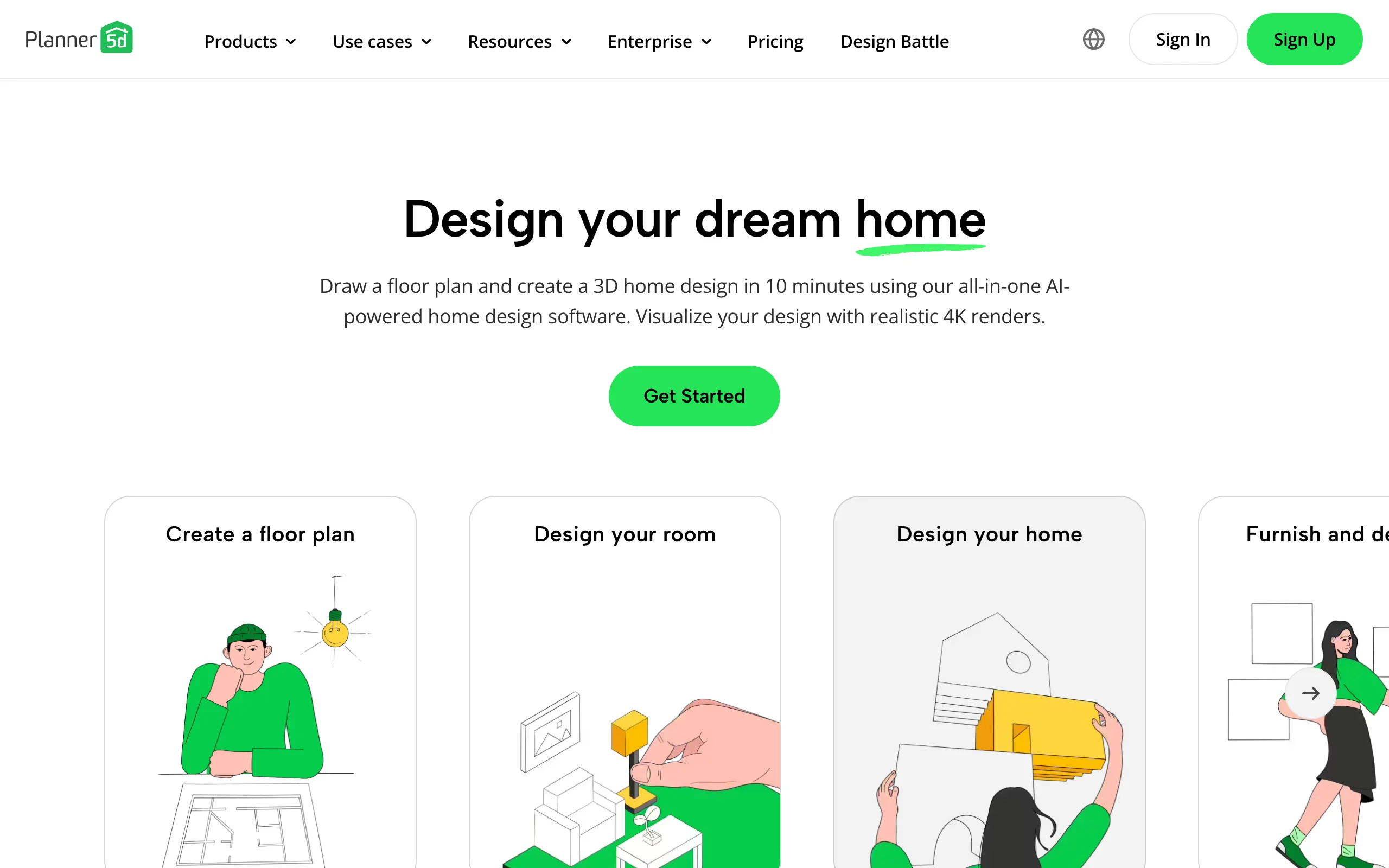
Planner5D is a general home-design app that works well outdoors when you care about precise layout. It is a real native Android app on Google Play, so you download it, draw your yard to scale, and arrange plants, surfaces, and structures in a 2D plan you can flip to 3D. It leans toward getting measurements, proportions, and the arrangement right, which is what you need before you order pavers or a pergola, rather than photoreal AI on your own photo.
The app runs on Android, iOS, and the web, with a usable free tier and a cheap Premium plan on annual billing. Two things to know before you commit. The visual output is 3D-model rendering, not a restyle of your actual yard photo, so it looks like a model rather than your lawn. And mobile app pricing can run higher than the web price, so it is worth checking both before you subscribe.
Key features
- Native Android app on Google Play, plus iOS and web
- Draw your yard to scale in 2D, view in 3D
- Plant, furniture, surface, and structure layout
- Large object catalog for arranging the space
Best for
- DIYers who want accurate measurements and layout
- People planning paver and plant placement before buying
- Anyone who prefers a model-based plan to an AI render
Pricing
- Free plan with limited features.
- Premium: $4.99/mo billed annually ($59.99/year), or higher month-to-month.
- Professional: $33.33/mo ($399.99/year). Mobile app pricing can run higher than web.
Pros
- Strong for measured, to-scale layout
- Affordable Premium tier on annual billing
- Genuine native Android app, works offline once loaded
Cons
- 3D-model output, not photoreal AI on your own photo
- App store pricing can run higher than the web price
3. DreamzAR, best for AR on your lawn
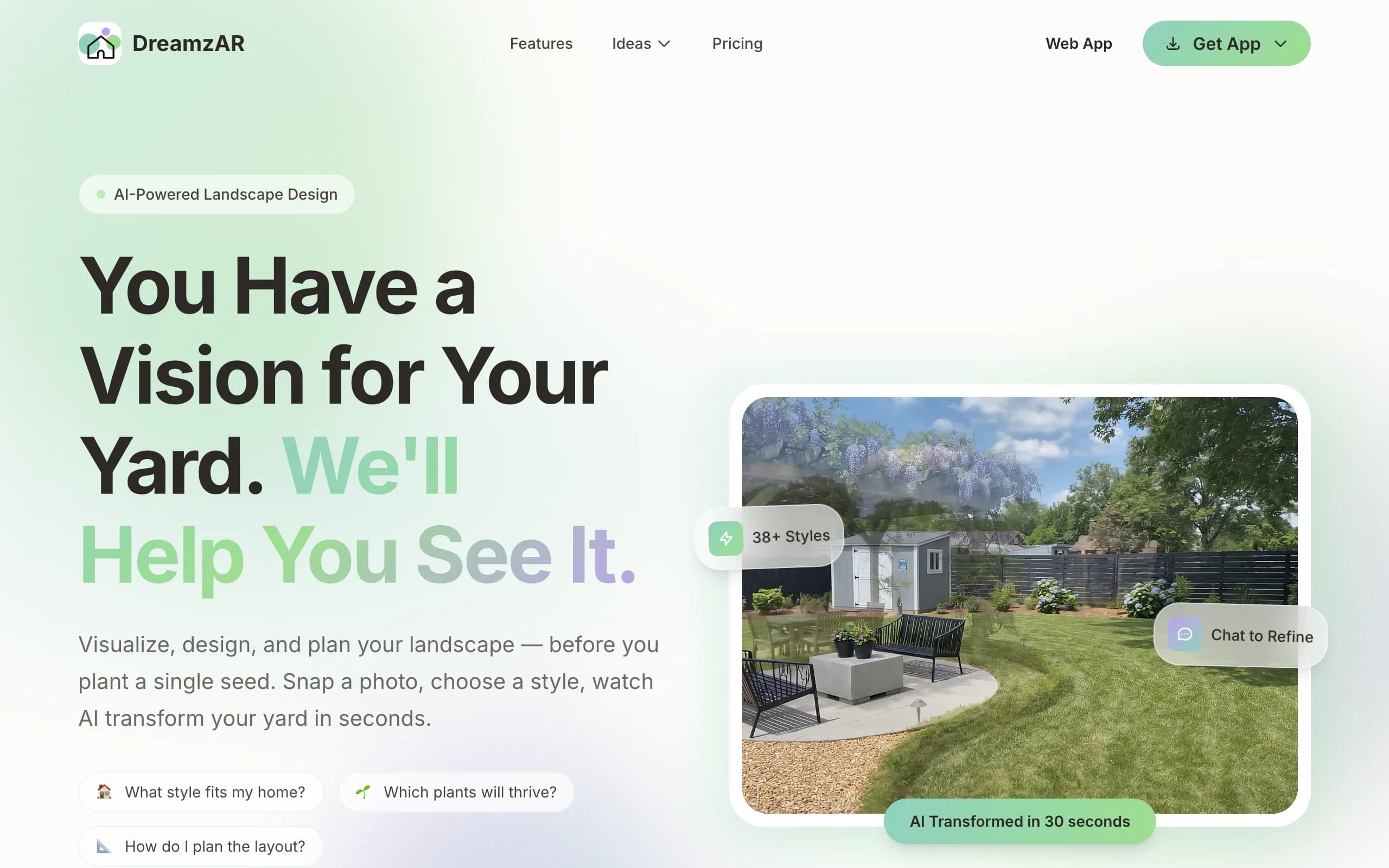
DreamzAR leans hardest into augmented reality, and it is a true native Android app on Google Play (Android 8.0 or later). You drop 3D objects like plants, furniture, and hardscape onto your space, then walk through the design in AR, seeing it at real scale through your phone. It pairs that with AI styling and a chat refinement option, plus a large library of garden styles and plants, so you can both generate ideas and place them in three dimensions on your actual yard.
The AR walk-through is the standout. Standing on your lawn and seeing a pergola or a paver layout rendered in place is more convincing than a flat image for a lot of people. The flip side is that AR-heavy workflows depend on your phone and lighting, and the experience varies by device. There is a small free tier to test it before you subscribe.
Key features
- Native Android app on Google Play, plus iOS and web
- AR 3D walk-through of your design at real scale
- 3D object placement (plants, furniture, hardscape)
- AI styling plus chat-based refinement, large plant library
Best for
- Homeowners who want to experience the design in AR, not just a flat view
- Phone-first Android users comfortable steering a 3D scene
- People who value spatial preview over speed
Pricing
- $19.99/mo, or $16.60/mo billed annually at $199 (save 17%).
- A small free tier with limited generations to try first.
- Cancel anytime.
Pros
- Strong AR walk-through that puts the design in your real space
- Native Android app, free tier to test before paying
- Chat refinement makes tweaks approachable
Cons
- AR quality depends on your phone and lighting
- 3D placement takes more effort than a flat AI render
4. Home Design 3D Outdoor & Garden, best for offline 3D modeling
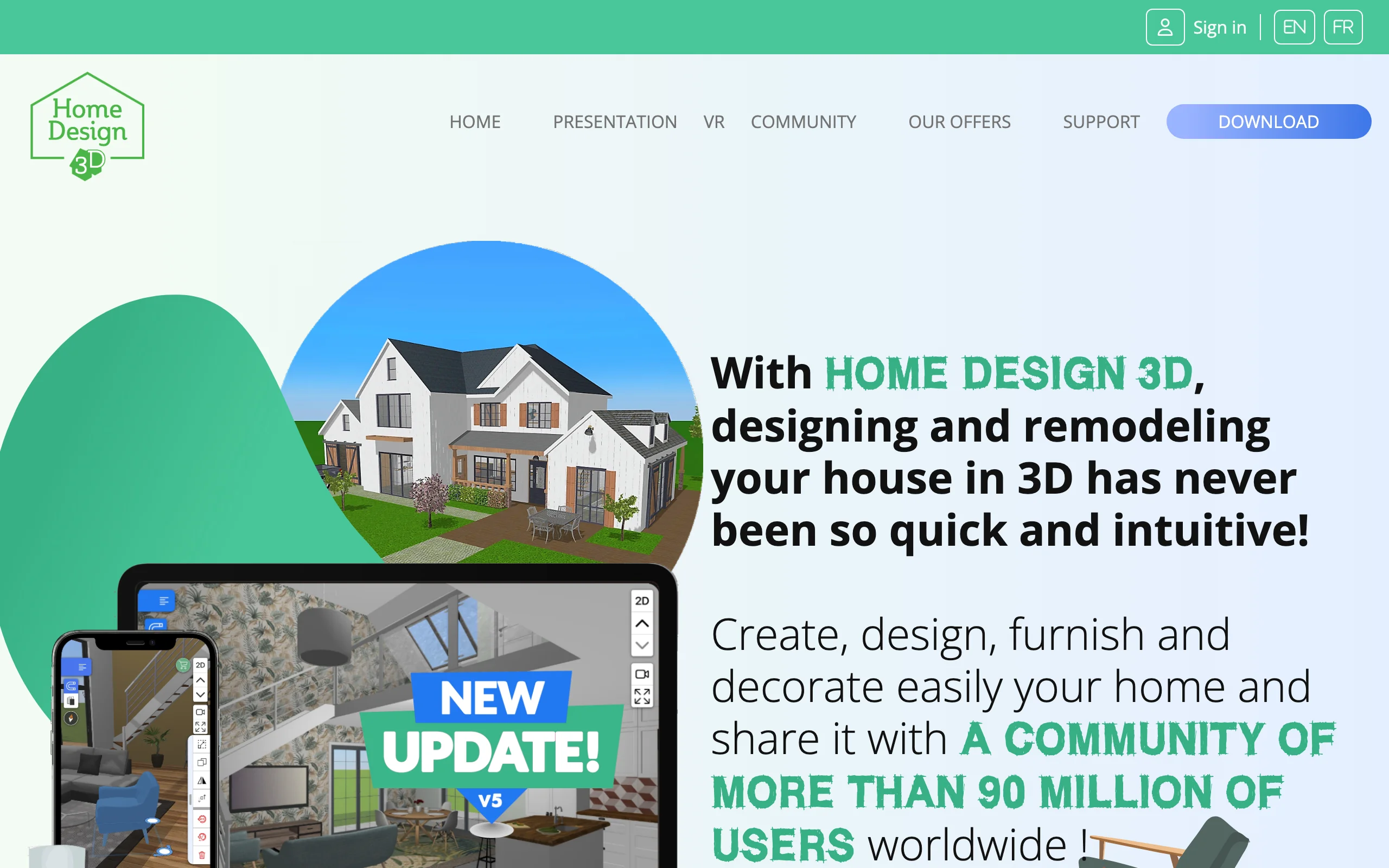
Home Design 3D Outdoor & Garden is a native Android app from Anuman, built for people who want to model a garden in 3D from scratch. You lay out the ground, place plants, furniture, fences, and structures, and view the result in 3D, all on the device. It is a hands-on modeling tool rather than an AI generator, so you build the scene element by element and keep full control over where everything goes.
One reason it stands out on Android is that it works offline once installed, which suits planning in a backyard with patchy signal. The free version lets you try the tools, and a one-time full version adds saving and the complete catalog. Two trade-offs: the output is 3D-model rendering rather than a restyle of your real yard photo, and building a polished scene by hand takes time compared with a one-click AI concept.
Key features
- Native Android app, works offline once installed
- Build a garden in 3D: ground, plants, furniture, fences, structures
- 2D plan and 3D view of your layout
- One-time purchase adds saving and the full catalog
Best for
- DIYers who like building a scene by hand in 3D
- People who want to plan offline in the yard
- Anyone who prefers a one-time price to a subscription
Pricing
- Free version to test the tools (saving is not included).
- Full version is a one-time purchase, around $5 (price varies by region).
- No subscription.
Pros
- Genuine native Android app that runs offline
- One-time price, no monthly fee
- Full manual control over the 3D layout
Cons
- 3D-model output, not photoreal AI on your own photo
- Building a scene by hand is slower than AI generation
5. PRO Landscape Home, best for plant-on-photo design
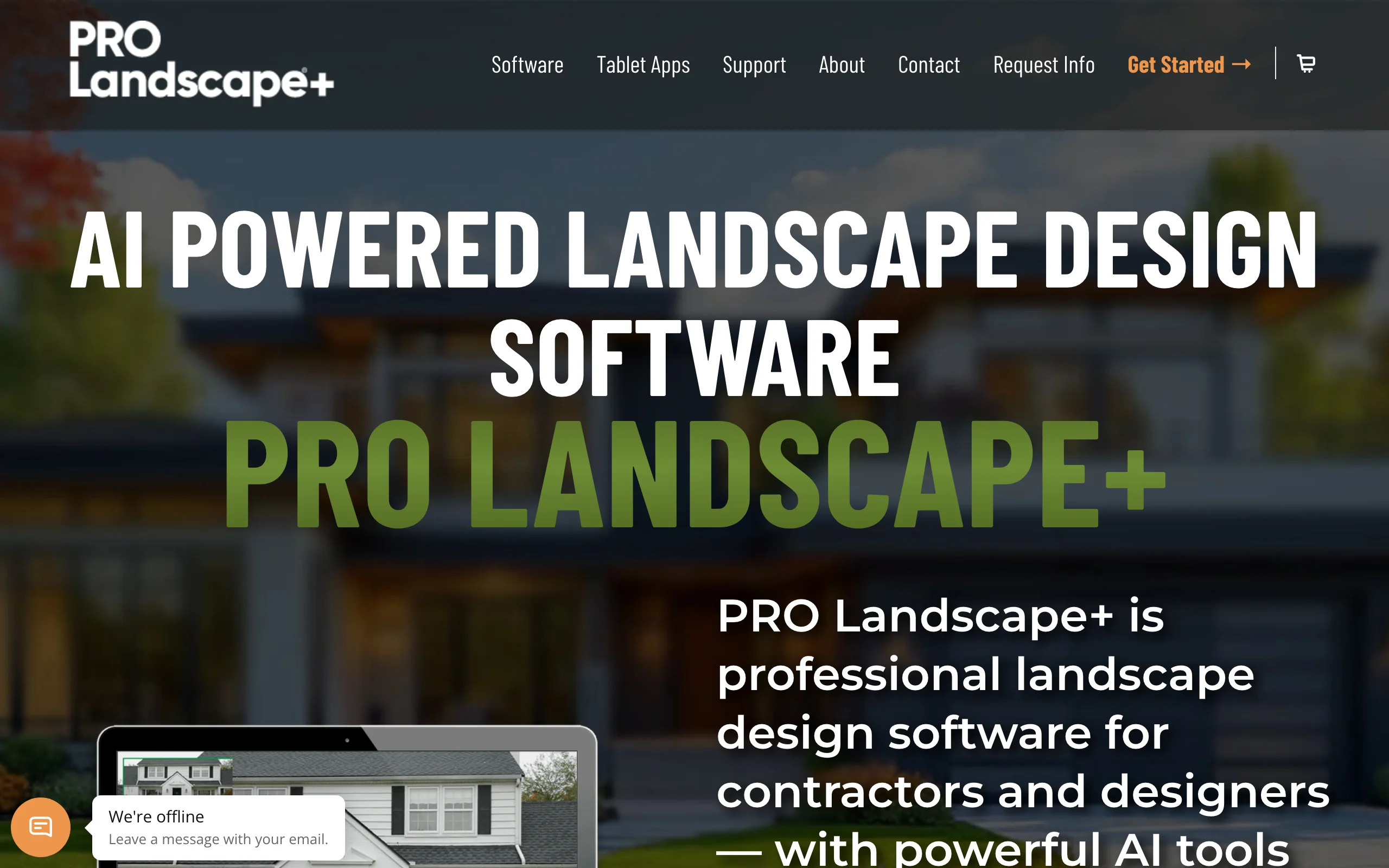
PRO Landscape Home is the consumer app from Drafix Software, the company behind the long-running PRO Landscape software for contractors. It is a native Android app on Google Play, and the approach is simple: start with a photo of your house, then place plants, trees, and hardscape onto the image so you can see them against your real exterior. A plant search by climate zone helps you pick greenery that suits your area.
The app is free to download, with a one-time in-app purchase that opens the full image library of more than 2,000 landscape items. The free version is fine for a quick try, but the larger library is where the plant-on-photo idea pays off. Two things to note: it places library images on your photo rather than generating an AI restyle, so results look like pasted plants rather than a rendered redesign, and the catalog leans toward planting and hardscape over full layout planning.
Key features
- Native Android app on Google Play
- Place plants and hardscape onto a photo of your house
- Plant search by climate zone
- Share designs by email and social
Best for
- Homeowners who want to picture specific plants against their house
- People who care about zone-appropriate planting
- DIYers who want a quick plant-on-photo mockup
Pricing
- Free to download, with ads.
- Full image library: $14.99 one-time (2,000+ items).
- No subscription.
Pros
- Native Android app with a climate-zone plant search
- One-time library price, no monthly fee
- Quick way to see real plants against your exterior
Cons
- Places library images on your photo, not an AI-rendered restyle
- Free version has a limited image selection
6. REimagine Home, best for a quick free AI restyle
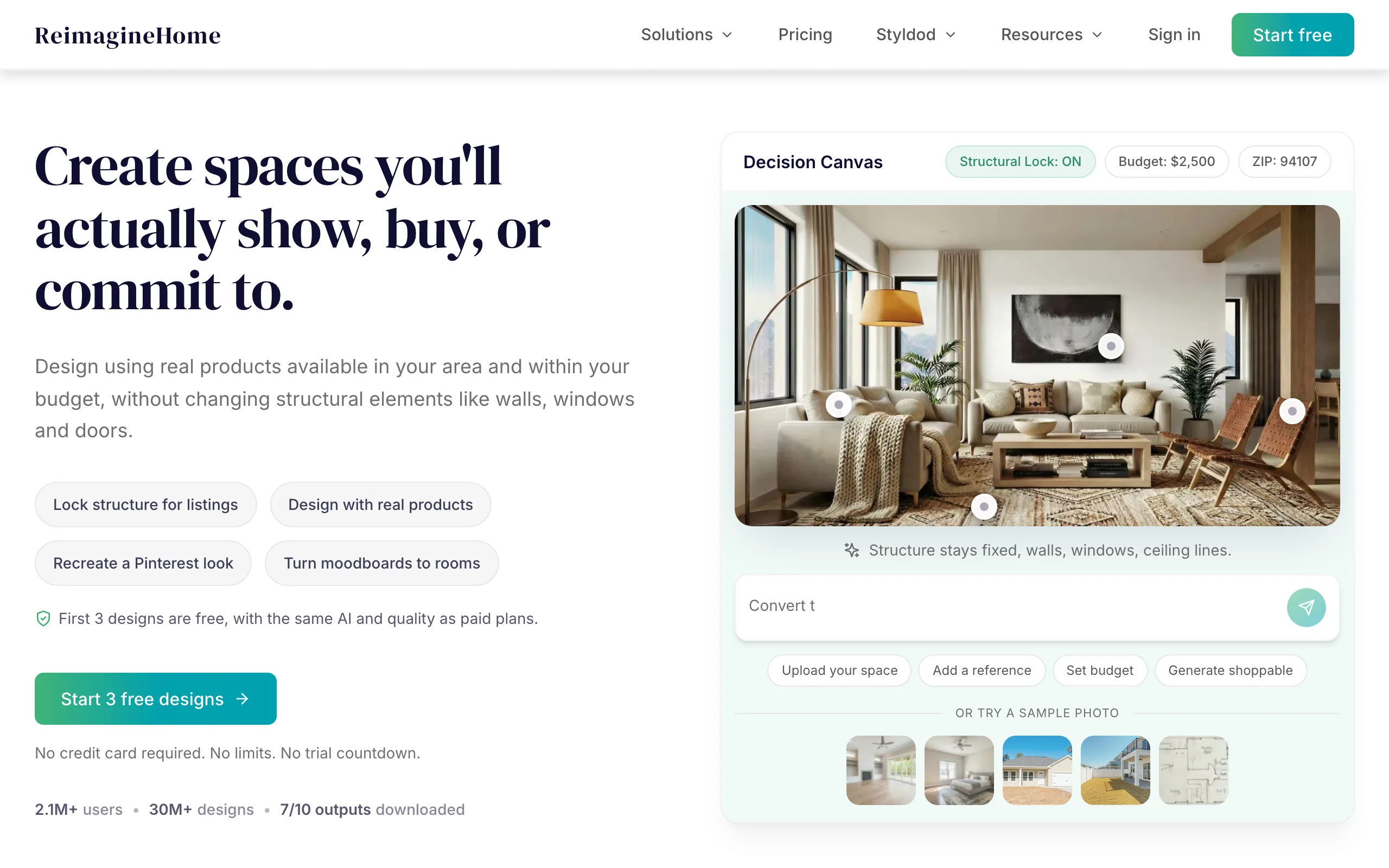
REimagine Home is a fast, photo-first AI restyle tool that covers interiors and exteriors. For yards, you upload an exterior photo and it restyles the space with AI, quickly and with a genuinely useful free tier (a few designs to test, no card required). Here is the honest Android note: there is no native Google Play app. It is web-based, so on Android you open it in your browser. It works on mobile, though it is built for the desktop web first, so the phone experience is functional rather than polished.
Because it is a general home-AI tool, it does not carry landscape-specific features like climate-aware plant lists, and the strongest results lean toward broad restyling rather than a buildable yard plan. As a free, low-commitment first look from your Android browser, it is hard to beat. As the tool you take all the way to a build, it is thinner than the landscape-focused options.
Key features
- Web-based, runs in any Android browser (no native app)
- Photo-first AI restyling for interiors and exteriors
- Quick generations from an uploaded photo
- Free designs for new users to test the quality
Best for
- People who want a free, fast first look at an exterior restyle
- Android users fine with a browser tab instead of an app
- Interior-plus-exterior projects in one tool
Pricing
- Free: 3 designs for new users, no card required.
- Essential $14/mo (30 credits), Pro $29/mo (200), Advanced $49/mo (400).
- Agency $99/mo (900). Monthly billing only as of this writing.
Pros
- Genuinely useful free tier to start
- No install: works from your Android browser
- Covers interior and exterior in one place
Cons
- Web app, no native Android app, and the mobile web is not its focus
- General home-AI, not landscape-specific, with no climate-aware plant choices
7. ShrubHub, best for a hands-off design service
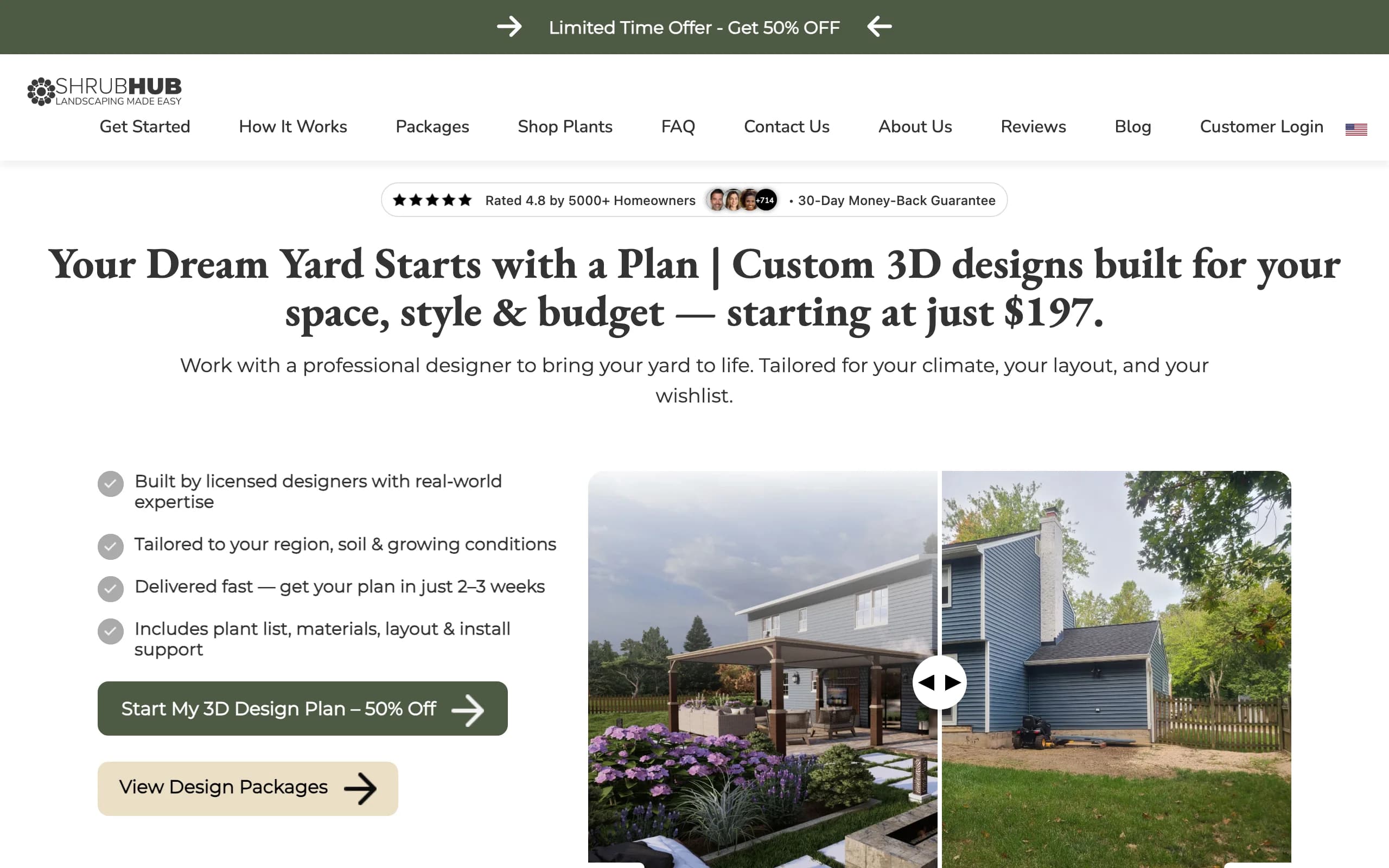
ShrubHub is the hands-off option: an online design service rather than an app you drive. You share photos and goals from your phone's browser, a designer builds you a custom 3D plan, and you get a plant and material shopping list plus a connection to local contractors. There is no Google Play app and no software to learn, which is the point. You hand off the work and wait for a finished plan.
The value is the price-to-service ratio: a real 3D plan and a shopping list for a few hundred dollars, often under sale pricing, instead of thousands. The catch is the same as any service. The turnaround runs a couple of weeks, and you depend on a designer rather than generating concepts yourself. If you want a documented plan and would rather not touch design software on your Android phone at all, ShrubHub fits.
Key features
- Online service from your Android browser, no app to install
- Custom 3D plan built by a designer
- Plant and material shopping list
- Contractor connections and a money-back guarantee
Best for
- Homeowners who want a designed plan on a tight budget
- People who would rather hand off than DIY on their phone
- DIFM buyers heading straight to hiring labor
Pricing
- Flat per-yard fees, frequently on sale. No free design tier.
- Sale pricing: Front Yard $197, Back Yard $237, Both Yards $297, Premium $997.
- Regular prices run higher; packages start at $297 off-sale.
Pros
- Far cheaper than a traditional studio for a real plan
- Shopping list and contractor connections aid execution
- Nothing to install or learn
Cons
- Multi-week turnaround, not instant
- You do not drive the design or self-test quick looks
How to choose the best landscape design app for Android
1) Native Play Store app or browser-based
Decide first whether you want a downloaded app or a browser tab. Native Android apps (Planner5D, DreamzAR, Home Design 3D, PRO Landscape Home) install from Google Play, work offline once loaded, and use your camera and AR hardware directly. Browser-based tools (OutdoorBrite, REimagine Home, ShrubHub) skip the download and run in Chrome, so they update on their own and open the same project across your phone, tablet, and laptop. If you want AR on your lawn, a native app wins. If you want the fastest realistic photo redesign without installing anything, the browser tools win.
2) Realism on your own yard photo
A render only helps if it looks like your yard, not a stock lawn. Tools that restyle your actual uploaded photo (OutdoorBrite, REimagine Home) get you there fastest. AR tools (DreamzAR) put the design in your real space in 3D, which some people find more convincing than a flat image. Model-based planners (Planner5D, Home Design 3D) trade photorealism for measured accuracy, and PRO Landscape Home pastes library plants onto your photo. Decide whether you care more about "does it look real on my photo" or "are the measurements exact," because few tools lead at both.
3) Pricing and how you will use it
Match the pricing model to how much you will actually use it. A flat-fee service (ShrubHub) makes sense for one big project you only design once. A one-time app purchase (Home Design 3D, PRO Landscape Home's library) suits a single yard you plan yourself. A subscription (OutdoorBrite, DreamzAR, Planner5D, REimagine Home) makes sense if you will iterate across several looks or several yards. With credit-based AI tools, do the math: OutdoorBrite's Plus plan gives 100 redesigns a month, which is a lot of comparing, while a free tier (Planner5D, REimagine Home) is fine if you only need a couple of concepts. Remember that "free" usually caps saves, resolution, or features.
4) Homeowner or contractor
Who is doing the work changes the pick. A homeowner who wants speed and a buildable result leans toward an AI landscape design app like OutdoorBrite, or toward ShrubHub for a hands-off plan. A DIYer who wants to model the layout to scale leans toward Planner5D or Home Design 3D. A contractor wants a render fast enough to show a client on-site and the rights to use it commercially, which points to OutdoorBrite's paid plans. The deciding factor is whether the output is for your own build or to sell a job.
FAQ
Is there a free landscape design app for Android? Yes, a few. Planner5D has a native Android app with a free tier, Home Design 3D and PRO Landscape Home are free to download with paid unlocks, and REimagine Home gives new users free designs from your Android browser. Free tiers usually cap how many designs you can save, the output resolution, or the feature set, so they are best for testing rather than finishing a full project.
Does OutdoorBrite have an Android app? Not a native one, and that is on purpose. OutdoorBrite is web-based, so you open it in Chrome or any browser on your Android phone or tablet and start designing, with nothing to download or update from Google Play. The same project opens on your phone, tablet, and laptop, which is harder to do with a device-locked app. For realistic photo redesigns, it is one of the strongest Android options even without a Play Store listing.
What is the best Android app for garden or yard design? It depends on how you want to work. For the most realistic redesign of your actual yard photo, OutdoorBrite (in your Android browser) is the pick. For measured 3D layout, Planner5D's native app is strong. For augmented reality on your lawn, DreamzAR is the clearest choice. For a hands-off plan built by a designer, ShrubHub fits. Start from the way you want to design, then pick the tool that leads with it.
Can a landscape design app redesign my yard from a photo? Yes. Photo-first tools like OutdoorBrite and REimagine Home take a single photo of your yard and return restyled concepts, often in under a minute. The closer your photo matches the real conditions (good light, a clear view of the space), the more usable the result. From there you can refine the planting, surfaces, and layout into a concept you can build from.
Do I need to install anything to use a landscape design app on Android? Not always. Native apps (Planner5D, DreamzAR, Home Design 3D, PRO Landscape Home) install from Google Play. Browser-based tools (OutdoorBrite, REimagine Home, ShrubHub) run in Chrome with no download, so they work the moment you open the page and stay updated on their own. If storage or installs are a concern, the browser tools are the lighter route.
Which Android landscape app is best for augmented reality? DreamzAR is the AR pick on Android. It is a native Google Play app that drops 3D plants and hardscape onto your lawn and lets you walk the design at real scale through your phone. AR quality depends on your device and lighting, so results vary by phone, but for seeing a layout in place rather than as a flat image, it is the clearest choice on this list.
Are landscape design apps for Android realistic enough to build from? A good render is realistic enough to decide direction, choose a style, and brief a contractor, but it is a concept, not an engineering drawing. For the actual build, pair the render with a plant and material list and a contractor's measurements. AI tools like OutdoorBrite get you to that conversation faster, while a service like ShrubHub delivers a documented plan you can hand to a crew.
How much does a landscape design app for Android cost? It ranges widely. One-time app purchases run a few dollars (Home Design 3D's full version) up to $14.99 (PRO Landscape Home's image library). Subscriptions run from about $5/mo (Planner5D on annual billing) to $14 to $49/mo for AI tools (OutdoorBrite from $29/mo, REimagine Home from $14/mo, DreamzAR $19.99/mo). Hands-off services like ShrubHub are one-time fees from $197 per yard on sale.
Do Android landscape apps suggest plants that survive my climate? Some do, many do not. OutdoorBrite makes plant choices aware of your climate and hardiness zone, and PRO Landscape Home lets you search plants by zone, so the greenery you place could realistically grow where you live. General home-AI tools like REimagine Home restyle the image but do not tailor planting to your zone, so check any plant suggestions against your local conditions before buying.
For more on turning a single photo into a finished look, see our walkthrough of free AI landscape design, or start designing at outdoorbrite.com.