Best Neighborbrite alternatives for AI landscape design (2026)
Neighborbrite's free AI yard renders are a fine starting point, but the useful parts sit behind Pro. Here are the best Neighborbrite alternatives for 2026, compared on price, speed, and what you actually walk away with.
Neighborbrite earned its following by being free. You upload a photo of your yard, pick a style, and get a redesigned version back in about two minutes, no card required. For a homeowner who just wants to see what's possible, that's hard to argue with.
The catch shows up once you want to actually use the result. Plant lists, targeted edits, and custom elements like decks and pergolas live behind the Pro plan, and the free renders can swing in quality from one run to the next. So people start looking for a Neighborbrite alternative that either gives more for the money or leads somewhere they can build from.
This guide covers the realistic alternatives, including OutdoorBrite (which we make), and compares them on price, speed, and what you take away at the end.
Best Neighborbrite alternatives: a quick overview
- OutdoorBrite: Best overall for homeowners who want a real result. Compare several styles on your own photo in under a minute, with plant choices matched to your climate.
- Yardzen: Best when you want a human designer. A full done-for-you plan you can hand to a contractor, at design-service prices.
- iScape: Best for hands-on manual design. Drag plants and hardscape onto a photo of your yard yourself, with AR on iPhone.
- DreamzAR: Best for trying AR on your phone. AI photo redesign plus a walk-through 3D mode, mostly on iOS.
| Tool | Key strength | Pricing | Platforms |
|---|---|---|---|
| OutdoorBrite | Compare multiple styles on your photo, climate-aware plants | From $29/mo (no free plan) | Web |
| Yardzen | Human designer, build-ready plan + contractor matching | From $295 per project | Web |
| iScape | Manual drag-and-drop design with AR | Free tier; Pro $29.99/mo | iOS, Android, Mac |
| DreamzAR | AI redesign plus AR 3D walk-through | From $19.99/mo | iOS, Android, Web |
What is Neighborbrite?
Neighborbrite is self-serve AI software for redesigning a yard from a photo. You give it a picture, choose from dozens of styles, and it returns a redesigned image. The free tier is the headline: unlimited basic renders, no trial clock, no credit card. They also sell a separate human design service ("Pro Designs") at $287 for one area or $387 for the full yard, delivered in roughly one to two weeks, which is a different product from the app.
The free app is genuinely useful for browsing ideas. Where it gets thinner is the everyday Pro features. Climate-based plant lists, Magic Edit (so you can change one part instead of regenerating the whole image), sunlight filters, and custom elements all sit behind Pro, which their own blog lists at about $15 a month. Worth knowing: the App Store shows different in-app prices ($24.99, $49.99, $149), so "what does Pro cost" isn't perfectly clear depending on where you sign up. The alternatives below take different approaches to those gaps.
1. OutdoorBrite, best overall for homeowners and pros
OutdoorBrite is an AI landscape design product built around turning one photo of your yard into realistic redesign concepts. You upload a photo of your backyard, garden, patio, or front yard, pick a style like modern, cottage, or desert, and describe the look you want. It generates concepts in under a minute, so you can picture the finished space before spending a dollar.
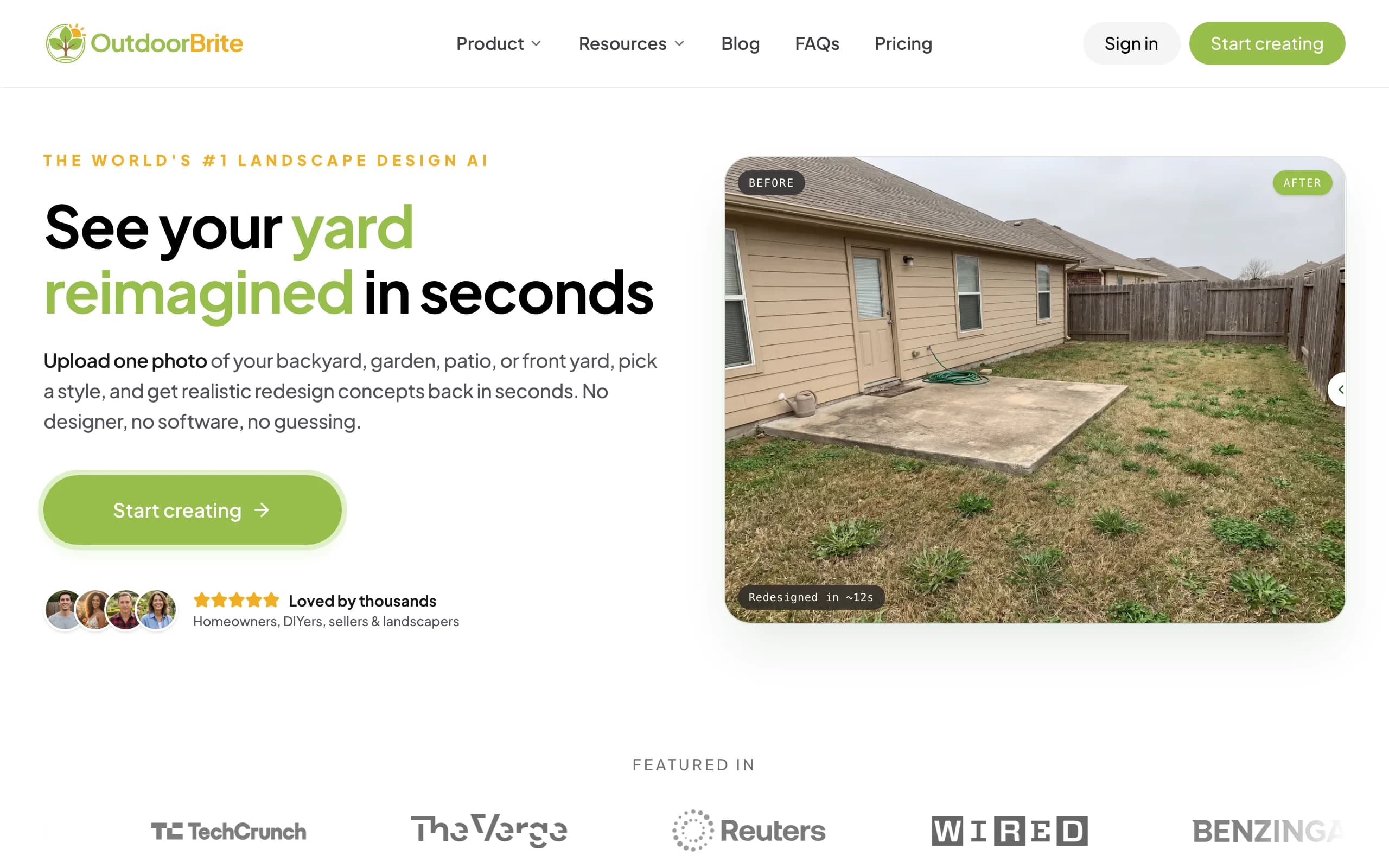
The part that matters for a Neighborbrite user: you can line up several concrete styles on your own space and compare them side by side, then refine a favorite in the in-app editor. Plant choices account for your hardiness zone, so what you see has a real chance of surviving where you live. Beyond backyards, it handles patios, decks, fences, pergolas, pools, and front yards, with project calculators and a landscaping glossary in the same place.
Key features
- Photo-to-design for backyards, gardens, patios, decks, and front yards
- Several style presets to compare on one photo
- In-app AI editor to refine a concept
- Climate and hardiness-zone-aware plant choices
- HD, 2K, and 4K output depending on plan
- Save, revisit, and share designs
Best for
- New movers and remodelers staring at a blank or dated yard
- DIYers who want a plant and materials direction to build from
- Contractors who want a render to align a client on-site
Pricing
- Paid only, no free plan. Plans start at $29/month (Starter, 25 redesigns), $49/month (Plus, 100 redesigns), and $149/month (Pro, 200 redesigns)
- Generation is metered by redesign credits, never "unlimited"
- Annual billing saves about 20 percent
Pros
- Built to redesign your own yard, not show generic stock concepts
- Comparing styles on one photo is faster than regenerating one at a time
- Plant choices respect your climate, which a render-only tool skips
Cons
- No free tier, so it isn't the pick if you only want to browse for free
- It gives a design direction, not a stamped construction plan (a full design service does that)
2. Yardzen, best for a human-designed plan
Yardzen is not an AI tool you drive. It pairs you with a real landscape designer who produces a custom plan for your yard, then connects you with vetted contractors to build it. If you want someone else to make the decisions and hand you something installable, this is the option on the list that does that.
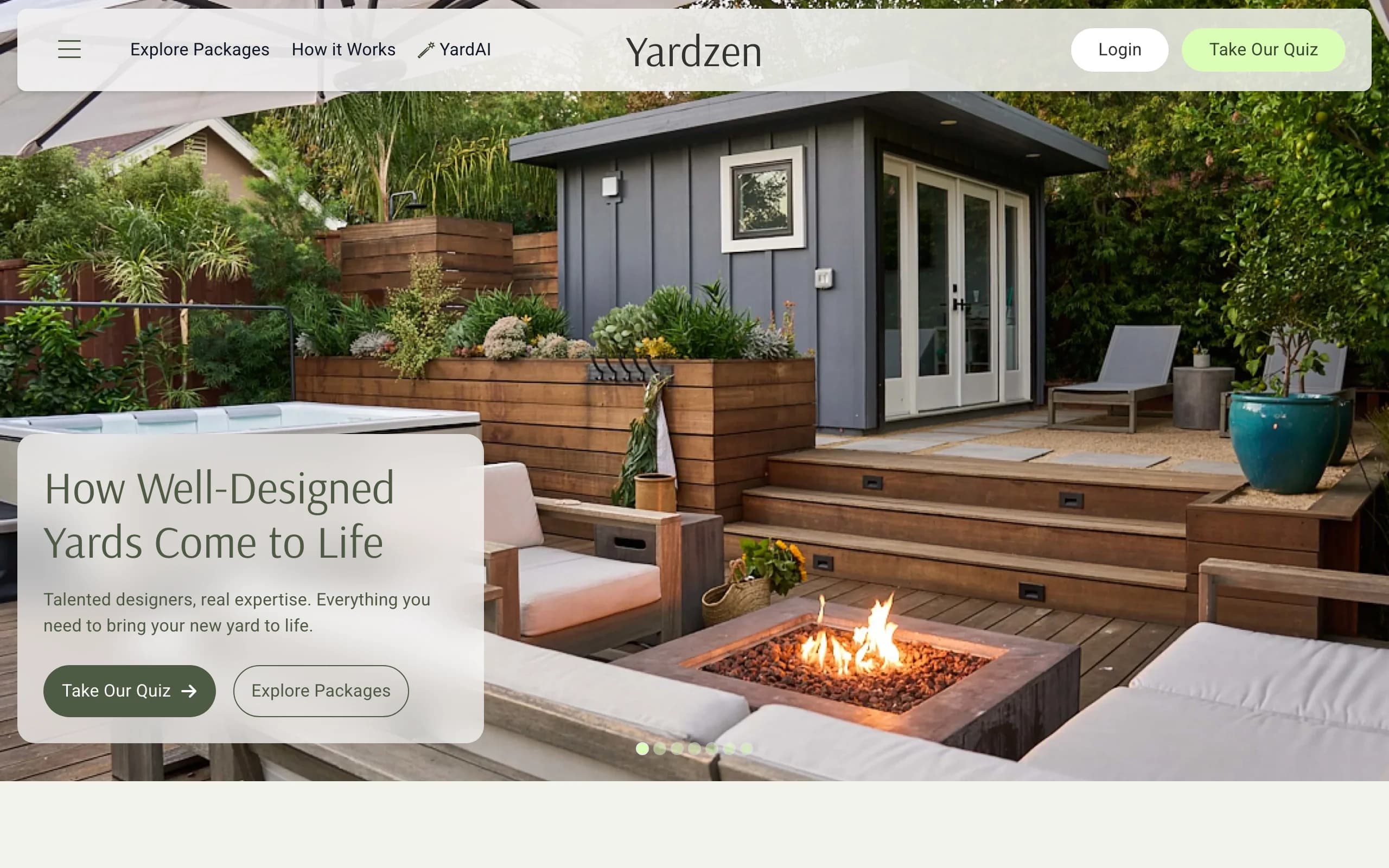
That service comes at service prices and on a service timeline. Packages start at $295 for a small space and run to $995, $1,395, $1,995, and $3,495 for larger backyards, with a typical turnaround of two to three weeks. Yardzen does offer a free AI inspiration tool, but it's a top-of-funnel teaser, not the product you pay for. If you want fast iteration on your own photo, an AI tool will beat the free teaser; if you want a finished, build-ready plan, Yardzen's paid track is where the value is.
Key features
- Custom plan from a human designer
- 2D CAD plans, 3D renders, plant and materials lists
- Contractor matching through the Yardzen Pro Network
- Cost advisor review on higher tiers
Best for
- Homeowners who want a done-for-you, buildable plan
- Larger projects where a real designer's judgment is worth the cost
Pricing
- From $295 (small space) up to $3,495 (premium backyard)
- Full-yard Classic package $1,695
- No free design tier (the AI inspiration tool is free)
Pros
- You walk away with a build-ready plan, not just a picture
- Contractor matching and cost advice carry you toward the build
Cons
- Far pricier and slower than self-serve AI
- Their free AI app gets mixed reviews for realism
3. iScape, best for hands-on manual design
iScape takes the opposite approach to AI generators: you build the design yourself. You drag plants, lawns, pathways, and hardscape onto a photo of your yard, and on iPhone you can place 3D objects in augmented reality on the real space. It's the most hands-on tool here, and that control appeals to people who already know roughly what they want.
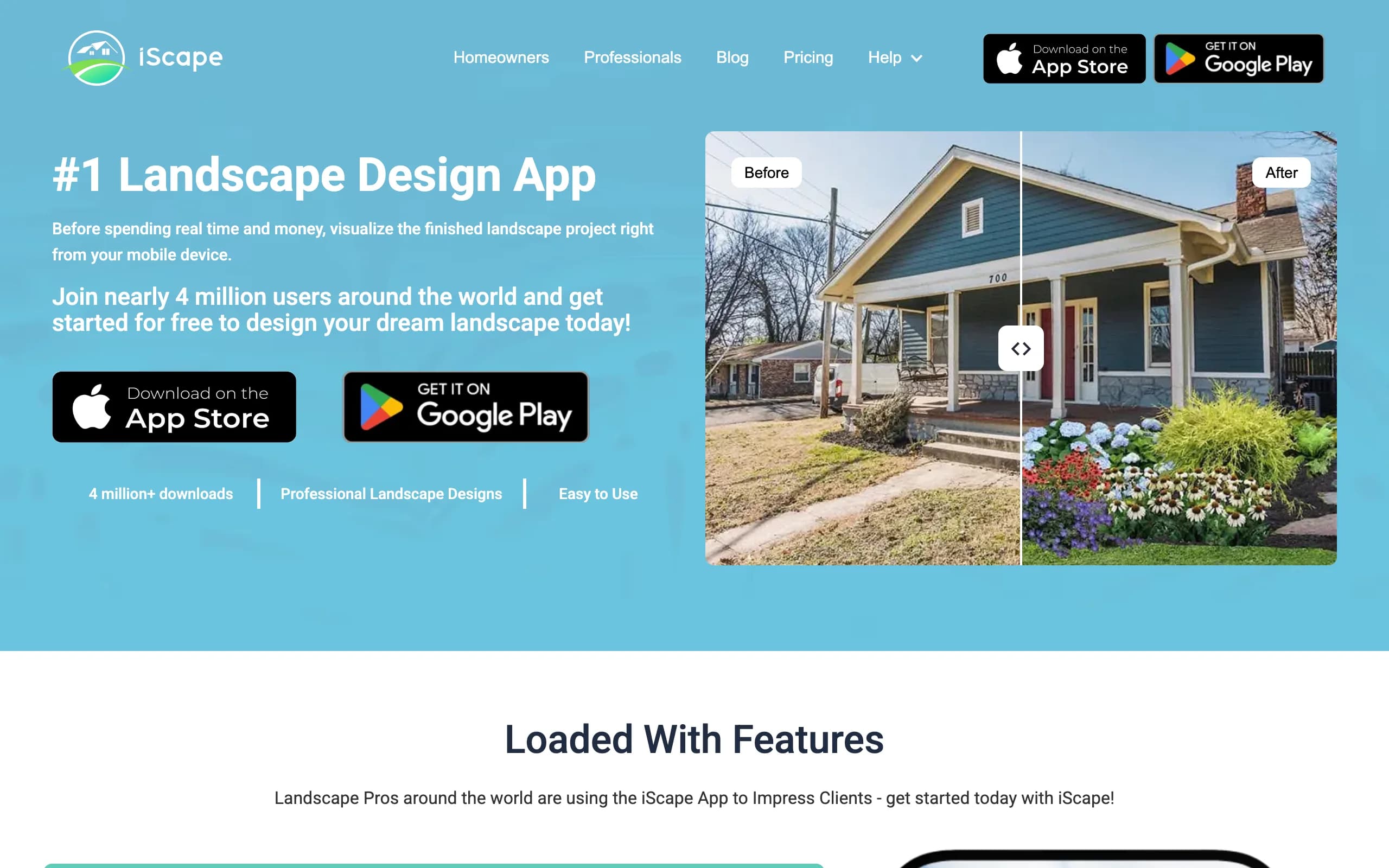
The trade-off is effort and platform. Because you're placing every element, there's no "upload and get a finished concept" moment; an AI feature is in beta but isn't the core product today. The marquee 3D AR is iOS-only (Android is 2D), and full access is a $29.99/month or $299.99/year subscription. For a quick photo-to-design, an AI backyard design tool is faster; for deliberate manual layout, iScape is strong.
Key features
- Drag-and-drop design over your own photo
- 3D AR placement on iOS
- Large product catalog tied to a shopping inventory
- PDF proposals with pricing (Pro, useful for contractors)
Best for
- Homeowners who enjoy designing it themselves
- Contractors building a priced proposal to pitch
Pricing
- Free tier (limited)
- Pro $29.99/month or $299.99/year
Pros
- Real AR on your own yard (iOS)
- Catalog maps designs to buyable products
Cons
- Manual work, not instant AI generation
- 3D AR is iOS-only; full use needs a subscription
4. DreamzAR, best for AR on your phone
DreamzAR covers two modes in one app. There's an AI photo redesign that transforms your yard in 30 to 90 seconds, and an AR mode that lets you walk through a 3D version of the design on your phone. The AR walk-through is a genuine differentiator that most photo-only tools don't have.
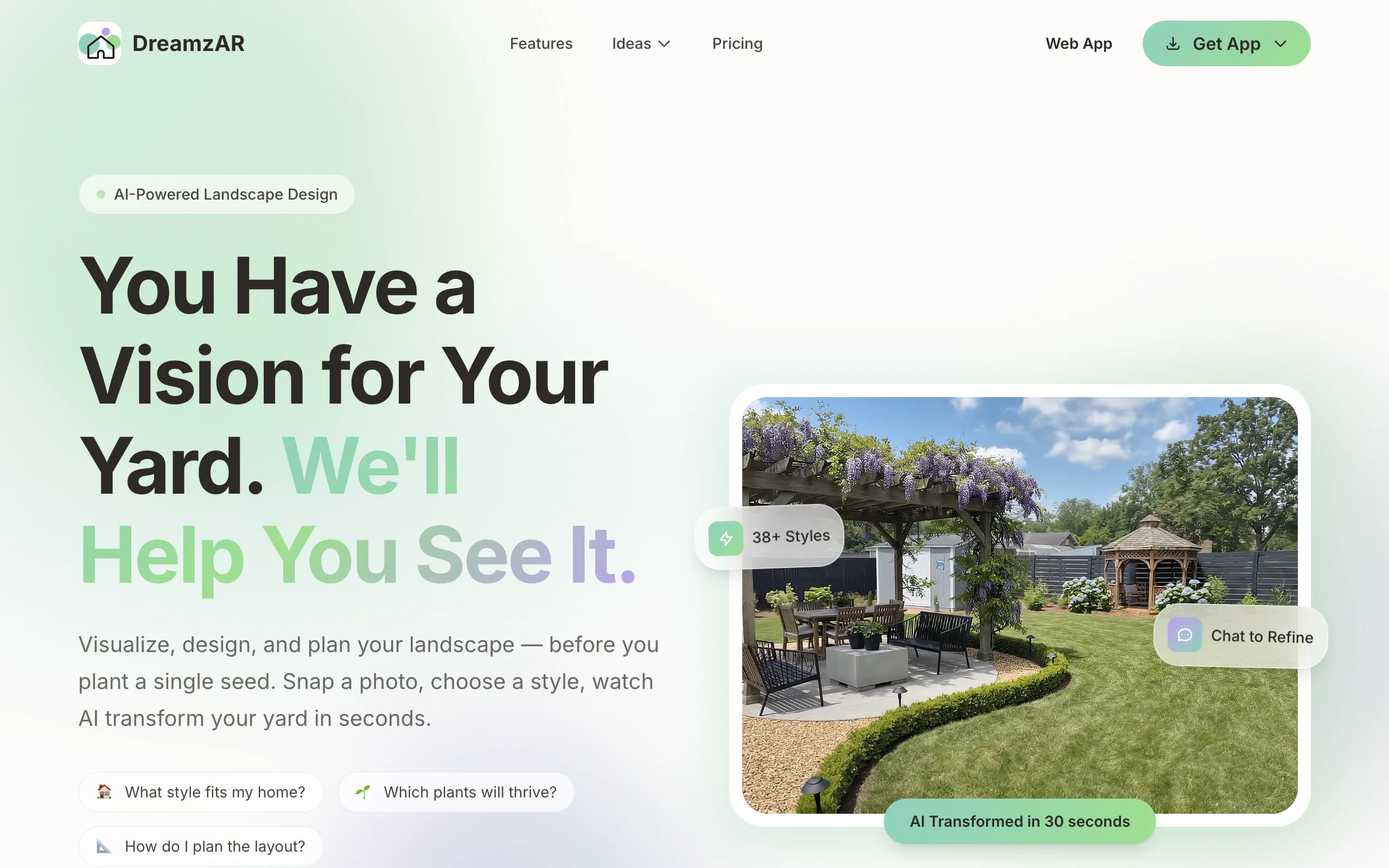
Two things to know before you commit. The marketing says "unlimited AI designs," but DreamzAR's own FAQ describes metered monthly generations that reset each cycle, and the App Store sells credit packs, so it's not truly unlimited. And the headline 3D AR mode is iOS-only, so Android and web users pay the same $19.99 a month for a smaller product. The app is free to download, so you can poke around before paying.
Key features
- AI photo redesign with chat-based refinement
- AR 3D walk-through (iOS only)
- 2D editor with a 2,000-plus plant and object library
- High-resolution exports
Best for
- DIY homeowners who want to walk through a design in AR
- iPhone and iPad users who'll use the 3D mode
Pricing
- Free to download and look around first
- $19.99/month or $199/year
Pros
- Two real modes: AI redesign plus AR walk-through
- Works across iOS, Android, and web
Cons
- "Unlimited" is misleading; generations are metered
- The best feature is iOS-only
How to choose the best Neighborbrite alternative
1) Do you want to drive it, or hand it off?
If you want to make the decisions yourself and iterate fast, a self-serve AI tool fits: OutdoorBrite or DreamzAR for photo-to-design, iScape if you'd rather place elements by hand. If you'd rather a professional decide and deliver something installable, Yardzen is the done-for-you pick, at a higher price and a longer wait.
2) How much does "free" actually matter to you?
Neighborbrite wins on free, but only for basic renders. If you'll genuinely use plant lists and edits, you're paying either way, so weigh the paid options on what you get for the money. OutdoorBrite has no free plan, so it's the wrong choice if browsing for free is the whole point. It's the right choice if you want a result you can act on.
3) Does the render need to lead somewhere?
A pretty picture is a starting point. Ask what you walk away with. OutdoorBrite gives climate-aware plant direction you can shop from. Yardzen gives a full plan and contractor matching. A render-only tool leaves the next step to you. For a budget-minded build, our guide to a backyard makeover on a budget walks through that next step.
4) Which device are you on?
DreamzAR's and iScape's best features lean iOS. OutdoorBrite runs in the browser on any device, which matters if you're on Android or a laptop. If you photograph your yard on a phone, check that the tool's strong features aren't locked to the other platform.
FAQ
What is Neighborbrite? Neighborbrite is self-serve AI software that redesigns a yard from a photo. You upload a picture, pick a style, and get a redesigned render in about two minutes. It has a free tier, plus a paid Pro plan and a separate human design service.
Is Neighborbrite free? The basic AI renders are free with no credit card and no trial expiry. Practical features (plant lists, Magic Edit, custom elements like decks and pools) require Pro, listed at about $15 a month on the web, with different in-app prices on the App Store.
What is the best alternative to Neighborbrite? For most homeowners who want a usable result, OutdoorBrite is the strongest alternative: you compare several styles on your own photo in under a minute, with plant choices matched to your climate. If you want a human-designed, build-ready plan instead, Yardzen is the better fit.
Can OutdoorBrite redesign my backyard from a photo? Yes. You upload a photo, choose a style, and get realistic concepts in under a minute. It works for backyards, gardens, patios, decks, pergolas, pools, and front yards, and you can refine a concept in the in-app editor.
Is OutdoorBrite better than Neighborbrite for someone on a budget? If you only want free renders to browse, Neighborbrite's free tier is unbeatable. If you want a result with climate-aware plants you can actually build from, OutdoorBrite gives more for the money once you'd be paying for Neighborbrite Pro anyway.
Which Neighborbrite alternative is fastest? The AI tools are the fastest. OutdoorBrite returns concepts in under a minute and DreamzAR in 30 to 90 seconds. The human services like Yardzen take two to three weeks because real designers do the work.
Do any of these tools tell me which plants will survive where I live? OutdoorBrite matches plant choices to your hardiness zone. DreamzAR includes a plant library with regional notes. The human design services build a plant list around your site as part of the deliverable.