Best GARDENA myGarden alternatives for garden design (2026)
GARDENA myGarden is a free 2D garden planner, but it is manual drag-and-drop, not an AI redesign of your real yard. Here are the GARDENA myGarden alternatives worth trying in 2026, ranked on price, platform, and what you actually walk away with.
GARDENA myGarden is one of the few free garden planners that was actually built for outdoor space. You draw your plot on a measured grid, drag plants, lawn, paths, and patio pieces onto it, and the irrigation planner spits out a sprinkler sketch plus a parts shopping list. For mapping out a watering system or a planting bed to scale, it does a real job and costs nothing.
What it does not do is show you what your yard will actually look like. The plan is a top-down 2D schematic, drawn by hand, not a photo of your real space turned into something you can picture. So people go looking for GARDENA myGarden alternatives when they want a realistic before-and-after on their own yard, want to compare a few styles fast, or do not want to draw every shrub themselves on a grid. This post compares the tools worth trying, with honest pricing, platforms, and the trade-offs for each.
A quick note up front: some of these are self-serve AI tools, some are done-for-you design services with a real human, and one is a 2D planner like GARDENA itself. They solve different problems, so the right pick depends on whether you want to drive the design yourself or hand it off.
Best GARDENA myGarden alternatives: a quick overview
- OutdoorBrite, best overall for turning a photo of your real yard into realistic redesign concepts.
- GARDENA myGarden, best free 2D planner for mapping irrigation and beds to scale.
- iScape, best for sketching designs on your phone while standing in the yard.
- Yardzen, best for a full done-for-you plan you can hand to a contractor.
- DreamzAR, best for walking through an AR 3D design on an iPhone.
| Tool | Key strength | Pricing | Platforms |
|---|---|---|---|
| OutdoorBrite | AI photo-to-render of your real yard in under a minute | From $29/mo, paid only | Web |
| GARDENA myGarden | Free 2D planner with an irrigation parts list | Free | Web |
| iScape | Mobile drag-and-drop plus AR on site | Free tier, paid from $14.99/mo | iOS (limited Android) |
| Yardzen | Designer-made plan with plant and materials lists | From $995 per project (small-space plans from $295) | Web (free iOS inspiration app) |
| DreamzAR | AI redesign plus AR 3D walk-through | From $19.99/mo or $199/yr | iOS, Android, Web |
What is GARDENA myGarden?
GARDENA myGarden, also called myGarden Studio, is a free browser-based garden planner from the watering and tools brand GARDENA. You start from a blank gridded plot or one of the expert-made example gardens, then drag and drop plants, lawn, surfaces, and patio elements onto a 2D top-down plan. It has measurement and layering tools so the layout stays to scale, and a built-in sprinkler planner that produces an irrigation sketch and a matching GARDENA shopping list. The output is a saved, shareable 2D plan you can also pull up on your phone.
The honest strength is that it is genuinely free with no credit metering, and it was purpose-built for outdoor layout rather than retrofitted from interior design. The irrigation planner is the standout: few free tools hand you an actual parts list. The honest limitation is that it is all manual drag-and-drop. There is no AI, you cannot feed it a photo of your real yard, and the result is a schematic plan, not a photorealistic view. It also leans toward GARDENA's own irrigation hardware, so it doubles as a sales funnel for their parts.
1. OutdoorBrite, best overall for redesigning your real yard from a photo
OutdoorBrite is an AI landscape design product built around turning one photo of your yard into realistic redesign concepts. You upload a photo of your garden, pick a style like modern, cottage, or desert/xeriscape, and describe what you want. It returns realistic concepts in under a minute, so you can picture the finished space before spending a dollar. That is the opposite of GARDENA's workflow: instead of drawing a plan from scratch on a grid, you start from your actual yard and see it changed.
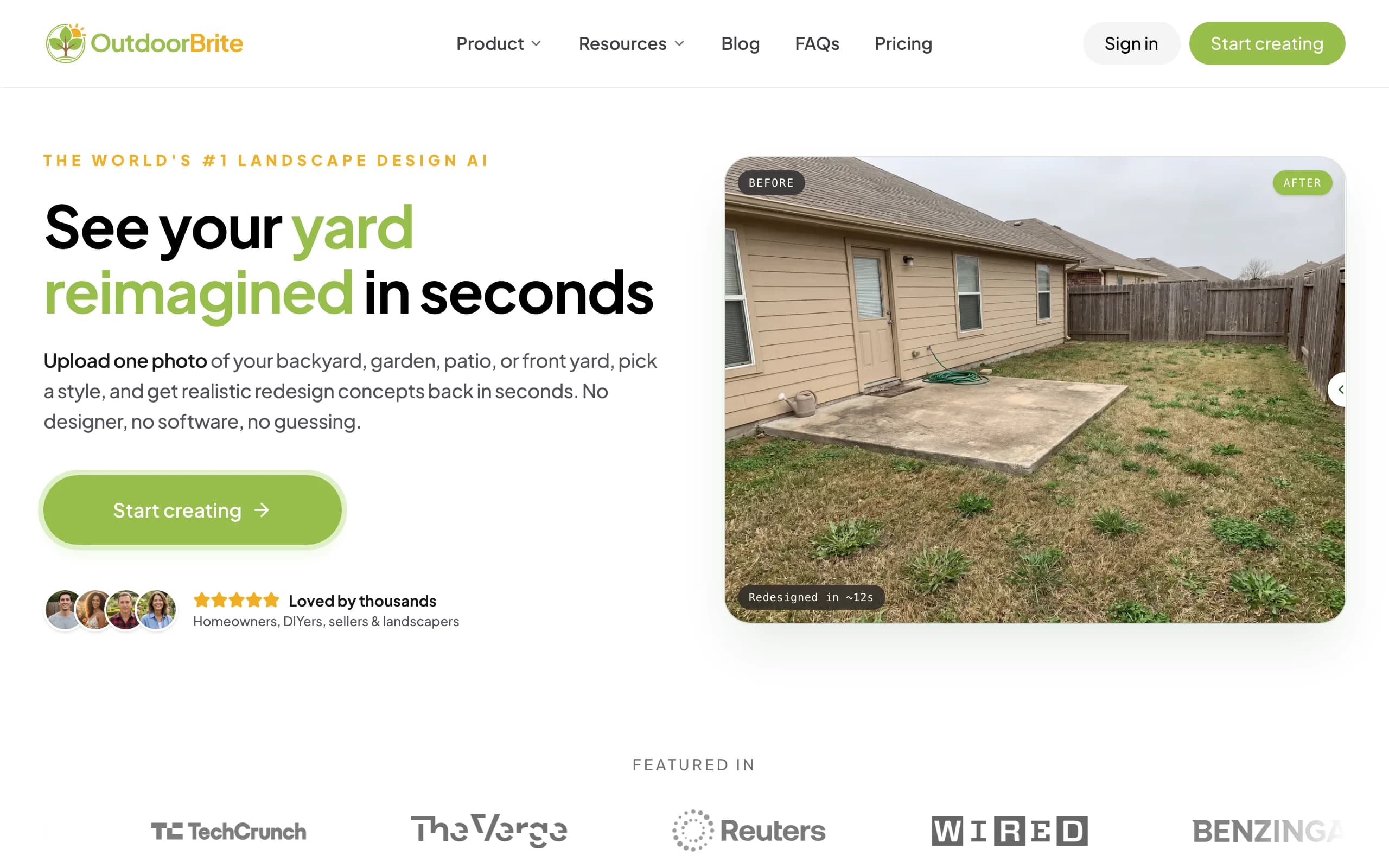
It lets you compare several concrete styles on your own space, then refine a favorite in the in-app AI editor, with plant choices matched to your climate and hardiness zone. Beyond gardens it covers backyards, patios, decks, fences, pergolas, pools, and front yards, plus project calculators and a landscaping glossary in one place. If you have been collecting ideas you could not see on your own yard, this is the gap it fills. You can design your yard with AI in a browser, no app to install, and it pairs well with planning a pollinator garden or a rain garden once you have a concept you like.
Key features
- Photo-to-design AI: upload one photo, get realistic concepts back in under a minute.
- Style presets: modern, cottage, desert/xeriscape, Mediterranean, tropical, and more.
- Several concept variations per upload so you can compare on your own space.
- In-app AI editor to refine a favorite without starting over.
- Plant suggestions matched to your climate and hardiness zone.
- Covers gardens, backyards, patios, decks, fences, pergolas, pools, and front yards.
Best for: homeowners and DIY renovators who want to see their real yard redesigned and compare styles fast, before committing money or hiring anyone.
Pricing: paid only, no free plan. From $29/month (Starter, 25 redesigns, HD), $49/month (Plus, 100 redesigns, 2K, most popular), and $149/month (Pro, 200 redesigns, 4K). Annual billing saves about 20%. Generation is metered by redesign credits, where 1 credit is 1 design or 1 AI edit, never billed as "unlimited".
Pros
- Works from a photo of your actual yard, not a blank grid.
- Realistic concepts in under a minute, so you decide before spending.
- Compare several styles side by side on your own space.
- Plant picks tied to your hardiness zone.
- Runs in any browser, nothing to download.
Cons
- No free tier for casual browsing, you pick a paid plan to generate.
- A render can need tweaking for tricky angles or harsh lighting.
- It is not a stamped, build-ready construction plan, a full design service wins there.
2. GARDENA myGarden, best free 2D planner for irrigation and beds
GARDENA myGarden is the most direct stand-in for itself, so it earns a spot here on its own merits. If your goal is a measured 2D layout, especially one where you need to plan watering, it is hard to beat free. You draw the plot, place beds and hardscape to scale, and the irrigation planner gives you a sprinkler sketch with a GARDENA parts list you can take to a store or order online.
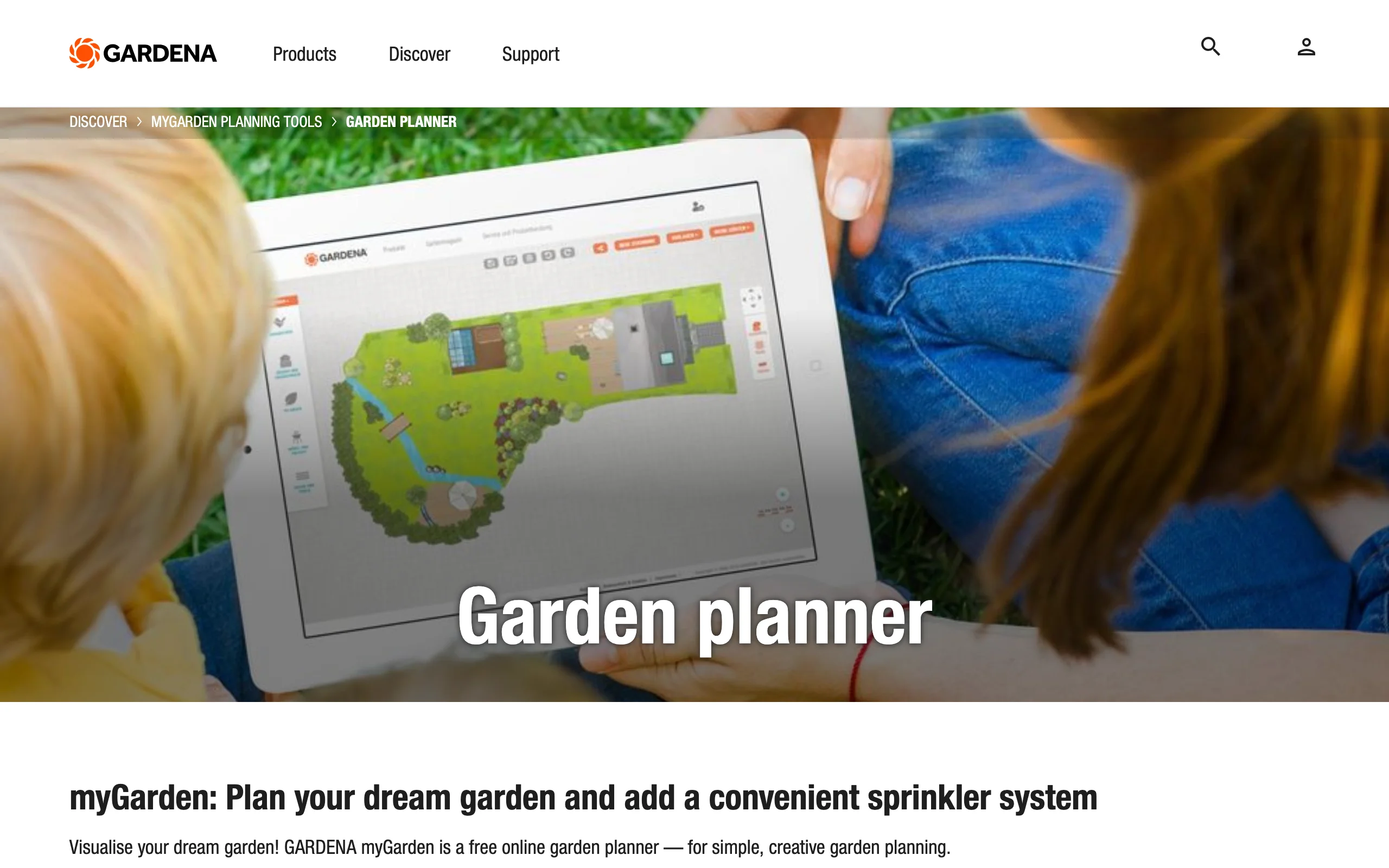
Where it falls short is realism and speed. Every element is placed by hand, so a detailed plan takes time, and what you end up with is a schematic, not a picture of your finished garden. If you want to actually see the design or compare looks quickly, you will hit a wall. For more free options, our roundups of an online garden planner and how to plan a garden layout cover the trade-offs in more depth.
Key features
- Free 2D top-down planner on a measured grid.
- Drag-and-drop plants, lawn, surfaces, and patio elements.
- Expert-made example gardens to start from.
- Built-in irrigation planner with a sprinkler sketch and parts list.
- Save and share plans, viewable on a phone.
Best for: gardeners who want a free, to-scale layout and a concrete irrigation shopping list, and do not mind drawing it themselves.
Pricing: free, with no paid tier and no credit metering.
Pros
- Genuinely free.
- Purpose-built for outdoor layout on a measured grid.
- Irrigation planner outputs a real shopping list.
- No install, plus example gardens to copy.
Cons
- Manual 2D drag-and-drop, no AI and no photo redesign.
- Schematic top-down plan, not a photorealistic before-and-after.
- Tilted toward GARDENA's own irrigation hardware.
- Slow compared with a one-minute photo-to-concept flow.
3. iScape, best for sketching designs on your phone on site
iScape is a self-serve mobile app for landscape design. You can drag and drop plants and hardscape, use AR to preview elements in your space, and build photo-based designs while standing in the yard. For a quick on-the-spot sketch with your phone, that on-site workflow is its real advantage over a desktop planner like GARDENA.
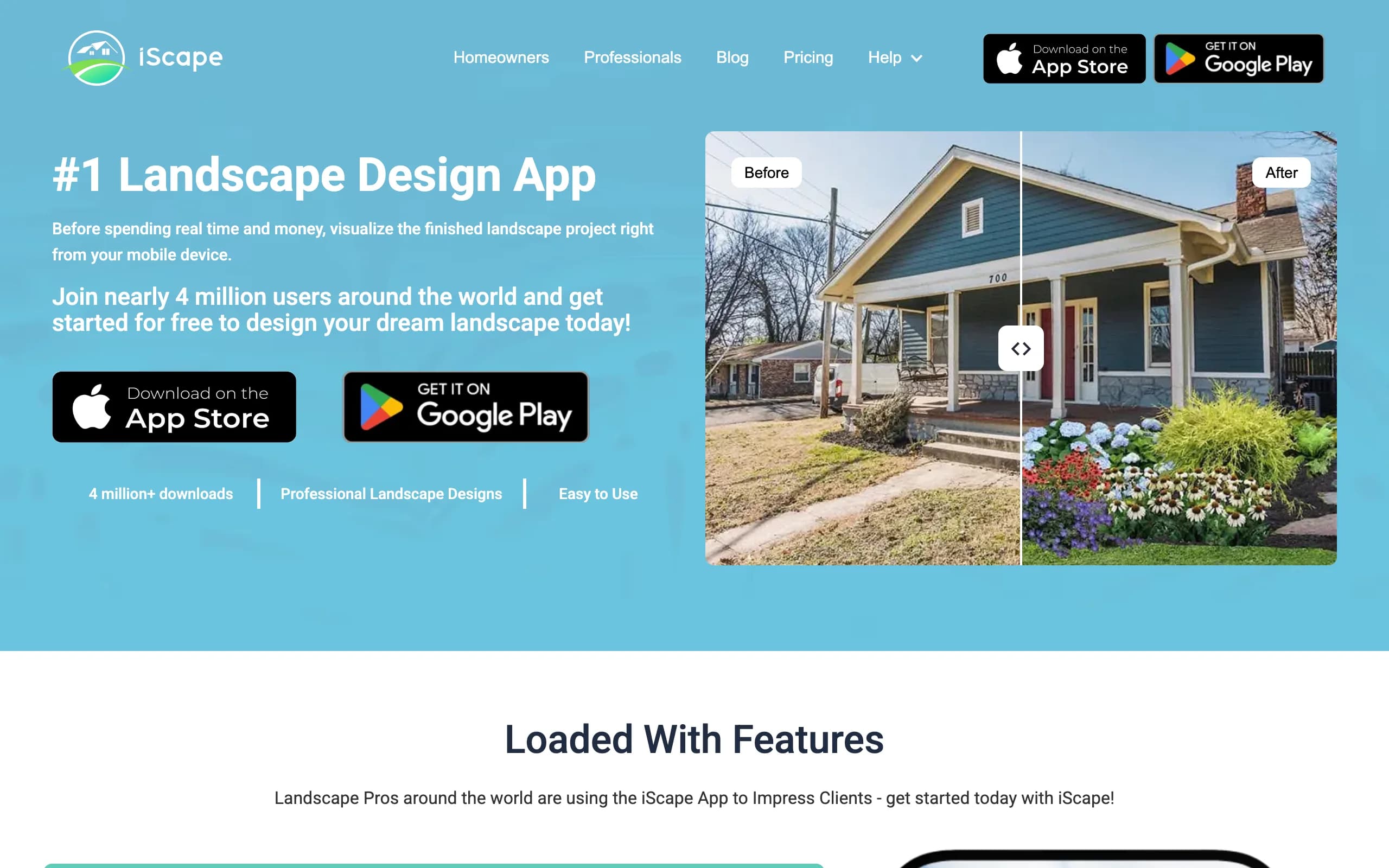
The catch is platform. iScape is iOS-first with limited Android support, so it is less useful if you are on a Pixel or Galaxy. It is closer to a manual design tool with AR than a one-tap AI render, so expect to do the placing yourself. If you are weighing climate-friendly planting, leaning on native plants is a sensible starting point whatever tool you use.
Key features
- Mobile drag-and-drop landscape design.
- AR preview of plants and features in your real space.
- Photo-based design on a phone or tablet.
Best for: iPhone and iPad users who want to sketch a design outdoors, on site, by hand.
Pricing: free tier available, paid plans from $14.99/month (Plus), with Pro at $29.99/month or $299.99/year.
Pros
- Designed for on-site, phone-in-hand use.
- AR helps you preview scale in place.
- Free tier to try before paying.
Cons
- iOS-first, with limited Android support.
- Manual placement, not a one-tap AI redesign.
- Better for sketching than a polished, realistic final image.
4. Yardzen, best for a full done-for-you plan
Yardzen is an online landscape design service where a real designer builds your plan. You share photos and a wishlist, and the team returns a design with plant and materials lists, plus contractor matching to help you get it built. It is the hand-off option: you are not driving the software, a professional is doing the work.
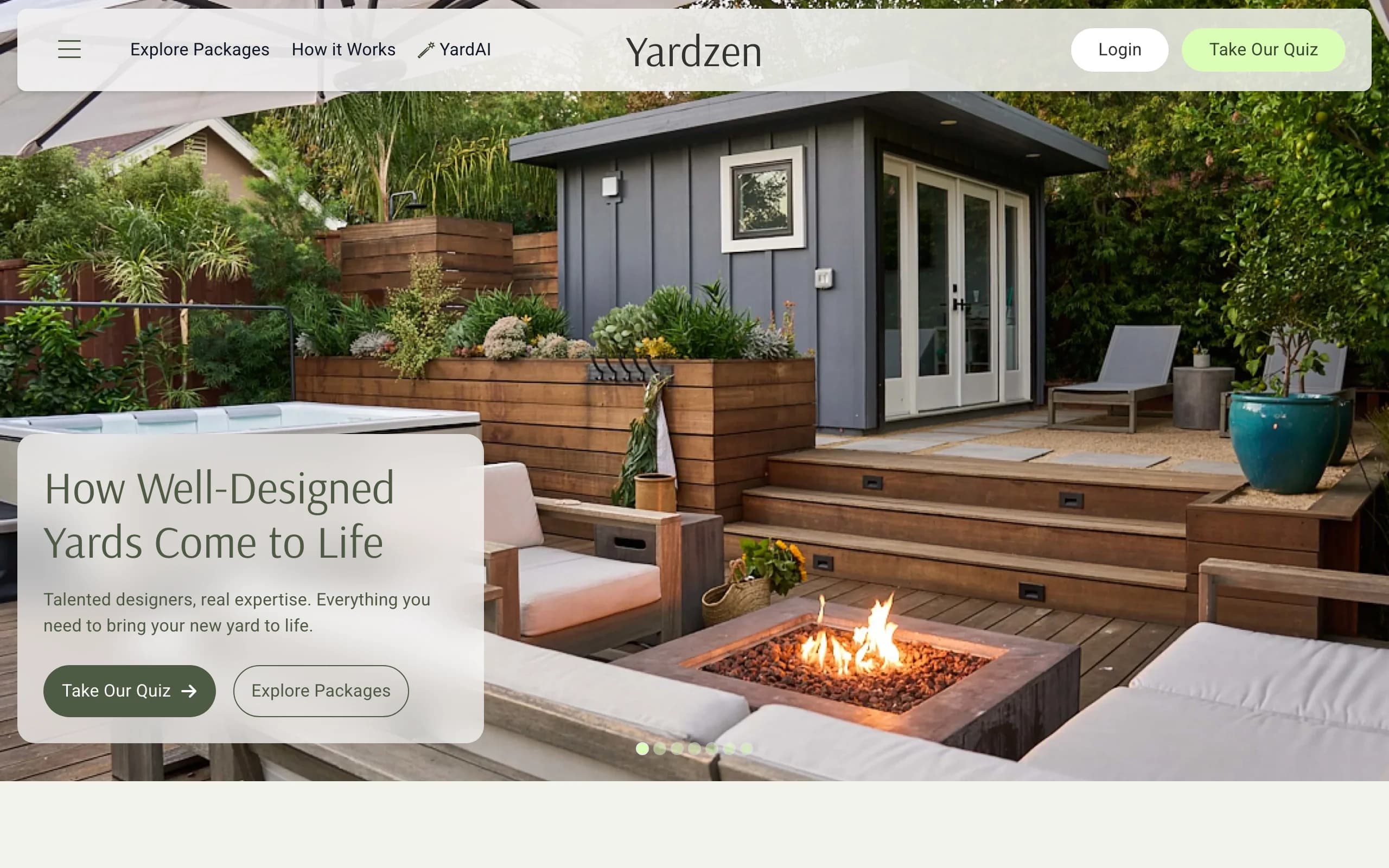
That depth costs money and time. Yardzen runs from $995 for a backyard plan (small-space plans start at $295) up to several thousand, and turnaround is usually a couple of weeks rather than a minute. If you already know you want a complete, build-ready plan and a person to lean on, it is a strong fit. If you are still in the explore-styles phase, it is a big commitment to start with.
Key features
- Designer-made landscape plan from your photos and brief.
- Plant and materials lists.
- Contractor matching to help with the build.
Best for: homeowners ready to commit to a full, professionally designed plan and a path to construction.
Pricing: from $995 for a backyard plan, with small-space plans from $295, up to $3,495 for the Premium package. Turnaround is typically 2 to 3 weeks.
Pros
- A real designer does the work.
- Build-ready plan with plant and materials lists.
- Help finding a contractor to build it.
Cons
- Far pricier than self-serve tools.
- Two to three weeks, not minutes.
- Less hands-on if you enjoy iterating yourself.
5. DreamzAR, best for AR 3D on an iPhone
DreamzAR is a self-serve app that pairs AI photo redesign with an AR 3D walk-through. Upload a photo and it returns a redesign in roughly 30 to 90 seconds, then on iOS you can place a 3D version of the design in your yard and walk around it. The AR walk-through is the headline feature and is genuinely useful for judging scale.
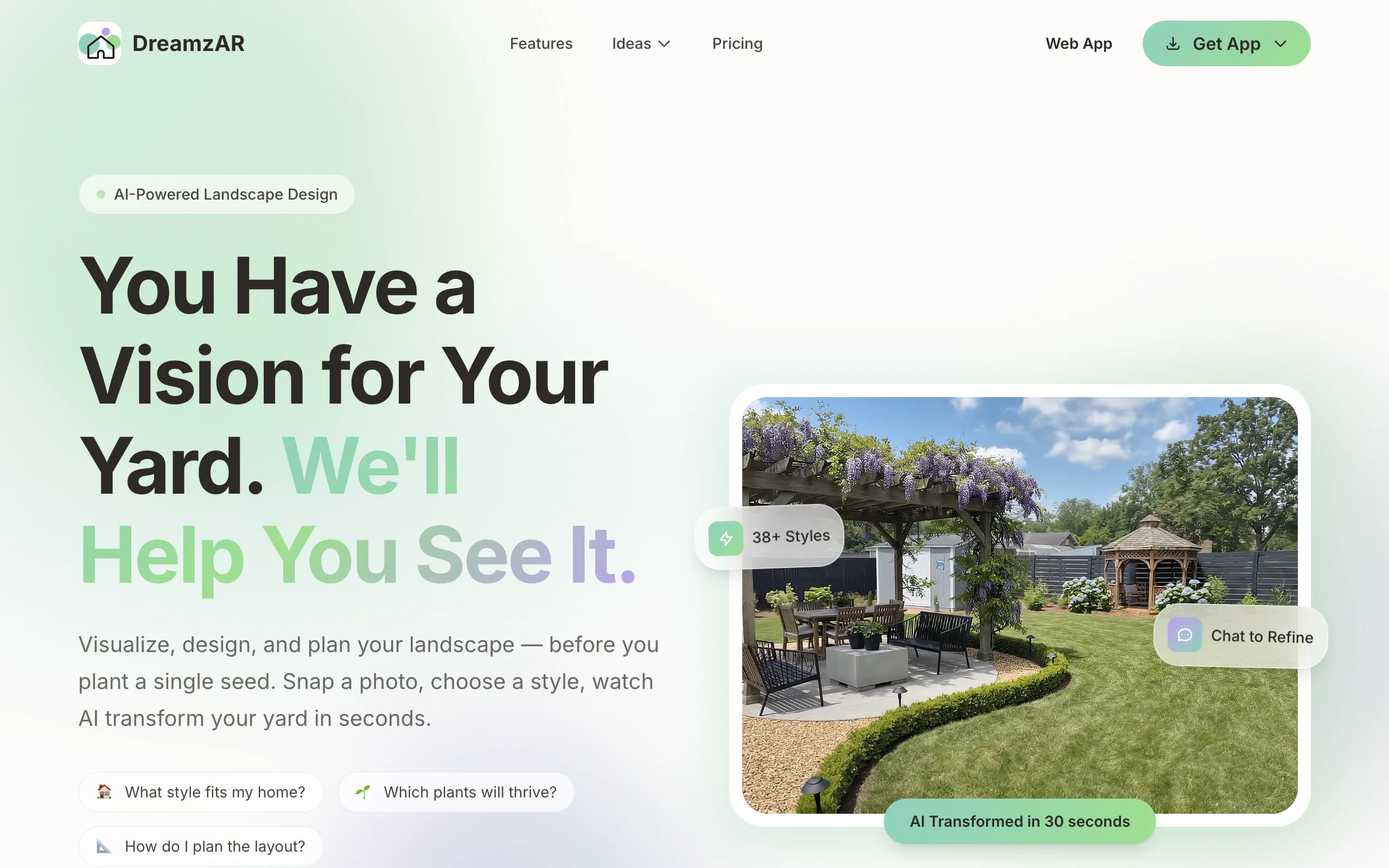
Two things to know. The standout AR mode is iOS-only, even though the AI redesign reaches Android and web. And while DreamzAR markets "unlimited," the plans are actually credit-metered in practice, so read the limits before you sign up. As a phone-centric option it is solid, just go in clear-eyed about the iOS dependency.
Key features
- AI photo redesign in about 30 to 90 seconds.
- AR 3D walk-through of the design (iOS).
- Available on iOS, Android, and web.
Best for: iPhone owners who want to walk through a 3D version of their design in AR.
Pricing: from $19.99/month or $199/year.
Pros
- AR walk-through helps you judge scale on site.
- Fast AI redesign from a photo.
- Cross-platform for the core redesign.
Cons
- The best feature, AR, is iOS-only.
- "Unlimited" marketing is actually metered, check the credit limits.
- Phone-first, less suited to detailed desktop work.
How to choose the best GARDENA myGarden alternative
Do you want to draw it yourself or see it redesigned?
This is the first fork. GARDENA myGarden and iScape are manual: you place every element, which is great for control and precise layouts, slow if you just want a look. OutdoorBrite flips that, you upload a photo and it generates the design, so you compare styles on your real yard in under a minute instead of building a plan piece by piece. If hand-drawing a grid feels like a chore, the AI route saves the most time.
What is your budget and timeline?
If free is the requirement and you do not mind manual work, GARDENA myGarden and iScape's free tier are the obvious picks. If you want AI renders without hiring anyone, OutdoorBrite starts at $29/month. If you want a person to design it and you can wait, Yardzen runs from $995 over a couple of weeks. Match the spend to how finished you need the output to be.
What do you walk away with?
GARDENA gives you a 2D plan and an irrigation parts list, which is concrete and buildable for watering, but it is not a picture of the finished garden. OutdoorBrite gives you realistic renders and zone-matched plant ideas you can act on. Yardzen gives you a full designer plan plus contractor matching. DreamzAR gives you an AR model to walk through. Decide whether you most need a parts list, a realistic image, or a build-ready plan.
Which device are you on?
If you are tied to a desktop, OutdoorBrite (web) and GARDENA (web) both work in any browser. If you want to design from a phone outdoors, iScape suits iOS best and DreamzAR adds AR on iOS. Android users have fewer strong mobile options, so a web tool like OutdoorBrite is often the simplest path. Try our AI backyard design page if backyards, not just garden beds, are your focus.
FAQ
What is GARDENA myGarden? GARDENA myGarden, or myGarden Studio, is a free browser-based 2D garden planner from the GARDENA brand. You draw your plot on a measured grid, drag and drop plants and hardscape, and use a built-in irrigation planner that produces a sprinkler sketch and a GARDENA parts shopping list. It is manual top-down design, not an AI photo redesign.
Is GARDENA myGarden free, or how much does it cost? It is free. There is no paid tier and no credit metering. The trade-off is that it leans toward GARDENA's own irrigation hardware, since the parts list it generates is built around their watering products.
What is the best alternative to GARDENA myGarden? It depends on what you want. For seeing your real yard redesigned from a photo, OutdoorBrite is the best overall pick. For a free manual 2D layout, GARDENA itself is hard to beat. For a designer-made plan, Yardzen, and for AR on a phone, DreamzAR. Pick based on whether you want to draw it, generate it, or hand it off.
Can OutdoorBrite redesign my yard from a photo? Yes. That is the core of it. You upload a photo of your garden, patio, or front yard, choose a style, and OutdoorBrite returns realistic redesign concepts in under a minute, with plants matched to your hardiness zone. You can then refine a favorite in the in-app AI editor.
Is GARDENA myGarden or OutdoorBrite better for comparing styles fast? OutdoorBrite, by a wide margin. GARDENA requires you to draw each layout by hand on a grid, so comparing two looks means building two plans. OutdoorBrite generates several concept variations on your own photo in under a minute, which makes side-by-side style comparison its main strength.
Does GARDENA myGarden show a realistic 3D or photo view? No. Its output is a 2D top-down schematic plan, useful for layout and irrigation but not for picturing the finished garden. For a photorealistic result, an AI tool like OutdoorBrite or an AR app like DreamzAR is a better fit.
What is the best free GARDENA myGarden alternative? For a free manual planner, GARDENA itself and iScape's free tier are the strongest. OutdoorBrite is paid only, with no free plan, so it is not the pick if free is a hard requirement, but it is the one that redesigns your actual yard from a photo rather than asking you to draw it.
Is there a GARDENA myGarden alternative for Android? Web tools are the most reliable on Android, since iScape and DreamzAR's best modes lean toward iOS. OutdoorBrite runs in any mobile browser with nothing to install, and DreamzAR's AI redesign (not its AR mode) does reach Android.