“I bounced off two design apps that wanted me to draw my whole yard. This one just used my photo.”
Homeowner
First yard project
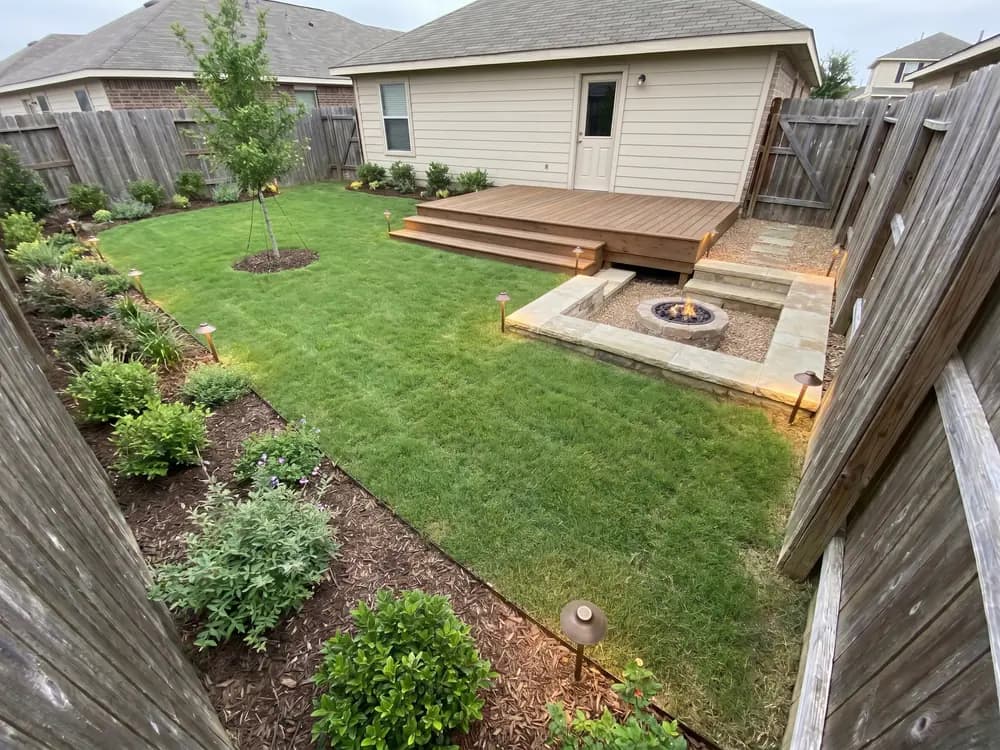
Most landscape apps make you draw the yard first. This one starts from a photo. Pick a style on your phone and get realistic redesign concepts back in seconds.


Homeowners, DIYers, sellers & landscapers
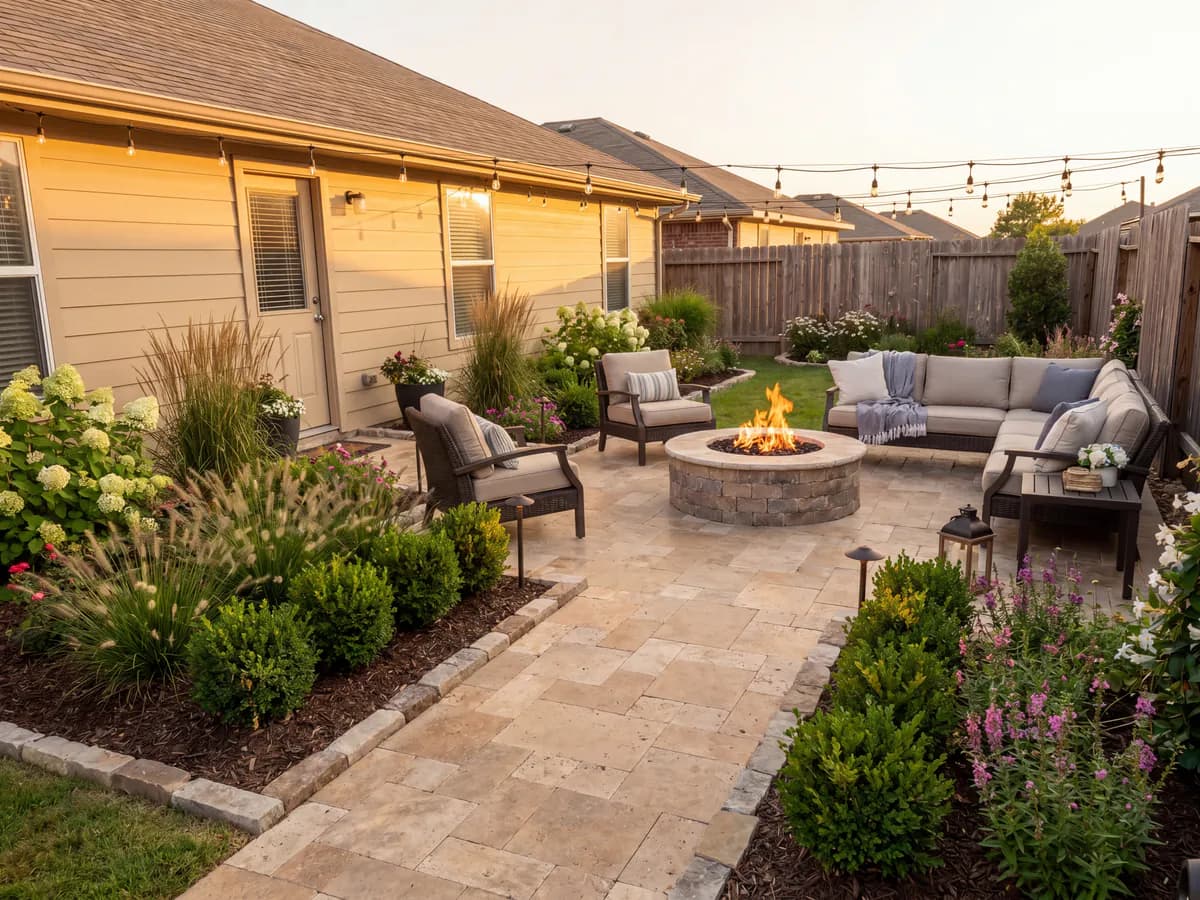
Featured in






The fastest path from a photo to a plan you can use.
It runs in the browser on your phone or laptop. No download, no setup before you see a result.
Skip the drag-and-drop planner. Upload a photo and the app does the redesign for you.
From photo to a usable concept faster than most apps take to load a blank template.
Modern, Mediterranean, desert, cottage, coastal, and more, applied to a photo of your actual yard.
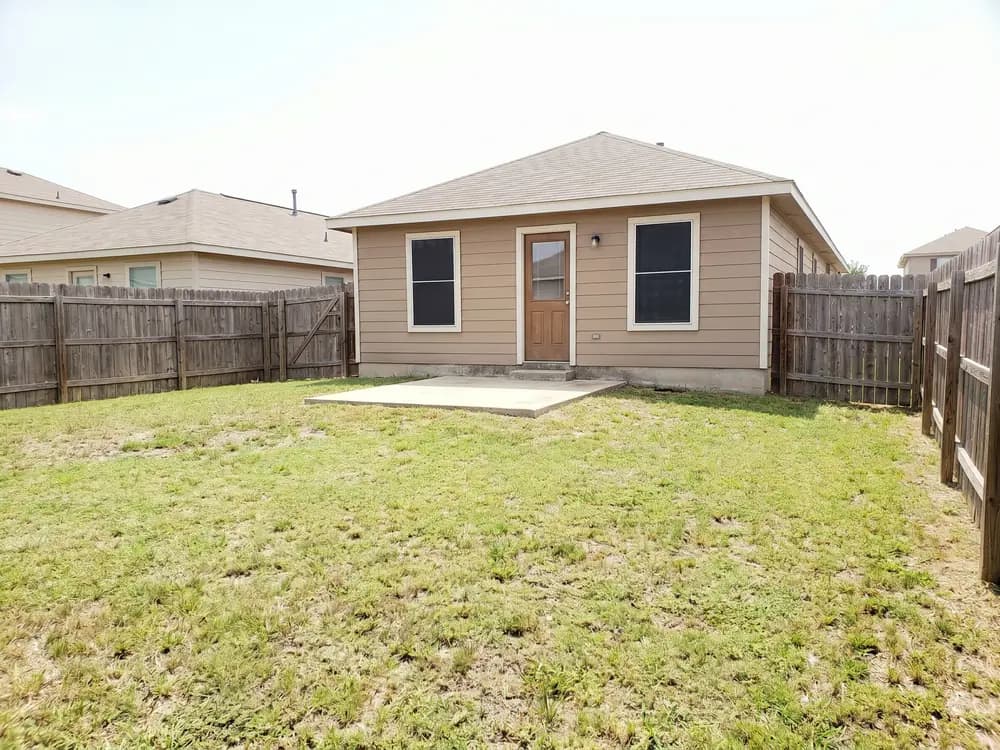
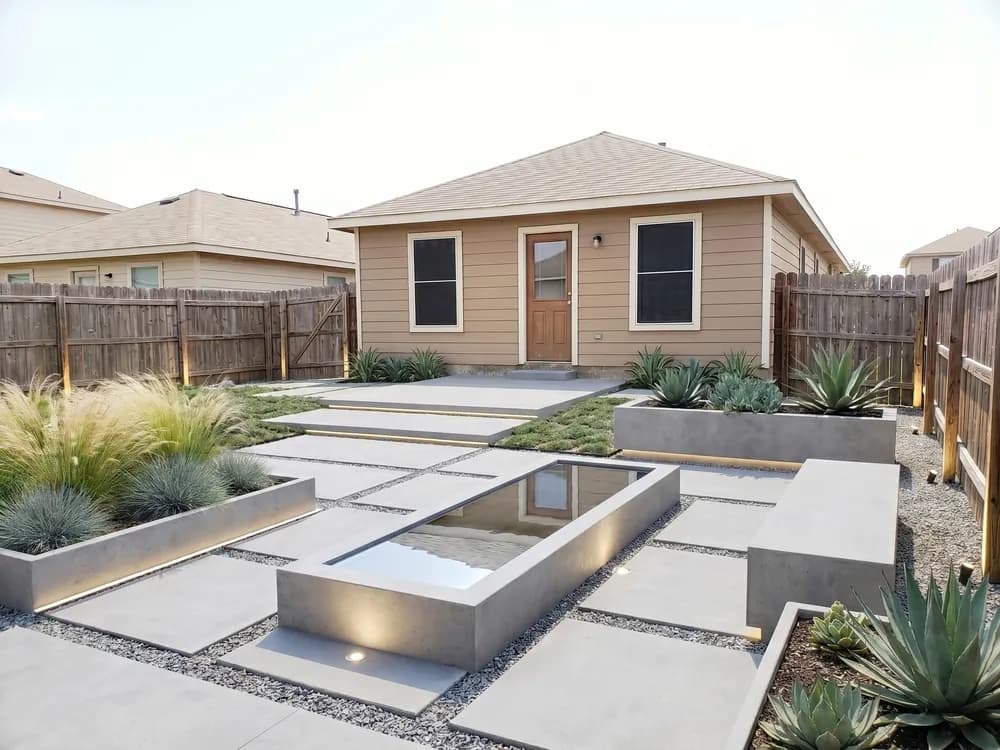
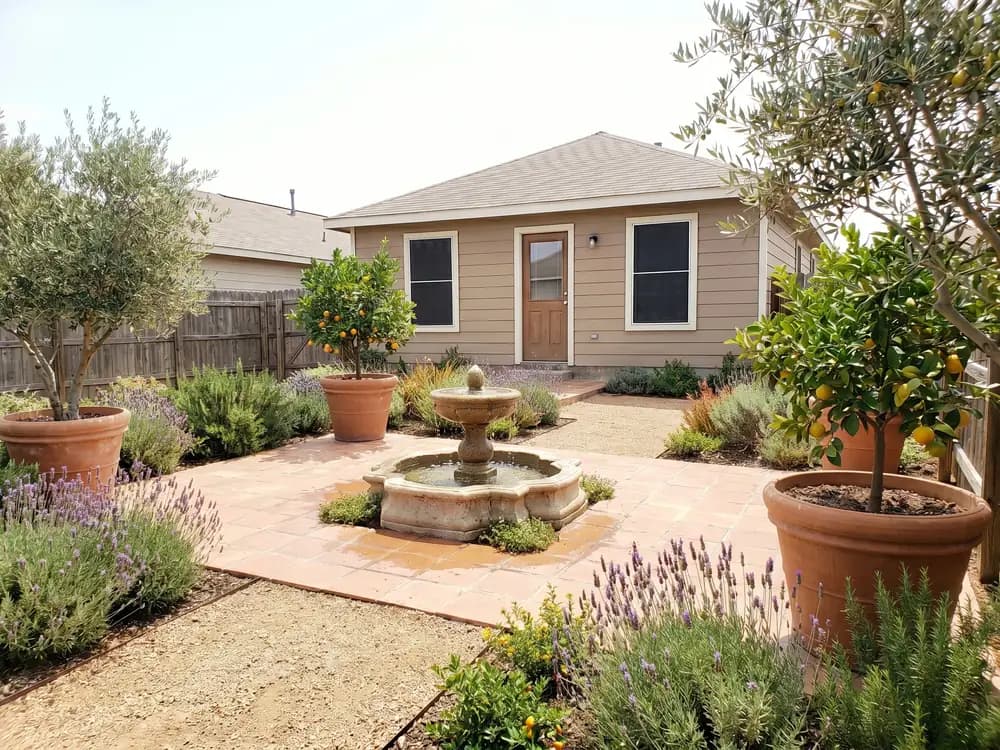
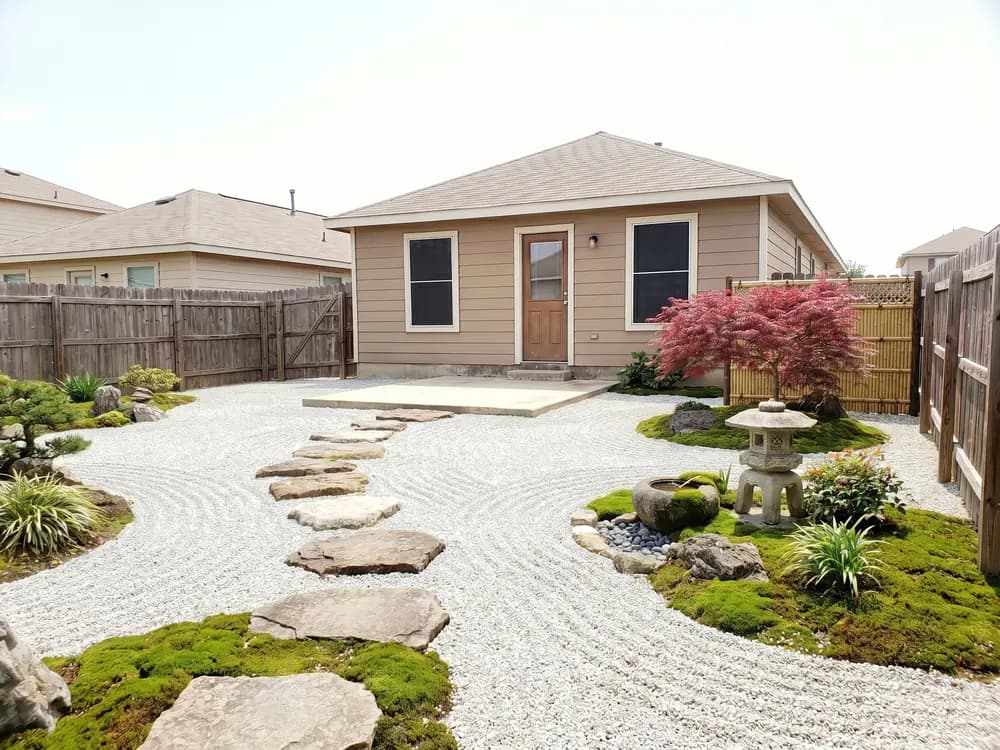
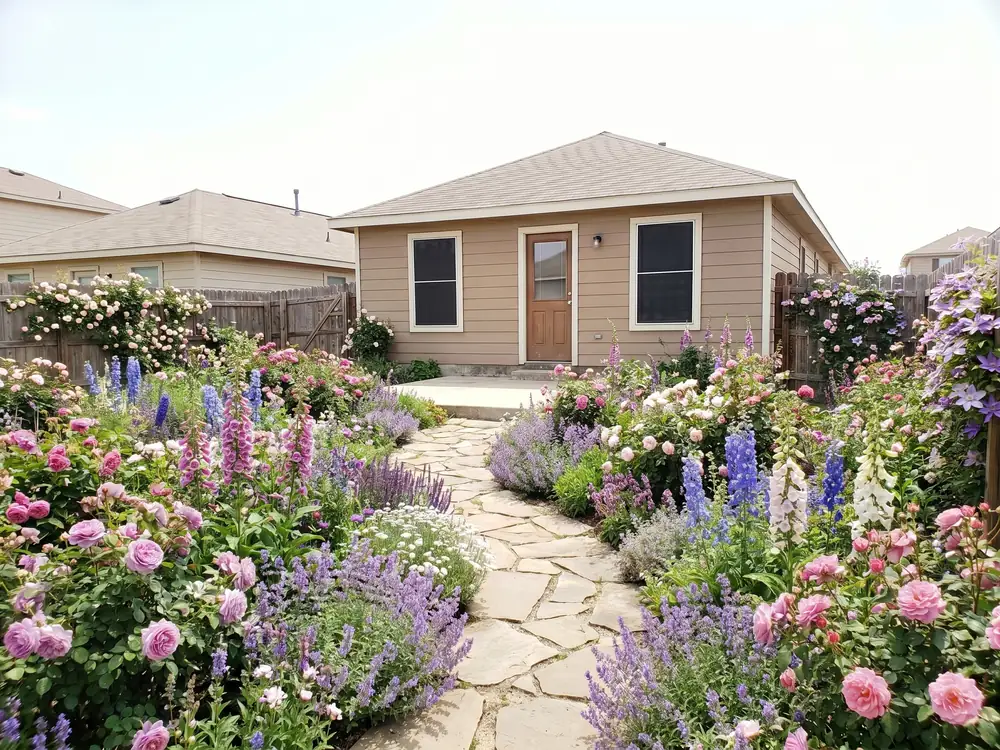
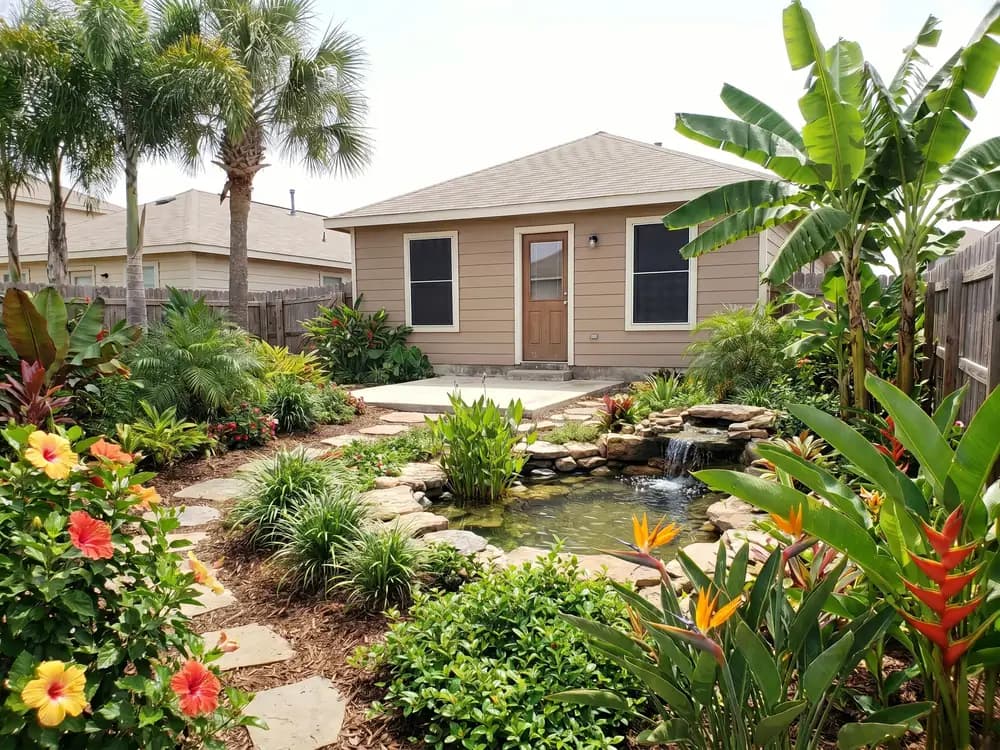
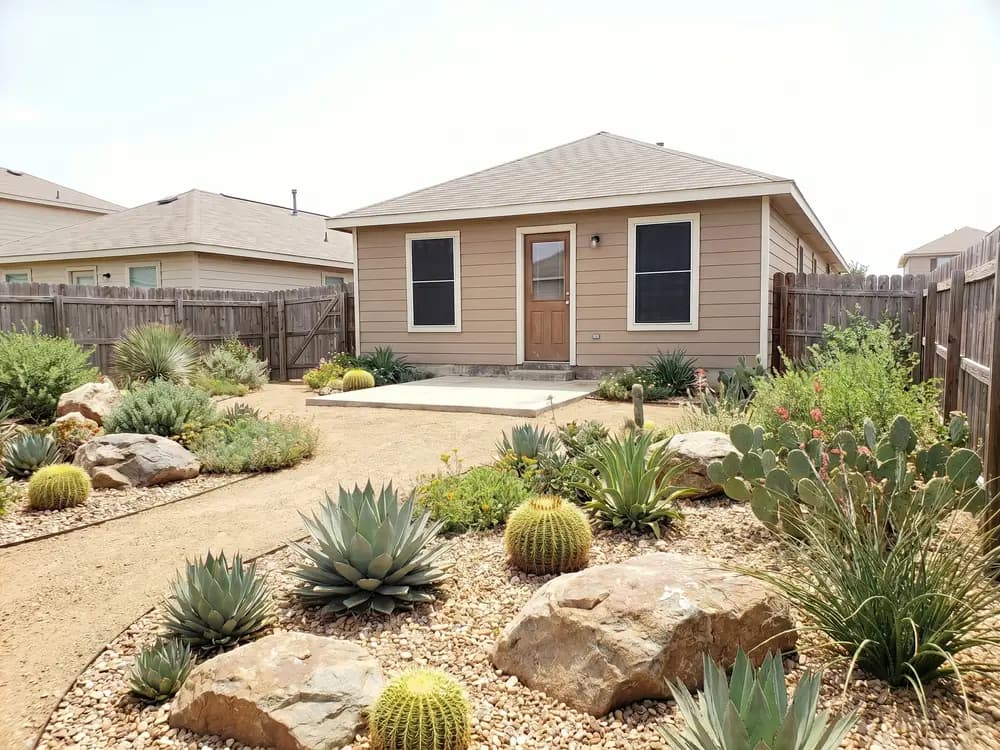
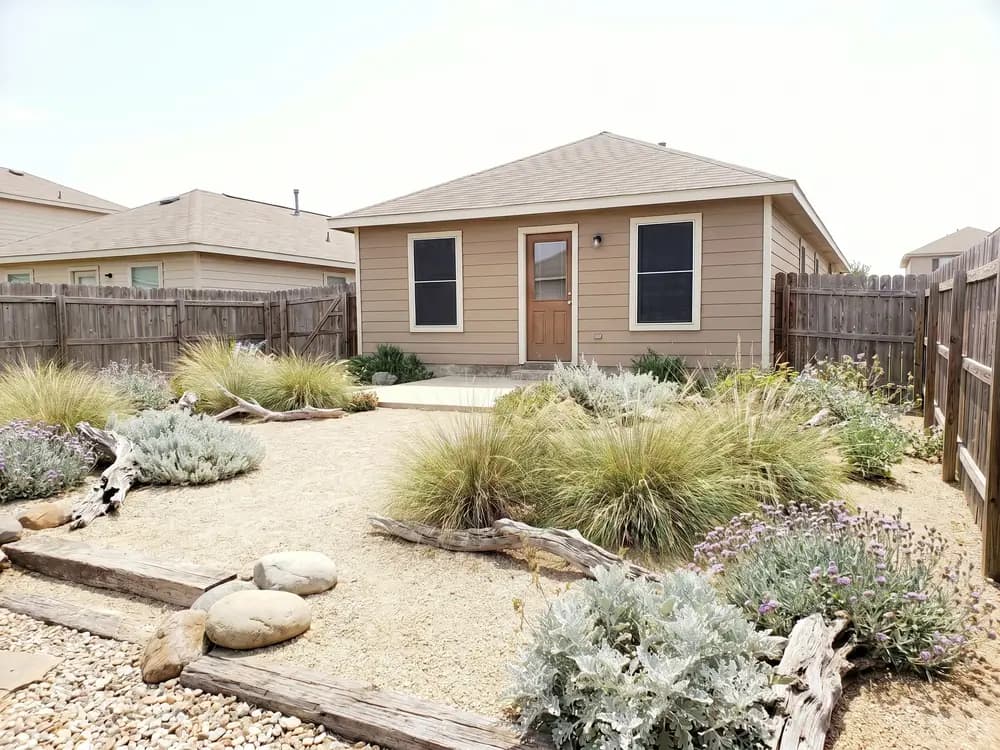
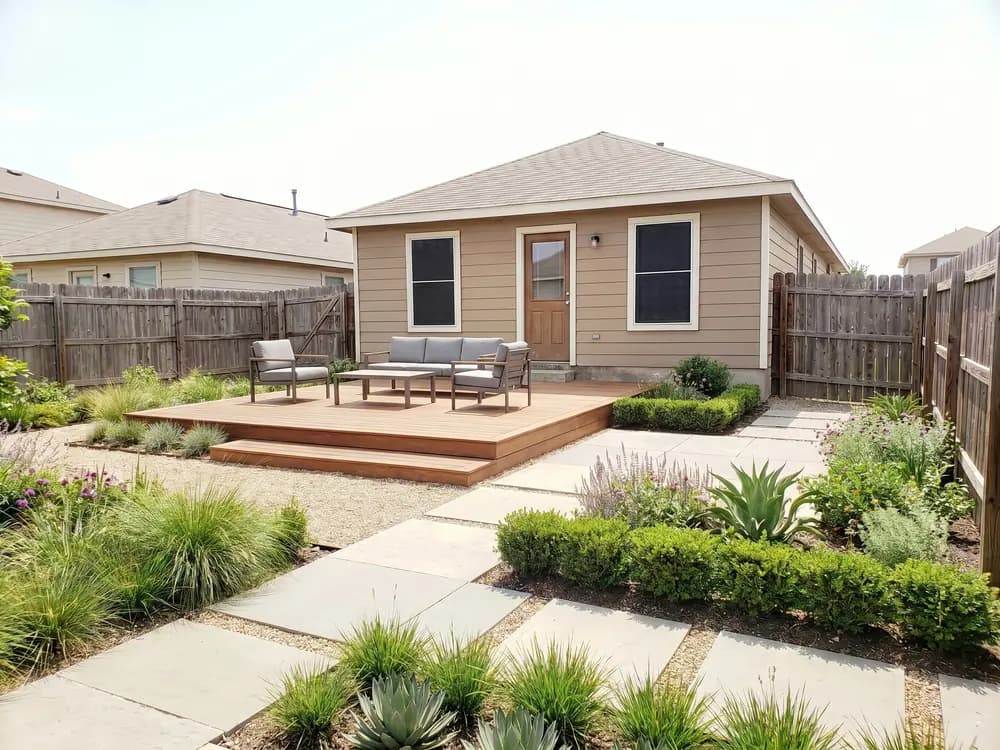
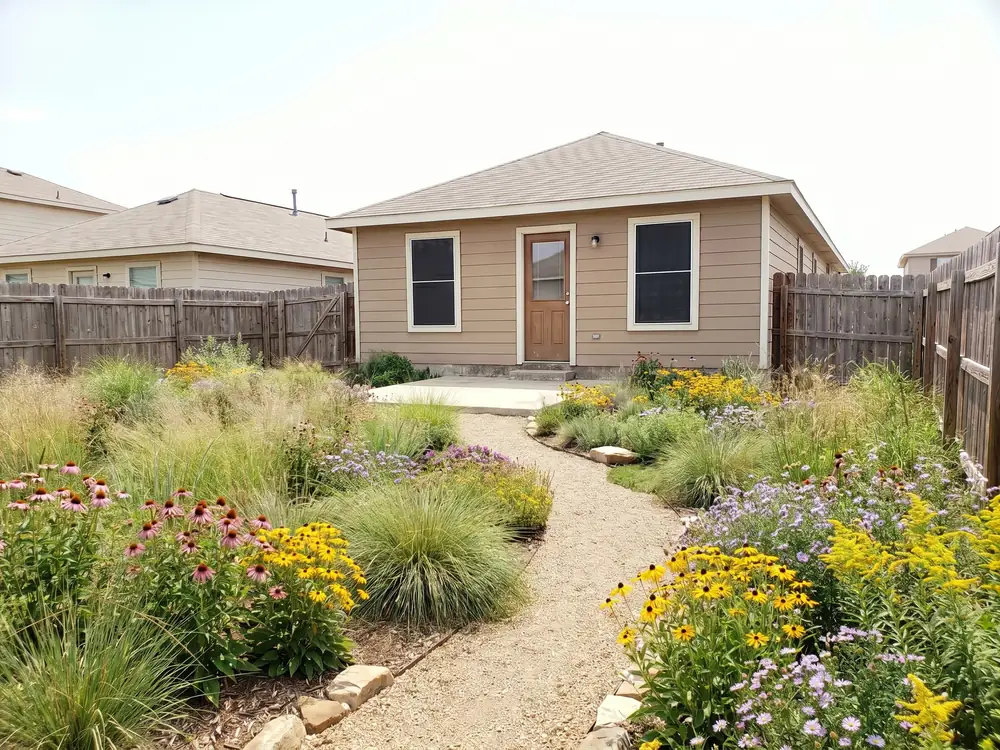
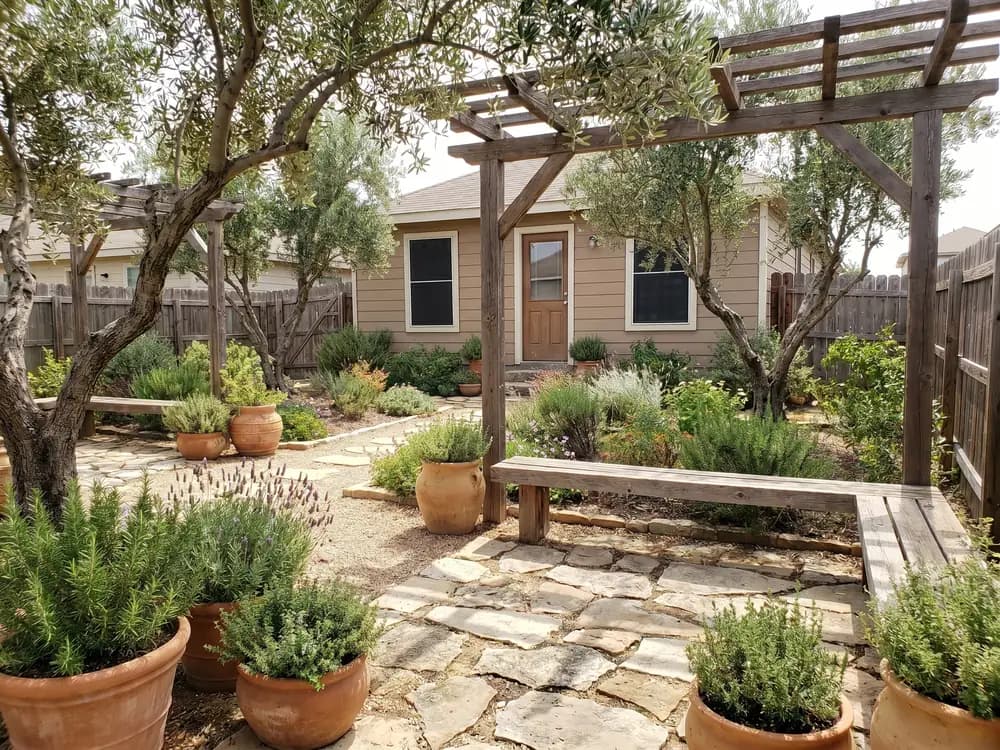
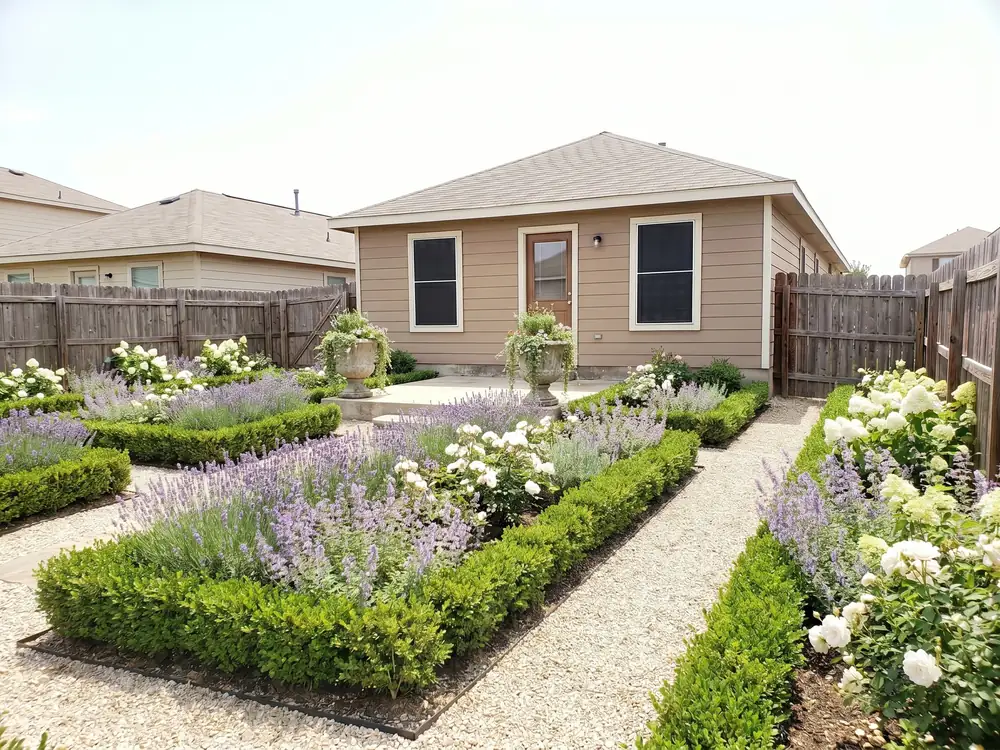
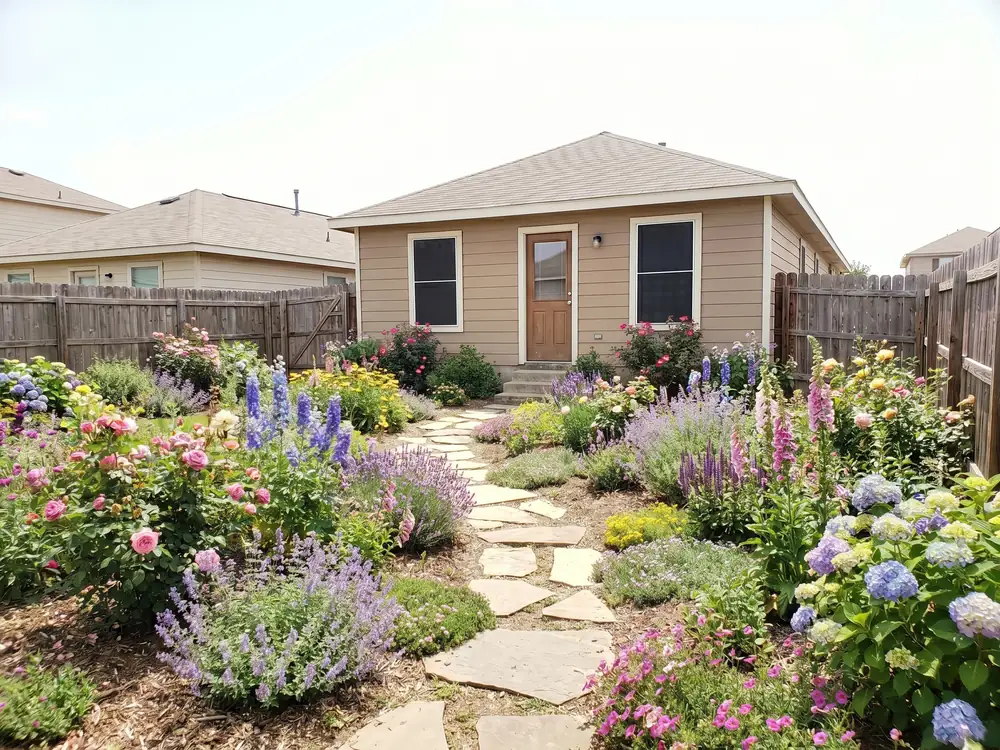
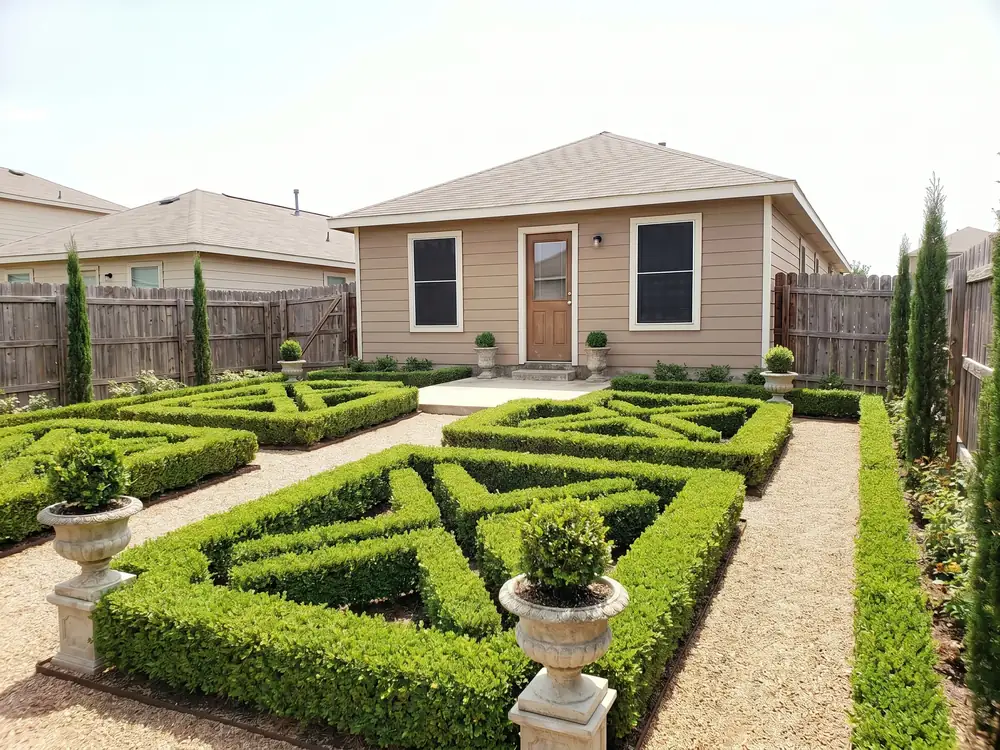
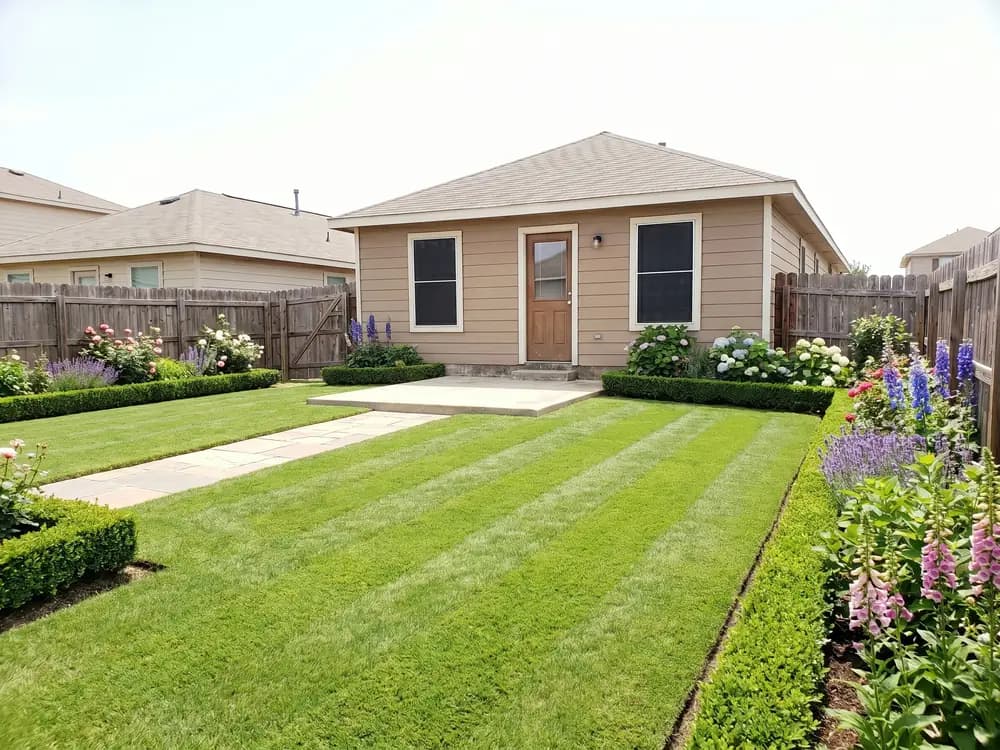
Three steps on your phone, no manual to read.
On a phone or computer. There is nothing to install or set up first.
A photo of the space, then modern, cottage, desert, tropical, or Mediterranean.
Realistic concepts of your real yard in seconds. Save them or generate more.
Where most landscaping apps slow the design down.
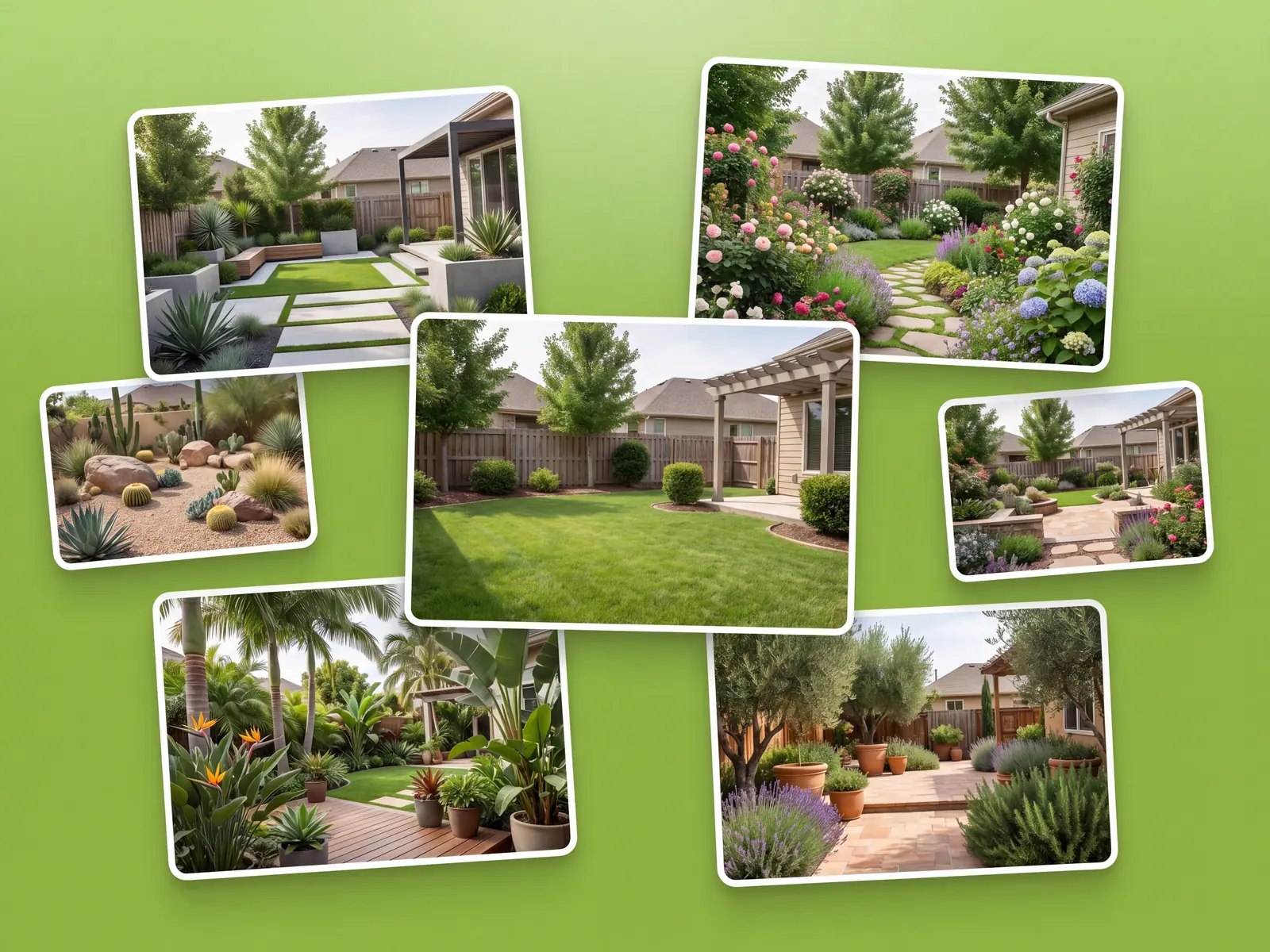
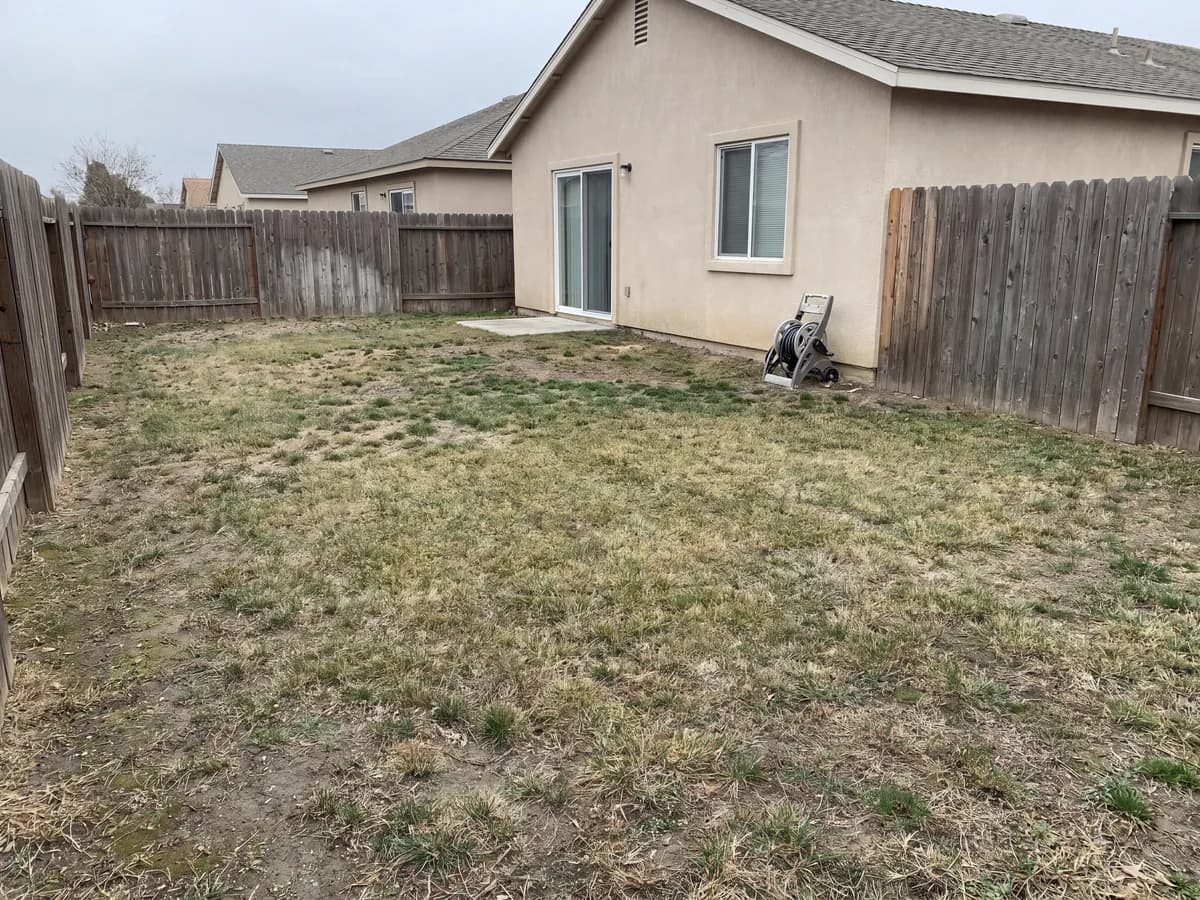
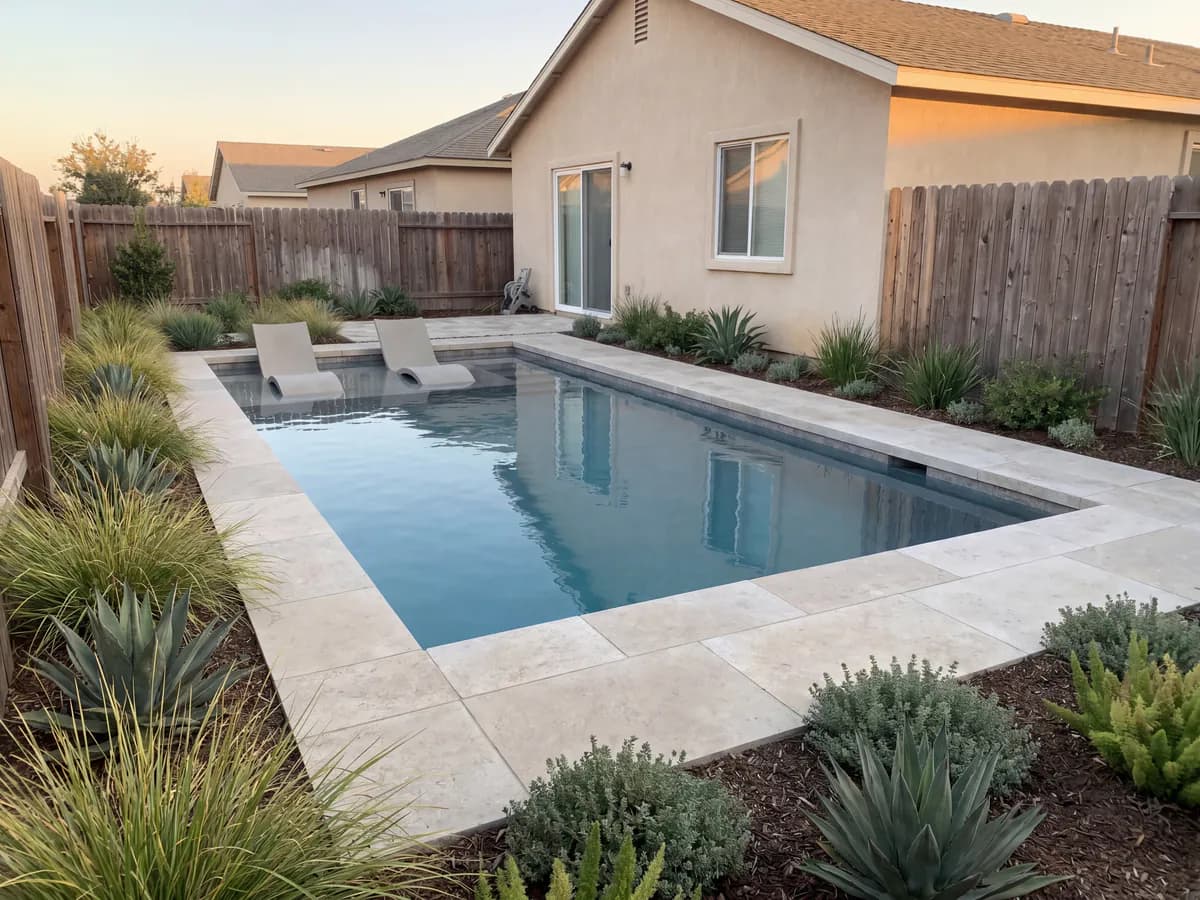
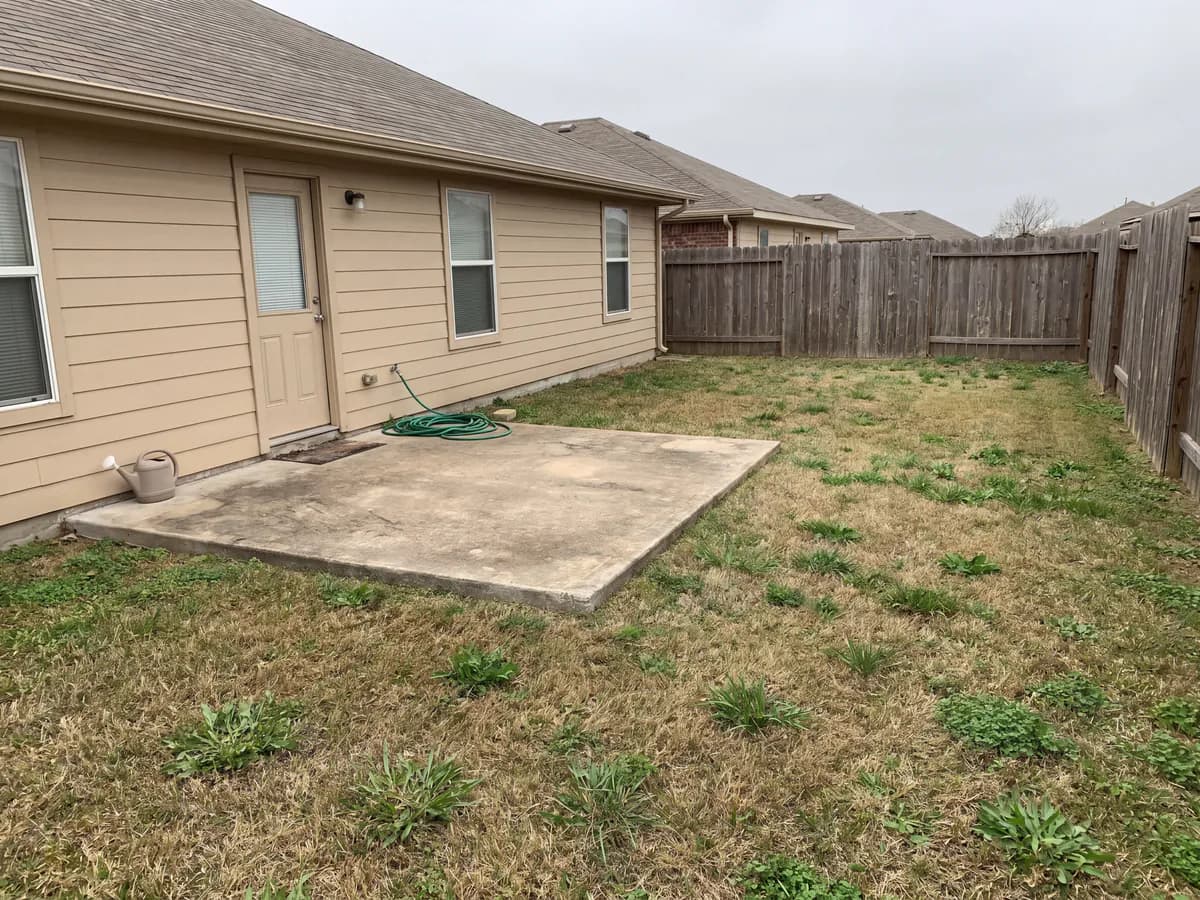
Other apps make you rebuild the yard in a planner before you see anything. This one works from the photo, so the result keeps your house, fence, and layout.
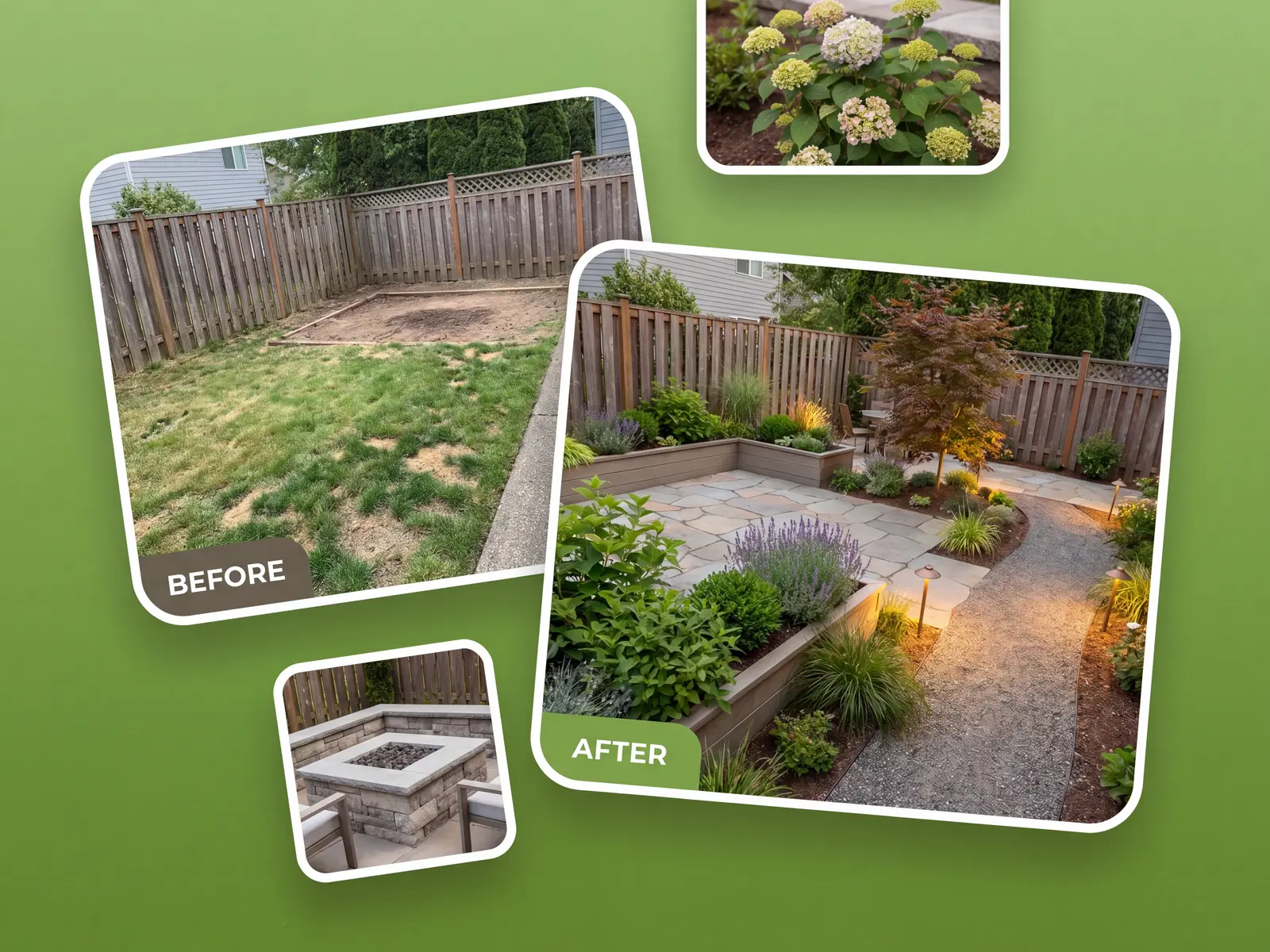
Backyard, garden, patio, pool, deck, and front yard each get their own focus, instead of one generic canvas for all of them.
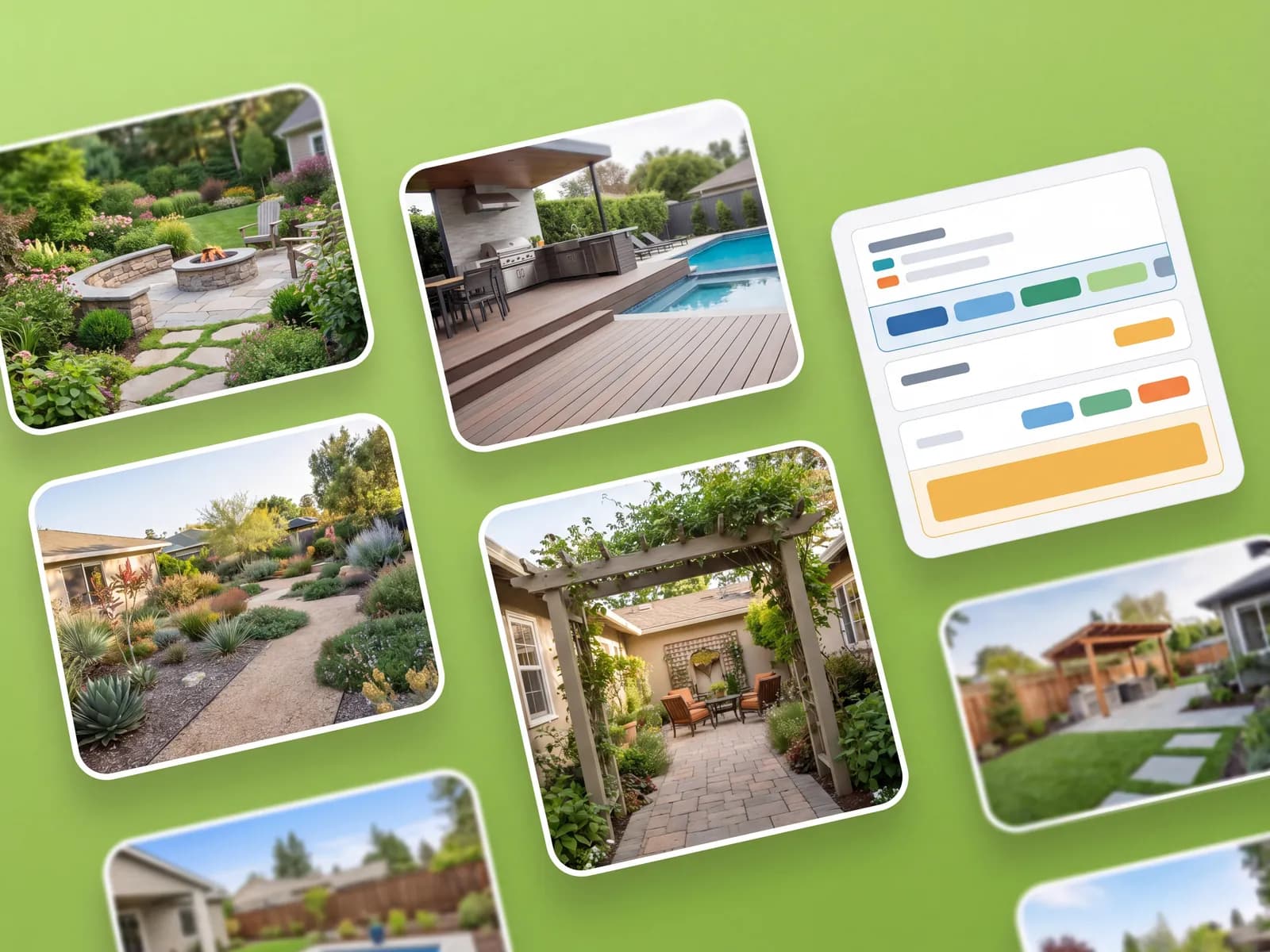
Keep concepts together, compare styles side by side, and send the favorite to a partner or contractor.
Plan the whole project
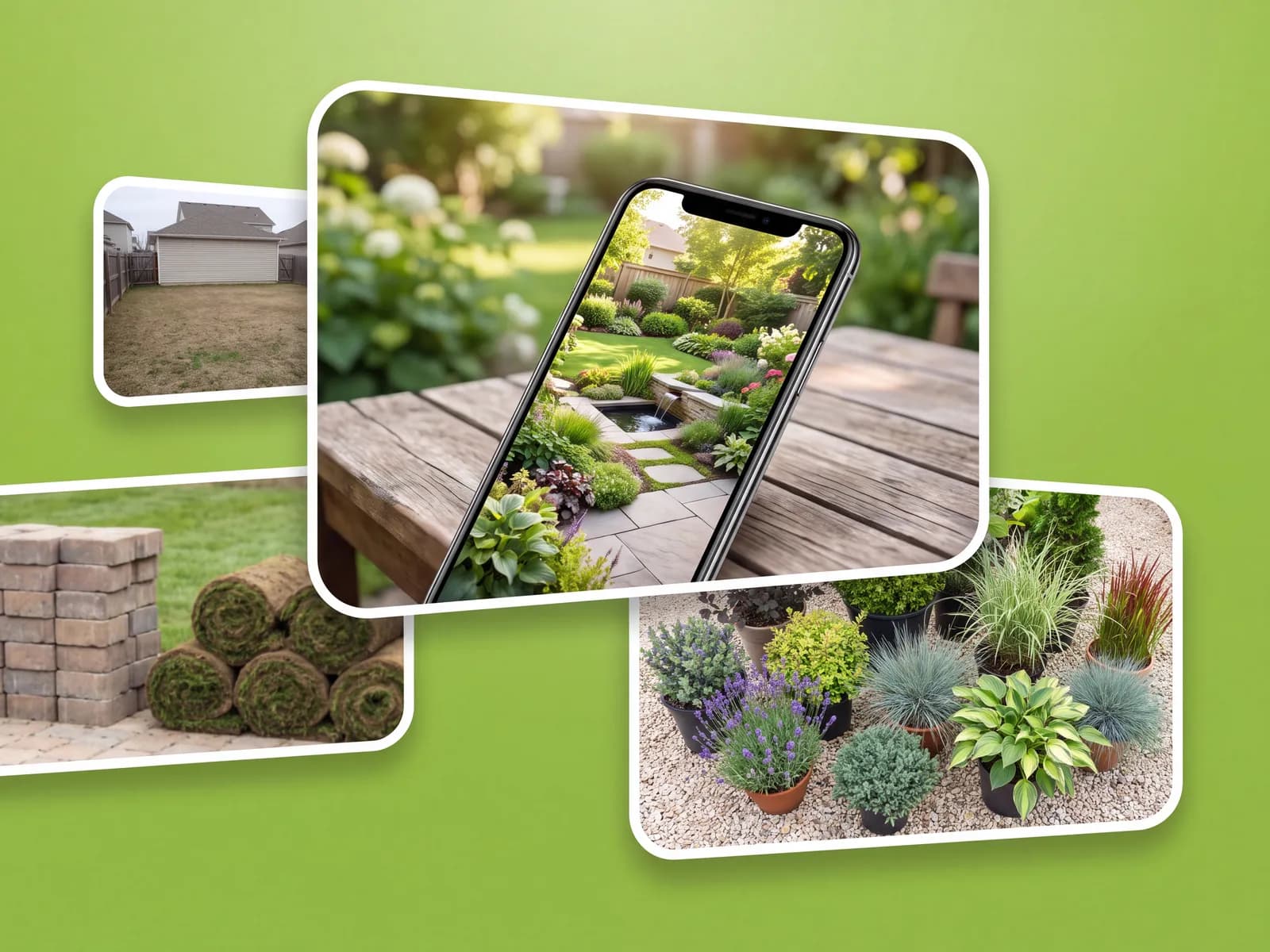
Dozens of design styles for any outdoor space, ready in under a minute.
From first-time homeowners to landscaping crews.
“I bounced off two design apps that wanted me to draw my whole yard. This one just used my photo.”
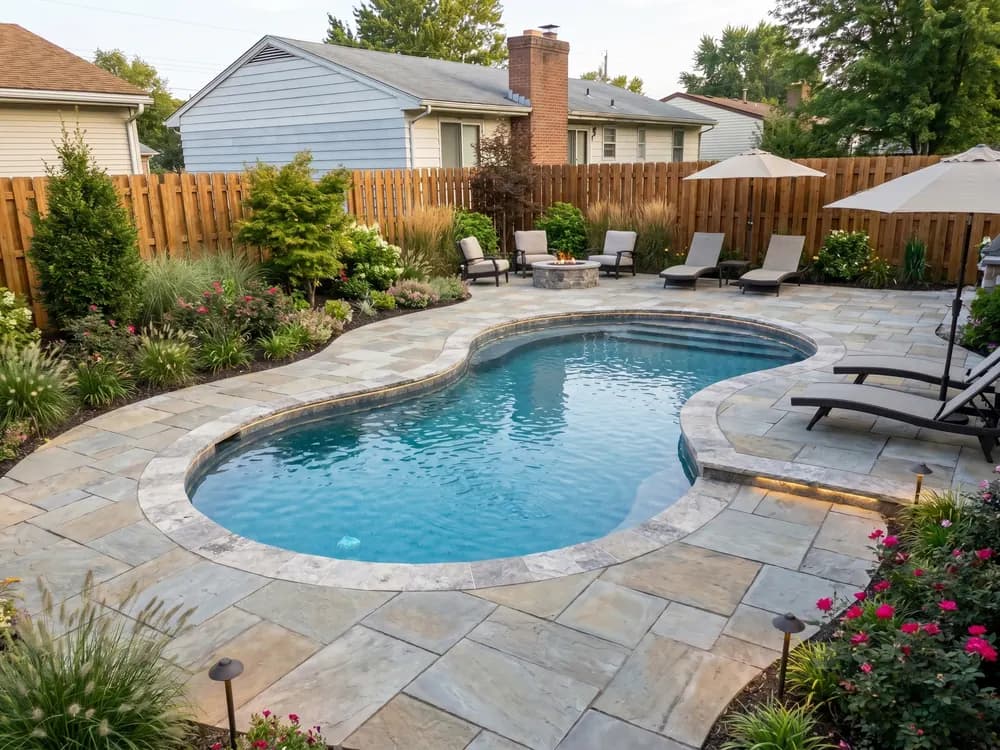
“On site, I open the app on my phone and generate a concept on the client photo before I leave.”
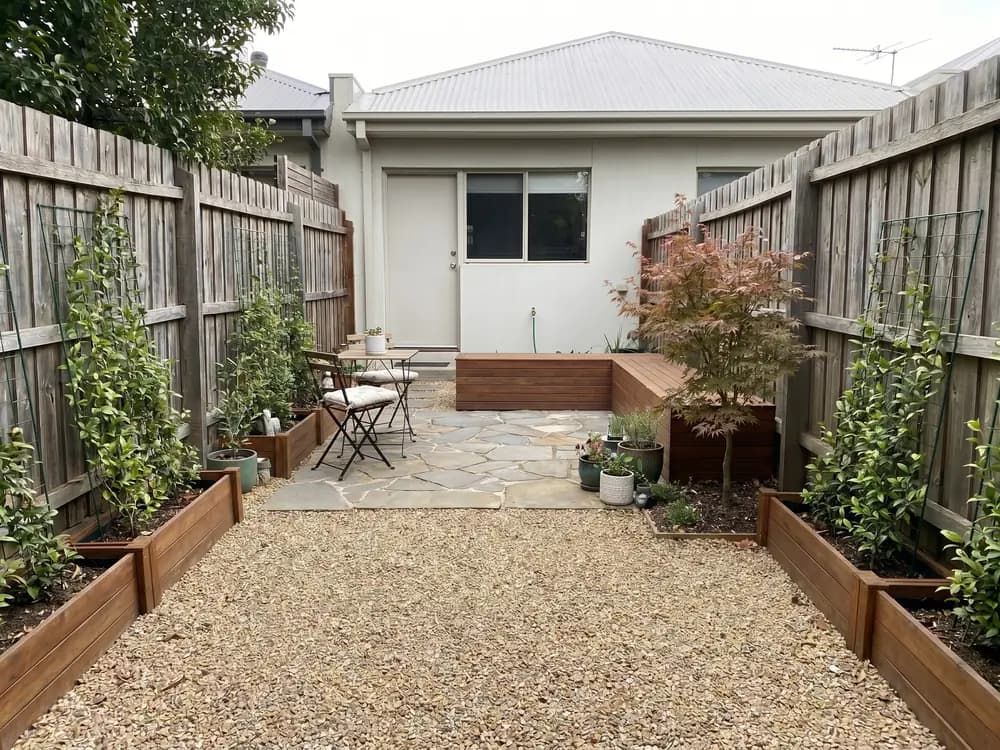
“No CAD, no install, all on my phone. I planned the whole back yard from the couch one evening.”
For landscapers and designers generating client concepts at volume, with team access.
How designing in this landscape app compares with a designer, CAD software, or guessing.
| Feature |  | Landscape designer | Design software | Guessing |
|---|---|---|---|---|
| Getting to a design | ||||
| See it on your actual yard | ||||
| First design in under a minute | ||||
| No skills or software to learn | ||||
| Try many styles cheaply | ||||
| Cost & commitment | ||||
| Typical cost to start | $ | $$$$ | $$ | Free |
| Time to a usable concept | ~1 min | 1-3 weeks | Hours | — |
| Locked into one direction | ||||
| Confidence | ||||
| Decide before you spend | ||||
| Share concepts with a pro | ||||
Short answers before you start.
No. It runs in the browser on a phone or computer. There is nothing to download or set up.
No. That is the point. You upload a photo and the app does the redesign, so it keeps your real house and layout.
Backyard, garden, patio, pool, deck, and front yard, each with its own focus, not one generic canvas.
They are built on your photo, so they keep your layout. Treat them as concepts to take to a contractor, not construction drawings.
Yes. OutdoorBrite is an app for landscape design that starts from a photo instead of a blank canvas. Upload your yard, pick a style, and get realistic concepts in seconds.
OutdoorBrite is a paid product, with no free tier. Plans cost a fraction of hiring a designer and scale with how many designs you generate and the resolution you need.
Yes. OutdoorBrite works from a single photo of your yard and runs in the browser on a phone, with paid plans metered by design credits.
For the concept stage it can. You get realistic concepts of your own yard for a fraction of designer rates, then take the favorite to a pro if you want it built.
Yes. It covers what a landscaping planner app should: photograph your yard, generate a few design directions, and use the one you like to plan the real project and materials.
Yes. Upload a photo of the space around your house and the app designs the landscape on it: lawn, beds, paths, and planting in the style you pick.
One app for every outdoor space.
Design-suite results from one yard photo. No CAD, no install, no learning curve.
Tried ChatGPT for your yard? Get concepts that keep your real house and layout.
The whole-yard tool. Redesign any space from a single photo.
Pool, deck, and fire-pit layouts on your real backyard.
One backyard photo in, realistic redesign concepts out, ready to plan from.
Front-yard curb appeal: entry path, driveway, and planting.
One photo. A style you pick. Concepts in seconds. Nothing to install.