Best DreamzAR alternatives for AI landscape design (2026)
DreamzAR pairs AI redesign with an AR walk-through, but its best feature is iOS-only and "unlimited" is actually metered. Here are the best DreamzAR alternatives for 2026, compared on price, platform, and what you get.
DreamzAR has a neat trick: it combines an AI photo redesign with an augmented-reality mode that lets you walk through a 3D version of your yard on your phone. Snap a photo, pick a style, get a result in 30 to 90 seconds, then step into it in AR. Few tools do both.
Two things push people to look elsewhere. The 3D AR mode, the headline feature, is iOS-only, so Android and web users pay the same $19.99 a month for a smaller product. And the marketing promises "unlimited AI designs" while DreamzAR's own FAQ describes metered monthly generations that reset each cycle. If you want the same kind of AI redesign with clearer terms or on any device, the alternatives below are worth a look.
This guide compares the realistic DreamzAR alternatives, including OutdoorBrite (which we make), on platform, pricing honesty, and what you walk away with.
Best DreamzAR alternatives: a quick overview
- OutdoorBrite: Best overall for web-based AI design. Compare several styles on your photo in under a minute, in any browser, with credits that are stated plainly.
- iScape: Best for manual AR design. Place elements yourself, with real AR on iOS.
- Yardzen: Best when you want a human designer to do it all.
| Tool | Key strength | Pricing | Platforms |
|---|---|---|---|
| OutdoorBrite | Multiple styles on your photo in under a minute, climate-aware plants | From $29/mo (no free plan) | Web |
| DreamzAR | AI redesign plus AR 3D walk-through | From $19.99/mo | iOS, Android, Web |
| iScape | Manual drag-and-drop design with AR | Free tier; Pro $29.99/mo | iOS, Android, Mac |
| Yardzen | Human designer, build-ready plan + contractor matching | From $295 per project | Web |
What is DreamzAR?
DreamzAR is a self-serve app for redesigning your yard yourself. It has two modes: an AI photo redesign that transforms a picture of your space into a styled concept in under two minutes, and an AR mode plus a 2D editor (with a 2,000-plus plant and object library) for placing elements and walking through a 3D version on your phone. It's aimed at DIY homeowners who want to visualize before they build.
The pricing is $19.99 a month or $199 a year, and the app is free to download. Two honest caveats matter for anyone comparing. The 3D AR mode is iOS-only, so Android and web get a lesser experience at the same price. And while the pricing page says "unlimited AI designs," the FAQ says generations are metered, reset monthly, and don't roll over, and the App Store sells credit packs. So plan around a monthly allowance, not truly unlimited use.
1. OutdoorBrite, best overall for web-based AI design
OutdoorBrite is an AI landscape design tool that runs entirely in the browser. You upload a photo of your yard, pick a style like modern, cottage, or tropical, and get realistic concepts in under a minute. Because it's web-based, the strong features work the same on Android, iPhone, or a laptop, with nothing locked to one platform, which is the gap DreamzAR's iOS-only AR leaves open.
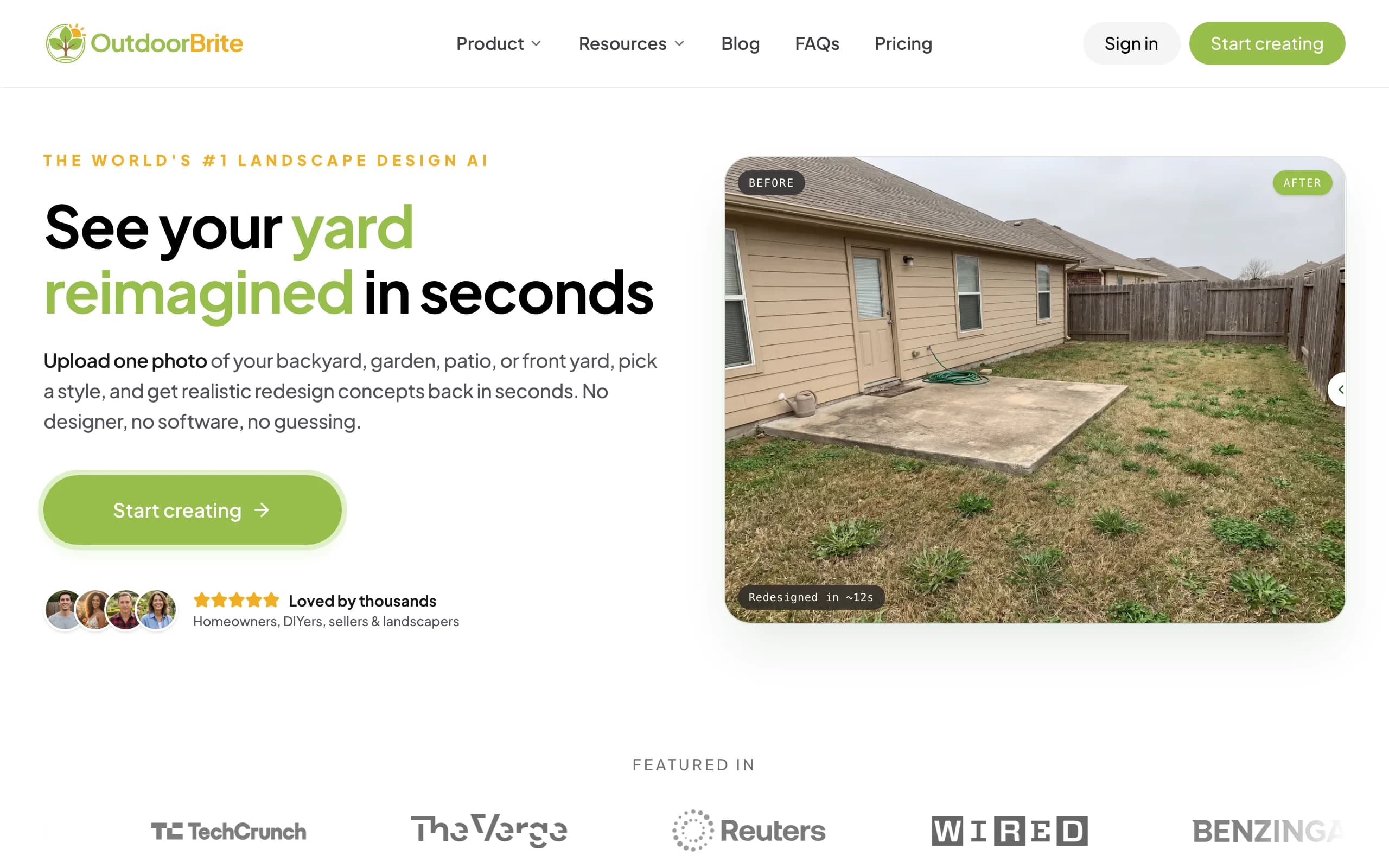
It's also straight about how usage works. Generation is metered by redesign credits, and we say so plainly rather than calling it "unlimited." You can compare several styles on one photo, refine a favorite in the in-app editor, and get plant choices matched to your hardiness zone. It covers backyards, gardens, patios, decks, pergolas, pools, and front yards. The honest trade-off: DreamzAR has an AR walk-through that OutdoorBrite doesn't. OutdoorBrite focuses on fast, realistic photo redesigns you can compare and act on, anywhere.
Key features
- Photo-to-design for backyards, gardens, patios, and more
- Compare multiple style presets on one photo
- In-app AI editor for refinements
- Climate and hardiness-zone-aware plant choices
- Runs in any browser, no platform lock-in
Best for
- Android and desktop users who want full features
- Homeowners who want to compare styles, not just one render
- DIYers who want a plant direction to build from
Pricing
- Paid only, no free plan. From $29/month (Starter, 25 redesigns), $49/month (Plus, 100 redesigns), $149/month (Pro, 200 redesigns)
- Metered by redesign credits, stated plainly, never called "unlimited"
Pros
- Same features on any device, no iOS lock-in
- Honest, clear credit allowance
- Plant choices respect your climate
Cons
- No free tier for casual use
- No AR walk-through mode
2. DreamzAR, best for AR on iOS
DreamzAR is the tool you're comparing against, and on an iPhone it's genuinely good. The combination of a fast AI redesign and a 3D AR walk-through you can stand inside is something most photo-only tools skip, and the 2,000-plus plant library gives you room to fine-tune.
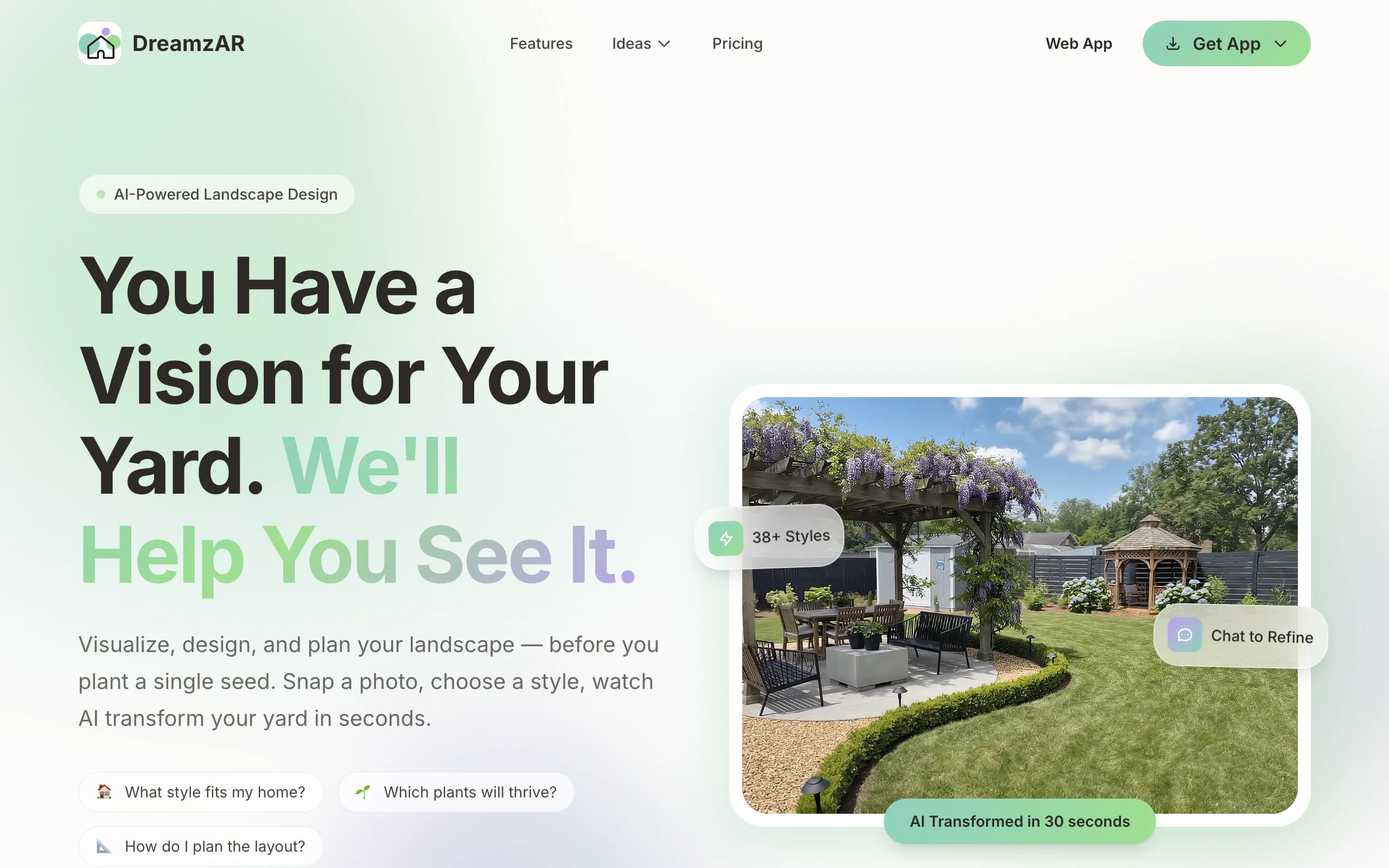
The reasons people shop around are the two caveats above. If you're on Android or web, the marquee AR mode isn't available to you, so you're paying $19.99 a month for the lesser half of the product. And the "unlimited" promise doesn't match the metered reality in the FAQ. On iOS, with eyes open about the limits, it's a capable app.
Key features
- AI photo redesign with chat refinement
- AR 3D walk-through (iOS)
- 2D editor with 2,000-plus items
- High-resolution exports
Best for
- iPhone and iPad users who'll use AR
- DIYers who want auto-design plus manual tweaks
Pricing
- Free to download and look around first
- $19.99/month or $199/year
Pros
- AI redesign plus a real AR mode
- Large plant and object library
Cons
- Best feature (3D AR) is iOS-only
- "Unlimited" is actually metered
3. iScape, best for manual AR design
If what you liked about DreamzAR was the AR, but you want more deliberate control, iScape is the closer match for manual work. You place plants, hardscape, and furniture onto a photo of your yard, and on iPhone you can position 3D objects in augmented reality on the real space. Its product catalog ties designs to buyable items, useful for shopping or contractor proposals.
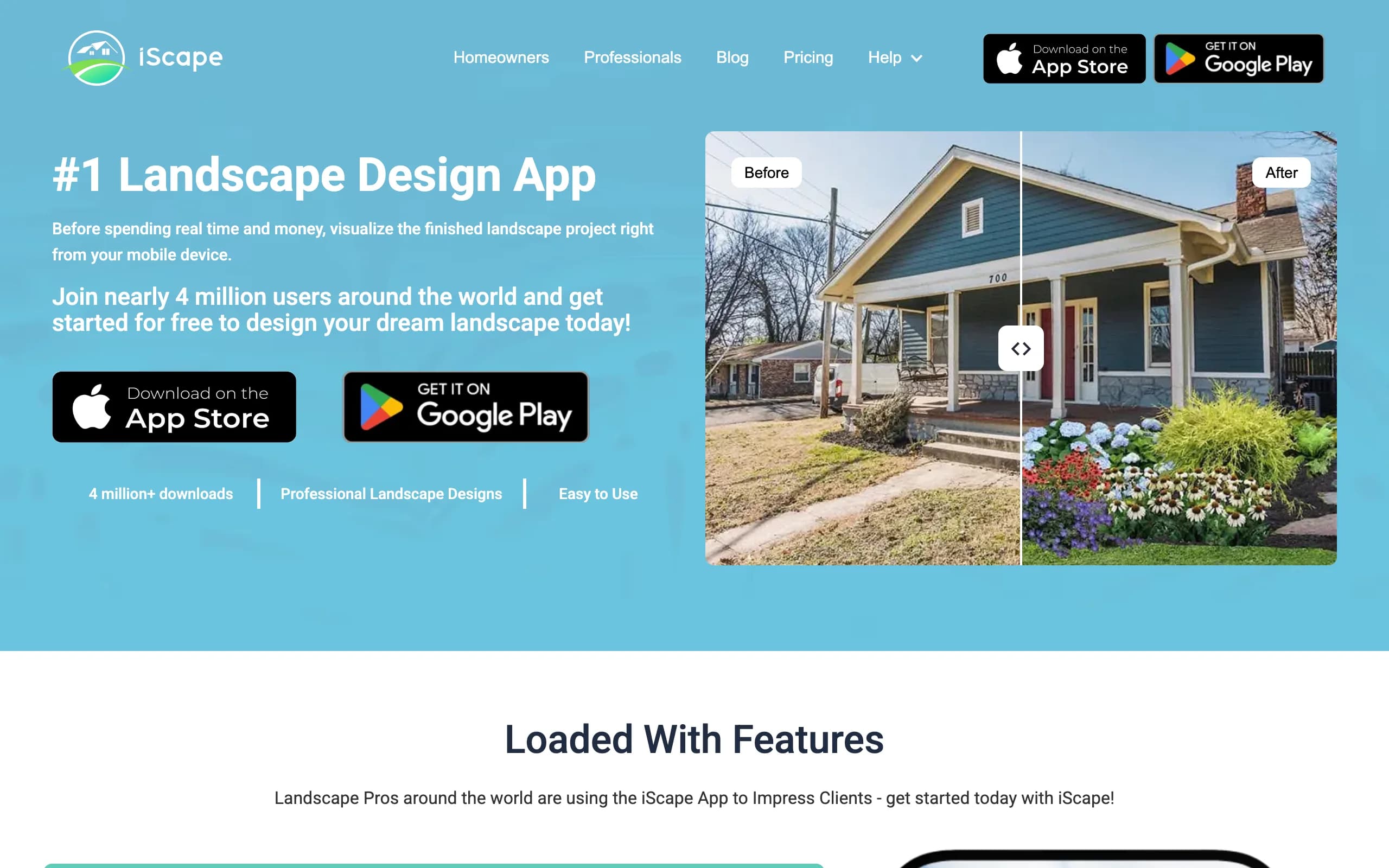
The trade-offs rhyme with DreamzAR's: the 3D AR is iOS-only (Android is 2D), and full access is a $29.99 a month subscription. iScape is also manual rather than AI-generated; its AI feature is still in beta. For hands-on AR design, it's strong. We dig in further in our iScape alternatives guide.
Key features
- Drag-and-drop design over your photo
- 3D AR placement on iOS
- Product catalog with buyable inventory
- PDF proposals with pricing (Pro)
Best for
- People who want manual AR control
- Contractors building a priced proposal
Pricing
- Free tier (limited)
- Pro $29.99/month or $299.99/year
Pros
- Real AR with fine manual control
- Catalog maps to real products
Cons
- Manual, not instant AI generation
- 3D AR is iOS-only
4. Yardzen, best for a human designer
If the DIY apps aren't giving you confidence to build, Yardzen takes the design off your plate entirely. A real landscape designer produces the plan, and you get build-ready CAD files, 3D renders, plant and materials lists, and contractor matching. No AR, no placing elements, just a finished plan from a professional.
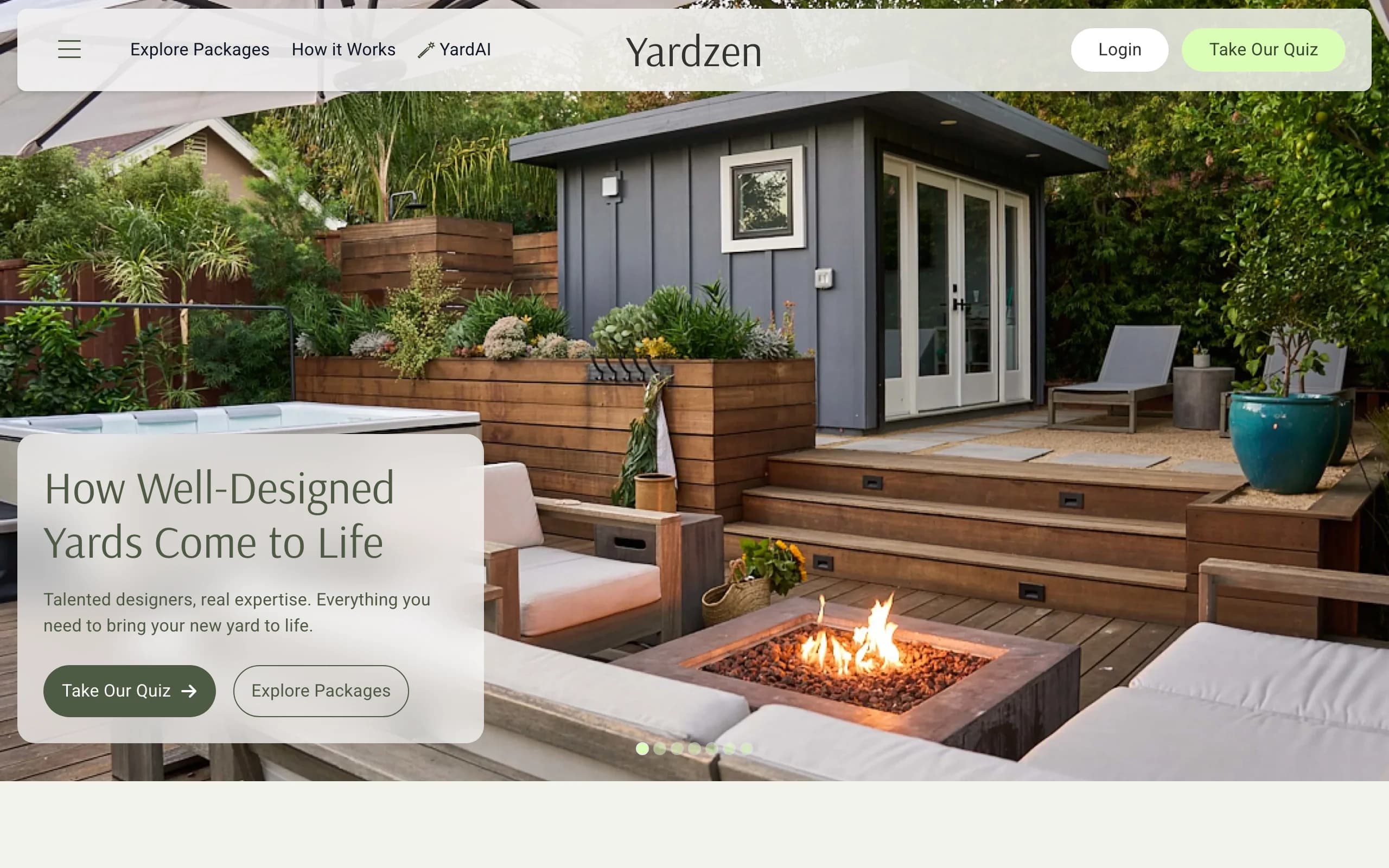
It's the priciest and slowest option here, from $295 to $3,495 and two to three weeks, because humans do the work. For a serious renovation where you want expert judgment and something installable, that's the trade.
Key features
- Custom plan from a real designer
- 2D CAD plans, 3D renders, plant/materials lists
- Contractor matching
Best for
- Homeowners who want it fully done for them
- Larger projects that justify the fee
Pricing
- From $295 to $3,495 per project
- No free design tier
Pros
- Build-ready plan, no DIY
- Contractor handoff included
Cons
- Expensive and slow versus apps
- Overkill for a quick exploration
How to choose the best DreamzAR alternative
1) Do you actually need AR?
AR is DreamzAR's signature, but it's iOS-only there. If walking through a 3D model matters to you and you're on iPhone, DreamzAR or iScape deliver it. If you mainly want fast, realistic redesigns to compare and decide from, OutdoorBrite covers that without AR.
2) What device are you on?
This is the big one. DreamzAR's and iScape's best features are iOS-only. On Android or a laptop, OutdoorBrite runs in the browser with full features. Don't pay for AR you can't run.
3) How important is honest pricing?
If you want to know exactly what you're buying, watch the "unlimited" language. DreamzAR markets unlimited but meters in practice. OutdoorBrite states its credit allowance plainly. Pick the tool whose terms you trust.
4) Does the design need to lead somewhere?
Ask what you take away. OutdoorBrite gives a climate-aware plant direction to shop from. DreamzAR and iScape give a render or AR view plus a plant library. The human service Yardzen gives a full plan and contractor matching. Our guide on how to plan a garden layout helps turn any of these into a build.
FAQ
What is DreamzAR? DreamzAR is a self-serve app for redesigning a yard yourself. It has an AI photo redesign mode (results in 30 to 90 seconds) and an AR mode with a 2D editor for placing elements and walking through a 3D version on your phone. It costs $19.99 a month, and the app is free to download.
Does DreamzAR have unlimited designs? The marketing says "unlimited AI designs," but DreamzAR's own FAQ describes metered monthly generations that reset each cycle and don't roll over, and the App Store sells credit packs. Plan around a monthly allowance rather than truly unlimited use.
What is the best alternative to DreamzAR? For web-based AI design with features that work on any device and a clearly stated credit allowance, OutdoorBrite is the strongest pick. If you specifically want manual AR control on iOS, iScape is the closer match.
Is DreamzAR's AR available on Android? No. DreamzAR's 3D AR mode is iOS-only; Android and web users get the AI redesign and other features but not the AR walk-through, at the same $19.99 a month price.
Can OutdoorBrite redesign my yard from a photo like DreamzAR? Yes. You upload a photo, pick a style, and get realistic concepts in under a minute, in any browser. It covers backyards, gardens, patios, decks, pergolas, pools, and front yards, with plant choices matched to your climate, though it doesn't have an AR walk-through mode.
Which DreamzAR alternative is best on Android? OutdoorBrite runs in any browser, so it works fully on Android, iPhone, and desktop, with no iOS-only feature gap.
Is there a free alternative to DreamzAR? iScape has a limited free tier, and DreamzAR is free to download with limited use. OutdoorBrite is paid only, so it's the pick when you want a usable, climate-aware result rather than free browsing.