Best Home Outside alternatives for landscape design (2026)
Home Outside lets you arrange 800-plus hand-drawn elements into a yard plan, but it is manual drag-and-drop, not a one-photo AI render. Here are five tools worth a look if you want to see your actual yard redesigned, from full AI concepts to AR previews.
Home Outside is one of the more thoughtful self-serve design apps out there. It comes from Home Outside, Inc., founded by landscape designer Julie Moir Messervy, so the plant choices and the 800-plus hand-drawn elements you drag around feel like they came from people who actually design gardens for a living. If you like the idea of laying out your own plan and want hardiness-zone-aware plants behind it, it has a genuine point of view. That is also why people go looking for Home Outside alternatives: the Yard Planner is a 2D plan-view layout you build by hand, not a photo of your yard turned into a finished render, and at the time of writing the 3D app and the Yard Planner's Android and desktop versions were flagged on the site as temporarily unavailable while they get rebuilt (the iOS Yard Planner is still for sale).
The other reasons are the usual ones. You place every element yourself, which takes time. The output is a hand-drawn-style plan rather than a photorealistic picture of your space. The plant library currently covers USDA zones 5 to 9 in the US and Canada, so if you garden in a hotter or colder zone it may not fit. And the 3D app's subscription price is not published, so you cannot tell what it costs before you commit.
This post walks through five tools worth comparing if you want to see your own yard reimagined: OutdoorBrite first, then Home Outside itself, then DreamzAR, Yardzen, and iScape. Each one gets a clear "best for" so you can match the tool to how you actually want to work.
Best Home Outside alternatives: a quick overview
- OutdoorBrite: best overall for turning one photo of your yard into realistic redesign concepts in under a minute.
- Home Outside: best for hand-built 2D plans backed by a designer-curated plant library.
- DreamzAR: best for an AR walk-through of your design on your phone.
- Yardzen: best for a full done-for-you plan from a real designer.
- iScape: best for sketching ideas on-site from your phone.
| Tool | Key strength | Pricing | Platforms |
|---|---|---|---|
| OutdoorBrite | One-photo AI redesign in under a minute | From $29/mo, paid only | Web |
| Home Outside | Designer-curated plants, hand-built layout | Yard Planner $3.99 one-time; 3D price not published | iOS (Android temporarily unavailable) |
| DreamzAR | AI photo redesign plus AR 3D | From $19.99/mo or $199/yr, free download | iOS, Android, Web |
| Yardzen | Build-ready plan from a real designer | From $295 per project | Web |
| iScape | On-site mobile sketching with AR | Free tier; Pro $29.99/mo | iOS (limited Android) |
What is Home Outside?
Home Outside is a self-serve mobile design product from Home Outside, Inc., founded by landscape designer Julie Moir Messervy. Its 2D Yard Planner app lets you tap and drag from a set of 800-plus hand-drawn elements to build a plan-view layout, optionally over a photo or a satellite map of your property. A separate app, Home Outside 3D, places designer-curated plants and gardens in your yard using AR, then generates a planting plan, a plant list, and direct plant ordering with delivery.
The honest strength here is the people behind it. The plant library is hardiness-zone-aware and the output is actionable, with planting plans and a shoppable plant list rather than just a pretty picture. The honest limitation is that this is manual design. You arrange every element yourself, the Yard Planner gives you a hand-drawn-style plan instead of a photorealistic render, and zone coverage stops at USDA 5 to 9 in the US and Canada. There is a bigger caveat as of July 2026: Home Outside's own website now pitches an in-store design service for garden centers rather than the consumer apps, and the 3D app plus the Yard Planner's Android and desktop versions were already marked unavailable during a rebuild when we last checked. If you came here because you can't get Home Outside anymore, every alternative below is available today.
1. OutdoorBrite, best overall for one-photo AI redesigns
OutdoorBrite is an AI landscape designer built around turning one photo of your yard into realistic redesign concepts. You upload a photo of your backyard, garden, patio, or front yard, pick a style like modern, cottage, or desert/xeriscape, and describe what you want. It returns realistic concepts in under a minute, so you can picture the finished yard before spending a dollar.
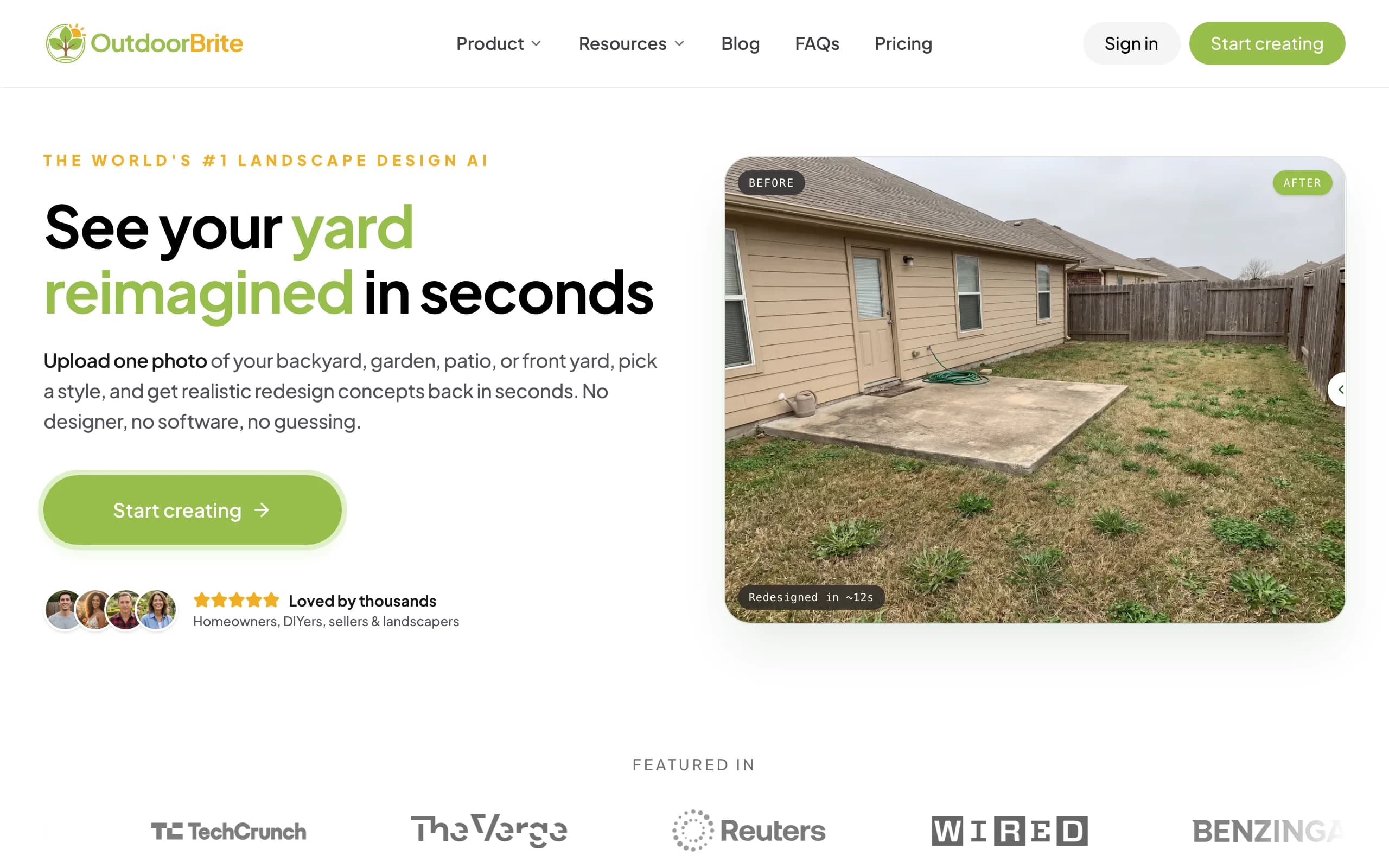
That is the core difference from Home Outside. You are not arranging hundreds of elements by hand to build a plan. You start from your real space and let the tool generate the finished look, then compare several concrete styles side by side on that same photo. Once you have a favorite, you refine it in the in-app AI editor, with plant choices matched to your climate and hardiness zone. Beyond gardens it covers backyards, patios, decks, fences, pergolas, pools, and front yards, plus project calculators and a landscape design glossary, all in one place. If you want the garden design AI angle specifically, the same flow handles planting beds and foundation planting around the house.
It is honest about being software, not a design firm. You get concepts you can act on, not a stamped construction plan, and for tricky angles or harsh lighting a render may need a second pass.
Key features
- Upload one photo, get realistic redesign concepts in under a minute
- Multiple styles compared on your own yard (modern, cottage, desert/xeriscape, and more)
- In-app AI editor to refine a favorite concept
- Plant suggestions matched to your climate and hardiness zone
- Covers backyards, gardens, patios, decks, fences, pergolas, pools, and front yards
- Project calculators and a landscaping glossary built in
Best for: homeowners who want to see their actual yard redesigned fast and compare styles before spending money.
Pricing: Paid only, no free plan. From $29/month (Starter, 25 redesigns, HD), $49/month (Plus, 100 redesigns, 2K, most popular), and $149/month (Pro, 200 redesigns, 4K). Annual billing saves about 20%. Generation is metered by redesign credits, never "unlimited."
Pros
- Works from a single photo of your real yard, no manual element placement
- Concepts back in under a minute
- Compare several styles on the same space
- Climate-aware plant choices and an AI editor for refinements
Cons
- No free tier for casual browsing
- Web-based, with no native mobile app yet
- Not a stamped, build-ready construction plan; a full design service wins there
2. Home Outside, best for designer-curated hand-built plans
Update (July 2026): the company's website now focuses on an in-store service for garden centers, and several consumer app versions were marked unavailable during a rebuild. Confirm the app is actually available on your platform before picking it here.
Home Outside is the tool this post is built around, and it earns its place. The Yard Planner app lets you build a 2D plan-view layout by tapping and dragging from 800-plus hand-drawn elements, optionally laid over a photo or satellite map of your property. Because it comes from a landscape-design studio, the elements and the plant choices have a consistent, considered look that a lot of generic planners miss.
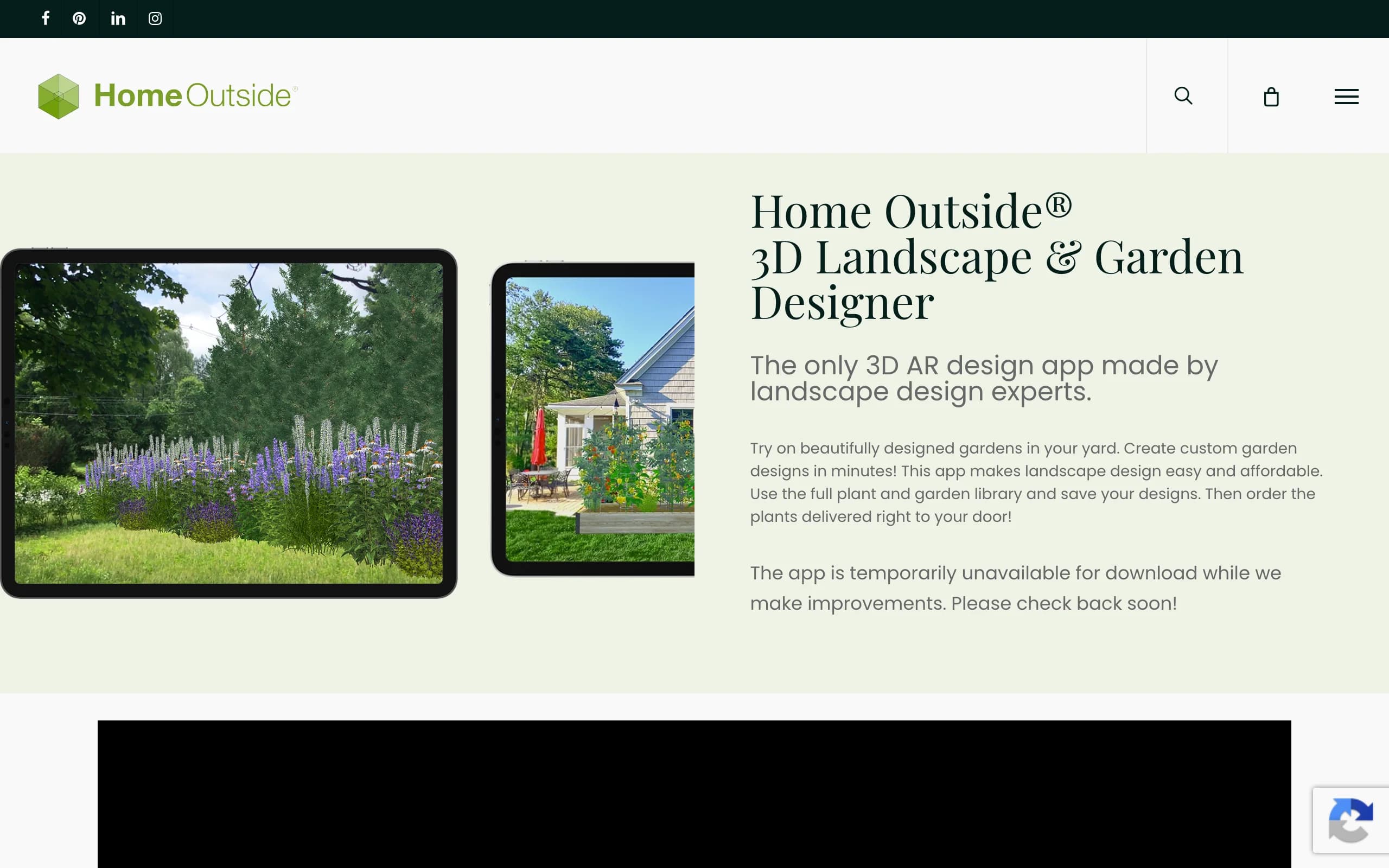
The companion app, Home Outside 3D, is where it gets more actionable. It places designer-curated plants and gardens in your yard with AR, then produces a planting plan, a plant list, and direct plant ordering with delivery. That hardiness-zone awareness is a real plus, especially for picking native plants that will survive where you live. The catches are worth knowing up front: this is manual design where you place each element, the Yard Planner output is a hand-drawn-style plan rather than a photorealistic render, zone coverage is limited to USDA 5 to 9 in the US and Canada, and the 3D app, plus the Yard Planner's Android and desktop versions, were flagged as temporarily unavailable during a rebuild when we looked.
Key features
- 2D Yard Planner with 800-plus hand-drawn, drag-and-place elements
- Optional photo or satellite-map base for your layout
- Home Outside 3D for AR placement of plants and gardens
- Planting plans, plant lists, and direct plant ordering with delivery
- Hardiness-zone-aware plant library (US and Canada, USDA zones 5 to 9)
Best for: people who enjoy arranging their own plan and want designer-curated, zone-aware plants behind it.
Pricing: Yard Planner is a one-time $3.99 on iOS. Home Outside 3D is free to start, with a paid subscription to unlock the full library and saving; that subscription price is not published, so confirm it in the app before committing.
Pros
- Low entry cost at $3.99 for the Yard Planner
- Plant library built by landscape experts, zone-aware
- Actionable output: planting plans, plant lists, and delivery
- AR preview of plants at maturity in the 3D app
Cons
- Manual drag-and-drop, not photo-to-design AI
- 2D output is a hand-drawn-style plan, not a photorealistic render
- Zone coverage limited to USDA 5 to 9 in the US and Canada
- 3D subscription price unpublished; the 3D app and the Yard Planner's Android and desktop versions flagged temporarily unavailable during a rebuild
3. DreamzAR, best for AR on your phone
DreamzAR is a self-serve app that does two things Home Outside splits across two apps. It has an AI photo redesign that turns a picture of your yard into a new look in roughly 30 to 90 seconds, plus an AR 3D walk-through so you can stand in your yard and see the design placed around you. For people who want to move around a design rather than read a plan, the AR walk-through is the draw.
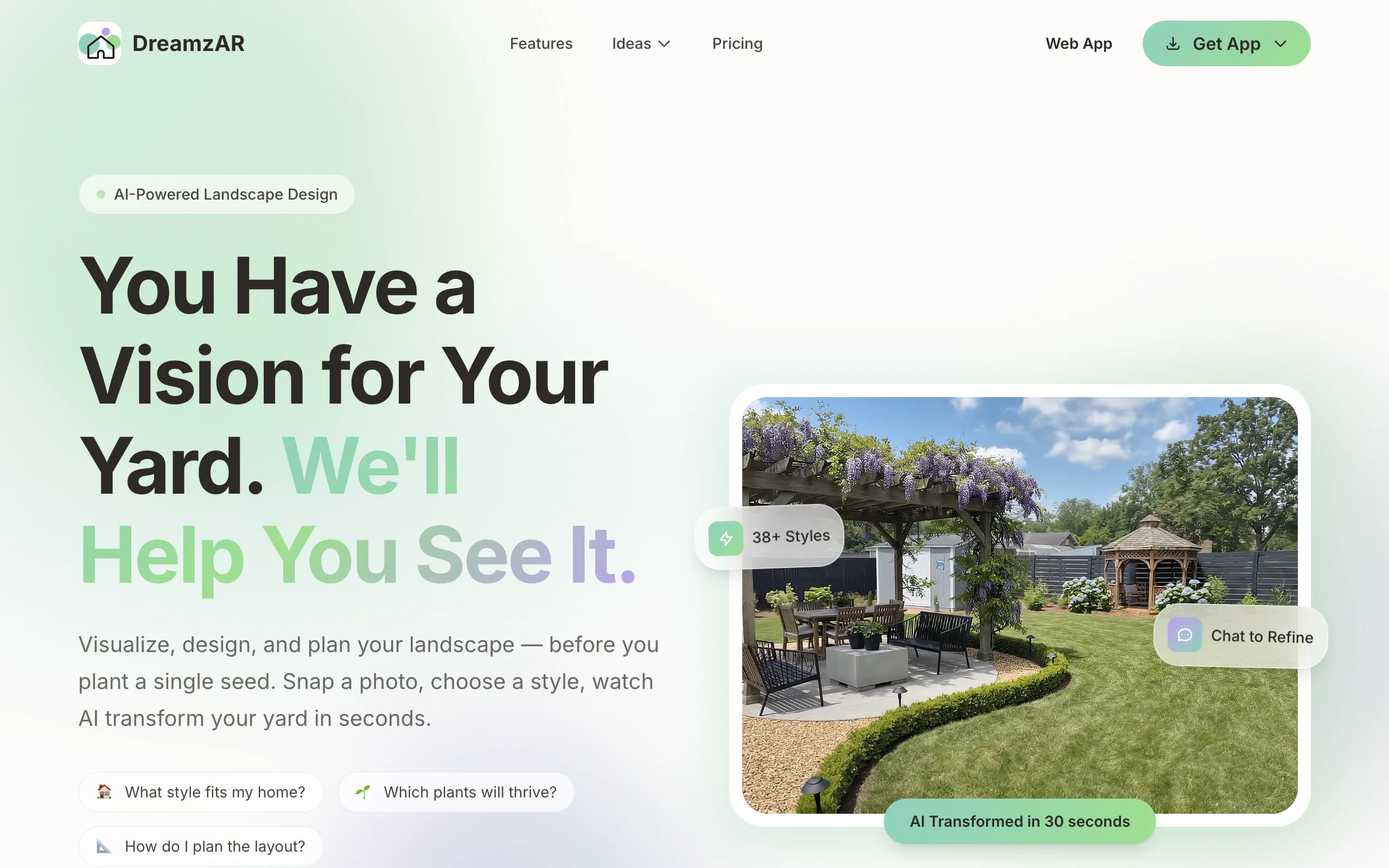
The AR mode is iOS-only, so Android users get the AI redesign and web access but not the full walk-through. One thing to read carefully: DreamzAR's marketing leans on "unlimited," but the plans are actually metered by credits, so check what each tier really includes before you sign up.
Key features
- AI photo redesign in about 30 to 90 seconds
- AR 3D walk-through of your design (iOS only)
- Self-serve, no waiting on a designer
Best for: homeowners who want to walk through a design in AR on their phone.
Pricing: From $19.99/month or $199/year; the app is free to download.
Pros
- Fast AI redesigns from a photo
- AR walk-through on iOS
- Free to download and look around first
Cons
- AR limited to iOS
- "Unlimited" marketing is actually metered by credits
- App-first, so less suited to a big-screen workflow
4. Yardzen, best for a full done-for-you plan
Yardzen is the opposite approach to Home Outside. Instead of designing it yourself, you hand the project to a real designer and get back a build-ready plan. You share photos and notes, a designer produces a CAD plan with plant and materials lists, and Yardzen can match you with contractors to build it. If you would rather not touch a layout tool at all, this is the hands-off route.
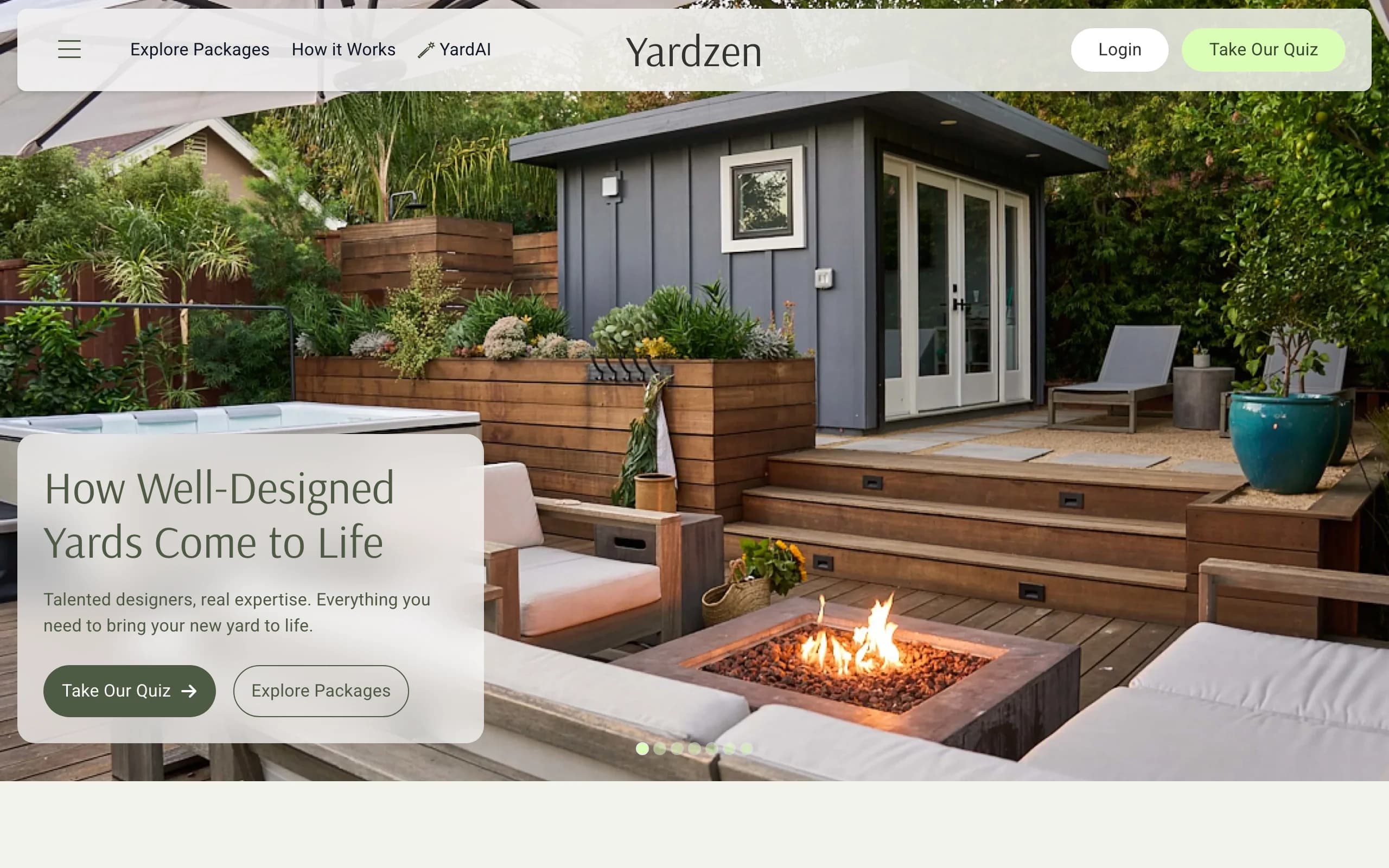
That depth costs more and takes longer. Packages start at $295 for a small space and run up to $3,495, with backyard plans from $995, and turnaround is usually 2 to 3 weeks. It is web-based. For a serious renovation where you want professional drawings and a path to construction, that price can be worth it. For early-stage style exploration, it is a heavy lift compared with self-serve tools.
Key features
- Real designer creates a build-ready CAD plan
- Plant and materials lists included
- Contractor matching to help you build
Best for: homeowners who want a professional, build-ready plan without doing the design themselves.
Pricing: From $295 per project up to $3,495, with roughly a 2 to 3 week turnaround.
Pros
- Human designer and professional drawings
- Plant and materials lists plus contractor matching
- Build-ready output
Cons
- Much pricier than self-serve apps
- Slower, with a 2 to 3 week wait
- Overkill for quick style exploration
5. iScape, best for on-site mobile sketching
iScape is a self-serve mobile app for designing your yard from your phone. It combines drag-and-drop placement, AR, and photo-based design, so you can stand in the space and sketch ideas where they will go. For walking the yard and trying things on the spot, that mobile-first flow is handy.
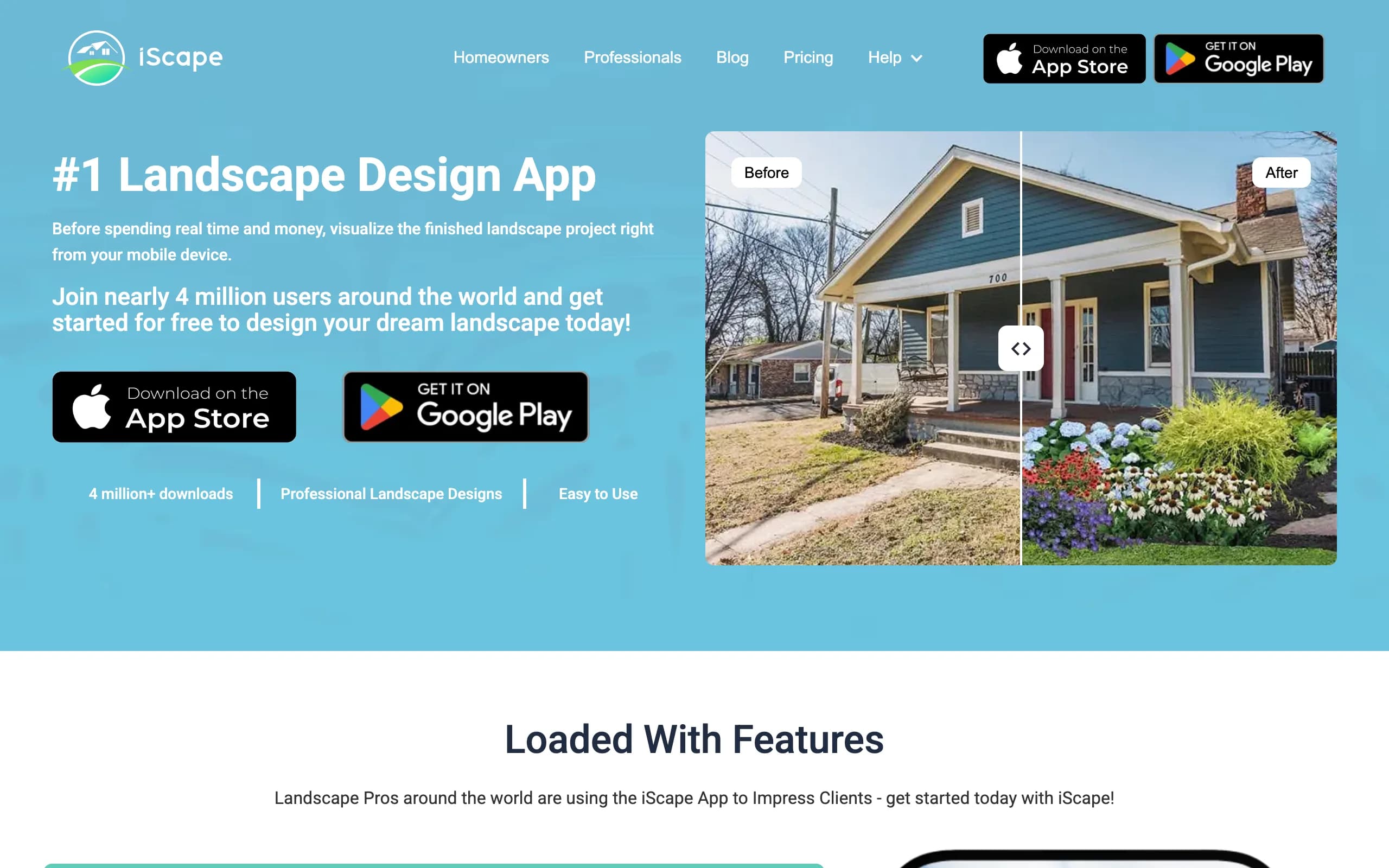
It has a free tier to get started, and the Pro plan runs $29.99 a month or $299.99 a year. The catch is platform: it is strongest on iOS with limited Android support, so the experience depends a lot on your device. Like Home Outside, this is hands-on design where you place elements yourself rather than generating a finished render from one photo.
Key features
- Drag-and-drop plus AR design on mobile
- Photo-based design in your real space
- Free tier to start
Best for: people who want to sketch design ideas on-site from their phone.
Pricing: Free tier available; Pro is $29.99/month or $299.99/year.
Pros
- Mobile-first, good for on-site work
- AR and photo-based design
- Free tier to try
Cons
- Strongest on iOS, limited Android
- Hands-on placement, not one-photo AI
- Library and polish vary by tier
How to choose the best Home Outside alternative
Do you want to design it yourself or have it done?
If you like arranging your own layout, Home Outside and iScape are built for that, and iScape adds AR and a free tier. If you would rather describe what you want and get a finished look back, OutdoorBrite generates concepts from one photo in under a minute. If you want a person to do the whole thing, Yardzen hands you a build-ready plan from a real designer.
What is your budget and timeline?
Cheapest entry goes to Home Outside's $3.99 Yard Planner and iScape's free tier. OutdoorBrite starts at $29 a month, paid only, and turns a photo into concepts in under a minute. DreamzAR runs $19.99 a month or $199 a year with a free trial. Yardzen is the splurge, from $295 for a small space up to $3,495 with a 2 to 3 week wait, which makes sense only when you need professional drawings.
What do you want to walk away with?
For a shoppable plant list with delivery and a planting plan, Home Outside 3D is the actionable pick, within its zone limits. For photorealistic concepts of your own yard you can compare and refine, OutdoorBrite is the fit. For a stamped, contractor-ready plan, Yardzen. For an AR walk-through you can move around in, DreamzAR. If you are early in a DIY project, our guide to diy landscaping design pairs well with any of these.
Which device are you on?
Home Outside and iScape are mobile-first, and iScape leans iOS. DreamzAR's AR walk-through is iOS-only. OutdoorBrite is web-based, so it runs in a browser on any device, which is the trade-off for not having a native app yet. If you are an Android user who wants AI redesigns, OutdoorBrite in the browser or DreamzAR's redesign mode are the safer bets.
FAQ
What is Home Outside?
Home Outside is a self-serve mobile design product from Home Outside, Inc., founded by landscape designer Julie Moir Messervy. Its Yard Planner app builds a 2D plan-view layout from 800-plus hand-drawn elements you drag into place, and a separate 3D app uses AR to place designer-curated plants and produce a planting plan, plant list, and direct ordering.
Is Home Outside free, and how much does it cost?
The Yard Planner is a one-time $3.99 on iOS. Home Outside 3D is free to start, with a paid subscription to unlock the full library and saving. That subscription price is not published, so check it in the app before committing. The 3D app and the Yard Planner's Android and desktop versions were flagged as temporarily unavailable during a rebuild when we looked; the iOS Yard Planner was still available.
What is the best alternative to Home Outside?
It depends on how you want to work. OutdoorBrite is the best overall if you want to turn one photo of your yard into realistic concepts in under a minute. DreamzAR is best for an AR walk-through, Yardzen for a full done-for-you plan, and iScape for on-site mobile sketching. You can design your yard with AI and compare styles before deciding.
Can OutdoorBrite redesign my yard from a photo?
Yes. You upload one photo of your backyard, garden, patio, or front yard, pick a style, and describe what you want, and OutdoorBrite returns realistic concepts in under a minute. You can compare several styles on the same photo and refine a favorite in the AI editor, with plant choices matched to your hardiness zone.
Is Home Outside or OutdoorBrite better for seeing my real yard?
OutdoorBrite shows your real yard as a photorealistic redesign because it works from your photo. Home Outside gives you a hand-drawn-style 2D plan you build by hand, or an AR placement in the 3D app. If you want to picture the finished look on your own space, OutdoorBrite is closer; if you want to arrange your own plan with curated plants, Home Outside fits.
Does Home Outside cover my hardiness zone?
Home Outside's plant library currently covers USDA zones 5 to 9 in the US and Canada. If you garden outside that range, the plant suggestions may not apply. OutdoorBrite matches plant choices to your climate and hardiness zone as part of the redesign, which helps with picking native plants that will actually survive.
Is Home Outside or OutdoorBrite better on Android?
Home Outside is built for iOS and Android, but the Android version of the Yard Planner was temporarily unavailable when we checked, so iOS is the safer bet today. OutdoorBrite is web-based and runs in any browser, including on Android, with no app to install. For Android users who want AI redesigns rather than manual layouts, OutdoorBrite in the browser is the simpler path.
Which is cheapest to start?
Home Outside's $3.99 Yard Planner and iScape's free tier are the lowest-cost ways in. OutdoorBrite starts at $29 a month with no free plan. The thing to weigh is what you get for the price: the cheap tools have you place every element yourself, while OutdoorBrite generates the finished look from one photo.