
Best HomeDesigns AI alternatives for yard design (2026)
HomeDesigns AI redesigns your whole house fast and has a real free tier, but it's a generalist that hands you a flat render with no climate plant list. Here are the best yard-focused alternatives for 2026, compared on price, platform, and what you actually get.
HomeDesigns AI does one thing well: it takes a single photo of a room or a yard and returns a photorealistic redesign in about thirty seconds, in your browser, with a real free tier to test it first. Its Landscaping AI tool, paint visualizer, and material swap give you a fast way to picture a different look without hiring anyone. For a lot of people that is enough to break the Pinterest stall.
The reason people search for HomeDesigns AI alternatives usually comes down to focus. HomeDesigns AI is a whole-home redesigner, interiors and exteriors both, so the outdoor flow is one feature among many rather than the main event. It hands you a flat concept image with no plant list tied to your climate, no 3D model, and no build steps. Renders can also drift from your real yard geometry, and the product is web only.
This guide compares the most realistic HomeDesigns AI alternatives, including OutdoorBrite (which we make), on what they actually produce, what they cost, and which device they run on. Each one is a tool you can act on, not just admire.
Best HomeDesigns AI alternatives: a quick overview
- OutdoorBrite: Best overall for yard-focused AI design. Compare several styles on your own photo in under a minute, with plants matched to your climate.
- HomeDesigns AI: Best for redesigning the whole house, inside and out, from one tool.
- DreamzAR: Best for an AR walk-through on your phone.
- Yardzen: Best when you want a human designer to deliver a build-ready plan.
- iScape: Best for sketching on-site by hand on mobile.
| Tool | Key strength | Pricing | Platforms |
|---|---|---|---|
| OutdoorBrite | Multiple styles on your yard photo in under a minute, climate-aware plants | From $29/mo (no free plan) | Web |
| HomeDesigns AI | Whole-home AI redesign, interiors and exteriors, with a free tier | From $27/mo (free tier available) | Web |
| DreamzAR | AI redesign plus AR 3D walk-through | From $19.99/mo (free app download) | iOS, Android, Web |
| Yardzen | Human designer, build-ready plan + contractor matching | From $295 per project | Web (free iOS app) |
| iScape | Manual drag-and-drop design with AR | Free tier; paid from $14.99/mo | iOS (limited Android) |
What is HomeDesigns AI?
HomeDesigns AI is a self-serve, web-based tool that redesigns interiors, exteriors, and outdoor spaces from one uploaded photo. You pick a style and an AI-intervention intensity, and it returns photorealistic renders in around thirty seconds. The outdoor side runs through a dedicated Landscaping AI tool, and exterior helpers add a paint visualizer, material swap for stone, brick, or wood, and zone-level edits to the roof, doors, and windows. There are 80 plus styles to try.
Pricing starts at $27 a month for the Individual plan with 100 designs, with a Pro plan at $29 a month and yearly billing that roughly halves the effective monthly rate. New users get free generations, a free account adds 3 credits, the free plan replenishes 3 credits every 24 hours, and paid plans include a 7-day free trial. The honest strength is the speed and the genuinely free entry. The honest limitation is focus: it is a generalist whole-home redesigner, not a landscape design specialist, so you get a flat image with no climate plant list, and the render can drift from your yard's real shape.
1. OutdoorBrite, best overall for yard-focused AI design
OutdoorBrite is an AI landscape design product built around turning one photo of your yard into realistic redesign concepts. You upload a photo of your backyard, garden, or front yard, pick a style like modern, cottage, or desert/xeriscape, and describe what you want. It returns realistic concepts in under a minute, so you can picture the finished yard before spending a dollar. Where HomeDesigns AI spreads its attention across the whole house, OutdoorBrite only does outdoor spaces, and that focus shows up in the result.
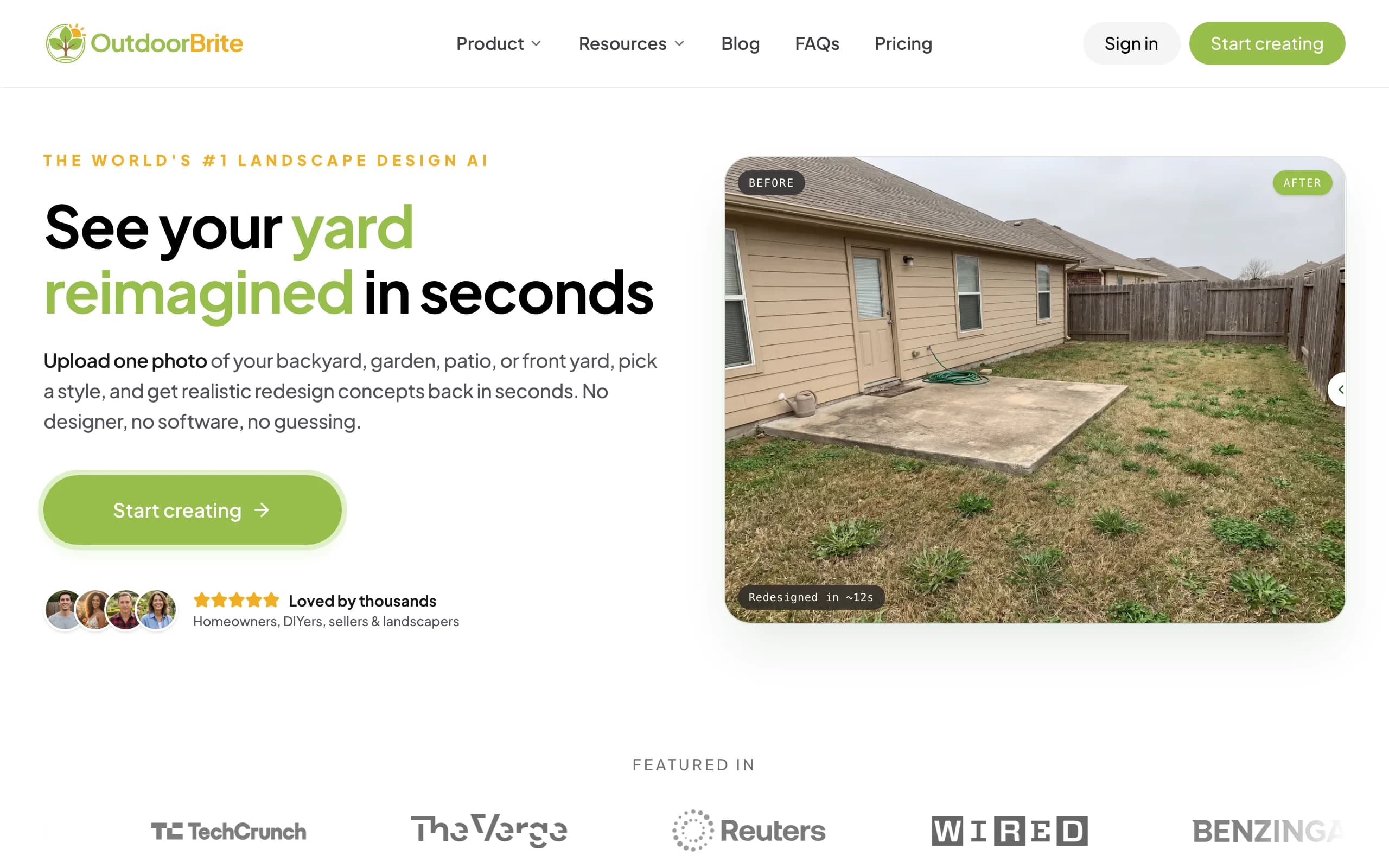
It lets you compare several concrete styles on your own space, then refine a favorite in the in-app AI editor, with plant choices matched to your climate and hardiness zone. That climate-aware plant direction is the piece HomeDesigns AI's flat render leaves out. Beyond gardens, it covers backyards, patios, decks, fences, pergolas, pools, and front yards, plus project calculators and a landscaping glossary, all in one place. If you want to turn a photo into a landscape design and walk away with something you can shop and build, this is the closer fit. The two honest cons: there is no free tier for casual browsing, and a render may need a second pass on tricky angles or lighting.
Key features
- Photo-to-design for backyards, gardens, patios, front yards, and more
- Compare multiple style presets on one photo
- In-app AI editor for refinements
- Plant choices matched to your climate and hardiness zone
- Project calculators and a landscaping glossary in the same product
Best for
- Homeowners focused on the yard, not the whole house
- People who want to compare styles, not just one render
- DIYers who want a plant direction to build from
Pricing
- Paid only, no free plan. From $29/month (Starter, 25 redesigns, HD), $49/month (Plus, 100 redesigns, 2K, most popular), $149/month (Pro, 200 redesigns, 4K)
- Annual billing saves about 20%. Metered by redesign credits, never called "unlimited"
Pros
- Outdoor focus, with climate-aware plant choices
- Compare several styles on one photo
- One product for yards, calculators, and glossary
Cons
- No free tier for casual browsing
- A tricky angle or lighting may need a second render
2. HomeDesigns AI, best for the whole house
HomeDesigns AI is the tool you're comparing against, and as a whole-home redesigner it earns its place. From one photo it can restyle an interior room or an exterior facade, and the outdoor Landscaping AI tool handles gardens, patios, and yards in the same account. The exterior controls are the standout: a paint visualizer, material swap for stone, brick, or wood, and zone-level edits to the roof, doors, and windows let you test a curb-appeal change before you commit. With 80 plus styles and roughly thirty-second renders, it moves fast.
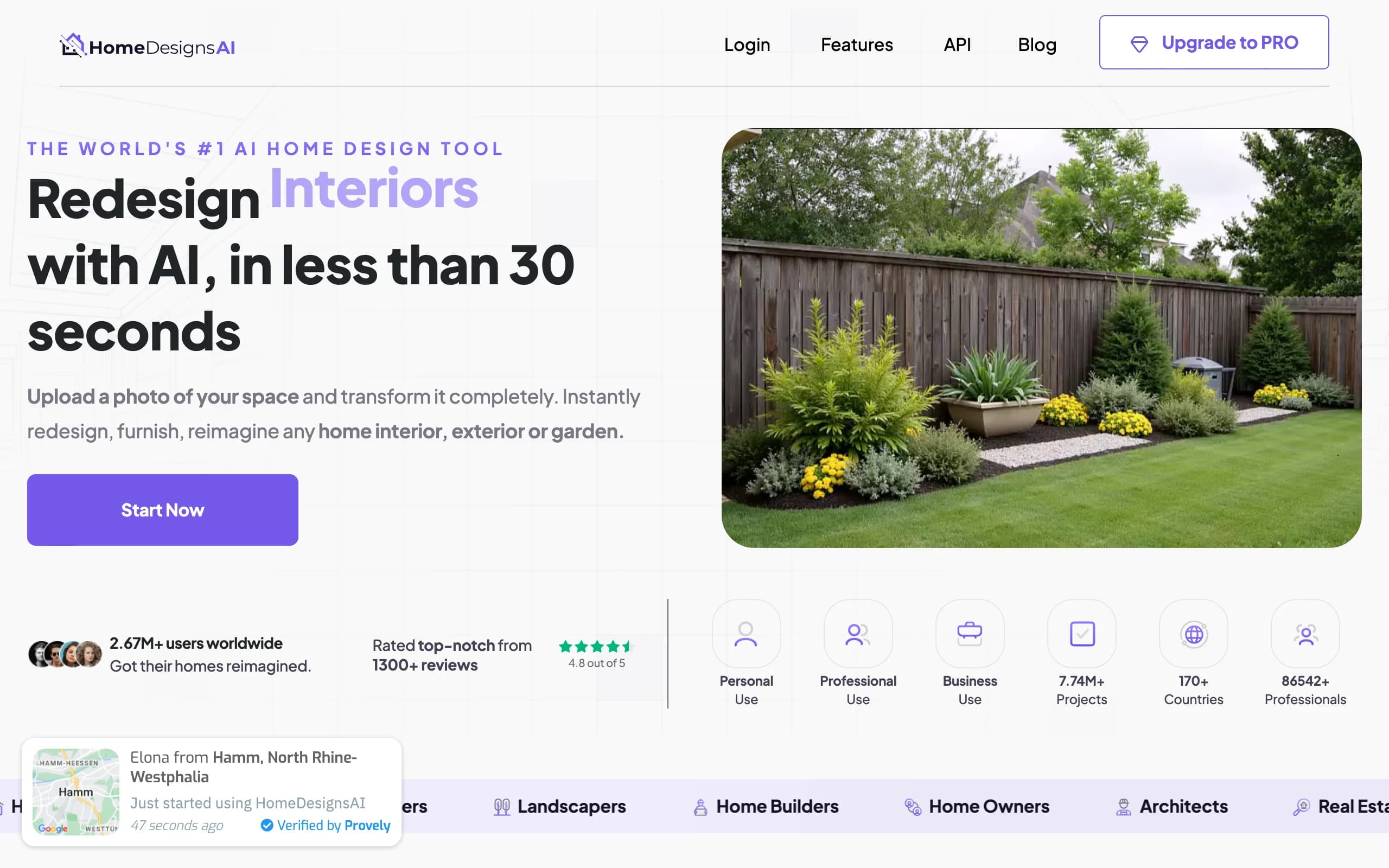
The reasons people shop around are the trade-offs of being a generalist. The yard flow is one tool inside a broad product rather than a landscape specialist, so you get a flat concept image with no plant list tied to your hardiness zone, no 3D model, and no build steps. Renders can drift from your real yard geometry, and it is web only with no mobile app. For a curb appeal refresh across the whole exterior, though, the breadth and the free tier are real advantages.
Key features
- AI redesign for interiors and exteriors from one photo
- Dedicated Landscaping AI tool for yards and gardens
- Paint visualizer and material swap (stone, brick, wood)
- Zone-level edits for roof, doors, and windows
- 80 plus styles, renders in about 30 seconds
Best for
- Homeowners redesigning inside and outside together
- Exterior and curb-appeal experiments before painting or re-siding
- Anyone who wants a free tier to test first
Pricing
- Free generations for new users; free account adds 3 credits; free plan replenishes 3 credits every 24 hours
- From $27/month (Individual, 100 designs); Pro $29/month, or about $11/month billed yearly (about $132/year); 7-day trial on paid plans
Pros
- Covers the whole home, not just the yard
- Strong exterior controls (paint, materials, zones)
- A genuinely usable free tier
Cons
- Generalist, not a landscape specialist
- Flat image only, no climate plant list or 3D model
- Web only, and renders can drift from real geometry
3. DreamzAR, best for an AR walk-through
DreamzAR pairs an AI photo redesign with an augmented-reality mode, so after you generate a concept you can stand inside a 3D version of your yard on your phone. Snap a photo, pick a style, get a result in 30 to 90 seconds, then step into it in AR. That AR walk-through is the thing HomeDesigns AI's flat renders can't do.
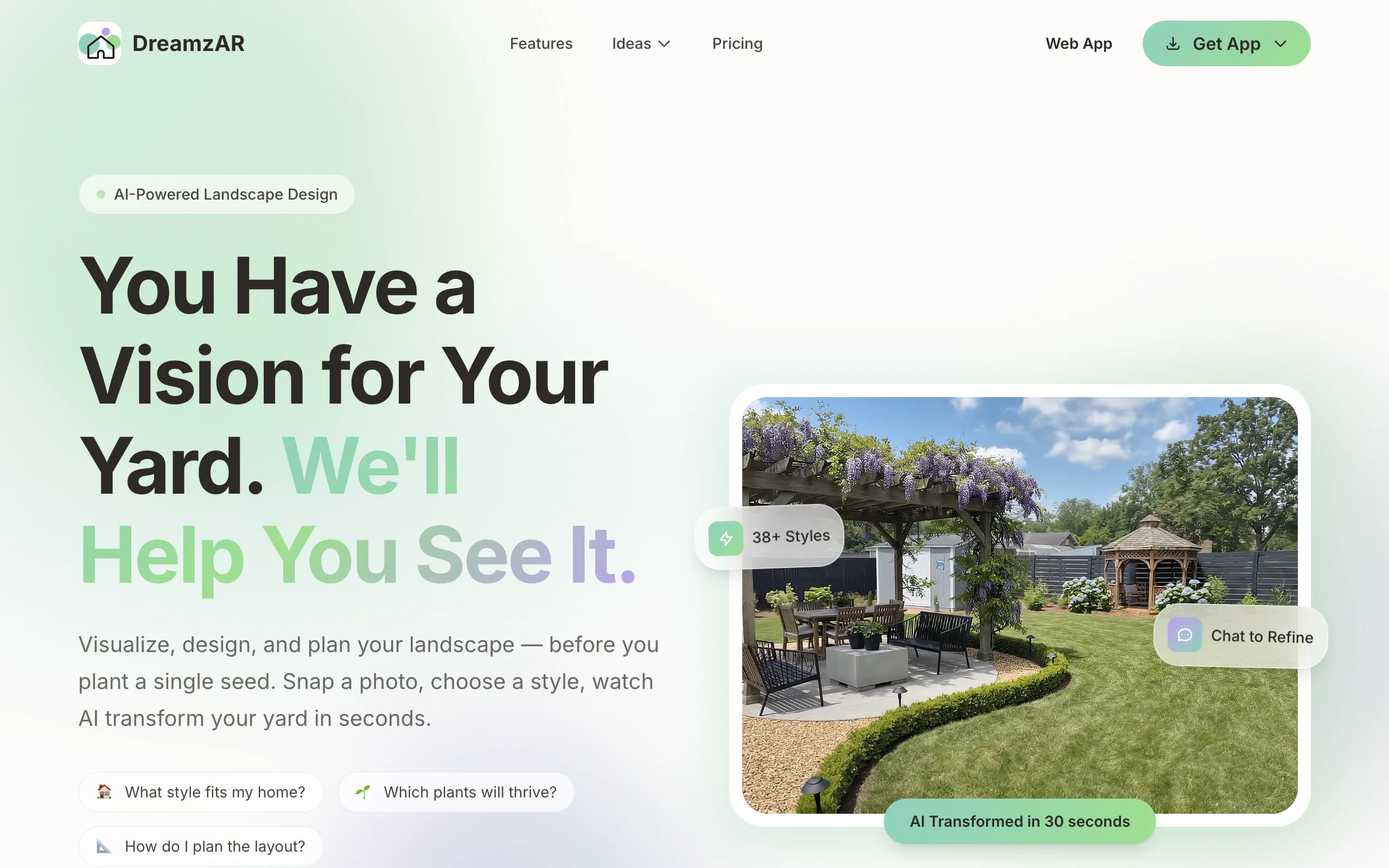
Two caveats are worth knowing. The 3D AR mode, the headline feature, is iOS-only, so Android and web users pay the same $19.99 a month for the smaller half of the product. And the marketing promises "unlimited AI designs" while DreamzAR's own FAQ describes metered monthly generations that reset each cycle. On an iPhone, with the limits in mind, it's a capable app, and the 2,000-plus plant library gives room to fine-tune.
Key features
- AI photo redesign with chat refinement
- AR 3D walk-through (iOS)
- 2D editor with 2,000-plus items
- High-resolution exports
Best for
- iPhone and iPad users who'll use AR
- DIYers who want auto-design plus manual tweaks
Pricing
- Free app download with limited free use
- $19.99/month or $199/year
Pros
- AI redesign plus a real AR mode
- Large plant and object library
Cons
- Best feature (3D AR) is iOS-only
- "Unlimited" is actually metered
4. Yardzen, best for a human designer
If the DIY tools aren't giving you the confidence to build, Yardzen takes the design off your plate entirely. A real landscape designer produces the plan, and you get build-ready CAD files, 3D renders, plant and materials lists, and contractor matching. No render to second-guess, just a finished plan from a professional you can hand to a crew.
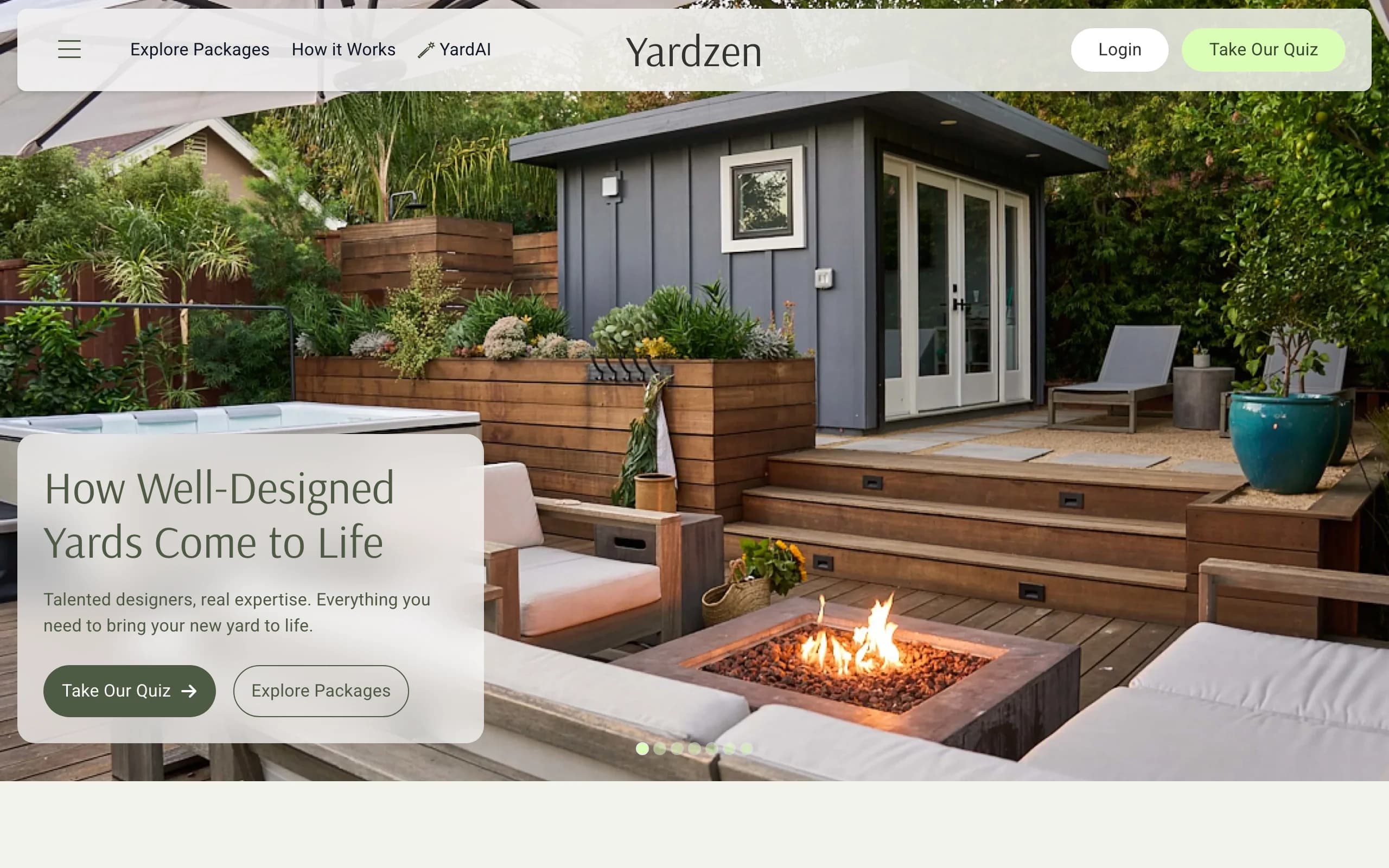
It's the priciest and slowest option here, from $295 to $3,495 and two to three weeks, because humans do the work. That's the opposite end of the scale from HomeDesigns AI's thirty-second free renders. For a serious renovation where you want expert judgment and something installable, the fee buys real certainty. For early exploration it's overkill.
Key features
- Custom plan from a real designer
- 2D CAD plans, 3D renders, plant/materials lists
- Contractor matching
Best for
- Homeowners who want it fully done for them
- Larger projects that justify the fee
Pricing
- From $295 to $3,495 per project
- No free design tier
Pros
- Build-ready plan, no DIY guesswork
- Contractor handoff included
Cons
- Expensive and slow versus apps
- Overkill for a quick exploration
5. iScape, best for sketching on-site by hand
iScape is a mobile-first design app where you place plants, hardscape, and furniture onto a photo of your yard by hand. On an iPhone you can position 3D objects in augmented reality on the real space, which makes it handy for sketching ideas while standing in the yard. Where HomeDesigns AI generates a render for you, iScape hands you the controls.
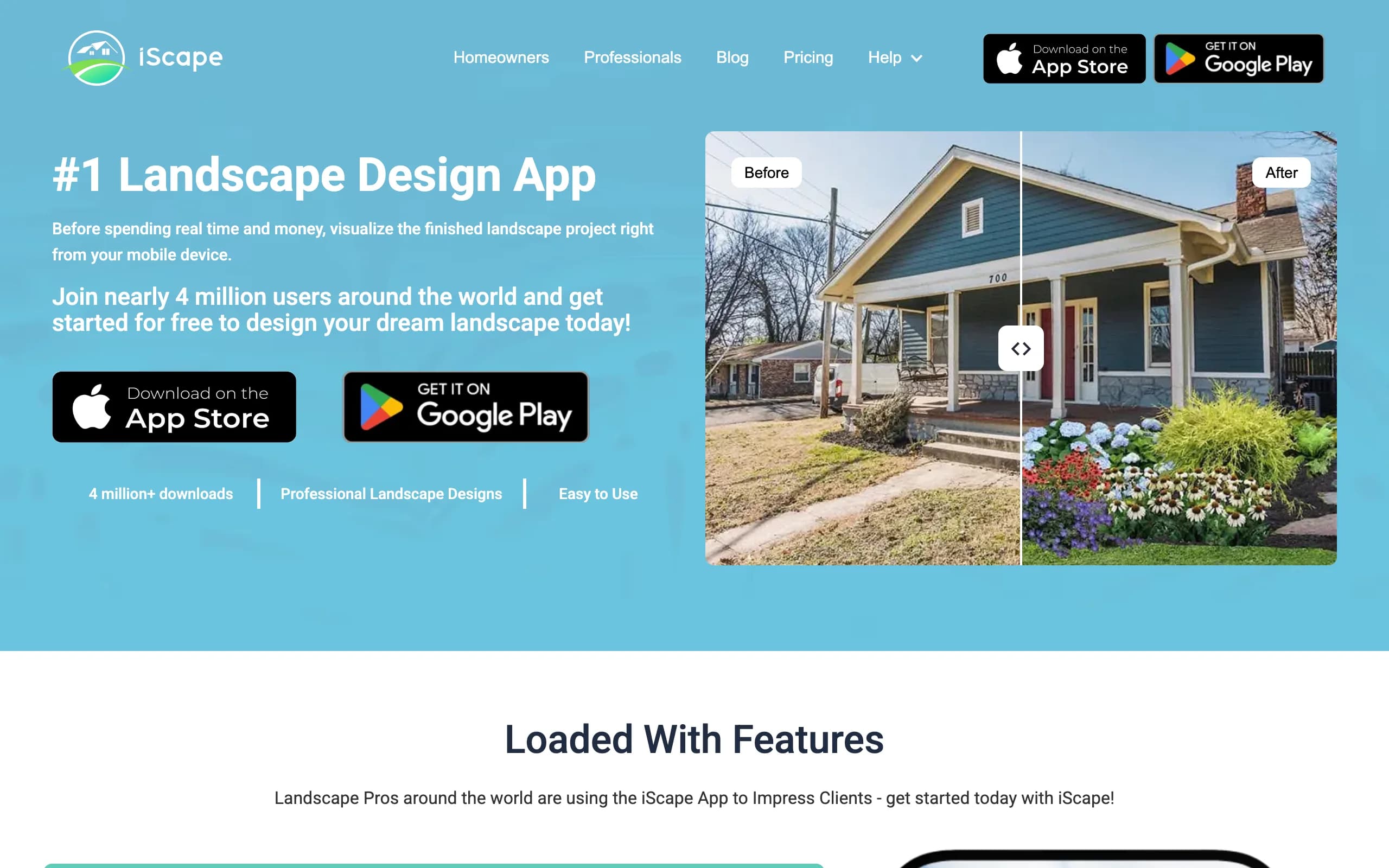
The trade-offs are platform and effort. iScape is strongest on iOS with limited Android support, and it's manual rather than instant AI generation, so a design takes patience to build piece by piece. Its product catalog ties placements to buyable items, which helps when you're shopping or putting a proposal together. For hands-on, on-site work on a phone, it fits a niche the browser tools don't.
Key features
- Drag-and-drop design over your photo
- 3D AR placement on iOS
- Product catalog with buyable inventory
- Photo-based and AR design modes
Best for
- People who want manual control on a phone
- On-site sketching while standing in the yard
Pricing
- Free tier (limited)
- Paid from $14.99/month (Pro is $29.99/month)
Pros
- Real AR with fine manual control
- Catalog maps to real products
Cons
- Manual, not instant AI generation
- iOS-first, limited Android
How to choose the best HomeDesigns AI alternative
1) Whole house or just the yard?
This is the first fork. If you want to restyle interiors and exteriors from one place, HomeDesigns AI is built for that breadth and the exterior controls are genuinely useful. If the project is the yard, an outdoor-focused tool like OutdoorBrite gives you style comparison and a climate-aware plant direction that a generalist render skips.
2) Do you want to drive it, or hand it off?
If you want to do the work yourself, OutdoorBrite, HomeDesigns AI, DreamzAR, and iScape all keep you in control, fast and inexpensive. If you'd rather a professional deliver a build-ready plan and match you with a contractor, Yardzen is the hand-off option, with a price and timeline to match.
3) What do you want to walk away with?
A flat render looks nice, but ask what comes next. OutdoorBrite gives a plant direction matched to your hardiness zone so you can shop and build. HomeDesigns AI gives a polished concept image. DreamzAR adds an AR view. Yardzen gives a full plan and contractor matching. Pick for the deliverable, not just the picture. Our guide to the best free landscape design software helps if budget is the deciding factor.
4) Which device are you on?
HomeDesigns AI and OutdoorBrite both run in any browser, so they work on Android, iPhone, and desktop alike. DreamzAR's and iScape's best features lean iOS. If you're sketching outside on a phone, iScape fits; if you want full features on any device, the web tools win.
FAQ
What is HomeDesigns AI? HomeDesigns AI is a self-serve, web-based tool that redesigns interiors, exteriors, and outdoor spaces from one uploaded photo. You pick a style and an AI-intervention intensity and get photorealistic renders in about thirty seconds, with extras like a paint visualizer, material swap, and zone-level edits to the roof, doors, and windows.
Is HomeDesigns AI free, and how much does it cost? There is a real free tier: new users get free generations, a free account adds 3 credits, and the free plan replenishes 3 credits every 24 hours. Paid plans start at $27 a month for the Individual plan (100 designs), with Pro at $29 a month, or about $11 a month billed yearly. Paid plans include a 7-day free trial.
What is the best alternative to HomeDesigns AI? For a yard-focused redesign where you compare styles on your own photo and walk away with plants matched to your climate, OutdoorBrite is the strongest pick. If you want to keep the whole-house breadth but add an AR walk-through, DreamzAR is worth a look on iOS.
Can OutdoorBrite redesign my yard from a photo? Yes. You upload a photo of your backyard, garden, or front yard, pick a style, and get realistic concepts in under a minute, in any browser. It covers backyards, gardens, patios, decks, pergolas, pools, and front yards, with plant choices matched to your hardiness zone. You can explore front yard design AI the same way.
Is HomeDesigns AI or OutdoorBrite better for landscaping specifically? HomeDesigns AI is a strong generalist, so its yard tool is one feature in a whole-home product and the output is a flat image. OutdoorBrite only does outdoor spaces, so you get style comparison, a climate plant direction, and project calculators built for yards. For landscaping, the focused tool tends to lead somewhere more actionable.
Does HomeDesigns AI work on a phone? It runs in the browser, so you can use it on a phone's web browser, but there is no native mobile app. If you want a dedicated mobile experience with on-site AR, iScape or DreamzAR (on iOS) are closer fits.
Which HomeDesigns AI alternative is cheapest to start with? HomeDesigns AI itself has the most generous free entry, with 3 credits replenished every 24 hours. Among the paid yard tools, iScape starts around $14.99 a month and DreamzAR at $19.99 a month. OutdoorBrite is paid only from $29 a month, so it's the pick when you want a climate-aware, buildable result rather than free browsing. A Mediterranean garden or any specific style is easy to test once you've picked a tool.