Best PRO Landscape Home alternatives (2026)
PRO Landscape Home lets you hand-place real plant photos onto a picture of your yard for free. But it's manual collage, not AI. Here are five alternatives that redesign your yard faster, from one-tap AI concepts to full done-for-you plans.
PRO Landscape Home does one thing well: it lets you stand in front of a photo of your own house and drag in real photographic plants, shrubs, trees, rocks, and water features to mock up a new yard. It's free to download, the object library is organized by climate zone, and Drafix Software (the team behind the professional PRO Landscape software) has spent years building a credible plant catalog. For under fifteen dollars you can unlock the whole library and lose the ads. So why look for PRO Landscape Home alternatives at all?
The honest answer is that it's manual collage, not AI. You place, resize, and rotate every single object by hand. There are no style presets, no one-tap variations, and the pasted-in cut-outs can read more like a scrapbook than a cohesive photorealistic render. If you want to picture a finished yard fast, or compare several styles on your own photo without building each one piece by piece, a different tool fits better.
This guide compares the realistic PRO Landscape Home alternatives, including OutdoorBrite (which we make), on how much hand-work they need, what they cost, and what you actually walk away with.
Best PRO Landscape Home alternatives: a quick overview
- OutdoorBrite: Best overall for instant AI redesigns. Upload a photo, pick a style, and get full concepts in under a minute instead of placing objects yourself.
- PRO Landscape Home: Best for cheap manual photo collage. Drag real plant photos onto your house picture for free, with a $14.99 unlock.
- iScape: Best for mobile on-site sketching. Drag-and-drop plus AR, designed for use in the yard on your phone.
- Yardzen: Best for a full done-for-you plan. A real designer delivers a build-ready package and connects you to contractors.
- ShrubHub: Best for a cheaper human-designed plan. A 3D design team and shopping list at a lower price than a traditional firm.
| Tool | Key strength | Pricing | Platforms |
|---|---|---|---|
| OutdoorBrite | Multiple AI styles on your photo in under a minute, climate-aware plants | From $29/mo (no free plan) | Web |
| PRO Landscape Home | Manual collage with real photographic plant objects | Free to download; $14.99 one-time unlock | iOS, Mac, Vision, Android |
| iScape | Manual drag-and-drop design with AR | Free tier; paid from $14.99/mo | iOS (limited Android) |
| Yardzen | Human designer, build-ready plan + contractor matching | From $295 per project | Web |
| ShrubHub | Human 3D design + shopping list + contractor connection | About $197 to $997 at sale price | Web |
What is PRO Landscape Home?
PRO Landscape Home is a consumer app from Drafix Software, the maker of the professional PRO Landscape and PRO Landscape+ tools that contractors and designers use. The Home app is the homeowner version. You import a photo of your house or yard, then drag in real photographic images of plants, shrubs, flowers, trees, water features, statuary, outdoor kitchens, rocks, and hardscape to compose a new look. You resize and rotate each object, paint custom grass, mulch, or paver areas, and end up with a before-and-after image you can save, edit, print, email, or share. It also points you toward a local landscaper or garden center to build it.
The pricing is friendly. The app is free to download, ad-supported, with a limited image library, and a one-time $14.99 in-app purchase unlocks the full library and removes the ads. No subscription. The real strength is the object catalog: organized by climate zone, searchable by botanical or common name, and backed by Drafix's deep library, with a clear path to hire a pro. The limitation is that this is manual photo-collage compositing, not AI. You hand-place and size every object, there are no style presets or instant variations, and a worth flagging detail is that the consumer Home app is not the AI tool. The separate professional PRO Landscape+ software is the one that advertises AI features, so don't expect the Home app to redesign a yard for you in one tap.
1. OutdoorBrite, best overall for instant AI redesigns
OutdoorBrite is an AI landscape design product built around turning one photo of your yard into realistic redesign concepts. You upload a photo of your backyard, garden, patio, or front yard, pick a style like modern, cottage, or desert/xeriscape, and describe what you want. It returns realistic concepts in under a minute, so you can picture the finished space before spending a dollar. Where PRO Landscape Home asks you to build the scene object by object, OutdoorBrite generates the whole redesigned yard for you.
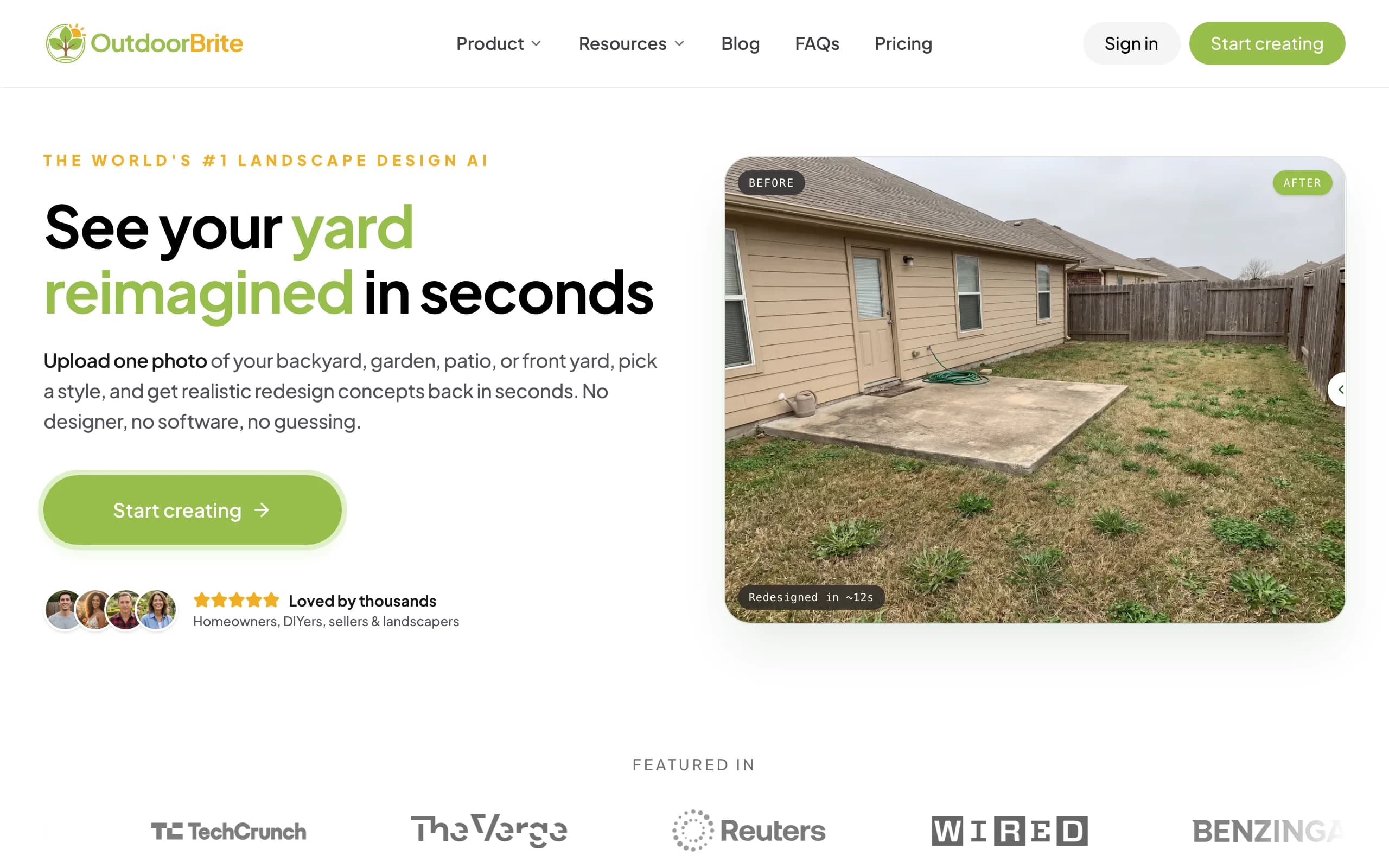
It lets you compare several concrete styles on your own space, then refine a favorite in the in-app AI editor, with plant choices matched to your climate and hardiness zone. Beyond redesign your backyard with AI, it covers gardens, patios, decks, fences, pergolas, pools, and front yards, plus project calculators and a landscape-design glossary, all in one place. That breadth is the difference from a collage app: instead of dragging cut-outs onto a picture, you get a cohesive render you can iterate on.
Key features
- Photo-to-design for backyards, gardens, patios, decks, and more
- Compare multiple style presets on one photo
- In-app AI editor for refinements
- Plant choices matched to your climate and hardiness zone
- Runs in any browser, no app to install
Best for
- Homeowners who want a finished concept fast, not a manual build
- People comparing several styles on their own photo
- DIYers who want a plant direction grounded in their zone
Pricing
- Paid only, no free plan. From $29/month (Starter, 25 redesigns, HD), $49/month (Plus, 100 redesigns, 2K, most popular), $149/month (Pro, 200 redesigns, 4K)
- Annual billing saves about 20%
- Metered by redesign credits, stated plainly, never called "unlimited"
Pros
- Full redesign in under a minute, no object-by-object work
- Compare styles side by side on your own yard
- Plants respect your climate zone
Cons
- No free tier for casual browsing
- Web-based, with no native mobile app yet
2. PRO Landscape Home, best for cheap manual photo collage
PRO Landscape Home is the tool you're comparing against, and for the money it does a real job. Starting from a photo of your own house and dragging in real photographic plant and material objects gives you a literal before-and-after you can hand to a contractor. The catalog is the standout: organized by climate zone, searchable by botanical or common name, and backed by Drafix's years of building landscape software.
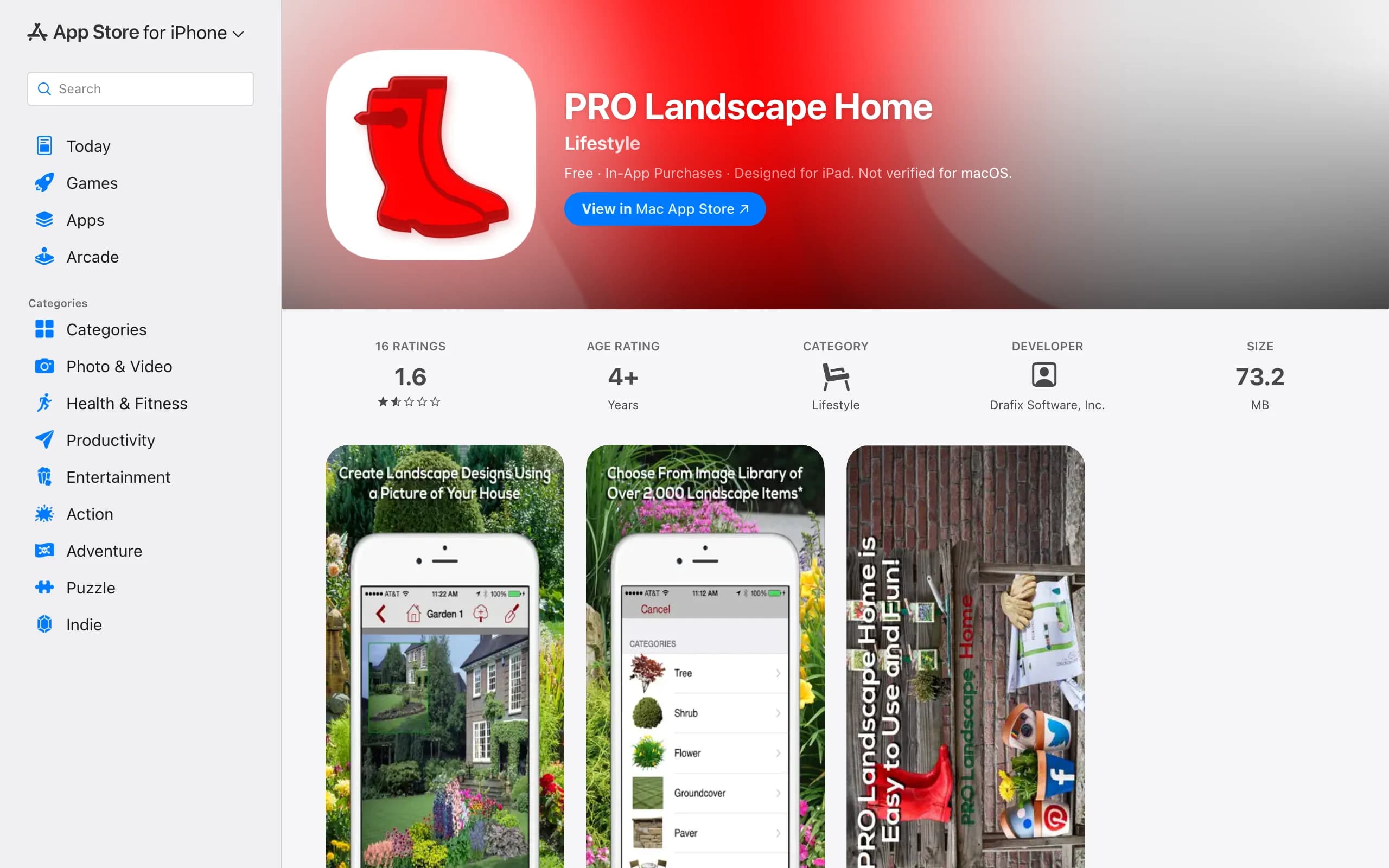
The reasons people shop around come down to effort and realism. Every plant, rock, and paver-patio area is placed, sized, and rotated by hand, so a single design can take a while, and there are no style presets or instant variations to compare. Composited cut-outs can also look pasted on rather than a single photorealistic scene. And the free version is ad-supported with a limited library until you pay the $14.99 unlock. Worth repeating: the consumer Home app is manual collage, not AI. The AI tooling lives in the separate professional PRO Landscape+ software for contractors, not in the homeowner app.
Key features
- Import a photo of your house or yard
- Drag in real photographic plants, trees, water features, and hardscape
- Resize and rotate each object, paint grass, mulch, or paver areas
- Climate-zone library with botanical and common-name search
- Save, edit, print, email, or share a before-and-after image
- Links to a local pro or garden center
Best for
- Budget-minded homeowners who want a cheap one-time tool
- People who enjoy hand-placing every element
- Anyone who wants a tangible mockup to show a contractor
Pricing
- Free to download, ad-supported, with a limited image library
- One-time $14.99 in-app purchase unlocks the full library and removes ads
- No subscription
Pros
- Very cheap, no recurring cost
- Real photographic plant and material objects from a deep catalog
- Works from a photo of your own house, with a path to hire local
Cons
- Manual collage, not AI, so you build every design by hand
- No style presets or one-tap variations
- Cut-outs can look pasted on rather than a cohesive render
- Ad-supported with a limited library until you pay
3. iScape, best for mobile on-site sketching
iScape is a mobile-first landscape design app that you use standing in the yard. It pairs drag-and-drop placement with AR and photo-based design, so you can sketch ideas on your phone where the project actually is. If your habit is to walk the space and try things on the spot, iScape fits that better than a desktop collage tool.
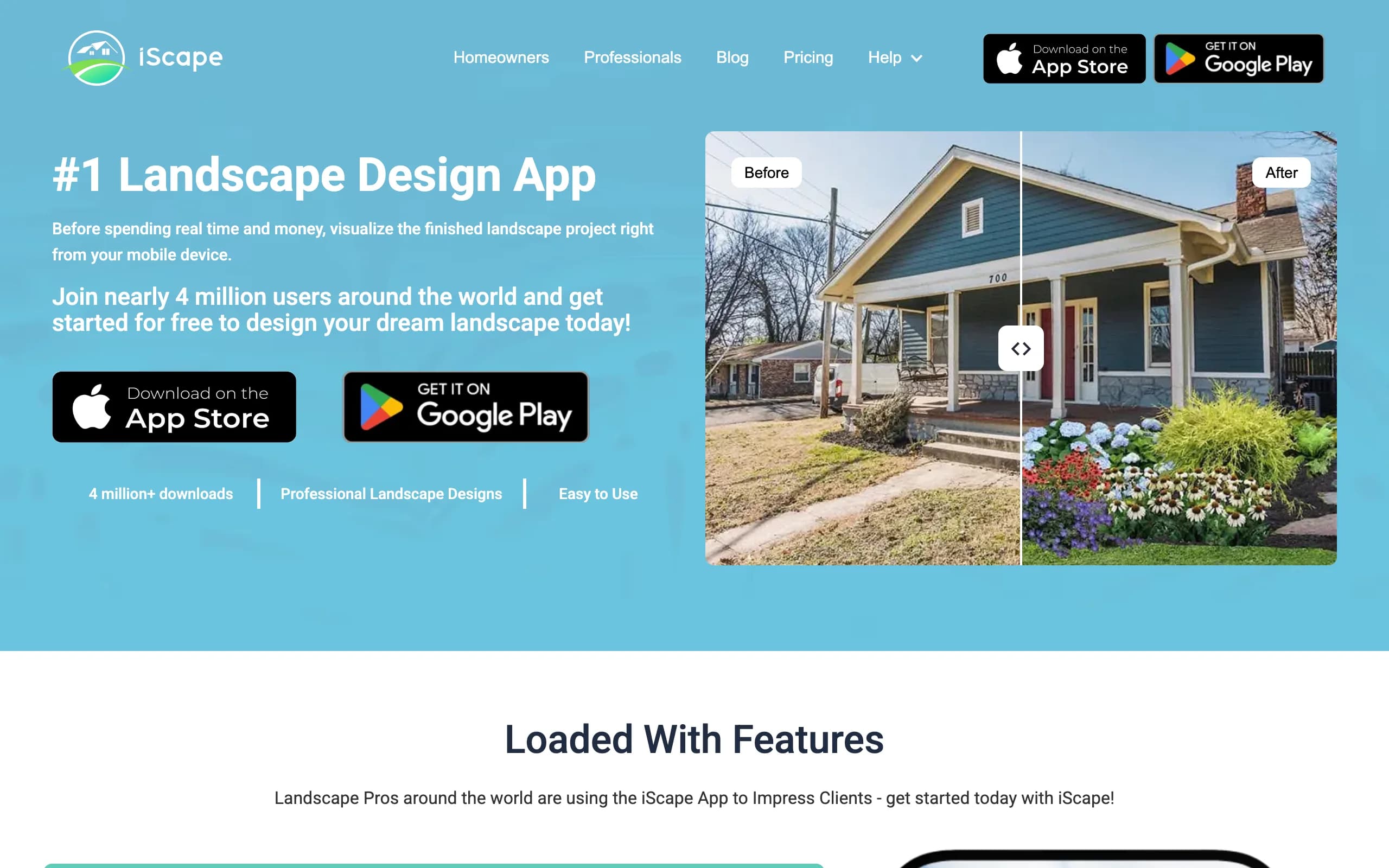
It shares the same core trade-off as PRO Landscape Home: you still place and size elements yourself, so it's manual design rather than an instant AI redesign. The AR mode is the draw, and it leans heavily on iOS, with more limited Android support. For homeowners who want to experiment in the yard and don't mind doing the layout by hand, it's a capable phone-first option.
Key features
- Drag-and-drop placement on a photo of your space
- AR mode to preview elements in the yard
- Plant and material library
- Built for phone use on site
Best for
- Homeowners who design in the yard, not at a desk
- iOS users who want AR previews
- People who prefer manual control over auto-generation
Pricing
- Free tier available
- Paid plans from $14.99/month, with Pro at $29.99/month or $299.99/year
Pros
- Real AR preview on your phone
- Hands-on, on-site design flow
- Free tier to try it
Cons
- Still manual placement, not AI redesign
- AR is iOS-leaning, with limited Android support
4. Yardzen, best for a full done-for-you plan
Yardzen is the opposite end of the spectrum from a DIY app. Instead of designing it yourself, you submit photos and a questionnaire, and a real designer produces a plan for you. The package is build-ready: a CAD-style design, plant and materials lists, and matching to vetted local contractors who can quote and build it.
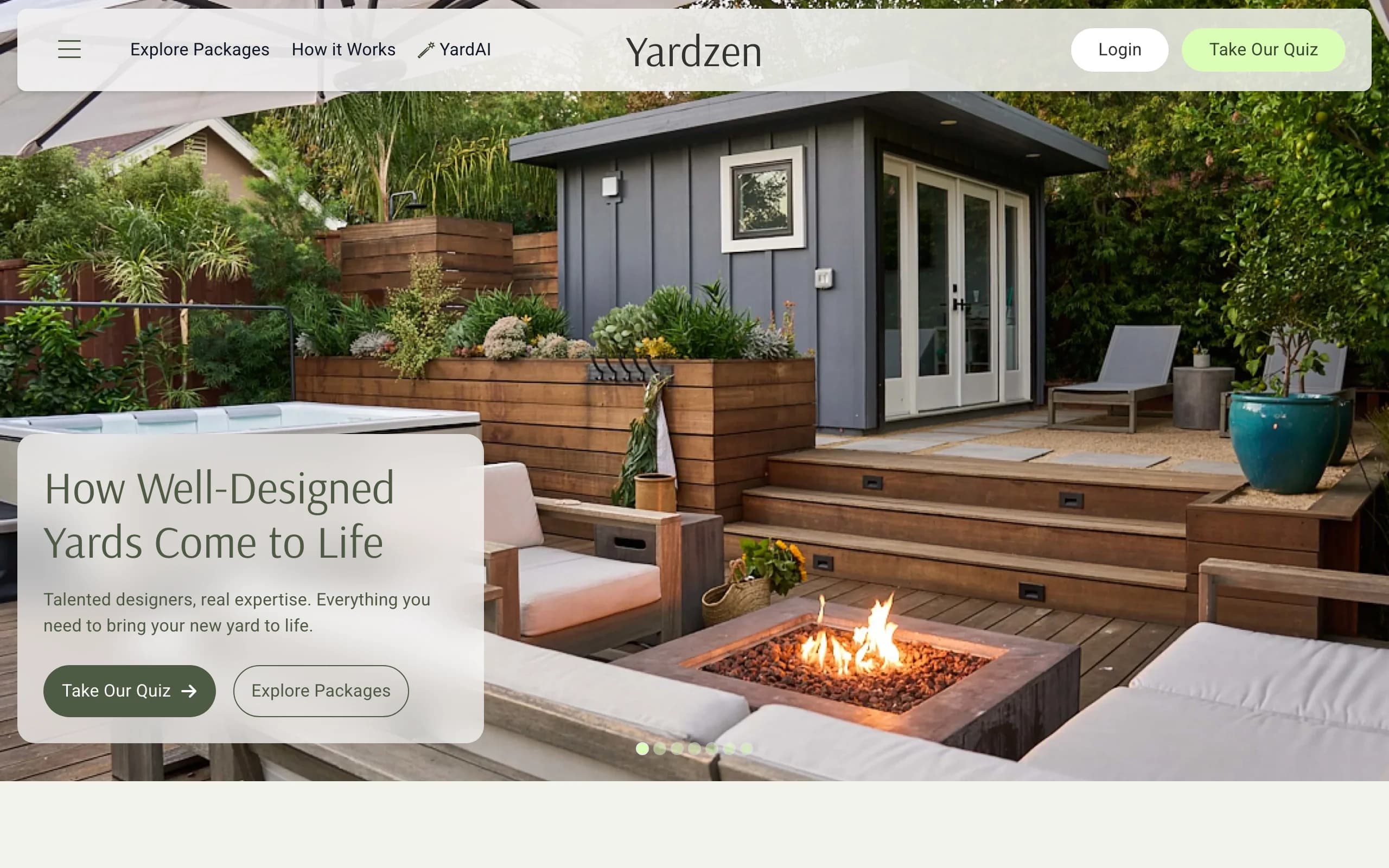
The trade-offs are cost and time. Projects start at $295 for a small space (backyard plans from $995) and run up to $3,495 depending on scope, and turnaround is about two to three weeks since a human is doing the work. If you've already decided to invest in curb-appeal and want a professional to handle the whole thing, Yardzen earns its price. If you're still in the early "what could this look like" phase, paying hundreds and waiting weeks is a lot before you've even settled on a direction.
Key features
- Real designer creates a custom plan
- Build-ready CAD design with plant and materials lists
- Contractor matching to execute the build
Best for
- Homeowners who want to hand off the whole project
- People ready to build and want a professional plan
- Anyone who values a stamped, executable deliverable
Pricing
- From $295 per project, up to $3,495
- Turnaround about two to three weeks
Pros
- A real designer does the work
- Build-ready output plus contractor matching
- Strong for the do-it-for-me path
Cons
- Far pricier than any DIY app
- Multi-week wait before you see a plan
5. ShrubHub, best for a cheaper human-designed plan
ShrubHub is a done-for-you 3D design service positioned as a more affordable take on the human-designer route. A design team turns your photos and goals into a 3D rendering, hands you a shopping list of the plants and materials, and connects you to contractors to build it. It's the middle ground between a fifteen-dollar app and a several-thousand-dollar firm.
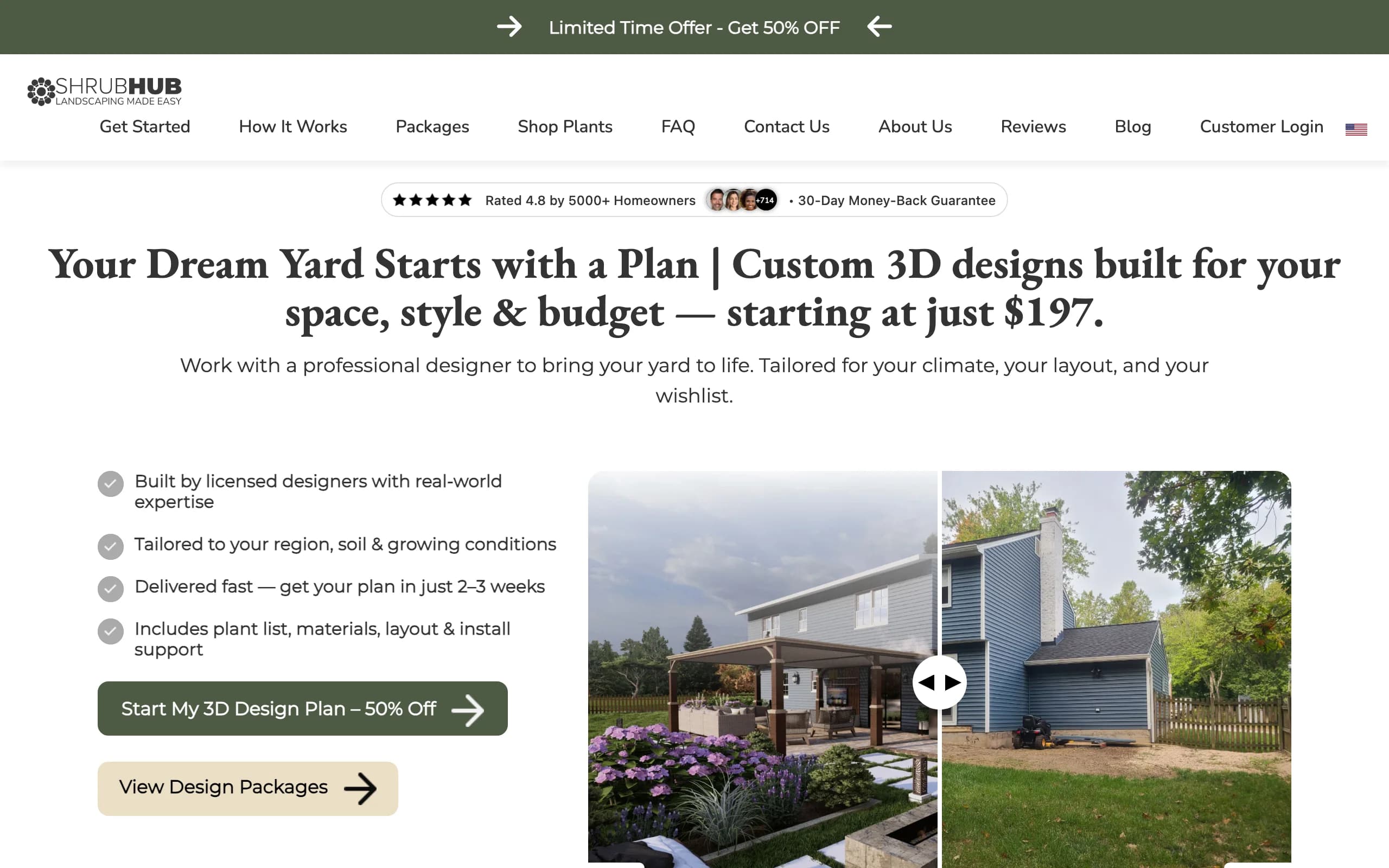
Pricing sits around $197 to $997 at the standing sale price the site usually shows, with turnaround in the two to three week range. That's cheaper than a full-service firm while still putting a human designer on your yard. The same caveat as Yardzen applies: it's a paid, multi-day process, so it suits people ready to commit to a real plan more than someone who just wants to try a few styles on a photo this afternoon.
Key features
- Human 3D design from your photos and goals
- Shopping list of plants and materials
- Contractor connection to build it
Best for
- Homeowners who want a human plan without firm-level prices
- People who like a shopping list to execute from
- Budget-conscious do-it-for-me projects
Pricing
- About $197 to $997 at the standing sale price
- Turnaround roughly 14 to 21 days
Pros
- Cheaper than a traditional design firm
- Real designer plus a build shopping list
- Contractor connection included
Cons
- Costs more than a DIY app and takes days, not minutes
- Less hands-on control than designing it yourself
How to choose the best PRO Landscape Home alternative
Drive it yourself or hand it off
If you like building the design yourself, PRO Landscape Home and iScape keep you in control of every object, and OutdoorBrite gives you the fast version where the AI does the heavy lifting and you refine the result. If you'd rather hand the whole thing to a professional, Yardzen and ShrubHub deliver a human-made plan and connect you to people who can build it.
Budget and timeline
For the lowest cost and instant results, PRO Landscape Home (free plus a $14.99 unlock) and iScape (free tier) are the cheapest, and OutdoorBrite starts at $29 a month for AI concepts in under a minute. If you have a real budget and a few weeks, ShrubHub (about $197 to $997) and Yardzen (from $295) buy you a designed, build-ready plan.
What you walk away with
A composited before-and-after image is the PRO Landscape Home deliverable. iScape gives you a manual layout plus AR. OutdoorBrite gives you several realistic AI concepts you can compare and refine, with climate-aware plants. Yardzen and ShrubHub give you a professional plan, materials lists, and a contractor path. Match the output to whether you're exploring ideas or ready to build.
Device and platform
PRO Landscape Home is broad, with iOS, Mac, Apple Vision, and Android versions. iScape leans iOS for AR. OutdoorBrite runs in any browser, so it works the same on a phone or a laptop with nothing to install. Yardzen and ShrubHub are web services with intake online.
FAQ
What is PRO Landscape Home?
PRO Landscape Home is a consumer app from Drafix Software that lets you import a photo of your house or yard and drag in real photographic plants, shrubs, trees, water features, and hardscape to mock up a new landscape. You resize and position each object by hand to build a before-and-after image. It's manual photo collage, not AI.
Is PRO Landscape Home free, or how much does it cost?
The app is free to download and ad-supported, with a limited image library. A one-time in-app purchase of $14.99 unlocks the full library and removes the ads. There's no subscription, which is part of why it appeals to budget-minded homeowners.
Is PRO Landscape Home an AI tool?
The consumer Home app is not AI. It's manual compositing where you place and size every object yourself. The separate professional PRO Landscape+ software, aimed at contractors and designers, is the product that advertises AI features. So don't expect the homeowner app to redesign a yard in one tap.
What is the best alternative to PRO Landscape Home?
It depends on the job. For instant AI redesigns where the tool generates the whole yard, OutdoorBrite is the strongest pick. For mobile on-site sketching, iScape fits. For a full professional plan, Yardzen and ShrubHub put a human designer on it.
Can OutdoorBrite redesign my yard from a photo?
Yes. You upload a photo of your backyard, garden, patio, or front yard, pick a style, and get realistic concepts in under a minute. You can compare styles, refine a favorite in the in-app editor, and the plant choices are matched to your climate and hardiness zone. It also covers AI front yard design and more.
Is PRO Landscape Home or OutdoorBrite better for trying lots of styles fast?
OutdoorBrite is built for that. You pick a style preset and get a full concept in under a minute, then swap styles to compare on the same photo. PRO Landscape Home has no style presets, so you'd rebuild each look by dragging objects in by hand, which takes much longer.
Is PRO Landscape Home or iScape better for Android?
PRO Landscape Home has a fuller cross-platform footprint, with iOS, Mac, Vision, and Android versions. iScape leans iOS, and its AR is limited on Android. If Android matters and you want manual design, PRO Landscape Home is the safer fit, while OutdoorBrite works on any Android browser.
Do these tools help me actually build the yard?
Some do. PRO Landscape Home links you to a local pro or garden center, and OutdoorBrite gives plant choices grounded in your climate zone to guide a DIY build. Yardzen and ShrubHub go furthest, delivering materials lists and connecting you to contractors. For more DIY direction, see our guide to diy backyard landscaping ideas.