“I bought a landscaping program years ago and never got past the tutorial. This one gave me a concept the first evening.”
Homeowner
Front and back yard
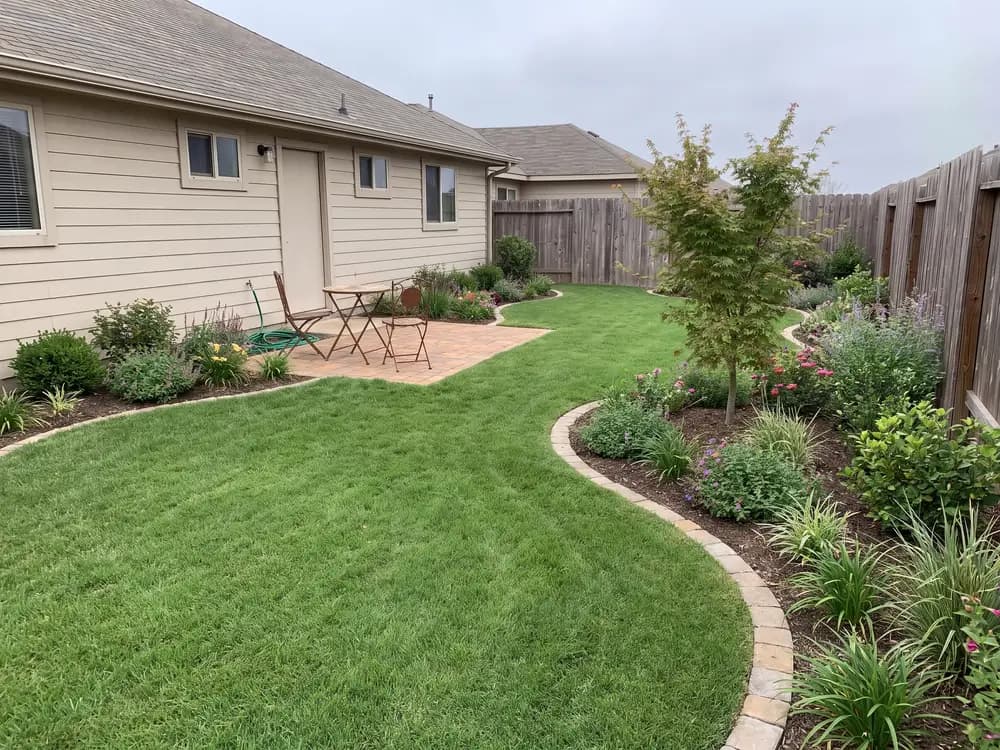
Most design programs make you rebuild your yard in 3D before you see a single idea. This landscape design software skips the modeling: upload a photo, pick a style, and get realistic concepts of your own yard in seconds.


Homeowners, DIYers, sellers & landscapers
Featured in






Design output without the design-software learning curve.
You never place terrain, objects, or textures by hand. The photo already holds your yard; the software designs on top of it.
It runs in the browser on a phone or laptop. No download, no version updates, no dongles.
Faster than most design suites take to open a blank project.
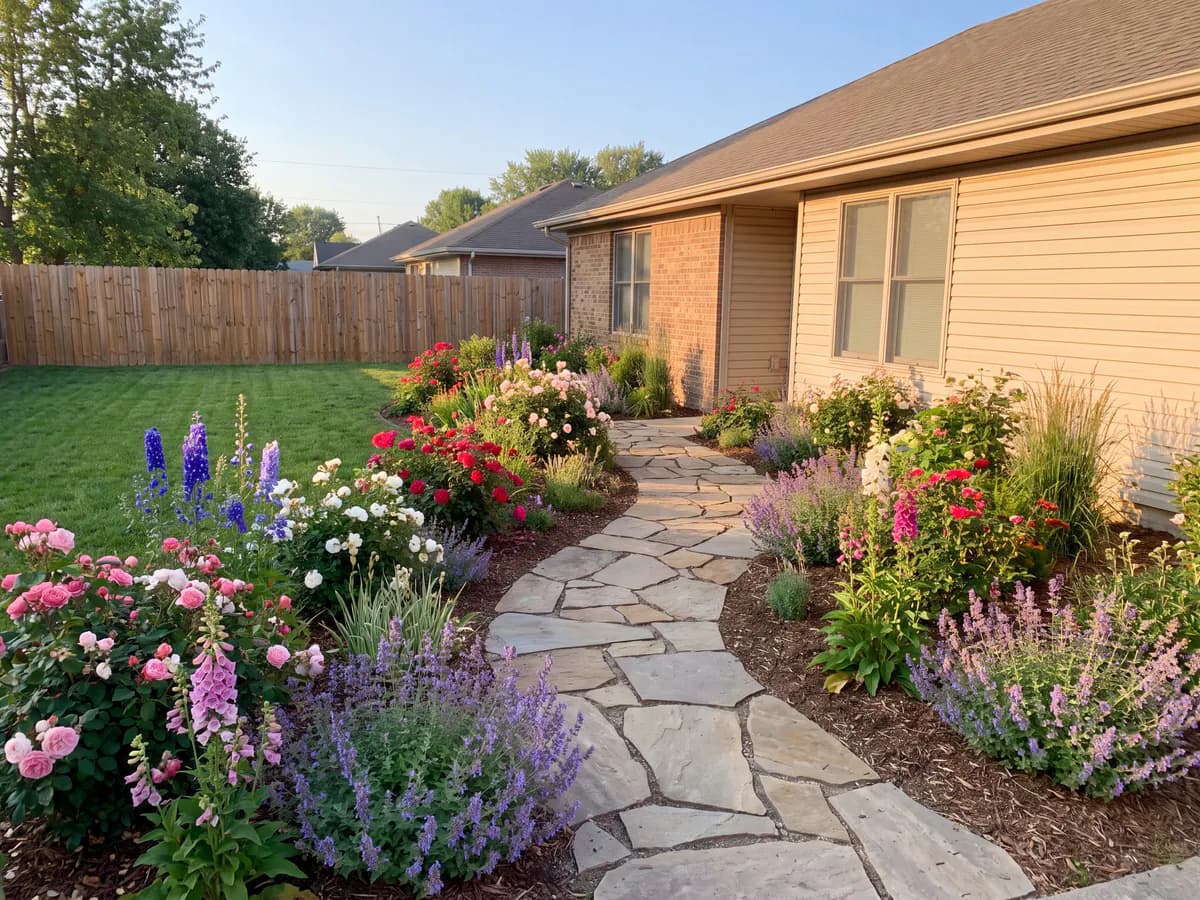
Modern, cottage, desert, tropical and more, rendered on your actual yard instead of a demo lawn.
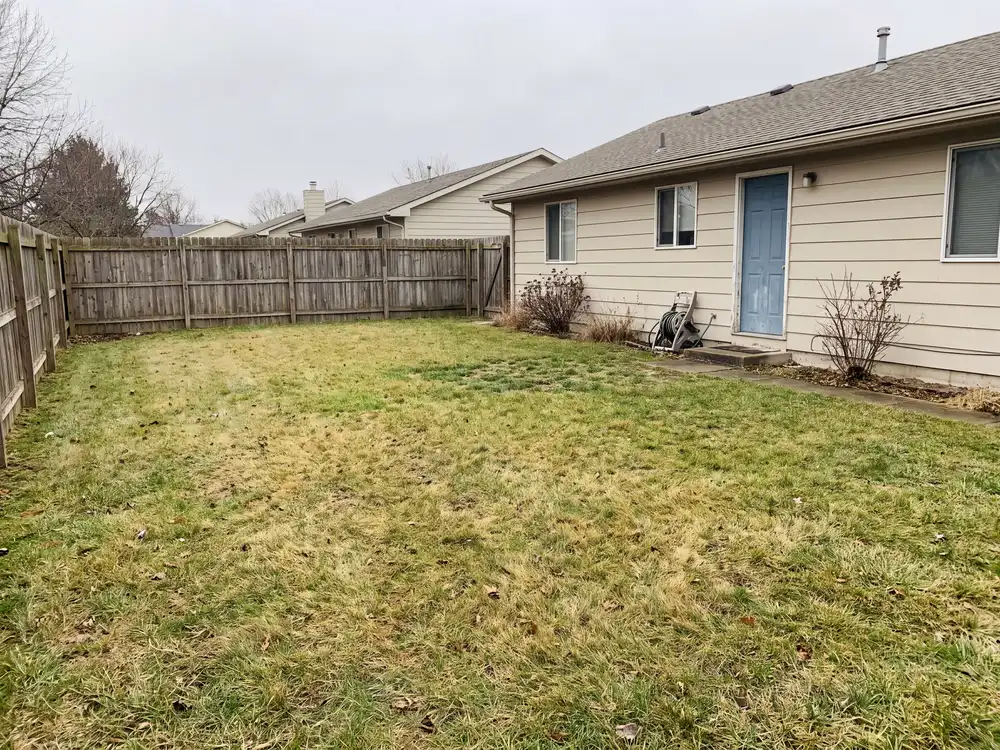
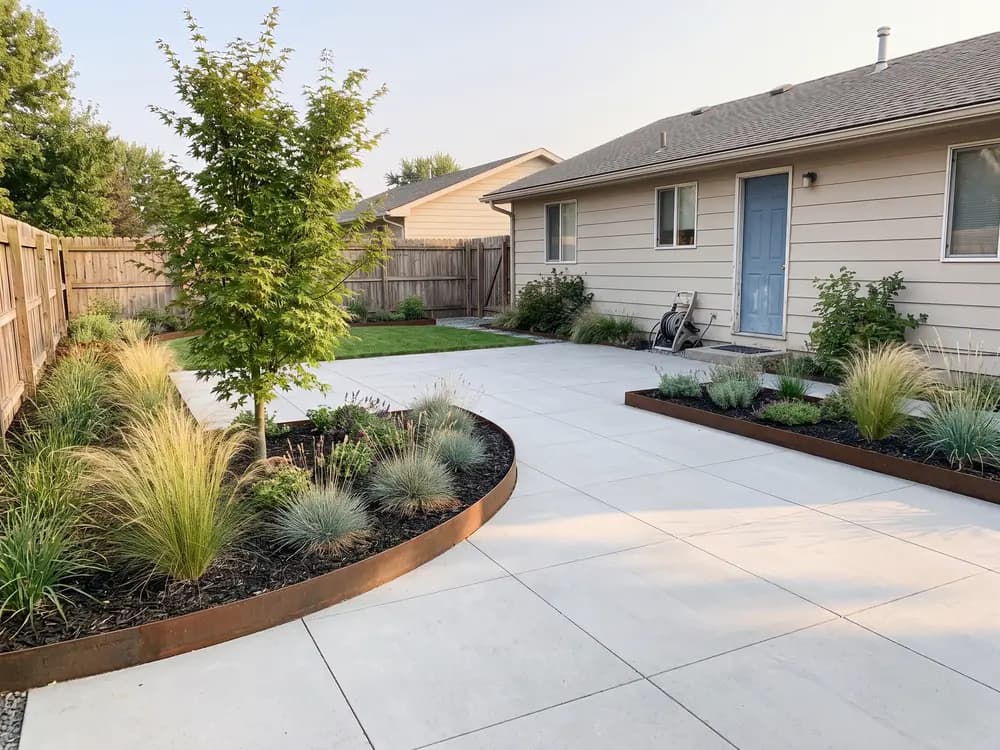
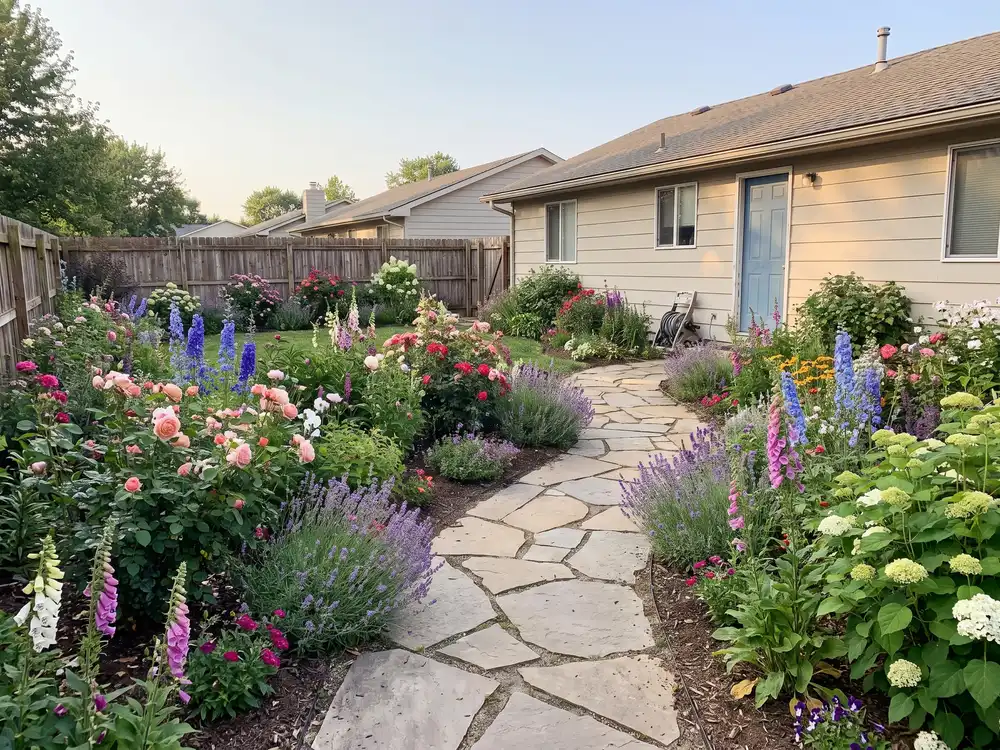
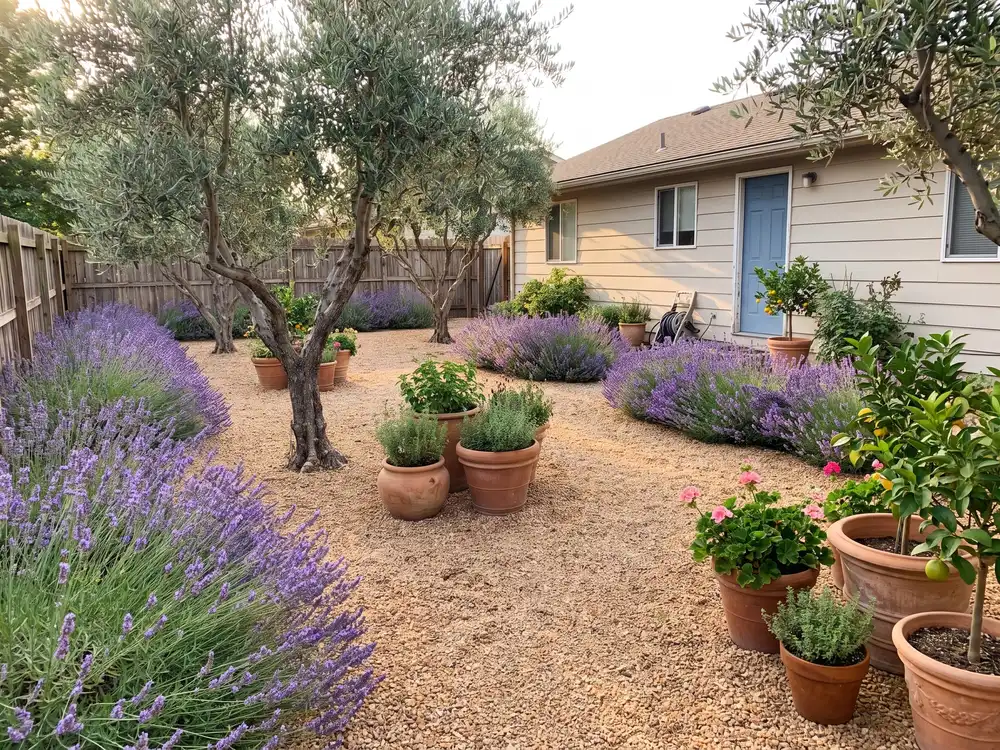
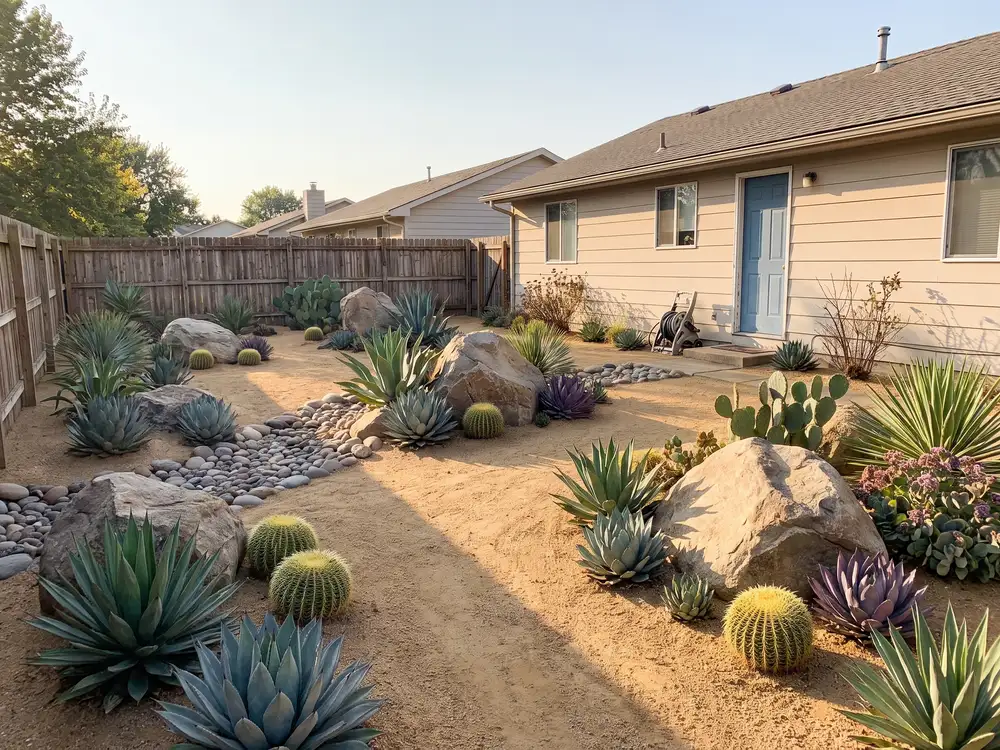
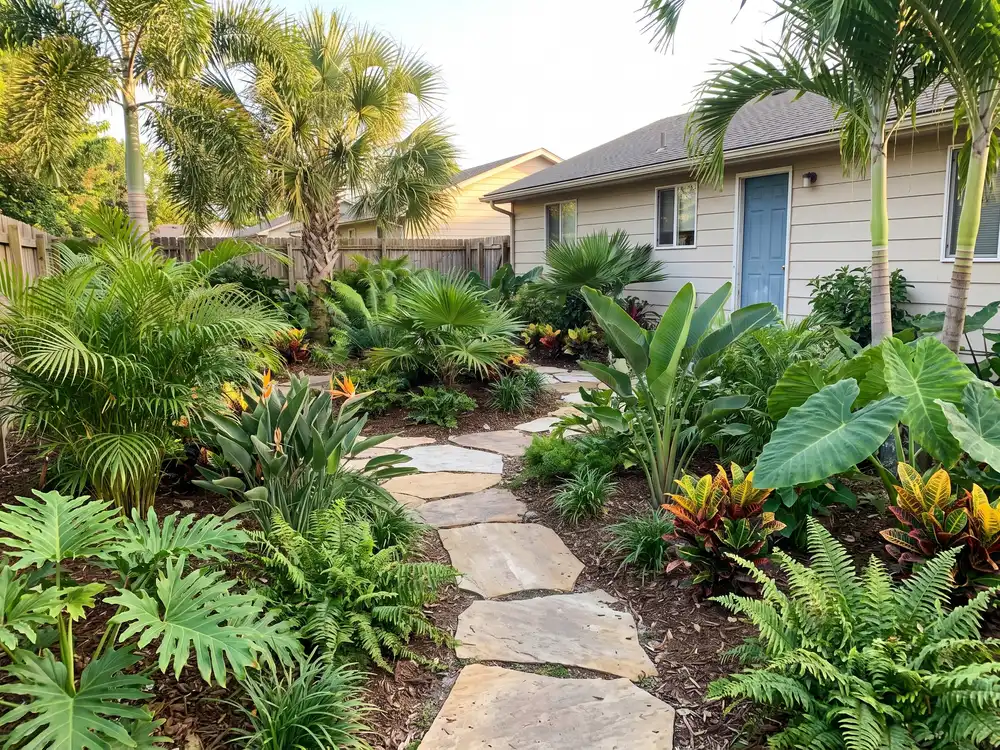
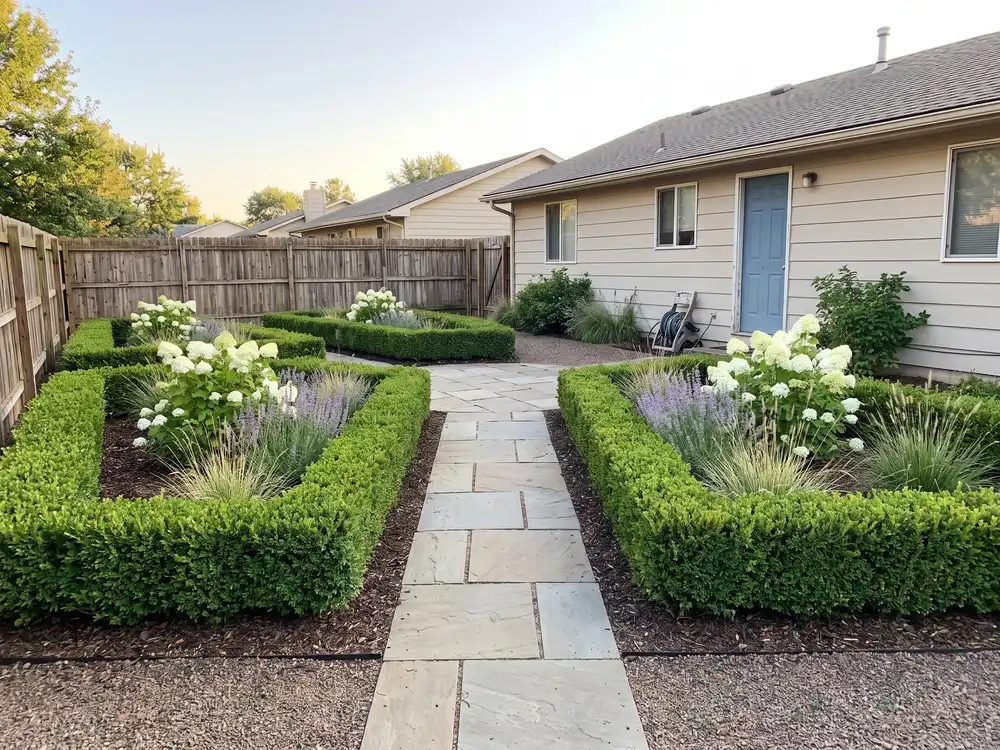
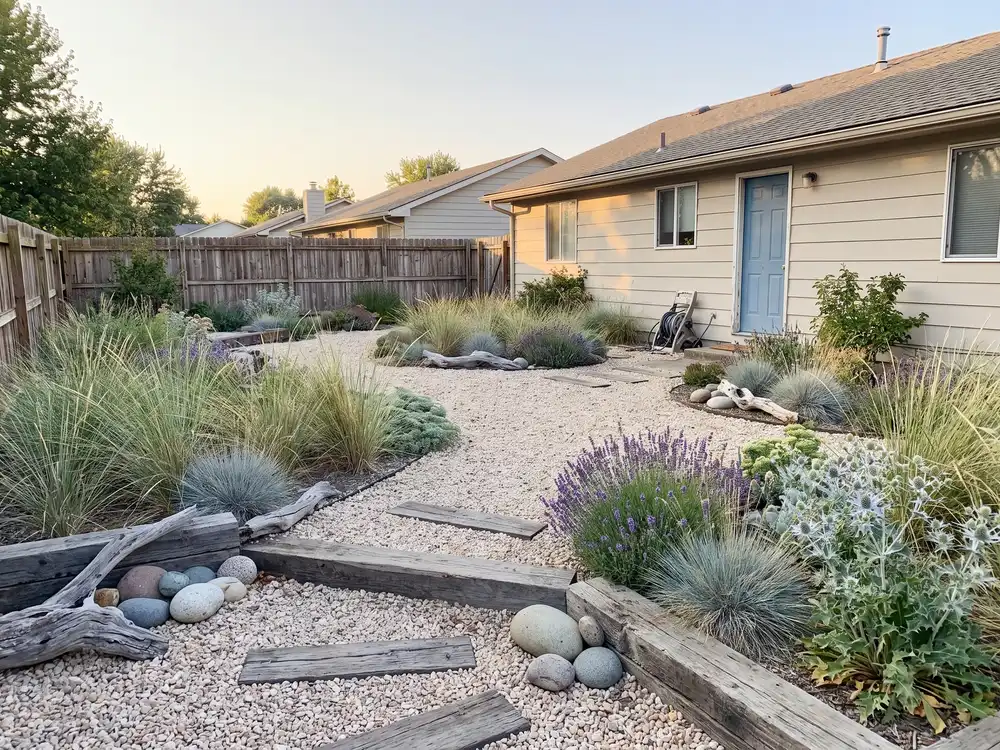
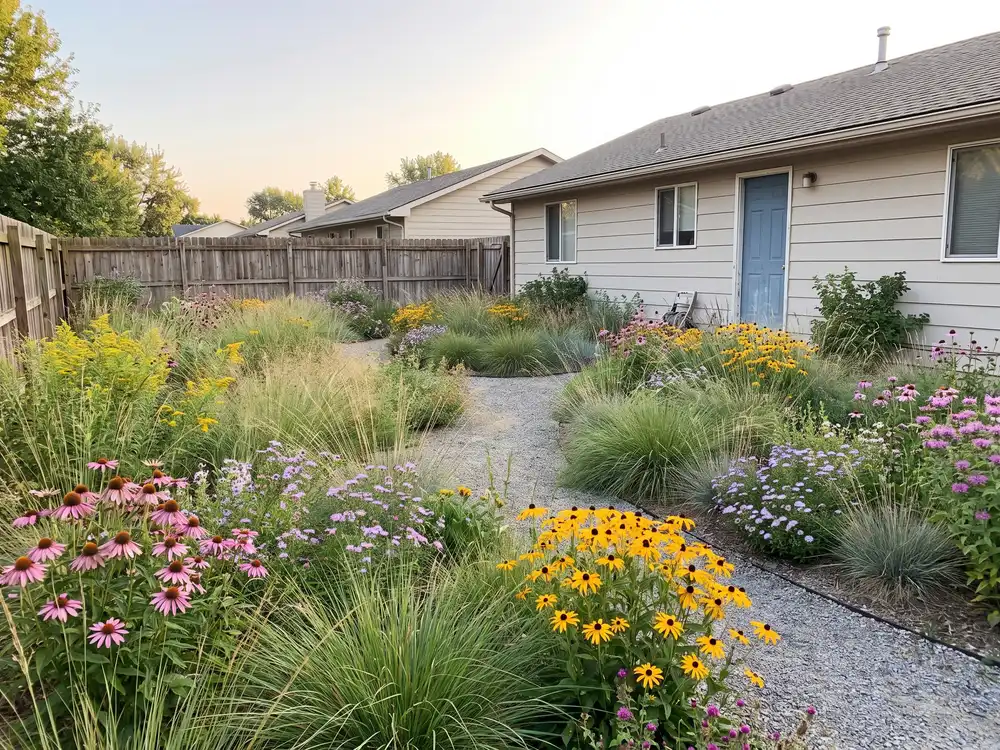
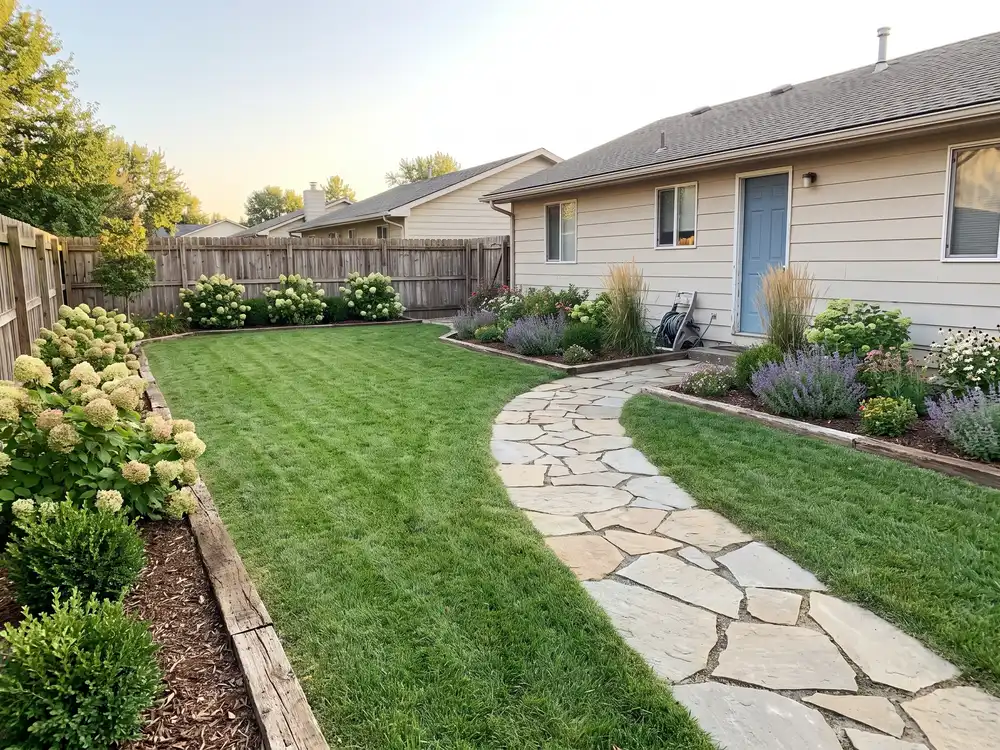
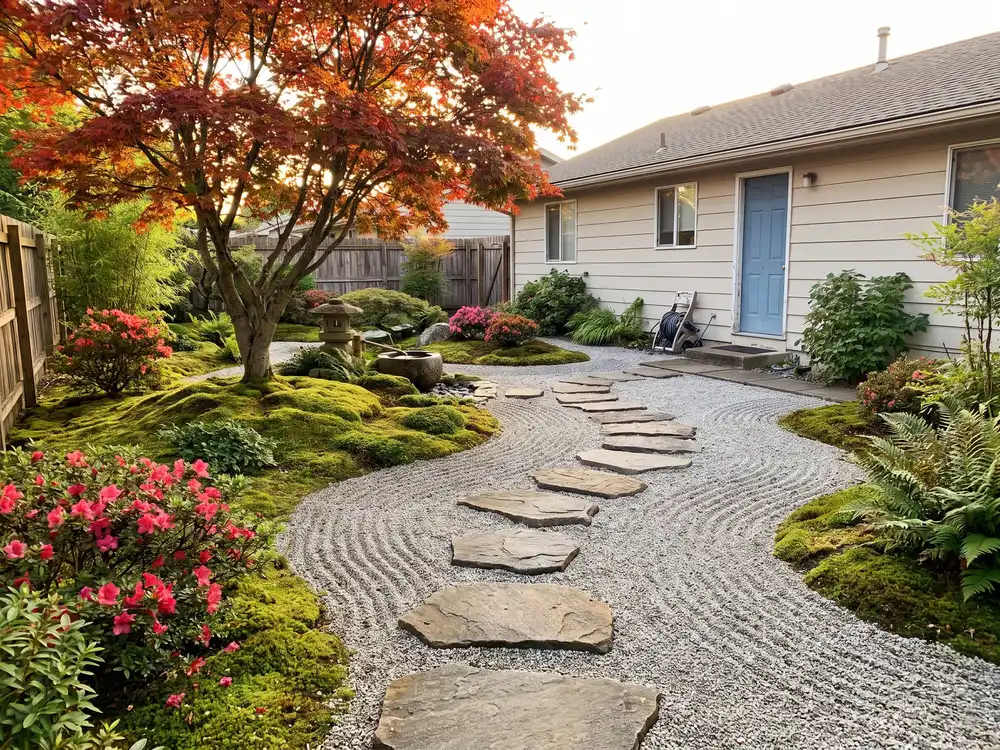
Three steps. No manual, no tutorial videos.
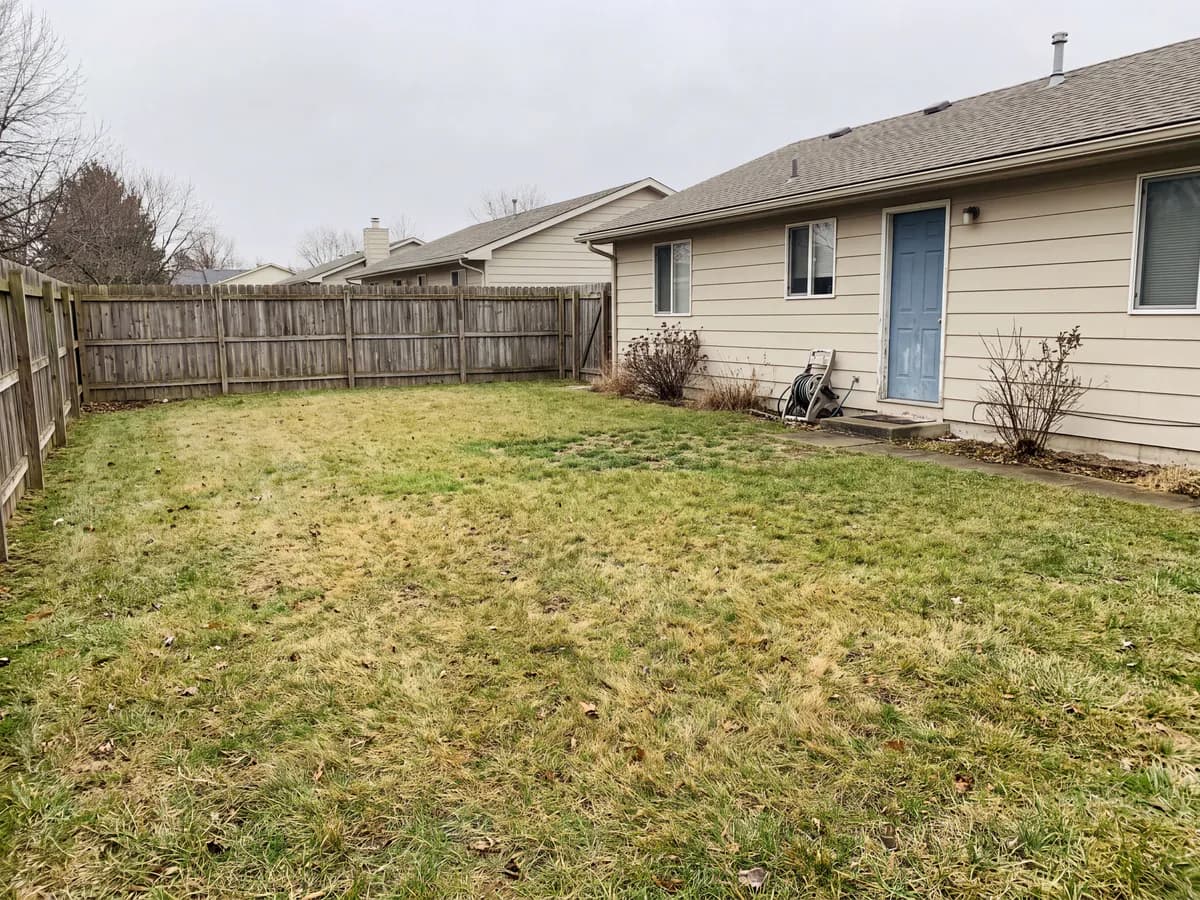
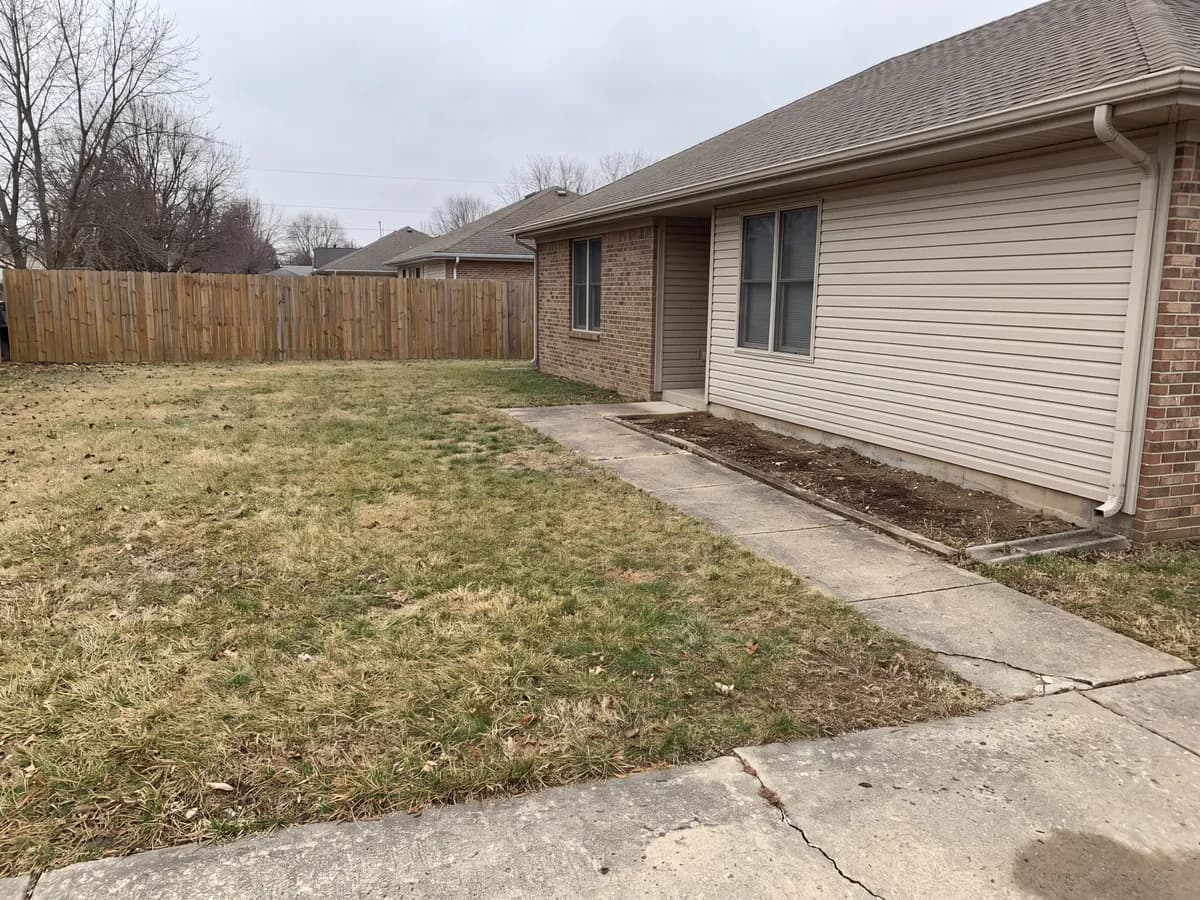
Front yard, backyard, or garden. A phone photo is fine.
Modern, cottage, desert, tropical, Mediterranean, and more.
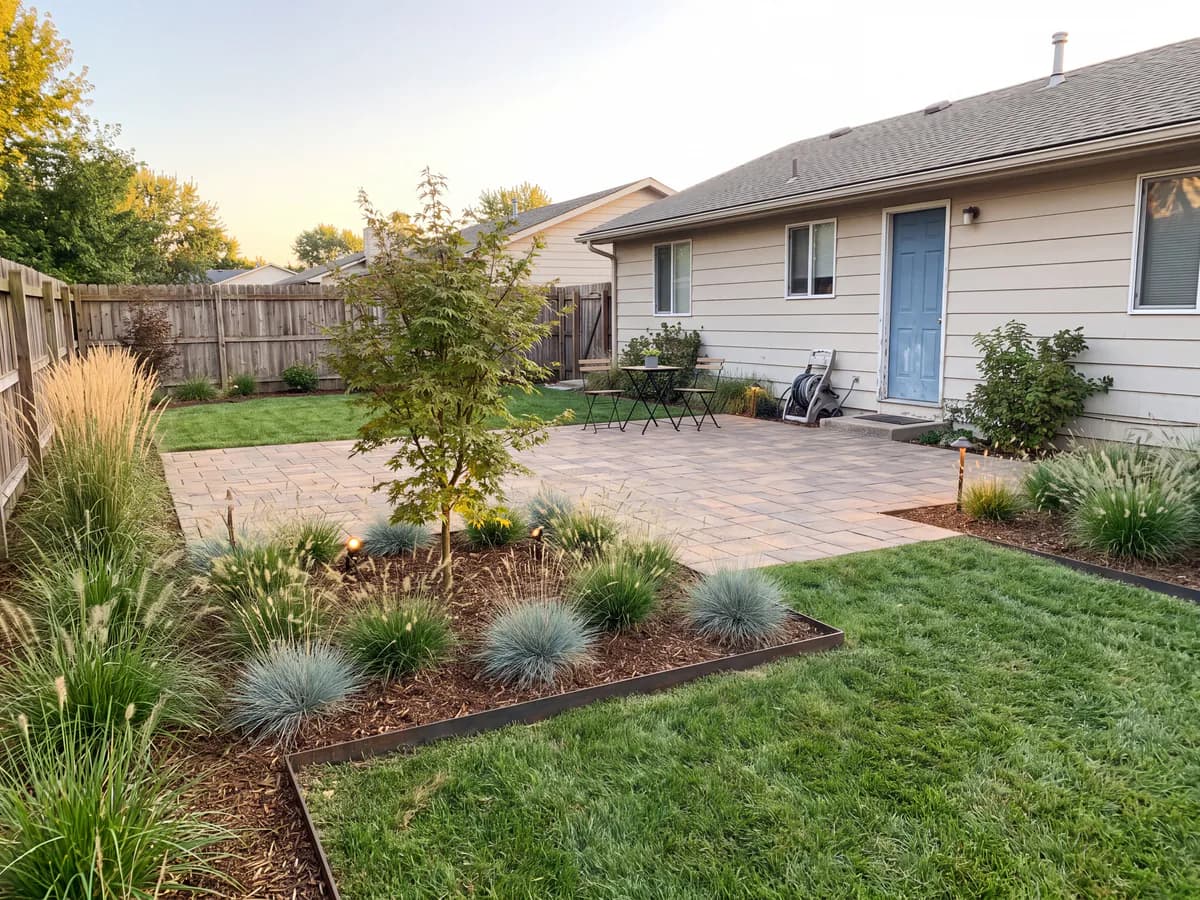
Realistic concepts of your own yard in seconds. Save them or generate more.
The photo replaces the part of the software you dread.
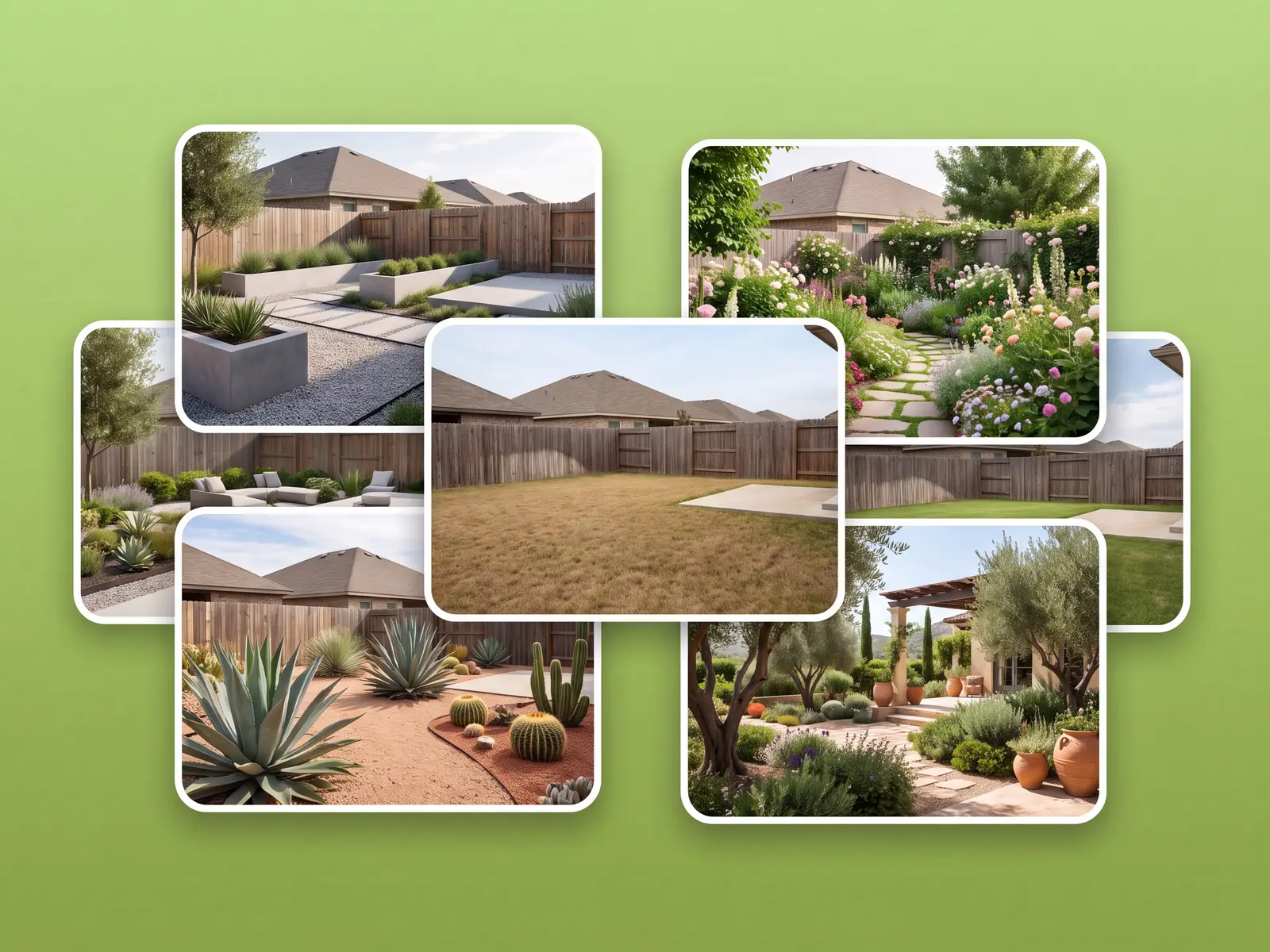
Garden design software usually starts with an empty grid and a long afternoon of tracing your lot. Here the photo carries the house, fence, slope, and trees, so every concept starts from reality.
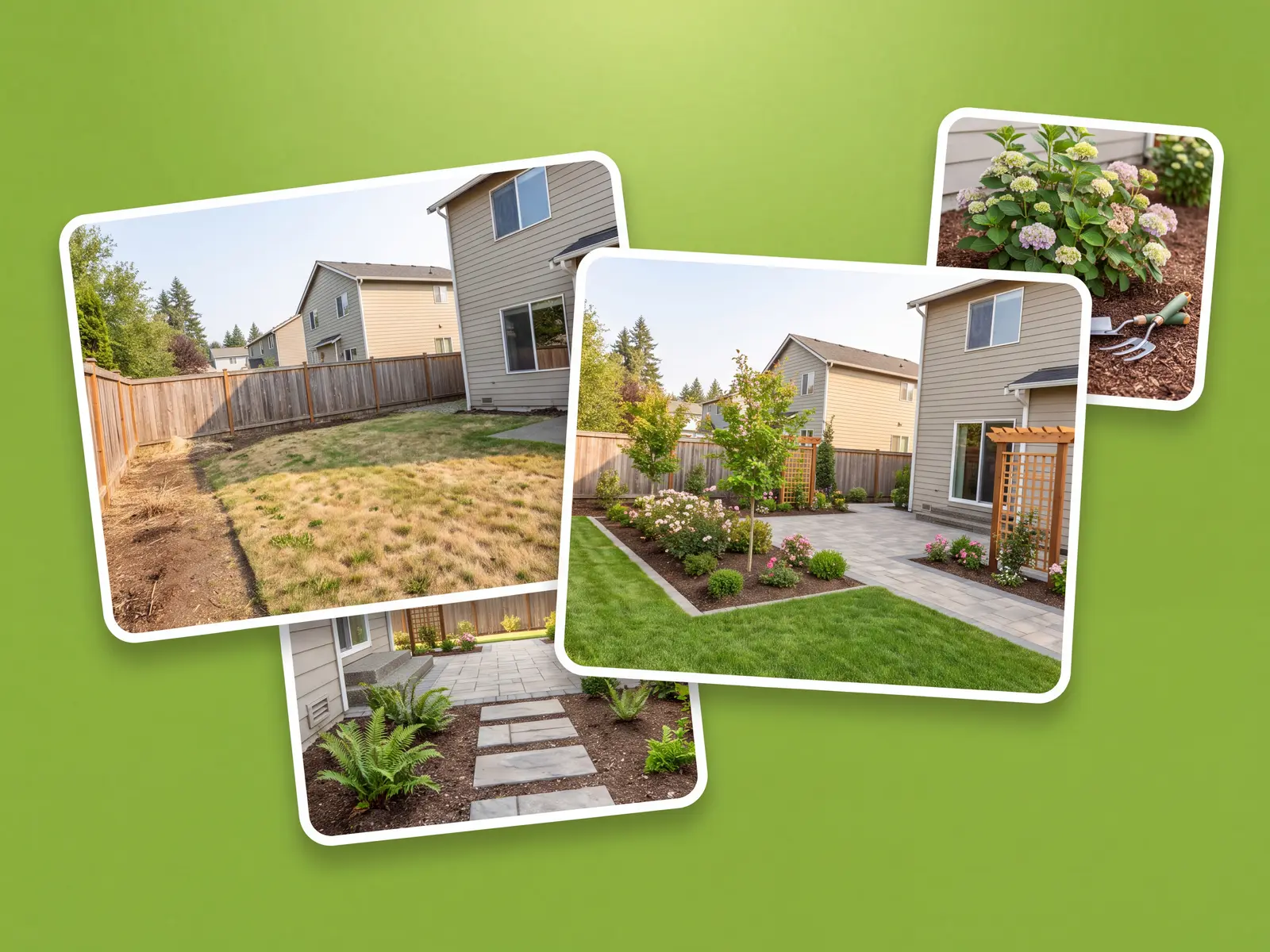
The concept keeps your real layout, so it reads as a plan for your yard, not clip art. Share it with a landscaper and talk prices the same day.
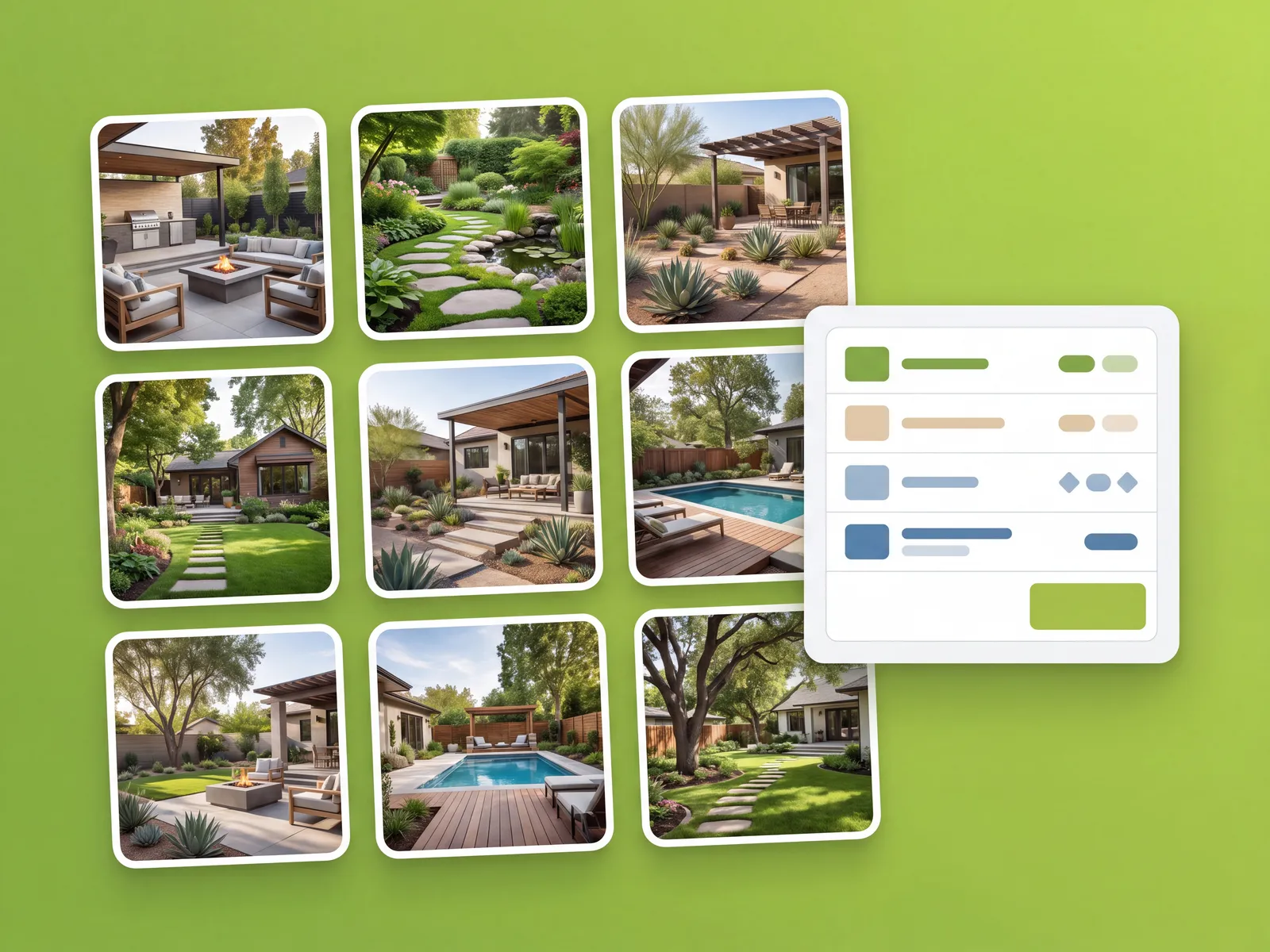
Use it as your landscape design planner: save the directions you like, compare them side by side, and settle on the one worth building.
The garden version too
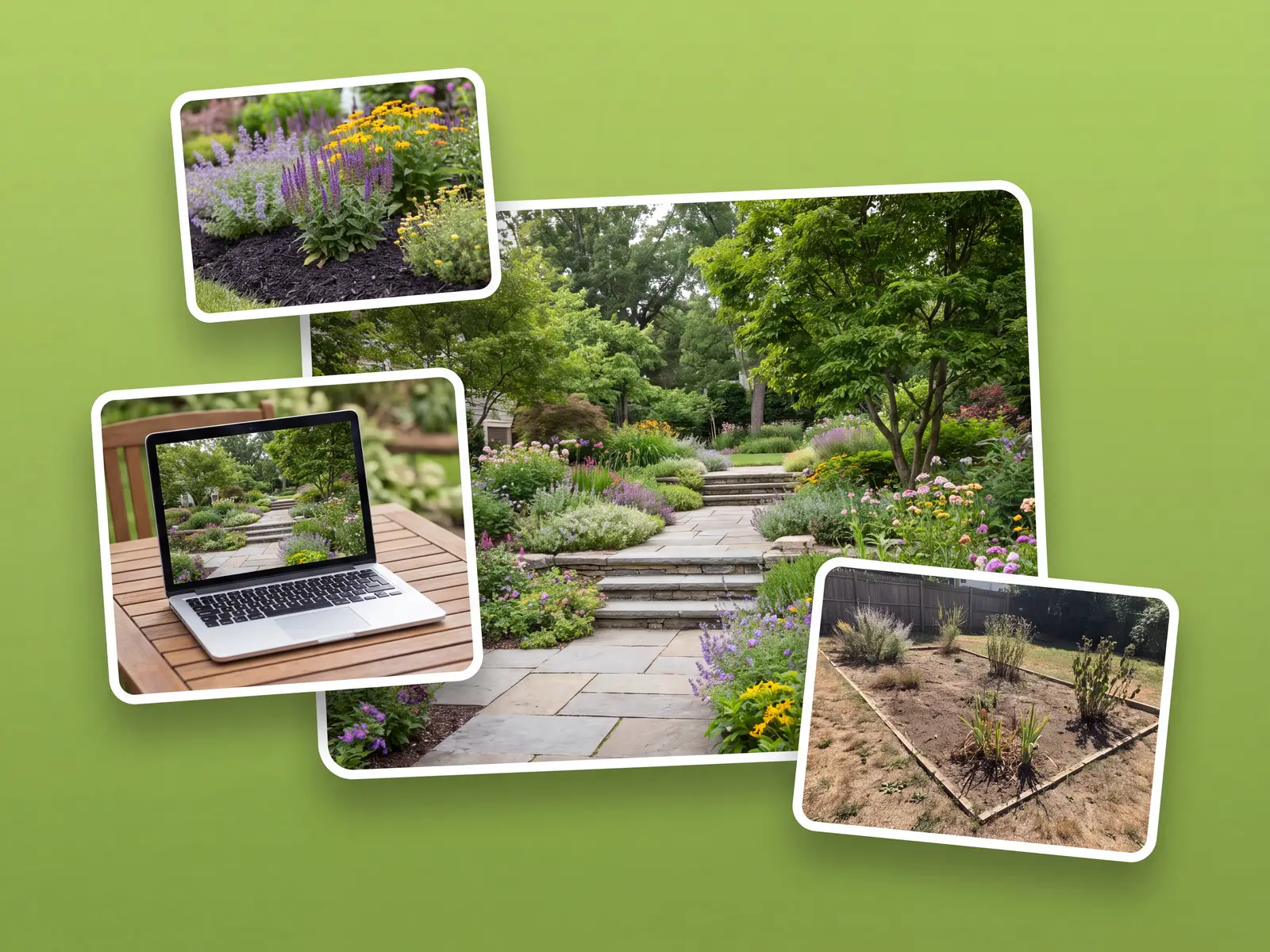
Dozens of styles for any yard, ready in under a minute.
People who wanted the output without the learning curve.
“I bought a landscaping program years ago and never got past the tutorial. This one gave me a concept the first evening.”
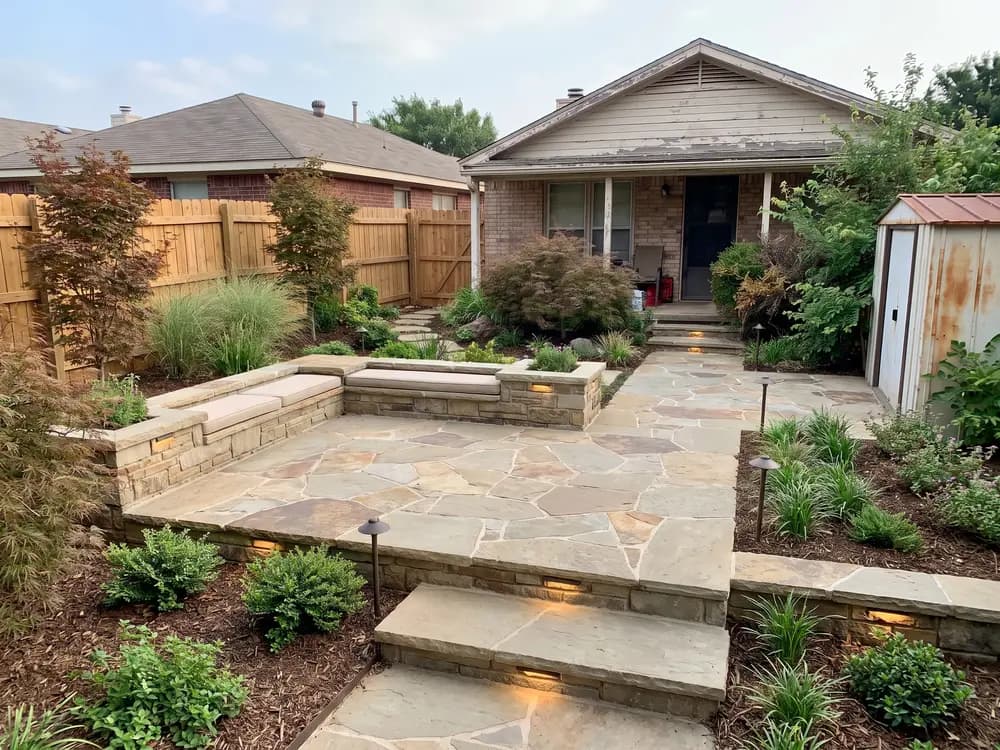
“Clients don't care which software made the picture. They care that it's their yard. I generate it on-site from their photo.”
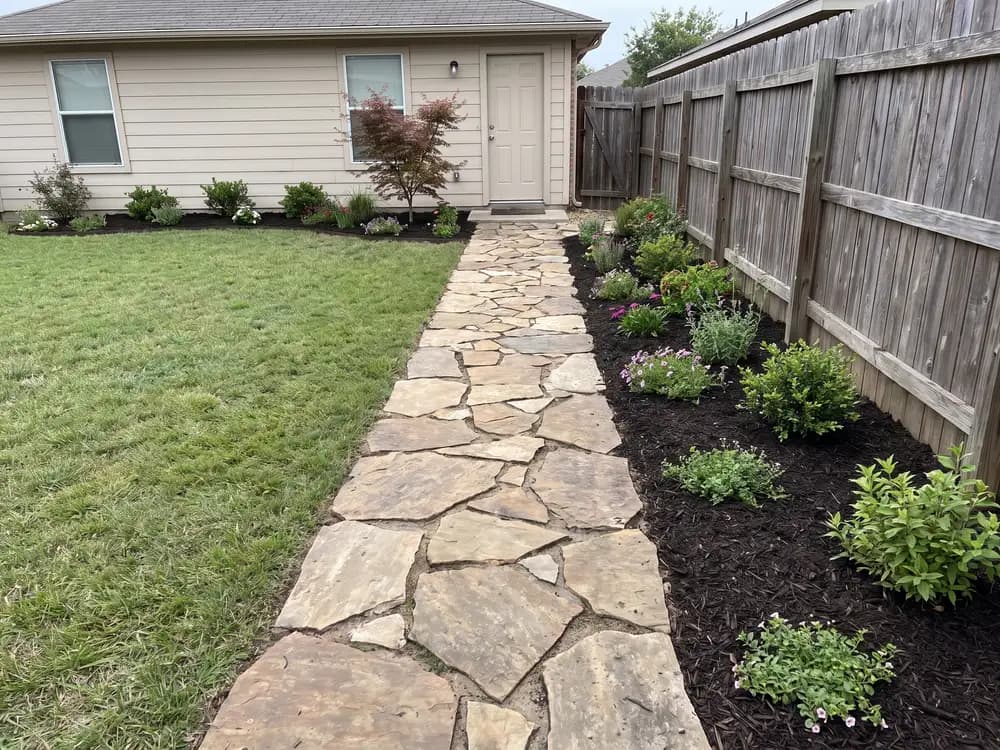
“I compared four styles on our lot photo over coffee. The old way, that's a week in a design suite.”
For landscapers and designers generating client concepts at volume, with team access.
How it compares with desktop suites, a hired designer, or guessing.
| Feature |  | Desktop CAD suites | Landscape designer | Guessing |
|---|---|---|---|---|
| Getting to a design | ||||
| Starts from a photo of your yard | Sometimes | |||
| No skills or training needed | ||||
| Style presets built for yards | Some | |||
| First concept in under a minute | ||||
| Cost & commitment | ||||
| Typical cost to start | $ | $$-$$$ | $$$$ | Free |
| Time to a usable concept | ~1 min | Days of setup | 1-3 weeks | n/a |
| Nothing to install | ||||
| Confidence | ||||
| Keeps your house and boundaries | Hit or miss | |||
| Before / after on your photo | ||||
| Share concepts with a pro | ||||
Plain answers, including what it costs.
Both, practically. It runs in the browser like an app but does the job people buy design software for: turning your yard into finished design concepts. Nothing to install either way.
No. There is no drawing and no 3D modeling. If you can take a photo and tap a style, you can produce a concept.
Yes. This is it. Upload a garden photo and it becomes the model: beds, borders, and planting are redesigned on your real space in the style you choose.
Yes. It runs in the mobile browser, so the whole flow works from the phone that took the photo. No desktop needed.
OutdoorBrite is a paid product, with no free tier. Plans cost far less than a designer or a desktop suite license and scale with how many designs you generate and the resolution you need.
Professional landscaping design software produces construction documents and takes weeks to learn. This produces realistic concepts from a photo in about a minute. Many pros use both: this for the client conversation, CAD for the build drawings.
Yes. The design is generated on your photo, so the house, fence lines, and slope stay put. That is what makes the concept worth pricing.
Professionals draw construction documents in CAD suites like Vectorworks or PRO Landscape. Those take training and time. For the visual part, seeing the finished yard, a photo-based tool like OutdoorBrite gets a homeowner there in about a minute.
No, and that is deliberate. Instead of building a 3D model of your yard, it renders finished design concepts directly on your photo. You get the realistic end picture without the modeling work.
Yes. It runs in the browser, so any Mac, Windows PC, iPhone, or Android phone works. There is no installer and nothing to keep updated.
Yes. There is nothing to learn before the first result: upload a photo, tap a style, and the concept comes back in about a minute.
One tool for every outdoor space.

Tried ChatGPT for your yard? Get concepts that keep your real house and layout.

The whole-yard tool. Redesign any space from a single photo.

Pool, deck, and fire-pit layouts on your real backyard.

One backyard photo in, realistic redesign concepts out, ready to plan from.

Front-yard curb appeal: entry path, driveway, and planting.

One AI for the backyard, patio, garden, and front yard, from a single photo.
One photo in. Realistic yard concepts out. No CAD, nothing to install.