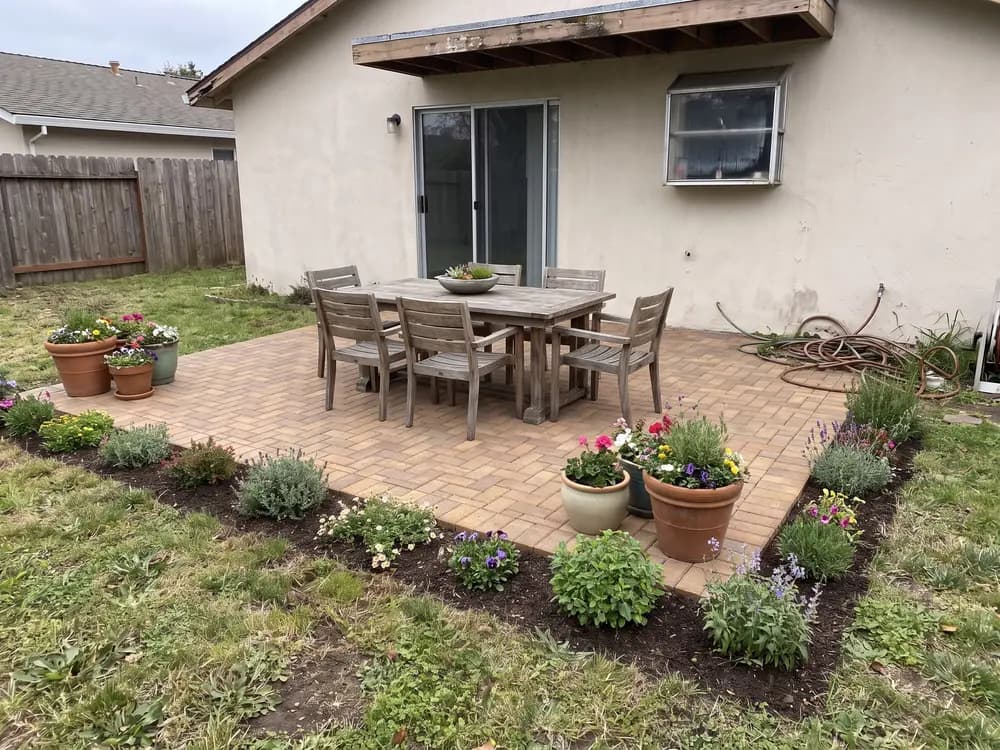
“We argued about pavers versus stamped concrete for a month. Seeing both on our patio ended it in a night.”
Homeowner
Patio refresh
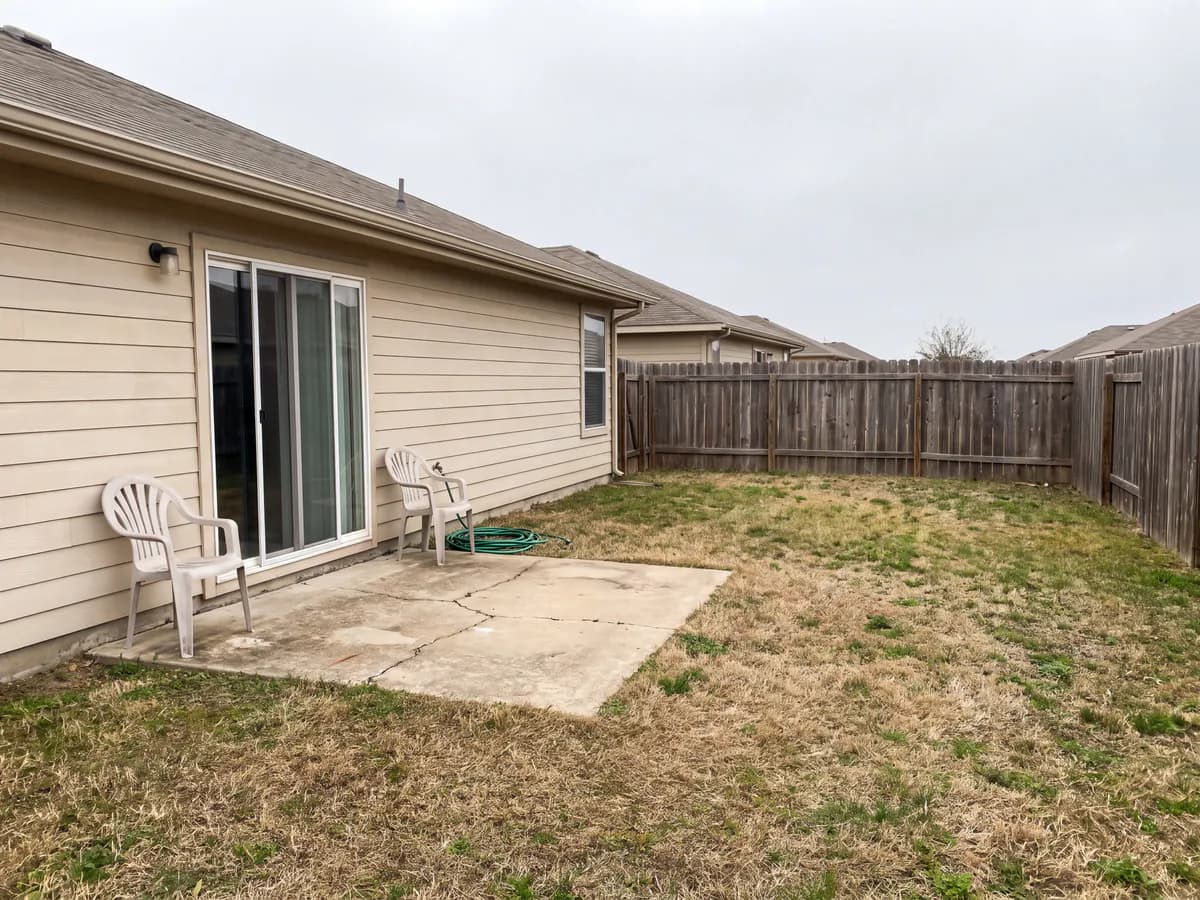
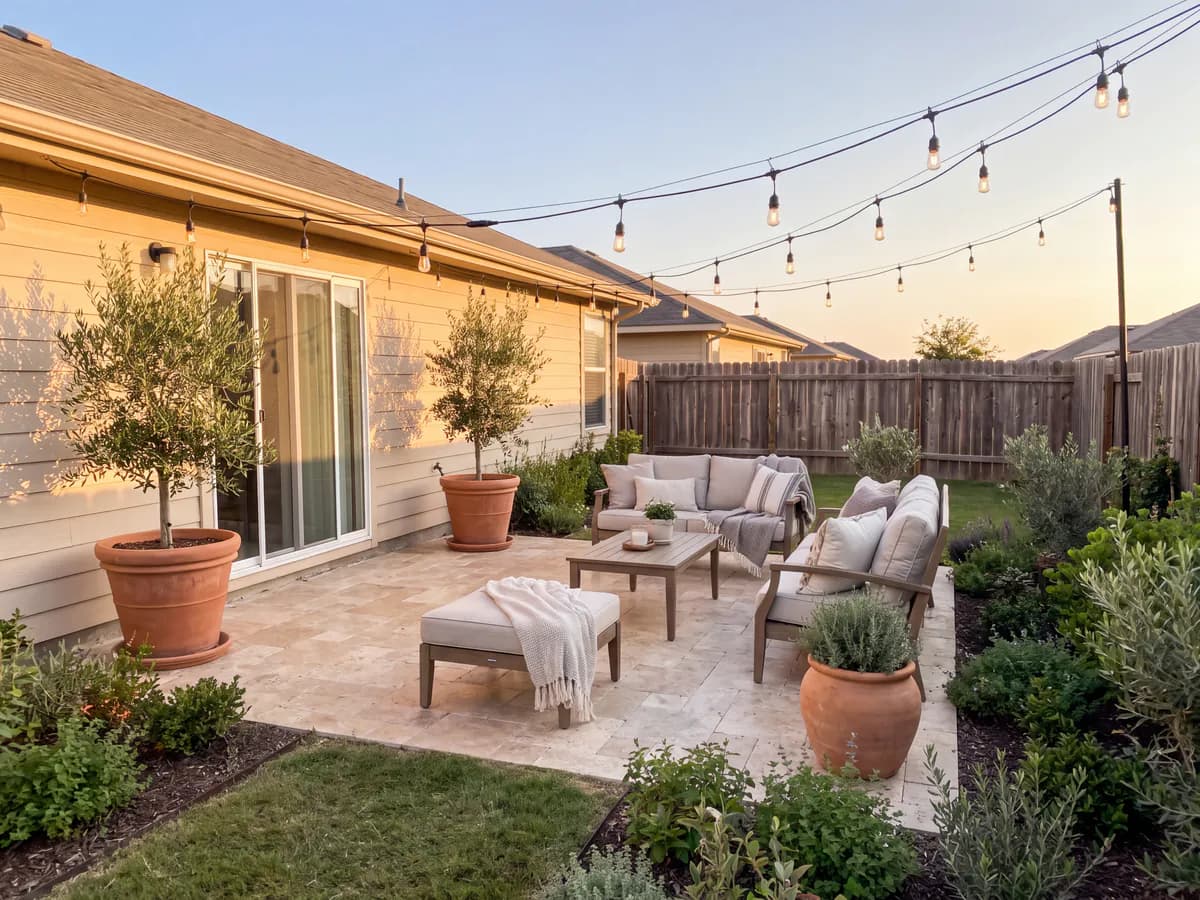
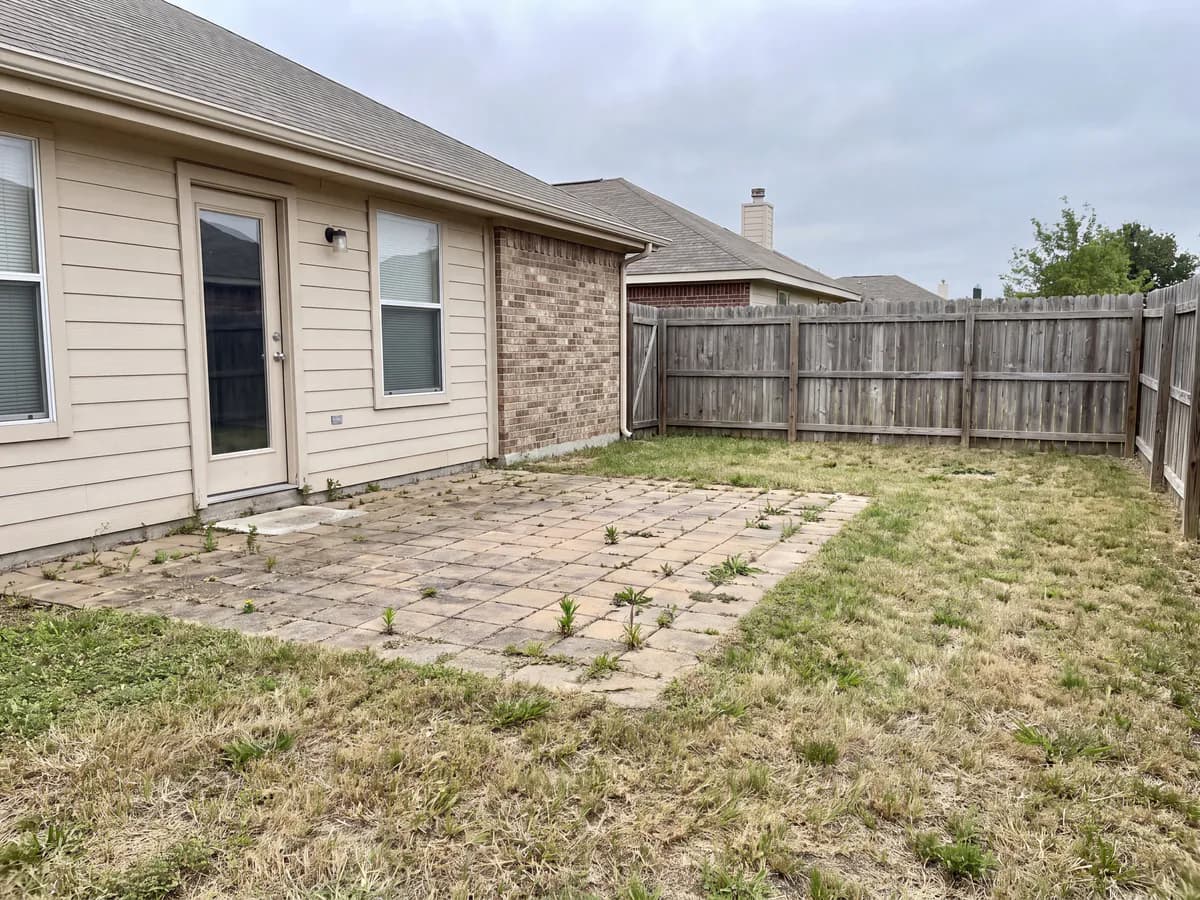
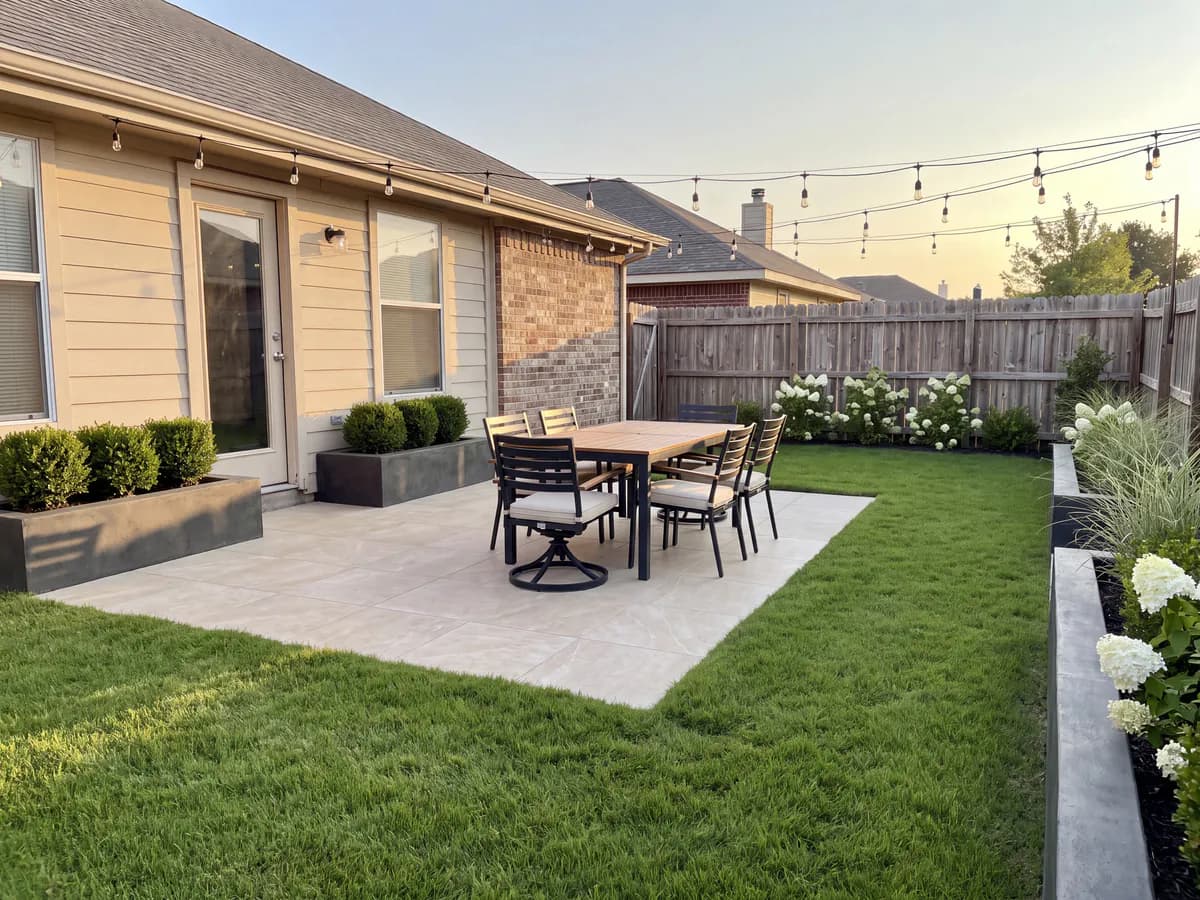
The best camera for your patio is already in your pocket. This patio design app turns that photo into realistic redesign concepts in seconds: new surfaces, new layout, new planting, on your actual patio.


Homeowners, DIYers, sellers & landscapers
Featured in






Photograph the patio, see it redone, decide.
Take the photo, upload it, and review concepts without leaving the patio.
It runs in the browser, so there is nothing to install and it works the same on iPhone and Android.
Fast enough to compare three styles while the coffee is still warm.
Modern, Mediterranean, cottage, desert and more, on your actual slab.
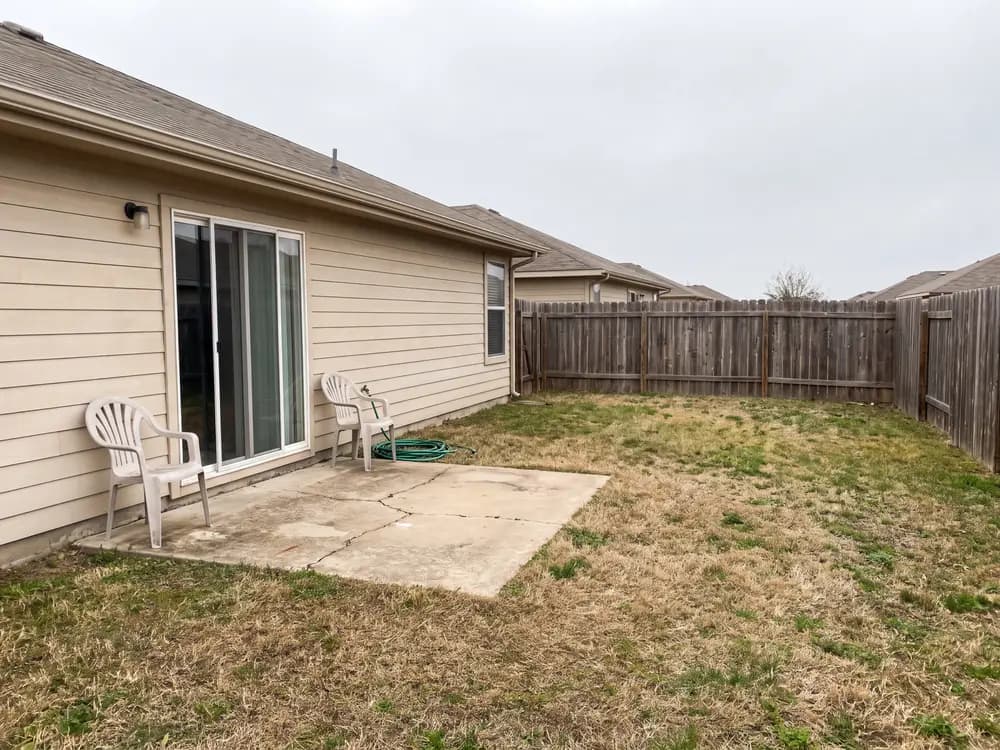
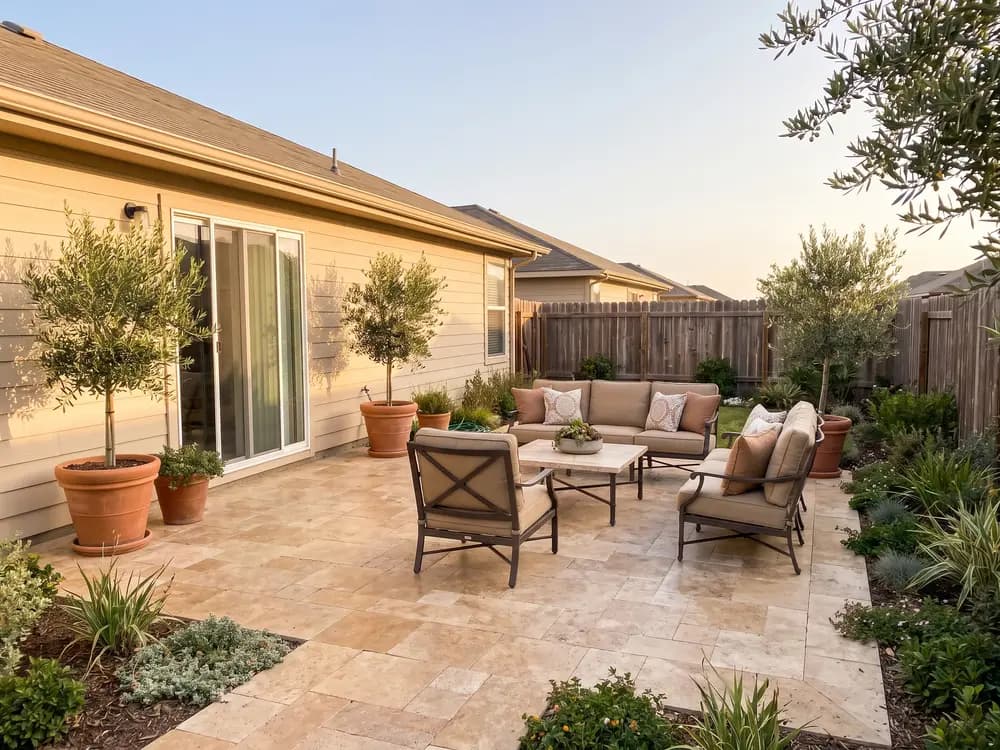
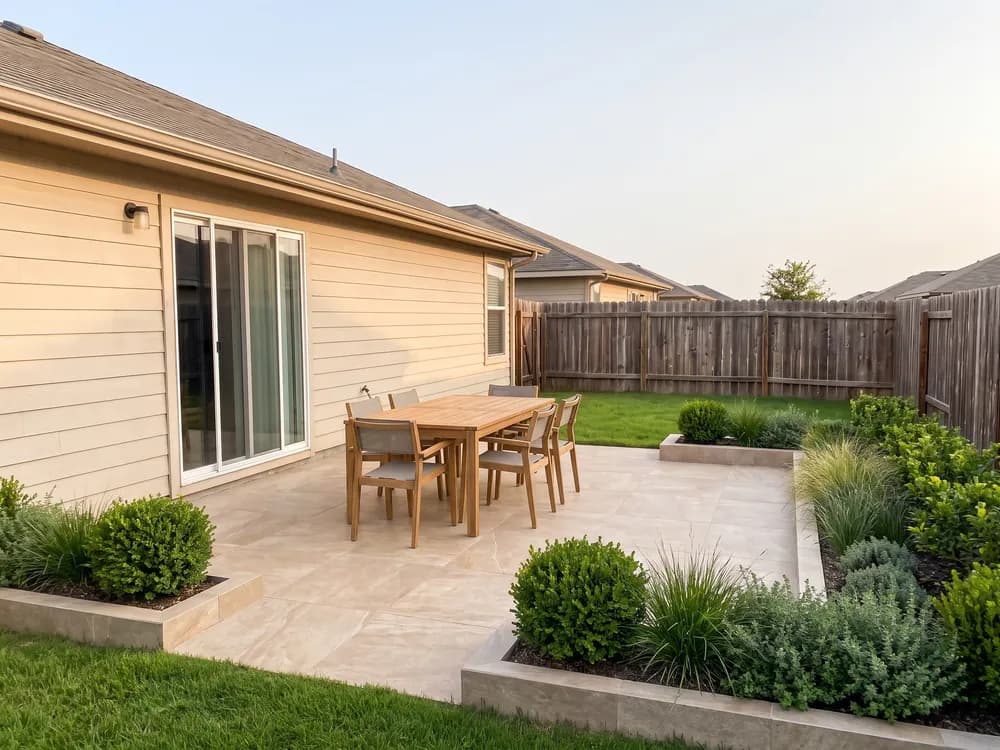
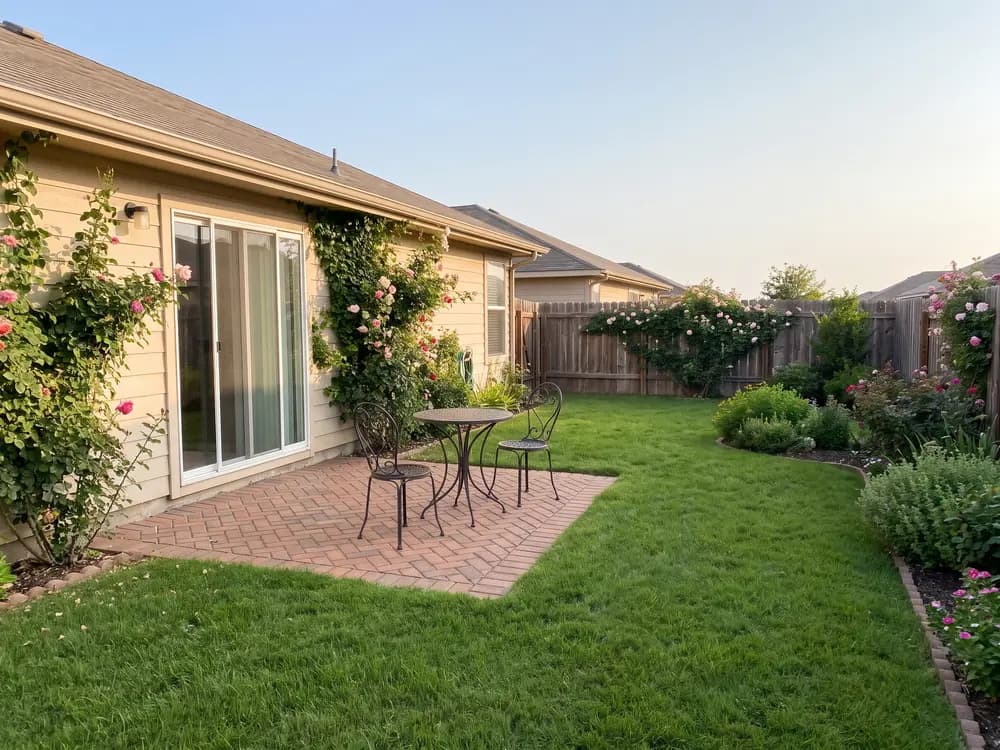
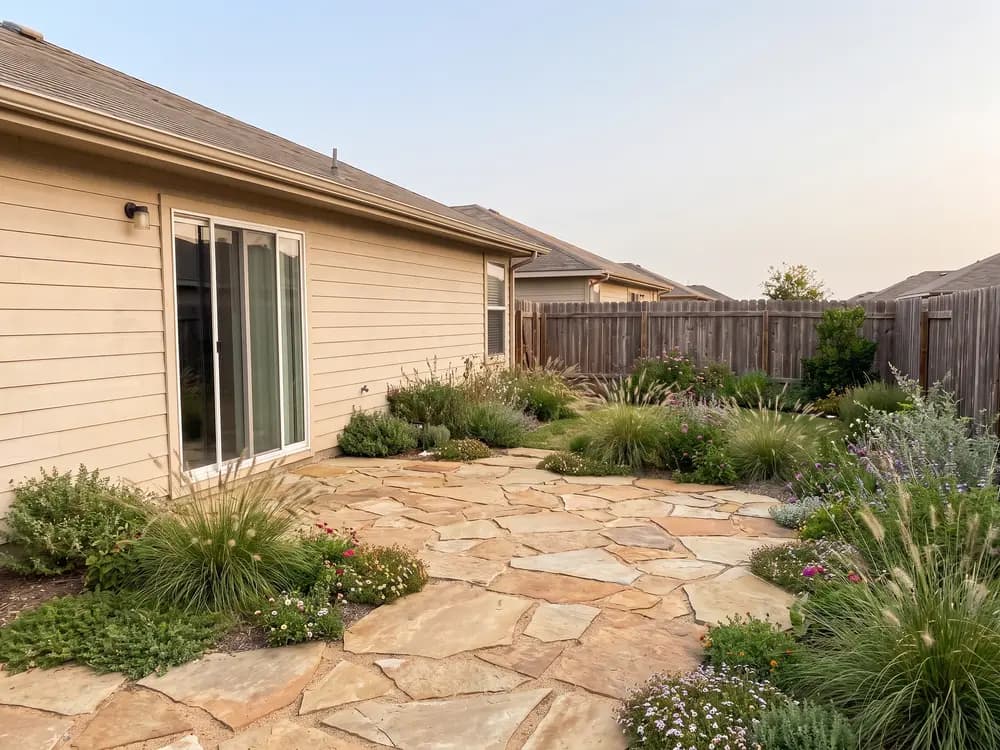
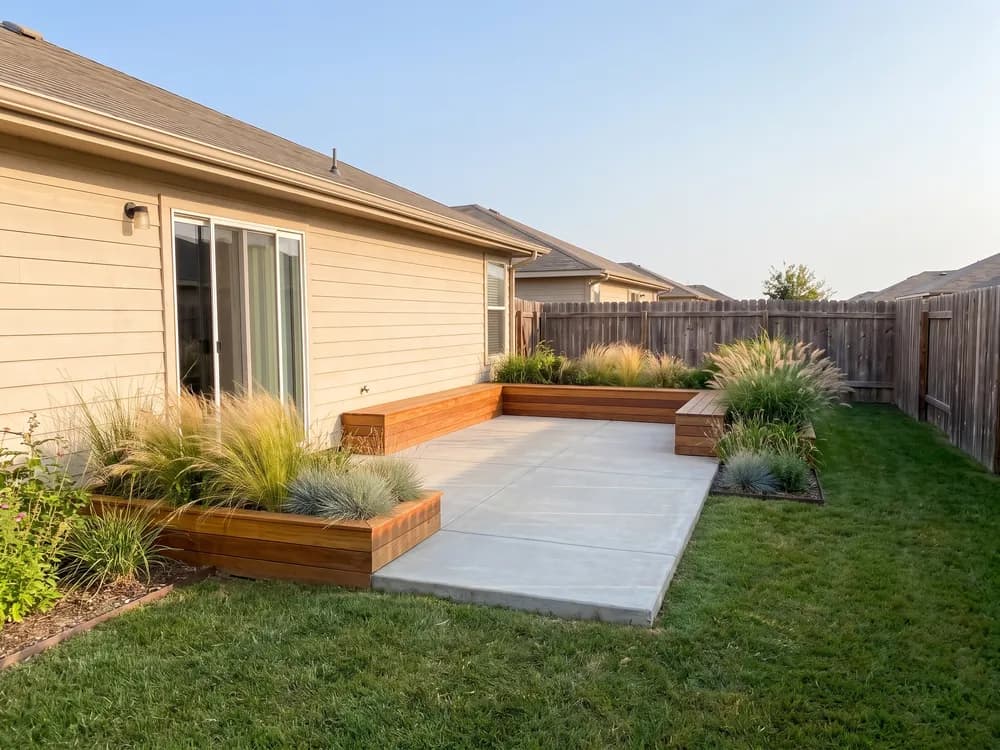
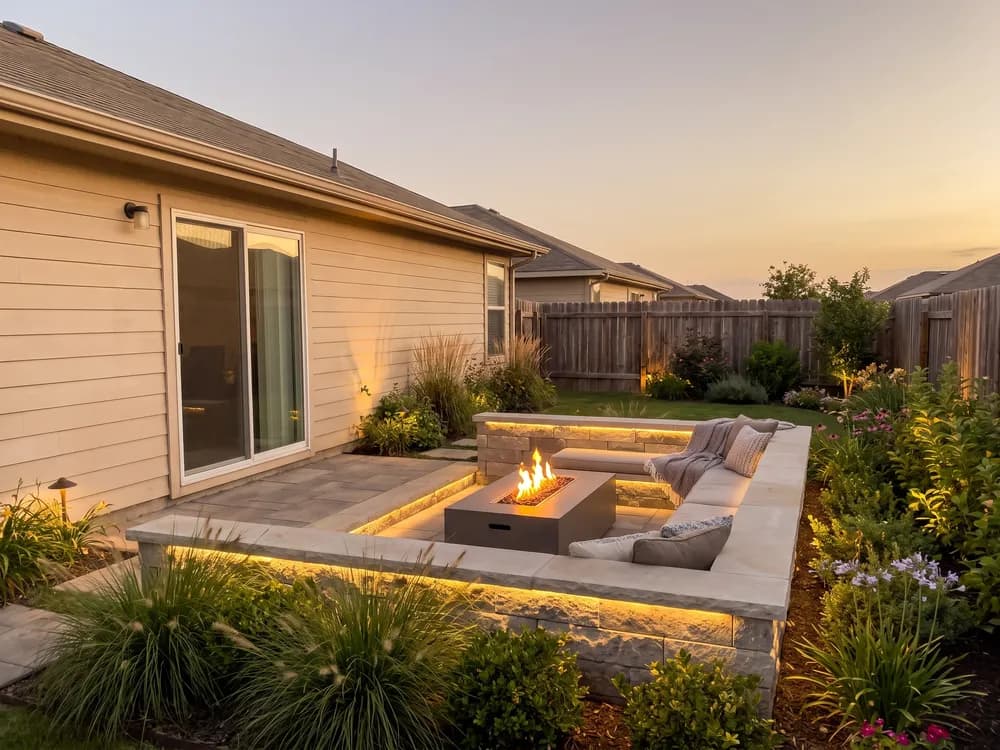
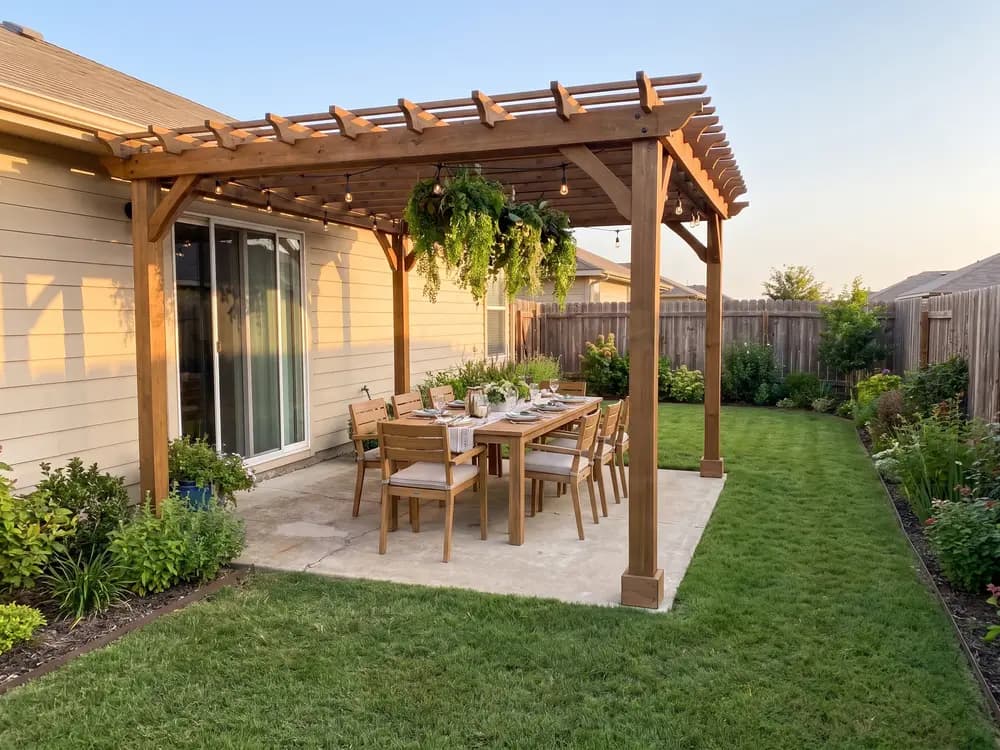
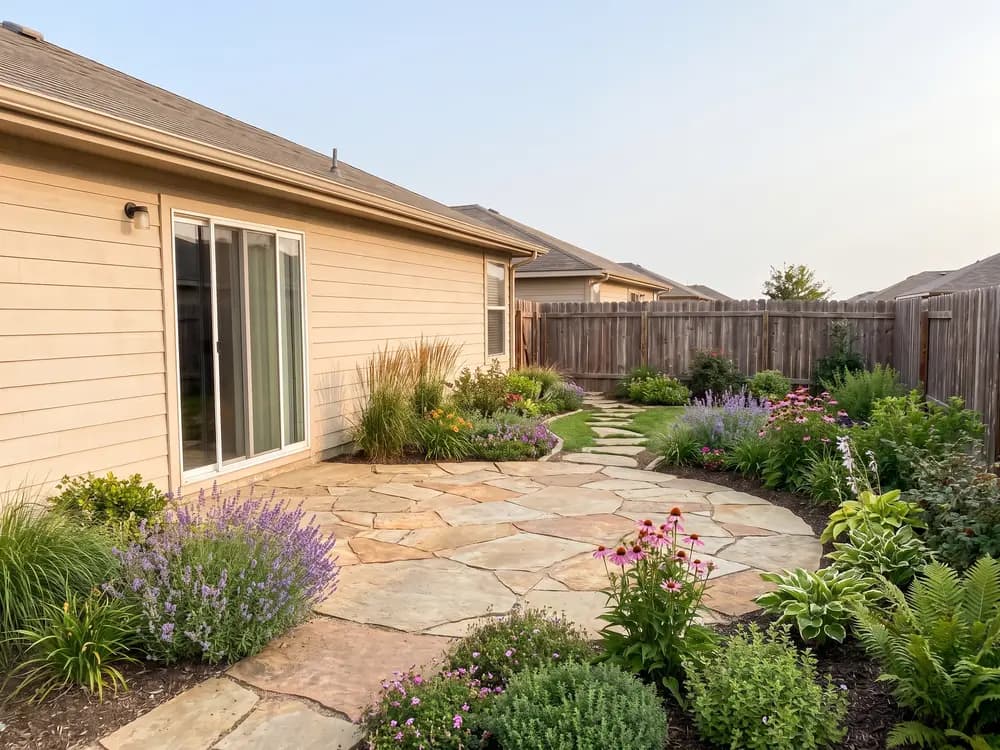
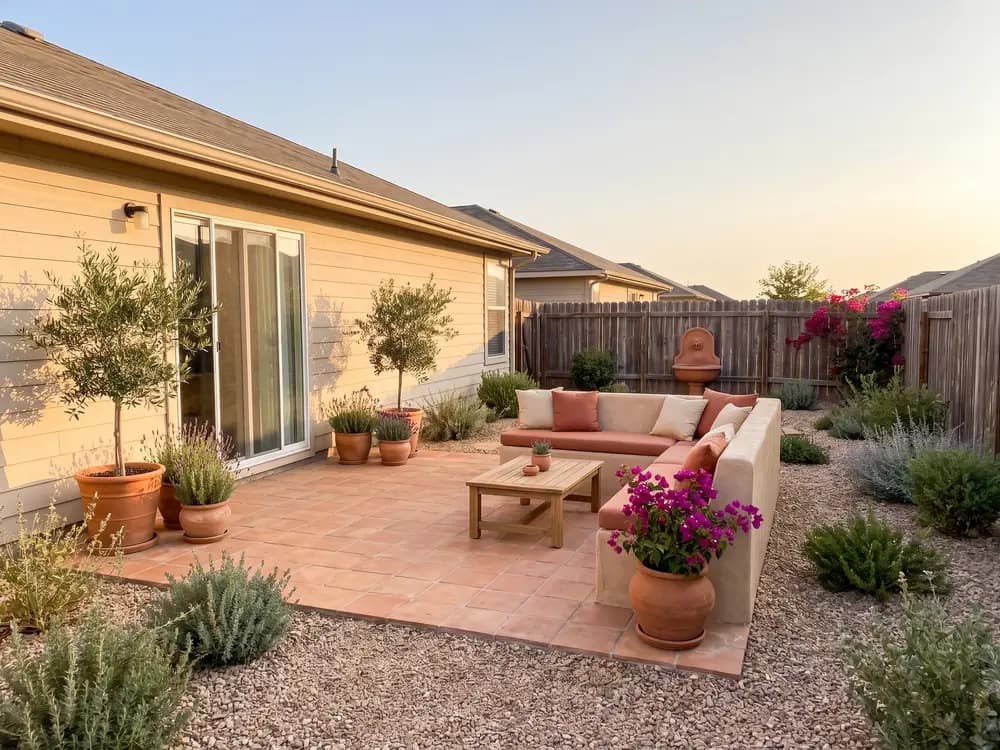
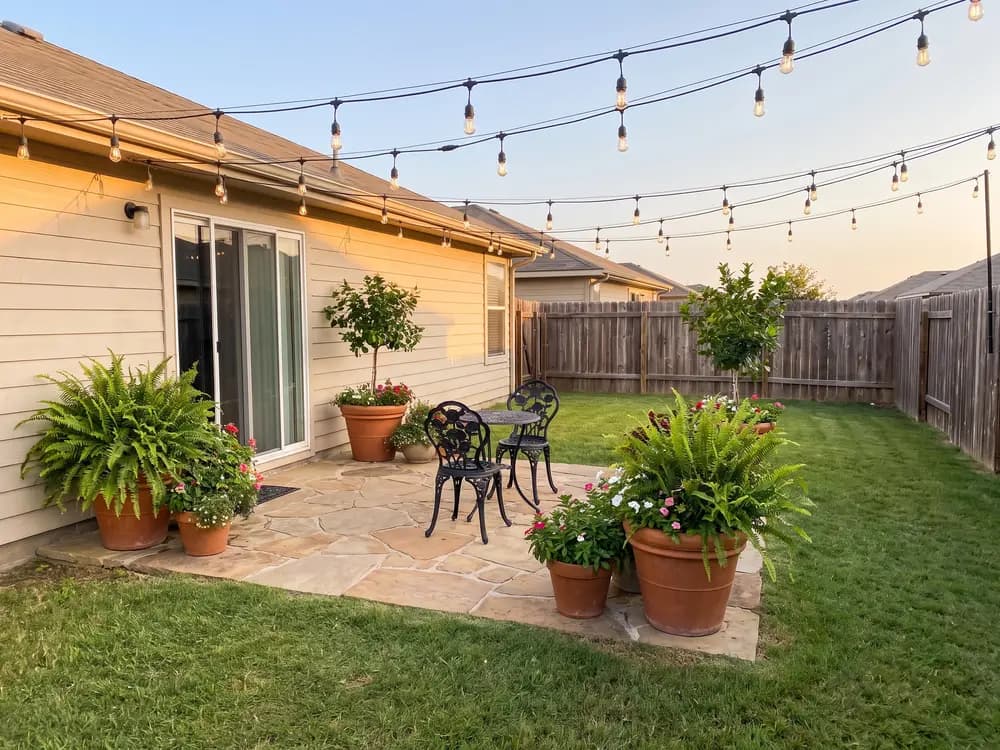
Three steps on your phone, start to finish.
Stand back far enough to catch the whole space. A phone photo is fine.
Modern, cottage, Mediterranean, desert, and more.
Realistic concepts of your own patio in seconds. Save them or generate more.
The choices that are hard to picture, shown on your patio.
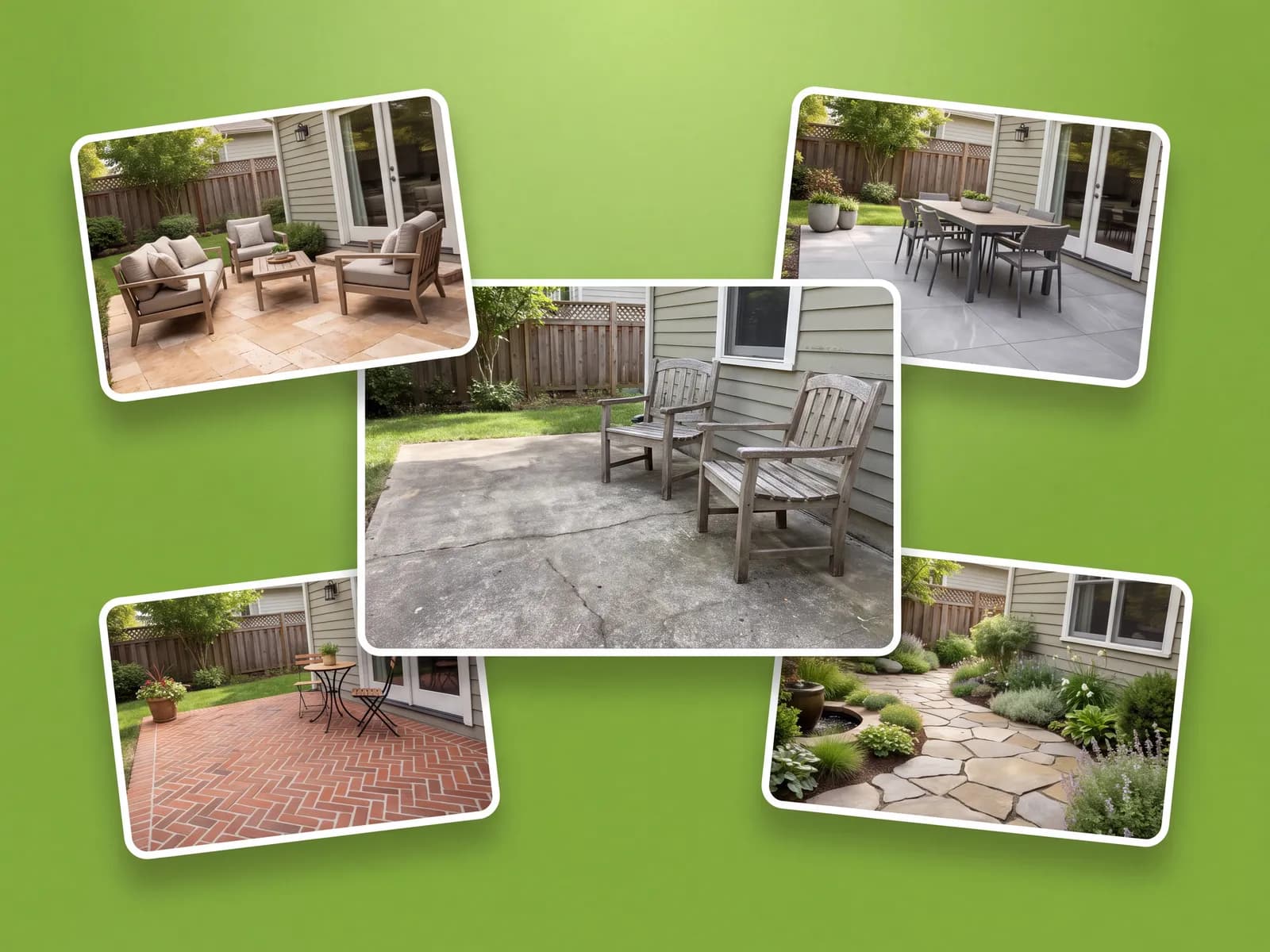
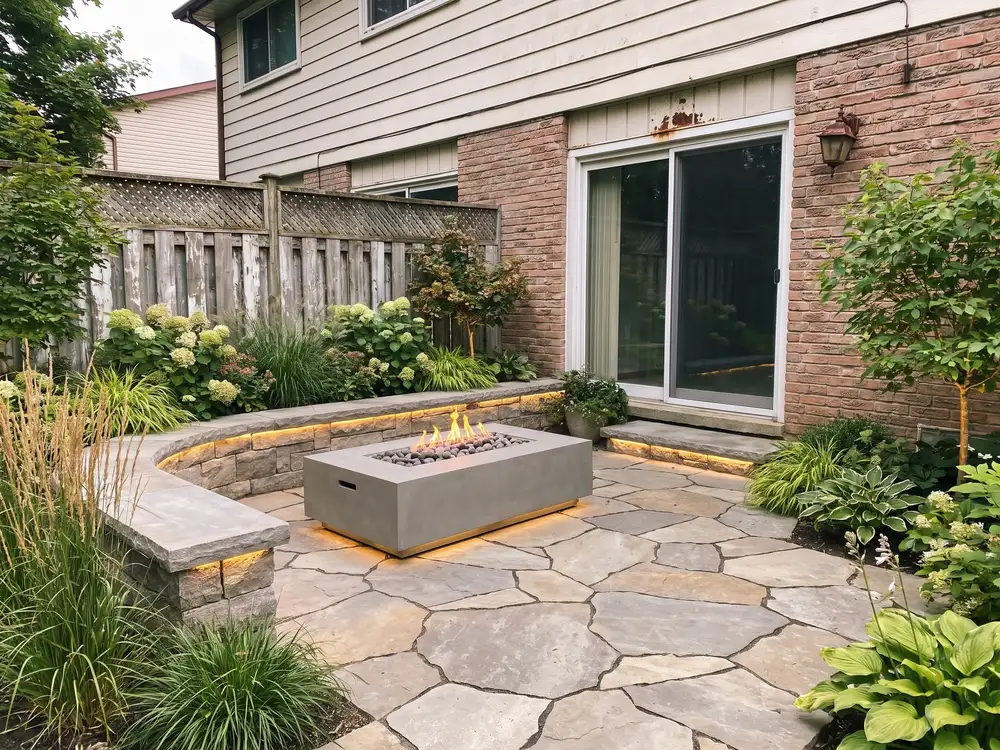
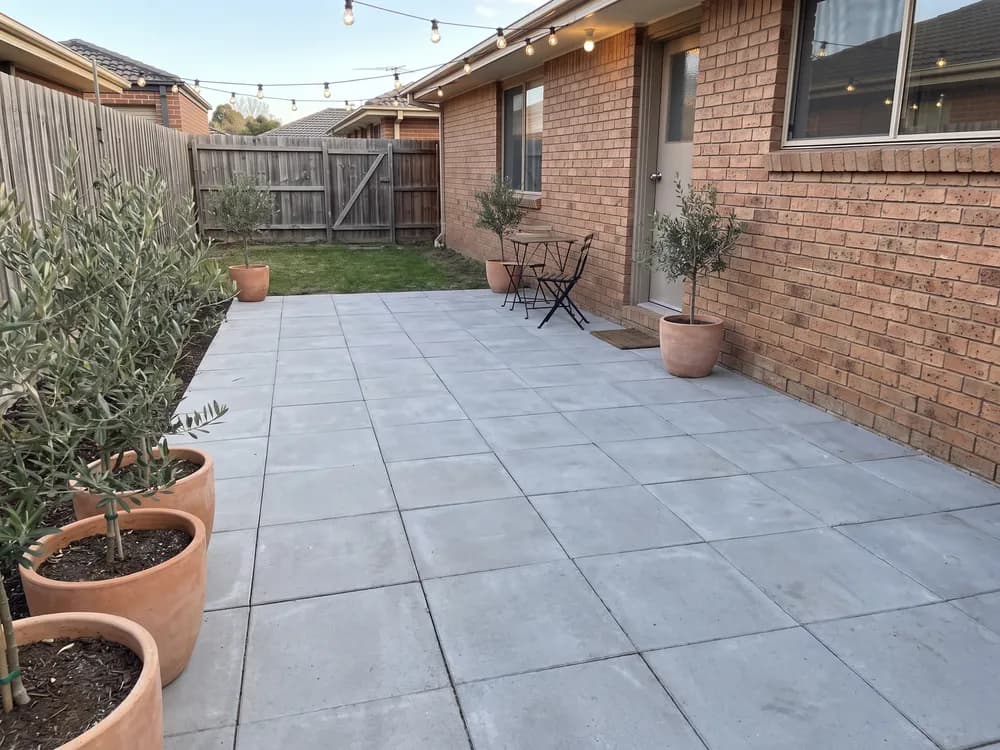
Pavers, stone, or a covered look read completely differently on your patio than in a catalog. See each option on your own photo before you choose.
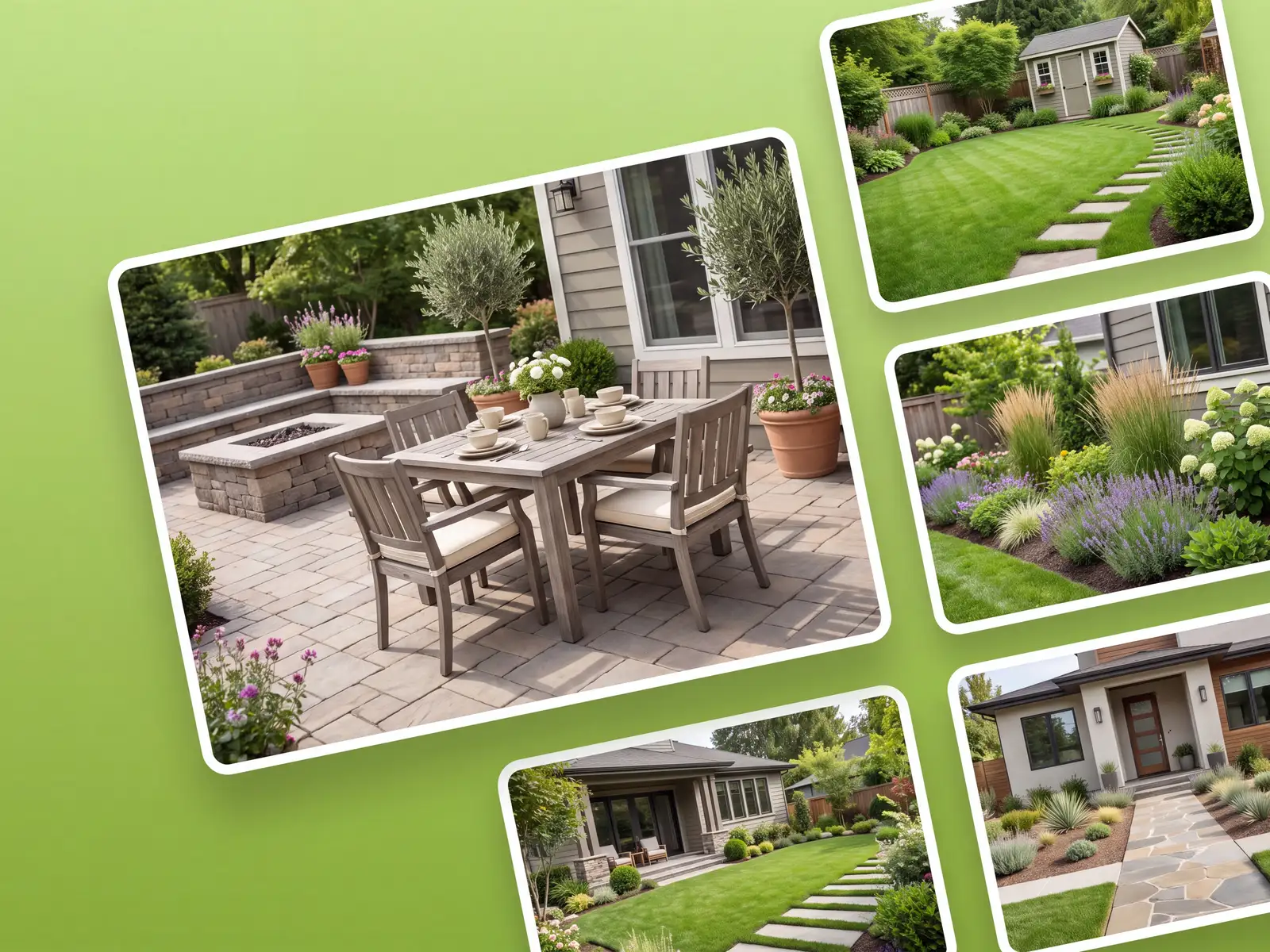
The same upload flow covers the backyard, garden, deck, and front yard, so the patio concept can match the rest of the space.
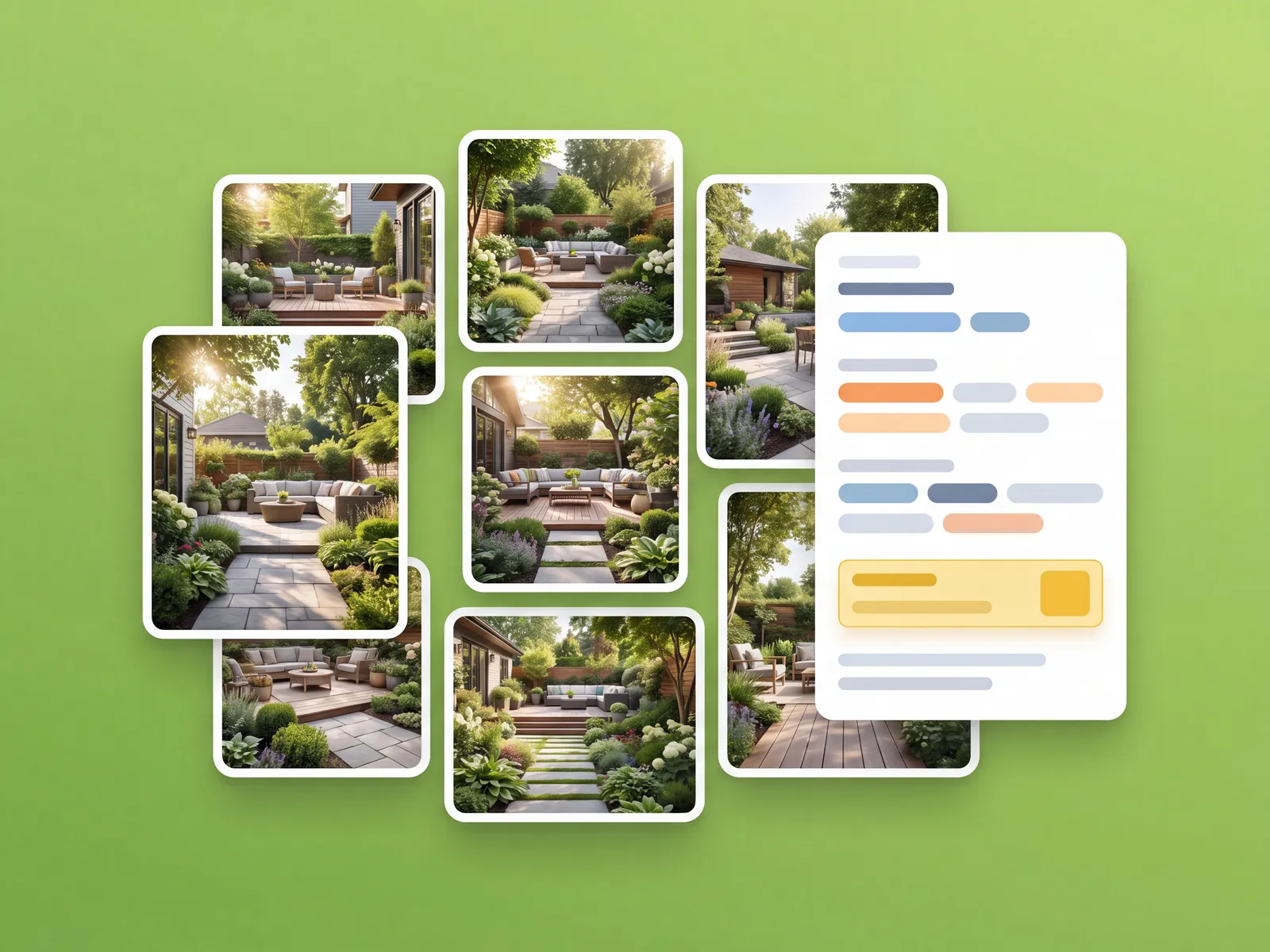
Save the version you like, flip between it and the original photo, and send it to a contractor for a price.
Layout, settled
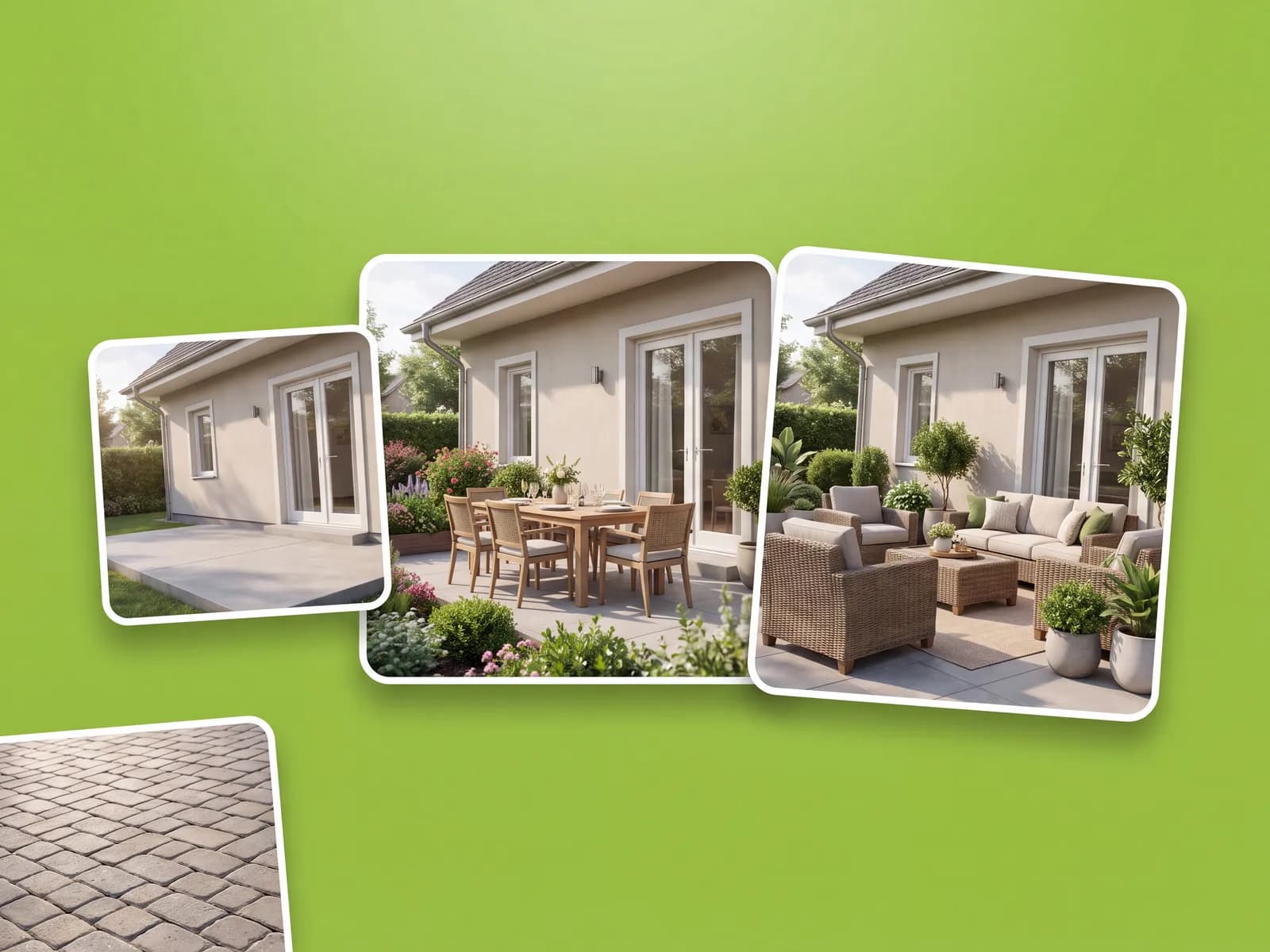
Dozens of styles for any patio, ready in under a minute.
Surface debates, sales visits, and weekend builds.
“We argued about pavers versus stamped concrete for a month. Seeing both on our patio ended it in a night.”
“On-site I photograph the client's patio and show them two directions before I leave. It closes jobs.”
“Did the whole thing from my phone on the patio itself. Picked a style, saved it, ordered materials.”
For landscapers and designers generating client concepts at volume, with team access.
How it compares with drawing-based planners, contractor mockups, or guessing.
| Feature |  | Drawing-based planners | Contractor mockups | Guessing |
|---|---|---|---|---|
| Getting to a design | ||||
| Works on a photo of your patio | Sometimes | |||
| Runs on the phone in your pocket | Sometimes | |||
| Style presets built for patios | Some | |||
| First concept in under a minute | ||||
| Cost & commitment | ||||
| Typical cost to start | $ | $-$$ | $$$ | Free |
| Time to a usable concept | ~1 min | Hours | Days | n/a |
| Photo-real result | Sometimes | |||
| Confidence | ||||
| Keeps your patio's size and surroundings | Hit or miss | |||
| Before / after on your photo | ||||
| Share concepts with a pro | ||||
Plain answers, including what it costs.
Yes. It runs in the browser, so any recent phone works. There is nothing to download from an app store.
Yes, this one. You upload a photo instead of tracing your patio into a grid, and the app does the design work from there.
No. The browser app does what desktop patio design software does for concepts, from a phone photo, in about a minute.
Yes. The concept is generated on your photo, so tight spaces, covered areas, and odd shapes are handled as they are.
Yes. Generate a concept per direction and flip between them on the same photo to judge the difference honestly.
OutdoorBrite is a paid product, with no free tier. Plans cost a fraction of hiring a designer and scale with how many designs you generate and the resolution you need.
Start from a photo of the space and decide what the patio must hold: dining, lounging, planting, a grill. Generate a concept per direction, compare them on the photo, and keep the layout that fits how you live. That plan is what you price with a contractor.
One tool for every outdoor space.

Your patio deck designer: design a new deck on your real house from one photo.

A new deck on your actual house. Boards, railings, and levels.

See full paver patterns and colors on your own patio, path, or driveway.

Patio pavers, pergolas, and outdoor kitchens. Try materials first.

Your patio designer: redesign your patio and compare materials from one photo.

Drop a pool into your real yard, then test shapes and decking.
Photograph it, pick a style, and see it finished in seconds.