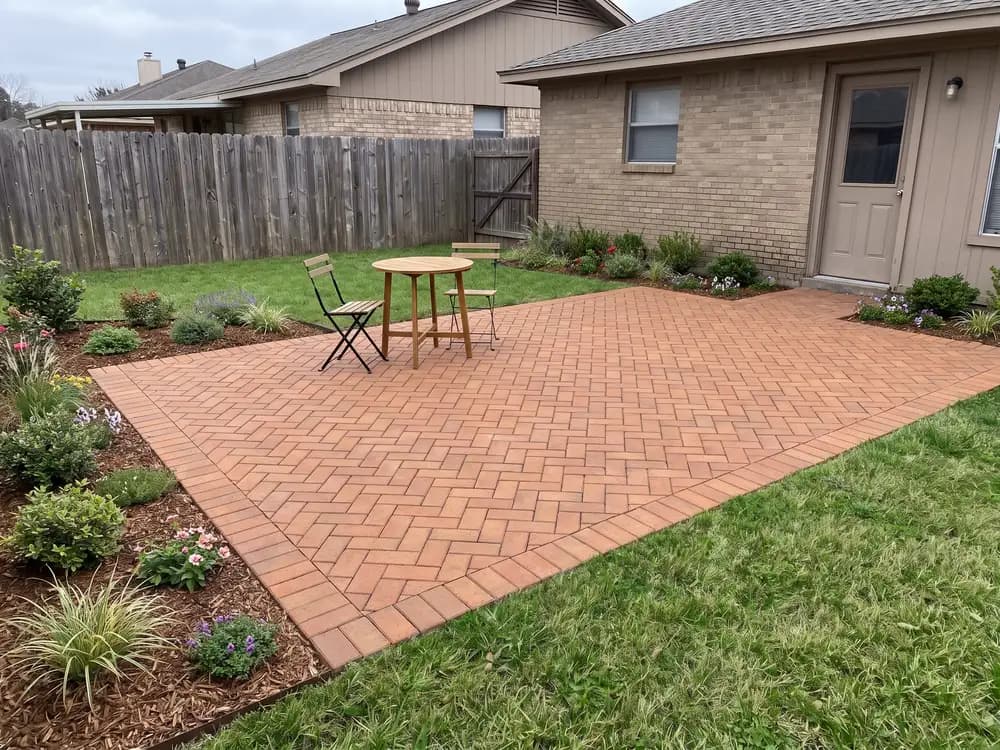
“We were stuck between gray slabs and a warm brick look. On our own patio photo the answer was obvious.”
Homeowner
Paver patio
A sample paver in your hand says nothing about a whole patio of them. This paver design tool lays the full pattern on a photo of your actual space, so you can judge the real effect before ordering a single pallet.


Homeowners, DIYers, sellers & landscapers
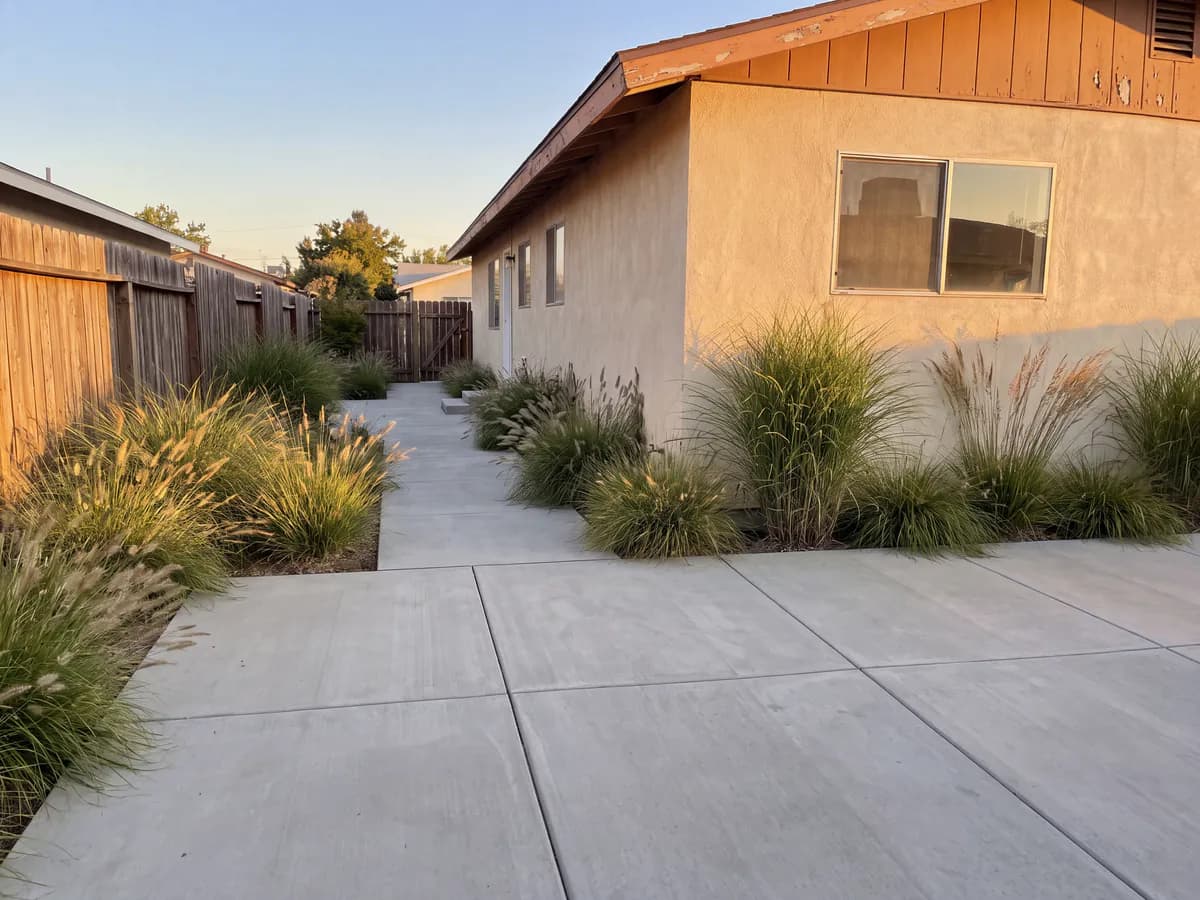
Featured in






Hardscape is costly to buy and worse to redo.
A full field of pavers looks different from one sample brick. See the complete surface on your space.
Redoing hardscape means demolition. Judge the direction on your photo before the order goes in.
Compare two or three looks in the time a supplier quote takes to open.
From clean modern slabs to classic brick looks, on your actual patio or path.
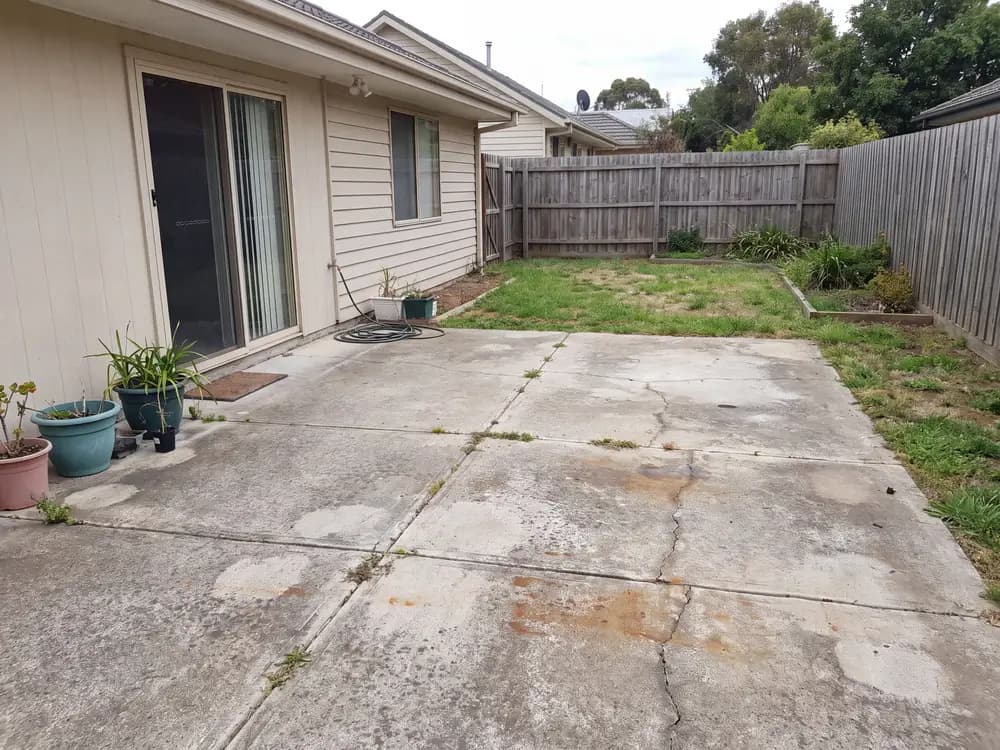
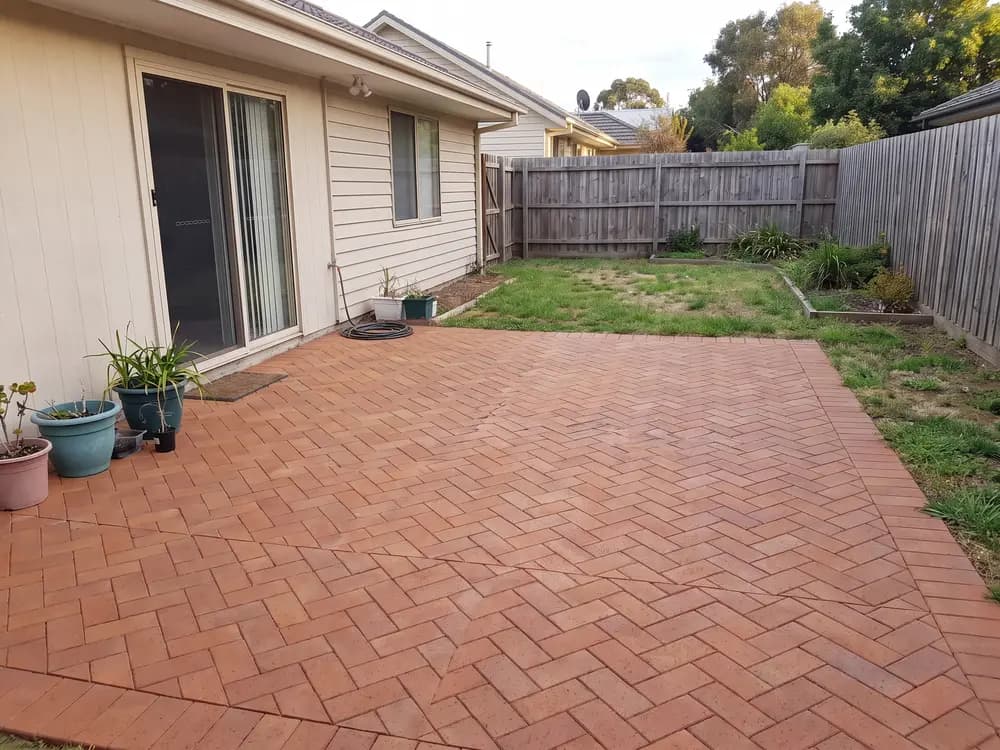
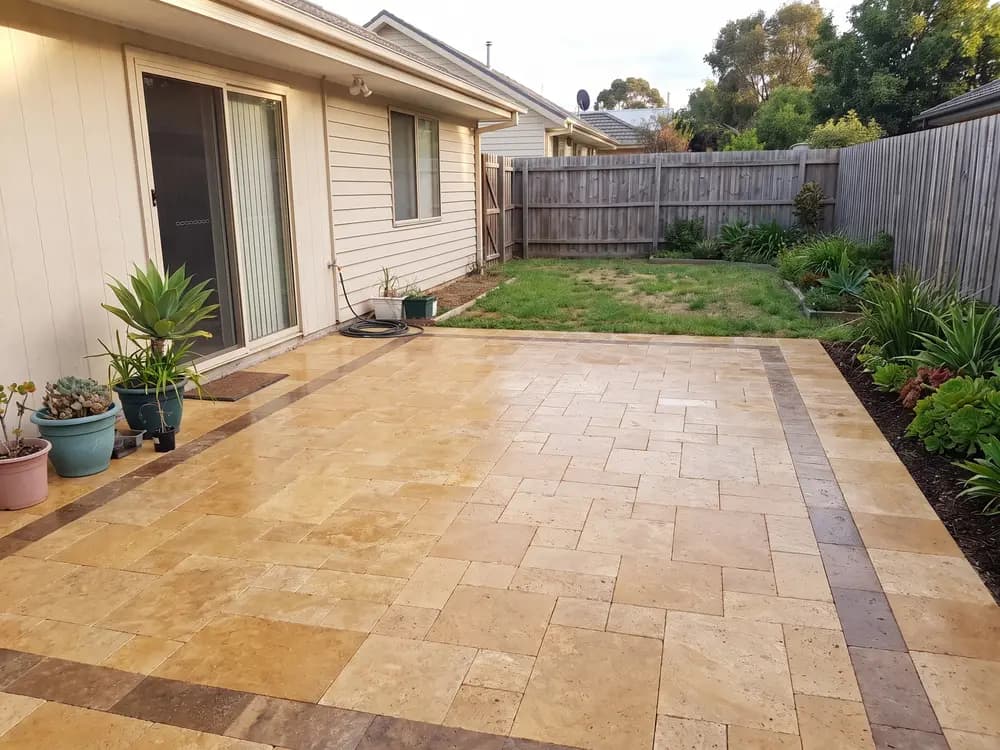
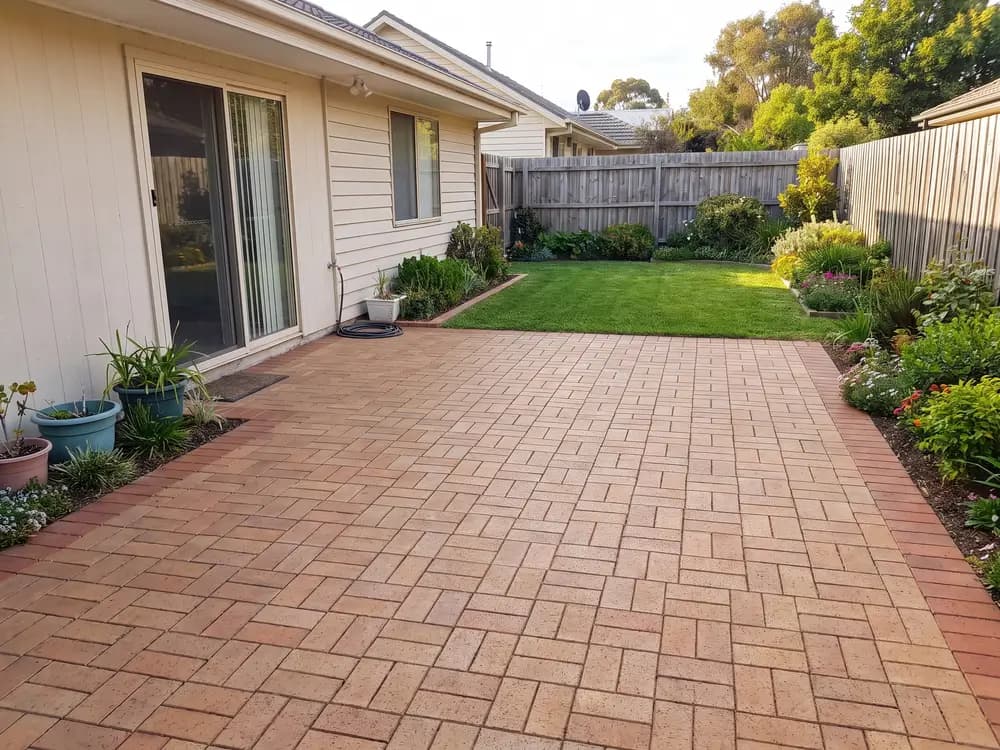
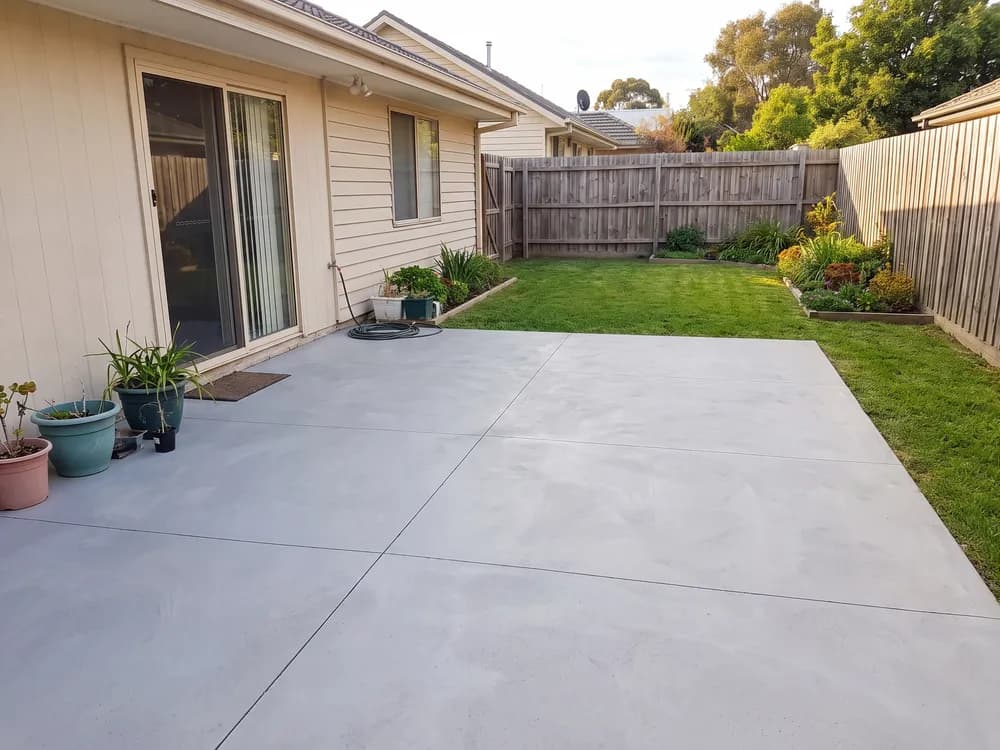
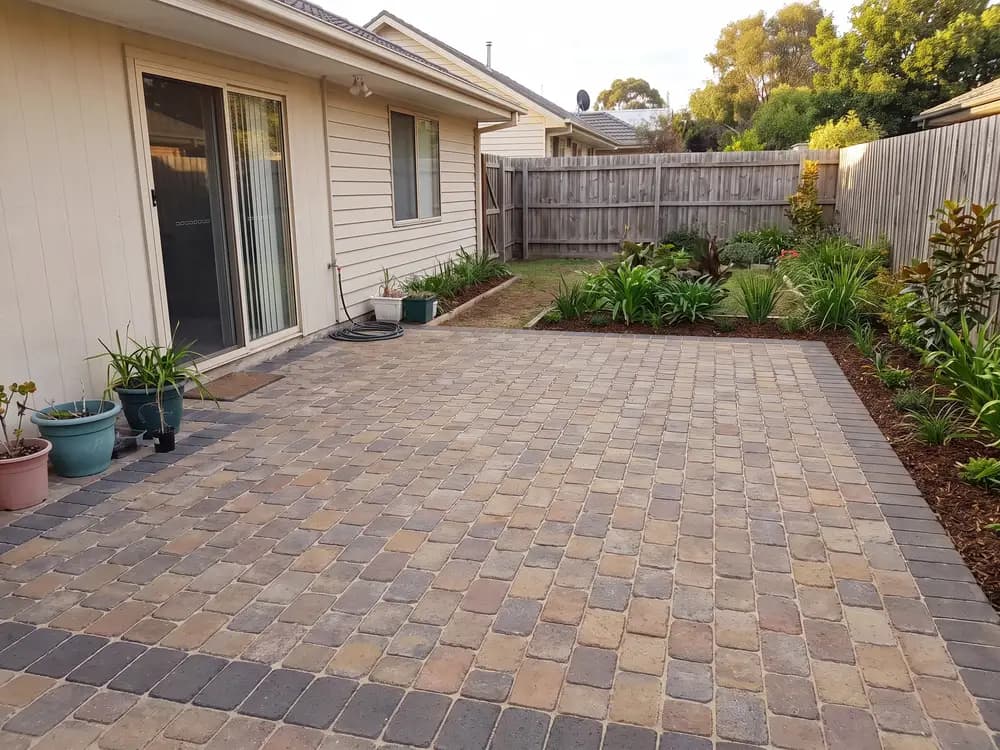
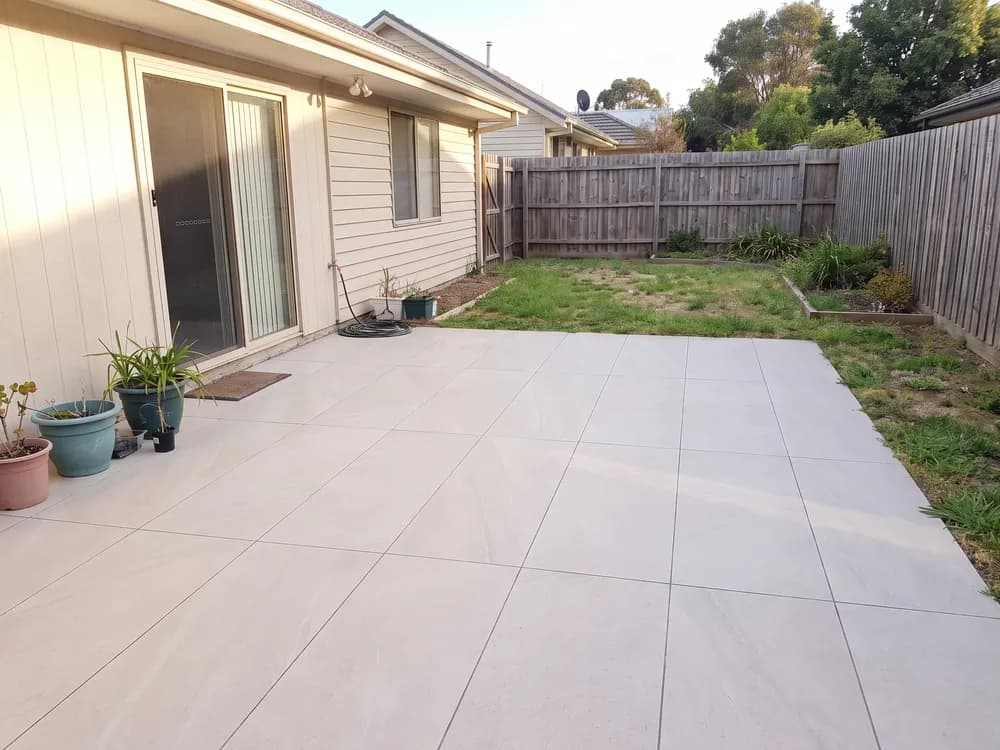
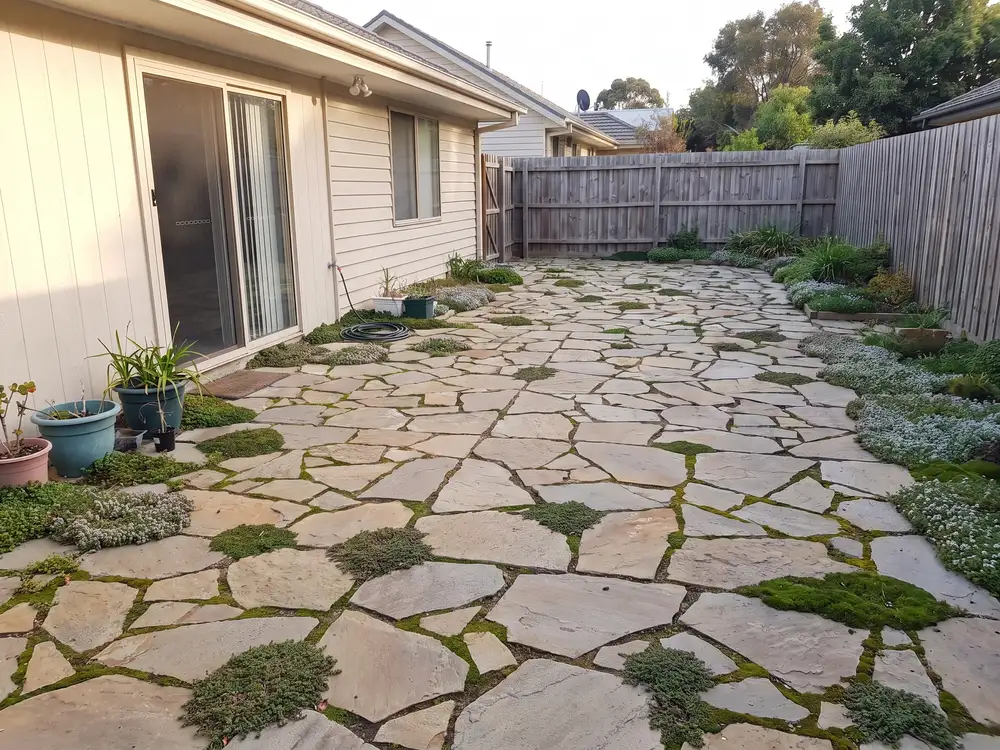
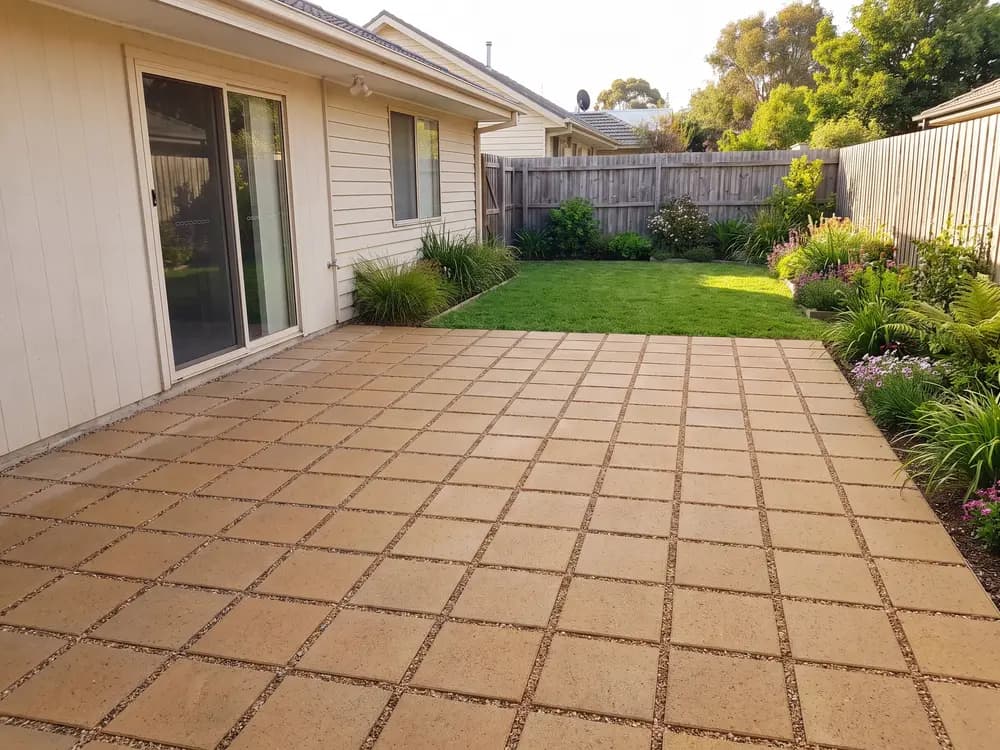
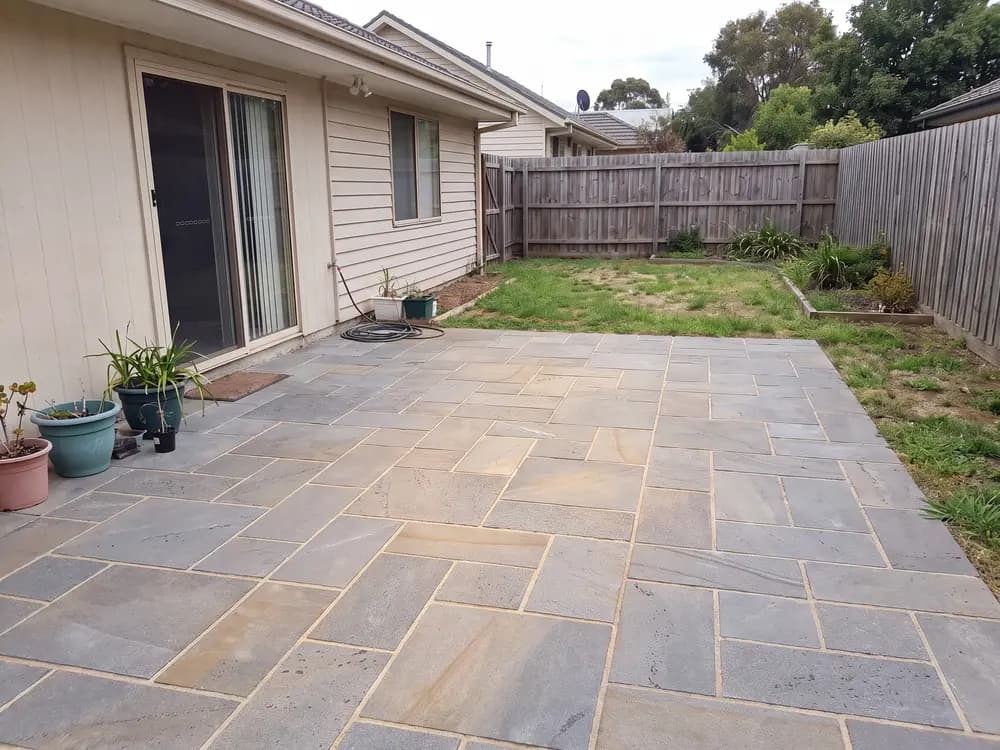
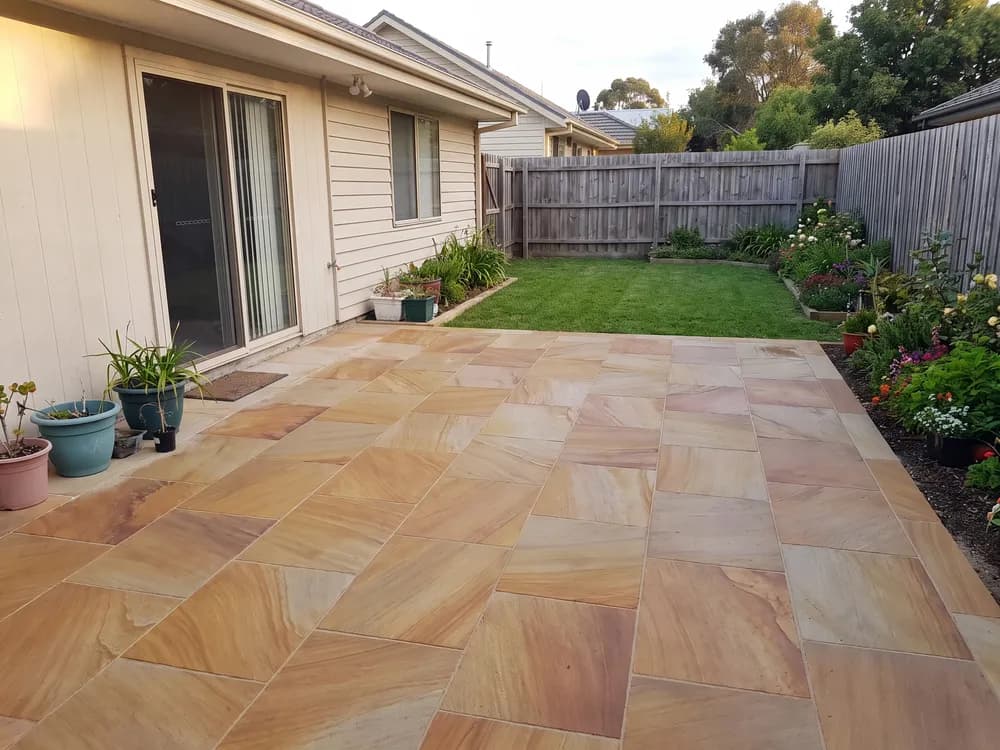
Three steps from photo to decision.
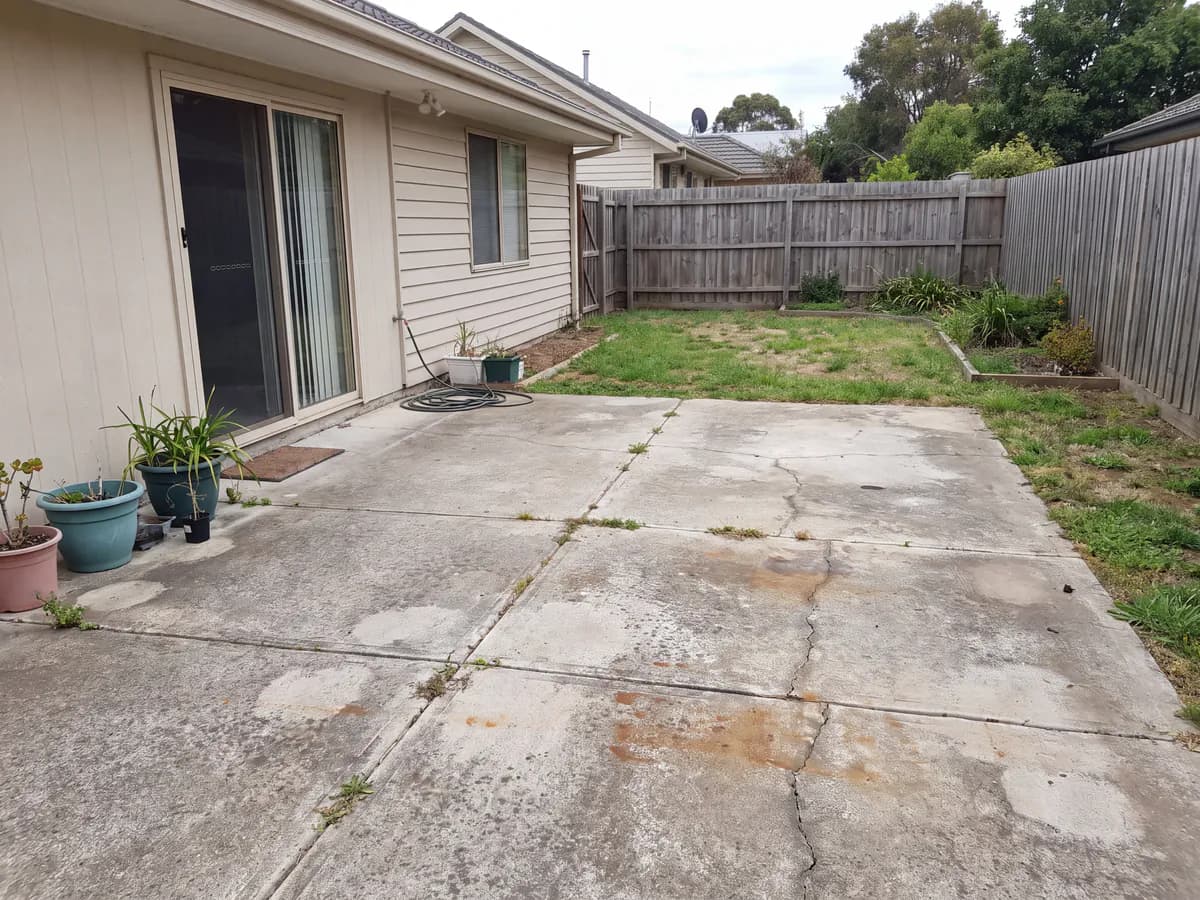
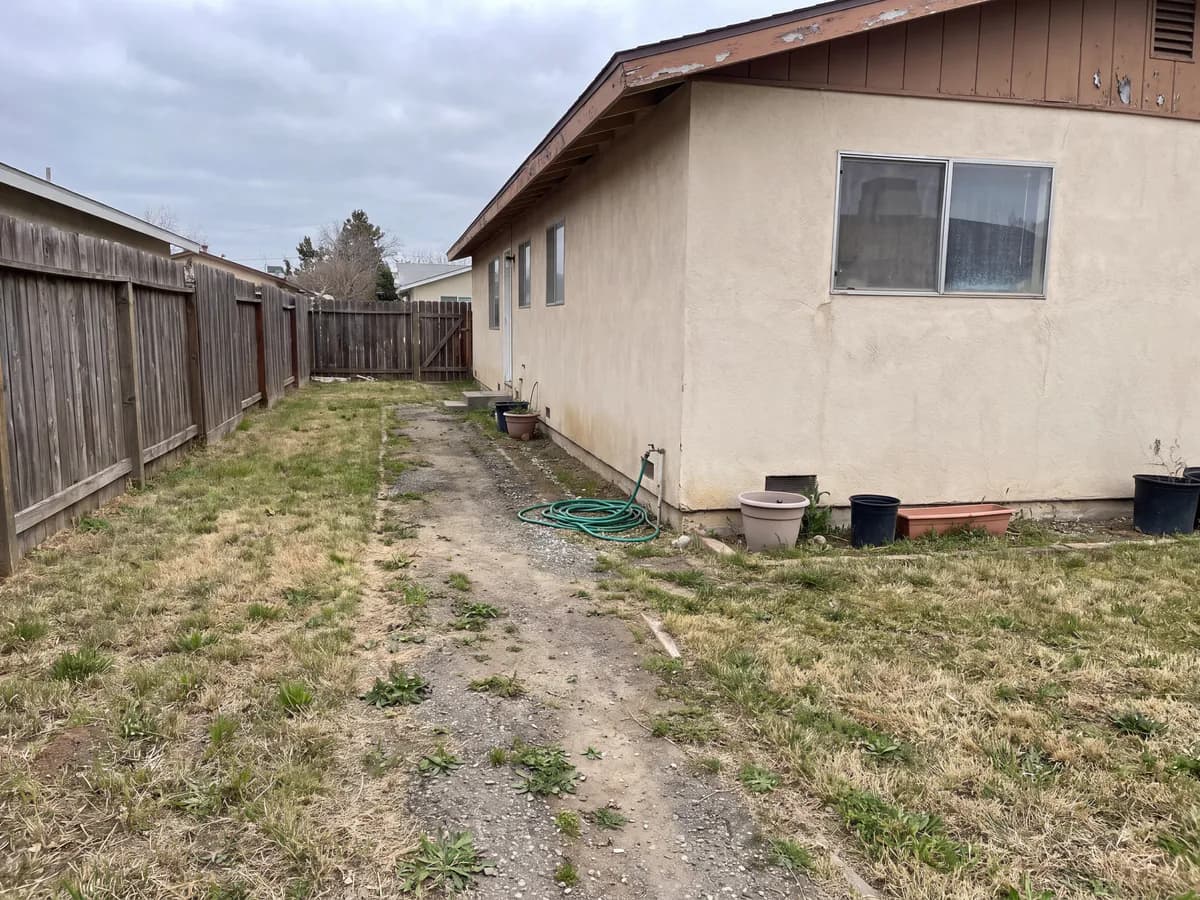
Patio, walkway, pool deck, or driveway. A phone photo is fine.
Choose the style and feel; the tool renders the surface on your space.
Realistic paver concepts of your own space in seconds. Save them or generate more.
The questions a sample board can't answer.
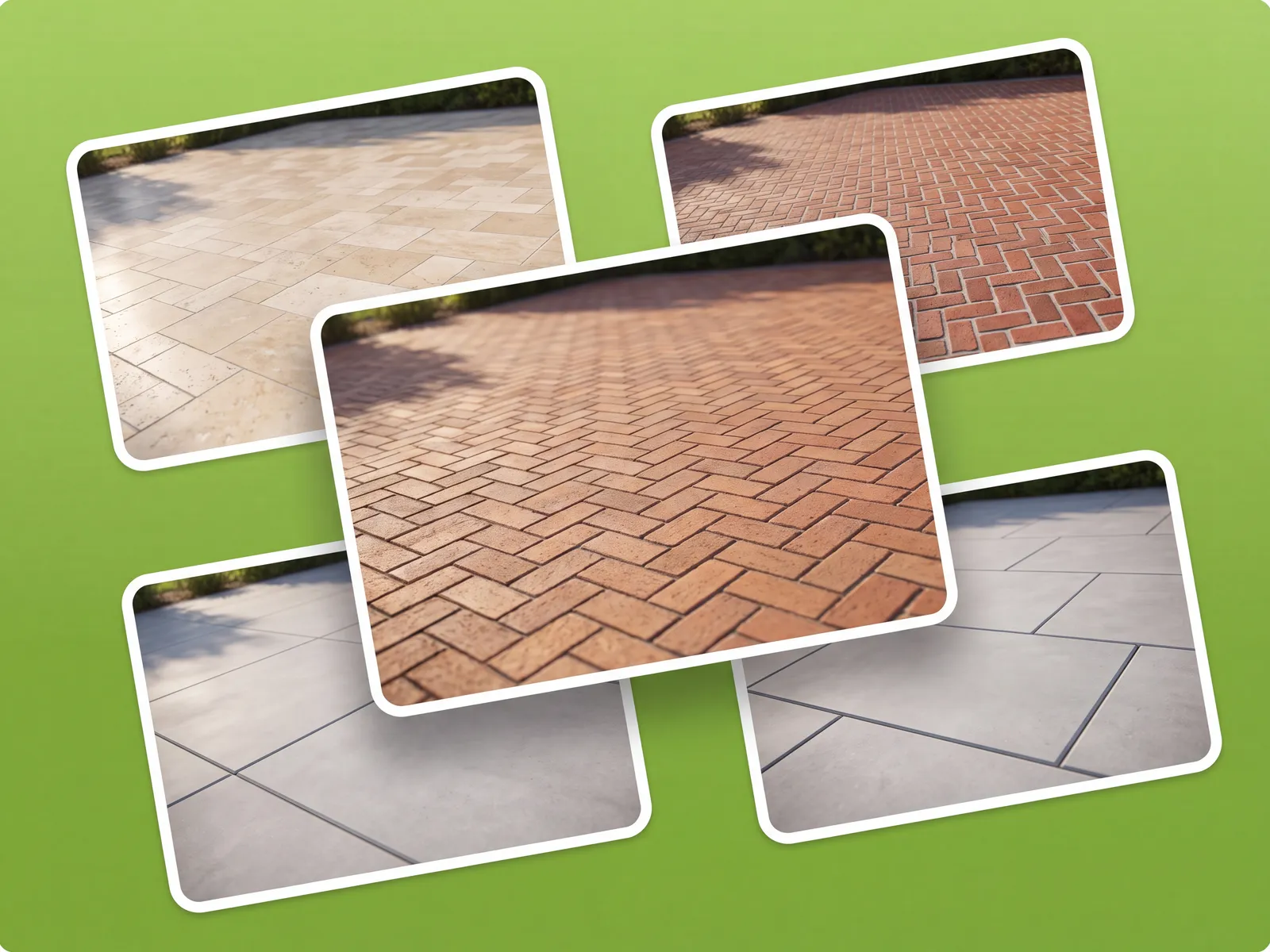
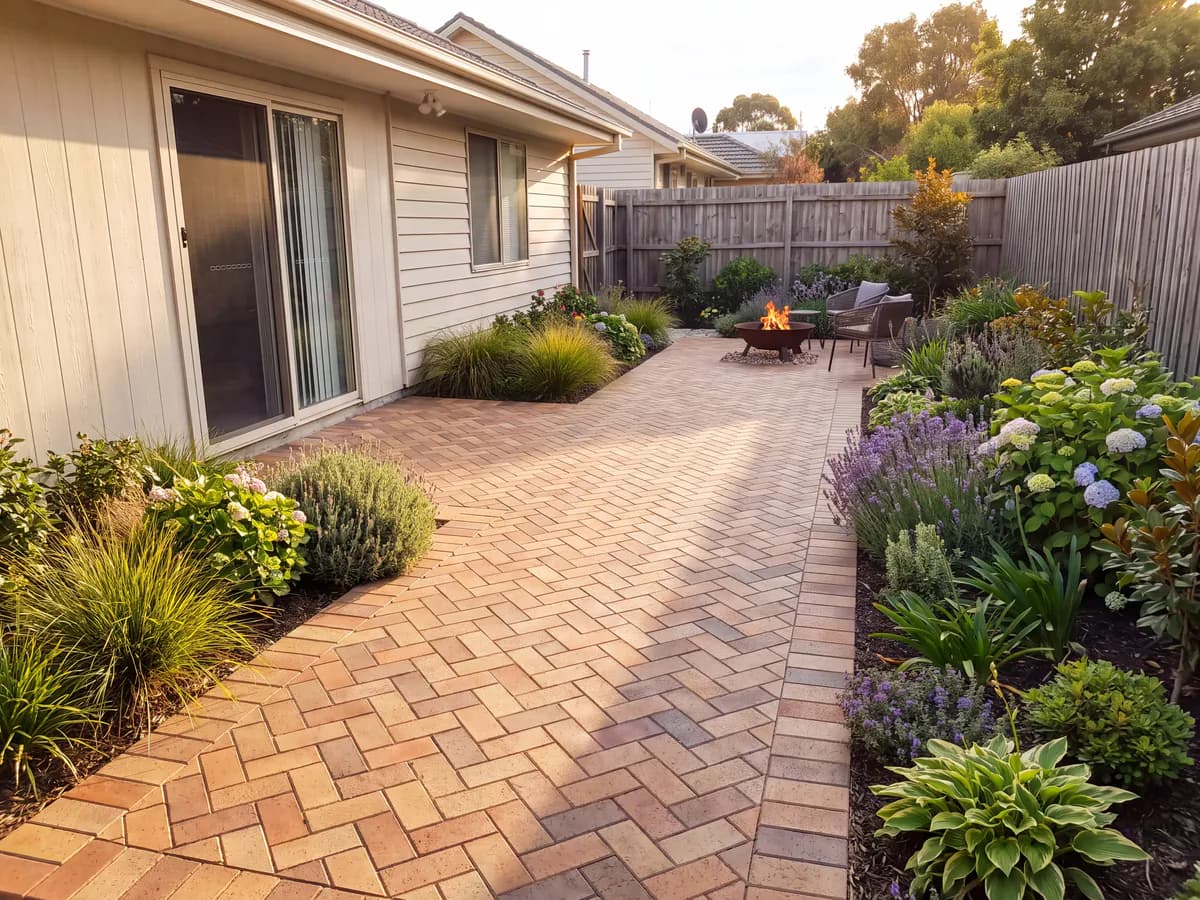
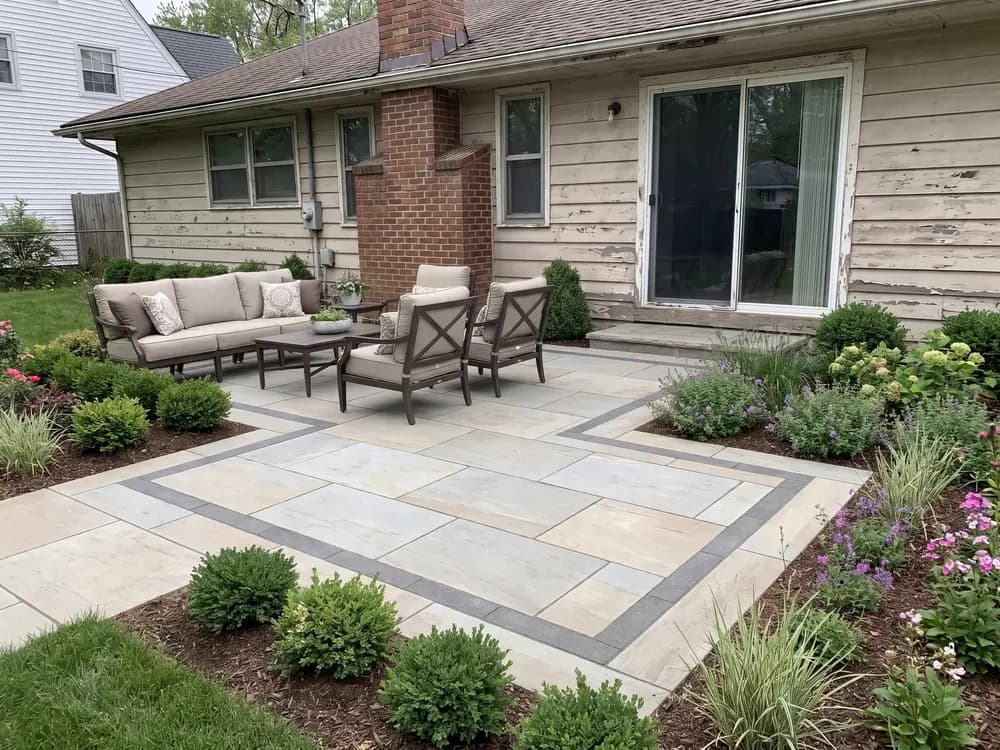
Herringbone, running bond, or large-format slabs change character across a whole patio. Used as a paver patio design tool, it shows the field, edges, and borders on your photo.
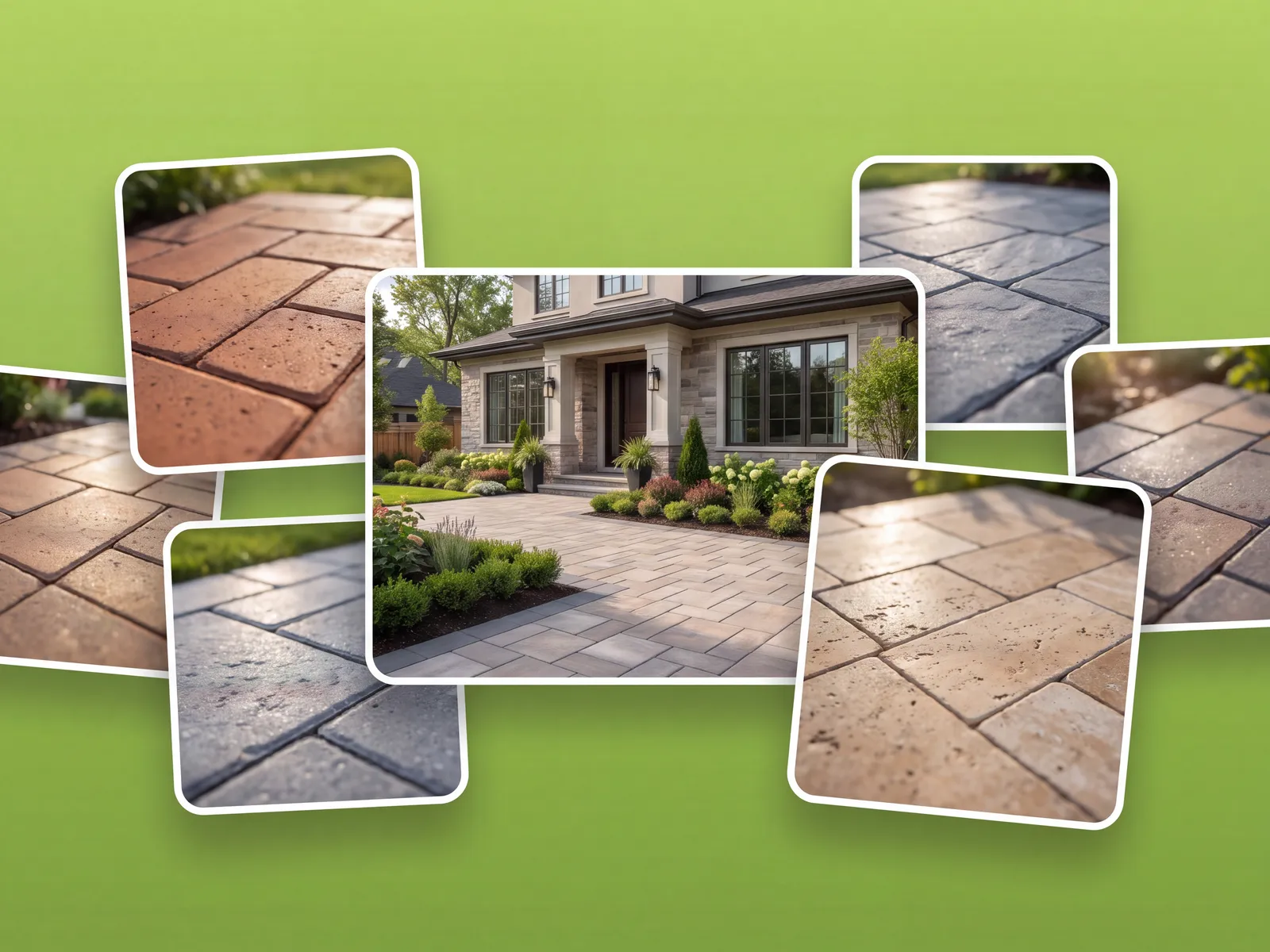
Paver colors shift next to your siding, fence, and planting. Seeing them in your photo's light beats a showroom display.
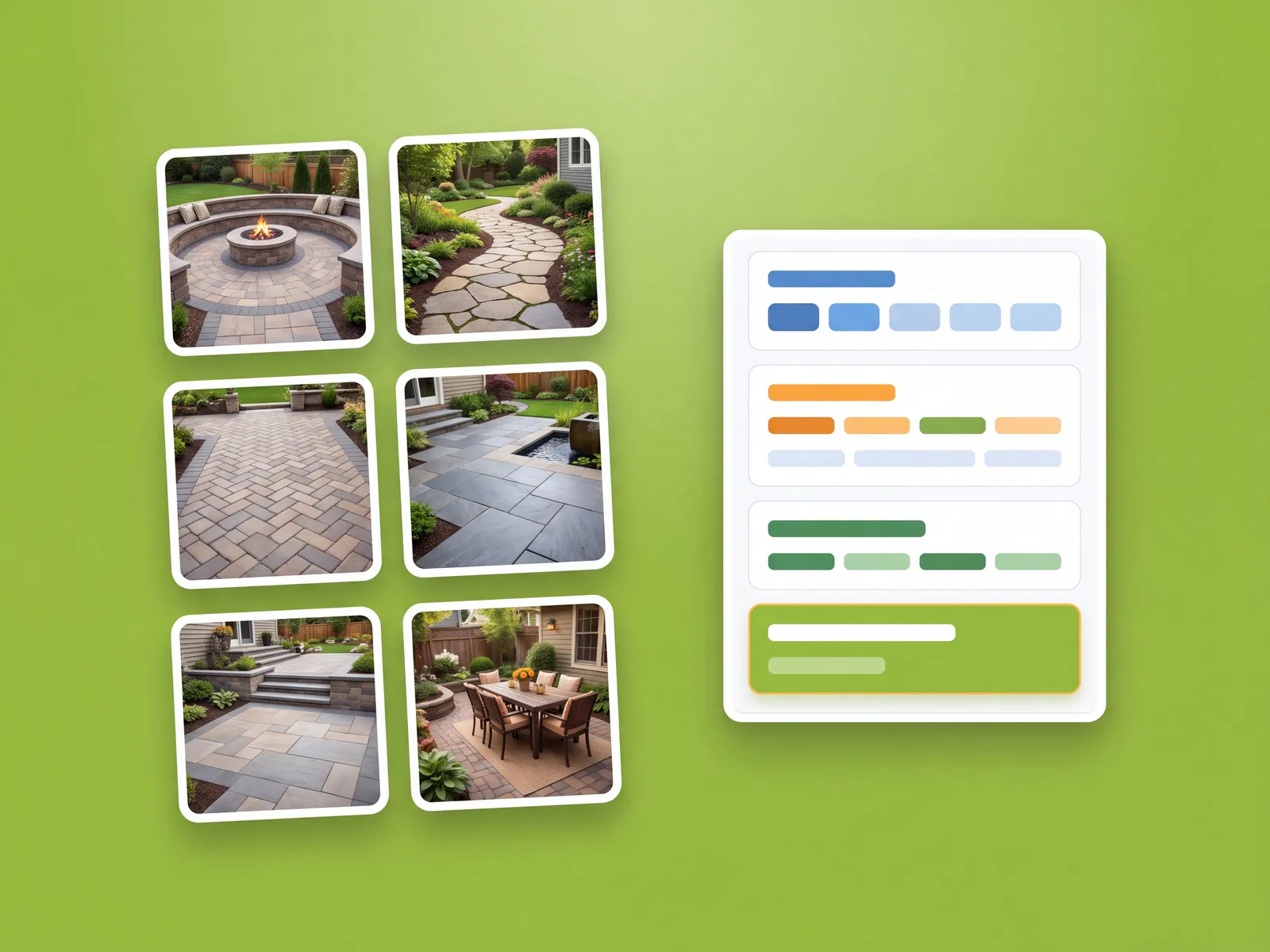
Save the winning concept and hand it to your installer, or use it to compare supplier quotes on the same design.
Patterns on your patio
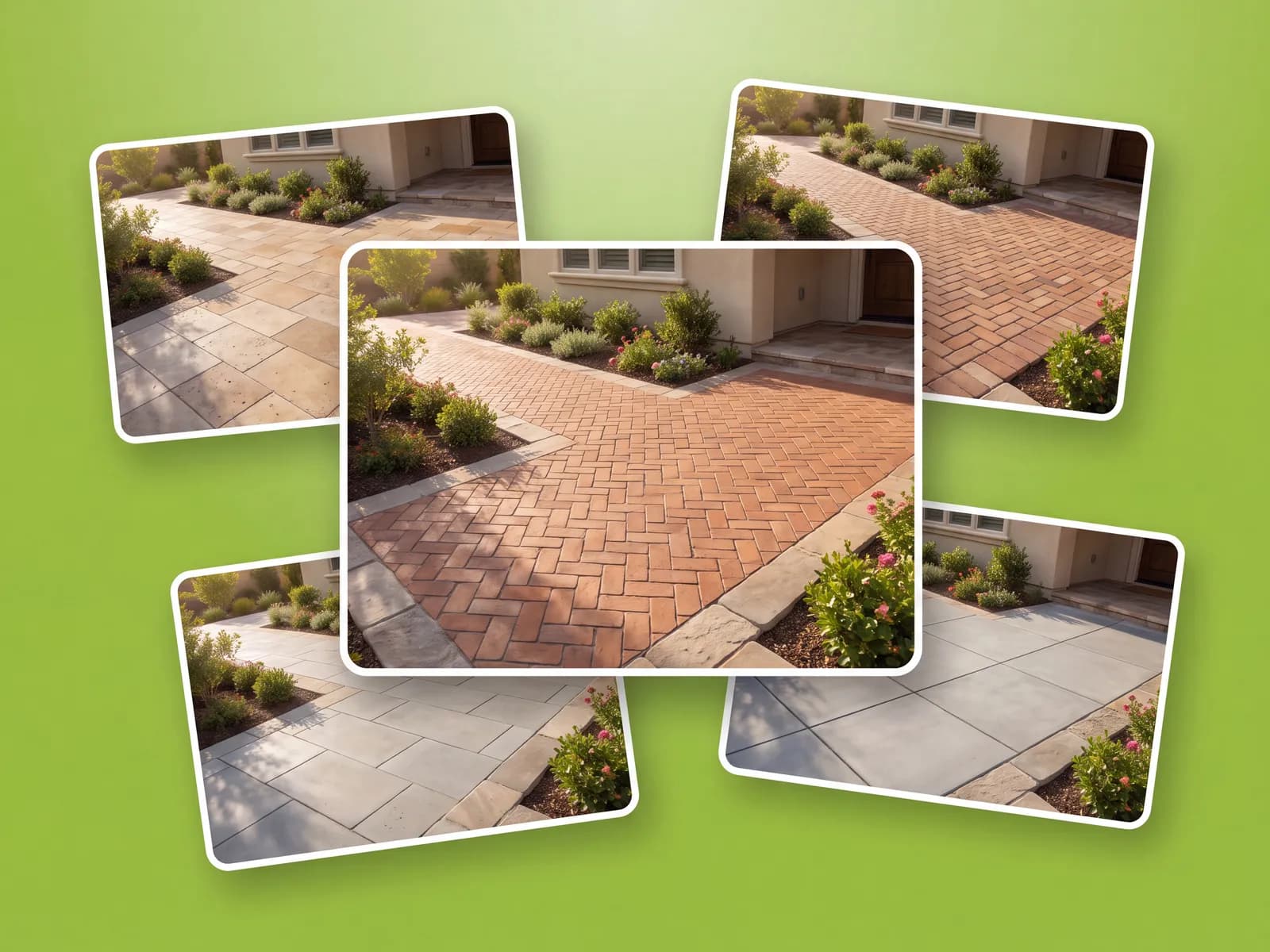
Patios, paths, pool decks, and driveways, ready in under a minute.
Patios, walkways, and the quotes that followed.
“We were stuck between gray slabs and a warm brick look. On our own patio photo the answer was obvious.”
“Clients pick faster when the pattern is on their photo instead of a brochure. I quote the winner the same visit.”
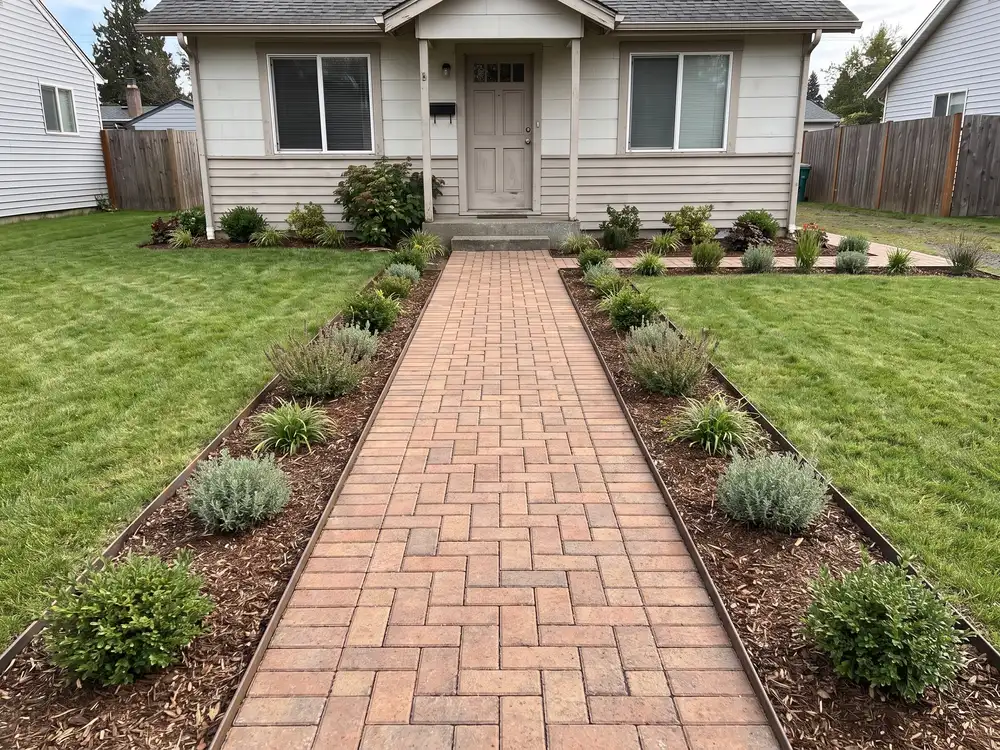
“Redid the walkway design three times in the tool before touching the ground once.”
For landscapers and designers generating client concepts at volume, with team access.
How it compares with brand visualizers, contractor mockups, or guessing.
| Feature |  | Brand visualizers | Contractor mockups | Guessing |
|---|---|---|---|---|
| Getting to a design | ||||
| Works on a photo of your space | Sometimes | Sometimes | ||
| Not tied to one paver brand | ||||
| Covers the planting around the pavers too | Sometimes | |||
| First concept in under a minute | ||||
| Cost & commitment | ||||
| Typical cost to start | $ | Free | $$$ | Free |
| Time to a usable concept | ~1 min | Varies | Days | n/a |
| Photo-real result | Sometimes | Sometimes | ||
| Confidence | ||||
| Keeps your house and surroundings | Hit or miss | |||
| Before / after on your photo | ||||
| Share concepts with an installer | ||||
Plain answers, including what it costs.
Yes. Photograph any hard surface: patio, path, pool deck, or driveway. The concept is rendered on that exact space.
That is the main use, yes: photograph the patio and compare paver looks on it. Paths, pool decks, and driveways work the same way.
For the design decision, yes. It generates the concepts; your installer handles base, drainage, and cutting. Bring them the saved design to price.
Yes. Generate a concept per direction, then flip between them on the same photo to see how each pattern and color sits in your space.
No. Unlike manufacturer visualizers, it is not a catalog for one product line. Decide the look first, then source a matching paver from any supplier.
OutdoorBrite is a paid product, with no free tier. Plans cost a fraction of a design consultation and scale with how many designs you generate and the resolution you need.
Yes. That is the core of it: the pavers are visualized on a photo of your own patio, path, or driveway, in daylight that matches your photo.
For the visual layout, yes: patterns, borders, and how the field meets the edges. Exact cut counts and base depths stay with your installer.
One tool for every outdoor space.

Patio pavers, pergolas, and outdoor kitchens. Try materials first.

Your patio designer: redesign your patio and compare materials from one photo.

Photograph your patio and compare styles and surfaces from your phone.

Your patio deck designer: design a new deck on your real house from one photo.

A new deck on your actual house. Boards, railings, and levels.

Drop a pool into your real yard, then test shapes and decking.
One photo of the surface, a style you pick, realistic paver concepts in seconds.