9 best landscape design apps for 2026 (free and paid)
Most people searching for a landscape design app want it free, so we ranked eight genuinely free or free-tier apps, plus the one paid AI pick worth knowing if you want the most realistic result.
If you typed "landscape design app free" into a search box, you want to redesign your yard without paying for it. Fair enough, and most of this list is for you: eight apps below are genuinely free or have a real free tier, covering 3D layout, drag-and-drop planting on a photo, and AR previews you can walk through on your phone.
There's one exception, and we'll be straight about it. The tool we rank first, OutdoorBrite, is paid only. No free plan, no trial. We put it at the top because it gives the most realistic result from a single photo of your actual yard, and if you're close to spending real money, that one render can save you a bad decision. So read the OutdoorBrite section to know what the paid option buys, then pick from the eight free apps below.
Best landscape design apps: a brief overview
- OutdoorBrite, best overall (paid): upload a yard photo, pick a style, and get realistic AI concepts in under a minute. No free plan.
- Planner5D, best free 3D: draw your yard to scale and lay it out in 2D and 3D, with a usable free tier.
- iScape, best free mobile and AR: place plants and hardscape by hand on your phone and preview them in AR, free to start.
- SketchUp Free, best free web 3D modeling: a full browser-based 3D modeler at no cost, good if you want precise control.
- Home Outside, best free simple design: drag-and-drop your yard with a designer's element library, free with optional add-on packs.
- DreamzAR, best free AR redesign: drop 3D objects and walk through the design in AR, with a free tier to test it.
- REimagine Home, best free AI restyle: fast AI restyles of an exterior photo, with three free designs for new users.
- PRO Landscape Home, best free plant-on-photo (Android): add plants and materials to a photo of your house, free with an optional library upgrade.
- Home Design 3D Outdoor & Garden, best free 3D garden app: lay out a garden, pool, or patio in 2D and 3D with a low one-time price.
| App | Key strength | Pricing | Platforms |
|---|---|---|---|
| OutdoorBrite | Realistic AI concepts from your own photo, fast | From $29/mo (no free plan) | Web (mobile-first) |
| Planner5D | DIY 3D layout, measured to scale | Free tier; Premium $4.99/mo yearly | Web, iOS, Android |
| iScape | Hands-on manual design with AR | Free plan; Pro $29.99/mo | iOS (Android limited) |
| SketchUp Free | Free browser-based 3D modeling | Free (web); Go $129/yr | Web; desktop on paid |
| Home Outside | Simple drag-and-drop design | Free; add-on packs to $14.99 | iOS, Android |
| DreamzAR | AR 3D walk-through on your phone | Free tier; $19.99/mo | iOS, web |
| REimagine Home | Quick free AI exterior restyle | Free (3 designs); from $14/mo | Web |
| PRO Landscape Home | Plant-on-photo mockups | Free; library upgrade $14.99 once | Android, iOS |
| Home Design 3D O&G | 3D garden and patio layout | $3.99 one-time | iOS, Android |
1. OutdoorBrite, best overall
Let's get the honest part out of the way first: OutdoorBrite is paid only. There's no free plan, no free trial, and no free credits. In a list of free apps, that's a real strike against it, and if your budget for this is zero dollars, skip to Planner5D below.
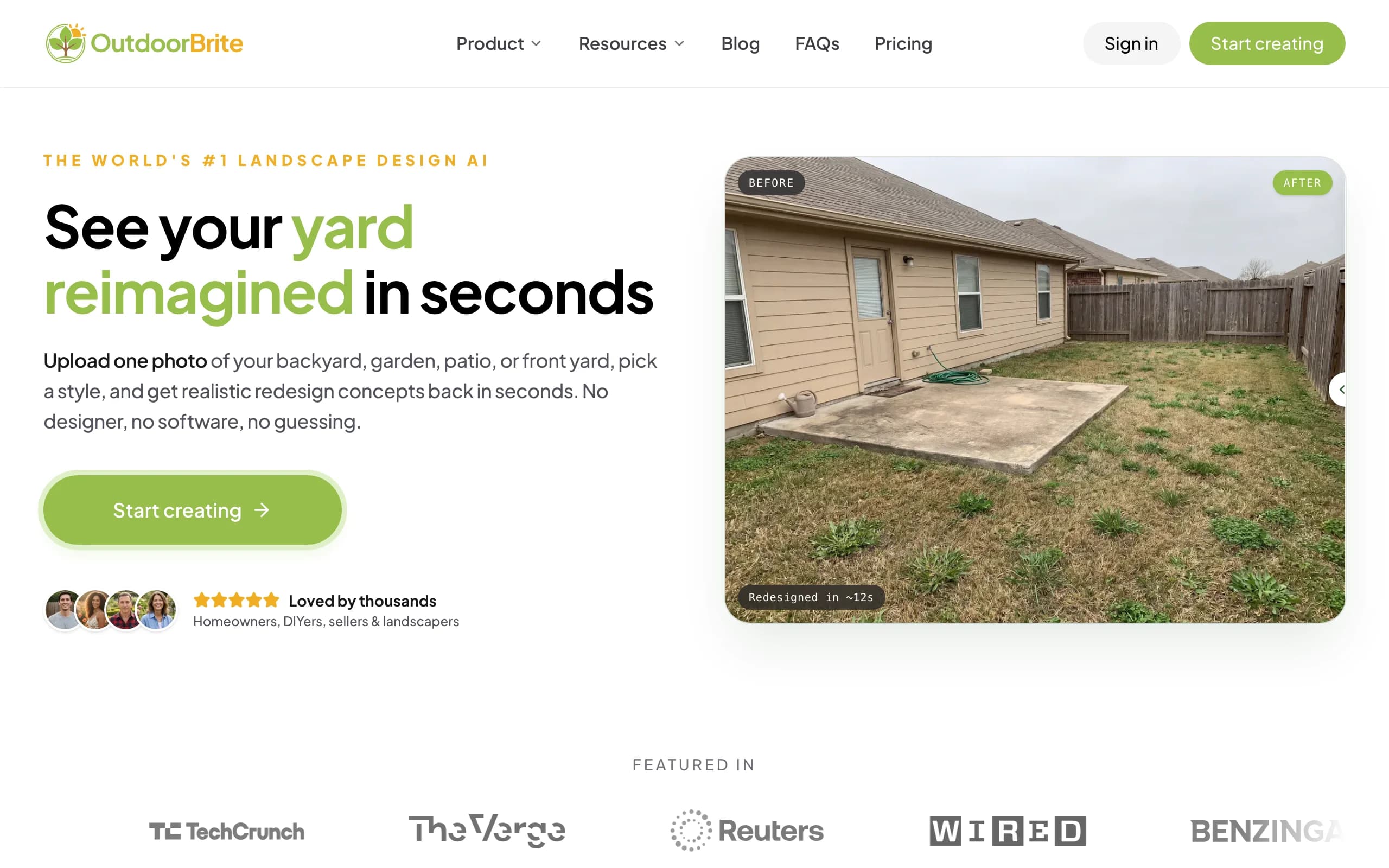
Here's why it still ranks first. OutdoorBrite is built around one job: showing you what your own yard could look like, fast and realistically. You upload a photo of the space, pick a style (modern, cottage, desert or xeriscape, tropical, Mediterranean), describe what you want in plain words, and it generates realistic concepts in under a minute. You get multiple concepts per upload, so you're comparing real options on your real yard instead of staring at a saved photo of someone else's. An in-app AI editor lets you refine a concept after the fact, swap a material, change the planting, push the layout one way or another.
The reason that matters: a free app's rough mockup is fine for daydreaming, but if you're about to pay a contractor or buy plants, a realistic render of your actual space stops you from making an expensive guess. The same flow handles backyards, gardens, patios, decks, fences, pergolas, pools, front yards, and full xeriscapes, and plant choices are aware of your climate and hardiness zone, so the greenery could actually survive where you live. It runs in any browser, so there's nothing to install. If you want the broader picture, the landscape design app and AI landscape design pages cover the rest of the space, and the AI landscape design app page walks through how the photo-to-design flow works.
Key features
- Photo-to-design AI: upload your yard, get realistic concepts in under a minute
- Style presets plus a plain-language prompt to direct the look
- Multiple concepts per upload, with an in-app AI editor to refine
- Climate and hardiness-zone-aware plant choices
- Works for backyards, gardens, patios, decks, pergolas, pools, and front yards
- Web-based, runs in any browser
Best for
- Homeowners who want to see a realistic redesign before spending real money
- DIY users who'll take the concept to a plant and materials list
- Landscapers and contractors using the render as a closing tool on-site
Pricing
- Paid only. No free plan, no free trial. 1 credit = 1 design or 1 AI edit.
- Starter $29/mo ($23/mo billed yearly): 25 redesigns/mo, HD output.
- Plus $49/mo ($39/mo yearly): 100 redesigns/mo, sharp 2K output. Most popular.
- Pro $149/mo ($119/mo yearly): 200 redesigns/mo, 4K output, commercial rights. Annual billing saves about 20%.
Pros
- The most realistic result on your actual yard photo, not a generic template
- Fast enough to compare several styles in one sitting
- Editor lets you refine instead of restarting from scratch
- Plant suggestions respect your zone
Cons
- No free plan or trial, so it's the wrong pick if your budget is zero
- A render can still need a tweak for tricky angles or odd lighting
2. Planner5D, best free 3D
Planner5D is where most free-budget readers should start. It's a general home-design app that works well for yards when you care about precise layout. You draw your yard to scale, then arrange plants, furniture, surfaces, and structures in a 2D plan you can flip to 3D. It's less about photoreal restyling and more about getting measurements, proportions, and arrangement right, which is exactly what you need before you order pavers or a pergola.
The free tier is genuinely usable, and the Premium plan is cheap on annual billing if you outgrow it. Two things to know: the visual output is 3D-model rendering rather than a photoreal restyle of your actual photo, and iOS app pricing tends to run higher than the web prices, so subscribe on the web if you can.
Key features
- Draw your yard to scale in 2D, view in 3D
- Plant, furniture, surface, and structure layout
- Large object catalog for arranging the space
- Cross-platform: web, iOS, Android
Best for
- DIYers who want accurate measurements and layout
- People planning paver and furniture placement before buying
- Anyone who prefers a model-based plan to an AI render
Pricing
- Free plan with limited features.
- Premium: $4.99/mo billed annually ($59.99/year), or higher month-to-month.
- Professional: $33.33/mo ($399.99/year). iOS app pricing runs higher than web.
Pros
- Real, usable free tier
- Strong for measured, to-scale layout
- Works across web and mobile
Cons
- 3D-model output, not a photoreal restyle of your own photo
- iOS pricing is higher than the web prices
3. iScape, best free mobile and AR
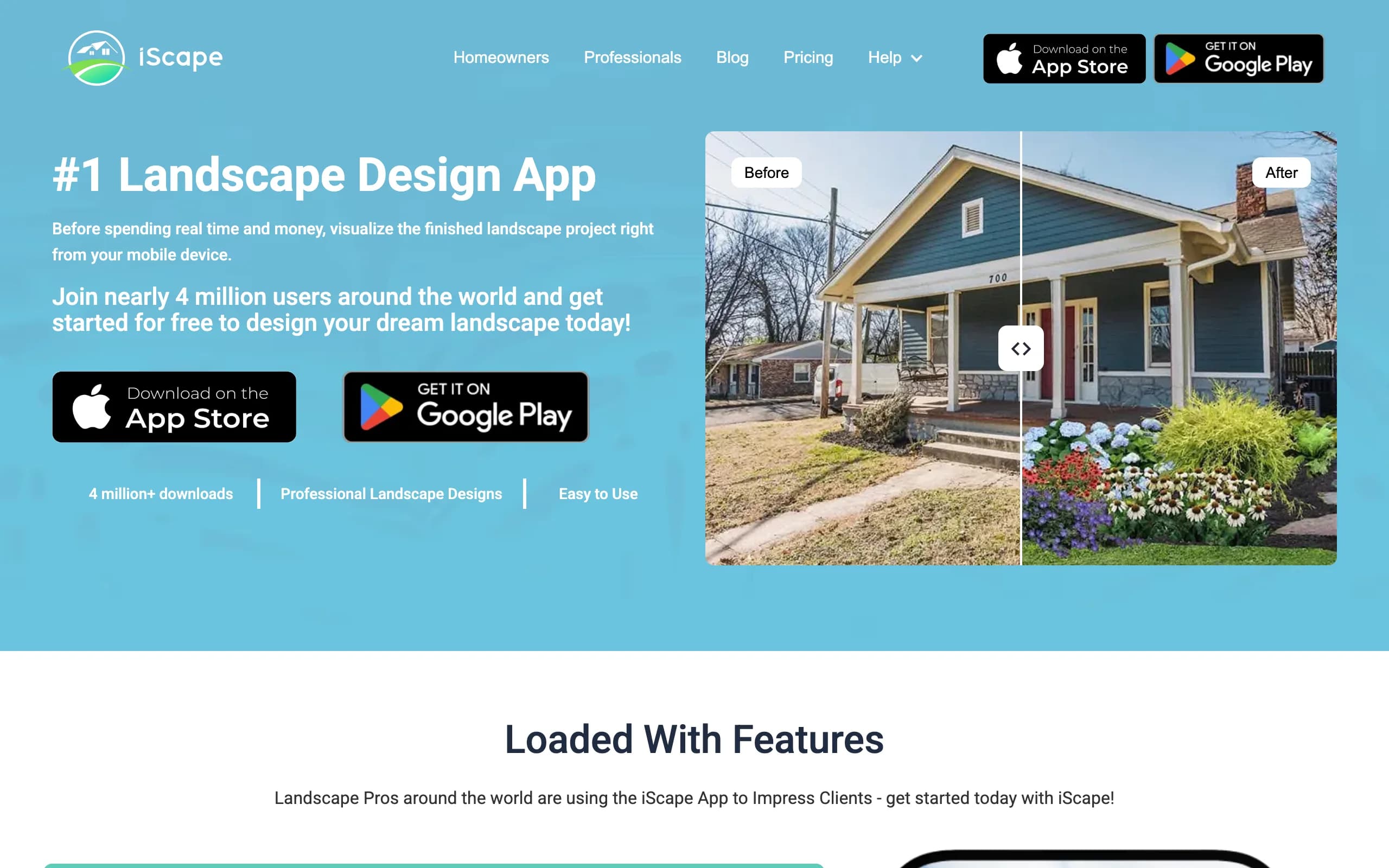
iScape is the pick if you want to design on your phone, by hand, while standing in the yard. You build a scene by placing plants, pavers, and hardscape onto a photo of your space, then preview the result in augmented reality on-site. It's closer to a manual design canvas with an AR preview than an automatic render engine, so you control every element, which suits you if you have a clear vision and the patience to lay it out.
The free plan lets you try the basics and save a couple of designs, while Pro adds the full plant and hardscape library, image uploads, and a proposal tool aimed at landscapers. The main limits are platform and effort: it's iOS-first with limited Android support, and because you're placing items by hand, a polished scene takes real time compared with a one-click AI concept.
Key features
- Manual design: place plants and hardscape by hand on a photo
- AR preview to see the design on-site at scale
- Large plant and hardscape library on Pro
- Proposal tool aimed at pros
Best for
- DIYers who want full manual control over the layout
- iPhone users who like designing in AR on location
- Landscapers who want a proposal tool on a phone
Pricing
- Free plan: limited features, save up to 2 designs.
- Pro: $29.99/mo or $299.99/year (saves about two months).
- Enterprise: contact for multi-license pricing.
Pros
- Free tier to test the workflow
- AR preview is genuinely useful on-site
- Full control over every element
Cons
- Manual placement is slower than AI generation
- iOS-first, with limited Android support
4. SketchUp Free, best free web 3D modeling
SketchUp Free is the most capable free 3D tool here, if you're willing to learn it. It's a full browser-based 3D modeler at no cost, with no download, and it connects to the 3D Warehouse library of free user-made models (trees, furniture, structures). For a yard, that means you can build a precise 3D model of the space and try out decks, fences, and planting beds in three dimensions.
The trade-off is the learning curve. SketchUp is general 3D modeling software, not a landscape app, so there are no climate-aware plant lists and no one-click restyle. The free web version covers a lot; if you need offline desktop modeling, you move up to a paid tier.
Key features
- Full 3D modeler that runs in your browser
- Free access to the 3D Warehouse model library
- 10 GB of cloud storage on the free plan
- Import and export common 3D and image formats
Best for
- People comfortable with 3D modeling who want full control
- DIYers building decks, fences, or structures to scale
- Anyone who wants a free, no-install 3D tool
Pricing
- Free: the web-based modeler, no cost.
- Go: $129/year (web and iPad).
- Pro: $399/year (adds desktop). Studio: $819/year.
Pros
- Genuinely free and powerful for 3D
- Huge free model library
- No install, runs in the browser
Cons
- Steep learning curve for a yard project
- No landscape-specific features or plant guidance
5. Home Outside, best free simple design
Update (July 2026): Home Outside now focuses on an in-store design service for garden centers and no longer sells its consumer design plans on its own site. The notes below describe the consumer app as it worked; check availability before you plan around it.
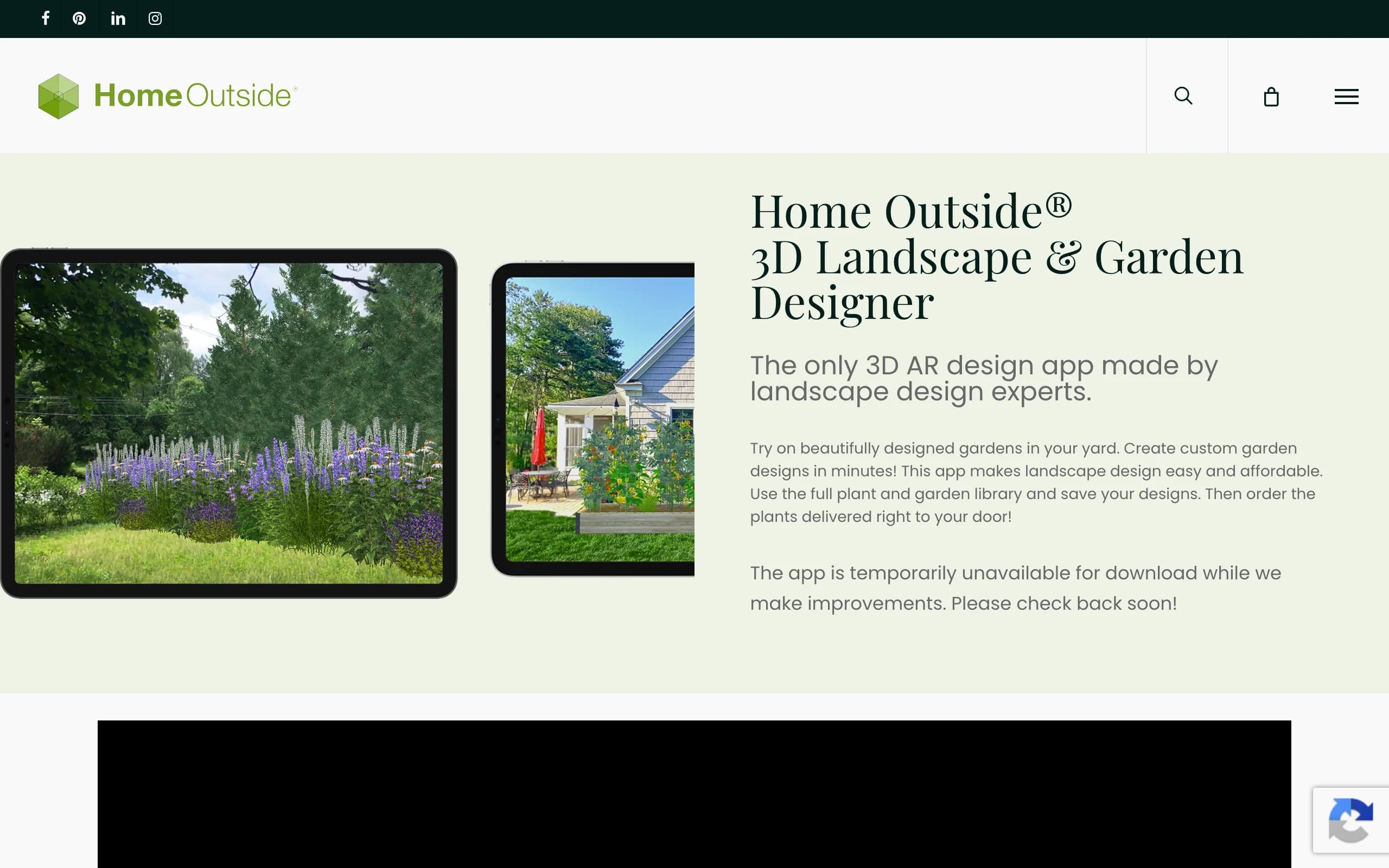
Home Outside is the friendliest free option for people who don't want to learn modeling software. The app (Home Outside Palette) was made by landscape designer Julie Moir Messervy's studio, and it uses a simple drag-and-drop canvas: you choose hardscape materials, lay out paths and patios, and arrange furniture and plants from a hand-drawn element library. It's built for fast, low-pressure design rather than precise measurement.
The core app is free, and most of the old paid tools are now folded into it; a couple of specialty element packs are optional in-app purchases up to $14.99. The look is illustrative rather than photoreal, so it's better for sketching a layout idea than for picturing the finished space exactly. Note that the company's site listed the app as temporarily unavailable for download during a refresh at the time of writing, so check the app store before you count on it.
Key features
- Drag-and-drop design with a designer's element library
- Hardscape, path, patio, and furniture layout
- Simple, illustrative style that's easy to learn
- Optional specialty element packs
Best for
- Beginners who want a no-stress design canvas
- People sketching a layout idea, not exact measurements
- Anyone who wants a free app from real designers
Pricing
- Free app, with previous in-app tools now included.
- Optional add-on packs: up to $14.99 each.
- iOS and Android.
Pros
- Easy to learn, free to start
- Made by landscape design professionals
- Good for quick layout sketches
Cons
- Illustrative output, not photoreal
- Was listed as temporarily unavailable during a refresh, so confirm availability
6. DreamzAR, best free AR redesign
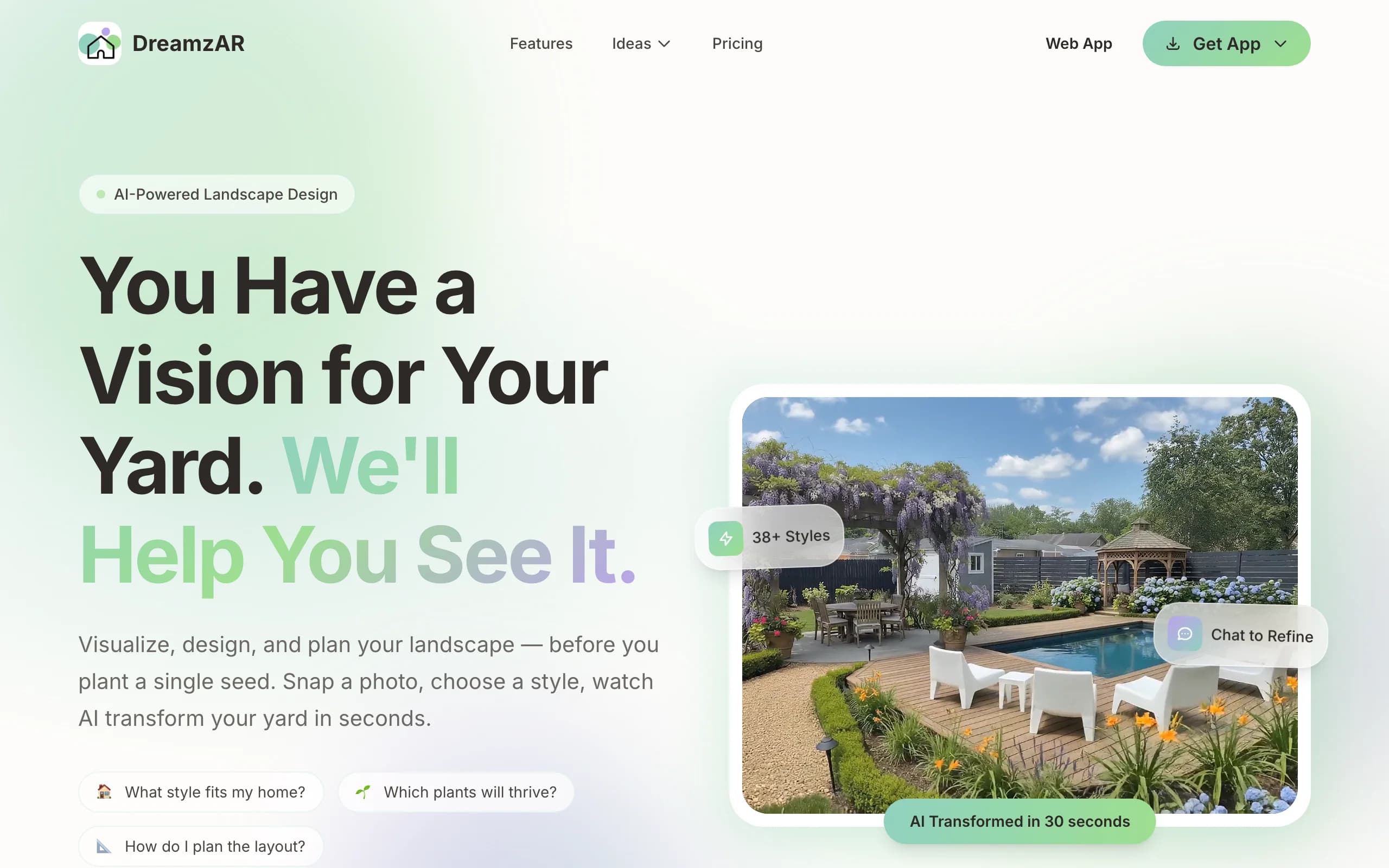
DreamzAR leans hardest into augmented reality. You drop 3D objects (plants, furniture, hardscape) onto your space and then walk through the design in AR, seeing it at real scale through your phone. It pairs that with AI styling and a chat refinement option, plus a large library of garden styles and plants, so you can generate ideas and place them in three dimensions on your actual yard.
The AR walk-through is the standout. Standing in your yard and seeing a pergola or paver layout rendered in place is more convincing than a flat image for a lot of people. The flip side is that AR-heavy workflows depend on your phone and lighting, and the experience varies by device. There's a small free tier to test it before you subscribe.
Key features
- AR 3D walk-through of your design at real scale
- 3D object placement (plants, furniture, hardscape)
- AI styling plus chat-based refinement
- Large garden-style and plant library
Best for
- Homeowners who want to experience the design in AR
- Phone-first users comfortable steering a 3D scene
- People who value spatial preview over speed
Pricing
- Free tier with limited generations to try first.
- $19.99/mo, or $16.60/mo billed annually at $199 (save 17%).
- Cancel anytime.
Pros
- Strong AR walk-through in your real space
- Free tier to test before paying
- Chat refinement makes tweaks approachable
Cons
- AR quality depends on your phone and lighting
- 3D placement takes more effort than a flat render
7. REimagine Home, best free AI restyle
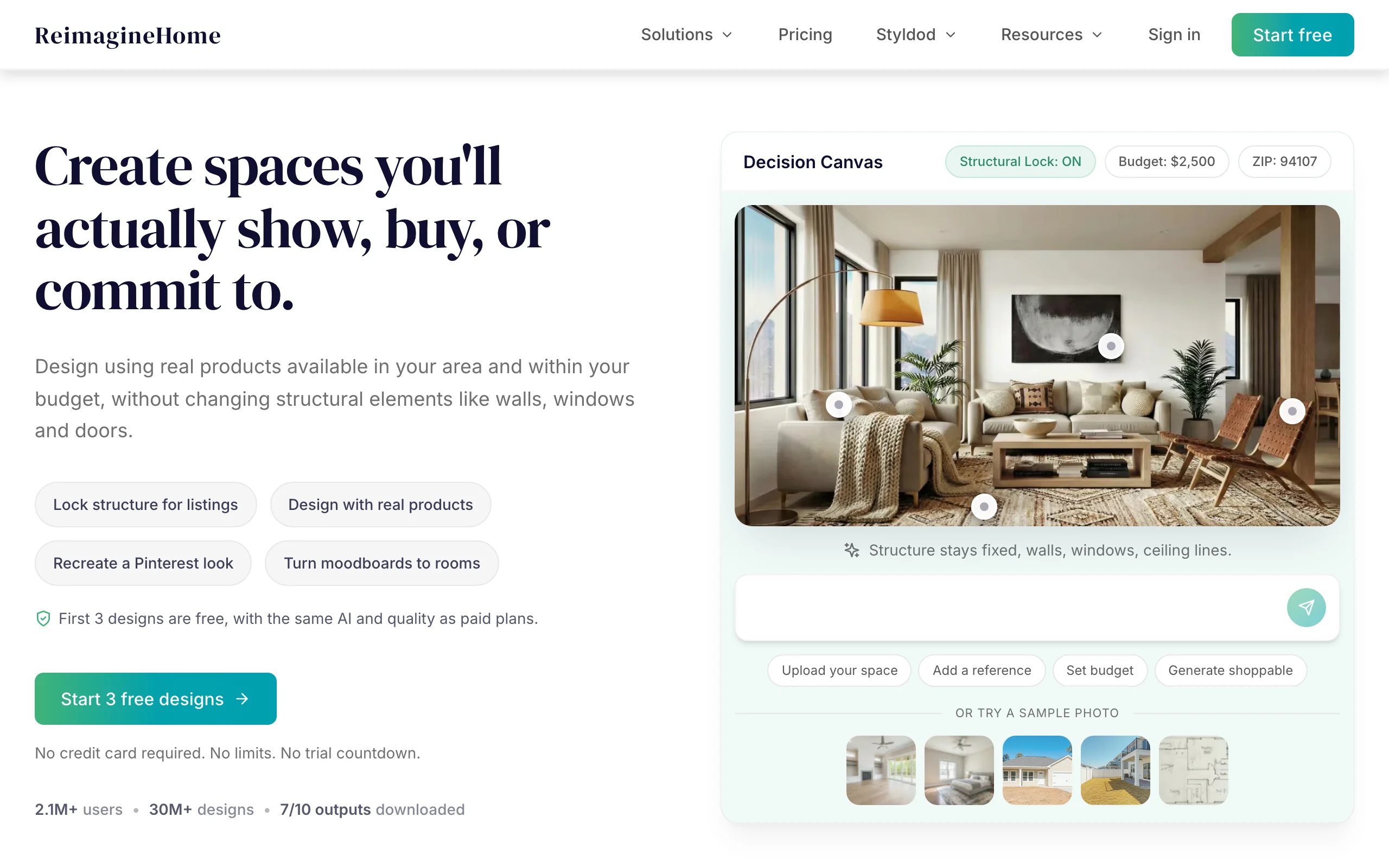
REimagine Home is the fastest way to get a free AI restyle of an exterior photo. It covers interiors and exteriors; for a yard, you upload an exterior photo and it restyles the space with AI, quickly, with three free designs for new users and no card required. It's built for speed and breadth across home design rather than landscape-specific depth, so it's a good way to see a quick "what if" on an exterior photo at no cost.
Because it's a general home-AI tool, it doesn't carry landscape-specific features like climate-aware plant lists, and the strongest results lean toward broad restyling rather than a buildable yard plan. As a free first look it's hard to beat; as the tool you take all the way to a build, it's thinner than the landscape-focused options.
Key features
- Photo-first AI restyling for interiors and exteriors
- Quick generations from an uploaded photo
- Credit-based plans (1 credit = 1 generation)
- Free designs for new users to test the quality
Best for
- People who want a free, fast first look at an exterior restyle
- Users testing AI design quality before paying
- Interior-plus-exterior projects in one tool
Pricing
- Free: 3 designs for new users, no card required.
- Essential $14/mo (30 credits), Pro $39/mo (200), Advanced $74/mo (400).
- Agency $99/mo (900). Monthly billing.
Pros
- Real free designs to start
- Fast results from a single photo
- Covers interior and exterior in one place
Cons
- General home-AI, not landscape-specific
- No climate-aware plant choices for yard planting
8. PRO Landscape Home, best free plant-on-photo (Android)
PRO Landscape Home is the homeowner version of PRO Landscape's professional software, and it's a free way to mock up planting on a photo of your house. You start with a photo, then drop in trees, shrubs, flowers, and materials, resizing and repositioning each one. The free app comes with about 100 plants and materials, which is enough for a basic before-and-after you can send to a contractor.
If 100 items feels thin, a one-time $14.99 purchase unlocks a library of more than 2,000 landscape objects. The output is photo composite rather than 3D or photoreal AI, so it's best for quick visual mockups rather than a measured plan. It's available on Android and iOS, and it leans toward Android users since the pro ecosystem started there.
Key features
- Add plants and materials to a photo of your house
- Resize and reposition each object
- Before-and-after view to share with a contractor
- About 100 free items, 2,000+ via a one-time upgrade
Best for
- Homeowners who want a quick plant-on-photo mockup
- People sending a rough idea to a landscaper
- Android users who want a free starting point
Pricing
- Free app with about 100 plants and materials.
- Optional image library upgrade: $14.99 one-time (2,000+ items).
- Android and iOS.
Pros
- Free to start, simple to use
- Works from a photo of your own house
- One-time upgrade, no subscription
Cons
- Photo composite, not 3D or photoreal AI
- Free library is small until you upgrade
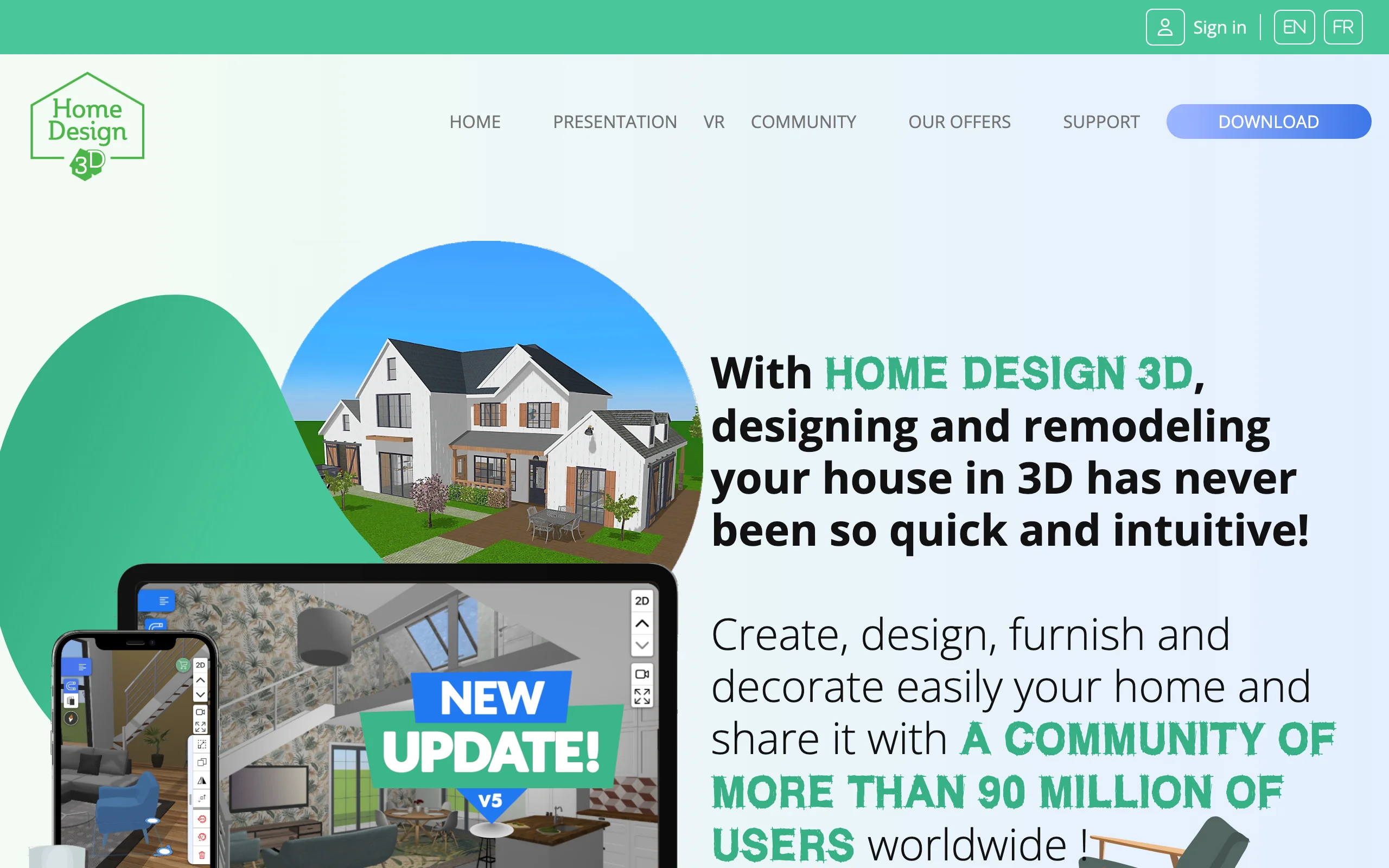
9. Home Design 3D Outdoor & Garden, best free 3D garden app
Home Design 3D Outdoor & Garden is a low-cost 3D app focused on gardens, patios, and outdoor structures. You use a drag-and-drop interface in 2D and 3D to assemble a pool, fence, deck, or multi-level garden without much of a learning curve, and it connects to Trimble's 3D Warehouse for a large library of free models. It sits between a sketch app and full modeling software.
It's a paid app, but the price is small, a one-time $3.99 rather than a subscription, which makes it one of the cheapest ways to lay out a yard in 3D. The visual style is model rendering, not a photoreal restyle of your real photo, so treat it as a layout and planning tool. Some app stores list a free trial version, so check before you buy.
Key features
- Drag-and-drop garden and patio layout in 2D and 3D
- Pools, fences, decks, and multi-level gardens
- Connects to Trimble's 3D Warehouse model library
- Beginner-friendly interface
Best for
- People who want a cheap 3D garden layout
- Beginners assembling a pool, deck, or fence visual
- Anyone who prefers a one-time price to a subscription
Pricing
- $3.99 one-time purchase (some stores list a free trial version).
- iOS and Android.
Pros
- Very cheap for 3D layout
- Easy drag-and-drop for beginners
- Big free model library via 3D Warehouse
Cons
- Model output, not a photoreal restyle of your photo
- Not free, though the price is small
How to choose the best landscape design app for you
1) Free vs paid: what you give up
This is the real decision for most readers. A free app costs nothing and gets you a layout or a rough mockup, which is plenty for sketching ideas or sending a contractor a starting point. What you give up is realism and zone-aware plant choices: free 3D tools (Planner5D, SketchUp Free, Home Design 3D) render a model, not your actual yard, and free composite apps (PRO Landscape Home, Home Outside) give you an illustrative mockup. A paid AI tool like OutdoorBrite restyles your real photo into something close to a finished look and tailors plants to your climate. So the question is simple: are you just exploring, or are you about to spend money? If you're exploring, free is fine. If a render could change a four-figure decision, the paid pick usually earns its cost.
2) Free vs measured: do you need exact dimensions
If you need to order the right amount of pavers or fit a pergola, a measured 3D planner (Planner5D, SketchUp Free) matters more than a pretty picture. If you mostly need to see a look and react to it, a photo-based tool (OutdoorBrite, REimagine Home, PRO Landscape Home) gets you there faster. Few tools lead at both, so decide whether "is it the right size" or "does it look real" is your priority.
3) Web vs mobile
If you photograph your yard on a phone and want to design on the spot, an AR app (iScape, DreamzAR) or a mobile-friendly web tool (OutdoorBrite) suits you. If you want a bigger canvas for measured layout, a desktop-friendly tool (SketchUp Free, Planner5D on web) is easier. Check platform support before you commit: iScape is iOS-first, PRO Landscape Home leans Android, and Planner5D's iOS price runs higher than its web price. We keep separate roundups of the best apps for iPhone and iPad and the best on Android if you want platform-specific picks.
FAQ
What is the best free landscape design app? For most people, Planner5D is the best free landscape design app: it has a genuinely usable free tier, works on web and mobile, and lets you lay out a yard to scale in 2D and 3D. If you want to design on your phone in AR, iScape and DreamzAR both have free tiers. If you want a free AI restyle of a photo, REimagine Home gives new users three free designs. The "best" depends on whether you want measured layout, AR, or a quick AI look.
Is OutdoorBrite free? No. OutdoorBrite is a paid tool with no free plan and no free trial. Plans start at $29/mo (or $23/mo billed yearly). We rank it first in this list because it gives the most realistic result from a photo of your actual yard, not because it's free. If you need a no-cost option, use one of the eight free or free-tier apps above.
Can I design my yard for free? Yes. Several apps let you design a yard at no cost: Planner5D, SketchUp Free, iScape, DreamzAR, Home Outside, REimagine Home, and PRO Landscape Home all have a free version or free tier. Free tools are great for layout and rough mockups. The limits are usually realism, save counts, output resolution, or plant guidance, so they're best for exploring rather than producing a final, buildable plan.
Which free app is best for beginners? Home Outside and PRO Landscape Home are the easiest for beginners, because both use a simple drag-and-drop or plant-on-photo approach with little to learn. Home Design 3D is also beginner-friendly for 3D, though it's a small one-time cost rather than free. If you want a one-click result with no design work at all, an AI tool (OutdoorBrite, paid, or REimagine Home's free designs) skips the manual layout entirely.
Which free app is best for mobile? iScape and DreamzAR are the strongest free mobile picks, since both are phone-first and let you preview the design in AR on-site. Home Outside and PRO Landscape Home also run on phones. If you'd rather work in a mobile browser than install an app, OutdoorBrite (paid) is web-based and built mobile-first.
Do any free apps suggest plants that survive my climate? Most don't. Free 3D planners and composite apps let you place plants, but they don't check those plants against your hardiness zone, so you'll need to confirm anything you like against local conditions before buying. Climate-aware plant choices are mostly a paid feature; OutdoorBrite, for example, tailors plant suggestions to your zone, but it's a paid tool.
Can AI design my yard from a photo? Yes. Photo-first AI tools take a single photo of your yard and return restyled concepts, often in under a minute. REimagine Home does this with a free starter allowance, and OutdoorBrite (paid) does it with landscape-specific depth and zone-aware planting. The closer your photo matches real conditions (good light, a clear view), the more usable the result.
How much does a landscape design app cost? It ranges from free to a few hundred dollars a year. Many apps here are free or free-tier (Planner5D, SketchUp Free, iScape, DreamzAR, Home Outside, REimagine Home, PRO Landscape Home). Cheap paid options include Home Design 3D at $3.99 one-time and Planner5D Premium around $5/mo yearly. AI tools that restyle your real photo run higher: OutdoorBrite starts at $29/mo. Match the price to whether you're sketching once or iterating across several looks.
For a wider list of no-cost tools, see our guide to the best free landscape design software, or start designing at outdoorbrite.com.