7 best AI landscape design tools in 2026
Every AI landscape design tool promises a redesigned yard from one photo. Some deliver in under a minute, some take three weeks and cost $995. We compared 7 of them on realism, pricing, and where the design leads, so you can pick one and get moving.
Type "AI landscape design" into a search bar and you get a wall of tools that all claim the same thing: upload a photo, get your yard redesigned. Under the hood they are very different products. Some generate photorealistic concepts from your own photo in under a minute. Some are AR apps you steer by hand on your phone. Two of the seven in this guide are not software at all, they are human design services with rendering behind the scenes.
The differences matter because they decide what you end up holding: a concept image to react to, a measured plan you can hand a contractor, or a plant list that survives your winters. This guide compares 7 AI landscape design tools with 2026 pricing checked against each vendor's live pricing page, plus a short framework for matching a tool to how you actually want to work: DIY, done-for-you, or closing a client on-site.
Best AI landscape design tools: a brief overview
- OutdoorBrite, best overall: upload a photo of any outdoor space, pick a style, and get realistic whole-yard concepts in under a minute, with an AI editor to refine them and plant choices matched to your climate.
- Yardzen, best for a human-designed, build-ready plan: real designers turn your photos into a 2D/3D plan with plant and material lists, priced like the service it is.
- iScape, best for hands-on manual design with AR: place lawn, beds, and pavers by hand on your phone and preview the result in augmented reality on-site.
- DreamzAR, best for an AR walk-through on your iPhone: drop 3D plants and structures onto your yard and walk through the design at real scale.
- REimagine Home, best for a quick AI restyle of an exterior photo: fast, credit-based restyling that covers interiors and exteriors, with free designs to test it.
- ShrubHub, best for an affordable online design service: a designer builds you a custom 3D plan and shopping list for a flat fee, well under a traditional studio.
- Neighborbrite, best for quick concept renders in the browser: free AI renders of your yard photo with no app to install, a fast way to test whether the AI approach clicks for you.
| Tool | Key strength | Pricing | Platforms |
|---|---|---|---|
| OutdoorBrite | Realistic AI concepts from your own photo, climate-aware plants | From $29/mo (no free plan) | Web (mobile-first) |
| Yardzen | Human-designed, build-ready plan | From $995 per backyard project | Web |
| iScape | Hands-on manual design with AR | Free tier; Pro $29.99/mo | iOS (Android limited) |
| DreamzAR | AR 3D walk-through at real scale | $19.99/mo ($16.60/mo yearly) | iOS, web |
| REimagine Home | Quick AI exterior restyling | Free designs to start; from $14/mo | Web |
| ShrubHub | Affordable online design service | From $197 per yard (sale) | Web |
| Neighborbrite | Free concept renders in the browser | Free renders; Pro about $15/mo | Web, mobile apps |
1. OutdoorBrite, best overall for AI landscape design
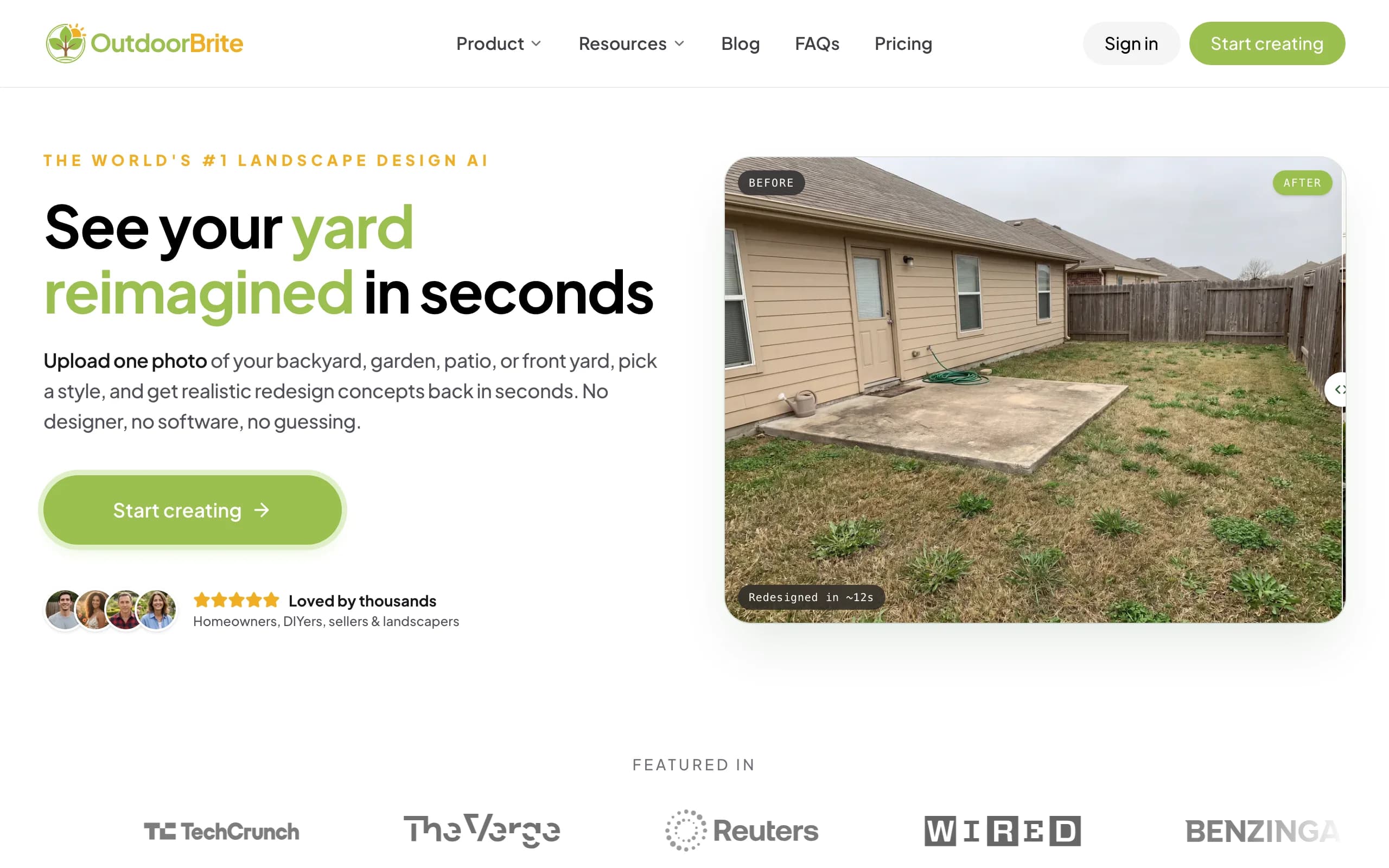
OutdoorBrite is an AI landscape design product built around one question: what could your outdoor space actually look like? You upload a photo of the yard, garden, patio, or front entry, pick a style (modern, cottage, desert or xeriscape, tropical, Mediterranean), describe what you want in plain words, and it generates realistic concepts in under a minute. You get multiple concepts per upload, so you compare real options on your real space instead of scrolling other people's yards. An in-app AI editor then lets you refine a favorite: swap a material, move the seating, change the planting.
Two things separate it from the generic photo-restyle crowd. First, plant choices account for your climate and hardiness zone, so the greenery in a concept could actually grow where you live. Second, the render leads somewhere: DIY users take the concept toward a plant and materials list, and landscapers use it as the on-site pitch, since paid plans carry full commercial rights. The same flow covers backyards, gardens, patios, decks, fences, pergolas, pools, and front yards, and the platform bundles project calculators and a landscaping glossary alongside the generator.
Key features
- Photo-to-design AI: realistic whole-yard concepts from one photo in under a minute
- Style presets plus a plain-language prompt to direct the look
- Multiple concepts per upload, with an in-app AI editor to refine
- Climate and hardiness-zone-aware plant choices
- Covers backyards, gardens, patios, decks, fences, pergolas, pools, and front yards
- Save, share, and full commercial rights on paid plans
Best for
- Homeowners who want to see a redesign on their own photo before spending a dollar
- DIY users who will take the concept toward a plant and materials list
- Landscapers and contractors using the render to align a client and close on-site
Pricing
- Paid-only, no free plan and no free trial. 1 credit = 1 design or 1 AI edit.
- Starter $29/mo ($23/mo billed yearly): 25 redesigns/mo, HD output.
- Plus $49/mo ($39/mo yearly): 100 redesigns/mo, 2K output. Most popular.
- Pro $149/mo ($119/mo yearly): 200 redesigns/mo, 4K output. Annual billing saves about 20%; top-up packs never expire.
Pros
- Realistic results on your actual photo, not a stock template
- Fast enough to compare several styles in one sitting
- Editor lets you refine a concept instead of restarting
- Plant suggestions respect your hardiness zone
Cons
- No free tier to test before you commit
- Web-first, so people who want a native AR phone app will need one alongside it
2. Yardzen, best for a human-designed, build-ready plan
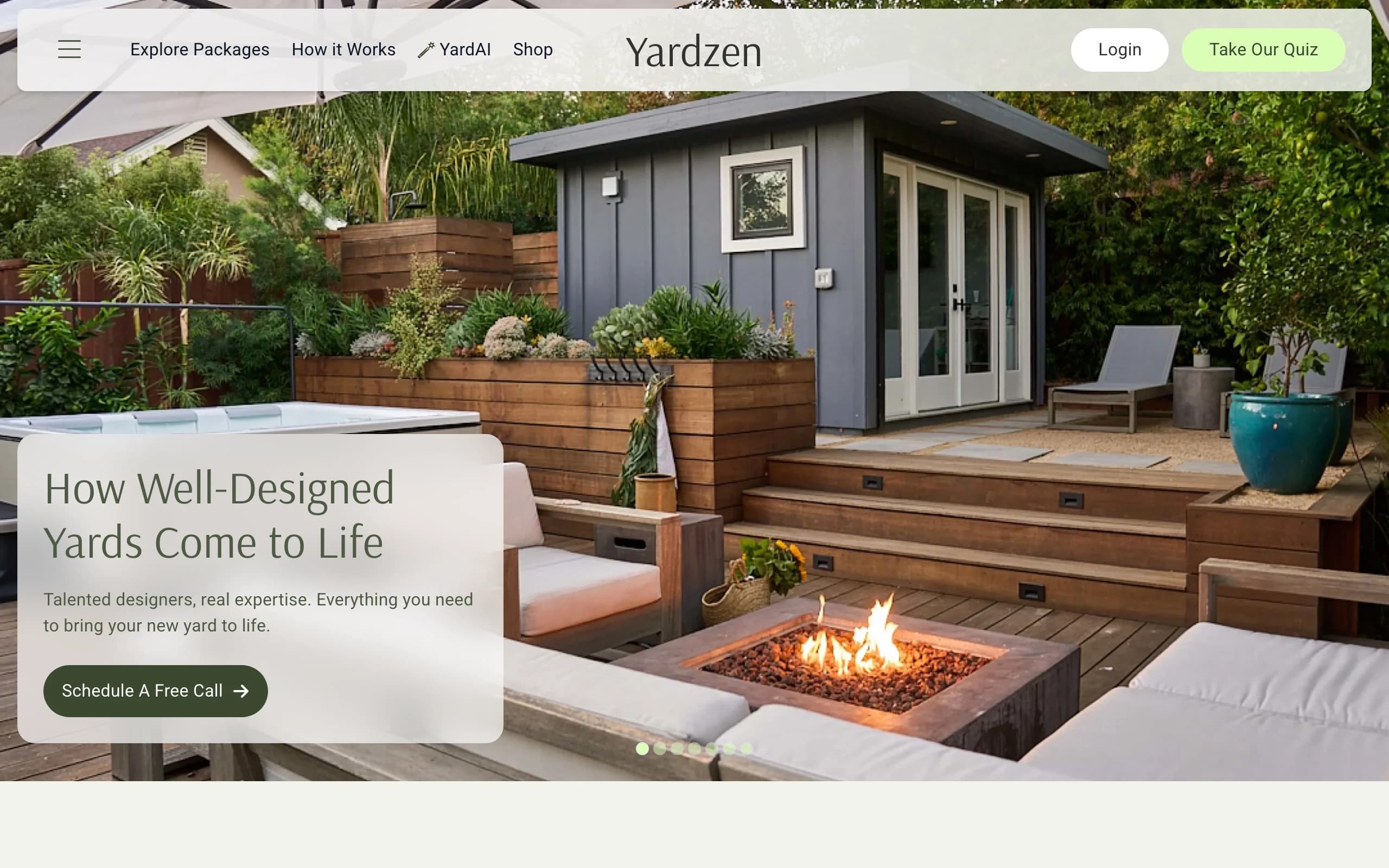
Yardzen is not an instant-render app. It is an online design service where real designers build a custom plan from your photos and a questionnaire about your space, budget, and taste, with software doing the rendering behind the scenes. You get back 2D and 3D renders of the whole property, plant and material lists, and, depending on the package, a cost advisor and a path to vetted local contractors.
That makes it the strongest pick on this list when you are past the inspiration phase and want a documented plan a crew can quote and build. It is also the most expensive and the slowest: backyard packages start at $995 (front-yard-only plans start lower, at $295), and turnaround is measured in weeks, not minutes. If you mainly want to try looks on your own photo, it is overkill; if you are about to spend $30,000 on a build, a $1,000 plan is cheap insurance.
Key features
- Custom plan from real designers based on your photos and goals
- 2D and 3D renders of the proposed design
- Plant and material lists you can hand to a contractor
- Cost advisor and contractor matching on higher tiers
Best for
- Homeowners ready to build who want a professional, documented plan
- Full-property projects where a designer earns their fee
- People who would rather hand off the work than drive the tool
Pricing
- Project-based, one-time fees, not a subscription.
- Backyard packages: Essential $995, Classic $1,395, Signature $1,995.
- Front yard plans from $295; full-yard plans run $1,295 to $2,495.
Pros
- A real designer and a build-ready plan, not just a picture
- Plant and material lists make quoting concrete
- Contractor matching shortens the path from plan to build
Cons
- Expensive next to software, with a multi-week turnaround
- You cannot quickly self-test several looks on your own
3. iScape, best for hands-on manual design with AR
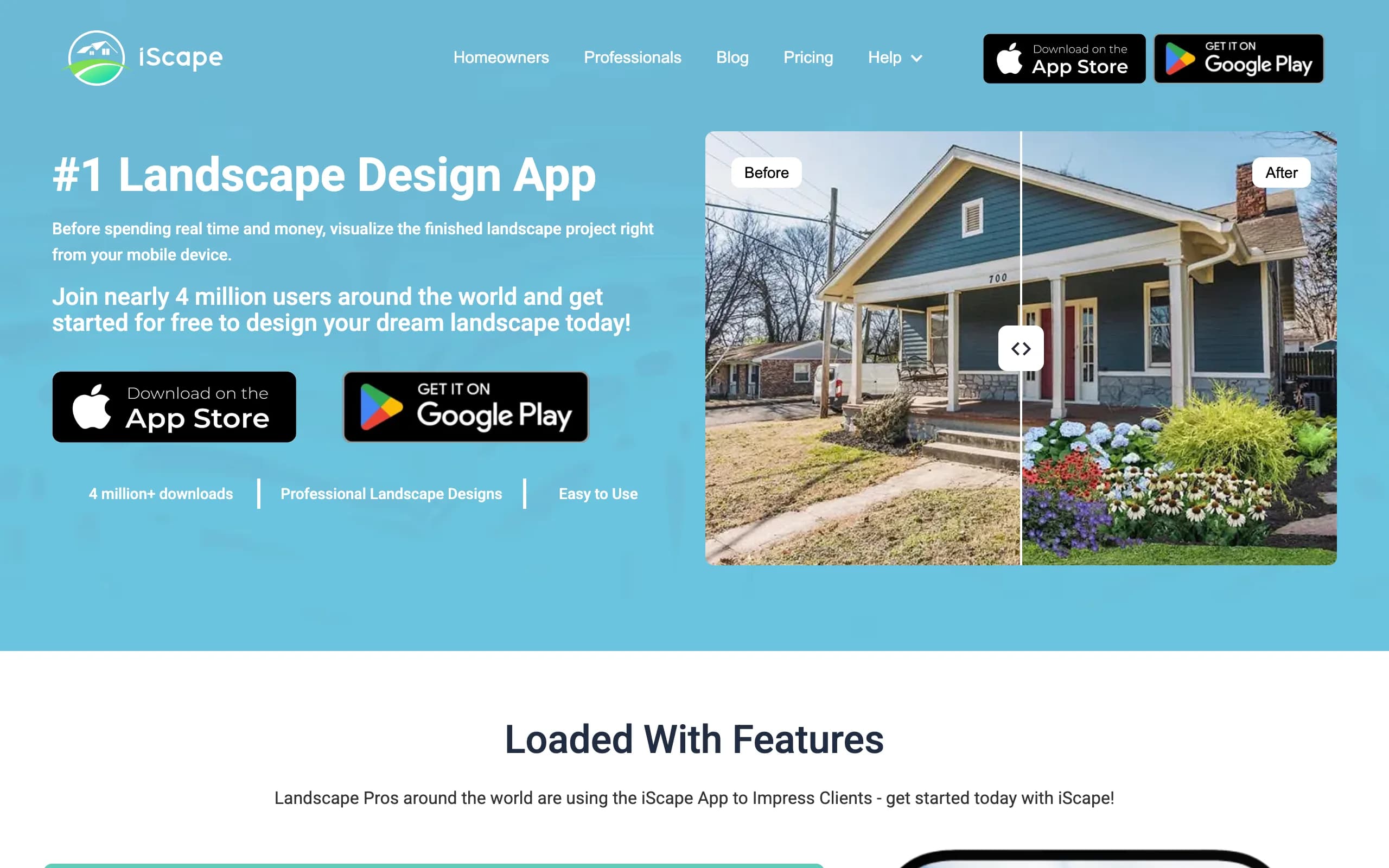
iScape is for people who want to design by hand rather than let AI decide. You build a scene by placing lawn, plants, pavers, and hardscaping elements onto a photo of your space, then preview the result in augmented reality on-site. It is a manual canvas with an AR preview rather than a render engine, which means full control over every element, at the cost of your own time.
The free plan covers the basics and saves two designs; Pro adds the full plant and hardscape library, image uploads, and a proposal tool aimed at landscapers who bid jobs from a phone. The limits are platform and effort: it is iOS-first with limited Android support, and building a polished whole-yard scene by hand takes real time next to a one-click AI concept.
Key features
- Manual design: place lawn, plants, and hardscape by hand on a photo
- AR preview to see the design on-site at scale
- Large plant and hardscape library on Pro
- Proposal tool aimed at pros
Best for
- DIYers who want full manual control over the layout
- iPhone users who like designing in AR on location
- Landscapers who want a lightweight proposal tool
Pricing
- Free plan: limited features, save up to 2 designs.
- Pro: $29.99/mo or $299.99/year.
- Enterprise: contact for multi-license pricing.
Pros
- Free tier to test the workflow
- AR preview is genuinely useful on-site
- Full control over every element of the design
Cons
- Manual placement is slower than AI generation
- iOS-first, with limited Android support
4. DreamzAR, best for an AR walk-through on your iPhone
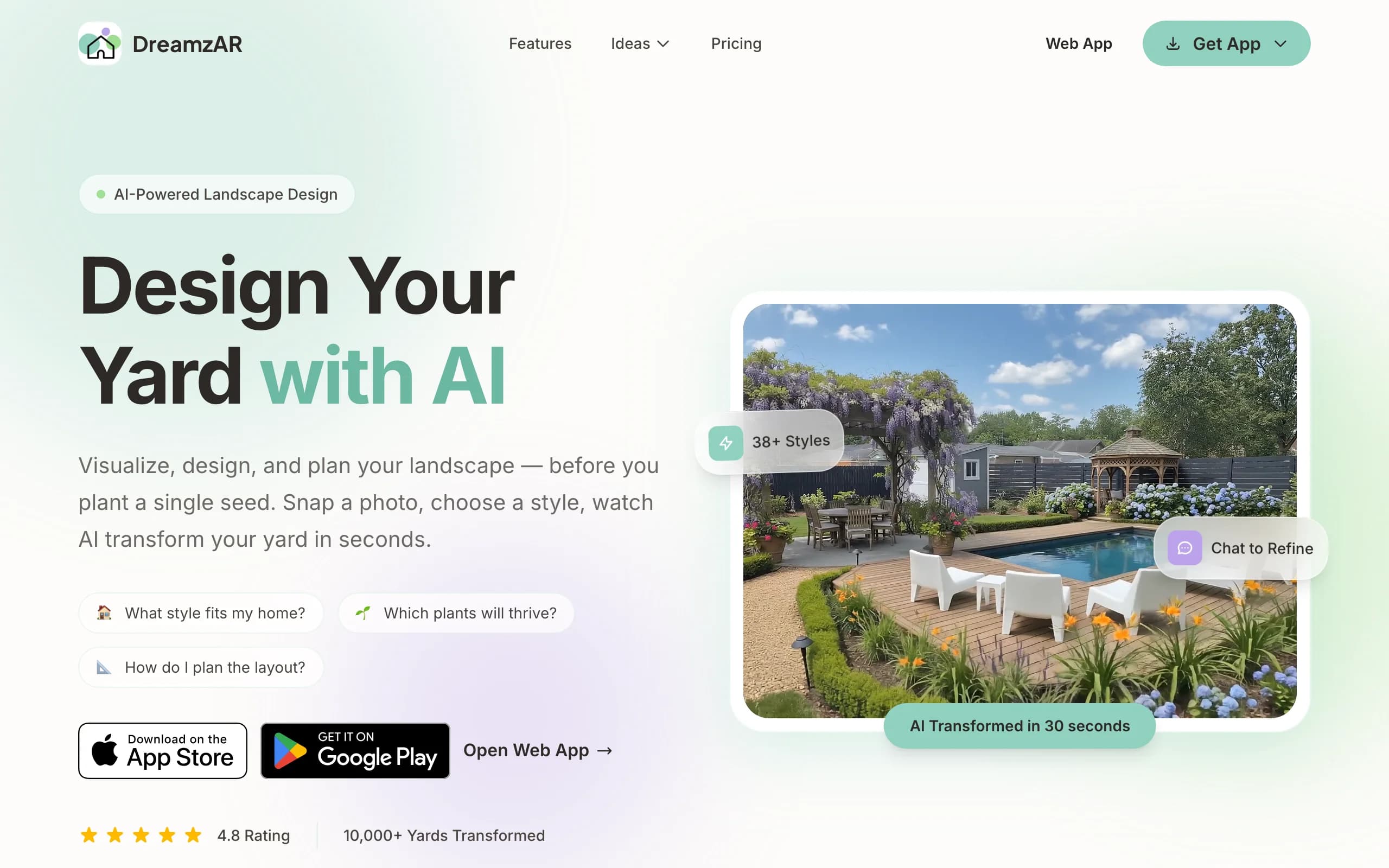
DreamzAR leans hardest into augmented reality. You drop 3D objects (plants, furniture, hardscape) onto your yard, then walk through the design in AR, seeing a pergola or paver layout at real scale through your phone. It pairs that with AI styling and chat-based refinement, plus a large library of garden styles and plants, so you can both generate ideas and place them in three dimensions on your actual property.
The walk-through is the standout. Standing in your yard and seeing a fire pit rendered in place convinces some people faster than any flat image. The flip side is that AR quality depends on your phone and lighting, and steering a 3D scene takes more effort than reacting to a generated concept. A small free tier lets you test it before subscribing.
Key features
- AR 3D walk-through of your design at real scale
- 3D object placement: plants, furniture, hardscape
- AI styling plus chat-based refinement
- Large garden-style and plant library
Best for
- Homeowners who want to experience the design in space, not on a flat screen
- iPhone-first users comfortable steering a 3D scene
- People who value spatial preview over speed
Pricing
- $19.99/mo, or $16.60/mo billed annually at $199 (save 17%).
- A small free tier with limited generations to try first.
- Cancel anytime.
Pros
- AR walk-through puts the design in your real space
- Free tier to test before paying
- Chat refinement makes tweaks approachable
Cons
- AR quality depends on your phone and lighting
- 3D placement takes more effort than a flat AI render
5. REimagine Home, best for a quick AI restyle of an exterior photo
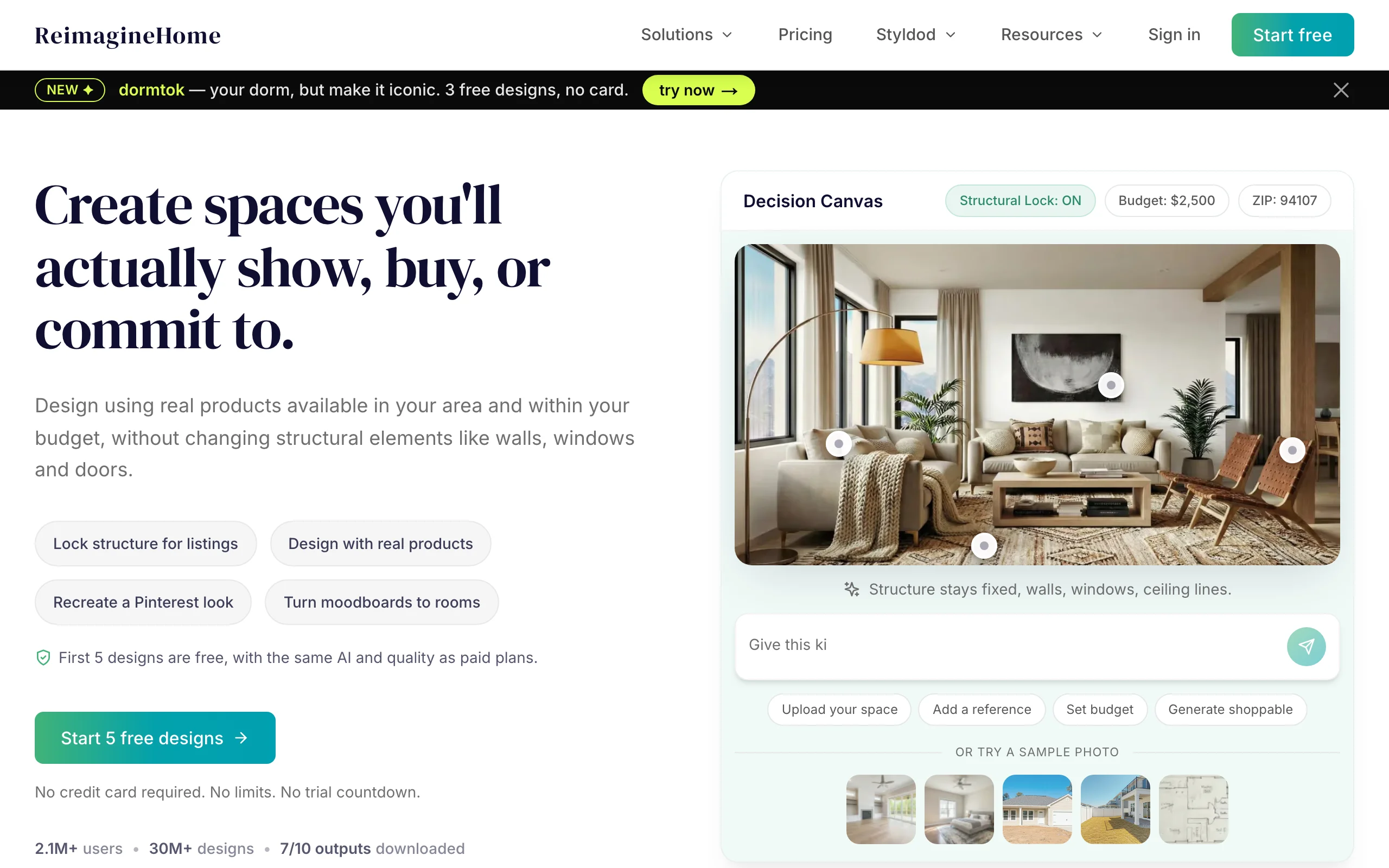
REimagine Home is a fast, photo-first AI restyle tool that covers interiors and exteriors in one product. For yards, you upload an exterior photo and it restyles the space in seconds on a credit system, with 5 free designs for new users to test the quality before paying. It is built for speed and breadth across home design rather than landscape-specific depth.
That breadth is the appeal and the limit. If you are also restyling a living room, one subscription covers both. But it does not carry landscape-specific features like climate-aware plant lists, and the output leans toward a broad restyle rather than a buildable yard plan. As a low-commitment first look at an exterior, it is hard to beat; as the tool you ride all the way to a build, it is thinner than the yard-focused options.
Key features
- Photo-first AI restyling for interiors and exteriors
- Quick generations from an uploaded photo
- Credit-based plans (1 credit = 1 standard generation)
- 5 free designs for new users to test the quality
Best for
- People who want a fast, low-cost first look at an exterior restyle
- Projects that mix interior and exterior work in one tool
- Users testing AI design quality before paying
Pricing
- 5 free designs for new users, no card required.
- Essential $14/mo (30 credits), Pro $29/mo, Advanced $49/mo (400 credits).
- Agency $99/mo for high-volume and team use.
Pros
- Genuinely useful free starting allowance
- Fast results from a single photo
- Covers interior and exterior in one place
Cons
- General home-AI, not landscape-specific
- No climate-aware plant choices for yard planting
6. ShrubHub, best for an affordable online design service
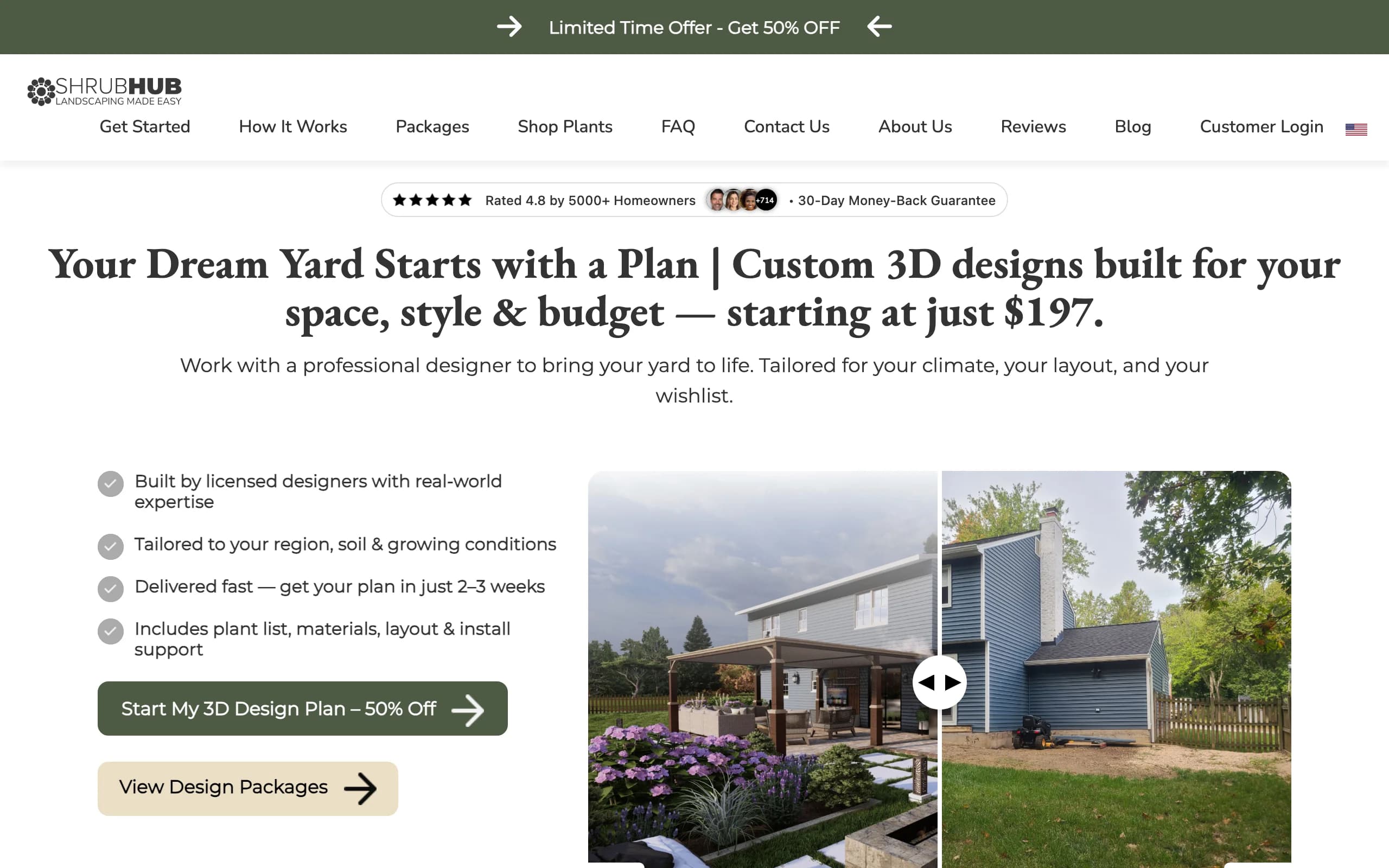
ShrubHub is the budget version of the human design service. You share photos and goals, a designer builds a custom 3D plan, and you get a plant and material shopping list plus a connection to local contractors. It covers most of Yardzen's ground at a fraction of the cost, with unlimited revisions until you approve and a money-back guarantee.
The value is the price-to-service ratio: a real 3D plan and shopping list for a few hundred dollars under the near-permanent sale pricing, instead of thousands. The catches are the usual service ones, a turnaround of a couple of weeks and a designer driving instead of you, plus sale prices that can rotate. If you want a documented plan without Yardzen's invoice, this is the obvious middle ground.
Key features
- Custom 3D plan built by a designer
- Plant and material shopping list
- Unlimited revisions until you approve
- Contractor connections and a money-back guarantee
Best for
- Homeowners who want a designed plan on a tight budget
- People who would rather hand off than DIY, without paying studio rates
- Buyers heading straight to hiring labor once the plan lands
Pricing
- Flat per-yard fees, frequently on sale. No free design tier.
- Sale pricing: Front Yard $197, Back Yard $237, Both Yards $297, Premium $997.
- Regular prices run higher (from $594); sale figures can change when the promotion rotates.
Pros
- Far cheaper than a traditional studio for a real plan
- Unlimited revisions and a money-back guarantee
- Shopping list and contractor connections aid execution
Cons
- Multi-week turnaround, not instant
- You do not drive the design or self-test quick looks
7. Neighborbrite, best for quick concept renders in the browser
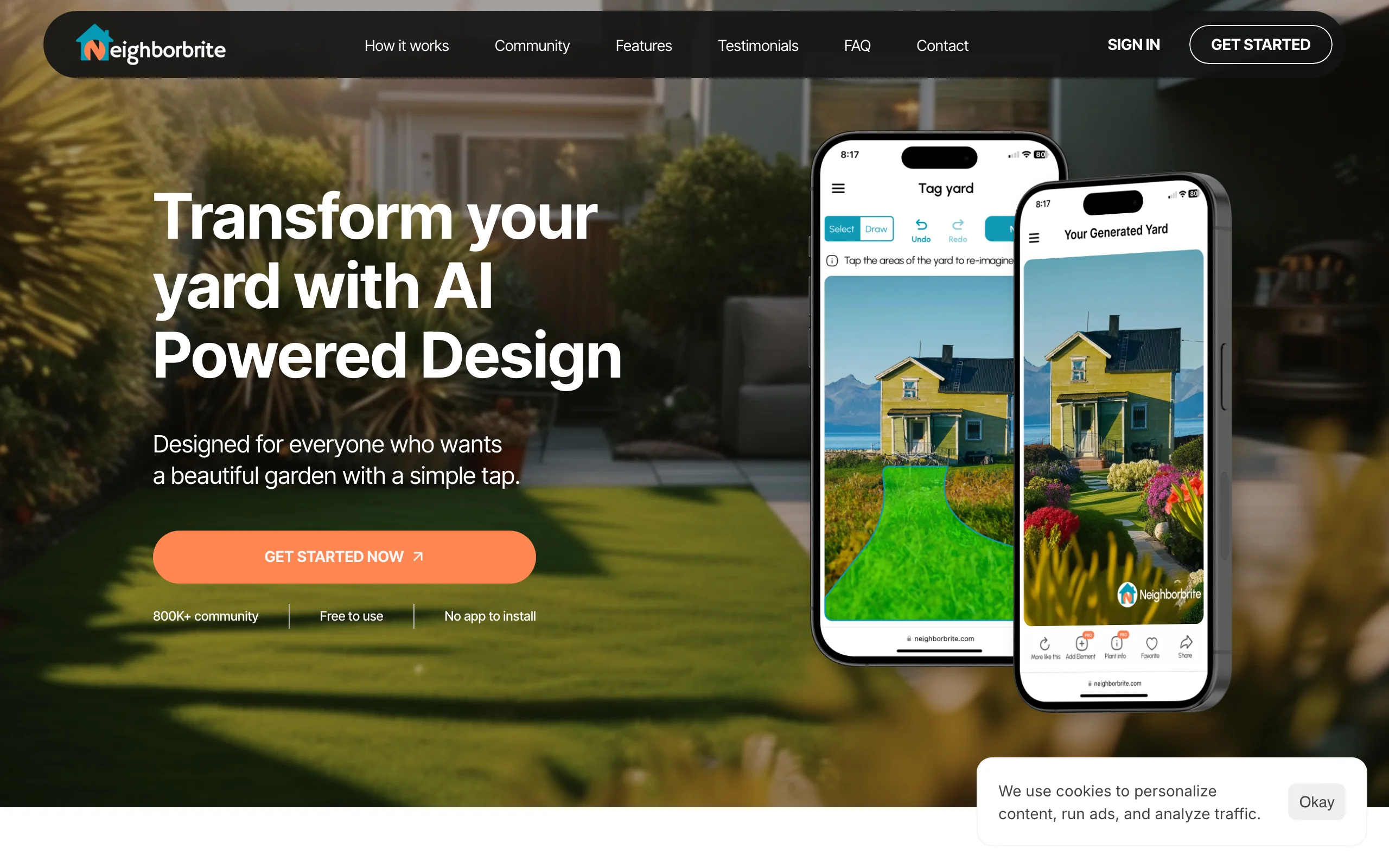
Neighborbrite is the lowest-friction entry point on this list. It runs in the browser with no app to install: upload a yard photo, pick a style, and it generates concept renders for free. That has built it a large user base (the site claims 800K+ users), and it is a genuinely good way to find out whether AI-generated yard concepts click for you before you pay anyone anything.
The trade-off is depth. Free renders are inspiration-grade rather than plan-grade, and the tooling around them is thinner: a Pro subscription (about $15 per month, sourced from third-party reviews since there is no public pricing page) unlocks custom elements and location-based plant suggestions, and a separate professional design service ($287 for one area, $387 for a full yard) adds a human designer with a scaled 2D plan. If you outgrow the quick-render stage, you end up choosing between that service and a more complete tool.
Key features
- Free AI concept renders from a yard photo, in the browser
- Style selection with location-based plant recommendations
- Pro subscription adds custom elements
- Optional professional design service with a scaled 2D plan
Best for
- First-timers who want to test AI yard concepts at no cost
- Homeowners gathering direction before committing to a tool or a designer
- Quick single-space experiments (a bed, a strip of front yard)
Pricing
- Free concept renders in the browser, no card required.
- Pro subscription about $15/mo (no public pricing page; figure from third-party reviews, and app-store prices differ).
- Professional design packages: $287 one area, $387 full yard.
Pros
- Free and instant, with nothing to install
- Simple enough that a first render takes minutes
- Cheap path to a human-designed 2D plan if you want one
Cons
- Renders lean toward inspiration, not a buildable plan
- Subscription pricing is not published on a public page, which makes costs hard to compare
How to choose the best AI landscape design tool for your needs
1) Instant AI render, or a human-designed plan
This is the biggest fork. Instant tools (OutdoorBrite, Neighborbrite, REimagine Home) give you concepts in seconds and let you iterate yourself; services (Yardzen, ShrubHub) give you a documented plan in weeks. A useful rule: if you are still deciding what you want, start instant, because iterating on a $995 service is expensive. If the build is funded and scheduled, a service's plant and material lists earn their fee. Plenty of people do both: generate concepts to settle direction, then hand the winning look to a designer or contractor.
2) Realism on your own photo, or precision in 3D
A render only persuades if it looks like your yard. Photo-first tools (OutdoorBrite, Neighborbrite, REimagine Home) restyle your actual uploaded image, which is the fastest route to "I can picture it." AR tools (iScape, DreamzAR) trade some polish for spatial accuracy: you see the pergola at true scale, standing where it would stand. Decide which conviction you need. If you are choosing between styles, photo realism wins. If you are checking whether a structure fits the space, AR wins.
3) Credit math and what a month actually costs
Subscription AI tools meter by credits, so do the math on your real usage. Comparing four styles across a backyard, a front entry, and a patio can burn 15 to 20 generations before you refine anything; OutdoorBrite's Plus plan covers that with 100 redesigns a month at $49, while REimagine Home's $14 Essential tier (30 credits) suits lighter use. Free tiers (Neighborbrite, iScape, DreamzAR) are honest ways to test quality, but they cap volume, resolution, or saves well before a full project. One-time services flip the math: $197 to $1,995 once, no monthly bill, one design direction.
4) Where the design leads next
The render is the start, not the deliverable. DIYers need plant lists that match their region (check for native plants and hardiness-zone awareness; OutdoorBrite and Yardzen handle this, general restyle tools do not). Homeowners hiring out need something a contractor can quote: Yardzen and ShrubHub deliver documented plans, and a realistic OutdoorBrite concept is enough to brief a crew and get comparable bids. Contractors themselves need speed plus commercial rights, which points to OutdoorBrite's paid plans or iScape's proposal tool.
This guide covers the whole category head to head. If you already know which space you are designing, we have deeper roundups for each one: the best AI backyard design tools, the best AI garden design tools for planting-first projects, the best AI patio design tools for hardscape and seating layouts, and the best AI front yard design tools for curb appeal projects.
FAQ
What is an AI landscape design tool? Software that generates or restyles a design for an outdoor space from a photo and a few inputs like style and budget. Instead of imagining the finished yard, you see realistic concepts you can react to. Some tools render automatically from the photo, some let you place elements by hand, and some preview designs in augmented reality.
Can AI really design my yard from one photo? Yes. Photo-first tools like OutdoorBrite, Neighborbrite, and REimagine Home take a single photo and return restyled concepts, usually in under a minute. Quality tracks the photo: good daylight, a steady shot, and a clear view of the whole space produce the most believable results. The output is a concept to decide from, not a construction drawing.
Is there a free AI landscape design tool? Neighborbrite generates free concept renders in the browser, REimagine Home gives new users 5 free designs, and iScape and DreamzAR have limited free tiers. Free options are good for testing whether the AI approach works for you; they cap volume, resolution, or features before a full project. OutdoorBrite is paid-only, starting at $29/mo.
What is the difference between an AI tool and an online design service? An AI tool generates concepts on demand and you drive it: seconds per render, iterate as much as your plan allows. A service like Yardzen or ShrubHub puts a human designer in the loop: you wait a few weeks and pay once, but receive a documented plan with plant and material lists a contractor can quote. Tools suit exploring; services suit executing.
Which AI landscape design tool is best for landscapers and contractors? The render has to be fast enough to show a client on-site and licensed for business use. OutdoorBrite's paid plans include full commercial rights and generate concepts in under a minute, which is why contractors use it as a closing tool. iScape's Pro tier adds a proposal workflow on the phone. Design services are too slow for a sales conversation.
Are AI landscape renders realistic enough to build from? Realistic enough to choose a direction, compare styles, and brief a contractor, yes. But a render is a concept, not an engineering document, so pair it with real measurements and a plant and material list before ordering anything. Services deliver that documentation; with an AI tool, the concept plus a contractor's site visit gets you to the same place faster.
How much do AI landscape design tools cost in 2026? Subscriptions run from $14/mo (REimagine Home) through $19.99/mo (DreamzAR), $29/mo (OutdoorBrite Starter), and $29.99/mo (iScape Pro), with OutdoorBrite's most popular Plus tier at $49/mo for 100 redesigns. Services charge one-time fees: ShrubHub from $197 per yard on sale, Yardzen from $995 for a backyard package. Match the model to whether you are exploring or executing.
Is there a landscape design app instead of a website? Both exist. iScape and DreamzAR are phone-native apps built around AR, while OutdoorBrite runs as a mobile-first landscape design app in the browser, so it works the same on a phone in the yard and on a laptop at the desk. If you photograph your space on a phone, any of the three fits that workflow; browser-based tools skip the install.
Which AI is best for landscape design? For redesigning your own yard from a photo, OutdoorBrite is the strongest fit in this list: it stays close to your real layout and its plant choices follow your hardiness zone. For a free first look, REimagine Home restyles an exterior photo at no cost. General chatbots can suggest ideas but do not render your actual space; if that is the route you are curious about, see how ChatGPT compares for landscape design.
Whichever route you take, the pattern that works is the same: get a realistic concept on your own photo first, decide the direction cheaply, then spend real money on the build. You can start with your own yard photo at outdoorbrite.com.