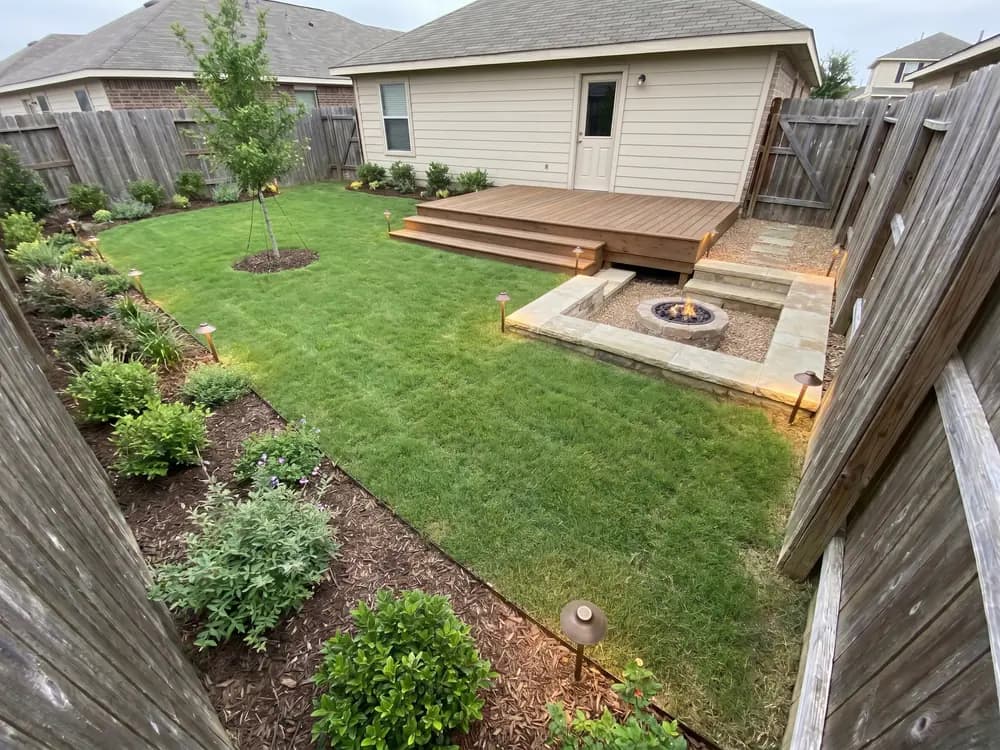
“Our backyard was a square of grass and a fence. Seeing it with a deck and a fire pit made us finally commit.”
Homeowner
Backyard makeover
A straight answer before you buy
OutdoorBrite reviews from homeowners and landscapers, plus our own take on what the tool gets right and where it falls short.
People planning their own yards, on what changed once they could see the result.
“Our backyard was a square of grass and a fence. Seeing it with a deck and a fire pit made us finally commit.”
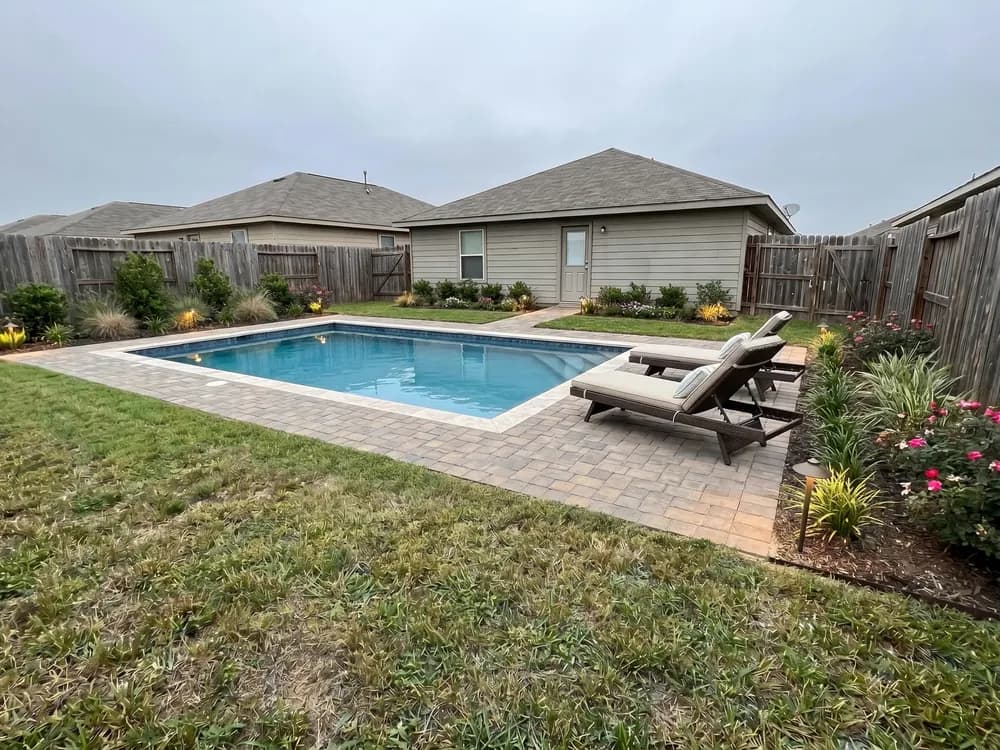
“We almost paid for a kidney pool. Seeing a rectangle in our own yard changed the whole plan, and the budget.”
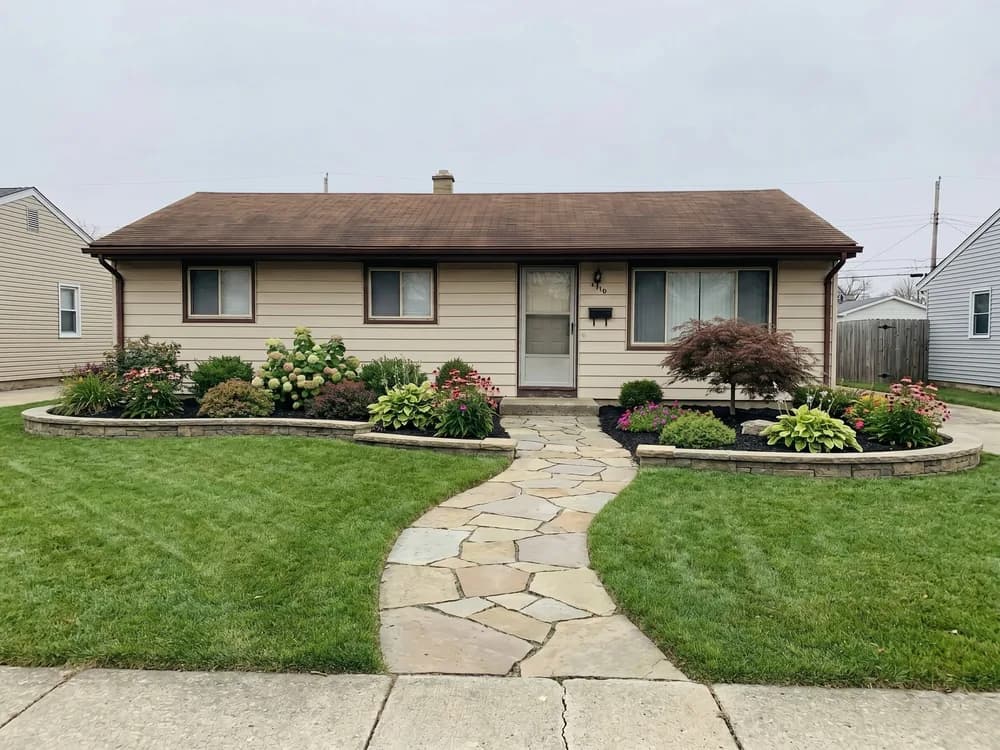
“Our front was builder-grade lawn and one sad shrub. Seeing a planted entry path made the to-do list obvious to us.”
“I sat on Pinterest ideas for months. I uploaded one photo of my backyard and finally saw what it could look like. That's the moment paying for it made sense to me.”
Contractors and installers on showing clients a concept before the quote.
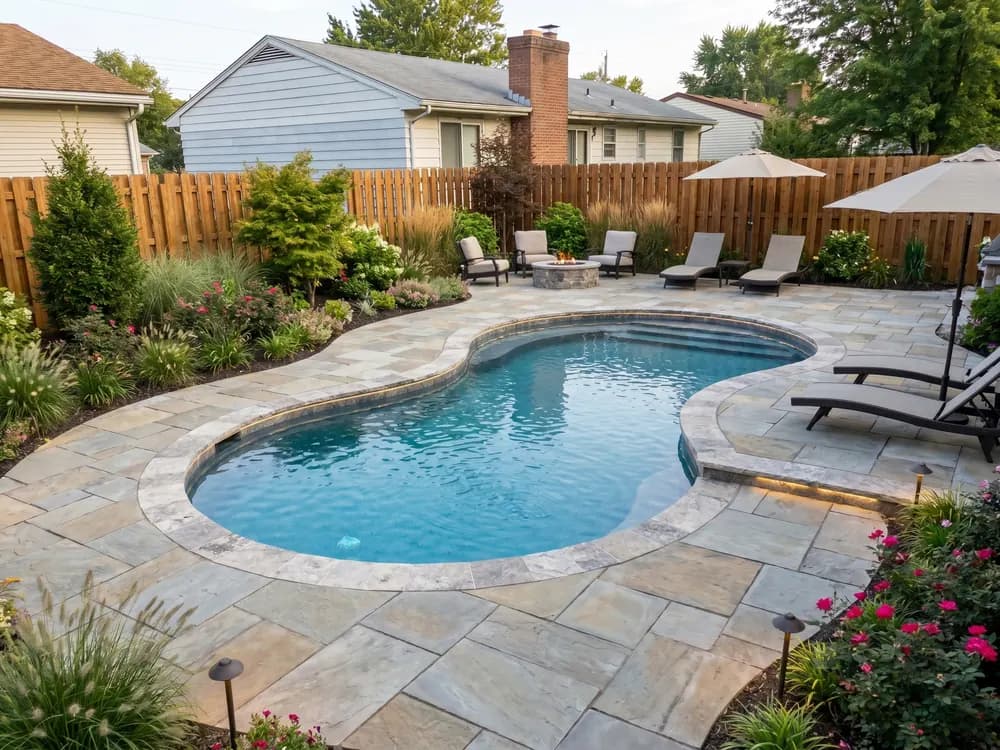
“I mock up a pool and patio on the client's own backyard photo. They sign off faster when they can see it.”
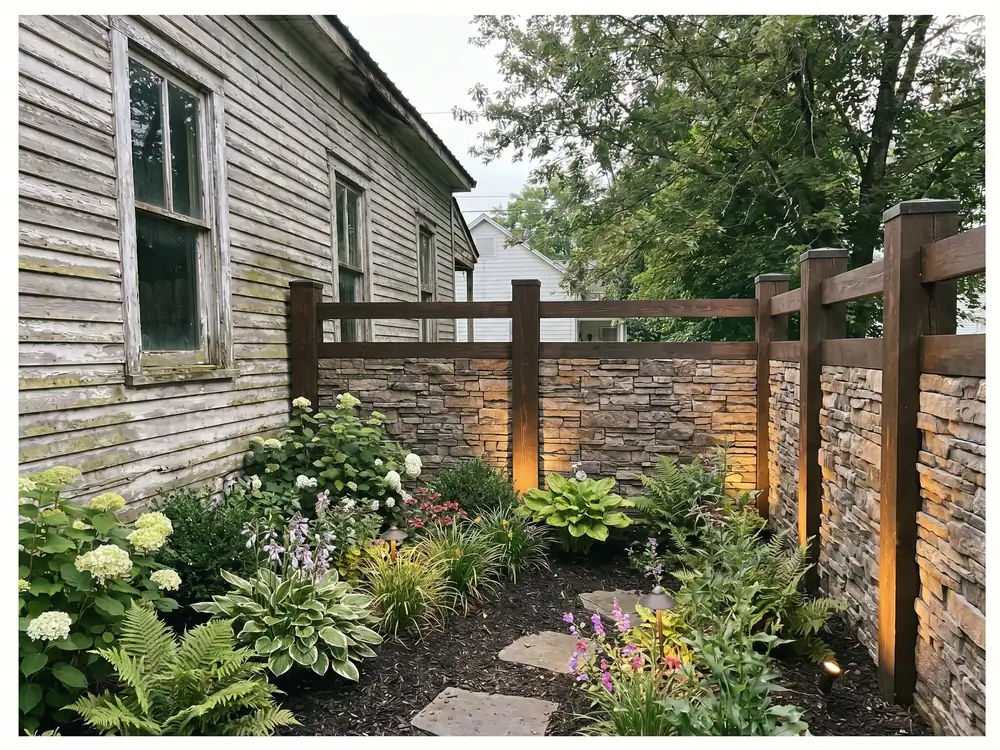
“I show two fence styles on the client's own yard photo before the quote. We get fewer change orders later in the build.”
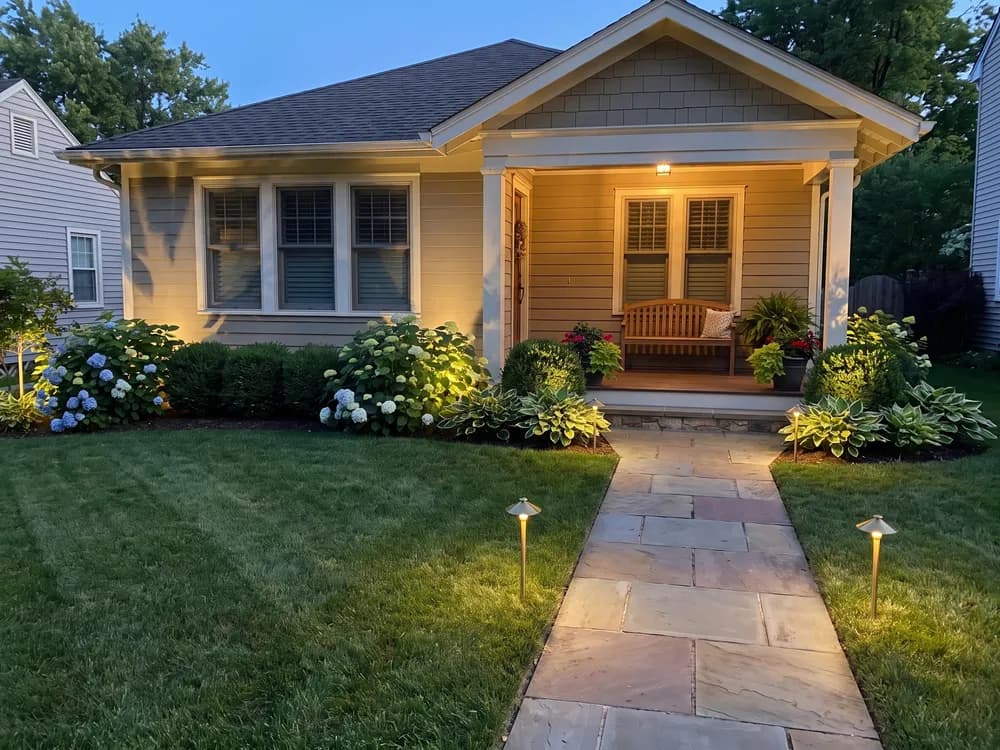
“I sell lighting jobs with an evening render of the client's own yard. It does the convincing for me.”
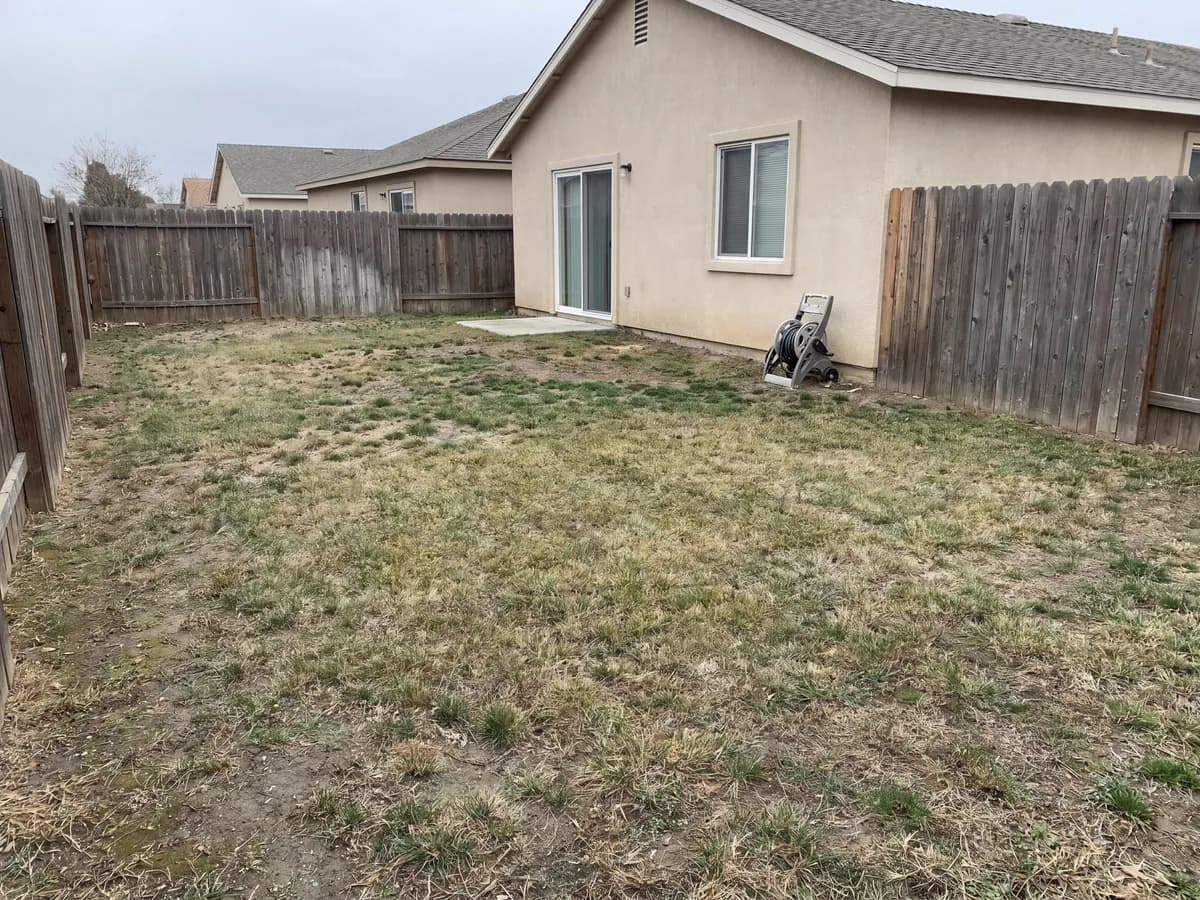
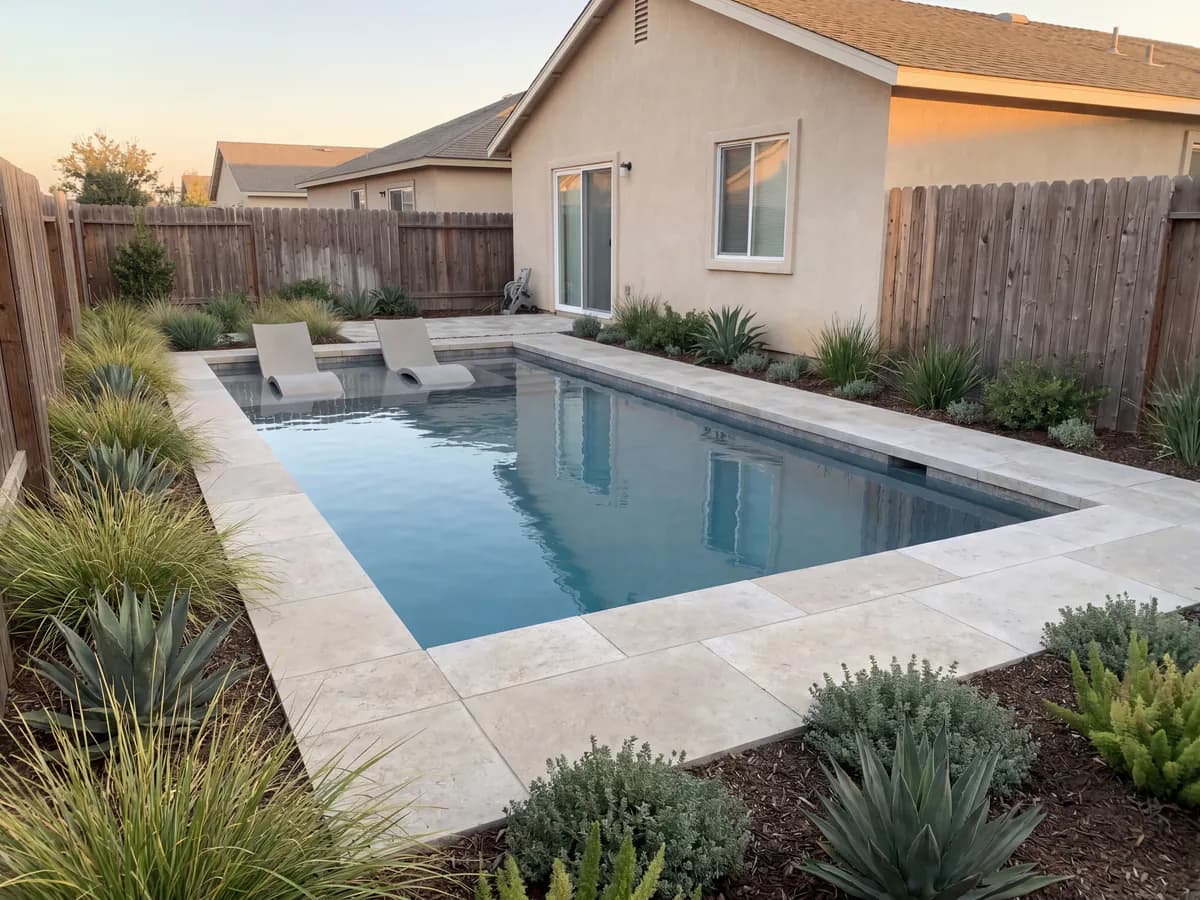
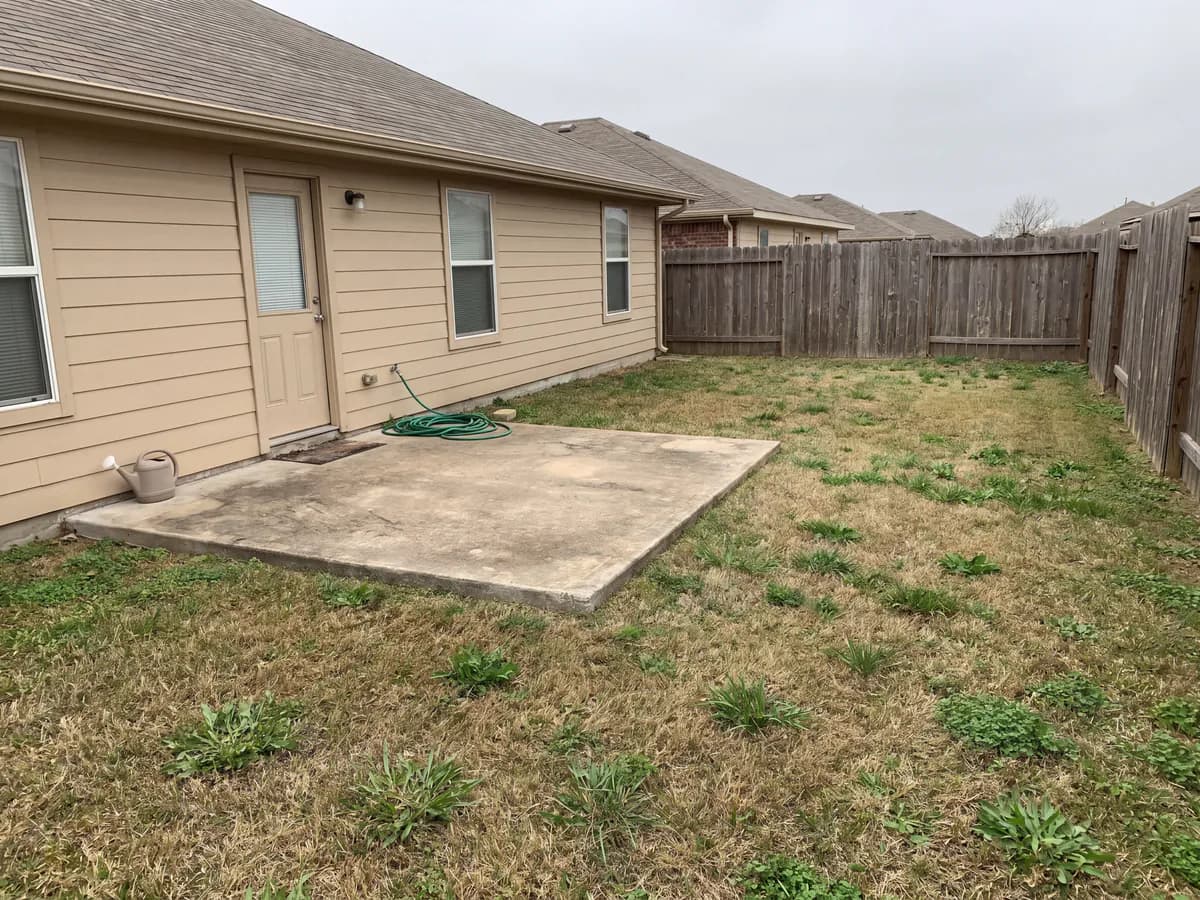
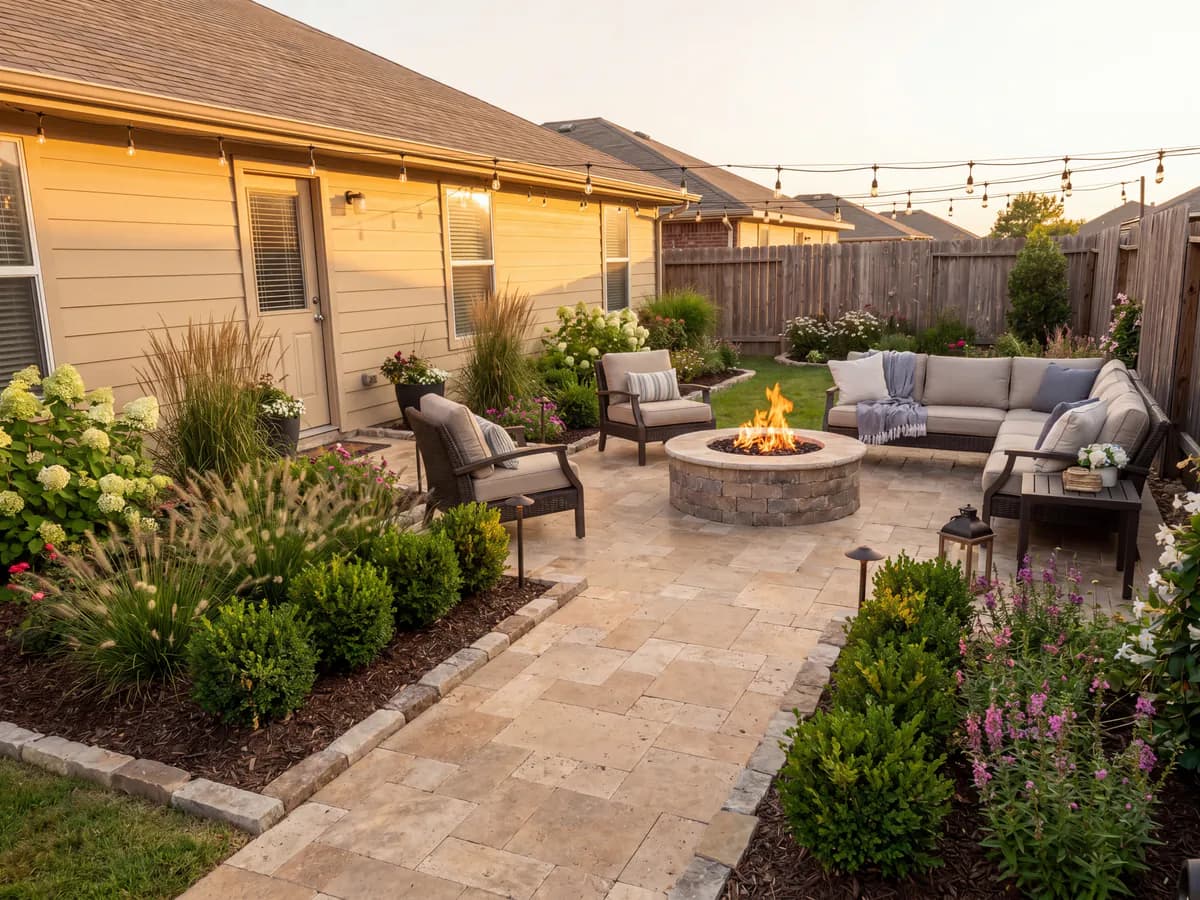
You upload a photo of a yard and pick a style. OutdoorBrite gives you back a realistic concept of that same space, usually in under a minute.
These are example designs on sample yards, not customer projects.
The answer depends on what you need the picture to do.
Worth it if you've been stuck on what your yard could look like and want to compare ideas before paying a designer or contractor.
Starter covers one project: $29 a month for 25 HD designs. Plus adds plant lists and editing for $49.
Worth it if jobs stall because clients can't picture the finished work. Show them a concept on their own yard during the visit.
Paid client work needs Pro: $149 a month for 200 4K designs, client-ready exports, and commercial rights.
Yes. Here's what you can check for yourself before you pay.
Better you hear these from us now than find out after you've paid.
We'd like to hear how it went on your yard or a client's, good or bad.
Share your reviewThese guides cover what else is out there, including where another option may suit you better.
Short answers about OutdoorBrite.
Yes. OutdoorBrite is a paid AI landscape design tool run by Revisary LLC, a Wyoming company. Payments go through Stripe, prices are public, and you can cancel from your settings.
No. There's no free plan or free trial. Plans start at $29 a month, or $23 a month billed yearly.
Yes, the quotes on this page come from OutdoorBrite customers. The verdicts, facts and limits around them are our own assessment, so read those with that in mind.
It is if you want to see ideas on your own yard before spending on a designer or contractor. It won't give you measured plans, so you'll still need a professional or your own measurements to build.
It is if you want clients to see a concept on their own yard while you're selling the job. Paid client work needs the Pro plan. It doesn't replace CAD or estimating software.
You can ask within 7 days of a charge. Refunds cover the credits from that charge you haven't used, so if you've spent them all, no refund is due. The Terms have the full policy.
It runs in the browser on your phone, tablet, or computer, including iPhone, Android, Mac, and Windows. There's nothing to install.
It depends on what you need. HomeDesigns AI and DreamzAR are other AI options, Yardzen and ShrubHub use human designers, and iScape suits people who prefer placing plants by hand. Our alternatives guide compares them.
Upload one photo and see your yard finished, in seconds. Compare real styles on your own space, then build the one you love. No designer, no software.