7 best plant identification apps in 2026
PictureThis claims 400,000 species, PlantNet is run by French research institutes, and Google Lens is already on your phone. We compared seven plant identification apps by database, free limits, and the job each one actually does best.
Point your phone at a plant and any of these apps will hand you a name in seconds. The real differences sit underneath: how big the database behind the answer is, whether a human ever checks the machine's guess, and how much identifying you can do before a paywall appears. Those gaps are wide. One app in this list claims 400,000 species, another is run by four French public research institutes, and a third is already installed on your phone. This guide compares the best plant identification apps of 2026 using each app's own published numbers and free-tier limits.
Best plant identification apps: a brief overview
- PictureThis: Best overall for accuracy and care guidance: claims 400,000+ species and over 98 percent accuracy, with care notes, toxicity warnings, and disease diagnosis on every result.
- PlantNet: Best free and open option: built by French public research institutes, covering 84,000+ species across 77 regional floras, with no ads and no paid tier.
- Seek by iNaturalist: Best free choice for kids and privacy: real-time, on-device identification with no account, no ads, and no precise location stored.
- iNaturalist: Best for community-verified IDs: an instant AI suggestion, then a global community of naturalists confirms or corrects it.
- Google Lens: Best already-on-your-phone option: no install on most Android phones, works on old photos and screenshots, costs nothing.
- Planta: Best care companion after the ID: identifies your plants, then builds watering schedules so the newly named plant stays alive.
- PlantIn: Best for plant disease identification: an ML disease identifier plus optional human botanist help, with a claimed 24,000-species database.
| Tool name | Key strength | Pricing | Platforms |
|---|---|---|---|
| PictureThis | 400,000+ species claimed, with care and disease info per ID | Free version with limited IDs; Premium $39.99/year | iOS, Android, web |
| PlantNet | Open, research-grade ID across 77 regional floras | Free, donation-funded, no paid tier | iOS, Android, web |
| Seek by iNaturalist | On-device real-time ID, no account or ads | Free | iOS, Android |
| iNaturalist | Community of naturalists verifies each ID | Free | iOS, Android, web |
| Google Lens | Instant visual search, already on most phones | Free | Android, iOS via Google app |
| Planta | Care schedules for the plants you identify | Free version; Premium from $7.99/month | iOS, Android |
| PlantIn | ML disease identifier plus paid botanist help | Free version with ads; subscription priced in-app | iOS, Android |
1. PictureThis, best overall for accuracy and care guidance
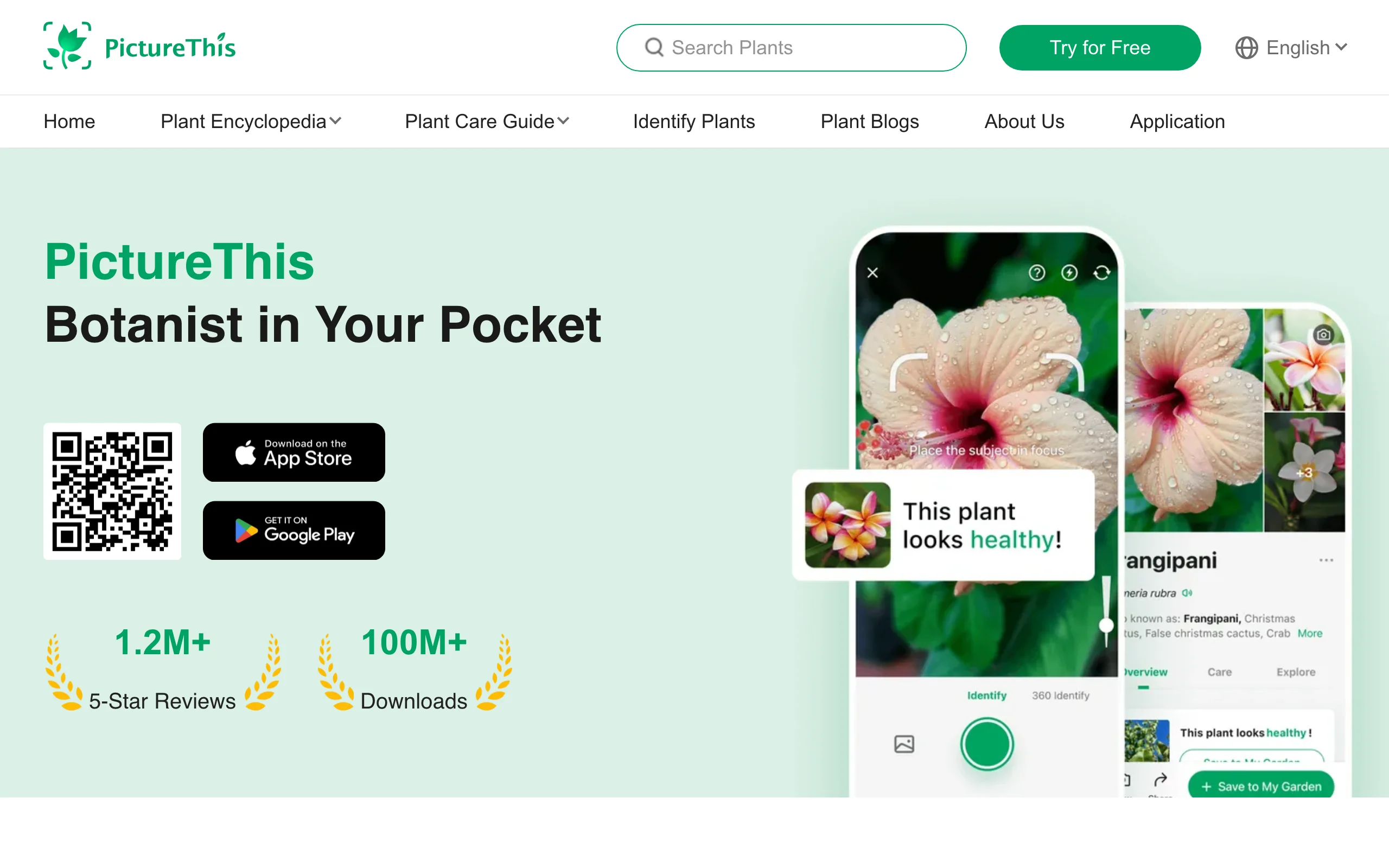
PictureThis is the biggest commercial plant identifier, and its published numbers explain why it tops most lists: a claimed 400,000+ identifiable species, over 98 percent accuracy, and a care database covering about 17,000 locally relevant species. One photo returns a name plus watering and light requirements, toxicity warnings for pets and children, and a diagnosis mode that reads spotted or yellowing leaves and suggests a treatment.
The free version identifies plants but limits how far you get, and it pushes toward Premium constantly. Premium costs $39.99 per year after a 7-day trial that converts automatically unless you cancel at least 24 hours before it ends, so set a reminder the day you start. A family plan runs about $49.99 per year; monthly and weekly options are shown in-app and vary. PictureThis earns its subscription when you want the care and diagnosis layer, not just the name.
Key features
- Photo ID across a claimed 400,000+ plant species
- Disease diagnosis with treatment suggestions
- Toxicity warnings for pets and children
- Weed identification and expert consultation on Premium
Best for
- Gardeners who want the name, the care guide, and the diagnosis in one place
- Anyone who inherited a mature garden full of unknowns
Pricing
- Free version with limited identifications
- Premium $39.99 per year after a 7-day auto-converting trial; family plan about $49.99 per year
- Monthly and weekly options are shown in-app and vary
Pros
- The deepest care database of any identifier in this list
- Disease diagnosis that goes beyond "your plant looks sick"
Cons
- The trial converts to a paid year automatically; cancel early if you only wanted a test
- Constant upsell prompts in the free version
2. PlantNet, best free and open option
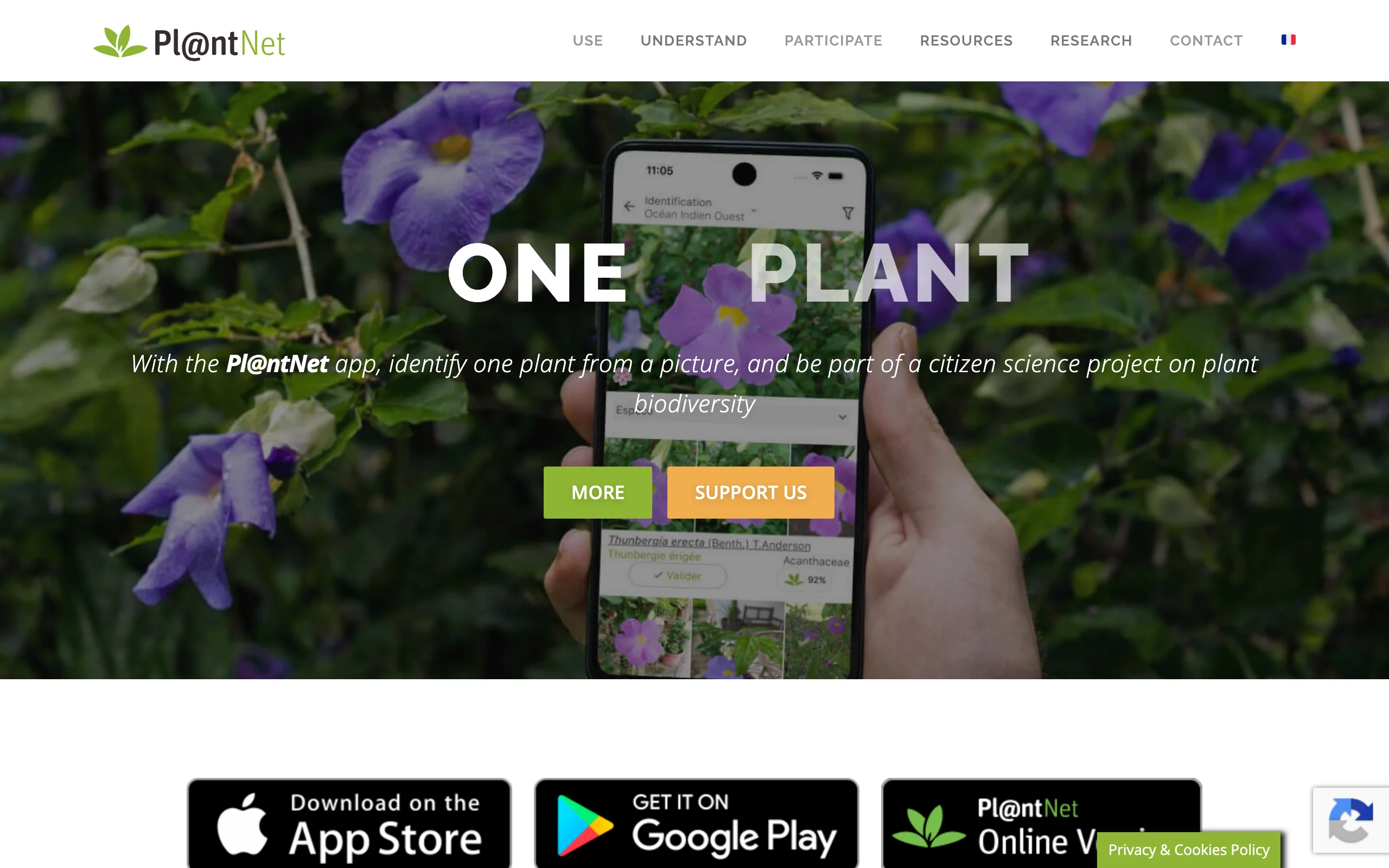
PlantNet (styled Pl@ntNet) is what a plant identifier looks like when a research consortium builds it instead of a subscription business. It comes from four French public research institutes (CIRAD, INRAE, Inria, and IRD), it is free with no ads and no premium tier, and well-documented observations become open scientific data shared through GBIF. As of July 2026 its own counters show 84,710 species, about 1.47 billion images, and 77 regional floras.
Two habits make it work better than a casual snap. First, pick the flora for your region, which narrows candidates to plants that actually grow near you. Second, tell the app which organ you photographed: leaf, flower, fruit, or bark. That organ tagging is unusual among identifiers and sharpens results on tricky subjects. The trade-off is scope: PlantNet is strongest on wild and naturalized flora, not cultivar-level answers about a supermarket houseplant.
Key features
- Free identification across 84,000+ species and 77 regional floras
- Organ tagging (leaf, flower, fruit, bark) for sharper results
- Observations shared as open data with researchers via GBIF
- Web version at identify.plantnet.org for photos on your computer
Best for
- Identifying wild plants, weeds, and hedgerow volunteers at zero cost
- Anyone who likes their photos doing double duty as science
Pricing
- Free, funded by public research institutes and donations
Pros
- Genuinely free with nothing to cancel and no ad breaks
- Region-specific floras cut down absurd suggestions from other continents
Cons
- Weaker on cultivated varieties and common houseplants
- No care guides, reminders, or disease tools; it names plants and stops there
3. Seek by iNaturalist, best free choice for kids and privacy
Seek is the identifier to hand a child, and the one to use if app privacy policies make you twitch. It runs iNaturalist's image recognition on your device in real time: point the camera at a plant and watch the taxonomy narrow from "dicot" down to species as you move closer. There is no account, no ads, and no user data collection; location is used only coarsely and never stored precisely. Badges and monthly challenges turn a garden inspection into a scavenger hunt.
The design has a known cost. Because Seek predicts on-device and errs toward caution, it sometimes stops at genus level rather than risking a wrong species, especially with grasses, seedlings, and lookalike groups. For a gardener that usually still answers "friend or weed", and when it does not, the same organization runs the full iNaturalist app below.
Key features
- Real-time, on-device camera identification of plants, fungi, and animals
- No account, no ads, no user data collection
- Location obscured by design, never stored precisely
- Badges and monthly challenges built for families
Best for
- Families getting kids interested in what grows in the yard
- Privacy-conscious users who want zero-account identification
Pricing
- Free, with no paid tier
Pros
- Instant feedback as you move the camera
- Nothing to sign up for, cancel, or configure
Cons
- Cautious by design: often lands on genus rather than species
- No journal, care info, or community discussion
4. iNaturalist, best for community-verified IDs
iNaturalist answers the question every identification app eventually raises: how do I know the AI is right? You photograph a plant, the app's computer vision suggests a species instantly, and then a global community of naturalists confirms or corrects it. Observations the community agrees on become "research grade" and flow into open biodiversity science. The scale is public: over 300 million observations, more than 550,000 species documented, and over 7,000 scientific papers citing iNaturalist data, per its own 2026 figures.
It is free and nonprofit, and the strongest tool here for wild plants, native plants, and anything the automated apps keep getting wrong. The costs are patience and publicity: a human confirmation can take hours or days, and observations are public by default. Cultivated garden plants also get less community attention; wild things are the point.
Key features
- Instant AI suggestion, then confirmation by a community of naturalists
- Research-grade observations become open data used by scientists
- 300M+ observations and 550,000+ species documented worldwide
- Free and nonprofit, with no ads or subscription
Best for
- Tricky, wild, or contested identifications where you want a human check
- Gardeners cataloging what grows on a rural or large property
Pricing
- Free, run by the nonprofit iNaturalist organization
Pros
- A wrong AI guess gets corrected by people who know the local flora
- Your observations do real scientific work
Cons
- Community confirmation is not instant
- Observations are public by default, and cultivated plants get less attention
5. Google Lens, best already-on-your-phone option
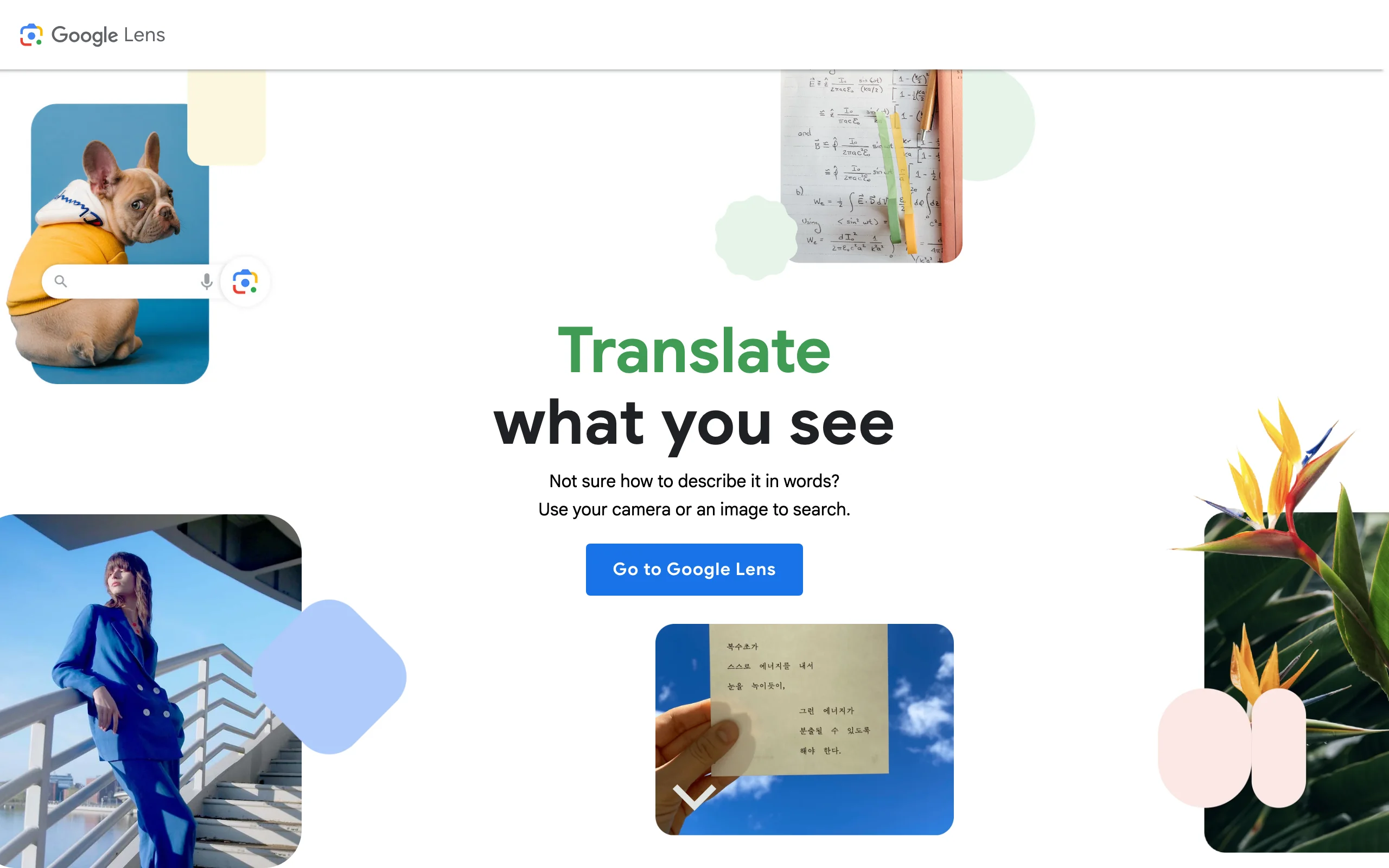
Before installing anything, try the identifier you probably already have. Google Lens is built into the camera or Google app on most Android phones, available on iPhone through the free Google app, and plant identification is one of its advertised jobs. Point it at the plant, or at a photo from last summer, or a screenshot, and it returns visually similar matches from Google's index with links to read more.
The strengths and limits come from the same place: it is a visual search engine, not a botany product. Lens is quick, free, and good on common ornamentals and houseplants. But it gives web matches rather than a confidence-ranked botanical answer, there are no care guides or records, and two similar cultivars can return the same generic result. Treat it as the first pass; when it hesitates, escalate to PlantNet or iNaturalist.
Key features
- Built into most Android phones; on iPhone via the free Google app
- Works on live camera, old photos, and screenshots
- Identifies plants and animals as an advertised core use
- Links each match to sources across the web
Best for
- Quick, no-install identification of common garden and house plants
- Identifying a plant from a photo someone sent you
Pricing
- Free
Pros
- Zero cost, zero setup, no new app to manage
- Handles screenshots and web images as easily as live plants
Cons
- No confidence scores, care information, or saved plant records
- Struggles to separate lookalike species and cultivars
6. Planta, best care companion after the ID
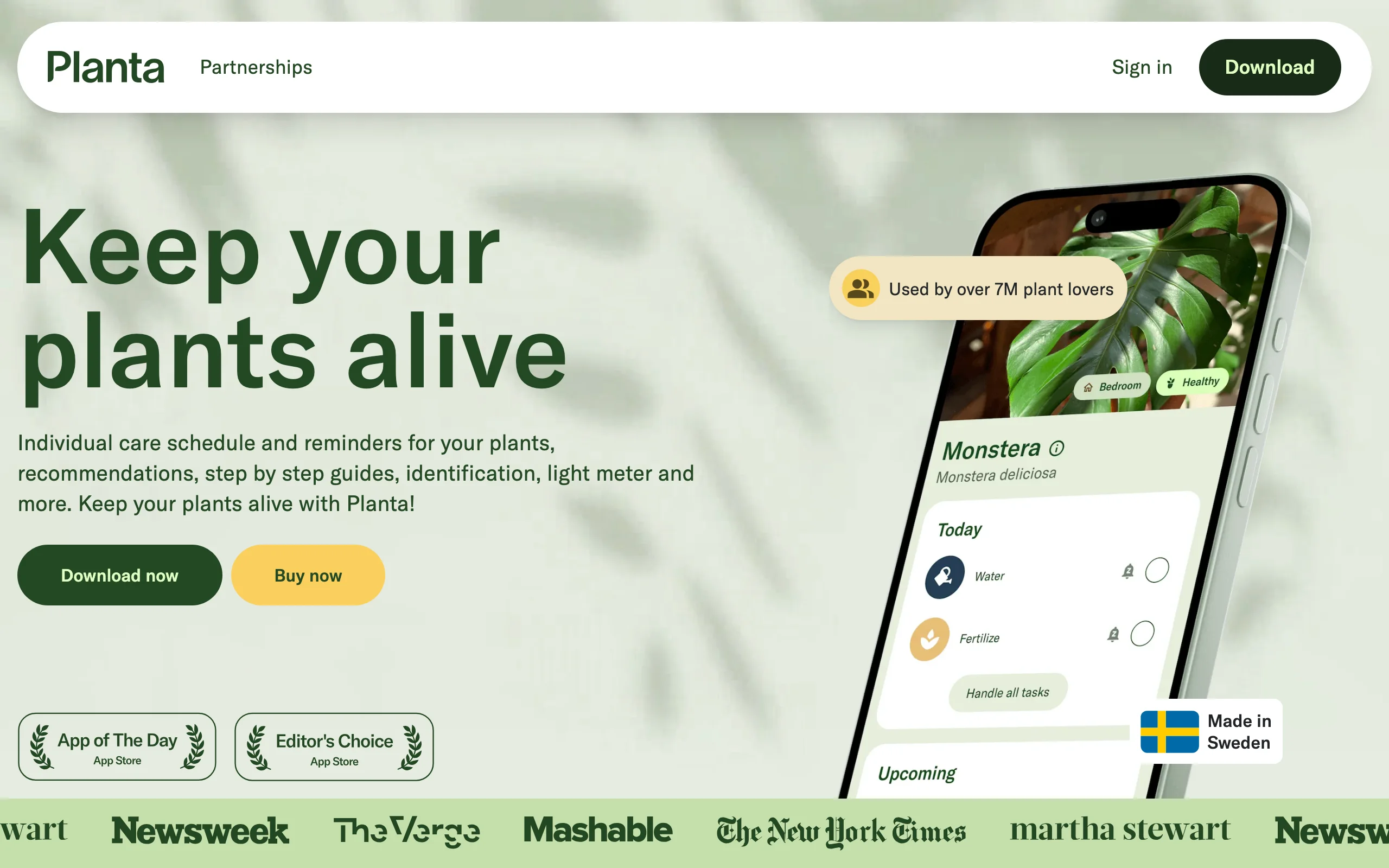
Planta sits in this list for what happens after the identification. It includes photo-based plant ID, but its real job is keeping the newly named plant alive: add it to your collection, tell Planta where it lives, and it builds a watering, fertilizing, and repotting schedule adjusted for season, weather, and light. A light meter checks whether that corner really is "bright indirect", and Dr. Planta walks you through diagnosing a struggling plant.
The free version covers basic reminders; the tailored schedules, identification, and diagnosis tools sit in Premium, from $7.99 per month or $35.99 per year, with exact offers shown in-app. If your problem is "I never know what to do after I learn the name", Planta closes that loop. For the wider category of care-first tools, our roundup of the best gardening apps compares them side by side.
Key features
- Photo-based plant identification feeding straight into care schedules
- Watering and care reminders adjusted for weather, season, and light
- Light meter for checking a spot's actual conditions
- Dr. Planta guided diagnosis for struggling plants
Best for
- Plant owners whose identified plants keep dying of neglect
- Households mixing indoor and outdoor plants with different needs
Pricing
- Free version with basic care reminders
- Premium from $7.99 per month or $35.99 per year; exact offers are shown in-app and vary
Pros
- Turns an identification into a care routine you will actually follow
- Weather-adjusted watering beats any fixed schedule
Cons
- Identification is a supporting feature, not the star
- Full pricing is only visible after you download the app
7. PlantIn, best for plant disease identification
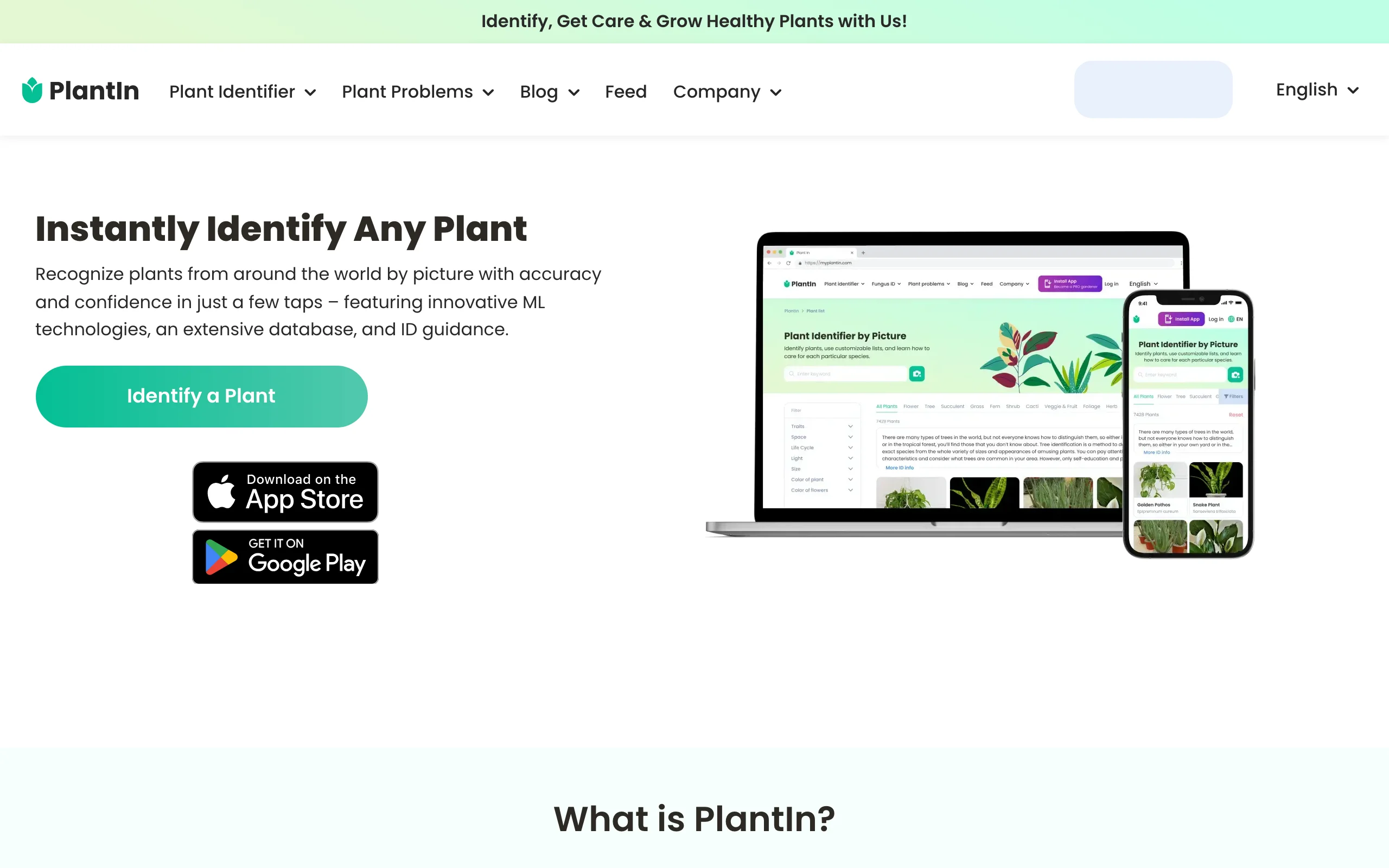
PlantIn is the strongest pick when the question is less "what is this plant" and more "what is wrong with it". Its Google Play listing claims a 24,000-species database, a 99 percent accurate machine-learning ID system, and more than 40 million users, but the standout tool is the disease identifier: photograph a sick plant and an ML model diagnoses the likely problem and suggests treatment. When the model is not enough, you can pay a human botanist to review your photos; the developer confirms in its own App Store responses that this expert help is a separate charge, outside the subscription.
Approach the pricing with eyes open. The app is a free download with ads, but the subscription is only priced inside the app and varies by offer, and reviews on both stores regularly flag expensive weekly billing options. As an identifier it names fewer species than PictureThis or PlantNet; as a diagnosis tool with a human escalation path, it is the most complete option here.
Key features
- ML-based disease identifier with treatment guidance
- Paid one-on-one botanist help for stubborn cases
- Plant ID across a claimed 24,000 species
- Mushroom identification for foragers
Best for
- Diagnosing sick plants when a database answer is not enough
- Plant owners who want the option of a human expert
Pricing
- Free download with ads and limited features
- Subscription priced in-app only and varies by offer
- Botanist consultations cost extra, outside the subscription
Pros
- The clearest path from "leaf looks wrong" to a treatment plan
- Human botanist escalation that pure ML apps do not offer
Cons
- Opaque in-app pricing with weekly billing offers; read the paywall screen carefully
- Smaller species database than PictureThis or PlantNet
How to choose a plant identification app
1) iPhone or Android?
All seven run on both platforms, so this is about defaults. On Android, Google Lens is usually already in your camera or Google app, which makes it the zero-effort first try; pair it with PlantNet and you have a strong free stack. On iPhone, Lens requires the separate Google app, so Seek is the better instant-answer default, with PictureThis as the paid upgrade for care guidance. Note that subscription prices for PictureThis and PlantIn are set per store and per offer, so the paywall you see may not match a friend's.
2) What about trees?
Tree identification fails differently: from a distance every mature oak is a green blob, and a bark close-up alone stumps most models. Two apps handle it best. PlantNet lets you tag each photo by organ, so one observation can combine a leaf shot, a bark shot, and a whole-tree shot, which is how botanists actually key out trees. iNaturalist adds the human layer: someone who knows local trees confirms the species. Whichever you use, photograph a leaf up close plus the full silhouette; a lone blurry canopy photo is why most tree IDs go wrong.
3) What about sick plants?
For diseases, the paid tools earn their keep. PictureThis includes diagnosis with treatment suggestions in Premium, and PlantIn goes further with a dedicated disease identifier plus paid access to a human botanist. The free route is slower but real: identify the species with PlantNet or Seek, then search that species plus your symptom through a university extension service. Either way, confirm a diagnosis before you spray anything valuable. An ML model reading a leaf photo is a strong hint, not a lab test.
4) Wild plants or garden plants?
Match the app to where the plant came from. For wild plants and hiking finds, PlantNet's regional floras and iNaturalist's community are built on exactly that data, and they will also tell you whether a volunteer is a keeper for a pollinator garden or an invasive to pull. For nursery purchases and houseplants, the commercial databases in PictureThis and PlantIn cover far more cultivars. Never eat anything based on an app identification alone; the poisonous lookalike problem is real.
Identified the plant. Now what?
A name is the start, not the finish. Once you know what grows in your yard, the next question is what the yard could become around it. That is the job OutdoorBrite does: upload a photo of your actual yard and it generates realistic redesign concepts of that same space, in styles from cottage garden to modern, with plant choices matched to your climate and hardiness zone. The bed of self-sown natives your identifier just named can stay, and the AI garden design builds the rest of the picture around it, lush or leaning on drought-tolerant plants. Collecting direction first? Our low-maintenance garden ideas pair well with a fresh plant inventory.
FAQ
What is the best plant identification app?
PictureThis, if you want one paid app: the largest claimed database at 400,000+ species, plus care guides and disease diagnosis attached to every result. If you want a free one, PlantNet for botanical rigor or Seek for instant on-device answers.
What are the best apps for plant identification that are completely free?
PlantNet, Seek by iNaturalist, iNaturalist, and Google Lens are free with no paid tier waiting behind the first few scans. PlantNet and iNaturalist are run by research and nonprofit organizations, so free is the model, not a teaser. The other three keep their best features behind subscriptions.
How accurate are plant identification apps?
Vendor claims run high: PictureThis publishes over 98 percent and PlantIn claims 99 percent. Those figures hold up best on common, well-photographed species and drop on grasses, seedlings, conifers, and lookalike cultivars. For an answer you plan to act on, cross-check two apps, or let iNaturalist's community confirm the machine's guess.
What is the best plant and tree identification app?
For trees, PlantNet: its organ tagging lets one observation combine leaf, bark, and silhouette photos, which is how trees are actually keyed out. iNaturalist is the best second step when a tree stumps the model, since local naturalists confirm the ID. Take a leaf close-up and a whole-tree shot every time.
Which plant identification app is best on Android?
Start with Google Lens, already built into most Android phones, then add PlantNet when you want a real botanical answer instead of a visual match. Both are free. PictureThis and PlantIn run well on Android too, but read the in-app subscription screen before tapping through a trial.
Which plant identification app is best on iPhone?
Seek by iNaturalist is the strongest free default on iPhone: instant on-device identification with no account and no ads. PictureThis is the paid upgrade for care guidance and disease diagnosis. Google Lens works on iPhone too, but only inside the separate Google app.
Is there an app that identifies plant diseases?
Yes, two in this list. PictureThis Premium includes a diagnosis mode that reads leaf damage and suggests treatments, and PlantIn has a dedicated ML disease identifier plus paid human botanist help. Confirm any serious diagnosis with a second source, such as a local extension service, before treating.
Can an app identify wild plants safely?
For naming wild plants, yes: PlantNet's regional floras and iNaturalist's community-verified observations are built on wild flora data. For deciding what is safe to eat, no app should be the last word; toxic lookalikes are exactly where models miss. Use the app to narrow, then verify with an expert source.
Can AI redesign my garden once I know what is in it?
Yes. A plant identifier tells you what you have; OutdoorBrite shows what the same yard could look like redesigned, from one photo, with concepts in under a minute and plant choices matched to your hardiness zone. You confirm final plant counts and placement before buying anything.