8 best free home design software picks in 2026
Most "free" home design software hides the useful parts behind a paywall. We tested 8 tools and wrote down exactly what each free tier includes, from HomeByMe's 5 free renders to Sweet Home 3D's fully free desktop app, so you can pick one without surprises.
Free home design tools have quietly gotten good. You can draw a floor plan, furnish it, walk through it in 3D, and even render a photoreal image of a room without paying anything. The catch is that "free" means something different in every product, and most roundups of the best free home design software never tell you where the paywall actually sits.
This guide does. We looked at 8 programs, checked each vendor's pricing page on October 20, 2026, and wrote down exactly what the free version includes: how many projects, how many renders, which exports carry a watermark, and what you'd pay if you outgrow it. All 8 are genuinely usable for free, whether you're sketching a kitchen remodel or planning a new build.
One scope note: these tools design the house. If you also want to plan the yard around it, there's a section for that further down.
Best free home design software: a brief overview
- HomeByMe: Best free 3D home design overall: 2 free projects with 5 photoreal Full HD renders and a 90,000+ product catalog, the most polished free result here.
- Sweet Home 3D: Best free open-source desktop: completely free on Windows, Mac, and Linux with 10,000+ models, no account and no paywall.
- Planner 5D: Best free cross-platform 2D/3D: unlimited free projects that sync across web and mobile, with about half the catalog unlocked.
- SketchUp Free: Best free precise modeling: the real SketchUp modeler in your browser for personal projects, with 10 GB of cloud storage.
- Floorplanner: Best free quick floor plans: 5 free projects you keep forever, the fastest way to get a clean 2D plan.
- Homestyler: Best free photoreal renders: unlimited 1K renders on the free plan (the vendor's own term), which no other free tier matches.
- DreamPlan: Best free Windows all-in-one: a downloadable app that covers house, deck, pool, and garden in one project, free for home use.
- RoomSketcher: Best free for print-ready floor plans: a free tier for sketching, with pay-per-output pricing when you need a finished plan.
| Software | Best for | Free tier limits | Platforms |
|---|---|---|---|
| HomeByMe | Free 3D home design overall | 2 projects, 5 Full HD renders | Web |
| Sweet Home 3D | Free open-source desktop | None, fully free from the official site | Windows, Mac, Linux, web |
| Planner 5D | Free cross-platform 2D/3D | Unlimited projects, about 50% of catalog | Web, iOS, Android, Windows, Mac |
| SketchUp Free | Free precise modeling | Personal use only, web only | Web |
| Floorplanner | Free quick floor plans | 5 projects, SD exports with watermark | Web |
| Homestyler | Free photoreal renders | Unlimited 1K renders; 4K paid per render | Web, iOS, Android |
| DreamPlan | Free Windows all-in-one | Non-commercial home use only | Windows, macOS |
| RoomSketcher | Print-ready floor plans | 2 starter credits, limited library, watermarked snapshots | Web, iOS, Android, Windows, Mac |
1. HomeByMe, best free 3D home design overall
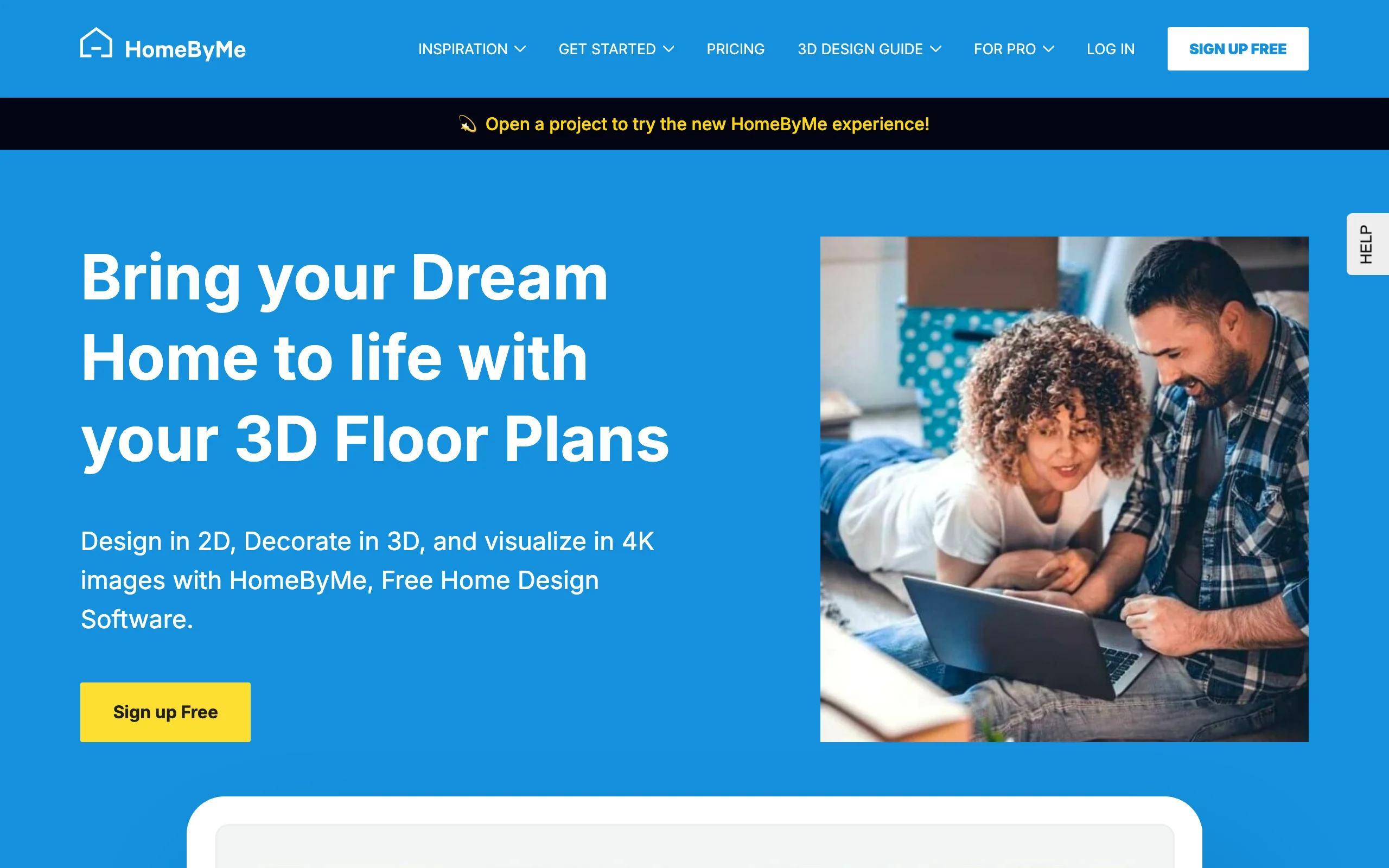
HomeByMe is the free tool that feels least like a free tool. You draw a floor plan in 2D, switch to 3D, and furnish the space from a catalog of more than 90,000 real products from brands like Crate & Barrel and Wayfair. The free Starter plan includes 2 projects, 5 photorealistic Full HD renders, and unlimited 2D and 3D screenshots, enough to produce an image that looks like a magazine photo of your future living room.
The limits are real, though. Two projects is enough for one house and one experiment, and the 5 render credits don't come back if you delete a project. After that it's the Essentials plan at $29 a month ($25 a month billed annually). For a homeowner planning one renovation, the free tier is usually enough to reach a decision, which is exactly what it's for.
Key features
- 2D floor plan drawing with instant 3D view
- 5 free photorealistic Full HD renders
- 90,000+ real branded products in the catalog
- Unlimited 2D and 3D screenshots on the free plan
Best for
- Homeowners who want one polished, realistic preview of a remodel
- Furnishing decisions, since the catalog uses real buyable products
Pricing
- Starter: free, 2 projects and 5 Full HD renders
- Essentials: $29/month, or $25/month billed annually
- Pro: $65/month, or $53/month billed annually
Pros
- The most finished-looking free output of any tool here
- Real-product catalog doubles as a shopping list
- Approachable for a first-time user
Cons
- 2 projects and 5 renders run out fast
- Render credits are not restored if you delete a project
2. Sweet Home 3D, best free open-source desktop
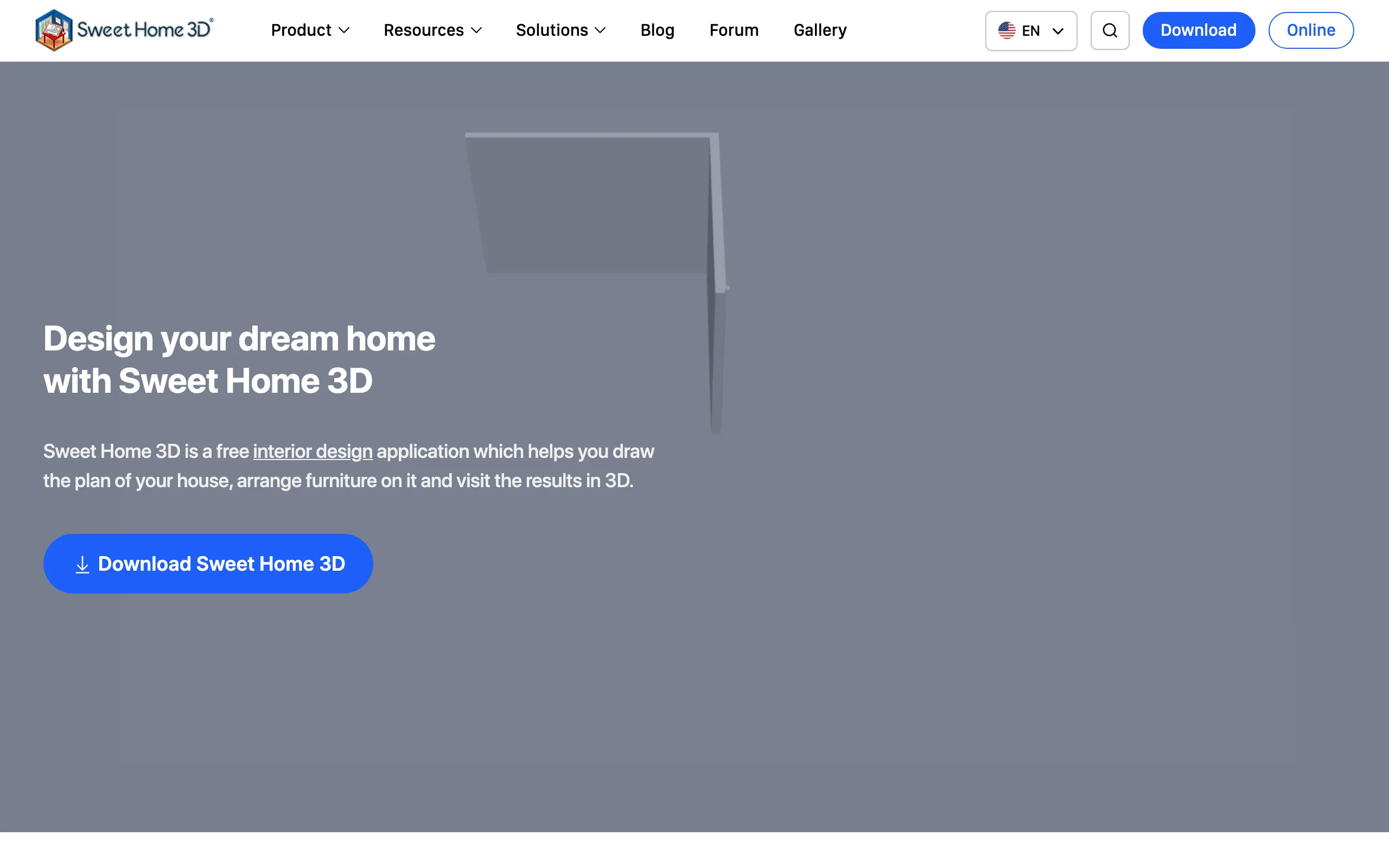
Sweet Home 3D is the only program in this list with no paywall at all. It's open source, and the full version downloaded from the official site is free on Windows, Mac, and Linux, with more than 10,000 models and 400 textures included. You draw walls in a 2D plan and the 3D view updates live, which makes it easy to check sight lines, furniture fit, and how a new opening would change a room.
The interface looks its age, and there's no photoreal render engine, so the output is functional rather than pretty. One thing to watch: the versions sold in the Mac and Microsoft app stores are paid bundles with extra models, while the identical core program is free from sweethome3d.com. There's also an online browser version if you'd rather not install anything.
Key features
- 2D plan drawing with a live 3D view
- 10,000+ models and 400 textures in the free download
- Imports third-party models and textures for specific furniture
Best for
- Anyone who wants permanently free software with no account
- Linux users, who most tools here ignore
Pricing
- Free and open source from the official site
- App-store versions are paid bundles with extra models
Pros
- No paywall, no credits, no watermarks
- Works offline on every desktop platform
- Extensible with free imported models
Cons
- Dated interface and basic visual output
- No photorealistic rendering built in
3. Planner 5D, best free cross-platform 2D/3D
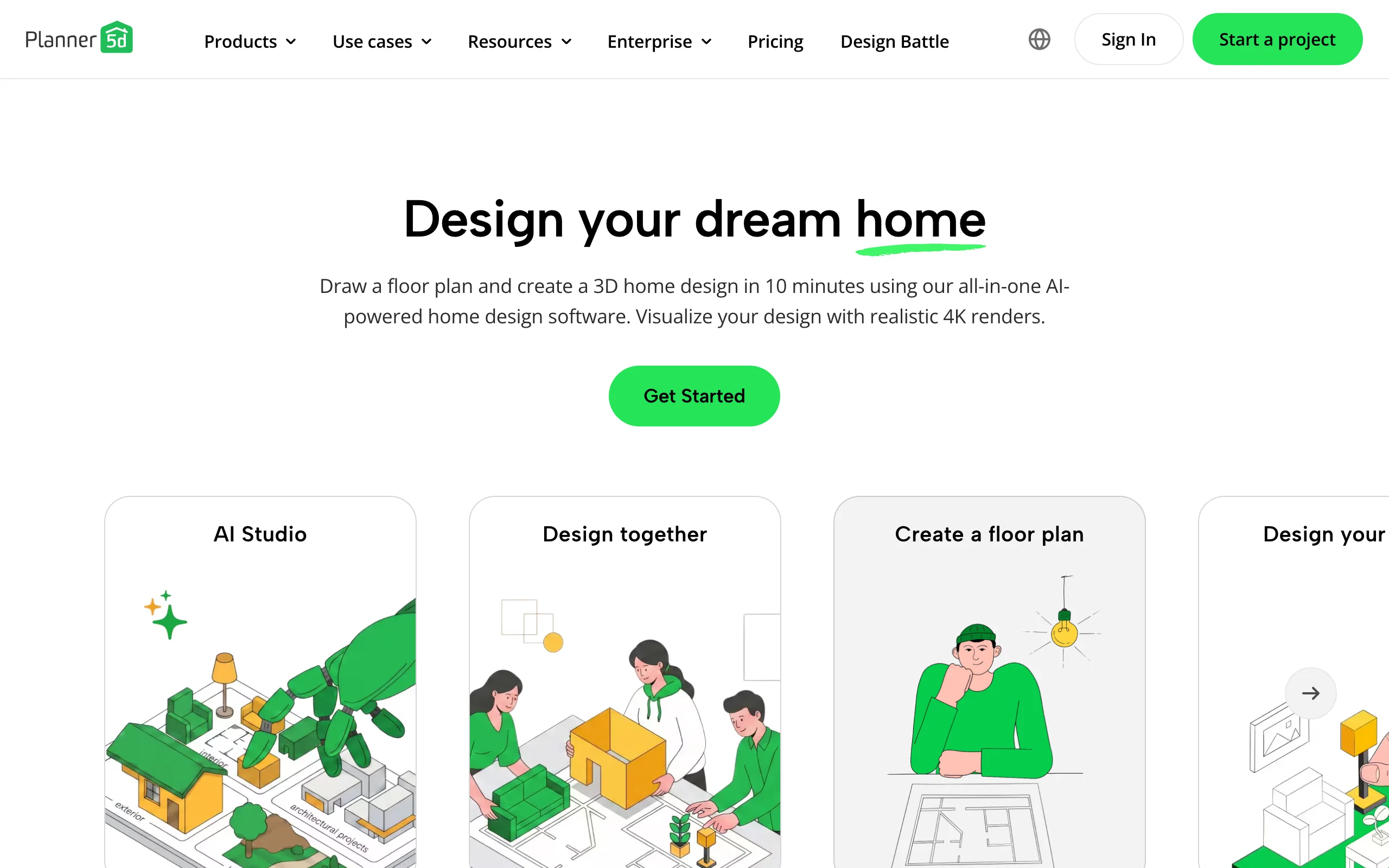
Planner 5D's free plan is unusually generous where it counts: you can create and share an unlimited number of projects, and your work syncs across web, iOS, Android, Windows, and Mac. You sketch the plan in 2D, flip to 3D, and drag furniture in from the catalog. The free tier unlocks about half of that catalog, with 10,000+ premium items reserved for paid plans.
That split defines the experience. Layout, walls, doors, windows, and basic furnishing are all free and pleasant to use. The extras, like floor plan import, standard renders, and the full catalog, arrive with Premium at $4.99 a month billed annually ($59.99 a year, or $19.99 month to month). For getting proportions and placement right on whatever device is in reach, the free plan covers more ground than almost anything else here.
Key features
- Unlimited free projects, shareable by link
- 2D plan and 3D view on web, mobile, and desktop
- About 50% of the furniture catalog free
Best for
- People who switch between phone, tablet, and computer mid-project
- Beginners who want drag-and-drop layout with no install
Pricing
- Free: unlimited projects, about half the catalog
- Premium: $4.99/month billed annually ($59.99/year), $19.99 month to month
- Professional: $33.33/month billed annually ($399.99/year)
Pros
- Unlimited projects on the free plan
- The widest platform coverage in this list
- Gentle learning curve
Cons
- Realistic renders sit behind the paid plans
- Half the catalog is locked, and you notice
4. SketchUp Free, best free precise modeling
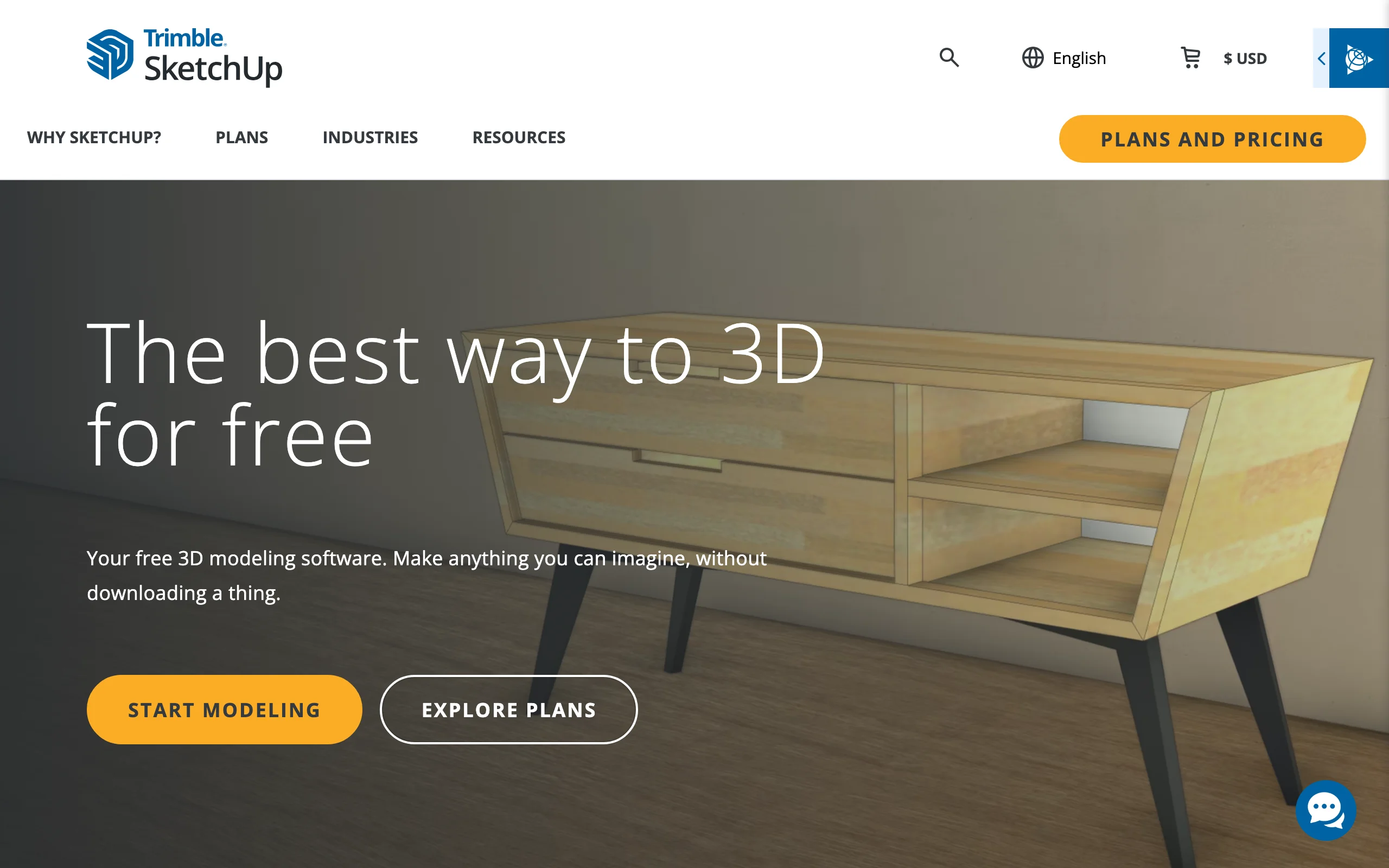
SketchUp Free is the browser version of the modeler architects and builders have used for two decades, free for personal, non-commercial projects. Trimble's own line is "no strings attached," and for home use that holds: you get the core push-pull modeler, 10 GB of cloud storage, and unlimited downloads from the 3D Warehouse, a huge library of user-made models.
This is the pick when dimensions matter. If you're checking whether a staircase fits, modeling a custom built-in, or drawing an addition to real measurements, SketchUp's precision beats every drag-and-drop planner here. The cost is time: it has a real learning curve, and the free tier stays in the browser without the desktop app, LayOut documentation, or extensions. Those come with Go at $10.75 a month billed annually, or Pro at $33.25.
Key features
- Full 3D modeler running in the browser
- 10 GB of free cloud storage
- Unlimited 3D Warehouse model downloads
Best for
- Additions, built-ins, and structures that must be dimensionally right
- DIYers willing to spend a weekend learning a real tool
Pricing
- SketchUp Free: $0 for personal, non-commercial use, web only
- Go: $10.75/month billed annually
- Pro: $33.25/month billed annually
Pros
- Professional-grade precision at no cost
- Enormous free model library
- Skills transfer if you later go pro
Cons
- Steepest learning curve in this list
- Personal use only, browser only on the free tier
5. Floorplanner, best free quick floor plans
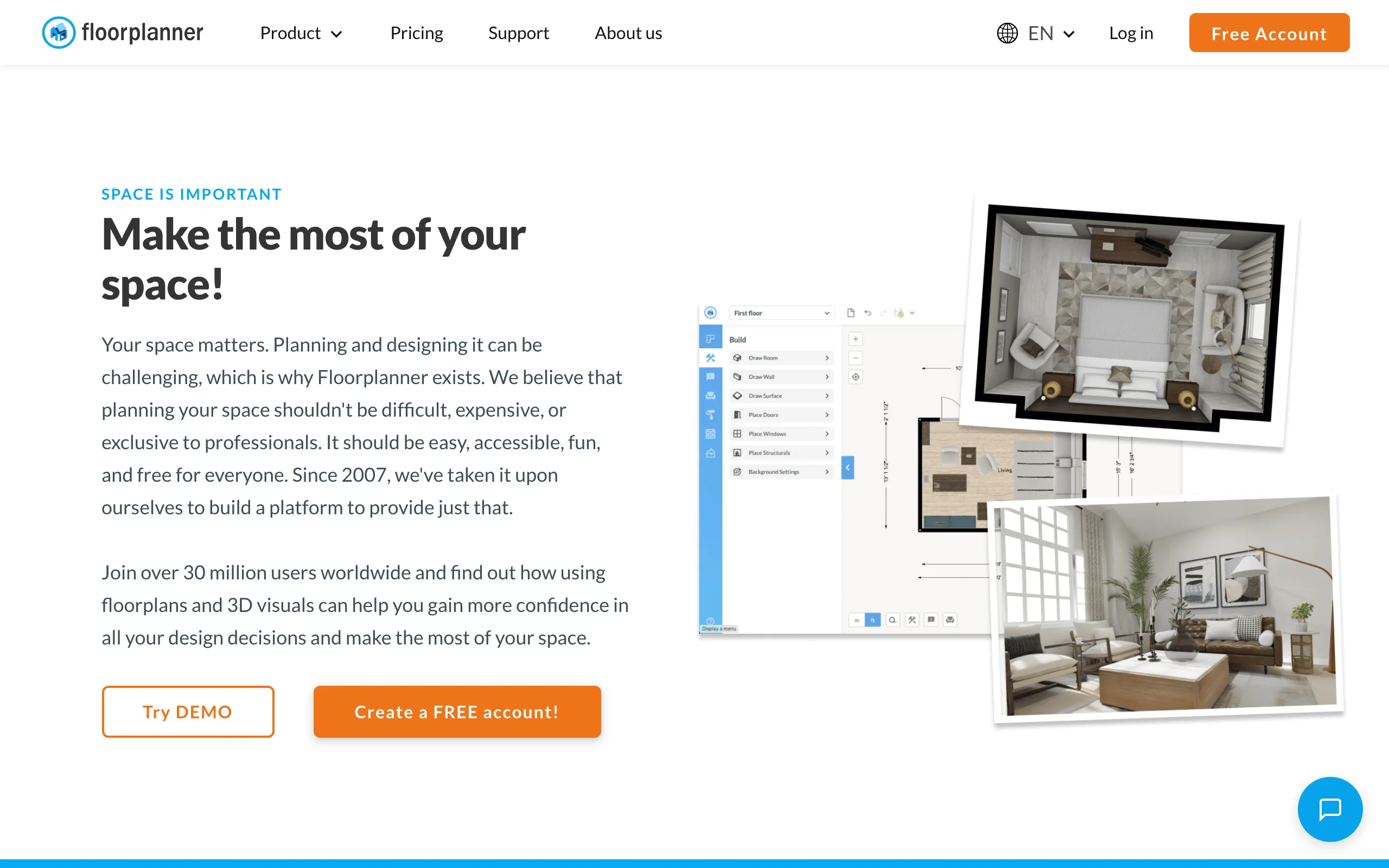
Floorplanner is the fastest route from "blank page" to "clean floor plan." The free account gives you up to 5 projects that stay in your account for as long as you need, with no subscription and no expiry. Drawing is quick and forgiving, and any 2D plan flips into a 3D view instantly.
The free limits are specific: free projects are capped at 3 floors with 3 designs total, and exports come out in SD quality (960x540) with a watermark. Instead of forcing a subscription, Floorplanner sells credits: 5 for $8.15, with watermark removal costing 2 credits per project, an HD upgrade 5, and 4K 10. For a homeowner who needs one good plan for a contractor conversation, a few dollars of credits on top of the free tier goes a long way.
Key features
- 5 free projects, kept in your account indefinitely
- Fast 2D drawing with instant 3D view
- Per-project upgrades instead of forced subscriptions
Best for
- Getting a clean, shareable floor plan in under an hour
- One-off projects where a subscription makes no sense
Pricing
- Free: 5 projects, 3 floors and 3 designs each, SD watermarked exports
- Credits: $8.15 for 5 (watermark removal 2, HD 5, 4K 10 per project)
- Plus: $5/month with 4 credits; Pro: $29/month with 25 credits
Pros
- Free projects never expire
- Pay-per-project pricing suits one-time users
- Very fast to learn
Cons
- SD watermarked exports until you spend credits
- 3-floor, 3-design cap on free projects
6. Homestyler, best free photoreal renders
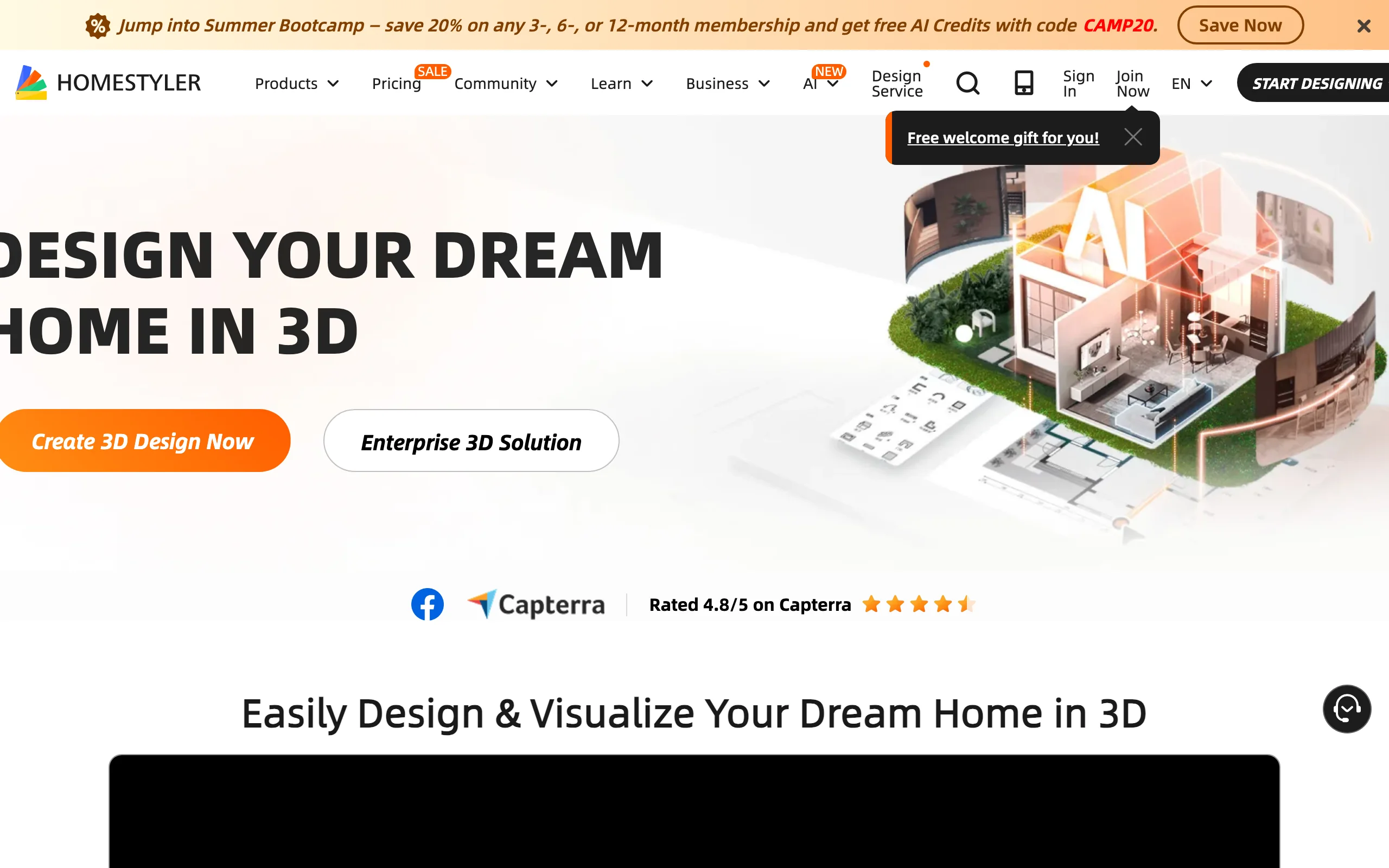
Homestyler's free plan does something no other tool here offers: unlimited 1K rendering, in the vendor's own words. You furnish a room from a library of more than 100,000 free models and materials, then render as many photoreal images as you want at 1K resolution. For iterating on a design visually, that's a bigger deal than any single feature on this list.
The resolution is the paywall. 1K images look good on a phone and fine in a document, but 4K renders are purchased individually on the free plan. Pro at $6.80 a month includes 75 renders each at 2K and 4K per month, and Master at $11.80 a month makes 4K image rendering unlimited. The tool is deeper than it first appears, with multi-floor editing, custom lighting, and construction drawings in the paid tiers. As a free renderer, nothing else in this list keeps up.
Key features
- Unlimited 1K photoreal renders on the free plan
- 100,000+ free 3D models and materials
- 2D plan to full 3D room design in the browser
Best for
- Visual decision-making: rendering every option before choosing
- Interior finishes, furniture, and lighting comparisons
Pricing
- Free: unlimited 1K renders; 4K purchased per render
- Pro: $6.80/month, 75 renders each at 2K and 4K monthly
- Master: $11.80/month, unlimited 4K image rendering
Pros
- The most generous free render allowance available
- Huge free model library
- Low-priced paid tiers if you upgrade
Cons
- 1K resolution caps the free output quality
- Interface has a lot going on for a first-timer
7. DreamPlan, best free Windows all-in-one
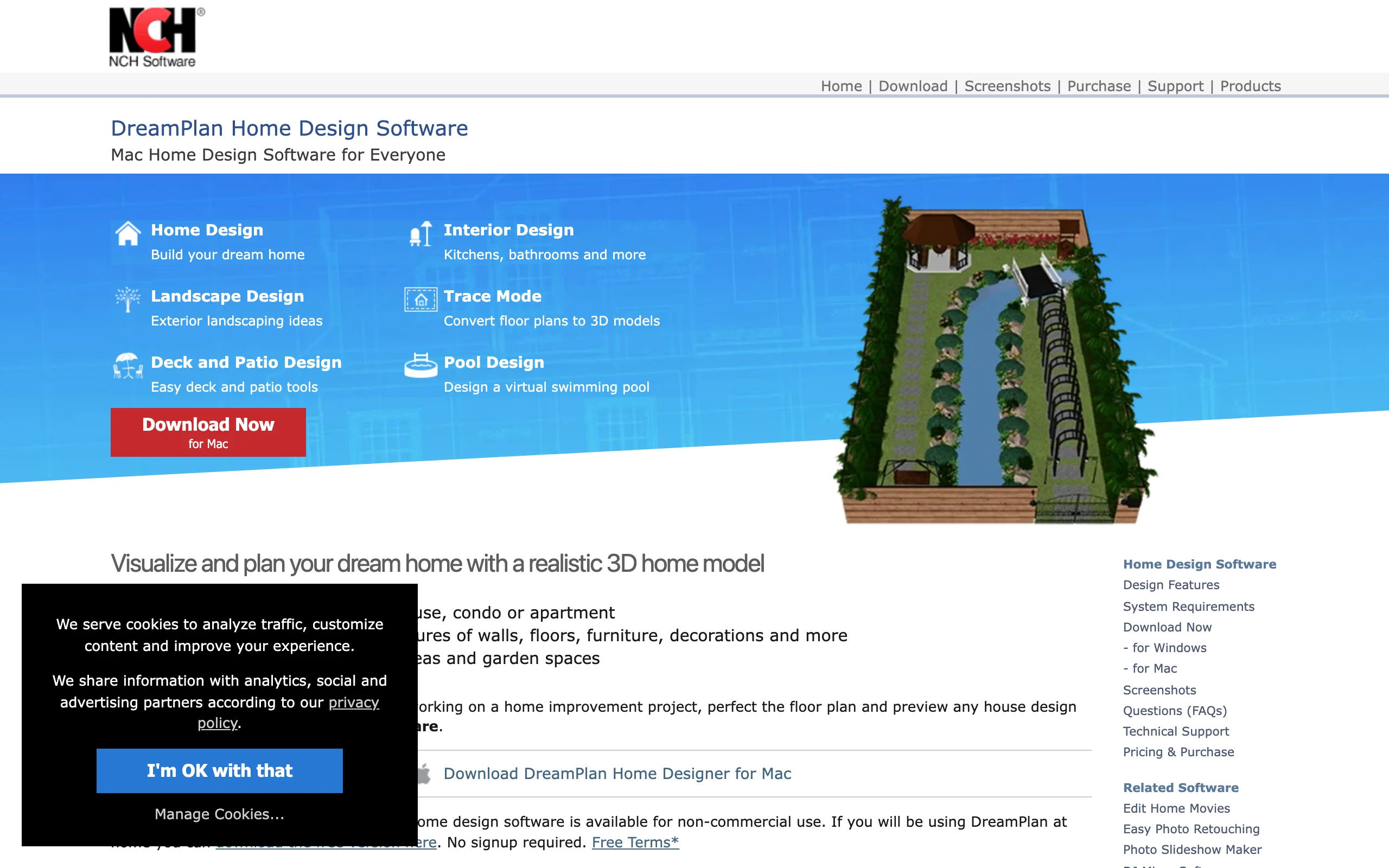
DreamPlan by NCH Software is a downloadable desktop program that treats the whole property as one project: the house, the deck, the pool, and the garden beds all live in the same file. The free version is for non-commercial home use, downloads without a signup, and runs on Windows, with a Mac build too. You can switch between 3D, 2D blueprint, and 2D rendered views, trace an existing floor plan from an imported image, and export to JPG, PNG, OBJ, or STL. Its outdoor side is strong enough that it also appears in our landscaping software for PC roundup.
It's also the only free tool here with real terrain in mind, which matters if your lot has a slope. The trade-off is polish: the interface looks a generation older than the browser tools, and there's no cloud sync or collaboration. As a free, offline, everything-in-one-file planner for a homeowner, it earns its slot.
Key features
- House, deck, pool, and garden in a single project
- 3D, 2D blueprint, and 2D rendered view modes
- Fully offline, no account required
Best for
- Whole-property planning, inside and out
- Homeowners on older or offline Windows machines
Pricing
- Free for non-commercial home use, no signup
- Paid license required for commercial use
- Windows and macOS
Pros
- One free program covers the entire property
- Works with no internet connection
- Practical export formats, including 3D files
Cons
- Dated interface next to the web tools
- No cloud sync or collaboration
8. RoomSketcher, best free for print-ready floor plans
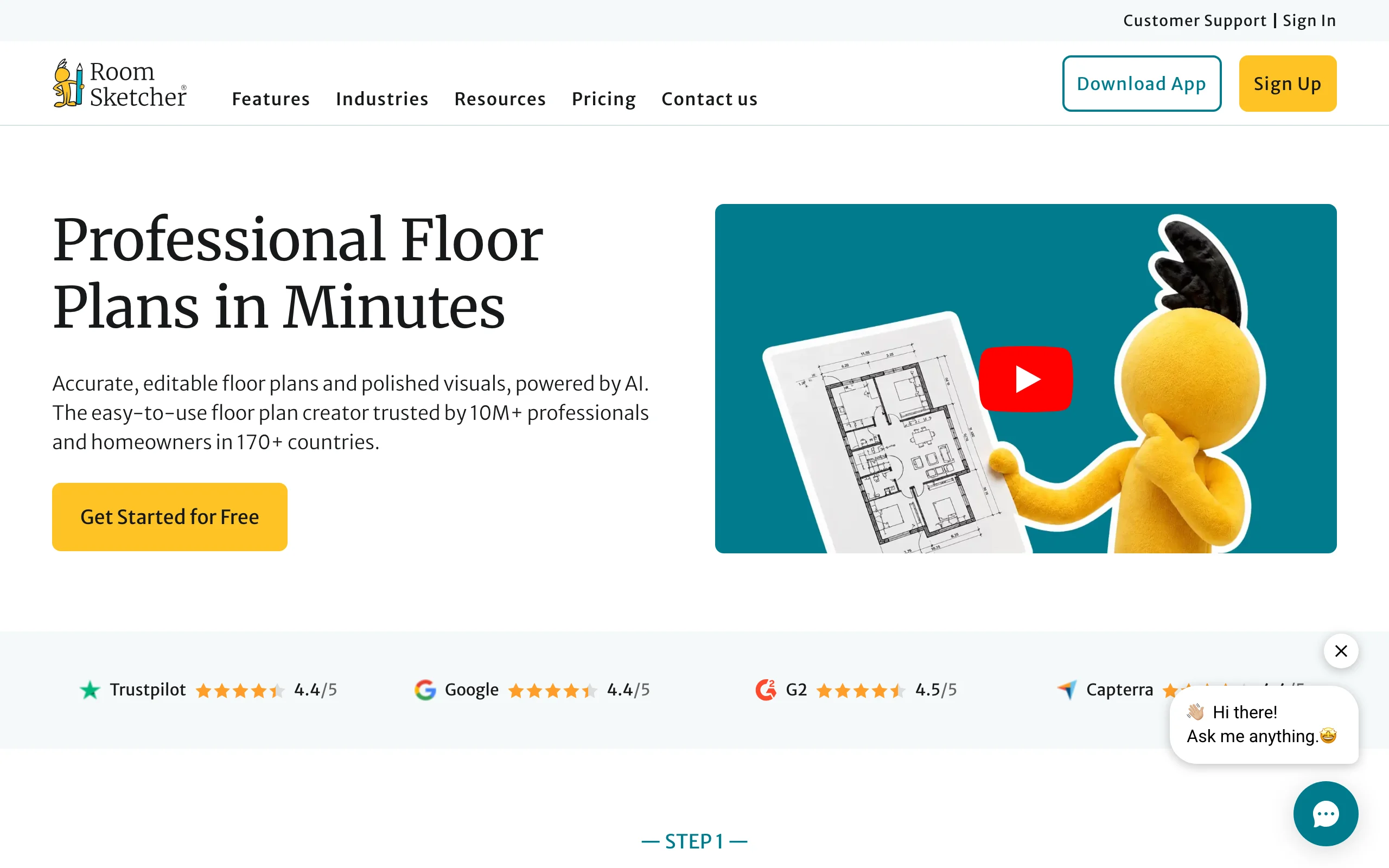
RoomSketcher's free plan is a working sketchpad: 1 user, the drawing app on web and mobile, 2 starter credits, one free AI floor plan conversion, a limited furniture library, watermarked 3D snapshots, and an archive of up to 10 projects. Where it stands apart is what the plans become. It's built around finished, print-ready 2D and 3D floor plans of the kind you see in property listings, and free users can buy outputs one at a time: $4 per floor plan render, or a professionally redrawn plan from $38 per floor.
That makes it the right free pick when the deliverable is the plan itself. Draw the layout for free, check it in 3D, and pay only for the final document. Regular users move to Pro at $12 a month billed annually ($144 a year), with 5 monthly credits, the full library, and print-to-scale. As a design playground it's thinner than Planner 5D; as a floor plan factory it's the most direct of the free options.
Key features
- Free drawing app on web, mobile, and desktop
- Watermarked 3D snapshots to check your layout
- Pay-per-output finished floor plans ($4 per render)
Best for
- Producing a listing-quality floor plan without a subscription
- Home sellers and small landlords
Pricing
- Free: 2 starter credits, 1 free AI floor plan conversion, limited library, watermarked snapshots, 10-project archive
- Pay as you go: floor plan renders $4 each on the free plan
- Pro: $12/month billed annually ($144/year), 5 monthly credits
Pros
- Clean, professional floor plan output
- Free tier is enough to draw and evaluate a full layout
- Per-document pricing for occasional use
Cons
- Watermarks and a limited library until you pay
- Less of a design tool, more of a plan producer
Designing the outside too?
Every tool above stops at roughly the property line. You can plan the house down to the cabinet handles, but the first thing anyone sees is the yard around it, and that's what carries the curb appeal. No single free program handles the home and the yard equally well: DreamPlan gets partway there, and for the yard-only side we've written a separate roundup of free landscape design tools.
For the yard, we build OutdoorBrite. It works from a photo instead of a model: upload a picture of your actual yard, pick a style, and get realistic AI landscape design concepts in under a minute, with plant choices matched to your climate. You can redesign your backyard with AI the same way, then hand the concept to a contractor or turn it into a DIY plant list. To be clear about cost, since this is a free-software guide: OutdoorBrite is paid only, from $29 a month, with no free tier. If the outside of the house is next, our guide on how to increase curb appeal is a good place to start.
How to choose the best free home design software for your needs
1) Start with the output you need
Work backwards from the thing you'll actually use. If it's a dimensioned plan for a contractor, pick Floorplanner or RoomSketcher. If it's free 3D home design you can walk through and show your family, HomeByMe and Planner 5D get there fastest. If it's a realistic image of a finished room, Homestyler's unlimited 1K renders beat everything else at $0. And if it's a structure that has to be built to the millimeter, use SketchUp Free.
2) If you're a beginner, pick the shortest path
Free home design software for beginners is really a question of how much you're willing to learn before you see a result. Planner 5D and HomeByMe show you a furnished 3D room within your first hour. Floorplanner is nearly as quick for flat plans, Sweet Home 3D takes an evening, and SketchUp takes a weekend. If you suspect you'll quit the moment it feels like CAD, start at the easy end and only move up if you hit a wall.
3) Check what the free tier actually locks
The paywalls in this list fall into four patterns: capped renders (HomeByMe's 5, Homestyler's resolution limit), capped projects (HomeByMe's 2, Floorplanner's 5), watermarks (Floorplanner, RoomSketcher), and usage restrictions (SketchUp Free and DreamPlan are personal or home use only). Match the limit against your project before you invest hours in a tool. A single remodel fits inside almost every free tier here; a side business fits none of them except Sweet Home 3D.
4) Decide if the outside counts
Most of these tools treat the home's exterior as an afterthought: you can recolor siding in DreamPlan, model a facade in SketchUp, and that's about it. If the project includes the front walk, the beds along the house, or the foundation planting that frames it, plan on a second tool for the outdoor half. The free modelers can block out shapes; a photo-based tool like OutdoorBrite shows the finished yard realistically, from $29 a month.
FAQ
What is the best free home design software? HomeByMe is the strongest free pick overall: 2 free projects, 5 photoreal Full HD renders, and a 90,000+ product catalog with almost no learning curve. Sweet Home 3D is the pick if you want software that's entirely free with no caps, and Planner 5D wins if unlimited projects across devices matter more than render quality.
What is the best free home design software for beginners? Planner 5D and HomeByMe are the gentlest starting points: both are drag-and-drop, run in a browser, and produce a furnished 3D view in your first session. Floorplanner is the beginner pick when all you need is a quick 2D floor plan.
What is the best free 3D home design software? It depends on which "3D" you mean. For a furnished, walkable 3D model, HomeByMe and Planner 5D are the best free options. For precise modeling of structures and additions, SketchUp Free is the standout, and for photoreal renders in volume, Homestyler's unlimited 1K rendering is unmatched.
Is there free home and landscape design software in one? DreamPlan comes closest, since its free version covers the house, deck, pool, and garden in a single offline project. No free program does both halves well, though. Most people pair a free home tool from this list with a yard-side tool; our free landscape design roundup covers that half in the same honest-about-paywalls format.
Can I design my home's exterior with free software? Partly. SketchUp Free can model a facade accurately, DreamPlan lets you try new siding, windows, and roof colors, and Homestyler renders exteriors as well as rooms. What free home exterior tools don't do is show your real house: they show a model of it. For tools that work from a photo of your actual house, see our guide to exterior visualizer apps.
Which free home design programs have no paywall at all? Sweet Home 3D, downloaded from the official site, is the only tool in this list with no paywall, no credits, and no watermark. Everything else here is freemium: genuinely usable for free, with renders, resolution, project counts, or commercial use held back for paying customers.
Is free home design software accurate enough to plan a real renovation? For layout, yes. SketchUp Free, Sweet Home 3D, and Floorplanner all work to real measurements, and a careful plan in any of them is good enough to discuss with a contractor. What they can't replace is a construction document: for permits and structural work you still need a professional's drawings.
Does OutdoorBrite have a free plan? No. OutdoorBrite is paid only, from $29 a month, with no free tier and no trial. It also isn't home design software: it redesigns yards from a photo of your real outdoor space. It's in this guide because house plans and yard plans usually happen together, and the free tools above don't cover the outdoor half.
Once the floor plan is settled, the yard decides how the whole property reads. See what yours could look like at outdoorbrite.com.