Best OutdoorBrite alternatives for AI landscape design (2026)
OutdoorBrite has no free plan and doesn't produce build plans, so it isn't right for everyone. We wrote this guide ourselves, so here's our honest take on six alternatives, what they cost, and when each one is the better choice.
OutdoorBrite alternatives are worth a look if you want to try something for free, need a plan you can actually build from, or would rather have a person design your yard. Our tool does one job: you upload a photo and get realistic redesign concepts of that same space. It doesn't suit every project.
We make OutdoorBrite, so read this guide with that in mind. We checked every price below on each company's own site on November 5, 2026, and we've tried to be straight about when another option is the better buy.
Best OutdoorBrite alternatives: a quick overview
- HomeDesigns AI: best if you also want to redesign rooms and house exteriors.
- DreamzAR: best for a lower monthly price and AR on iPhone.
- iScape: best for placing plants by hand and giving clients priced quotes.
- Planner 5D: best for 2D and 3D layouts where you control every object.
- ShrubHub: best for a designer-made 3D plan at a lower one-time price.
- Yardzen: best for a detailed design from a human team on a bigger project.
| Tool | Key strength | Pricing | Platforms |
|---|---|---|---|
| OutdoorBrite | Realistic concepts of your own yard from one photo | $29, $49 or $149 a month; no free plan | Browser on phone or computer |
| HomeDesigns AI | AI redesigns for interiors, exteriors and gardens | $27 to $37 a month; 3 free credits every 24 hours | Browser |
| DreamzAR | AI yard redesigns with chat editing | $19.99 a month or $199 a year | iOS, Android, browser |
| iScape | Drag-and-drop design on a photo | Free; Pro $29.99 a month or $299.99 a year | iOS, Android |
| Planner 5D | 2D and 3D planning | Free; Premium from $59.99 a year | Browser, mobile |
| ShrubHub | Human-made 3D design | $197 to $997, one time | Online service |
| Yardzen | Human-made design packages | $995 to $1,995 for most yards; $3,495 Premium | Online service |
What is OutdoorBrite?
OutdoorBrite is a paid AI landscape design tool. You upload a photo of a yard, pick a style, and usually see a realistic concept in under a minute. Plans cost $29, $49 or $149 a month for 25, 100 or 200 designs, and paying yearly lowers that by about 20%.
The strength is speed on your own space. You can compare a modern, cottage or desert look on the yard you actually have, then show the favorite to your family or a contractor.
The limits are the reason you're probably reading this. There's no free plan or trial, so you pay before you see a design. Designs are concepts rather than measured plans, and monthly credits don't roll over. Our OutdoorBrite reviews page goes through this for homeowners and landscapers.
1. HomeDesigns AI, best for your whole home
HomeDesigns AI redesigns interiors, house exteriors and gardens, so it makes sense if the yard is only one part of your project. OutdoorBrite focuses on outdoor spaces, while this tool covers the entire property.
Best for: people redoing rooms and the yard at the same time.
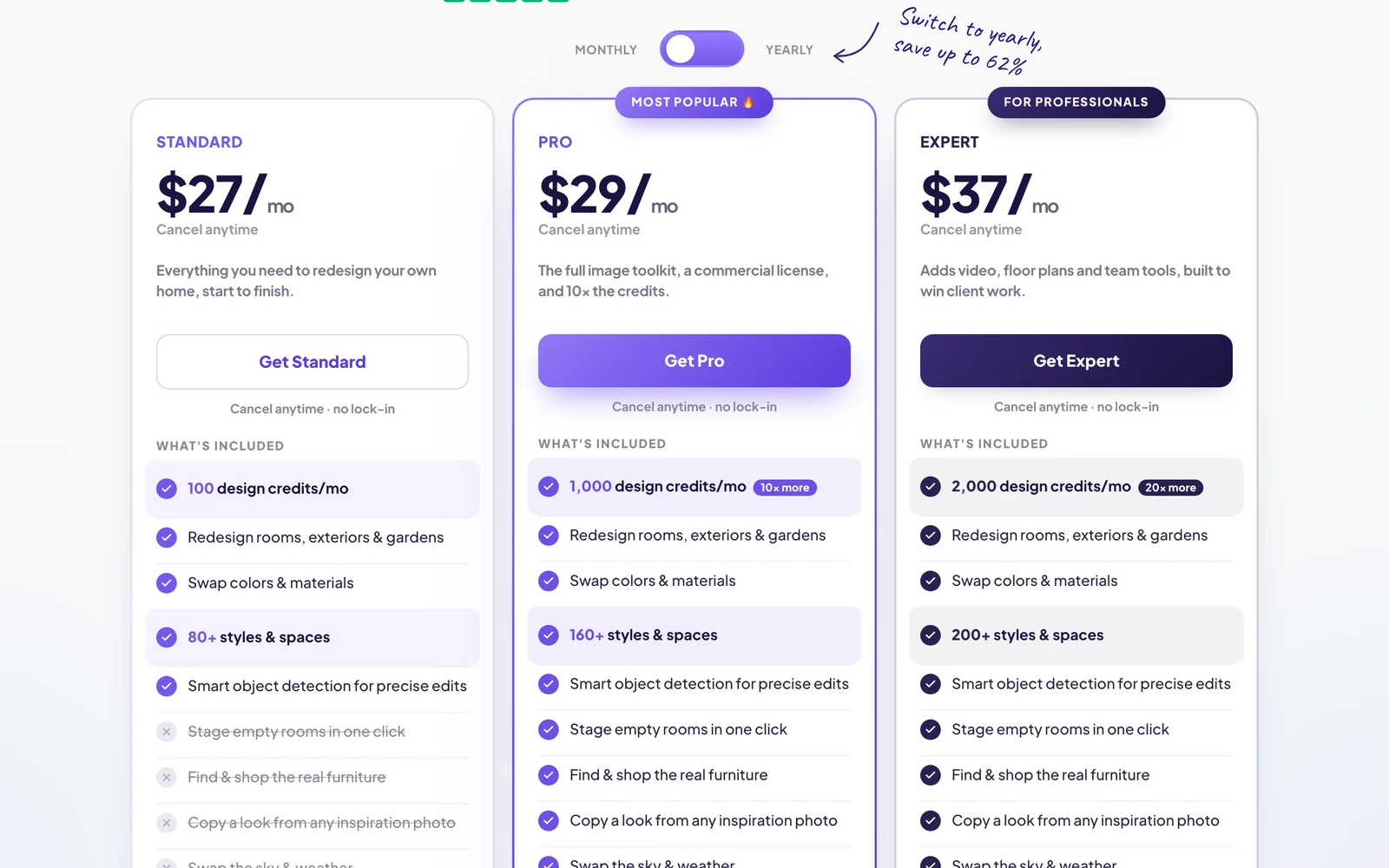
Pricing: Standard is $27 a month, Pro is $29 and Expert is $37. Yearly billing works out to about $8, $11 and $14 a month for the first year. You also get 3 free credits every 24 hours.
Pros: It covers more of the house, gives you a free way to test it, and has low first-year pricing.
Cons: It isn't built only for yards, and some tools are held back from the Standard plan. Check what renews after the first year as well.
2. DreamzAR, best for a lower monthly price
DreamzAR works a lot like OutdoorBrite. You take a photo, choose from 38+ styles, and refine the result by typing what you want changed. It's the closest match here if you want AI yard design at a lower monthly price.
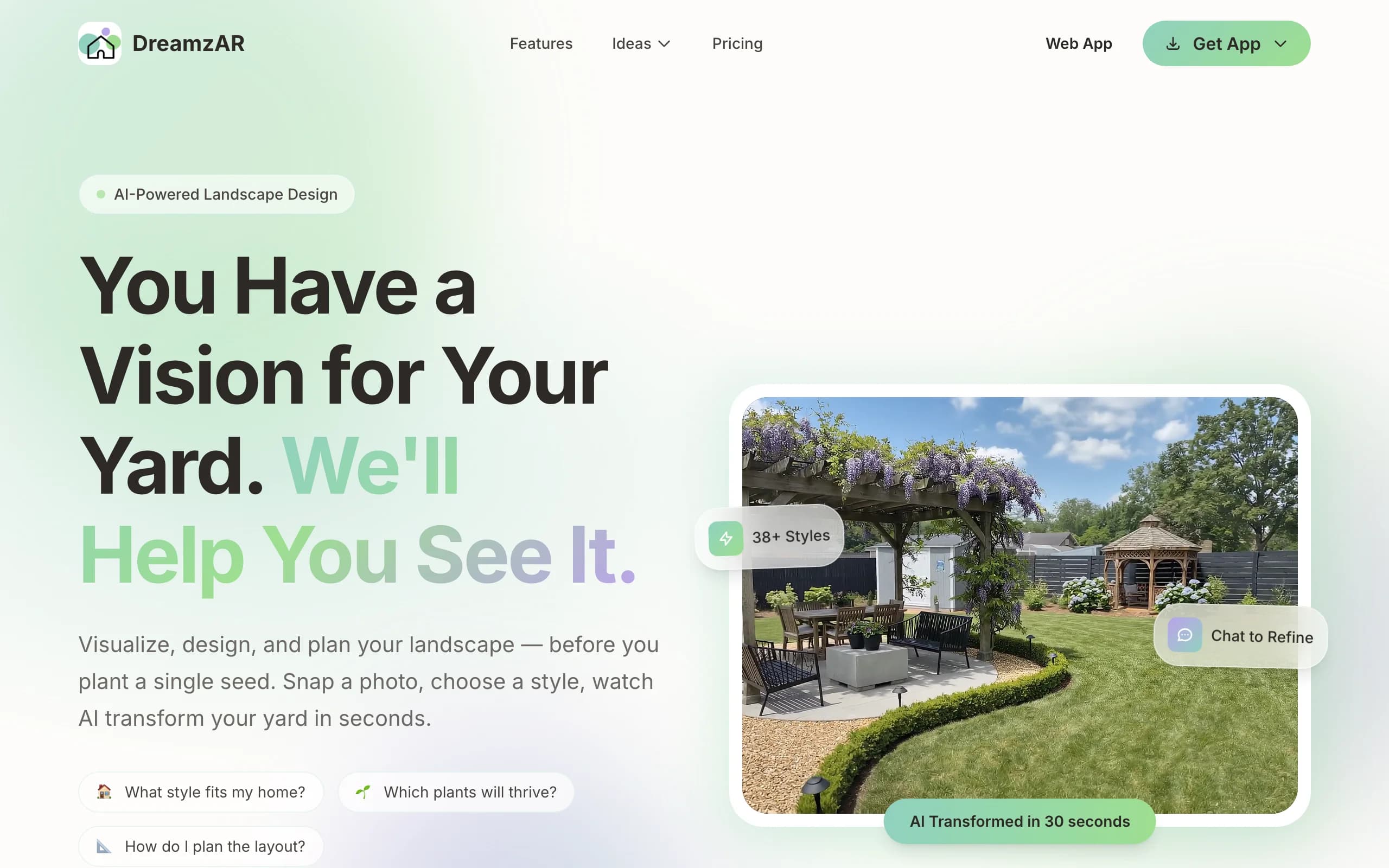
Best for: homeowners watching the monthly cost, and iPhone users who want to try AR.
Pricing: $19.99 a month or $199 a year. The app is free to download, but DreamzAR doesn't publish how many designs a free account can make.
Pros: It costs less per month than our Starter plan, and iOS adds a 3D AR mode that places plants at life size.
Cons: A subscription only works on the platform where you bought it. AR is iOS only.
3. iScape, best for placing plants by hand
iScape takes a different approach. You add a photo and drag plants, pavers, mulch and furniture onto it yourself. It takes longer than AI, but you decide exactly what goes where.
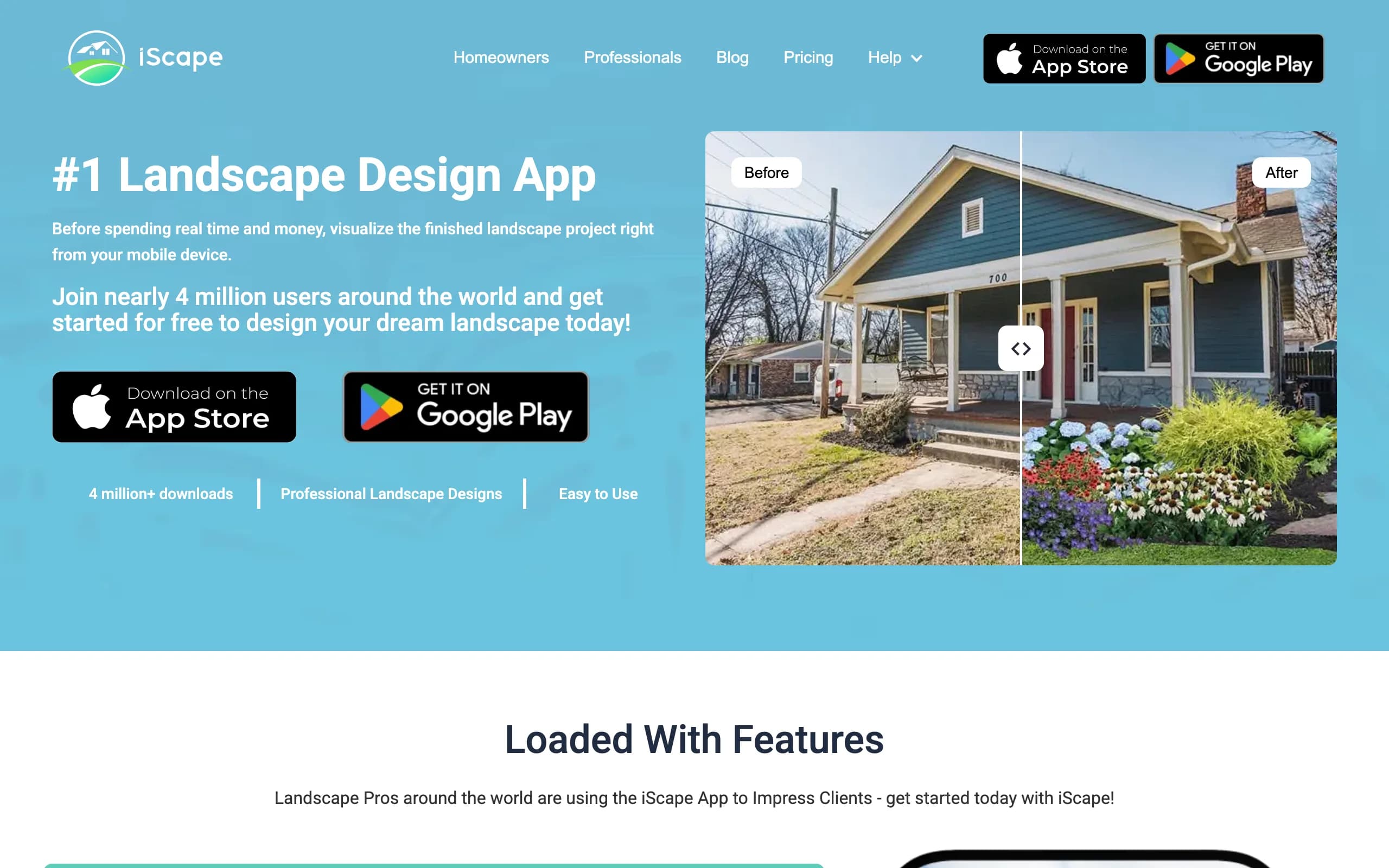
Best for: landscapers who want priced quotes, and homeowners who'd rather place everything themselves.
Pricing: There's a free tier. Pro is $29.99 a month or $299.99 a year, and Enterprise is by quote.
Pros: You get full manual control, and Pro can turn a design into a priced PDF quote. That's something OutdoorBrite doesn't do. See our iScape comparison for more.
Cons: Results depend on your own eye and patience, and the image looks more like objects placed on a photo than a finished redesign.
4. Planner 5D, best for 2D and 3D layouts
Planner 5D is a home design app with a garden planner. You build the space as a 2D plan and view it in 3D, which helps when the layout matters more than a realistic picture.
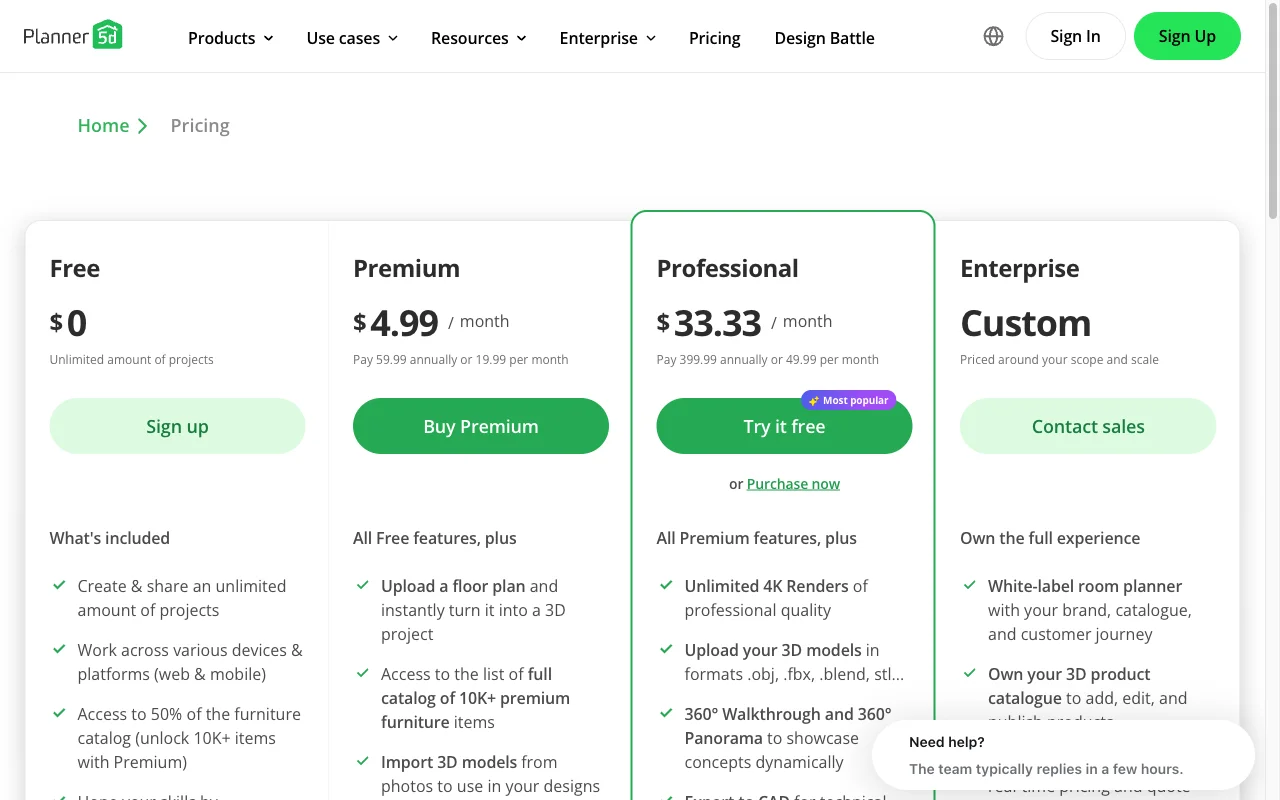
Best for: people who want to work out where things go and enjoy building a model.
Pricing: Free gives you about half the catalog. Premium is $59.99 a year or $19.99 a month, and Professional is $399.99 a year or $49.99 a month.
Pros: The free plan is useful, and you control the layout closely.
Cons: You need time to learn it. It also doesn't help you choose plants for your climate or hardiness zone, because its plants are just 3D objects.
5. ShrubHub, best for a low-cost designer plan
ShrubHub is a design service, not an app. You upload photos and inspiration images, talk to a design consultant, and a designer sends back a 3D plan with a shopping list.
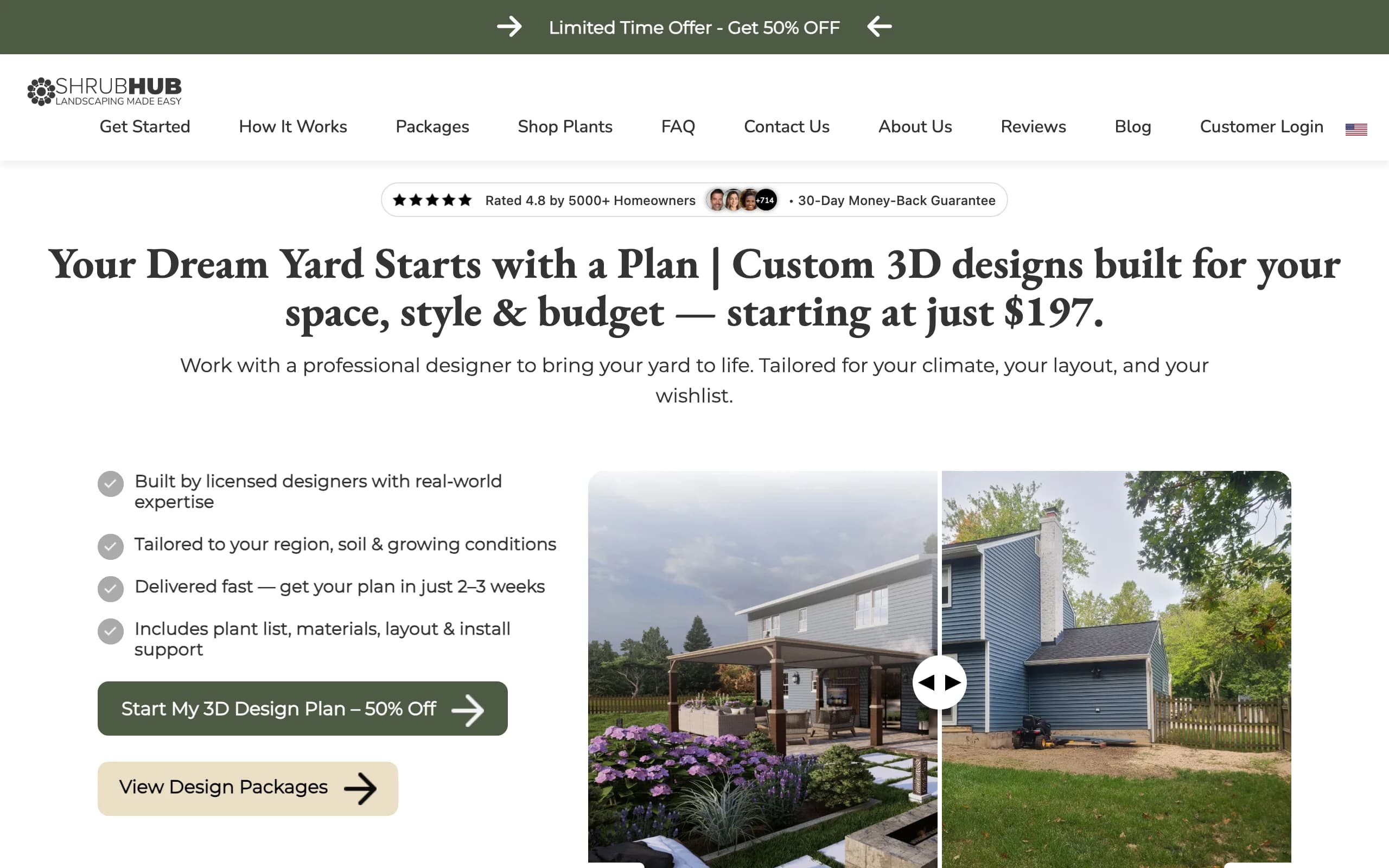
Best for: homeowners who want a person to design it and a plant list to buy from.
Pricing: $197 for a front yard, $237 for a backyard, $297 for both, or $997 for Premium. These are the sale prices shown on its site.
Pros: A person makes the design, and you get a plant and materials list. You also pay once, with no subscription.
Cons: It takes two to three weeks, compared with about a minute for a concept from OutdoorBrite. You also can't try ten styles in an evening.
6. Yardzen, best for a bigger project
Yardzen pairs you with a design team through a fixed-price package. It's the most detailed option in this guide and the most expensive, which makes more sense when you're about to spend serious money on a build.
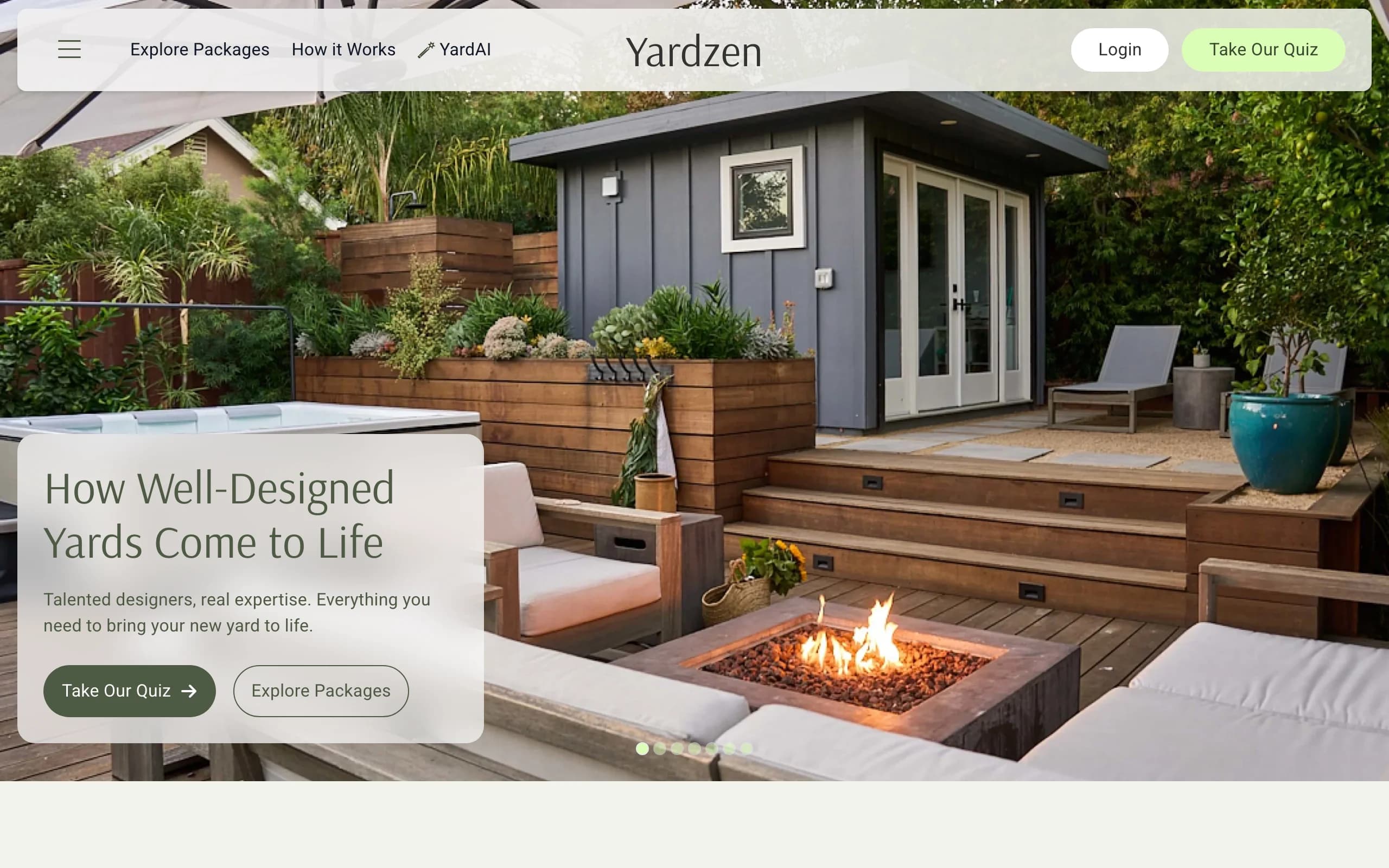
Best for: large projects where a detailed plan will pay for itself.
Pricing: Essential is $995, Classic is $1,395 and Signature is $1,995. Premium is $3,495.
Pros: You get a human team and far more detail than an AI concept can give you. Yardzen says first drafts arrive in 5 to 10 business days.
Cons: It costs far more up front, and the build is still a separate bill. Our Yardzen comparison covers cheaper routes.
How to choose the best OutdoorBrite alternative
If you want to try before you pay
Start with HomeDesigns AI's free daily credits, or the free tiers of iScape or Planner 5D. OutdoorBrite can't help you here, because it has no free plan.
If you need something to build from
None of the apps replace a real plan. ShrubHub and Yardzen get you closer, and a local designer can draw to your exact site. HomeGuide puts a typical plan from a designer at $700 to $3,000. Our landscape design cost guide has the full breakdown.
If you're a landscaper
Use iScape if you need priced quotes. Use OutdoorBrite Pro if you mainly want clients to see a realistic concept during a visit. CAD or estimating work needs dedicated software, and our contractor software guide covers that.
If you just want to see your yard redesigned
This is the job we built OutdoorBrite for, and DreamzAR is the closest alternative. Compare the plans and pricing before you choose.
FAQ
What is the best alternative to OutdoorBrite?
It depends on what's missing for you. DreamzAR is the closest AI tool, iScape gives you manual control, and Yardzen or ShrubHub give you a human designer.
Is there a free alternative to OutdoorBrite?
Yes. iScape and Planner 5D have free tiers, and HomeDesigns AI gives you 3 free credits every 24 hours. Each one limits what you get for free.
Is OutdoorBrite free?
No. OutdoorBrite has no free plan or trial. Plans start at $29 a month, or $23 a month billed yearly.
Is OutdoorBrite better than Yardzen?
They do different jobs. OutdoorBrite gives you concepts in about a minute for a monthly fee. Yardzen gives you a human-made design for a one-time fee of $995 or more. Many people could use a quick concept to find a direction before paying for a detailed plan.
Can an AI tool replace a landscape designer?
For ideas and comparing styles, often yes. For grading, drainage, structures or permits, no. You'll still need a professional for those.
Which alternative is best for landscapers?
iScape is the strongest of these if you need priced quotes from a design. OutdoorBrite Pro fits better when the realistic picture is what closes the job.
Sources: HomeDesigns AI pricing, DreamzAR pricing, iScape pricing, Planner 5D pricing, ShrubHub homepage, Yardzen packages, all checked November 5, 2026. DreamzAR features, iScape quotes and platforms, Planner 5D plant objects and the Yardzen first-draft timing come from each company's own pages, checked October 2026. HomeGuide landscape design cost guide.