7 best AI outdoor design tools in 2026
Your yard, patio, pool area, and front entry can all be redesigned by AI from a photo. We compared 7 AI outdoor design tools, from photorealistic redesign products to contractor sales software, with verified pricing and honest trade-offs for each one.
An outdoor redesign used to start with months of saved Pinterest boards and end with a guess. AI outdoor design tools change that. You upload a photo of your yard, patio, pool area, or front entry, and get a realistic picture of what the finished space could look like, usually in under a minute.
The catch is that these tools are built for very different people. Some redesign your whole property from one photo. Some let free users generate a quick concept in a browser. Others are render suites for architects, or sales software for contractors.
In this guide, we compare seven of the best AI tools for outdoor design in 2026. For each one you'll get what it actually does, current pricing, and honest trade-offs, plus a short framework at the end for picking the right one.
Best AI outdoor design tools: a brief overview
- OutdoorBrite: Best overall for realistic AI redesign of your own outdoor space from one photo: it treats the yard, patio, pool surround, and front entry as one project, with plant choices matched to your climate.
- Ideal House: Best for handling the house exterior and the landscaping in one product, with interior tools thrown into the same credit pool.
- Gendo: Best browser-based AI generation for design teams that iterate together, with no per-image caps on its plans.
- Mnml.ai: Best for architects and designers who want a landscape tool inside a larger professional render suite.
- Outdoor Designs AI: Best for outdoor construction contractors, with photorealistic pool and hardscape visuals plus a lead-capture widget for your website.
- iScape: Best for mobile on-site sketching, where you place plants and pavers on a photo by hand instead of generating a design.
- Neighborbrite: Best for quick free concept renders: upload a photo in the browser and get styled inspiration without a credit card.
| Tool name | Key strength | Pricing | Platforms |
|---|---|---|---|
| OutdoorBrite | Realistic redesign of your whole outdoor space from one photo | From $29/month | Web (works well on phones) |
| Ideal House | House exterior, landscaping, and interior in one credit pool | Free starter credits; from $19/month | Web, iOS, Android |
| Gendo | Collaborative canvas with no per-image generation caps | Free plan; Studio £79/month | Web |
| Mnml.ai | 20+ professional render tools including Landscape AI | Free credits; Pro $29/month | Web |
| Outdoor Designs AI | Contractor visuals in 60 seconds plus website lead capture | From $97/month | Web |
| iScape | Drag-and-drop 2D/3D yard design on-site | Free version; Pro $29.99/month | iOS (design tools), Android (limited) |
| Neighborbrite | Free styled concept renders in the browser | Free renders; Pro about $15/month | Web |
1. OutdoorBrite, best overall for redesigning your own outdoor space
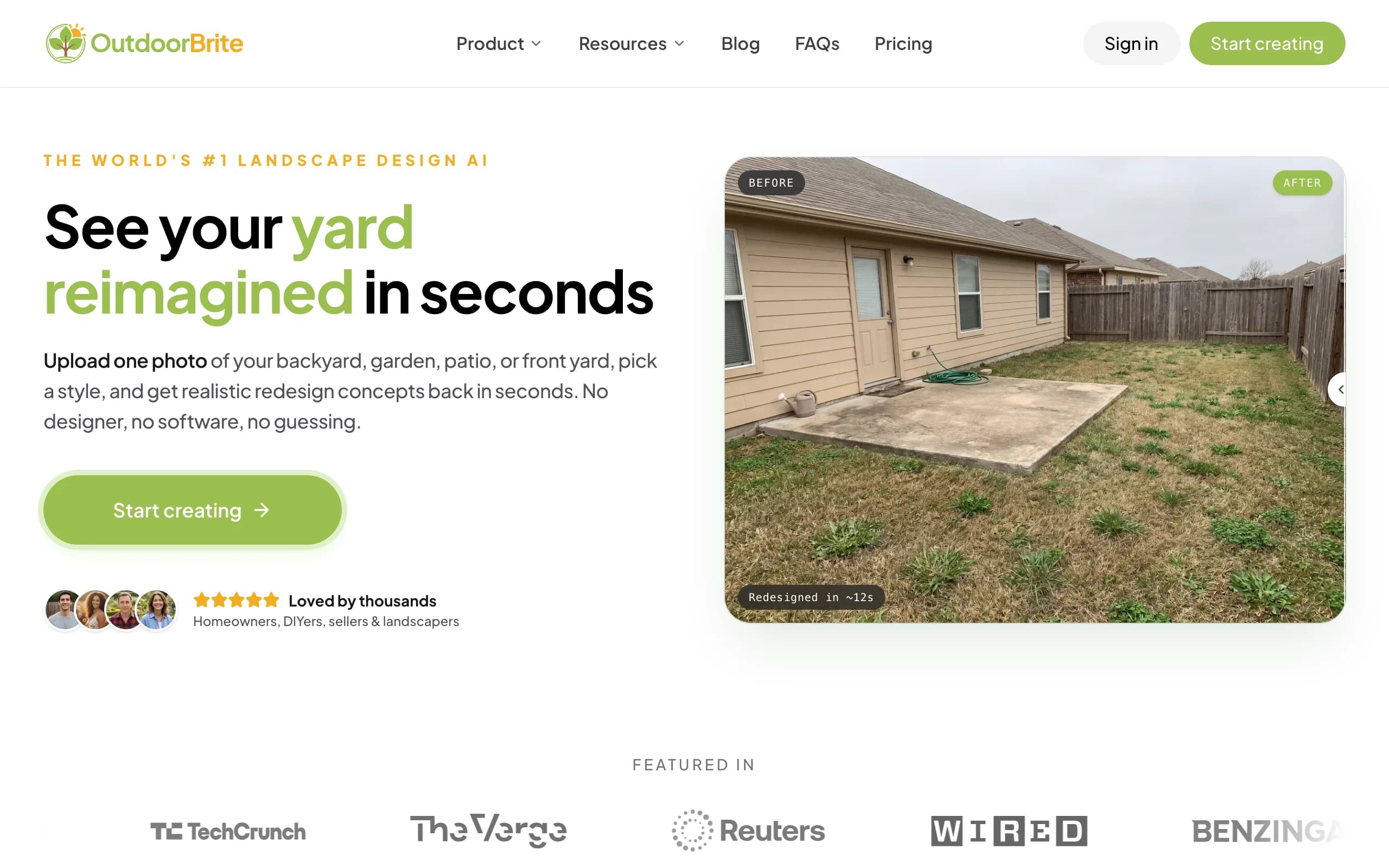
OutdoorBrite is an AI outdoor design product built around one job: turning a single photo of your outdoor space into realistic redesign concepts. You upload a photo of your yard, patio, pool surround, or front entry, pick a style like modern, cottage, or desert, and describe what you want. It generates realistic concepts in under a minute, so you can picture the finished space before you spend anything on it.
Because it treats the whole property as one canvas, the same workflow covers every zone. Use it as an AI backyard designer for the main lawn, design a patio with AI, or fix the entry with AI front yard design. Plant choices account for your climate and hardiness zone, and the Plus plan adds a plant list you can take straight to a nursery. An in-app AI editor lets you refine a favorite concept without regenerating from scratch, and project calculators and a landscaping glossary live in the same product.
Key features
- Photo-to-design concepts for yards, patios, pools, decks, fences, pergolas, and front yards
- Style presets (modern, cottage, desert, tropical, Mediterranean) compared on your real space
- Regional plant selection matched to your climate and hardiness zone
- In-app AI editor to refine a concept instead of starting over
- Plant lists plus customizable plants, paving, and layout on Plus and Pro
- HD, 2K, or 4K output by plan, with commercial usage rights on Plus and up
Best for
- Homeowners who want the whole outdoor space redesigned, not one zone at a time
- DIYers who need a plant and materials list they can actually build from
- Landscapers and contractors who close clients with a visual on-site
Pricing
- Starter at $29 per month for 25 redesigns in HD
- Plus at $49 per month for 100 redesigns in 2K, with plant lists and commercial rights
- Pro at $149 per month for 200 redesigns in 4K with client-ready exports; annual billing saves about 20 percent
Pros
- Built to redesign your own space from a photo, not to produce generic stock scenes
- One product and one credit pool for every outdoor zone
- Climate-aware plant picks make the concepts plantable, not just pretty
Cons
- No free plan or trial, so you commit before your first render
- Monthly credits don't roll over (purchased top-up packs do stack and never expire)
2. Ideal House, best for exterior and landscaping in one product
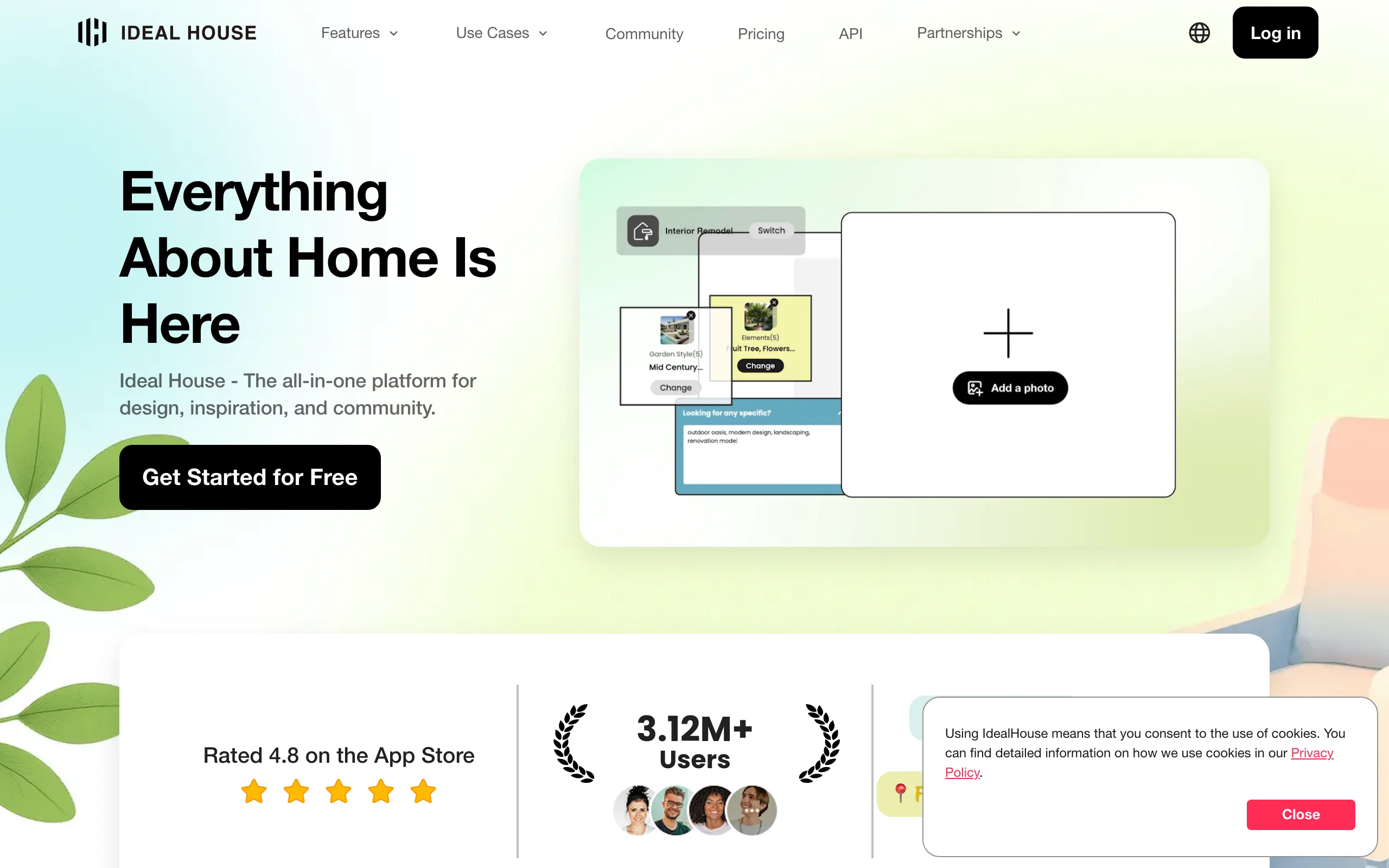
Ideal House is an all-in-one home design product: an Exterior Renovator, a landscaping tool, and a full set of interior design tools, all drawing from the same credit pool and guided by a chat assistant it calls HouseGPT. If you're renovating the facade and the yard in the same season, having both in one subscription is the pitch.
The trade-off is focus. Landscaping is one tool among many here, so you won't get the plant-level depth of a dedicated yard product. It's strongest when the outdoor project is really a whole-house project, such as repainting the exterior, changing the roofline, and refreshing the beds in one pass.
Key features
- Exterior renovation renders from a photo of your house
- Landscaping tool for yard and garden concepts
- Interior design tools included in the same credit pool
- HouseGPT chat guidance and a community gallery
- Commercial usage rights on Plus and Pro
Best for
- Homeowners changing the house exterior and the yard together
- People who want one subscription for inside and outside
Pricing
- Free tier with 20 starter credits plus 10 daily preview credits (watermarked, personal use)
- Lite at $19 per month for 800 credits; Plus at $39 per month for 3,000 credits; Pro at $99 per month for 9,999 credits
- The official pricing page doesn't display dollar amounts; these figures come from the App Store listing
Pros
- Facade, yard, and interior covered by one product
- Generous credit counts at each tier
- Real free tier for testing before paying
Cons
- Landscaping depth is thinner than dedicated outdoor tools
- You have to dig through app store listings to learn what it costs
3. Gendo, best browser-based AI generation for design teams
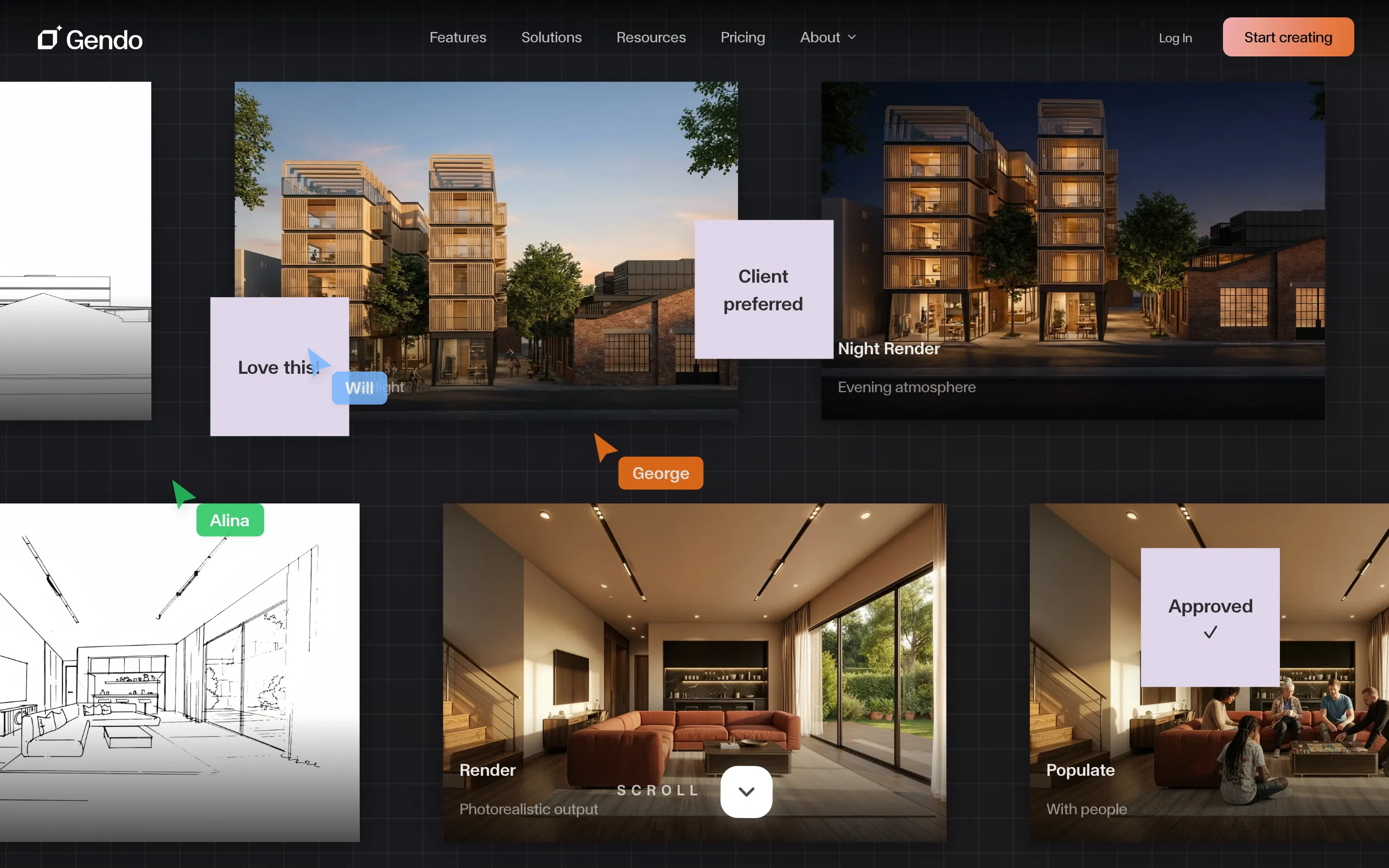
Gendo is a browser-based canvas for visual exploration, built for architects and design studios rather than homeowners. Instead of a one-shot generator, you get a shared workspace where a team generates exterior and architectural renders, iterates on them in parallel, and reviews options together.
Its pricing model is unusual for this category: plans don't cap image generations. Limits come from projects, assets, and team seats instead, which suits studios that burn through hundreds of iterations on a single job. For a homeowner with one yard, that model is more machine than the project needs.
Key features
- Browser-based collaborative canvas, no installs
- No per-image generation caps on its plans
- Team workspaces with roles and shared review
- Watermark-free exports with 2x and 4x upscaling on Studio
- Video generation available as paid add-on packs
Best for
- Architecture and design studios iterating on exterior concepts as a team
- Design pros who outgrow per-render credit systems
Pricing
- Free plan with 1 active project, up to 50 assets, and watermarked exports
- Studio at £79 per month (about £66 per month billed annually) with a commercial license
- Enterprise at custom pricing from 20 seats; free educational plan for students
Pros
- Generation volume is effectively a non-issue
- Strong iteration and team-review workflow
- Genuinely free student access
Cons
- Built for architecture workflows, heavy for a single-yard project
- No plant-level landscaping intelligence
- Priced in GBP at a studio-level monthly cost
4. Mnml.ai, best for architects and designers with render-heavy workflows
Mnml.ai is a professional render suite with more than 20 AI tools, and Landscape AI is one of them. Architects and designers use it to turn sketches, models, and photos into presentation-grade renders, and the landscape tool applies that same pipeline to outdoor scenes. If you already work in elevations and massing models, it will feel familiar.
It runs on credits: main render tools consume 10 credits per generation, auxiliary tools less. Unused credits roll over month to month, capped at twice your monthly allowance, which is friendlier than most credit systems in this list.

Key features
- Landscape AI alongside 20+ render tools (sketch-to-render, exterior, interior)
- Credit rollover up to twice your monthly allowance
- Top-up credits available beyond the monthly amount
- Presentation-grade output aimed at client work
Best for
- Architects and landscape designers who need renders across many project types
- Power users who want one subscription for a whole design practice
Pricing
- Free plan with starter credits to test the tools
- Pro at $29 per month; a $99 per month tier for high-volume rendering
- Annual billing saves about 17 percent
Pros
- Wide professional toolset for one subscription
- Rollover makes the credit math forgiving
- Free credits let you evaluate before paying
Cons
- Assumes design literacy; homeowners face a learning curve
- Landscape is one tool among many, not the focus
- Per-tool credit costs take a minute to understand
5. Outdoor Designs AI, best for outdoor construction contractors
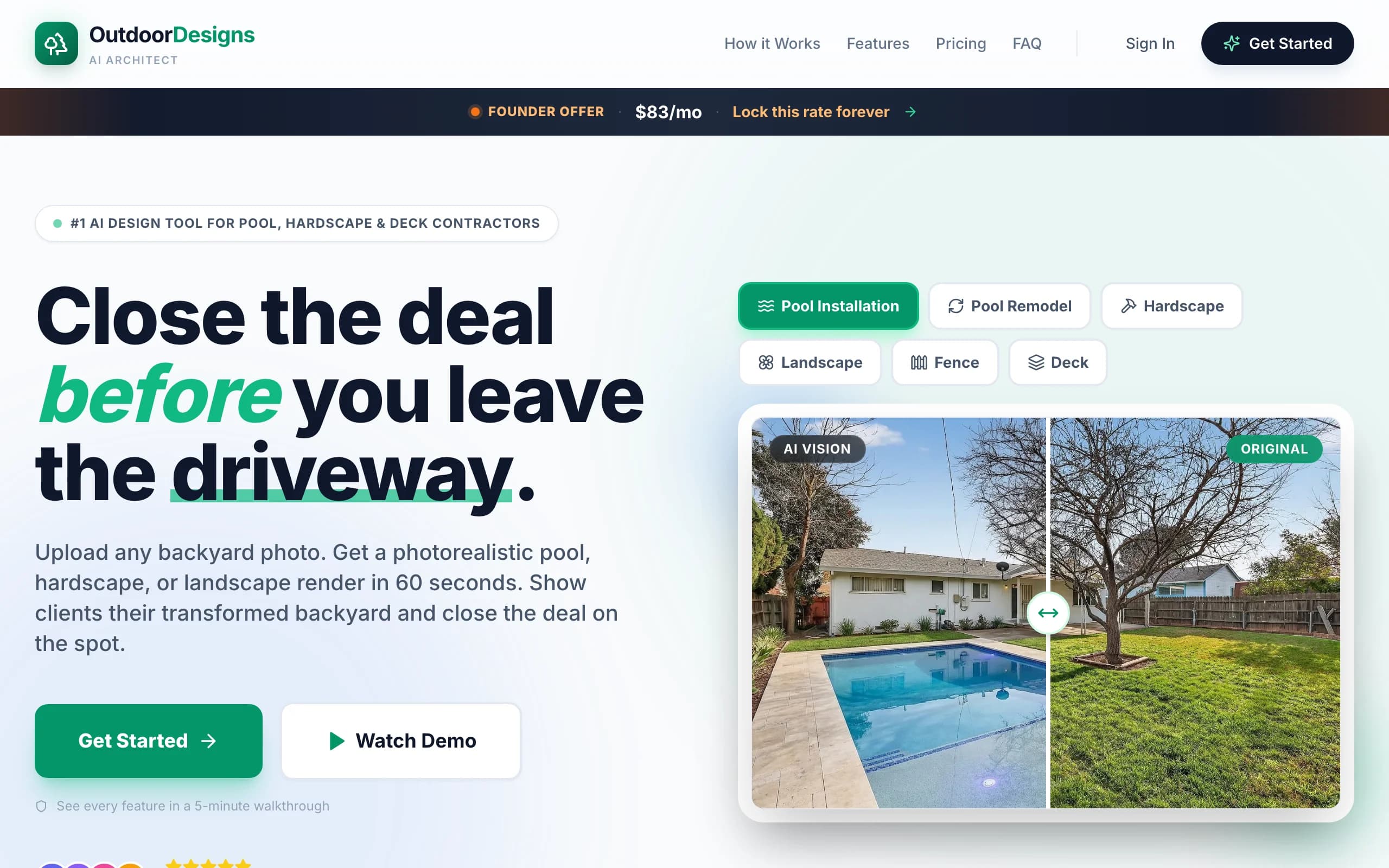
Outdoor Designs AI is sales software for the outdoor construction industry. A contractor takes a smartphone photo of a client's backyard and gets a photorealistic visual of pools, patios, retaining walls, outdoor kitchens, and landscaping in about 60 seconds, using region-specific materials. More than 450 contractors use it, and the point is closing jobs, not browsing ideas.
The feature homeowner tools don't have: a "Design My Yard" widget you embed on your company website, so prospects generate a design themselves and become captured leads. That alone explains the price bracket, which is squarely business software.
Key features
- Photorealistic pool, hardscape, and landscaping visuals in about 60 seconds
- "Design My Yard" website widget for lead capture
- Region-specific materials and local lot data
- Multi-seat plans with bulk operations for busy shops
Best for
- Pool builders and hardscape contractors who sell with visuals on-site
- Outdoor construction firms that want design leads from their own website
Pricing
- Starter at $97 per month for 15 designs and 1 seat
- Professional at $199 per month for 100 designs, 5 seats, the website widget, and priority support
Pros
- Built for the sales conversation, not just the picture
- Lead-capture widget is a real differentiator in this list
- Localized material libraries keep proposals realistic
Cons
- Priced for businesses; makes no sense for a single home project
- 15 designs on the Starter tier is tight at that price
6. iScape, best for mobile on-site sketching
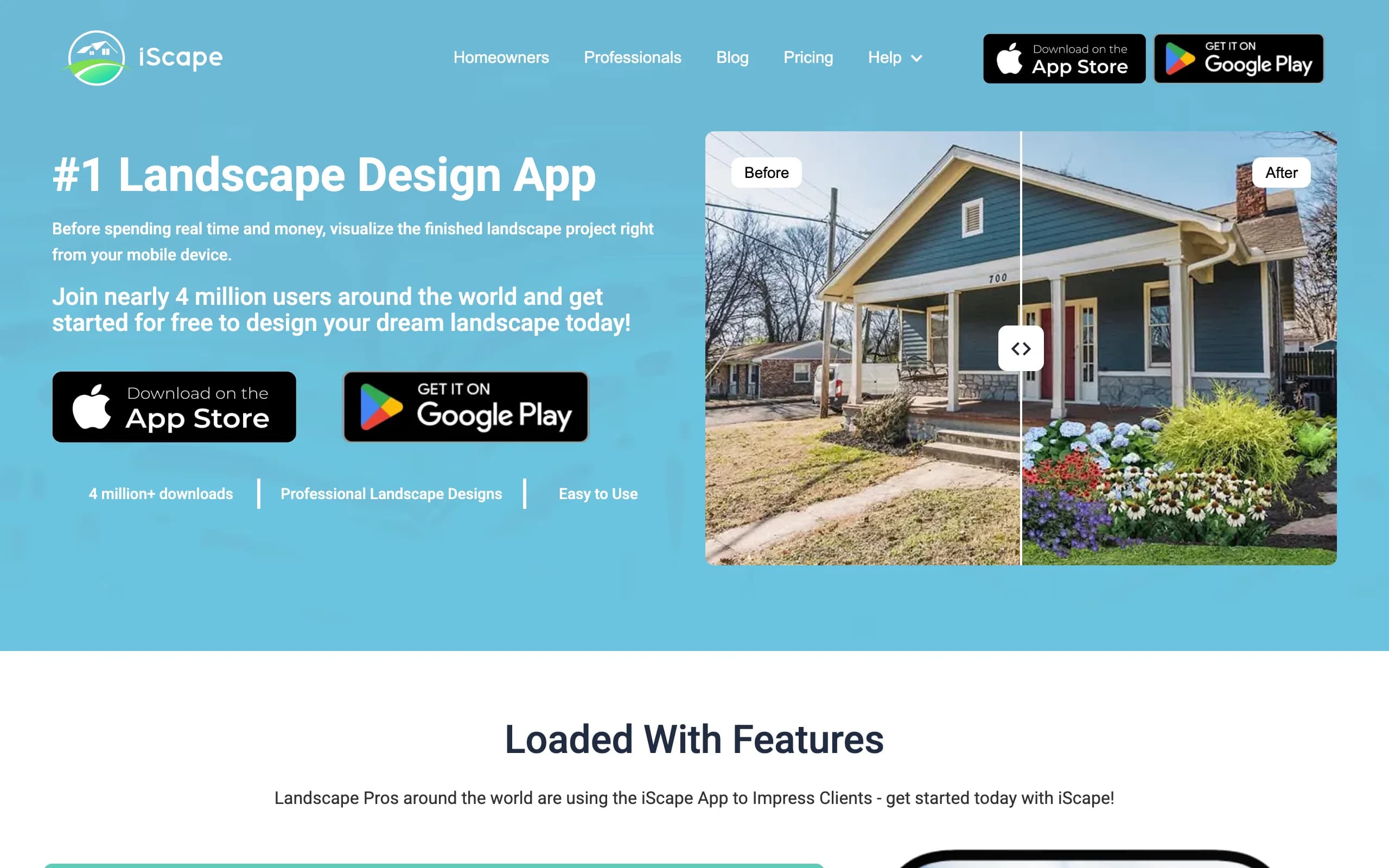
iScape takes the opposite approach from everything above. Instead of generating a design, you build one by hand on your phone: stand in the yard, photograph it, and drag plants, pavers, and hardscape products from a database of thousands onto the image in 2D or 3D. You control exactly what goes where, which generative tools can't promise.
That control is also the cost. Assembling a convincing scene takes real time and some eye, and the full design toolset is iOS only. Pros use the built-in proposal tool with clients; homeowners mostly use it to test specific plant and paver combinations they already have in mind.
Key features
- Drag-and-drop 2D and 3D design on a photo of your yard
- Database of thousands of plants, hardscape items, and products
- Proposal tool for professional client work
- Custom image uploads on Pro
Best for
- Homeowners who want exact control over each plant and paver placement
- Landscape pros sketching options live with a client in the yard
Pricing
- Free version to download and trial, with a limited database
- Pro at $29.99 per month or $299.99 per year (annual saves about 2 months)
- Enterprise at custom pricing for multi-user teams
Pros
- Precise, item-level control over the design
- Works standing in the space you're designing
- Deep product database on Pro
Cons
- 2D and 3D design tools are iOS only
- Manual assembly, so results depend on your effort and eye
- Costs about as much per month as full AI generators
7. Neighborbrite, best for quick free concept renders
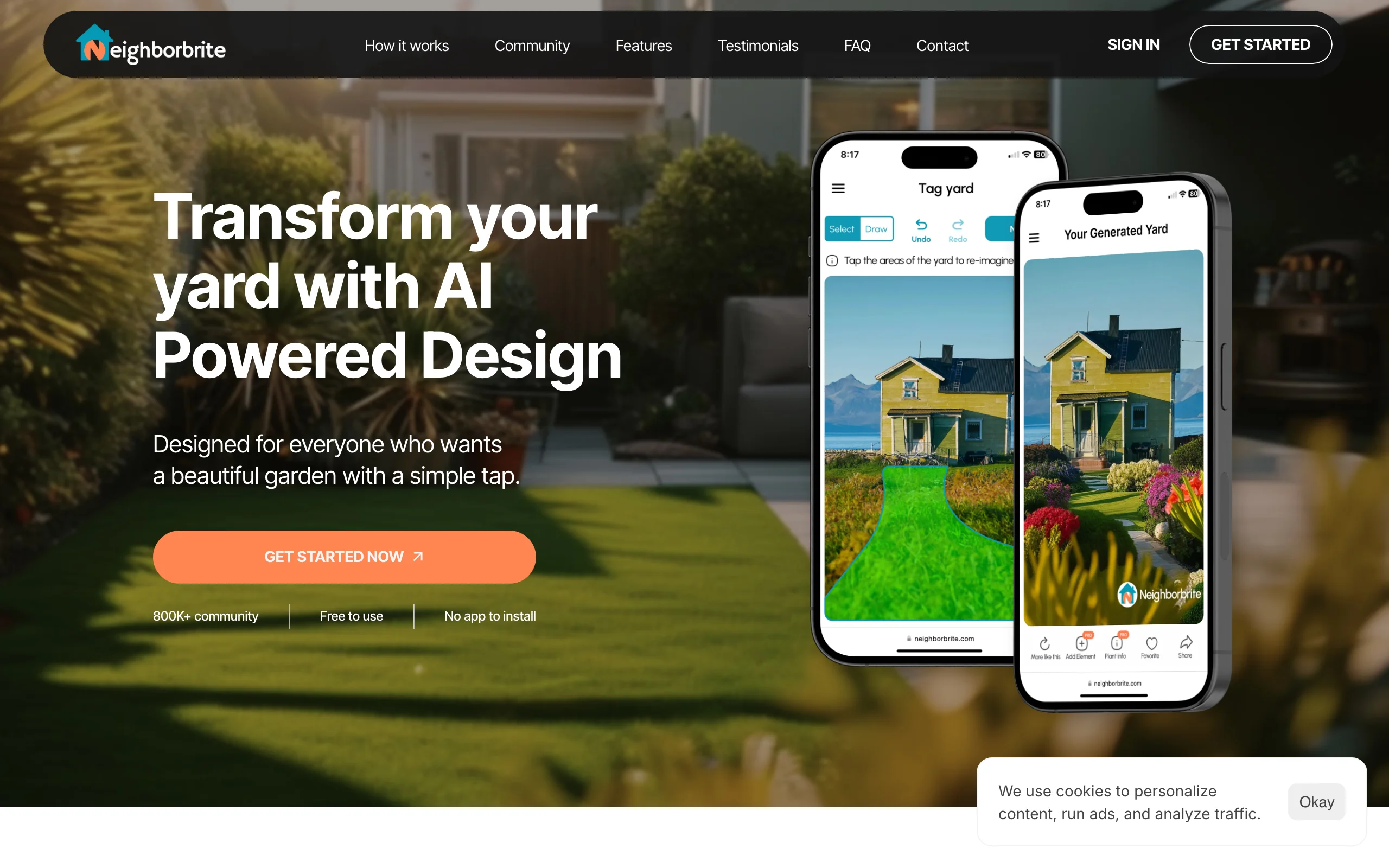
Neighborbrite is the lowest-friction way to try outdoor design AI. It runs in the browser with no app to install: upload a photo of your yard, pick a garden style, and get styled concept renders at no cost. Over 800,000 people have used it, and the free tier genuinely works without a credit card.
The paid Pro tier adds the practical parts: Magic Edit for changing a specific element, plant recommendations for your location, and sunlight simulation. Neighborbrite also sells a human-designed package if you want a real plan drawn from your renders, which is a different product with a different price.
Key features
- Free styled concept renders from a yard photo, in the browser
- Magic Edit for targeted changes to a render (Pro)
- Location-based plant recommendations and sunlight simulation (Pro)
- Optional professional design packages with a scaled 2D plan and plant list
Best for
- Homeowners testing ideas before committing any budget
- Anyone who wants a styled concept today with zero setup
Pricing
- Free concept renders with no credit card
- Pro at about $15 per month on the web (in-app prices in the App Store differ)
- Professional design service at $287 for one area or $387 for the full yard, one-time
Pros
- The easiest free entry point in this list
- Clean, simple flow that non-technical users finish in minutes
- Plant suggestions tied to your location
Cons
- Free renders lean toward inspiration rather than build-accurate detail
- Pricing is inconsistent between the website and the mobile app stores
- The most useful editing features sit behind Pro
How to choose the best AI outdoor design tool
1) Whole space or one zone at a time?
If the project is the whole property (lawn, beds, patio, pool surround, front entry), pick a tool that handles all of it in one place: OutdoorBrite is built exactly for this, and Ideal House works if the house facade is part of the job too. If you're only feeling out one idea for one corner of the yard, Neighborbrite's free renders are the cheapest possible first step. And if the project is really a backyard-only redesign, our guide to the best AI backyard design tools compares that narrower category in more depth.
2) Generative redesign or manual assembly?
Generative tools (OutdoorBrite, Neighborbrite, Ideal House) produce a finished-looking concept from your photo in seconds; you react to options rather than build them. Manual tools like iScape make you place every plant and paver, which is slower but gives exact control. Professional suites (Gendo, Mnml.ai) generate too, but assume you think in renders and iterations. Most homeowners get further, faster with generative; pick manual only if you already know precisely what you want to place.
3) Homeowner budget or business tooling?
Do the per-design math before subscribing. OutdoorBrite's Plus plan works out to about $0.49 per redesign ($49 for 100). Outdoor Designs AI's Starter is roughly $6.50 per design ($97 for 15), which only makes sense when each design can close a job worth thousands. Watch credit fine print too: Mnml.ai's credits roll over up to a cap, OutdoorBrite's monthly credits reset each cycle (top-ups don't expire), and Ideal House's free credits are watermarked.
4) Does the render need to lead somewhere?
A pretty picture that leads nowhere stalls the project all over again. DIYers should favor tools that output a plant list matched to their region, so the concept survives contact with a nursery. If you're hiring out the work, you want a visual sharp enough to hand a contractor, and pros should look at Outdoor Designs AI's lead widget or iScape's proposal tool. This is where a dedicated outdoor product beats a general image generator: the hardscaping and planting in the render should map to things you can actually buy and build.
FAQ
What is AI outdoor design?
AI outdoor design means using AI image models to redesign real outdoor spaces (yards, gardens, patios, pool areas, front entries) from a photo. You upload a picture of your space, choose a style or describe changes, and the tool generates realistic concepts of the finished result. It replaces the early, expensive guesswork phase of landscape design, not the construction drawings.
Can AI redesign my whole outdoor space from one photo?
Yes, within what the photo shows. A wide shot of the backyard gets you a full backyard concept; the front yard or pool area needs its own photo. Tools like OutdoorBrite are built to run every zone of the property through the same project, so you can redesign the whole outdoor space photo by photo with one credit pool.
What's the best AI for outdoor design for a complete beginner?
Start with whichever tool matches your commitment level. Neighborbrite's free renders are the zero-risk way to see the idea working. If you're ready to plan a real project, OutdoorBrite lets you turn a photo into a landscape design with climate-matched plants and an editor for refining the concept, which matters once you move from curiosity to building.
Is there a free AI outdoor design tool?
Neighborbrite offers genuinely free concept renders, and Ideal House gives new users 20 starter credits plus daily preview credits with watermarks. Gendo and Mnml.ai have free plans aimed at evaluation. OutdoorBrite has no free plan; it's a paid product metered by redesign credits, starting at $29 per month.
Are AI outdoor design renders realistic enough to build from?
Good ones are realistic enough to make decisions from: style, layout, mood, and rough material choices. They are not construction documents, so a contractor will still measure, grade, and spec the build. Tricky angles, unusual structures, and harsh lighting can still trip up any generator, which is why tools with an edit step beat one-shot generation.
What kind of photo produces the best results?
A daylight, eye-level, wide shot of the space with as little clutter as possible. Avoid strong shadows, fisheye lenses, and photos taken through windows or screens. The model can only redesign what it can see, so shoot from where you'd actually stand and look at the space.
Which AI outdoor design tool is best for landscapers and contractors?
It depends on what the visual is for. To align a client on a look and close on-site, OutdoorBrite's fast, realistic redesigns of the client's own yard do the job, and Plus includes commercial usage rights. To generate leads from your website and pitch pools or hardscape packages, Outdoor Designs AI is purpose-built for that sales motion.
Can these tools handle low-water or desert-style outdoor design?
Yes. Most generative tools include a desert or xeriscaping style preset, and the better ones adjust plant choices to your region rather than pasting the same agaves everywhere. That's worth checking if you live somewhere with watering restrictions, since a lush cottage render you can't legally water is just a nice picture. It also works in the other direction: a drought-tolerant redesign of the front entry can do more for curb appeal than another strip of thirsty lawn.