7 best AI tools for pool design in 2026
Want to see a pool on your actual yard before you spend tens of thousands on a build? Here are 7 AI and online tools that redesign the pool area, deck, and planting, with real 2026 pricing and honest trade-offs.
A pool is one of the most expensive things you can add to a yard, and one of the hardest to picture before it exists. You can flip through hundreds of photos of other people's pools, but none of them sit in your space, against your fence, next to your patio door. So the deck material, the coping, the planting around the water, and the shape that fits your lot all stay abstract until a contractor hands you a quote and a render you mostly have to trust.
AI tools have started to close that gap. You upload a photo of your yard and get back a realistic redesign of the pool area in under a minute, which is enough to compare styles and walk into a contractor conversation with a clear picture in mind.
One honest caveat up front: true pool-specific consumer AI is rare. Most tools here are AI or online landscape tools that redesign the pool area and the yard around it (decking, coping, planting, lighting), not pool-engineering or CAD software. This guide covers seven of them, with verified 2026 pricing, what each is actually good at, and where each one falls short.
Best AI pool design tools: a brief overview
- OutdoorBrite, best overall: upload a photo of your pool area, pick a style, and get realistic concepts of the pool, deck, and planting in under a minute.
- Yardzen, best for a human-designed, build-ready pool and yard plan you can hand to a contractor.
- ShrubHub, best for an affordable online design service with a designer and a plant shopping list.
- DreamzAR, best for an AR 3D walk-through of your pool area at real-world scale on your phone.
- iScape, best for hands-on manual design with AR placement on mobile.
- Planner5D, best for DIY 3D modeling of a pool and yard layout from scratch.
- REimagine Home, best for quick AI exterior restyling when you want fast variations.
| Tool | Key strength | Pricing | Platforms |
|---|---|---|---|
| OutdoorBrite | Photo-to-concept pool-area redesign in under a minute | From $29/mo (no free plan) | Web |
| Yardzen | Human designer delivers a build-ready plan | From $995 per project | Web |
| ShrubHub | Affordable online design with a real designer | From $197 per project (often on sale) | Web |
| DreamzAR | AR walk-through of the design on your phone | From $19.99/mo or $199/yr | iOS, Android, Web |
| iScape | Manual design with AR placement on mobile | Free tier; Pro $29.99/mo | iOS, Android |
| Planner5D | DIY 3D layout of pool and yard | Free tier; Premium $4.99/mo | Web, iOS, Android, desktop |
| REimagine Home | Fast AI exterior restyle and variations | Free credits; from $14/mo | Web |
1. OutdoorBrite, best overall
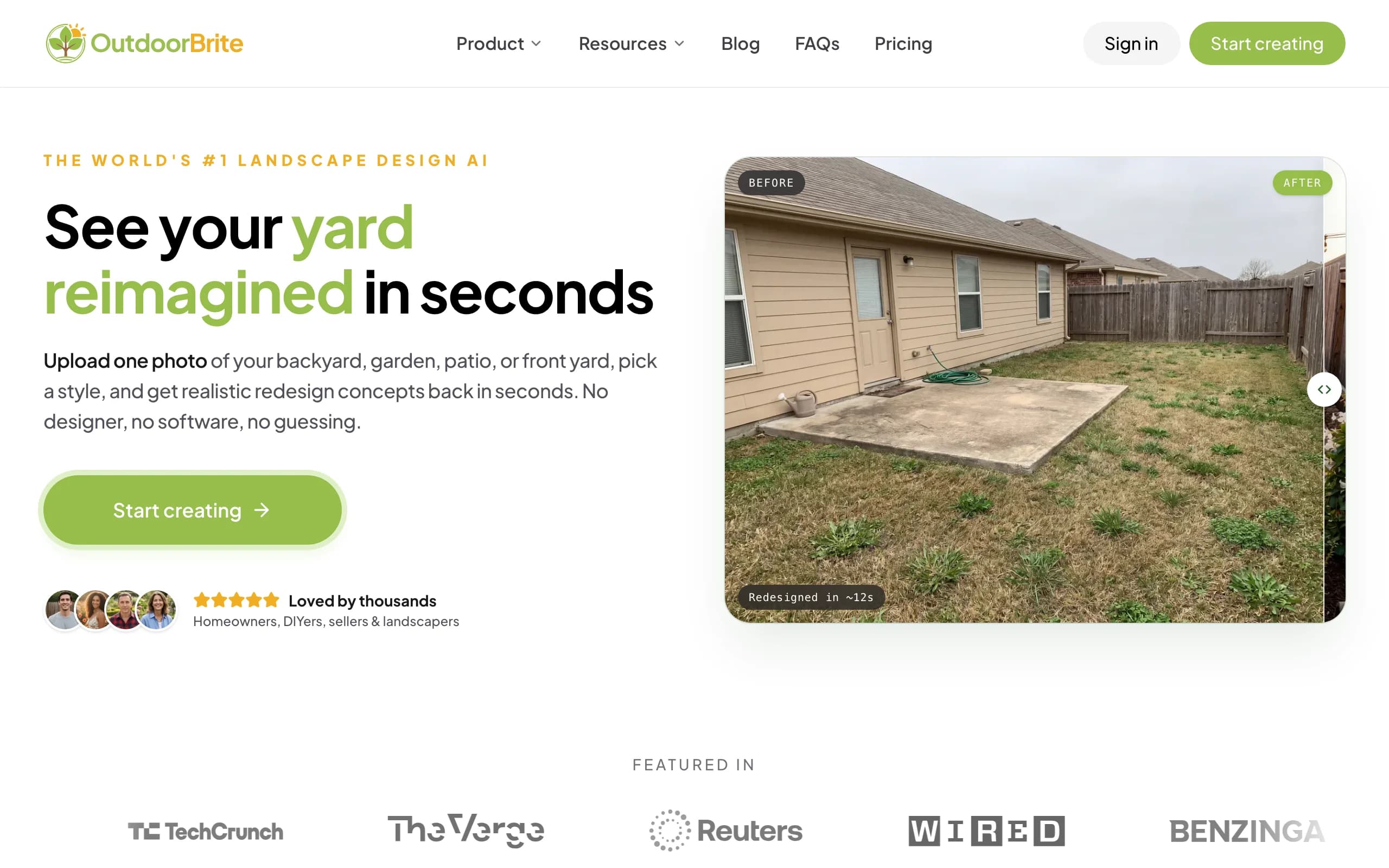
OutdoorBrite is our AI pool design tool, so treat this as the founder's pitch with the trade-offs left in. You upload a photo of your pool area (or the bare yard where you want one), pick a style like modern, cottage, desert, tropical, or Mediterranean, type a short description of what you want, and get realistic concepts back in under a minute. The render shows your own space reworked: the pool shape and finish, the deck and coping, the planting and lighting around the water. You get several concepts per upload, then refine any of them in an in-app AI editor to nudge the deck material, swap planting, or change the mood.
The point is that the result lands on your actual yard, not a stock photo. Plant choices are climate and hardiness-zone aware, so the greenery around the pool is something that could survive where you live. DIY homeowners use the output to plan a plant and materials list, DIFM homeowners hand it straight to a pool design tool brief for a contractor, and landscapers use the render as the on-site sales pitch. It works well beyond pools too: backyards, patios, decks, fences, pergolas, front yards, and xeriscapes. You can see the wider AI backyard design workflow if a pool is only part of the project. And if yours is an above-ground pool, our above ground pool deck ideas cover the deck and landing around it.
Key features
- Photo-to-concept redesign of the pool area in under a minute
- Style presets plus a free-text description for each generation
- Multiple concepts per upload to compare side by side
- In-app AI editor to refine any concept (1 credit per edit)
- Climate and hardiness-zone-aware plant choices
- Save and share designs; project calculators, glossary, and idea galleries
- Full commercial rights on paid plans
Best for
- Homeowners who want to see a pool and surrounding yard on their own photo before committing
- DIY planners building a plant and materials list, and DIFM owners briefing a contractor
- Landscapers and pool contractors who want a render to close a client on-site
Pricing
- Starter $29/mo ($23/mo billed yearly): 25 redesigns/mo, HD output
- Plus $49/mo ($39/mo yearly): 100 redesigns/mo, sharp 2K output (most popular)
- Pro $149/mo ($119/mo yearly): 200 redesigns/mo, 4K output, agency and commercial rights, client-ready exports
- No free plan or trial. 1 credit = 1 design or 1 AI edit. Monthly credits do not roll over; purchased top-up packs never expire.
Pros
- Realistic concepts on your own yard photo in under a minute
- Style range and an editor that lets you iterate without restarting
- Honest paid-only model with no fake "free" hook and full commercial rights
Cons
- It redesigns the pool area visually; it is not pool-engineering or CAD software, so a builder still needs to produce real construction plans
- Paid-only, so there is no free tier to test before you subscribe
2. Yardzen, best for a build-ready human-designed plan
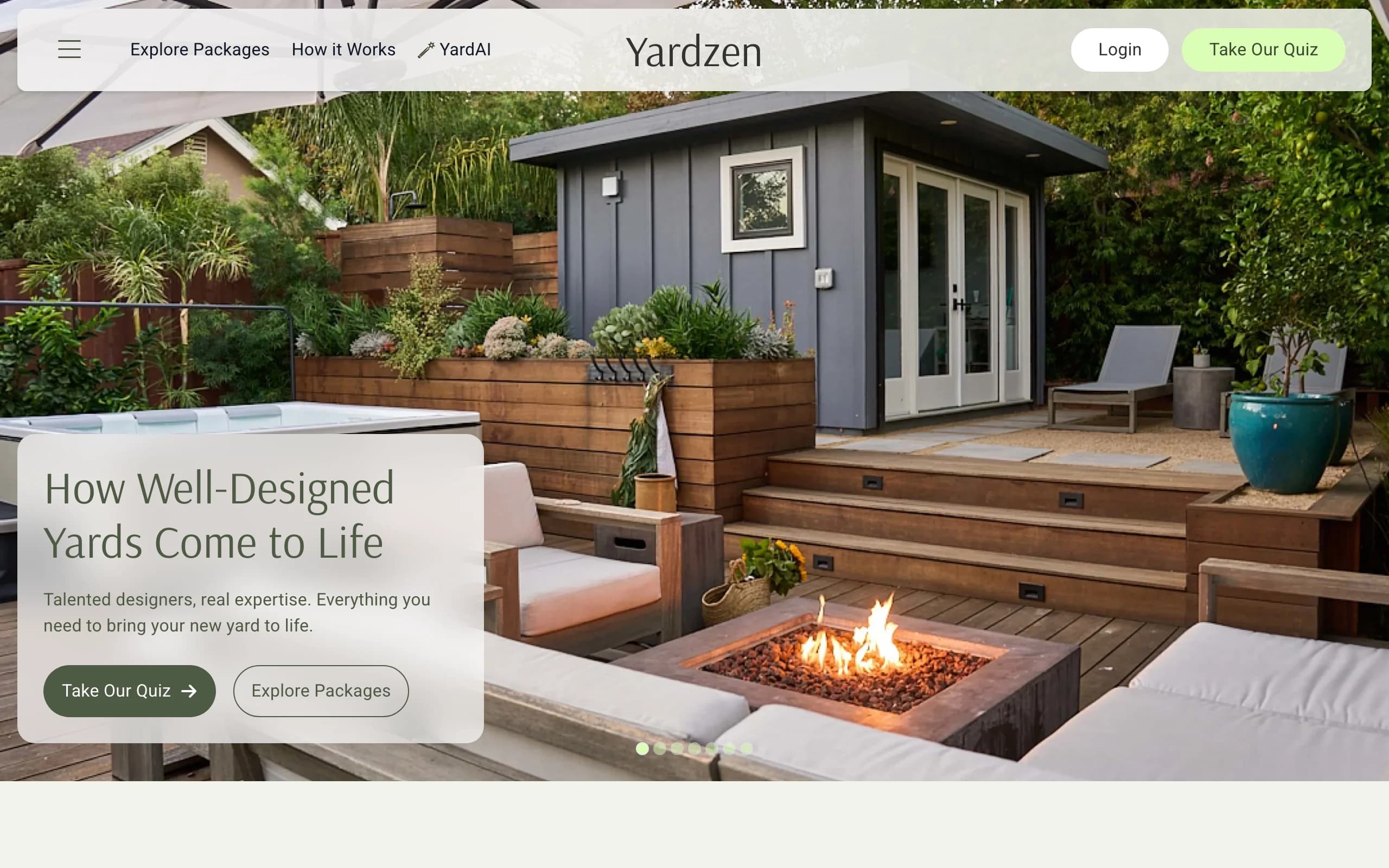
Yardzen is an online landscape design service, not an AI generator. You send photos and measurements of your yard, talk through your goals, and a human designer produces a full plan: a render, 2D plans, and a plant and materials list. The pool area is handled as part of the wider yard design, with the deck, coping, planting, and layout drawn to fit your lot. The output is meant to be built, and Yardzen can connect you with local contractors to do it.
This is the most thorough option here, and the most expensive. You are paying for a designer's time and a documented plan, which is worth it when a pool is the centerpiece of a larger renovation and you want something a contractor can quote against directly.
Key features
- Human designer creates the plan, not an AI render
- Photo and measurement intake, then revision rounds on the design
- 2D plans plus a plant and materials list
- Contractor matching to help you build it
Best for
- Homeowners planning a pool as part of a full yard renovation
- People who want a documented, build-ready plan, not just a concept
- Anyone who would rather hand the work to a professional designer
Pricing
- Essential $995, Classic $1,395, Signature $1,995, Premium $3,495 (per project)
- No free plan; a free consultation call is offered before you buy
Pros
- A real designer and a plan you can take straight to a builder
- Contractor matching shortens the path from design to construction
Cons
- The most expensive option by a wide margin
- Project-based turnaround takes days, not the minute an AI render takes
3. ShrubHub, best for an affordable online design service
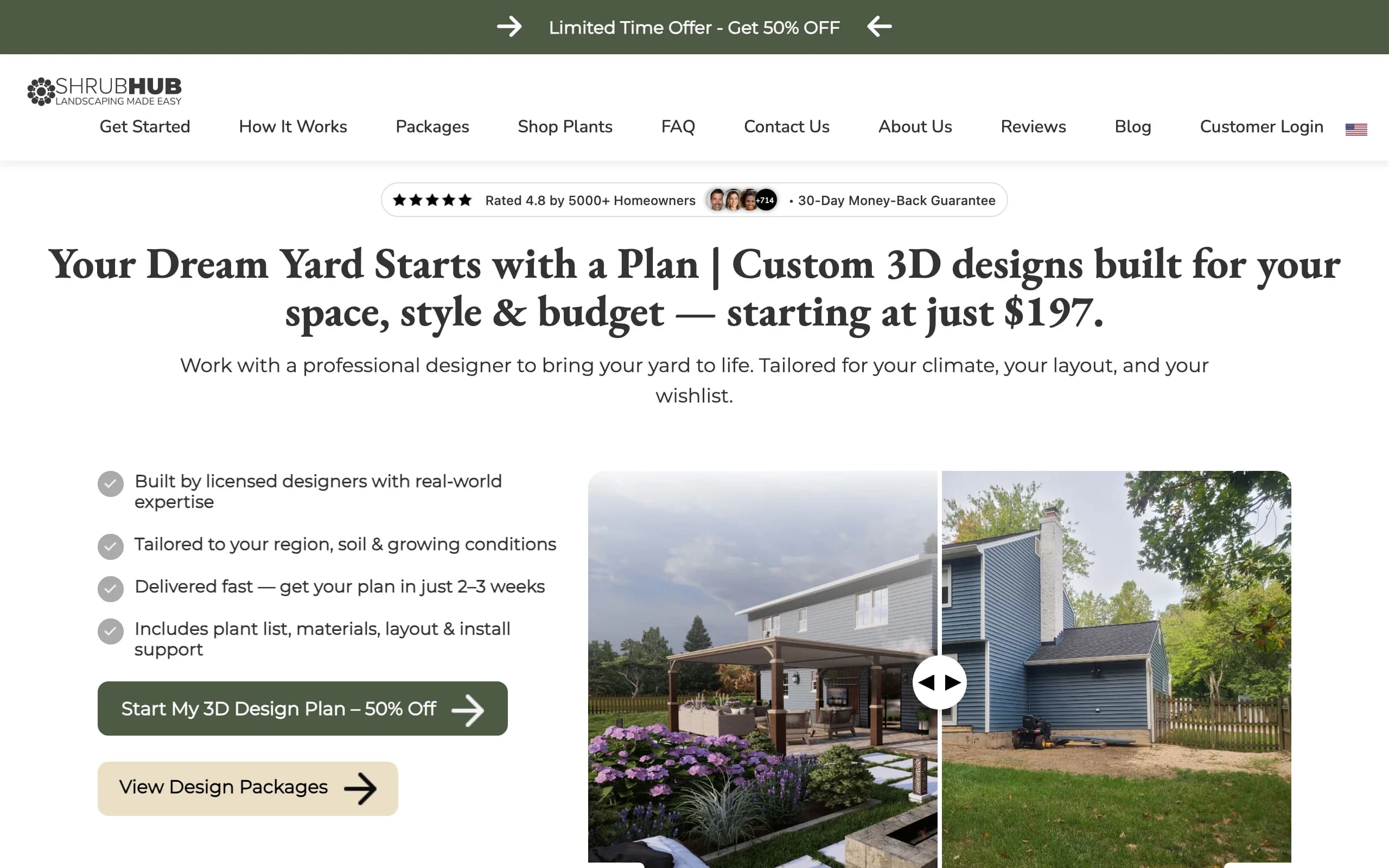
ShrubHub is an online 3D landscape design service that sits between a full designer engagement and a DIY app. You work with a designer who produces a 3D design of your yard, including the pool area, along with a shopping list of plants and materials you can buy through ShrubHub's marketplace. It is a designer-led service like Yardzen, but priced far lower, and it frequently runs steep promotional discounts.
The value is getting a human-touched 3D design and a parts list without four-figure pricing. The trade-off is that turnaround takes a week or two, and the heavy "limited time" sale framing means the regular prices and the sale prices are quite different.
Key features
- Designer-led 3D landscape and hardscape design
- Plant and materials shopping list plus a plant marketplace
- Front yard, back yard, both yards, and premium package options
- Connection to local contractors for the build
Best for
- Homeowners who want a designer's input without four-figure pricing
- People who want a shopping list they can act on right away
Pricing
- Back Yard $237, Both Yards $297, Premium $997 on sale (regular prices roughly double); Front Yard from $197
- No free plan; a 30-day money-back guarantee is advertised
Pros
- Much cheaper than a full design service
- A real designer plus a ready-to-shop materials list
Cons
- Constant "50% off, limited time" framing makes the true price hard to read
- Multi-day turnaround, so it is not for quick what-if exploration
4. DreamzAR, best for an AR walk-through on your phone
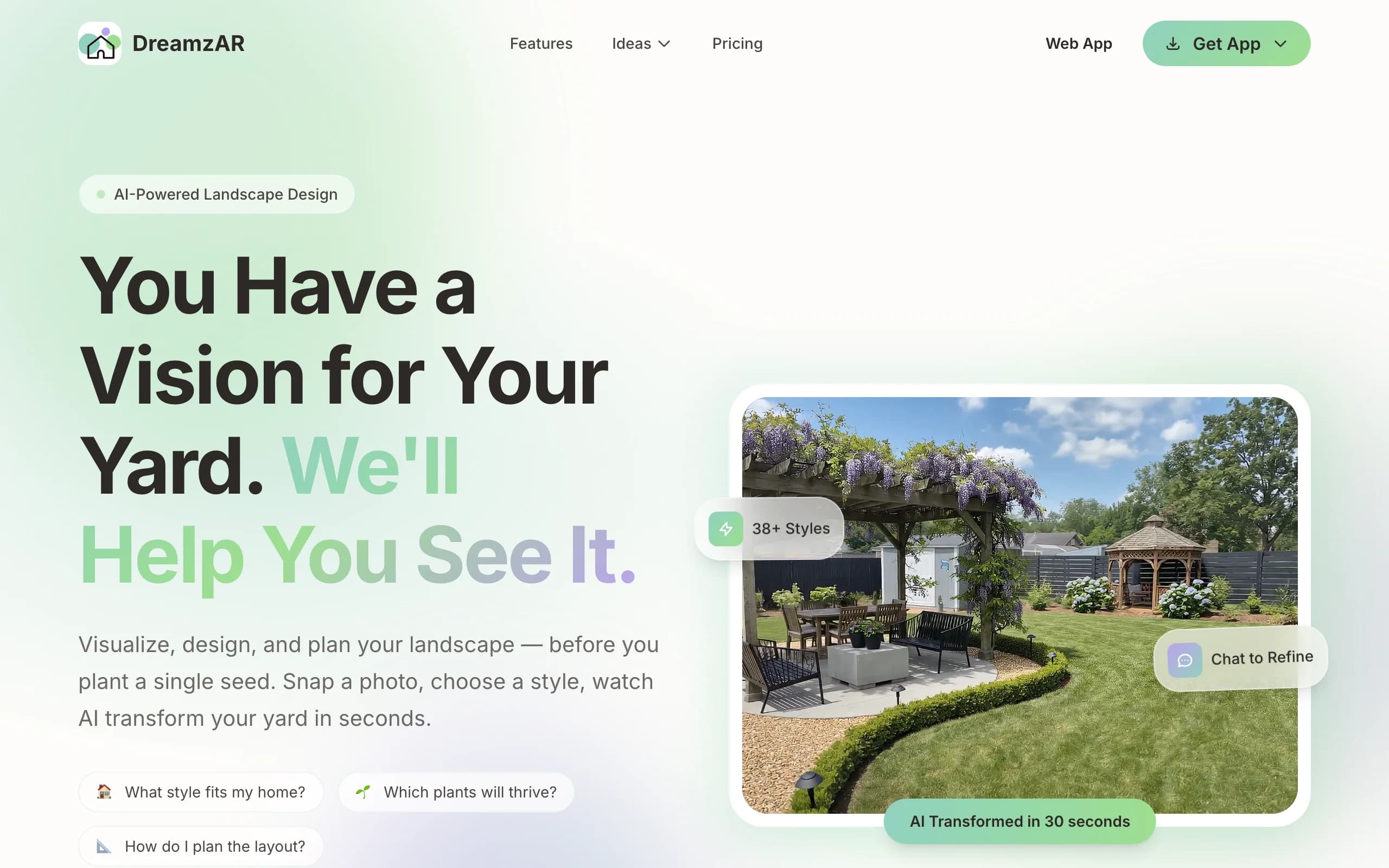
DreamzAR pairs AI photo-to-render generation with augmented reality. You upload a photo, choose from a large style library, and get an AI redesign, then switch to AR mode to walk through the design in your actual yard at real-world scale. For a pool area, the AR view is the draw: you can stand where the pool would go and get a sense of scale and placement that a flat render cannot give you. It runs on iOS, Android, and the web, and includes a tagged plant database and ZIP-based cost estimates.
The AR walk-through is genuinely useful for judging whether a layout fits. The catch is that subscriptions are platform-specific, so a plan you buy in the iOS app does not carry over to Android or the web.
Key features
- AI render plus AR walk-through at real-world scale
- Large style library and a tagged plant database
- Cost estimates by ZIP code
- Chat-based refinement of designs
Best for
- Homeowners who want to judge pool placement and scale in AR
- Phone-first users who design in the yard itself
Pricing
- $19.99/month or $199/year, the same across iOS, Android, and web
- No free plan mentioned; subscriptions do not transfer between platforms
Pros
- AR walk-through gives a real sense of scale for a pool layout
- Available on phone, tablet, and web
Cons
- Platform-specific subscriptions mean you may pay twice to switch devices
- AR realism depends on your phone and lighting conditions
5. iScape, best for hands-on manual design with AR
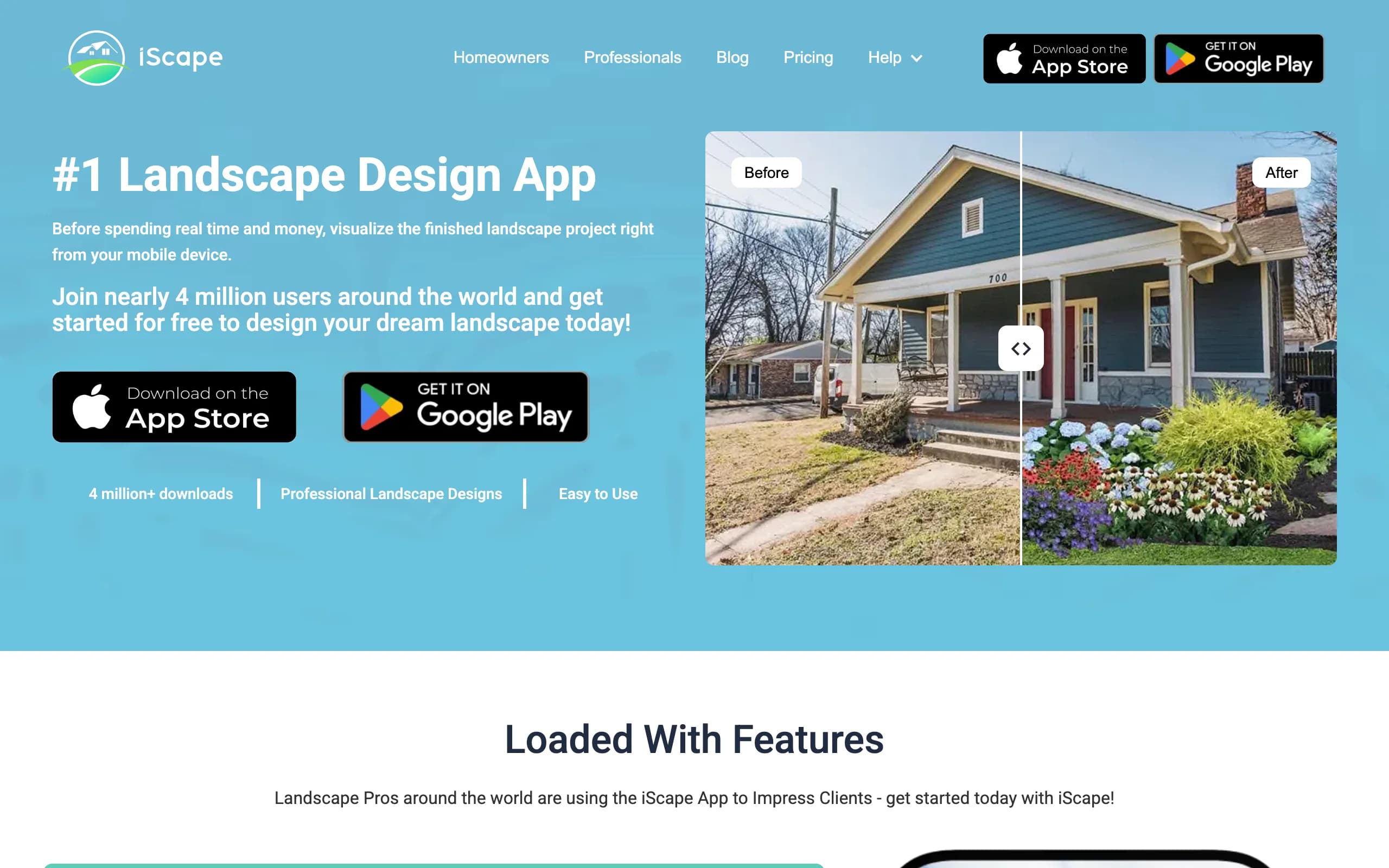
iScape is a mobile-first landscape design app built around manual control. Rather than generating a full concept for you, it lets you place plants, hardscape, and features onto a photo of your yard yourself, then preview the result in AR. The pool area is something you compose by hand using the app's library. It has a free tier (limited to a couple of saved designs and a reduced library) and a Pro subscription that opens up the full catalog and proposal tools aimed at landscape pros.
This is the most manual option here, which is the point. If you want to control exactly where each element goes instead of accepting an AI's interpretation, iScape gives you that. The downside is that the full 2D and 3D design experience is iOS-only, so Android users get less.
Key features
- Manual placement of plants, hardscape, and features on your photo
- AR preview of the design in your yard
- Plant and product library
- Proposal and client tools on the Pro tier
Best for
- Homeowners who want hands-on control over the layout
- Landscape pros who need proposal tools on mobile
Pricing
- Free tier: up to 2 saved designs and a reduced library
- iScape Pro: $29.99/month or $299.99/year; a free trial of Pro is available
- Full 2D and 3D design is iOS-only
Pros
- Full manual control over placement
- A free tier and a Pro trial to test before paying
Cons
- 2D and 3D design is limited to iOS; Android gets less
- Manual design takes more effort than a one-shot AI render
6. Planner5D, best for DIY 3D layout
Planner5D is a DIY home and yard design tool where you build a 3D layout from scratch. You draw the space, drop in a pool and surrounding elements from a large catalog, and produce renders and walkthroughs. It is not pool-specific, but it handles the pool and the yard around it as objects you arrange yourself. There is a free plan with a limited catalog, a cheap Premium tier, and a Professional tier that adds an AI design generator, 4K renders, and CAD export.
Planner5D suits people who like to model a layout precisely rather than upload a photo and let AI interpret it. The trade-off versus the photo-to-render tools is that you are building a generic 3D scene, so it will not match your real yard the way a redesign of your own photo does.
Key features
- DIY 3D layout from a large furniture and object catalog
- Renders and 360-degree walkthroughs
- AI design generator, 4K renders, and CAD export on the Professional tier
- Available on web, mobile, and desktop
Best for
- DIY users who want to model a pool and yard layout precisely
- People comfortable building a 3D scene from scratch
Pricing
- Free plan with a limited catalog
- Premium $4.99/month or $59.99/year
- Professional $49.99/month or $399.99/year (adds the AI generator and CAD export)
Pros
- Cheap entry point and a capable free plan
- Precise control over the 3D layout
Cons
- You build a generic 3D scene, not a redesign of your real yard photo
- The 3D editor has a steeper learning curve than upload-and-generate tools
7. REimagine Home, best for quick free AI exterior restyling
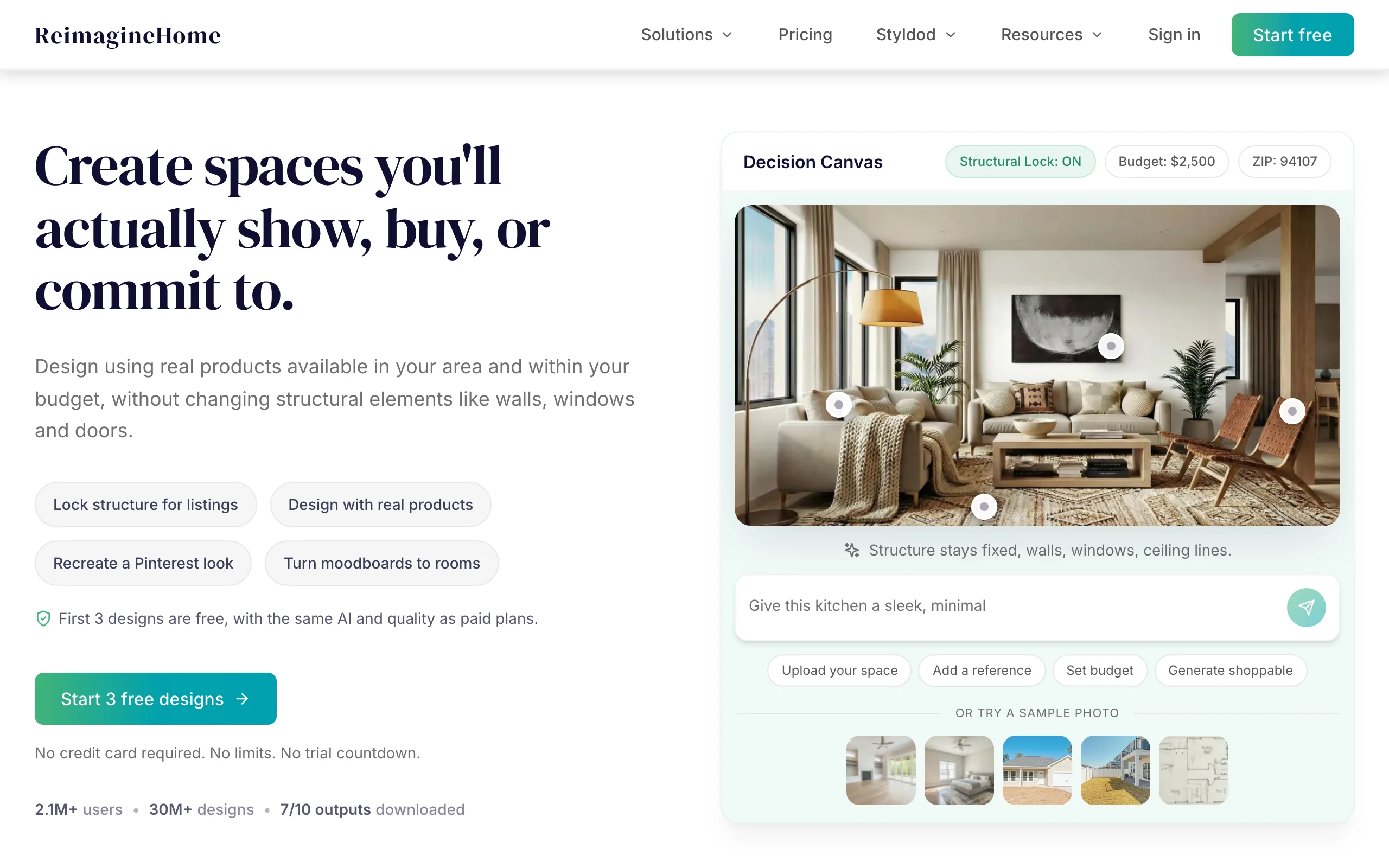
REimagine Home is an AI design tool built mainly for interiors and virtual staging that also handles exteriors, including facades, lawns, patios, and landscaping. You upload a photo and get fast AI restyles, which makes it a quick way to spin variations on a pool-area look. New users get a few free credits to try it, and paid plans are credit-metered. It is web-based and aimed at fast turnaround over deep landscape-specific control.
Because the tool leans toward interiors and staging, it is more of a general restyler than a dedicated outdoor design app. It is a good fit if you want fast, free-to-try exterior variations and do not need pool-specific or climate-aware planting logic.
Key features
- AI exterior restyling from a photo, plus interiors and virtual staging
- Fast variation generation
- Credit-metered usage with free starter credits
- Web-based, no app required
Best for
- People who want quick, free-to-try exterior restyles
- Users already doing interior or staging work in the same tool
Pricing
- Free starter credits for new users
- Essential $14/mo (30 credits), Pro $49/mo (200 credits), and higher tiers up to $99/mo
Pros
- Free credits to test before paying
- Fast variations and one tool for indoor and outdoor
Cons
- Built mainly for interiors, so outdoor design is less specialized
- No climate or hardiness-zone-aware planting logic
How to choose the best AI pool design tool for your needs
1) Decide: a visual concept or an engineered build plan
Be clear about what you actually need. If you want to see what a pool and its surroundings could look like on your yard, fast, a photo-to-render tool like OutdoorBrite, DreamzAR, or REimagine Home gets you there in minutes. If you need a documented plan a contractor can build and quote against, a human design service like Yardzen or ShrubHub is the right call. None of these tools produce pool-engineering or structural construction drawings; that always comes from a pool builder or engineer.
2) Match the tool to how you'll execute: DIY, done-for-you, or contractor
If you are doing the work yourself, you want a plant and materials list, which OutdoorBrite, ShrubHub, and Yardzen all produce. If you want someone else to design it for you, ShrubHub and Yardzen are designer-led services. If you are a contractor, the render is your sales tool: OutdoorBrite generates a client-ready concept on the spot, and iScape adds mobile proposal tools.
3) Weigh realism on your own photo
The most convincing previews are the ones built on a photo of your actual yard. OutdoorBrite, DreamzAR, and REimagine Home redesign your real space, so the result reads as your yard rather than a generic scene. Planner5D builds a 3D model from scratch, which is precise but generic. DreamzAR's AR walk-through adds a sense of scale that a flat render cannot, which is helpful when you are judging whether a pool layout fits.
4) Run the pricing and credit math
The pricing models here are completely different. Yardzen ($995 and up) and ShrubHub (from around $197 on sale) charge per project. OutdoorBrite ($29 to $149/mo, no free plan) and REimagine Home (free credits, then $14/mo and up) meter by credits, where one credit is one design or edit. iScape and Planner5D have free tiers with paid upgrades. If you only need one design, a per-project service can be cheaper; if you expect to iterate across many concepts, a credit-based subscription usually wins. For a deeper walkthrough of planning the space itself, see how to design a backyard landscape.
FAQ
What is AI pool design?
AI pool design means using a tool that takes a photo of your yard and generates a realistic redesign of the pool area, including the pool, deck, coping, and planting around it. You pick a style and the AI produces concepts in under a minute. It is a visual planning step, not the same as engineering a pool.
Is there a free AI pool design tool?
A few tools offer free entry points. iScape and Planner5D have free tiers with limited features, and REimagine Home gives new users a handful of free credits. OutdoorBrite is paid-only with no free plan. Most designer-led services like Yardzen and ShrubHub charge per project, though they offer free consultations or money-back guarantees rather than free designs.
Can AI design a pool from a photo of my yard?
Yes. Tools like OutdoorBrite, DreamzAR, and REimagine Home take a photo of your yard and redesign the pool area onto it, so the result sits in your real space rather than a stock scene. The clearer your photo, the better the output. This gives you a concept to react to, not a construction plan.
Do these tools produce engineering or construction plans?
No. These are visual concept and layout tools, not pool-engineering or structural CAD software. They show you what a pool area could look like and, in some cases, a plant and materials list. The actual construction drawings, structural specs, and permits come from a licensed pool builder or engineer.
Which is best for homeowners versus pool contractors?
Homeowners usually want fast, realistic concepts on their own yard, where OutdoorBrite, DreamzAR, and REimagine Home work well, plus designer-led plans from ShrubHub or Yardzen for a build-ready document. Contractors want a render to close a client on-site, where OutdoorBrite's instant concepts and iScape's mobile proposal tools fit best.
Is an AI pool render realistic enough to take to a builder?
A good AI render is realistic enough to communicate intent: style, layout, deck material, planting, and mood. Builders can work from it as a brief. It is not a substitute for the technical drawings a pool company produces, so treat it as the picture you bring to the conversation, not the spec sheet.
What photo gives the best results?
Use a clear, well-lit daytime photo taken from a height that shows the whole pool area and its boundaries (fence, house wall, patio edge). Avoid heavy shadows, clutter, and extreme angles. A wide, level shot that captures the full space gives the AI the most to work with and produces the most usable concept.
How much does AI pool design cost?
It ranges widely. Credit-based tools start around $14/mo (REimagine Home) and $29/mo (OutdoorBrite, no free plan), with higher tiers up to $149/mo. iScape Pro is $29.99/mo and Planner5D Premium is $4.99/mo, both with free tiers. Designer-led services charge per project: ShrubHub from around $197 on sale, Yardzen from $995. For more on OutdoorBrite, visit outdoorbrite.com.