7 best gardening apps in 2026 (free and paid)
Some gardening apps identify plants, some nag you to water them, and one shows you a redesigned garden on a photo of your own yard. We compared seven, free and paid, and broke down what each one costs and who it actually fits.
"Gardening app" covers a lot of ground. One app tells you what that mystery shrub by the fence is, another reminds you to water the tomatoes, and a third shows you what the whole garden could look like replanted. Search for the best gardening apps and you get all three types mixed together, which makes the lists hard to use. So this guide sorts them by job. We compare seven apps, from AI tools that redesign a photo of your actual garden to free plant identifiers and vegetable planners. For each one you'll get current pricing, what it does well, where it falls short, and a short framework for picking the right one (or the right pair, since most gardeners end up with two).
Best gardening apps: a brief overview
- OutdoorBrite: Best overall for planning and redesigning your garden: upload a photo of your space and see it replanted in a finished, realistic render, with plant choices matched to your climate.
- Planta: Best for plant care reminders: builds a watering and care schedule for every plant you own, adjusted for season, weather, and light.
- PictureThis: Best for plant identification: names a plant from one photo, drawing on a database of more than 400,000 species, and diagnoses what's wrong with the sick ones.
- GrowVeg Garden Planner: Best for vegetable planning: to-scale beds with automatic plant spacing, local frost dates, and email reminders for sowing and planting.
- GARDENA myGarden: Best free 2D planner: draw your plot, beds, and paths to scale in the browser without paying anything or creating an account.
- Gardenize: Best garden journal: a photo diary of your plants, areas, and jobs, so next spring you actually remember what you planted where.
- Seek by iNaturalist: Best free plant ID for curious gardeners: instant camera identification of plants, insects, and fungi, with no account and no ads.
| Tool name | Key strength | Pricing | Platforms |
|---|---|---|---|
| OutdoorBrite | Photo-realistic redesigns of your own garden | From $29/month | Web |
| Planta | Care schedules that keep plants alive | Free version; Premium from $7.99/month | iOS, Android |
| PictureThis | Identifies 400,000+ species from a photo | Free version; Premium $39.99/year | iOS, Android, web |
| GrowVeg Garden Planner | Plant spacing, frost dates, and planting reminders | 7-day trial; from $35/year | Web, desktop and mobile apps |
| GARDENA myGarden | Free to-scale 2D garden drawing | Free | Web |
| Gardenize | Photo journal of plants, areas, and garden jobs | Free version; Plus $44.99/year | iOS, Android, web |
| Seek by iNaturalist | Instant on-device species ID, no account needed | Free | iOS, Android |
1. OutdoorBrite, best overall for planning and redesigning your garden
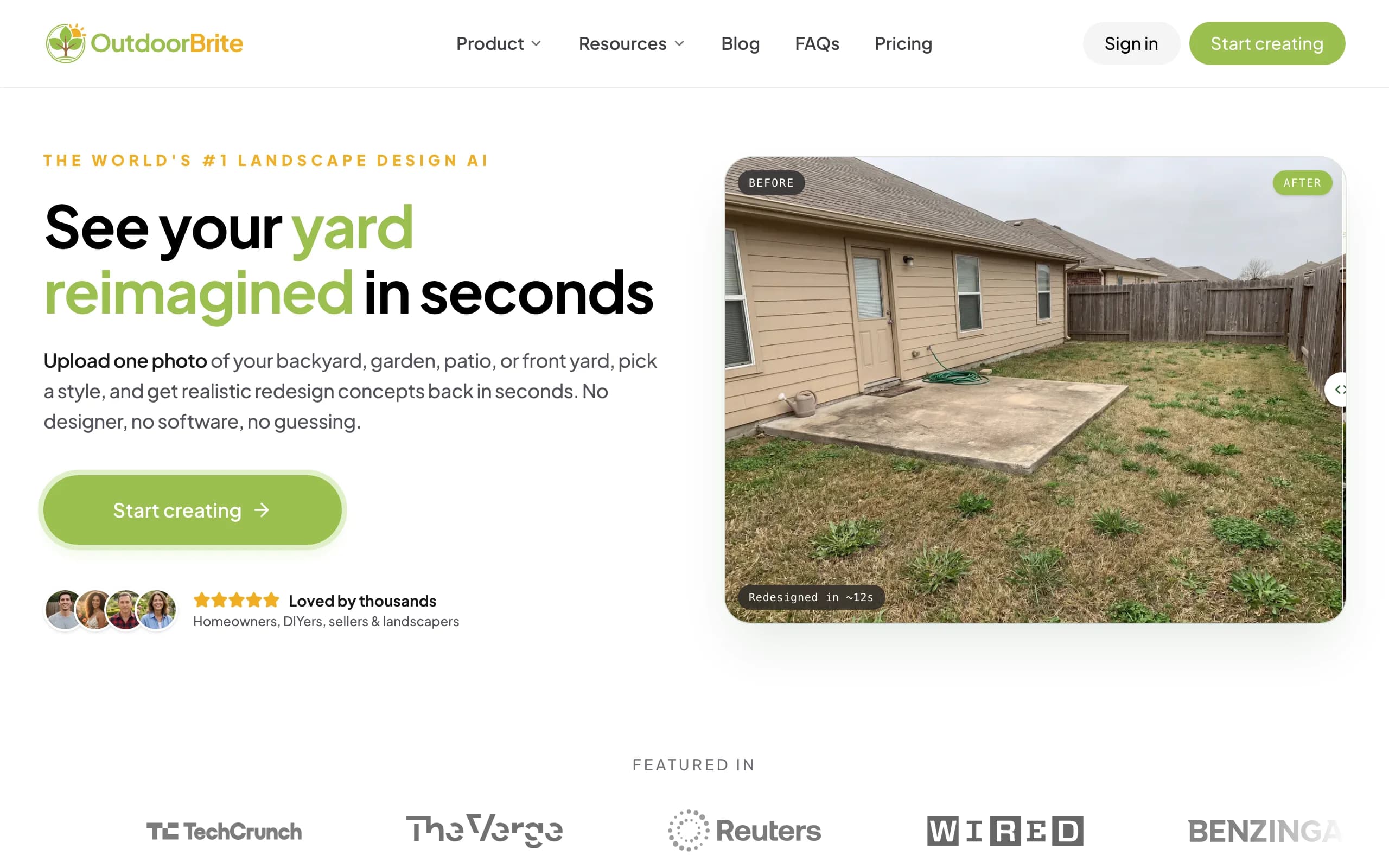
OutdoorBrite is an AI landscape design product built around one question: what could this garden actually look like? You upload a photo of your garden or yard, pick a style like cottage garden, modern, or tropical, and describe what you want. It generates realistic concepts in under a minute, rendered on your own space rather than a stock illustration, so you can judge whether a look works against your house, your fence, and your light.
That makes it the planning end of this list. Most gardening apps help you care for what's already planted; OutdoorBrite is an AI garden planner for deciding what to plant in the first place. The plant choices account for your climate and hardiness zone, which matters if you've ever watched a nursery impulse buy die in its first winter. You can compare several styles on the same photo, refine a favorite in the in-app AI editor, and share the result with whoever is doing the digging. Beyond garden beds it covers full backyards, front yards, patios, and decks, plus project calculators and a landscaping glossary, all in one place.
Key features
- Photo-realistic garden redesign concepts rendered on your own photo
- Climate and hardiness-zone-aware plant suggestions
- Style presets including cottage, modern, tropical, Mediterranean, and desert/xeriscape
- Multiple concept variations per upload, generated in under a minute
- In-app AI editor to refine a concept, swap plants, or adjust a bed line
- Save, revisit, and share designs, with HD to 4K output depending on plan
Best for
- Homeowners planning a new garden, border, or full-yard replanting
- DIY gardeners who want to compare styles on their real space before buying plants
- Landscapers who need a client-ready visual of a proposed planting
Pricing
- No free plan or trial; every design is metered by redesign credits
- Starter: $29 per month for 25 redesigns in HD
- Plus: $49 per month for 100 redesigns in 2K (the most popular tier); Pro: $149 per month for 200 redesigns in 4K
- Annual billing saves about 20 percent; top-up credit packs never expire
Pros
- Renders your own garden, so you can judge a design in context instead of guessing from Pinterest boards
- Plant suggestions account for climate and zone, not just looks
- Fast enough to compare four or five styles in one sitting
Cons
- No free tier, so you commit to a paid month before your first render
- It's a design tool, not a care tool: it won't identify your plants or remind you to water them
2. Planta, best for plant care reminders
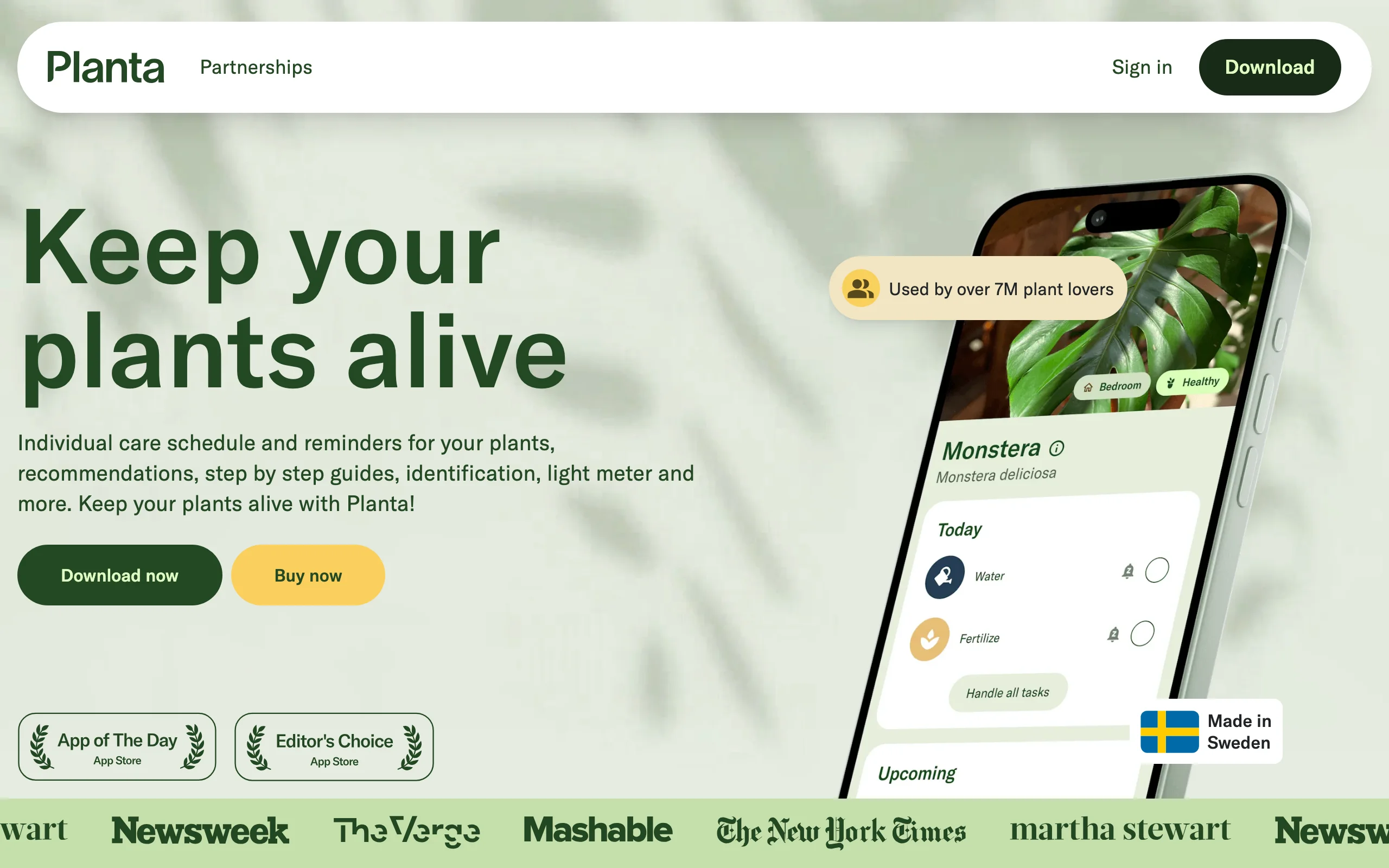
Planta is the app for the part of gardening that happens after planting. Add your plants, tell it where they live (that shady corner, the south window, the raised bed), and it builds a care schedule for each one: watering, fertilizing, repotting, misting. The schedule adjusts to season, local weather, and light, so the same fern gets watered less in January than in July without you thinking about it.
The extras are practical rather than flashy. A light meter checks whether a spot is really "bright indirect" before you commit a plant to it, photo identification names the plants you inherited with the house, and Dr. Planta walks you through diagnosing the droopy ones. The free version handles basic reminders; Premium unlocks the tailored schedules and the diagnosis tools.
Key features
- Care schedules per plant, adjusted for weather, season, and light
- Photo-based plant identification
- Light meter for checking a location's actual conditions
- Dr. Planta diagnosis for struggling plants
Best for
- Gardeners whose plants die of neglect rather than bad planning
- Anyone with a mixed collection of indoor and outdoor plants with different watering needs
Pricing
- Free version with basic care reminders
- Premium from $7.99 per month or $35.99 per year; exact offers are shown in-app and vary
Pros
- Turns plant care into a checklist you'll actually follow
- Weather-adjusted watering beats every fixed "water twice a week" rule
Cons
- No design or layout features; it manages plants, not gardens
- Full pricing is only visible after you download the app
3. PictureThis, best for plant identification
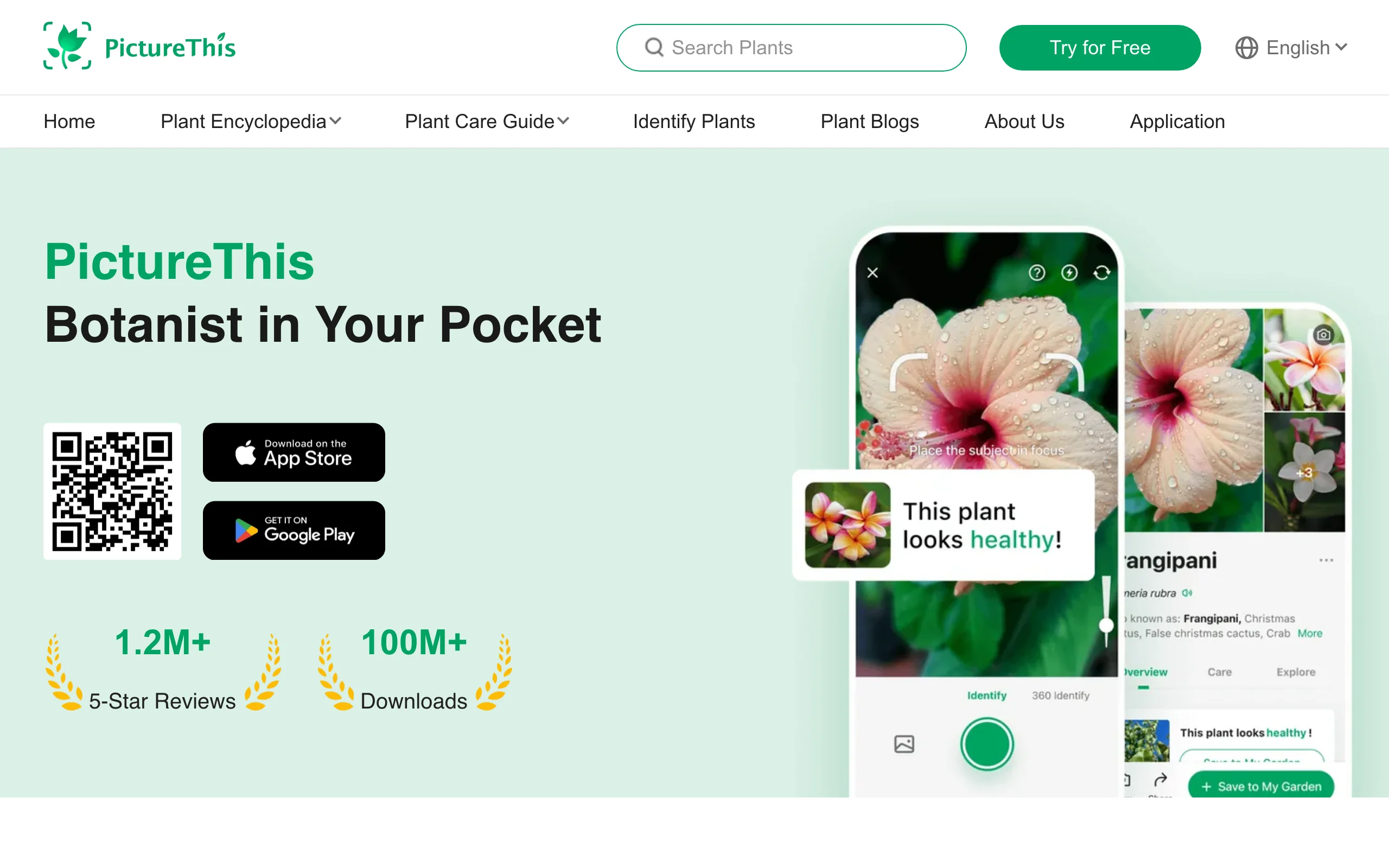
PictureThis does one thing at serious scale: point your camera at a plant and it tells you what it is. The developer claims coverage of more than 400,000 species and over 98 percent accuracy, and in practice it names common garden plants, weeds, and houseplants reliably from a single photo. Each identification comes with care notes, toxicity warnings (useful with dogs and toddlers around), and a disease-diagnosis mode that reads spotted leaves and suggests treatment.
The catch is the pricing model. There's a free version, but it pushes hard toward Premium, and the 7-day trial converts to a $39.99 annual subscription automatically unless you cancel at least 24 hours before it ends. Set a reminder the moment you start the trial. If you'd rather not manage that, Seek (number 7 in this list) covers casual identification for nothing.
Key features
- Photo identification across a claimed 400,000+ plant species
- Disease diagnosis with treatment suggestions
- Toxicity warnings for pets and children
- Care guides and reminders per identified plant
- Weed identification and expert consultation on Premium
Best for
- Gardeners who inherited a mature garden and need to know what's growing in it
- Diagnosing sick plants from leaf photos before reaching for a treatment
Pricing
- Free version with limited identifications
- Premium $39.99 per year after a 7-day trial that auto-converts; monthly and weekly options are shown in-app and vary
- Family plan around $49.99 per year
Pros
- The strongest identification accuracy of the paid apps in this list
- Disease diagnosis is genuinely useful, not a gimmick
Cons
- Aggressive trial-to-subscription conversion; cancel early if you only wanted a test
- Most of the good features sit behind Premium
4. GrowVeg Garden Planner, best for vegetable planning
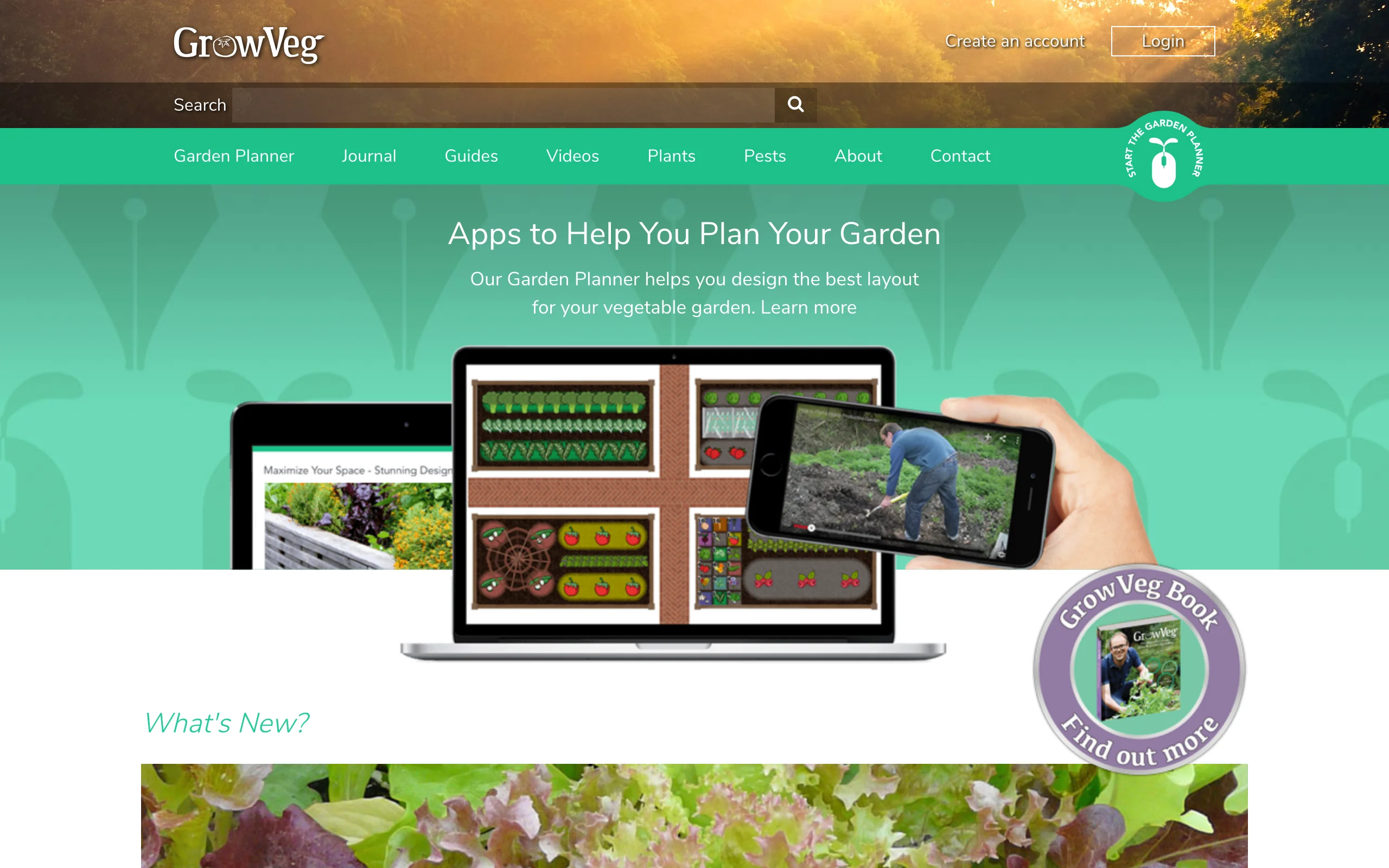
GrowVeg Garden Planner is the tool to open if your garden produces dinner. Draw your beds to scale, drop in crops, and it calculates spacing automatically per species, pulls frost dates from a weather station near you, and builds a plant list with sowing and planting windows. It then emails you reminders when it's time to sow each thing, which is the feature that separates gardens that get planted on time from gardens that get planted in June.
It also handles the second-year problems: crop rotation warnings when you put tomatoes where tomatoes just grew, and succession planning for beds that get replanted through the season. The trade-off is visual. Plans are utilitarian top-down diagrams, great for executing a planting, no help picturing how the garden will look.
Key features
- Automatic plant spacing calculated per species as you place crops
- Frost dates and planting windows based on your location
- Email reminders for sowing and planting times
- Crop rotation and succession tools for beds replanted through the year
- Plant lists generated straight from the plan
Best for
- Vegetable gardeners who want spacing and timing handled for them
- Anyone planning raised beds, allotments, or a kitchen garden
Pricing
- 7-day free trial with no payment details required
- $35 per year on the auto-recurring subscription
- One-off options: $50 for a single year or $85 for two years
Pros
- Spacing and frost-date data removes the most common beginner mistakes
- Email reminders keep the planting plan from dying in a drawer
Cons
- Diagram-style output, with no visual of the finished garden
- The plant database leans vegetable-first, so ornamental coverage is thinner
5. GARDENA myGarden, best free 2D planner
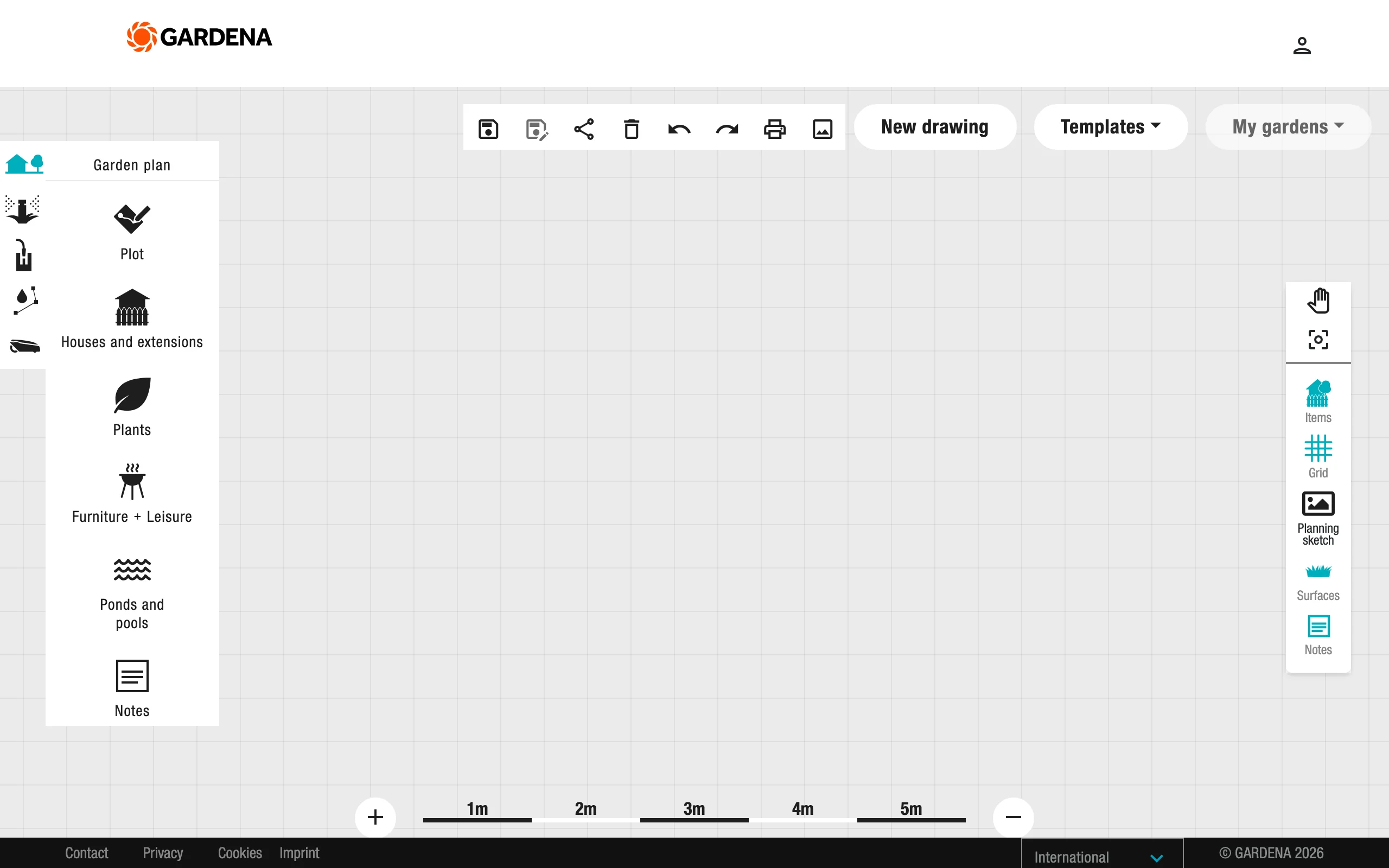
GARDENA myGarden is a free, browser-based drawing tool from the German garden-tools maker, and it's the best zero-cost way to get a to-scale plan of your garden. You sketch your plot, then lay in beds, lawn, paths, and paving with drag-and-drop shapes, and add plants, trees, and furniture from its object library. The hand-drawn style is pleasant, example gardens give you a starting point instead of a blank page, and finished plans export to PDF or PNG.
There's no charge and no paid tier. GARDENA funds it as a marketing tool for its irrigation catalog, which is where its standout feature comes from: a sprinkler-system planner that places sprinklers and piping on your plan and produces a parts list. For anyone who just needs an accurate layout before moving beds around, this is the one to open first. Our roundup of free online garden planners covers more options in this category.
Key features
- Free 2D garden drawing in the browser, no install and no account required
- Object library with plants, beds, paving, houses, and furniture
- Example gardens to use as templates
- Integrated sprinkler-system planner with an automatic shopping list
- Exports plans to PDF and PNG
Best for
- Homeowners who want a quick, free, to-scale sketch of beds and layout
- Anyone planning garden irrigation at the same time as the layout
Pricing
- Free, with no paid tier
Pros
- Genuinely free with no upsell inside the planner
- Easy enough to produce a usable plan in one evening
Cons
- Top-down 2D only; there is no photo view of the finished garden
- Plant objects are generic symbols with no climate or spacing data
6. Gardenize, best garden journal
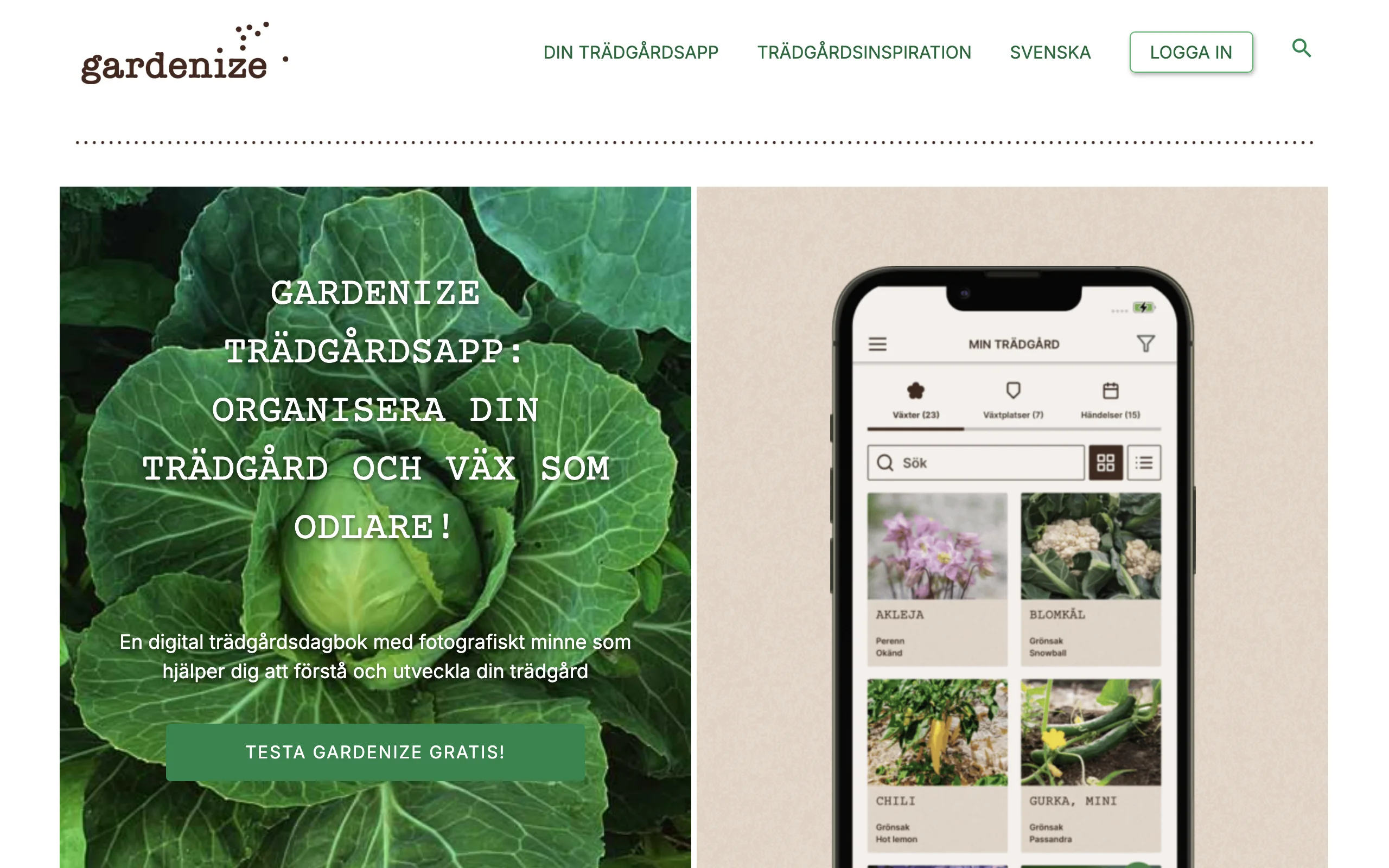
Gardenize is a garden diary with structure. You log three things: plants, areas, and events. A plant is a rose bush, an area is the bed it lives in, an event is what you did (pruned it, fed it, moved it), each with photos, notes, and dates. Two seasons in, you have a searchable record of what you planted where, what worked, and when the tulips actually came up, which is exactly the information every gardener swears they'll remember and never does.
The free plan covers unlimited plants, areas, and events with photo storage, which is generous for a journal. Plus adds plant identification and a reference database of around 12,000 varieties (both iOS-first), image annotation, desktop access, and garden export. It won't design anything and it won't remind you like Planta does; its job is memory, and it does that job well.
Key features
- Photo journal built on plants, areas, and events
- Unlimited entries and photo storage on the free plan
- Plant identification and a 12,000-variety database on Plus (iOS)
- Image annotation, desktop access, and garden export on Plus
- Community feed for following other gardeners
Best for
- Gardeners who want a record of what was planted where, and how it did
- Allotment holders and collectors tracking many plants across seasons
Pricing
- Free plan with unlimited plants, areas, and events
- Plus: $8.99 for one month, $19.99 for three months, or $44.99 per year, with a 14-day free trial
- Web signup is slightly cheaper than the app stores
Pros
- The free tier is a complete journal, not a teaser
- Logging with photos beats every paper notebook for searchability
Cons
- A journal, not a planner: no layout drawing and no care schedules
- Several Plus features, including plant ID, are iOS-first with Android still catching up
7. Seek by iNaturalist, best free plant ID for curious gardeners
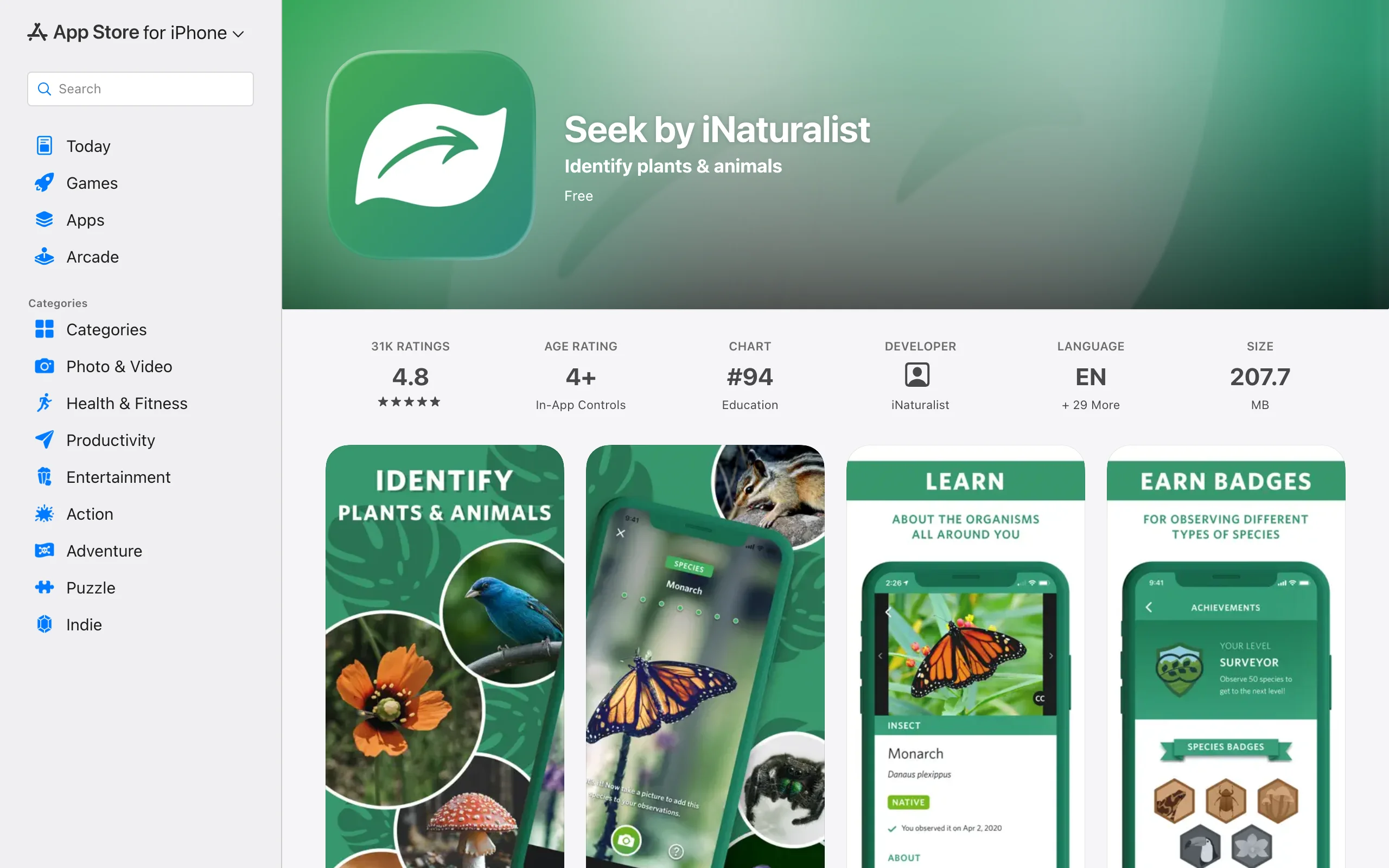
Seek is the plant identifier with no strings on it. Point the camera at a plant, insect, bird, or mushroom and it identifies the species on your device in real time, drawing on iNaturalist's enormous observation data. There's no account, no ads, and no paywall, because it comes from the nonprofit behind iNaturalist rather than a subscription business. Location is only used coarsely, to suggest species from your region, and it's deliberately kid-safe, with badges and monthly challenges that turn a garden inspection into a scavenger hunt.
For a gardener, it's the fastest way to answer "what is this and should it be here?" while standing in the bed, and a good way to learn which of your volunteers are native plants worth keeping. What it won't do is manage anything: no care guides of real depth, no reminders, no journal. Pair it with one of the planners or care apps above.
Key features
- Real-time, on-device camera identification of plants, insects, fungi, and animals
- No account, no ads, and no subscription
- Badges and monthly challenges that make identification a game
- Kid-friendly by design, with location kept coarse for privacy
- Backed by iNaturalist's community observation data
Best for
- Gardeners who want free, instant answers to "what is this plant?"
- Families getting kids interested in what grows in the garden
Pricing
- Free, with no paid tier
Pros
- Completely free with nothing to cancel
- On-device identification works fast, even on a walk with patchy signal
Cons
- Identification only; no care schedules, journals, or planning tools
- Species-level accuracy drops on tricky subjects like grasses and seedlings, where even botanists squint
How to choose the best gardening app for you
1) Are you planning a garden or keeping one alive?
This is the split that sorts the whole list. Planning apps answer "what should this space become": OutdoorBrite renders the finished garden on your photo, GARDENA myGarden draws it to scale, GrowVeg plans the vegetable beds. Care apps answer "what does this plant need today": Planta schedules the watering, PictureThis names and diagnoses, Gardenize remembers what you did. If you're starting a new garden or reworking an old one, start with a planning app; if the garden exists and the problem is upkeep, start with a care app. Most keen gardeners quietly run one of each. If the project is a single bed or border rather than a whole garden, our roundup of apps built just for flower beds covers that narrower job.
2) How far do free gardening apps get you?
Further than you'd expect, with one clear boundary. Free covers layout (GARDENA myGarden), identification (Seek, plus PictureThis's limited free tier), and journaling (Gardenize's free plan). What free doesn't cover is seeing the result: photo-realistic renders of your own garden are a paid feature across the whole market, and detailed planting data like GrowVeg's frost dates sits behind a subscription too. A sensible zero-budget stack is GARDENA for the plan, Seek for identification, and Gardenize for the record. If you want the finished picture before you dig, that's the point where paying starts to earn its keep; our roundup of free garden design software maps that boundary in more detail.
3) What can AI gardening apps actually do?
Two different things, and it helps to keep them apart. Identification AI (PictureThis, Seek, Planta's ID feature) recognizes what's in a photo: a species name, a disease, a weed. Generative AI (OutdoorBrite) produces something new from a photo: a redesigned version of your garden in a style you pick, with plants suited to your zone. Identification AI is mature and cheap, and the free options are genuinely good. Generative design is newer and paid, and it replaces the months people spend collecting screenshots that never quite map onto their own space. If that second category is what you're after, our guide to the best AI garden design tools compares those options head to head.
4) Where will you actually use it?
Match the app to where the work happens. Identification and care apps live on your phone in the garden: Seek, PictureThis, Planta, and Gardenize are all built phone-first. Planning tools work better on a bigger screen: GARDENA and GrowVeg are at home in a browser, and OutdoorBrite runs on the web too, though uploading a phone photo of the garden is the natural starting point. If an app's core feature only works on one platform (Gardenize's plant ID is iOS-first, for instance), check your household's phones before subscribing.
FAQ
What is the best gardening app?
There's no single winner because gardening apps do different jobs. For planning and redesigning a garden, OutdoorBrite; for care reminders, Planta; for identifying plants, PictureThis paid or Seek free; for vegetables, GrowVeg. The overview at the top of this guide maps each app to the situation it fits.
What are the best free gardening apps?
Seek by iNaturalist (plant identification), GARDENA myGarden (to-scale 2D planning), and Gardenize's free plan (garden journaling) are the strongest genuinely free options, with no trial clock attached. Planta and PictureThis have free tiers, but their best features sit behind subscriptions.
What is the best plant identification app?
PictureThis has the deepest paid offering, with a claimed 400,000+ species, disease diagnosis, and toxicity warnings. Seek by iNaturalist is the best free choice: instant on-device identification with no account or ads. Try Seek first; upgrade to PictureThis if you need diagnosis and care detail.
Can AI design my garden from a photo?
Yes. You upload a photo of the space, pick a style, and describe what you want; a tool like OutdoorBrite returns realistic concepts in under a minute, with plant suggestions matched to your hardiness zone. You still confirm final plant counts and spacing before buying anything.
Do I need more than one gardening app?
Usually two, at most. A planning tool for deciding what the garden becomes, and a care or ID tool for the day-to-day. A common pairing is OutdoorBrite or GARDENA for the plan plus Planta or Seek in the pocket. More than two and the apps start needing their own care schedule.
Which gardening app is best for vegetable gardens?
GrowVeg Garden Planner. Automatic spacing per crop, frost dates from a weather station near you, sowing reminders by email, and crop rotation warnings cover the mistakes that cost beginners their first harvest. It costs $35 per year after a 7-day trial that doesn't ask for a card.
Are free plant identification apps accurate?
Good enough for garden use. Seek runs on the same recognition models as iNaturalist and handles common garden plants well, though accuracy drops on grasses, seedlings, and lookalike species. For a diagnosis you plan to act on, like treating a disease, a paid tool such as PictureThis or a local extension office is the safer check.
Which apps help with pollinator-friendly or low-water planting?
Use an identifier plus a planner. Seek or PictureThis can tell you which existing plants support a pollinator garden, and OutdoorBrite can render your garden replanted with drought-tolerant plants or a full xeriscaping style, so you see the water-wise version of your own space before committing to it.