7 best flower bed design apps in 2026
A new flower bed is easy to imagine and hard to picture on your actual yard. We compared seven flower bed design apps, from photo-based AI redesigns to free 2D planners, and broke down what each one costs and who it actually fits.
Planning a flower bed sounds simple until you stand in the yard trying to picture it. Which shape, which plants, how tall the back row should be, whether the colors will fight with the brick on the house. A good flower bed design app answers those questions before you buy a single plant. In this guide we compare seven options, from AI tools that redesign a photo of your actual yard to free 2D planners and planting-plan software. For each one you'll get current pricing, what it does well, and where it falls short, plus a short framework for choosing between them.
Best flower bed design apps: a brief overview
- OutdoorBrite: Best for photo-realistic flower bed redesigns: upload a photo of your yard and see finished beds and borders rendered on your real space, with plant choices matched to your climate.
- iScape: Best for mobile sketching over a photo: drag plants, mulch, and edging onto a picture of your yard from your phone, even while standing in front of it.
- GardenPuzzle: Best drag-and-drop scene builder on a budget: compose a bed over your own photo and preview it across all four seasons for $29 a year.
- Gardena myGarden Planner: Best free 2D layout planner: draw beds, borders, and paths to scale in the browser without paying anything.
- GrowVeg Garden Planner: Best for planting-plan detail: plant spacing, planting and harvest timing, and frost-date data for beds you'll plant yourself.
- Garden Planner: Best one-time purchase: a $48 desktop planner with over 1,700 plant symbols and no subscription.
- Planta: Best plant-care companion: not a design tool, but the app that keeps the finished bed alive with care schedules and plant identification.
| Tool name | Key strength | Pricing | Platforms |
|---|---|---|---|
| OutdoorBrite | Photo-realistic flower bed redesigns on your own yard photo | From $29/month | Web |
| iScape | 2D sketching and AR preview over your yard photo | Free version; Pro $29.99/month | iOS, Android |
| GardenPuzzle | Drag-and-drop bed scenes with four-season plant views | Free demo; $29/year | Web, Windows/Mac, iOS |
| Gardena myGarden Planner | Free to-scale 2D bed and border drawing | Free | Web |
| GrowVeg Garden Planner | Plant spacing, timing, and frost-date data | 7-day trial; from $35/year | Web, desktop and mobile apps |
| Garden Planner | One-time-purchase desktop bed planner with 3D view | $48 one time; free trial | Windows, Mac |
| Planta | Care schedules that keep a planted bed alive | Free version; Premium from $7.99/month | iOS, Android |
1. OutdoorBrite, best for photo-realistic flower bed redesigns
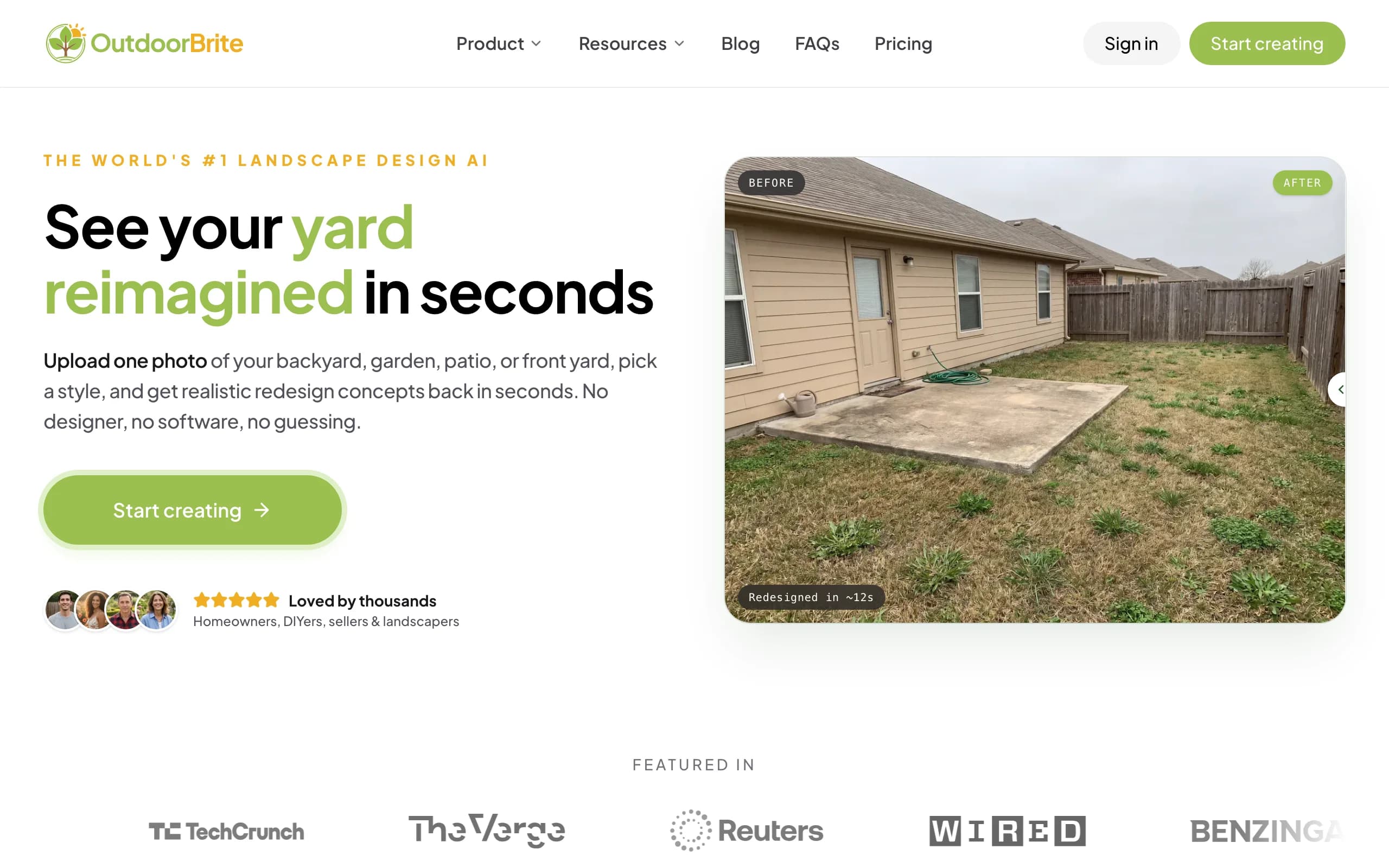
OutdoorBrite is an AI landscape design product built around turning a photo of your yard into realistic redesign concepts, and flower beds are one of the things it renders best. You upload a photo of the spot where the bed will go, pick a style like cottage garden, modern, or tropical, and describe what you want. It generates realistic concepts in under a minute, so you see the finished bed on your actual yard rather than on a stock illustration.
That photo-realism is the practical difference from 2D planners. A top-down diagram tells you where plants go; a rendered photo tells you whether the bed actually works against your house, your fence, and your lawn. The AI flower bed design engine also accounts for your climate and hardiness zone when suggesting plants, which matters more for flower beds than almost any other project. A border that thrives in Georgia can die in a Minnesota winter. Beyond beds and borders, OutdoorBrite covers full backyards, front yards, patios, and decks, plus project calculators and a landscaping glossary, all in one place.
Key features
- Photo-realistic flower bed and border concepts rendered on your own yard photo
- Climate and hardiness-zone-aware plant suggestions
- Style presets including cottage, modern, tropical, Mediterranean, and desert/xeriscape
- Multiple concept variations per upload, generated in under a minute
- In-app AI editor to refine a concept, swap plants, or adjust the bed line
- Save, revisit, and share designs, with HD to 4K output depending on plan
Best for
- Homeowners who want to see a finished flower bed on their real yard before buying plants
- DIY gardeners comparing styles side by side on the same space
- Landscapers who need a client-ready visual of a proposed bed or border
Pricing
- No free plan or trial; every design is metered by redesign credits
- Starter: $29 per month for 25 redesigns in HD
- Plus: $49 per month for 100 redesigns in 2K (the most popular tier); Pro: $149 per month for 200 redesigns in 4K
- Annual billing saves about 20 percent; top-up credit packs never expire
Pros
- Renders your own yard, so you can judge the design in context
- Plant choices account for climate and zone, not just looks
- Fast enough to compare several styles in one sitting
Cons
- No free tier, so you commit to a paid month before your first render
- Produces realistic concepts rather than a to-scale planting diagram, so you'll still work out exact plant counts and spacing yourself
2. iScape, best for mobile flower bed sketching over a photo
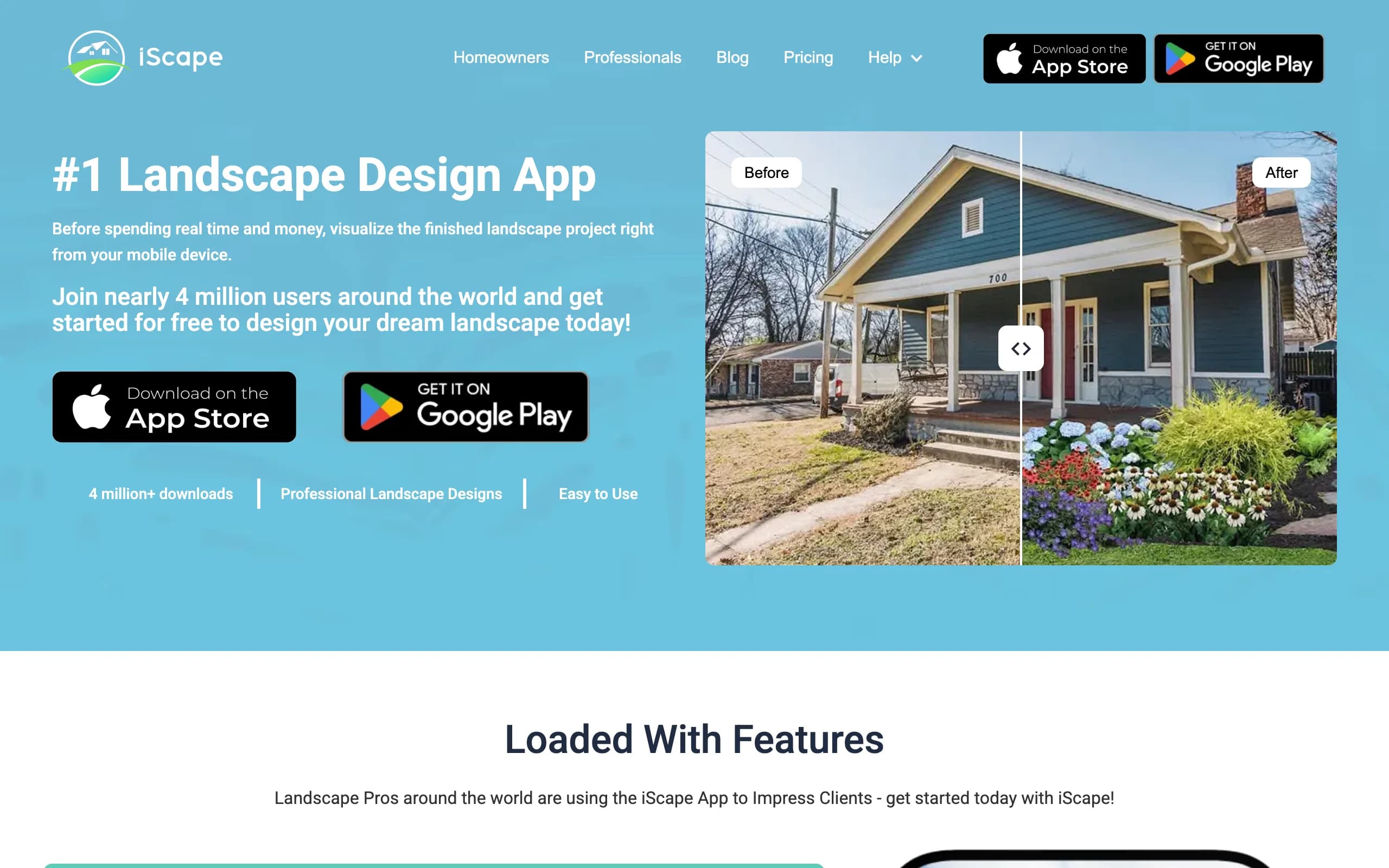
iScape is a mobile landscape design app with close to 4 million downloads, and it takes the opposite approach to an AI generator: instead of designing the bed for you, it hands you the canvas. You photograph your yard, then drag plants, mulch, landscape edging, and hardscape from its database onto the image until the bed looks right. An augmented reality mode lets you preview elements through the camera while you stand in the yard.
It suits people who already know roughly what they want and enjoy arranging it themselves. The database covers thousands of plants and products, and the Pro tier adds customizable PDF proposals with pricing, which is why plenty of working landscapers use it as a sales tool.
Key features
- 2D design layered over your own yard photo, plus an AR preview mode
- Database of thousands of plants, pavers, mulches, and outdoor furniture
- Sharing tools for sending a design to a contractor, partner, or client
- Pro tier generates PDF proposals with pricing for professional use
Best for
- Phone-first users who want to sketch a bed while standing in front of it
- Landscape pros who rough out beds with clients on-site
Pricing
- Free version with a limited element library
- Pro: $29.99 per month or $299.99 per year
- Enterprise licensing priced by quote
Pros
- Hands-on control over exactly where each plant sits
- The free version is enough to test the workflow before paying
Cons
- Manual placement takes time; a full bed design is an afternoon, not a minute
- Results read as an edited photo collage rather than a realistic render
3. GardenPuzzle, best drag-and-drop scene builder on a budget
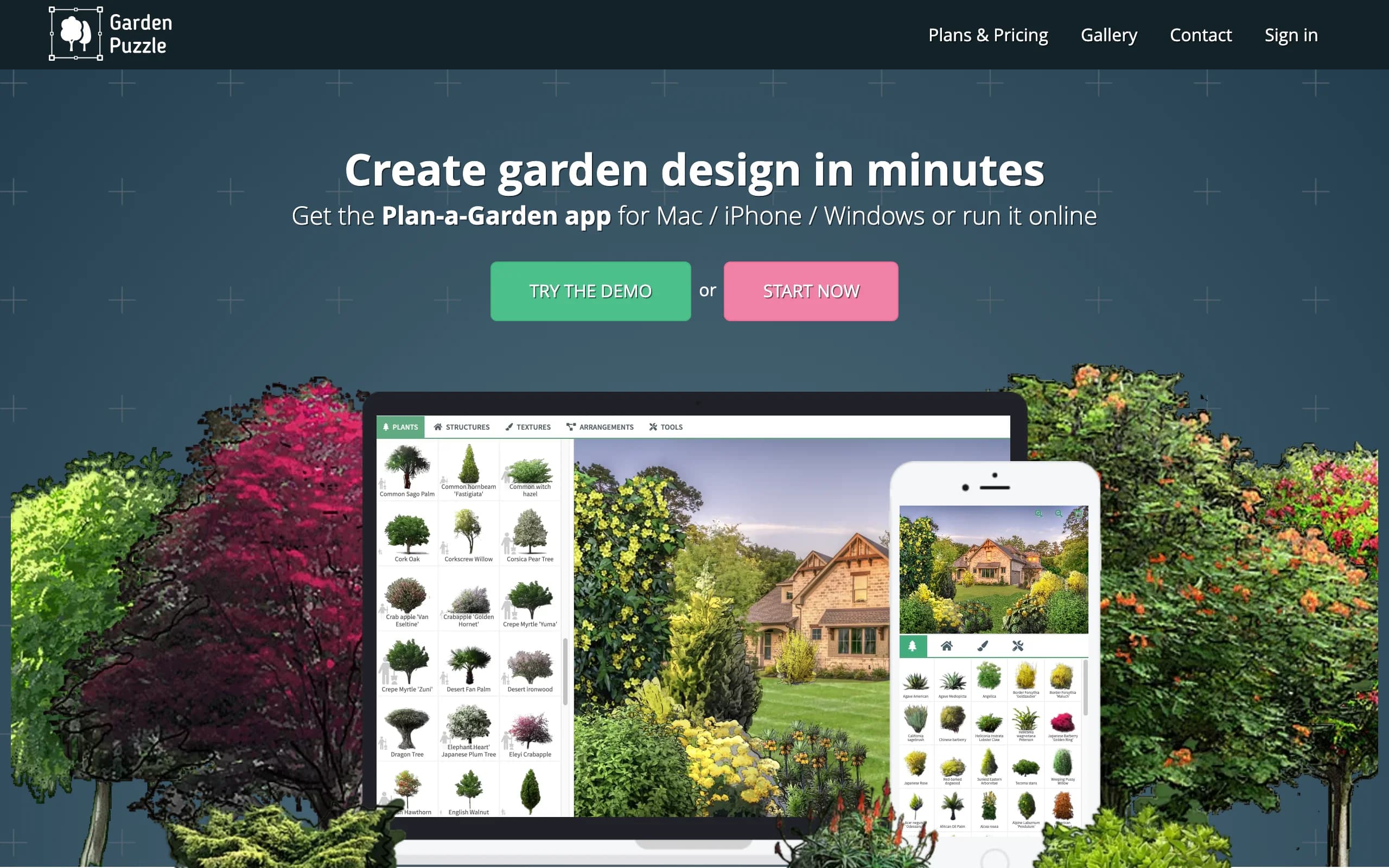
GardenPuzzle is a scene builder. You pick a background, either one of its preset yards or a photo of your own garden on the paid plan, then place plants and objects to compose the bed. Its most useful trick is seasons: the plant artwork changes across spring, summer, fall, and winter, so you can check whether a border still has structure in November or goes completely flat.
The pricing is the other draw. The free demo includes 200 plants and preset backgrounds, and the Individual plan is $29 per year for the full library of 1,700 plants with seasonal variants, your own photo as a background, desktop apps for Windows and Mac that work offline, an iOS app, and 20 credits for photorealistic renders of your scene.
Key features
- Drag-and-drop plant placement over preset or uploaded backgrounds
- 1,700 plants with artwork for all four seasons on the paid plan
- 20 photorealistic render credits included with the Individual plan
- Desktop apps that work offline, plus web and iOS access
Best for
- Budget-conscious gardeners who want to compose a bed visually for under $30 a year
- Anyone who wants to preview how a border changes through the seasons
Pricing
- Free demo with 200 plants, 70 accessories, and preset backgrounds
- Individual: $29 per year, including your own photo backgrounds and 20 render credits
- Team: from $49 per year with more users and 40 render credits
Pros
- Season-by-season previews catch beds that only look good in June
- Very low cost for what it includes
Cons
- The default output is stylized collage art; photorealistic renders draw from a limited credit pool
- Uploading your own garden photo requires the paid plan
4. Gardena myGarden Planner, best free 2D bed layout planner
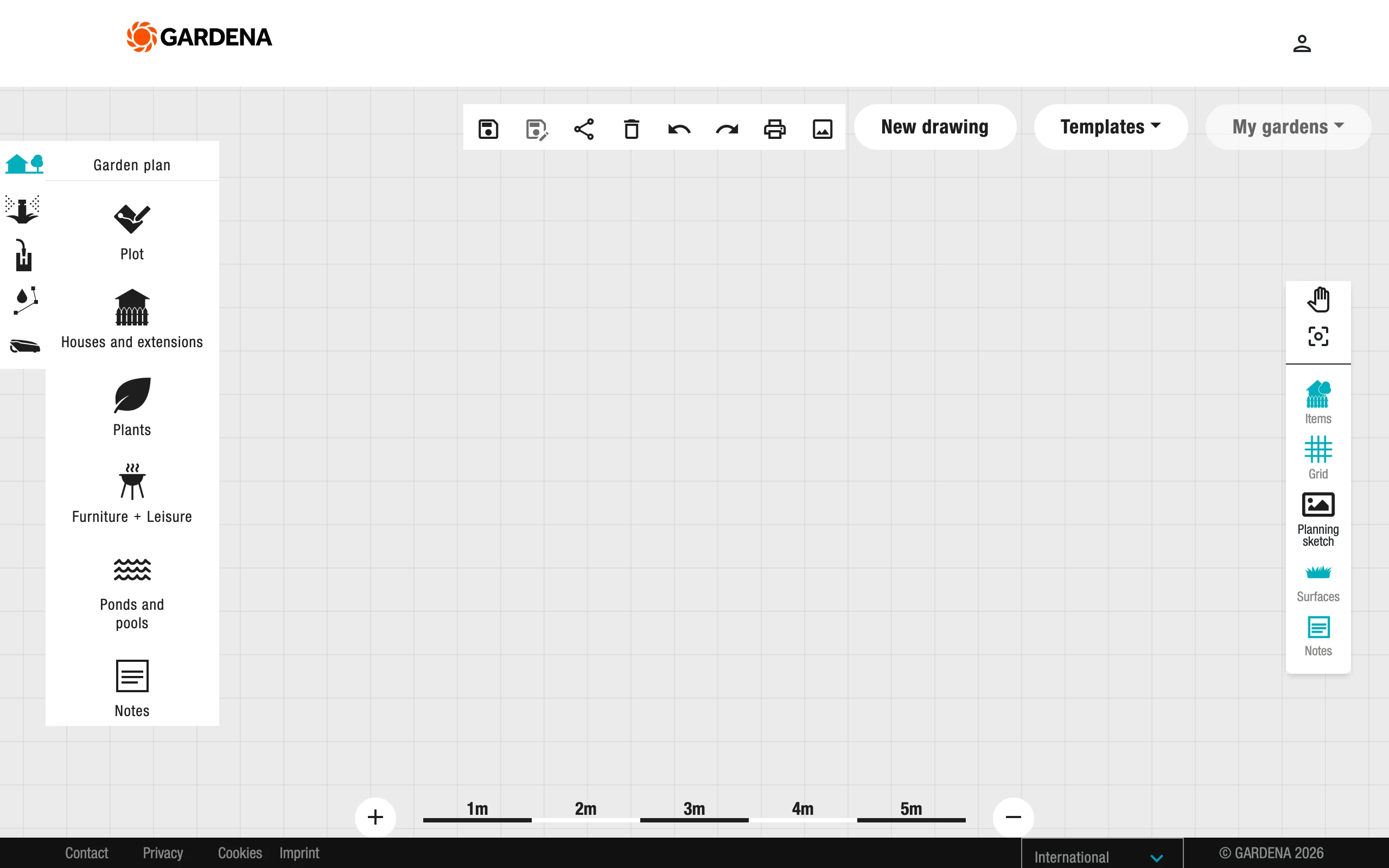
Gardena myGarden Planner is a free, browser-based drawing tool from the German garden-tools maker. You sketch your plot, then lay in beds, borders, lawn, and paving with simple drag-and-drop shapes, and add plants, trees, and furniture from its object library. The hand-drawn visual style is pleasant, and a set of example gardens gives you a starting point instead of a blank page.
There's no charge and nothing to install. Gardena funds it as a marketing tool for its irrigation catalog, which is also where its standout feature comes from: a sprinkler-system planner that places sprinklers and piping on your plan and produces a parts list. For a to-scale bed layout that costs nothing, this is the one to open first.
Key features
- Free 2D garden and bed drawing in the browser, no install
- Object library with plants, beds, paving, houses, and furniture
- Example gardens to use as templates
- Integrated sprinkler-system planner with an automatic shopping list
- Exports plans to PDF and PNG
Best for
- Homeowners who want a quick, free, to-scale sketch of new beds and borders
- Anyone planning bed irrigation at the same time as the layout
Pricing
- Free, with no paid tier
Pros
- Genuinely free with unlimited saved layouts
- Easy enough to produce a usable plan in one evening
Cons
- Top-down 2D only; there is no photo view or 3D preview of the finished bed
- Plant objects are generic symbols with no climate or spacing data
5. GrowVeg Garden Planner, best for planting-plan detail
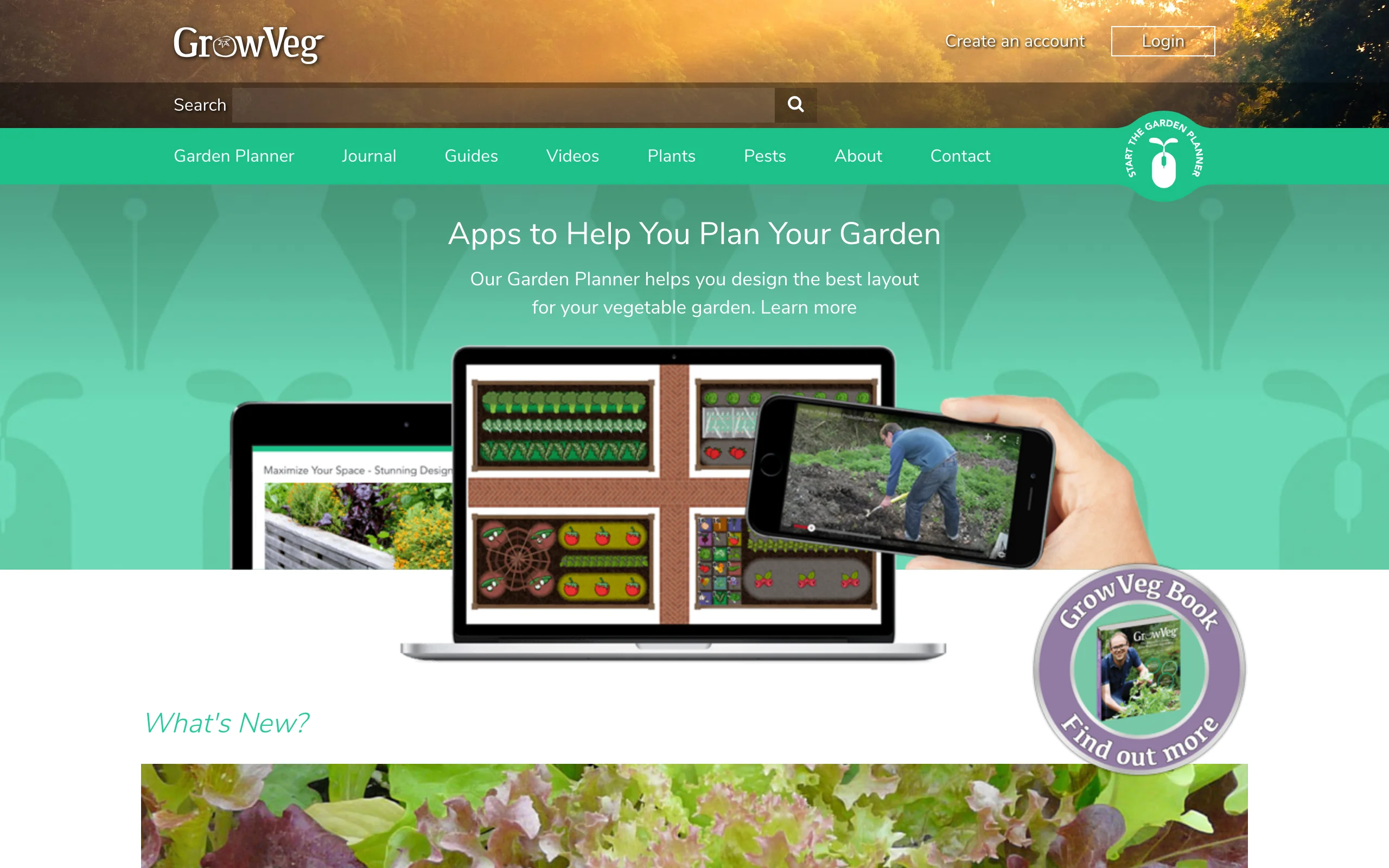
GrowVeg Garden Planner comes from the vegetable-gardening world, and it shows in the best way: this is the strongest planting data of any tool in this list. Draw your bed to scale, drop in plants, and it calculates spacing automatically, pulls frost dates from a weather station near you, and builds a plant list with sowing and planting windows. It then emails you reminders when it's time to plant each thing.
Flower growers are covered too, especially if you treat a cutting bed or annual border like the production garden it is. The trade-off is visual: plans are utilitarian top-down diagrams, useful for executing a planting but no help picturing the finished border.
Key features
- Automatic plant spacing calculated per species as you place plants
- Frost dates and planting windows based on your location
- Email reminders for sowing and planting times
- Plant lists generated straight from the plan
- Crop rotation and succession tools for beds replanted through the year
Best for
- Gardeners who will plant the bed themselves and want the schedule handled
- Cutting gardens and annual borders replanted every season
Pricing
- 7-day free trial with no payment details required
- $35 per year on the auto-recurring subscription
- One-off options: $50 for a single year or $85 for two years
Pros
- Spacing and timing data removes the most common beginner planting mistakes
- Reminders keep a planting plan from dying in a drawer
Cons
- Diagram-style output, with no visual of what the bed will look like
- The plant database leans vegetable-first, so ornamental variety coverage is thinner
6. Garden Planner, best one-time purchase for desktop planning
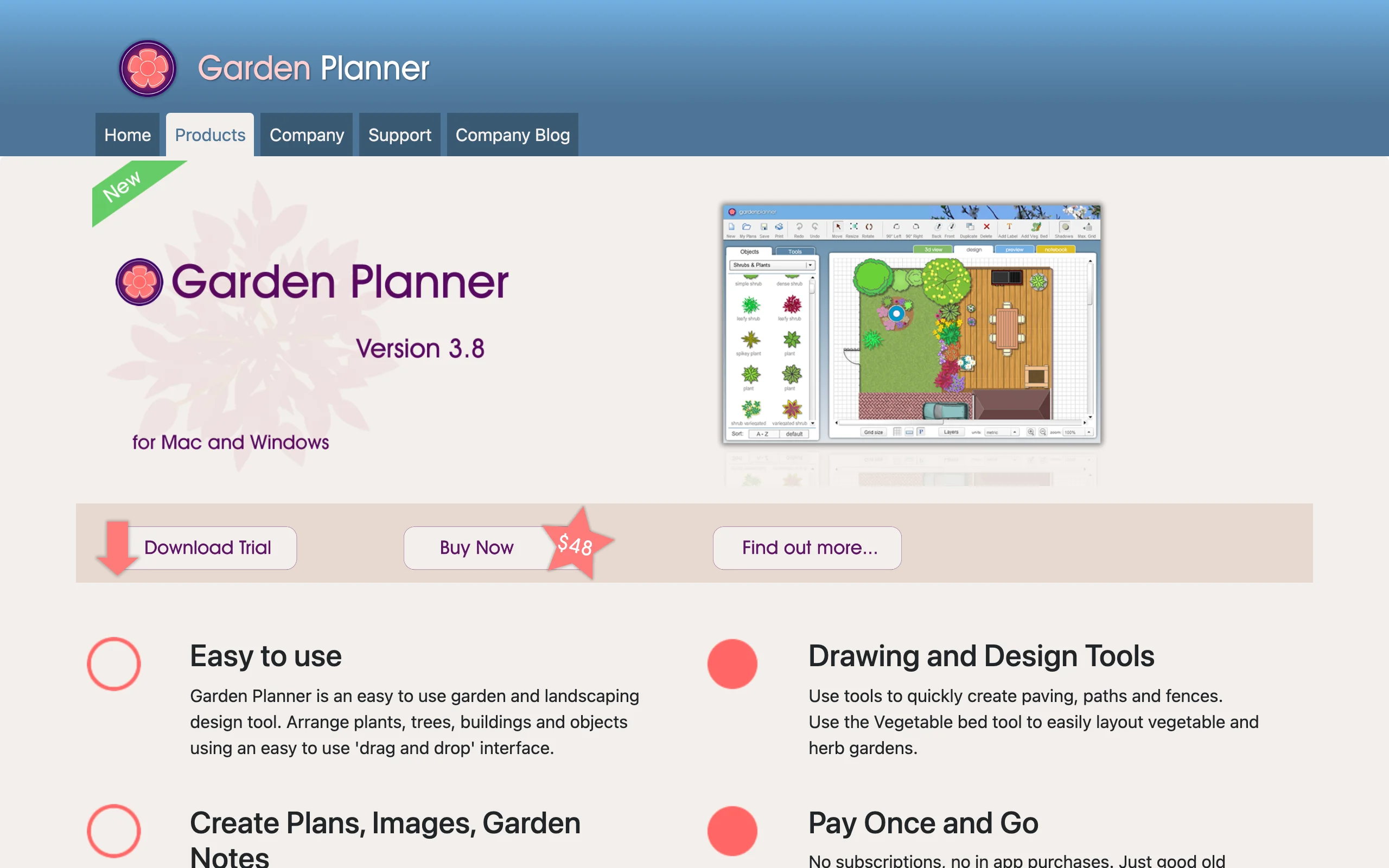
Garden Planner, from Artifact Interactive (smallblueprinter.com), is the option for people tired of subscriptions. It's a desktop app for Windows and Mac with a one-time $48 license, no in-app purchases, and a free trial to check the fit first. You arrange plants, paths, fences, and objects with drag-and-drop, working from a library of more than 1,700 customizable plant and object symbols.
Two things stand out for bed design. There's a dedicated vegetable-and-herb bed tool that also works for square-foot flower planting, and you can flip a finished 2D plan into a 3D walkthrough to get a rough sense of heights and sight lines. Plans print cleanly and export with a plant list and custom notes.
Key features
- One-time purchase desktop software, transferable between computers
- Over 1,700 customizable plant and object symbols
- Drawing tools for paving, paths, fences, walls, pools, and ponds
- 2D plans with a 3D walkthrough view
- Printable plans and plant lists with custom notes
Best for
- Planners who want to pay once and keep the tool for years
- Detailed to-scale plans of multiple beds across a whole property
Pricing
- $48 one-time purchase, with a free trial
- No subscription and no in-app purchases
Pros
- Total cost over five years beats every subscription here
- The 3D walkthrough helps check bed heights and views from the house
Cons
- Desktop only, so no planning from your phone in the yard
- Symbol-based artwork gives no sense of the real planted look
7. Planta, best plant-care companion for keeping the bed alive
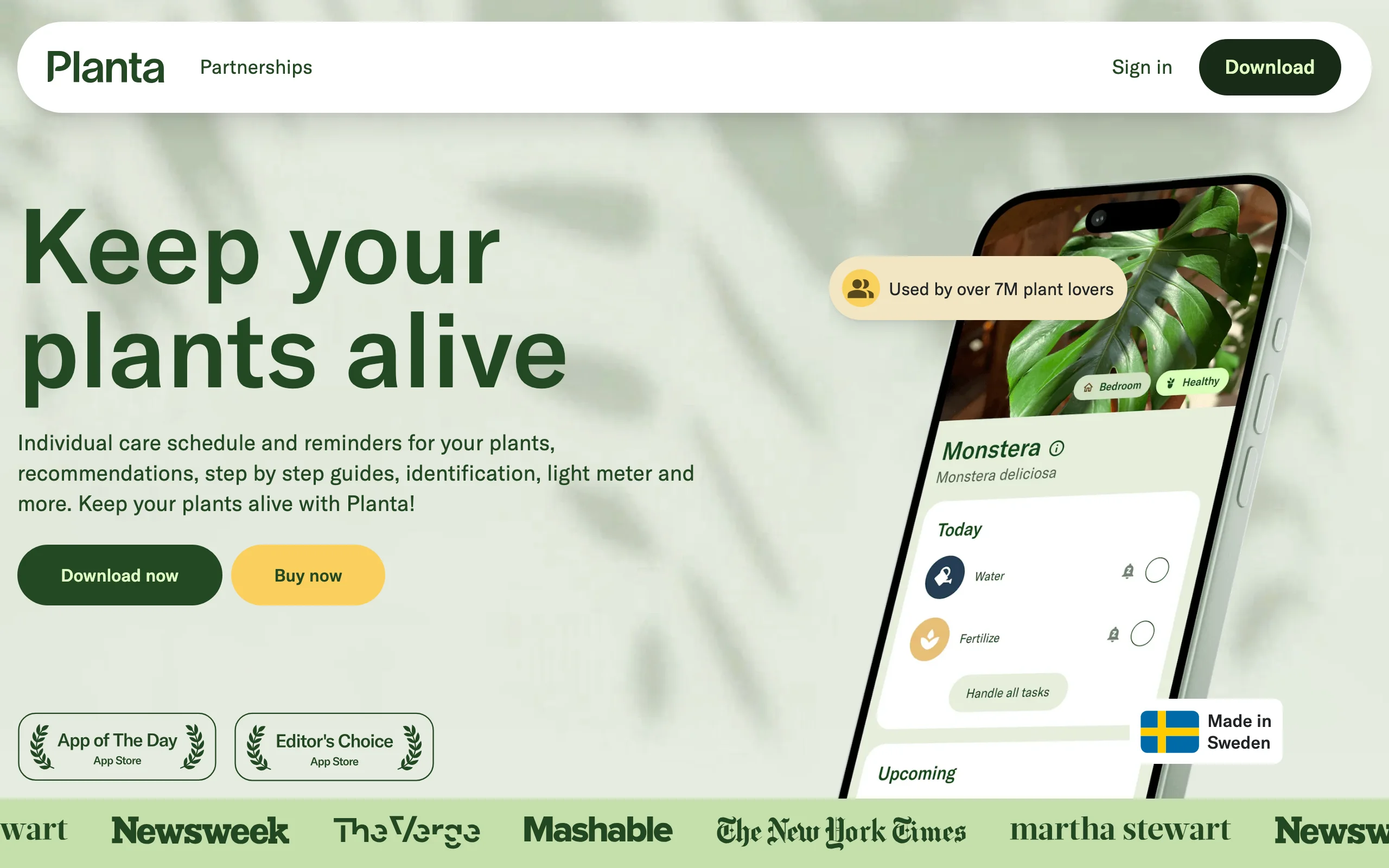
Planta is not a design app, and it doesn't pretend to be. It's the app for the day after: once the bed is planted, Planta builds a care schedule for every plant in it, adjusting watering by season, weather, and light. Snap a photo to identify a plant you inherited with the house, use the light meter to test whether that shady corner really suits what you planned there, and let Dr. Planta diagnose the drooping ones.
We include it because a designed bed that dies by August wasn't designed at all. Pair Planta with any planner in this list and the plan survives contact with summer. The free version handles basic reminders; Premium unlocks the tailored schedules, identification, and diagnosis tools.
Key features
- Care schedules per plant, adjusted for weather, season, and light
- Photo-based plant identification
- Light meter for checking a bed location's actual conditions
- Dr. Planta diagnosis for struggling plants
Best for
- New gardeners planting their first designed bed
- Anyone with a mixed border of plants with different watering needs
Pricing
- Free version with basic care reminders
- Premium from $7.99 per month or $35.99 per year; exact offers are shown in-app and vary
Pros
- Turns a planting plan into a maintenance routine you'll actually follow
- Identification and light tools help audit a bed you inherited
Cons
- No design or layout features at all; it starts where the other tools stop
- Full pricing is only visible after you download the app
How to choose the best flower bed design app for your needs
1) Do you need to see the bed, or plan it to scale?
This is the split that matters most. If your real problem is picturing the result, pick a photo-based flower bed design app: OutdoorBrite renders the finished bed on your own yard, and iScape lets you compose one over your photo by hand. If your problem is execution, a diagram beats a picture: Gardena myGarden Planner for a free scale drawing, Garden Planner for a one-time desktop tool, GrowVeg for spacing and timing. Plenty of people end up using one of each: a render to decide, a diagram to plant.
2) How much do plants and climate matter?
For a patio layout, climate barely matters. For a flower bed, it decides everything. If plant survival is your worry, favor tools with real climate data: OutdoorBrite suggests plants for your hardiness zone, and GrowVeg anchors the whole plan to your local frost dates. Generic symbol libraries will happily let you plan a bed of plants that can't live where you do. Once it's planted, Planta carries the same job forward with care schedules.
3) What does your budget look like?
Free gets you further than you'd expect: Gardena myGarden covers layout completely, and iScape's free tier covers a basic photo sketch. Under $50 a year buys GardenPuzzle ($29), GrowVeg ($35), or Garden Planner outright ($48 once). OutdoorBrite starts at $29 per month for 25 redesigns, which is comfortably enough to design one bed several ways; since a bed is a project rather than a hobby subscription, run it for the month or two the project actually takes. If the bed is part of a bigger replanting, an AI garden planner pass over the whole space costs the same credits and settles the layout questions at once.
4) Where will you actually do the planning?
Be honest about this one. If you plan on the couch with a laptop, browser tools like OutdoorBrite, Gardena, and GrowVeg fit. If you think best standing in the yard, iScape's phone-and-AR workflow wins. If you want software you own on a desktop, Garden Planner is the only one here that works that way. And before any of these, it's worth sketching the whole space on paper; our guide on how to plan a garden layout covers that groundwork.
FAQ
What is a flower bed design app?
An app that helps you plan a flower bed before you plant it. Some render a realistic picture of the finished bed on a photo of your yard, while others produce a top-down, to-scale diagram with plant placement and spacing. Which type you need depends on whether your problem is picturing the result or executing the planting.
What is the best flower bed design app?
It depends on the job. For seeing a finished bed on your own yard, OutdoorBrite. For a free scale drawing, Gardena myGarden Planner. For planting detail like spacing and frost dates, GrowVeg. The overview at the top of this guide maps each app to the situation it fits best.
Is there a free app to design flower beds?
Yes. Gardena myGarden Planner is completely free in the browser and handles to-scale bed layouts well. iScape has a free version with a smaller element library, and GardenPuzzle offers a free demo with preset backgrounds. Photo-realistic AI rendering is generally a paid feature across the market.
Can AI design a flower bed from a photo?
Yes. You upload a photo of the bed area, pick a style, and describe what you want; a tool like OutdoorBrite returns realistic concepts in under a minute, with plant suggestions matched to your hardiness zone. You still confirm final plant counts and spacing before buying anything.
What's the difference between a flower bed design app and a garden planner?
Scope, mostly. A flower bed app focuses on one bed or border: its shape, plant mix, and look. A garden planner works at the whole-yard level, placing beds alongside lawn, paths, and seating. Most tools in this list handle both; the difference is where each one is strongest.
What kind of photo gives the best AI flower bed results?
A straight-on shot taken in daylight, with the whole bed area and some surrounding context (lawn edge, fence, house wall) in frame. Avoid harsh midday shadows and extreme angles. The more clearly the AI can read the space, the more usable the render.
Will the plants an app suggests actually survive in my yard?
Only if the app knows where you live. Check whether it uses your hardiness zone and, ideally, sun exposure; zone-aware tools like OutdoorBrite and frost-date tools like GrowVeg beat generic plant libraries here. If you're planting for bees and butterflies, it's also worth checking which pollinator garden species are native to your region before finalizing the list.
Do I need desktop software to design a flower bed?
No. Browser and phone apps cover almost every case now. Desktop software like Garden Planner still makes sense if you want a one-time purchase you own outright, or you're producing detailed printed plans for a large property.