Is iScape Worth It? An Honest 2026 Review for Homeowners and Pros
iScape is a hands-on landscape design app: you place every plant and paver yourself. That makes it great for landscapers pitching clients and frustrating for homeowners who still need ideas. Here's who it's worth paying for, who should skip it, and what to try instead.
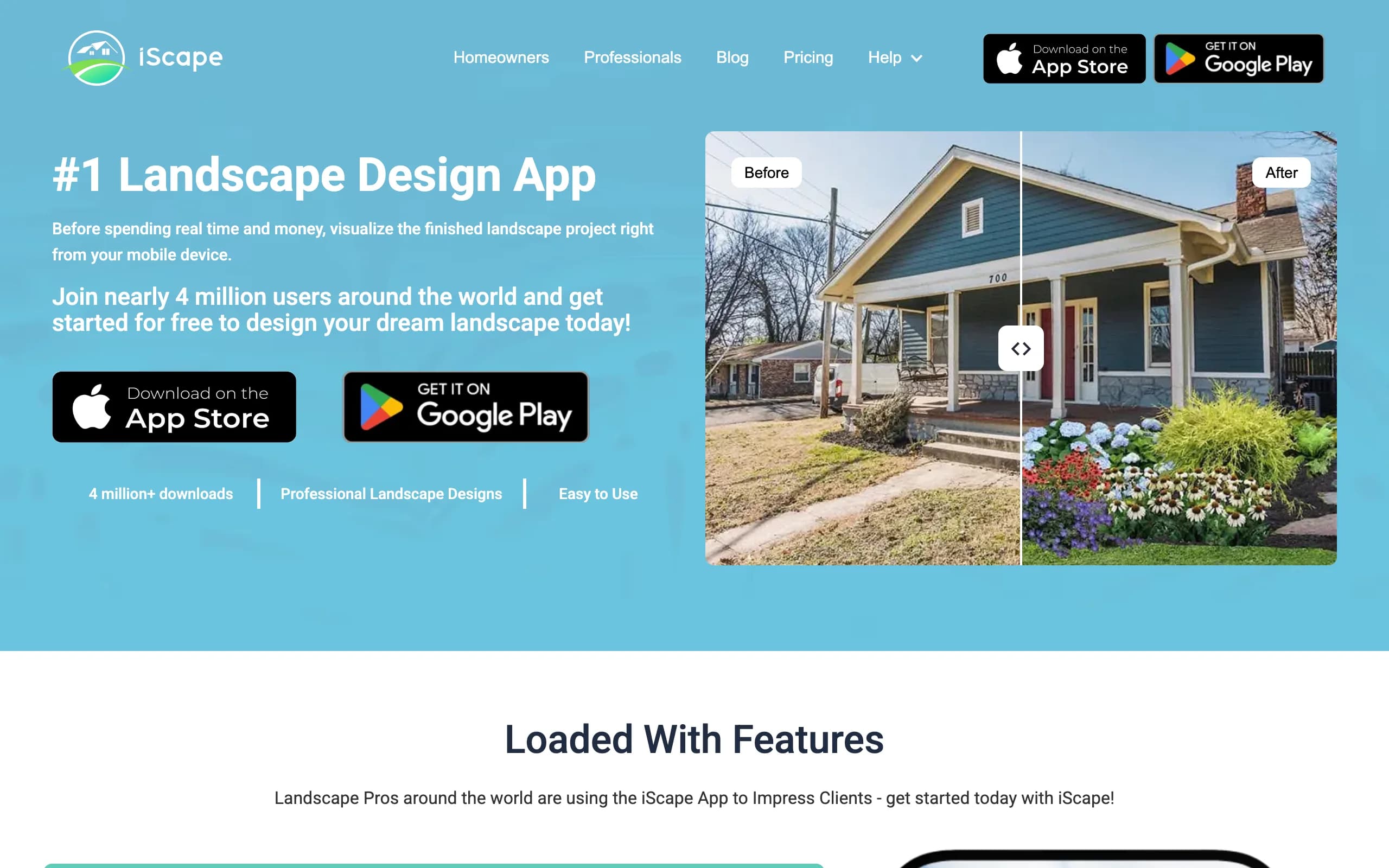
iScape is one of the oldest landscape design apps around. You photograph your yard, then drag plants, pavers, mulch, lighting and furniture onto the picture until it looks the way you want. It runs on iPhone, iPad, Mac and Android, and it's free to start, with a Pro subscription for the full catalog.
People usually ask whether it's worth it at one of two moments: after the free version stops them at two saved designs, or when a landscaper is deciding whether a $299.99 yearly plan will help close jobs. Those are different questions, so this review answers both. We looked at iScape's website, FAQ and store listings in October 2026.
We make OutdoorBrite, an AI tool that redesigns a yard from a photo, so we compete with iScape. We've tried to be fair about where it wins.
The short answer
iScape is worth it for landscapers and contractors who want to show a client a priced design on a tablet, and for hands-on homeowners who enjoy placing every shrub themselves. For them, Pro at $29.99 a month does exactly what it promises. It's not worth it if you don't know what style you want yet. iScape won't suggest a design. You have to build one, item by item, and that's slow when you're still choosing between a modern gravel yard and a cottage border.
Our take: try the free tier for an evening. If you're enjoying the dragging and resizing, pay for a month. If you're staring at a blank photo wondering where to start, a manual tool is the wrong fit.
What you get for the money
The free version lets you design on a photo with a limited catalog, one texture per category and two saved designs. Pro unlocks the full database of plants and hardscape products, every texture, unlimited saves, your own custom images and a proposal tool that exports a branded PDF quote. Enterprise adds multiple licenses for teams. For the full plan-by-plan breakdown, including the $14.99 Plus plan and the weekly option, see our iScape pricing guide.
A few things matter more than the feature list:
- The 3D augmented reality mode only works on iPhone and iPad. On Android you get the 2D photo editor.
- You can start from a photo, a sample yard or Google Street View, which is handy for curb appeal projects on the front of the house.
- iScape doesn't generate designs. Its FAQ says an AI feature "will be launching in beta," but it wasn't part of the app as of October 2026.
Where iScape is worth it
Pitching clients on-site. This is iScape's strongest case. A landscaper can stand in a client's driveway, snap a photo, drop in a retaining wall and a row of boxwoods, and send a PDF quote with prices before leaving. iScape's whole Pro tier is built around that moment.
Control over every item. You decide exactly which plant goes where and how big it looks. If you already know you want three hydrangeas by the porch and a flagstone path, iScape lets you see that specific idea rather than an interpretation of it.
Shopping from the design. iScape builds an inventory of what you placed. For a DIY homeowner, that list is a head start at the garden center.
Low cost of entry. You can learn the app for free. Few design tools let you test this much before paying.
It keeps getting updates. The App Store shows regular releases through 2025 and 2026, including a magic eraser for removing objects from photos and Street View support on Mac in October 2026. It isn't abandoned software.
Where iScape falls short
You do all the design work. This is the big one. iScape is a canvas with a catalog, so the quality of the result depends on your eye. If you can't picture a good layout, the app can't fix that for you.
Results look like a collage. Items are cut-out images placed on your photo. Done well, it reads clearly enough for a client conversation. It won't look like a photo of a finished yard, and lighting and perspective rarely match perfectly.
Plants aren't matched to your climate. The catalog is large, but it's up to you to know whether a plant survives your hardiness zone. Nothing in iScape's listings says it filters plants by region.
Android is a step behind. No AR mode on Android, and Google Play lists purchase prices that run from $9.99 to $299.99 per item, so check the in-app price before you subscribe.
The free tier is tight. Two saved designs and one texture per category is enough to learn the app, not to compare options.
Subscription rules are strict. Through the App Store, you can't cancel mid-period for a refund, and auto-renew runs unless you switch it off at least 24 hours before renewal.
Is iScape worth it for your situation?
| You are | Worth it? | Why |
|---|---|---|
| DIY homeowner who knows what they want | Yes, for a month | Placing your own plants and pavers is satisfying, and the item list helps you buy |
| DIY homeowner still choosing a style | Probably not | You'll spend hours building designs just to rule out styles |
| Homeowner hiring a contractor (DIFM) | Maybe, on the free tier | A quick mockup helps you explain what you want; the contractor will redesign it anyway |
| Landscaper or contractor | Yes | The PDF proposal tool and on-site mockups are what Pro is built for |
| Renter or small patio | Free tier only | A balcony or small patio rarely needs the full catalog |
| Android-only user | With caution | No AR mode, so you lose one of iScape's best features |
What to try instead (if it's not a fit)
If you liked the idea of iScape but not the manual work, the alternative is a tool that designs for you.
OutdoorBrite. You upload a photo of your yard, pick a style (modern, cottage, desert, tropical, Mediterranean and others) and get realistic concepts back in under a minute. You can compare several directions on your own yard in one sitting, then refine one in the AI editor. Plans start at $29 a month for 25 redesigns, and plant suggestions take your region into account. The honest limitation: there's no free plan to test first, and the concepts are pictures of a finished yard, not measured plans or construction drawings. Our backyard design tool page shows how it works, and the same flow covers front yard redesigns.
A design service. If you want a human designer and a buildable plan, services like ShrubHub (from $197 on sale) or Yardzen (from $295 for a small space) do the work remotely. They take weeks, not minutes.
We compare more options, including AR apps, in our iScape alternatives guide. Android users should also look at our list of the best landscape design apps for Android.
How to decide
- If you already know the layout and plants you want, iScape is a cheap way to see them on your photo.
- If you're still choosing a style, start with a tool that generates options, then use iScape or a designer to refine the winner.
- If you pitch clients for a living, the proposal tool alone can justify $299.99 a year.
- If you're on Android, test the free tier first, since the AR mode won't be there.
- If you only need a month, turn off auto-renew right after you subscribe.
FAQ
Is iScape legit? Yes. iScape is a long-running app from iScape Holdings Inc., available on the App Store, Google Play and the Mac. It was updated in October 2026, and iScape says more than 5 million designs have been made with it. Payments run through Apple or Google.
Is iScape good for homeowners? It's good for homeowners who enjoy hands-on design and already have an idea of what they want. It's less helpful if you need ideas, because it doesn't suggest layouts or styles. The free tier is the best way to find out which camp you're in.
Is iScape good for landscapers? It's one of the better fits for landscapers. Pro lets you mock up a design over a photo of the client's yard and export a branded PDF quote with your prices, which is useful during a site visit.
Can you cancel iScape anytime? You can turn off auto-renew at any time in your Apple or Google account, and you keep access until the period ends. The App Store terms say the current period can't be cancelled for a refund.
Does iScape work on Android? Yes, iScape is on Google Play. Android gets the 2D photo design tools, but the 3D augmented reality mode is only on iPhone and iPad.
What's better than iScape for quick design ideas? If you want several finished looks for your yard quickly, an AI tool such as OutdoorBrite generates full redesigns from one photo in under a minute. iScape is better when you want precise, hand-placed control.
Sources: iScape homepage, iScape pricing, iScape FAQ, iScape: top 6 features, iScape on the App Store, iScape on Google Play, ShrubHub packages, Yardzen packages, all checked October 2026