7 best free online landscape design tools (2026)
Want to design your yard in the browser with nothing to install? We compared seven free online landscape design tools, from AI photo renders to 3D modelers and garden planners, and noted exactly what each free tier includes before you commit an afternoon to one.
You can plan a whole yard from a browser tab now. The best free online landscape design tools run entirely in the browser, so there is nothing to download, nothing to install, and nothing tied to one computer. Open a tab on your laptop, sign in (or don't, for some of them), and start moving beds, pavers, and plants around.
The catch is that "free" and "online" mean different things from one tool to the next. Some are genuinely free forever. Some are free tiers with the useful parts locked. One tool on this list is not free at all, and we say so plainly.
In this guide we compare seven browser-based tools: what each does best, what the free version actually includes, and where each one runs out of road.
One honest note up front. The tool we rank first, OutdoorBrite, is not free. It is paid only, with no free plan, no trial, and no free credits. We still put it at the top because it turns a photo of your own yard into realistic redesigns in under a minute, which is the thing the free browser tools on this list can't really do. If you only want free, start at number 2.
Best free online landscape design tools: a quick overview
- OutdoorBrite: Best overall (paid, from $29/month): realistic AI redesigns of your own yard photo, in the browser, nothing to install.
- SketchUp Free: Best free browser 3D modeler: build your yard in real 3D if you're willing to learn the tools.
- Planner 5D: Best free 2D/3D layout planner: drag-and-drop floor-plan-style design with a large object catalog.
- GARDENA myGarden: Best free garden and sprinkler planner: sketch beds and lawn, then auto-plan irrigation with a shopping list.
- GardenPuzzle: Best free seasonal planting mockups: stage plants on preset scenes and flip through all four seasons.
- Marshalls Outdoor Product Viewer: Best free paving previews (UK): compare paving styles, colours, and laying patterns before you buy.
- Neighborbrite: Best free AI renders: upload a yard photo, pick a style, get concept renders at no cost.
| Tool name | Key strength | Pricing | Platforms |
|---|---|---|---|
| OutdoorBrite | Realistic AI redesigns of your own yard photo | From $29/month (no free plan) | Web |
| SketchUp Free | Full 3D modeler that runs in a browser tab | Free for personal projects; Go from $10.75/month billed annually | Web |
| Planner 5D | Easy 2D/3D layouts with a big object catalog | Free tier; Premium from $4.99/month | Web, iOS, Android |
| GARDENA myGarden | Garden sketching plus an automatic sprinkler planner | Free | Web |
| GardenPuzzle | Seasonal planting mockups on preset scenes | Free demo; Individual $29/year | Web, desktop, iOS |
| Marshalls Outdoor Product Viewer | Paving previews in real laying patterns | Free | Web |
| Neighborbrite | Free AI style renders from a yard photo | Free to use; Pro upgrade (about $15/month) | Web |
1. OutdoorBrite, best overall for realistic results on your own yard
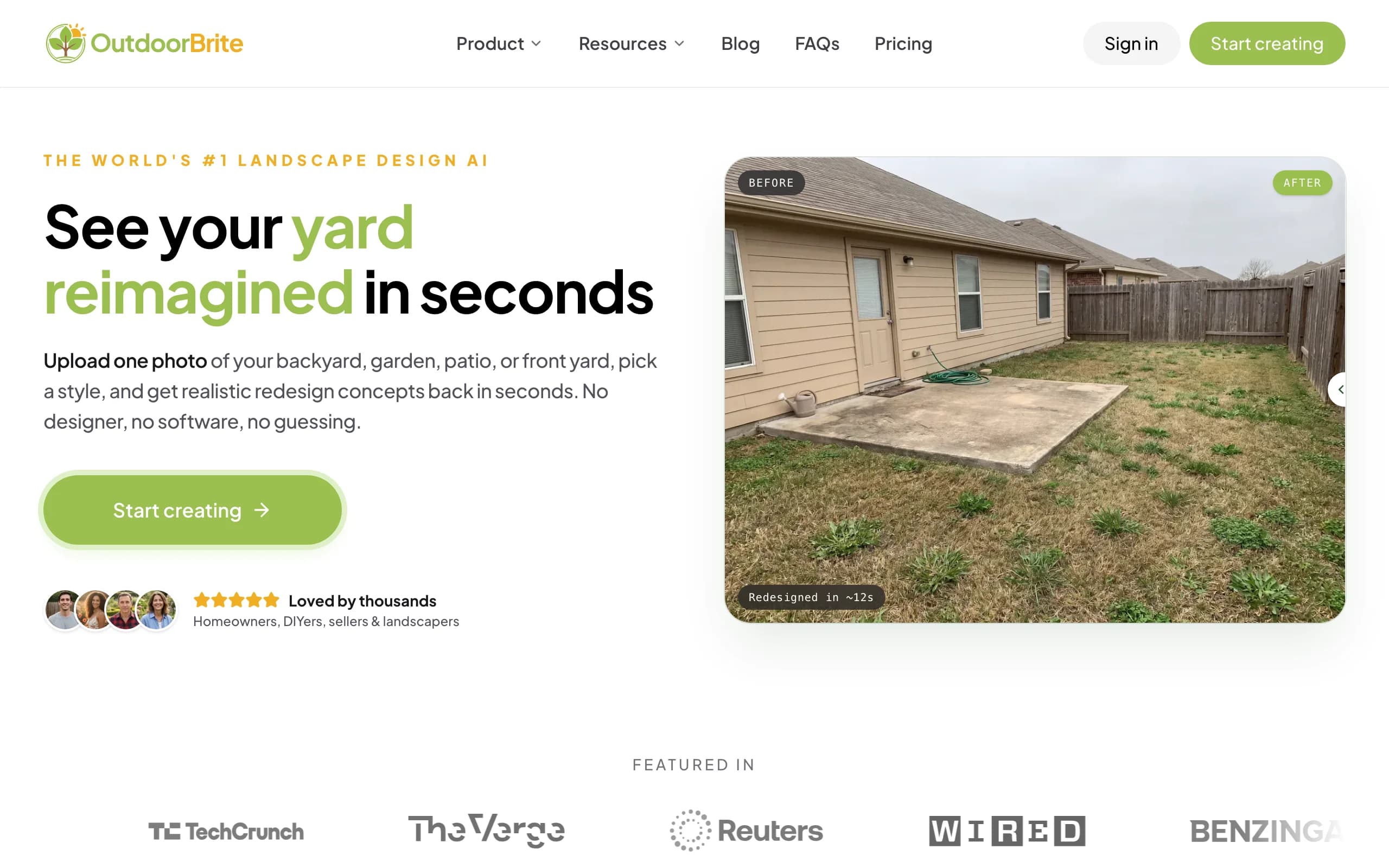
OutdoorBrite is an AI landscape design product built around one flow: upload a photo of your yard, pick a style like modern, cottage, or desert, and describe what you want. It generates realistic redesign concepts of your actual space in under a minute. It runs entirely in the browser, on your phone or laptop, with nothing to install, which is exactly the working style this list is about.
Where the free drawing tools below ask you to rebuild your yard shape by shape, OutdoorBrite starts from the photo you already have. You can compare several styles on the same space, refine a favorite with the in-app AI editor, and the plant choices account for your climate and hardiness zone. It covers backyards, front yards, gardens, patios, decks, fences, pergolas, and pools, plus project calculators and a landscaping glossary, all in one place.
To be clear one more time: there is no free plan, no trial, and no free credits. Plans start at $29 per month. It earns its spot here on results, not price.
Key features
- Photo-to-design: realistic redesign concepts from one photo of your yard
- Style presets (modern, cottage, desert/xeriscape, tropical, Mediterranean, and more)
- Multiple concept variations per upload, easy to compare side by side
- In-app AI editor to swap or refine specific elements (1 credit = 1 design or 1 AI edit)
- Climate-aware plant suggestions for your region
- Runs in any browser; save, revisit, and share designs from any device
Best for
- Homeowners who want to see their own yard redesigned, not a generic drawing
- DIYers and remodelers deciding on a style before spending on materials or labor
- Landscapers who need a fast, realistic visual to align a client on-site
Pricing
- Paid only, no free plan and no trial; 1 credit = 1 design or 1 AI edit
- Starter $29/month (25 redesigns, HD), Plus $49/month (100 redesigns, 2K), Pro $149/month (200 redesigns, 4K)
- Annual billing saves about 20%; top-up credit packs never expire
Pros
- The most realistic result on your own yard of anything in this list
- Fast: photo to concepts in under a minute, no drawing skills needed
- One subscription covers every outdoor space type, plus editing
Cons
- No free tier, so it doesn't fit a zero-budget project
- Starter's 25 monthly redesigns can feel tight if you iterate heavily on multiple areas
2. SketchUp Free, best free 3D modeler in a browser tab
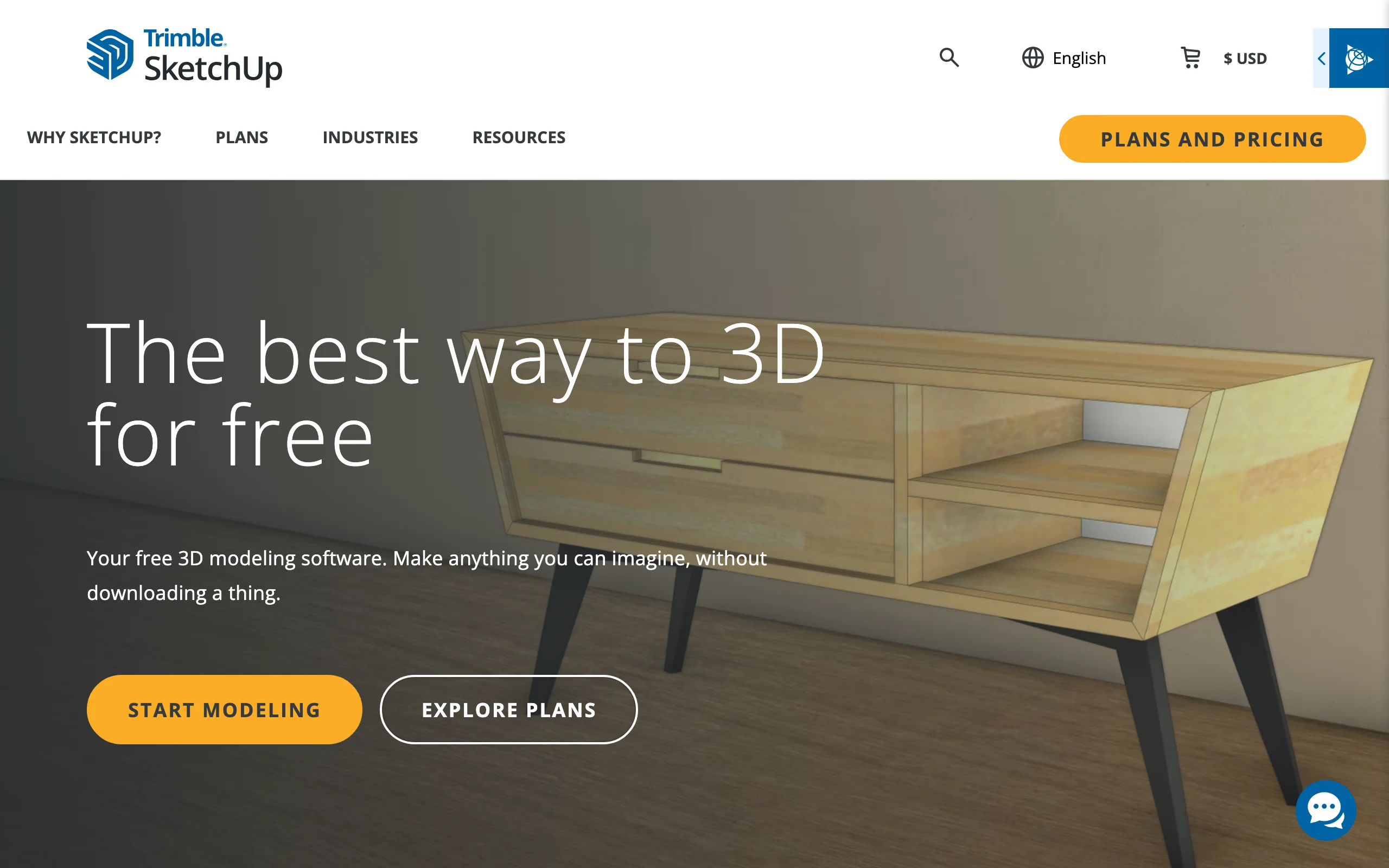
SketchUp Free is the web version of the well-known 3D modeler, and it is the most capable pure design tool here. It runs entirely in the browser with nothing to download, includes 10 GB of Trimble Connect cloud storage, and gives you access to the 3D Warehouse, a huge library of user- and manufacturer-made models: benches, pergolas, trees, whole sheds. If you can think in 3D, you can model your yard, slopes and all, at real dimensions.
The trade-off is effort. SketchUp doesn't know what a garden is; it knows edges and faces. You'll build your yard from measurements, pull models from the Warehouse, and apply textures yourself. For a deck or pergola you want to get dimensionally right before buying lumber, that precision is the point.
Key features
- Full 3D modeling in the browser, at real-world scale
- 3D Warehouse library of ready-made outdoor models
- 10 GB Trimble Connect cloud storage for saving and sharing
- Imports and exports SKP, JPG, and PNG files
Best for
- DIYers planning structures (hardscaping, decks, pergolas) where exact dimensions matter
- People who enjoy modeling and want one skill that transfers to other projects
Pricing
- Free for personal projects
- SketchUp Go at $10.75/month billed annually adds mobile apps and premade furnishings; Pro at $33.25/month billed annually adds the desktop modeler and extensions
Pros
- Real 3D with real measurements, free, in a browser
- The Warehouse saves hours of modeling common objects
Cons
- Steepest learning curve on this list
- No extension support in the free web version, and no landscape-specific features like plant databases
3. Planner 5D, best free 2D/3D layout planner online
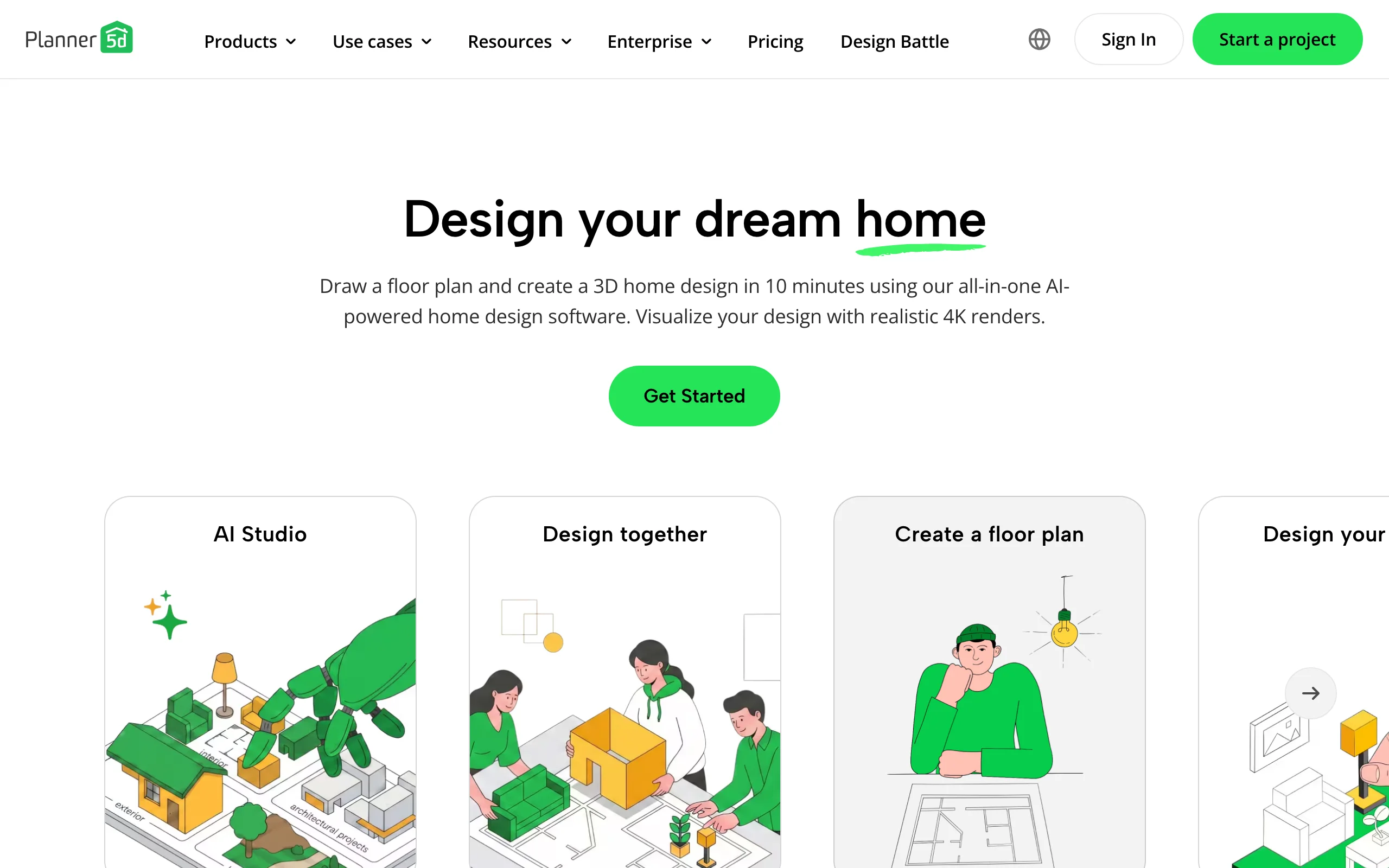
Planner 5D is a general home design tool with a solid outdoor side. You draw your lot in 2D, switch to 3D to walk the result, and drag in objects from a catalog of over 10,000 items, including plants, fences, pools, and garden furniture. It runs in the browser and syncs with its mobile apps, and the free tier lets you create and share as many projects as you like.
The free catch is the catalog: roughly half of it is free, with the rest unlocked by Premium. Photorealistic renders are paid too. Still, for laying out where the patio, lawn, and beds go on a real footprint, the free tier does the job. If you're weighing it against similar layout tools, we compared the field in our Planner 5D alternatives guide.
Key features
- 2D drawing with instant 3D preview, in the browser
- Catalog of 10K+ objects (about half available on the free tier)
- Projects sync between web and mobile apps
- Premium adds floor plan uploads, full catalog, and renders
Best for
- Homeowners planning the layout of a whole lot, house plus yard
- Beginners who want drag-and-drop simplicity rather than modeling
Pricing
- Free tier with no cap on projects
- Premium from $4.99/month or $59.99/year (full catalog, renders, floor plan upload)
- Professional at $33.33/month billed annually for 4K renders and CAD export
Pros
- Easiest 2D-to-3D flow of the drawing tools here
- Free tier is genuinely usable for layout work
Cons
- Outdoor objects are a subset of a home-design catalog, not a landscaping library
- Renders and half the catalog sit behind Premium
4. GARDENA myGarden, best free online garden and sprinkler planner
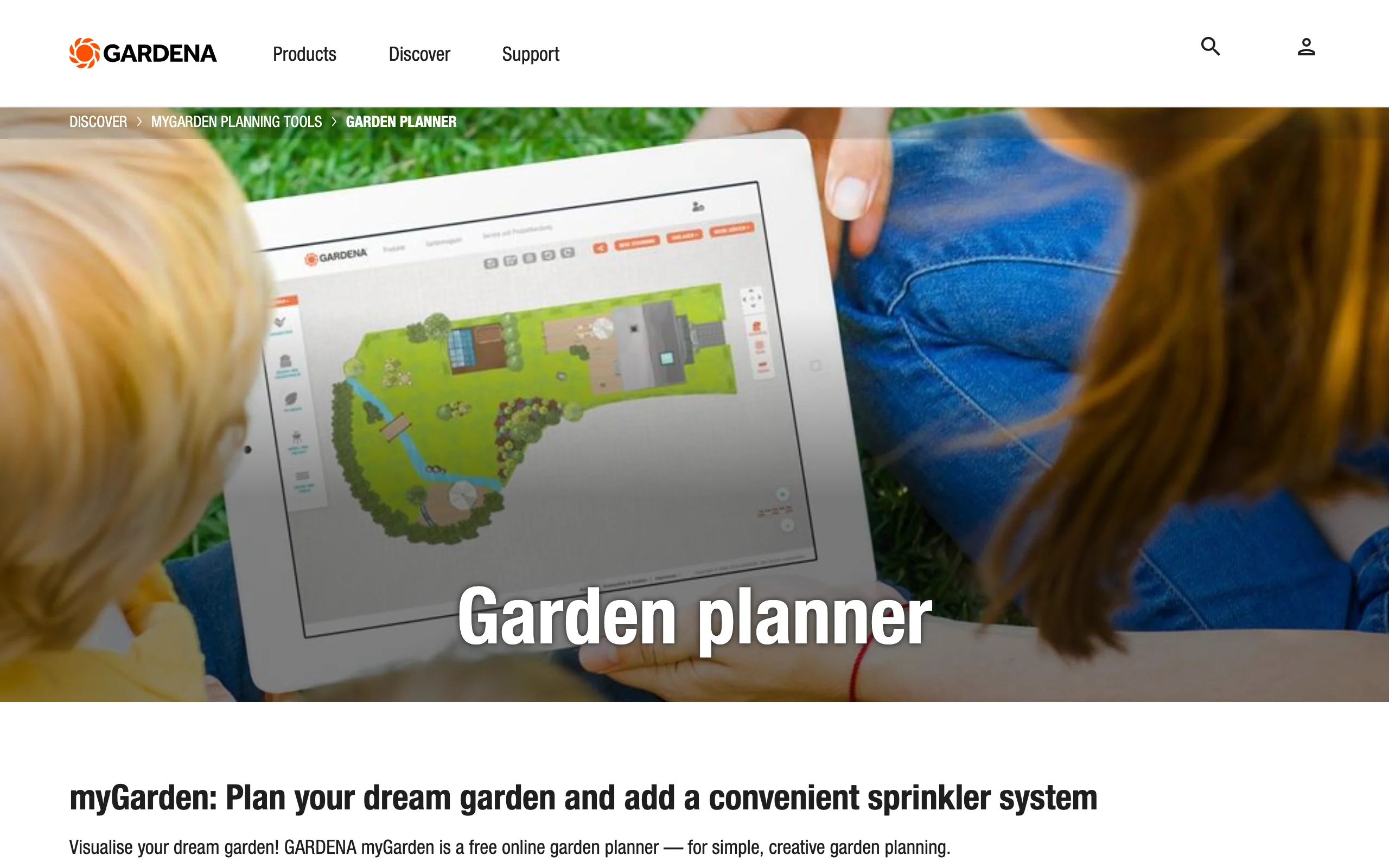
GARDENA myGarden is a free online planner from the garden equipment brand, and it stays free the whole way through. You draw lawn, beds, gravel, paving, and water in a friendly hand-drawn style, then place houses, plants, and furniture from its object library. Example gardens made by GARDENA's designers give you a starting point if a blank canvas stalls you.
Its party trick is the sprinkler system planner. Draw your garden, and it plans an irrigation layout with GARDENA sprinklers and piping, then produces a free planning sketch and a shopping list. If you're comparing watering setups anyway, from sprinklers to drip irrigation, that alone is worth the visit.
Key features
- Draw lawn, beds, paving, and water in a simple hand-drawn style
- Object library with houses, plants, and furniture
- Automatic sprinkler system planner with a downloadable sketch and shopping list
- Expert-made example gardens to start from
Best for
- Gardeners planning beds and borders who want a fast, friendly sketching tool
- Anyone planning an irrigation system and wanting a parts list for free
Pricing
- Free
Pros
- Genuinely free, with no upsell tiers to navigate
- The sprinkler planner turns a sketch into an actionable shopping list
Cons
- Output is a stylized 2D plan, not a realistic visual of your yard
- The irrigation planner is built around GARDENA's own product range
5. GardenPuzzle, best free seasonal planting mockups
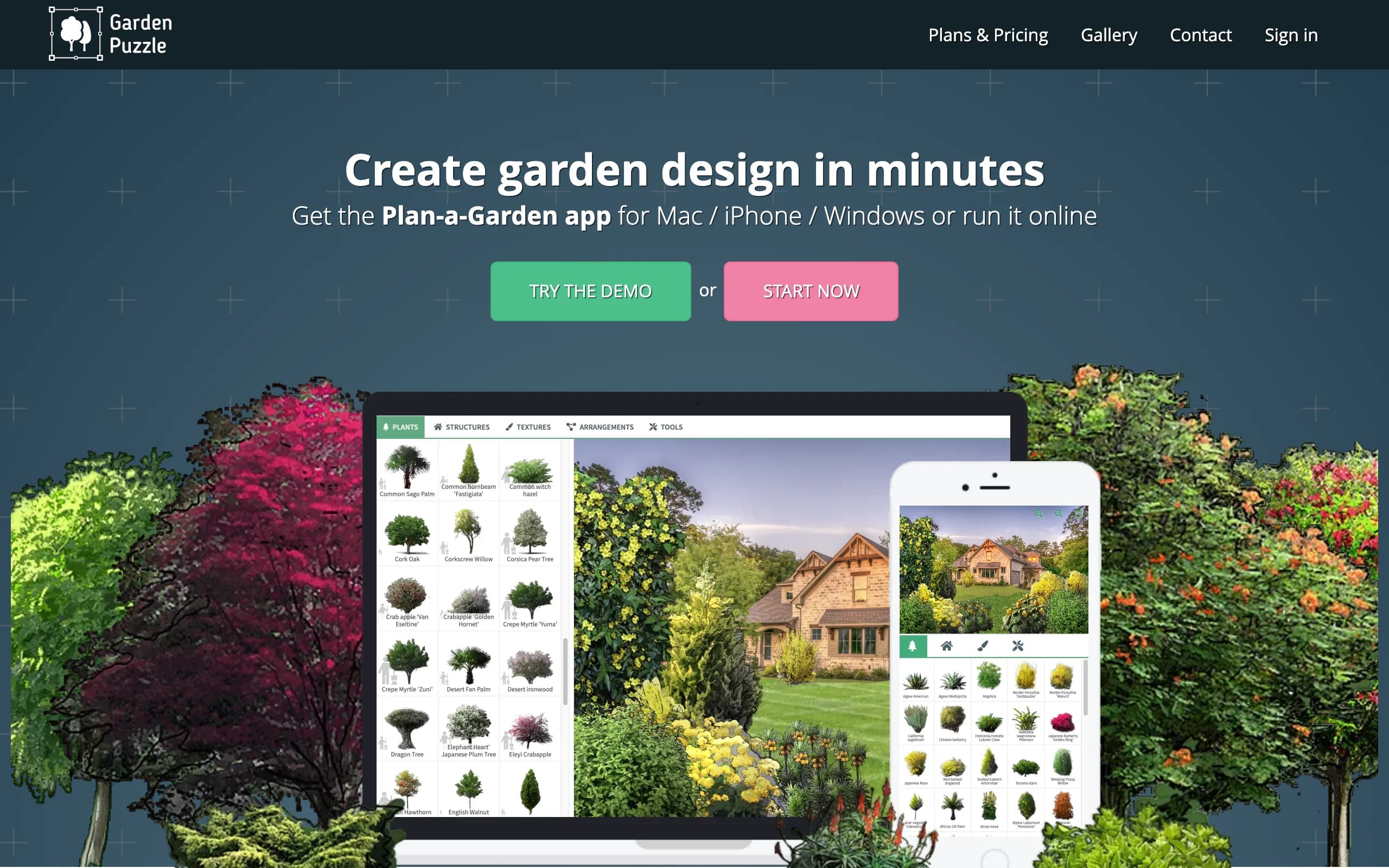
GardenPuzzle takes a different approach: instead of drawing a plan from above, you stage a scene the way you'd see it standing in the garden. Its free demo runs in the browser on any device and includes 200 plants, 70 garden accessories, predefined backgrounds in various yard styles, and cloud storage for 50 projects. The detail gardeners like most: you can flip a design through all four seasons and watch the planting change.
The limitation that matters is the background. On the free demo you work on preset scenes, not a photo of your own garden; uploading your own photo requires the Individual plan. At $29 per year (not per month), that upgrade is one of the cheapest paid steps in this category, and it also unlocks 1,700 plants and 20 render credits.
Key features
- Scene-style garden staging with plants shown at eye level
- Four-season view of every design
- Free demo: 200 plants, 70 accessories, preset backgrounds, 50 cloud projects
- Individual plan adds your own photo as a background, 1,700 plants, and render credits
Best for
- Plant-focused gardeners testing combinations and how they look across seasons
- Budget planners happy with a $29/year ceiling if they outgrow the demo
Pricing
- Free demo tier, no time limit
- Individual $29/year (own photo upload, 1,700 plants, iOS app, 20 render credits)
- Team plans from $49/year for two users
Pros
- Season flipping is something none of the bigger tools do this simply
- Cheap, clear upgrade path with one-year pricing instead of monthly billing
Cons
- Your own garden photo is paid, so the free demo stays generic
- Visual style is collage-like rather than realistic
6. Marshalls Outdoor Product Viewer, best free paving previews (UK)
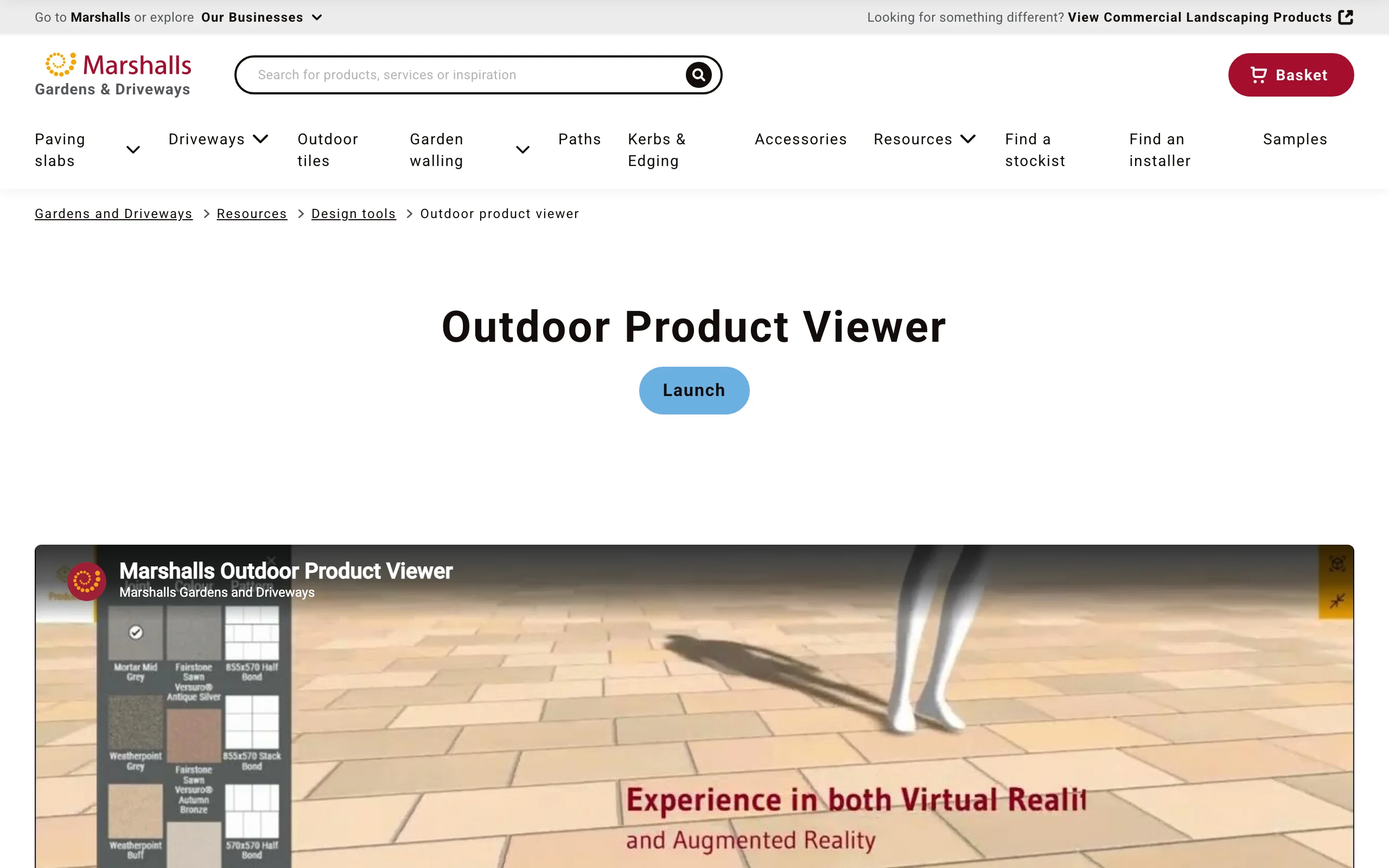
Marshalls is one of the UK's biggest paving manufacturers, and its Outdoor Product Viewer is a free browser tool for the hard-surface part of a design. You pick from its paving and driveway products, then compare styles, colours, sizes, and laying patterns side by side, with different jointing materials. If you're specifying a paver patio or a driveway and the material choice is the decision, this is the quickest way to see real products in real patterns.
Worth knowing: Marshalls' older 3D Garden Visualiser no longer appears on its site. The Outdoor Product Viewer is the current browser tool, and it is deliberately narrower: paving previews, not whole-garden design. Treat it as a materials tool that pairs well with any of the planners above.
Key features
- Real Marshalls paving products shown in a range of patterns and sizes
- Side-by-side comparison of styles, colours, and jointing materials
- Free to use, launches straight in the browser
Best for
- UK homeowners choosing patio or driveway materials before getting quotes
- Pairing with a layout planner: plan the shape elsewhere, pick the surface here
Pricing
- Free
Pros
- Product previews match what you can actually order in the UK
- No learning curve at all; it's a viewer, not a design suite
Cons
- Paving only: no plants, layouts, or full-garden design
- Limited to Marshalls' own product range, and aimed at the UK market
7. Neighborbrite, best free AI renders from a yard photo
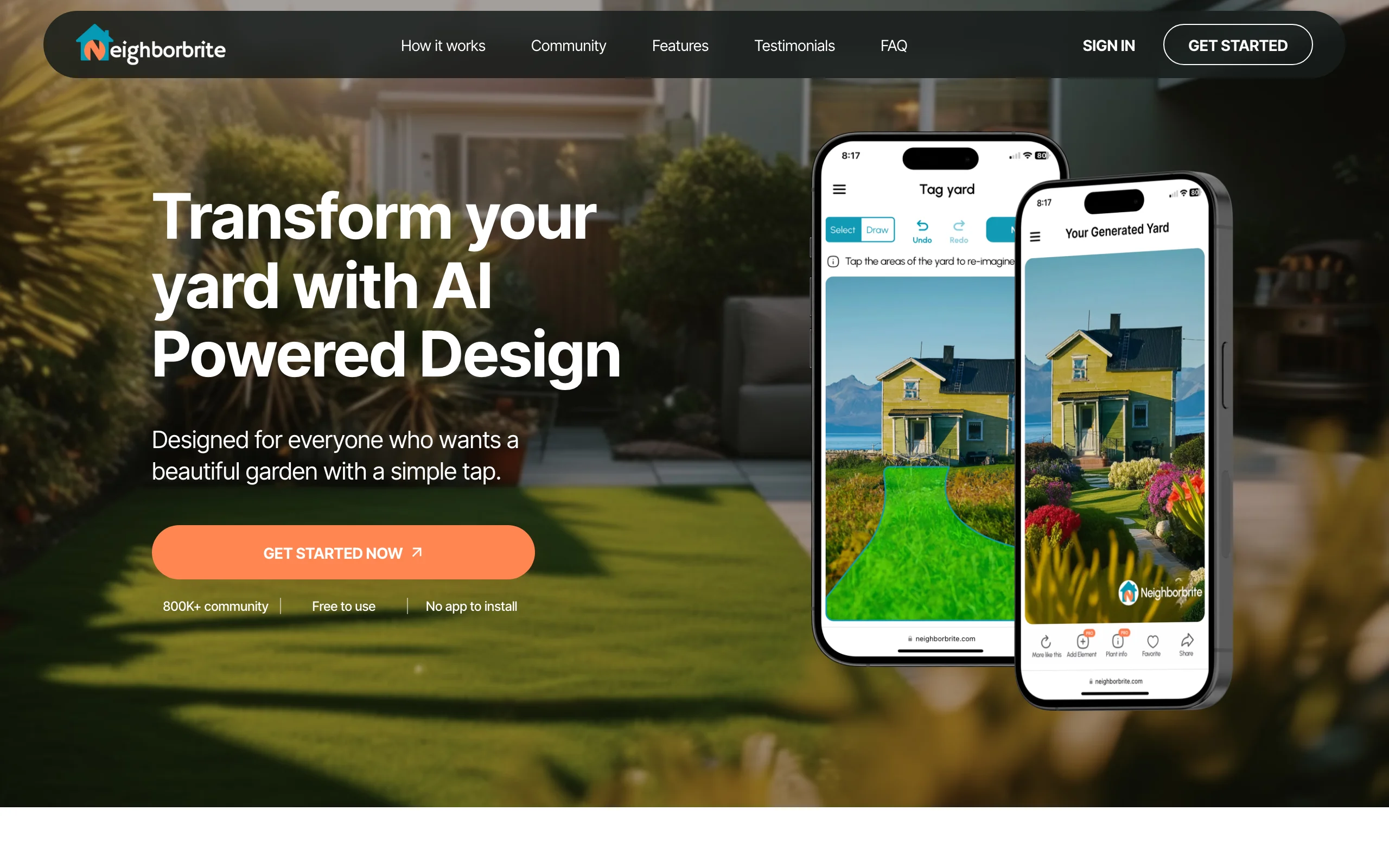
Neighborbrite is the closest free equivalent to the photo-in, render-out flow. It runs in the browser at app.neighborbrite.com with, in its own words, no app to install. You upload a photo of your yard, pick a garden style, and it returns styled concept renders at no cost. For a free tool, that is a genuinely useful starting point when you're stuck between looks.
The free tier is about inspiration more than control. If you want to change a specific element, get plant recommendations for your location, or simulate sunlight, those sit behind the Pro upgrade. The company also sells a separate human design service, which is a different product from the app itself.
Key features
- AI concept renders from an uploaded yard photo
- Multiple garden styles to try on the same space
- Browser-based, no download, no credit card to start
- Pro tier adds Magic Edit, location-based plant picks, and sunlight simulation
Best for
- Homeowners who want free style inspiration on their real yard photo
- Anyone testing whether the AI photo-render approach fits how they plan
Pricing
- Free to use on the basic tier
- Pro upgrade around $15/month (the site doesn't publish the price openly; figure from independent 2026 reviews)
- Separate paid human design packages, priced per area
Pros
- Free renders on your own photo, which no other tool in this list offers
- Very low effort: no drawing, no learning curve
Cons
- Free renders lean stylized; treat them as mood boards, not build plans
- Fine control and plant guidance require the paid tier, and pricing isn't published on the site
How to choose a free online landscape design tool
1) Decide between a render of your yard and a drawn plan
This is the biggest fork. Photo tools (OutdoorBrite, Neighborbrite) show you what your actual yard could look like; drawing tools (SketchUp Free, Planner 5D, GARDENA myGarden) produce a plan or model you build from scratch.
- If you're choosing a style or convincing someone else: go photo-based. Neighborbrite for free inspiration, OutdoorBrite when you need realism you can act on.
- If you're working out where things go, at what size: go drawing-based. Planner 5D for easy layouts, SketchUp Free for exact dimensions.
2) Match the tool to the part of the yard you're deciding on
None of the free tools covers everything, so pick by decision.
- Planting and beds: GARDENA myGarden for plan-view sketching, GardenPuzzle for how plants look through the seasons.
- Structures and levels: SketchUp Free, since it's the only true 3D modeler here.
- Paving and driveways (UK): the Marshalls viewer for real products in real patterns.
- The whole picture on your real yard: a photo-based backyard design tool is the only category that shows it.
3) Check what the free tier actually includes before you invest an afternoon
The gaps hide in the fine print, and they cluster in three places: your own photo, renders, and the catalog. GardenPuzzle's demo won't take your garden photo. Planner 5D's free tier includes about half its catalog and no renders. Neighborbrite's free renders exist, but editing and plant guidance are paid. GARDENA myGarden and the Marshalls viewer are the only picks with no paywall at all, and they're also the narrowest. Spend five minutes confirming your must-have feature is on the free side before you spend five hours in the tool. Our free landscape design software roundup runs the same check on desktop and download options.
4) Know when free stops being cheap
Free tools cost time instead of money. If you've spent two weekends rebuilding your yard in a drawing tool and still can't picture the result, the math has flipped. A month of a paid photo-based tool ($29 on OutdoorBrite's Starter plan, which covers 25 redesigns) can settle a style decision in an evening, and for a project where you're about to spend thousands on plants or paving, one month of certainty is usually the cheapest line item in the budget.
FAQ
What is the best free online landscape design tool?
It depends on the decision you're making. Neighborbrite is the best free pick for seeing styles on your own yard photo. Planner 5D is the best free layout planner, and GARDENA myGarden is the best fully free option with no paywall. For realistic, buildable results on your own photo there's no strong free option; that's the gap paid tools like OutdoorBrite fill, from $29/month.
Is there a free AI landscape generator that works from a photo online?
Yes. Neighborbrite generates styled concept renders from an uploaded yard photo, free, in the browser. Expect stylized inspiration rather than a plan you can hand to a contractor; fine control and plant recommendations sit behind its paid tier.
What is the best free online garden planner?
GARDENA myGarden, for most gardeners. It's free with no upsell tiers, sketching beds and lawns takes minutes, and the sprinkler planner produces a parts list you can shop from. If your focus is plant combinations rather than layout, GardenPuzzle's free demo with its four-season view is the better fit.
Can I design my landscape online without downloading software?
Yes, every tool in this guide runs in a normal web browser with nothing to install. SketchUp Free even runs full 3D modeling in a tab. The practical requirements are a reasonably current browser and a stable connection; a laptop or tablet is more comfortable than a phone for the drawing tools.
What is the difference between an online landscape design tool and an online design service?
A tool is software you drive yourself: you draw, upload, or generate, and you get results in minutes. A design service pairs you with a human designer who produces the plan for you over days or weeks, usually for a few hundred dollars per area. Tools suit people deciding and iterating; services suit people who want to hand the whole thing off.
What does a paid tool add over the free online options?
Mostly realism and follow-through on your own space. OutdoorBrite generates realistic redesigns from your photo with climate-aware plant choices and an AI editor for refining a favorite, from $29/month with no free plan. Free tools are good at sketches, layouts, and inspiration; paid tools are what closes the gap between "nice idea" and "I can picture it on my house and build it."
Do free online landscape design tools work on a phone or tablet?
Mostly yes, with caveats. GARDENA myGarden is built for tablets and laptops, GardenPuzzle's online app runs on any device, and Planner 5D has companion mobile apps. SketchUp Free wants a keyboard and mouse in practice. Photo-based tools are the most phone-friendly, since the photo usually starts on your phone anyway.
Is an online render realistic enough to build from?
Use renders to make style and layout decisions, then verify the specifics. A good render from an AI landscape design app is accurate enough to compare looks, brief a contractor, and choose a direction. Before you buy, confirm plant hardiness for your zone, real product availability, and measurements on the ground. That final check applies to a $0 sketch and a paid render alike.