7 best home exterior design apps in 2026
Residing or repainting a house is a five-figure call you usually make from a tiny sample chip. These seven exterior design apps show the new siding, paint, roof, or front door on a photo of your actual house first, and most of them cost nothing.
Residing, repainting, or reroofing a house is a five-figure decision most people make from a 2-inch sample chip. That gap between the swatch in your hand and the finished facade is what visualizer apps close: upload a photo of your house and see the new siding, paint color, roof, or front door applied to it before anyone orders material. In this guide we compare the seven best home exterior design apps in 2026, from free manufacturer visualizers to full 3D modeling software, with current pricing and a short framework for choosing. One thing worth knowing up front: most facade visualizers are free tools built by product manufacturers, so the real question is which one fits your project, not which one costs less.
Best home exterior design apps: a brief overview
- HOVER: Best for a measured 3D model of the whole exterior: eight phone photos become a scaled 3D version of your house that you can re-side, repaint, and reroof, with measurements a contractor can quote from.
- Hardie Designer: Best free AI siding restyle: upload one photo and see your house re-sided in James Hardie fiber cement, in styles from farmhouse to contemporary, in seconds.
- Renoworks: Best for comparing real products across brands: one visualizer with digital product libraries from more than 300 manufacturers.
- Sherwin-Williams ColorSnap Visualizer: Best for exterior paint: paint a photo of your own house with any Sherwin-Williams color, free, on the web or your phone.
- ProVia: Best for doors and windows: configure an entry door or window down to the glass and hardware, then preview it on your house.
- Planner 5D: Best for modeling an exterior from scratch: full 3D design for new builds, additions, and shape changes the photo tools can't handle.
- OutdoorBrite: Best for the yard around the exterior: once the facade is settled, it renders the landscaping, beds, and walkway that finish the picture.
| Tool name | Key strength | Pricing | Platforms |
|---|---|---|---|
| HOVER | Scaled 3D model of your home built from eight phone photos | Free design tools; measured reports from $29/project | iOS, Android, web |
| Hardie Designer | AI restyles your photo in Hardie siding styles and colors | Free | Web |
| Renoworks | Real products from 300+ manufacturer libraries in one visualizer | Free consumer visualizer | Web |
| Sherwin-Williams ColorSnap Visualizer | Paints your house photo in any Sherwin-Williams color | Free | Web, iOS, Android |
| ProVia | Door and window configurators plus a whole-exterior visualizer | Free | Web, iOS |
| Planner 5D | Full 3D exterior modeling with renders up to 4K | Free plan; Premium from $4.99/month | Web, iOS, Android, desktop |
| OutdoorBrite | Photo-realistic landscaping concepts around the finished facade | From $29/month | Web |
1. HOVER, best for a measured 3D model of your whole exterior
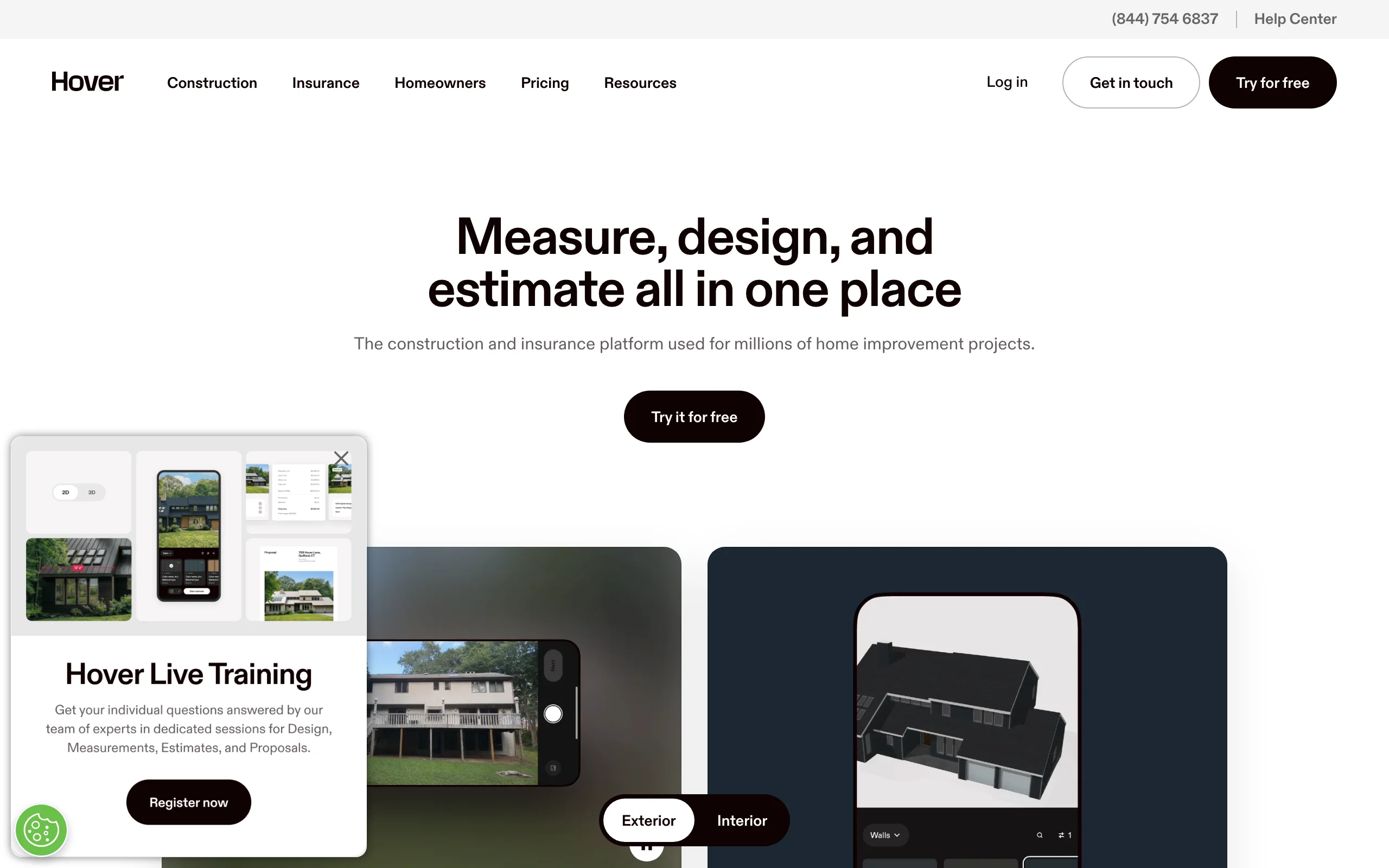
HOVER is the most complete tool on this list because it starts from measurement, not decoration. You walk around your house taking eight photos with the app, and HOVER stitches them into a scaled, interactive 3D model of the actual building. The design tools then swap siding, paint, roofing, and trim on the model, and the Instant Design feature added in early 2025 applies a new look in real time instead of making you wait on a render.
The measurement side is why contractors run their businesses on it: the same model produces the dimensions a pro needs to price the job. Homeowners get the design tools free; measured project reports carry per-project fees.
Key features
- Eight phone photos become a scaled, interactive 3D model of your house
- Instant Design applies siding, paint, and roofing changes in real time
- Design and measurements live in one file, so a contractor can quote what you chose
- Brand material and paint libraries, including Behr colors
- Sharing tools for collaborating with a contractor or insurer
Best for
- Homeowners planning a full facade remodel who want a design a contractor can actually price
- Anyone who wants accurate measurements and a visual from the same set of photos
Pricing
- Free AI design tools for homeowners
- Measured reports are pay-as-you-go: roof-only from $29, full exterior from $59, with the first 3 projects free
- Pro plan for contractors: $99 per month or $999 per year, with discounted per-project fees
Pros
- The 3D model is your real house at real scale, not a lookalike template
- Design decisions connect directly to a scope of work a pro can bid on
Cons
- The full 3D model takes hours to come back, not seconds
- Project pricing is built for jobs, so casual browsing stays in the free design layer
2. Hardie Designer, best free AI siding restyle
James Hardie launched Hardie Designer in April 2025, and it is the fastest route on this list to seeing your house re-sided. Upload one photo of your home and the tool, which runs on HOVER's AI, redraws the facade in Hardie fiber cement across preset styles from farmhouse to contemporary. You can then adjust the siding profile, texture, and trim, cycle through the ColorPlus factory-finish colors, and save photo-real images to share.
The limit is right there in the name: everything it shows is a James Hardie product. If fiber cement is already on your shortlist, that's a feature, since the render maps to material you can order. If you're still deciding between siding types, treat it as one stop, not the whole trip.
Key features
- One-photo upload with AI restyles in seconds
- Preset exterior styles, from farmhouse to contemporary
- Hardie siding profiles, textures, and trim options
- ColorPlus factory-finish color library
- Save and share photo-real images of each option
Best for
- Homeowners already leaning toward fiber cement siding
- A fast read on which exterior style suits the house before contractor meetings
Pricing
- Free
Pros
- Seconds from upload to a restyled facade, with no design skill needed
- Renders are realistic enough to settle arguments at the kitchen table
Cons
- James Hardie products only, so there's no cross-brand comparison
- Focused on siding and trim; it won't help with paint-only or roofing-only projects
3. Renoworks, best for comparing real products across brands
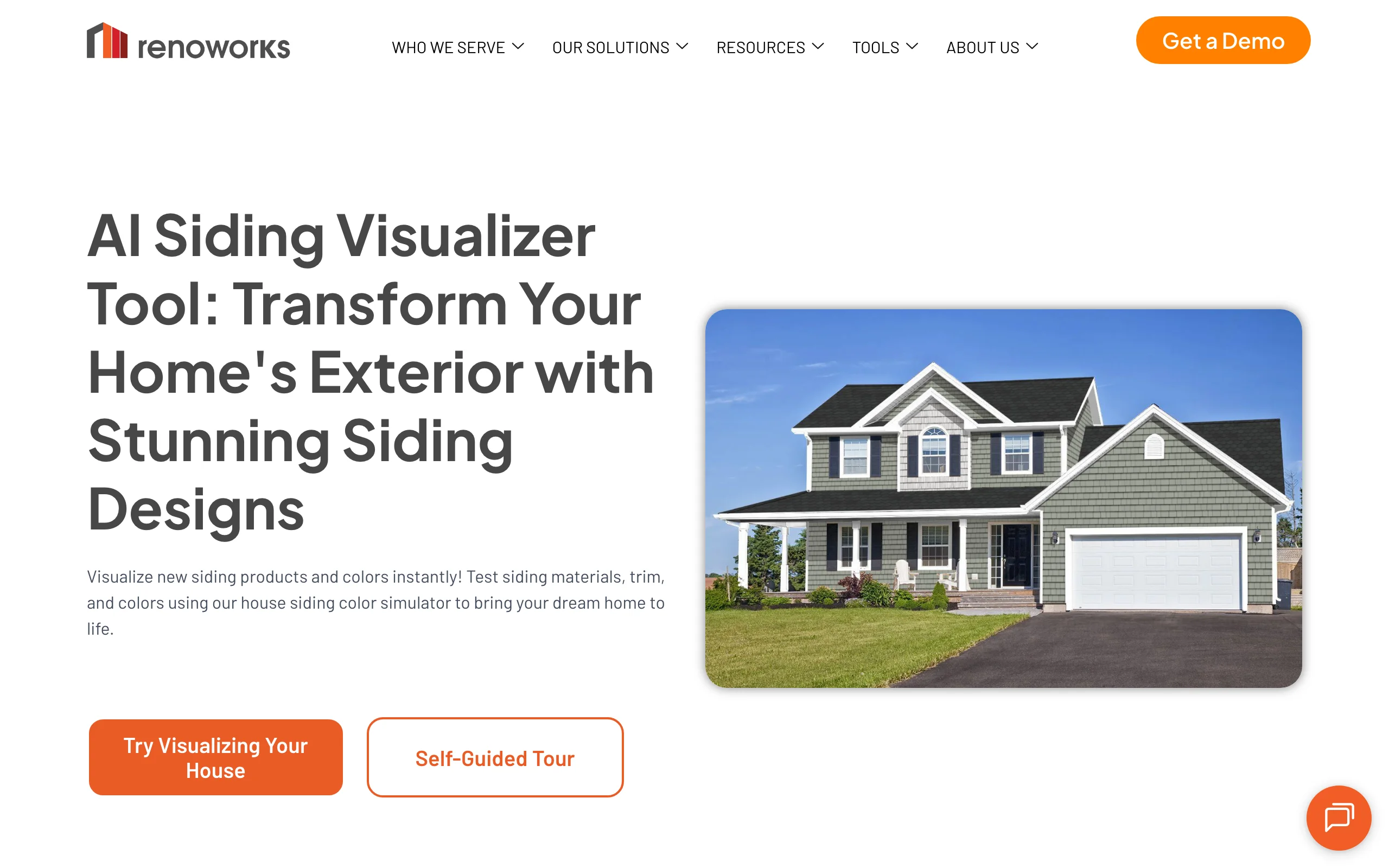
Renoworks builds the visualization software behind many manufacturer tools, and its own consumer visualizer is where that catalog comes together: product libraries from more than 300 manufacturers, including James Hardie, CertainTeed, GAF, Owens Corning, and Marvin. You upload a photo, the AI preps it for design in under a minute, and then you apply real siding, roofing, paint, trim, window, and door products to your house.
The cross-brand catalog is the reason to pick it. A brand tool can only show you that brand; Renoworks puts a Hardie lap siding next to a CertainTeed vinyl on the same photo of the same wall. The free version previews a selection of products; the full catalog sits on paid plans aimed at contractors and dealers.
Key features
- Product libraries from more than 300 real manufacturers
- AI preps your uploaded photo for design in under a minute
- Covers siding, roofing, paint, trim, windows, doors, and stone
- Separate roof designer and paint visualizer tools
- Side-by-side comparison of product options
Best for
- Homeowners comparing siding or roofing across brands before requesting quotes
- Anyone who wants actual product names and colors, not generic textures
Pricing
- Free consumer visualizer with a selection of products
- Full catalog and pro features on paid plans priced for contractors and dealers
Pros
- The only tool here that compares real products from competing brands on one photo
- What you see maps to SKUs you can actually order
Cons
- The deepest features are built for the pro and dealer side
- The free tier limits how much of the catalog you can browse
4. Sherwin-Williams ColorSnap Visualizer, best for exterior paint
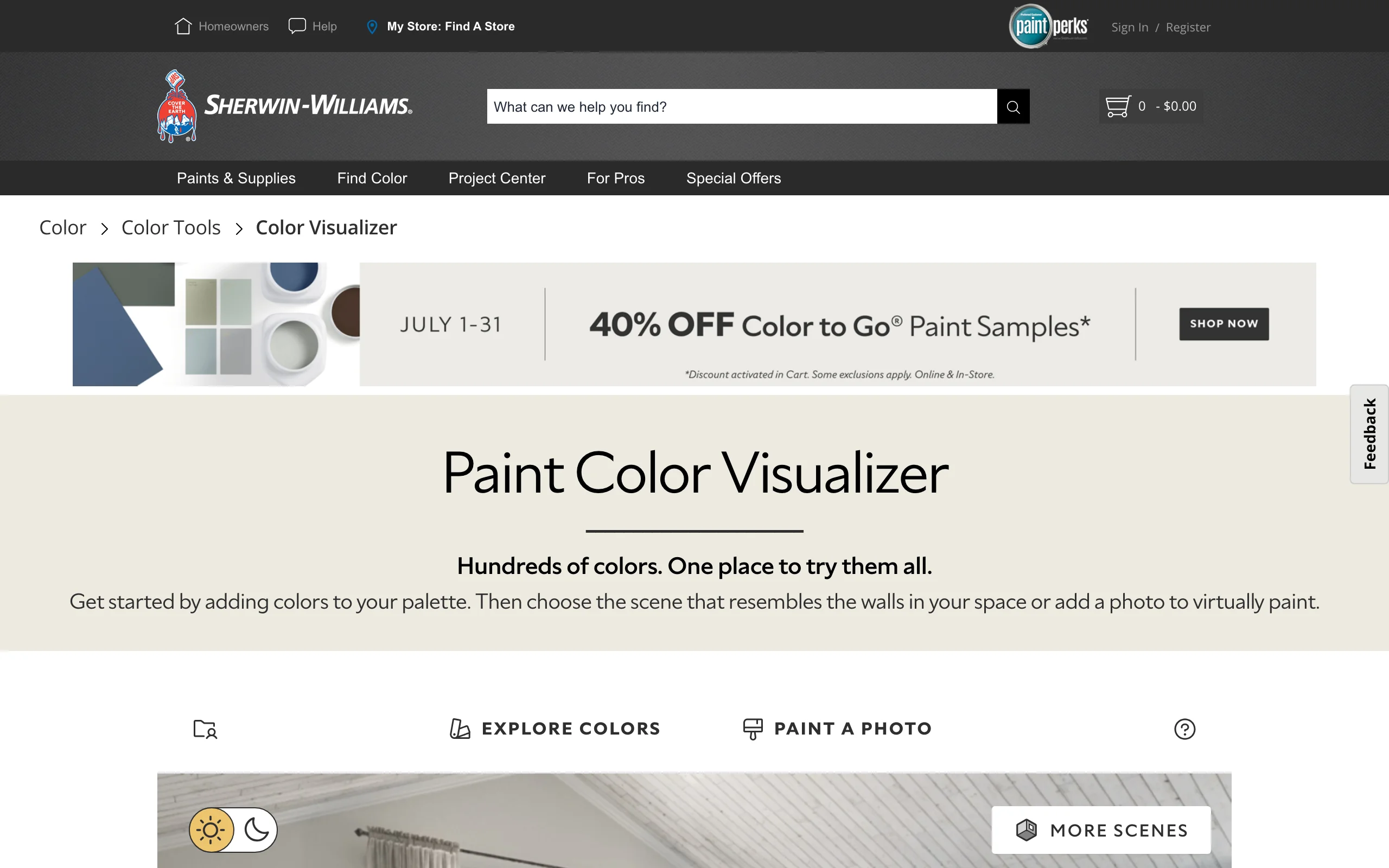
ColorSnap Visualizer does one job: it shows paint colors on a photo. Upload a shot of your house, or start from a sample scene, then paint the siding, trim, shutters, and front door with any color in the Sherwin-Williams palette using a brush or drag-and-drop. It's free on the web and as an iOS and Android app, and the mobile app doubles as a color matcher: point the camera at anything and it names the closest Sherwin-Williams color.
Repainting is the cheapest facade change and the one people second-guess most. One caveat, which Sherwin-Williams itself prints: screen colors drift from real paint, so confirm the finalist with a physical chip or painted sample before buying gallons.
Key features
- Paint your own exterior photo with the full Sherwin-Williams palette
- Brush and drag-and-drop painting on separate surfaces
- Camera color matching to named paint colors on mobile
- Curated exterior palettes with coordinated body and trim suggestions
- Free on web, iOS, and Android
Best for
- Homeowners repainting rather than recladding
- Testing body, trim, and door color combinations before buying samples
Pricing
- Free
Pros
- No cost and no learning curve; you can be painting your photo in two minutes
- The palette is the actual paint you'd buy, by name and number
Cons
- Paint only: no siding profiles, roofing, or window changes
- Masking cleanly around bushes and rooflines takes patience
5. ProVia, best for configuring doors and windows
ProVia manufactures entry doors, windows, vinyl siding, manufactured stone, and metal roofing, and its free Design Center goes deepest on the piece most exterior tools reduce to a colored rectangle: the front door. The configurators build a door or window choice by choice, covering style, glass, grids, hardware, and finish, and the exterior visualizer places the result on a sample house or your own uploaded photo, in 2D or 3D.
A new entry door is the highest-impact facade change after paint, and it's a detail decision: sidelites, glass privacy levels, hardware finish. ProVia is the tool for making those calls precisely, then handing a dealer an exact spec.

Key features
- Door and window configurators down to glass, grids, and hardware
- 2D and 3D exterior visualizers with photo upload
- Vinyl siding, manufactured stone, and metal roofing libraries
- Free, with a companion mobile app
Best for
- Homeowners replacing an entry door or windows
- Detail decisions on a facade whose big surfaces are staying put
Pricing
- Free
Pros
- Far deeper door and window detail than any general visualizer
- The configured product is a real spec a ProVia dealer can order
Cons
- ProVia products only
- The photo-upload flow feels dated next to the AI tools on this list
6. Planner 5D, best for modeling an exterior from scratch
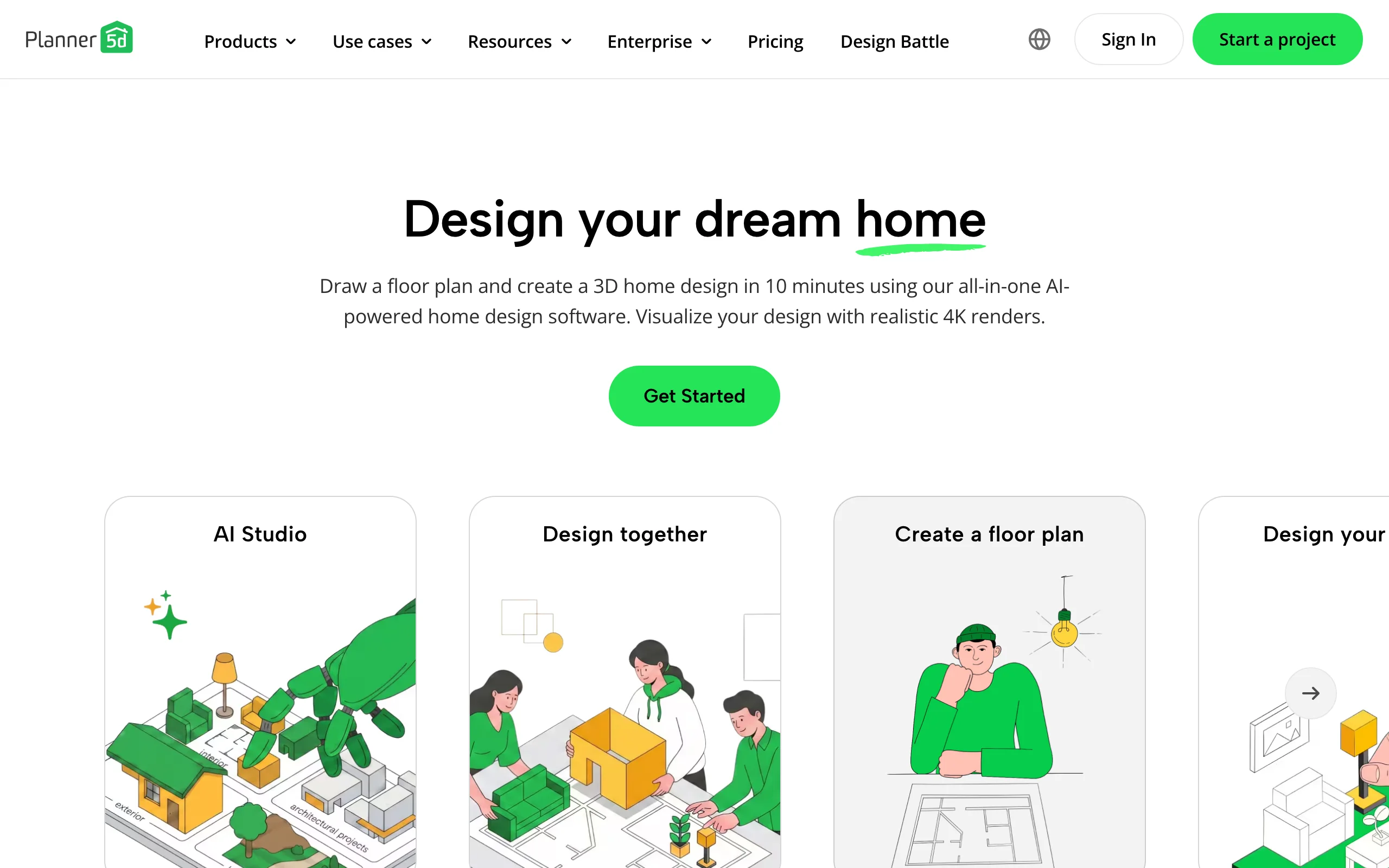
Every other tool here edits a photo of an existing house. Planner 5D builds the house. It's a full 3D modeling tool: draw a floor plan or generate one with AI, raise the walls, shape the roofline, place windows and cladding, and walk around the exterior in 3D with renders up to 4K. That makes it the pick when photo tools can't help, like a new build, an addition, a porch, or any change to the shape of the house rather than its surfaces.
The trade-off is effort. You're modeling a house, not uploading one, and doing it well takes hours. The free plan is genuinely usable, with unlimited projects and about half the object catalog; Premium unlocks the AI features and the full catalog of more than 10,000 items for $4.99 per month.
Key features
- Full 2D floor plan to 3D exterior modeling
- AI floor-plan generation and plan-upload conversion on paid plans
- Object catalog of more than 10,000 items on Premium
- Renders up to 4K
- Works on web, iOS, Android, and desktop with sync
Best for
- New builds, additions, and structural facade changes
- People who enjoy modeling and want control of every surface
Pricing
- Free plan with unlimited projects and about half the catalog
- Premium: $4.99 per month or $59.99 per year
- Professional: $49.99 per month or $399.99 per year, with unlimited 4K renders
Pros
- Handles shape changes no photo visualizer can touch
- Premium costs less than a single paint sample run
Cons
- Hours of modeling before you see anything useful
- The result is a model of a house like yours, not a render of your actual photo
7. OutdoorBrite, best for the yard around the exterior
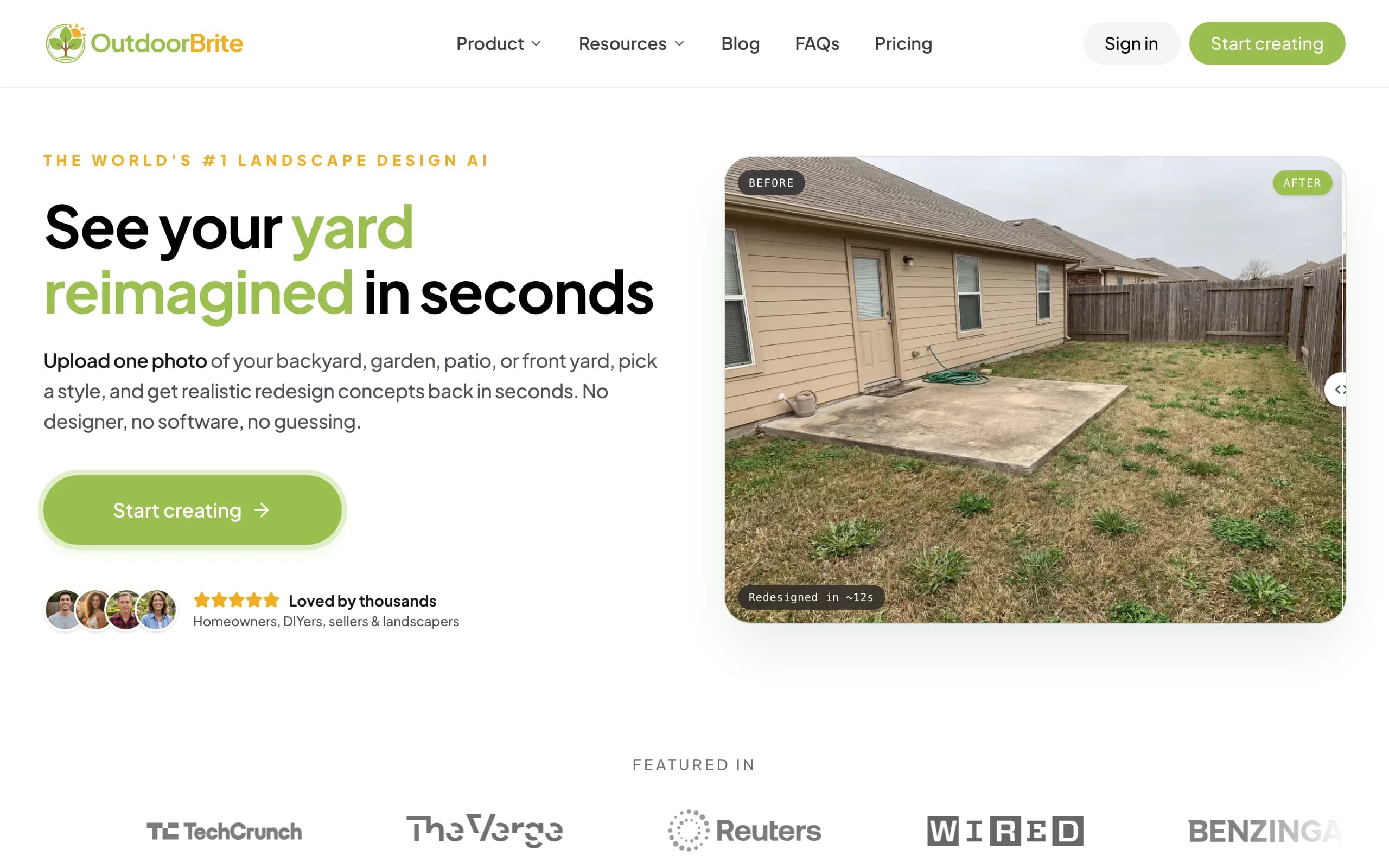
Every tool above stops at the walls. OutdoorBrite handles what surrounds them. It's an AI outdoor design product built around one flow: upload a photo of the front of your house, pick a style like modern, cottage, or Mediterranean, describe what you want, and get realistic redesign concepts back in under a minute, with new beds, lawn, walkway, and plants rendered on your actual property. An in-app AI editor then refines the concept you like best.
It earns its place in a facade roundup because curb appeal is a package deal. New siding rising out of patchy grass and a bare foundation still reads unfinished; foundation planting, a defined walkway, and a couple of well-placed trees are what make the remodel look complete from the street. OutdoorBrite's plant suggestions account for your climate and hardiness zone, so the rendered beds are ones you could actually plant. It's also the one paid pick here: no free tier, with every design metered by redesign credits.
Key features
- Photo-realistic front yard and landscaping concepts rendered on your own photo
- Style presets including modern, cottage, Mediterranean, tropical, and desert/xeriscape
- Plant suggestions matched to your climate and hardiness zone
- Multiple concept variations per upload, generated in under a minute
- In-app AI editor to refine a concept, swap plants, or adjust the layout
- Save, revisit, and share designs, with HD to 4K output depending on plan
Best for
- Homeowners finishing a facade remodel who want the landscaping to match
- Sellers staging curb appeal before listing
- Landscapers who need a client-ready visual of the proposed yard
Pricing
- No free plan or trial; every design is metered by redesign credits
- Starter: $29 per month for 25 redesigns in HD
- Plus: $49 per month for 100 redesigns in 2K; Pro: $149 per month for 200 redesigns in 4K
- Annual billing saves about 20 percent; top-up credit packs never expire
Pros
- The only tool on this list that designs the ground around the house instead of the house itself
- Zone-aware plant choices, so the rendered beds can survive your winters
- Fast enough to compare several yard styles in one sitting
Cons
- Doesn't change siding, paint, roofing, or windows, so pair it with one of the facade tools above
- No free tier; you commit to a paid month before your first render
How to choose the best home exterior design app for your needs
1) Are you changing surfaces or structure?
Photo visualizers reskin the house you have. If your project is new siding, paint, roofing, or a door, start there: HOVER or Renoworks for whole-facade changes, ColorSnap for paint, ProVia for doors and windows. If the project changes the shape of the house, like an addition or a new roofline, a photo tool can't show it. That's Planner 5D territory, and it costs an evening or two of modeling.
2) One brand deep, or many brands wide?
Most facade visualizers are free because a manufacturer built them to sell products, and they only show that manufacturer's catalog. That's not a flaw, it's a filter. A practical sequence: shortlist wide in Renoworks, where 300+ brand libraries sit side by side, then go deep in the winning brand's own tool, like Hardie Designer for fiber cement or ProVia for the door, where the product detail is richer.
3) Does the visual need to become a quote?
A pretty render you can't price is a mood board. If you're close to hiring, HOVER is the strongest choice because the same eight photos produce both the design and the measurements a contractor bids from. For paint-only jobs this matters less; a painter can quote from square footage without a 3D model.
4) Have you planned the yard the facade sits behind?
Buyers and appraisers read the front of a house as one picture. If the siding budget leaves the landscaping untouched, run a photo of the finished front through OutdoorBrite and see what beds, walkway edging, and plantings would complete it; our guide on how to increase curb appeal breaks down which of those changes pay back at sale time. Hardscaping and landscape lighting are also far cheaper to decide on a render than to redo in the driveway.
FAQ
What is a home exterior design app?
An app that shows exterior changes on an image of a house before you commit to them. Photo visualizers apply new siding, paint, roofing, doors, or windows to an uploaded photo of your actual home, while 3D tools model the whole building. Manufacturers offer most of them free as shopping tools for their products.
What is the best free home exterior design app?
Depends on the surface. Hardie Designer is the fastest free option for siding, ColorSnap Visualizer covers exterior paint, ProVia handles doors and windows, and Renoworks compares products from more than 300 brands. HOVER's design tools are also free for homeowners, with paid measured reports on top.
Can I see my own house with new siding before buying it?
Yes. Upload a photo to Hardie Designer or Renoworks and the siding is applied to your actual facade within about a minute. HOVER goes further by building a measured 3D model from eight photos, which takes a few hours but produces a design a contractor can quote directly.
How accurate are the colors in an exterior visualizer?
Close, but not final-decision close. Screen brightness, photo lighting, and rendering all shift color, and the paint brands say so themselves. Narrow to two or three finalists on screen, then confirm with physical chips or a painted sample board in real daylight.
What kind of photo gives the best result?
A straight-on shot of the full facade, taken in daylight without harsh shadows, with the roofline and foundation both in frame. Avoid steep angles and cars blocking the wall. The cleaner the photo, the more believable the render.
Can AI design the landscaping around the house too?
Yes, but it's a separate category of tool. Facade visualizers leave the yard untouched, so a product like OutdoorBrite fills that gap: upload a photo, pick a style, and you can design your yard with AI in under a minute, with plants matched to your hardiness zone. For planting inspiration first, our roundup of front yard curb appeal ideas is a good starting point.
Do these apps replace a designer or contractor?
No. They replace the guessing that happens before you hire one. A visualizer settles style and color questions cheaply, so contractor meetings start from a picture everyone agrees on instead of a description. For structural work, permits, and material specs, you still want a pro.
Is there one app that does the whole exterior, house and yard?
Not well, no. Facade tools stop at the walls, and yard tools don't reside houses. The practical combination is one facade tool matched to your project, plus a landscape tool for the ground around it; we compared those in our AI outdoor design tools roundup. Two focused renders beat one tool stretched past its scope.