Is HomeDesigns AI Worth It? An Honest 2026 Verdict for Yard Projects
HomeDesigns AI is cheap per image and covers the whole house, so for some people it's an easy yes. For a yard-only project it's a closer call. Here's who it's worth it for in 2026, who should skip it, and what to check before you pay.
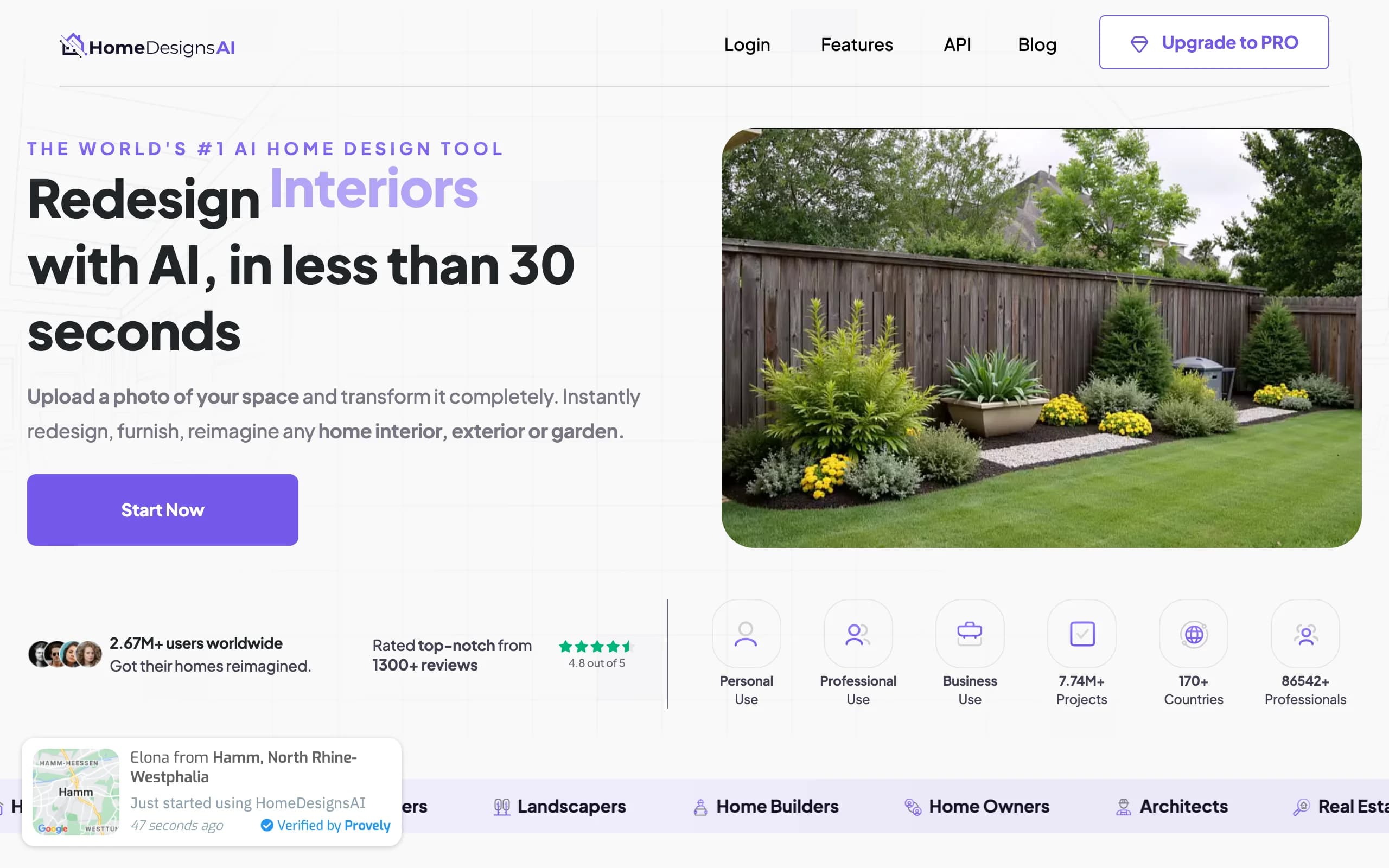
HomeDesigns AI is a web app that redesigns a photo of a room, a house exterior or a garden in about 30 seconds. It's built for the whole house, and it's cheap per image: the Pro plan gives you 1,000 credits a month for $29. People who ask whether it's worth it are usually halfway to a decision. They've seen the ads or used a few free credits, and now they want to know if the subscription will pay for itself on their project.
The answer depends a lot on what that project is. A realtor staging three listings a month and a homeowner trying to picture a new backyard want different things from the same tool. So this post skips the general review and gives a verdict for each of them, with the reasons.
We make OutdoorBrite, an AI landscape design tool, so we compete with HomeDesigns AI on yard projects. Keep that in mind. We've based everything below on HomeDesigns AI's own pricing, policies and feature pages, checked October 24, 2026.
The short answer
HomeDesigns AI is worth it if your project is mostly indoors, or if you need lots of images for work. A whole-home remodeler, a realtor or a stager gets a lot for $29 a month: staging, decluttering, sky swaps, a commercial license and more credits than most people can use.
It's not worth it if your project is only the yard and you plan to act on the design. The garden tool makes a nice picture, but it won't let you choose plants or tell you what's in the image, and it has no idea what grows where you live. You end up with inspiration and no next step. For a landscaper, it's a cheap sales visual that will do in a pinch, though it wasn't built for outdoor work.
And whoever you are, don't buy a yearly plan until you've read the renewal terms. We'll get to those.
What you get for the money
There are three plans. Standard is $27 a month for 100 credits, Pro is $29 for 1,000, and Expert is $37 for 2,000. Paid yearly, the first year costs $106.92, $132.24 or $168.72. One photo redesign uses one credit. The full breakdown, with free credits, add-ons and refund rules, is in our HomeDesigns AI pricing guide.
What matters for this decision is how the features split across plans. Standard covers the core redesign but crosses out staging, the furniture finder, the sky swap and the commercial license. Pro adds all of those. Expert adds video walkthroughs, 2D to 3D floor plans, a budget estimator and up to 5 team seats.
So in practice the choice is Pro or nothing. At $2 more than Standard for ten times the credits and the license, Pro is the plan this verdict is about.
Where HomeDesigns AI is worth it
Price per image. At $29 for 1,000 credits, Pro works out to about 3 cents a render. If you think by iterating, trying 30 versions of a kitchen before settling, nothing in the yard-tool category comes close.
One login for the whole house. The same account restyles a living room, swaps the siding on the front of the house and redesigns the garden. If a renovation touches all three, you won't need three apps.
The structure stays put. HomeDesigns AI's main promise is that your walls, windows and layout stay where they are in the photo and only the design changes. For a homeowner trying to picture their own space, that's the whole point.
Real estate tools in the box. Virtual staging, decluttering, the sky and weather swap and photo-to-video walkthroughs are aimed squarely at listings. Pro includes a commercial license with no watermark, which an agent needs before putting images in front of buyers.
A free test before paying. You get a couple of free credits with no card, more when you create an account, and 3 new credits every 24 hours. That's enough to judge the output on one of your own photos.
Where HomeDesigns AI falls short
It isn't a landscape tool. The garden flow is one of many tools in the app. When we last checked its style list, it mixed landscape looks like Mediterranean and English with themes like Wedding, Restaurant and Christmas, and had no desert, shade or native option. Our HomeDesigns AI review goes through the garden tool in detail.
No plants you can act on. Its own landscaping FAQ says it doesn't let you select specific plants for placement. You see shrubs in the image, but you don't learn what they are, whether they suit your hardiness zone, or how big they'll get. A DIY planting plan still starts from zero.
The yearly price is a teaser. The FAQ says the first year is a "welcome discount" and that the plan then renews automatically at the standard annual price, which isn't published. You're agreeing to a second-year price you can't see.
Refunds end quickly. The refund policy allows a request within 7 days, and not at all once you've made more than 50 designs in the cycle. Heavy testing in the first week can cost you the refund.
Upsells at checkout. The checkout we saw offered a $19 one-time add-on called "Unlimited AI Designs", with a countdown timer, and the free pages push an "Early Bird" deal. None of that is unusual for consumer AI apps, but it means you should read every line before you pay.
Broad rights over your uploads. The terms say you keep ownership of your outputs, but they also grant HomeDesigns AI a perpetual, royalty-free license to use your content. If you're uploading a client's home, it's worth knowing.

Is HomeDesigns AI worth it for your situation?
| Who you are | Verdict | Why |
|---|---|---|
| Homeowner, yard-only project | Probably not | You get pretty pictures of a new yard but no plant names, no climate fit and landscape styles mixed with event themes. A landscape-focused tool leads somewhere more useful. |
| Whole-home remodeler | Yes, on Pro | Kitchen, siding and garden in one $29 subscription. Buy one month, use it hard, cancel. |
| Realtor or home stager | Yes, on Pro yearly | Staging, decluttering, sky swaps and a commercial license for about $11 a month in year one. Watch the renewal date. |
| Landscaper or contractor | Maybe | Cheap enough to use as a quick sales visual, and Pro includes the license. But you can't spec plants and the styles weren't built for outdoor work. |
| Renter or small balcony | Use the free credits | A balcony or terrace refresh is a one-off. The daily free credits may be all you need. |
The homeowner row is the one we get asked about most. If you only want to see a few garden moods on your house, the free credits will do that. If you're about to spend a few thousand dollars on plants, softscape and a patio, you want a tool that tells you what you're looking at.
What to try instead (if it's not a fit)
OutdoorBrite is built only for outdoor spaces. You upload a photo of your backyard, front yard, patio or garden, pick a landscape style such as modern, cottage, desert or Mediterranean, and get realistic concepts of your own yard in under a minute. On the Plus plan, each design comes with plants picked for your region, and there's an AI editor for changes. The honest limitation: it's paid only, from $29 a month for 25 redesigns, so there's no free tier to test first, and you get far fewer images per dollar than HomeDesigns AI. If planting is the main job, start with OutdoorBrite's AI garden design.
Yardzen suits people who want a human designer and a buildable plan, with packages from $295 for a small space up to $1,995 for a backyard (checked October 20, 2026).
Planner 5D suits people who want to draw the yard to scale in 3D, with a free plan and Premium at $59.99 a year.
We compared these and more, with prices, in HomeDesigns AI alternatives.
How to decide
- Write down what the project actually covers. Mostly indoors or listings: HomeDesigns AI. Mostly the yard: a landscape tool.
- Run one real photo through the free credits before paying anything, and judge whether your yard still looks like your yard.
- Decide what you need after the image. If the answer is a plant list or a contractor brief, check that the tool gives you one.
- If you buy, pick Pro, not Standard, and pay monthly unless you'll use it for a full year.
- Set a reminder 2 days before the renewal date, and another for day 6 if you might want a refund.
- If you're a pro, confirm you're on a plan with the commercial license before images go to clients.
For a front-yard project where the house matters as much as the planting, HomeDesigns AI's exterior tool and an AI front yard design tool can work as a pair: one for siding and roof color, the other for curb appeal planting and paths. You can see the yard side on OutdoorBrite.
FAQ
Is HomeDesigns AI legit? Yes. It's a real company with published terms, a refund policy and payments handled by FastSpring. The common complaints are about billing and cancelling, not about the product being fake.
Is HomeDesigns AI good for landscaping? It's fine for seeing a general garden mood on your house. It's weak for planning one, because it doesn't let you choose plants, doesn't name them and doesn't account for your climate. Landscape-focused tools do more of that.
Is HomeDesigns AI worth it for realtors? For most agents, yes. Pro includes virtual staging, decluttering, sky swaps and a commercial license with no watermark for $29 a month, or $132.24 for the first year.
Can you cancel HomeDesigns AI anytime? Yes. The homepage says you can cancel from Settings, and the refund policy also points to a FastSpring account portal. Cancelling stops the next charge, and you keep access until the end of the term.
Is the HomeDesigns AI yearly plan a good deal? For the first year, yes: about $11 a month for Pro. After 12 months it renews automatically at the standard annual price, which isn't published. Only take it if you'll use the tool all year.
What are the pros and cons of HomeDesigns AI? Pros: about 3 cents a render on Pro, one app for rooms, exteriors and gardens, and real estate tools with a commercial license. Cons: no plant selection or plant list, a generalist style list, a first-year-only yearly price and a refund that ends at 7 days or 50 designs.
Is HomeDesigns AI better than OutdoorBrite? For whole-house projects and image volume, yes. For a yard you plan to plant, OutdoorBrite is built for outdoor spaces and gives a plant list for your region on Plus, but it costs more per design and has no free tier.
Sources: HomeDesigns AI homepage and live pricing table, HomeDesigns AI landscaping page, HomeDesigns AI free landscape design page, HomeDesigns AI refund policy, HomeDesigns AI terms of service, Yardzen design packages page, Planner 5D pricing page, all checked October 2026