7 best landscape design software for contractors (2026)
Which design software actually earns its keep on a contracting crew? We compare 7 tools for landscape, pool, and hardscape contractors, from permit-ready CAD to the on-site visual that closes the job, with real 2026 pricing for each.
Design software for a landscaping business has to do two very different jobs. One is technical: scaled plans, construction details, drawings a permit office or a build crew can work from. The other is commercial: a visual the client understands fast enough to say yes. Most landscape design software for contractors is good at one of those jobs and mediocre at the other, which is why plenty of firms end up running two tools.
This guide compares 7 options for landscape, pool, and hardscape contractors: what each one is actually good at, what it costs in 2026, and where it falls short. If you're a homeowner planning your own yard, you want our best landscape design software guide instead. This one is written for people who design outdoor spaces for a living.
Best landscape design software for contractors: a brief overview
- Realtime Landscaping Architect: Best overall for Windows design-build contractors: photo imaging, 3D, and CAD-style plan sheets in one $599 one-time purchase.
- VizTerra: Best SketchUp replacement for pool and hardscape contractors: purpose-built 3D with hardscape, deck, and pool tools instead of a blank modeler.
- OutdoorBrite: Best for on-site client visualization and closing: photograph the client's yard, generate realistic concepts in under a minute, align the vision before you draft anything.
- PRO Landscape+: Best all-in-one photo imaging, CAD, and estimating suite: the long-running contractor package, now sold as a subscription with a tablet companion app.
- Vectorworks Landmark: Best for permit-ready construction documents: landscape-architect grade CAD and BIM for firms that submit sealed plan sets.
- DynaSCAPE: Best for standardized design-build drafting: polished hand-drawn-look plans, with estimating through Manage360 when you want design tied to your numbers.
- SketchUp Pro: Best low-cost general 3D modeler: where many contractors start, and fine until pool and hardscape work outgrows it.
| Tool name | Key strength | Pricing | Platforms |
|---|---|---|---|
| Realtime Landscaping Architect | Photo, 3D, and CAD plan sheets in one one-time purchase | $599 one-time | Windows 10/11 |
| VizTerra | Purpose-built 3D for hardscape, decks, and pools | From $84/designer/month billed annually, $95 setup | Windows |
| OutdoorBrite | Realistic AI concepts on the client's own yard in under a minute | From $29/month | Web, works on phone and tablet |
| PRO Landscape+ | Photo imaging + CAD + estimating in one suite | $90/month or $900/year | Windows 10/11, tablet companion app |
| Vectorworks Landmark | Permit-grade CAD and BIM documentation | About $153/month or $1,530/year | Windows, Mac |
| DynaSCAPE | Standardized drafting with estimating via Manage360 | From $158/month (Design) | Windows; Creator runs in a browser |
| SketchUp Pro | General 3D modeling at the lowest pro price | $33.25/month billed annually | Windows, Mac, web |
1. Realtime Landscaping Architect, best overall for Windows design-build contractors
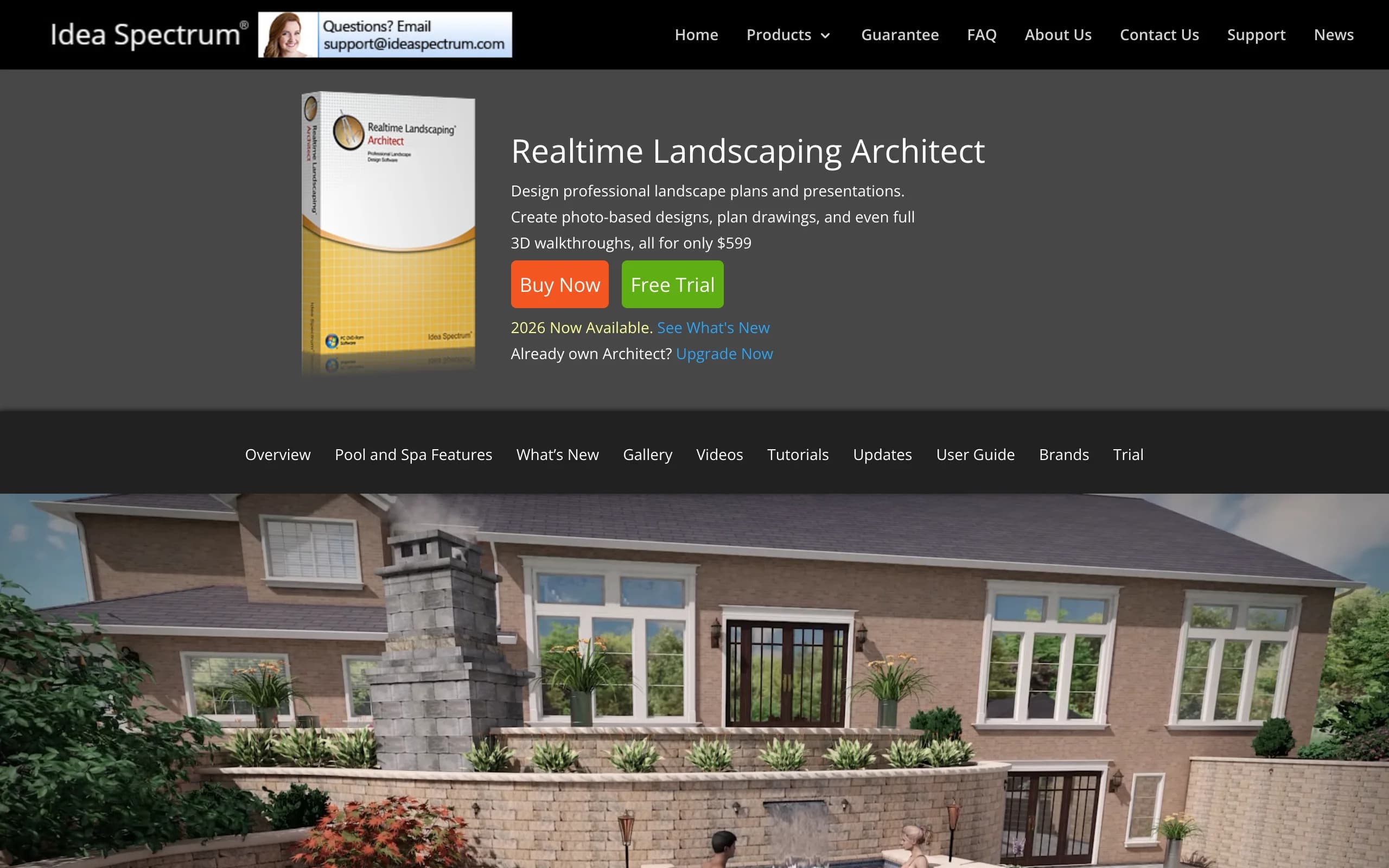
Realtime Landscaping Architect is Idea Spectrum's professional tier, and it covers more of a contractor's workflow than anything else at its price. You get simultaneous 2D plan and 3D perspective views that update as you work, photo import so you can design over a client's property photo, and CAD-style drafting for planting plans, irrigation layouts, and construction details at accurate size and scale. The object library is deep: over 8,000 plants plus around 1,100 high-resolution 3D plant models, along with pools, decks, patios, fencing, ponds, and landscape lighting.
The pricing model is the quiet headline. Architect is $599 as a one-time purchase for the 2026 version, no subscription. Over three years that is less than four months of some competitors on this list.
A note on the cheaper sibling, since a lot of contractors search for an alternative to Realtime Landscaping Pro: Pro ($279 one-time) shares the 3D engine but is aimed at homeowners and aspiring designers. If you own Pro and keep hitting its ceiling on plan drafting, irrigation design, or construction documentation, Architect is the natural upgrade rather than a switch to another vendor. If your frustration is with the presentation side instead, that is a different problem, and tools 2 and 3 on this list solve it better.
Key features
- Linked 2D plan and 3D perspective views
- CAD-style drafting for planting, irrigation, and construction details
- Design over an imported photo of the client's property
- Imports DWG, DXF, and PDF plans, plus SKP, FBX, 3DS, DAE, and OBJ models
- Real-time 3D walkthroughs with lighting and shadows for presentations
- Material lists exportable to Excel for estimates
Best for
- Design-build contractors on Windows who want plans and 3D in one program
- Firms that prefer a one-time license over another monthly subscription
- Realtime Landscaping Pro owners who need the drafting and irrigation tools Pro lacks
Pricing
- $599 one-time purchase (2026 version)
- Realtime Landscaping Pro is $279 one-time; upgrades from previous versions are $129
- 30-day money-back guarantee, free trial available
Pros
- One-time purchase undercuts every subscription tool here within a year
- Plan sheets and 3D presentations from the same file
- Broad import support fits into an existing CAD or SketchUp workflow
Cons
- Windows only, no Mac or web version
- Renders read as clearly computer-generated next to AI photo output
- Plan output is CAD-style rather than full architect-grade BIM documentation
2. VizTerra, best SketchUp replacement for pool and hardscape contractors
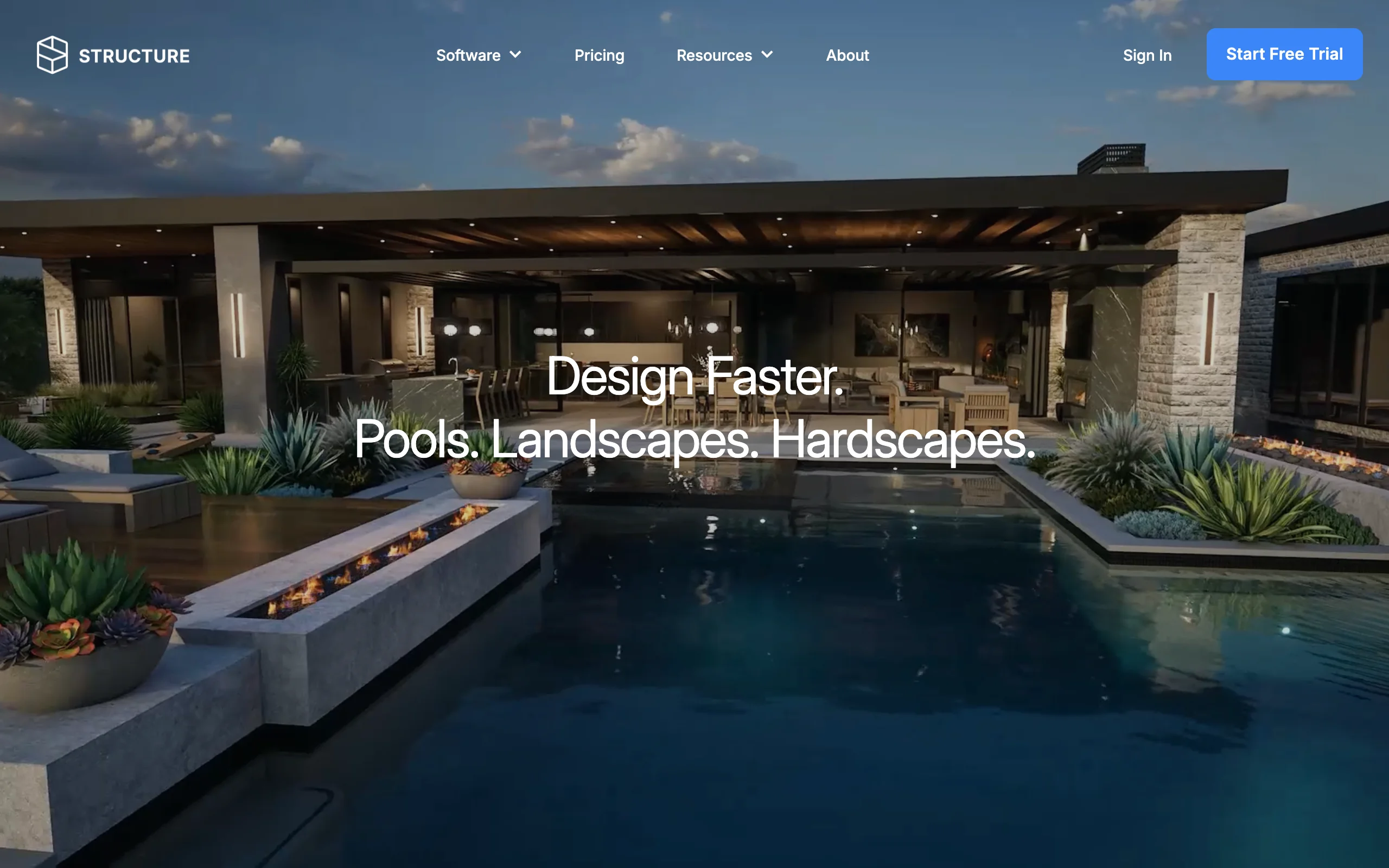
VizTerra, from Structure Studios, is what a lot of pool and hardscape contractors move to after years of fighting SketchUp. Instead of a blank modeler, you get tools that already know what a paver band, a raised bond beam, or a stair run is. It draws in 2D, builds the 3D automatically, and produces client presentations with materials applied. For hardscaping-heavy firms, that specificity is the whole argument: less time modeling geometry, more time selling the design.
Structure Studios splits its line by scope. VizTerra covers landscapes, hardscapes, outdoor kitchens, and wood decks. Pool Studio adds custom pool design, and Vip3D combines everything for high-end outdoor living projects with VR and 360-degree presentations. Pool-heavy firms usually skip straight to Pool Studio or Vip3D.
Key features
- Purpose-built hardscape, deck, and outdoor kitchen tools
- 2D drawing that generates the 3D model automatically
- Presentation mode with materials, lighting, and walkthroughs
- Product line scales up to Pool Studio and Vip3D for pool work
- Unlimited projects on every membership
Best for
- Pool and hardscape contractors replacing SketchUp or manual drafting
- Design-sales teams that present 3D flyovers to close projects
- Firms that want one vendor to grow from hardscape into full pool design
Pricing
- VizTerra: $97/designer/month, or $84/month billed annually, plus a $95 one-time setup fee
- Pool Studio: $147/month, or $125/month billed annually
- Vip3D: $197/month, or $167/month billed annually
Pros
- Far faster than a general modeler for pool and hardscape geometry
- Presentation quality that sells against competitors still showing 2D plans
- Month-to-month billing with no long-term contract
Cons
- Per-designer subscription cost adds up across a team
- Windows only
- Construction output is contractor-level, not sealed-plan architect documentation
3. OutdoorBrite, best for on-site client visualization and closing
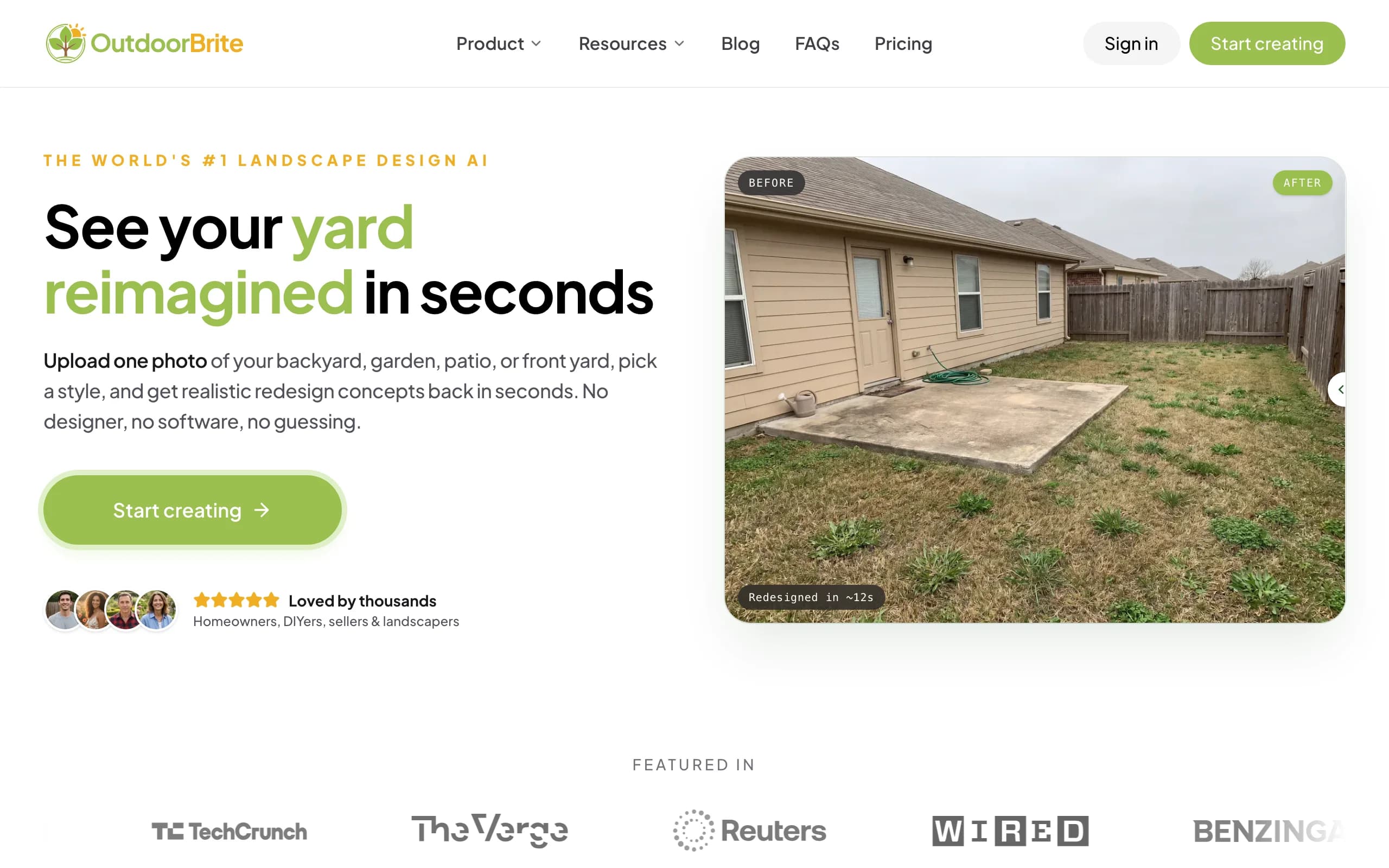
OutdoorBrite is an AI landscape design tool, and for a contractor it does one job the CAD packages on this list cannot: it produces a realistic redesign of the client's actual yard while you are still standing in it. You photograph the space on your phone, pick a style, describe what you have in mind, and get photorealistic concepts in under a minute. The client reacts to their own house and their own trees, not a generic 3D scene, and that reaction is where jobs get won.
The workflow slots in front of your drafting tool, not in place of it. Use the render to align the client on direction, adjust it with the built-in AI editor while they watch (swap the paver patio material, add a water feature, try a different planting style), then take the agreed concept back to Architect, VizTerra, or Vectorworks to draft what the crew will build. It covers backyards, front yards, patios, decks, fences, and pergolas, there is a dedicated AI pool design flow for pool projects, and plant choices account for climate and hardiness zone. All paid plans include commercial usage rights, so the renders can go straight into proposals.
Key features
- Photorealistic redesign concepts from one photo in under a minute
- Runs in the browser on a phone or tablet, nothing to install
- Style presets (modern, cottage, desert, tropical, Mediterranean) to compare live with the client
- AI editor to refine a concept without regenerating from scratch
- Multiple concept variations per upload for side-by-side choices
- Commercial usage rights on all paid plans
Best for
- Contractors and designers who sell on-site and want the client aligned in the first meeting
- Firms losing bids because the competitor showed a visual first
- Sales teams that need renders in proposals without waiting on the drafting queue
Pricing
- Starter: $29/month for 25 redesigns in HD
- Plus: $49/month for 100 redesigns at 2K resolution
- Pro: $149/month for 200 redesigns at 4K; annual billing saves about 20%
- Top-up credit packs available; they never expire
Pros
- Renders of the client's real property, which lands harder than any stock 3D scene
- Fast enough to use live in a consultation
- A fraction of the monthly cost of the CAD subscriptions on this list
Cons
- No CAD drafting, no construction documents, no permit plans
- No DWG or CAD export; the render is a sales and alignment tool, not a build document
- Generation is metered by credits, so heavy teams should size their plan accordingly
4. PRO Landscape+, best all-in-one photo imaging, CAD, and estimating suite
PRO Landscape, from Drafix Software, has been a contractor staple for decades, and the current PRO Landscape+ subscription bundles the whole toolkit: photo imaging for before-and-after visuals on the client's photo, CAD for scaled planting and hardscape plans, 3D rendering, and estimating with one-click proposals. A free companion app for iPad and Android tablets handles lighter design work in the field, and the suite now includes AI tools that enhance presentation images without changing the design.
The 2024 move from a one-time license (previously around $1,500) to a $90/month subscription split its user base. You no longer need serious cash up front, but long-term owners now pay every year. For a firm that will actually use the imaging, CAD, and estimating together, it is still one of the most complete single packages here.
Key features
- Photo imaging over the customer's own property photo
- CAD drafting for scaled planting and hardscape plans
- Estimating with material takeoffs and one-click proposals
- Free tablet companion app included with the subscription
- Image library of over 19,000 plants and materials
- AI enhancement for presentation images
Best for
- Full-service landscape contractors who want imaging, plans, and estimates from one vendor
- Firms that bill from the design, where the built-in estimating earns its keep
- Crews that sketch on a tablet during the site visit and finish at the office
Pricing
- $90/month, or $900/year (which works out to $75/month)
- One license covers one computer plus the companion app on one tablet
- Includes updates, support, and online training webinars
Pros
- The widest single-package coverage of design-to-proposal steps on this list
- Decades of contractor-specific refinement and training material
- Tablet app included at no extra cost
Cons
- Windows 10/11 only; Mac requires virtualization like Parallels
- Subscription-only since late 2024, which former lifetime-license owners may resent
- Photo imaging is manual object placement, slower than AI generation for concept work
5. Vectorworks Landmark, best for permit-ready construction documents
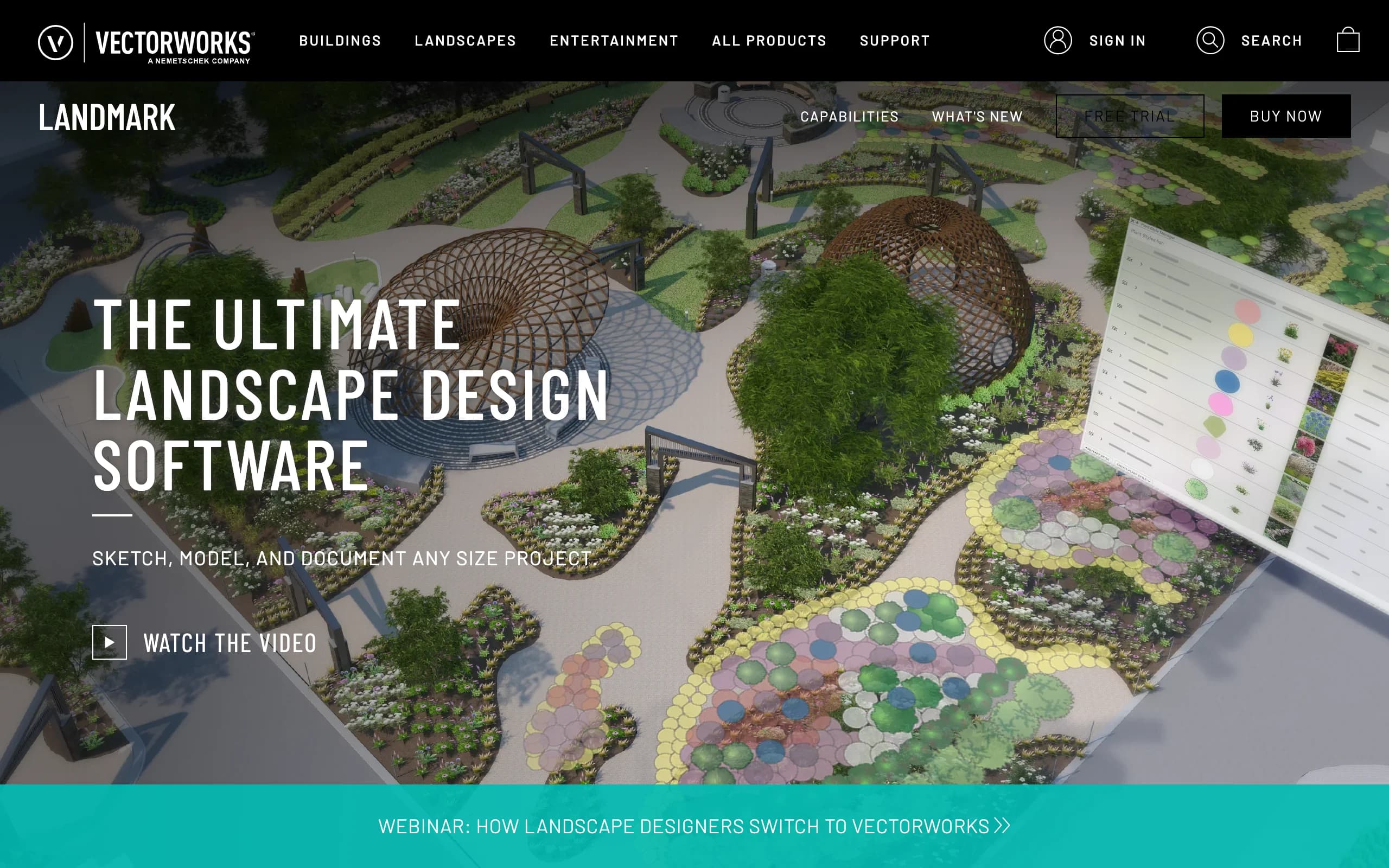
Vectorworks Landmark is the landscape-architect grade option here, and it exists for one reason the others cannot fully satisfy: drawings that go to a permit office. Landmark is full BIM-capable CAD for site design, grading, drainage, planting plans, and irrigation, with title blocks, sheet layers, and documentation standards that hold up under regulatory review. If your pool and landscape projects require stamped, permit-ready construction plans, this is the tier of software those plans come from.
The trade-off is weight. Landmark has a real learning curve, costs more than any other tool on this list, and is built for documentation first, visualization second. Many firms pair it with a faster presentation tool rather than rendering in it. It is also one of only two options here that runs natively on both Windows and Mac.
Key features
- BIM-capable CAD for site design, grading, and drainage
- Construction documentation with sheet layers and title blocks
- Planting plans with smart plant objects and schedules
- Irrigation design tools
- DWG interoperability for working with engineers and architects
- Native on Windows and Mac
Best for
- Design-build firms that submit permit plan sets for pools, walls, and structures
- Landscape designers collaborating with architects and engineers on DWG files
- Practices that need one authoritative model from concept through construction
Pricing
- About $153/month, or $1,530/year on an annual subscription
- Vectorworks does not list prices on the product page itself; figures come from its published promotions and third-party pricing trackers
- Both plans include cloud storage and version updates
Pros
- The strongest construction documentation of any tool in this comparison
- Handles retaining walls, grading, and drainage engineering properly
- Mac support, rare in this category
Cons
- The most expensive option here, and priced per user
- Overkill if you mainly need presentation visuals and simple plans
- Slow to learn; expect weeks before a new designer is productive
6. DynaSCAPE, best for standardized design-build drafting
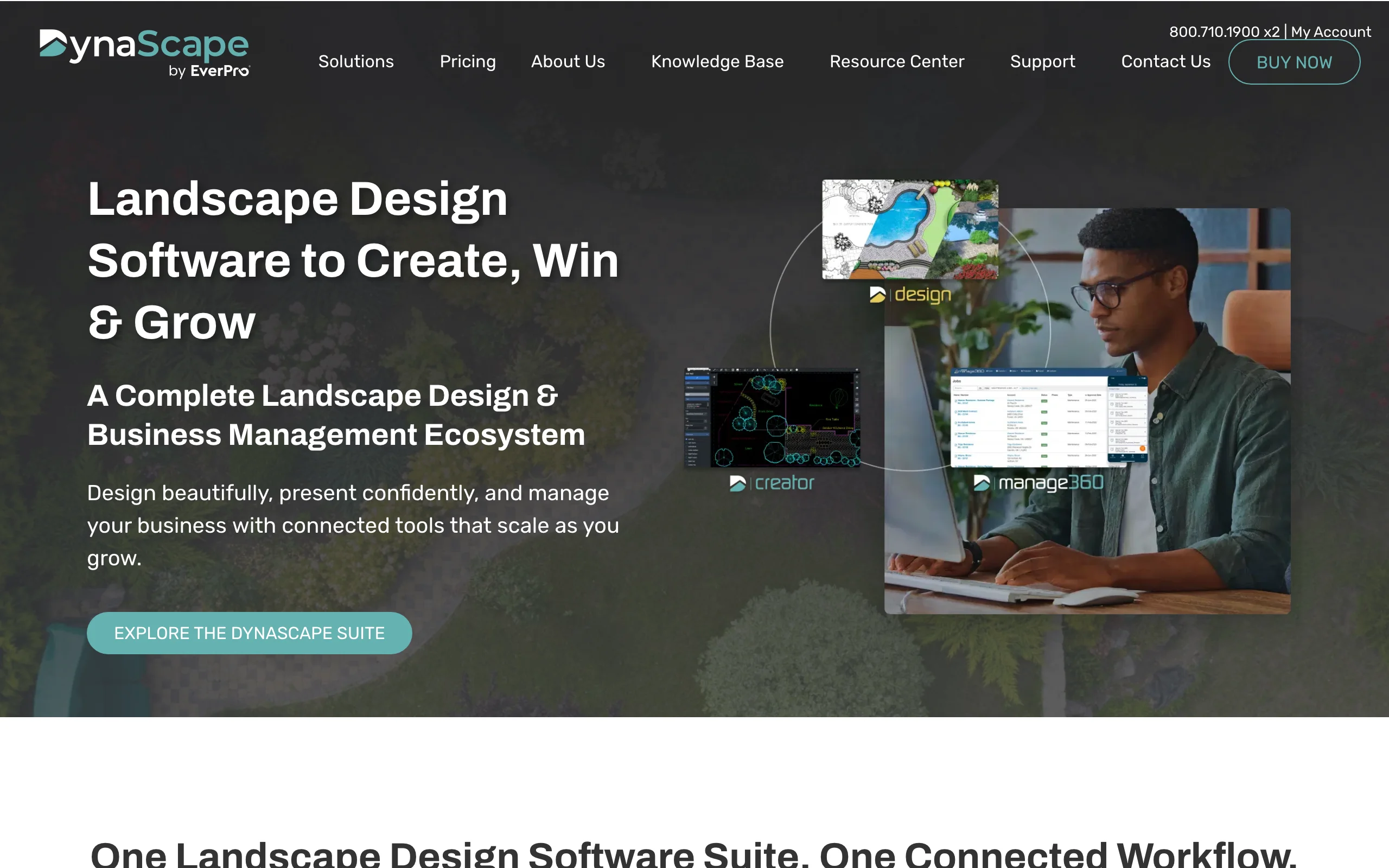
DynaSCAPE Design is CAD built specifically for landscape drafting, known for plan output with a polished, hand-drawn look that design-build firms use as a signature. Line weights, symbols, and sheet standards are consistent across every designer in the office, which matters once more than one person produces drawings. Color and Sketch3D add-ons bring rendered color plans and SketchUp-linked 3D when you need them.
The larger story is the ecosystem. DynaSCAPE's Manage360 ties design to estimating, proposals, and job costing, so the plan a designer draws feeds the numbers the owner quotes. Firms that adopt the pair are buying a process as much as a drawing tool. Design itself is Windows software; the newer Creator product runs in a browser on Mac or PC for entry-level drafting.
Key features
- Landscape-specific CAD with a distinctive hand-drawn plan style
- Office-wide drafting standards for multi-designer consistency
- Color and Sketch3D add-ons for rendered plans and 3D
- Manage360 integration for estimating, proposals, and job costing
- Browser-based Creator option for entry-level drafting on any platform
Best for
- Design-build firms standardizing plan output across several designers
- Companies that want design and estimating in one connected system
- Offices that sell with beautifully finished 2D presentation plans
Pricing
- Design: $158/month, or $1,599/year
- Design + Color + Sketch3D bundle: $219/month, or $2,199/year
- Manage360 Sales & Estimating: from $2,497/year plus a $599 onboarding fee
Pros
- Plan presentation quality that reads as a professional signature
- The design-to-estimate link is genuinely useful for firms that quote from plans
- Creator gives Mac users a browser-based entry point
Cons
- 3D and color are paid add-ons, so the real price is usually the bundle
- Manage360 onboarding fees push the full stack past most competitors
- Not a visualization-first tool; renders will not wow a client the way 3D or AI output does
7. SketchUp Pro, best low-cost general 3D modeler
SketchUp Pro is where a large share of outdoor living contractors first learned 3D, and at $33.25/month billed annually it is still the cheapest professional modeler here. It can model anything, which is both the pitch and the problem: every pergola, pool shell, and stair run is geometry you build yourself or hunt down in the 3D Warehouse. LayOut, included with Pro, produces scaled 2D documentation from the model, and the extension ecosystem patches many gaps.
The reason pool and hardscape contractors eventually leave is time. A dedicated tool draws a pool with coping, waterline tile, and steps in minutes; in SketchUp that is an afternoon. If you model occasionally, Pro is excellent value. If 3D presentations are how you sell every week, the hours add up faster than the subscription savings.
Key features
- General-purpose 3D modeling on Windows, Mac, and web
- LayOut for scaled 2D documentation from the 3D model
- Huge free 3D Warehouse of models, including plants and outdoor objects
- Over 1,000 extensions, including landscape and terrain plugins
- Studio tier adds photorealistic rendering and point clouds (Windows only)
Best for
- Contractors who model occasionally and want the lowest professional price
- Generalists who also design structures, additions, or interiors
- Firms testing whether 3D selling is worth a bigger investment
Pricing
- SketchUp Pro: $33.25/month billed annually (about $399/year)
- SketchUp Studio: $68.25/month billed annually, Windows only
- SketchUp Go (iPad and web): $10.75/month billed annually
Pros
- Lowest cost of entry for real 3D on this list
- Enormous model library and community knowledge base
- Skills transfer; nearly every designer you hire has touched it
Cons
- No landscape, pool, or irrigation intelligence out of the box
- Complex hardscape and pool geometry is slow compared to dedicated tools
- Permit-grade documentation requires significant LayOut effort or another CAD
How to choose landscape design software for contractors
Four questions sort this list quickly.
1) Do you need construction documents or a sales visual first?
Be honest about which problem is costing you money. If bids die because clients cannot picture the result, the fix is visualization: OutdoorBrite for photorealistic concepts on the client's own yard, or VizTerra for 3D flyovers. If you are winning jobs but drowning in drafting, the fix is documentation: Vectorworks Landmark for permit-grade plan sets, DynaSCAPE for standardized drafting, Realtime Landscaping Architect for capable plans at a one-time price. Many firms end up with one of each, and the combined cost of OutdoorBrite plus a CAD tool is still usually less than one Vip3D seat.
2) Are you replacing SketchUp for pool and hardscape work?
If the pain is hours spent modeling coping, steps, and raised walls by hand, go purpose-built. VizTerra handles hardscape and decks, Pool Studio adds custom pools, and Vip3D covers full outdoor living projects. Realtime Landscaping Architect is the budget path to the same outcome, with pool and landscape design tools included in the one-time price. Keep SketchUp Pro when your work is too varied for a specialized tool, not because switching feels like effort.
3) One-time purchase or subscription: run the math
Realtime Landscaping Architect at $599 one-time costs less over year one than VizTerra, PRO Landscape+, Vectorworks, or DynaSCAPE, and by year three the gap is thousands per seat. Subscriptions buy you continuous updates, support, and companion apps, which matters more for team deployments. Per-seat costs compound: three designers on Vip3D is over $6,000 a year, while three Architect licenses are $1,797 once. Factor the landscape design software you already pay for before adding a seat anywhere.
4) What actually runs where you sell?
Every CAD tool here except Vectorworks and SketchUp is Windows-only, and none of them are useful in a client's backyard. If your sales motion happens on-site, you need something that runs on a phone: OutdoorBrite works in the browser on the phone you already carry, and PRO Landscape+'s tablet app covers lighter field design. Office-bound drafting can stay on the Windows workstation where the horsepower is.
FAQ
What is the best landscape design software to replace SketchUp for pool and hardscape contractors?
VizTerra is the most direct replacement: it trades SketchUp's blank canvas for dedicated hardscape, deck, and stair tools, and Pool Studio or Vip3D add custom pool design on the same platform. Realtime Landscaping Architect is the budget alternative, with pool, patio, and deck tools included in a $599 one-time purchase. Both cut hardscape modeling from hours to minutes compared to a general modeler.
What Windows software generates permit-ready landscape and pool construction plans?
Vectorworks Landmark is the strongest choice for permit-ready plan sets, with BIM-grade documentation, grading, and drainage tools that hold up to regulatory review. Realtime Landscaping Architect and DynaSCAPE Design both produce scaled CAD construction drawings on Windows at a lower cost, though for engineered structures like pools and tall retaining walls your jurisdiction may still require plans reviewed or stamped by a licensed engineer.
What is the best alternative to Realtime Landscaping Pro?
If Pro's ceiling is the problem, the closest upgrade is staying with Idea Spectrum and moving to Realtime Landscaping Architect ($599 one-time), which adds CAD-style plan drafting, irrigation design, and construction details on the same engine. If you want a different direction entirely, VizTerra offers stronger purpose-built 3D for hardscape and pools, and PRO Landscape+ adds estimating and photo imaging in one subscription.
What is the best 3D design software for outdoor living contractors on a Windows PC?
For dedicated outdoor living work on Windows, Vip3D is the high end, combining pool, hardscape, and landscape 3D with VR presentations at $197/month. VizTerra covers hardscape and deck work at $84 to $97/month, and Realtime Landscaping Architect delivers capable 3D walkthroughs for a one-time $599. SketchUp Pro is the generalist fallback when budget rules.
Is there a Windows-based alternative to AutoCAD for landscape and pool design?
Yes, several tools here are exactly that: CAD drafting without AutoCAD's generic-drafting overhead. Vectorworks Landmark is the closest professional equivalent with landscape-specific BIM objects, DynaSCAPE Design is landscape CAD with drafting standards built in, and Realtime Landscaping Architect covers scaled plans plus 3D at a fraction of an AutoCAD subscription. All three import and export DWG for collaborating with engineers.
Can contractors use AI landscape design tools with clients on-site?
Yes, and it is arguably where AI tools fit contractors best. With OutdoorBrite you photograph the client's yard on your phone, generate realistic redesign concepts in under a minute, and adjust style or materials while the client reacts. The render aligns everyone before you invest drafting hours, and the concept then feeds your CAD tool for construction plans. For pool-specific options, see our roundup of the best AI pool design tools.
What is the best landscape design software for professionals in 2026?
It depends on which half of the job you are buying for. Realtime Landscaping Architect is the best overall value for Windows design-build contractors, Vectorworks Landmark leads for permit documentation, VizTerra and Pool Studio lead for pool and hardscape 3D, and OutdoorBrite is the strongest on-site visualization and closing tool. Most professional setups combine one drafting tool with one visualization tool.
How much does professional landscape design software cost in 2026?
One-time options start at $279 (Realtime Landscaping Pro) to $599 (Architect). Subscriptions run from $29/month for OutdoorBrite's Starter plan, through $84 to $97/month for VizTerra and $90/month for PRO Landscape+, up to roughly $153/month for Vectorworks Landmark and $158 to $219/month for DynaSCAPE. Per-designer licensing means team costs scale with headcount, so price the whole crew, not one seat.