7 best free backyard design apps for 2026
Want to design your backyard on your phone without paying? We compared the best free and free-tier backyard design apps for 2026, and named the one paid AI pick worth the upgrade.
A free backyard design app lets you plan a patio, a garden bed, or a full yard makeover on your phone before you spend anything on plants, pavers, or a designer. You photograph the space, try a few looks, and get a feel for the layout without committing to a thing. This guide compares the best free and free-tier backyard design apps you can use today.
One honest note first. The app we rank first, OutdoorBrite, is not free. It is paid only, with no free plan, no trial, and no free credits. We still put it at the top because it turns a photo of your actual backyard into realistic redesigns in under a minute, which is the one thing the free apps can't really do. Everything below it is genuinely free or has a real free tier, so if your budget is strictly zero, start at number two and you'll still find six solid options.
We'll go through what each app is good at, where it falls short, what it costs, and who it fits. By the end you'll know which one matches how you like to work.
Best free backyard design apps: a brief overview
- OutdoorBrite, best overall (paid, no free plan): upload a photo of your backyard, pick a style, and get realistic redesign concepts in under a minute, with plant choices matched to your climate.
- iScape, best mobile design with AR (free tier): place plants and hardscape by hand on a photo of your yard, with a free plan to test the workflow.
- Planner5D, best free 3D backyard layout (free tier): draw your yard to scale in 2D, then flip to 3D, with a free plan that covers most home projects.
- Home Outside, best simple and guided (free download): a friendly drag-and-drop designer with a free download and zone-aware plant suggestions.
- Home Design 3D Outdoor & Garden, best free 3D backyard app (free download): build your yard in 3D on a phone, and only pay to save the project.
- DreamzAR, best AR walk-through (free tools): free design games and a style quiz, plus a paid AR mode that drops the design into your real yard.
- SketchUp Free, best free 3D modeling (free): a browser-based 3D modeler for precise decks, pergolas, and structures, free for personal projects.
| App | Key strength | Pricing | Platforms |
|---|---|---|---|
| OutdoorBrite | Realistic AI concepts from your own photo | From $29/mo (no free plan) | Web (mobile-first) |
| iScape | Manual design and AR on a photo of your yard | Free tier; Pro $29.99/mo | iOS, Android |
| Planner5D | Free 3D layout, measured to scale | Free tier; Premium $4.99/mo yearly | Web, iOS, Android, Windows, Mac |
| Home Outside | Simple, guided drag-and-drop design | Free download; subscription to unlock | iOS, Android |
| Home Design 3D Outdoor & Garden | Free-to-download 3D yard app | Free download; pay to save (in-app) | iOS, Android |
| DreamzAR | Free design tools plus paid AR redesign | Free tools; subscription $19.99/mo | iOS, Android, web |
| SketchUp Free | Free browser 3D modeling | Free (personal); Go $19.99/mo | Web |
1. OutdoorBrite, best overall
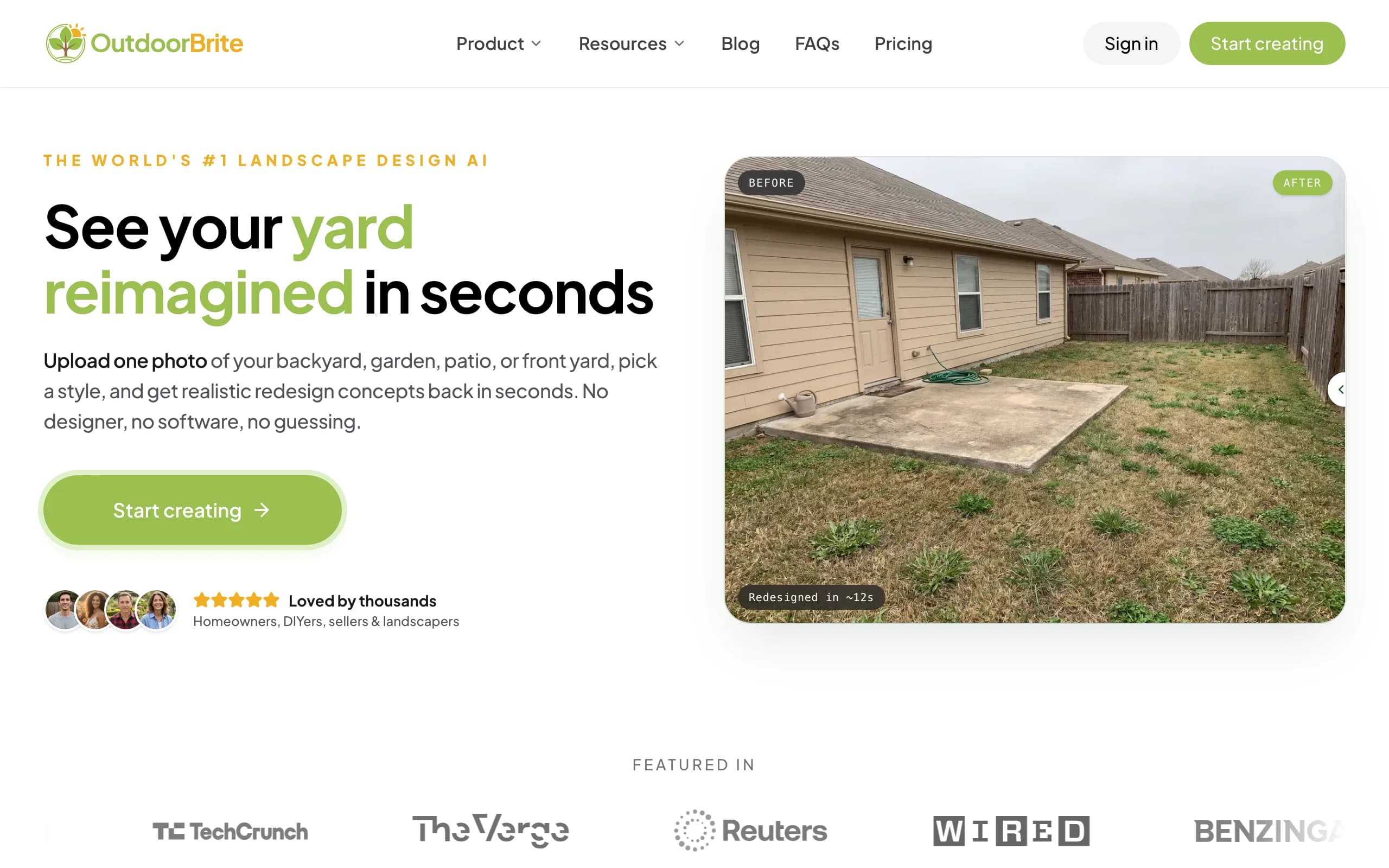
OutdoorBrite is an AI landscape design product built around one job: showing you what your own backyard could look like, fast. You upload a photo of the space, pick a style (modern, cottage, desert or xeriscape, tropical, Mediterranean), describe what you want in plain words, and it generates realistic concepts in under a minute. You get several concepts per upload, so you're comparing real options on your real yard instead of saving someone else's backyard to a Pinterest board. An in-app AI editor lets you refine a concept afterward: swap a plant, change a paving material, push the layout one way or the other.
Here is the honest part, since this is a roundup of free apps. OutdoorBrite has no free plan, no trial, and no free credits. You pay from the first design. We still rank it first because the result is the closest you'll get to seeing your finished backyard before you build it, and plant choices are matched to your climate and hardiness zone, so the greenery in a concept could actually grow where you live. That photo-to-design flow is what separates AI backyard design from a generic restyle. The same product handles patios, decks, fences, pergolas, pools, and full front yards too, so if you want the wider view, the AI landscape design page covers the rest of the space. If your budget is strictly zero, skip to iScape below; if you want the most realistic backyard result and can pay for it, this is the one.
Key features
- Photo-to-design AI: upload your backyard, get realistic concepts in under a minute
- Style presets plus a plain-language prompt to direct the look
- Multiple concepts per upload, with an in-app AI editor to refine
- Plant choices matched to your climate and hardiness zone
- Works for backyards, patios, decks, fences, pergolas, pools, and front yards
- Save and share designs; web-based, so nothing to install
Best for
- Homeowners who want to see a backyard redesign on their own photo before spending
- DIYers who'll take the concept to a plant and materials list
- Landscapers who want a realistic render to show a client on the spot
Pricing
- Paid only, no free plan and no trial. 1 credit = 1 design or 1 AI edit.
- Starter $29/mo ($23/mo billed yearly): 25 redesigns/mo, HD output.
- Plus $49/mo ($39/mo yearly): 100 redesigns/mo, sharp 2K output. Most popular.
- Pro $149/mo ($119/mo yearly): 200 redesigns/mo, 4K output, commercial rights.
Pros
- The most realistic backyard result of anything here, on your actual photo
- Fast enough to compare several styles in one sitting
- Plant suggestions respect your hardiness zone
Cons
- No free plan, so it doesn't fit a strictly zero-budget reader
- A render may need a tweak in the editor before a tricky angle looks right
2. iScape, best mobile design with AR
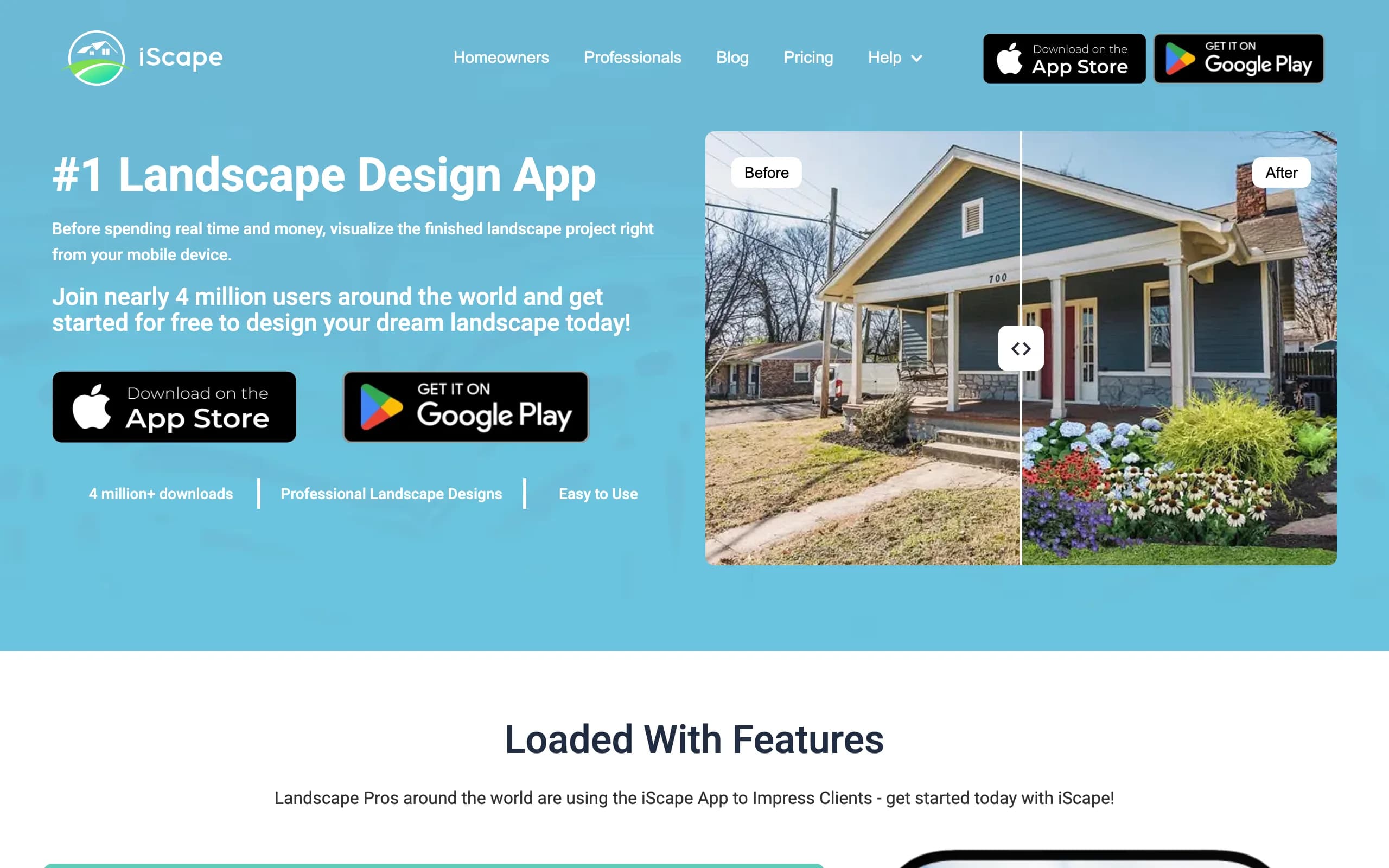
iScape is the phone-first app for people who want to design by hand rather than let AI do it. You build a backyard scene by placing plants, mulch, and hardscape onto a photo of your yard, and on supported devices you can use augmented reality to see those elements at real scale through the camera. It is closer to a manual design canvas than an automatic render engine, so you control every element, which suits anyone with a clear vision and the patience to lay it out piece by piece.
The free plan lets you try the basics and save a couple of designs with a reduced library; Pro unlocks the full plant and hardscape catalog plus a proposal tool aimed at landscapers. Two things to weigh: the richest 2D and 3D features are iOS-first, and because placement is manual, a polished scene takes longer than a one-tap AI concept. As a free way to design a backyard on your phone, though, it's a strong starting point. For the basics of arrangement and flow before you start, our guide to landscape design for beginners is a useful primer.
Key features
- Manual design: place plants and hardscape by hand on a photo of your yard
- AR preview on supported devices for real-scale placement
- Free plan with limited library to test the workflow
- Proposal and pricing tools aimed at pros on Pro
Best for
- DIYers who want full manual control over the layout for free
- iPhone users who like designing on location
- Landscapers testing a proposal tool before paying
Pricing
- Free plan: limited library, save up to 2 designs.
- Pro: $29.99/mo or $299.99/year.
- Enterprise: contact for multi-license pricing.
Pros
- Real free tier to test the workflow
- Full control over every element of the design
- Useful proposal tool on Pro for contractors
Cons
- Manual placement is slower than AI generation
- The richest design features are iOS-first
3. Planner5D, best free 3D backyard layout
Planner5D is where to start if your budget is zero and you care about getting the layout right. It's a general home-design app that handles yards well: you draw your backyard to scale, then arrange beds, paving, furniture, and structures in a 2D plan you can flip to 3D. The free plan gives you unlimited projects and about half the object catalog, which covers a typical home backyard. It leans toward measured, model-based planning rather than photoreal restyling, so reach for it when you want proportions and placement nailed down before buying a single paver.
It runs across web, iOS, Android, Windows, and Mac, so you can plan on a laptop and tweak on a phone. Two things to know: the free tier caps catalog access and the nicer render features, and the output is 3D-model rendering rather than AI on your actual photo. For free, accurate backyard layout, it's hard to beat.
Key features
- Draw your backyard to scale in 2D, view in 3D
- Free plan with unlimited projects and about half the catalog
- Large object library for beds, paving, furniture, and structures
- Cross-platform: web, iOS, Android, Windows, Mac
Best for
- DIYers who want accurate measurements and layout for free
- People planning bed and furniture placement before buying
- Anyone who prefers a model-based plan to an AI render
Pricing
- Free plan: unlimited projects, about 50% of the catalog.
- Premium: $4.99/mo billed annually ($59.99/year), higher month-to-month.
- Professional: $49.99/mo ($399.99/year), adds AI generation and 4K renders.
Pros
- Genuinely useful free tier for measured layout
- Cheap Premium tier on annual billing if you upgrade
- Works across web and mobile
Cons
- Free tier caps catalog and render quality
- 3D-model output, not photoreal AI on your own photo
4. Home Outside, best simple and guided
Update (July 2026): Home Outside now focuses on an in-store design service for garden centers and no longer sells its consumer design plans on its own site. The notes below describe the consumer app as it worked; check availability before you plan around it.
Home Outside is the friendly option for people put off by 3D modeling. Created by landscape designer Julie Moir Messervy, it's a drag-and-drop app where you sketch your yard and drop in plants, paths, and features from a library, with guidance that keeps the process approachable. It's free to download and gives you a sample selection of elements to start, so you can test the feel before deciding whether to pay.
To unlock the full library and save designs across the whole yard, you move to a paid subscription. The plant library is curated by U.S. hardiness zone, which helps you get plant choices right, though that focus makes it most useful in the United States. If you want a gentle, guided way to plan a backyard without a learning curve, Home Outside is built for exactly that.
Key features
- Simple drag-and-drop backyard design
- Free download with a sample library to start
- Plant library curated by U.S. hardiness zone
- Guided, beginner-friendly workflow
Best for
- Beginners who want a gentle, guided tool
- People who find 3D modeling overwhelming
- U.S. homeowners who want zone-aware plant suggestions
Pricing
- Free download with a limited selection of elements.
- Subscription to unlock the full library and save designs (set in-app).
- iOS and Android.
Pros
- Easy to pick up, with no real learning curve
- Free to download and try
- Hardiness-zone-aware plant library
Cons
- Saving designs and the full library need a subscription
- Plant data is U.S.-focused
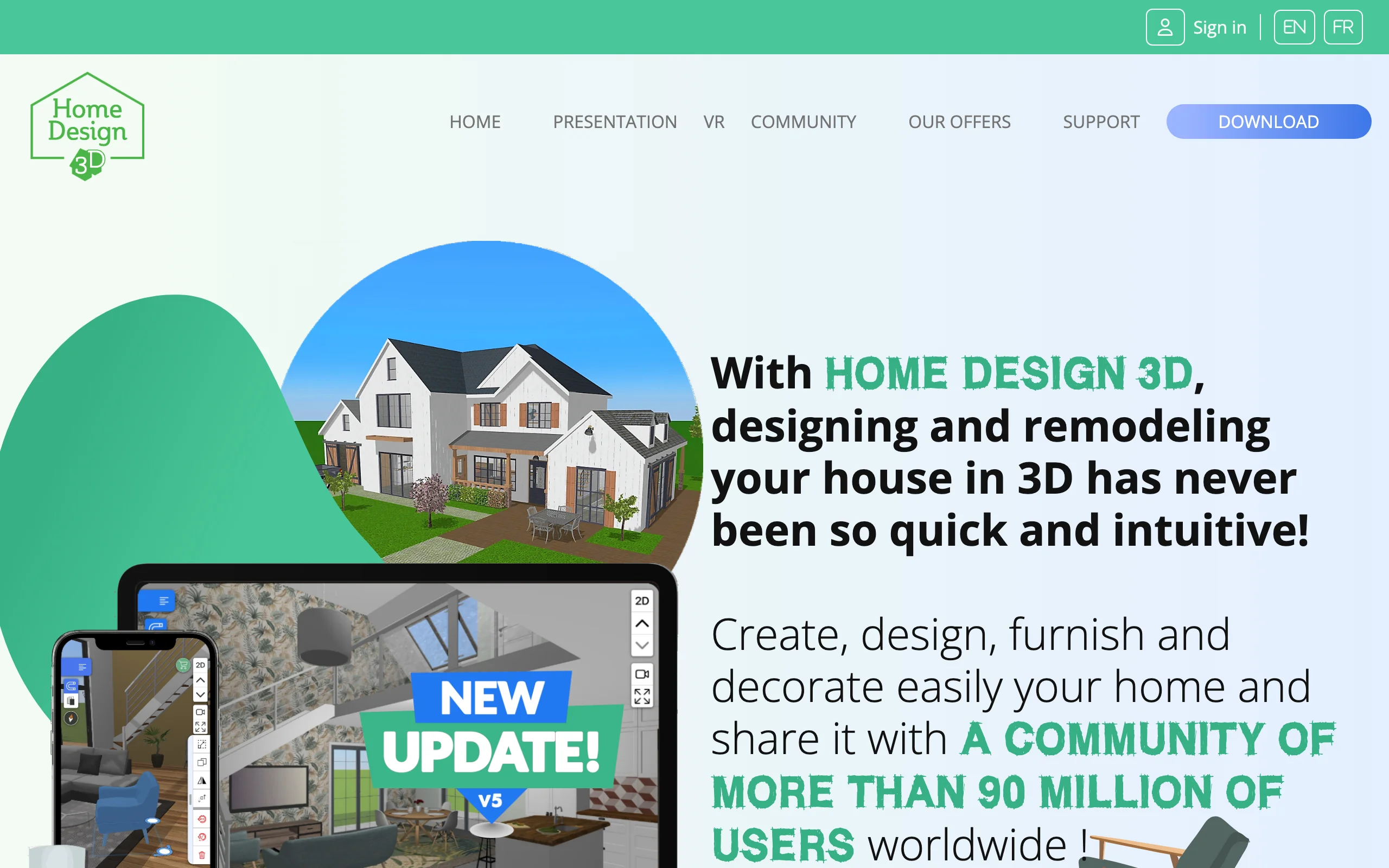
5. Home Design 3D Outdoor & Garden, best free 3D backyard app
Home Design 3D Outdoor & Garden is a mobile app built specifically for outdoor spaces, and it's free to download. You build your backyard in 3D on a phone or tablet: lay out the ground, drop in plants and furniture, add structures, and rotate the view to see how it all sits together. The catalog is large and the app is friendly to use, which makes it an easy free way to play with a yard layout in three dimensions.
The honest limit is the free model: you can design for free, but saving your project is gated behind an in-app purchase, and a GOLD unlock adds the fuller feature set. Like the other model-based apps here, it renders a 3D scene rather than AI on your actual photo, and it has no climate-aware plant data. As a free 3D backyard app you can open on your phone and start building, it does the job well.
Key features
- Free-to-download 3D backyard design on mobile
- Lay out ground, plants, furniture, and structures
- Large object catalog from the Home Design 3D platform
- Rotate and view your yard in 3D, with AR on iOS
Best for
- People who want a free 3D backyard app on a phone or tablet
- DIYers planning a layout in three dimensions
- Casual planners testing ideas before buying anything
Pricing
- Free to download and design.
- Saving projects is an in-app purchase; a GOLD version unlocks more.
- iOS and Android.
Pros
- Free to download and start designing
- Big object catalog and an easy interface
- Built specifically for outdoor and garden spaces
Cons
- Saving a design needs an in-app purchase
- 3D-model output, with no climate-aware plant data
6. DreamzAR, best AR walk-through
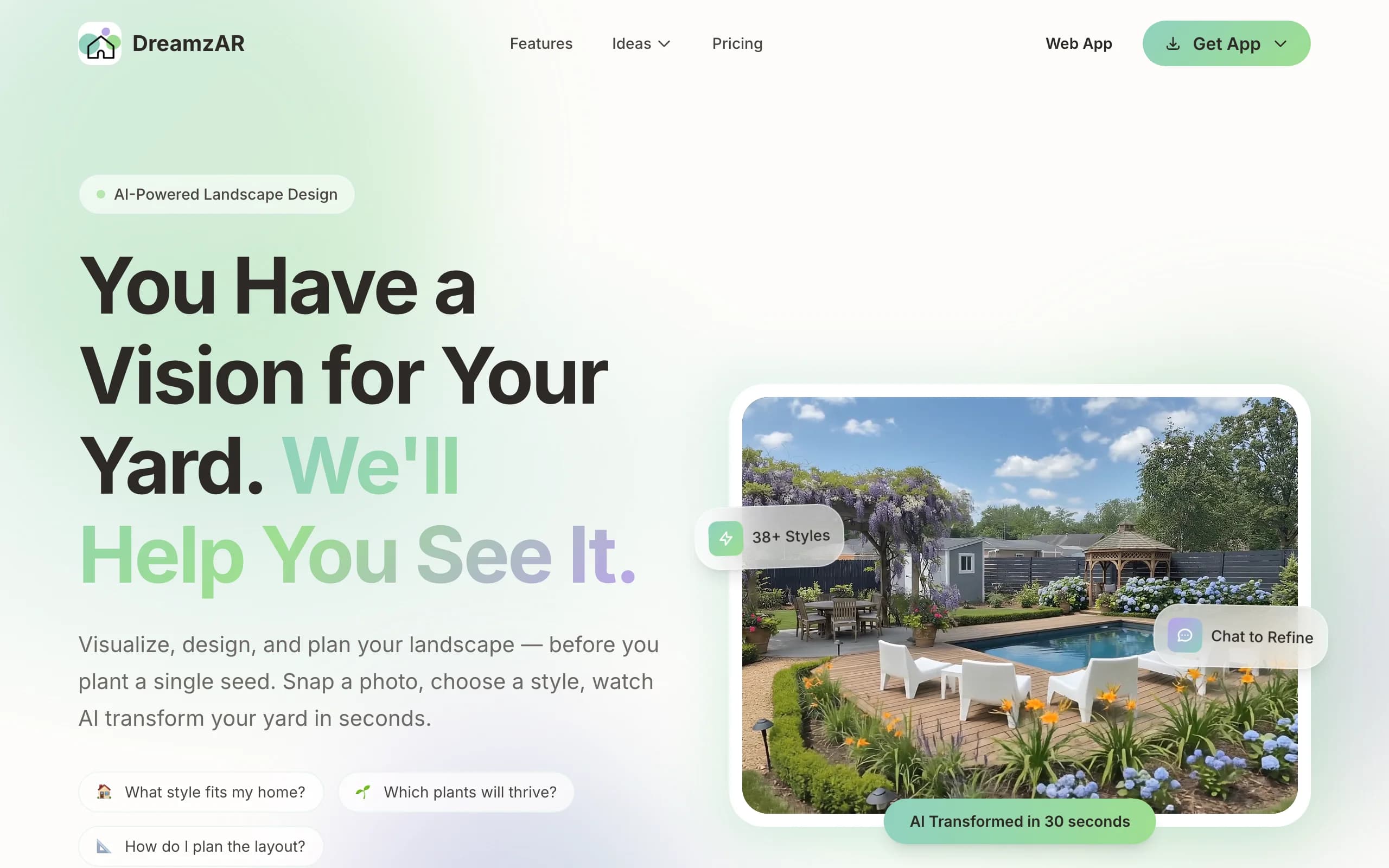
DreamzAR leans hardest into augmented reality. The paid app lets you drop 3D objects, plants, furniture, and hardscape onto your space and then walk through the design in AR, seeing it at real scale through your phone. On the free side, DreamzAR offers a set of design tools you can use without paying: landscape design games and a yard style quiz that help you settle on a direction before you commit.
The AR walk-through is the standout once you subscribe. Standing in your yard and seeing a pergola or a new bed layout rendered in place is more convincing than a flat image for a lot of people. The honest catch is that the full AR redesign is a paid subscription, and 3D AR mode is iOS-only. The free tools are a real way to explore styles at no cost, but they're a starting point rather than a finished backyard plan.
Key features
- Free design games and a style quiz to explore looks
- Paid AR 3D walk-through of your design at real scale
- 3D object placement (plants, furniture, hardscape)
- Large yard-style and plant library
Best for
- People who want free tools to settle on a backyard style
- Phone-first users who later want to experience a design in AR
- Homeowners who value spatial preview over speed
Pricing
- Free design tools and style quiz, no subscription.
- $19.99/mo, or $16.60/mo billed annually at $199.
- iOS, Android, and web; AR mode is iOS-only.
Pros
- Free games and quiz to explore styles at no cost
- Strong AR walk-through once you subscribe
- Big plant and style library
Cons
- The full AR redesign needs a paid subscription
- AR mode is iOS-only and depends on your phone
7. SketchUp Free, best free 3D modeling
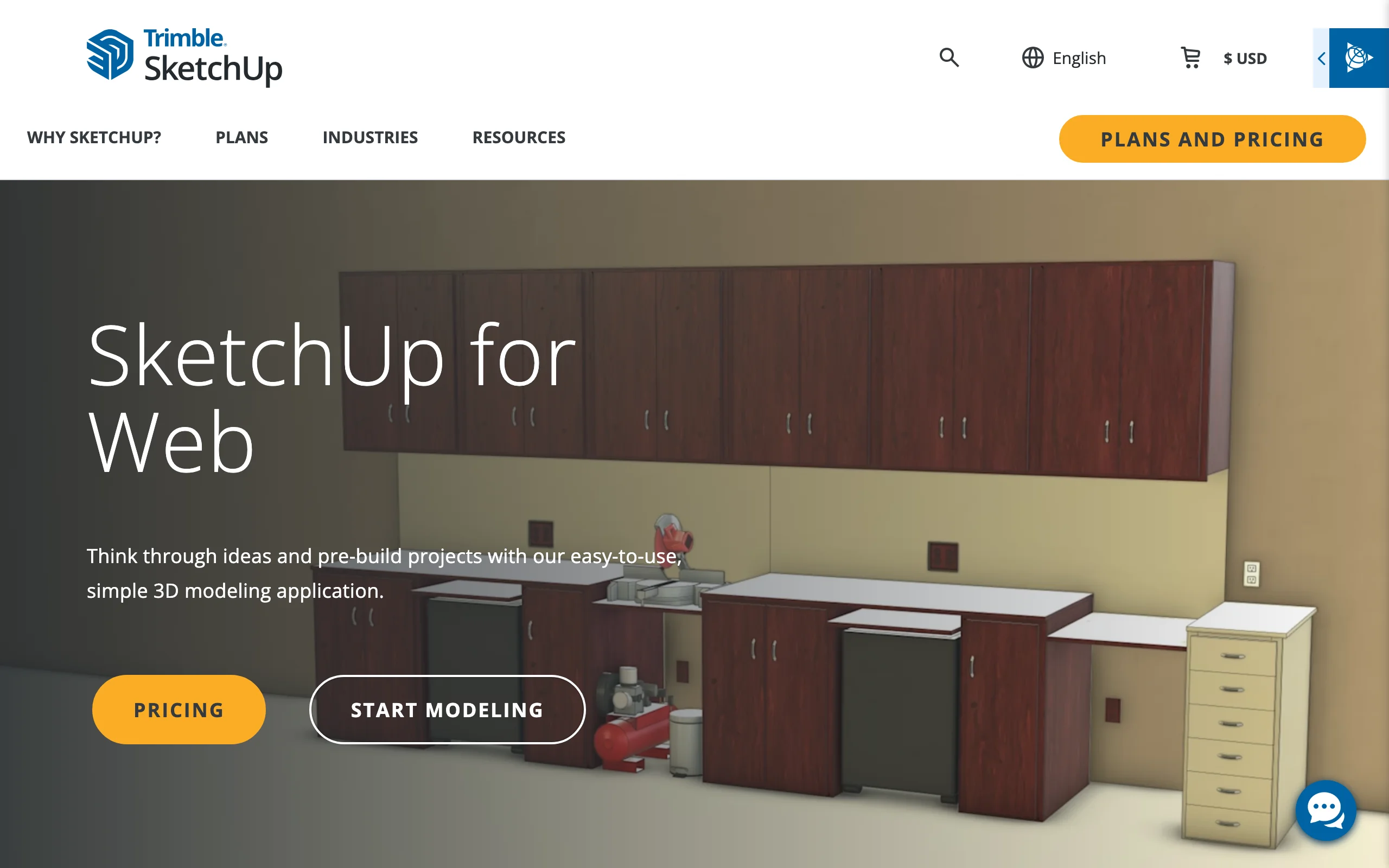
SketchUp Free is the browser version of the well-known 3D modeler, and it's genuinely free for personal projects with no subscription. It runs entirely in your browser, gives you 10GB of cloud storage, and connects to the 3D Warehouse, where you can pull in pre-made models for plants, furniture, and structures. For a backyard, that means precise hardscape: a deck, a pergola, raised beds, a retaining wall, all to exact dimensions. It's a true 3D modeling tool rather than a quick yard styler, so there's a learning curve, but the control is excellent.
The catch is that SketchUp Free is for personal, non-commercial use, and it carries no yard-specific features like climate-aware plant lists. If you're a landscaper or you need desktop power, you'll look at the paid Go or Pro plans. As a free way to model backyard structures accurately in 3D, though, it's one of the strongest options here. It is web-based rather than a native app, so it's better on a laptop than a phone. If you'd rather work in full desktop software, we compare the free backyard design software options separately.
Key features
- Browser-based 3D modeling, no install
- Free for personal projects, with 10GB of cloud storage
- 3D Warehouse access for pre-made plant and object models
- Strong control over precise backyard structures
Best for
- DIYers comfortable learning a real 3D modeling tool
- Designing decks, pergolas, raised beds, and hardscape to exact size
- People who want free 3D modeling without a subscription
Pricing
- SketchUp Free: $0 for personal, non-commercial use (web only).
- Go: $19.99/mo or $129/year, adds iPad and more storage.
- Pro: $99.99/mo or $399/year, adds the desktop app and extensions.
Pros
- A real, capable 3D modeler at no cost
- Generous free cloud storage and a huge model library
- Precise control over backyard structures
Cons
- Steeper learning curve than a simple yard styler
- Free version is personal-use only and web-only, with no plant data
How to choose the best free backyard design app for your needs
1) Decide how you want to design
Start with the style of work that suits you. If you want a result you barely have to drive, an AI app that restyles your photo (OutdoorBrite) gets you there fastest. If you like control and don't mind placing things by hand, a manual app (iScape, Home Outside) gives you that. And if you want precise 3D structures and measurements, a modeler (Planner5D, SketchUp Free, Home Design 3D) is the right home. There's no single best answer here, only the one that matches how you like to work.
2) Free vs paid: what you give up
Free backyard apps are real and useful, but every free tier holds something back. The common limits: you can only save a couple of designs (iScape, Home Design 3D), the catalog is capped (Planner5D, Home Outside), or the richest mode is paid (DreamzAR's AR). The bigger trade is realism and climate fit. Free apps render a model or place items by hand; they rarely match plants to your hardiness zone. That's the line OutdoorBrite's paid plan buys you: a realistic concept on your own photo with zone-aware plant choices. If you only need a rough layout, free is plenty. If you want a result you'd trust enough to build from, that's usually where you pay.
3) Match the app to your phone
Most of these are mobile-first, but the details matter. iScape, Home Outside, Home Design 3D, and DreamzAR are app-store downloads, and several lean iOS-first for their best features (AR especially). SketchUp Free runs in a browser, so it's easier on a laptop than a phone. OutdoorBrite is web-based and mobile-friendly, which fits the way most people photograph their yard. Check platform support before you commit so the feature you want actually runs on your device.
FAQ
What is the best free backyard design app? For free, measured layout, Planner5D is the strongest all-rounder: its free tier gives you unlimited projects and most of what a home backyard needs. iScape is the pick for hands-on design on a photo of your yard, and Home Outside is the gentlest place to start. The best paid app overall is OutdoorBrite, because it gives the most realistic backyard result from your own photo, but it has no free plan.
Is there a truly free backyard design app? Yes. Several apps here let you design at no cost: Planner5D and SketchUp Free for layout and 3D, iScape and Home Design 3D for mobile design, and Home Outside for a guided start. Free tiers usually cap saving, catalog access, or resolution, so they're best for planning rather than producing a final, build-ready document.
Is OutdoorBrite free? No. OutdoorBrite is paid only, with no free plan, no trial, and no free credits. Plans start at $29/mo. We rank it first because it produces the most realistic backyard concepts from a photo of your space, with plant choices matched to your hardiness zone, but if your budget is strictly zero, the other six apps here are free or have a real free tier.
Can an app design my backyard from a photo? Yes. OutdoorBrite generates realistic redesigns from a single photo of your yard, and iScape lets you place plants and hardscape onto a photo by hand. The difference is speed and realism: OutdoorBrite produces a finished-looking concept automatically, while iScape gives you manual control element by element.
Which backyard design app is best for beginners? Home Outside is the gentlest start, with simple drag-and-drop design and a guided flow. Planner5D is also beginner-friendly once you get used to drawing to scale. If you'd rather skip the learning curve entirely and just see a finished look, an AI tool like OutdoorBrite turns a photo into realistic concepts, though it's a paid product.
Do free backyard apps suggest plants that survive my climate? Most don't. Free model-based apps place generic plants without checking your zone. Home Outside curates its plant library by U.S. hardiness zone, which helps. OutdoorBrite matches plant choices to your climate and hardiness zone as part of the paid product, so the greenery in a concept could realistically grow where you live. With any free app, check plant suggestions against your local conditions before buying.
What photo gives the best results with an AI backyard tool? Shoot in good daylight, hold the phone steady, and frame the whole yard with a bit of the surroundings so the tool understands the space. Avoid heavy shadows, clutter, and extreme angles. A clear, well-lit, straight-on photo gives an AI tool like OutdoorBrite the most to work with and produces the most believable redesign.
Are free backyard design apps good enough to plan a real project? For laying out beds, paths, and structures and getting proportions right, yes. Planner5D and SketchUp Free are accurate enough to plan from. Where free apps fall short is photorealism and climate fit, so for the build you'll want to pair a free layout with a plant list checked against your zone, or use a tool like OutdoorBrite that handles both.
What are the best paid backyard design apps? If you've outgrown the free tiers, the paid upgrades of the same apps are usually the next step. iScape Pro adds the full plant library, and Planner5D Premium unlocks the object catalog and HD renders. OutdoorBrite is paid from the start: upload a photo of your backyard, pick a style, and get realistic concepts with climate-checked plants from $29 a month. Pick the paid app that matches how you design, hands-on layout or photo-to-concept.
For more app options across the whole yard, see our guide to the best landscape design apps, or start designing at OutdoorBrite.