3D and AR landscape design: how it works and the best tools (2026)
3D and AR landscape design covers three very different things: AI photo redesign, 3D modeling, and AR overlay on your yard. This guide explains how each one works, then compares 7 of the best tools with verified 2026 pricing so you can pick the one that matches how you want to design.
"3D landscape design" and "AR landscape design" get used as if they mean the same thing, and they don't. One builds a measured model of your yard you can spin around. One projects design objects onto a live camera view so you can see them standing in your real space. And a third thing, AI photo redesign, skips the model entirely and restyles a photo of your yard into a realistic finished look. They solve different problems, and picking the wrong one wastes hours.
This guide does two jobs. First it explains how 3D modeling, AR overlay, and AI photo redesign actually work, so you can tell which one you want. Then it compares 7 tools with verified 2026 pricing, from AI redesign to true 3D and AR walk-throughs, so you know whether you want a model to walk through, a render to react to, or both.
How 3D and AR landscape design works
There are three approaches, and most tools lean into one of them.
AI photo redesign starts from a single photo of your yard. You upload it, pick a style, and the software returns a realistic restyled image of that same space with new planting, paving, and structures. There is no model and no AR. The payoff is realism and speed: you see a photoreal version of your own yard in under a minute. The limit is that you get a picture, not a 3D object you can rotate or measure. You can design your yard with AI this way without learning any software.
3D modeling is the opposite. You build a scaled, three-dimensional model of your yard from scratch, placing beds, paving, furniture, and structures as objects you can move, measure, and view from any angle. It gives you accuracy and control, which matters when you need exact dimensions before ordering pavers or a pergola. The trade-off is effort and a learning curve, and the output looks like a model, not a photo, unless you add a rendering engine.
AR overlay uses your phone or tablet camera to place design objects into a live view of your real yard, at real scale. You stand in the space and see a pergola or paver layout rendered in place through the screen. It is the most convincing for judging size and fit on-site, but quality depends on your device and lighting, and you are placing things by hand rather than generating a finished look. Many tools mix two of these, so read each one for which it leads with.
Best 3D and AR landscape design tools: a brief overview
- OutdoorBrite, best overall for realistic results: upload a photo and get a photoreal AI redesign of your yard in under a minute. Not a 3D model or AR, but the fastest path to a result that looks real.
- iScape, best for AR overlay on your yard: place plants and hardscape by hand on a photo, then preview the design in augmented reality on-site.
- DreamzAR, best for an AR 3D walk-through: drop 3D objects onto your space and walk through the design in augmented reality at real scale.
- Planner5D, best for a 3D model with an AR viewer: draw your yard to scale in 2D and 3D, then view the model in AR on a phone.
- SketchUp, best for full 3D modeling: a complete 3D modeling tool for designing every element to exact scale, with rendering on higher tiers.
- Home Design 3D Outdoor & Garden, best for affordable 3D plus AR: a low-cost app that builds a 3D garden plan with AR viewing on compatible devices.
- Morpholio, best for AR design tools on iPad: sketch-over-photo design with AR perspective and walk-through tools, built for the iPad.
| Tool | Key strength | Pricing | Platforms |
|---|---|---|---|
| OutdoorBrite | Photoreal AI redesign from your photo (not 3D or AR) | From $29/mo (no free plan) | Web (mobile-first) |
| iScape | AR overlay with manual placement | Free tier; Pro $29.99/mo | iOS (Android limited) |
| DreamzAR | AR 3D walk-through on your phone | $19.99/mo ($16.60/mo yearly) | iOS, web |
| Planner5D | 3D model with an AR viewer | Free tier; Premium $4.99/mo yearly | Web, iOS, Android |
| SketchUp | Full 3D modeling, measured to scale | Go $129/yr; Pro $319.20/yr | Web, iPad, desktop |
| Home Design 3D Outdoor & Garden | Affordable 3D plus AR | $3.99 one-time | iOS, Mac |
| Morpholio | AR design tools on iPad | Free tier; Pro $19.99/yr | iPad, iPhone |
1. OutdoorBrite, best overall for realistic results
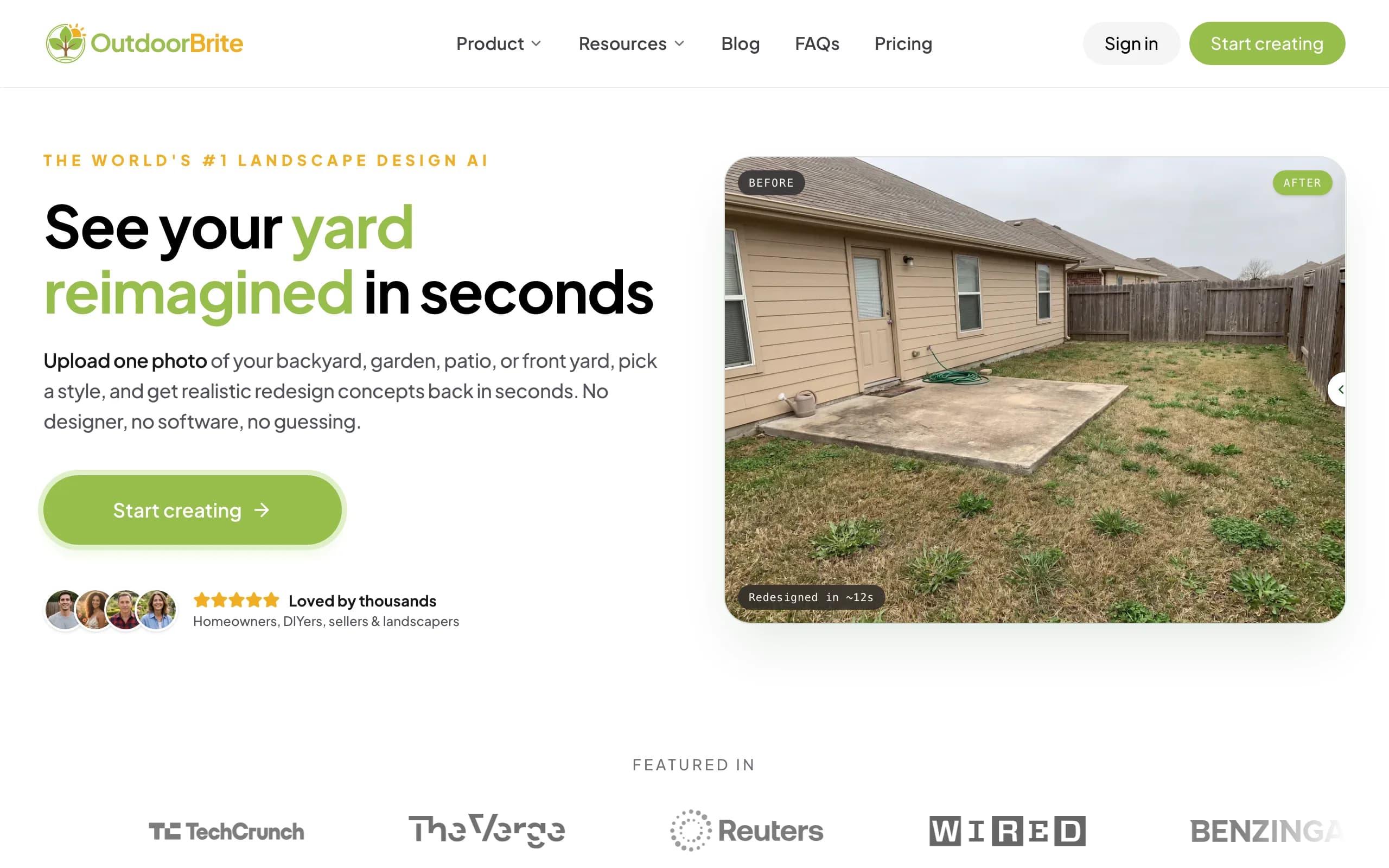
OutdoorBrite takes the AI photo redesign approach, and it is the most photorealistic result you can get without building a 3D model or using AR. You upload a photo of your yard, pick a style (modern, cottage, desert or xeriscape, tropical, Mediterranean), describe what you want in plain words, and it generates realistic concepts in under a minute. You get multiple concepts per upload, so you compare real options on your real yard instead of a saved photo of someone else's. An in-app AI editor lets you refine a concept after the fact, swap a material, change the planting, or push the layout one way.
Be clear about what it is and is not. OutdoorBrite is not a true 3D-model tool and it does not do an AR walk-through. You cannot rotate or measure the result, and you cannot stand in your yard and see objects through your camera. Its strength is realism and speed on your own photo, so it is the best pick if you want a result that looks real fast, not a model to walk through. The same flow handles backyards, gardens, decks, pergolas, pools, and front yards, and plant choices are aware of your climate and hardiness zone, so the greenery could survive where you live. Paid plans include full commercial rights for landscapers using the render as a pitch. The AI landscape design and AI backyard design pages cover the rest of the space.
Key features
- Photo-to-design AI: upload your yard, get photoreal concepts in under a minute
- Style presets plus a plain-language prompt to direct the look
- Multiple concepts per upload, with an in-app AI editor to refine
- Climate and hardiness-zone-aware plant choices
- Works for yards, gardens, decks, pergolas, pools, front and back yards
- Save, share, and full commercial rights on paid plans
Best for
- Homeowners who want a realistic result fast, not a 3D model to walk through
- DIY users taking the concept to a plant and materials list
- Landscapers and contractors using the render as a closing tool on-site
Pricing
- Paid-only, no free plan and no free trial. 1 credit = 1 design or 1 AI edit.
- Starter $29/mo ($23/mo billed yearly): 25 redesigns/mo, HD output.
- Plus $49/mo ($39/mo yearly): 100 redesigns/mo, sharp 2K output. Most popular.
- Pro $149/mo ($119/mo yearly): 200 redesigns/mo, 4K output, agency and commercial rights. Annual billing saves about 20%; top-up packs never expire.
Pros
- The most realistic output on your actual yard photo, fast
- Fast enough to compare several styles in one sitting
- Editor lets you refine instead of restarting from scratch
- Plant suggestions respect your zone
Cons
- Not a true 3D-model or AR walk-through tool, so no rotating or measuring
- No free tier to test before you commit
2. iScape, best for AR overlay on your yard
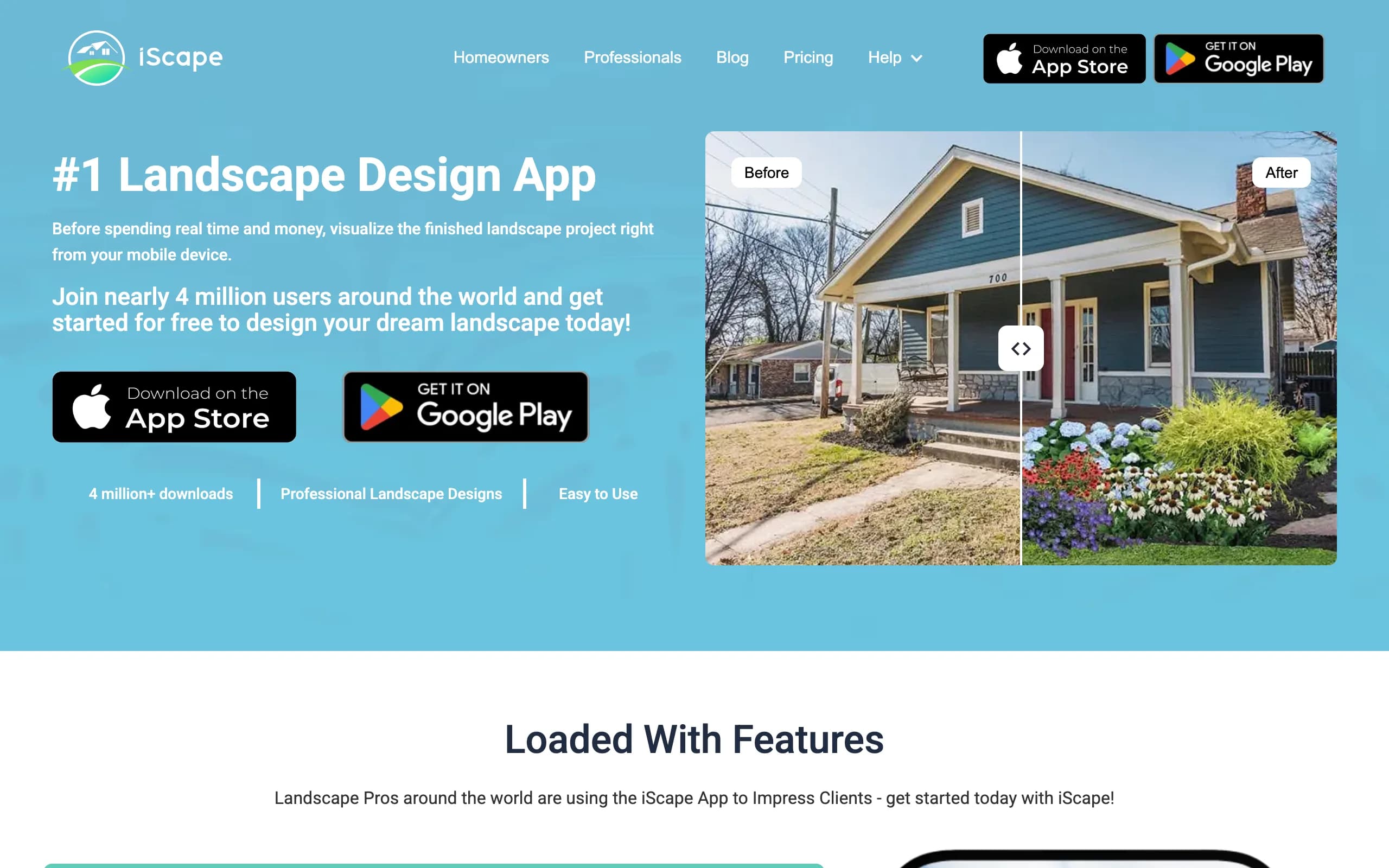
iScape is an AR overlay tool for people who want to design by hand and see it in their real space. You build a scene by placing plants, pavers, and hardscape onto a photo of your yard, then preview the result in augmented reality on-site. It is closer to a manual design canvas with an AR preview than an automatic engine, so you control every element, which suits you if you have a clear vision and the patience to lay it out piece by piece.
The free plan covers the basics and saves a couple of designs, while Pro adds the full plant and hardscape library, image uploads, and a proposal tool for landscapers. The limits are platform and effort: it is iOS-first with limited Android support, and because you place items by hand, a polished scene takes real time next to a one-click AI concept. The AR preview is the reason to use it, seeing the layout standing in the yard rather than on a flat screen.
Key features
- Manual design: place plants and hardscape by hand on a photo
- AR overlay to preview the design on-site at scale
- Large plant and hardscape library on Pro
- Proposal tool aimed at pros
Best for
- DIYers who want full manual control over the layout
- iPhone users who like designing in AR on location
- Landscapers who want a proposal tool on a phone
Pricing
- Free plan: limited features, save up to 2 designs.
- Pro: $29.99/mo or $299.99/year (saves about two months).
- Enterprise: contact for multi-license pricing.
Pros
- Free tier to test the workflow
- AR overlay is genuinely useful on-site
- Full control over every element of the design
Cons
- Manual placement is slower than AI generation
- iOS-first, with limited Android support
3. DreamzAR, best for an AR 3D walk-through
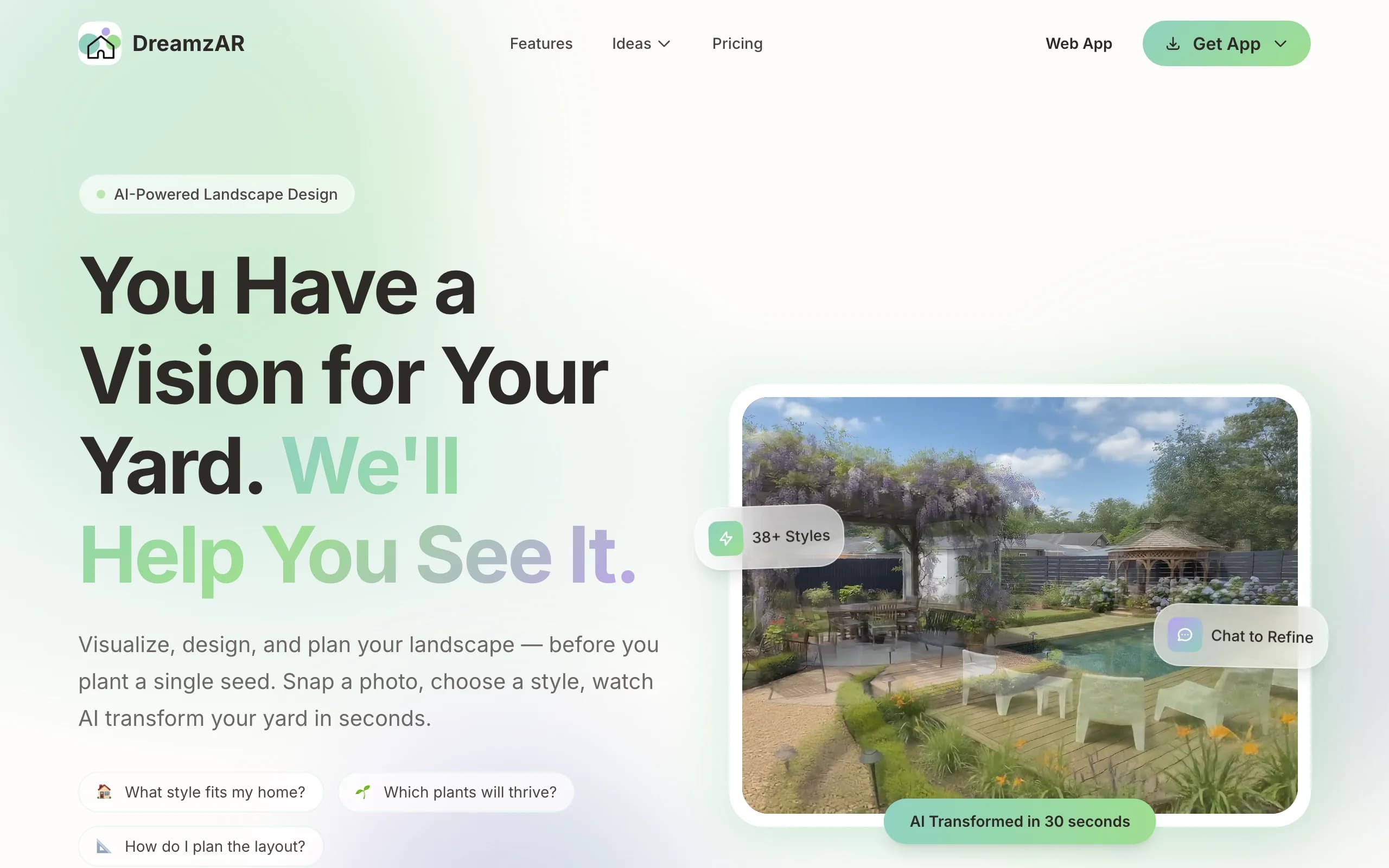
DreamzAR leans hardest into augmented reality. You drop 3D objects (plants, furniture, hardscape) onto your space and then walk through the design in AR, seeing it at real scale through your phone. It pairs that with AI styling and a chat refinement option, plus a large library of garden styles and plants, so you can both generate ideas and place them in three dimensions on your actual yard.
The AR walk-through is the standout. Standing on your patio and seeing a pergola or a paver layout rendered in place answers the question a photo cannot, which is whether the thing fits the space. The flip side is that AR-heavy workflows depend on your phone and lighting, so the experience varies by device. There is a small free tier to test it before you subscribe.
Key features
- AR 3D walk-through of your design at real scale
- 3D object placement (plants, furniture, hardscape)
- AI styling plus chat-based refinement
- Large garden-style and plant library
Best for
- Homeowners who want to walk through the design in AR
- Phone-first users comfortable steering a 3D scene
- People who value spatial preview over speed
Pricing
- $19.99/mo, or $16.60/mo billed annually at $199 (save 17%).
- A small free tier with limited generations to try first.
- Cancel anytime.
Pros
- Strong AR walk-through that puts the design in your real space
- Free tier to test before paying
- Chat refinement makes tweaks approachable
Cons
- AR quality depends on your phone and lighting
- 3D placement takes more effort than a flat AI render
4. Planner5D, best for a 3D model with an AR viewer
Planner5D is a general home-design app that builds a real 3D model and works well for yards when you care about precise layout. You draw your yard to scale, then arrange furniture, surfaces, and structures in a 2D plan you can flip to 3D. It also has an AR viewer, so you can step the finished model into your real space on a phone. It is less about photoreal AI restyling and more about getting measurements, proportions, and the arrangement right before you order materials.
It is cross-platform (web, iOS, Android) with a usable free tier, and the Premium plan is cheap on annual billing. Two things to know: the visual output is 3D-model rendering rather than photoreal AI on your actual photo, and iOS app pricing tends to run higher than the web prices, so subscribe on the web if you can. As a middle ground between a full modeler and an AR app, it covers both at a low price.
Key features
- Draw your yard to scale in 2D, view in 3D
- AR viewer to place the model in your real space
- Furniture, surface, and structure layout
- Cross-platform: web, iOS, Android
Best for
- DIYers who want accurate measurements and layout
- People planning paver and furniture placement before buying
- Anyone who wants both a 3D model and an AR view at a low price
Pricing
- Free plan with limited features.
- Premium: $4.99/mo billed annually ($59.99/year), or higher month-to-month.
- Professional: $33.33/mo ($399.99/year). iOS app pricing runs higher than web.
Pros
- Strong for measured, to-scale layout
- Affordable Premium tier on annual billing
- Works across web and mobile with an AR viewer
Cons
- 3D-model output, not photoreal AI on your own photo
- iOS pricing is higher than the web prices
5. SketchUp, best for full 3D modeling
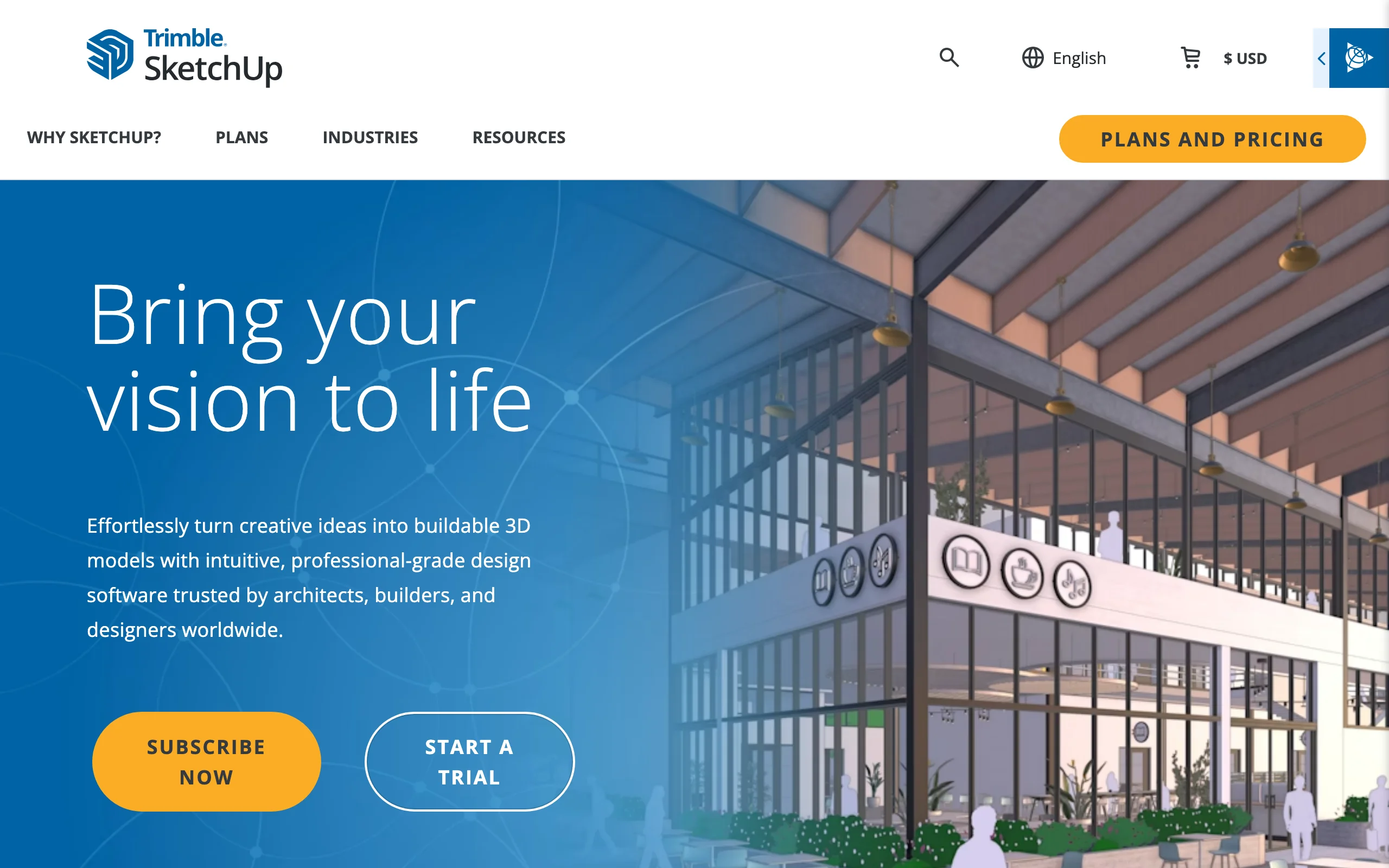
SketchUp is the serious 3D modeling tool of the group. It is not landscape-specific, but landscape architects use it to build a yard from the ground up: terrain, beds, paving, structures, and furniture, all as scaled 3D objects you can move and measure from any angle. If you need exact dimensions and full control over geometry before a build, nothing else here matches it. Higher tiers add photorealistic rendering, so the model can become a polished visual.
The trade-off is the steepest learning curve in this list. SketchUp is general-purpose, CAD-adjacent software, so a yard takes real time to model, with no upload-a-photo shortcut and no built-in AR walk-through (it leads with desktop and iPad modeling plus mobile viewers). It is overkill for a homeowner who wants a few quick looks and right at home for a pro who models for a living. Pricing reflects professional software, not a consumer app.
Key features
- Full 3D modeling of every element to exact scale
- Large extension and 3D object library
- Photorealistic rendering on the Studio tier
- Web, iPad, and desktop modelers with mobile viewers
Best for
- Designers and pros who need precise, full-control 3D models
- Detailed projects where exact geometry matters before a build
- People comfortable learning real modeling software
Pricing
- Go: $19.99/mo or $129/year (web and iPad modelers, mobile viewers).
- Pro: $99.99/mo or $319.20/year (adds desktop modeler, LayOut 2D docs, extensions).
- Studio: $655.20/year, annual only (adds point-cloud and photorealistic rendering).
Pros
- The most control and accuracy of any tool here
- Massive object and extension library
- Rendering on higher tiers turns the model into a polished visual
Cons
- Steep learning curve and slow to model a yard
- No photo upload and no built-in AR walk-through
6. Home Design 3D Outdoor & Garden, best for affordable 3D plus AR
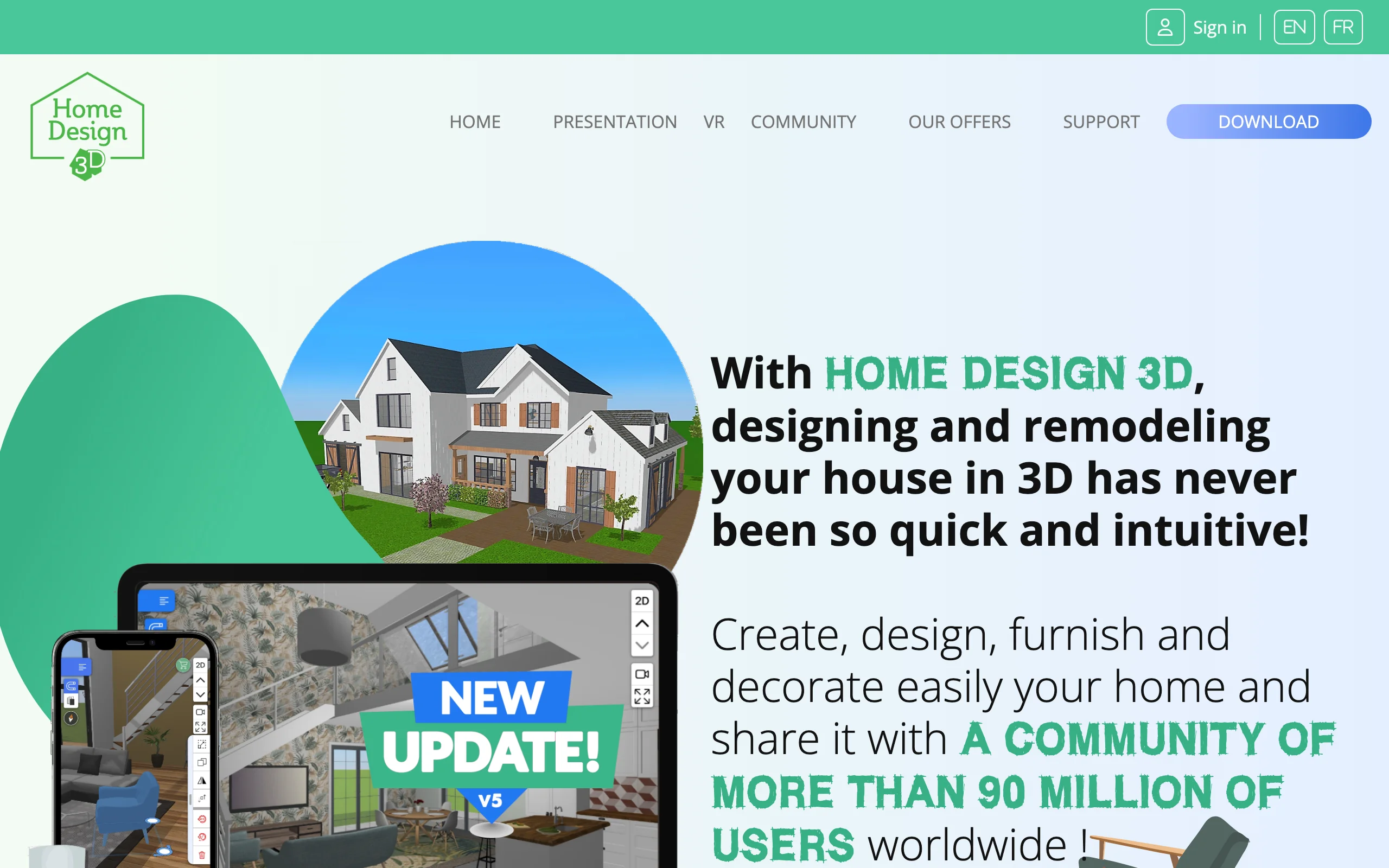
Home Design 3D Outdoor & Garden is a low-cost app that gives you both a 3D plan and AR viewing for the price of a coffee. You lay out your garden with a drag-and-drop interface, place beds, paths, fences, and furniture, and see the result in 3D. On compatible devices you can also view the design in augmented reality, stepping the model into your real space. It is aimed at DIYers planning beds, pathways, and small hardscape rather than full professional builds.
The appeal is the price and the low friction: a one-time purchase, an approachable interface, and both 3D and AR in one app. The catch is depth. The object library and modeling are consumer-grade, so larger or more detailed projects outgrow it, and it is iOS and Mac focused with no Android listing. As an affordable way to try a 3D-plus-AR workflow without a subscription, it is hard to fault.
Key features
- Drag-and-drop 2D and 3D garden layout
- AR viewing on compatible iOS devices
- Object library for beds, paths, fences, and furniture
- One-time purchase, no subscription
Best for
- DIYers who want 3D plus AR without a monthly fee
- Small garden, bed, and pathway projects
- People who prefer a one-time purchase to a subscription
Pricing
- $3.99 one-time purchase on the App Store. No subscription.
- A free try-before-you-buy mode generally blocks saving or exporting until you buy.
Pros
- Very low cost and a one-time purchase
- Both 3D and AR in one approachable app
- Easy enough for first-time designers
Cons
- Consumer-grade depth, outgrown by larger projects
- iOS and Mac focused, with no Android listing
7. Morpholio, best for AR design tools on iPad
Morpholio is built for the iPad, and its Trace app brings real AR tools to landscape design. You sketch over a photo or a site plan and use AR features to set up perspectives and walk through a design in your real space. The AR Perspective Finder captures an accurate, to-scale view of your yard so your sketch sits in correct perspective, and the AR walk-through lets you experience the design on-site. It pairs that with a LiDAR room and site scanner on supported devices that creates a scaled 3D model to draw over.
It is a designer's tool more than a one-click homeowner app. The workflow assumes you want to draw and design, not auto-generate a finished look, and it is best on an iPad with an Apple Pencil. For designers who already work on the iPad, the AR perspective and walk-through tools are the draw, and the price is low for what you get. For a homeowner who just wants a quick render, it is more app than they need.

Key features
- AR Perspective Finder for to-scale, in-place views
- AR walk-through to experience a design on-site
- LiDAR site scanning to a 3D model on supported devices
- Sketch-over-photo design tools for the iPad
Best for
- Landscape designers and architects working on the iPad
- People who want to draw and design rather than auto-generate
- iPad and Apple Pencil users who value AR perspective tools
Pricing
- Free version with up to 5 projects and basic tools.
- Plus: $9.99/year. Pro: $19.99/year (unlimited projects, full AR tools).
- iPad and iPhone only; billed through the App Store.
Pros
- Genuine AR perspective and walk-through tools
- Low yearly price for the Pro tier
- LiDAR scanning to a scaled model on supported devices
Cons
- iPad-first and aimed at designers, not casual users
- A learning curve next to a one-click AI tool
Best free 3D landscape design software
Several tools in this list are genuinely usable without paying, as long as you know where each free tier stops.
- SketchUp Free is the strongest free 3D modeler here: the full web modeler, free for personal use. The paid Go and Pro tiers listed above mainly add the mobile and desktop apps, extensions, and 2D documentation.
- Planner5D's free plan builds a complete 3D model of your yard with a reduced object catalog. Upgrading mostly buys the full catalog and HD renders.
- Sweet Home 3D is not ranked above but deserves a mention as a fully free, open-source desktop option with no account and no paywall at all, though its garden object library is basic.
- On mobile, iScape's free plan saves up to 2 designs and Morpholio's free version covers 5 projects.
The pattern is the same everywhere: free gets you structure and layout, while full catalogs, exports, and AR sit behind the paywall. If what you want is a photorealistic look at your own yard rather than a 3D model to spin around, that is the AI side of this comparison, and it is paid.
How to choose between AI, 3D, and AR for your yard
1) Decide what output you actually need
Start with the result you want in your hands. If you want a realistic picture of your finished yard to react to and brief a contractor with, AI photo redesign gets you there fastest, which is OutdoorBrite's lane. If you need exact dimensions and full control over geometry before ordering materials, a 3D model wins, with SketchUp at the serious end and Planner5D or Home Design 3D at the affordable end. If you want to judge size and fit by standing in the space, AR overlay is the answer, which points to iScape, DreamzAR, or Morpholio. Few tools lead at more than one, so name your priority first.
2) Match the effort to your patience
AI redesign is the quickest, often under a minute, with no learning curve. AR placement is moderate, since you set up and steer the scene on your phone. Full 3D modeling is the slowest, with a real learning curve in SketchUp and meaningful time even in lighter apps. If you want results today, lean AI; if you will invest hours for precision, 3D modeling rewards it.
3) Check the platform and device
Where you work changes what fits. AR tools need a capable phone or tablet, and Morpholio and Home Design 3D are iOS-leaning, while iScape is iOS-first with limited Android. A 3D modeler like SketchUp is happiest on a desktop or iPad. AI redesign on the web (OutdoorBrite) runs on whatever has a browser, including the phone you shot the photo on. Confirm support before you pay, since some apps price iOS higher than web.
4) Match the price model to how often you'll use it
A one-time purchase (Home Design 3D) suits a single project you design once. A cheap yearly plan (Morpholio, Planner5D Premium) fits occasional use. A monthly subscription (OutdoorBrite, DreamzAR, iScape Pro) makes sense if you iterate across several looks or yards, and professional 3D software (SketchUp Pro and Studio) is priced for people who model for a living. Free tiers (iScape, Planner5D, Morpholio) are fine for testing but usually cap saves, resolution, or features.
FAQ
What is AR landscape design? AR landscape design uses your phone or tablet camera to project design objects (plants, paving, furniture, structures) into a live view of your real yard at real scale. You stand in the space and see the design rendered in place through the screen, which makes it easy to judge size and fit. iScape, DreamzAR, and Morpholio are examples. The output is a live preview rather than a saved photoreal image.
What is the difference between 3D and AR yard design? 3D design builds a scaled model of your yard inside the app that you can rotate, measure, and view from any angle on a screen. AR design takes a design and overlays it onto your real yard through your camera so you see it in your actual space at real scale. 3D is about accuracy and control in a virtual model; AR is about previewing the design on-site. Some tools, like Planner5D, do both: a 3D model with an AR viewer.
Does OutdoorBrite do AR or 3D? No, and it is worth being clear about. OutdoorBrite uses AI to turn a photo of your yard into a realistic 2D redesign. It does not build a 3D model you can rotate or measure, and it has no AR walk-through. Its strength is photorealism and speed on your own photo, so it is the best pick when you want a result that looks real fast, not a model to walk through or place in AR. For 3D, look at SketchUp or Planner5D; for AR, iScape, DreamzAR, or Morpholio.
What is the best AR app for landscaping? It depends on how you want to work. DreamzAR is the strongest for an AR 3D walk-through where you drop objects and walk through the result. iScape is best for manual AR overlay where you place plants and hardscape by hand. Morpholio suits designers on an iPad who want AR perspective and walk-through tools alongside sketching. Try a free tier first, since AR quality varies by device.
Is 3D landscape design software hard to use? It varies. Full 3D modeling like SketchUp has a real learning curve, and a yard takes time to build. Lighter apps like Planner5D and Home Design 3D use drag-and-drop layouts most people pick up quickly. If you want a finished look with no modeling at all, an AI photo tool like OutdoorBrite skips the model and returns a realistic image in under a minute.
Can I get a realistic result without building a 3D model? Yes. That is exactly what AI photo redesign does. You upload a photo of your yard and get back a photoreal restyled image of the same space, with no model to build and no AR setup. OutdoorBrite works this way and is the most realistic of these tools for that single job. The limit is that you get a picture, not a 3D object you can rotate, so if you need exact dimensions you will still want a modeler.
Do AR and 3D tools suggest plants that survive my climate? Mostly no. AR overlay and 3D modeling tools give you objects to place, but they generally do not tailor plant choices to your hardiness zone, so you check survivability yourself. OutdoorBrite makes plant choices aware of your climate and zone in its AI redesigns, so the greenery in a concept could realistically grow where you live. Whichever tool you use, confirm any plant against your local conditions before buying.
How much does 3D and AR landscape design cost? It spans a wide range. A one-time app like Home Design 3D is $3.99, cheap yearly plans like Morpholio Pro and Planner5D Premium run about $5 to $20 a year, AR subscriptions like DreamzAR and iScape Pro are $20 to $30 a month, and professional 3D software like SketchUp runs from $129 to over $650 a year. AI redesign tools like OutdoorBrite start at $29/mo. Match the price to whether you design once or iterate often.
For a wider look at picking the right tool, see our guide to landscape design software for homeowners, or start designing at outdoorbrite.com.