Best landscape design software in 2026: 7 picks compared
Pro desktop suites, 3D modelers, mobile apps, and AI photo tools all call themselves landscape design software, and they solve very different problems. We tested and priced seven of them so you can pick the one that fits your yard, your budget, and your workflow.
Ask which program landscapers and homeowners should actually pay for and you get two very different kinds of answers: heavyweight desktop suites that contractors have used for decades, and newer AI tools that redesign a photo of your yard in under a minute. Both are useful. They just solve different problems, and most landscaping software reviews mix them together without saying which is which.
This guide covers seven picks across both camps: AI photo tools, professional CAD suites, 3D modelers, and mobile apps. For each one you get pricing we rechecked in October 2026, what it does well, where it falls short, and who should buy it. By the end you should know which landscape design program is worth paying for, whether you're a homeowner planning one yard or a pro designing dozens. (Working with a $0 budget? That's a separate list, linked further down.)
Best landscape design software: a quick overview
- OutdoorBrite: Best overall for photo-realistic AI design on your own yard. Upload a photo, pick a style, and compare finished concepts in under a minute, from any device.
- PRO Landscape: Best professional desktop suite. The long-running industry standard for contractors who want photo imaging, CAD plans, and one-click proposals in a single package.
- Realtime Landscaping Pro: Best 3D walkthroughs on desktop. A one-time $279 purchase that lets you sculpt terrain and walk a client through the yard in real time.
- VizTerra: Best for hardscape and pool pros. Structure Studios' 3D presentation software, built to sell patios, outdoor kitchens, and pool decks.
- SketchUp: Best general-purpose 3D modeler. Not landscape-specific, but the tool of choice when you need precise, to-scale models of decks, pergolas, and grading.
- iScape: Best mobile app for on-site sketching. Drag plants and pavers onto a photo from your phone while you're standing in the yard.
- Planner 5D: Best budget entry point. A cheap, friendly 2D/3D planner for rough layouts before you commit to anything more serious.
If you're a homeowner with one project, start with OutdoorBrite for realistic concepts on your own yard, and add Planner 5D or SketchUp if the project turns construction-heavy. If you design or build yards for a living, PRO Landscape and VizTerra are the workhorses, with an AI tool on top for fast client visuals.
| Tool name | Key strength | Pricing | Platforms |
|---|---|---|---|
| OutdoorBrite | Photo-realistic AI redesigns of your own yard in under a minute | From $29/month | Web (desktop and mobile) |
| PRO Landscape | Full pro suite: photo imaging, CAD, 3D, and proposals | $90/month or $900/year | Windows desktop, tablet companion app |
| Realtime Landscaping Pro | Real-time 3D walkthroughs with terrain sculpting | $279 one-time; free watermarked trial | Windows desktop |
| VizTerra | Polished 3D hardscape and pool presentations | From $84/month billed annually, plus $95 setup; 30-day free trial | Windows desktop |
| SketchUp | Precise general-purpose 3D modeling | From $129/year; free web version for personal use | Web, Windows, Mac, iPad |
| iScape | AR and 2D design on a phone at the job site | Free version; Pro $29.99/month | iOS (full), Android (2D only) |
| Planner 5D | Simple 2D/3D layouts at a hobby price | Free plan; Premium from $59.99/year | Web, iOS, Android, Windows, Mac |
1. OutdoorBrite, best overall for photo-realistic AI design on your own yard
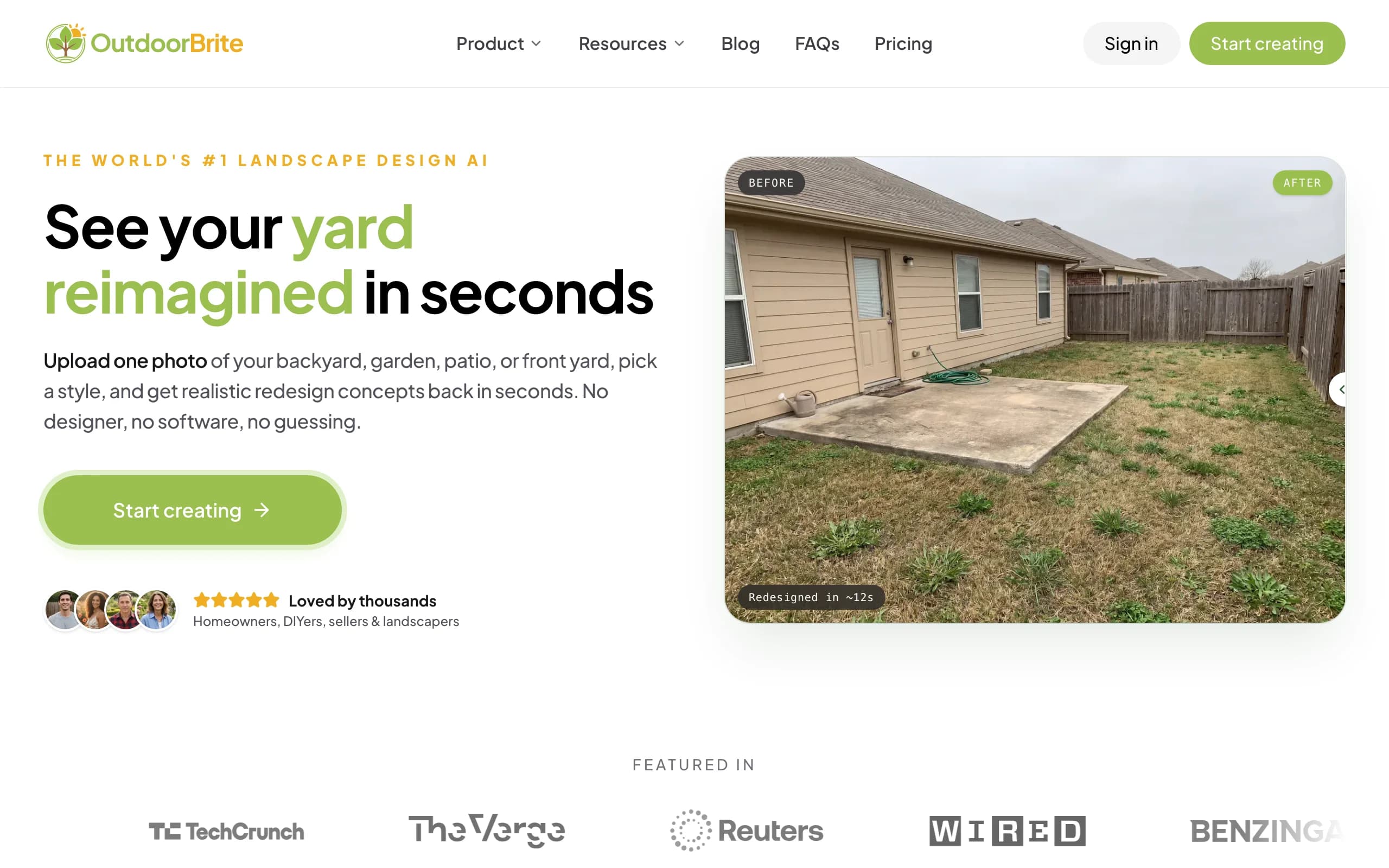
OutdoorBrite is an AI landscape designer built around one job: showing you what your actual yard could look like before you spend money on it. You upload a photo of your backyard, front yard, patio, or garden, pick a style like modern, cottage, or xeriscape, and describe what you want. It generates realistic redesign concepts in under a minute, rendered on your real space instead of a generic stock lot.
From there you can compare several styles on the same photo, refine a favorite in the in-app AI editor, and save or share the results. Plant choices account for your climate and hardiness zone, which matters if you plan to build the design rather than just admire it. Pros use it differently: the render becomes the pitch, generated on-site while the client watches. Beyond yards it covers decks, fences, pergolas, pools, and retaining walls, plus project calculators and a landscaping glossary, all in one place.
Key features
- Photo-to-design generation: one yard photo in, realistic concepts out in under a minute
- Style presets including modern, cottage, tropical, Mediterranean, and desert/xeriscape
- Multiple concept variations per upload, so you can compare directions on the same space
- In-app AI editor to refine a concept you like
- Climate and hardiness-zone-aware plant choices, with plant lists on Plus and Pro
- HD, 2K, or 4K output depending on plan
Best for
- Homeowners who want to see their own yard redesigned before hiring anyone or buying materials
- Landscapers and contractors who need a client-ready visual on-site to close a job
- DIYers who want a plant list matched to their region, not just a pretty picture
Pricing
- Starter: $29 per month for 25 redesigns and HD output
- Plus: $49 per month for 100 redesigns, 2K output and a plant list for every design (the most popular plan)
- Pro: $149 per month for 200 redesigns, 4K output, and client-ready presentation exports
- Annual billing saves about 20 percent; top-up credit packs are available and don't expire
Pros
- Renders your real yard, not a template lot, so decisions get easier
- Fast enough to compare five styles in one sitting or generate live with a client
- Nothing to install or learn; it runs in the browser on a phone or laptop
Cons
- No free plan or trial, so you commit to a paid month before your first design
- Not a CAD tool: it won't produce dimensioned construction plans or grading documents
2. PRO Landscape, best professional desktop suite
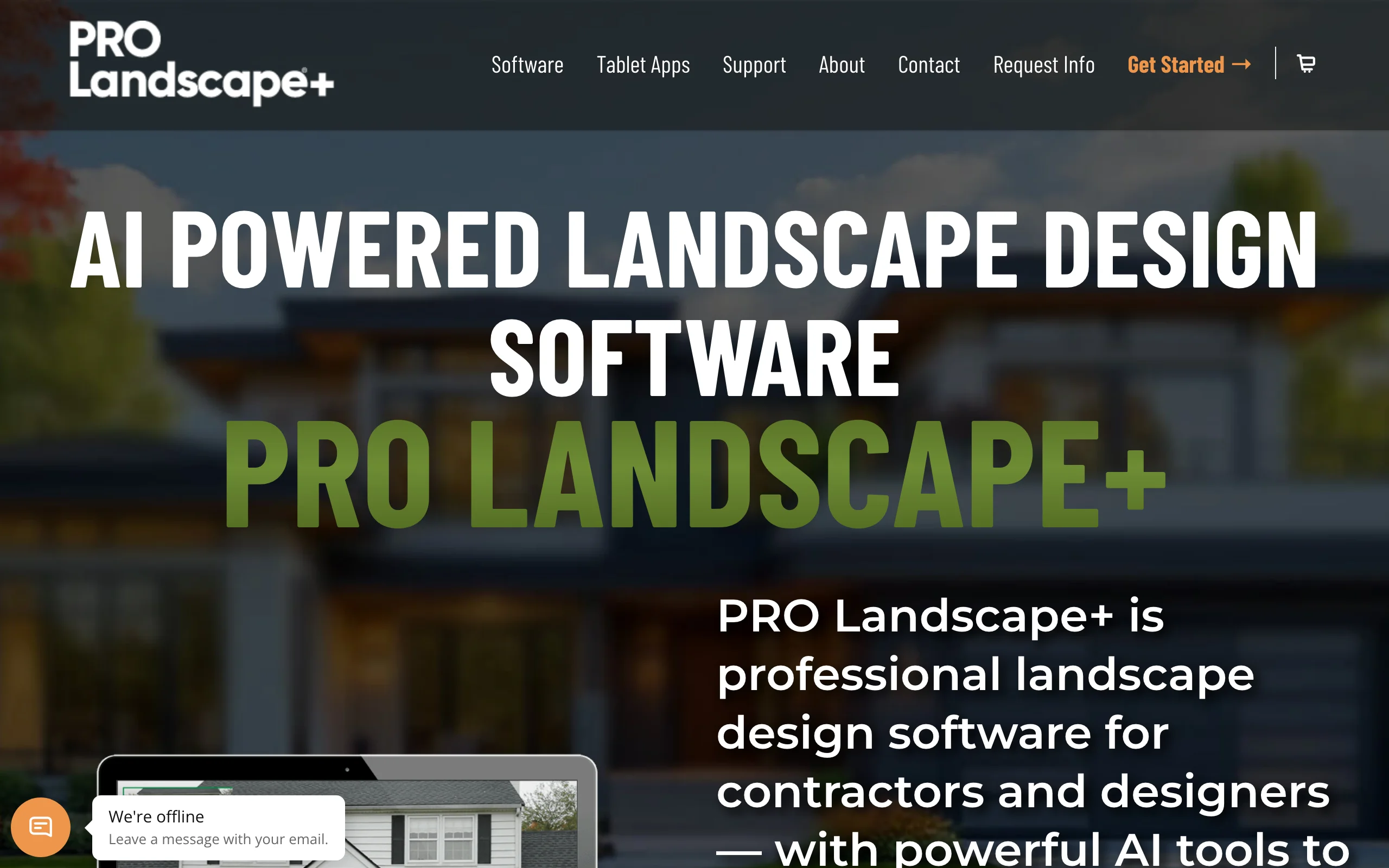
PRO Landscape has been a fixture in landscape contracting for decades, and the current subscription version, PRO Landscape+, bundles the whole design-build workflow into one Windows program. You design over a photo of the client's property for a quick visual, draw an accurate CAD plan for the crew, then generate a bid with the one-click proposal tool. A lighting module handles nighttime designs, and a companion tablet app comes with the license for presenting in the field.
The trade-offs are the learning curve and the platform. This is professional software that expects you to invest time in training (the subscription includes online seminars), and it runs on Windows only, with Mac support through Parallels.
Key features
- Photo imaging: design directly over a photo of the property
- CAD planning for accurate, to-scale drawings
- 3D rendering plus nighttime lighting design
- One-click proposals for bidding jobs
- Companion tablet app included with the license
- Updates, technical support, and online training seminars included in the subscription
Best for
- Design-build contractors who want photo visuals, CAD plans, and bids from one tool
- Garden centers running in-store design consultations
- Firms that value vendor training and support baked into the price
Pricing
- $90 per month, or $900 per year
- One license covers one computer plus the companion app on one tablet
- Educational and upgrade pricing available through sales
Pros
- Covers the entire pro workflow: visual, plan, proposal
- Long track record, widely taught in horticulture programs
- Training and support included rather than sold separately
Cons
- Windows only; Mac users need Parallels
- At $900 per year, hard to justify for a single home project
- Steeper learning curve than photo-based tools
3. Realtime Landscaping Pro, best 3D walkthroughs on desktop
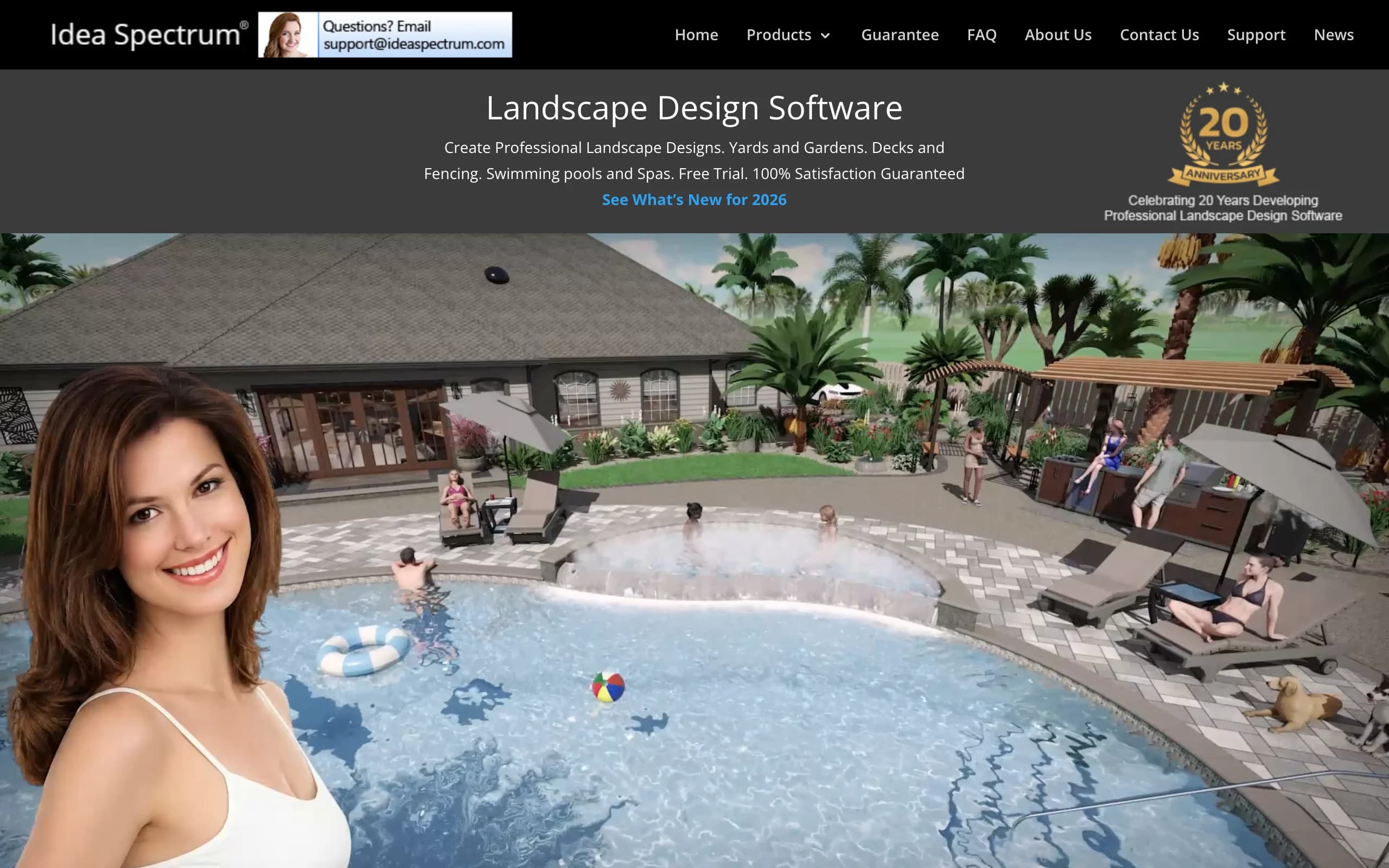
Realtime Landscaping Pro, from Idea Spectrum, is desktop software built around one persuasive trick: you design a yard in 3D and then walk through it in real time, the way you'd move through a video game. You can sculpt terrain, design decks, pools, and spas, place plants from a library of more than 6,300 species, and design over an imported photo. Lighting design, irrigation planning, and cost estimates are built in.
It's also one of the few serious desktop options left with a one-time price. You pay $279 once instead of subscribing, and the trial never expires (trial projects are watermarked). The interface shows its age next to newer tools and it's Windows-only, but the depth for the money is hard to beat.
Key features
- Real-time 3D walkthroughs of your design
- Terrain sculpting plus deck, pool, and spa tools
- Plant library with more than 6,300 species
- Design over an imported photo of the property
- Built-in lighting design, irrigation planning, and cost estimates
Best for
- Homeowners or designers who want to walk through a yard before building it
- Anyone who prefers a one-time purchase over another subscription
- Projects with real grading or terrain changes
Pricing
- $279 one-time purchase; upgrades from older versions cost $129
- Free trial with no time limit; trial projects are watermarked
- 30-day money-back guarantee
Pros
- One-time price undercuts a year of most pro subscriptions
- Deep feature set for the money: terrain, pools, decks, lighting, irrigation
- The walkthrough view is genuinely convincing with clients
Cons
- Windows only
- Renders look computer-generated rather than photo-realistic
- Interface feels dated next to web-based tools
4. VizTerra, best for hardscape and pool pros presenting in 3D
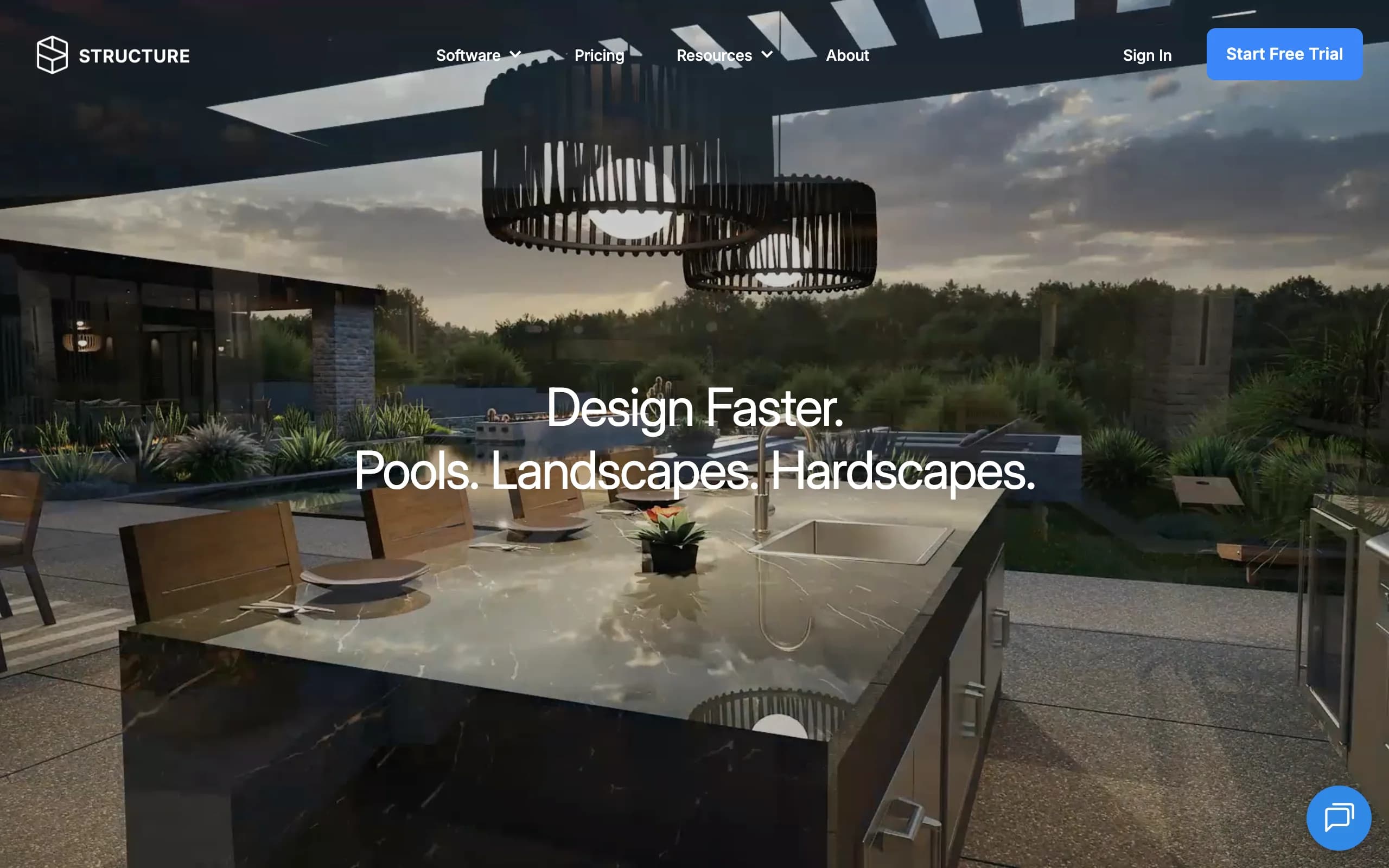
VizTerra, from Structure Studios, is presentation software for outdoor living pros. Where PRO Landscape leans toward plans and proposals, VizTerra leans toward the sales meeting: you model the hardscaping, outdoor kitchen, retaining walls, and planting in 3D, then present a polished flythrough that helps the client commit. It shares DNA with Pool Studio, the company's pool design product, so hardscape and pool builders often standardize on the family.
Pricing is per user and clearly aimed at businesses: $97 a month, or $84 a month billed annually, plus a one-time $95 setup fee. The 30-day free trial is generous, with full access and no credit card required.
Key features
- 3D design for hardscapes, landscapes, and wood decks
- Polished client presentations and flythroughs
- Large object and material libraries included
- GIS terrain data, with an optional AR companion app
- Automatic updates, support, and free live training classes
Best for
- Hardscape, patio, and deck contractors selling five-figure projects
- Pool builders already inside the Structure Studios ecosystem
- Firms that win or lose jobs in the presentation meeting
Pricing
- $97 per user per month, or $84 per month billed annually
- One-time $95 setup fee
- 30-day free trial with full access, no credit card required
Pros
- Presentation quality that sells premium hardscape work
- Free live training included with the subscription
- Month-to-month billing with no long-term contract
Cons
- Priced for businesses, not homeowners
- Planting design takes a back seat to hardscape
- Setup fee on top of the subscription
5. SketchUp, best general-purpose 3D modeler adapted to landscape plans
SketchUp isn't landscape software. It's a general 3D modeler that many landscape architects and serious DIYers have adapted to yard design, because little else matches it for quick, precise, to-scale modeling of structures: pergolas, decks, retaining walls, grade changes. You draw directly in 3D, pull exact dimensions off the model, and open the result in a browser or on an iPad.
The catch is that everything landscape-specific is on you. There's no plant database with growth habits, no irrigation tools, no proposal generator. You assemble that workflow from extensions and component libraries. If you want a paver patio modeled to the inch, though, this is the tool pros reach for.
Key features
- Fast, precise 3D modeling with exact dimensions
- Runs on web, Windows, Mac, and iPad
- Large ecosystem of extensions and pre-built components
- LayOut for 2D construction documents on the Pro plan and up
- Free web version for personal projects
Best for
- Landscape architects and designers who need dimensioned, buildable models
- DIYers with construction-heavy projects like decks, pergolas, and retaining walls
- Anyone who wants one modeling skill that transfers beyond landscaping
Pricing
- Go: $129 per year for the web and iPad apps
- Pro: $399 per year, adding the desktop app and 2D documentation
- Studio: about $859 per year ($71.58 a month billed annually), adding photorealistic rendering
- Free web version for personal use; 7-day trial on paid plans
Pros
- Unmatched precision for structures and grading
- Free personal-use version to learn on
- Skills and models carry over to architecture and interior work
Cons
- No landscape-specific features out of the box; you build your own workflow
- Realistic rendering requires Studio or a third-party renderer
- A real learning curve if you've never modeled in 3D
6. iScape, best mobile app for on-site sketching
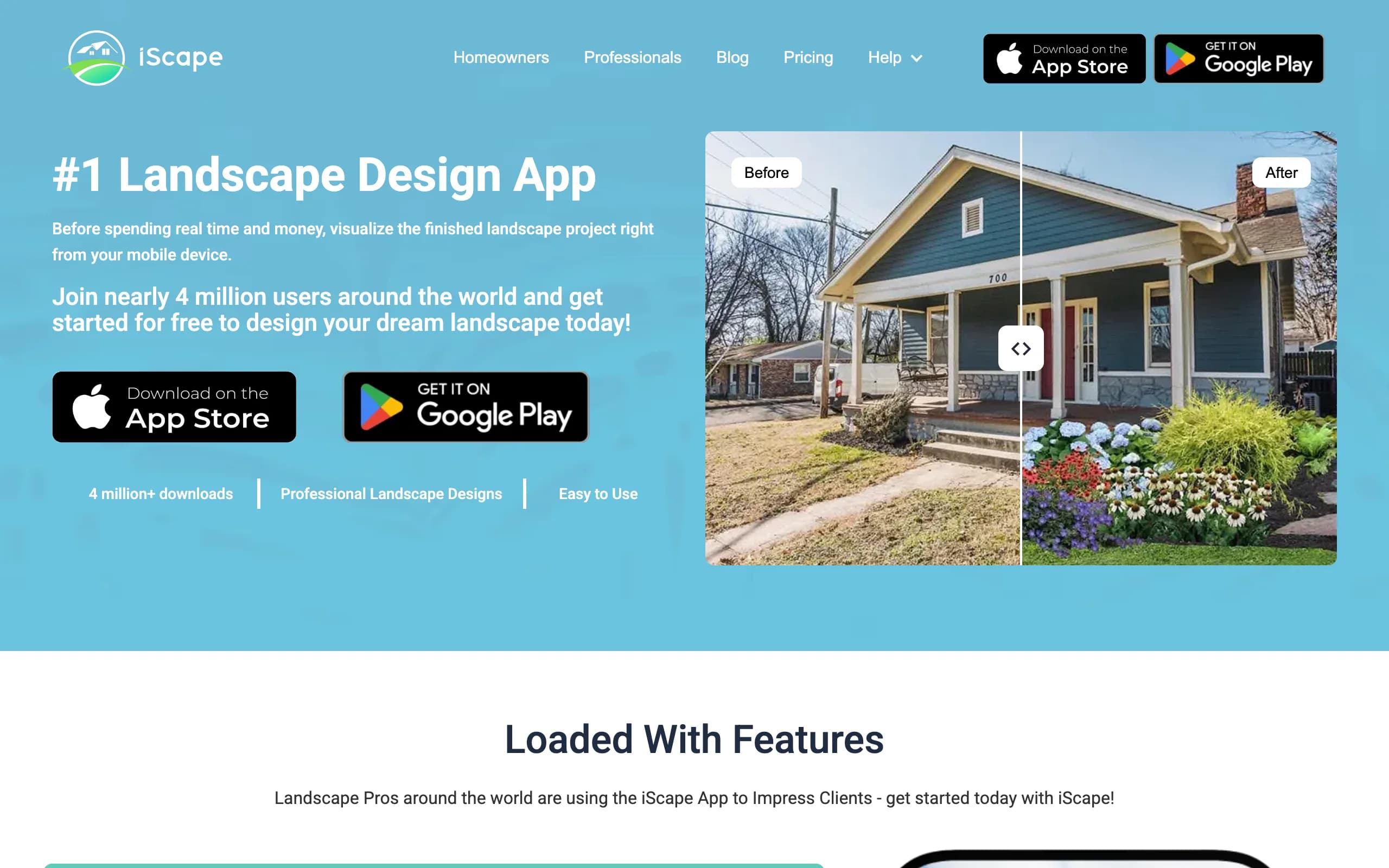
iScape is the tool you use while standing in the yard. It's a phone app (iOS first, with a 2D-only Android version) that lets you lay plants, pavers, and furniture onto a photo of the space in front of you, or place them in augmented reality and look around. Landscapers use it for fast on-site consultations; homeowners use it to test an idea before calling anyone.
The free version is a limited sampler. The Pro subscription unlocks the full plant and hardscape catalogs, image uploads, and a proposal tool at $29.99 a month, which is priced for professionals who bill it to jobs rather than for casual weekend planners.
Key features
- 2D photo markup and 3D augmented-reality design on a phone
- Catalog of thousands of plants and hardscape products
- Virtual pen tool for freehand drawing on a design
- Proposal generation and material lists on Pro
- Full 2D/3D on iOS; 2D design on Android
Best for
- Landscapers who consult on-site and want a visual before leaving the driveway
- Homeowners testing quick ideas from a phone
- iPhone and iPad users, since Android gets a reduced version
Pricing
- Free version with limited plant and hardscape access
- Pro: $29.99 per month or $299.99 per year
- Enterprise licensing for teams of 10 or more
Pros
- Fastest way to sketch an idea while standing in the space
- AR mode helps clients judge scale in the actual yard
- Free version lets you try the basics first
Cons
- Phone-first workflow, with no desktop version for detailed work
- Android app is 2D only
- Results read as a collage on a photo, not a realistic render
7. Planner 5D, best budget entry point
Planner 5D is a general home design app that handles yards well enough for rough planning. You lay out the space in 2D, flip to 3D to check the result, and pull from a catalog of more than 10,000 items that includes outdoor furniture, plants, pools, and fences. It runs on almost everything: web, iOS, Android, Windows, and Mac.
It's the cheapest serious option on this list by a wide margin. The free plan covers unlimited projects with about half the catalog, and Premium costs $59.99 a year, less than a single month of most pro tools. What you give up is realism and landscape depth: no regional plant data, no terrain tools, and renders that look like a game rather than your yard.
Key features
- 2D layout with an instant 3D view
- Catalog of 10,000+ items on paid plans, including outdoor objects
- AI design generator and floor-plan upload on Premium
- Runs on web, iOS, Android, Windows, and Mac
- 4K renders and CAD export on the Professional tier
Best for
- Homeowners sketching a rough layout before spending real money
- Anyone who wants to plan the house and the yard in one tool
- Beginners who'd rather learn a friendly app than professional software
Pricing
- Free plan with unlimited projects and about half the catalog
- Premium: $59.99 per year (about $4.99 a month), or $19.99 month to month
- Professional: $49.99 per month or $399.99 per year, adding 4K renders and CAD export
Pros
- Very low cost of entry, with a usable free plan
- Easy to learn and works on whatever device you own
- Fine for testing how a layout feels before committing
Cons
- Not built for landscaping: no plant hardiness data, grading, or irrigation
- Renders are stylized, not photo-realistic
- The outdoor catalog is thinner than the interior one
How to choose the best landscape design software for your needs
1) Do you want to see your own yard, or draw a plan?
This is the split that matters most. AI photo tools work from a photograph of your actual space and hand back finished-looking concepts. CAD and 3D tools start from a blank canvas and reward you with precision.
- If you need to make a decision (which style, whether a pool is worth it, what the front yard could become): use OutdoorBrite and compare concepts on the real yard. You can redesign your backyard with AI in an afternoon and know what you're aiming for.
- If you need to build from a document (dimensions, materials, grading): PRO Landscape for a full pro workflow, or SketchUp for construction-heavy DIY.
Plenty of pros use both: an AI concept to align the client on a direction, then CAD to work out how it gets built.
2) Homeowner project or professional workload?
For one project, the $900-a-year suites make no sense. A month or two of OutdoorBrite, a one-time $279 copy of Realtime Landscaping Pro, or Planner 5D's free plan will carry a single yard from idea to plan.
Professional landscape design software earns its price on volume. PRO Landscape suits design-build firms that need plans and proposals; VizTerra suits hardscape and pool companies that sell in the presentation meeting; iScape covers fast on-site consults; and OutdoorBrite Pro adds photo-realistic client visuals with agency and commercial rights included.
3) Check the real cost, not the sticker
The pricing models here are so different that the sticker price misleads. VizTerra's annual plan is $997 a year (about $84 a month), so with the $95 setup fee you pay about $1,092 in year one. Realtime Landscaping Pro costs $279 once and you're done. OutdoorBrite meters by redesigns, so the Plus plan's 100 concepts a month come to roughly 49 cents each. Map the model to how often you'll actually design.
If your budget is zero, see our roundup of free landscape design software. Free tools are fine for rough ideas, but none of them render your own yard realistically, which is usually the point.
4) Where does the design need to go next?
A render that leads nowhere stalls the project. Decide what you need at the end before you pick the tool at the start.
- A plant and materials list to build it yourself: OutdoorBrite generates region-aware plant lists on Plus and Pro; iScape Pro builds material inventories.
- A proposal for a client: PRO Landscape's one-click proposals or iScape Pro's proposal tool.
- Construction documents a crew can follow: SketchUp with LayOut, or PRO Landscape's CAD side.
- A shareable visual to align a spouse or a contractor: any of the AI or presentation tools, in minutes.
FAQ
What is landscape design software?
Landscape design software is any program that helps you plan an outdoor space visually before building it, from a simple 2D plot of beds and paths to a photo-realistic render of your own yard. Modern tools fall into two families: CAD-style programs that produce accurate landscape design plans, and AI tools that generate finished-looking concepts from a photo.
What's the difference between AI landscape design tools and CAD landscape software?
AI tools start from a photo of your real yard and return realistic concepts in seconds; they're built for deciding what you want. CAD software starts from a blank, measured canvas and produces dimensioned plans; it's built for documenting how to build it. Most projects only need the first. Construction crews need the second.
What is the best landscape design software for beginners?
Planner 5D is the gentlest introduction, with a free plan and a drag-and-drop interface. iScape is the easiest on a phone. If you want a realistic result on your own yard without learning any software at all, you can design your yard with AI: upload a photo, pick a style, and the concepts come back in under a minute.
What software do professional landscapers use?
The best landscape software for a pro depends on what they sell. Design-build contractors tend to run PRO Landscape for plans and proposals, hardscape and pool specialists present in VizTerra or Pool Studio, and landscape architects model in SketchUp. A growing number add an AI tool like OutdoorBrite for the sales conversation, since a realistic render of the client's own property is what actually closes the job.
Do I need paid software, or will a free plan do?
For a rough layout, the free plans of tools on this list (Planner 5D, SketchUp's web version, iScape) will do. You pay when you need something a free plan withholds: CAD plans and proposals, a full plant catalog, commercial use, or a realistic render of your own yard. Our free roundup, linked above, covers the no-cost side in detail.
Can I use landscape design software on a Mac?
Web-based tools like OutdoorBrite and Planner 5D run in any browser, and SketchUp ships native Mac support. The traditional pro suites are the exception: PRO Landscape and Realtime Landscaping Pro are Windows-only, so Mac users need Parallels or a different pick.
Is an AI yard render realistic enough to build from?
It's realistic enough to make decisions from: style, layout, planting direction, whether a feature earns its budget. It is a concept, not a construction document, so for permits, drainage, or structural work you'd pair it with a CAD plan or a professional. That two-step flow (decide with AI, document with CAD) is how a lot of yards get built now.
How much does landscape design software cost?
The spread is wide. Planner 5D Premium runs $59.99 a year, Realtime Landscaping Pro is $279 once, AI tools like OutdoorBrite start at $29 a month, iScape Pro is $29.99 a month, and pro suites run $900 to about $1,100 a year (PRO Landscape and VizTerra). Match the price model to how often you'll design, not to the feature list.
Which landscape design software is best for professionals? For contractors who present finished designs, PRO Landscape is the most complete desktop suite, and VizTerra leads for hardscape and pool presentations in 3D. Landscape architects producing construction documents usually pair one of those with CAD. For closing a client with a fast visual of their own yard, OutdoorBrite's renders do that job from $29 a month.
Which landscape design software is best for hardscape design? VizTerra is the strongest hardscape-first pick here: it is built around patios, walls, and pool decks in 3D, which is why hardscape and pool contractors use it. On the homeowner side, an AI render is usually enough to decide whether a paver patio or a retaining wall earns its budget before anyone draws it to scale.