7 best apps for a landscaping business in 2026
The right stack for a landscaping business is two apps, not ten: one to run the jobs and one to win them. We compared 7 apps for 2026, from field management platforms like Jobber and LMN to design tools that help you close on-site, with real pricing for each.
Search for the best app for a landscaping business and you get two very different kinds of software mixed together: apps that run the business (quoting, scheduling, invoicing, timesheets) and apps that win the business (a design the client can react to before they sign). Most roundups pretend one app does both. None does.
The stack that actually works for most crews is two apps: one field management platform and one design or sales tool. A missed invoice costs you margin, but a client who can't picture the finished yard costs you the whole job.
This guide compares 7 apps across both jobs: what each one does, current pricing, and where it fits, whether you're a solo operator or running multiple crews. All prices were checked in July 2026 against each vendor's published rates.
Best apps for a landscaping business: a quick overview
If you need to win and close design work:
- Start with OutdoorBrite to generate a realistic AI redesign of the client's own yard while you're still standing on it. The render is the pitch.
- Add iScape if you prefer to sketch a layout item by item on a tablet during the walkthrough.
If you need to run the day-to-day operation:
- Jobber is the strongest all-in-one for quoting, scheduling, and invoicing, and it scales from solo to mid-size crews.
- Yardbook is the free way to start: CRM, scheduling, and invoicing at $0 while you build a client list.
- LMN fits larger landscape companies that live and die by estimating accuracy and labor tracking.
- SingleOps is built specifically for the green industry, with proposal and job-costing workflows tuned to tree care and landscaping.
If you need more customers, not more software:
- LawnStarter fills schedule gaps with pre-booked local jobs and takes a commission per completed job instead of a subscription.
| Tool name | Key strength | Pricing | Platforms |
|---|---|---|---|
| OutdoorBrite | Photorealistic AI redesign of the client's own yard, generated on-site | From $29/month; no free tier | Web (works on phone, tablet, desktop) |
| Jobber | All-in-one quoting, scheduling, and invoicing for field crews | From $29/month billed annually; 14-day trial | Web, iOS, Android |
| Yardbook | Free core business management built for lawn care | Free plan; paid from $34.99/month | Web, iOS, Android |
| LMN | Estimating and timesheets for larger landscape operations | From $297/month | Web, iOS, Android |
| SingleOps | Green-industry CRM with proposals and job costing | From $220/month | Web, iOS, Android |
| LawnStarter | Pre-booked local jobs to fill open route slots | No subscription; commission per job | iOS, Android |
| iScape | Item-by-item 2D/3D yard sketching on a tablet | Free version; Pro $29.99/month | iOS (design tools), Android |
1. OutdoorBrite, best for closing design jobs with a visual
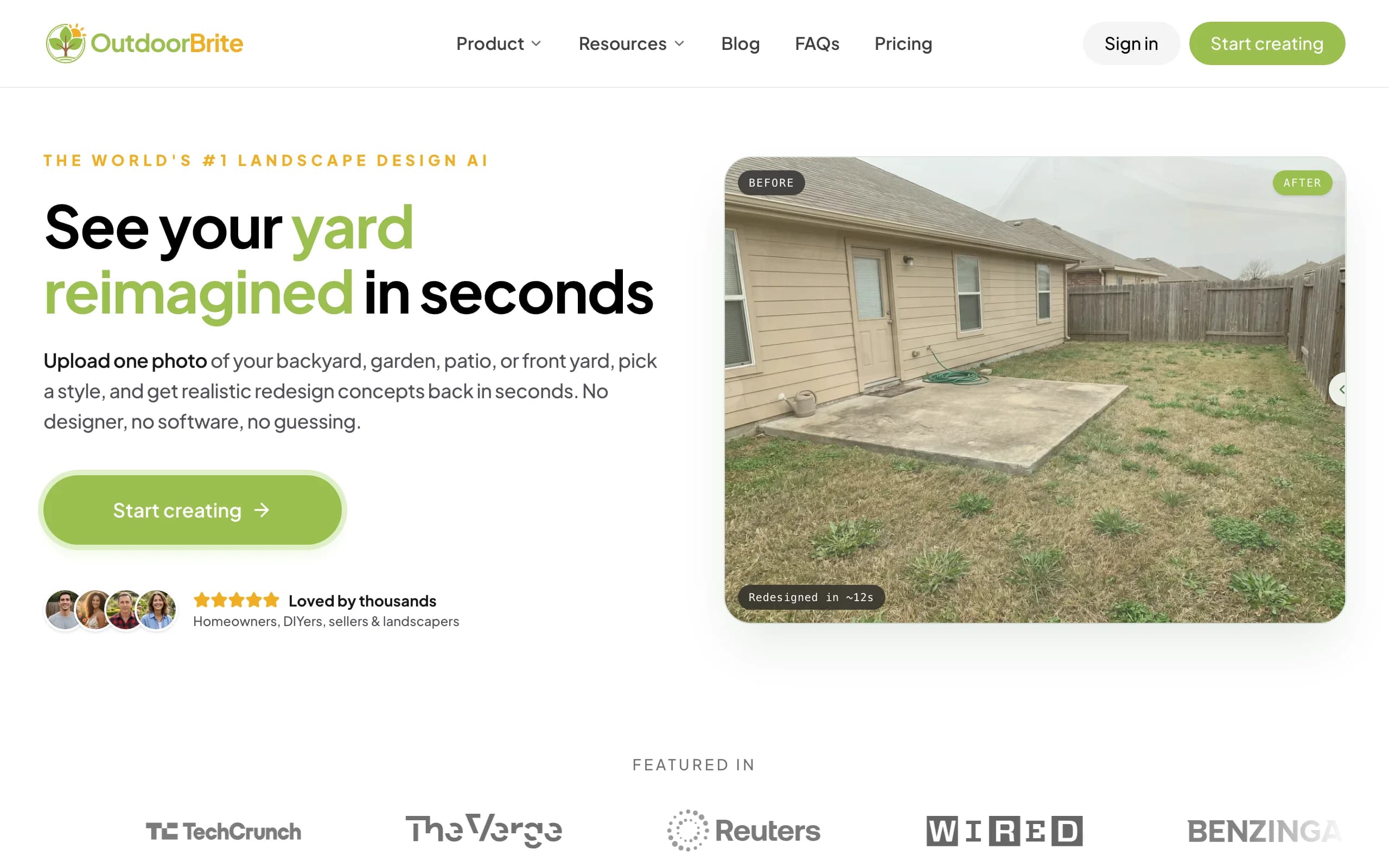
OutdoorBrite is an AI landscape designer built around one moment in your sales cycle: the on-site walkthrough. You photograph the client's yard on your phone, pick a style like modern, cottage, or xeriscape, describe what the client asked for, and get a photorealistic redesign of their actual property in under a minute. Instead of promising a vision and following up with a mockup three days later, you hand them the after photo while you're still in the driveway.
That changes the conversation. The client stops imagining and starts reacting: they point at the paver patio, ask to swap the plantings, and you regenerate on the spot. Contractors have closed six-figure design-build jobs off a visual the client could react to, and this is the fastest way to produce one. OutdoorBrite covers backyards, front yards, patios, decks, pools, fences, and pergolas, and plant choices account for the client's climate zone. You can refine any concept in the in-app AI editor, then save and share the design with the client after the visit.
Key features
- Photorealistic redesign of the client's real yard from one photo, in under a minute
- Style presets (modern, cottage, Mediterranean, tropical, xeriscape) to compare looks on the same space
- Multiple concept variations per upload, plus an AI editor to refine details
- Climate-aware plant selections by region
- Commercial usage rights on Plus and Pro plans, with 2K and 4K client-ready exports
- Save and share designs with clients after the visit
Best for
- Landscapers and design-build contractors who want to align a client and close during the first visit
- Landscape designers producing quick concept variations before committing drafting hours
Pricing
- Starter: $29/month for 25 redesigns in HD (personal use)
- Plus: $49/month for 100 redesigns in 2K, with commercial usage rights (the practical entry point for pros)
- Pro: $149/month for 200 redesigns in 4K, agency rights, team collaboration, and client-ready exports
- Annual billing saves about 20%; top-up credit packs are available and don't expire
Pros
- The render is of the client's own yard, not a generic stock concept, which is what makes it work as a closing tool
- Fast enough to use live during a walkthrough
- One credit per design keeps the cost per pitch predictable (a $49 plan spread across 100 renders is about $0.49 per concept)
Cons
- It does not do scheduling, invoicing, or timesheets; you still need a management app alongside it
- No free tier, and generation is metered by credits, so heavy exploration on one property draws down your monthly allowance
2. Jobber, best all-in-one field service management
Jobber is the app most landscaping businesses graduate to once spreadsheets stop scaling. It handles the full job cycle: a client requests work, you quote it, schedule the crew, invoice on completion, and collect payment online. Automated reminders chase the unpaid invoices so you don't have to, and the client hub gives customers one place to approve quotes and pay.
For landscaping specifically, the scheduling calendar and route views matter most. You can see every crew's day, drag jobs between days when weather forces a reshuffle, and keep recurring maintenance visits on rails. QuickBooks sync arrives at the Connect tier, and the Grow tier adds job costing and quote upsells (useful when you want to attach a premium option to every estimate).
Key features
- Quoting with online approval, deposit collection, and follow-up automation
- Drag-and-drop crew scheduling with recurring job support
- Invoicing with online payments and automatic payment collection
- QuickBooks Online sync (Connect tier and up)
- Job costing and two-way SMS (Grow tier)
- 100+ integrations
Best for
- Owner-operators through mid-size companies that want quoting, scheduling, and invoicing in one system
- Crews that reschedule often and need a calendar the whole team can read
Pricing
- Core: from $29/month billed annually ($49 month-to-month), 1 user
- Connect: from $99/month billed annually; Grow: from $229/month billed annually
- Additional users $29/month each; 14-day free trial, no card required
Pros
- Covers the whole quote-to-payment cycle without add-on software
- Pricing starts low enough for a solo operator
- Strong automation around getting quotes approved and invoices paid
Cons
- The features landscapers tend to want (job costing, automations) sit in the $229+ tiers
- Per-user fees add up as crews grow
3. Yardbook, best free way to start managing a landscaping business
Yardbook is business management software built specifically for lawn care and landscaping, and its free Starter plan is a real plan, not a trial. Customer management, scheduling, invoicing, and basic route planning cost $0, supported by ads in the interface. For a first-year operation still building a route, that's a working back office for the price of nothing.
The paid tiers stay cheap. Business at $34.99/month adds GPS tracking and customer engagement tools, and Enterprise at $49.99/month adds QuickBooks sync and removes the ads. None of the tiers charge per user, so a five-person crew pays the same as a solo operator, which is rare in this category. The trade-off is polish: the interface feels dated next to Jobber, and payment processing carries roughly a 1% platform fee on top of standard card rates.
Key features
- Free CRM, scheduling, invoicing, and basic routing
- Flat pricing with no per-user fees on any tier
- GPS tracking and multi-step customer programs (Business tier)
- QuickBooks sync and ad removal (Enterprise tier)
- Built for lawn care workflows: recurring visits, route batching, bulk invoicing
Best for
- New and solo landscaping businesses that need a free back office while cash flow builds
- Small crews that want flat, predictable software costs
Pricing
- Starter: free, ad-supported
- Business: $34.99/month; Enterprise: $49.99/month
- No per-user charges; payment processing adds about 1% on top of standard Stripe card fees
Pros
- The free tier genuinely covers the basics a one-crew business needs
- Flat pricing means growing the crew doesn't grow the software bill
- Purpose-built for lawn care rather than generic field service
Cons
- Dated interface compared with newer platforms
- The payment processing markup quietly eats margin on card-heavy businesses
4. LMN, best for larger landscape companies
LMN (Landscape Management Network) is built for landscape companies that have moved past "quote it and hope": it starts from a budget, prices estimates against your actual overhead recovery, and then tracks crew time against those estimates so you can see which jobs made money. That budgeting-first approach is the reason larger design-build and maintenance operations pick it over general field service tools.
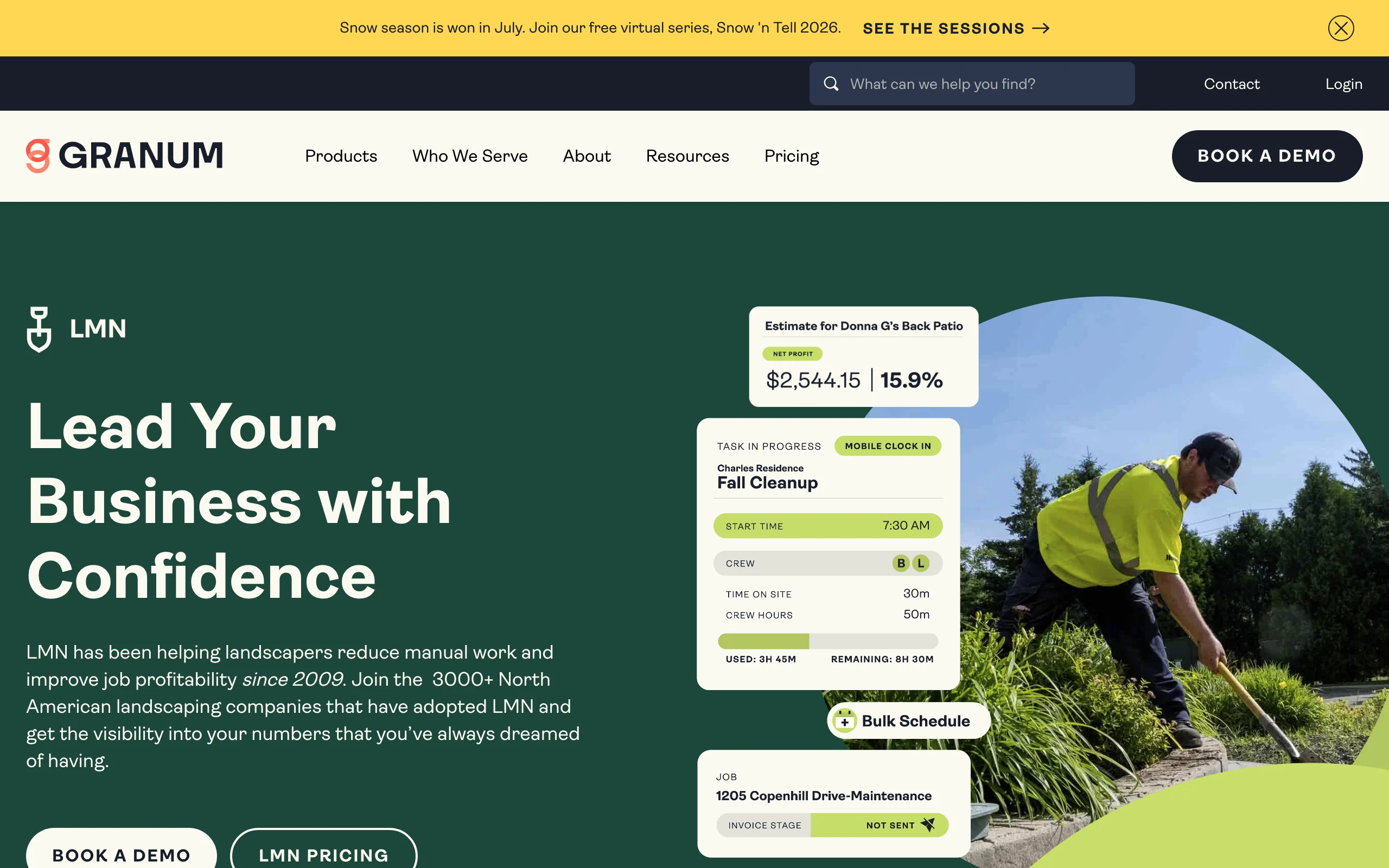
The crew app handles timesheets, job tracking, and schedules in the field, and the Professional tier adds real-time job costing, so a job that's drifting over its labor budget shows up mid-week instead of at month end. It's priced like the operations platform it is: this is not a solo-operator purchase.
Key features
- Budget-based estimating that bakes overhead and margin into every price
- Crew timesheets and mobile job tracking
- Real-time job costing (Professional tier)
- Scheduling, invoicing, and payments
- Equipment and material costing
Best for
- Landscape companies with roughly 5 to 100+ employees where estimating accuracy drives profit
- Operations that need labor hours tracked against every estimate
Pricing
- Starter: $297/month (1 office license plus 5 crew licenses), aimed at companies under 10 employees
- Professional: $648/month (3 office licenses plus 15 crew licenses)
- Enterprise: custom pricing from 100 users; all plans carry a one-time onboarding fee
Pros
- The estimating system is the most rigorous in this list
- Job costing catches unprofitable work while you can still correct it
- Scales to multi-crew, multi-location operations
Cons
- Serious overkill below about five employees
- Onboarding fee plus $297/month minimum makes it the biggest commitment here
5. SingleOps, best green-industry CRM and operations
SingleOps is business management software aimed squarely at the green industry: tree care, lawn care, landscaping, and sod farms. Where Jobber serves every field service trade, SingleOps tunes its workflows to how outdoor work actually sells, with options-based proposals (good, better, best on one quote), job site measurements and mapping, and a client portal for approvals and payment.
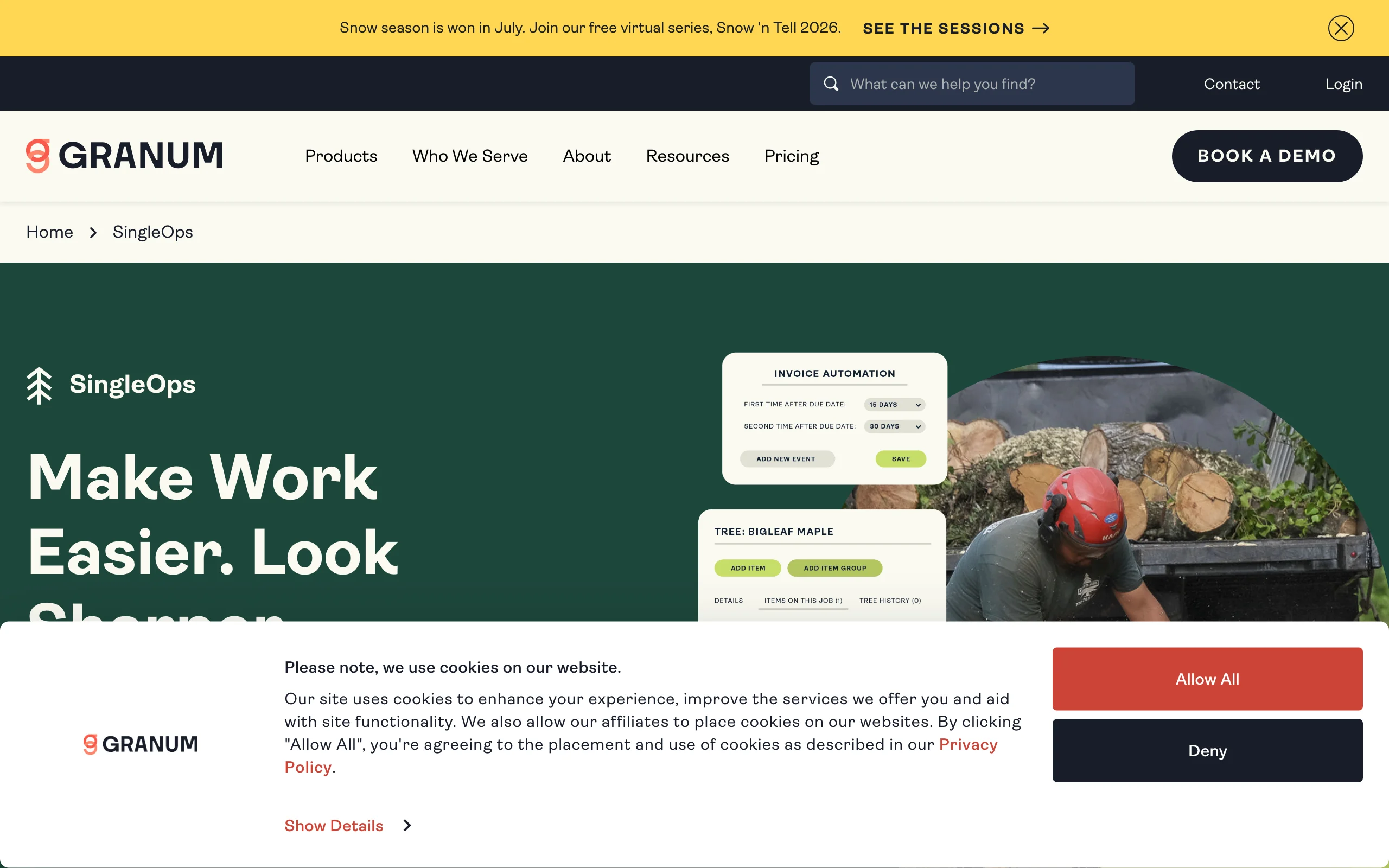
The Plus tier is where it gets interesting for landscapers: proposals with photo attachments and line-item options, map-based scheduling, and automated follow-ups on quotes that haven't been signed. Premier adds route optimization and reporting. It costs roughly twice what Jobber does at entry, and the bet is that green-industry-specific workflows pay that back in close rate and route efficiency.
Key features
- Options-based proposals that let clients pick a tier instead of yes/no
- Job site measurement and mapping tools
- Map-based scheduling and route optimization (higher tiers)
- Integrated email, texting, and a client approval portal
- QuickBooks integration and job costing
Best for
- Established landscaping and tree care companies that sell through written proposals
- Operations that want an industry-specific system without moving up to LMN's price point
Pricing
- Essential: $220/month ($200/month billed annually)
- Plus: $385/month ($350/month annually); Premier: $550/month ($500/month annually)
- Additional office or sales users from $50/month each
Pros
- Proposal workflow is built for how outdoor projects are actually sold
- Green-industry focus shows in the details (measurements, mapping, crew workflows)
- Annual billing trims about 9%
Cons
- Entry price is steep for small crews when Jobber starts at $29/month
- Route optimization is held back for the top tier
6. LawnStarter, best for filling schedule gaps with new local clients
LawnStarter isn't management software; it's a marketplace that sends pre-booked lawn and landscaping jobs to your phone. Homeowners book service through LawnStarter, and providers in that market see the jobs and claim the ones that fit their route. There's no application fee and no subscription: LawnStarter takes a commission on completed work, and you keep the rest plus 100% of tips, with payouts deposited weekly.
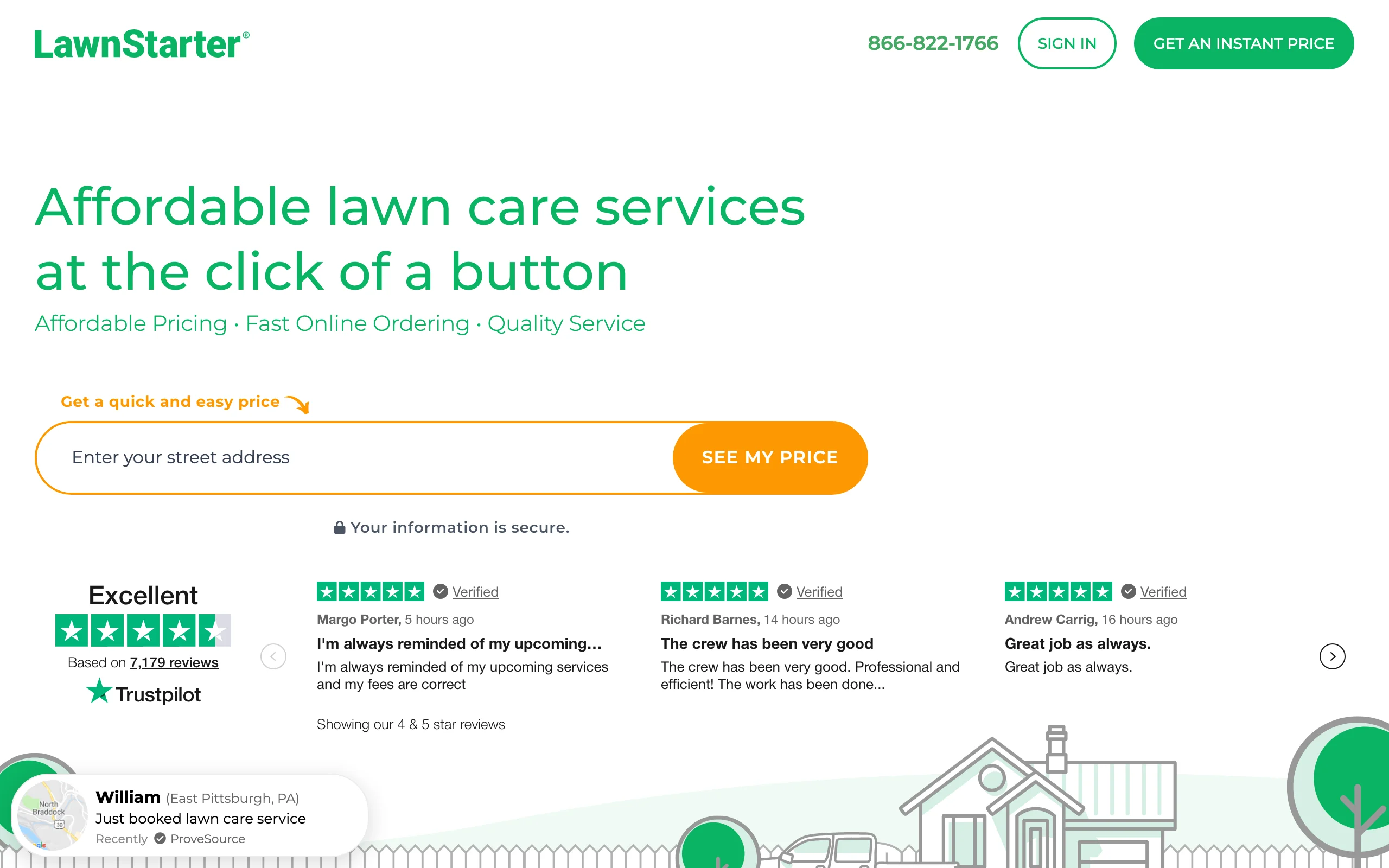
The value is route density. An empty Thursday slot earns nothing; a marketplace job at commission still beats an idle crew, and recurring mows in the neighborhoods you already service compound. Treat it as filler and lead flow rather than a business model: the margins are thinner than your own clients, and you're working inside LawnStarter's pricing and rules.
Key features
- Pre-booked recurring jobs offered by neighborhood, claimable in the app
- Customer billing, payments, and support handled by the platform
- Weekly direct deposits
- Performance tiers that give top-rated pros first access to new jobs
- Before-and-after photo workflow for job completion
Best for
- Crews with open route slots who want revenue without spending on ads or lead fees
- New operators building a customer base in a market
Pricing
- Free to join, no subscription, no cost to receive jobs
- LawnStarter takes a commission on each completed job (third-party reporting puts it around 15 to 20%, varying by market and service)
- You keep 100% of tips
Pros
- Zero upfront cost, so the downside is just your time
- Jobs are already booked and paid for through the platform, no lead chasing
- Recurring work in tight geographic clusters improves route density
Cons
- Commission makes these jobs lower-margin than your own clients
- You don't control pricing, and the customer relationship belongs to the platform
7. iScape, best for on-site sketching on a tablet
iScape takes the opposite approach to OutdoorBrite: instead of generating a finished concept with AI, you build the design yourself, placing individual plants, pavers, and hardscaping elements onto a photo of the yard in 2D or 3D. For landscapers who want to control exactly which items appear (down to the specific plant from the database), that manual control is the point.
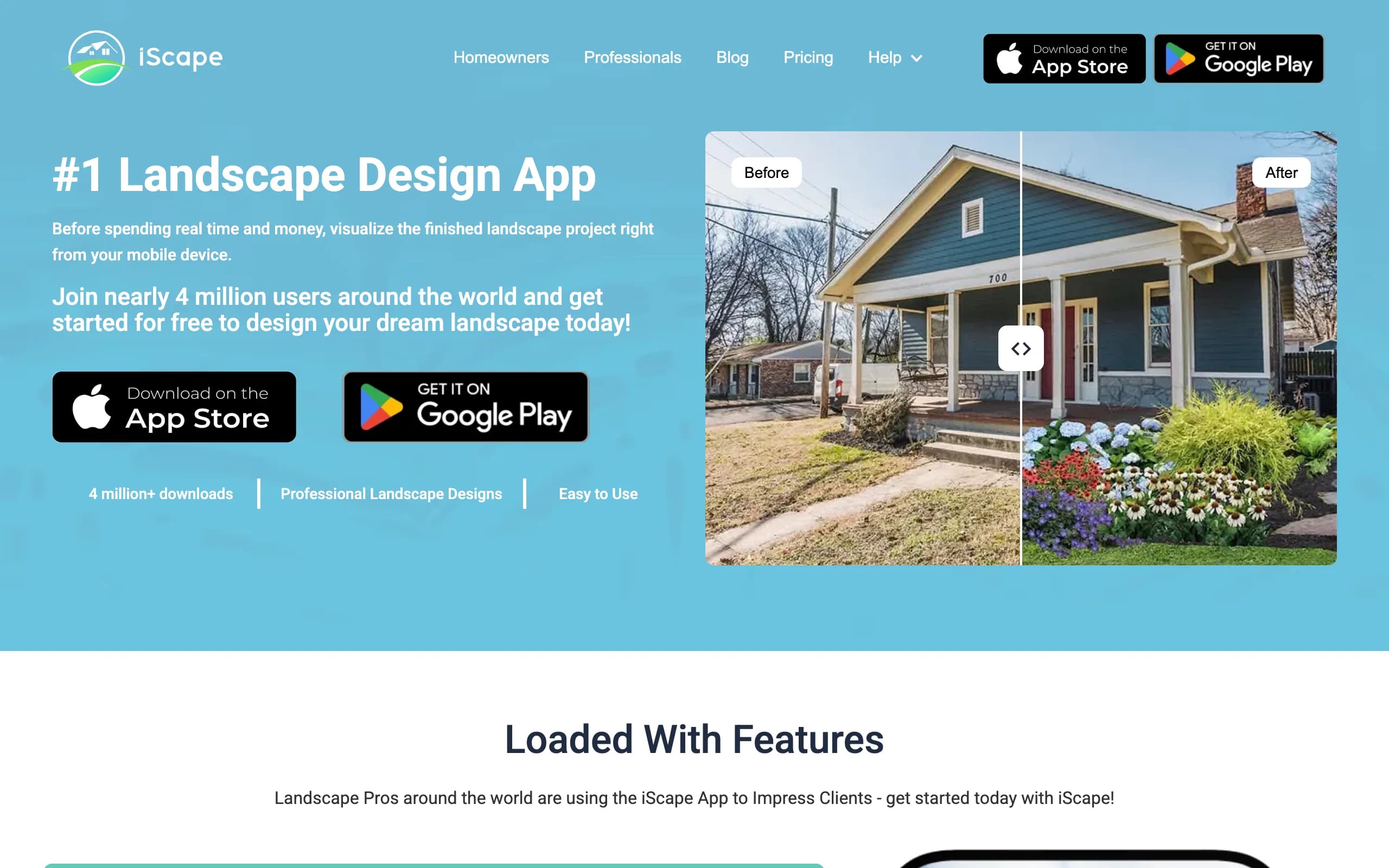
The Pro subscription unlocks the full plant and hardscape database plus a proposal tool that turns a design into a client-ready PDF with pricing and your business details, which makes it a legitimate small-scale sales tool. The catch is platform and time: the design tools are iOS-only, and building a detailed scene by hand takes a lot longer than a client standing in their driveway will wait. Many pros use it back at the office rather than live. If you're weighing it against other design options, our iScape alternatives guide goes deeper.
Key features
- 2D and 3D design on a photo of the actual yard (iOS)
- Large plant and hardscape item database on Pro
- Proposal tool that generates client-ready PDFs with pricing
- Custom image uploads for products you install
- Enterprise plan with multi-user licenses for teams
Best for
- Landscapers who want item-level control over every element in the mockup
- iPad-based sales presentations where the design is refined between visits
Pricing
- Free version with 2 designs and a limited item database
- Pro: $29.99/month or $299.99/year
- Enterprise: custom pricing with multiple user licenses
Pros
- Item-by-item control produces mockups that match what you'll actually install
- The built-in proposal tool shortens the design-to-quote step
- Free version lets you evaluate the workflow before paying
Cons
- Design tools are iOS-only, which rules out Android-first crews
- Manual placement is slow for a live on-site pitch compared with AI generation
How to choose the best app for your landscaping business
The mistake is trying to find one app that does everything. Pick one management app and one design or sales app, and skip anything that doesn't clearly pay for itself.
1) Pick one management app for your size
Match the platform to your headcount and how you win work:
- Solo or just starting: Yardbook free until the route fills, then its $34.99 Business tier
- One to a few crews, quoting and rescheduling weekly: Jobber, starting at $29/month billed annually
- Proposal-driven green-industry company: SingleOps from $220/month
- 10+ employees where estimating and labor tracking decide profit: LMN from $297/month
Switching management platforms later is painful, so pick for the next two years, not the next month.
None of these apps answers the phone, though. A crew running mowers can't pick up, and a homeowner who hits voicemail often just calls the next company on the list. Clinics and other appointment-heavy businesses already hand this to AI receptionists that answer and book around the clock (Chimehill does it for physio and chiro practices). Until that kind of tool is built for landscapers, Jobber's two-way texting on the Grow tier is the closest substitute: text back anyone who called while you were on a job.
2) Add one design app if you sell design work
If your revenue is mowing and maintenance, skip this category entirely. But if you sell design-build projects, curb appeal upgrades, or renovations, the visual is what closes. OutdoorBrite generates a realistic redesign of the client's own yard fast enough to use during the walkthrough itself; at $49/month for 100 renders with commercial rights, one closed job covers years of the subscription. iScape fits if you'd rather compose the design manually item by item on an iPad between visits. Some pros run both: AI concepts to align the client on direction, then a detailed manual mockup once the deal is likely. If you also produce measured plans, our landscape design software comparison covers the heavier suites. You can turn a photo into a landscape design before the competitor's estimate even arrives.
3) Do the math before adding a marketplace
LawnStarter costs nothing to try, which makes the math simple: if a marketplace job at commission beats an empty slot on the route (it almost always does), take it. Just watch the ratio. If marketplace work grows past filler, you're building someone else's brand with your crew. Use it to fill gaps and meet homeowners in your service area, then convert your best relationships into direct clients over time.
FAQ
What is the best app for a landscaping business?
There's no single app, because the job splits in two. For running the business, Jobber is the strongest all-in-one for most crews, with Yardbook free for starters and LMN for larger companies. For winning design work, OutdoorBrite generates a photorealistic redesign of the client's own yard in under a minute, which is the fastest way to get a client to yes on-site.
Do I really need both a management app and a design app?
Only if you sell design work. A maintenance-only operation needs scheduling and invoicing, not renders. A design-build contractor needs both: the management app protects margin on jobs you've won, and the design app wins them in the first place.
What is the best free app for a landscaping business?
Yardbook's Starter plan is genuinely free (ad-supported) and covers CRM, scheduling, and invoicing. LawnStarter is also free to join and only takes a commission when you complete a job. Design tools are where free stops helping: iScape's free version is limited to 2 designs, and OutdoorBrite has no free tier, with paid plans from $29/month.
Can an AI design app really help close landscaping jobs?
Yes, because it removes the imagination gap that stalls sales. When a client sees their own yard redesigned (not a stock photo, not a hand-wave), they react, request changes, and commit faster. Contractors have closed six-figure projects off visuals alone; an AI landscape design app that renders on-site turns the first visit into the pitch meeting.
Jobber vs LMN: which is better for a landscaping company?
Jobber is better below roughly 10 employees: cheaper entry, faster setup, and everything a quoting-and-scheduling operation needs. LMN wins when estimating accuracy and labor tracking drive your profit, which usually happens as crews multiply. The price gap ($29/month entry versus $297/month) reflects that difference in scope.
How much should a small landscaping business spend on software?
A realistic 2026 stack for a small design-build crew runs about $80 to $150 per month: Jobber Core or Yardbook Business for operations ($29 to $49) plus OutdoorBrite Plus for design sales ($49). That's less than the margin on one average maintenance visit per week, and each piece has to earn its slot.
Is LawnStarter worth it for a landscaping business?
As filler, yes. There's no subscription, so an accepted job at 15 to 20% commission still beats an idle crew hour. It's not a substitute for your own client base: margins are thinner and the platform owns the customer relationship, so treat it as route density and lead flow.
What's the difference between OutdoorBrite and iScape for pros?
Speed versus control. OutdoorBrite generates a photorealistic concept of the client's yard from one photo in under a minute, which suits a live on-site pitch. iScape has you place each plant and softscape element manually on iOS, which takes longer but gives item-level control and a built-in PDF proposal tool. AI for the close, manual for the detailed follow-up.