7 best free deck design software picks (2026)
Want to plan a deck without paying for software? We compared the best free deck design software and apps for 2026, from full planners with permit plans to quick brand visualizers, plus the one paid AI pick that shows a finished deck on your own yard photo.
Free deck design software lets you size the frame, test board colors and railing styles, and print a material list before you buy a single joist. A deck often runs $8,000 to $25,000 built, so an hour in a planner that costs nothing is cheap insurance against a layout you regret. This guide compares the best free deck design software you can actually use in 2026, including the free deck design apps that run on your phone.
One honest note up front. The tool we rank first, OutdoorBrite, is not free. It is paid only, with no free plan, no trial, and no free credits. We still put it at the top because it shows a finished deck on a photo of your own yard in under a minute, the one thing the free planners can't do. Everything below it is free or has a real free tier, so if your budget is strictly zero, start at number two.
For each pick you'll get what it does well, where it falls short, what it costs, and who it fits, plus a short framework at the end to help you choose.
Best free deck design software: a brief overview
- OutdoorBrite, best overall (paid, no free plan): upload a photo of your yard and get realistic concepts of the finished deck in its real surroundings in under a minute.
- Decks.com Deck Designer, best free full deck planner: design a multi-level deck in your browser, then download permit plans and a material list at no cost.
- Trex Deck Designer, best free 3D from a decking brand: model L-shapes, T-shapes, and bump-outs with real Trex boards, and get a shopping list.
- Simpson Strong-Tie Deck Planner, best free structural planning: flags the critical connections in the frame and recommends the hardware for each one.
- Fiberon Discovery Deck Designer, best free quick visualizer: restyle a pre-built deck in minutes and pull a bill of materials, on the web or the mobile app.
- RedX Decks, best free mobile deck app: a phone-first 3D deck builder with framing layouts; the free tier is limited, and the full version is $6.99/mo.
- SketchUp Free, best free general 3D modeling: a browser modeler that handles decks, pergolas, and anything else you can measure, free for personal use.
| Software | Key strength | Pricing | Platforms |
|---|---|---|---|
| OutdoorBrite | Realistic finished-deck concepts on your own photo | From $29/mo (no free plan) | Web (mobile-first) |
| Decks.com Deck Designer | Free permit plans and material lists | Free (account required) | Web |
| Trex Deck Designer | Free 3D with real Trex products | Free | Web (desktop) |
| Simpson Strong-Tie Deck Planner | Free structural connections and hardware picks | Free | Web (desktop only) |
| Fiberon Discovery Deck Designer | Fast pre-built decks with a bill of materials | Free | Web, iOS, Android |
| RedX Decks | Mobile 3D builder with framing layouts | Limited free tier; Premium $6.99/mo or $59.99/yr | iOS, Android, web |
| SketchUp Free | Free general-purpose 3D modeling | Free (personal); Go $19.99/mo | Web |
1. OutdoorBrite, best overall
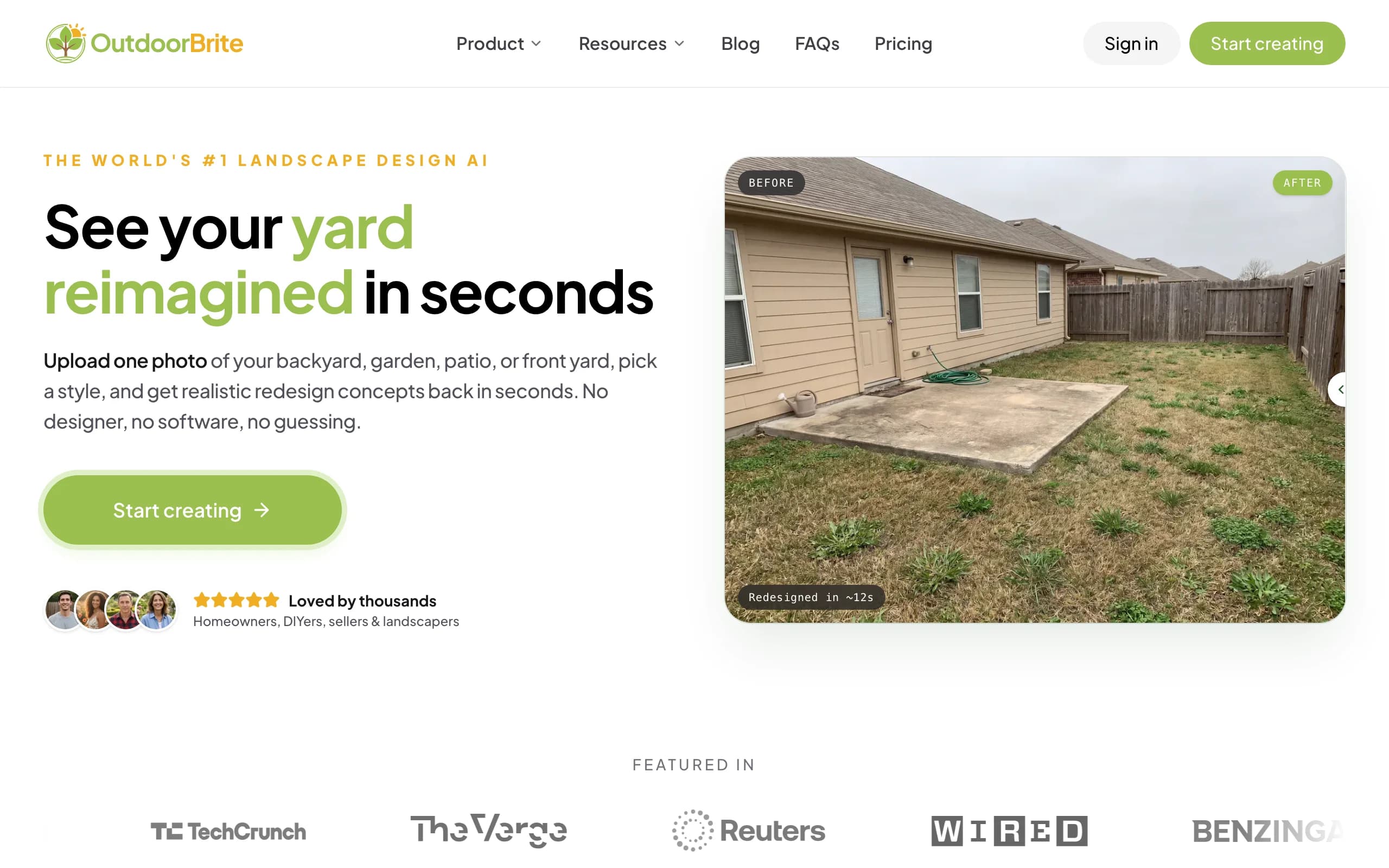
OutdoorBrite is an AI landscape design product built around one job: showing you what your own outdoor space could look like, fast. For a deck project, you upload a photo of your backyard, pick a style like modern, cottage, or tropical, and describe what you want in plain words, "a raised composite deck with a pergola and built-in bench" works fine. It generates realistic concepts in under a minute, with the deck sitting in your actual yard, next to your actual fence. You get several concepts per upload, and an in-app AI editor refines a favorite: swap the board color, add landscape lighting, push the layout wider.
Here is the honest part, since this is a roundup of free software. OutdoorBrite has no free plan, no trial, and no free credits. You pay from the first design. We still rank it first because it answers the question every free planner leaves open: what will this deck actually look like from the back door? A 3D model with generic textures can't tell you that; a photo-based AI deck design render can, and the planting around the deck is matched to your climate and hardiness zone. If your budget is zero, skip to Decks.com below. If you want to see the result before you commit to lumber, start here and let the free planners handle the framing math afterward.
Key features
- Photo-to-design AI: upload your yard, get realistic deck concepts in under a minute
- Style presets plus a plain-language prompt to direct the look
- Multiple concepts per upload, with an in-app AI editor to refine
- Plant choices around the deck matched to your climate and hardiness zone
- Also covers patios, gardens, fences, pergolas, pools, and front yards
Best for
- Homeowners who want to see the finished deck on their own photo before spending
- DIYers deciding on style, size, and placement before opening a framing planner
- Deck builders and landscapers who want a realistic render to show a client
Pricing
- Paid only, no free plan and no trial. 1 credit = 1 design or 1 AI edit.
- Starter $29/mo ($23/mo billed yearly): 25 redesigns/mo, HD output.
- Plus $49/mo ($39/mo yearly): 100 redesigns/mo, 2K output. Most popular.
- Pro $149/mo ($119/mo yearly): 200 redesigns/mo, 4K output, commercial rights.
Pros
- The only tool here that shows the deck in your real yard, not a generic scene
- No learning curve and no install
- Styles the whole space around the deck, not just the boards
Cons
- No free plan, so it doesn't fit a strictly zero-budget reader
- It's a visualizer, not an engineering tool: no joist spans, framing plans, or cut lists
2. Decks.com Deck Designer, best free full deck planner
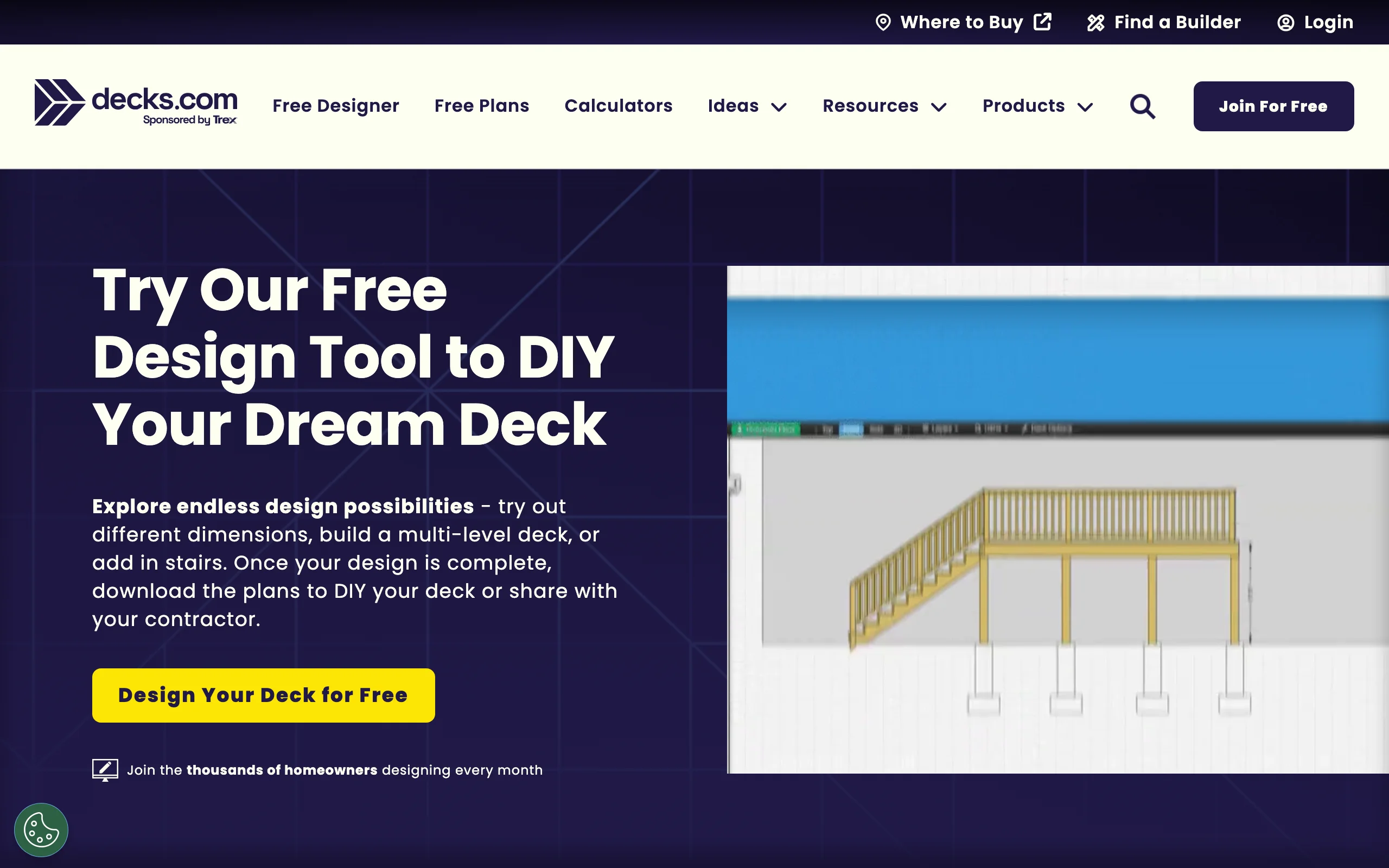
Decks.com Deck Designer is the closest thing to a complete deck planning workflow you can get for free. You create an account, design in the browser, and build out custom dimensions, multiple levels, and stairs, with composite board, railing, and lighting options. You can flip between a 3D view and several 2D views while you work, and share the design with a contractor before anything gets built.
The reason it tops the free picks is the output. When the design is done, you can download permit plans and a material list at no cost, which is exactly the paperwork most towns ask for and most free tools skip. The trade-offs are structural rigidity: joists default to 2x10s with no sizing options, they run in a fixed direction relative to the house, and railings can't be removed even on low decks. For a straightforward attached deck, though, it goes from idea to permit-ready plans without spending anything.
Key features
- Free permit plans and material lists as downloads
- Custom dimensions, multi-level decks, and stair integration
- 3D view plus multiple 2D views
- Composite board, railing, and lighting options
Best for
- DIYers who need permit-ready drawings without paying for software
- Homeowners planning a standard attached deck with stairs
- Anyone who wants a material list to price out at the lumberyard
Pricing
- Completely free.
- Browser-based; requires creating an account to save and download.
Pros
- The most complete free output: plans plus materials
- Easy enough for a first-time designer
- Handles multi-level layouts
Cons
- Joist sizing is fixed at 2x10 and joist direction can't be changed
- Railings can't be removed from a design
3. Trex Deck Designer, best free 3D from a decking brand
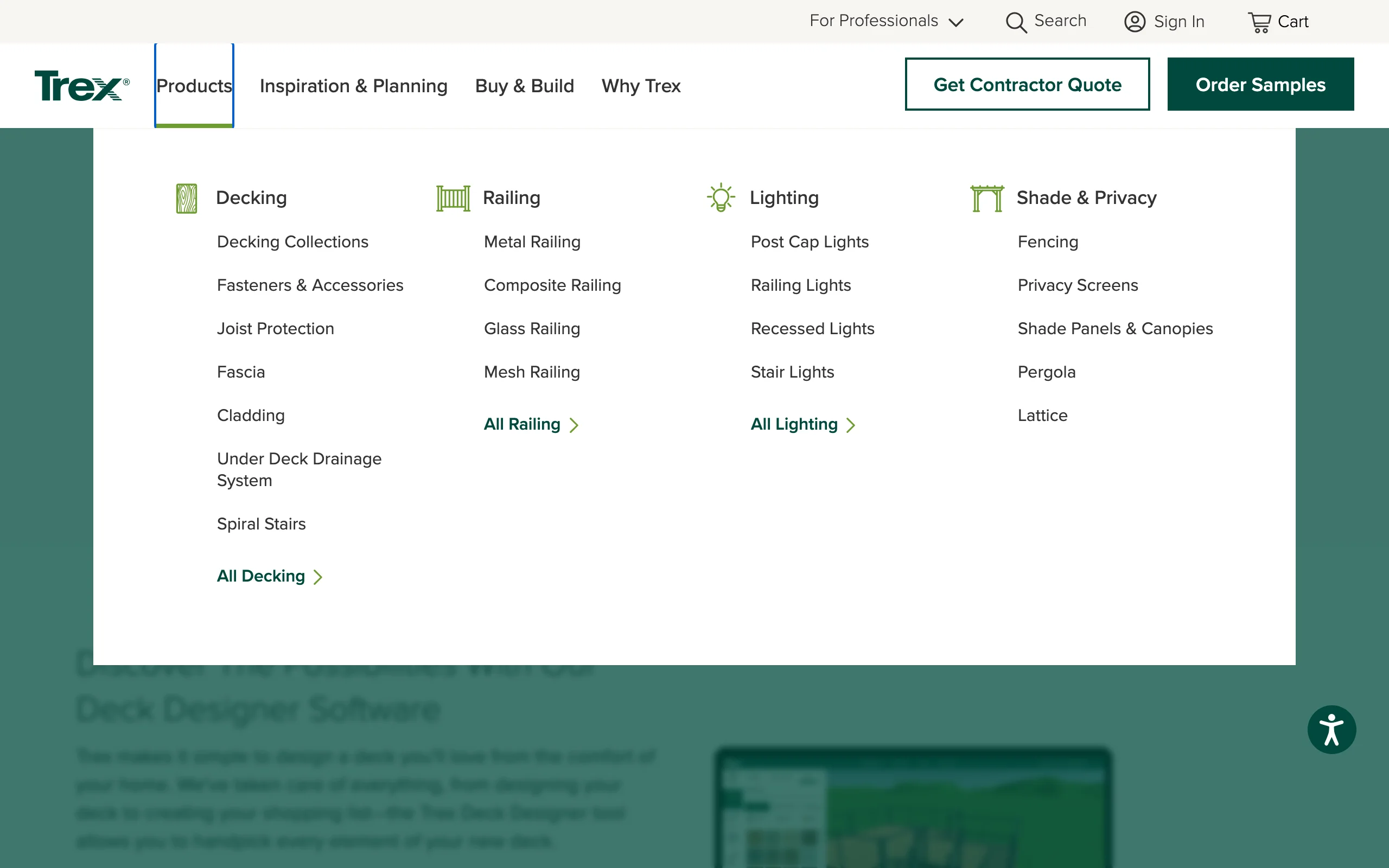
Trex Deck Designer is the strongest of the manufacturer tools. It's free, runs in a desktop browser, and renders your design in 3D using real Trex boards, railings, and lighting, so the finishes you see are products you can order. Recent updates added L-shapes, T-shapes, bump-outs, cut corners, and placeable existing structures like house walls, well past the basic rectangle-only planners.
It helps with the practical side too: budgeting, drawings you can use for permitting, and a shopping list of materials. The limitation is that it models Trex products only, so if you're comparing brands or building in pressure-treated pine, the renders won't match your build. Material counts are estimates, and there's no mobile version. If composite is already the plan, it's the best free way to see real products on a real layout.
Key features
- Free 3D design with real Trex boards, railings, and lighting
- L-shapes, T-shapes, bump-outs, and cut corners
- Place existing walls and structures around the deck
- Drawings for permitting plus a materials shopping list
Best for
- Homeowners already leaning toward composite decking
- Comparing Trex colors and railing styles on your own layout
- DIYers who want a shopping list tied to real products
Pricing
- Completely free.
- Browser-based, desktop only.
Pros
- Realistic product textures, since they're actual Trex lines
- Flexible shapes for a free tool
- Useful permit and budgeting output
Cons
- Trex products only, so it doubles as a catalog
- Desktop only, and material counts are estimates
4. Simpson Strong-Tie Deck Planner, best free structural planning
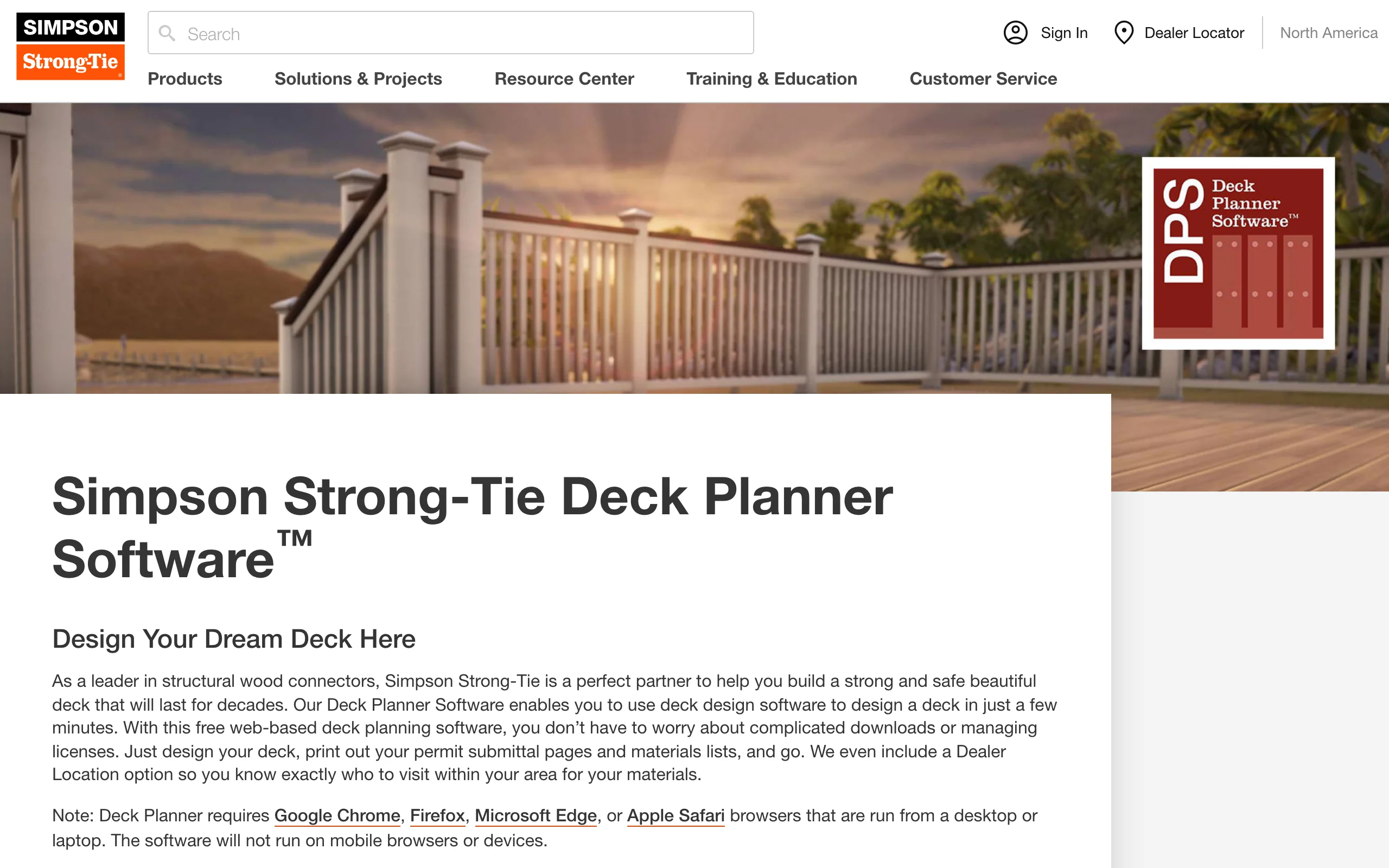
Simpson Strong-Tie makes the connectors and hardware inside most wood decks in North America, and its free Deck Planner leans into that. You design in 2D or 3D in a desktop browser, starting from templates or your own dimensions, and it highlights the critical connections in the frame, ledger, posts, beams, and stairs, then recommends the hardware for each one. An in-app video tutorial keeps the learning curve short.
The output is where it earns the "structural" label: a full report with a bill of materials covering lumber, decking, railing, and hardware, plus permit submittal pages you can print. It won't run on a phone, the visuals are functional rather than pretty, and the hardware picks are naturally Simpson's own. But if your main worry is that the deck stays attached to the house, this is the free tool that takes the connection details seriously.
Key features
- Highlights critical structural connections and recommends hardware
- 2D and 3D design with templates and custom dimensions
- Full report: bill of materials for lumber, decking, railing, and hardware
- Printable permit submittal pages
Best for
- DIY builders who want the frame and connections done right
- Anyone assembling a permit package on a zero budget
- Planning a wood-framed deck from ledger to stairs
Pricing
- Completely free, web-based, no download.
- Desktop or laptop browsers only; it won't run on mobile devices.
Pros
- The only free tool here focused on structural connections
- Strong permit and materials output
- Guided, so beginners don't get lost
Cons
- Desktop only
- Renders look technical, not photoreal, and hardware picks are brand-specific
5. Fiberon Discovery Deck Designer, best free quick visualizer
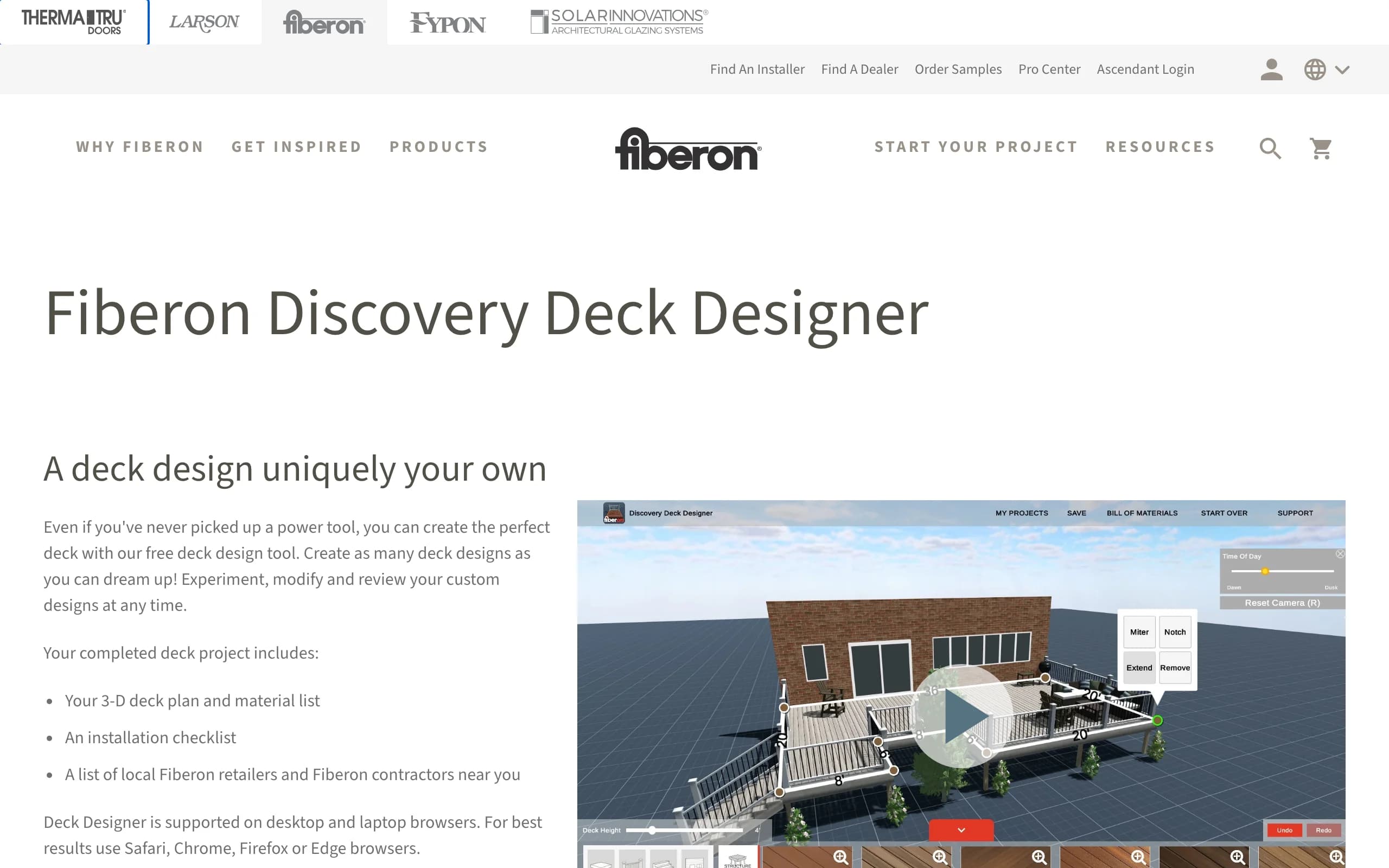
Fiberon's Discovery Deck Designer is the fastest route from nothing to a presentable 3D deck. You can build from scratch, but the smarter start is a pre-built deck you resize and restyle with Fiberon decking, railing, and cladding. A time-of-day slider shows the deck in different sunlight, backdrops swap between beach, mountain, and valley scenes, and finished projects produce a bill of materials you can share by email.
Unlike most planners in this list, it isn't desktop-bound: it runs in desktop browsers and also ships as a free mobile app on the App Store and Google Play. The catch is the same as Trex: it's a Fiberon catalog at heart, the scenes are generic rather than your yard, and it's a visualizer, not a framing tool. For a ten-minute answer to "what would a composite deck roughly look like," it's hard to beat for free.
Key features
- Pre-built decks you can customize, or design from scratch
- Full Fiberon decking, railing, and cladding catalog
- Bill of materials on completion; save and share by email
- Free mobile app plus desktop browser version
Best for
- Homeowners who want a quick 3D impression, not a full plan
- Comparing composite colors and railing combinations fast
- Browsing ideas on a phone before committing to a layout
Pricing
- Completely free.
- Web (desktop browsers) plus iOS and Android apps.
Pros
- Fastest setup of any tool here
- Free mobile app, rare among deck planners
- Materials estimate included
Cons
- Fiberon products only, in generic scenes
- No framing, permit, or structural output
6. RedX Decks, best free mobile deck app
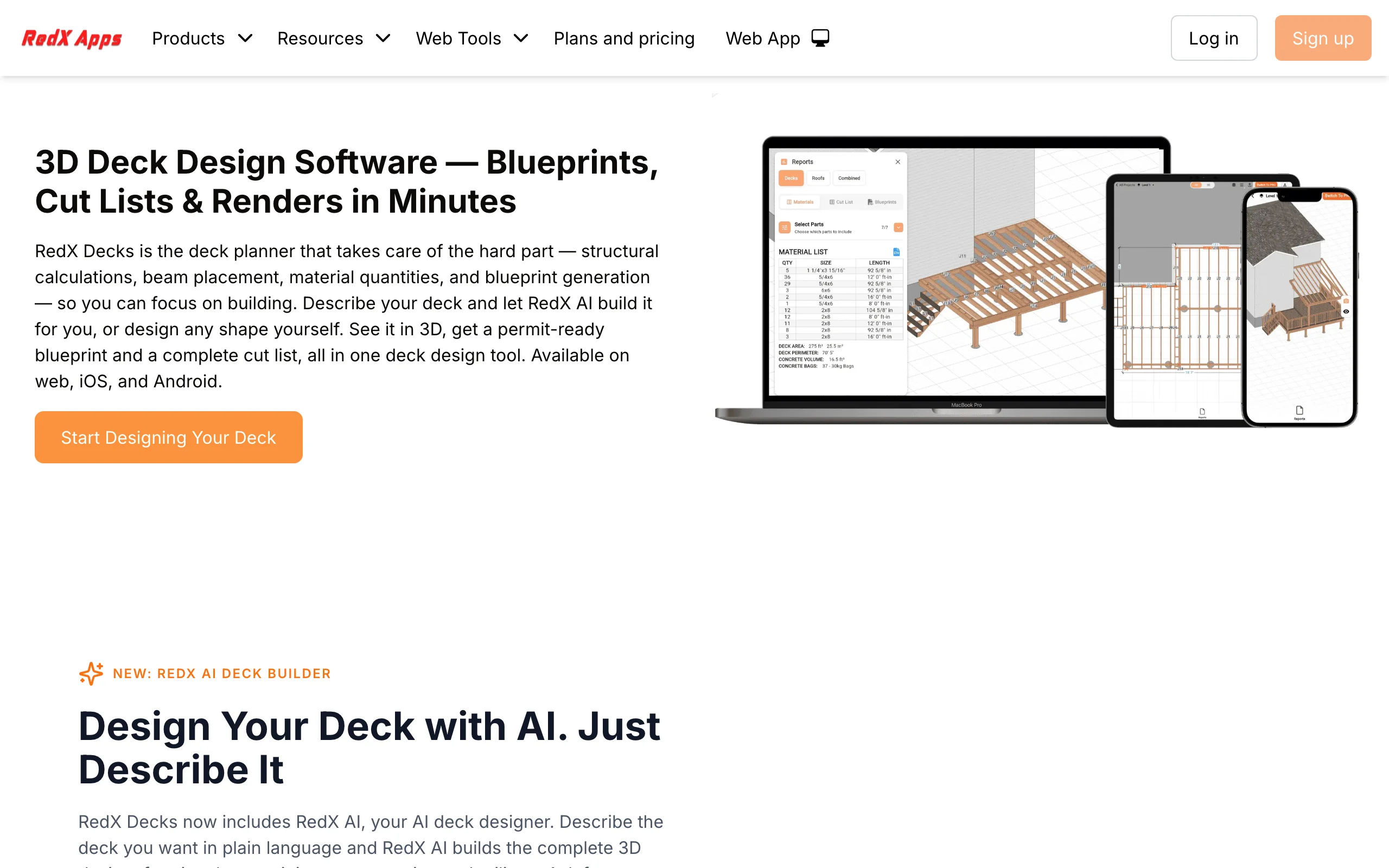
RedX Decks is a 3D deck builder made for phones first, with iOS, Android, and web versions that sync designs across devices. It's aimed at contractors and serious DIYers: you can model straight, wraparound, L-shaped, U-shaped, multi-level, and freestanding decks, and it generates automatic framing layouts with beams, joists, and posts, plus construction drawings and cut lists. Design at a desk, then pull the plan up on-site.
The free tier is the caveat. The app is free to download and lets you try the builder, but the paywall arrives early, and the useful output, drawings and full designs, sits behind Premium at $6.99/mo or $59.99/yr. That's still cheap next to desktop CAD, and it's the only tool here that does real framing work on a phone. Treat it as a demo that becomes a budget pro tool, not free software in the Decks.com sense.
Key features
- Phone-first 3D deck builder with cross-device sync
- Automatic framing layouts: beams, joists, posts, stairs, railings
- Straight, wraparound, L, U, multi-level, and freestanding shapes
- Construction drawings and cut lists (Premium)
Best for
- Builders who quote and sketch decks on-site from a phone
- DIYers who want framing detail without desktop software
- Multi-level or wraparound layouts the brand tools can't model
Pricing
- Free to download with a limited free tier.
- Premium: $19.99/mo or $59.99/yr on the web pricing page for full features and output (app-store pricing can differ).
- iOS, Android, and web.
Pros
- The most capable deck app on a phone
- Real framing output, not just pretty boards
- Cheap compared to desktop pro software
Cons
- The free tier is limited, and the paywall shows up quickly
- Overkill if you only want a quick visual
7. SketchUp Free, best free general 3D modeling
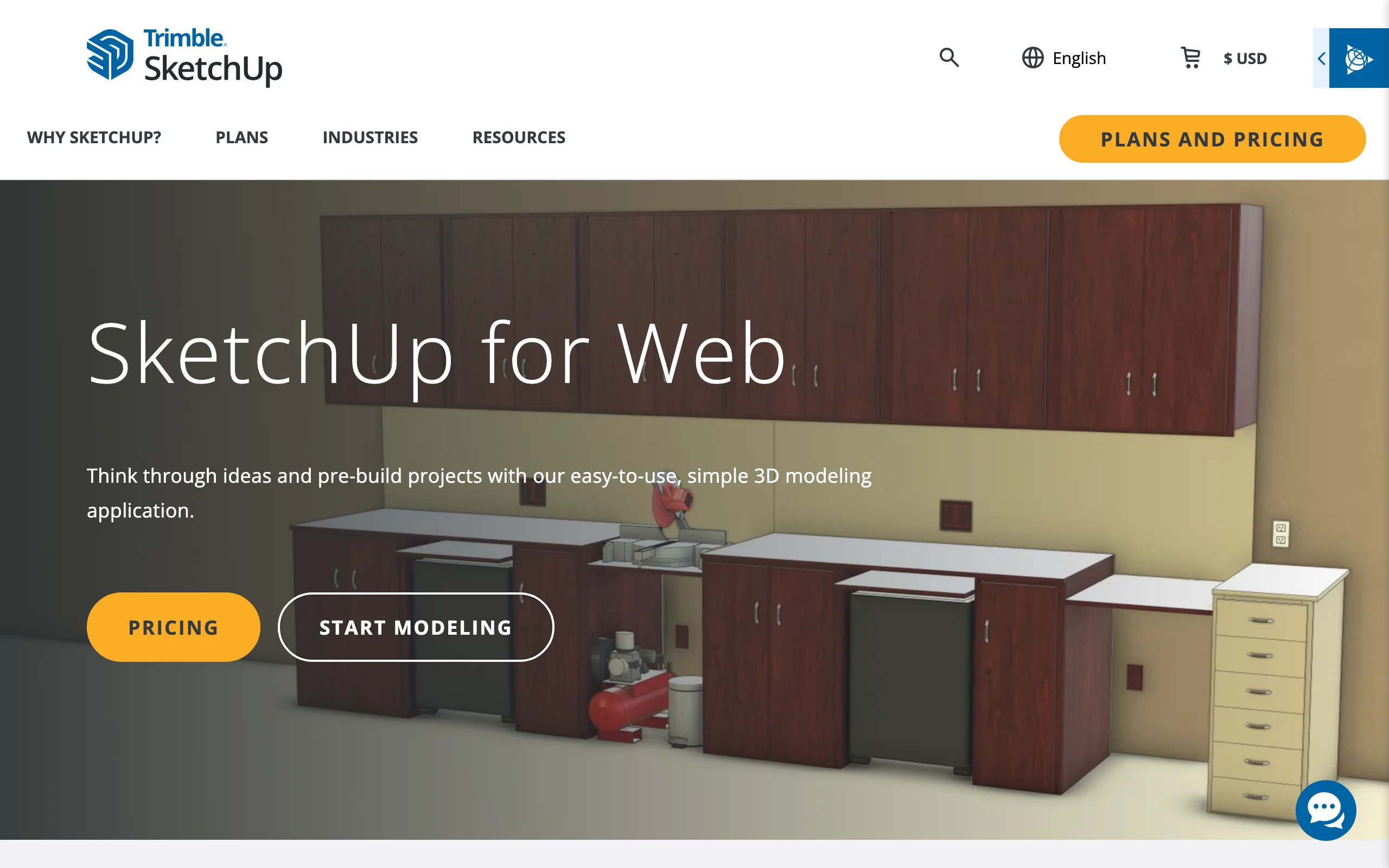
SketchUp Free is the browser version of the well-known 3D modeler, free for personal projects with no subscription. It has no deck-specific wizards, and that's the point: you can model your exact situation, a deck wrapping two sides of the house, a pergola over half of it, a bench built into a planter, all at exact dimensions with the push-pull tools that made SketchUp popular. The 3D Warehouse adds thousands of free pre-made models, deck furniture and trees included.
The trade-off is effort. You're building everything from scratch, the learning curve is the steepest here, and there are no material lists, framing checks, or permit pages, just the model. The free tier is also personal-use only (paid plans start at $19.99/mo for Go). Pick it when your deck idea doesn't fit any template, or when the deck is one piece of a bigger structure you want to model as a whole.
Key features
- Full browser-based 3D modeling, no install
- Model any deck shape or structure at exact dimensions
- 3D Warehouse library of free models to furnish the scene
Best for
- Unusual decks that don't fit template-based planners
- DIYers comfortable learning a real modeling tool
- Modeling the deck together with the house and yard structures
Pricing
- SketchUp Free: $0 for personal, non-commercial use (web only).
- Go: $19.99/mo or $129/year; Pro: $99.99/mo or $399/year.
Pros
- Total design freedom at no cost
- Huge free model library
- Skills transfer to any other 3D project
Cons
- Steepest learning curve in this list
- No deck-specific output: no material list, framing, or permit pages
How to choose the best free deck design software for your needs
1) Decide what you need out of it: a picture, a plan, or both
The free tools split cleanly. For buildable output, open Decks.com (permit plans and material lists) and Simpson Strong-Tie (connections, hardware, permit pages) first. To see the look, Trex and Fiberon render real products, and OutdoorBrite, the paid pick, puts the finished deck on your own photo. Many projects use two tools: one to decide what the deck should look like, one to work out how it goes together. A deck is usually the biggest piece of hardscaping in a yard, so both halves matter.
2) Check what "free" actually includes
Every free tier holds something different back. Decks.com, Trex, Simpson, and Fiberon are genuinely free, funded by selling you lumber, boards, or hardware, which is why each locks you into its own catalog. RedX Decks is free to try but keeps drawings and cut lists behind a $6.99/mo subscription. SketchUp Free is personal-use only. OutdoorBrite is the one paid product here, from $29/mo with no free plan, and says so up front.
3) Desktop browser, phone app, or both
Match the tool to where you'll actually work. Trex and Simpson Strong-Tie are desktop-only, and Decks.com works best on a big screen. Among free deck design apps, Fiberon's mobile app is the easiest for browsing looks, and RedX Decks is the pick for framing detail on-site. OutdoorBrite runs in the phone's browser, where the photo of your yard already lives. If the deck is part of a wider yard makeover, a patio deck designer that handles both surfaces beats juggling two plans, and our free landscape design software roundup covers the whole-yard tools.
FAQ
What is the best free deck design software? Decks.com Deck Designer is the best free all-rounder because it outputs permit plans and a material list at no cost. Simpson Strong-Tie is the best free pick for structural planning, and Trex is the best free 3D tool if you're set on composite. The best tool overall, OutdoorBrite, is paid: it renders the finished deck on a photo of your own yard, which no free planner can.
Is there genuinely free deck design software with no paywall? Yes. Decks.com, Trex, Simpson Strong-Tie, and Fiberon are all completely free, because a decking or hardware brand funds them. The trade is that each one models its sponsor's products. SketchUp Free is also free for personal use.
What are the best free deck design apps for iPhone and Android? Fiberon's free mobile app is the quickest way to restyle a deck from a phone. RedX Decks is the most capable deck app, with framing layouts and construction drawings, but full output needs Premium at $6.99/mo. Most other deck planners, including Trex and Simpson Strong-Tie, are desktop-only.
Is OutdoorBrite free? No. OutdoorBrite is paid only, with no free plan, no trial, and no free credits. Plans start at $29/mo for 25 redesigns. We rank it first because it renders the finished deck on your own yard photo, with planting matched to your climate, but if your budget is strictly zero, the six tools below it are free or have a free tier.
Can free deck design software produce permit-ready plans? Two of them can. Decks.com lets you download permit plans and material lists for free, and Simpson Strong-Tie prints permit submittal pages alongside its bill of materials. Still confirm requirements with your building department, since some jurisdictions want stamped drawings these tools don't produce.
Can any free tool show a deck on a photo of my actual yard? Not really. The free planners are model-based: you build a 3D scene, and the deck appears in a generic backdrop. Rendering a realistic deck onto your own photo is what OutdoorBrite does as a paid product. For photo-based tools specifically, see our roundup of the best AI deck design tools.
Which free deck software works for a deck around an above ground pool? SketchUp Free is the most flexible for wraparound shapes at exact dimensions, and RedX Decks models freestanding and wraparound decks with framing. The brand planners assume a house-attached rectangle, so they're weaker here. For layout inspiration first, our above ground pool deck ideas guide collects real examples.
Do these tools help with the rest of the yard? Mostly no. The deck planners stop at the deck edge, so stairs land on blank grass. OutdoorBrite styles the whole scene around the deck, which helps if the deck is step one of a bigger landscape design.
Plan the deck with the free tools above, or see the finished version on your own yard first at outdoorbrite.com.