7 best garden design software in 2026
Garden software splits into two camps: planners that treat your beds as data, and visual tools that show you the finished garden. We priced and compared seven of them, from a $29 AI tool to a free 2D sketcher, so you can pick the one that fits how you actually garden.
Garden design software splits into two camps that get lumped together far too often. One camp treats your garden as data: beds, spacing, frost dates, sowing schedules. The other treats it as a picture: what would this space look like with a cottage border instead of that tired strip of lawn? Both are useful. They just answer different questions, and buying the wrong camp is the most common mistake.
This guide covers seven picks across both: an AI tool that redesigns a photo of your own garden, a vegetable-garden planner with real horticultural data behind it, two budget scene builders, and three layout and modeling tools, each with verified 2026 pricing. Most picks here are paid; if you want to spend nothing at all, our free garden design software guide covers that side in depth.
Best garden design software: a quick overview
- OutdoorBrite: Best overall. Upload a photo of your garden, pick a style, and get realistic planted concepts in under a minute, matched to your climate.
- GrowVeg Garden Planner: Best for vegetable and kitchen gardens. Automatic spacing, crop rotation warnings, and a sowing calendar built from your local frost dates.
- GardenPuzzle: Best budget scene builder. Drag plants onto a photo of your own garden and preview all four seasons for $29 a year.
- Garden Planner by Artifact Interactive: Best simple one-time-purchase desktop planner. Pay $48 once, draw top-down plans forever.
- GARDENA myGarden: Best simple 2D sketching tool. A no-cost browser planner with a hand-drawn style and a sprinkler layout helper.
- Planner 5D: Best 3D garden and yard layout. Draw the space to scale in 2D, flip to 3D, and check proportions before you buy a single plant.
- SketchUp: Best precise 3D modeling for garden structures. The pick when the project includes a pergola, raised beds, or a greenhouse built to measurement.
| Tool name | Key strength | Pricing | Platforms |
|---|---|---|---|
| OutdoorBrite | Realistic AI garden concepts from a photo of your own space | From $29/month | Web (desktop and mobile) |
| GrowVeg Garden Planner | Data-driven vegetable garden planning with local frost dates | From $35/year; 7-day free trial | Web (any device) |
| GardenPuzzle | Drag-and-drop planting scenes on your own garden photo | $29/year; free demo | Web, Windows, Mac, iOS |
| Garden Planner (Artifact Interactive) | Simple top-down plans with a one-time price | $48 one-time; free trial | Windows and Mac desktop |
| GARDENA myGarden | Quick 2D sketches and sprinkler layouts at no cost | Free | Web |
| Planner 5D | To-scale 2D/3D layout with a huge object catalog | Free plan; Premium from $59.99/year | Web, iOS, Android, Windows, Mac |
| SketchUp | Precise 3D modeling for garden structures | From $129/year; free web version for personal use | Web, Windows, Mac, iPad |
1. OutdoorBrite, best overall for realistic garden concepts from your own photo
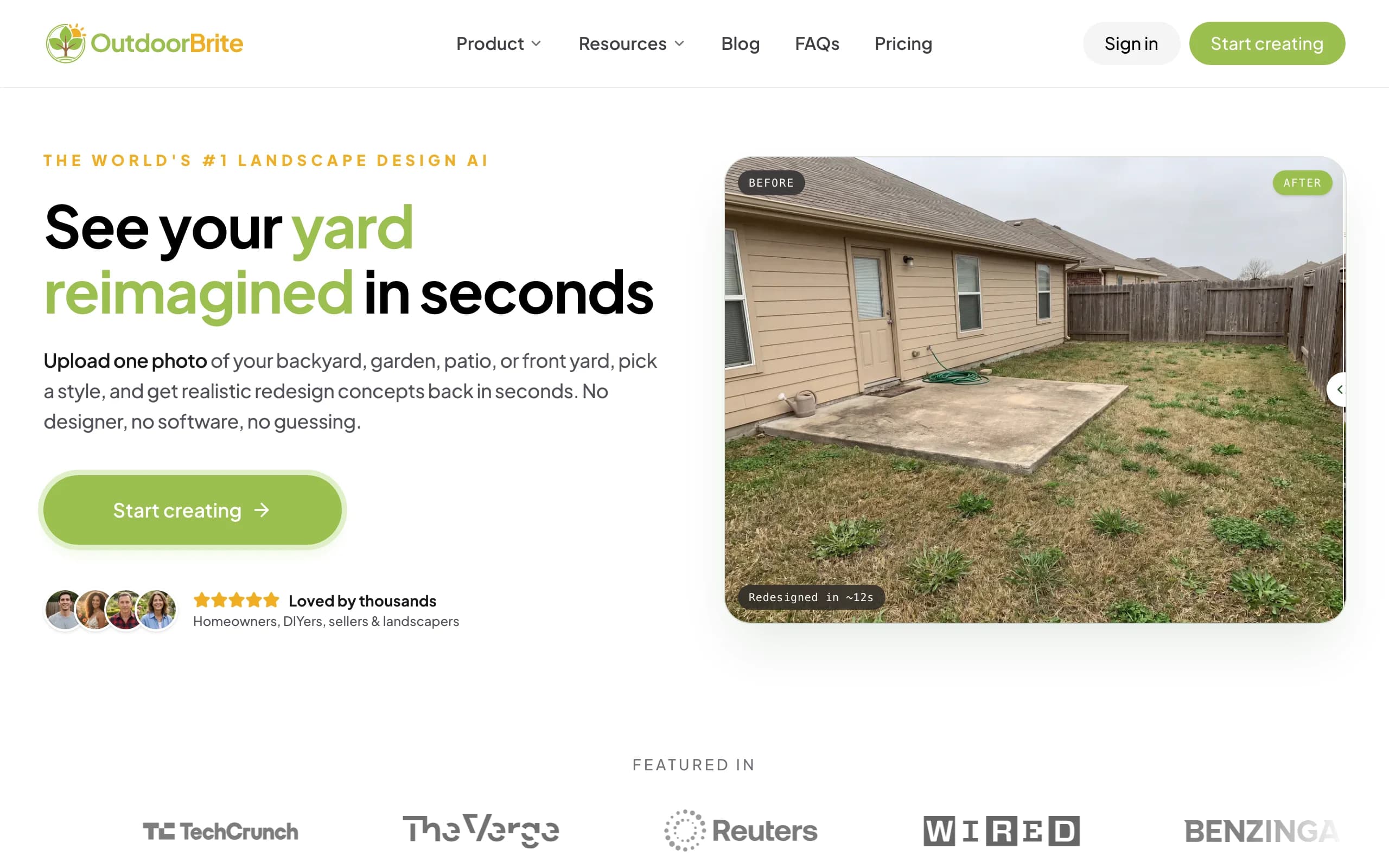
OutdoorBrite is built around one question: what could this garden actually look like? You upload a photo of your beds, borders, or the whole space, pick a style like cottage garden, Mediterranean, modern, or tropical, and describe what you want in plain words. It generates realistic concepts in under a minute, rendered on your real garden rather than a stock backdrop, with several variations per upload so you can compare a lush look against something leaner.
The planting side is what separates it from a generic photo restyler. Plant choices account for your climate and hardiness zone, so the greenery in a concept could actually survive where you live, and an in-app AI editor lets you refine a favorite: swap a shrub, soften a border, change the paving. That climate-aware garden design AI also handles backyards, front yards, and patios if the project grows beyond the beds.
Key features
- Photo-to-design AI: one garden photo in, realistic planted concepts out in under a minute
- Style presets including cottage, Mediterranean, modern, tropical, and desert
- Multiple concept variations per upload to compare directions on the same space
- In-app AI editor to refine a concept you like
- Plant choices matched to your climate and hardiness zone
- HD, 2K, or 4K output depending on plan; nothing to install, runs in the browser
Best for
- Homeowners who want to see their own garden redesigned before buying plants
- DIY gardeners who will take the concept to a plant and materials list
- Landscapers who need a realistic render to align a client on a direction
Pricing
- Paid only, no free plan or trial. 1 credit = 1 design or 1 AI edit
- Starter: $29 per month for 25 redesigns and HD output
- Plus: $49 per month for 100 redesigns and 2K output (the most popular plan)
- Pro: $149 per month for 200 redesigns, 4K output, and agency rights
- Annual billing saves about 20 percent ($23, $39, and $119 effective monthly)
Pros
- The most realistic garden result on this list, on your actual photo
- Fast enough to compare four or five styles in one sitting
- Plant suggestions respect your growing region, not just the look
Cons
- No free plan, so you pay from the first design
- Not a planting scheduler: it won't tell you when to sow carrots (pair it with GrowVeg for that)
2. GrowVeg Garden Planner, best for vegetable and kitchen gardens
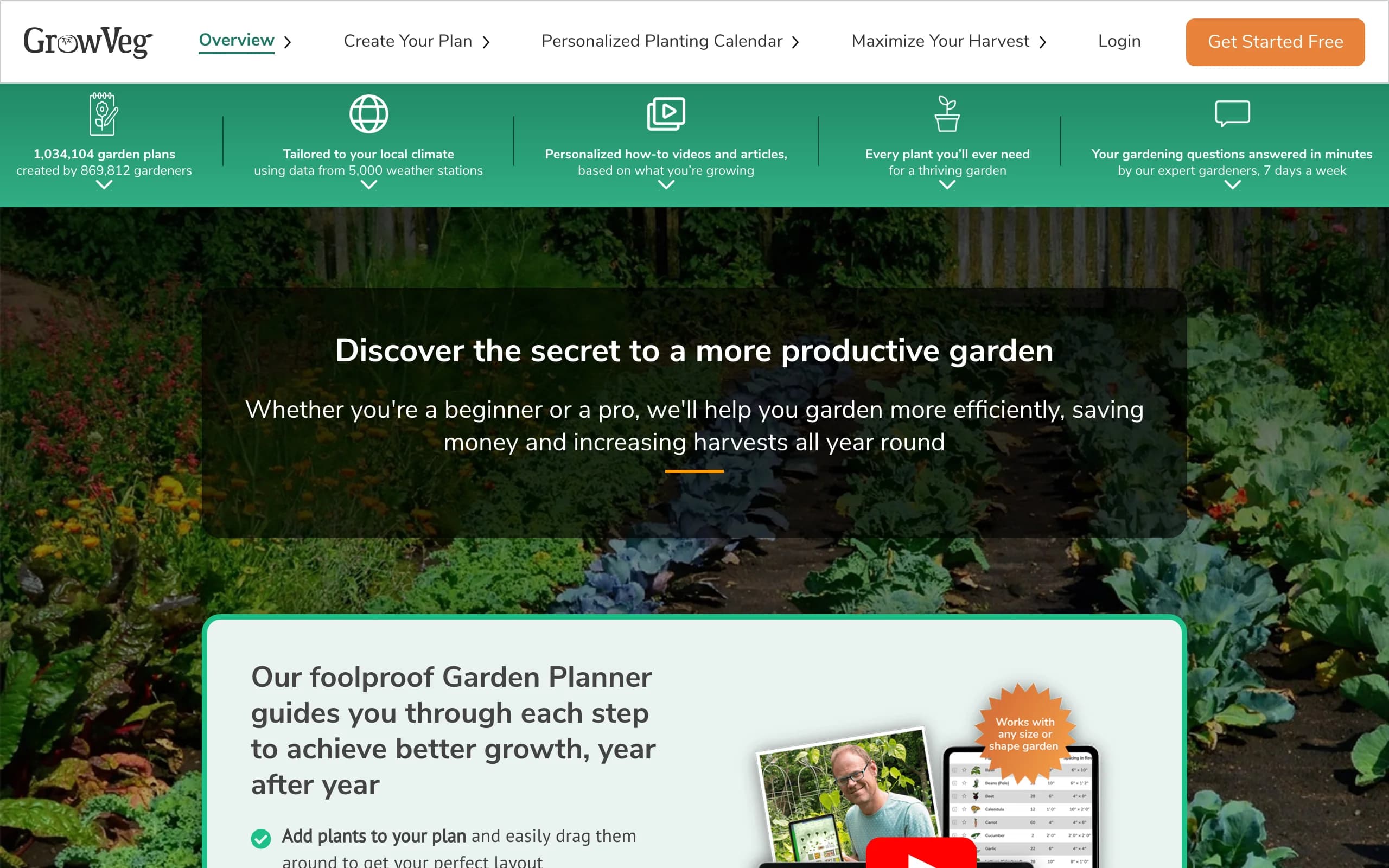
The GrowVeg Garden Planner is the opposite of a pretty-picture tool, and that is exactly its strength. It is a web-based planner for productive gardens, with more than 21,000 varieties across 408 vegetables, herbs, fruit, and flowers in its database. Draw your beds, drop in crops, and the software spaces the plants automatically. Plan a second season and it flags crop rotation problems before you put brassicas back in last year's brassica bed.
The planning calendar is the part long-term users rave about. It pulls frost dates from more than 5,000 weather stations, builds a sowing schedule for your location, and emails reminders when it's time to start seeds. If your garden's job is feeding you, this is the deepest garden planning software you can get for the price of a couple of seed catalogs.
Key features
- More than 21,000 plant varieties with growing data, not just artwork
- Automatic plant spacing to prevent overcrowding
- Crop rotation warnings across seasons
- Personalized sowing calendar from local frost dates (5,000+ weather stations)
- Email planting reminders and a garden journal
Best for
- Vegetable and kitchen gardeners who plan by sowing date, not by style
- Allotment holders juggling crop rotation across several beds
- Anyone who wants software that knows a leek from a lettuce
Pricing
- 7-day free trial, no payment details required
- $35 per year on the auto-renewing plan
- $50 for a single non-recurring year, or $85 for two years
Pros
- Real horticultural data drives the plan, not decorative icons
- The frost-date calendar genuinely changes when you sow
- Less than $3 a month on the annual plan
Cons
- Top-down 2D plans only; you never see what the garden will look like
- Ornamental design is an afterthought next to the vegetable tools
3. GardenPuzzle, best budget drag-and-drop scene builder
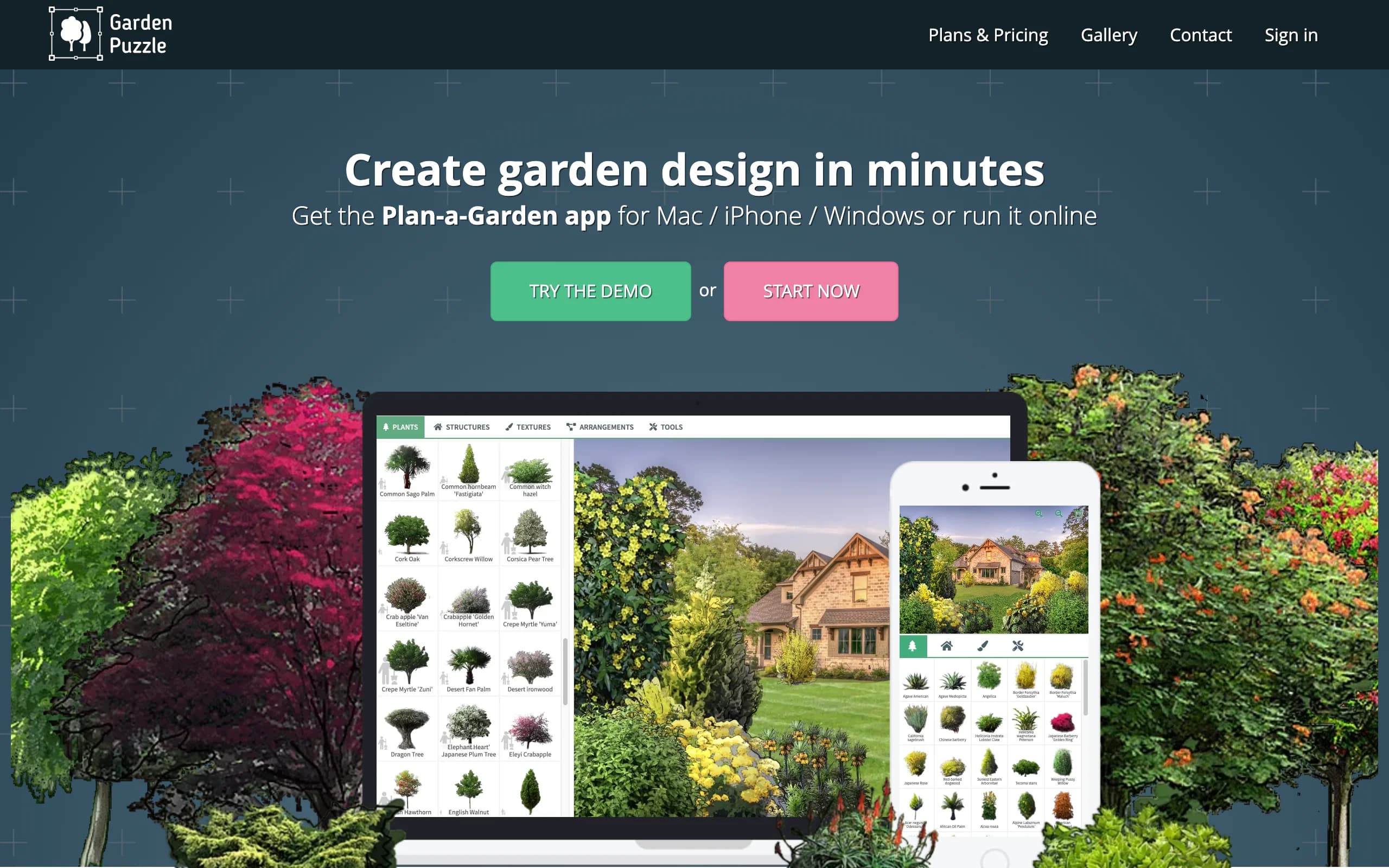
GardenPuzzle sits between a planner and a visualizer. You upload a photo of your own garden, then drag plants, trees, and accessories onto it from a library of 1,700 plants, each with variants for all four seasons. That seasonal switch is the feature people stay for: you can check whether the border you're composing still looks like something in November. A render option (20 credits on the Individual plan) turns a composed scene into a more photorealistic visualization.
The price is the other draw. The Individual plan is $29 a year across online, desktop (Windows and Mac, works offline), and iOS apps, with a free demo to try the workflow first. The trade-off: hand-placing each plant is slow, and until you spend render credits the result reads as a collage.
Key features
- Drag-and-drop planting scenes on a photo of your own garden
- 1,700 plants with variants for all four seasons
- 250 garden accessories, including 200 customizable 3D models
- Render credits for photorealistic visualizations
- Works online, offline on Windows and Mac, and on iPhone and iPad
Best for
- Gardeners composing a specific border plant by plant on a budget
- Anyone who wants to preview a planting through the seasons
- People who prefer manual control over AI generation
Pricing
- Free demo with a reduced library and predefined backgrounds
- Individual: $29 per year, including desktop, online, and iOS apps plus 20 render credits
- Team: $49 per year for two users, with 40 render credits
Pros
- Four-season preview catches winter-bare borders before you plant them
- One low yearly price covers every platform
Cons
- Composing a scene by hand takes much longer than generating one
- Un-rendered scenes look pasted together
- The interface feels dated next to newer web tools
4. Garden Planner by Artifact Interactive, best simple one-time-purchase desktop planner
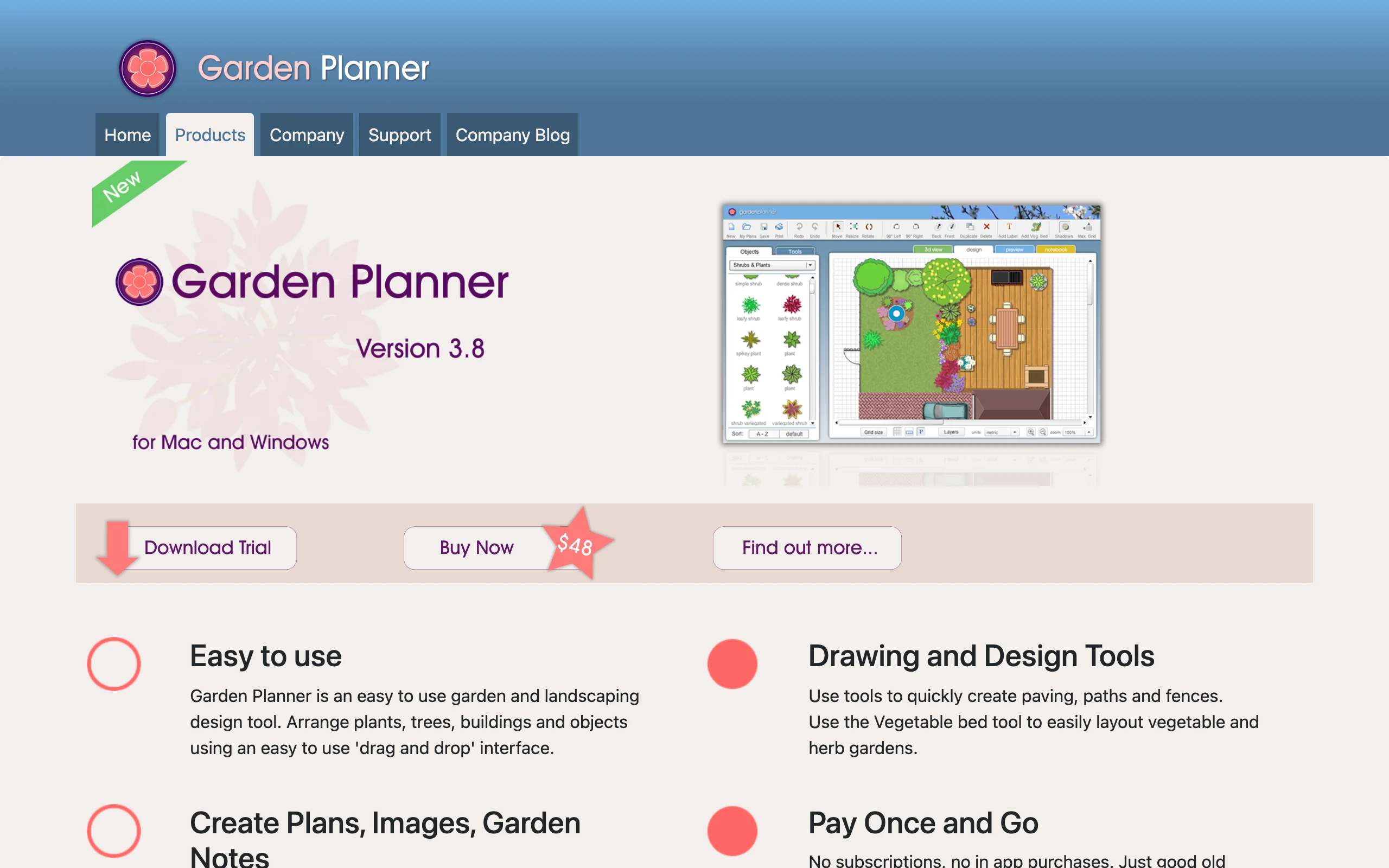
Garden Planner, from the Australian developer Artifact Interactive, is the kind of software that barely exists anymore: you pay $48 once, install it on Windows or Mac, and it's yours for good. No subscription, no account, no cloud. You lay out your garden top-down with a library of more than 1,700 plant and object symbols, draw paving, paths, fences, ponds, and walls, then print the plan or export a plant list. A dedicated vegetable bed tool handles grid layouts, and a 3D mode lets you walk the finished plan.
This is deliberately modest software. The graphics are clean symbols rather than realistic plants, and there's no growing data behind them. What it offers is a fast, uncomplicated way to get the plan out of your head and onto paper, at a price that undercuts a single year of most subscriptions.
Key features
- Top-down drag-and-drop plans with 1,700+ plant and object symbols
- Tools for paving, paths, fences, pools, ponds, and walls
- Dedicated vegetable bed layout tool
- Plant list and printable plan output
- 3D walkthrough of the finished design
Best for
- Homeowners who want a clear paper plan without a subscription
- Anyone allergic to accounts, logins, and recurring charges
- Simple replanning of beds, borders, and paths
Pricing
- $48 one-time purchase for Windows or Mac
- Free trial available for download
Pros
- Pay once, own it forever
- Quick to learn; most people produce a usable plan the first evening
- Runs offline on your desktop
Cons
- Symbol graphics, so the plan never looks like a real garden
- No plant database intelligence: no spacing, frost, or rotation help
- Desktop only, with no web or mobile version
5. GARDENA myGarden, best simple 2D sketching tool
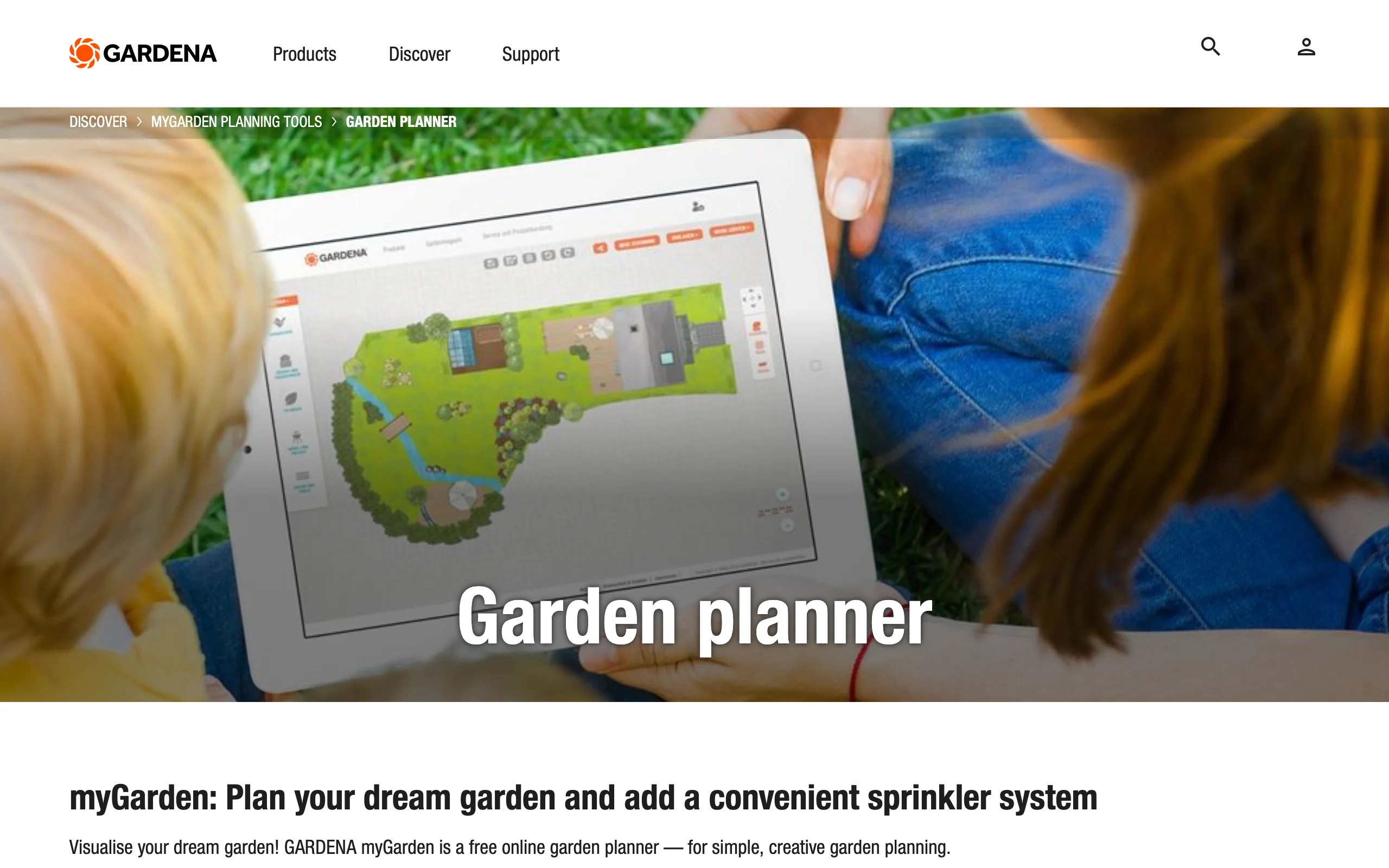
myGarden, from the German garden-equipment maker GARDENA, is a browser-based planner that costs nothing to use. It has a hand-drawn illustration style that makes even a rough sketch look pleasant, example gardens to start from, and a drag-and-drop library of lawns, beds, hedges, and furniture. Its party trick is the sprinkler planner: draw your garden, mark the beds and lawn, and it lays out an irrigation plan and a shopping list you can download along with the sketch.
Why is it free? The shopping list recommends GARDENA's own irrigation products, which is a fair trade for a planner this pleasant to use. Treat it as a sketching and irrigation tool rather than a design tool: there's no plant data, no realism, and no photo of your own garden anywhere in the flow.
Key features
- Browser-based 2D planning with a hand-drawn look
- Example gardens to use as starting points
- Drag-and-drop lawns, beds, hedges, paths, and furniture
- Built-in sprinkler and irrigation layout planner
- Downloadable planning sketch and shopping list
Best for
- Quick layout sketches before committing to a bigger tool
- Planning a sprinkler or drip irrigation run for an existing garden
- Beginners who want to try garden planning without spending anything
Pricing
- Free to use in the browser, with no subscription
Pros
- Genuinely free with a friendly, low-pressure interface
- The irrigation planner is a practical, uncommon feature
Cons
- Sketch-level output only, with no realism and no plant data
- The shopping list steers you toward GARDENA hardware
6. Planner 5D, best 3D garden and yard layout
Planner 5D is a general home design app that happens to handle outdoor spaces well. You draw the garden to scale in 2D, arrange beds, paths, furniture, and structures, then flip to 3D and walk the result. The catalog runs past 10,000 items on paid plans, and it syncs across web, iOS, Android, Windows, and Mac, so you can plan on a laptop and adjust from a phone at the garden center.
The free plan covers unlimited projects with about half the catalog, which is enough to test whether measured 3D planning suits you. Premium is $19.99 a month or $59.99 a year. The limits are those of any general home tool: no hardiness data, no planting intelligence, and renders that read as a well-made game rather than your actual garden.
Key features
- To-scale 2D layout with an instant 3D view
- 10,000+ item catalog on paid plans, including outdoor objects
- Syncs across web, iOS, Android, Windows, and Mac
- Free plan with unlimited projects and about half the catalog
- 4K renders and CAD export on the Professional tier
Best for
- Getting proportions and placement right before buying plants or pavers
- Planning the house and garden together in one tool
- Beginners who want a friendly 3D garden design tool with a real free tier
Pricing
- Free plan: unlimited projects, about 50 percent of the catalog
- Premium: $19.99 per month or $59.99 per year
- Professional: $49.99 per month or $399.99 per year, adding 4K renders and CAD export
Pros
- Usable free tier for measured layout work
- Cheap Premium price on annual billing
- Works on practically any device you own
Cons
- No plant hardiness data or garden-specific intelligence
- Stylized 3D output, not a realistic picture of your garden
7. SketchUp, best precise 3D modeling for garden structures
SketchUp is not garden software, and that's the point of including it. When the project involves building something, a pergola, a run of raised beds, a greenhouse base, nothing else here gives you a precise, dimensioned 3D model you can actually build from. You draw directly in 3D, pull exact measurements off the model, and borrow pre-made plants and structures from the 3D Warehouse instead of modeling every leaf yourself.
There's a free web version for personal projects, which is how most gardeners should start. Paid plans begin with Go at $10.75 a month billed annually (about $129 a year), while Pro at $33.25 a month adds the desktop app and 2D construction documents. Expect a learning curve: SketchUp rewards a weekend of practice, and everything garden-specific remains your job.

Key features
- Fast, precise 3D modeling with exact dimensions
- 3D Warehouse library of pre-made plants, furniture, and structures
- Runs on web, Windows, Mac, and iPad
- 2D construction documents with LayOut on Pro and up
- Free web version for personal use, plus a 7-day trial on paid plans
Best for
- Garden projects with real construction: pergolas, raised beds, greenhouses, walls
- DIYers who want a buildable model with measurements, not just a mood
Pricing
- Free web version for personal projects
- Go: $10.75 per month billed annually (web and iPad)
- Pro: $33.25 per month billed annually, adding desktop and 2D documentation
- Studio: $68.25 per month billed annually, adding advanced visualization (Windows only)
Pros
- Unmatched precision for garden structures and levels
- The personal-use web version costs nothing to learn on
Cons
- Nothing garden-specific out of the box
- A real learning curve if you've never modeled in 3D
- Realistic rendering needs the Studio tier or a third-party renderer
How to choose the best garden design software for your needs
1) Do you want a picture of your garden, or a plan for it?
Start here, because the two camps don't substitute for each other. Visual tools answer "what will it look like": OutdoorBrite generates realistic concepts on your own photo, GardenPuzzle lets you compose a scene by hand. Planning tools answer "what goes where and when": GrowVeg schedules your sowing, Garden Planner and GARDENA myGarden produce top-down layouts, Planner 5D and SketchUp nail the measurements. Plenty of gardeners end up with one from each camp, an AI garden designer for the direction and a planner for the execution.
2) Ornamental garden or vegetable garden?
The lineup changes completely with this answer. For ornamental beds and borders, the decision is visual: OutdoorBrite for generated concepts with climate-appropriate planting, whether that's a pollinator garden of native plants or a drought-tolerant Mediterranean border, and GardenPuzzle for hand-composed seasonal previews. For vegetables, data beats looks, and GrowVeg is in a different league: spacing, rotation, and a frost-date calendar no visual tool attempts.
3) Match the pricing model to how often you'll design
The spread here is wide, so pay for the shape of use, not the feature list. A one-off replanning project fits a month of OutdoorBrite ($29, with the Plus plan's 100 redesigns working out to about 49 cents per concept) or Garden Planner's $48 one-time purchase. A garden you plan every season fits the cheap annual tools: GrowVeg at $35 a year, GardenPuzzle at $29. A structure build justifies SketchUp for the duration of the project, and GARDENA myGarden covers the sketching stage at no cost either way.
4) Where does the design need to go next?
A garden design that leads nowhere is just a nicer Pinterest board. Decide what you need in hand at the end:
- A planting direction you can shop from: OutdoorBrite, with plants suited to your zone.
- A sowing schedule: GrowVeg's calendar and reminders.
- A plan on paper for a helper or a contractor: Garden Planner or Planner 5D.
- Build measurements: SketchUp.
- An irrigation shopping list: GARDENA myGarden.
If the project keeps growing past the beds into paving, decking, and the rest of the yard, our guide to the best landscape design software covers the heavier whole-yard tools.
Garden design software in the UK: what changes?
Searches for garden design software are just as common in the UK as the US, and all seven picks here work on either side of the Atlantic. A few details do shift.
First, terminology: in the UK "garden" means the whole outdoor space, so if what you're really planning is paving, a lawn, and a seating area, the whole-yard tools matter as much as the planting ones. Second, plant data: US-built tools talk in USDA hardiness zones, while UK gardeners work from RHS hardiness ratings, so sanity-check any zone-based plant list against RHS guidance before ordering. GrowVeg handles this better than most; it was founded in the UK (Growing Interactive, since 2007), runs a growveg.co.uk storefront, and its frost-date calendar draws on local weather stations, so UK sowing dates come out right. GARDENA is a German brand with strong UK availability, which makes myGarden's irrigation shopping list practical there too. Finally, OutdoorBrite, GardenPuzzle, and Planner 5D bill in US dollars, so the price converts at your card's rate.
FAQ
What is the best garden design software?
It depends on the question you're asking. For seeing your own garden redesigned realistically, OutdoorBrite is the strongest pick. For planning a vegetable garden, GrowVeg has no real rival, and for buildable structures, SketchUp. Most people need one visual tool and one planning tool at most. Day-to-day care and plant identification are a different problem; our gardening apps roundup sorts those by job.
Is there a garden design program that shows my own garden, not a template?
Yes, two on this list work from your photo. OutdoorBrite generates realistic AI concepts on an uploaded photo of your garden, and GardenPuzzle lets you drag individual plants onto your photo by hand. Every other tool here starts from a blank plan.
What is the best garden design software for beginners?
GARDENA myGarden is the gentlest start: free, browser-based, impossible to get lost in. Planner 5D is next if you want 3D. If you'd rather skip learning software entirely, OutdoorBrite needs one photo and a style choice, and the concepts come back in under a minute.
Is there good 3D garden design software?
Planner 5D is the friendliest way to lay out a garden in 3D, and SketchUp is the precise option when a structure has to be built from the model. Neither produces a photo-real image of your own garden; that's what the AI photo tools do. For that side, see our guide to the best AI garden design tools.
What garden planning software do professional designers use?
Most mix tools: SketchUp or a CAD package for measured plans, plus a visual tool for client conversations. A growing number use AI renders for that second part, since a realistic concept on the client's own garden photo settles style discussions faster than a plan drawing.
Do these garden design tools work in the UK?
All seven work in the UK. GrowVeg was founded there and localizes frost dates properly, GARDENA has strong UK distribution, and the web-based tools run anywhere. The one thing to watch is plant hardiness: check US-zone-based suggestions against RHS ratings before you order plants.
How much does garden design software cost?
Less than most people expect. GARDENA myGarden is free, GardenPuzzle is $29 a year, GrowVeg is $35 a year, and Garden Planner is $48 once. Planner 5D Premium runs $59.99 a year, SketchUp Go about $129 a year, and OutdoorBrite starts at $29 a month with no free tier. The expensive mistake isn't the software, it's buying plants twice because you couldn't picture the result.