Is Home Design 3D Worth It for Yard Design? An Honest 2026 Review
Home Design 3D lets you draw a garden to the inch for the price of a coffee. That's a great deal for some people and a slow, frustrating one for others. Here's who gets their money's worth from it in 2026, who doesn't, and what to try if you want to see your real yard redesigned.
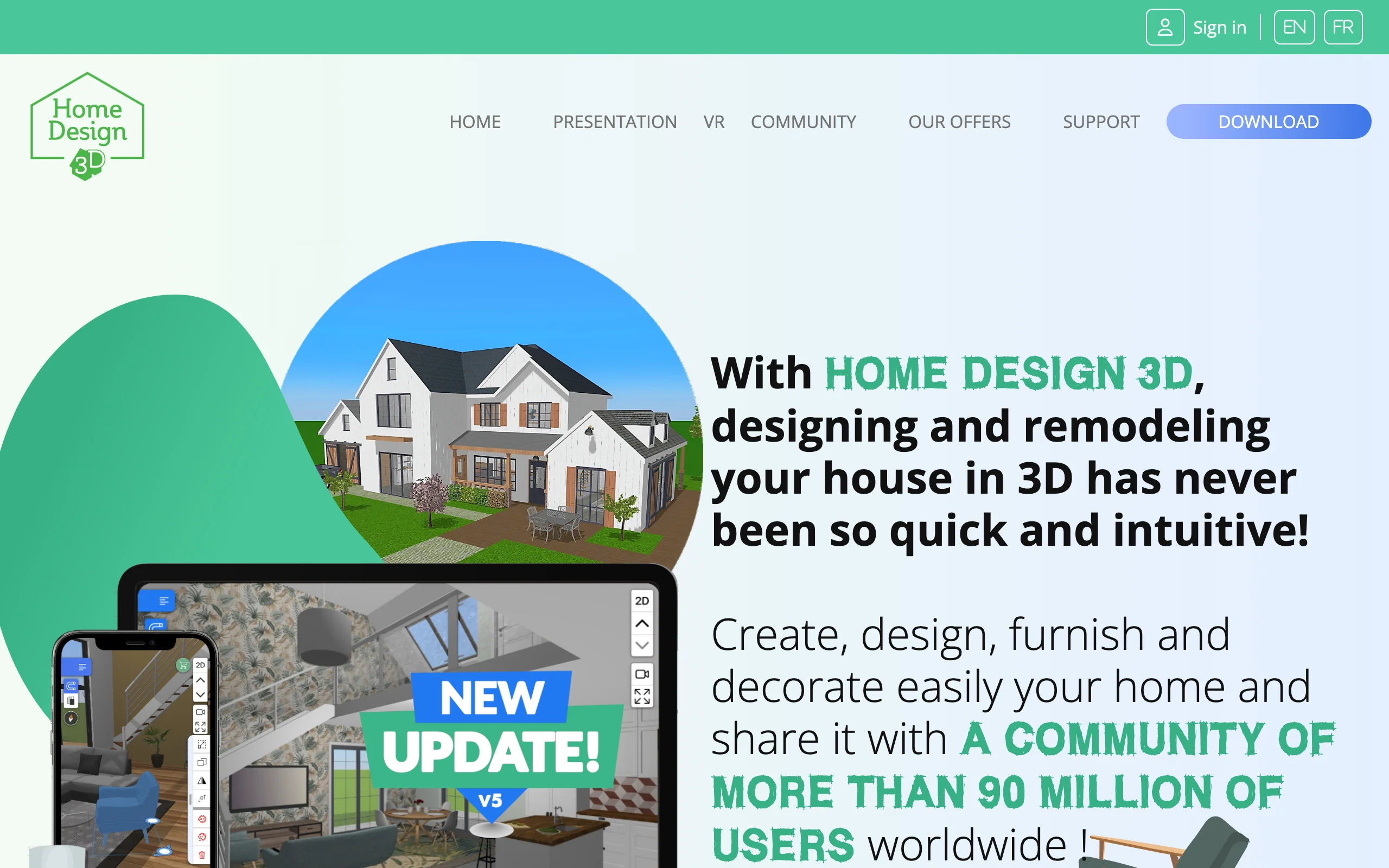
Home Design 3D is one of the oldest design apps on phones. You draw a plan in 2D, furnish it from a catalog and walk around it in 3D. Its garden edition, Outdoor & Garden, does the same thing for yards: you draw the plot to the exact size of your fences, mark out lawn and beds, then drop in trees, furniture, a pool or a greenhouse.
People usually ask whether it's worth it at one of two moments. Either they've seen the low price and wonder what the catch is, or they've spent an evening placing hedges one by one and want to know if there's a faster way. Both are fair questions, and the answer depends a lot on how you like to work.
We make OutdoorBrite, an AI tool that redesigns a yard from a photo, so we're a competitor and not a neutral judge. We've based this on the developer's own listings and offers page, checked October 24, 2026, and on what the app is built to do.
The short answer
Home Design 3D is worth it if you want a cheap, to-scale plan of your yard and you enjoy building it yourself. For $4.99 once on iPhone, you get a garden planner that respects real dimensions, which is genuinely useful when you need to know whether a 12 by 14 foot patio fits beside the shed. It's not worth it if you want to see what your yard could look like. You won't get a picture of your house and garden redesigned. You'll get a stylized 3D model of objects you placed by hand, with no plant advice and no design ideas of its own.
Put simply: it's a measuring and layout tool. It isn't a designer.
What you get for the money
On iPhone, Outdoor & Garden is free to download, $4.99 to unlock for good, or $4.99 a week and $59.99 a year as subscriptions. The free version can't save projects, so you'll want the unlock. On a PC or Mac, the main Home Design 3D app is $9.99 on Steam. We broke down every tier and store in our Home Design 3D pricing guide.
For that, the garden app gives you:
- A 2D plan you can draw over an imported blueprint, with fence dimensions and automatic area calculation
- More than 100 outdoor items (furniture, trees, flowers, pools, greenhouses, fences) and thousands of textures
- Multi-level gardens for sloped lots and decks
- A real-time 3D view, plus augmented reality on compatible iOS devices
- Sharing with the Home Design 3D community
What's missing is anything that thinks for you. There's no AI, no photo upload that turns your yard into a design, no style suggestions and no plant list for your climate.
Where Home Design 3D is worth it
Getting the layout right. Because you work to scale, the app answers practical questions well. Does the dining set fit on the patio with room to pull chairs out? How much lawn is left once the beds go in? The automatic area calculation also helps when you're ordering sod or mulch.
The price. A one-time $4.99 unlock is less than most garden centers charge for a single perennial. If you only need the app for a couple of weekends, there's no subscription to forget about, as long as you pick the unlock and not the weekly plan.
Multi-level and sloped yards. You can build levels, which helps when you're planning terraces or a retaining wall and need to see how the steps relate.
People who like to tinker. Some homeowners enjoy the process. Dragging in a pergola, rotating it and walking around it in 3D is part of the fun, and the app is built for that.
Cross-platform. It runs on iPhone, iPad, Android, Mac and Windows (through Steam), though the versions are bought separately.
Where Home Design 3D falls short
You do all the design work. The app won't suggest a layout, a style or a planting scheme. If you're stuck on what to do with the yard, a blank grid doesn't help, and that's the most common reason people go looking for a planning tool in the first place.
It doesn't look like your yard. The output is a 3D model built from catalog objects. It won't show your actual house, your actual trees or your neighbor's fence, so it's hard to judge how a change will feel in real life. It's also a hard sell to a spouse who doesn't think in floor plans.
Generic plants. You can place trees and flowers, but the app doesn't tell you what survives in your hardiness zone, how big a shrub gets in five years or what needs shade. You'll still need a nursery or your own research.
A limited outdoor catalog. About 100 outdoor items covers the basics, but specific materials, plant varieties and modern features like outdoor kitchens may not be there.
Confusing purchase options. The same app sells a one-time unlock, a weekly plan and a yearly plan, and the subscriptions don't spell out what they unlock. It's easy to end up paying $4.99 a week for something you could have owned for $4.99.
Time. Modeling a yard to scale takes a few evenings once you count measuring. That's fine for one project and slow for comparing five ideas.
Is Home Design 3D worth it for your situation?
| Who you are | Worth it? | Why |
|---|---|---|
| DIY homeowner who knows what they want | Yes | Cheap, to scale, and good for checking that the patio, beds and lawn fit before you buy materials |
| DIY homeowner who doesn't know what style they want | Not on its own | It won't suggest a look; you'll stare at an empty grid |
| Homeowner hiring a contractor (DIFM) | Maybe | A to-scale sketch helps you brief a contractor, but the contractor will redraw it anyway and won't need your 3D model |
| Landscaper or contractor | Rarely | Modeling every client's yard by hand is slow, and a stylized model doesn't sell a job the way a picture of the client's own yard does |
| Renter or small balcony | Yes, if you like planning | Small spaces are quick to draw, and the one-time unlock is cheap |
What to try instead (if it's not a fit)
If what you want is to see your own yard in a new style, start with OutdoorBrite. You upload a photo, pick a style such as modern, cottage, desert or Mediterranean, and get realistic concepts of your actual space in under a minute. You can compare several looks side by side, tweak one in the AI editor and get plants matched to your climate. It works for AI garden design, backyards, front yards, patios, pools and more. The honest limitation: it's a paid tool from $29 a month with no free tier to test first, and it works from a photo, so it doesn't give you exact measurements or a to-scale plan. Some people use both, OutdoorBrite to pick a direction and Home Design 3D to check the dimensions.
If you're happy to do the layout yourself but want to work on a photo of your yard, iScape lets you place plants and hardscape onto a picture, from $14.99 a month on iPhone. If you're about to spend serious money on a build and want drawings a contractor can price, a design service like Yardzen does that from $995 for a backyard.
Our full list of Home Design 3D alternatives compares these and a few more.
How to decide
- If you already know the look you want and need to check that it fits, Home Design 3D is good value.
- If you don't know the look yet, settle the style first. A tool that redesigns a photo of your yard is faster for that.
- If you'll hand the plan to a contractor, ask whether they need your drawing at all. Many will measure and draw their own.
- If you buy Home Design 3D, choose the one-time unlock and check the plan name before you confirm.
- If plants matter to you, budget time for a nursery visit or a climate-aware tool, because the app won't tell you what grows locally.
- If you're a landscaper selling jobs, a photo-based landscape design app usually wins the room faster than a hand-built model.
FAQ
Is Home Design 3D legit? Yes. Home Design 3D is a long-running design app sold by Home Design 3D S.r.l. It was first published by Anuman, which is why its Android package names still carry that name. It's sold through the App Store, Google Play, the Mac App Store and Steam, and the developer runs its own site and support center.
Is Home Design 3D good for landscaping? It's good for laying out a yard to scale. The Outdoor & Garden edition has fences, trees, plants, pools and furniture, and it calculates areas for you. It's weaker on design itself, because it doesn't suggest layouts or plants and doesn't show your real yard.
Can you cancel Home Design 3D anytime? Yes. Subscriptions are managed in your Apple or Google account. Turn off auto-renewal at least 24 hours before the period ends. Access continues to the end of the period you paid for, and that period isn't refunded.
Is Home Design 3D free? The download is free, but the free version can't save projects and doesn't include the full object library. On iPhone, the garden app costs $4.99 to unlock permanently.
Does Home Design 3D work from a photo of my yard? No. You draw the plot and place objects yourself. You can import a blueprint or plan to trace over, but the app doesn't redesign a photo. For that, try an AI tool like OutdoorBrite.
Is Home Design 3D better than an AI landscape design tool? They do different jobs. Home Design 3D is better for exact dimensions and a cheap one-time price. An AI tool is better for seeing realistic styles on your own yard and comparing ideas quickly. If you need both, use them together.
Sources: Home Design 3D offers page, Home Design 3D Outdoor & Garden App Store listing, Home Design 3D App Store listing, Home Design 3D on Steam, Home Design 3D Outdoor/Garden Google Play listing, iScape App Store listing (all checked October 24, 2026), Yardzen design packages page (checked October 20, 2026)