Best PRO Landscape alternatives for contractors (2026)
PRO Landscape+ now costs $90 a month, and plenty of long-time users are shopping around. Here are six real alternatives for contractors, from a $599 one-time CAD suite to AI visualization you can run in a client's driveway, with pricing verified for 2026.
Most contractors searching for PRO Landscape alternatives are not unhappy with what the software does. Photo imaging, CAD drafting, and estimating in one desktop suite made it the default design tool for landscaping companies for decades. What changed is how you pay for it. In September 2024, Drafix Software retired the one-time license (Version 25 sold for $1,495) and moved everyone to PRO Landscape+, a subscription at $90 per month or $900 per year.
Some firms ran that math and shrugged. Others ran it and started shopping, which is probably why you are here.
One note before the list. This guide covers the professional suite for contractors and designers. If you are looking at PRO Landscape Home, Drafix's consumer app with a roughly $15 image-library unlock, that is a different product for a different buyer: see our separate guide to PRO Landscape Home alternatives instead.
Below are six alternatives with pricing checked in August 2026, from a $599 one-time CAD suite to AI visualization you can run in a client's driveway, plus a short framework for choosing between them.
Best PRO Landscape alternatives: a quick overview
- Realtime Landscaping Architect: Best one-time-purchase replacement: $599 once buys 2D plans, 3D visualization, irrigation, lighting, and estimating on Windows.
- VizTerra: Best purpose-built 3D for pool and hardscape contractors: presentation-grade outdoor living design with a 30-day full-feature trial.
- OutdoorBrite: Best for on-site client visualization and closing: photograph the client's yard and show realistic redesign concepts in under a minute.
- DynaSCAPE: Best for standardized drafting and estimating: hand-drawn-style CAD plans that connect to Manage360 for proposals and job costing.
- Vectorworks Landmark: Best for permit-grade construction documents: BIM-level site models, grading, and planting plans that hold up in permitting.
- SketchUp Pro: Best low-cost general modeler: $399 a year for flexible 3D modeling with more than 1,000 extensions.
| Tool | Key strength | Pricing | Platforms |
|---|---|---|---|
| Realtime Landscaping Architect | Full plan, irrigation, and lighting design for a one-time price | $599 one-time; free watermarked trial | Windows |
| VizTerra | Presentation-grade 3D hardscape and outdoor living design | $97/month, or $84/month billed annually, plus $95 setup; 30-day free trial | Windows |
| OutdoorBrite | Realistic concepts of the client's own yard in under a minute | From $29/month; no free tier | Web |
| DynaSCAPE | Drafting standards plus estimating through Manage360 | Design from $158/month; Creator from $119/month | Windows; Creator also on Mac |
| Vectorworks Landmark | BIM site models and permit-ready documentation | $1,530/year; about $153/month billed monthly | Windows, Mac |
| SketchUp Pro | General 3D modeling with a huge extension ecosystem | $399/year; free trial | Windows, Mac, web, iPad |
What is PRO Landscape?
PRO Landscape is professional landscape design software from Drafix Software, and it has been a staple in the trade for decades. The current version, PRO Landscape+, bundles photo imaging (designing over a photo of the client's property), CAD drafting, 3D rendering, lighting design, material takeoffs, estimating, and proposals, along with tablet apps and an image library of more than 19,000 plants and materials. As an all-in-one package for a landscape business, it is genuinely hard to match.
The friction is the pricing model. Through Version 25, PRO Landscape was a $1,495 one-time license you could run for years. Since September 2024 it is subscription-only: $90 per month, or $900 per year, which works out to $75 per month. Existing customers get a loyalty discount on the switch, but a permanent monthly bill lands differently than a license you already paid off. That shift, more than any feature gap, is why contractors go looking for alternatives.
To be clear on naming: PRO Landscape+ is the contractor suite this article covers. PRO Landscape Home is the separate consumer app for homeowners, free to download with a $14.99 image-library unlock, and it has its own set of alternatives covered in the guide linked above.
1. Realtime Landscaping Architect, best one-time-purchase replacement
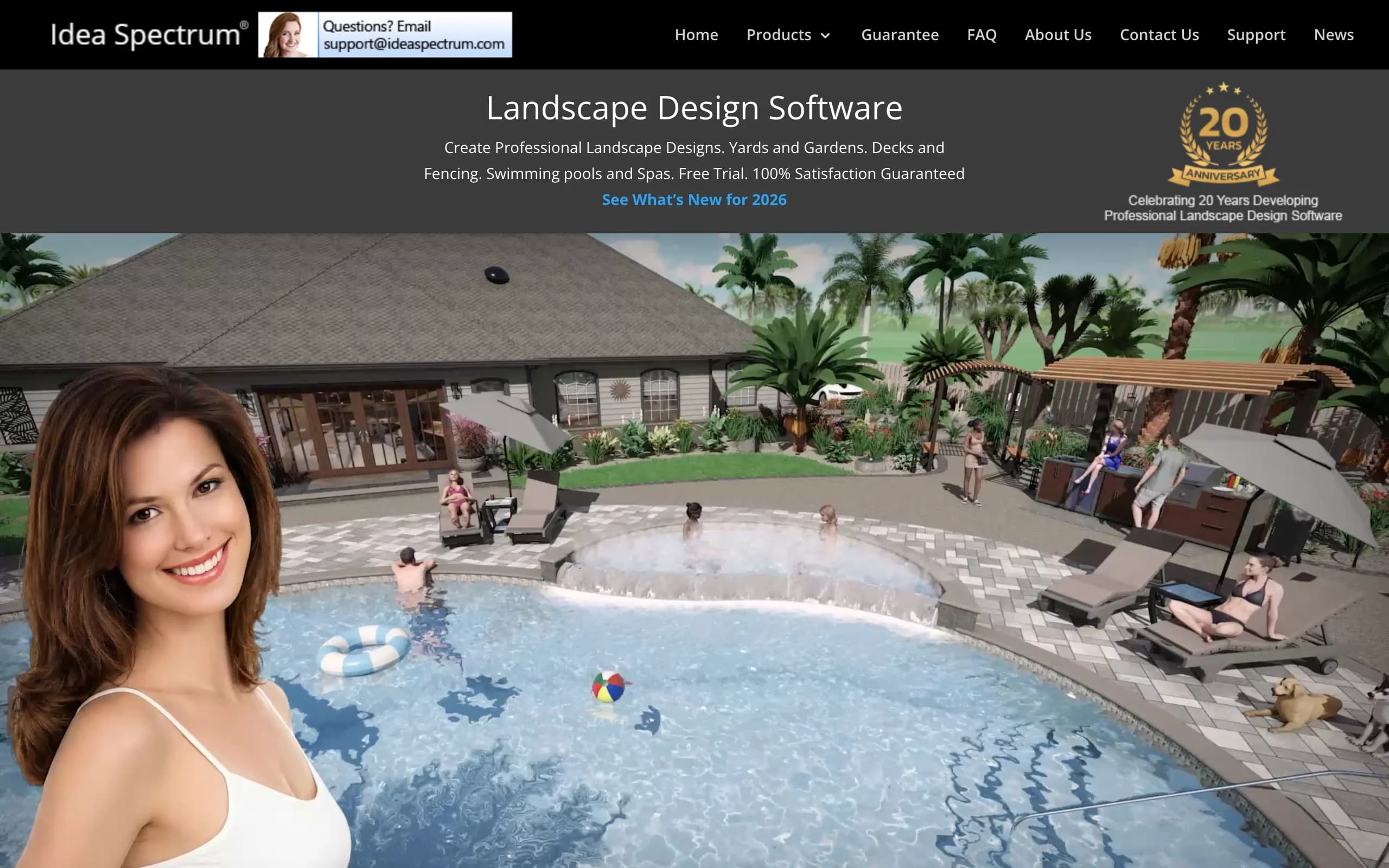
If the subscription is what pushed you off PRO Landscape, Realtime Landscaping Architect is the closest thing to the old deal: pay $599 once and own the software. It is Idea Spectrum's top-tier product, and it covers a surprising amount of the PRO Landscape feature set. You get 2D plan drafting and 3D visualization of the same design, photo import so you can design over a picture of the client's property, irrigation layout, landscape and holiday lighting, and built-in cost estimating.
Key features
- 2D plan drafting and 3D visualization of the same design at the same time
- Photo import for designing over the client's actual property
- Irrigation design with sprinkler placement tools
- Landscape and holiday lighting with night rendering
- More than 8,000 plant photos and about 1,100 3D plant models
- Built-in material and cost estimating
Best for
- Contractors replacing a perpetual PRO Landscape license without taking on a new subscription
- Design-build firms that want plans, irrigation, and estimates in one purchase
Pricing
- $599 one-time for the 2026 version
- $129 upgrade from version 2011 or later
- Free trial (fully functional, watermarked output) and a 30-day money-back guarantee
Pros
- No recurring cost, which is the whole point for many switchers
- Wide toolset: plans, irrigation, lighting, decks, pools, and estimates
- Easier to learn than a full CAD package
Cons
- Windows only
- 3D output reads as computer graphics rather than photography, so renders impress less than photo-based tools
2. VizTerra, best purpose-built 3D for pool and hardscape contractors
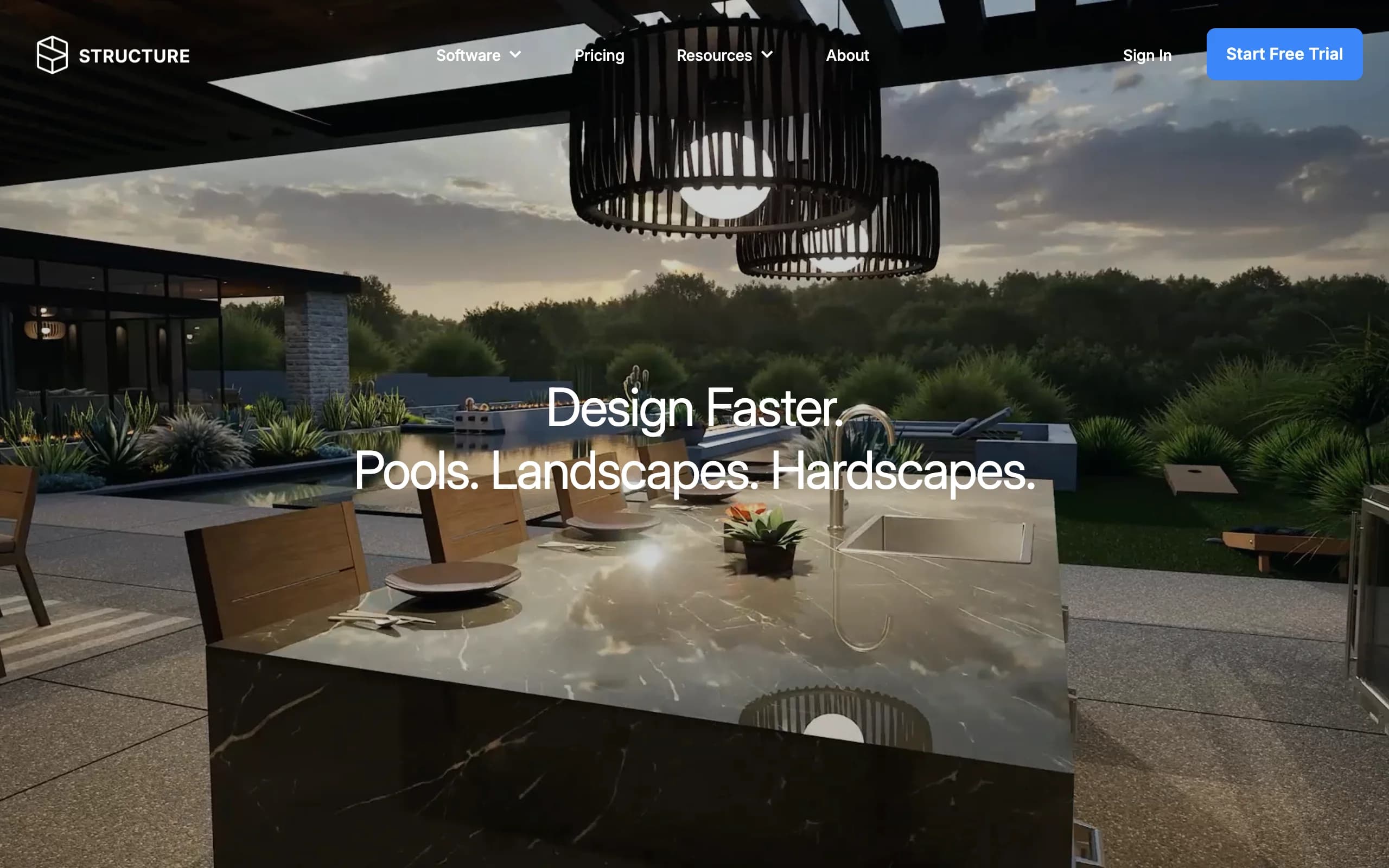
VizTerra, from Structure Studios, does one thing and does it well: 3D design for outdoor living projects. Hardscaping, decks, pergolas, outdoor kitchens, driveways, and paver patios all get dedicated tools, and the output is a smooth 3D walkthrough you present to the client rather than a flat plan. Contractors who sell big outdoor living projects tend to swear by the presentation mode. Pools and water features live in the sibling product, Vip3D, which shares the same engine at a higher price.
Key features
- Dedicated 3D tools for hardscape, decking, pergolas, driveways, and outdoor kitchens
- Client presentation mode with 3D walkthroughs
- Automatic material calculations as you draw
- Video training and technical support included in the subscription
- Upgrade path to Vip3D ($197 per month) for pools and water features
Best for
- Hardscape and outdoor living contractors who close jobs with a 3D presentation
- Pool builders (via Vip3D) who need the pool and the yard in one model
Pricing
- $97 per user per month, or $84 per month billed annually
- $95 one-time setup fee
- 30-day free trial with full feature access, no card required
Pros
- Polished presentations that help sell larger outdoor living projects
- Month-to-month billing with no long-term commitment
- The trial is genuinely full-featured
Cons
- Windows only, and it wants a serious graphics card
- Slightly more per month than PRO Landscape+, so this is a fit change, not a cost cut
- No CAD-style construction documentation
3. OutdoorBrite, best for on-site client visualization and closing
OutdoorBrite is not a CAD program, and it does not pretend to be one. It is an AI landscape design tool built around a single flow that matters to contractors: photograph the yard, pick a style, and get realistic redesign concepts of that exact yard in under a minute. That changes what a first site visit can do. Instead of describing a patio and promising a mockup next week, you photograph the space from the client's porch, generate a few directions while you talk (modern, cottage, Mediterranean, and more), and let the client react to their own house on your phone or tablet.
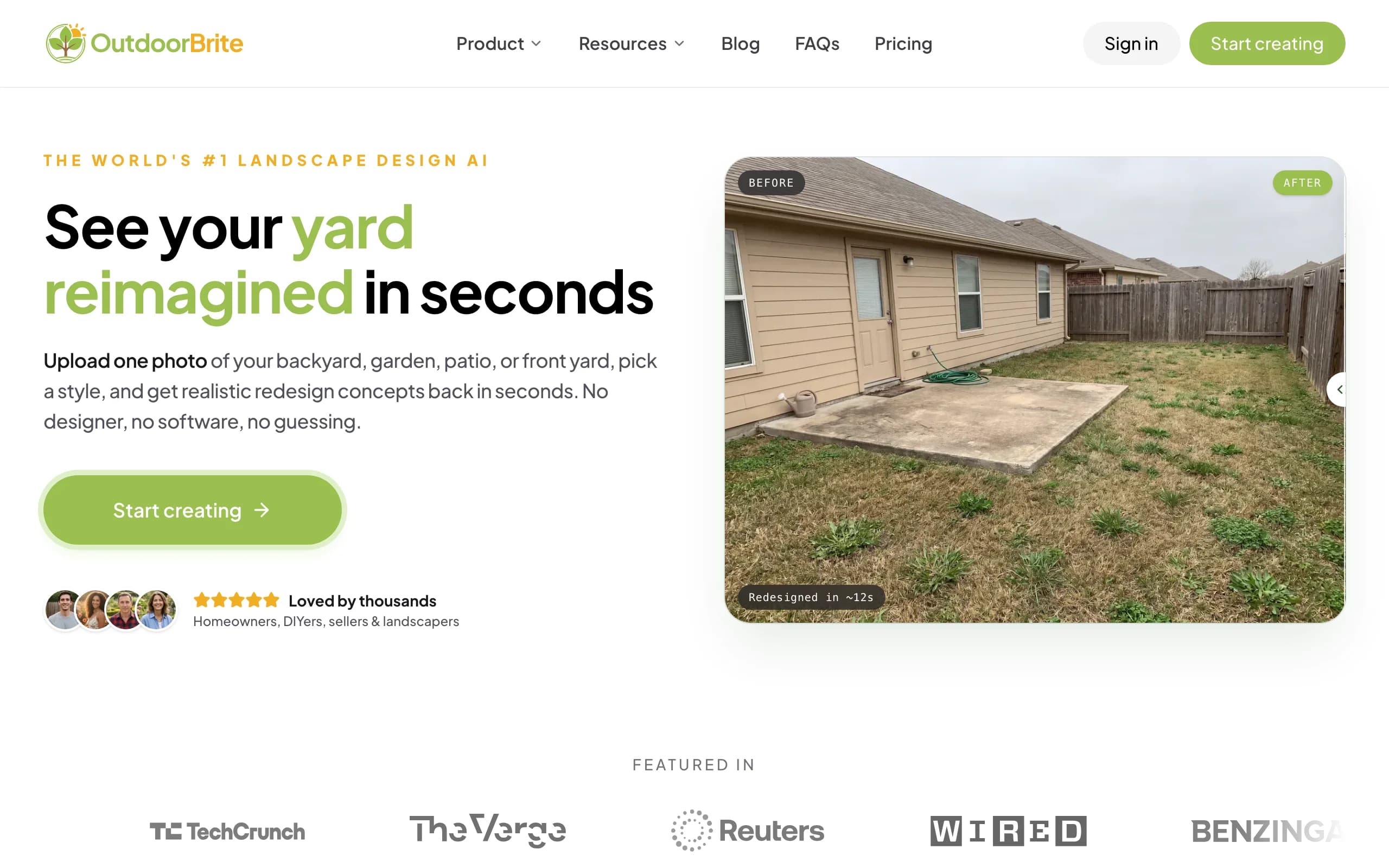
The render is the pitch, not the plan. Once the client picks a direction, you take the approved look into whichever CAD or estimating tool you run (any of the others on this list works) and produce the drawings and numbers there. Plant choices account for climate and hardiness zone, concepts save and share from a link, and an in-app AI editor refines a favorite without starting over.
Key features
- Realistic redesign concepts generated from one photo of the client's actual yard
- Style presets to compare several directions on the same space in one visit
- Climate and hardiness-zone-aware plant choices
- In-app AI editor to refine a concept the client liked
- Save and share designs with the client after the meeting
- HD, 2K, or 4K output depending on plan, with commercial usage rights
Best for
- Contractors and designers who want a client aligned on a vision during the first site visit
- Crews that keep their CAD tool for documentation and need a faster front end for selling
Pricing
- Starter: $29/month for 25 redesigns at HD resolution
- Plus: $49/month for 100 redesigns at 2K (the popular pick)
- Pro: $149/month for 200 redesigns at 4K
- Annual billing saves about 20%; top-up credit packs never expire. No free plan or trial
Pros
- Fastest route on this list from site visit to something a client can react to
- Renders look photo-real because they start from the actual yard, not a generic model
- Nothing to install; it runs in the browser on the phone you already carry
Cons
- No CAD drafting, estimating, or construction documents, so it complements a drafting tool rather than replacing one
- Every design and AI edit spends a metered credit
4. DynaSCAPE, best for standardized drafting and estimating
DynaSCAPE splits the PRO Landscape job into two connected products. DS|Design is CAD drafting with a hand-drawn presentation style that clients read easily, and Manage360 is the business side: estimating, proposals, job costing, and scheduling, with QuickBooks integration. If your real attachment to PRO Landscape was the estimating and proposal side rather than the drawings, DynaSCAPE goes deeper there than anything else on this list. It just asks you to pay for that depth.
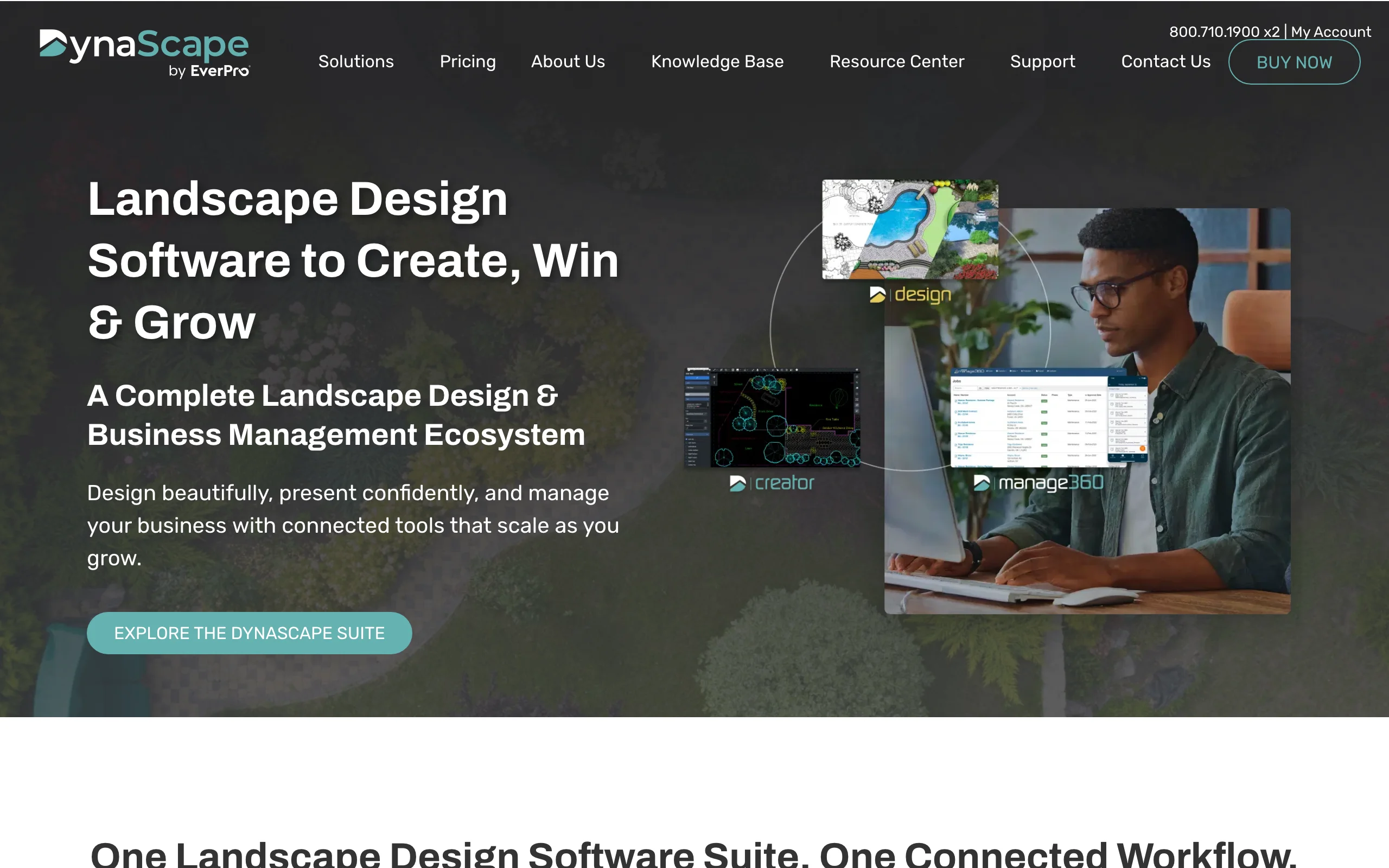
Key features
- CAD drafting with a hand-drawn plan aesthetic
- Creator, a lighter design tool that runs on Mac and PC
- Color and Sketch3D add-ons at $59 per month each
- Manage360 estimating with proposals, job costing, and QuickBooks integration
- Design and estimating built by one vendor, so the plan feeds the numbers
Best for
- Firms that want every plan leaving the office drawn to the same standard
- Companies where estimating accuracy matters more than render quality
Pricing
- Design: $158/month or $1,599/year; Creator: $119/month
- Manage360 Sales and Estimating: $219/month or $2,497/year, plus $599 to $629 onboarding
- Design + Manage360 bundle: $394/month or $4,000/year
Pros
- The strongest design-plus-estimating pairing in this comparison
- Drafting standards keep a multi-designer office consistent
- Structured onboarding and training rather than figure-it-out-yourself
Cons
- Costs stack fast: add-ons, onboarding fees, and bundles push well past PRO Landscape+ money
- More moving parts to manage than an all-in-one suite
5. Vectorworks Landmark, best for permit-grade construction documents
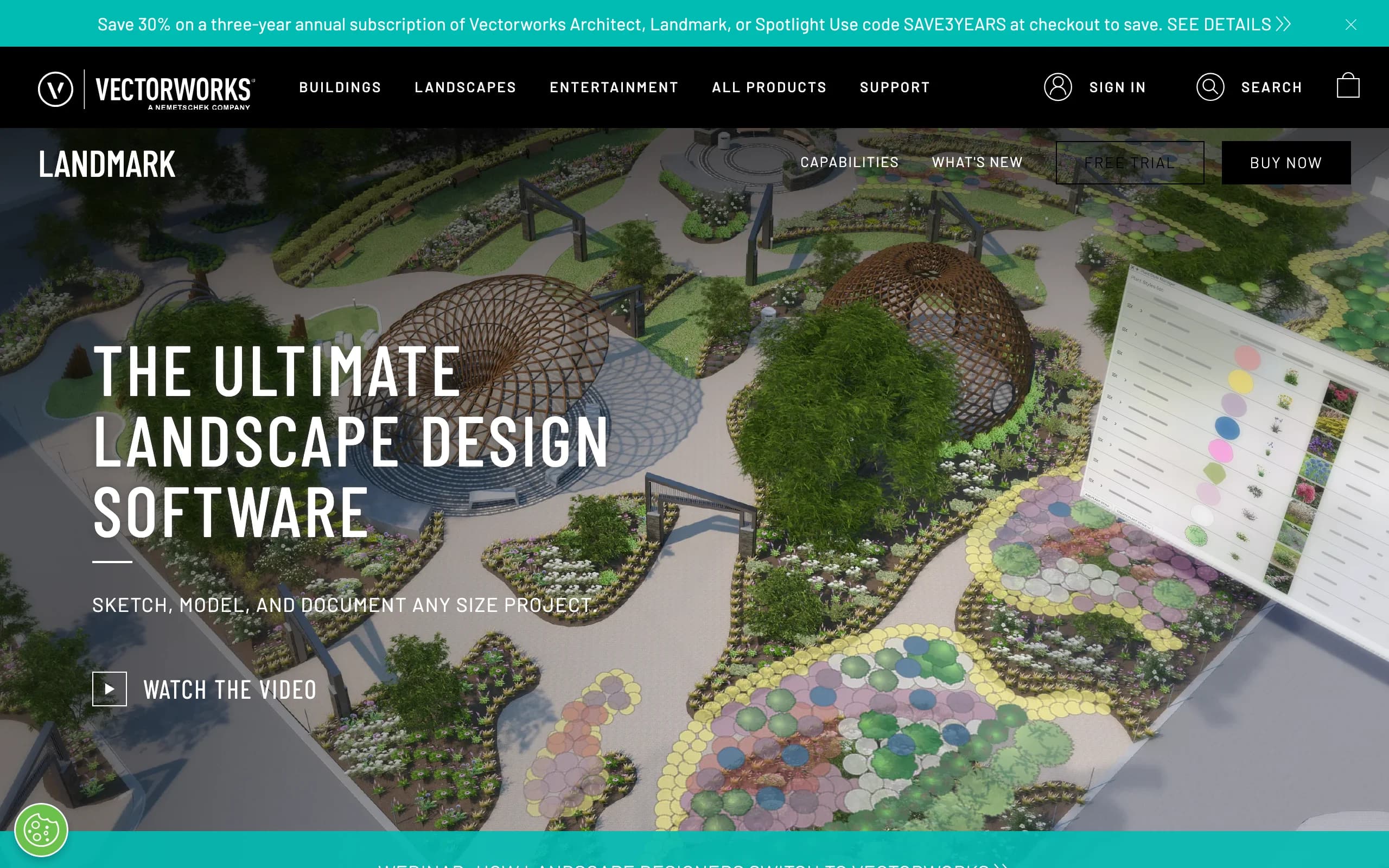
Vectorworks Landmark is BIM for site design, and it plays in a different league than everything above. You build a data-rich site model with grading, drainage, planting plans, irrigation, and GIS data, and the software produces documentation a municipality or general contractor will actually accept: layout plans, retaining wall details, planting schedules that update when the model changes. Where PRO Landscape ends at proposals and presentations, Landmark keeps going through permitting and construction.
Key features
- BIM site modeling with grading, drainage, and terrain analysis
- Planting plans and schedules that update automatically from the model
- Irrigation design and GIS integration
- Full 2D construction documentation from the same file
- Native Mac and Windows versions
Best for
- Landscape architects and design-build firms that submit drawings for permits
- Projects where a stamped, coordinated document set is the deliverable
Pricing
- $1,530 per year for the annual subscription
- About $153 per month on the monthly plan (Vectorworks sells through its e-store and resellers, so monthly figures come from third-party listings)
- Free trial available
Pros
- Construction documents that survive review by municipalities and GCs
- Real BIM: change the model once and the plans and schedules follow
- Runs natively on Mac, which most tools here do not
Cons
- The steepest learning curve on this list by a wide margin
- The most expensive option here, and overkill for install-and-maintain companies
6. SketchUp Pro, best low-cost general modeler
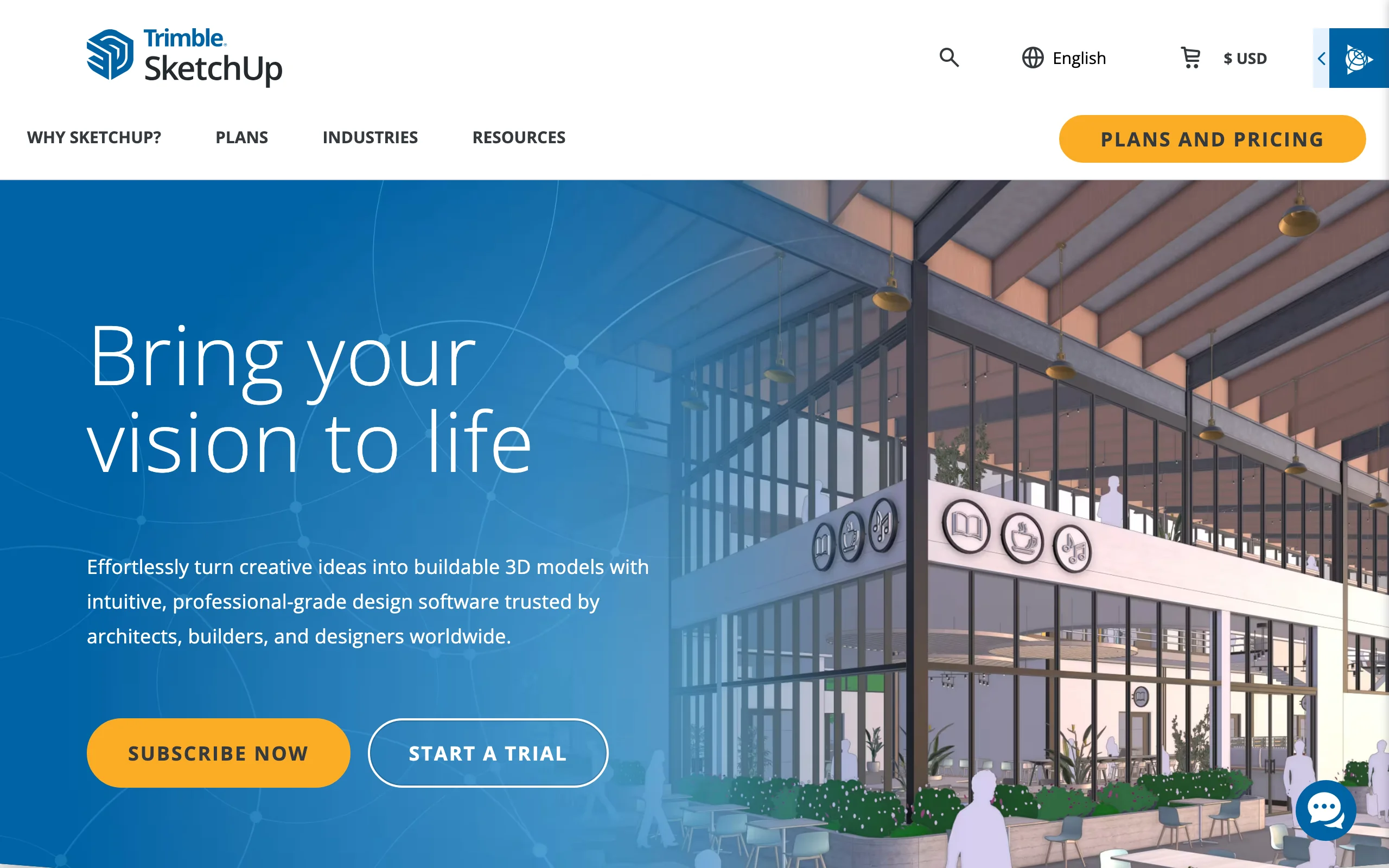
SketchUp Pro is not landscape software. It is a general 3D modeler that a lot of landscape designers bend to the trade with extensions, and at $399 per year it is the cheapest professional option in this comparison. You model terrain, hardscape, and structures in 3D, produce 2D documentation in the bundled LayOut, and fill gaps from a library of more than 1,000 extensions plus free 3D Warehouse content. The trade-off is that you assemble the landscape workflow yourself.
Key features
- General-purpose 3D modeling that handles terrain, structures, and hardscape
- LayOut included for 2D design documentation
- More than 1,000 extensions, including landscape and terrain plugins
- Free models from 3D Warehouse to populate scenes
- Runs on Windows, Mac, web, and iPad
Best for
- Designers on a budget who are comfortable building their own toolkit
- Firms that also model structures, decks, or architecture beyond the planting plan
Pricing
- Pro: $399/year; Go: $129/year (web and iPad only); Studio: $819/year
- Free trial available
Pros
- Cheapest professional option in this comparison
- Huge community, tutorials, and free content
- The only option here that runs on nearly any device
Cons
- Nothing landscape-specific out of the box: no plant database, no irrigation tools, no estimating
- Building and maintaining an extension stack is a real, ongoing chore
How to choose the best PRO Landscape alternative
1) Decide how you feel about subscriptions
Only one option here is a true one-time purchase: Realtime Landscaping Architect at $599. If avoiding a recurring bill is the reason you are leaving, that decision is nearly made for you. If a subscription is acceptable and the question is fit, ignore the sticker prices for a moment and compare what each tool produces, because VizTerra at $97 and PRO Landscape+ at $90 are close enough that price alone should not decide it.
2) Match the tool to the deliverable that wins you jobs
Think about what actually closes your deals. If it is a realistic picture of the client's own yard, OutdoorBrite's photo-based landscape design software gets you there in one site visit. If it is a polished 3D walkthrough of an outdoor living project, that is VizTerra, and pool builders can pair Vip3D with an AI pool design render to align the client before the detailed modeling starts. If the deliverable is a permit set, only Vectorworks Landmark and DynaSCAPE produce documents at that level.
3) Check where estimating will live
PRO Landscape+ bundles estimating, so leaving it means answering this question. DynaSCAPE's Manage360 is the deepest replacement, with job costing and QuickBooks integration, but it starts at $219 per month plus onboarding. Realtime Landscaping Architect includes a solid built-in estimator for the one-time price. VizTerra calculates materials as you draw. SketchUp and OutdoorBrite leave estimating to other software entirely.
4) Think about the sales meeting, not just the drawing
Most of these tools live in the office, after the client already said yes to something. The gap in a CAD-centric workflow is the first meeting, where the client cannot picture anything yet. That is why plenty of crews run two tools: OutdoorBrite on-site to get the client aligned on a direction, then their drafting tool of choice for documentation and numbers. If you want a wider look at that pairing, our roundup of landscape design software for contractors goes deeper on it.
FAQ
What is the best alternative to PRO Landscape?
It depends on which part of PRO Landscape you actually used. Realtime Landscaping Architect is the closest overall replacement and the only one-time purchase at $599. VizTerra is the pick if 3D presentations sell your jobs, DynaSCAPE if estimating drives your business, and Vectorworks Landmark if you produce permit documents. OutdoorBrite covers the piece none of them do well: fast, realistic visualization of the client's own yard during the sales visit.
Is PRO Landscape a subscription now?
Yes. In September 2024, Drafix Software replaced the one-time license with PRO Landscape+, priced at $90 per month or $900 per year (which works out to $75 per month). Version 25, the last perpetual license, sold for $1,495. Existing customers were offered a discount on the switch, but there is no longer a way to buy PRO Landscape outright.
What is the difference between PRO Landscape+ and PRO Landscape Home?
PRO Landscape+ is the professional suite for contractors and designers: photo imaging, CAD, 3D, estimating, and proposals for $90 per month. PRO Landscape Home is a consumer app for homeowners, free to download with a $14.99 unlock for the full image library, and it only does basic photo mockups. This article covers alternatives to the professional suite; the Home app has its own comparison guide linked in the intro.
Is there a one-time-purchase alternative to PRO Landscape?
Yes, Realtime Landscaping Architect. It costs $599 once, runs on Windows, and includes plan drafting, 3D visualization, irrigation and lighting design, and cost estimating. Owners of version 2011 or later can upgrade to the current release for $129. Every other professional option in this comparison is a subscription.
Can contractors use AI tools alongside a CAD alternative?
Yes, and the pairing works better than either tool alone. The AI tool handles the first meeting: photograph the yard, generate realistic concepts in about a minute, and let the client pick a direction on the spot. The CAD tool then turns the approved direction into drawings and an estimate. OutdoorBrite plans start at $29 per month for 25 redesigns, which covers a lot of site visits.
How much do PRO Landscape alternatives cost?
The range is wide. SketchUp Pro is $399 per year and Realtime Landscaping Architect is $599 once. Subscriptions run from $29 per month for OutdoorBrite's Starter plan, through $97 per month for VizTerra and $158 per month for DynaSCAPE Design, up to $1,530 per year for Vectorworks Landmark. Add-ons, setup fees, and onboarding can move those numbers, so check the current pricing pages before you commit.
Which PRO Landscape alternative handles estimating best?
DynaSCAPE, through Manage360. It covers estimating, proposals, job costing, scheduling, and QuickBooks integration, and it connects to the same vendor's drafting tool. The trade-off is cost: $219 per month plus a few hundred dollars of onboarding. If you want estimating included without a subscription, Realtime Landscaping Architect's built-in estimator is the budget answer.