Best Realtime Landscaping alternatives (2026)
Realtime Landscaping is solid one-time-purchase software, but it is Windows-only and its renders read computer-made. Here are six alternatives, from pro 3D suites to AI photo tools, with real 2026 pricing and an honest take on who each one fits.
Realtime Landscaping has a loyal following for a reason. You pay once ($149 for Plus, $279 for Pro, $599 for Architect), you own the software, and you get a linked 2D plan and 3D scene backed by an object library that runs past 20,000 items. No subscription meter ticking in the background. Idea Spectrum has kept that model alive for two decades, and plenty of designers respect them for it.
So why do people search for Realtime Landscaping alternatives? Three complaints keep coming up. It runs on Windows only, with no Mac version and no official support for Parallels or other virtual machines. The 3D output reads as computer-generated next to the photo-real visuals clients now expect from a proposal. And pros who outgrow it usually want one of three things it was never built to be: deeper construction documentation, integrated estimating, or a faster way to get a client nodding in the first meeting.
This guide covers six alternatives for both groups Idea Spectrum sells to: outdoor design professionals who have outgrown Pro or Architect, and homeowners who bought Pro and want something easier. Every price below was checked on the vendor's site in August 2026.
Best Realtime Landscaping alternatives: a quick overview
- VizTerra: best purpose-built 3D upgrade for pool and hardscape pros. Fast 2D-to-3D conversion, construction-ready plans, and sister products (Pool Studio, Vip3D) if pools are your main trade.
- OutdoorBrite: best for realistic visuals on a photo of the actual yard. Upload one photo and get photo-real redesign concepts in under a minute, which is exactly where Realtime Landscaping's renders fall short.
- PRO Landscape+: best all-in-one photo imaging, CAD, and estimating subscription. One $90/month plan covers design over a customer photo, plan drafting, and proposals.
- Vectorworks Landmark: best for permit-grade documentation. Full BIM site modeling, and the one serious desktop option here that runs natively on a Mac.
- SketchUp Pro: best low-cost flexible modeler. $399/year for general-purpose 3D that plenty of landscape designers bend to their workflow with extensions.
- DynaSCAPE: best standardized drafting for design-build offices. CAD sheets that look the same no matter which designer drew them, plus an optional business-management layer.
| Tool | Key strength | Pricing | Platforms |
|---|---|---|---|
| VizTerra | Fast 3D hardscape and landscape design with construction plans | $97/month per designer, or $84/month billed annually | Windows |
| OutdoorBrite | Photo-real AI redesigns of the client's actual yard | From $29/month (25 redesigns) | Web |
| PRO Landscape+ | Photo imaging, CAD, and proposals in one subscription | $90/month or $900/year | Windows, plus tablet companion app |
| Vectorworks Landmark | BIM-grade site modeling and documentation | Quote-based; third parties list about $1,530/year | Mac, Windows |
| SketchUp Pro | Flexible general-purpose 3D modeling | $399/year | Mac, Windows, iPad, web |
| DynaSCAPE | Standardized CAD drafting for design-build firms | From $158/month (DS Design) | Windows; Creator runs in a browser |
What is Realtime Landscaping?
Realtime Landscaping is desktop landscape design software from Idea Spectrum, sold as a one-time license instead of a subscription. The line has three main tiers: Plus at $149 for homeowners, Pro at $279 for homeowners and aspiring designers, and Architect at $599 for professionals who need advanced terrain tools, elevation imports, and construction-level detail. Each tier pairs a 2D plan view with a walkable 3D scene, and the object libraries are genuinely deep: about 19,400 items in Plus, 21,100 in Pro, and 25,300 in Architect, including thousands of plants.
The honest weaknesses are the ones that send people here. The software is Windows 10/11 only, with no Mac build and no supported way to run it in a VM. And while the 3D engine is quick, the output has a recognizable video-game look. A client who has seen an AI-generated photo render of their own backyard tends to notice the difference.
1. VizTerra, best purpose-built 3D upgrade for pool and hardscape pros
VizTerra, from Structure Studios, is the closest thing to a straight professional upgrade from Realtime Landscaping Architect. It is built around one workflow: draw the property in 2D, and the software converts it to interactive 3D as you go, so you design the plan and the presentation at the same time. Hardscape is the specialty. Patios, driveways, outdoor kitchens, wood decks, and pergolas all get dedicated tools, and the hardscaping stage produces material calculations alongside the visuals.
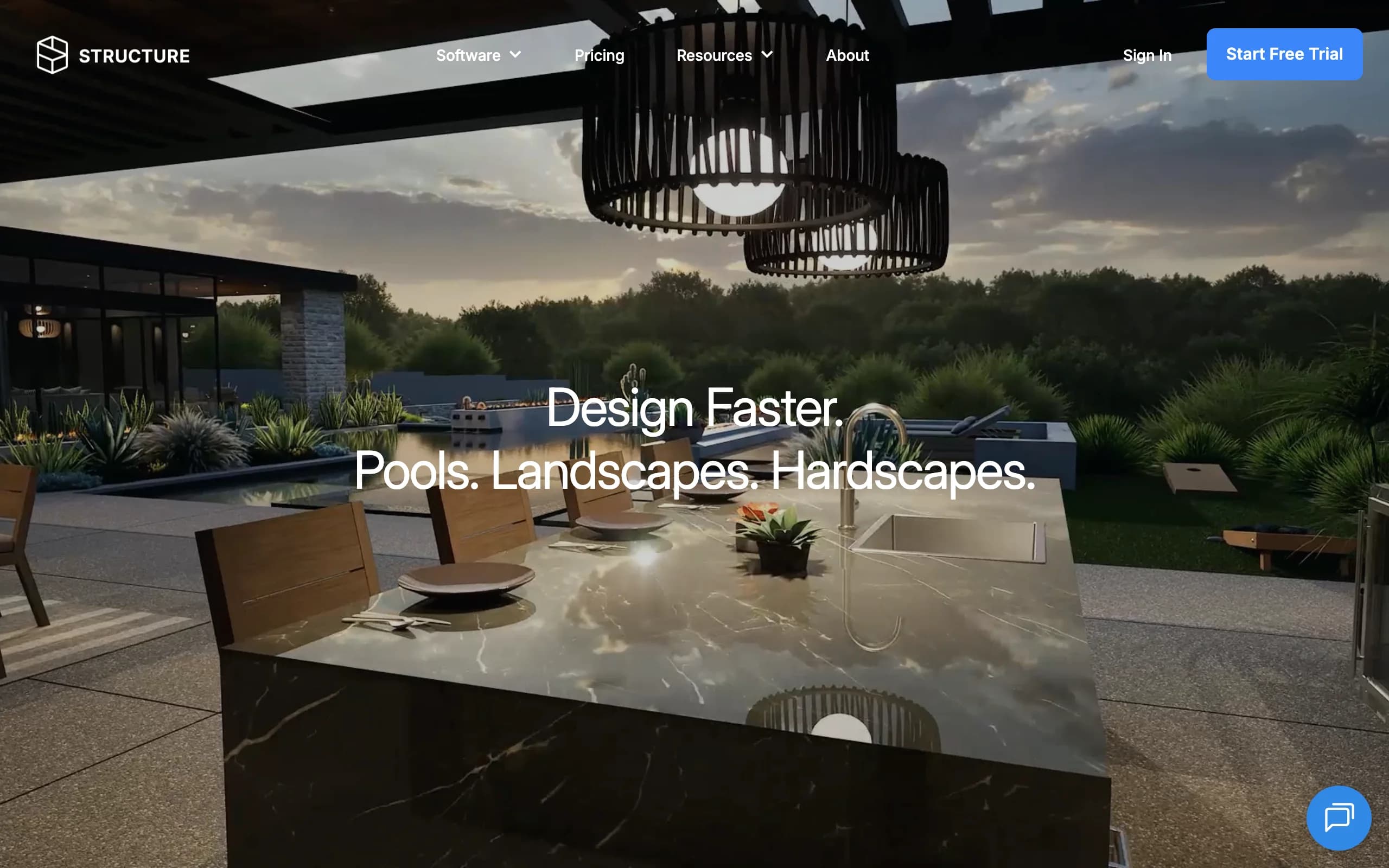
If pools are the core of your business, the same company sells Pool Studio ($147/month) and Vip3D ($197/month), which fold custom pool design into the identical interface. That family is a real advantage: you can start on VizTerra and move up without relearning anything.
Key features
- Automatic 2D-to-3D conversion while you draw
- Dedicated hardscape, deck, and pergola tools with material takeoffs
- Construction-ready plan output for crews and permits
- Large library of plants, furniture, and finishes
- Upgrade path to Pool Studio and Vip3D for pool design
Best for
- Hardscape and deck contractors who present in 3D to close jobs
- Pool and outdoor-living designers who want one interface across the whole property
Pricing
- $97 per designer per month, or $84/month billed annually (about $997/year)
- One-time $95 setup fee; membership includes unlimited projects and support
Pros
- Much faster from blank screen to client-ready 3D than CAD-first tools
- Output doubles as a buildable plan, not just a picture
- Training and support are included rather than sold separately
Cons
- Windows only, same limitation you are leaving behind
- Around $1,000 a year replaces a $279 one-time purchase, so the math has to work
- 3D is stylized rather than photo-real
2. OutdoorBrite, best for realistic visuals on a photo of the actual yard
OutdoorBrite attacks the exact weakness Realtime Landscaping users complain about most: renders that look computer-made. Instead of rebuilding the property as a 3D model, you upload a photo of the real yard, pick a style like modern, cottage, or desert, and describe what you want. It generates photo-realistic redesign concepts of that specific space in under a minute. The lawn in the render is the client's lawn, with their fence line and their house behind it.
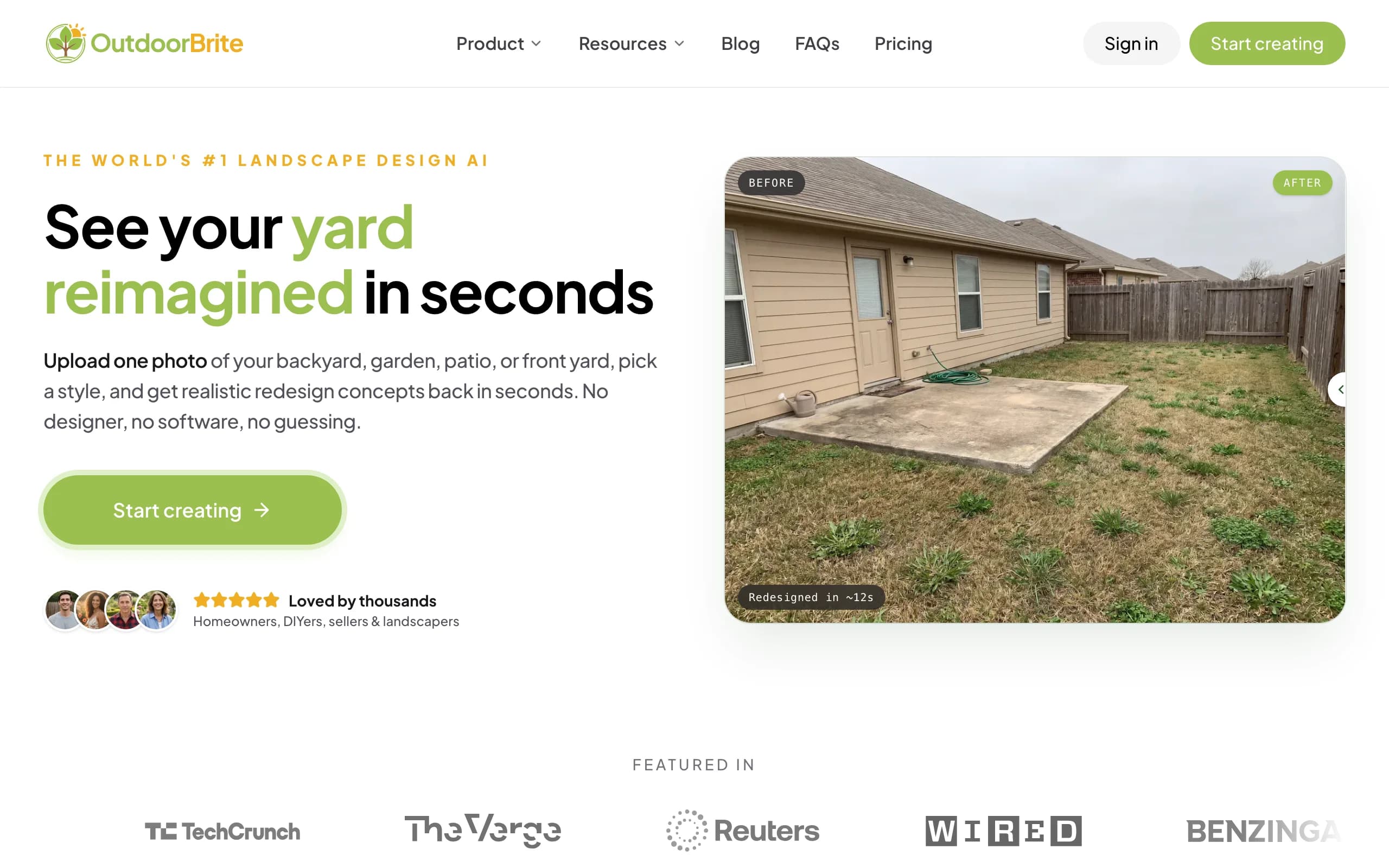
That serves both audiences in this comparison. A homeowner who bought Realtime Landscaping Pro and never got comfortable with the modeling tools gets a finished-looking concept without building anything. A contractor gets a closing tool: run a couple of concepts on-site from a phone photo, and the client reacts to their own yard instead of a generic 3D scene. Plant suggestions account for climate and hardiness zone, there is an in-app AI editor for refining a favorite concept, and it covers patios, decks, fences, pools, and front yards as well as full AI backyard design. Everything runs in the browser, so the Windows-versus-Mac question disappears.
To be clear about what it is not: OutdoorBrite does no CAD drafting. There are no dimensioned plan sheets, no irrigation layouts, and no construction documents. It replaces the visualization half of Realtime Landscaping, not the drafting half.
Key features
- Photo-real redesign concepts from one photo of the actual yard, in under a minute
- Style presets (modern, cottage, desert/xeriscape, tropical, Mediterranean, and more) compared on the same space
- Climate and hardiness-zone-aware plant choices
- In-app AI editor to refine a concept; save and share designs
- HD, 2K, or 4K output depending on plan, with commercial usage rights
Best for
- Homeowners who found Realtime Landscaping's modeling tools more work than the result was worth
- Contractors and designers who need a client to say yes on-site
Pricing
- Starter: $29/month for 25 redesigns in HD
- Plus: $49/month for 100 redesigns in 2K; Pro: $149/month for 200 redesigns in 4K
- Annual billing saves about 20%; top-up credit packs never expire
Pros
- The most realistic output in this list, because it edits a real photo instead of rendering a model
- Nothing to install or learn; first concept within minutes of signing up
- Works on any device with a browser, including Macs and phones
Cons
- No CAD drafting, plan sheets, or construction documentation
- Generation is metered by redesign credits, so heavy iteration counts against your monthly allowance
3. PRO Landscape+, best all-in-one photo imaging, CAD, and estimating subscription
PRO Landscape has been Realtime Landscaping's most direct professional competitor for years, and the current PRO Landscape+ subscription bundles everything into one plan: photo imaging, CAD drafting, 3D rendering, lighting design, material takeoffs, and one-click proposals. The photo-imaging module is the standout for sales work. You design directly over a photo of the customer's property, which lands closer to what OutdoorBrite does than to Realtime Landscaping's from-scratch 3D scenes, though the plant and material dropping is manual rather than AI-generated.
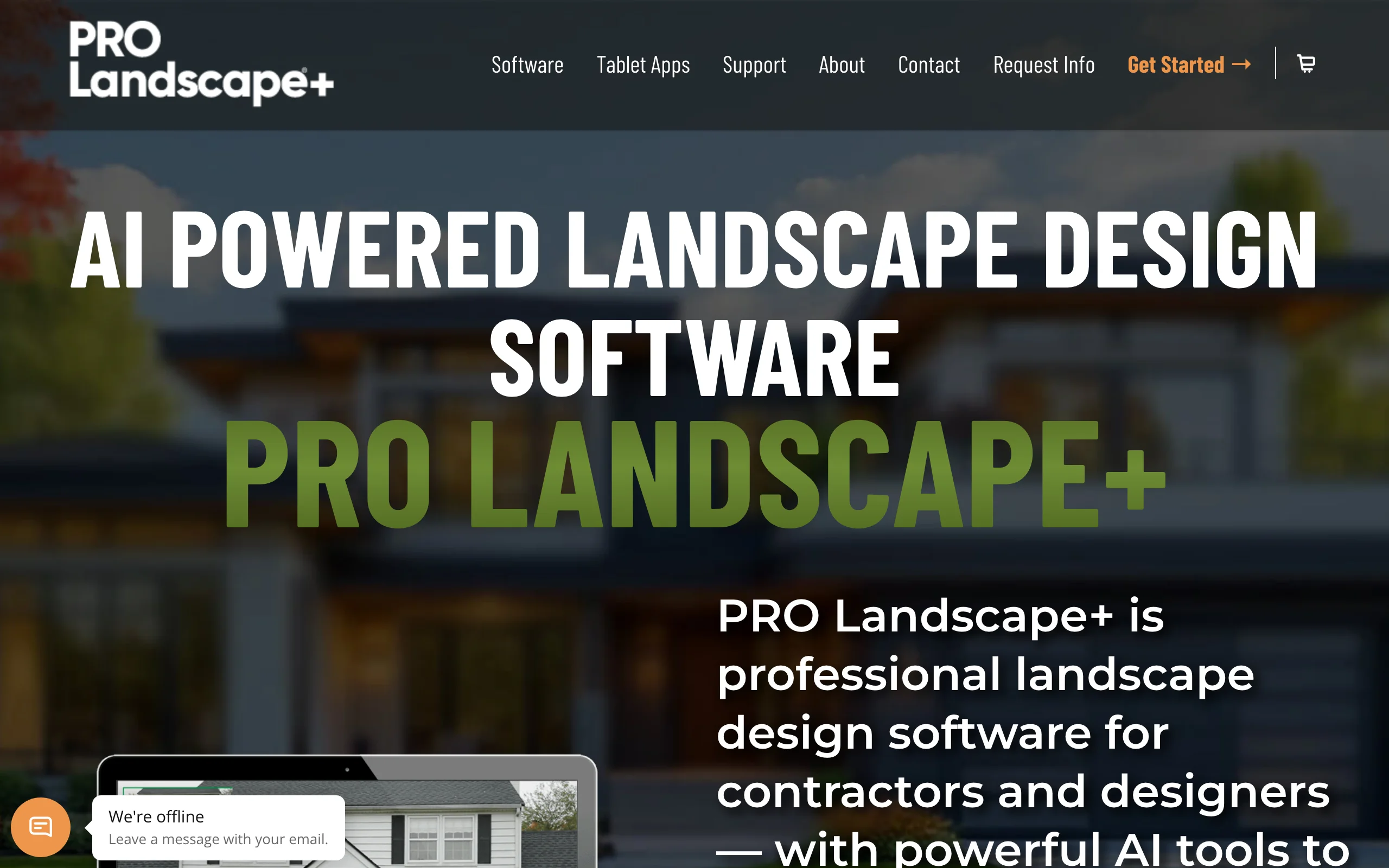
At $90/month or $900/year it is a real budget step up from a one-time $279 license, but it consolidates tools a design-and-sell operation would otherwise buy separately. There is also a companion app for iPad and Android tablets, which Realtime Landscaping has no answer to. For a deeper look at this tool's own competition, we compared it against other options in our PRO Landscape alternatives guide.
Key features
- Photo imaging: design over the customer's own property photo
- CAD plan drafting with material takeoffs
- One-click proposals and estimating built in
- Lighting design and 3D rendering
- Companion tablet app for on-site work
Best for
- Landscape contractors who want design, plans, and the proposal in one subscription
- Garden centers and design-build firms that sell from a photo mockup
Pricing
- $90/month, or $900/year (saves $180)
- Subscription includes updates, support, training seminars, and the tablet app
Pros
- Covers the full design-to-invoice workflow in one product
- Photo imaging is a proven closer for residential sales
- Tablet app brings the demo to the customer's driveway
Cons
- Windows 10/11 only; Mac requires extra setup
- $900/year is the price of three Realtime Landscaping Pro licenses, every year
4. Vectorworks Landmark, best for permit-grade documentation
Vectorworks Landmark is the serious end of this list. It is BIM software for landscape architecture: full site modeling with terrain analysis, cut-and-fill calculations, drainage, planting plans with live schedules, and irrigation documentation. Change a wall in the model and every drawing, schedule, and section updates with it. If your projects now involve permits, consultants, and file exchange with architects (it reads and writes more than 20 formats, including AutoCAD and Revit), this is the tool Realtime Landscaping Architect was never trying to be.
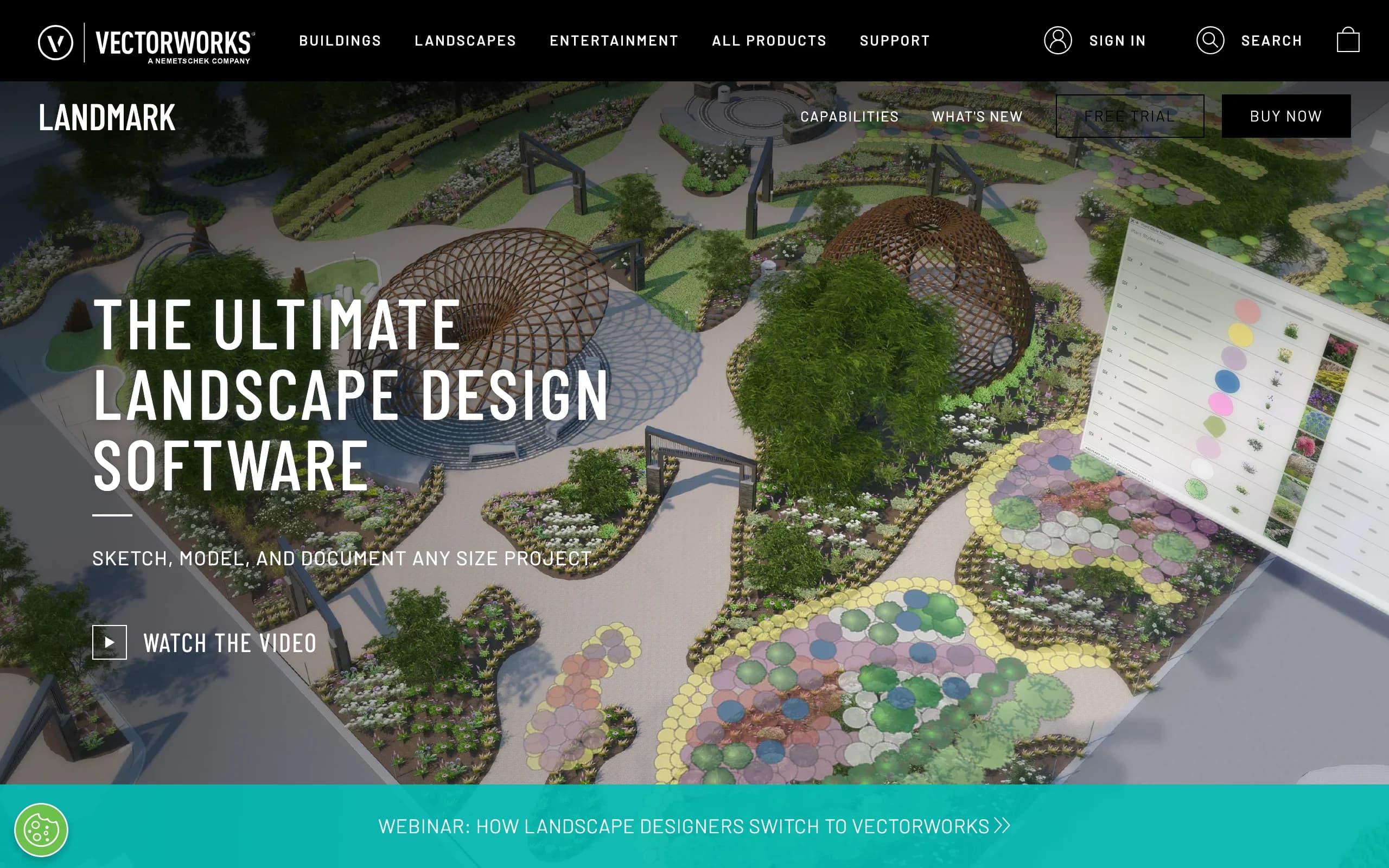
It also solves the Mac problem outright. Landmark runs natively on current macOS and Windows, which makes it the one full-scale desktop escape hatch here for designers who refuse to keep a Windows machine around. The trade-off is weight: this is professional CAD/BIM with a matching learning curve, and pricing is quote-based rather than listed on the product page. Third-party listings put it at about $1,530/year, or $153 month to month.
Key features
- BIM site modeling: terrain, cut/fill, slope, and drainage analysis
- Planting plans with automatically updating plant schedules
- Irrigation design and documentation
- File compatibility with AutoCAD, Revit, SketchUp, and Rhino
- Native Mac and Windows versions
Best for
- Landscape architects and site designers producing permit and construction documents
- Mac-based design offices that need full CAD, not a workaround
Pricing
- Vectorworks does not publish Landmark pricing on its buy page; quotes go through sales
- Third-party listings cite about $1,530/year billed annually, or $153/month
Pros
- Documentation quality no other tool in this list matches
- A change anywhere updates everywhere, which kills a whole class of drawing errors
- The only heavyweight option here with a native Mac build
Cons
- Steep learning curve; expect weeks, not an afternoon
- The most expensive option in this comparison, and you have to ask for the price
5. SketchUp Pro, best low-cost flexible modeler
SketchUp Pro is not landscape software, and that is both its weakness and its appeal. It is a general-purpose 3D modeler that a large community of landscape designers has bent to the trade with extensions, from terrain sculpting to plant libraries. At $399/year it is the cheapest professional desktop option in this list, it runs on Mac, Windows, iPad, and the web, and the push-pull modeling style is easier to pick up than CAD. LayOut, included with Pro, turns models into dimensioned 2D documents.
The honest catch: out of the box it knows nothing about landscaping. No plant database, no irrigation tools, no automatic material takeoffs for a paver patio. You assemble that capability from extensions and the 3D Warehouse, and photo-real rendering needs a separate renderer on Go and Pro plans. For a designer who enjoys building their own toolkit, that flexibility is the point. For one who wants landscape tools ready on day one, it is friction.
Key features
- Fast, intuitive push-pull 3D modeling
- LayOut for dimensioned 2D documentation
- 1,000+ extensions, including landscape and terrain plugins
- Huge free 3D Warehouse of models, including plants and outdoor furniture
- Runs on Mac, Windows, iPad, and the web
Best for
- Designers who want one affordable modeler for landscapes, decks, and structures alike
- Realtime Landscaping users leaving Windows without jumping to full CAD pricing
Pricing
- SketchUp Pro: $399/year; month-to-month costs more
- SketchUp Go: $129/year (web and iPad only); Studio: $819/year with photoreal rendering, Windows only
Pros
- Lowest annual cost of the professional desktop tools here
- Cross-platform, including a real Mac desktop app
- Skills transfer to architecture and construction work
Cons
- No built-in landscape intelligence; everything comes from extensions
- Photo-real rendering costs extra below the Studio tier
6. DynaSCAPE, best standardized drafting for design-build offices
DynaSCAPE (DS|Design) is CAD built specifically for landscape drafting, and its pitch is consistency. Every plan a DS office produces uses the same landscape-specific line weights, symbols, and sheet standards, so a client cannot tell which of your four designers drew it. Add-ons extend the core: DS|Color turns 2D plans into colored presentation drawings, DS|Sketch3D bridges to SketchUp for 3D, and Manage360 layers estimating, job costing, and crew scheduling on top for firms that want drafting and operations connected.

This is the pick for design-build offices where the drawing is a production document, priced accordingly: DS|Design alone is $1,599/year or $158/month, and the Design + Color + Sketch3D bundle runs $2,199/year. There is also DS|Creator at $119/month, a newer browser-based design tool that runs on a Mac, though it is a lighter product than the flagship. Features like a retaining wall or water feature get proper plan treatment here rather than a 3D prop dropped in a scene.
Key features
- Landscape-specific CAD with standardized symbols and sheet layouts
- DS|Color for fast colored presentation plans
- DS|Sketch3D add-on for 3D via SketchUp
- Manage360 integration for estimating, scheduling, and job costing
- DS|Creator, a browser-based option that works on Mac
Best for
- Design-build firms with multiple designers who need identical drawing standards
- Offices that want drafting connected to estimating and operations
Pricing
- DS|Design: $1,599/year or $158/month; Design + Color: $1,999/year
- Design + Color + Sketch3D bundle: $2,199/year or $219/month; DS|Creator: $119/month
Pros
- The most polished hand-drafted look of any CAD output in this list
- Business-management layer competitors here do not offer
- Browser-based Creator gives Mac offices an entry point
Cons
- Flagship DS|Design is Windows-based and priced for firms, not solo homeowners
- 3D requires an add-on and SketchUp rather than being built in
How to choose the best Realtime Landscaping alternative
1) Decide whether you need documents or a decision
Be honest about what the software's output is for. If crews build from your drawings or a city reviews them, you need drafting: Vectorworks Landmark for permit-grade work, DynaSCAPE for standardized design-build sheets, PRO Landscape+ for plans plus proposals. If the output's real job is getting a homeowner to say yes, a photo-real concept beats a plan sheet, and OutdoorBrite produces one from a single photo in under a minute. Many contractors run both: an AI visual to close, CAD to build.
2) Check the platform question first
Realtime Landscaping's Windows-only rule is a hard wall, and half this list keeps it: VizTerra, PRO Landscape+, and DS|Design all want a Windows machine. On a Mac your realistic options are Vectorworks Landmark (native), SketchUp Pro (native), DynaSCAPE's browser-based Creator, or OutdoorBrite, which runs in any browser. Rule out the tools your hardware cannot run before comparing features you will never use.
3) Run the math against a one-time license
A $279 one-time purchase is the benchmark, so annualize everything. SketchUp Pro at $399/year passes it in year one. VizTerra (~$1,000/year), PRO Landscape+ ($900/year), and DynaSCAPE ($1,599+/year) only make sense if the software helps close jobs; one extra signed contract usually covers the year. For a homeowner with a single project, subscription landscape design software rarely pencils out, which is why a month or two of a $29 AI plan tends to be the better fit than a pro suite. Our best landscape design software roundup walks the budget tiers in more depth.
4) Match the tool to what you sell
Pool and hardscape contractors should start with VizTerra and grow into Pool Studio or Vip3D. Full-service design-build offices lean DynaSCAPE or PRO Landscape+. Landscape architects with documentation requirements go Vectorworks. Generalists who like tinkering go SketchUp Pro. And if what you sell is the transformation itself, to a client or to yourself, start with the photo-based option and see whether a rendered plan was ever what you actually needed.
FAQ
What is the best alternative to Realtime Landscaping Pro?
It depends on which half of the product you used. For professionals who used Pro as a 3D design and presentation tool, VizTerra is the most direct upgrade, with faster 2D-to-3D work and construction-ready output. For anyone whose real goal was showing a client (or themselves) a finished-looking yard, OutdoorBrite gets there faster by generating photo-real concepts from a picture of the actual property.
Is Realtime Landscaping a one-time purchase?
Yes. All three tiers (Plus $149, Pro $279, Architect $599) are one-time licenses with no subscription, and Idea Spectrum backs them with a 30-day money-back guarantee. That model is genuinely rare now; every professional alternative in this list except SketchUp's lower tiers is subscription-based.
What is the difference between Realtime Landscaping Pro and Architect?
Architect ($599) adds professional-grade tools on top of Pro ($279): advanced terrain sculpting, contour line and elevation imports, construction-level detail, advanced pool features like infinity edges, and a larger library of about 25,300 objects versus Pro's 21,100. Homeowners rarely need the jump; designers producing plans for clients usually do.
Is there a Mac alternative to Realtime Landscaping?
Yes, several. Realtime Landscaping has no Mac version and does not support Parallels or other VMs, so Mac users need a different product entirely. Vectorworks Landmark and SketchUp Pro both run natively on macOS, DynaSCAPE's Creator works in a browser, and OutdoorBrite is fully web-based, so it runs on anything with a browser.
Is there an AI alternative to Realtime Landscaping?
That category exists now, and it works differently. Instead of modeling the yard in 3D, you design your yard with AI by uploading a photo and generating realistic redesign concepts of that exact space. OutdoorBrite is built around this flow, with style presets, climate-aware plant suggestions, and an editor for refining concepts. PRO Landscape+ has also added AI-assisted tools inside its traditional design suite.
Which alternative is best for pool builders?
Structure Studios owns this niche. Start with VizTerra if pools are occasional, or go straight to Pool Studio ($147/month) or Vip3D ($197/month) if custom pools are the core business. Realtime Landscaping Architect does handle advanced pool geometry, but the Structure Studios tools are built for pool sales presentations specifically.
Do landscape contractors need CAD, or is a visualization tool enough?
Ask what your clients approve and what your crews build from. Small residential jobs often close and build off a good visual plus a materials list, which a photo-based tool covers. Once projects involve grading, drainage, permits, or subcontractors, you need dimensioned drawings, and that means VizTerra, PRO Landscape+, DynaSCAPE, or Vectorworks depending on scale.
How much do Realtime Landscaping alternatives cost?
The spread is wide. OutdoorBrite starts at $29/month, SketchUp Pro is $399/year, PRO Landscape+ is $900/year, VizTerra lands near $1,000/year per designer, DynaSCAPE starts at $1,599/year, and Vectorworks Landmark runs around $1,530/year by third-party listings. Against a $279 one-time license, every subscription needs to earn its keep, either by winning jobs or by saving you a designer's hours.