
7 best free patio design apps in 2026
Want to plan a new patio on your phone without paying? We compared the best free and free-tier patio design apps for 2026, from AR previews to measured layouts, and named the one paid AI pick worth the upgrade.
A free patio design app lets you test a new layout, paving pattern, or seating plan on your phone before you buy a single paver. You photograph the space, push a few ideas around, and get a feel for what fits without paying anyone. This guide compares the best free and free-tier patio design apps you can use in 2026.
One honest note before the list. Our number one pick, OutdoorBrite, is not free. It is paid only, with no free plan, no trial, and no free credits. We rank it first anyway because it does the one thing the free apps can't: it turns a photo of your actual patio into a realistic finished design in under a minute. Everything after it is genuinely free or has a real free tier, so if your budget is strictly zero, start at number two and you'll still leave with six usable options.
For each app we'll cover what's actually free, what's paywalled, what an upgrade costs, and who it suits. By the end you'll know which one matches your project and your phone.
Best free patio design apps: a brief overview
- OutdoorBrite, best overall for seeing a finished patio on your own photo (paid, no free plan): upload a photo, pick a style, and get realistic patio concepts in under a minute, with planting matched to your climate.
- iScape, best free mobile patio design with AR (free tier): place pavers, plants, and furniture by hand on a photo of your space, with a free plan to test the workflow.
- Planner5D, best free measured patio layout (free tier): draw the patio to scale in 2D, flip to 3D, and get proportions right before you buy materials.
- DreamzAR, best AR patio view on iPhone (free to start): free style tools and design games, plus a paid AR mode that drops the design into your real yard at full scale.
- REimagine Home, best free AI restyle of a patio photo (5 free designs): upload a patio photo and get AI restyles, with 5 free designs and no card required.
- Home Design 3D Outdoor & Garden, best free 3D patio app (free download): build the patio in 3D on a phone, and only pay a one-time $4.99 unlock to save.
- SketchUp Free, best free precise 3D modeling (free): a browser 3D modeler for exact-dimension patios, decks, and pergolas, free for personal projects.
| App | Key strength | Pricing | Platforms |
|---|---|---|---|
| OutdoorBrite | Realistic patio concepts from your own photo | From $29/mo (no free plan) | Web (mobile-first) |
| iScape | Hand-placed design and AR on a photo | Free tier; Pro $29.99/mo | iOS, Android |
| Planner5D | Free patio layout, measured to scale | Free tier; Premium $4.99/mo billed yearly | Web, iOS, Android, Windows, Mac |
| DreamzAR | Free style tools plus paid AR walk-through | Free tools; $19.99/mo | iOS, Android, web (AR is iOS-only) |
| REimagine Home | AI restyles of a patio photo | 5 free designs; paid from $14/mo | Web |
| Home Design 3D Outdoor & Garden | Free 3D patio building on mobile | Free download; $4.99 unlock to save | iOS, Android |
| SketchUp Free | Free precise 3D modeling in the browser | Free (personal); Go $19.99/mo | Web |
1. OutdoorBrite, best overall for seeing a finished patio on your own photo
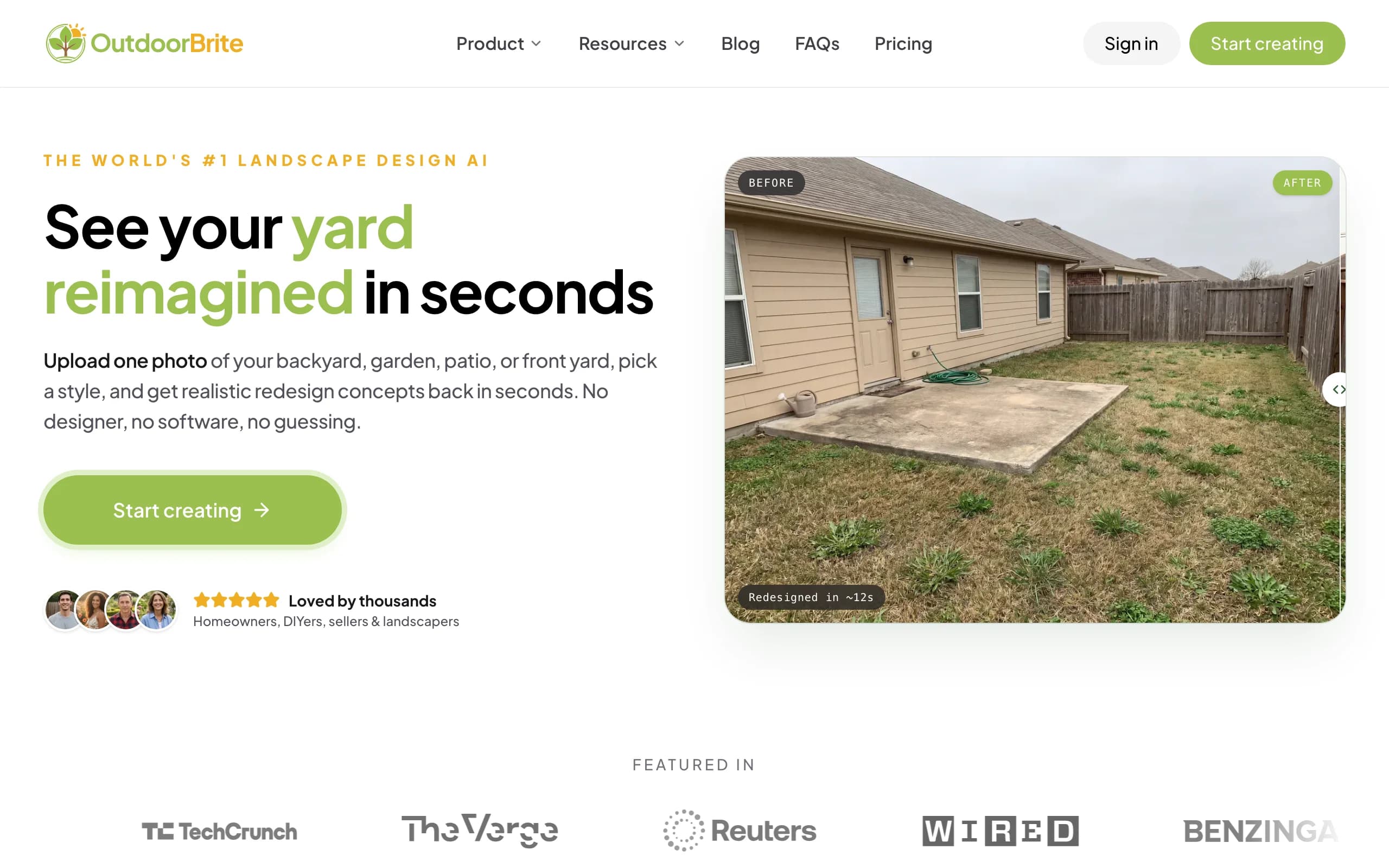
OutdoorBrite is an AI landscape design product built around one job: showing you what your own outdoor space could look like, finished. You upload a photo of the patio area, pick a style like modern, Mediterranean, cottage, or desert, and describe what you want in plain words: a paver patio with built-in seating, say, or a dining spot under a pergola with string lighting. It generates realistic concepts in under a minute, several per upload, so you compare real options on your real space instead of collecting other people's patios on Pinterest. An in-app AI editor refines a favorite afterward: swap the paving material, add a fire pit as the focal point, push the seating into the shade.
Here is the honest part, since this is a roundup of free apps. OutdoorBrite has no free plan, no trial, and no free credits. You pay from the first design. We still rank it first because nothing else on this list shows you a finished patio on your own photo this convincingly, and the planting around the hardscape is matched to your climate and hardiness zone, so the greenery in a concept could actually grow at your address. The patio designer page walks through the flow. If you want to compare AI options specifically, our roundup of the best AI patio design tools covers that category in depth. And if your budget is strictly zero, skip to iScape below.
Key features
- Photo-to-design AI: upload your patio, get realistic concepts in under a minute
- Style presets plus a plain-language prompt to direct the look
- Multiple concepts per upload, with an in-app AI editor to refine
- Planting matched to your climate and hardiness zone
- Also covers backyards, decks, pergolas, pools, fences, and front yards
- Web-based and mobile-first, so nothing to install
Best for
- Homeowners who want to see a finished patio on their own photo before spending
- DIYers who'll take the concept to a materials and plant list
- Landscapers who want a realistic render to show a client on-site
Pricing
- Paid only, no free plan and no trial. 1 credit = 1 design or 1 AI edit.
- Starter $29/mo: 25 redesigns/mo, HD output.
- Plus $49/mo: 100 redesigns/mo, 2K output. Most popular.
- Pro $149/mo: 200 redesigns/mo, 4K output, commercial rights.
- Annual billing saves about 20%.
Pros
- The most realistic patio result of anything here, on your actual photo
- Fast enough to compare several styles in one sitting
- Plant suggestions respect your hardiness zone
Cons
- No free plan, so it doesn't fit a strictly zero-budget project
- A tricky camera angle may need a pass in the editor before it looks right
2. iScape, best free mobile patio design with AR
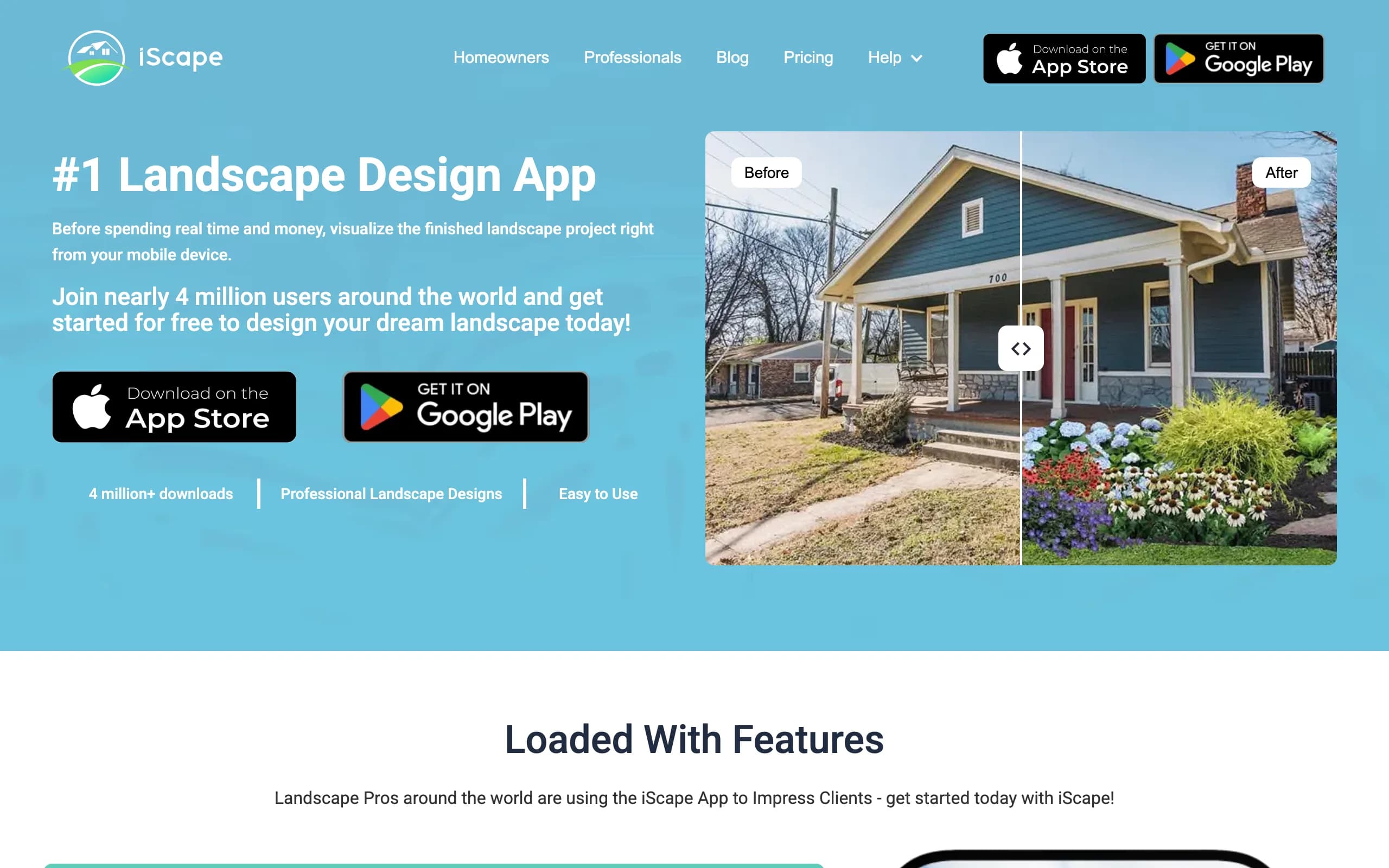
iScape is the phone app for people who would rather design by hand than let AI decide. You build the patio scene by placing pavers, plants, furniture, and edging onto a photo of your space, and on supported iPhones you can use augmented reality to see elements at real scale through the camera. It's a manual canvas rather than an automatic render engine, so every stone is where you put it. That suits anyone with a clear picture in their head and the patience to lay it out piece by piece.
The free plan covers 2D and 3D design on iOS with a reduced library of plants, hardscape, and products, which is enough to test the workflow on your own patio. Pro unlocks the full catalog plus proposal and pricing tools aimed at landscapers. Two things to weigh: the free plan's design tools are iOS-only (the Android app is more limited), and a polished manual scene takes real time compared with a one-tap AI concept.
Key features
- Manual design: place pavers, plants, and furniture on a photo of your patio
- AR preview on supported iPhones for real-scale placement
- Free plan with a reduced library to test the workflow
- Proposal and pricing tools for pros on the paid tier
Best for
- DIYers who want full manual control over the layout at no cost
- iPhone users who like designing while standing on the patio
- Landscapers trying a proposal tool before paying
Pricing
- Free plan: 2D and 3D design (iOS only), reduced access to plants, hardscape, and products.
- Pro: $29.99/mo or $299.99/year, full database and features.
- Enterprise: contact for multi-license pricing.
Pros
- Real free tier that works for a basic patio plan
- Full control over every element you place
- AR view helps judge scale before you order materials
Cons
- Manual placement is slower than AI generation
- The free plan's design tools are iOS-first
3. Planner5D, best free measured patio layout
Planner5D is the pick when your budget is zero and the thing you care about is getting the layout right. It's a general home-design app that handles outdoor spaces well: you draw the patio footprint to scale, then arrange paving, furniture, planters, and structures in a 2D plan you can flip to 3D. The free plan gives you unlimited projects and about half the object catalog, which covers a typical home patio. It leans toward measured, model-based planning rather than photoreal restyling, so reach for it when you want the dimensions nailed down before ordering a cubic yard of anything.
It runs on web, iOS, Android, Windows, and Mac, so you can rough out the plan on a laptop and adjust it on your phone at the garden center. The limits are predictable: the free tier caps catalog access and the nicer render features, and the output is a 3D model rather than your actual patio photo. For free, accurate patio layout, it's hard to beat.
Key features
- Draw your patio to scale in 2D, view it in 3D
- Free plan with unlimited projects and about half the catalog
- Object library for paving, furniture, planters, and structures
- Cross-platform: web, iOS, Android, Windows, Mac
Best for
- DIYers who want accurate measurements and placement for free
- Planning furniture and traffic flow before buying anything
- People who prefer a measured plan to an AI render
Pricing
- Free plan: unlimited projects, about 50% of the catalog.
- Premium: $59.99/year (about $4.99/mo billed annually).
- Professional: $399.99/year, adds AI generation and 4K renders.
Pros
- Genuinely useful free tier for measured layout
- Cheap upgrade path if you outgrow the free catalog
- Works on nearly every device you own
Cons
- Free tier caps the catalog and render quality
- 3D-model output, not a redesign of your own photo
4. DreamzAR, best AR patio view on iPhone
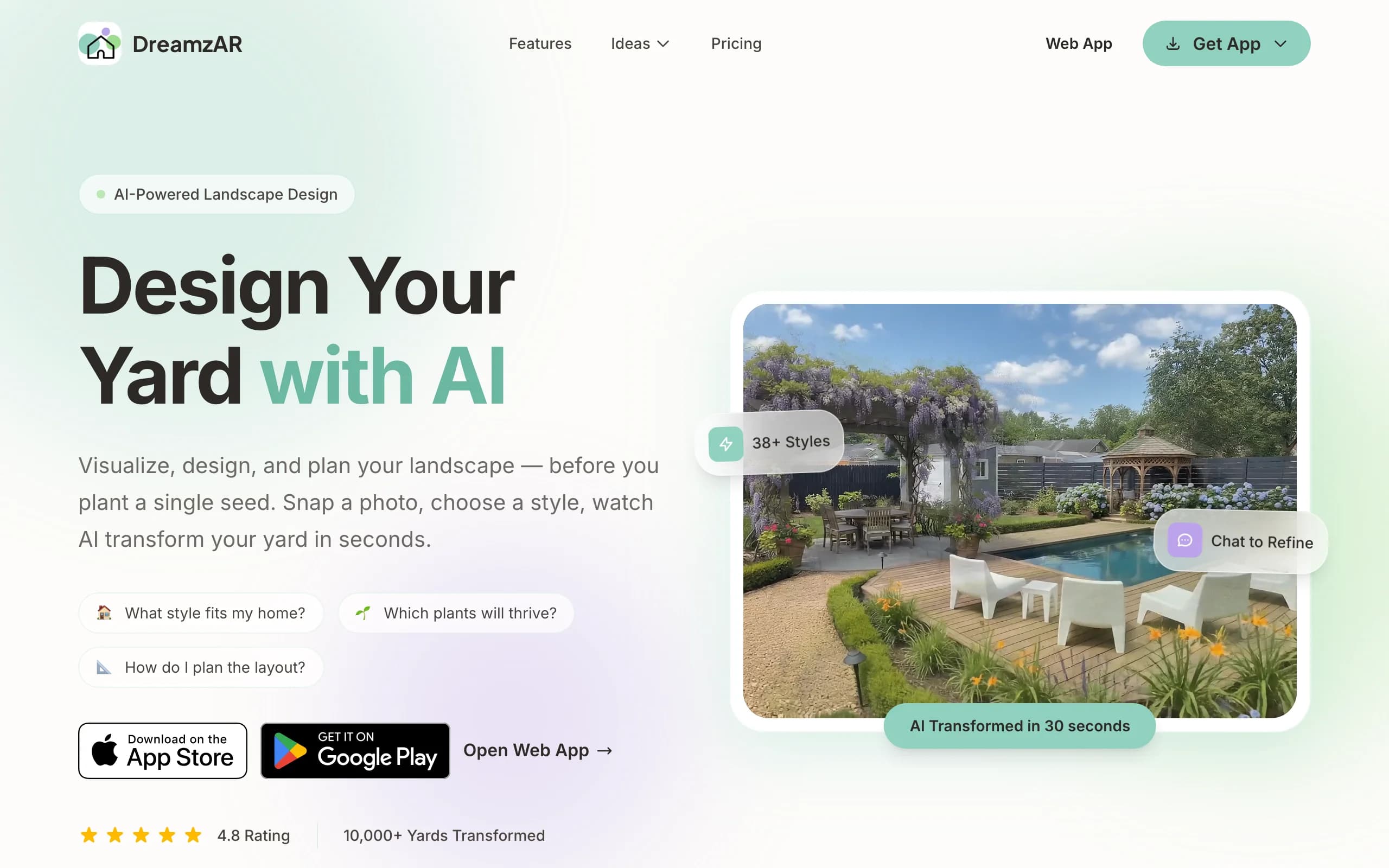
DreamzAR leans hardest into augmented reality. The subscription lets you place 3D plants, furniture, and hardscape onto your space and then walk through the design in AR, seeing a new patio at real scale through your phone. On the free side, DreamzAR offers design tools you can use without paying: landscape design games and a yard style quiz that help you settle on a direction before you commit to anything.
The AR walk-through is the reason to care. Standing on your existing slab and seeing a pergola or a new paver field rendered in place is more convincing than a flat image for a lot of people, especially for judging size. The honest catch: the full AR redesign needs the subscription, and the 3D AR mode is iOS-only, so Android and web users get the flat design tools without the headline feature. Treat the free tools as a way to pick a style, not a finished patio plan.
Key features
- Free design games and a style quiz to explore looks
- Paid AR walk-through of your patio design at real scale
- 3D placement of plants, furniture, and hardscape
- Large style and plant library
Best for
- iPhone users who want to judge patio size and scale in place
- People who want free tools to settle on a style first
- Homeowners who value a spatial preview over speed
Pricing
- Free style quiz and design games, no subscription.
- $19.99/mo, or $199/year (about $16.60/mo, a 17% saving).
- iOS, Android, and web; the 3D AR mode is iOS-only.
Pros
- The AR view answers "will it fit?" better than any flat render
- Free tools cost nothing and help narrow the style
- Same price across platforms
Cons
- The full AR redesign sits behind the subscription
- AR mode needs a recent iPhone or iPad
5. REimagine Home, best free AI restyle of a patio photo
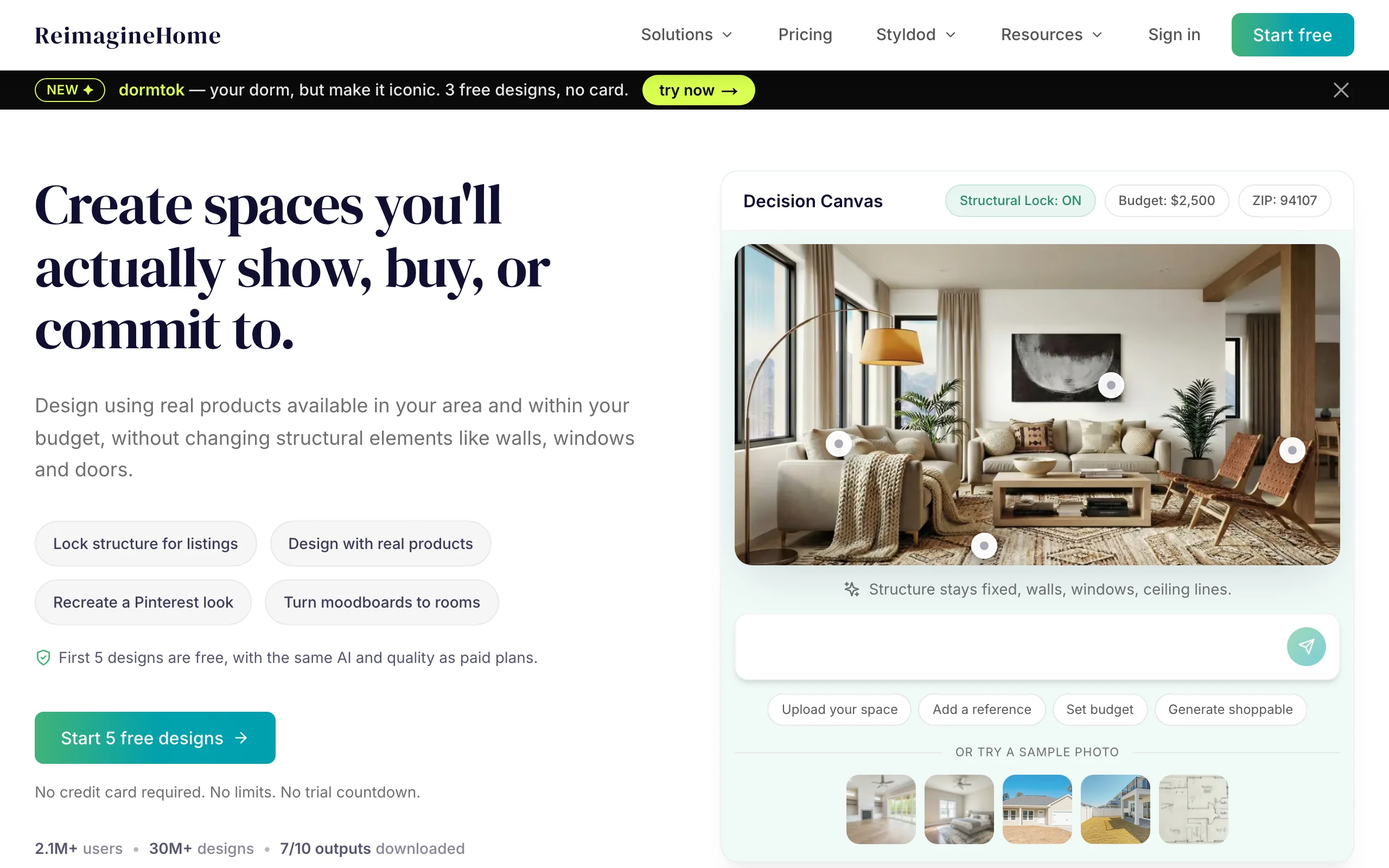
REimagine Home is the closest free starting point to what OutdoorBrite does. It's a web-based AI tool that restyles a photo: upload your patio, choose a direction, and it generates redesigned versions of the space. New users get 5 free designs with no card required, and the free generations use the same AI as the paid plans, so you can judge the output quality before spending anything. The tool covers interiors and exteriors, so the same account handles a patio photo and a living room.
The trade-off against a manual planner is control. A restyle gives you a look, not a measured plan, and you steer with prompts rather than by dragging each paver into place, so the result can drift from what you'd actually build. Landscaping is also one category among many here rather than the whole product, so there's no climate-matched plant logic behind the images. As a free way to see your own patio photo restyled by AI, though, 5 designs at no cost is the best offer on this list.
Key features
- AI restyle of your own patio photo in the browser
- 5 free designs for new users, no card required
- Covers exteriors and interiors in one tool
- Credit-based paid plans when you need more
Best for
- Testing AI patio restyling at zero cost before paying for anything
- Homeowners who want a quick look, not a measured plan
- People redesigning indoor and outdoor spaces together
Pricing
- 5 free designs for new users, no card required.
- Paid plans run $14 to $99/mo: Essential $14/mo (30 credits) up to Agency $99/mo (900 credits).
- 1 credit = 1 generation; billing is monthly.
Pros
- The most generous free AI offer here: 5 designs, same model as paid
- Nothing to install, works from any browser
- Fast way to gut-check whether AI restyling suits your project
Cons
- A restyle, not a measured layout you can build from directly
- No climate-aware plant choices behind the images
6. Home Design 3D Outdoor & Garden, best free 3D patio app
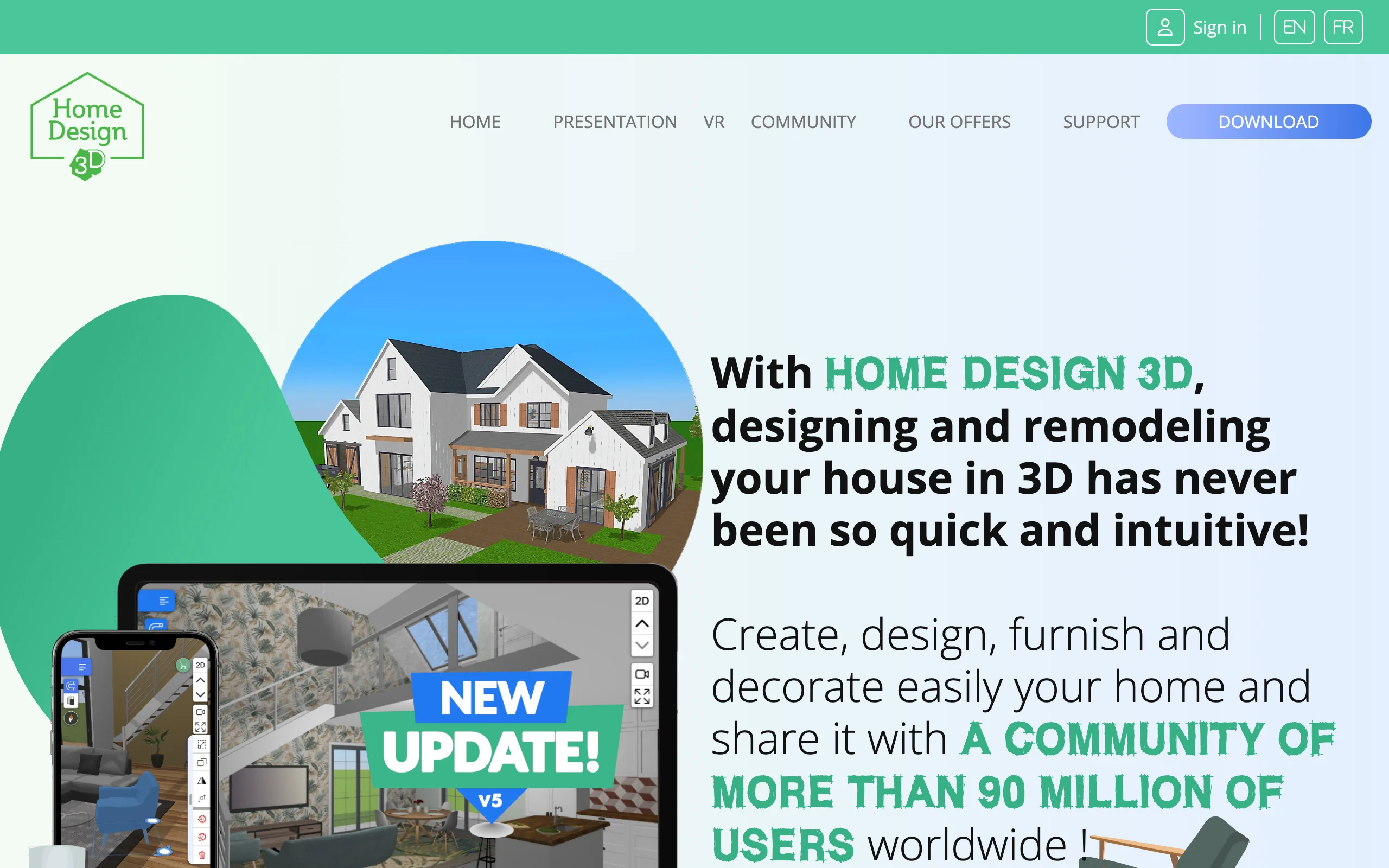
Home Design 3D Outdoor & Garden is a mobile app built specifically for outdoor spaces, and it's free to download. You build the patio in 3D on a phone or tablet: lay the ground surface, drop in furniture, planters, and structures, then rotate the view to see how it all sits together. The catalog is large and the interface is friendly, which makes it an easy free way to play with a patio layout in three dimensions while you're sitting on the current one.
The honest limit is the free model: you can design for free, but saving your project takes a one-time $4.99 in-app unlock, and a GOLD upgrade adds the fuller feature set, including AR on iOS. Like the other model-based apps here, it renders a 3D scene rather than working from your actual photo, and there's no climate-aware plant data. As a free 3D patio app you can open and start building in five minutes, it does the job well, and the $4.99 save unlock is the cheapest upgrade on this list.
Key features
- Free-to-download 3D patio design on mobile
- Lay out ground surfaces, furniture, planters, and structures
- Large object catalog from the Home Design 3D platform
- AR view on iOS with the GOLD upgrade
Best for
- People who want a free 3D patio app on a phone or tablet
- Casual planners testing layouts before spending on materials
- Anyone who wants the cheapest possible upgrade path
Pricing
- Free to download and design.
- Saving projects: one-time $4.99 in-app unlock; GOLD adds more features.
- iOS and Android.
Pros
- Free to download and start building
- Big catalog and an easy interface
- $4.99 one-time unlock beats every subscription here
Cons
- Saving a design needs the in-app purchase
- 3D-model output, with no climate-aware plant data
7. SketchUp Free, best free precise 3D modeling
SketchUp Free is the browser version of the well-known 3D modeler, and it's genuinely free for personal projects with no subscription. It runs entirely in your browser, includes 10GB of cloud storage, and connects to the 3D Warehouse, where you can pull in pre-made models of furniture, planters, and structures. For a patio, that means precision: a paver field to exact dimensions, a pergola with real post spacing, steps and retaining edges that match your site. If you're going to hand a plan to a contractor or build it yourself, this is the free tool that gets the numbers right.
The catch is the learning curve. SketchUp is a real modeling tool, not a quick patio styler, so expect an evening of tutorials before you're productive. The free version is also for personal, non-commercial use only and runs on web only, so it's better on a laptop than a phone, and there's no plant or climate data. For free, exact-dimension patio and hardscaping modeling, nothing else here comes close.

Key features
- Browser-based 3D modeling, no install
- Free for personal projects, with 10GB of cloud storage
- 3D Warehouse access for pre-made furniture and structure models
- Exact dimensions for pavers, steps, pergolas, and edges
Best for
- DIYers comfortable learning a real 3D modeling tool
- Modeling a patio, deck, or pergola to exact size before building
- Producing a plan precise enough to hand to a contractor
Pricing
- SketchUp Free: $0 for personal, non-commercial use (web only).
- Go: $19.99/mo or $129/year, adds iPad support and more storage.
- Pro: $99.99/mo or $399/year, adds the desktop app and extensions.
Pros
- A real, capable 3D modeler at no cost
- Generous free storage and a huge model library
- The most precise free option for patio structures
Cons
- Steeper learning curve than any patio styler here
- Personal-use only and web-only, with no plant data
How to choose from the free patio design apps
1) Decide how you want to design
Start with the style of work that suits you. If you want a finished-looking result with almost no effort, an AI tool that restyles your photo gets you there fastest: REimagine Home free for the first 5 designs, OutdoorBrite paid for the most realistic output. If you like control and don't mind placing things by hand, iScape gives you that on a photo. And if what you need is dimensions and proportions, a modeler (Planner5D, SketchUp Free, Home Design 3D) is the right home. None of these is wrong; they're different jobs.
2) Free vs paid: what each free tier holds back
Every free tier on this list holds something back, and it's worth knowing what before you invest an afternoon. The common caps: saving is paywalled (Home Design 3D's $4.99 unlock), the catalog is reduced (iScape, Planner5D), the headline mode is paid (DreamzAR's AR), or the free allowance runs out (REimagine Home's 5 designs). The bigger trade is realism and climate fit. Free tools render a model or restyle a photo generically; none of them checks whether the planting around your new patio survives your winters. That's the line OutdoorBrite's paid plan buys you: a realistic concept on your own photo with zone-aware planting. If you only need a rough layout, free is plenty. If you want a design you'd trust enough to build, that's usually where you pay.
3) Match the app to your device
Platform details decide more than features do. iScape's free design tools and DreamzAR's AR mode are iOS-first, so Android users lose the best parts of both. Planner5D and Home Design 3D cover both stores. SketchUp Free runs in a browser and really wants a laptop and a mouse. OutdoorBrite and REimagine Home are web-based and phone-friendly, which fits how most people photograph a patio anyway. And if your project is bigger than the patio, our guide to free backyard design apps covers the whole-yard picture with much of the same lineup.
FAQ
What is the best free patio design app? It depends on the job. Planner5D is the strongest free all-rounder for measured layout, iScape is the best free way to design by hand on a photo of your patio, and REimagine Home gives you 5 free AI restyles of your own photo. The best app overall is OutdoorBrite, because it produces the most realistic finished-patio result from a photo, but it's paid only.
Is there a truly free patio design app? Yes, several. SketchUp Free and Planner5D let you design at no cost with real capability, iScape and Home Design 3D are free to download and design with, and DreamzAR's style tools cost nothing. The usual free-tier catches are save limits, reduced catalogs, and paywalled AR, so free tiers work best for planning rather than producing a final build document.
Is OutdoorBrite free? No. OutdoorBrite is paid only, with no free plan, no trial, and no free credits. Plans start at $29/mo for 25 redesigns. We rank it first because it turns a photo of your actual patio into realistic concepts with climate-matched planting, but if your budget is zero, the other six apps here are free or have a real free tier.
Can an app design my patio from a photo for free? Partly. REimagine Home restyles a patio photo with AI and gives new users 5 free designs with no card. iScape lets you place pavers and plants onto a photo by hand on its free plan. For repeated, realistic photo-to-design concepts you're into paid territory, where OutdoorBrite is the strongest option.
Which free patio design app is best for beginners? Home Design 3D is the easiest way to start building in 3D, and Planner5D is friendly once you've drawn the footprint to scale. If you'd rather skip layout work entirely and just see a finished look, REimagine Home's 5 free restyles are the gentlest possible start.
Can I plan a paver patio with a free app? Yes. Planner5D and SketchUp Free handle a paver patio's dimensions well, and SketchUp is precise enough to count courses and plan cuts. What free tools won't tell you is quantities with waste factored in, so pair the layout with a materials estimate before ordering.
Do free patio design apps work on Android? Some do, with caveats. Planner5D and Home Design 3D run well on Android. iScape's free design tools and DreamzAR's AR mode are iOS-only, so Android users get reduced versions of both. Web-based tools like SketchUp Free, REimagine Home, and OutdoorBrite sidestep the app stores entirely.
What photo gives the best results with an AI patio tool? Shoot in daylight, stand back far enough to frame the whole patio area plus a little of the surroundings, and keep the phone level. Avoid harsh shadows, clutter, and extreme angles. A clear, straight-on photo gives an AI tool the most to work with and produces the most believable redesign.
For desktop programs that go beyond phone apps, see our guide to the best free landscape design software. Building a deck next? Our free deck design picks run the same free-first comparison. Or turn a photo into a landscape design at OutdoorBrite.