7 best outdoor kitchen design software tools (2026)
An outdoor kitchen is hard to change once the concrete sets, so it pays to argue about the layout on a screen first. We compared seven outdoor kitchen design tools, from free manufacturer builders to pro 3D software, and broke down what each costs and who it fits.
An outdoor kitchen is a hard project to change your mind about. Once the gas line is run and the island is set in concrete, the layout is the layout. Outdoor kitchen design software lets you argue about grill placement, counter space, and bar seating on a screen instead, where a mistake costs nothing. In this guide we compare seven tools, from AI software that renders a finished kitchen on a photo of your own patio, to free manufacturer island builders, to the 3D suites contractors sell with. For each you'll get current pricing, what it does well, where it falls short, and a short framework for choosing.
Best outdoor kitchen design software: a brief overview
- OutdoorBrite: Best overall for seeing an outdoor kitchen on your own patio: upload a photo of your yard and get realistic concepts rendered on your real space.
- RTA Outdoor Living: Best free guided island builder: configure an island in five steps, see it in 3D with a price attached, then preview it in your yard through AR.
- BBQGuys Kitchen Designer: Best free 3D design service with real products: in-house designers build a 3D plan around actual appliances you can order.
- Belgard Design Studio: Best for hardscape-integrated kitchens: a free rendering service, through Belgard contractors, that designs the kitchen together with the patio and walls around it.
- Planner 5D: Best budget 3D layout: model the kitchen, patio, and furniture yourself, with a usable free tier and a cheap annual upgrade.
- SketchUp Free: Best free precise 3D modeling: model an island to the inch in your browser, free for personal projects.
- VizTerra: Best pro 3D presentations for contractors: turn a client's yard into a walkable 3D presentation with outdoor kitchens built in.
| Tool name | Key strength | Pricing | Platforms |
|---|---|---|---|
| OutdoorBrite | Photo-realistic outdoor kitchen concepts on your own yard photo | From $29/month | Web |
| RTA Outdoor Living | Five-step island builder with instant 3D, price, and AR preview | Free | Web, AR preview on phone |
| BBQGuys Kitchen Designer | Expert-built 3D design using real, orderable products | Free design service | Web and phone consult |
| Belgard Design Studio | Kitchen designed with the surrounding hardscape, as animation or VR | Free via a Belgard contractor | Web |
| Planner 5D | Cheap DIY 3D modeling of the whole outdoor space | Free tier; Premium $59.99/year | Web, iOS, Android, desktop |
| SketchUp Free | Inch-accurate 3D modeling in the browser | Free for personal use | Web |
| VizTerra | Walkable 3D yard presentations for client sales | $97/month, or $84/month billed annually | Windows desktop |
1. OutdoorBrite, best overall for seeing a kitchen on your own patio
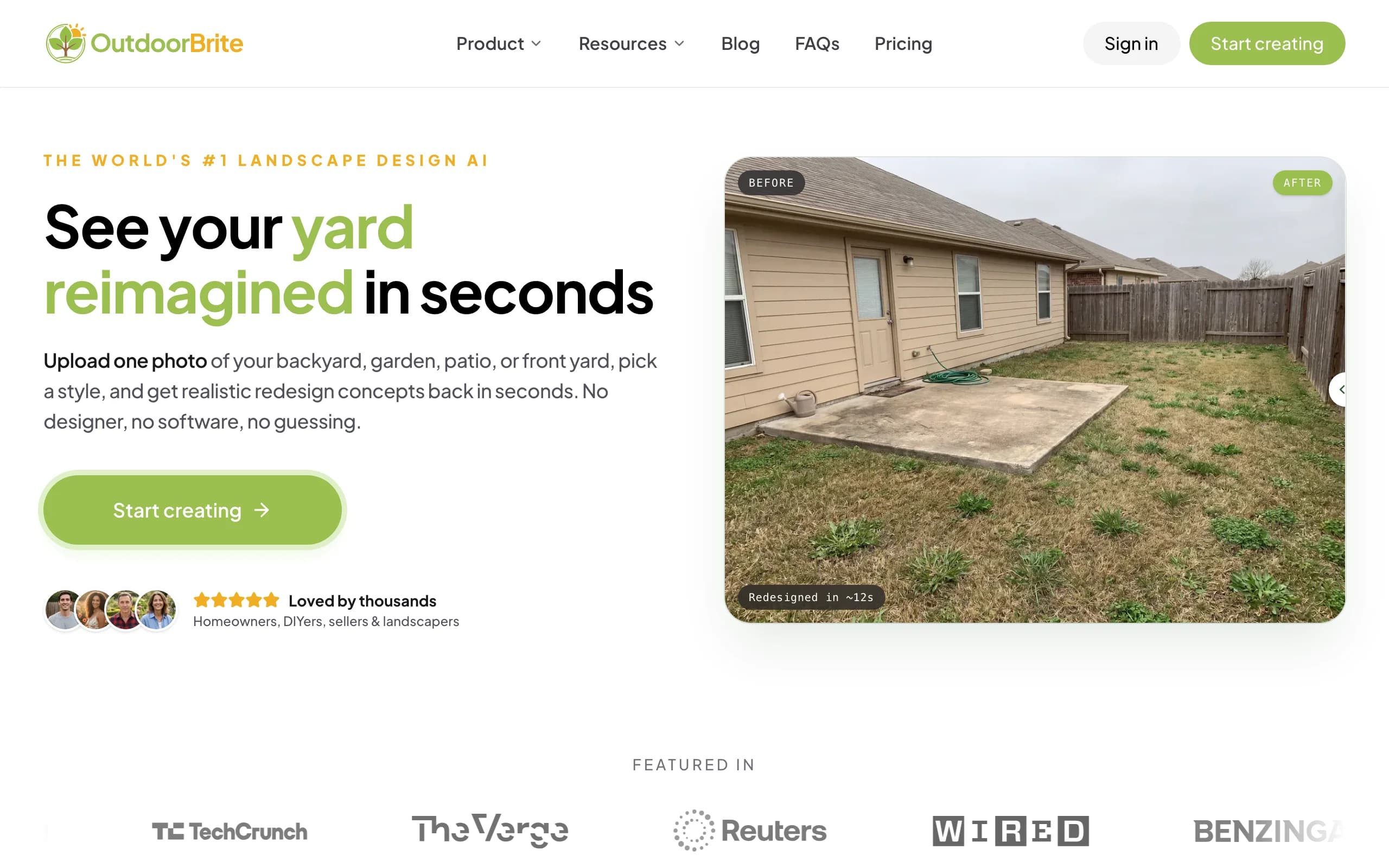
OutdoorBrite is an AI landscape design product built around turning one photo of your yard into realistic redesign concepts, and an outdoor kitchen is exactly the kind of project that benefits. You upload a photo of your patio or the corner of the yard where the kitchen will go, pick a style like modern, Mediterranean, or rustic, and describe what you want: an L-shaped island, a bar counter, a pizza oven. It generates realistic concepts in under a minute, on your actual patio instead of a generic showroom render.
That context is the practical difference from island configurators. A configurator shows you the island; the outdoor kitchen design tool in OutdoorBrite shows it against your fence, your paver patio, and the back of your house, with the planting and landscape lighting around it. You can generate the same kitchen in several styles, compare them side by side, then refine a favorite in the in-app AI editor. Beyond kitchens, it covers full backyards, patios, decks, and pergolas, all in one place.
Key features
- Photo-realistic outdoor kitchen concepts rendered on your own yard photo
- Style presets including modern, Mediterranean, tropical, cottage, and desert/xeriscape
- Multiple concept variations per upload, generated in under a minute
- In-app AI editor to refine a concept, swap materials, or adjust the layout
- Save, revisit, and share designs, with HD to 4K output depending on plan
Best for
- Homeowners who want to see a finished outdoor kitchen on their real patio before committing
- Anyone who needs a visual to hand a contractor and say "build this"
- Landscapers and builders who want a client-ready concept in the first meeting
Pricing
- No free plan or trial; every design is metered by redesign credits
- Starter: $29 per month for 25 redesigns in HD
- Plus: $49 per month for 100 redesigns in 2K (the most popular tier); Pro: $149 per month for 200 redesigns in 4K
- Annual billing saves about 20 percent; top-up credit packs never expire
Pros
- Renders the kitchen in your real space, so you can judge scale and placement honestly
- Fast enough to compare several styles and layouts in one sitting
- The render doubles as an alignment tool with a contractor
Cons
- No free tier, which stands out in a category full of free manufacturer tools
- Produces realistic concepts, not construction drawings; specs and utility runs still get worked out with your builder
2. RTA Outdoor Living, best free guided island builder
RTA Outdoor Living sells ready-to-assemble outdoor kitchen islands, and its free design tool is the easiest on-ramp in this list. There's no download and no sign-up. Pick a layout (linear, L-shaped, U-shaped, or galley), drag to set the island length, choose where the appliances sit, pick the appliances themselves from Coyote's line, and land on a 3D view of the finished island. The whole pass takes about five minutes.
Two things make it more than a toy. The tool attaches a real price as you build, and a "See in My Backyard" button sends an AR link to your phone so you can look at the island roughly where it would go. Because RTA manufactures what you configured, the design is a quote, not a sketch.
Key features
- Five-step guided builder: layout, island size, appliance layout, appliance selection, 3D view
- Live pricing on the configured island
- Countertop and finish toggles on the 3D model
- AR preview that superimposes the island in your yard via your phone
Best for
- Homeowners who want a buildable island design with a real price in minutes
- Anyone comparing island shapes and appliance layouts before talking to a dealer
Pricing
- The design tool is free; RTA makes its money selling the configured kitchen islands
Pros
- Fastest path in this list from nothing to a priced, manufacturable design
- The AR preview gives a rough in-place sense of scale for free
Cons
- Locked to RTA's island formats and Coyote appliances
- Designs the island only, not the patio, roof, or landscaping around it
3. BBQGuys Kitchen Designer, best free 3D design service with real products
BBQGuys, the grill and outdoor kitchen retailer, takes a different approach: instead of handing you software, it hands you a designer. Its free 3D design service (valued by BBQGuys at up to $1,000) pairs you with an in-house expert who turns your space, budget, and wish list into a 3D rendering built from real products in the BBQGuys catalog, with pricing on everything and help placing the order.
The appeal is that nothing in the design is hypothetical. Every grill, fridge, and door in the render is an orderable SKU, and the designers deal with details like venting and clearances as part of the job. The trade-off is that it's a service, not self-serve software: you work through a consult and revisions on their schedule, not in an afternoon on your couch.
Key features
- Free 3D outdoor kitchen rendering by an in-house design team
- Designs built from real, orderable products with itemized pricing
- Expert help on appliance selection, venting, and layout safety
- Referrals to local contractors for installation
Best for
- Homeowners who plan to buy appliances and want expert layout help at no cost
- Anyone who would rather describe what they want than drag boxes in an app
Pricing
- The design service is free; BBQGuys earns on the products you order from the plan
Pros
- A real designer catches mistakes a self-serve configurator lets you make
- The finished plan is shoppable down to the SKU
Cons
- Not instant; you work through consults rather than iterating live yourself
- Product selection naturally centers on what BBQGuys sells
4. Belgard Design Studio, best for hardscape-integrated kitchens
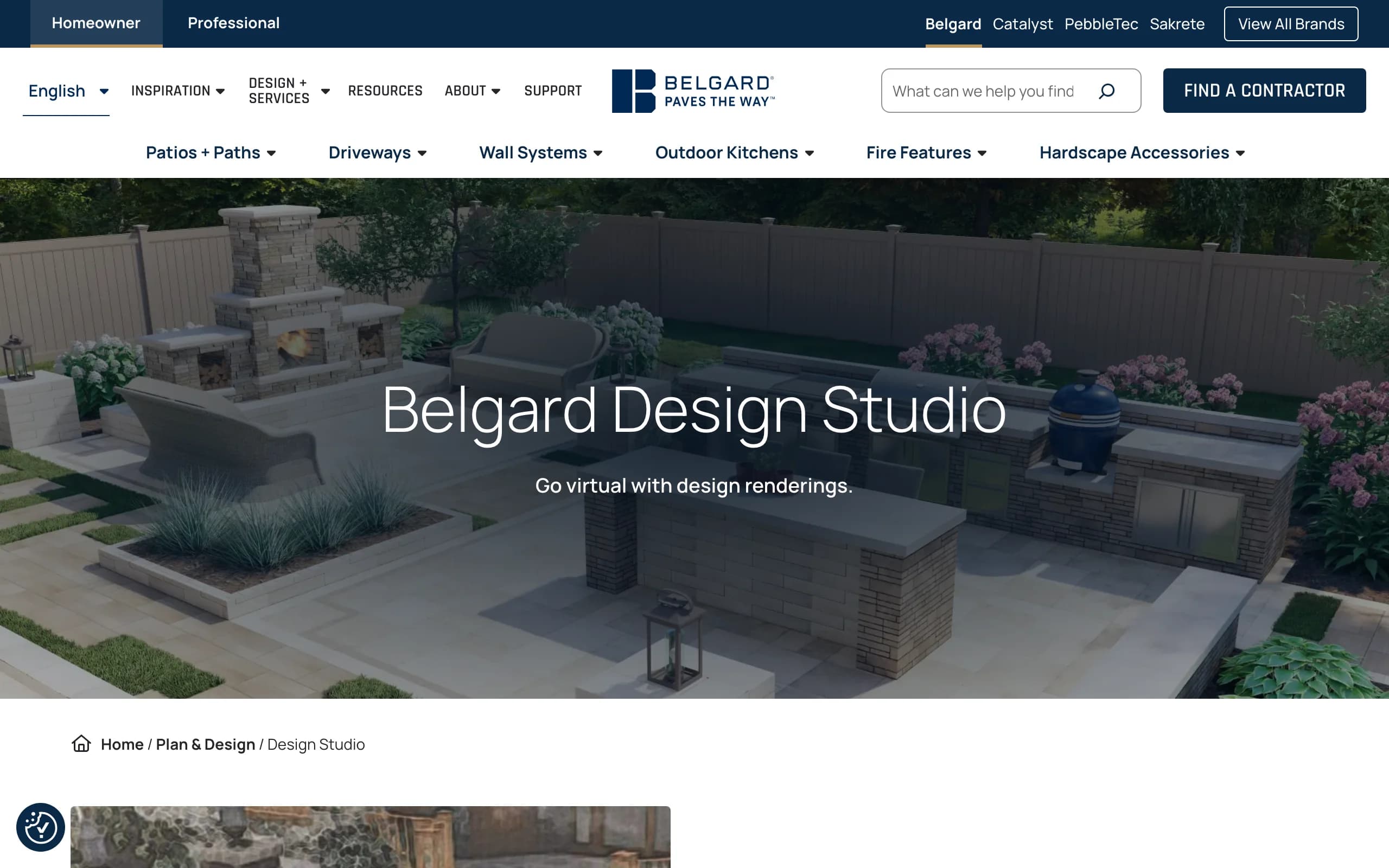
An outdoor kitchen rarely stands alone. It sits on a patio, often against a seating wall, and Belgard, the paver and wall manufacturer, designs it that way. Belgard Design Studio is a free visualization service for homeowners working with a Belgard Authorized Contractor: you share photos and specifications, and Belgard's in-house design team renders the whole space, kitchen included, as a fly-through animation or a 360-degree VR view.
This is the pick when the kitchen is one piece of a larger hardscaping project. Because the same team designs the patio, walls, and kitchen together, the materials match and the layout reads as one space instead of an island dropped on a slab.
Key features
- Renderings of outdoor kitchens, patios, fire features, walls, and pool decks
- Fly-through animation or 360-degree VR output
- Designs produced by Belgard's in-house design experts through your contractor
Best for
- Homeowners planning the kitchen as part of a full patio or backyard hardscape build
- Projects where matching pavers, walls, and kitchen cladding matters
Pricing
- Free for homeowners who work with a Belgard Authorized Contractor
Pros
- The kitchen is designed in context with the hardscape around it
- VR and animation output makes the finished space easy to judge
Cons
- You need to engage a Belgard contractor to use it
- Material choices stay inside Belgard's product lines
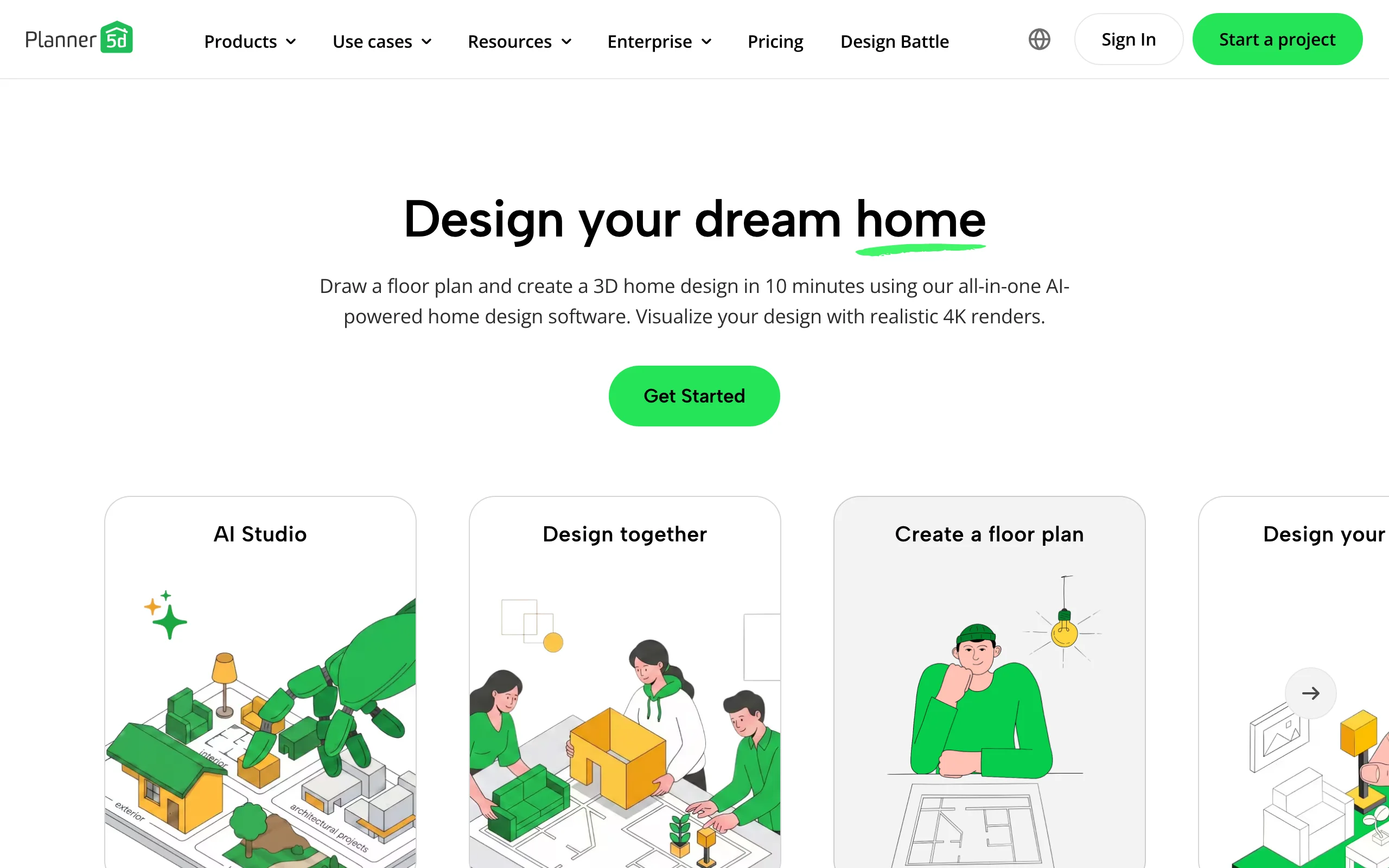
5. Planner 5D, best budget 3D layout
Planner 5D is a general home design app that handles outdoor spaces well enough to earn a spot here. You draw the patio footprint in 2D, switch to 3D, and furnish it from a catalog of more than 10,000 items that includes outdoor kitchens, grills, dining sets, and planters. The free tier gives you unlimited projects and about half the catalog; Premium unlocks the rest plus standard renders for $59.99 a year, and a Professional tier at $399.99 a year adds 4K renders and 360-degree walkthroughs.
The reason to pick it is control per dollar: nothing else here lets you freely model the whole space for under $60 a year. The reason to skip it is that it's generic. The objects are furniture-catalog models, not real appliances, and nothing in the app knows about grill clearances or gas lines.
Key features
- 2D floor-plan drawing that converts to an editable 3D scene
- Catalog of 10,000+ items on paid plans, including outdoor kitchen pieces
- Renders of the finished scene (standard on Premium, 4K on Professional)
- Web, iOS, Android, and desktop apps with synced projects
Best for
- Budget-minded planners who want to lay out the whole patio, not just the island
- People who already use Planner 5D for interior projects
Pricing
- Free tier with unlimited projects and roughly half the catalog
- Premium: $59.99 per year
- Professional: $399.99 per year (or $49.99 month to month) with 4K renders and walkthroughs
Pros
- Very low cost for full 3D control of the space
- Easy to learn compared to real modeling software
Cons
- Generic catalog objects, not real outdoor kitchen products or SKUs
- Renders show a stylized scene, not your actual yard
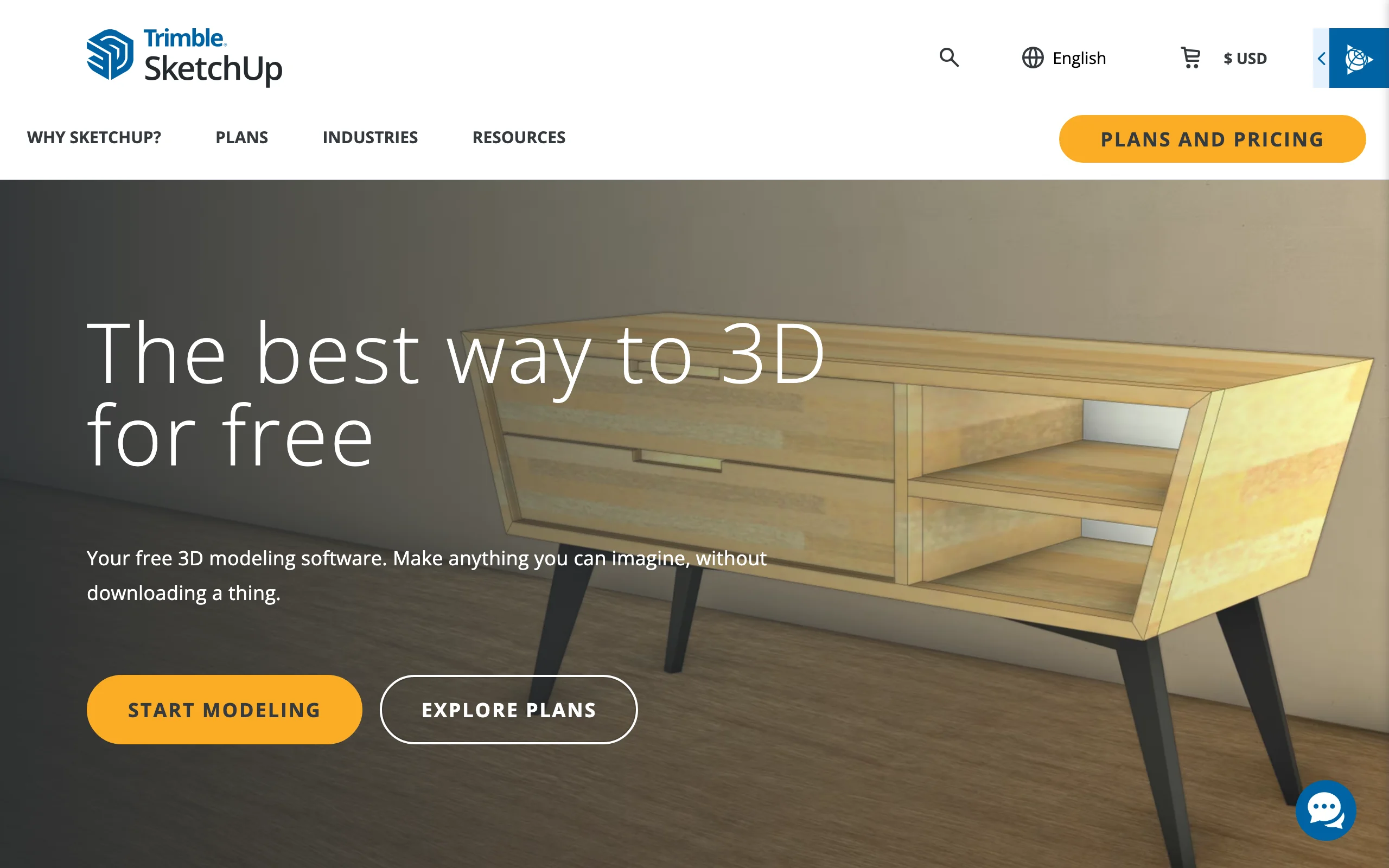
6. SketchUp Free, best free precise 3D modeling
SketchUp Free is the browser version of the modeling tool architects and builders have used for two decades, and it's still genuinely free for personal, non-commercial projects. You model at real dimensions, which is the whole point: set the island at 30 inches deep, check that the bar overhang leaves room for stools, confirm the path between grill and door stays clear. The free plan runs in the browser with the core modeling tools and 10 GB of cloud storage, and you can pull ready-made grill and appliance models from SketchUp's 3D Warehouse instead of modeling every knob yourself.
The cost is effort. SketchUp has a real learning curve, and the output is a clean shaded model, not a photo-realistic scene. If you outgrow the free plan, SketchUp Go is $10.75 per month billed annually and Pro is $33.25 per month billed annually.
Key features
- Free browser-based 3D modeling at real-world dimensions
- 3D Warehouse library with ready-made grill, appliance, and furniture models
- 10 GB of Trimble Connect cloud storage on the free plan
Best for
- DIY builders who need exact dimensions, clearances, and counter heights before cutting anything
- Anyone who wants a to-scale model to hand a fabricator or mason
Pricing
- SketchUp Free: free for personal, non-commercial use in the browser
- SketchUp Go: $10.75 per month billed annually; Pro: $33.25 per month billed annually
Pros
- Precision no configurator or AI render can match
- Free plan has no time limit and needs no credit card
Cons
- Steep learning curve for a one-off project
- Output is a shaded model; it won't show what the kitchen looks like in your yard
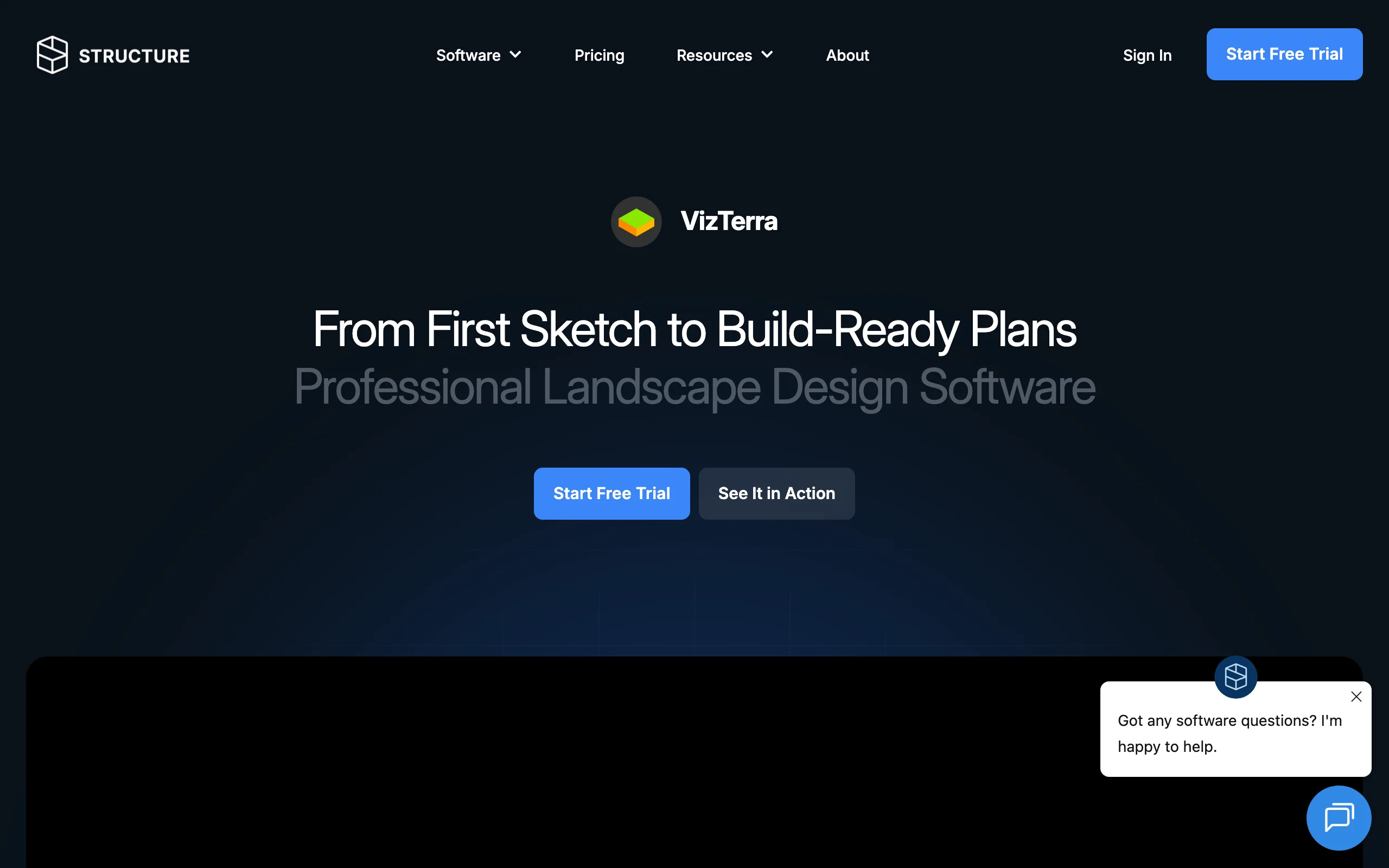
7. VizTerra, best pro 3D presentations for contractors
VizTerra, from Structure Studios, is built for the other side of the table: the contractor pitching the project. It's professional hardscape and landscape design software with a dedicated outdoor kitchen toolset, alongside patios, driveways, fire features, decking, and pergola tools. A designer draws the yard, builds the space in 3D, and walks the client through it as an interactive presentation, which is how big outdoor kitchen projects get closed.
Pricing is professional too: $97 per designer per month, or $84 per month billed annually, plus a $95 one-time setup fee, with a 30-day free trial that doesn't require a card. It runs on Windows. For a homeowner designing one kitchen it's overkill, but for a builder selling outdoor kitchens, a month of VizTerra can pay for itself on one signed contract.
Key features
- Dedicated outdoor kitchen design tools inside a full hardscape and landscape suite
- Interactive 3D presentations clients can walk through
- Patio, driveway, fire feature, deck, pergola, and terrain tools in one package
Best for
- Contractors and landscape designers who sell outdoor kitchen and patio projects
- Design-build firms that present in 3D to close bigger jobs
Pricing
- $97 per designer per month, or $84 per month billed annually
- $95 one-time setup fee; 30-day free trial with no credit card
Pros
- Presentation quality that helps clients say yes to large projects
- Kitchen, hardscape, and landscape design in a single professional tool
Cons
- Priced for professionals, not a one-project homeowner
- Windows desktop software, so Mac-based designers need a workaround
What free outdoor kitchen design tools actually get you
Free tools in this category come in three flavors, and each is free for a reason. Manufacturer builders like RTA's exist to sell you the island you just configured. Free design services like BBQGuys' and Belgard's exist to sell the appliances or pavers in the finished plan. And general free software like SketchUp Free gives you real capability but no outdoor kitchen knowledge: no real products, no clearances, no view of your yard.
None of that makes free tools a bad deal; a priced RTA island or a designer-built BBQGuys plan is useful work you didn't pay for. Just read the bias: a free tool's answer tends to live inside its owner's catalog. The same trade-off runs through the wider category, which we cover in our guide to the best landscape design software.
Outdoor kitchen builders: what the manufacturer web tools are for
"Outdoor kitchen builder" usually means a configurator on a manufacturer's site: RTA's five-step tool is the best known, and most island makers now run some version of one. You pick a layout, size it, slot in appliances, and get a 3D model with a price. They're the right first stop when your question is "what does an L-shaped island with a grill and fridge actually cost?"
Their limit is the frame. A builder shows the island floating on a white background, not on your patio, and it can't tell you whether the kitchen should go against the fence or out by the pool. That's why builders pair well with a photo-based tool: settle placement and style on a render of your real yard first, then spec the island in the builder that matches your budget.
How to choose the best outdoor kitchen design software for your project
1) Do you need to see the kitchen in your yard, or spec the island?
Placement and looks come first. If you can't yet picture where the kitchen goes or what style fits the house, start photo-based: OutdoorBrite renders the finished kitchen on your actual patio, which settles the "will this look right?" argument fast. If you already know the spot, go to a spec tool: RTA's builder for a priced, buyable island, or SketchUp Free for exact dimensions on a custom build.
2) Are you buying products or planning a build?
If the project is mostly appliances and a prefab island, the free retailer paths earn their keep: BBQGuys designs around orderable products, and RTA quotes its own islands live. If the project is mostly construction (concrete, pavers, walls, a roof), design the space, not the shopping cart: Belgard for a hardscape-first design through a contractor, VizTerra if you are the contractor. Most kitchens are some of both, so a common path is a photo concept first, then a product-level plan.
3) What should the software itself cost?
Free covers a lot here: RTA, BBQGuys, Belgard, SketchUp Free, and Planner 5D's base tier are all $0, and Planner 5D Premium is $59.99 a year. OutdoorBrite starts at $29 per month for 25 redesigns, enough to test the same kitchen in several styles and placements; since an outdoor kitchen is a project rather than a hobby, run it for the month or two the decision takes. VizTerra's $97 per month only makes sense if clients are paying you. If the kitchen is part of a broader patio rethink, our roundup of the best AI patio design tools covers that adjacent choice.
4) DIY build or contractor build?
DIYers get the most from precision and pricing: SketchUp Free for the cut list, RTA for a ready-to-assemble island, Planner 5D for the overall layout. If a contractor is building it, your job is alignment, and a realistic render is the fastest way to get everyone agreeing on the same picture: an OutdoorBrite concept to set the vision, or Belgard's service once you've picked their contractor. Handing a builder a picture beats describing a kitchen in words.
FAQ
What is outdoor kitchen design software?
Software that lets you plan an outdoor kitchen before building it. The category spans AI tools that render a finished kitchen on a photo of your yard, manufacturer configurators that spec a priced island, 3D modelers for exact dimensions, and professional presentation suites. Which type fits depends on whether your problem is placement, product selection, or construction detail.
What is the best outdoor kitchen design software?
It depends on the job. For seeing a finished kitchen on your own patio, OutdoorBrite. For a free, priced island design, RTA's builder. For a designer-built plan around real appliances, BBQGuys. For contractors presenting to clients, VizTerra.
Is there free outdoor kitchen design software?
Yes, quite a lot of it. RTA's island builder, the BBQGuys design service, and Belgard Design Studio are all free because they sell the products behind the design, and SketchUp Free and Planner 5D's base tier are free general design tools. Photo-realistic rendering of your own yard is the piece that's generally paid.
What is an online outdoor kitchen builder?
A configurator, usually on an island manufacturer's site, that walks you through layout, size, and appliance choices and produces a 3D model with a price. Builders are the fastest way to price a specific island, but they show it in isolation rather than in your yard.
Can AI design an outdoor kitchen from a photo?
Yes. You upload a photo of the patio or yard area, pick a style, and describe the kitchen you want; an AI landscape design tool like OutdoorBrite returns realistic concepts in under a minute. You still confirm specs, clearances, and utilities with your builder.
Can I design an outdoor kitchen in 3D for free?
Yes. SketchUp Free handles precise 3D modeling at no cost for personal use, Planner 5D's free tier covers basic layout, and RTA's builder produces a 3D island with real pricing. What the free 3D options don't give you is a realistic view of the kitchen in your own space.
Do I need a professional designer for an outdoor kitchen?
Not always, but the stakes are higher than most yard projects because gas, electric, and water are involved. A sensible middle path: settle layout and style yourself with software, then have a free retailer service or your builder check clearances and utilities before anything is ordered.
What style should an outdoor kitchen be?
The one your house already has. A stainless island can look stranded behind a craftsman bungalow, and stacked stone can feel heavy against modern landscaping. The same island reads completely differently in modern, Mediterranean, and rustic finishes, which is where comparing styles on a photo of your actual yard pays off.