7 best garden planner apps in 2026
Some garden planner apps chart every sowing date, others show the finished planting on a photo of your yard. We compared seven of them, from vegetable planners and planting calendars to one-time desktop software, with real pricing and honest trade-offs for each.
A garden planner earns its keep in the weeks before anything goes in the ground, when you're deciding what to plant where, how many seedlings a 4x8 bed actually holds, and when to start seeds for your frost date. The best garden planner apps answer those questions before you spend money at the nursery. In this guide we compare seven of them, from a photo-based AI planner that shows the new planting on your own garden, to vegetable planners, automated planting calendars, and one-time-purchase desktop software, with current pricing and honest trade-offs for each.
Best garden planner apps: a brief overview
- OutdoorBrite: Best overall: plan a replanting by uploading a photo of your garden and seeing the new planting rendered on your real space, with plants matched to your climate.
- GrowVeg Garden Planner: Best all-round vegetable planner: to-scale beds with automatic spacing, local frost dates, and email reminders for every sowing window.
- Seedtime: Best planting calendar automation: enter your location and it builds a color-coded, week-by-week planting calendar for every crop.
- Planter: Best vegetable planner for beginners: a friendly square-foot grid with companion planting flags, on the phone you already carry.
- VegPlotter: Best budget web plotter: a usable free plan plus paid tiers that cost less than most seed orders.
- GARDENA myGarden: Best simple 2D bed planner: draw beds, paths, and lawn to scale in the browser in one evening, at no cost.
- Garden Planner (Artifact Interactive): Best one-time-purchase desktop planner: $48 once, 1,700+ plant symbols, no subscription.
| Tool name | Key strength | Pricing | Platforms |
|---|---|---|---|
| OutdoorBrite | Renders a replanting plan on a photo of your own garden | From $29/month | Web |
| GrowVeg Garden Planner | Automatic spacing, frost dates, and planting reminders | 7-day trial; from $35/year | Web, desktop and mobile apps |
| Seedtime | Automated week-by-week planting calendar | Free plan; Basic $10/month or $84/year | Web |
| Planter | Simple square-foot beds with companion planting | Free for 1 garden; Premium $24.99/year | iOS, Android, web (Premium) |
| VegPlotter | Capable free plotter with climate-based schedules | Free plan; paid tiers from about $3/month | Web, iOS, Android |
| GARDENA myGarden | To-scale 2D bed, path, and lawn drawing at no cost | Free | Web |
| Garden Planner | One-time-purchase desktop planning with a 3D view | $48 one time; free trial | Windows, Mac |
1. OutdoorBrite, best overall for planning a replanting on a photo of your garden
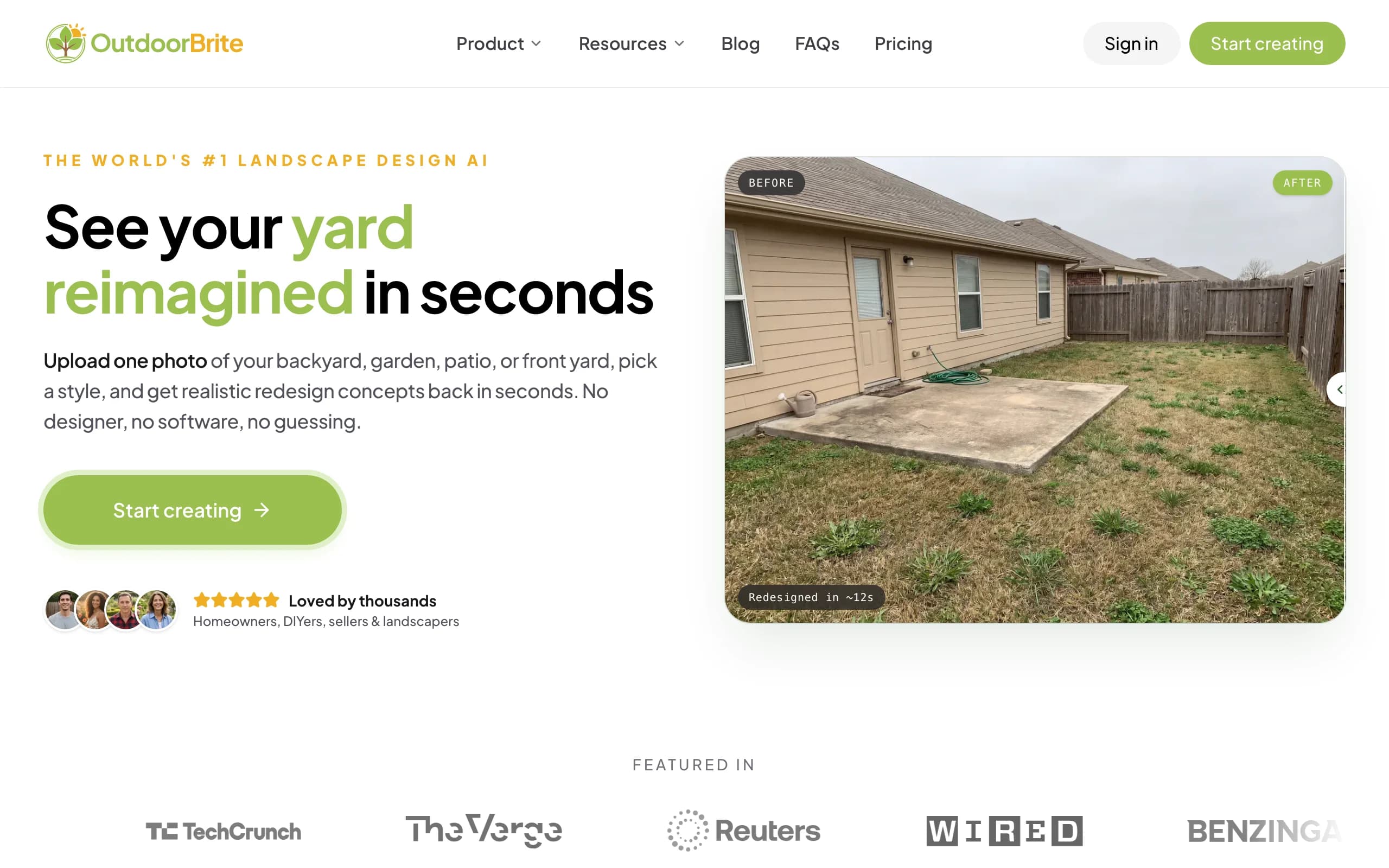
OutdoorBrite is an AI garden planner built around one idea: the easiest way to plan a garden is to see the plan on your actual garden. You upload a photo of the bed or border you want to replant, pick a style like cottage garden, modern, or Mediterranean, and describe what should change. It returns realistic concepts in under a minute, rendered on your own space instead of a generic top-down grid.
That flips what planning feels like. A 2D plotter tells you where plants go; a rendered photo tells you whether the plan works, from heights against the fence to how the colors sit next to your brick. Plant suggestions account for your climate and hardiness zone, so the plan isn't built around things that die in your winters. Generate several versions of the same replanting, compare them, then refine the favorite in the in-app AI editor. Beyond planting plans it covers patios, decks, front yards, and full backyards, plus project calculators and a landscaping glossary.
Key features
- Realistic replanting concepts rendered on a photo of your own garden
- Climate and hardiness-zone-aware plant suggestions
- Style presets including cottage, modern, tropical, Mediterranean, and desert/xeriscape
- Multiple concept variations per upload, generated in under a minute
- In-app AI editor to swap plants, adjust beds, or change one area at a time
- Save, revisit, and share plans, with HD to 4K output depending on plan
Best for
- Homeowners replanting a bed or border who want to see the result before buying plants
- Anyone comparing two or three planting styles on the same space
- Landscapers who need a client-ready visual of a proposed planting plan
Pricing
- No free plan or trial; every plan is metered by redesign credits
- Starter: $29 per month for 25 redesigns in HD
- Plus: $49 per month for 100 redesigns in 2K (the most popular tier); Pro: $149 per month for 200 redesigns in 4K
- Annual billing saves about 20 percent; top-up credit packs never expire
Pros
- Shows the plan on your real garden, so you judge it in context
- Plant choices respect your zone, not just the look
- Fast enough to test several planting ideas in one sitting
Cons
- No free tier, so you commit to a paid month before your first render
- Output is a realistic picture, not a to-scale planting chart, so pair it with a data planner like GrowVeg for exact spacing and dates
2. GrowVeg Garden Planner, best all-round vegetable garden planner
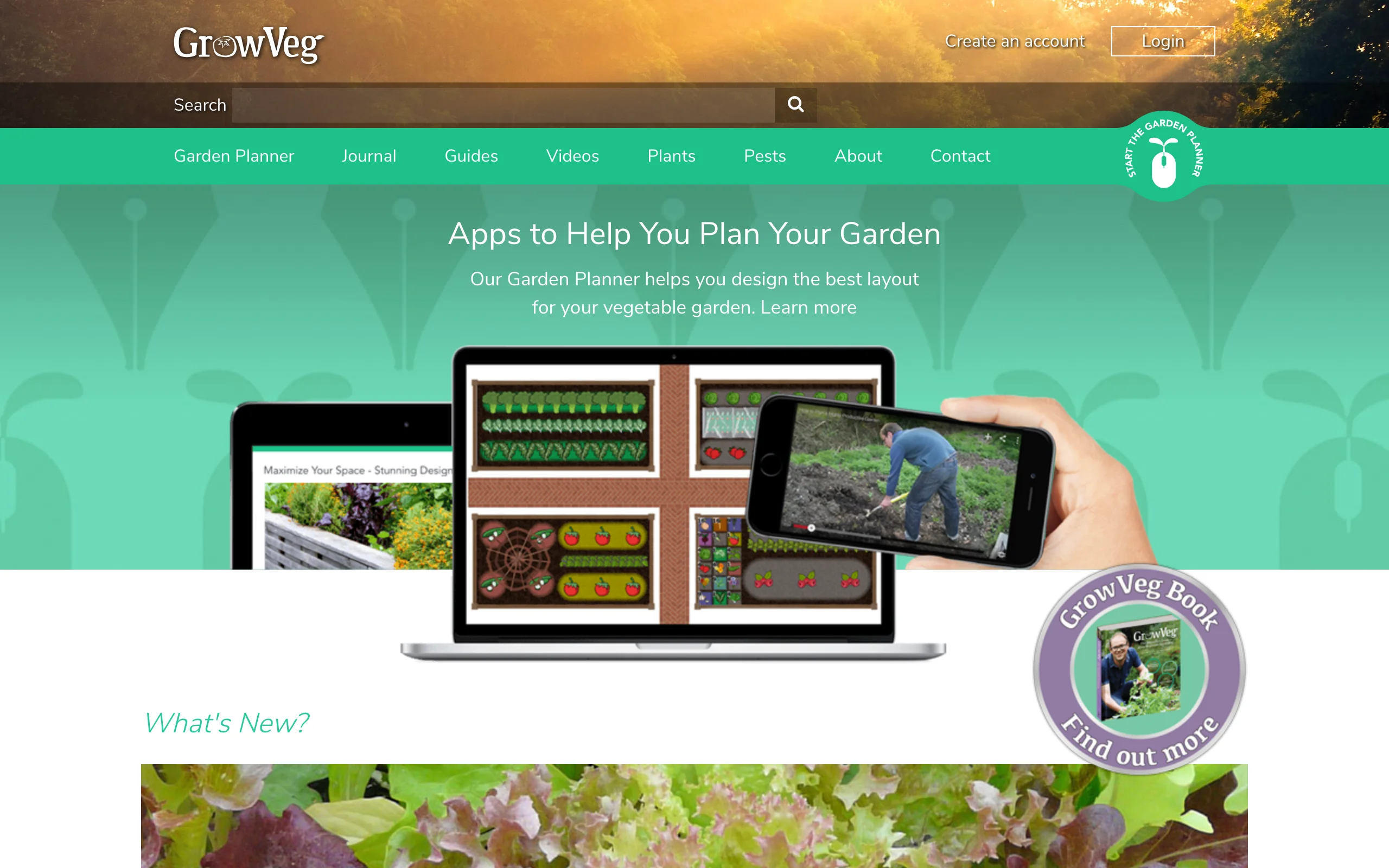
GrowVeg has been the reference vegetable garden planner for years, and its data is still the strongest in this list. You draw beds to scale, drop in crops, and it calculates spacing per species as you go, so a bed that fits 9 lettuces stops accepting a tenth. It pulls frost dates from a weather station near you, builds sowing and planting windows around them, and emails you when it's time to start each crop.
The planning tools go deeper than most gardeners will push them: color-coded crop rotation warnings, succession planting for beds that turn over mid-season, automatic carry-over of last year's layout. The trade-off is looks. Plans are utilitarian top-down diagrams, great for execution, no help picturing the finished garden.
Key features
- Automatic plant spacing calculated per species as you place crops
- Frost dates and planting windows based on your location
- Email reminders for sowing and planting times
- Color-coded crop rotation warnings across seasons
- Succession planting and next-year layout copying
Best for
- Vegetable gardeners who will plant the bed themselves and want the schedule handled
- Allotment and kitchen-garden plots replanted through the year
Pricing
- 7-day free trial with no payment details required
- $35 per year on the auto-recurring subscription
- One-off options: $50 for a single year or $85 for two years
Pros
- Spacing and timing data removes the most common beginner planting mistakes
- Rotation and succession tools keep a busy plot organized across seasons
Cons
- Diagram-style output, with no visual of what the garden will look like
- The database leans vegetable-first, so ornamental coverage is thinner
3. Seedtime, best for planting calendar automation
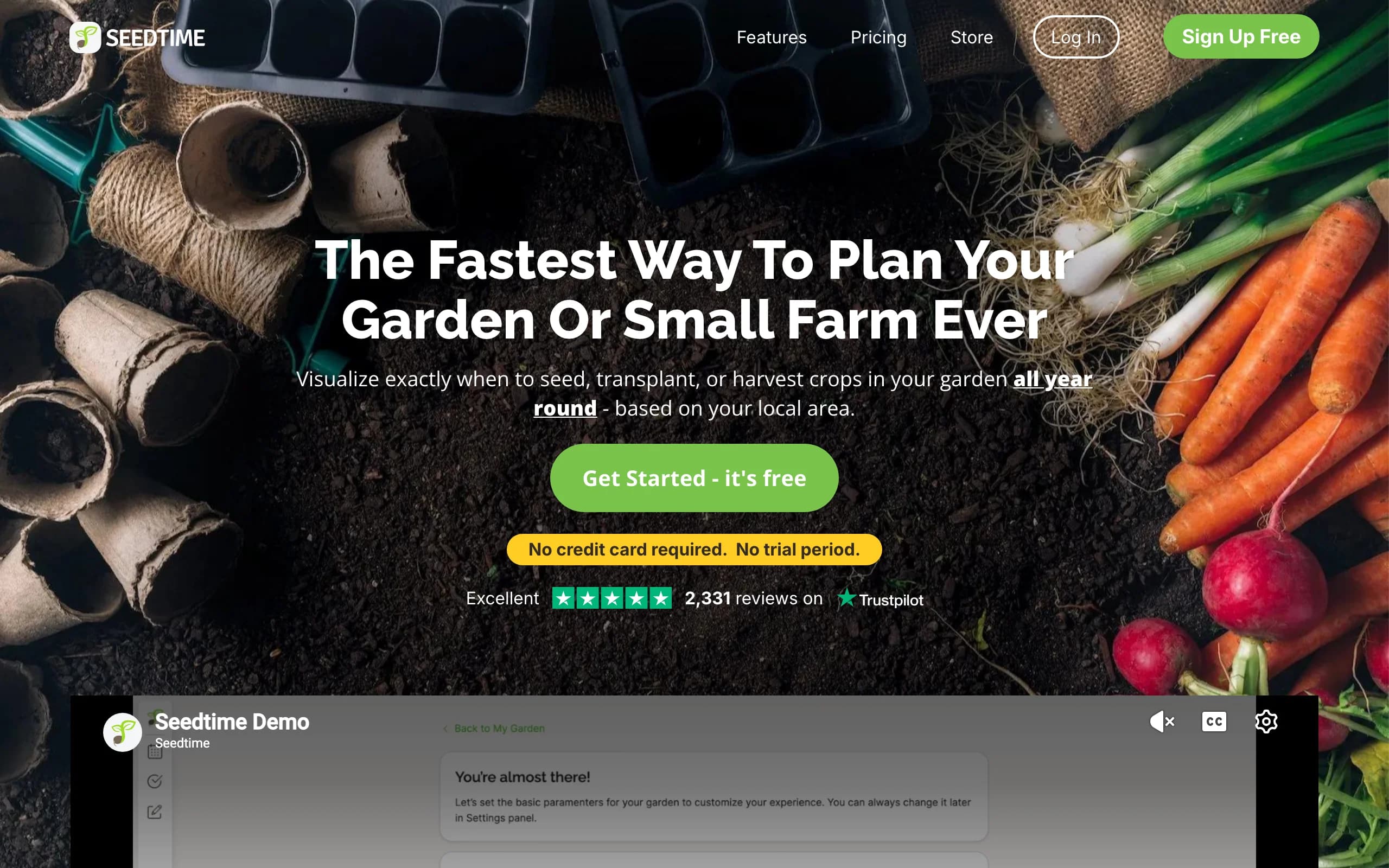
Seedtime starts from the calendar instead of the map. Enter your location and it works out your frost dates, then generates a color-coded timeline for every crop you add: start seeds indoors, transplant, direct sow, harvest. Drag a crop along the timeline and every dependent date shifts with it. If your real planning problem is "when", not "where", this is the strongest planting planner here.
The free plan is genuinely usable, with one calendar, unlimited planting schedules, and 10 AI planning credits a month. Paid plans add garden layouts on top of the calendar, though the layout tool is simpler than GrowVeg's. It runs as a web app in any browser; the team says mobile optimization is still in progress.
Key features
- Automated, color-coded planting calendar built from your frost dates
- Drag a crop on the timeline and all linked dates recalculate
- Task lists and a garden journal tied to the calendar
- Garden layout planning on paid tiers
- Classroom videos and a private community included on all plans
Best for
- Gardeners juggling many crops who keep missing sowing windows
- Seed starters who plan the year in winter and want reminders that follow through
Pricing
- Free plan: 1 calendar, unlimited planting schedules, 10 AI planning credits a month
- Basic: $10 per month, or $84 per year (works out to $7 a month)
- Unlimited: $20 per month, or $168 per year; both paid tiers have a 7-day trial and a 30-day money-back guarantee
Pros
- The calendar automation genuinely saves hours of spreadsheet work
- Free plan covers a full year of schedules for a small garden
Cons
- Layout tools are secondary; it plans time better than space
- Web only for now, and the phone experience is rough around the edges
4. Planter, best vegetable garden planner app for beginners
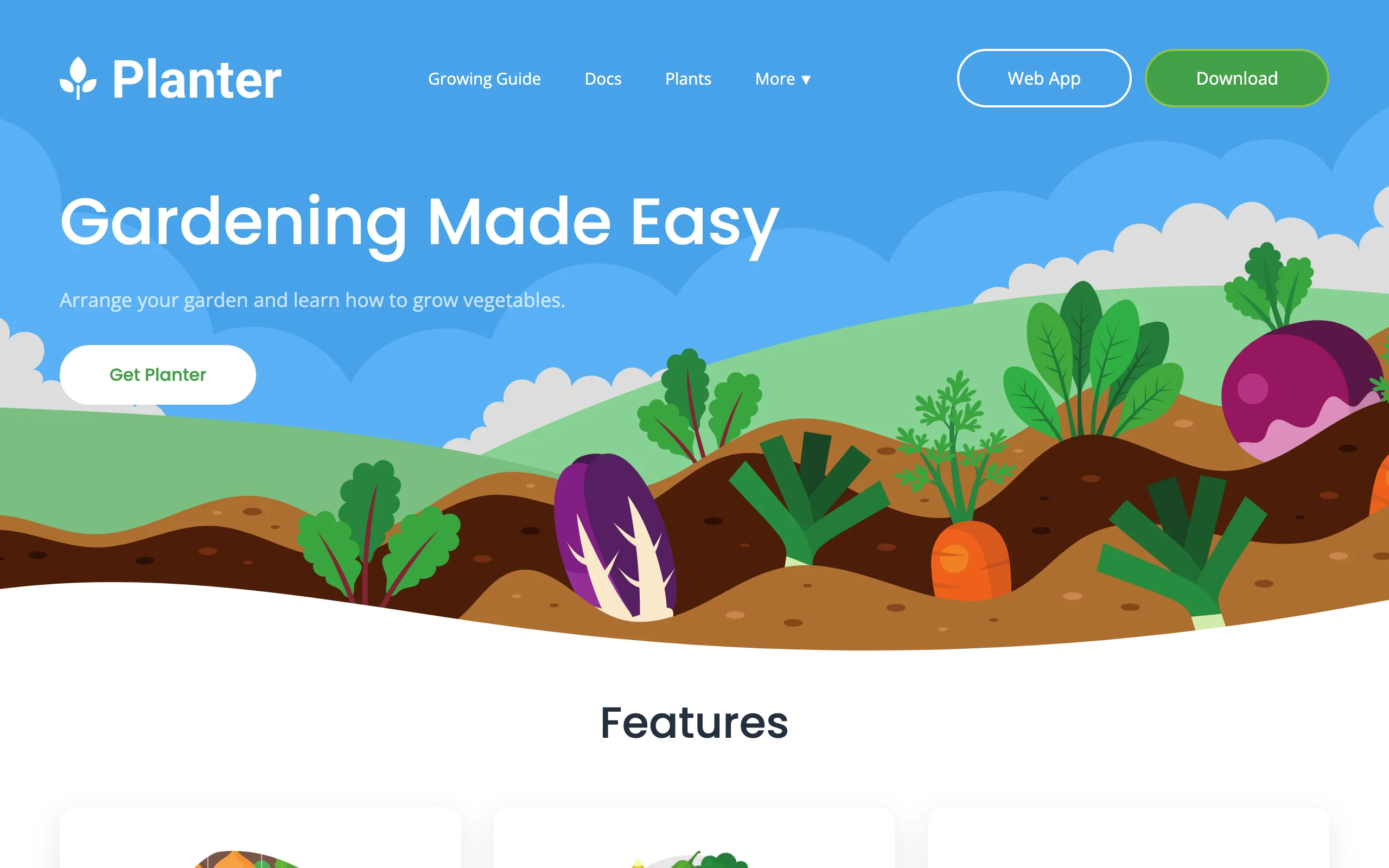
Planter is the app to hand someone planting their first vegetable bed. You set a bed size, get a square-foot grid, and drag crops into squares; the app shows how many of each plant fit per square and flags companion and combative pairs as you place them. A planting calendar keyed to your hardiness zone covers when to start seeds and transplant.
It's mobile-first, on iOS, Android, and Amazon Fire, with a web app included in Premium. The database covers more than 100 fruits and vegetables with thousands of varieties, and SeedBox tracks the seed packets you actually own. The free version handles one garden, enough to decide whether you like it.
Key features
- Square-foot gardening grid with per-square plant counts
- Companion and combative planting flags as you place crops
- Planting calendar based on your hardiness zone
- SeedBox tracking for the seed packets you own
- Custom plants for varieties outside the database
Best for
- First-time vegetable gardeners who want guardrails, not a manual
- Phone-first planners who sketch beds standing in the yard
Pricing
- Free for 1 garden, with the growing calendar and seed tracking included
- Premium: $4.99 per month or $24.99 per year, adding unlimited gardens and web access
- Lifetime: $99.99 one time
Pros
- The gentlest learning curve in this list
- Companion planting warnings prevent mistakes beginners don't know to avoid
Cons
- Ornamental planning is not really its job; it's vegetables or nothing
- One garden on the free tier fills up fast once you add a second bed
5. VegPlotter, best budget web plotter
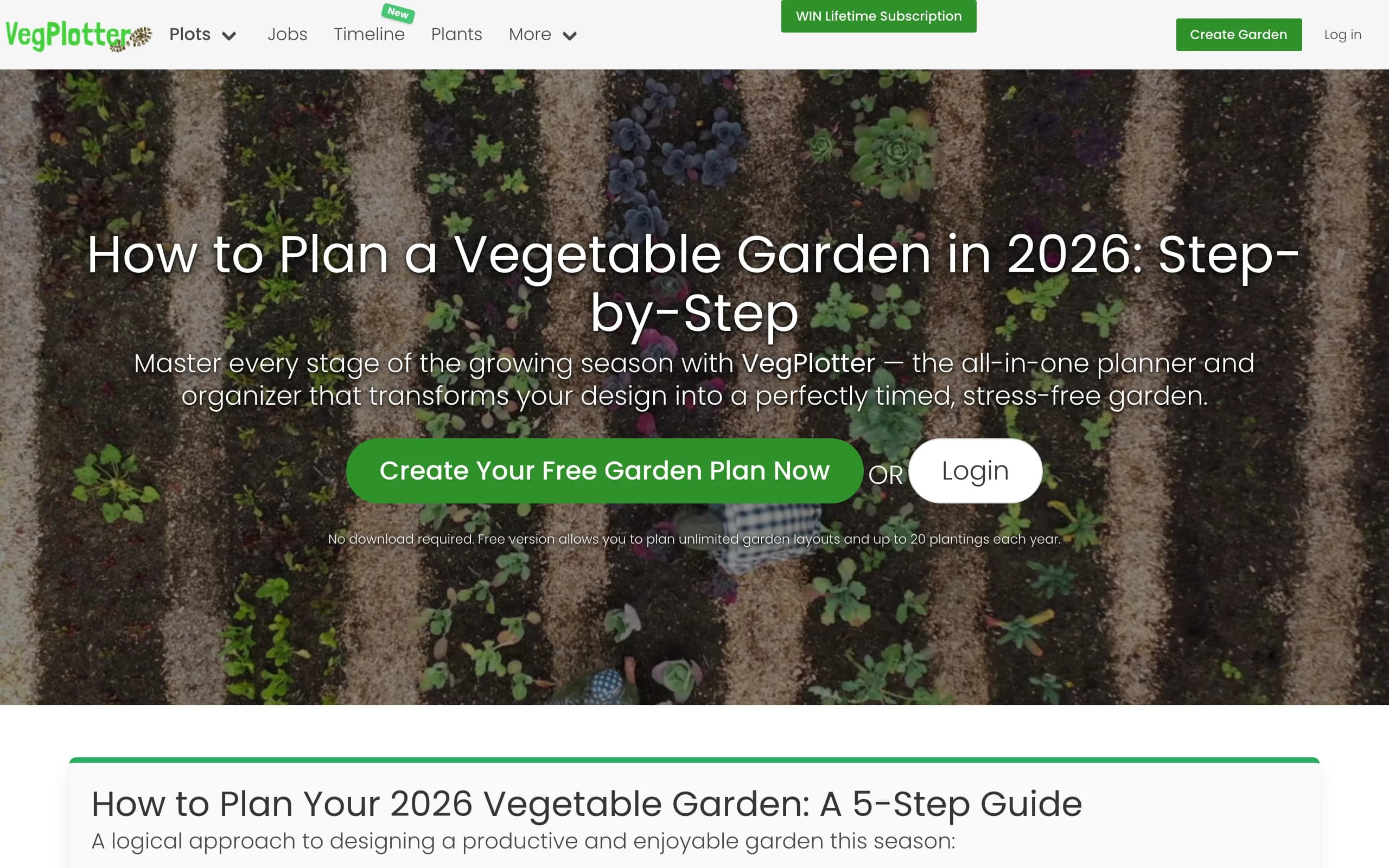
VegPlotter is a browser-based garden layout planner that undercuts nearly everything else here. The free plan includes unlimited garden plans of any size, up to 40 plantings a year, planting schedules tailored to your local climate, crop rotation warnings, and companion planting suggestions. That's a real planning workflow, not a demo.
Paid tiers stay cheap. Essentials removes the planting cap and adds job tracking plus unlimited notes and photos; Advanced adds custom plants with your own spacing and dates, plus plan sharing with one other editor. Yearly billing runs about half the monthly rate; through the iOS app, Essentials is $24.99 a year and Advanced $39.99, while web checkout shows your local currency and comes in lower.
Key features
- Free drag-and-drop plotting for row and square-foot gardens
- Planting schedules matched to your local climate
- Crop rotation warnings and companion planting suggestions
- Month-by-month planner view of what happens when
- Works on phone, tablet, and desktop, with iOS and Android apps
Best for
- Budget-minded vegetable gardeners who outgrew paper grid plans
- Couples or plot-sharers who need two people editing one plan
Pricing
- Free plan: unlimited plans, up to 40 plantings a year
- Essentials: about $3 a month, roughly half that rate billed yearly on the web; $24.99 per year via the iOS app
- Advanced: about $5 a month on the web; $39.99 per year via the iOS app
Pros
- The most generous free plan of any dedicated plotter in this list
- Climate-tailored schedules without entering frost dates by hand
Cons
- The interface is plainer and slower to learn than Planter's
- Web and app-store prices differ, which makes the real cost harder to pin down
6. GARDENA myGarden, best simple 2D bed planner
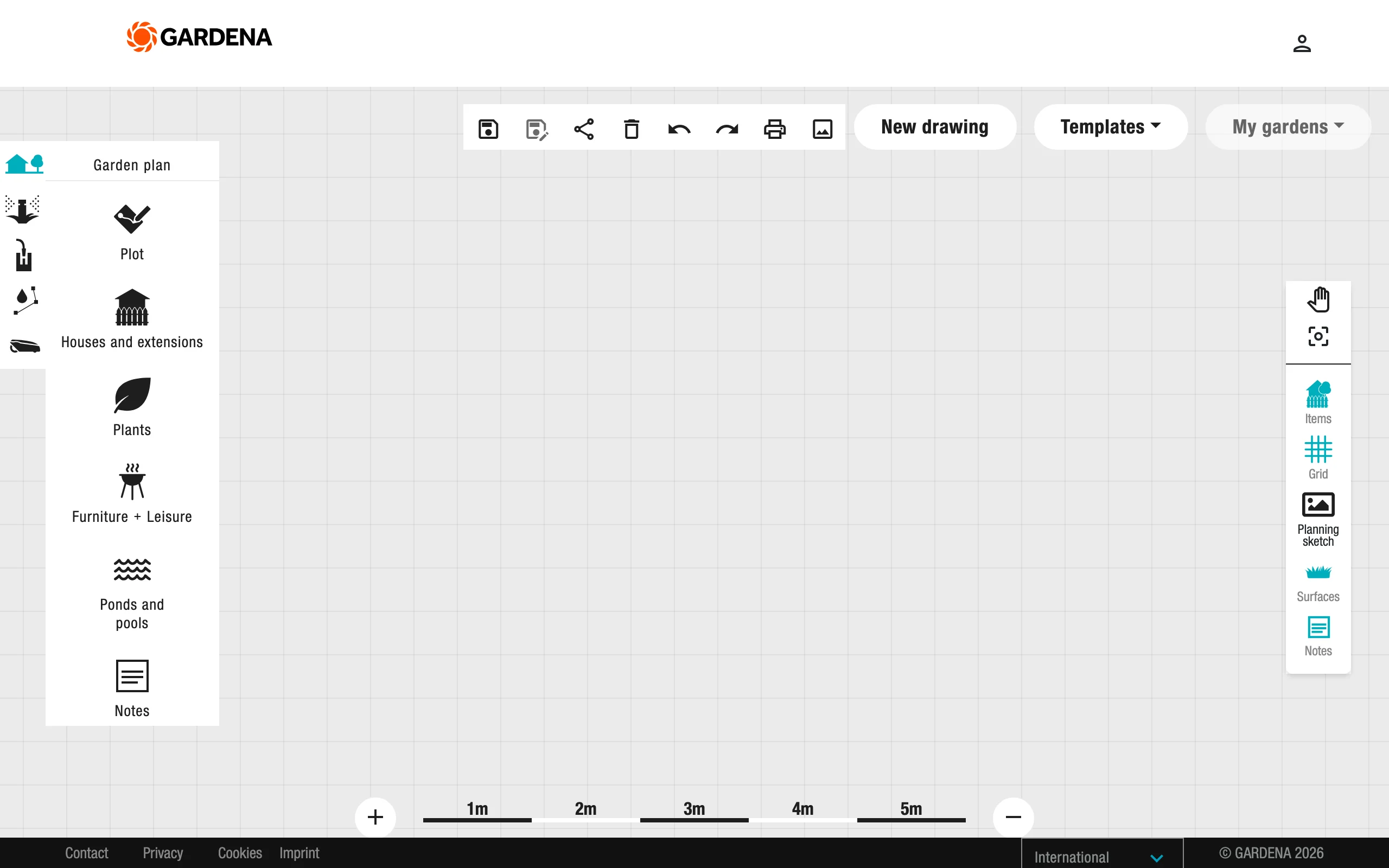
GARDENA myGarden is a free, browser-based drawing tool from the German garden-tools maker. You sketch your plot to scale, lay in beds, borders, lawn, and paths with drag-and-drop shapes, then add plants and furniture from its object library. The hand-drawn style is pleasant, and a set of example gardens saves you from a blank page.
GARDENA funds it as a shop window for its watering catalog, which is where its standout feature comes from: a sprinkler planner that places sprinklers and pipe runs on your plan and produces a parts list. If you're adding drip irrigation or sprinklers in the same season, doing both on one plan is quietly useful. Plans export to PDF and PNG, and there's no paid tier at all.
Key features
- To-scale 2D drawing of beds, borders, paths, and lawn in the browser
- Object library with plants, trees, paving, and furniture
- Example gardens to use as starting templates
- Integrated sprinkler planner with an automatic parts list
- PDF and PNG export, no install and no account tricks
Best for
- Homeowners who want a quick, to-scale sketch of new beds without paying
- Anyone planning garden watering at the same time as the layout
Pricing
- Free, with no paid tier
Pros
- The fastest route in this list from nothing to a printable scale plan
- The sprinkler parts list turns a sketch into a shopping trip
Cons
- Plant objects are generic symbols with no climate, spacing, or timing data
- Top-down 2D only; you never see what the planted garden will look like
7. Garden Planner, best one-time-purchase desktop garden planner
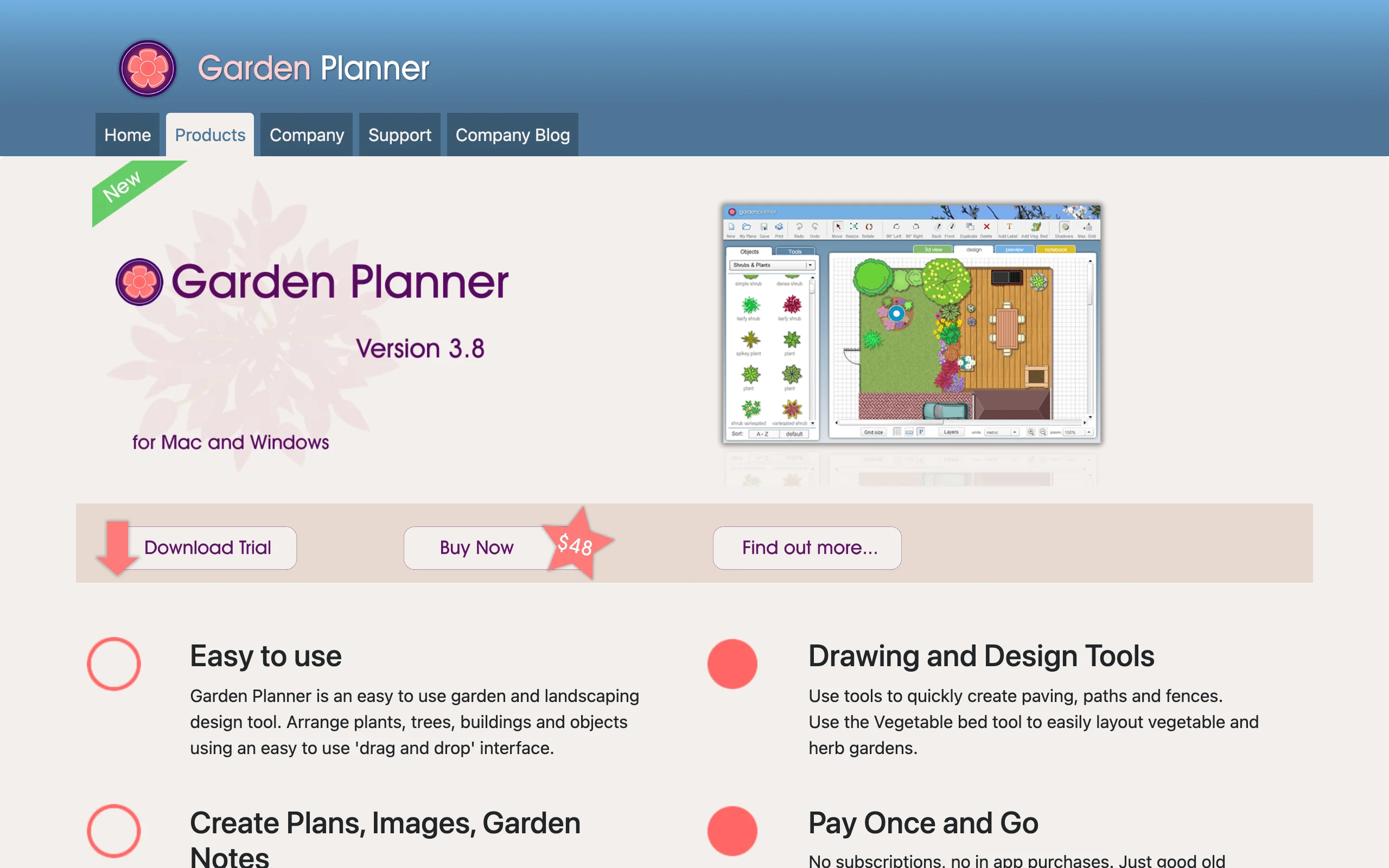
Garden Planner, from Artifact Interactive, is the answer for people who are done with subscriptions. It's desktop software for Windows and Mac with a one-time $48 license, a free trial, and no in-app purchases; the license transfers when you buy a new computer. You arrange plants, paths, fences, and objects by drag-and-drop from a library of more than 1,700 customizable symbols.
Two features matter most for planning. A vegetable bed tool lays out square-foot grids inside any bed, and a 3D walkthrough mode lets you check heights and sight lines on a finished 2D plan. Plans print cleanly with a plant list and your notes, which is exactly what you want taped inside the shed door in May.
Key features
- One-time-purchase desktop software, transferable between computers
- More than 1,700 customizable plant and object symbols
- Vegetable bed tool with square-foot grid layout
- 2D plans with a 3D walkthrough view
- Printable plans and plant lists with custom notes
Best for
- Planners who want to pay once and keep the tool for years
- Detailed to-scale plans covering several beds across a whole property
Pricing
- $48 one-time purchase, with a free trial
- No subscription and no in-app purchases
Pros
- Total cost over five years beats every subscription in this list
- Works offline, which matters more in rural gardens than city ones
Cons
- Desktop only, so no planning from a phone in the yard
- Symbol artwork gives no sense of the real planted look, and there's no climate data
Garden planner software: is desktop still worth it?
Most garden planner software has moved into the browser, and for good reason: nothing to install, plans synced everywhere. Desktop still wins in three situations. You want to own the tool outright, and Garden Planner's $48 license will still open your plans in five years with no account attached. You plan somewhere with bad internet, where a browser tool is a spinner. Or you print detailed plans for a large property, where a full-size screen and clean print output earn their place. If subscription fatigue is what brought you here, the one-time desktop license is the honest fix; just accept symbol graphics instead of anything photographic.
Vegetable garden planner apps: what separates the good ones
Four things decide whether a vegetable garden planner app actually helps: per-crop spacing data, frost-date awareness, rotation and succession handling, and companion planting. GrowVeg is the strongest on data, Seedtime on timing, Planter on approachability, and VegPlotter on price. Whichever you pick, check that it knows your first and last frost dates before trusting any schedule it prints. And leave a little unplanned space: a strip of native plants run as a small pollinator patch improves fruit set on squash and beans, and no app will suggest it for you.
How to choose the best garden planner app for your needs
1) Do you need to see the plan, or plot it to scale?
This is the split that matters most. If your problem is picturing the result, a photo beats a diagram: OutdoorBrite renders the replanting on your own garden before you buy a single plant. If your problem is execution, a diagram beats a picture: GrowVeg for spacing and dates, GARDENA myGarden for a quick scale sketch, Garden Planner for a desktop drawing you own. Plenty of gardeners use one of each: a render to decide, a diagram to plant from.
2) How much of the calendar should the app handle?
Seedtime automates the whole year from your frost dates and recalculates when you drag a crop. GrowVeg emails you when each sowing window opens. Planter shows zone-based windows but leaves tracking to you; GARDENA and Garden Planner ignore timing entirely. A calendar you check beats a smarter one you don't.
3) What does your budget look like?
You can get surprisingly far without paying: GARDENA myGarden covers scale layouts completely, and VegPlotter's and Seedtime's free plans handle a small plot. Under $50 a year buys GrowVeg ($35), Planter Premium ($24.99), or either VegPlotter tier, and $48 once buys Garden Planner outright. OutdoorBrite starts at $29 per month for 25 redesigns; since a replanting is a project rather than a hobby subscription, run it for the month or two the project takes, then stop.
4) Where will you actually do the planning?
If you plan on the couch with a laptop, the browser tools all fit: OutdoorBrite, GrowVeg, Seedtime, VegPlotter, GARDENA. If you think best standing in the garden, Planter's phone-first workflow wins, with VegPlotter's apps close behind. If you want software you own on a desktop, Garden Planner is the only real option here. Whichever you choose, rough out the whole space first; our guide on how to plan a garden layout covers that groundwork.
FAQ
What is a garden planner app?
An app that helps you decide what to plant where, and when, before anything goes in the ground. They come in two families: visual planners that show you the result, as a rendered photo or a scale drawing, and data planners that chart spacing, sowing dates, and rotation. Which you need depends on whether your bottleneck is imagination or organization.
What's the difference between a garden planner app and a garden design app?
Scope. A garden planner works out planting: layouts, bed contents, spacing, and timing. A design app reshapes how the whole space looks, with paths and patios alongside the planting. If your project is the look of the space rather than the planting plan, our comparison of the best AI garden design tools covers that side, and our garden design software guide compares the wider field beyond AI.
Is there a free garden planner app?
Yes, several. GARDENA myGarden is completely free for scale layouts, VegPlotter's free plan covers up to 40 plantings a year, and Seedtime and Planter both have usable free tiers. We ranked the no-cost options in our free online garden planner guide.
Which garden planner app is best for vegetables?
GrowVeg for the deepest spacing and frost-date data. Seedtime if timing is your weak spot. Planter if you're starting out. VegPlotter for most of that workflow at the lowest price.
Can AI plan a garden from a photo?
Yes. You upload a photo of the space, pick a style, and describe what you want; a tool like OutdoorBrite returns realistic replanting concepts in under a minute, with plant suggestions matched to your hardiness zone. You still confirm final plant counts and spacing before ordering anything.
What is the best garden planner software for a desktop computer?
Garden Planner by Artifact Interactive is the strongest dedicated desktop option: $48 one time for Windows or Mac, 1,700+ plant symbols, a vegetable bed tool, and a 3D walkthrough. GrowVeg also offers desktop apps if you'd rather have its planting data in a subscription.
Do planting calendars actually match my climate?
Only if the app anchors to real local data. GrowVeg pulls frost dates from a weather station near you, Seedtime derives them from your location, and VegPlotter tailors schedules from international weather data. Sanity-check the frost dates against your own experience first; one bad anchor date shifts every sowing window.
Can I plan a garden on my phone?
Planter is built for it, and VegPlotter's apps work well on a phone too. Seedtime's web app is usable but not yet optimized for small screens. OutdoorBrite works from a phone browser, which fits, since the photo you plan from is probably on the phone already. For the rest of what a phone can do in the garden, care and identification included, see our guide to gardening apps.