7 best free fence design apps and tools (2026)
Planning a new fence? We compared the best free fence design apps and visualizers for 2026, from materials-list planners to AR previews, and named the one paid AI pick that shows a finished fence on a photo of your actual yard.
A fence is usually the single biggest hardscaping decision in a yard: it runs the whole property line, and once the posts are set in concrete you live with it for a decade or more. A fence design app lets you test the style, height, and color before you order a single panel. This guide compares the best free fence design apps and visualizers you can use today, from planners that produce a materials list to AR tools that stand a virtual fence up in your actual yard. If you have not settled on a style to test yet, start with these 37 horizontal fence ideas.
One honest note first. The tool we rank first, OutdoorBrite, is not free. It is paid only, with no free plan, no trial, and no free credits. We still put it at the top because it renders a photorealistic new fence onto a photo of your own yard in under a minute, which none of the free tools can match. Everything below it is genuinely free or has a real free tier, so a zero-budget reader can start at number two and still find six workable options.
Best free fence design apps: a quick overview
- OutdoorBrite, best overall for seeing a new fence on your own yard (paid, no free plan): upload a photo, describe the fence, and get realistic concepts in under a minute.
- Simpson Strong-Tie Fence Planner, best free fence planner with a materials list: design a fence in 2D or 3D and get a bill of materials.
- Betafence Fence Simulator, best free brand fence visualizer: draw real Betafence products onto a photo of your own house or garden.
- iScape, best free mobile fence sketching with AR: lay a fence line and plantings onto a yard photo by hand, with a free tier to start.
- SketchUp Free, best free precise fence modeling: model posts, rails, and pickets to exact dimensions in the browser.
- Planner5D, best free measured yard layout with fencing: draw your yard to scale, place fence runs and gates, and check the layout in 3D.
- DreamzAR, best free AR fence preview on iPhone: free style tools up front, with a paid AR mode that shows a design at real scale.
| Tool | Key strength | Pricing | Platforms |
|---|---|---|---|
| OutdoorBrite | Realistic AI fence concepts on your own yard photo | From $29/mo (no free plan) | Web (mobile-friendly) |
| Simpson Strong-Tie Fence Planner | Free 2D/3D fence design with a bill of materials | Free | Web (desktop browsers only) |
| Betafence Fence Simulator | Real fence products drawn onto your own photo | Free | Web (laptop), tablet apps |
| iScape | Hand-placed fence and planting design on a photo | Free tier; Pro $29.99/mo | iOS, Android |
| SketchUp Free | Fence modeling to exact dimensions | Free (personal); Go $19.99/mo | Web |
| Planner5D | Measured yard layout with fence objects | Free tier; Premium $4.99/mo billed yearly | Web, iOS, Android, Windows, Mac |
| DreamzAR | AR fence preview at real scale | Free tools; subscription $19.99/mo | iOS, Android, web (AR is iOS-only) |
1. OutdoorBrite, best overall for seeing a new fence on your own yard
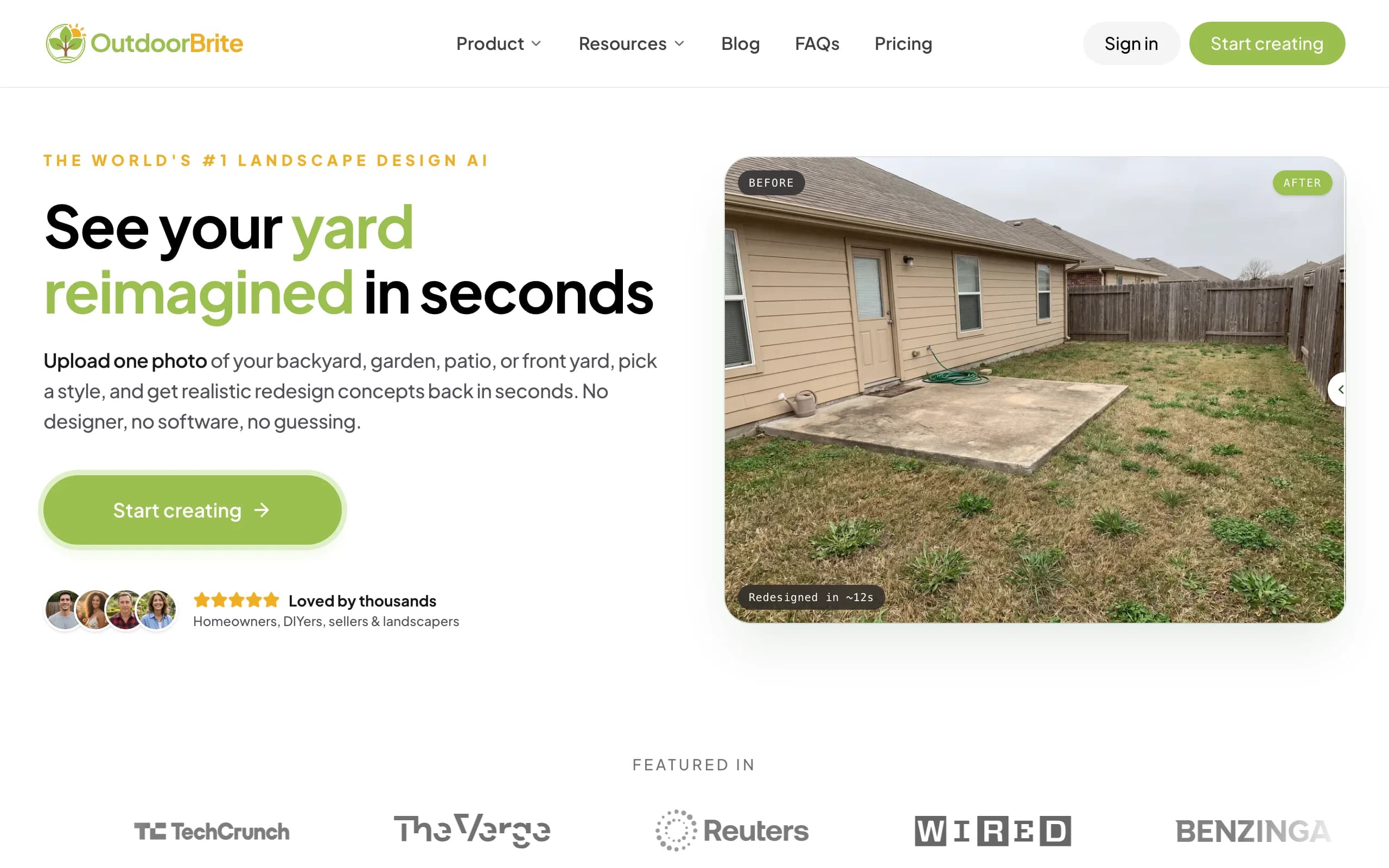
OutdoorBrite is an AI landscape design product built around one job: showing you what your own yard could look like before you spend anything, and that includes the fence. You upload a photo, pick a style, and describe what you want in plain words. "Replace the chain link with a horizontal cedar privacy fence" is a perfectly good brief. It generates realistic concepts in under a minute, with the new fence standing in your actual yard, against your actual house, in your actual light. Several concepts come back per upload, so you can compare a solid privacy fence against slatted panels or black aluminum on the same photo. The AI fence design page walks through the workflow in detail.
The honest part, since this is a roundup of free tools: OutdoorBrite has no free plan, no trial, and no free credits. You pay from the first design. We still rank it first because the free tools below draw diagrams, place catalog objects by hand, or render a 3D model; none produce a photorealistic fence on your own photo. An in-app AI editor refines a concept afterward, and if the fence is step one of a bigger project, the design your yard with AI page covers patios, decks, pergolas, and front yards too.
Key features
- Photo-to-design AI: upload your yard, get realistic fence concepts in under a minute
- Plain-language prompts for fence material, height, and style
- Multiple concepts per upload, with an in-app AI editor to refine
- Planting along the fence line matched to your climate and hardiness zone
- Web-based and mobile-friendly, nothing to install
Best for
- Homeowners choosing between fence styles who want to see each one on their real yard
- DIYers who want to settle the look before pricing materials
- Fence contractors who want a realistic render to show a client on-site
Pricing
- Paid only, no free plan and no trial. 1 credit = 1 design or 1 AI edit.
- Starter $29/mo ($23/mo billed yearly): 25 redesigns/mo, HD output.
- Plus $49/mo ($39/mo yearly): 100 redesigns/mo, 2K output. Most popular.
- Pro $149/mo ($119/mo yearly): 200 redesigns/mo, 4K output, commercial rights.
Pros
- The most realistic fence preview of anything here, on your actual photo
- Fast enough to compare wood, vinyl, and metal looks in one sitting
- The render doubles as a reference image for a contractor quote
Cons
- No free plan, so it doesn't fit a strictly zero-budget project
- A tricky fence line (steep slope, odd camera angle) may need a pass in the editor
2. Simpson Strong-Tie Fence Planner, best free fence planner with a materials list
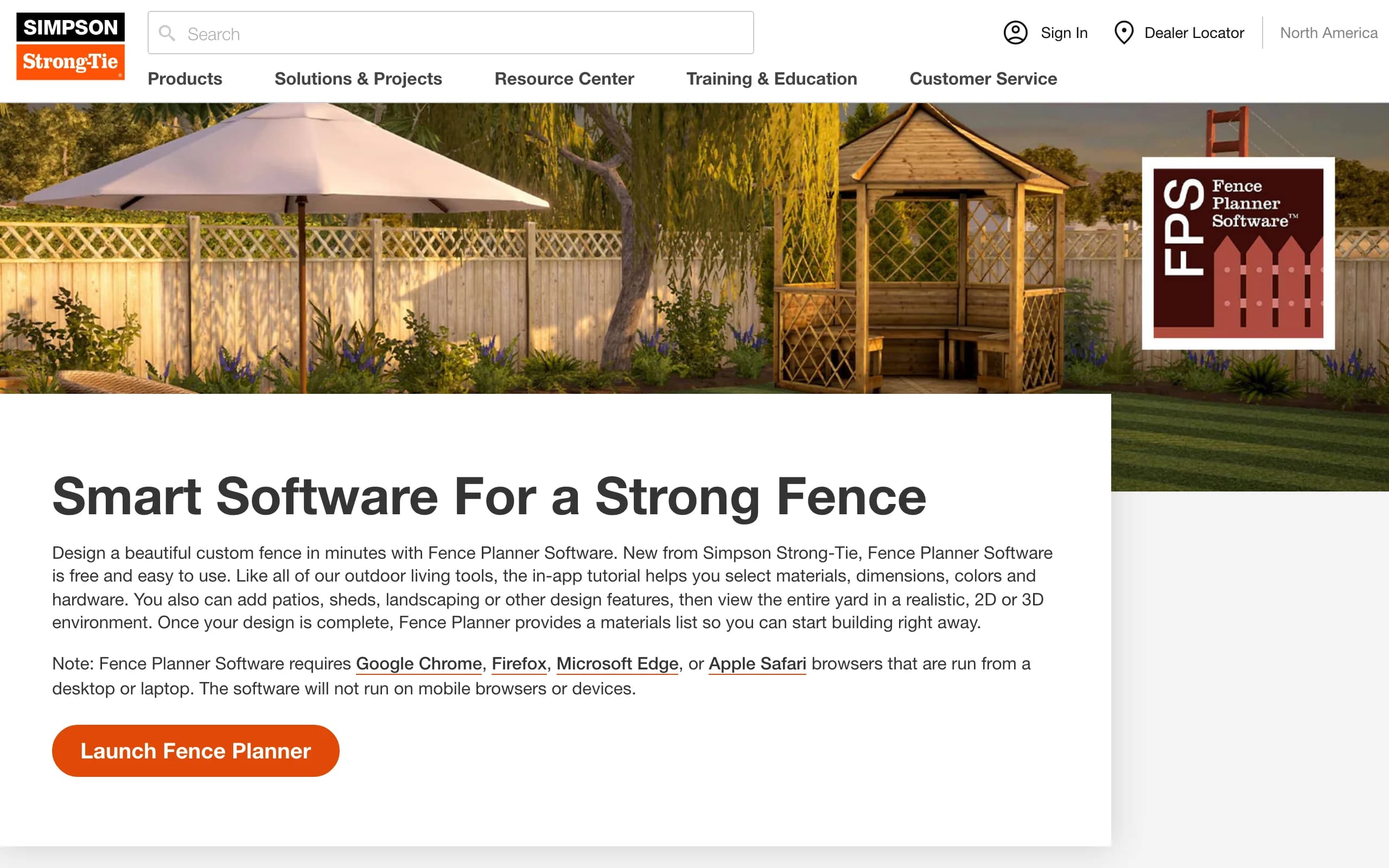
Simpson Strong-Tie makes the metal connectors and fasteners in most American decks and fences, and its Fence Planner is a genuinely free web tool for planning a build. You lay out your fence in a realistic, 2D, or 3D view, choose the wood species, connectors, and hardware, and set dimensions and colors as you go. Patios, sheds, and landscaping can be dropped in so the fence sits in context.
The killer feature is the output: a full report with a bill of materials, which turns a sketch into a shopping list and makes this the most build-ready free tool in the roundup. The limits are practical. It runs in desktop browsers only, and the catalog centers on Simpson Strong-Tie hardware. For a DIYer who plans to actually swing a hammer, start here.
Key features
- Free fence design in realistic, 2D, or 3D views
- Pick wood species, connectors, fasteners, and hardware
- Full output report with a bill of materials
- Add patios, sheds, and landscaping around the fence
Best for
- DIY builders who want a materials list, not just a picture
- Anyone pricing a wood fence before committing
Pricing
- Completely free, no paid tier.
- Web-based, desktop browsers only (Chrome, Firefox, Edge, Safari).
Pros
- The bill of materials saves real estimating work
- Backed by a major structural hardware manufacturer
Cons
- Desktop only, no phone or tablet support
- Renders a 3D model, not a photo of your own yard
3. Betafence Fence Simulator, best free brand fence visualizer
Betafence is one of the world's largest fence manufacturers, and its free simulator is the closest thing to a live brand visualizer we could verify for 2026. You upload a photo of your own house or garden (or pick from a sample library), then build the fence section by section: set each run's length, choose a fence system or gate from the Betafence catalog, and position it in the photo, adjusting the height scale to match the camera angle. Projects save free, and you can test different colors on the same photo.
Because every panel in the tool is a real product, what you see is what a supplier can order. The trade-offs follow from that: you're choosing from Betafence's range, mostly wire and metal systems rather than wood, and the app runs on laptops and tablets but not phones. If the fence is part of a curb appeal project, seeing the real product on your real house is worth the setup time.

Key features
- Draw a fence or gate onto a photo of your own property
- Section-by-section setup with lengths and height scaling
- Real Betafence products, so the design maps to orderable items
- Save unlimited projects and test colors and styles
Best for
- Homeowners considering metal or wire fencing systems
- Anyone who wants the preview tied to real, orderable products
Pricing
- Free, no paid tier.
- Web on laptop, plus Android and Apple tablet apps; not available on smartphones.
Pros
- Uses your own photo, which most free tools don't
- Product-accurate: the fence you preview is a fence you can buy
Cons
- Catalog is limited to Betafence's own systems, light on wood styles
- No smartphone version, and manual positioning takes patience
4. iScape, best free mobile fence sketching with AR
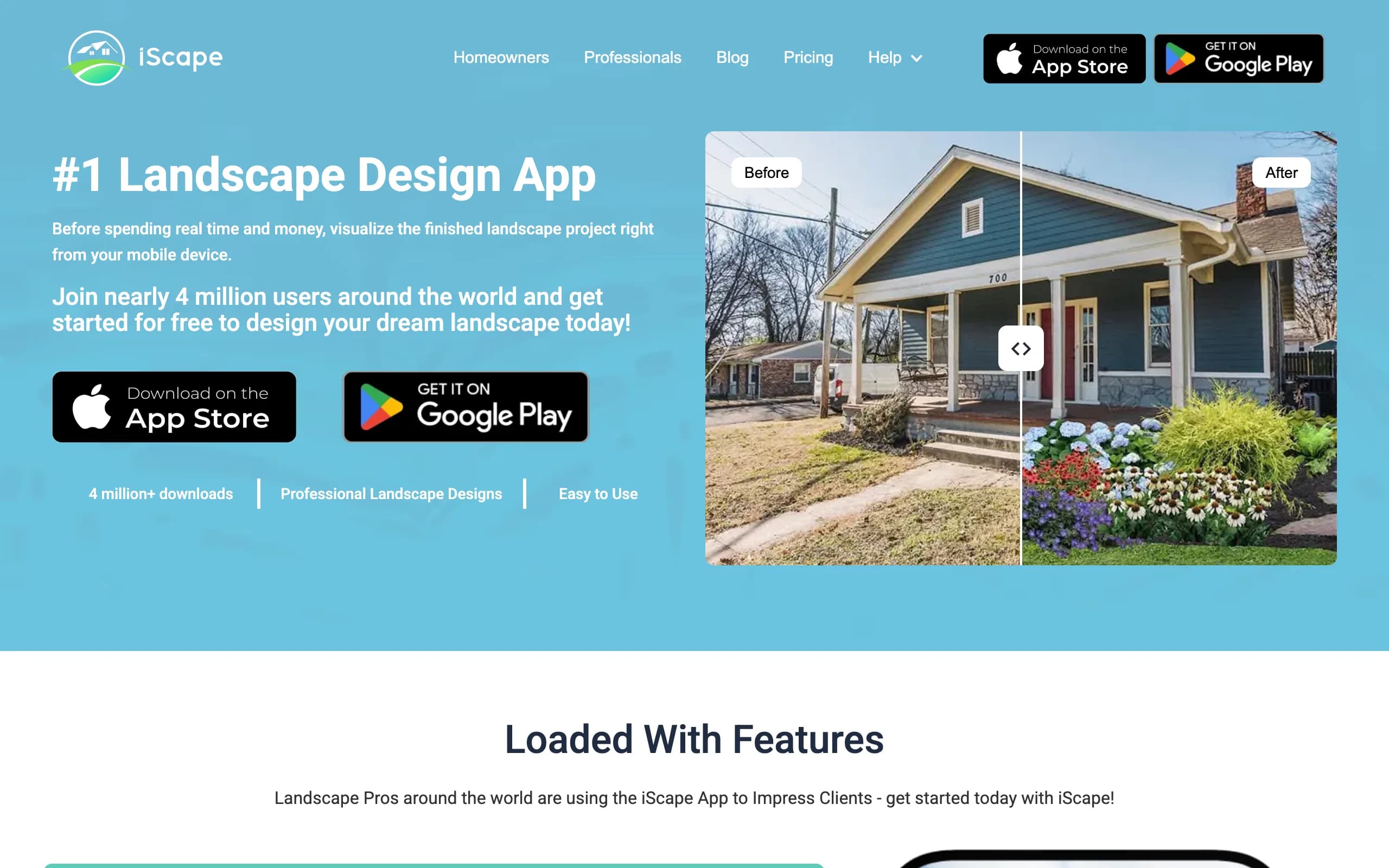
iScape is the phone-first app for people who want to sketch a fence project by hand rather than have AI generate it. You work on a photo of your yard, placing elements from its library one by one: a fence line along the boundary, plantings in front of it, mulch and hardscape around it. On supported iPhones, augmented reality lets you check elements at real scale through the camera.
The free plan gives you a reduced library and a couple of saved designs, enough to rough out one fence project. Pro unlocks the full catalog plus proposal tools aimed at pros. Weigh two things: the richest features are iOS-first, and hand-placing elements takes far longer than a one-tap AI render. As a free way to sketch a fence idea while standing in the yard, it's the strongest mobile option here.
Key features
- Hand-place fence lines, plants, and hardscape on a yard photo
- AR preview at real scale on supported devices
- Free plan with a limited library to test the workflow
Best for
- DIYers planning the fence and the planting in front of it together
- iPhone users who like designing while standing in the yard
Pricing
- Free plan: limited library, save up to 2 designs.
- Pro: $29.99/mo or $299.99/year.
Pros
- Real free tier on the phone you already carry
- Full manual control over the fence line and everything near it
- AR mode helps sanity-check fence height in place
Cons
- Manual placement is slow compared with AI generation
- Best features are iOS-first, and the free library is thin
5. SketchUp Free, best free precise fence modeling
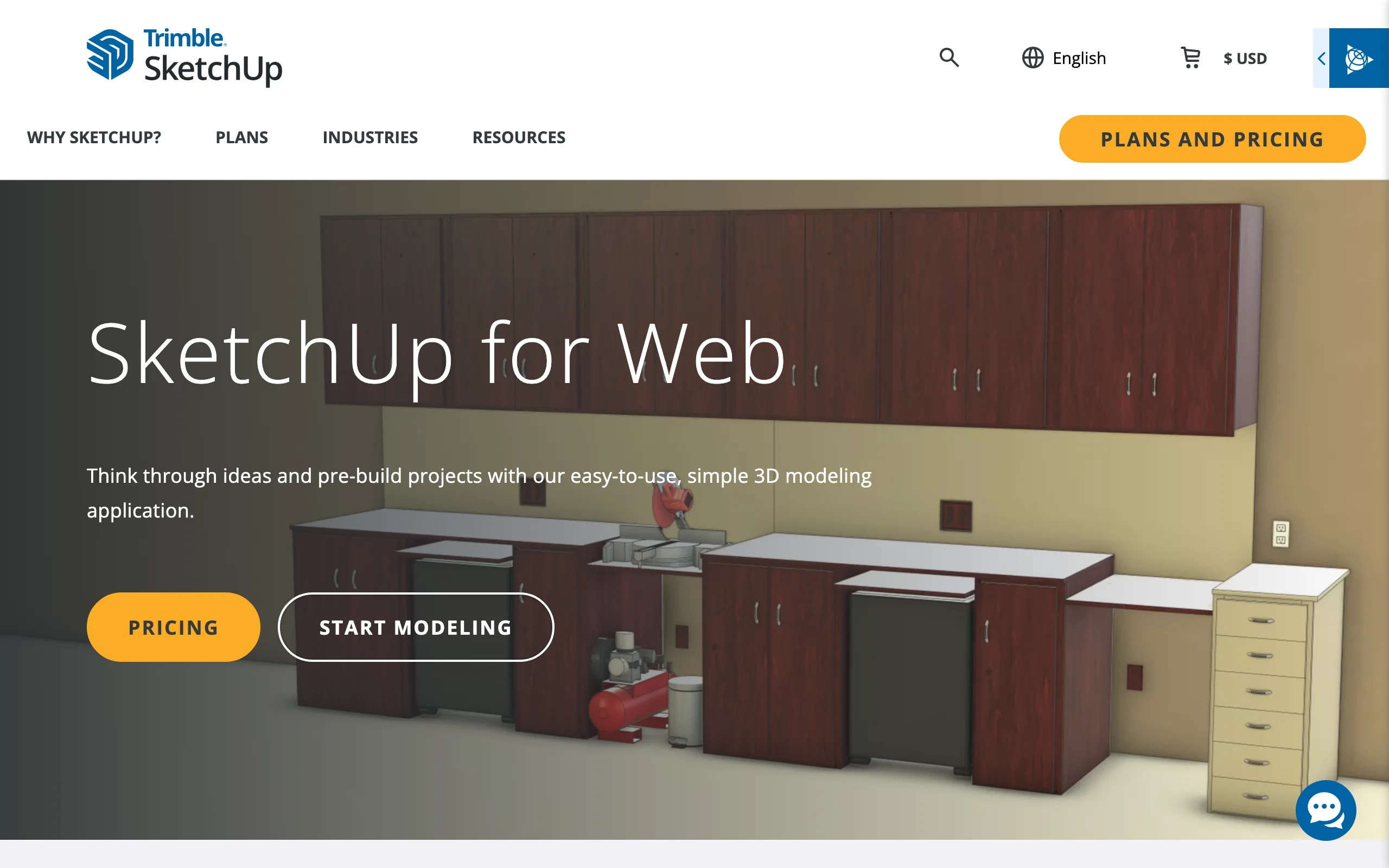
SketchUp Free is the browser version of the well-known 3D modeler, free for personal projects. For a fence, that means precision nothing else in this list matches: posts at exact spacing, rail heights to the inch, picket profiles, panels stepped down a slope properly. The 3D Warehouse offers thousands of ready-made fence and gate models, and the free plan includes 10GB of cloud storage.
The trade is the learning curve. SketchUp is a real modeling tool, not a yard styler, so expect an evening on the basics before your first fence looks like a fence. The free tier is web-only and for personal, non-commercial use, so contractors need the paid plans. If your fence has custom details or a tricky slope, this is the free tool that can handle it.
Key features
- Browser-based 3D modeling, free for personal use
- Exact post spacing, rail heights, and picket profiles
- 3D Warehouse library with ready-made fence and gate models
- 10GB of cloud storage on the free plan
Best for
- DIYers building a custom fence who need measurable drawings
- Fences on slopes, where panel stepping has to be worked out
Pricing
- SketchUp Free: $0 for personal, non-commercial use (web only).
- Go: $19.99/mo or $129/year. Pro: $99.99/mo or $399/year.
Pros
- True dimensional accuracy, down to post spacing
- Huge free model library so you rarely start from zero
Cons
- Steepest learning curve in this list
- Models a fence in 3D; it never shows your own yard photo
6. Planner5D, best free measured yard layout with fencing
Planner5D is the free pick when the question is where the fence goes, not just what it looks like. You draw your yard to scale in 2D, run fence segments along the boundaries, place the gate where the path actually meets it, then flip to 3D to walk the layout. The free plan includes unlimited projects and roughly half the object catalog. Because everything is measured, you catch problems early, like a gate that opens into a raised bed.
The limits are the usual free-tier ones: the full catalog and nicer rendering sit behind Premium, the output is a 3D model rather than your own photo, and the fence objects are generic compared with a brand tool like Betafence. As a free way to get fence lengths and gate positions right before pricing anything, it's hard to beat. For the whole-yard picture beyond the fence line, our roundup of the best free landscape design software covers the broader category.

Key features
- Draw the yard to scale and run fence segments along boundaries
- 2D plan view plus 3D walkthrough of the layout
- Free plan with unlimited projects and about half the catalog
- Works across web, iOS, Android, Windows, and Mac
Best for
- Working out fence lengths and gate positions before getting quotes
- DIYers who want measurements they can trust
Pricing
- Free plan: unlimited projects, about 50% of the catalog.
- Premium: $4.99/mo billed annually ($59.99/year).
- Professional: $49.99/mo ($399.99/year), adds AI generation and 4K renders.
Pros
- Genuinely useful free tier for measured layout
- Cross-platform, so the plan follows you between devices
Cons
- Generic fence objects, not real products or custom profiles
- 3D-model output, not a preview on your own photo
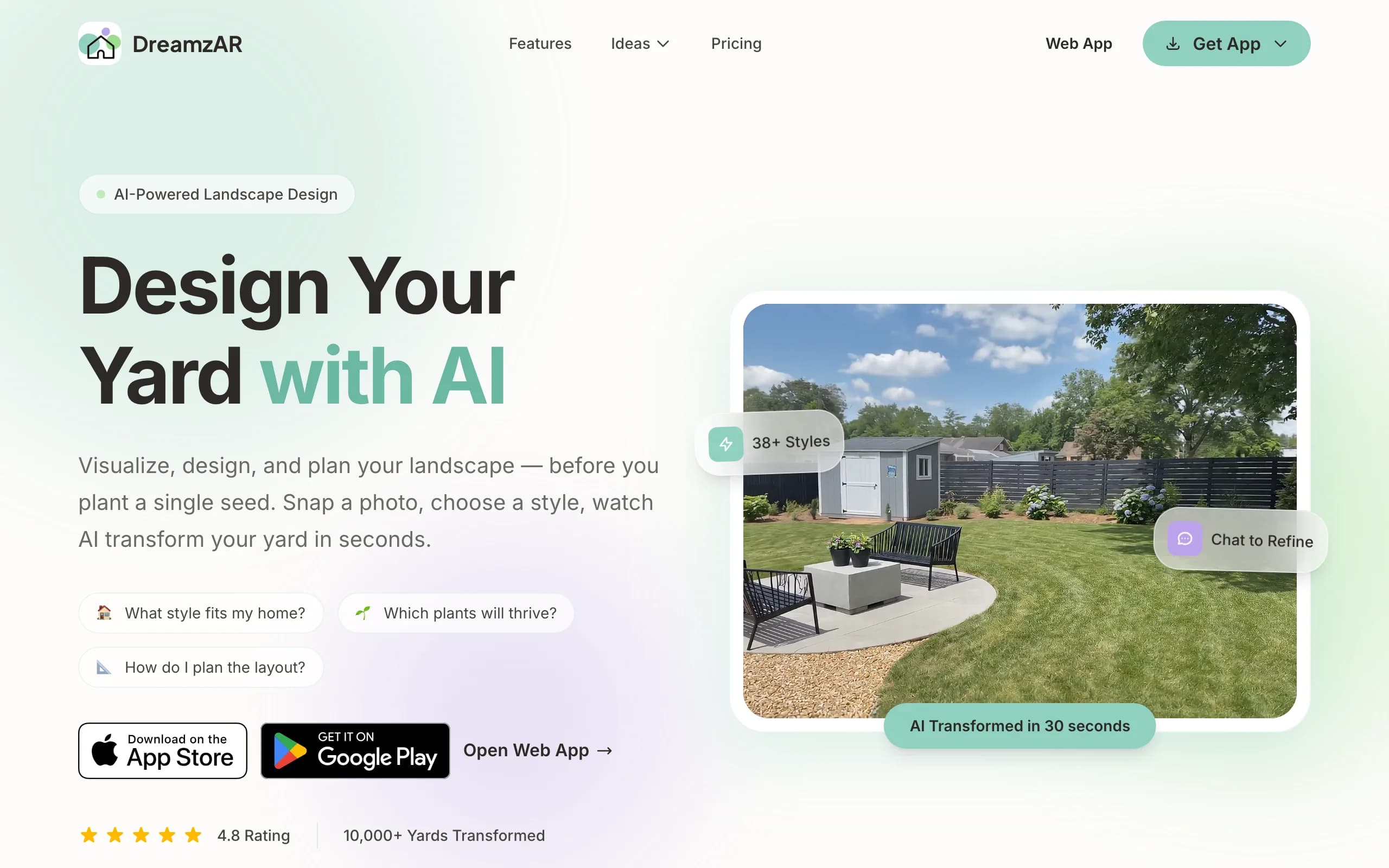
7. DreamzAR, best free AR fence preview on iPhone
DreamzAR leans hardest into augmented reality. The paid app lets you place 3D objects, including fencing and hardscape, into your space and walk the design in AR at real scale through your phone's camera. For a fence that matters: a 6-foot privacy fence feels very different in person than in a flat render, and a virtual fence line running across your actual yard answers the "too tall or just right?" question directly.
The free side is lighter: design games and a yard style quiz at no cost, which help you settle on a direction. The honest catch is that the full AR walk-through needs a subscription, and the 3D AR mode is iOS-only. Treat the free tools as a style starting point and the AR mode as the paid reason to stay.
Key features
- Free design games and a style quiz to explore looks
- Paid AR walk-through of a design at real scale
- 3D placement of fencing, hardscape, and plants
- Large style and plant library
Best for
- iPhone users who want to feel fence height in place before building
- People still deciding on an overall yard style
Pricing
- Free design tools and style quiz, no subscription needed.
- Subscription $19.99/mo, or $16.60/mo billed annually at $199/year.
- iOS, Android, and web; the 3D AR mode is iOS-only.
Pros
- AR gives the most honest read on fence height and presence
- Free tools are a real, no-cost way to narrow down a style
Cons
- The AR fence preview itself requires the paid subscription
- AR mode is iOS-only and depends on your phone's hardware
How to choose the best free fence design app for your project
1) Decide what question the fence tool has to answer
Different fence tools answer different questions. "What will it look like?" is a visualizer question: OutdoorBrite answers it photorealistically on your own photo, Betafence with real products, DreamzAR in AR. "What do I need to buy?" is a planner question: Simpson Strong-Tie ends in a bill of materials, SketchUp Free in drawings a builder can measure from. "Where does it go?" is Planner5D's layout territory. Pick the tool that answers the question you're stuck on. Many people end up using two: one to choose the look, one to plan the build.
2) Free vs paid: what the free fence tools hold back
The free tools here are real, but each holds something back. Simpson Strong-Tie and Betafence are fully free but tied to their own catalogs and bigger screens. iScape caps the library and saved designs, Planner5D caps the catalog, and DreamzAR keeps its best mode behind a subscription. The bigger gap is realism: every free option renders a model or pastes catalog objects, so the result reads as a diagram, not your yard. That's what OutdoorBrite's paid plan buys you. If you just need lengths and a shopping list, free covers you; if the decision hinges on how the fence will look against your house, that's usually where paying makes sense.
3) Match the tool to your device and your patience
Platform quietly decides more than features do. Standing in the yard with only a phone? iScape and DreamzAR are the realistic choices. Working at a desk? Simpson Strong-Tie and SketchUp Free want a desktop browser, and Betafence wants a laptop or tablet. Then weigh patience: manual tools reward an hour of careful placement, SketchUp asks for a real learning investment, and OutdoorBrite trades money for time with finished-looking fence concepts in under a minute. A mismatch between tool and temperament is the most common reason a fence plan dies in a half-finished project file.
FAQ
What is the best free fence design app? It depends on the job. Simpson Strong-Tie's Fence Planner is the best fully free tool because it ends in a bill of materials, Betafence's simulator is the best free way to see real products on your own photo, and Planner5D is best for measured layout. The best tool overall is OutdoorBrite, which renders a photorealistic fence on a photo of your yard, but it's paid only.
Can I design a fence online for free? Yes. Simpson Strong-Tie's Fence Planner and Betafence's simulator are free web tools with no paid tier, SketchUp Free covers personal fence modeling, and Planner5D's free plan handles measured layout. The free routes take more manual work, but for a straightforward fence they're enough.
Is there an app that shows a new fence on a photo of my yard? Three tools here work from your own photo. OutdoorBrite generates a photorealistic redesign with the fence in place automatically, Betafence lets you draw its products onto your photo section by section, and iScape lets you place fence and planting elements by hand.
Is OutdoorBrite free? No. OutdoorBrite is paid only, with no free plan, no trial, and no free credits. Plans start at $29/mo for 25 redesigns. We rank it first because it produces the most realistic fence preview in this list, but if your budget is strictly zero, the six tools below it are free or have a real free tier.
What's the difference between a fence visualizer and a fence planner? A visualizer answers "how will it look?" by putting a fence style onto an image of your space, the way OutdoorBrite, Betafence, and DreamzAR do. A planner answers "how do I build it?" with measurements and materials, the way Simpson Strong-Tie's tool and SketchUp Free do. For a real project you often want one of each.
Do free fence design tools estimate materials? Simpson Strong-Tie's Fence Planner does it best: its output report includes a bill of materials for the fence you designed. SketchUp Free gives you exact dimensions to take off yourself. The visual tools focus on looks, so pair them with a planner if you're pricing a build.
Does a new fence change how the whole yard reads? More than almost any single element. A fence frames every sightline, sets the backdrop for planting, and can act as the yard's focal point or disappear behind one. That's why previewing it in context beats picking from a catalog photo. And if your plan includes an entry structure over the gate, our arbor vs pergola guide explains which one you actually want.
For the broader picture beyond fencing, start with our guide to free patio design apps, which puts several of the same tools through a different project, then browse the rest of our comparison guides on the blog, or preview your own fence project at OutdoorBrite.