7 best AI tools for xeriscape design in 2026
Planning a low-water yard is hard to picture before you dig it up. We compared 7 AI xeriscape design tools on realism, drought-tolerant planting, price, and platform so you can pick the right one and start designing your space today.
Picturing a xeriscape is hard before it exists. You can stand on a thirsty lawn and know you want gravel, succulents, and a few drought-tolerant shrubs instead, but you can't see how it reads once the turf is gone and the rock goes down. So the project stalls. You collect Pinterest photos of other people's desert yards, get quotes that assume a plan you haven't made, and put off the work because you're not sure what you're even asking for.
AI xeriscape design tools close that gap. Most let you upload a photo of your yard and get back realistic low-water concepts in seconds, so you react to a real picture instead of imagining one. The catch is that "AI xeriscape design" now covers very different things: pure AI render tools, AR apps you steer by hand on your phone, and human design services that use software behind the scenes. This guide compares 7 of them, with verified 2026 pricing, so you can match a tool to how you work: DIY, done-for-you, or selling a job to a client. For a dry climate, the question that matters most is whether the plant picks could really survive your aridity and hardiness zone, so that runs through every pick below.
Best AI xeriscape design tools: a brief overview
- OutdoorBrite, best overall: upload your yard photo, pick a desert or xeriscape style, and get realistic low-water concepts in under a minute with an AI editor to refine them.
- Yardzen, best for a human-designed, climate-appropriate plan: real designers turn your photos into a 2D/3D plan with plant and material lists matched to your region.
- iScape, best for hands-on manual design with AR: place gravel, succulents, and hardscape by hand on your phone and preview them in AR.
- DreamzAR, best for an AR 3D walk-through on your phone: drop 3D plants and rock onto your space and walk through the design in augmented reality.
- ShrubHub, best for an affordable online design service: a designer builds a custom 3D low-water plan for a flat fee, well under a traditional studio.
- Planner5D, best for DIY 3D layout and measured planning: draw your yard to scale and lay out beds, gravel, and surfaces in 2D/3D.
- REimagine Home, best for quick free AI exterior restyling: fast AI restyles of an exterior photo, with a free tier to test it.
| Tool | Key strength | Pricing | Platforms |
|---|---|---|---|
| OutdoorBrite | Realistic low-water concepts from your own photo, fast | From $29/mo (no free plan) | Web (mobile-first) |
| Yardzen | Human-designed, climate-appropriate plan | From $995 per project | Web |
| iScape | Hands-on manual design with AR | Free tier; Pro $29.99/mo | iOS (Android limited) |
| DreamzAR | AR 3D walk-through on your phone | $19.99/mo ($16.60/mo yearly) | iOS, web |
| ShrubHub | Affordable online design service | From $197 per yard (sale) | Web |
| Planner5D | DIY 3D layout, measured to scale | Free tier; Premium $4.99/mo yearly | Web, iOS, Android |
| REimagine Home | Quick free AI exterior restyling | Free tier; from $14/mo | Web |
1. OutdoorBrite, best overall
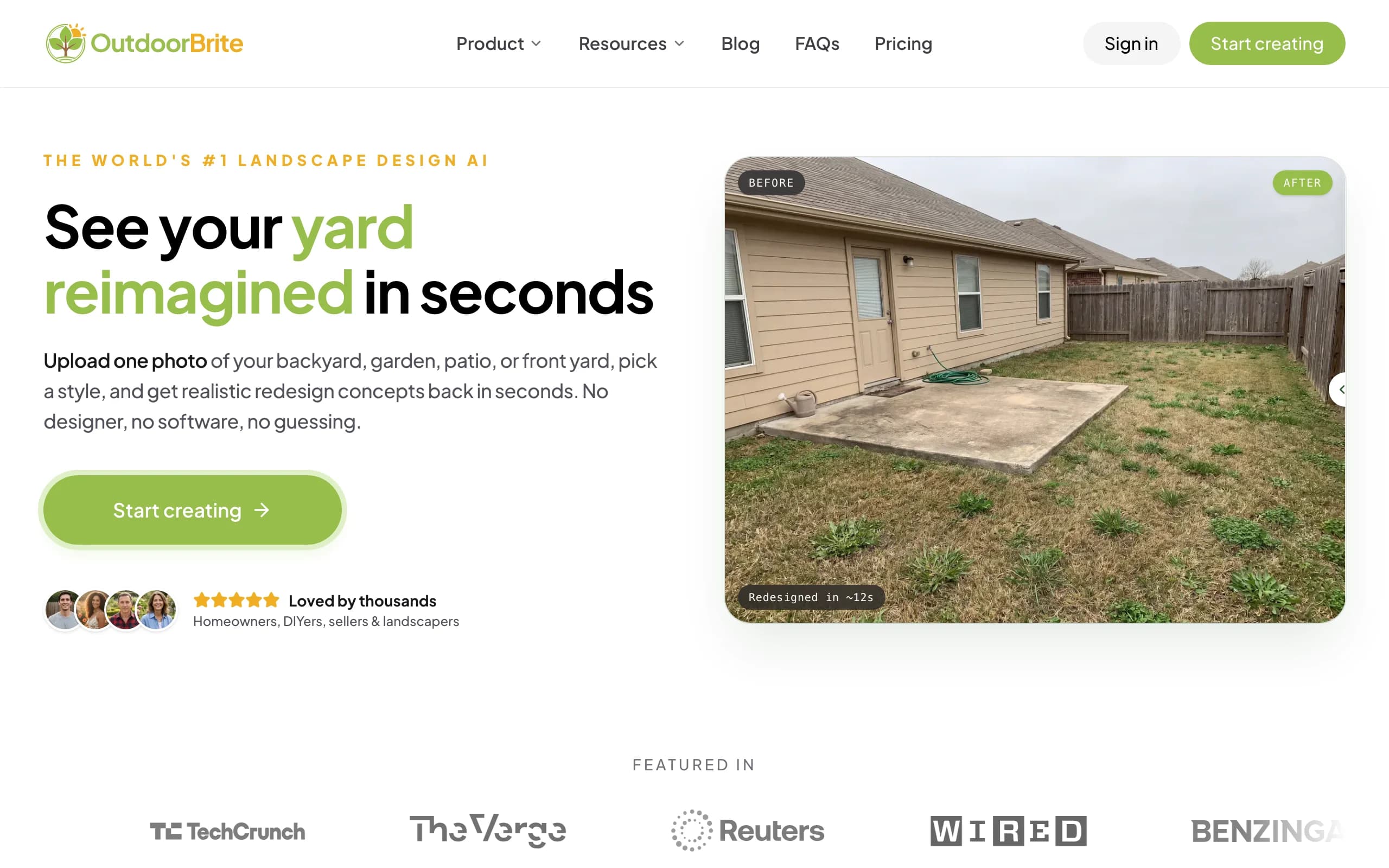
OutdoorBrite is an AI tool built around one job: showing you what your own yard could look like as a xeriscape, fast. You upload a photo, pick a style (desert or xeriscape, modern, cottage, Mediterranean, tropical), describe what you want in plain words, and it generates realistic low-water concepts in under a minute. You get multiple concepts per upload, so you compare real options on your real yard instead of staring at a saved photo of someone else's desert garden. An in-app AI editor lets you refine a concept after the fact, swap gravel for decomposed granite, change the succulents, or pull more lawn out and push the planting toward natives.
For a dry climate, the plant choices are the part that matters, and OutdoorBrite makes them aware of your climate and hardiness zone, so the agaves, yuccas, and grasses in a concept are something that could actually survive your aridity, not a tropical look that would never make it through a dry summer. The same flow handles backyards, gardens, patios, front yards, and full xeriscapes, and you can save and share designs. If you're working toward low-water landscape design, that's exactly what this roundup is about. Paid plans include full commercial rights, which matters if you're a landscaper using the render as your on-site pitch. The AI xeriscape design page is the place to start, our desert landscape design AI covers the drier end of that, and the AI garden design page handles planting beds and softer spaces if your yard is part lawn-replacement and part garden. You can also see the thinking in practice in this guide to drought-tolerant landscaping ideas.
Key features
- Photo-to-design AI: upload your yard, get realistic low-water concepts in under a minute
- Style presets including desert and xeriscape, plus a plain-language prompt to direct the look
- Multiple concepts per upload, with an in-app AI editor to refine
- Climate and hardiness-zone-aware drought-tolerant plant choices
- Works for full xeriscapes, gravel gardens, front and back yards, patios
- Save, share, and full commercial rights on paid plans
Best for
- Homeowners who want to see a low-water redesign on their own photo before tearing out the lawn
- DIY users who'll take the concept to a plant and materials list
- Landscapers and contractors using the render as a closing tool on-site
Pricing
- Paid-only, no free plan and no free trial. 1 credit = 1 design or 1 AI edit.
- Starter $29/mo ($23/mo billed yearly): 25 redesigns/mo, HD output.
- Plus $49/mo ($39/mo yearly): 100 redesigns/mo, sharp 2K output. Most popular.
- Pro $149/mo ($119/mo yearly): 200 redesigns/mo, 4K output, agency and commercial rights. Annual billing saves about 20%; top-up packs never expire.
Pros
- Realistic results on your actual yard photo, not a generic desert template
- Fast enough to compare several low-water styles in one sitting
- Editor lets you refine instead of restarting from scratch
- Plant suggestions respect your aridity and zone
Cons
- No free tier to test before you commit
- Web-first, so heavy AR phone users may want a dedicated AR app alongside it
2. Yardzen, best for a human-designed, climate-appropriate plan
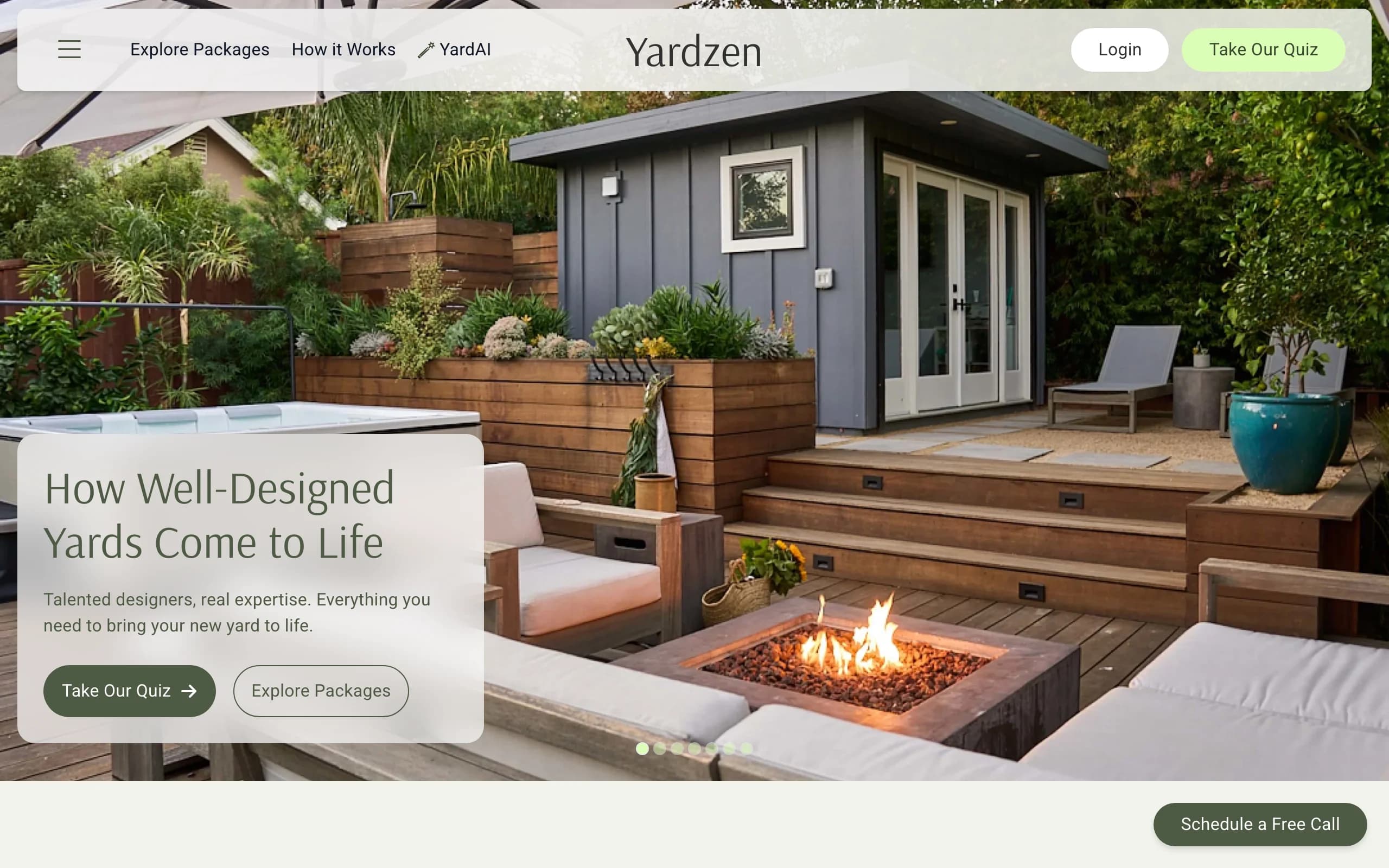
Yardzen is not an instant-render app. It's an online design service where real designers build you a custom plan from photos and a questionnaire about your space, budget, and taste. You get back 2D and 3D renders, plant and material lists, and, depending on the package, a cost advisor and a path to hiring vetted local contractors. For a xeriscape, the designer can steer the plan toward low-water planting and gravel or decomposed-granite surfaces suited to your region. The trade-off is time and money: this is a multi-week project with a designer in the loop, not a same-day render you generate yourself.
That makes Yardzen a good fit when you're past the inspiration phase and want a build-ready document you can hand to a crew. The plant and material lists are the real value for a dry yard, since they turn a pretty render into something a contractor can quote and build, and a human can flag which natives belong in your climate. If you just want to try a few desert looks quickly, it's overkill, and the price reflects a human service rather than software.
Key features
- Custom plan from real designers based on your photos and goals
- 2D and 3D renders of the proposed design
- Plant and material lists you can hand to a contractor
- Cost advisor and contractor matching on higher tiers
Best for
- Homeowners ready to build who want a professional, documented low-water plan
- Larger desert and full-yard projects where a designer earns their fee
- People who'd rather hand off the work than drive the tool themselves
Pricing
- Project-based, one-time fees, not a subscription. No free design tier.
- Packages: Essential $995, Classic $1,395, Signature $1,995, Premium $3,495.
- Higher tiers add revisions, a cost advisor, and full-property scope.
Pros
- A real designer and a build-ready plan, beyond a picture
- Plant and material lists make quoting and building concrete
- Contractor matching shortens the path to execution
Cons
- Expensive next to software, and it's a multi-week turnaround
- You can't quickly self-test several looks on your own
3. iScape, best for hands-on manual design with AR
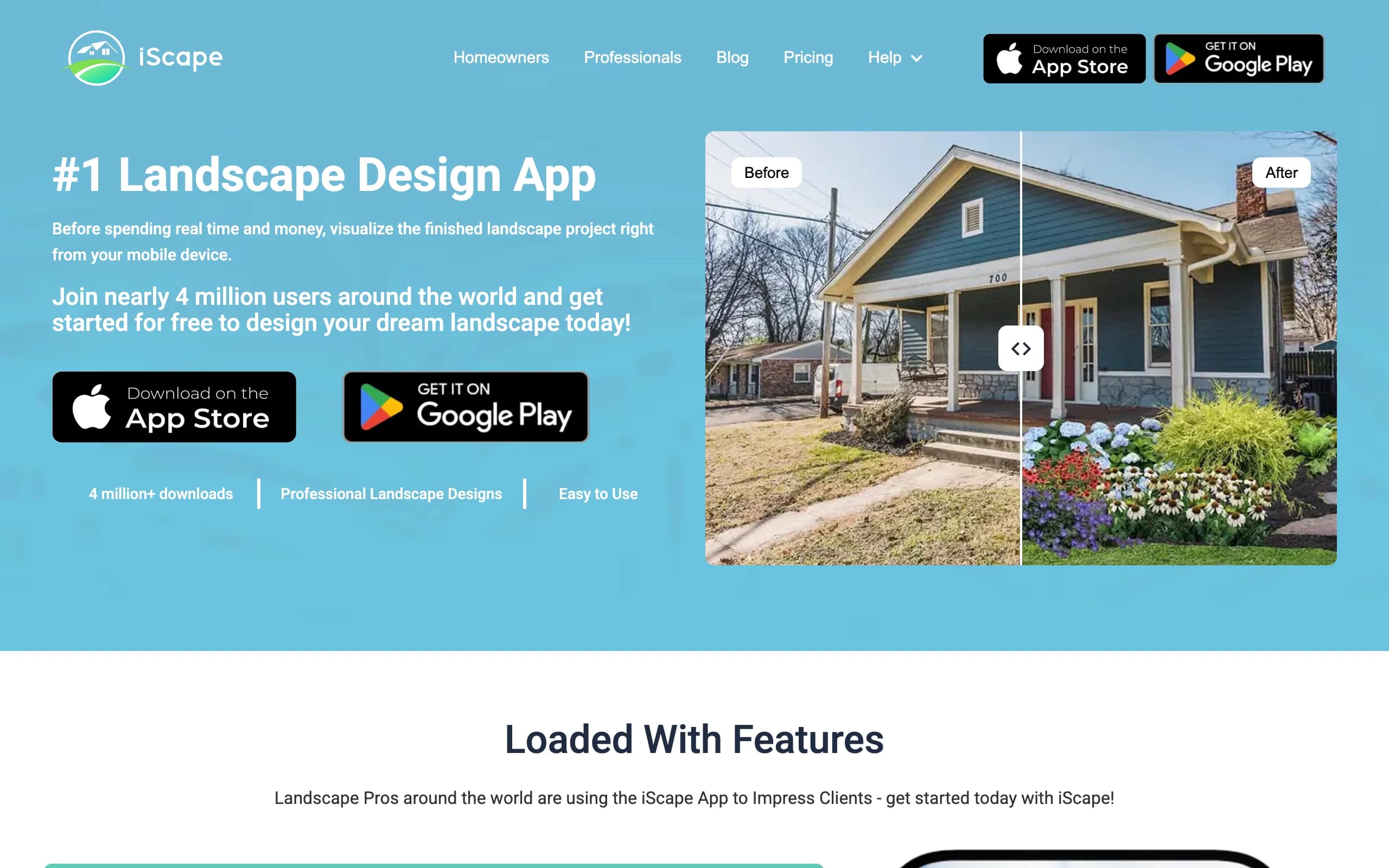
iScape is a phone-first app for people who want to design by hand rather than let AI do it. You build a scene by placing succulents, gravel, boulders, and hardscape onto a photo of your space, then preview the result in augmented reality on-site. It's closer to a manual design canvas with an AR preview than an automatic render engine, so you control every element, which is great if you have a clear low-water vision and the patience to lay it out.
The free plan lets you try the basics and save a couple of designs, while Pro adds the full plant and hardscape library, image uploads, and a proposal tool aimed at landscapers. The main limits are platform and effort: it's iOS-first with limited Android support, and because you're placing items manually, getting a polished xeriscape scene takes real time compared with a one-click AI concept. You also pick the plants yourself, so the climate fit is on you, not the app.
Key features
- Manual design: place succulents, gravel, and hardscape by hand on a photo
- AR preview to see the design on-site at scale
- Large plant and hardscape library on Pro
- Proposal tool aimed at pros
Best for
- DIYers who want full manual control over a low-water layout
- iPhone users who like designing in AR on location
- Landscapers who want a proposal tool on a phone
Pricing
- Free plan: limited features, save up to 2 designs.
- Pro: $29.99/mo or $299.99/year (saves about two months).
- Enterprise: contact for multi-license pricing.
Pros
- Free tier to test the workflow
- AR preview is genuinely useful on-site
- Full control over every element of the design
Cons
- Manual placement is slower than AI generation
- iOS-first, with limited Android support, and plant climate fit is on you
4. DreamzAR, best for an AR 3D walk-through on your phone
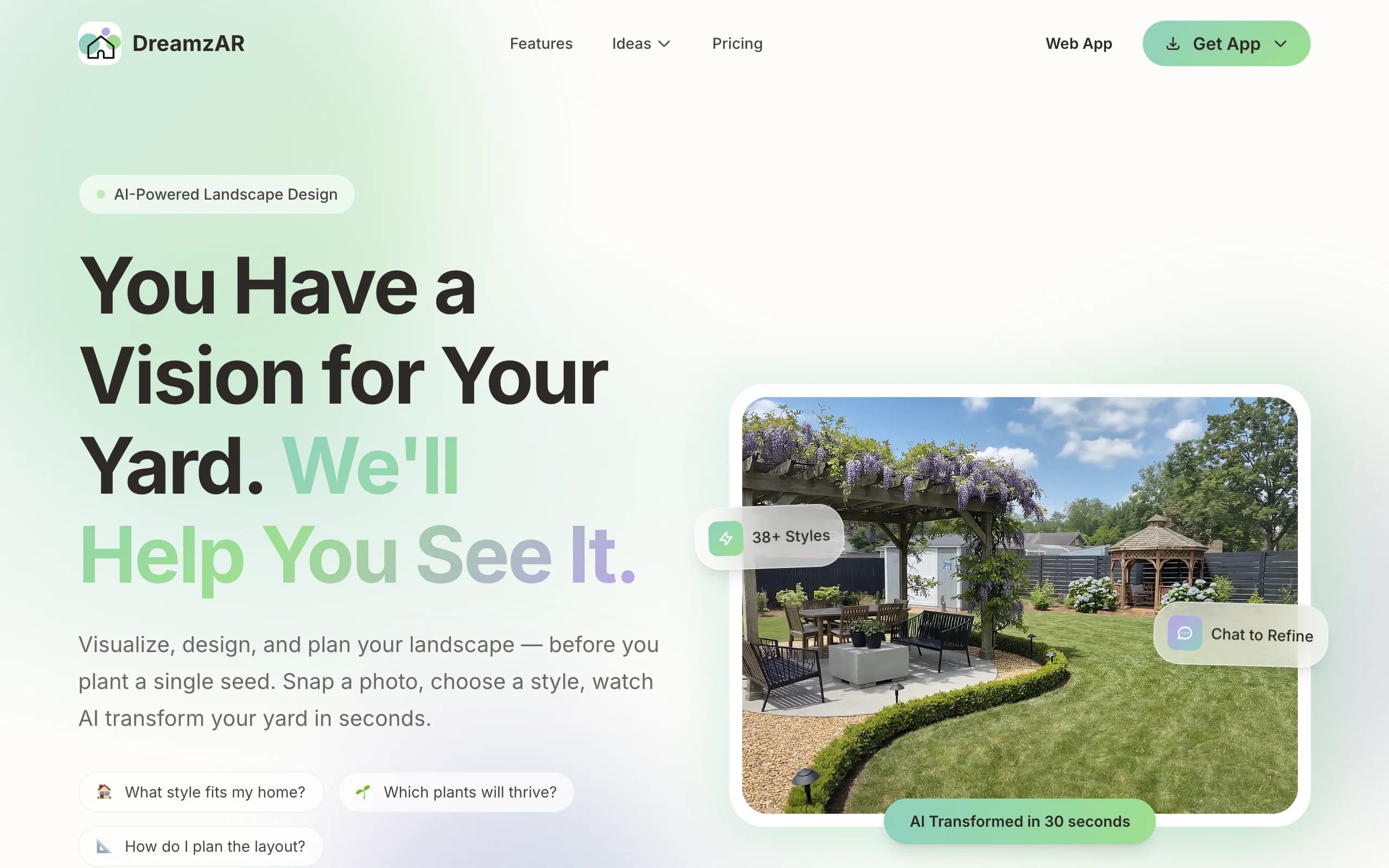
DreamzAR leans hardest into augmented reality. You drop 3D objects (plants, boulders, gravel beds, furniture) onto your space and then walk through the design in AR, seeing it at real scale through your phone. It pairs that with AI styling and a chat refinement option, plus a large library of garden styles and plants, so you can both generate ideas and place them in three dimensions on your actual yard.
The AR walk-through is the standout: standing on your yard and seeing a gravel bed or an agave grouping rendered in place is more convincing than a flat image for a lot of people. The flip side is that AR-heavy workflows depend on your phone and lighting, and the experience varies by device. You'll also want to check that the styles you pick lean toward genuinely drought-tolerant plants for your area. There's a small free tier to test it before you subscribe.
Key features
- AR 3D walk-through of your design at real scale
- 3D object placement (plants, boulders, gravel, furniture)
- AI styling plus chat-based refinement
- Large garden-style and plant library
Best for
- Homeowners who want to experience the design in AR, beyond a flat view
- Phone-first users comfortable steering a 3D scene
- People who value spatial preview over speed
Pricing
- $19.99/mo, or $16.60/mo billed annually at $199 (save 17%).
- A small free tier with limited generations to try first.
- Cancel anytime.
Pros
- Strong AR walk-through that puts the design in your real space
- Free tier to test before paying
- Chat refinement makes tweaks approachable
Cons
- AR quality depends on your phone and lighting
- 3D placement takes more effort than a flat AI render
5. ShrubHub, best for an affordable online design service
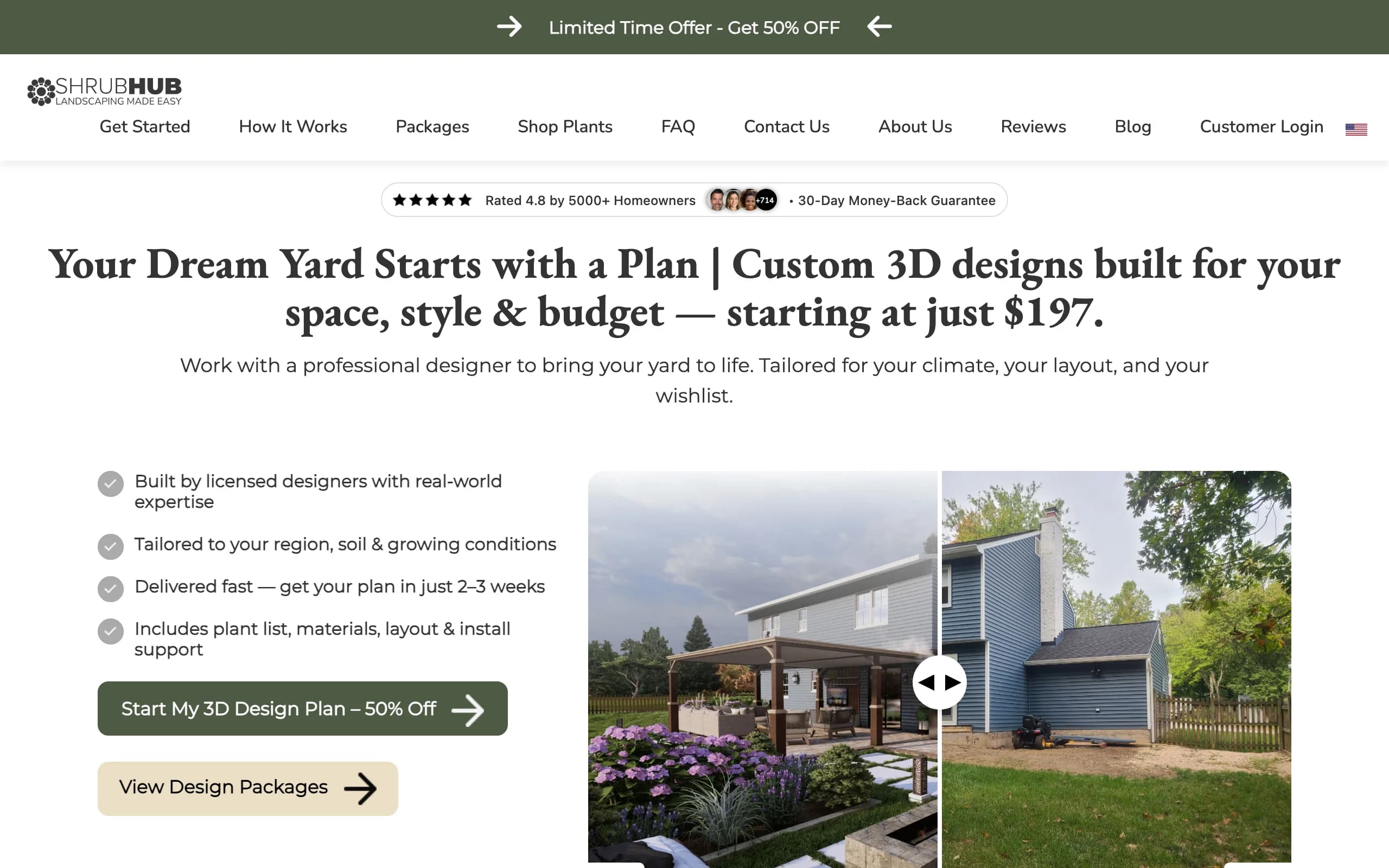
ShrubHub is the budget-friendly version of the human design service. You share photos and goals, a designer builds you a custom 3D plan, and you get a plant and material shopping list plus a connection to local contractors. For a xeriscape, you tell them you want low water and the plan comes back with drought-tolerant planting and gravel or hardscape surfaces. It covers the same ground as a premium studio at a fraction of the cost, with unlimited revisions until you're happy and a money-back guarantee.
The value is the price-to-service ratio: a real 3D plan and a shopping list for a few hundred dollars, often under sale pricing, instead of thousands. The catch is the same as any service: a turnaround of a couple of weeks, and you're depending on a designer rather than generating concepts yourself. If you want a documented low-water plan without Yardzen's price, ShrubHub is the obvious middle ground.
Key features
- Custom 3D plan built by a designer
- Plant and material shopping list
- Unlimited revisions until you approve
- Contractor connections and a money-back guarantee
Best for
- Homeowners who want a designed low-water plan on a tight budget
- People who'd rather hand off than DIY, but can't justify a premium studio
- DIFM buyers heading straight to hiring labor
Pricing
- Flat per-yard fees, frequently on sale. No free design tier.
- Sale pricing: Front Yard $197, Back Yard $237, Both Yards $297, Premium $997.
- Regular prices run higher ($594 to $1,994); packages start at $297 off-sale.
Pros
- Far cheaper than a traditional studio for a real plan
- Unlimited revisions and a money-back guarantee
- Shopping list and contractor connections aid execution
Cons
- Multi-week turnaround, not instant
- You don't drive the design or self-test quick looks
6. Planner5D, best for DIY 3D layout and measured planning
Planner5D is a general home-design app that works well for a xeriscape when you care about precise layout. You draw your yard to scale, then arrange beds, gravel zones, surfaces, and structures in a 2D plan you can flip to 3D. It's less about photoreal AI restyling and more about getting measurements, proportions, and the arrangement right, which is exactly what you need before you order rock by the ton or set out a planting plan.
It's cross-platform (web, iOS, Android) with a usable free tier, and Premium is cheap on annual billing. Two things to know: the output is 3D-model rendering rather than photoreal AI on your actual photo, and iOS pricing runs higher than the web prices, so subscribe on the web if you can. The plant catalog is generic home-design fare, so it won't tell you which species belong in a dry climate.
Key features
- Draw your yard to scale in 2D, view in 3D
- Bed, surface, and structure layout
- Large object catalog for arranging the space
- Cross-platform: web, iOS, Android
Best for
- DIYers who want accurate measurements and layout
- People planning gravel zones and bed placement before buying
- Anyone who prefers a model-based plan to an AI render
Pricing
- Free plan with limited features.
- Premium: $4.99/mo billed annually ($59.99/year), or higher month-to-month.
- Professional: $33.33/mo ($399.99/year). iOS app pricing runs higher than web.
Pros
- Strong for measured, to-scale layout
- Affordable Premium tier on annual billing
- Works across web and mobile
Cons
- 3D-model output, not photoreal AI on your own photo
- iOS pricing is higher than the web prices, and no climate-aware plant guidance
7. REimagine Home, best for quick free AI exterior restyling
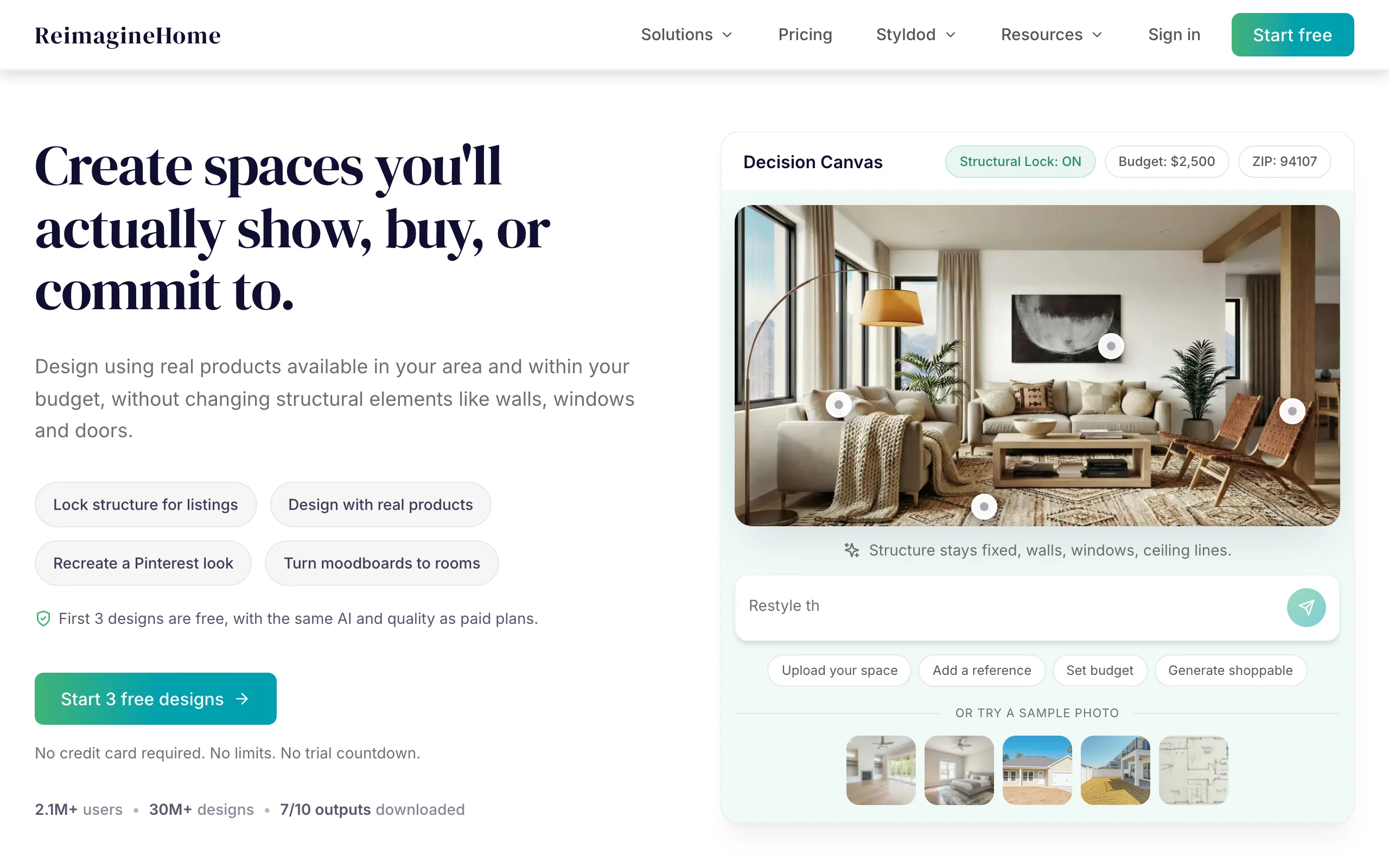
REimagine Home is a fast, photo-first AI restyle tool that covers interiors and exteriors. For a xeriscape, you upload an exterior photo and it restyles the space with AI, quickly and with a genuinely useful free tier (a few designs to test, no card required). It's built for speed and breadth across home design rather than landscape-specific depth, so it's a good way to see a quick "what if" on a dry-yard photo at no cost.
Because it's a general home-AI tool, it doesn't carry climate-aware plant lists, so a restyle can show planting that would never survive your aridity, and the strongest results lean toward broad restyling rather than a buildable low-water plan. As a free first look it's hard to beat; as the tool you take all the way to a build, it's thinner than the xeriscape-focused options.
Key features
- Photo-first AI restyling for interiors and exteriors
- Quick generations from an uploaded photo
- Credit-based plans (1 credit = 1 generation)
- Free designs for new users to test the quality
Best for
- People who want a free, fast first look at a low-water exterior restyle
- Users testing AI design quality before paying
- Interior-plus-exterior projects in one tool
Pricing
- Free: 3 designs for new users, plus a 7-day trial, no card required.
- Essential $14/mo (30 credits), Pro $29/mo (200), Advanced $49/mo (400).
- Agency $99/mo (900). Monthly billing only as of this writing.
Pros
- Genuinely useful free tier to start
- Fast results from a single photo
- Covers interior and exterior in one place
Cons
- General home-AI, not landscape-specific
- No climate-aware plant choices, so desert planting may be unrealistic
How to choose the best AI xeriscape design tool for your needs
1) DIY, done-for-you, or a contractor's sales tool
Start with who's doing the work. If you want to drive it yourself and end up with a plant and materials list to build from, an instant AI tool like OutdoorBrite or a manual app like iScape fits. If you'd rather hand it off and get a documented low-water plan, the services win: ShrubHub for budget, Yardzen when you want a premium designer and contractor matching. And if you're a landscaper, the question flips: you want a render fast enough to show a client on-site and close the job. That's where OutdoorBrite's commercial rights and speed, or iScape's proposal tool, earn their place.
2) Plant survival in a dry climate
This is the call that separates a xeriscape that lives from one that dies in a single dry summer. OutdoorBrite makes plant choices aware of your climate and hardiness zone, so the agaves, grasses, and natives in a concept are realistic for your aridity. A human service (Yardzen, ShrubHub) can also tailor planting by region, since a designer is in the loop. General home-AI tools (REimagine Home) and manual apps (iScape, Planner5D) leave the climate fit to you, so check every plant against your local conditions before buying. For a low-water yard, weight this heavily.
3) Realism on your own yard photo
A render only helps if it looks like your yard, not a stock desert. Tools that restyle your actual uploaded photo (OutdoorBrite, REimagine Home) get you there fastest; AR tools (DreamzAR, iScape) put the design in your real space in 3D, which some people find more convincing than a flat image. Model-based planners (Planner5D) trade photorealism for measured accuracy. Decide whether you care more about "does it look real on my photo" or "are the measurements exact," because few tools lead at both.
4) Pricing and credit math
Match the pricing model to how much you'll actually use it. A flat-fee service (Yardzen, ShrubHub) makes sense for one big project you only design once. A subscription (OutdoorBrite, DreamzAR, Planner5D, REimagine Home) makes sense if you'll iterate across several looks or several yards. With credit-based AI tools, do the math: OutdoorBrite's Plus plan gives 100 redesigns a month, which is a lot of comparing, while a free tier (iScape, Planner5D, REimagine Home) is fine if you only need a couple of concepts. Remember that "free" usually caps saves, resolution, or features.
FAQ
What is xeriscaping? Xeriscaping is landscaping designed to need little or no supplemental water once it's established. In practice that means replacing thirsty lawn with gravel or decomposed granite, grouping drought-tolerant and native plants, using mulch to hold moisture, and watering efficiently. The goal is a yard that looks good and survives a dry climate without a heavy irrigation bill. Desert and Mediterranean styles are common, but xeriscaping works anywhere water is scarce.
What is AI xeriscape design? AI xeriscape design uses software to generate or restyle a picture of your yard as a low-water landscape from a photo and a few inputs like style and budget. Instead of imagining the finished space, you see realistic concepts you can react to. Some tools render automatically; others let you place gravel, succulents, and rock by hand or preview them in augmented reality.
Is there a free AI xeriscape design tool? Yes, a few. REimagine Home gives new users free designs and a short trial, iScape has a free plan with limited features, and Planner5D has a free tier. Free tiers usually cap how many designs you can save, the output resolution, or the feature set, so they're best for testing rather than finishing a full low-water project.
Can AI design a xeriscape from a photo? Yes. Photo-first tools like OutdoorBrite and REimagine Home take a single photo of your yard and return restyled low-water concepts, often in under a minute. The closer your photo matches the real conditions (good light, a clear view of the space), the more usable the result. You can build gravel, succulents, boulders, and reduced lawn into the concept.
Do AI plant picks really suit a dry climate? It depends on the tool. OutdoorBrite makes plant choices aware of your climate and hardiness zone, so the greenery in a concept could realistically grow where you live. General home-AI tools restyle the image but don't tailor planting to your aridity, so they may show plants that would never survive a dry summer. Whichever tool you use, check any plant suggestion against your local zone and water rules before buying.
Which tool is best for homeowners versus contractors? Homeowners who want speed and a buildable low-water result lean toward OutdoorBrite or, for a hands-off plan, ShrubHub and Yardzen. Contractors want a render fast enough to show a client on-site and the rights to use it commercially, which points to OutdoorBrite's paid plans or iScape's proposal tool. The deciding factor is whether the output is for your own build or to sell a job.
Is an AI xeriscape render realistic enough to build from? A good render is realistic enough to decide direction, choose a style, and brief a contractor, but it's a concept, not an engineering drawing. For the actual build, pair the render with a plant and material list, your local water rules, and a contractor's measurements. Services like Yardzen and ShrubHub deliver documented plans; AI tools like OutdoorBrite get you to that conversation faster.
What photo gives the best results? Shoot in good daylight, hold the phone steady, and frame the whole yard with a bit of the surroundings so the tool understands the space. Avoid heavy shadows, clutter, and extreme angles. A clear, well-lit, straight-on photo gives the AI the most to work with and produces the most believable low-water redesign.
How much does AI xeriscape design cost? It ranges widely. Subscription AI tools run from about $14 to $49 a month for typical homeowner use (OutdoorBrite starts at $29/mo, REimagine Home at $14/mo, DreamzAR at $19.99/mo), and DIY planners like Planner5D start around $5/mo on annual billing. Human design services are one-time fees: ShrubHub from $197 per yard on sale, Yardzen from $995. Match the price model to whether you're designing once or iterating often.
For more on turning a single photo into a finished low-water look, see our guide to drought-tolerant landscaping ideas. If the project reaches past the dry beds, our roundup of AI backyard design tools covers the general-purpose options. Or start designing at outdoorbrite.com.